

More than 5 billion people now use social media, and the average user is active on several platforms at once. That scale explains why a scheduling tool is no longer a nice extra for a business. It is the system that keeps posting consistent when the team is busy, sick, or on holiday. Yet Buffer, for all its simplicity, leaves gaps that frustrate growing teams: limited analytics depth on lower plans, no full social inbox on some tiers, and pricing that rises quickly as channels and team members are added. This guide to Buffer alternatives compares 14 tools on scheduling, publishing, analytics, engagement, team workflow, and cost, with pricing notes from listings seen in October 2026. Always check checkout before you buy, because channel limits and team seat prices change often.
Buffer earned its place by being simple. You connect channels, queue posts, and publish. That simplicity is still a strength for solo creators. It becomes a limit when you need approval workflows, detailed reports, a unified inbox, competitor tracking, or bulk scheduling for dozens of posts. The tools below are grouped by team size and job: solo creators, small teams, agencies, and teams that need listening and reporting depth.
Buffer alternatives at a glance
| Tool | Best for | Free plan | Strength | Watch the limit on |
|---|---|---|---|---|
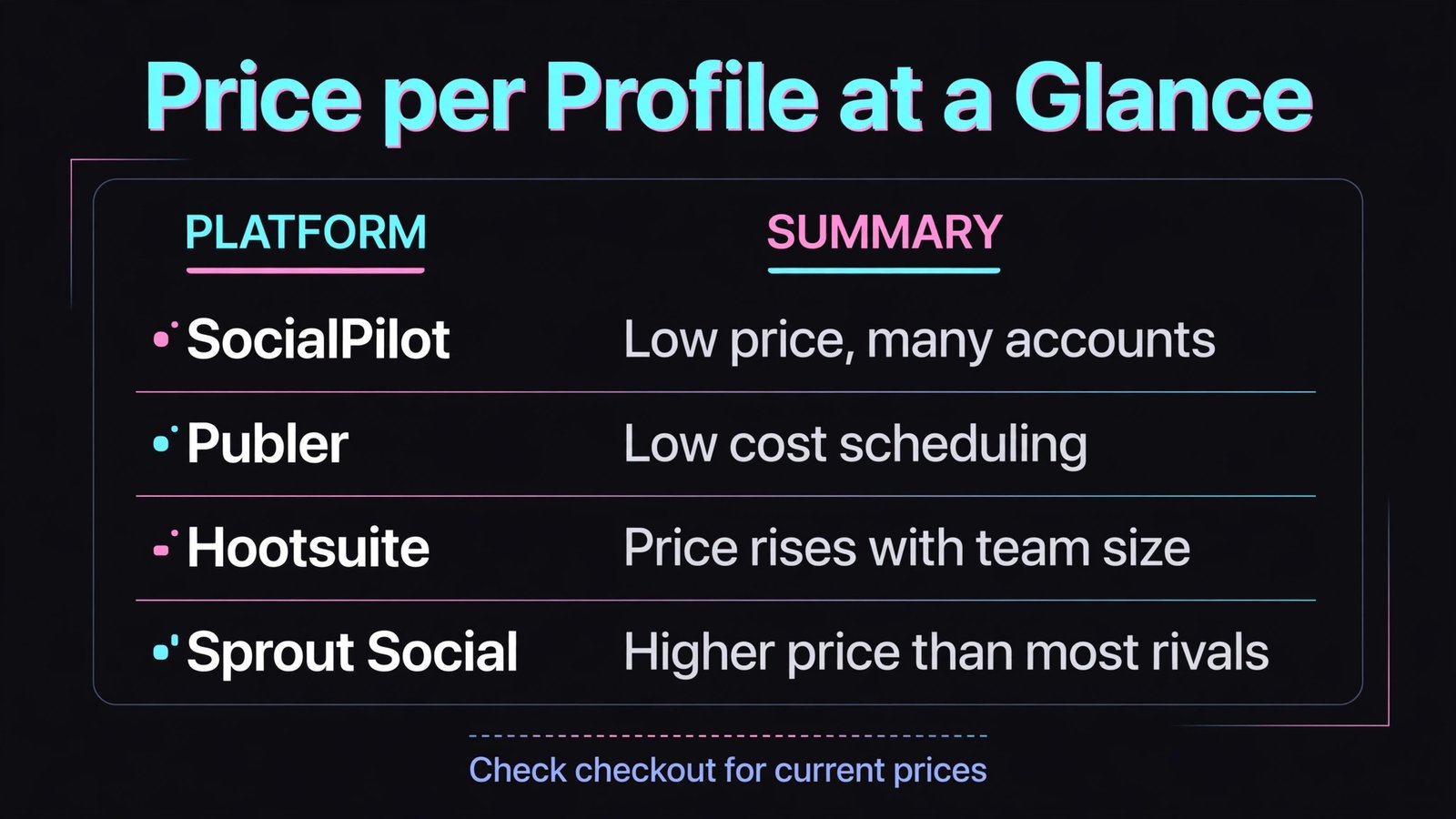
| Hootsuite | Large teams and enterprises | No, trial only | Streams, inbox, and reports | Price rises with team size |
| Later | Visual planning for Instagram and TikTok | Yes | Visual calendar and link in bio | Analytics depth on lower tiers |
| Sprout Social | Reporting and engagement at scale | No, trial only | Reports and inbox quality | Higher price than most rivals |
| SocialPilot | Agencies on a budget | No, trial only | Many accounts at a low price | Interface feels less polished |
| Metricool | Analytics plus scheduling value | Yes | Clear reports and competitor data | Smaller team workflow set |
| Publer | Low cost scheduling with extras | Yes | Bulk scheduling and link tools | Fewer enterprise features |
| Sendible | Agencies with client reporting | No, trial only | Client dashboards and approvals | Learning curve for new users |
| Planable | Content approval workflows | Yes, limited | Visual approval and comments | Publishing is not the main focus alone |
| ContentStudio | Discovery plus scheduling | No, trial only | Content ideas and automation | Interface can feel busy |
| CoSchedule | Marketing calendars and campaigns | Yes, limited | Calendar view across marketing | Social features are part of a wider suite |
| Zoho Social | Zoho centred teams | Yes, limited | Value inside Zoho | Weaker outside Zoho |
| Agorapulse | Inbox and community management | No, trial only | Unified inbox quality | Price for larger teams |
| Pallyy | Visual creators on a budget | Yes | Affordable visual planning | Smaller integration range |
| Postiz | Open source and self hosted option | Yes | Low cost and self hosting | Support depends on community and plan |
For solo creators and visual planners
1. Later
Later is built around visual planning. You drag posts onto a calendar, preview how an Instagram grid will look, and schedule TikTok, Reels, Shorts, and other formats from one place. Its link in bio tool turns a profile link into a shoppable landing page, which matters for creators who sell through social traffic. Later also offers hashtag suggestions, best time guidance, and basic analytics that show which posts drive profile visits and clicks.
Watch out for: analytics and team features on lower tiers are basic, and bulk tools are less developed than Publer or SocialPilot. Later is best for a creator whose main job is consistent, good looking posting, not for an agency managing approvals across many clients. Pricing in October 2026 includes a free tier with limited posts, plus paid tiers for more posts, users, and analytics. Check checkout for post limits per profile, because that is the limit that forces upgrades first.

2. Pallyy
Pallyy offers visual scheduling at a price solo creators can sustain. It supports Instagram, TikTok, Facebook, LinkedIn, and other major channels, with a calendar view, media library, and analytics that cover the basics without complexity. Creators use Pallyy to plan a week of content in one sitting, preview grids, and keep posting steady without a large monthly bill. The interface is clean, and setup takes minutes.
Watch out for: integrations and advanced reporting are narrower than Hootsuite or Sprout Social, and team approval workflows are basic. If you need client dashboards or deep listening, look at the agency and reporting groups below. Pricing includes a free tier, with a low paid tier for more profiles and features. Check checkout for profile limits before adding a second brand or client.
3. Metricool
Metricool combines scheduling with unusually clear analytics for its price. You can schedule posts, track follower growth, compare competitors, and generate reports that a client or manager can understand without a walkthrough. It also supports ad tracking basics and website analytics links, which help small teams connect social effort to traffic. For a freelancer who must show results, Metricool’s reports are a real advantage over Buffer’s basic analytics.
Watch out for: team approval workflows and inbox features are thinner than Agorapulse or Sprout Social. Metricool is strongest as a schedule plus report tool, not as a full community management system. Pricing includes a free tier, with paid tiers for more profiles, history, and reports. Check checkout for historical data limits, because reports over a longer period often sit on higher tiers.
4. Publer
Publer is the value scheduler with extras that larger tools charge more for. It supports bulk scheduling from a spreadsheet, recycling evergreen posts, link in bio pages, and AI assisted captions in some plans. You can schedule to many channels, preview posts, and manage a media library without a complex setup. For creators and small teams posting daily, bulk and recycling features save hours each week.
Watch out for: enterprise reporting, listening, and approval depth are limited compared with Sprout Social and Hootsuite. Publer is best when publishing volume matters more than deep analysis. Pricing includes a free tier, with paid tiers for more accounts, bulk features, and team seats. Check checkout for account limits and for the cost of extra workspaces.

For small teams that need more than a queue
SocialPilot is the agency friendly budget pick. It lets a small team manage many social accounts at a price well below Hootsuite or Sprout Social, with scheduling, a calendar, bulk upload, and client management features. Teams can invite clients to approve content, view reports, and manage their own accounts without seeing other clients. That separation matters for agencies, freelancers, and social media managers with several brands.
Watch out for: the interface is functional rather than beautiful, and analytics depth is good but not as polished as Sprout Social. Some advanced inbox and listening features are basic. If reporting polish is the main selling point for your clients, Sendible or Sprout Social may justify a higher price. Pricing in October 2026 is paid after a trial, with tiers for accounts and users. Check checkout for the per account cost at your actual account count.

Zoho Social fits teams already using Zoho CRM, Desk, or other Zoho apps. Posts can be linked to leads and contacts, reports feed into the wider Zoho view, and pricing is competitive for small businesses. It covers scheduling, a calendar, monitoring for brand mentions, and basic team roles, which is enough for many small teams that do not need a standalone enterprise suite.
Watch out for: outside Zoho, Zoho Social is good but not distinctive, and its channel and integration range is narrower than Hootsuite. If your stack is Google, HubSpot, or Salesforce centred, compare those integrations first. Pricing includes a limited free tier, with paid tiers for profiles and team features. Check checkout for profile limits and for reporting history.
7. Planable
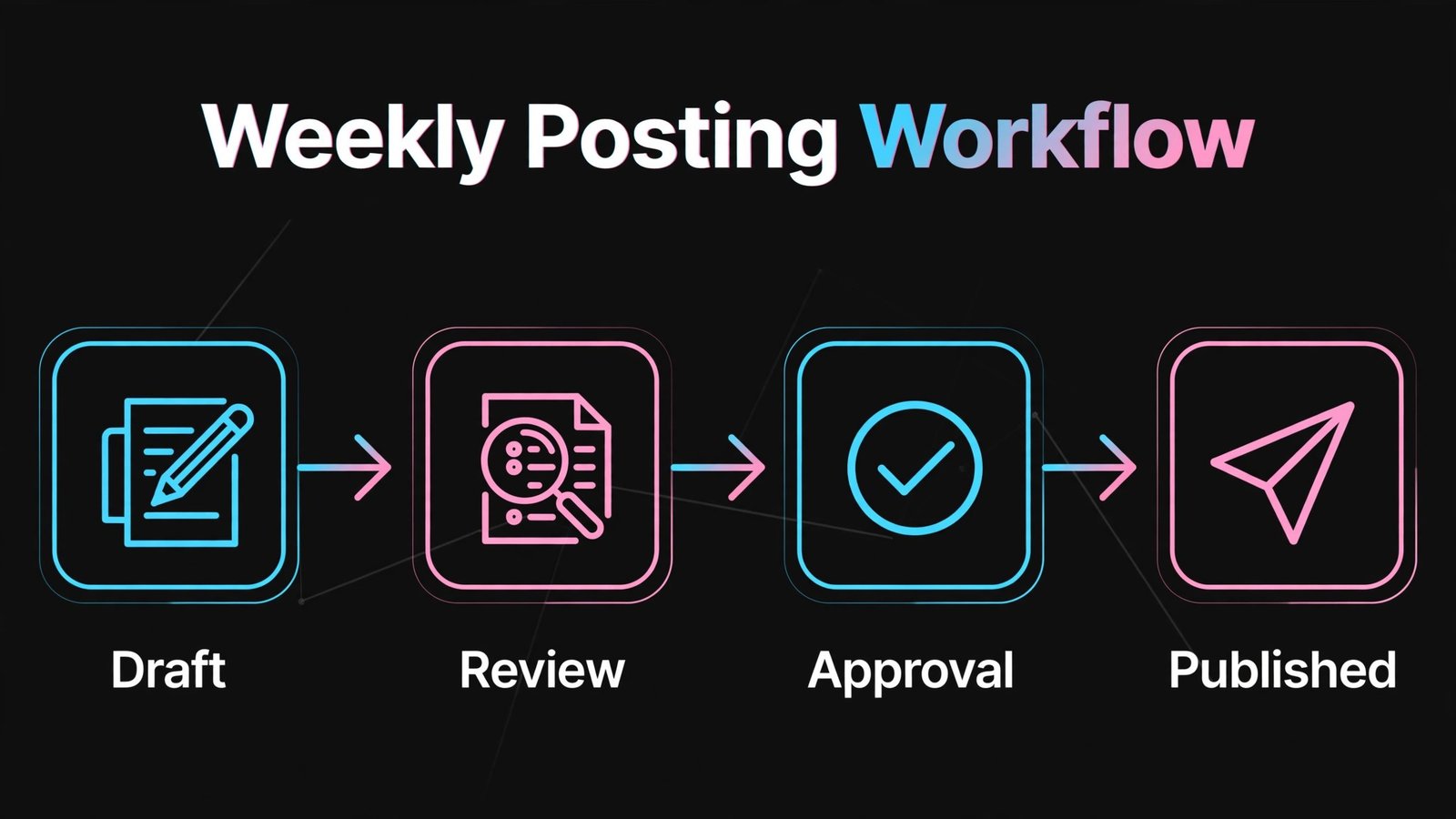
Planable is not a straight scheduler. It is a collaboration and approval tool that also publishes. Teams create posts visually, comment on each one, request changes, and approve content before it goes live. Clients see a clean preview that looks like the real post, not a spreadsheet of copy. That workflow prevents the most common agency problem: a post going live with the wrong image, date, or wording because approval happened in email.
Watch out for: if you only need scheduling and do not need approvals, Planable may feel like extra process. It also works best when combined with a clear content calendar habit. Pricing includes a limited free tier, with paid tiers for workspaces, users, and publishing volume. Check checkout for workspace and post limits before rolling it out to many clients.
8. CoSchedule
CoSchedule offers a marketing calendar that places social posts alongside blog posts, email campaigns, and projects. That wider view helps teams that plan campaigns, not just individual posts. Social scheduling, approvals, and analytics sit inside that calendar, so a campaign launch, a blog post, and its social promotion are visible together. For content teams, that context reduces missed promotion and duplicate work.
Watch out for: social specific depth, such as inbox management and listening, is thinner than dedicated social suites. CoSchedule is best when the calendar is the main need. Pricing includes a limited free tier, with paid tiers for calendar and social features. Check checkout for user limits and for which social features sit on each tier.
For agencies and client work
9. Sendible
Sendible is built for agencies that need client reporting and approvals without enterprise prices. It offers scheduling, a unified inbox basics, content suggestions, and white label reports that clients can understand. Agencies can manage many clients, set user roles, and create dashboards that show growth, engagement, and top posts. That reporting is often the reason clients stay, because it turns social activity into visible results.
Watch out for: new users need time to learn the dashboard, and some advanced listening features are less deep than Sprout Social. Sendible rewards teams that invest a day in setup and templates. Pricing is paid after a trial, with tiers for profiles, users, and reports. Check checkout for profile limits, because agency cost depends heavily on that number.
10. ContentStudio
ContentStudio combines content discovery with scheduling and automation. It surfaces trending articles, lets teams curate and share them, and automates evergreen posting through categories and queues. For agencies and publishers that post frequently, discovery plus automation keeps feeds active without constant manual searching. Analytics and team roles cover the basics, and integrations support major channels.
Watch out for: the interface can feel busy because discovery, planning, and publishing share one dashboard. Teams that only need scheduling may prefer a simpler tool such as Publer or Later. Pricing is paid after a trial, with tiers for accounts, automation, and discovery. Check checkout for automation limits and for the number of workspaces included.
For reporting, inbox, and scale
11. Hootsuite
Hootsuite remains the large team standard for a reason. It offers streams for monitoring keywords and hashtags, a unified inbox for comments and messages, team assignments, approvals, and reports that cover many channels. Enterprises use Hootsuite to coordinate regional teams, manage permissions, and maintain brand consistency across dozens of accounts. Integrations with CRM, analytics, and asset tools extend it further.
Watch out for: price rises with team size and account count, and smaller teams may find Hootsuite more than they need. The dashboard also takes time to configure well. Choose Hootsuite when coordination, inbox, and reporting at scale justify the cost. Pricing in October 2026 is paid after a trial, with tiers for users and accounts. Check checkout for the total at your real user and account count, not the starter price.
Sprout Social is the reporting and engagement leader in this list. Its inbox is fast and well organised, its reports are clear and client ready, and its listening tools help teams track brand mentions, competitors, and trends. Customer care teams value smart inbox features such as assignments, tags, and saved replies, which turn social messages into trackable work. For brands where social is also a support channel, Sprout Social often pays for itself in response time saved.
Watch out for: Sprout Social is among the most expensive tools here, and small teams may struggle to justify it for scheduling alone. Choose it when reporting, inbox, and listening are core jobs, not extras. Pricing is paid after a trial, with tiers for profiles and features. Check checkout for profile limits and for add on costs for listening and premium analytics.
13. Agorapulse
Agorapulse is the inbox first alternative. Its unified inbox collects comments, messages, mentions, and reviews in one queue, with assignments, labels, and response tracking that help teams reply faster and miss fewer messages. Scheduling, publishing, and reporting are strong as well, but the inbox is the reason teams switch from Buffer. Agencies also value client reports and approval workflows that fit a service business.
Watch out for: price for larger teams can approach Sprout Social, so compare both at your actual team size before choosing. Some listening and discovery features are less deep than Sprout Social. Pricing is paid after a trial, with tiers for profiles and users. Check checkout for inbox history limits, because older messages may sit on higher tiers.

14. Postiz
Postiz is the open source and self hosted option, and that matters for teams that want control over data and costs. You can run it yourself or use a hosted plan, schedule to major channels, manage a team, and use AI assisted captions in some setups. For developers, startups, and privacy focused teams, Postiz offers a path that does not depend on a single vendor’s pricing changes.
Watch out for: self hosting needs technical setup and maintenance, and support depends on the community or your paid plan. Channel features can also lag behind commercial tools when platforms change their APIs. If you want a fully managed service with support on call, choose a commercial tool from the groups above. Pricing includes a free self hosted option, with hosted plans for convenience. Check checkout and the setup docs before choosing a route. For creators planning short form video alongside scheduling, our guide to best-ai-tools-for-tiktok covers video tools that pair well with any scheduler here.
Buffer alternatives by team size
| Team | First pick | Runner up | Why |
|---|---|---|---|
| Solo creator, visual focus | Later | Pallyy | Grid preview and link in bio matter most |
| Solo creator, low budget | Publer | Metricool | Bulk scheduling and clear reports at low cost |
| Small team, many accounts | SocialPilot | Sendible | Account volume without enterprise price |
| Agency with approvals | Planable | Sendible | Visual approval prevents live errors |
| Brand with support inbox | Agorapulse | Sprout Social | Inbox speed and assignment quality |
| Large team, reporting depth | Sprout Social | Hootsuite | Reports and listening justify the price |
| Marketing calendar team | CoSchedule | Metricool | Campaign view across channels and content |
| Self hosted or privacy focused | Postiz | Publer | Control over data and hosting |
How to choose a scheduler without regret
Start by counting channels, accounts, and posts honestly. A tool priced per profile can look cheap for one brand and expensive for five. A tool priced per user can look cheap for a solo creator and expensive for a team of six. List your real numbers: profiles, team members, clients, and posts per week. Then compare only the tiers that cover those numbers, not the starter prices on a pricing page.
Next, test publishing to every channel you actually use, with real media. A tool may support a channel in name but handle video, carousels, or first comments differently. Test a Reel, a TikTok, a LinkedIn document post, and a multi image post, and check how each one looks after publishing. Platform APIs change, and a scheduler that worked last year may handle a format poorly now. That test takes an hour and prevents months of manual fixes.
Then test the inbox and reporting with a real week of data. Reply to a comment, assign a message, and generate a report for a client or manager. If the report needs heavy editing before it can be shared, the tool is not saving time. If the inbox misses messages from a key channel, it is not a complete engagement tool. These two tests matter more than a long feature list, because they reflect daily work.
Also check approval and access controls if more than one person touches content. Can a junior team member draft without publishing? Can a client approve without editing? Can you revoke access quickly when someone leaves? These controls prevent errors and protect brand accounts, and they are often the real reason teams leave Buffer. A scheduler without them forces approval into email, which is where mistakes happen.
Finally, check data ownership and export. Can you export scheduled posts, published history, and reports? Can you disconnect a channel without losing history? A tool that traps your content calendar makes switching painful, even if the monthly price looks good. Choose a tool that lets you leave, because that freedom keeps vendors honest on price and features.
Mistakes that break a posting routine
The most common mistake is posting the same content to every channel without adapting it. A LinkedIn post, a TikTok caption, and an Instagram Reel need different hooks, lengths, and visuals, even when the core idea is the same. Scheduling tools help with timing, but they do not replace adapting the message. Build a short adaptation step into your workflow for each channel.
Another mistake is scheduling a month ahead and never checking it. News, trends, and product changes can make a scheduled post feel out of touch. Review the queue weekly, pause posts that no longer fit, and leave room for timely content. A calendar that is too full leaves no space for a real moment, while a calendar that is too empty creates last minute panic.
A third mistake is measuring only follower count. Follower growth is slow and noisy, while saves, shares, profile visits, clicks, and replies show whether content is useful. Use the analytics in Metricool, Sprout Social, or Hootsuite to track the actions that lead to enquiries and sales, not just vanity numbers. Report those actions to clients and managers, because they justify continued investment.
Do not ignore the inbox either. A scheduling tool that publishes well but leaves comments unanswered creates a one way broadcast, not a community. Set a daily inbox habit, assign messages, and track response time. For many small businesses, a fast reply to a comment or message converts better than another scheduled post.
Frequently asked questions
Is Hootsuite still worth it in 2026?
Yes, for large teams that need streams, inbox, approvals, and reporting in one place. For solo creators or small teams, Hootsuite is often more expensive and complex than needed, and Later, Publer, or SocialPilot will cover scheduling at a lower cost.
Which Buffer alternative is cheapest for many accounts?
SocialPilot and Publer are usually cheapest for many accounts, with Postiz as a low cost self hosted option for technical teams. Compare price per profile at your real account count, because starter prices hide the cost of extra profiles.
Can I schedule TikTok and Reels with these tools?
Yes, most tools here support TikTok, Reels, and Shorts scheduling, but format support varies. Test video, carousels, and first comments on each channel you use before committing, because API rules and preview handling differ by tool.
Do I need an inbox tool if I only post content?
Not necessarily. If you post rarely and reply directly in each app, a scheduler alone is enough. Add an inbox tool such as Agorapulse or Sprout Social when message volume grows, when response time matters for sales or support, or when several people handle replies.
Which tool gives the best reports for clients?
Sprout Social gives the most polished reports, followed by Sendible for agency friendly white label reports and Metricool for clear low cost reports. Choose based on how much editing you want to do before sharing a report with a client.
Is Postiz safe for a business account?
Postiz can be safe if you self host securely or use a reputable hosted plan, and if you keep it updated. Businesses without technical staff should prefer a managed commercial tool with support, because a missed update can break publishing when a platform changes its API.
How long does switching from Buffer take?
A solo creator can switch in a day, including reconnecting channels and rebuilding a queue. A team with approvals, reports, and many clients should allow one to two weeks for setup, testing, and training, and should run both tools in parallel for at least a week.
Analytics that actually justify the tool
Many teams buy a scheduler for publishing and then judge it only on whether posts went live on time. That test is too narrow. A scheduling tool should also answer three questions every month. Which posts drove profile visits, clicks, and enquiries? Which formats performed best on each channel? And which times and topics produced replies rather than passive views? Tools such as Metricool, Sprout Social, and Hootsuite answer those questions with reports you can share, while simpler tools may require manual export to a spreadsheet. Decide how much reporting work you are willing to do by hand before you choose a cheaper scheduler.
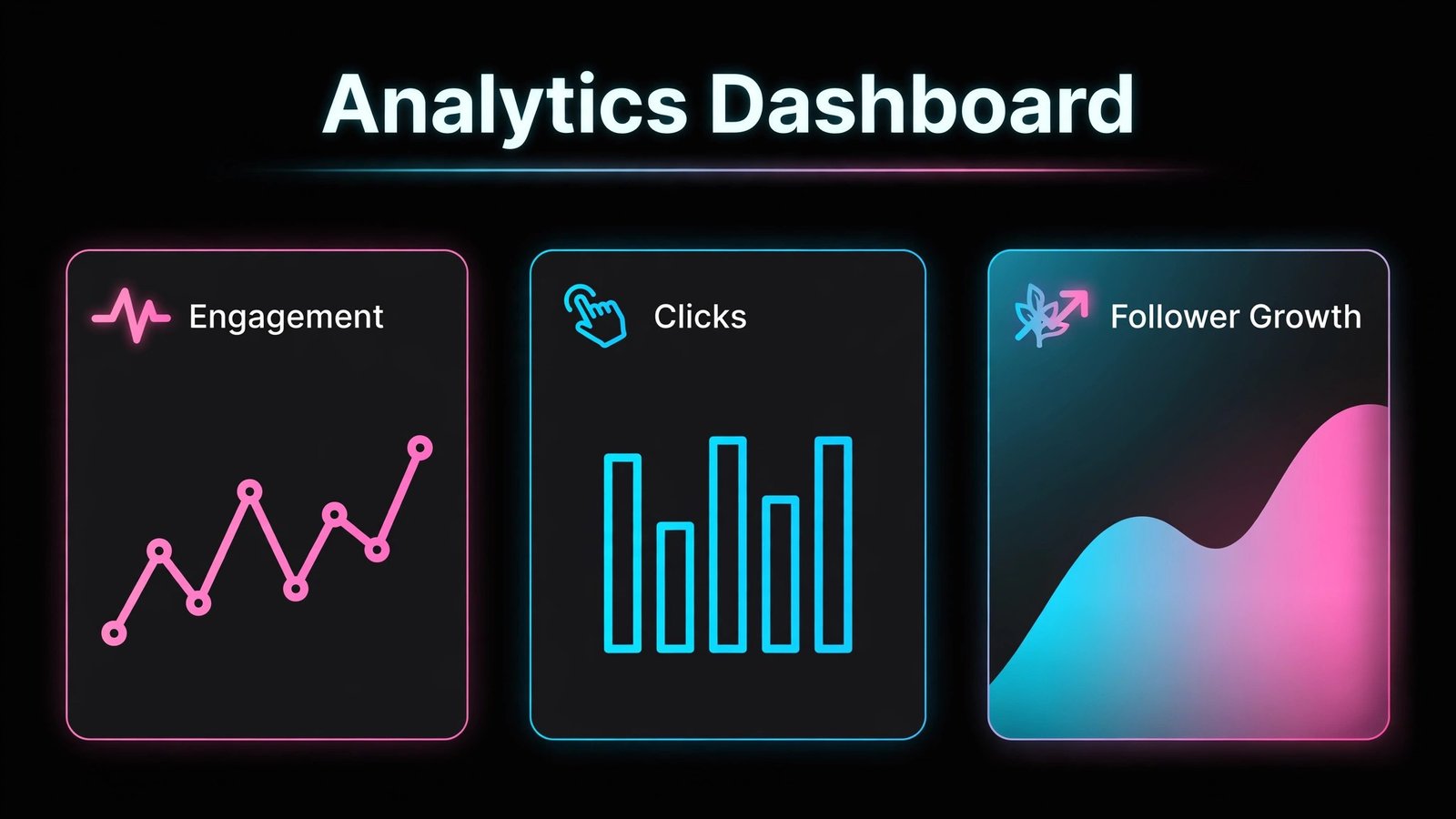
A useful monthly report does not need dozens of charts. It needs five numbers: reach, engagement rate, profile visits or clicks, follower change, and replies handled. Track those five numbers for three months on the same definitions, and you will see trends that a single viral post cannot hide. If a tool changes definitions between reports, or if it cannot show the same metric across channels, your trend data will be unreliable. Test report consistency during the trial by generating the same report twice, a week apart, and checking that history has not shifted.
Competitor tracking is another feature that separates reporting tools. Metricool and Sprout Social let you compare growth and posting frequency with competitors, which helps a small team set realistic targets. A team that posts three times a week cannot fairly compare itself with a brand posting three times a day, and competitor data makes that context visible. Use it to set frequency and format goals, not to copy a competitor’s content. Your audience, offer, and voice should stay distinct, even when benchmarks inform your cadence.
Finally, connect social reporting to business results where possible. A link in bio tool, a tracked landing page, or a CRM source field can show which posts led to signups, bookings, or sales. Without that link, social reporting stays in a vanity loop, and budget decisions become guesswork. Even a simple UTM parameter on bio links and campaign posts gives you a clearer picture than follower count alone, and it costs nothing to add during setup.
Closing thought: pick the workflow, not the logo
Buffer is not a bad tool. It is a simple tool, and simplicity stops being enough when a team grows, when clients need reports, or when social becomes a support channel. Later and Pallyy suit visual creators. Publer and Metricool suit budget conscious teams that still need reports. SocialPilot and Sendible suit agencies. Agorapulse and Sprout Social suit teams that live in the inbox. Hootsuite suits large coordinated teams. Postiz suits teams that want control. Choose the workflow your team will actually follow every week, test it with real posts and real replies, and let the scheduler fade into the background. That is when it is working.