
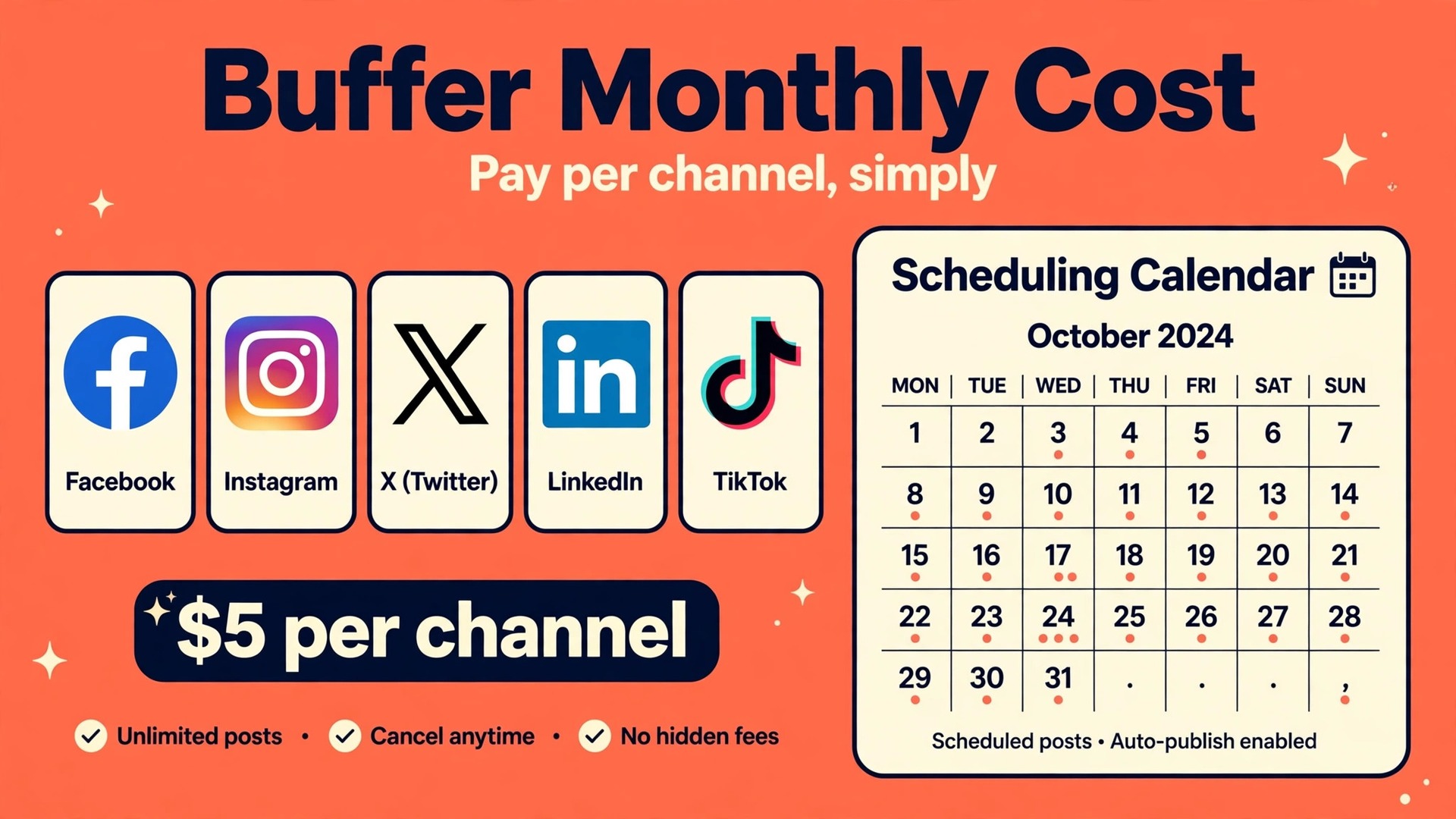
Only about one in three small businesses posts consistently on social media without a scheduling tool, because daily posting competes with serving customers, answering messages, and running the shop. That gap is why the cost of Buffer for small business monthly deserves a careful look, since Buffer is one of the cheapest ways to keep a consistent posting habit, and its per channel pricing makes the bill easy to size once you count your accounts honestly.
Buffer charges per connected channel, not per company and not per post. One Instagram profile is one channel, one Facebook page is another, and one LinkedIn page is a third, so the bill grows with the number of accounts you actually publish to. That model is generous for a business with two or three accounts and punishing for a business that connects every account it ever opened, including dormant ones that never post.
Prices in this guide are starting points gathered from vendor and comparison pages at writing time. Buffer changed its pricing in late 2025, retiring the old Agency tier and folding team features into Team, so check the vendor page for the current per channel rate and any volume discount before you pay. Use the worked totals here to size the bill, then confirm the live price before you commit.
What the cost of Buffer for small business monthly Really Covers
That per channel price buys scheduling, a queue, ideas, analytics, and a community inbox on the paid tiers, with the exact limits set by plan. Free covers three channels with ten scheduled posts per channel, which suits a business testing a posting habit. Essentials removes the queue limit in practical terms, adds advanced analytics, a hashtag manager, first comment scheduling, and API access, while Team adds unlimited team members, access levels, and approval workflows.
Essentials is a single user plan, so it suits an owner who posts alone. Team is the plan for any business where a second person drafts, approves, or publishes, because it adds approval workflows and access levels without charging per user. That distinction matters more than the price gap, since a single user plan shared informally across a team quickly becomes messy, with drafts overwritten and approvals lost.
Volume discounts change the arithmetic past ten channels, with published bands dropping the per channel rate for channels eleven to twenty five, and again for twenty six to fifty. A small business rarely reaches those bands, but a business that manages client accounts or many locations should check them, because the headline rate stops being the real rate once the channel count grows.
Buffer Plans and Channel Prices Side by Side
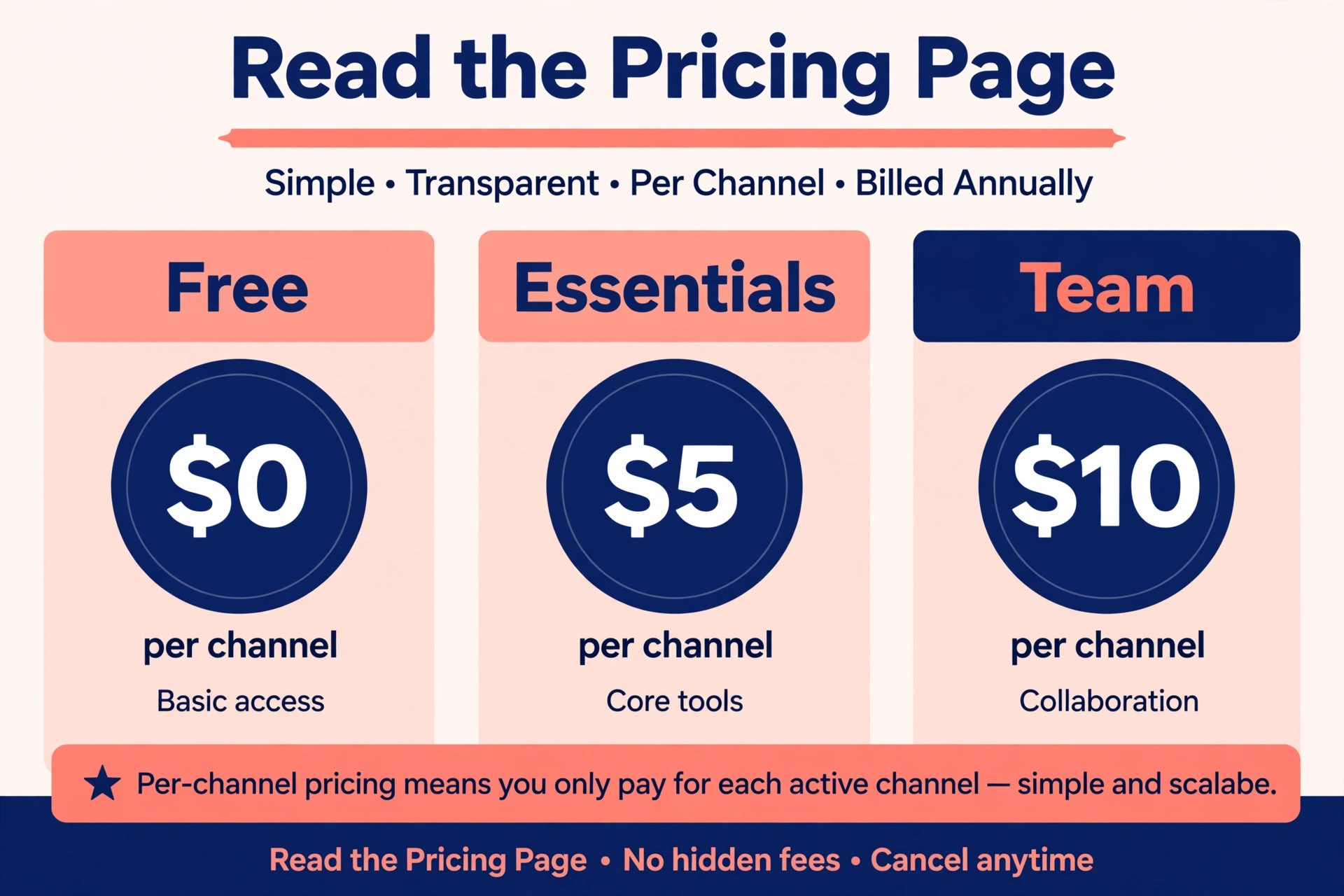
The table below uses annual billing first, with monthly billing beside it, because Buffer frames annual billing as saving about two months. Free stays free, Essentials is 5 dollars per channel on annual billing or 6 dollars monthly, and Team is 10 dollars per channel on annual billing or 12 dollars monthly.
| Plan | Annual billing per channel | Monthly billing per channel | Users |
|---|---|---|---|
| Free | 0 dollars | 0 dollars | 1 user, up to 3 channels |
| Essentials | 5 dollars | 6 dollars | 1 user |
| Team | 10 dollars | 12 dollars | Unlimited team members |
Free is genuinely useful, not a demo in disguise, because three channels and ten scheduled posts per channel cover a basic weekly rhythm for many small businesses. The limit to watch is the scheduled post cap per channel, since a business that batches a month of content at once will hit it fast. If batching matters, Essentials removes that friction for a small per channel price.
Team costs double Essentials per channel, so it should be bought for approval and access control, not for scheduling alone. A solo owner who buys Team for features they never use pays twice the price for the same queue. A two person team that needs drafts approved before publishing, on the other hand, will find Team cheaper than the cost of a mistaken post.
Use this table as the starting point for judging the cost of Buffer for small business monthly against the work the team actually does each week, rather than against a rival headline price alone.

Worked Monthly Totals for One, Three and Six Channels
The totals below use annual billing per channel prices, before taxes and before any volume discount, and they show the cost of Buffer for small business monthly at three channel counts a small business commonly runs.
| Channels | Essentials annual | Essentials monthly | Team annual | Team monthly |
|---|---|---|---|---|
| 1 channel | 5 dollars | 6 dollars | 10 dollars | 12 dollars |
| 3 channels | 15 dollars | 18 dollars | 30 dollars | 36 dollars |
| 6 channels | 30 dollars | 36 dollars | 60 dollars | 72 dollars |
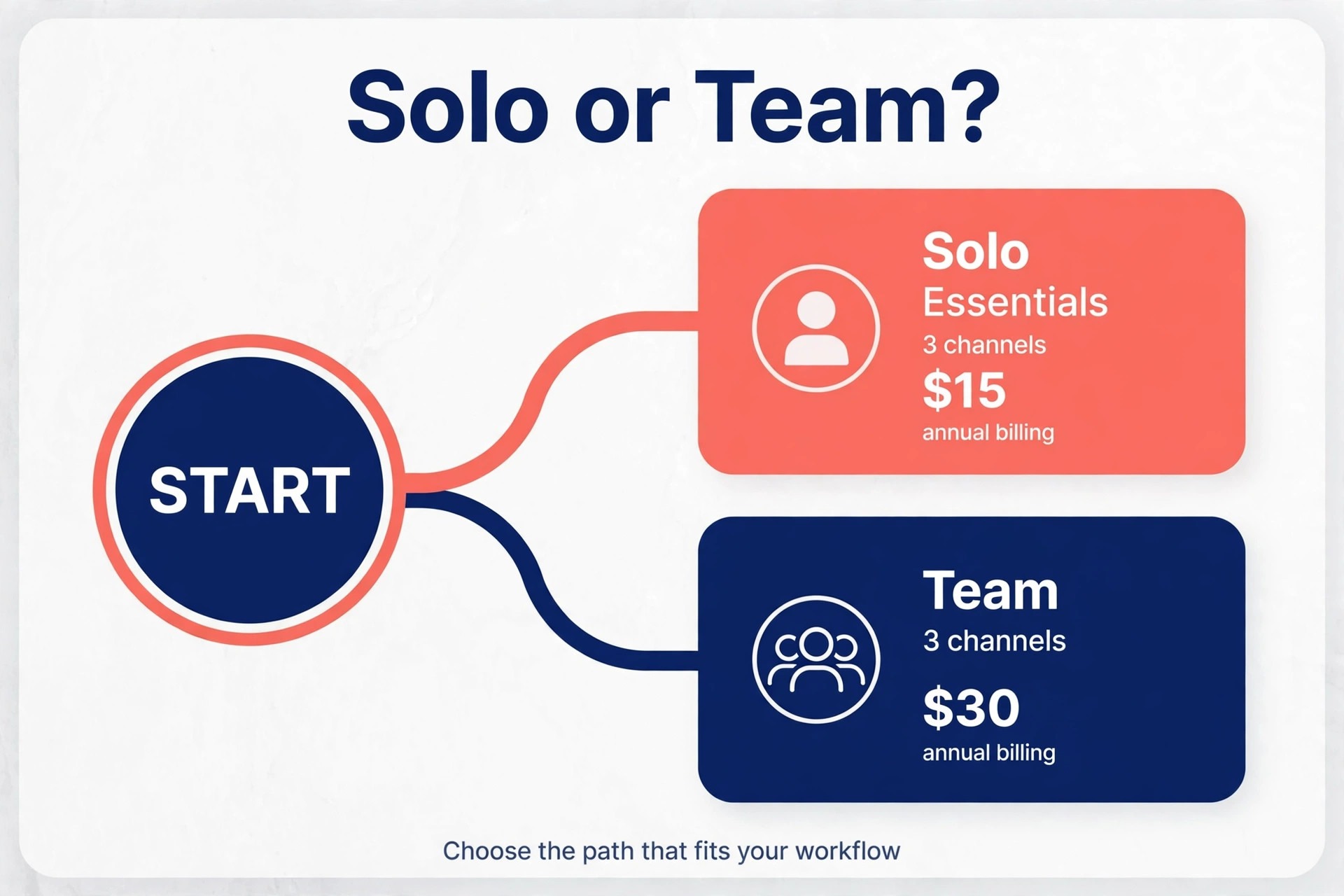
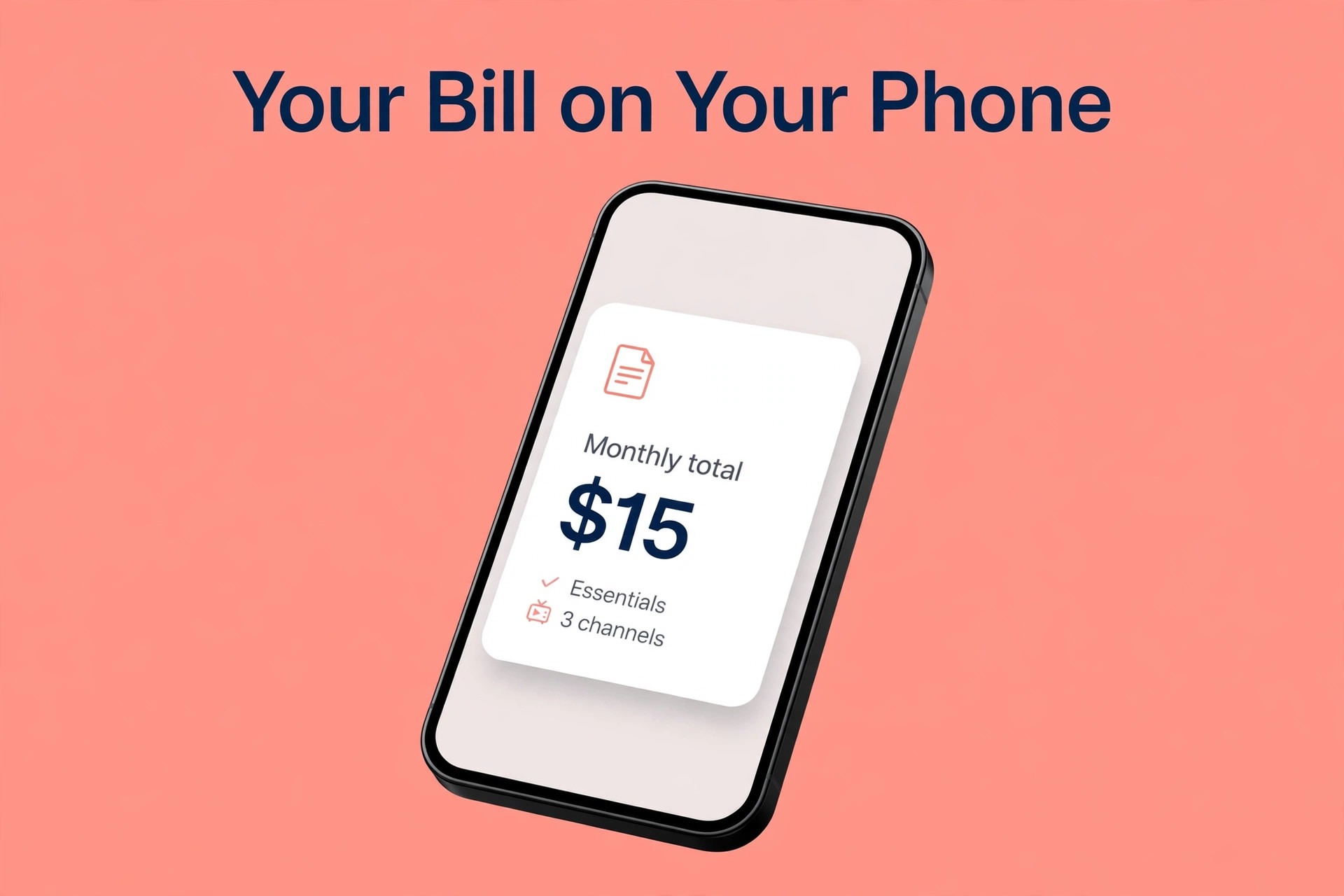
Three channels is the sweet spot for a first test, because Free covers three channels at zero cost, Essentials costs 15 dollars a month on annual billing, and Team costs 30 dollars. A business with Instagram, Facebook, and LinkedIn can therefore start free, prove the posting habit for a month, and only then pay for unlimited scheduling and better analytics. Paying before the habit exists is the usual waste in this category.
Six channels doubles the three channel totals, which is still modest against most marketing costs, but the lesson is to count dormant accounts. A business that connects a TikTok account it never posts to, a Pinterest board it abandoned, and a second Facebook page it forgot still pays for those channels on a paid plan. Audit the channel list every quarter and disconnect anything that has not published in thirty days.
Beyond the Channel Price
Buffer has no per user charge on Team, which is a genuine saving against tools that charge per seat, but it also means the bill follows channel count, not team size. Adding a colleague costs nothing on Team, while adding a channel costs the full per channel rate. Teams should therefore be generous with users and strict with channels, which is the opposite of the habit most businesses bring from per seat tools.
Analytics depth is the next line to check. Free keeps thirty days of analytics, while Essentials extends the range and Team adds branded reports. A business that reports to clients or a manager may need Team for branded exports, even if scheduling alone would sit happily on Essentials. Price the report need separately, because it is easy to buy a higher tier for one monthly report and forget why the bill doubled.
Fair use also deserves a mention, since unlimited scheduled posts on paid plans are subject to a published fair use cap of 5,000 posts per channel, which Buffer says no user has exceeded. That cap will not trouble a small business, but it is a reminder that unlimited in marketing language rarely means without any limit at all. Read the plan limits during the trial, not after a busy campaign week.
Annual Billing Against Monthly Billing for Buffer
The gap between monthly and annual billing looks small on one seat and large on a whole team. Multiply the per seat difference by every person who will log in, then multiply that by twelve, and the saving becomes a number worth deciding on properly. Even so, a saving only counts if the tool is still in daily use at month nine. A discounted tool that nobody opens is still a wasted bill.
Annual billing suits a settled team with steady volume. Monthly billing suits a team that is still testing, hiring, or changing how it works. A practical middle path is to start on monthly billing for one quarter, review who actually used the tool and what it delivered, and then move to annual billing for the saving once the habit is proven. That review is the step most small businesses skip.
That choice between monthly and annual billing is a core part of the cost of Buffer for small business monthly, because the same team can pay a very different total for the same service depending on the cycle chosen.
Which Buffer Tier Fits Which Channel Count
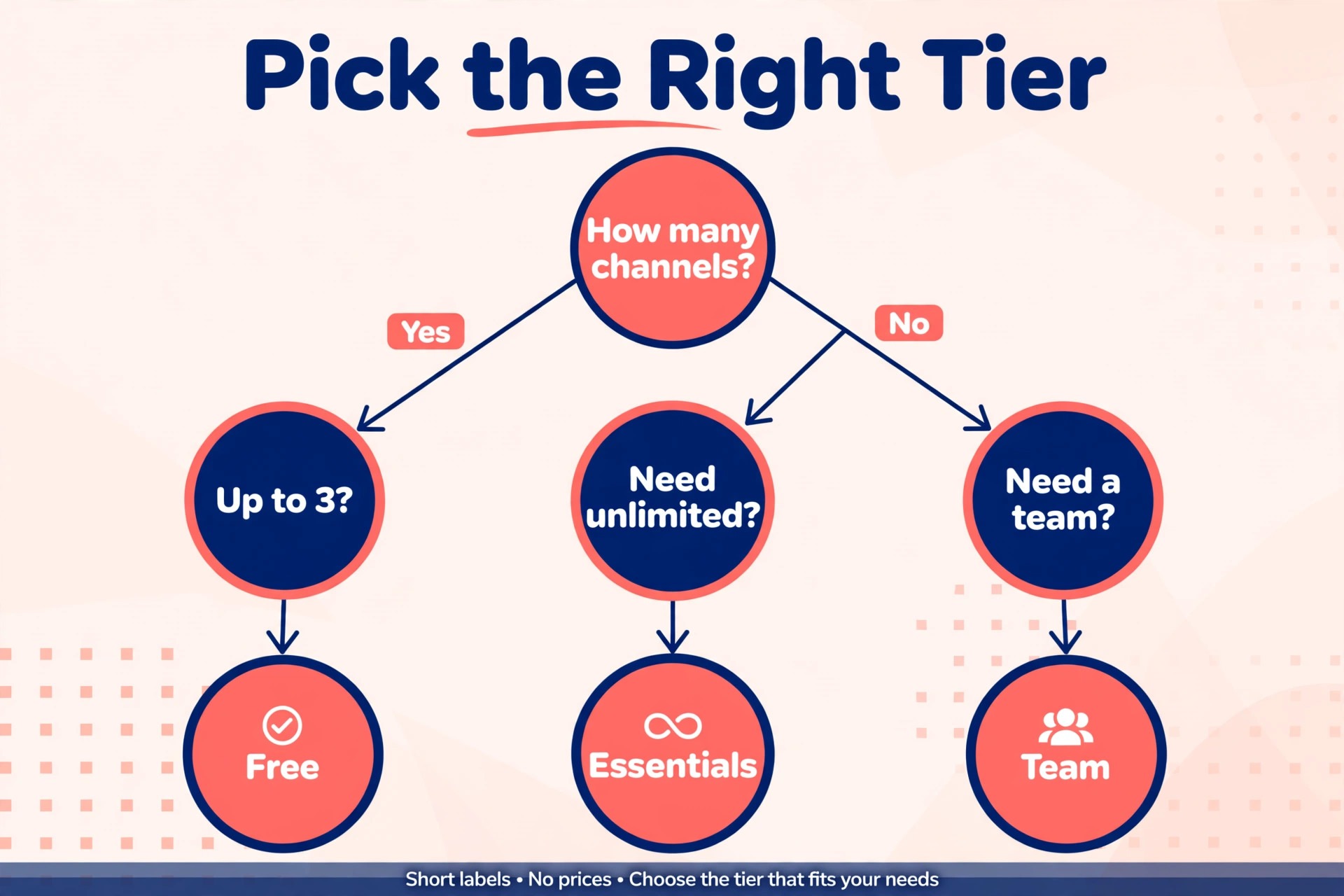
Start from the constraint that will hurt first. For some teams it is the number of profiles, for others it is approvals, reporting, or automation. Find that constraint in the trial by doing real work, not by reading the feature list. If the trial never hits the limit, the lower tier is probably enough for now. Upgrade when a limit actually blocks work, and keep a note of the date and the task that forced the move.
| Business shape | Sensible first tier | Reason |
|---|---|---|
| Solo owner, up to 3 channels | Free then Essentials | Free proves the habit, Essentials removes the queue cap |
| Solo owner, 4 or more channels | Essentials | Per channel price stays low for one user |
| Small team needing approvals | Team | Unlimited members plus approval workflows |
| Business reporting to clients | Team | Branded reports sit on the higher tier |
Start from the constraint that will hurt first. For some teams it is the number of profiles, for others it is approvals, reporting, or automation. Find that constraint in the trial by doing real work, not by reading the feature list. If the trial never hits the limit, the lower tier is probably enough for now. Upgrade when a limit actually blocks work, and keep a note of the date and the task that forced the move.
Matching the tier to the team shape is the simplest way to control the cost of Buffer for small business monthly without losing a feature the team actually uses every week.
Budget Mistakes That Inflate a Buffer Bill
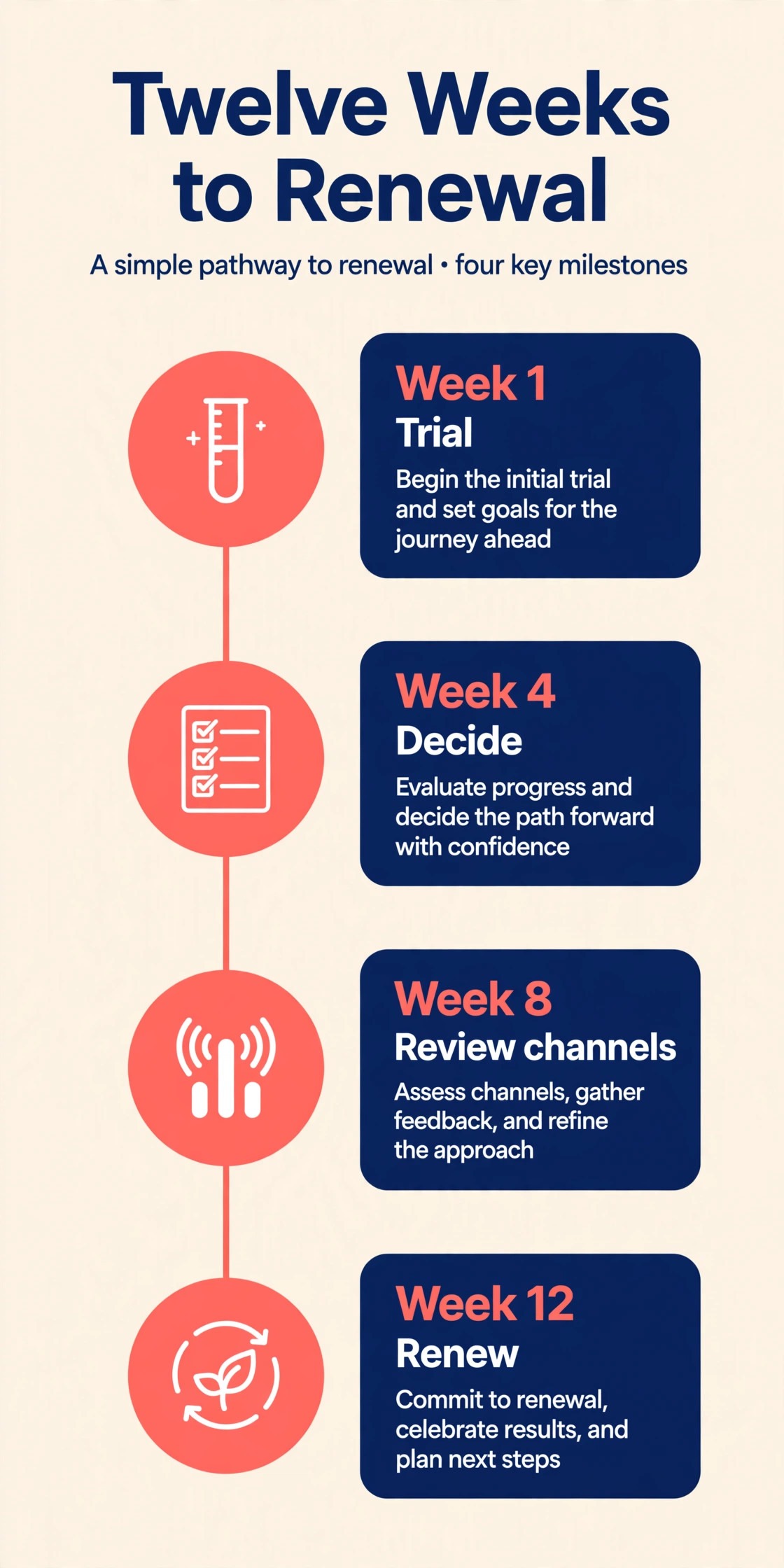
A third mistake is letting a free trial roll into a paid plan without a decision. Trials end quietly, annual billing starts loudly, and the first invoice arrives after the chance to step back has passed. Set a trial end reminder on the day you start, decide before that date, and cancel or downgrade in the same week if the tool did not earn its place. A tool that needs a forgotten trial to keep you is not the right tool.
Avoiding these mistakes is the fastest way to lower the cost of Buffer for small business monthly without changing tools or cutting a feature the team needs.
How to Keep a Buffer Bill Under Control
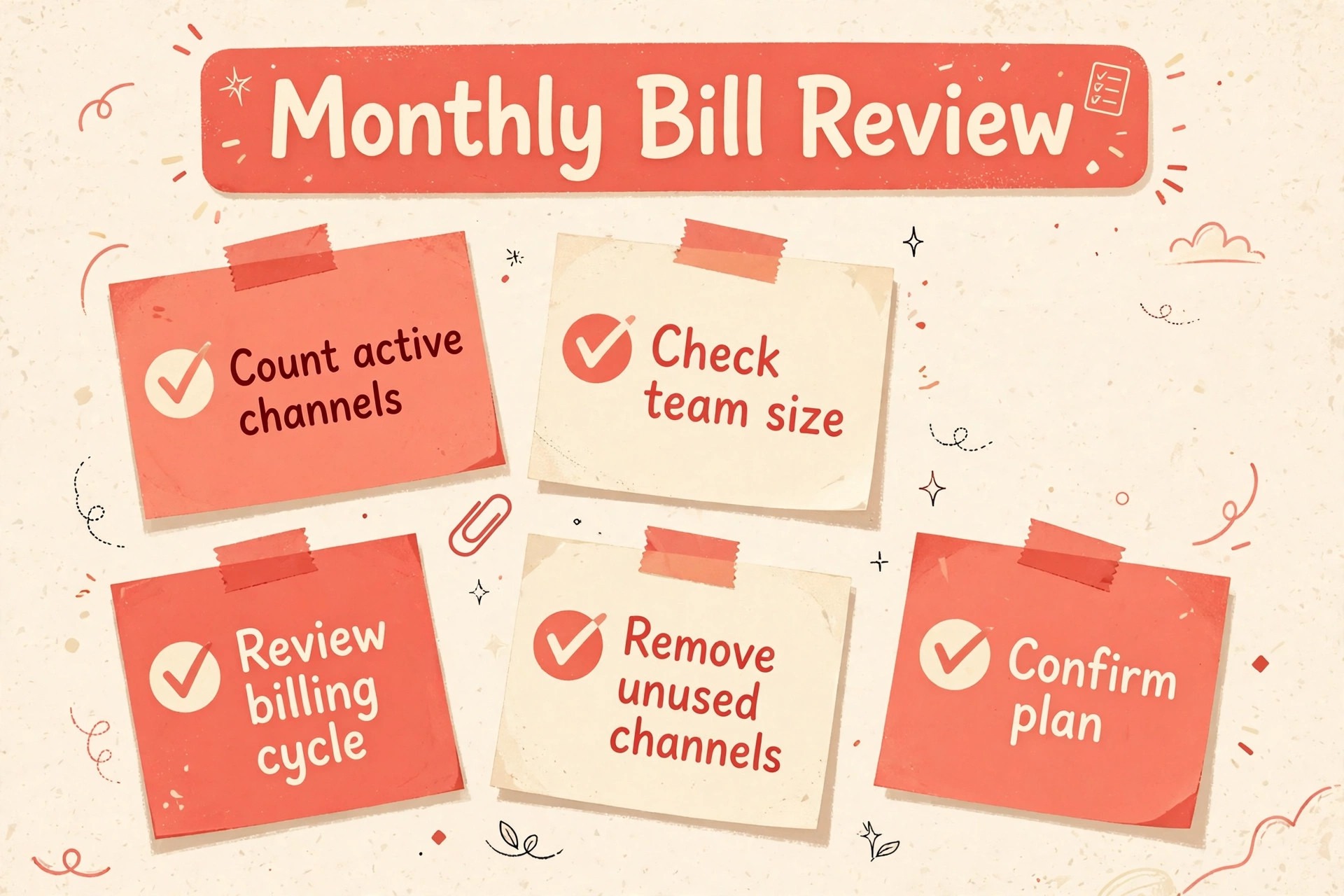
A simple monthly review keeps a subscription bill honest. Once a month, check who logged in, which limits were hit, and what the tool delivered that could not have been done with a cheaper option. Remove seats for people who left, close channels that no longer post, and downgrade a tier that is only half used. Fifteen minutes of review can save more than any discount code.
Write the renewal date and the cancellation steps in the same place you track other bills. Many small businesses lose money not on the price itself but on renewals that nobody noticed. A shared calendar entry with the price, the billing cycle, and the vendor support link turns renewal from a surprise into a decision. Review the bill before it renews, not after it lands.
A monthly review like this keeps the cost of Buffer for small business monthly tied to real use, and it catches seats, channels, or profiles that no longer earn their price.
Review the bill against actual use at the end of the first month, and write down which features were used daily, which were used once, and which were never opened. That short note becomes the evidence for the renewal decision, and it stops the team from paying for a tier chosen on a demo rather than on real work.
Ask the vendor what happens to your data if you downgrade or cancel, and test an export before you rely on the tool for anything important. A clean export turns a subscription into a reversible choice, while a blocked export turns a monthly bill into a trap. This check takes minutes in a trial and can save weeks later.
Keep one owner for each paid tool, even in a tiny team. That person tracks the renewal date, the seat count, and the monthly usage, and they approve any upgrade. Shared ownership usually means nobody owns the bill, and bills without an owner tend to grow quietly.
Negotiate from usage, not from hope. A vendor is more likely to help on price when you can show steady use, a clear seat count, and a renewal date you are willing to walk away from. A polite note before renewal, with the competing price in hand, often beats a complaint after the invoice arrives.
Separate the cost of the tool from the cost of the work around it. Setup time, training, and the weekly habit of checking a new inbox all carry a price in hours. A tool that saves ten hours a month at a higher price can still be cheaper than a free tool that nobody uses properly.
Watch for seasonal swings before choosing a billing cycle. A business with a busy summer and a quiet winter may prefer monthly billing through the slow months, even if annual billing looks cheaper on paper. The right cycle follows the revenue pattern, not just the discount.
Document the reason for the chosen tier in one sentence and keep it with the bill. When a new team member asks why the business pays for a higher tier, that sentence answers the question without a fresh debate. It also makes the downgrade decision easier when the reason no longer applies.
Test the support response during the trial, not after a problem hits a live customer. Send a real question, time the reply, and judge whether the help matches the price. Support quality is part of the monthly cost, because slow help turns into lost customers and extra staff time.
Compare the tool price against the price of doing the same work by hand, including the hours spent on manual posting, inbox triage, or fee arithmetic. A tool that looks expensive on a price page can still be cheap against ten hours of staff time a month, while a cheap tool that nobody uses is expensive at any price. Time, not headline price, is the real budget line.
Run a trial with a clear pass mark written down before the trial starts, such as a reply time, a posting count, or a report built in under an hour. A trial without a pass mark tends to drift into a paid plan by default, because nobody wants to admit the test was inconclusive. A written pass mark makes the renewal decision a fact check, not a feeling.
Check what happens when a team member leaves, since seats, channels, and logins often stay active after the person has gone. A quarterly seat audit that removes departed users and reassigns their work prevents the slow creep that inflates many small business bills. Treat every login as a cost, even on a plan that charges per channel rather than per user.
Keep the billing email in a shared inbox that more than one owner can see, so renewal notices and price change emails do not sit unread in a departed employee mailbox. Many price rises are announced by email weeks before they take effect, and a business that misses the notice loses the chance to downgrade or switch before the new rate starts.
Ask whether a lower tier plus a small second tool beats a higher tier of one tool, since the best combination is not always a single vendor. A cheap scheduler plus a separate reporting sheet can beat a premium all in one plan for a team that only needs one premium feature. Price the combination honestly, including the extra login and the extra weekly habit it creates.
Watch the renewal terms for annual plans, especially whether renewal happens at the price you first paid or at the then current list price. Launch discounts often expire at the first renewal, and a plan that looked affordable in year one can jump in year two. Budget the renewal at the full list price, and treat any discount as a bonus rather than a baseline.
Record the decision, the price, and the reason in the same document you use for other supplier decisions, so a future review does not start from scratch. A one paragraph note that says why the tier was chosen, what it replaced, and when it will be reviewed saves a full debate at renewal time and stops the team from rebuying a tool it already decided against.
Test the export and the cancellation flow during the trial, even if you expect to stay. A tool that exports cleanly and cancels in a few clicks is a tool you can leave without drama, which paradoxically makes staying a freer choice. A tool that hides cancellation behind a support call should be treated as a risk, whatever its monthly price.
Separate fixed costs from variable costs in the monthly budget, so a busy month does not look like a price rise and a quiet month does not look like a saving. Seat and channel charges are fixed, while usage, fulfilment, and ad driven fees move with volume. A budget that shows both lines separately explains the invoice without a fresh investigation every month.
When to Move Up a Tier and When to Stay Put
Upgrade when a specific limit blocks real work three times in one month, not when a feature looks interesting. A blocked approval, a profile cap, or a missing report that forces manual work is a clear trigger. Write the trigger down, price the next tier for the actual team size, and check whether a cheaper workaround covers the same task. If no workaround exists, the upgrade is justified.
Stay on the current tier when the pain is occasional and the workaround takes minutes. Many teams upgrade for one busy week and then pay the higher price through quiet months. A better test is to ask whether the limit will still bite in ninety days at normal volume. If the answer is no, wait. The higher tier will still be there when volume genuinely grows.
How Buffer Prices Compare With Close Alternatives
Alternatives matter here because switching costs are low at small scale and high once a team builds habits around one tool. A short trial of two rivals, run on the same real tasks, usually tells more than a week of reading reviews. Use the table as a starting shortlist, then test the finalists on identical work before committing to a year.
| Tool | What it does best | Price note |
|---|---|---|
| Hootsuite | Larger teams with listening and reporting | Check the vendor page, per user pricing applies |
| Later | Visual planning for Instagram first teams | Check the vendor page, per social set pricing applies |
| Metricool | Small teams wanting analytics plus ads | Check the vendor page, per brand pricing applies |
| Buffer | Simple scheduling priced per channel | 5 dollars per channel on Essentials, annual billing |
Test the finalists on the same real tasks for one week each, and score them on time saved, errors caught, and reports delivered, rather than on feature count alone. A tool that wins on identical work is the tool that will still win in month six, when the novelty has worn off and only the daily habit remains.
Frequently Asked Questions About Cost of Buffer for a Small Business Monthly
Is Buffer free for a small business?
Yes, up to a point. Free covers three channels with ten scheduled posts per channel and one user, which suits a business testing a regular posting rhythm. The cap that usually forces an upgrade is the scheduled post limit, not the channel count, since batching a month of posts quickly fills ten slots per channel.
A business that posts a few times a week per channel can stay on Free for a long time. A business that batches content, runs campaigns, or needs longer analytics history will find Essentials worth its small per channel price. Start free, measure the habit, and upgrade when a limit actually blocks work. That trial measurement gives a realistic estimate for the cost of Buffer for small business monthly before any annual commitment.
How does per channel pricing work in practice?
Each connected social account counts as one channel, so Instagram, Facebook, and LinkedIn together are three channels. Essentials at 5 dollars per channel on annual billing therefore costs 15 dollars a month for three channels, and Team at 10 dollars per channel costs 30 dollars. Monthly billing raises those totals to 18 dollars and 36 dollars.
The practical rule is to connect only accounts that publish regularly. Dormant accounts still count as channels on paid plans, so a quarterly audit that disconnects dead accounts directly lowers the bill. Count channels before you choose a tier, not after the first invoice arrives.
Does Essentials suit a solo owner?
Yes, Essentials is built for a solo owner, with one user, unlimited scheduling in practical terms, advanced analytics, and a hashtag manager. It removes the Free queue cap that troubles batch posters, while keeping the bill tied to channel count. A solo owner with six channels pays 30 dollars a month on annual billing, which is modest for a daily posting tool.
The only reason a solo owner needs Team is branded reporting or a future team. If neither applies yet, Essentials is the right tier, and the saving against Team can fund better content or a small ad test. Revisit the tier when a second person starts approving posts.
What does Team add over Essentials?
Team adds unlimited team members, access levels, approval workflows, unlimited saved replies, and branded reports, plus more API keys and requests. Those features matter when a draft must be checked before it publishes, or when different people handle different channels. For a solo poster they add little, which is why Team costs double per channel.
A small team should trial approvals on real posts, not on test content. If approvals catch errors and keep the brand voice consistent, Team earns its price quickly. If nobody uses approvals after two weeks, the team is paying for a workflow it does not want, and Essentials is the honest choice.
Should a small business pay monthly or annually?
Annual billing saves about two months a year, with Essentials at 5 dollars rather than 6 dollars per channel, and Team at 10 dollars rather than 12 dollars. For three channels that saving is 3 dollars a month on Essentials and 6 dollars on Team, which is small in cash but real over a year. Monthly billing suits a business still testing Buffer or expecting its channel mix to change.
Start monthly for the first month or two, confirm the channel list is stable, and then switch to annual billing for the saving. That sequence avoids paying a year for channels that get disconnected in month two. Put the renewal date in a shared calendar either way.
When does Buffer stop being the cheapest option?
Buffer stops being cheapest when channel count grows large, because per channel pricing scales with every account, while some rivals charge a flat monthly price for a bundle of accounts. At ten channels Team costs 100 dollars a month on annual billing, and at that point a flat priced rival may be cheaper, depending on its bundle. Compare the total for your exact channel list, not the headline price.
Volume discounts soften the blow past ten channels, with lower per channel rates in published bands, so check the live pricing page for the current bands before switching. A business with many dormant channels should first disconnect them, since the cheapest fix is often a smaller channel list, not a different tool.
A Sensible Budget for Buffer for a Small Business Monthly
For most small businesses, the sensible Buffer path is Free for the first month, Essentials once the posting habit is proven, and Team only when approvals or branded reports become real needs. That sequence keeps the monthly bill tied to channels that actually publish, and it avoids paying double per channel for team features a solo owner never uses. That sequence is a practical way to manage the cost of Buffer for small business monthly as the business grows, without paying for a tier before it is needed.
Buffer earns its price when posting becomes a habit rather than a chore, and when a consistent presence brings enquiries that a silent account never would. Count your channels, disconnect the dormant ones, and let the worked totals in this guide size the bill before you pay. A small, honest channel list is the best discount Buffer offers.
More Reading on Stratilyze
These related guides cover the work around the price, from choosing a tool to running the weekly routine that makes it pay.
- How to plan a month of social posts for a small business without burning out, with a simple weekly batching routine.
- A small business guide to choosing social channels by customer location, rather than opening an account everywhere.
- What to post when a small business has no news, with repeatable post types that still help customers decide.
- How to measure social media effort for a small business, with three numbers worth checking each month.