
If you sell mostly in person, start with a processor built for the counter. If you sell mostly online, start with a processor built for checkout and subscriptions. If you sell both, pick the channel that brings most of your revenue and make the other channel the second test, not a tie-breaker. That verdict, applied honestly to your own sales mix, answers how to choose a payment processor small business owners actually end up happy with, because most regret comes from choosing a headline rate for a channel they rarely use.
The rest of this guide shows you how to test that verdict with your own numbers, your own payout needs, and a short live trial before you move your money.
How to Choose a Payment Processor Small Business Owners Can Test
Choosing well starts with a test, not with a comparison article. Comparison articles help you shortlist, but they cannot know your average ticket, your refund rate, your payout needs, or how your customers prefer to pay. A processor that is cheapest for a 100 dollar in-person sale can be expensive for a 12 dollar online sale, because the fixed fee per transaction matters far more on small tickets. Run your own numbers first, then read comparisons to check what you missed.
Start by gathering four numbers from the last three months. Total card volume, number of transactions, average ticket size, and the split between in-person, online, invoice, and manually entered payments. Add your refund rate and, if you sell subscriptions, your failed payment rate. Those six figures decide which pricing model fits you. A firm with many small online sales needs a low fixed fee. A firm with few large in-person sales needs a low percentage. A firm with subscriptions needs retry logic and a customer portal more than it needs a slightly lower rate.
Next, list the payments you must accept, not the payments you might accept one day. Cards in person, cards online, digital wallets, bank transfers, and recurring billing each point to different strengths. A processor that handles in-person cards beautifully but handles subscriptions weakly will cost you in failed renewals, even if its headline rate looks good. Must-have features outrank nice-to-have features, and a processor missing one must-have should leave the shortlist, however attractive its price.
Start With How You Actually Sell
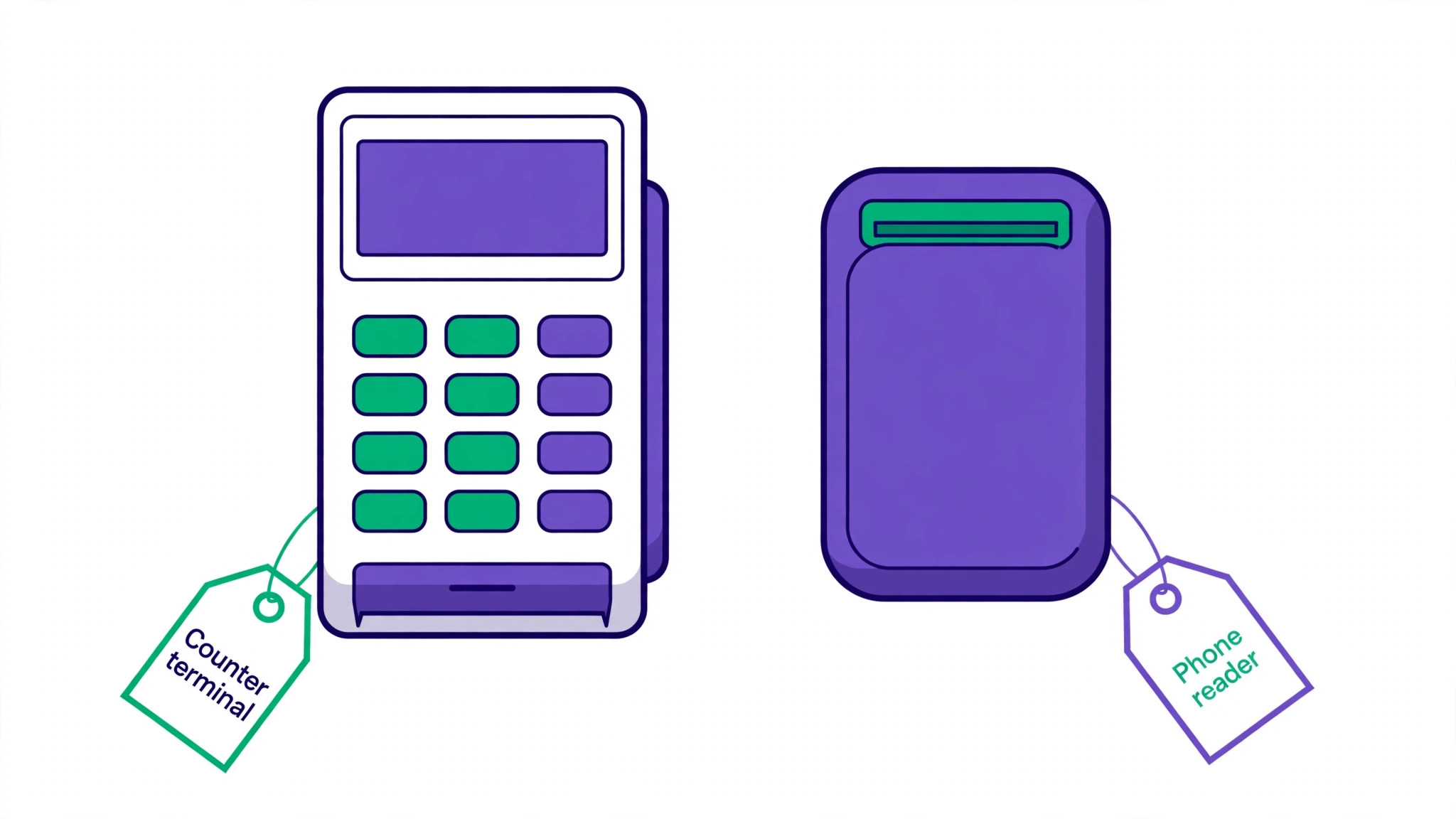
Channel fit is the first filter, because it changes every other comparison. An in-person seller needs hardware, tap and chip rates, offline resilience, and a point-of-sale system staff can learn quickly. An online seller needs checkout conversion, fraud tools, subscription billing, and an integration with the store or platform already in use. A mobile service seller, such as a tradesperson paid at the customer premises, needs a phone reader, invoice links, and next-day payouts more than a full counter system.
| Sales pattern | Processor strength to prioritise | Watch out for |
|---|---|---|
| Mostly in person, one location | Counter hardware, tap rates, simple point of sale | Online rates that look cheap but are rarely used |
| Mostly online, no storefront | Checkout, subscriptions, fraud tools, platform integration | Hardware bundles you will never use |
| Both channels, similar volume | One system for both, unified reporting, single payout | Two separate systems that split reporting and support |
| Mobile, paid on site | Phone reader, invoice links, fast payout | Manual entry rates, which are higher than tapped rates |
| Invoice and retainer based | Invoice links, card on file, recurring billing | Processors built only for retail checkout |
Average ticket size changes the winner inside each channel. On a small ticket, the fixed cents per transaction dominate. On a large ticket, the percentage dominates. Work the example for your own ticket size, not for a round 100 dollars alone, because a processor that wins at 100 dollars can lose at 15 dollars and win again at 500 dollars. That flip is normal, and it is why a single comparison table without your ticket size misleads.
International sales add another filter. If more than a small share of customers pay from outside your home country, check currency support, cross-border surcharges, and conversion spreads before you compare headline rates. A low domestic rate with a high international surcharge can cost more overall than a slightly higher domestic rate with fair international terms. Check the vendor current pricing page for the exact international terms that apply to your cards, because these terms change and comparison articles age quickly.
Read the Fee Like a Statement, Not Like an Advert
Headline rates are advertising. Effective rates are reality. Effective rate means total processing cost divided by total card volume, including monthly fees, per-transaction fees, chargeback fees, PCI or statement fees where charged, and any hardware rental. Two processors with the same headline rate can have very different effective rates once those extras are counted, especially at low volume where a monthly fee spreads across few sales.
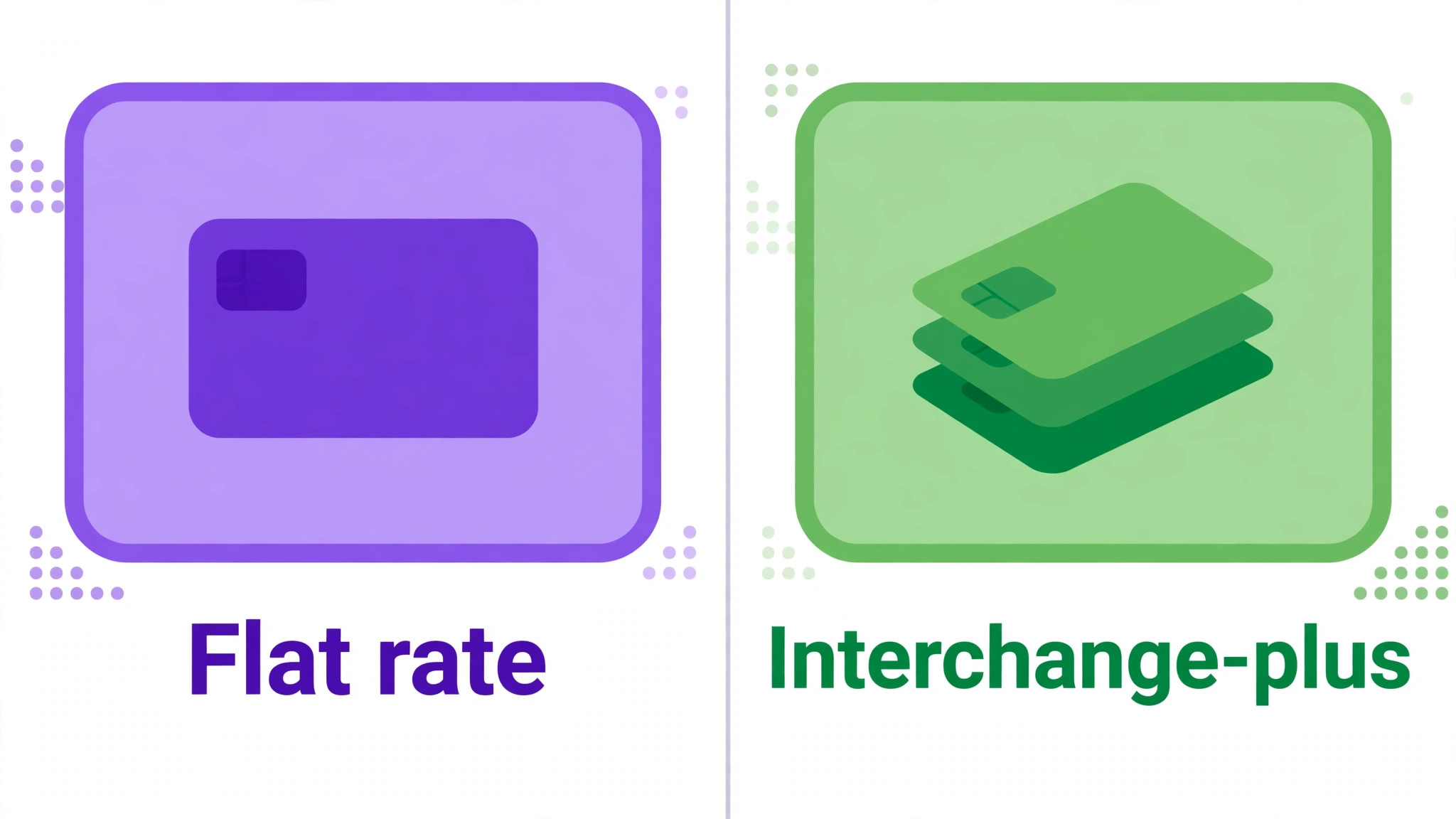
Pricing models differ in how transparent that effective rate is. Flat-rate pricing charges one percentage plus a fixed fee for most cards, which is simple and predictable. Interchange-plus pricing passes through the interchange cost set by card networks, plus a fixed processor markup, which is transparent and often cheaper at higher volume, but harder to compare without your card mix. Subscription pricing charges a monthly fee plus a low or zero markup, which can be cheapest at high volume but wasteful at low volume. Match the model to your volume, not to the model that sounds most sophisticated.
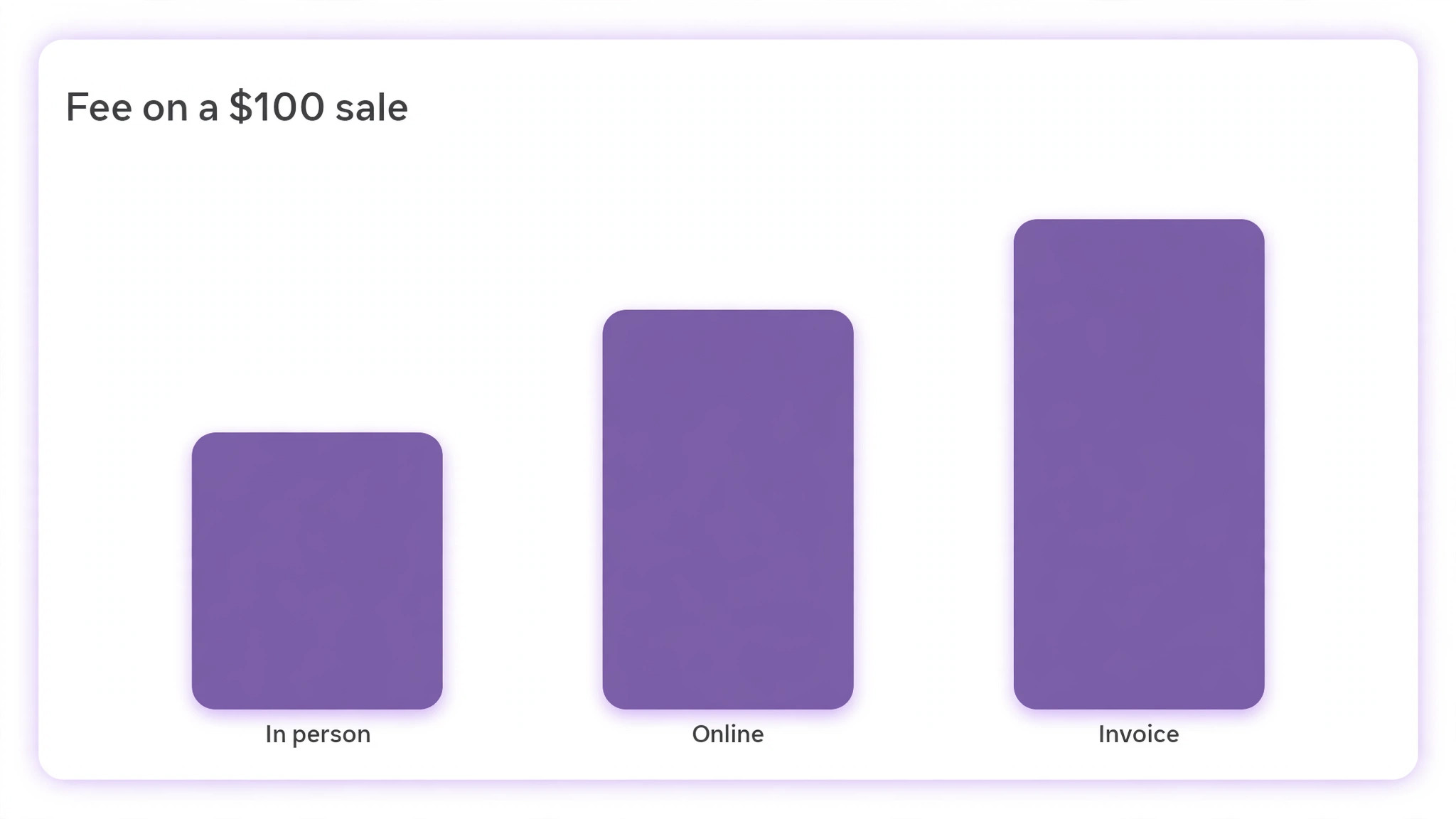
Published 2026 comparisons report, for standard plans, Square at 2.6 percent plus 15 cents in person and 3.3 percent plus 30 cents online, and Stripe at 2.9 percent plus 30 cents online and 2.7 percent plus 5 cents in person through Terminal. Square reported raising its standard online rate from 2.9 percent to 3.3 percent in January 2026 in those comparisons. Treat those figures as a snapshot to verify, not as a permanent price, and check the vendor current pricing page before you decide, because plans, channels, and API rates can differ from the standard checkout rate.
| Sale of 100 dollars, using reported standard rates above | Fee | Effective rate on that sale |
|---|---|---|
| Square, in person, 2.6 percent plus 15 cents | 2.75 dollars | 2.75 percent |
| Stripe, online, 2.9 percent plus 30 cents | 3.20 dollars | 3.20 percent |
| Square, online standard, 3.3 percent plus 30 cents | 3.60 dollars | 3.60 percent |
| PayPal Checkout, as reported in 2026 comparisons at 3.49 percent plus 49 cents | 3.98 dollars | 3.98 percent |
Those single-sale figures illustrate the channel gap, but they do not decide the choice alone. A processor with a higher per-sale fee but no monthly fee, no chargeback fee, and next-day payouts can beat a cheaper headline rate once monthly extras, disputes, and cash-flow timing are counted. Run the same table for your own average ticket, your monthly volume, and your dispute count, using the current vendor pricing page for each candidate. If a candidate does not publish a price for your channel, ask for it in writing before you shortlist them, rather than guessing.
Chargeback fees deserve a separate line in your comparison. Some processors charge a fee when a dispute is received, and some charge again when you contest it, with the second fee returned only if you win. Others charge no dispute fee at all on standard plans, according to 2026 comparisons. At low dispute volumes the difference is small. At higher volumes, or in a niche with frequent disputes, it can outweigh a small rate advantage. Check the vendor current dispute terms, not just the headline rate, before you commit.
Payout Speed, Holds and Support When Money Stops
Payout speed is cash flow, not convenience, and it is a central part of how to choose a payment processor small business owners can rely on week to week. Standard payouts of one to two business days suit most firms. Next-day payouts suit firms that pay staff or suppliers weekly from card takings. Instant payouts, usually for an extra fee, suit firms with tight cash flow or emergency costs, but the fee should be counted as part of the effective rate, not treated as free. A processor that is slightly more expensive per sale but pays out a day earlier can be cheaper in practice for a firm that otherwise borrows, delays suppliers, or stresses over payroll.
Holds and risk reviews matter more than most comparison tables admit. New accounts, sudden volume spikes, high ticket sales, and certain niches can trigger reviews that hold funds for days or weeks. Ask each candidate, before you sign, what triggers a review, what documents they will ask for, how long a typical review takes, and whether you can speak to a human during it. A processor with a slightly higher rate but a clear, human review process can be safer than a cheaper processor that freezes funds with only automated messages.
Support quality should be tested, not assumed. Contact support before you commit, with a real question about payouts, disputes, or hardware, and note response time and clarity. Check support hours against your trading hours, because a processor whose support closes before your peak evening trade leaves you alone at the worst moment. For firms that trade weekends, weekend support is a must-have, not a luxury, and it should be weighted as heavily as a small rate difference.
Contract terms complete the risk picture. Prefer month-to-month terms with no early termination fee, so a bad fit can be exited without penalty. If a contract is required, check the term length, the termination fee, any monthly minimum, and whether hardware is leased, rented, or owned. Leased hardware with a long term can cost far more than the terminal price, and it can block a switch even when the processing rate is uncompetitive. Read the contract schedule, not just the sales summary, before you sign.
Hardware, Software and the Switching Cost Nobody Quotes
Hardware costs vary from a free phone reader to a counter terminal costing several hundred dollars, and the right choice depends on volume and location. A single-location shop needs a reliable counter terminal and a backup reader. A mobile seller needs a phone reader that works in poor signal areas, with an invoice link fallback when the reader fails. A multi-location firm needs hardware that reports centrally, so each location does not become a separate accounting problem. Check the vendor current hardware pricing page, because bundle prices change with promotions and plan tiers.
Software integration is where hidden costs live, which is why how to choose a payment processor small business teams can run without extra admin must include an integration check. A processor that integrates cleanly with your store, accounting, invoicing, and booking tools saves hours of manual reconciliation each month. A processor that needs manual exports, duplicate entry, or a developer to maintain the link costs those hours back, plus error risk. List your current tools, check each candidate integration page, and test the link during the trial, not after migration. A failed integration discovered after migration is far more expensive than a slower shortlist stage.
Switching cost includes more than a termination fee. Stored cards, subscription customers, and recurring billing tokens may not move cleanly between processors, and some migrations require customers to re-enter payment details, which loses subscribers. Ask each candidate how stored cards migrate, whether tokens transfer, and what happens to active subscriptions during the switch. Plan the switch for a quiet period, keep the old processor running until the new one is proven, and notify subscription customers in advance where re-entry is needed. A planned switch with a fallback is a routine project. A rushed switch without one is a revenue risk.
For retail and counter sellers, point-of-sale fit matters as much as processing fit. The Stratilyze guide to the Best POS System for Gift Shops covers counter systems in a different niche, but the hardware, reporting, and staff training questions transfer directly to any small shop choosing a processor and a terminal together.
Decision Table for Fees, Payout, Hardware and Support
Use this table as a starting template, then fill in current figures from each vendor pricing page for your channel, ticket size, and volume. Do not copy the illustrative notes below as if they were current prices, because pricing changes and plan details differ by channel.
| Factor | What to record for each candidate | Why it changes the decision |
|---|---|---|
| Headline card rate, in person | Percentage plus fixed fee for tapped and chip cards | Main cost for counter sellers |
| Headline card rate, online | Percentage plus fixed fee for standard checkout and API rates | Main cost for online sellers, often higher than in-person |
| Monthly fee and minimums | Plan fee, statement fee, PCI fee, monthly minimum | Can outweigh a small rate advantage at low volume |
| Payout speed and instant cost | Standard days, next-day option, instant fee | Cash flow value, especially for weekly payroll |
| Chargeback and dispute fees | Fee on receipt, fee on contest, refund if you win | Matters more in dispute-prone niches |
| Hardware cost and ownership | Reader, terminal, rental versus purchase, replacement cost | Upfront cost and exit cost if you switch |
| Recurring billing | Retry logic, customer portal, stored card migration | Decides subscription retention, not just price |
| Support hours and channel | Phone, chat, email, weekend cover, human review path | Decides how a hold or outage feels in practice |
| Contract and exit | Term length, termination fee, token portability | Decides whether a bad fit is reversible |
Score each candidate on the factors that matter for your sales pattern, not on every factor equally, because how to choose a payment processor small business owners can defend means weighting by your own pattern. An online-only firm should weight checkout, subscriptions, and fraud tools heavily, and weight counter hardware lightly. A counter firm should do the reverse. Weighting by your own pattern is what turns a generic table into a decision, and it prevents a processor that wins on irrelevant factors from beating a processor that wins where you actually sell.
Run a Two Week Live Test Before You Commit
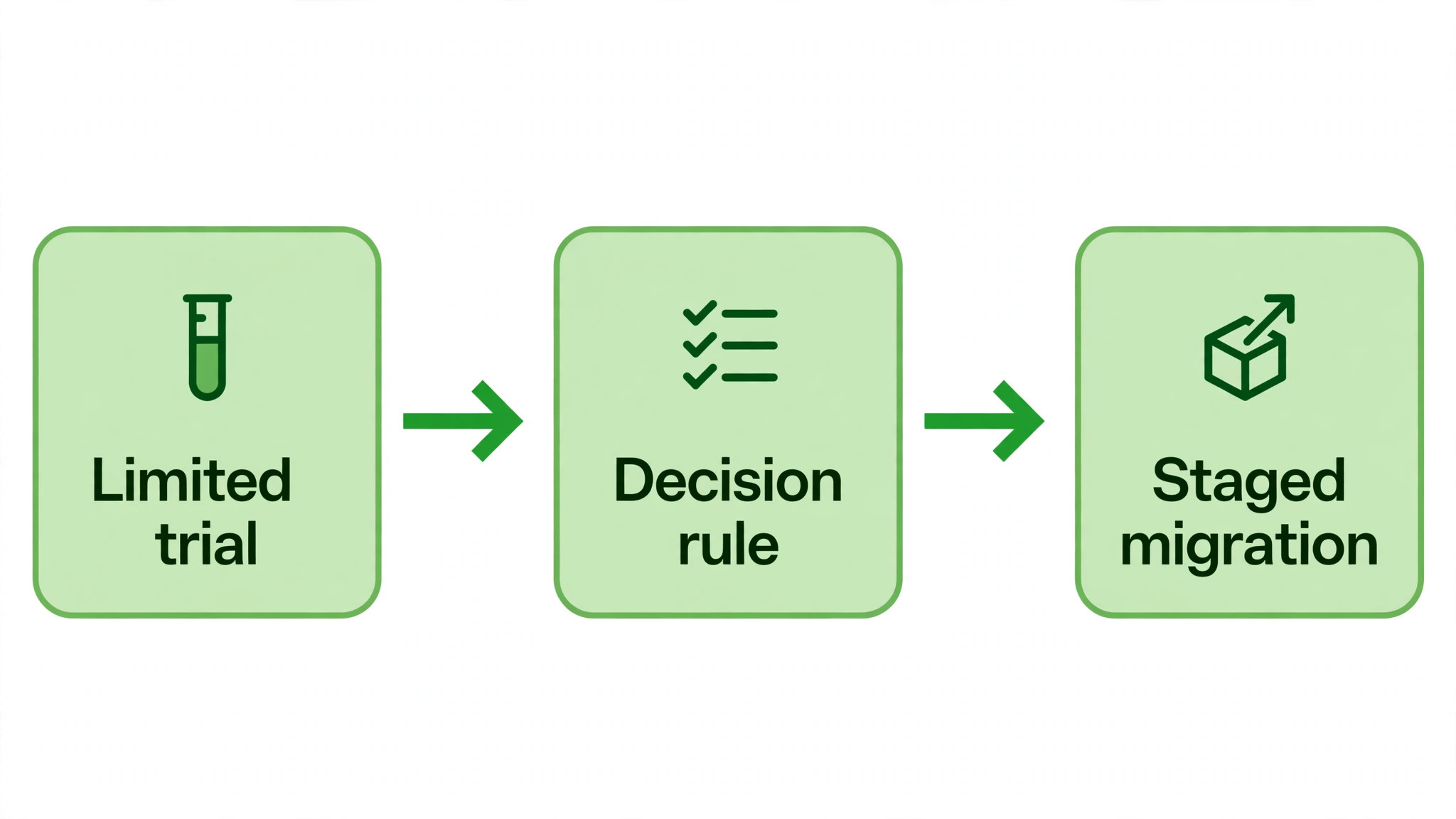
A live test with real money, even on a small share of sales, reveals problems that demos hide. Route a limited channel, a single location, or a new product line through the candidate for two weeks, while keeping your current processor for the rest. Measure effective rate, payout timing, failed payments, support response, and staff ease, using the same measures for both processors. Two weeks is enough to surface payout delays, integration friction, and support gaps, without committing the whole business.
Test the awkward cases deliberately. Run a refund, run a dispute if one arises naturally, test a failed subscription payment and its retry, and test support at your busiest hour. Processors pass easy tests easily. The awkward cases are where a bad fit shows up, and discovering them during a limited trial costs far less than discovering them after a full migration. Keep notes on each test case, with dates and outcomes, so the decision rests on evidence rather than on a sales call impression.
Set a decision rule before the test starts. State the effective rate, payout speed, and support standard the candidate must meet to win the full migration, and state who decides. A test without a decision rule drifts into a second trial, then a third, while the business runs two systems and pays twice for reporting. A test with a rule ends with a clear yes or no, and a migration plan or a polite decline, within a week of the trial ending.
If the candidate fails the test, say so plainly and keep the current processor. A failed trial is a successful test, because it saved a full migration to the wrong system. If the candidate passes, migrate in stages, starting with the lowest risk channel, and keep the old system as a fallback until the new system has completed a full payout cycle, a refund, and a month-end reconciliation without errors.
Processor Comparison Checklist You Can Copy
Use this checklist for each candidate, and complete it from the vendor current pricing and terms pages, not from memory or from a comparison article alone.
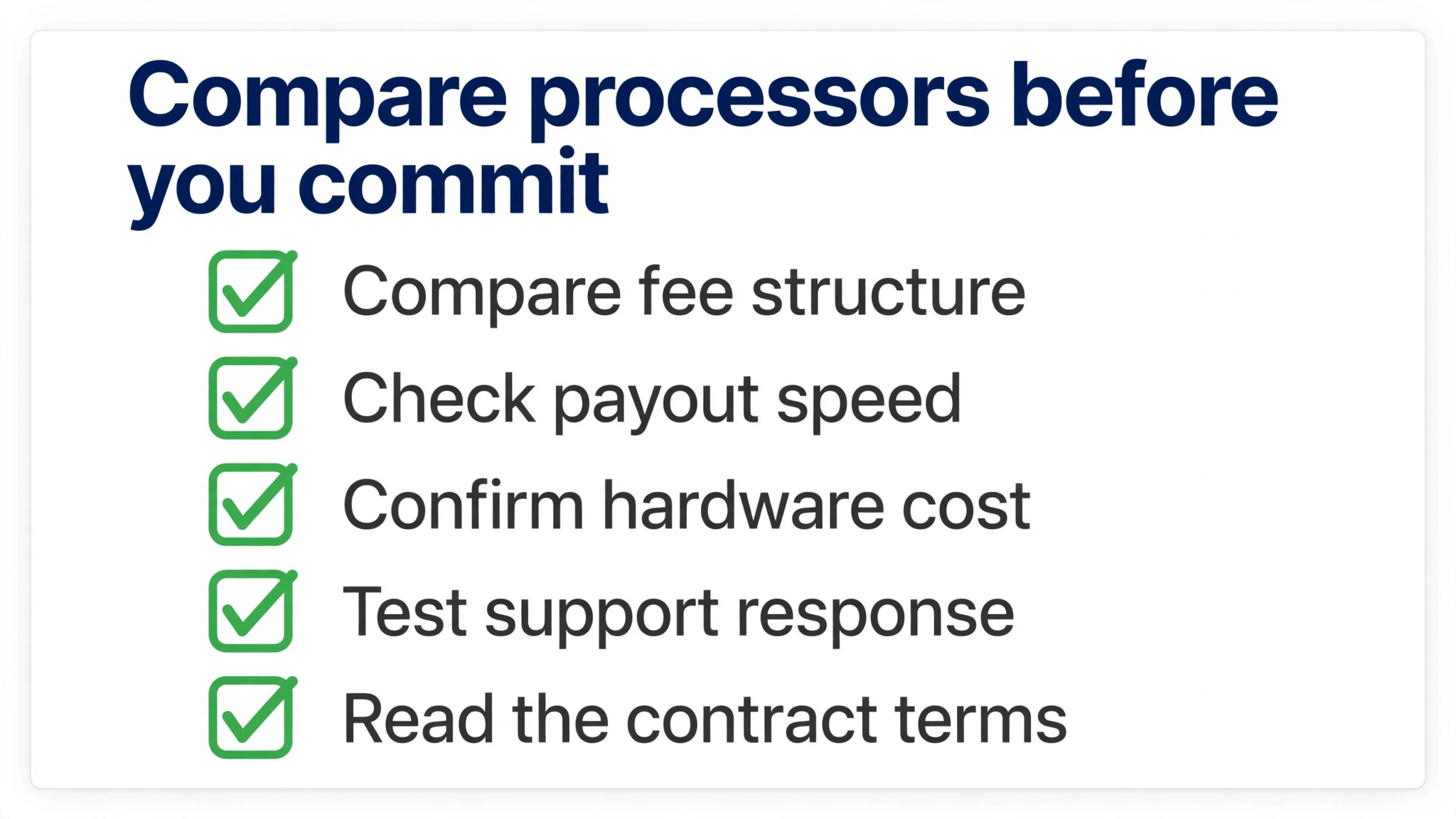
– Monthly card volume, transaction count, average ticket, and channel split recorded from the last three months. – Must-have payment methods listed, including in-person, online, wallets, invoices, and recurring billing where needed. – Headline rates recorded separately for in-person, online standard, online API, invoice, and manual entry channels. – Monthly fees, statement fees, PCI fees, and minimums recorded, with the effective rate calculated for your volume. – Payout speed recorded, plus next-day and instant options and their fees. – Chargeback fees recorded, including receipt fee, contest fee, and whether a won dispute refunds the fee. – Hardware recorded, including reader and terminal cost, rental versus purchase, and replacement cost. – Recurring billing checked, including retry logic, customer portal, and stored card migration on exit. – Support tested, including hours, channel, weekend cover, and response to a real pre-sales question. – Contract read, including term length, termination fee, monthly minimum, and token portability. – Live test completed for two weeks on a limited channel, with effective rate, payout, and support measured. – Decision rule applied, with a staged migration plan and a fallback until a full payout cycle is proven.
If a candidate cannot answer a checklist line clearly, treat that as information, not as a minor gap. Unclear pricing, unclear payout terms, or unclear migration rules become expensive surprises after migration, when your bargaining power is gone. A candidate that answers clearly, even with a slightly higher rate, is often the safer choice for a small firm that cannot absorb a payments outage.
Fraud, Refunds and the Costs After the Sale
Fraud tools look boring until a fraudulent order costs you the sale, the goods, and a dispute fee. Check what fraud screening each candidate includes on the standard plan, what rules you can set yourself, and what happens when a transaction is flagged. A processor that blocks legitimate customers with overstrict rules costs you sales quietly, while a processor with weak screening costs you disputes loudly. Test fraud handling with a genuine high-value order and a genuine unusual order during the trial, and note how each was handled.
Refunds need a clear routine before the first refund request arrives. Check how refunds are issued, whether the original processing fee is returned, how long a refund takes to reach the customer, and how refunds appear in reporting. Some processors return the fee on a refund, others keep it, and that difference matters for firms with higher return rates. State your own refund policy to customers separately, but make sure the processor routine can actually deliver it without manual workarounds each time.
Dispute evidence is the third after-sale cost. When a customer disputes a charge, the processor will ask for evidence, usually within a short window, such as proof of delivery, a signed receipt, or a service agreement. A processor with a clear evidence upload flow and a clear deadline helps you win legitimate disputes. A processor with a confusing flow causes missed deadlines, and missed deadlines lose disputes regardless of merit. Keep delivery proof, invoices, and client messages linked to each transaction, so evidence can be gathered in minutes, not days.
Learning how to choose a payment processor small business owners can trust after the sale means judging the after-sale routine as seriously as the headline rate. A cheap processor with slow refunds, weak fraud tools, and a confusing dispute flow can cost more in lost goods, lost disputes, and lost customers than a slightly dearer processor with a clean after-sale routine. Ask each candidate to walk through a refund and a dispute during the trial, and score that walkthrough alongside the fee table.
That after-sale test also reveals support quality in a way a sales call cannot. A support team that guides you through a dispute calmly and quickly is the team you want when a real hold or outage arrives. Owners who learn how to choose a payment processor small business teams can rely on often cite that support experience, not the rate table, as the reason they stayed with a processor through a difficult month.
Frequently Asked Questions
What is the cheapest payment processor for a small business?
There is no single cheapest processor, because the answer depends on your channel, average ticket, monthly volume, and dispute rate. A flat-rate processor with no monthly fee often suits low volume firms, while interchange-plus or subscription pricing often suits higher volume firms, but the crossover point depends on your card mix. Calculate your effective rate for each candidate from the vendor current pricing page, using your own volume and ticket size, and include monthly fees and dispute fees. The cheapest headline rate that ignores those extras is not the cheapest processor for your business.
Is Stripe or Square better for a small business?
Stripe generally suits online-first firms that need checkout, subscriptions, and platform integrations, while Square generally suits in-person firms that need counter hardware and a simple point of sale. That split is a starting point, not a rule, because both processors now serve both channels, and their standard online and in-person rates differ by channel. Compare them on your dominant channel first, then on the secondary channel, using current vendor pricing, and run a live test on the channel that matters most before you commit.
How long do payment processor payouts take?
Standard payouts are commonly one to two business days, with next-day payouts offered by several processors and instant payouts available for an extra fee from some. Payout timing can vary for new accounts, for large or unusual transactions, and during risk reviews, so check the vendor current payout terms for your account type. If cash flow is tight, weight payout speed alongside the fee, because a day earlier in your account can matter more than a small percentage saving that arrives days later.
What are interchange-plus fees, and are they better than flat rate?
Interchange-plus pricing passes through the interchange cost set by card networks, plus a fixed processor markup, so your cost varies with the card used. Flat-rate pricing charges one percentage plus a fixed fee for most cards, which is simpler to predict. Interchange-plus is often cheaper at higher volume and more transparent about the markup, while flat rate is simpler at low volume and easier to forecast. Compare both on your own card mix and volume, rather than assuming one model always wins, and ask for a sample statement based on your mix where possible.
Can I switch payment processors without losing subscription customers?
Switching is possible, but stored cards and subscription tokens do not always move cleanly, and some migrations require customers to re-enter payment details. Ask both the current and the new processor how tokens transfer, what happens to active subscriptions, and whether a migration window with dual running is supported. Plan the switch for a quiet period, notify affected customers in advance where re-entry is needed, and keep the old processor as a fallback until the new system has completed a full payout cycle and a month-end reconciliation.
Do payment processors charge for chargebacks even if I win the dispute?
Terms vary by processor and plan, so check the vendor current dispute terms before you decide. Some processors charge a fee when a dispute is received and again when you contest it, returning the contest fee only if you win. Others charge no dispute fee on standard plans, according to 2026 comparisons. Record both fees in your comparison, because dispute costs can outweigh a small rate advantage in niches with frequent disputes, and a clear dispute process matters as much as the fee itself.
Should a small business accept PayPal as well as a main processor?
Many firms offer PayPal as a secondary checkout option for customers who prefer it, while keeping a main processor for most volume. That combination can raise conversion for PayPal-preferring buyers, but it adds a second payout schedule, a second fee structure, and a second support route to manage. Weigh the conversion gain against that admin cost for your own audience, and do not rely on a secondary option alone as your main processor, because holds, fees, and support terms differ and can affect cash flow.
What should I check before signing a payment processor contract?
Check the term length, early termination fee, monthly minimum, hardware ownership or lease terms, payout and hold terms, dispute fees, and stored card portability on exit. Prefer month-to-month terms with no termination fee where available, so a bad fit can be exited without penalty. Read the contract schedule, not just the sales summary, and ask for any promised rate, payout timing, or fee waiver in writing. A contract that is clear before signing is far cheaper than a dispute after migration.
Choose, Test With Real Money, Then Stop Shopping
The best processor is the one that fits your dominant channel, pays out on a schedule your cash flow can live with, handles your awkward cases cleanly, and lets you leave if it stops fitting. Shortlist two candidates, calculate the effective rate from current vendor pricing, test one for two weeks on a limited channel, and migrate in stages if it passes.
Then stop shopping for a better rate every month, because constant switching costs more in reconciliation, staff retraining, and customer friction than a small rate gap saves. Learning how to choose a payment processor small business owners can live with is less about finding the perfect rate and more about making a tested decision, then getting back to selling.
More Reading on Stratilyze
– Fix Stripe Account Verification Pending for a Small Business – Fix Shopify Payments on Hold for a Small Store – Best POS System for Gift Shops