
A payout hold lands at the worst possible moment, and learning how to fix Shopify payments on hold small store payouts quickly is a cash flow skill, not just an admin task. Orders are still coming in, customers still expect delivery, and the money that should fund stock, postage, and wages is sitting out of reach. For a small store, that gap is not an accounting annoyance. It is a cash flow problem that can force hard choices within days, so the first job is to work out exactly what kind of hold you face and what Shopify is actually asking for.
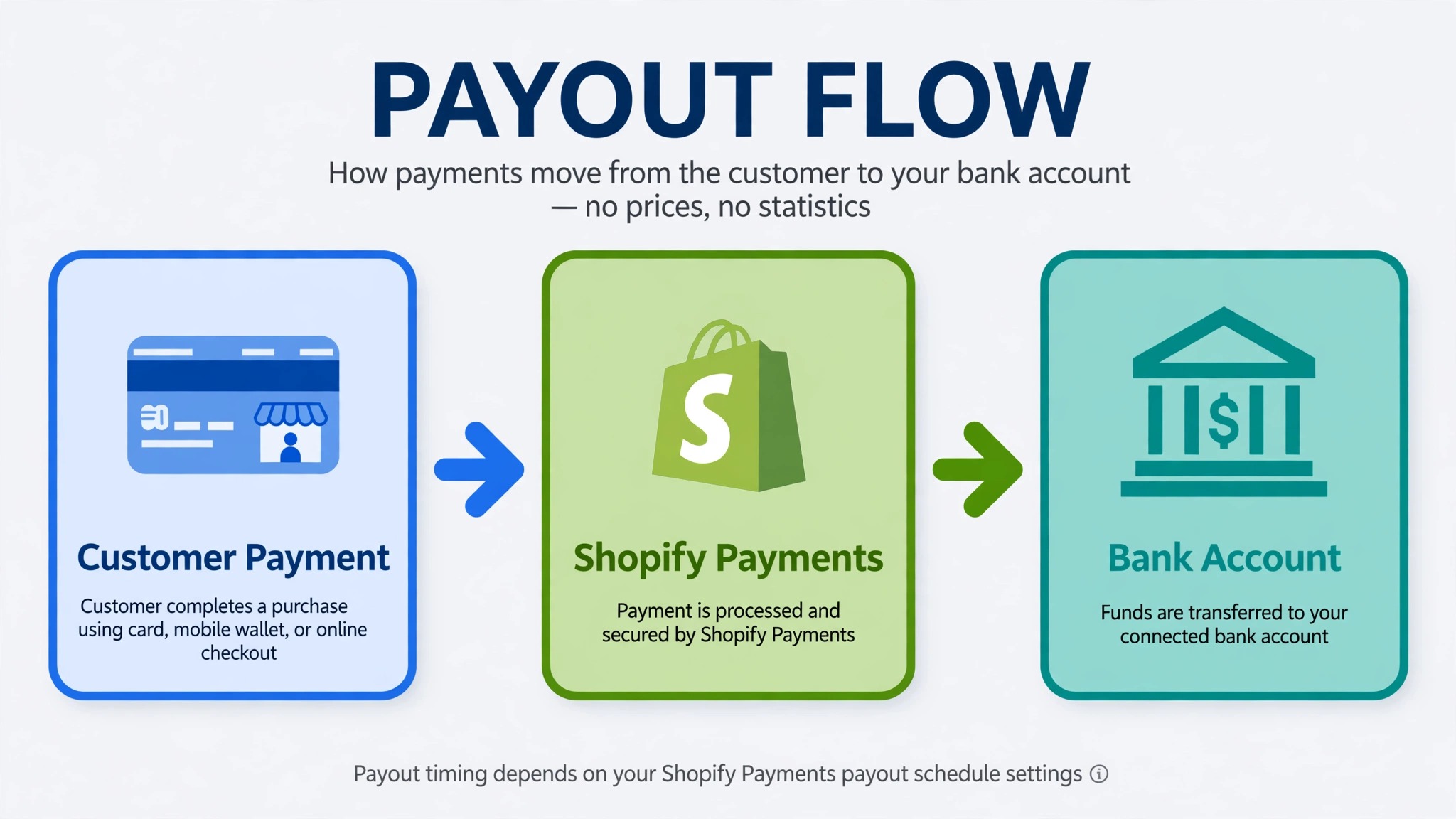
The good news is that most payout holds are not punishments and most are not permanent. Shopify Payments accounts are subject to standard reviews throughout the life of an account, and Shopify Help Center material describes holds linked to information requirements, incorrect bank details, and product eligibility. The way to fix Shopify payments on hold small store payouts is to read the hold message in full, act on the exact request, and keep a second way to take payment live while the review runs.
This guide follows the order a small store owner should actually use. First, read the hold reason in the admin and in email. Second, fix identity, bank, or product problems with documents that match the account exactly. Third, check payout timing so you do not mistake a normal schedule delay for a hold. Fourth, set up a fallback payment method so new orders keep flowing. Every step names the admin area to open, because guessing wastes the days a small store cannot spare.
What a Shopify Payments Hold Really Means
A hold is not one single event. It can mean new payouts are paused while documents are verified, payouts are delayed after a bank change, or the account is under review because something in the business details no longer matches. Some holds stop payouts only, while checkout can still take orders. Others require action before the account can continue in its current form. The admin message, and the email sent to the store owner, are the best source of information for your store, according to Shopify Help Center guidance, and only the store owner can access specific account details.
That distinction matters for planning, and it shapes how you fix Shopify payments on hold small store payouts without guessing. If checkout still works, your priority is cash flow and customer communication, not rebuilding the store. If Shopify asks you to remove a product type or set up an alternative provider, that is a different decision with a deadline, and delaying it can cost the account. Read the wording twice before you act. Look for words such as verify, submit, update, remove, or contact support, because each word points to a different fix.
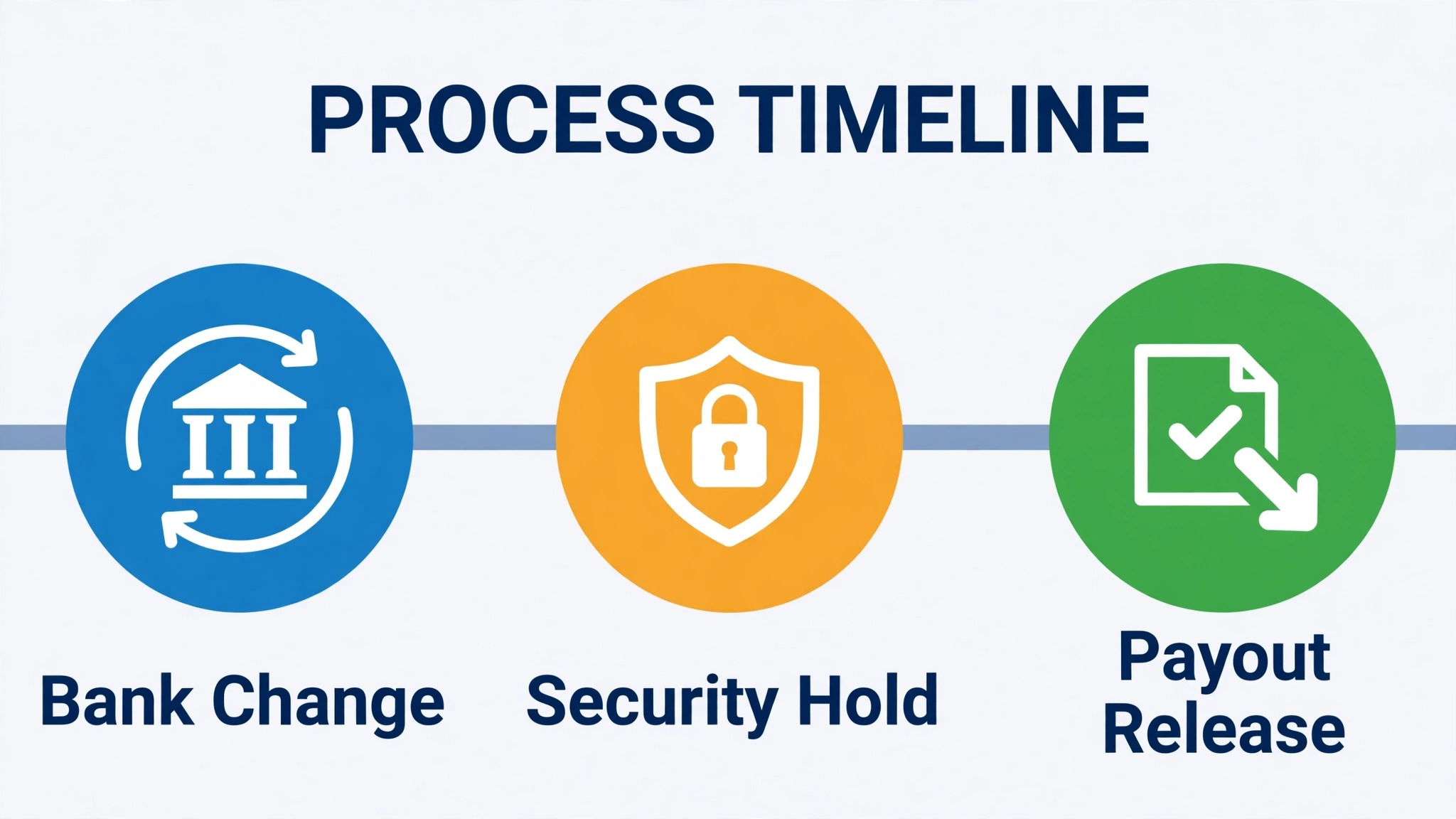
Small stores often make the same early mistake. They change bank details, change the business name, or upload a new document in a hurry, and each change can trigger a fresh check. A hold after a bank update is a known security step, with Shopify Help Center material describing an automatic hold on new payouts for three to five business days after bank details change, while payouts already scheduled go to the previous account. Knowing that rule in advance stops a second panic when the first hold is already being handled.
Shopify Payments Hold Types at a Glance
| Hold signal | Likely cause | First action |
|---|---|---|
| Payouts paused and documents requested | Identity or business details need verification | Upload matching documents through the admin prompt |
| Payouts delayed after a bank change | Security hold on new payouts | Wait out the stated period and check the payout schedule |
| Message asks you to contact support | Account specific review with no public checklist | Contact Shopify Support from the store owner account |
| Product type flagged | Product eligibility or prohibited business rules | Remove the flagged goods or seek a ruling before the deadline |
| Payout failed | Wrong or unsupported bank account details | Correct the account in the Payments section and recheck format |
How to fix Shopify payments on hold small store payouts in order
Work through these steps in order and do not skip ahead to support until you have checked the admin message, because support will ask for the same information first. Keep a simple log as you go, with the date, the message wording, the document sent, and the reply received. That log becomes useful if the case passes between support staff or if a second hold appears later.
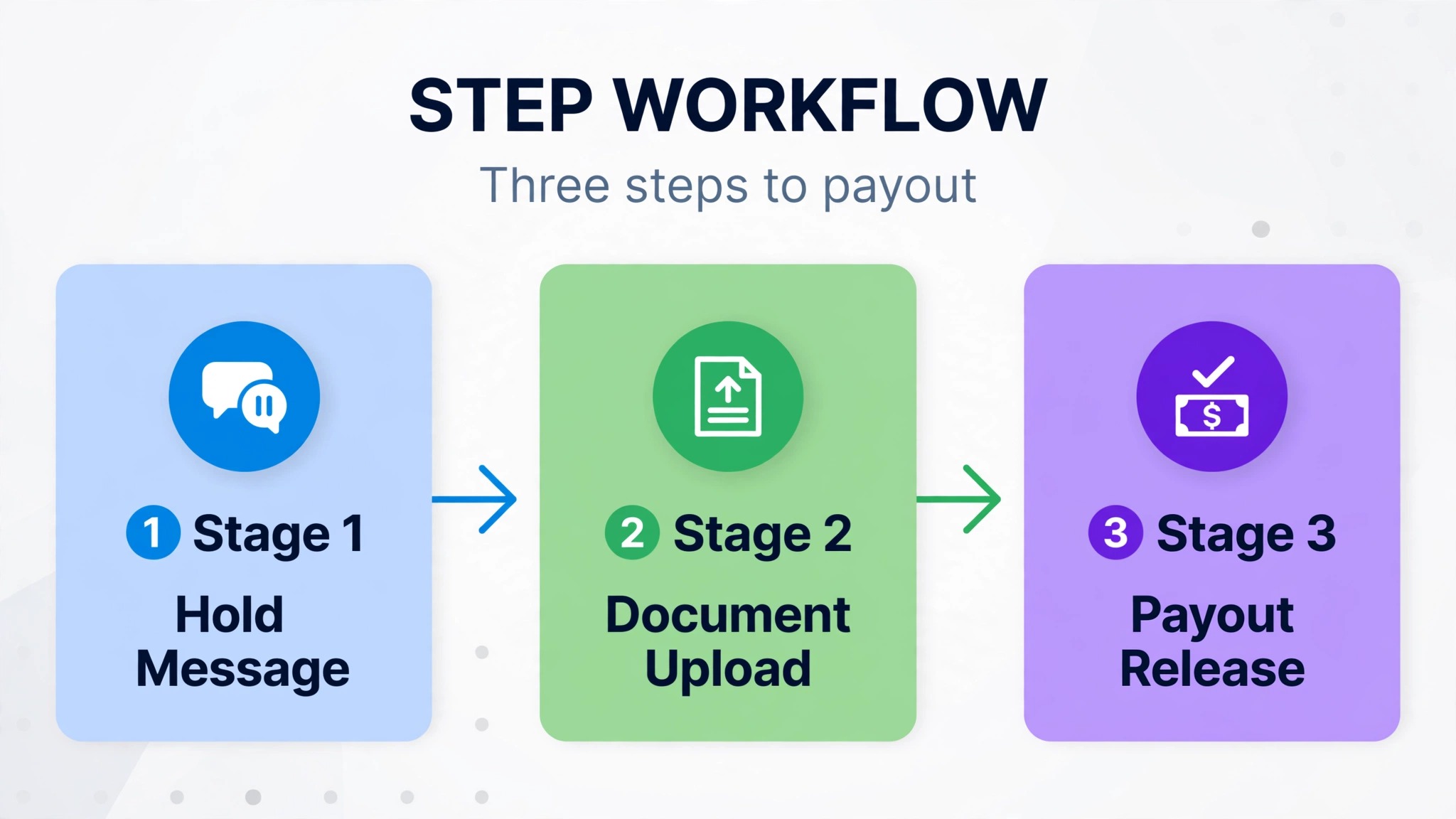
Step 1 Read the hold message in admin and email
Open Settings, then Payments, in the Shopify admin and read every banner, alert, and seller health notice before you change anything. Open the email sent to the store owner as well, because the email sometimes carries a request or a deadline that the short admin banner does not show. Copy the exact wording into your log, including any document type named and any date given.

If the message says information was not verified, do not simply resend the same file. Check what failed, such as a name spelling, an address line, or a document that was cut off at the edge. A resubmission that repeats the same mismatch will fail again and cost another review cycle. If no clear reason is shown, that itself is information, and it points to a support contact rather than another upload.
Step 2 Confirm two step authentication and account access
Shopify Help Center material notes that payouts might be placed on hold until two step authentication is activated on the store. Check that the store owner account has two step authentication turned on, and confirm that you are signed in as the store owner, not as a staff account with limited permissions. Only the store owner can access specific account details, so a staff login may hide the very prompt you need.
This step also protects the payout destination. Two step authentication helps prevent security breaches that can lead to misdirected payouts, and it is a sensible check before you touch bank details. If two step authentication is off, turn it on first, then return to the Payments section and see whether the hold prompt changes.
Step 3 Match every detail to your documents
Verification fails most often on small mismatches. The business name, the owner name, the address, and the document details must match what was entered in the Shopify Payments account. Shopify Help Center guidance stresses that information on documentation must match the information entered on the account. Check spelling, middle names, trading names versus legal names, and address formatting, including flat numbers and postcodes.
Photo identification is commonly accepted in PNG or JPEG format, while proof of address and business documents can also be in PDF format in many regions, with accepted types varying by country. Upload clear, complete, original documents, not screenshots of searches or registry pages where those are not accepted. Check that no edge is cropped, no glare hides a line, and the file is legible at full size before you submit it.
Step 4 Check the bank account for eligibility and format
Open the payout bank account details in the Payments section and check the account type, currency, and format against the requirements for your country. Savings accounts are not supported for Shopify Payments payouts in several regions, and virtual accounts can carry a higher payout failure rate even where they are technically accepted. A checking or current account in the local currency, held in the store country where required, is the safest choice for a small store.
Also check that the account holder name matches the business or owner name on the Shopify Payments account. A payout to an account in a different name, or an account with a mistyped number, will fail or stall even if every other document passes. If you must change the bank account, expect the security hold described earlier, and plan cash flow around it rather than changing the account twice in one week.
Step 5 Submit documents once and wait for the review
Submit the corrected documents through the admin upload prompt, not by emailing files to a general address unless Shopify Support specifically asks for that route. After submission, avoid changing business details, bank details, or ownership details while the review is open, because a new change can restart the check. Note the submission date in your log and check the admin daily for a new prompt, rather than submitting the same file again.
Review times vary by case and by country, so this guide does not promise a fixed number of days for a document review. The bank change hold is different, because Shopify Help Center material gives a three to five business day window for that specific security hold. Do not treat that window as a promise for every hold type. If the admin shows no update and no new request after a reasonable wait, contact support with your log, not with a fresh upload.
Step 6 Check the payout schedule before you call it a hold
Open Settings, then Payments, then Payouts, and read the payout schedule and the status of each payout. A payout that is simply waiting for its scheduled day is not a hold, and chasing it as a hold wastes support time. Check whether payouts are set to daily, weekly, or monthly, and check whether a weekend or public holiday has shifted the date. Small stores that change schedule settings during a busy week often misread the result as a freeze.
Also separate the payout date from the bank arrival date. A payout marked as sent can still take bank processing time to appear, and that time varies by bank and country. Record the payout date, the amount, and the destination account for each payout, so you can point support to a specific payout rather than saying that money in general has not arrived.
Step 7 Set up a fallback payment method now
While the hold is open, add or confirm a second payment provider so new customers can still pay. That fallback might be a third party gateway, PayPal, or another provider supported in your region, depending on what your store already uses. Test the fallback with a small real order, or with the provider test mode where available, and check that order confirmation, tax, and fulfilment still work end to end.
Tell customers nothing alarming on the storefront. A checkout that works normally needs no banner about payouts, because payouts are a back office matter. The fallback matters most when the hold also affects the ability to take payment, or when the review deadline requires an alternative provider. In that case, the fallback is not a temporary patch, it is the plan that keeps the store trading.
Shopify Payout Settings Worth Checking During a Hold
The Payments section holds more than the payout bank account. It shows the payout schedule, the payout currency where applicable, and any alert that takes you to the document upload page. Work through that section slowly, screen by screen, and screenshot each alert for your log before you act on it. Screenshots help if an alert disappears after you click through, and they help support understand what you saw.
Seller health notices can also carry hold related actions, so check that area when the Payments banner is vague, because that notice may hold the exact step you need to fix Shopify payments on hold small store payouts. A notice there may name a document, a product issue, or a business detail that the main banner only hints at. Do not ignore a seller health notice because it looks like a general warning. In a hold case, it is often the most specific instruction Shopify gives.
Check product eligibility at the same time. Shopify Help Center material on account holds lists product eligibility among possible reasons, and it describes a case where high value goods must be removed to continue using Shopify Payments. If your store sells a product type that sits near a restricted category, read the Acceptable Use Policy and the Shopify Payments terms for your country before you argue the hold. Removing a flagged product quickly can matter more than a long appeal.
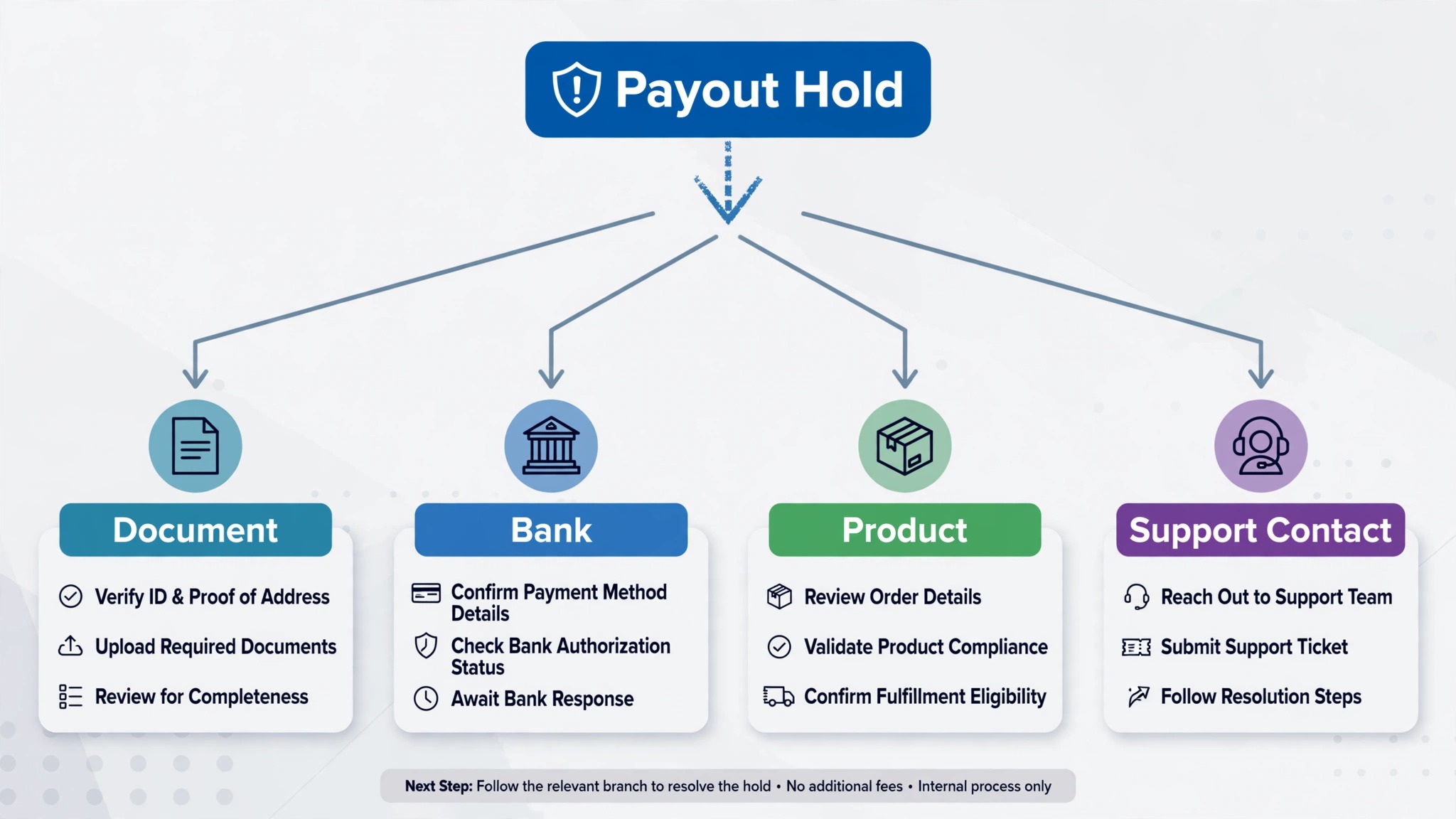
The Hold Resolution Checklist for a Small Store
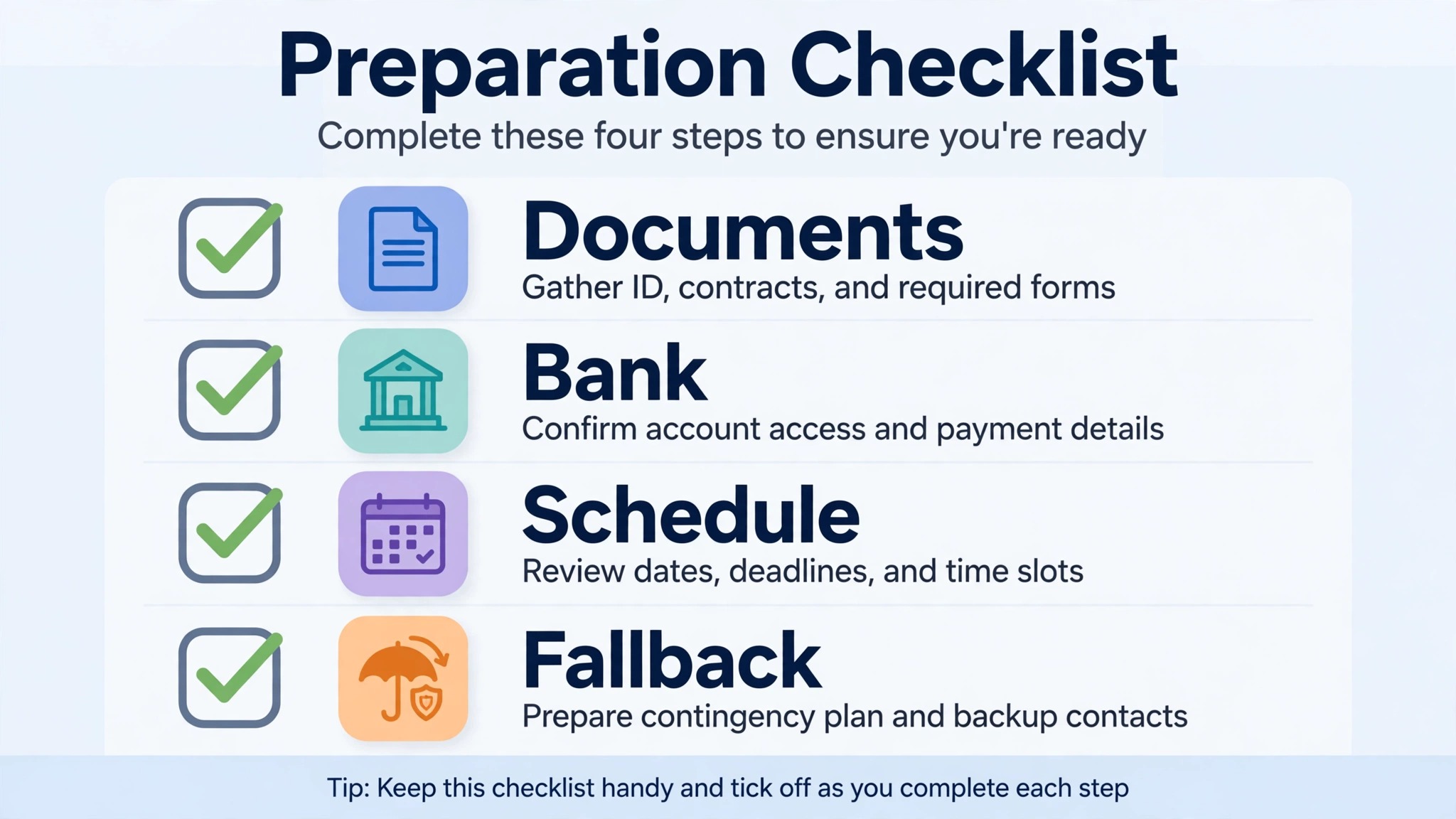
Use this checklist in order, and tick each item only when you have evidence for it, not when you hope it is done. A checklist that reflects wishes rather than facts will mislead the next person who picks up the case.
– Admin hold message copied in full, with date and any deadline noted – Email to the store owner read in full, with any document request noted – Two step authentication confirmed on the store owner account – Business name, owner name, and address matched exactly to documents – Clear identity, address, and business documents uploaded through the admin prompt – Bank account type, currency, and holder name checked against country requirements – Payout schedule checked, with each payout date and status recorded – Fallback payment provider tested with a real order flow – No further business or bank changes made while the review is open – Support contact logged, with case reference and reply date, if support was needed
Mistakes That Stretch a Shopify Payments Hold
The most common mistake is uploading the same rejected document again without fixing the mismatch. A blurry photo, a cropped address proof, or a trading name that differs from the legal name will fail for the same reason every time. Fix the mismatch first, even if that means updating the account details to match the document, or getting a document that matches the account, whichever route is truthful for your business.
The second mistake is changing the bank account during a document review. That change adds a separate security hold on new payouts, so the store ends up waiting on two clocks at once. Unless the bank account itself is wrong, leave it alone until the document review closes. If the bank account is wrong, change it once, record the date, and plan for the three to five business day security hold that Shopify Help Center material describes for bank changes.
The third mistake is contacting support from a staff account, or from a personal email that is not tied to the store owner account. Support cannot share account specific details with the wrong account, so the reply will be general and the case will stall. Always contact support signed in as the store owner, with the store name, the payout dates in question, and the exact hold wording ready.
The fourth mistake is pausing the store in panic when you try to fix Shopify payments on hold small store payouts, because a paused store stops revenue while the payout problem remains. Pausing checkout stops revenue while the payout problem remains, and it can create a backlog of customer messages that is harder to clear than the hold itself. Keep selling through a working fallback, keep fulfilment on schedule, and keep customers informed only about delivery, not about payout mechanics they cannot fix.
What to Say to Customers and Suppliers While Payouts Pause
Customers do not need to know about a payout hold, and suppliers do not need a detailed account of it either, but both groups need honest delivery and payment information. For customers, keep order confirmation, dispatch, and delivery messages on their normal schedule. If fulfilment will slow because cash is tight, say so early, offer a realistic delivery window, and do not promise a date you cannot meet.
For suppliers, a short, factual message works best. State that a payment review is under way, give a realistic payment window rather than a fixed day you cannot guarantee, and ask whether a partial payment or a short extension is possible. Suppliers respond better to a clear window and a named contact than to silence followed by a missed payment. Keep the message focused on the next payment, not on the full history of the hold.
Cash flow planning during a hold should use the money you can actually access, not the payout balance shown in admin. List fixed costs due in the next two weeks, list stock that must be ordered to keep selling, and list any refunds that may fall due. A small store that plans on accessible cash, rather than expected payouts, avoids the second crisis that often follows a hold, which is a missed supplier payment or a failed postage purchase.
Preventing the Next Hold
Prevention starts with keeping business details current. Update the Shopify Payments account when the legal name, address, ownership, or bank account changes, and do it as a planned change with documents ready, not as a rushed fix during a busy sales week. A planned update, with matching documents uploaded at the same time, is far less likely to stall than a change made without documents.
Keep product listings inside the eligibility rules for your region if you want to fix Shopify payments on hold small store payouts once and avoid a repeat hold. Review new product types against the Acceptable Use Policy before you list them, especially for high value goods, regulated goods, or goods that resemble a restricted category. A product that sells well for a month and then triggers a hold has cost more than it earned, once refunds, support time, and lost payouts are counted.
Keep one clean set of business documents in a folder you can reach in minutes. That folder should hold current photo identification for owners, proof of address, business registration, and bank confirmation, with file names that show the document type and date. When Shopify asks for a document, a small store that can upload a clear, matching file the same day is in a stronger position than a store that must search for paperwork while orders pile up.
Review payout settings once a month, even when nothing is wrong. Check the payout schedule, the bank account, and any seller health notice, and record the check in a simple log. A monthly check takes ten minutes and catches a changed bank detail, an expired document, or a product flag before it becomes a hold during a peak sales period.
Reading Payout Statuses Like a Store Owner
A payout status line tells a story if you read it slowly. A payout marked as pending may be waiting for a schedule date, waiting for a document review, or waiting after a bank change, and each cause needs a different response. Do not treat every pending line as the same problem. Open the payout, read its date and destination, and compare it with your log of recent changes. If you changed the bank account three days ago, a pending payout fits the security hold pattern. If you uploaded a document yesterday, a pending payout fits a review pattern. Matching the status to the most recent change saves a support message and a day of worry.
Small stores also benefit from separating two numbers that are easy to confuse. The first number is the payout balance shown in admin, which is money Shopify Payments has recorded but not yet sent. The second number is the money in your bank account, which is the only money you can spend today. Planning stock orders, postage, and wages from the first number creates a false sense of safety. Planning from the second number, with the payout balance treated as incoming but not yet available, keeps the store solvent while a review runs. This habit also helps you fix Shopify payments on hold small store payouts with a clear head, because you are not making decisions under a false deadline.
Check payouts at the same time each day during a hold, and record the status in one line per payout. A daily line such as the date, the payout amount, the status, and the destination account gives you a clean timeline to show support if the case escalates. It also shows you whether the situation is moving, even slowly, or whether it has truly stalled. A payout that changes status is progress, even if the money has not arrived yet. A payout that shows no change and no new prompt after several days is the point to contact support with your timeline ready.
Finally, keep the fallback provider in mind when you read payout statuses. If the fallback is taking new orders cleanly, the store can keep trading while the original payout route is reviewed. That separation between taking payment and receiving payouts is the key insight for a small store under a hold. Orders and payouts are linked, but they are not the same step, and protecting orders while payouts wait is what keeps customers served and revenue flowing.
Frequently Asked Questions
Why are my Shopify payouts on hold?
Payouts can be held for document verification, incorrect bank details, product eligibility, or an account specific review. The admin message and the email to the store owner give the reason for your store. Read both in full before you upload anything, because the fix depends on the reason named there.
How long does a bank change hold last?
Shopify Help Center material describes an automatic three to five business day security hold on new payouts after bank details change, while payouts already scheduled go to the previous account. That window applies to bank changes specifically, and it cannot be removed. Other hold types have no single published window in the material reviewed for this guide.
Can I still take orders during a payout hold?
In many cases checkout still works while payouts are paused, but that depends on the hold type and the message shown in admin. Check the Payments section for any instruction about accepting payments, and set up a fallback provider if there is any doubt. Do not assume checkout is safe without checking the current admin status.
What documents does Shopify ask for?
Accepted documents vary by country, but identity, proof of address, and business documents are common requests. Photo identification is commonly accepted in PNG or JPEG format, while proof of address and business documents can also be in PDF format. The admin prompt for your store names the document types it will accept.
Why was my document rejected?
Rejection usually follows a mismatch between the document and the account, a cropped or unclear file, or a document type that is not accepted in your region. Compare every name, address, and number character by character, recheck the file for clarity and completeness, and upload a corrected file through the admin prompt.
Should I change my bank account to fix a hold?
Only change the bank account if the account itself is wrong, unsupported, or in the wrong name. A bank change during a document review adds a separate security hold on new payouts, so it can lengthen the total wait. Fix the document problem first unless the bank account is the problem itself.
What if the hold message tells me to contact support?
Contact Shopify Support signed in as the store owner, with the exact hold wording, the store name, and the payout dates ready. Support can access account specific details only through the store owner account. Keep a log of the case reference and every reply, because the case may pass between staff.
Can a payout hold become permanent?
A hold can lead to a requirement to remove a product type or set up an alternative provider if the business or product type is not supported on Shopify Payments. That outcome depends on the account review and the terms for your country. Act on any deadline in the admin message promptly, and keep a fallback provider ready so the store can keep trading.
The Verdict for a Small Store on Hold
A payout hold feels like a crisis, but it is usually a verification or eligibility task with a specific fix, and the fastest route through it is methodical rather than frantic. Read the message, match the documents, check the bank account, confirm the payout schedule, and keep a fallback payment method live. Each step removes one possible cause, and the log you keep along the way makes support faster if you need it.
Start today by opening Settings, then Payments, and copying the exact hold wording into a log before you change anything. Upload one clean, matching set of documents, leave business and bank details untouched while the review runs, and plan cash flow on money you can actually access. A small store that handles a hold this way protects its customers, its suppliers, and its next payout, even while the current one waits.