
About one in three dental appointments is lost to a missed recall or an unanswered call, according to figures commonly cited by practice management vendors, and that gap is where a small clinic quietly loses revenue. The best CRM for dental clinics small practice is therefore not the system with the longest feature list. It is the one that keeps the appointment book full, the recall list moving, and the front desk free to talk to patients instead of chasing paperwork. This guide compares ten systems on those tests, with prices stated only where a vendor publishes them and a clear warning where pricing is quote only.
A dental CRM in this guide means the practice management and patient communication system around the appointment book. Some tools cover charting, imaging, and claims as well. Others add only the communication layer on top of a system you already own. Both kinds can work, but they solve different problems, so start by deciding whether you are replacing the whole practice system or fixing recalls and messaging alone.
At a glance comparison
Use this table to shortlist two or three systems, then read the detail sections for the trade that matters to your clinic size. Prices change, so confirm the current figure on the vendor pricing page before you sign anything.
| Tool | Best for | Starting price | Note |
|---|---|---|---|
| Curve Dental | Cloud clinics that want an all in one system | Quote only | Mature cloud platform with imaging |
| Dentrix Ascend | Practices that like Dentrix workflows in the cloud | Quote only | Cloud sibling of Dentrix |
| Dentrix | Established practices with a server based setup | Quote only | Long established full system |
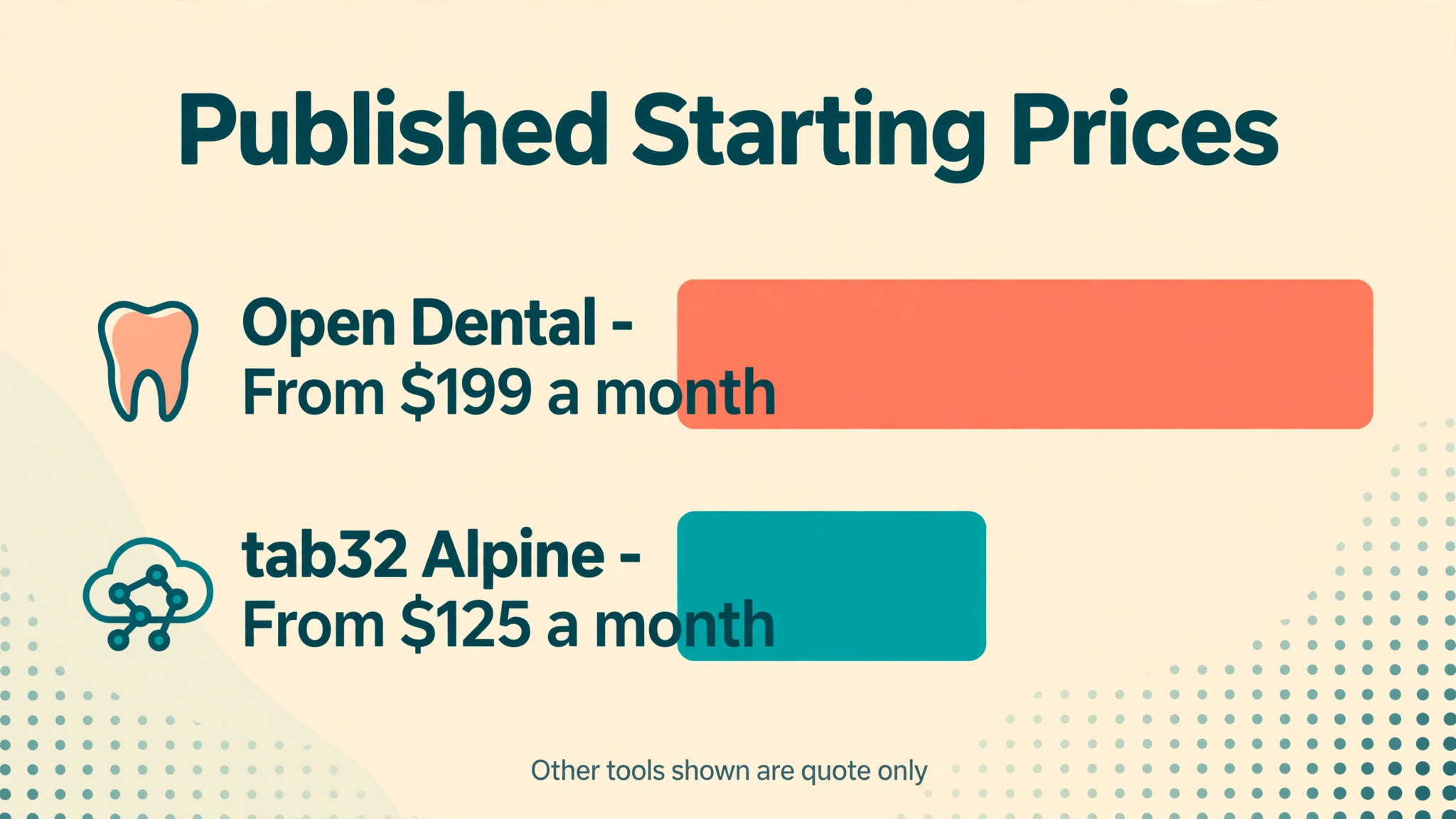
| Open Dental | Budget conscious practices that want control | From 199 dollars a month per location in year one, then 149 dollars | Open and highly configurable |
| CareStack | Growth focused practices and small groups | Quote only | All in one cloud platform |
| tab32 | Cloud first practices and small groups | From 125 dollars a month for Alpine in year one, per published comparisons | Cloud platform with imaging |
| Denticon | Multi location groups | Quote only | Centralised group management |
| Eaglesoft | Established practices on a server system | Quote only | Deep legacy feature set |
| Weave | Practices that need phones, texting, and reviews | Quote only | Communication layer, not a full practice system |
| RevenueWell | Practices fixing recall and patient messaging | Quote only | Recall and marketing focus |
The tools in detail
Each section below states the best fit, the published price position, and the trade you accept. Where a price is not published, that itself is useful information, because it means you must negotiate without a public anchor. When you compare systems side by side, the best CRM for dental clinics small practice that fits is usually the one whose daily workflow your team already understands, not the one with the longest feature list.
Curve Dental
Curve Dental is a cloud first independent practice option that covers cloud scheduling, charting, imaging, and billing and patient reminders and online access from any device. In daily use that combination matters because the front desk, the clinical or service team, and the owner all work from the same record instead of passing notes between separate tools. Setup usually starts with the appointment book and the customer record, then adds payments and reminders once staff trust the basics.
On price, quote only, so check the vendor current pricing page. Check the vendor current pricing page before you budget, because seat limits, texting allowances, and payment processing are often charged separately. The trade to weigh is fewer third party integrations than the largest legacy systems. Ask for a demo using your own busiest week, not a prepared script, and confirm what data you can export if you leave.
In a demo, test the failure case before the happy path. Enter a duplicate booking, a wrong price, and a missing customer detail, then watch how the system recovers. A tool that handles errors gracefully will save staff time every week.
Dentrix Ascend
Dentrix Ascend suits a practice that wants Dentrix workflows without a server buyer that wants cloud scheduling, billing, imaging, and patient communication without a long implementation project. The core workflow runs through central reporting across locations, so a booking, a sale, or a job moves from first contact to payment in one place. That single record also makes follow up easier, because staff can see what was booked, what was paid, and what is still outstanding at a glance.
Pricing is quote only, so check the vendor current pricing page, and you should confirm the current figure on the vendor pricing page before signing, since add on charges for messaging, extra users, and payment processing change the total. The main trade is monthly pricing that reviewers describe as steep for small groups. Test the workflow that fails most often in your business first, and get the exit and data export terms in writing.
In a demo, time the most repeated task with a stopwatch. If the task your team repeats fifty times a day takes ten extra seconds, that is eight minutes a day per person, and it adds up to hours every month.
Dentrix
Dentrix is built for a established practice with a server based setup operation and puts scheduling, charting, imaging, claims, and billing refined over decades at the centre of the working day. Staff handle a large installed base and deep feature depth from the same screen they use for scheduling, which cuts the time spent retyping details into a second system. For a small team that trade matters more than an extra reporting feature that nobody opens.
On price, quote only, so check the vendor current pricing page. Check the vendor current pricing page before you budget, because seat limits, texting allowances, and payment processing are often charged separately. The trade to weigh is server maintenance and an interface that feels functional rather than modern. Ask for a demo using your own busiest week, not a prepared script, and confirm what data you can export if you leave.
In a demo, ask the vendor to run this single test with your own data. Enter a real customer, a real item, and a real price, then change the date, change the quantity, and cancel it. Watch what breaks, because that break will happen on your busiest day.
Open Dental
Open Dental is a budget conscious practice that wants to own its data option that covers scheduling, charting, billing, and reporting in a highly configurable system and low cost and strong control over data and setup. In daily use that combination matters because the front desk, the clinical or service team, and the owner all work from the same record instead of passing notes between separate tools. Setup usually starts with the appointment book and the customer record, then adds payments and reminders once staff trust the basics.
Pricing is published at 199 dollars a month per location for the first 12 months, then 149 dollars a month, and you should confirm the current figure on the vendor pricing page before signing, since add on charges for messaging, extra users, and payment processing change the total. The main trade is a steeper learning curve and more setup work than a guided cloud product. Test the workflow that fails most often in your business first, and get the exit and data export terms in writing.
In a demo, test the failure case before the happy path. Enter a duplicate booking, a wrong price, and a missing customer detail, then watch how the system recovers. A tool that handles errors gracefully will save staff time every week.
CareStack
CareStack suits a growth focused practice or small group buyer that wants cloud scheduling, billing, payments, and patient communication in one platform without a long implementation project. The core workflow runs through an all in one design that suits a practice adding locations, so a booking, a sale, or a job moves from first contact to payment in one place. That single record also makes follow up easier, because staff can see what was booked, what was paid, and what is still outstanding at a glance.
On price, quote only, so check the vendor current pricing page. Check the vendor current pricing page before you budget, because seat limits, texting allowances, and payment processing are often charged separately. The trade to weigh is quote only pricing and a full migration project when switching. Ask for a demo using your own busiest week, not a prepared script, and confirm what data you can export if you leave.
In a demo, time the most repeated task with a stopwatch. If the task your team repeats fifty times a day takes ten extra seconds, that is eight minutes a day per person, and it adds up to hours every month.
tab32
tab32 is built for a cloud first practice or small group operation and puts cloud practice management with imaging and patient communication at the centre of the working day. Staff handle vendor managed conversion that shortens the switch from the same screen they use for scheduling, which cuts the time spent retyping details into a second system. For a small team that trade matters more than an extra reporting feature that nobody opens.
Pricing is published comparisons list Alpine from 125 dollars a month in year one, and you should confirm the current figure on the vendor pricing page before signing, since add on charges for messaging, extra users, and payment processing change the total. The main trade is pricing that varies by plan and features, so confirm what your tier includes. Test the workflow that fails most often in your business first, and get the exit and data export terms in writing.
In a demo, ask the vendor to run this single test with your own data. Enter a real customer, a real item, and a real price, then change the date, change the quantity, and cancel it. Watch what breaks, because that break will happen on your busiest day.
Denticon
Denticon is a multi location group that needs central control option that covers centralised scheduling, billing, reporting, and standardised workflows and consistent control across sites from one dashboard. In daily use that combination matters because the front desk, the clinical or service team, and the owner all work from the same record instead of passing notes between separate tools. Setup usually starts with the appointment book and the customer record, then adds payments and reminders once staff trust the basics.
On price, quote only, so check the vendor current pricing page. Check the vendor current pricing page before you budget, because seat limits, texting allowances, and payment processing are often charged separately. The trade to weigh is more system than a solo practice needs, with group level pricing. Ask for a demo using your own busiest week, not a prepared script, and confirm what data you can export if you leave.
In a demo, test the failure case before the happy path. Enter a duplicate booking, a wrong price, and a missing customer detail, then watch how the system recovers. A tool that handles errors gracefully will save staff time every week.
Eaglesoft
Eaglesoft suits a established practice that values depth on a server system buyer that wants scheduling, charting, imaging, and billing in a long running system without a long implementation project. The core workflow runs through deep feature depth for complex practices, so a booking, a sale, or a job moves from first contact to payment in one place. That single record also makes follow up easier, because staff can see what was booked, what was paid, and what is still outstanding at a glance.
Pricing is quote only, so check the vendor current pricing page, and you should confirm the current figure on the vendor pricing page before signing, since add on charges for messaging, extra users, and payment processing change the total. The main trade is server hardware and an older delivery model than cloud rivals. Test the workflow that fails most often in your business first, and get the exit and data export terms in writing.
In a demo, time the most repeated task with a stopwatch. If the task your team repeats fifty times a day takes ten extra seconds, that is eight minutes a day per person, and it adds up to hours every month.
Weave
Weave is built for a practice that mainly needs better phones and messaging operation and puts a unified phone system, two way texting, reminders, and review requests at the centre of the working day. Staff handle a fast improvement to recall and front desk responsiveness without replacing the practice system from the same screen they use for scheduling, which cuts the time spent retyping details into a second system. For a small team that trade matters more than an extra reporting feature that nobody opens.
On price, quote only, so check the vendor current pricing page. Check the vendor current pricing page before you budget, because seat limits, texting allowances, and payment processing are often charged separately. The trade to weigh is it is a communication layer, so charting and claims stay in your existing system. Ask for a demo using your own busiest week, not a prepared script, and confirm what data you can export if you leave.
In a demo, ask the vendor to run this single test with your own data. Enter a real customer, a real item, and a real price, then change the date, change the quantity, and cancel it. Watch what breaks, because that break will happen on your busiest day.
RevenueWell
RevenueWell is a practice fixing recall and patient messaging option that covers automated recall, reminders, and patient marketing campaigns and a focused fix for the empty chair problem. In daily use that combination matters because the front desk, the clinical or service team, and the owner all work from the same record instead of passing notes between separate tools. Setup usually starts with the appointment book and the customer record, then adds payments and reminders once staff trust the basics.
Pricing is quote only, so check the vendor current pricing page, and you should confirm the current figure on the vendor pricing page before signing, since add on charges for messaging, extra users, and payment processing change the total. The main trade is it does not replace a full practice management system on its own. Test the workflow that fails most often in your business first, and get the exit and data export terms in writing.
In a demo, test the failure case before the happy path. Enter a duplicate booking, a wrong price, and a missing customer detail, then watch how the system recovers. A tool that handles errors gracefully will save staff time every week.
Best pick by job
The best CRM for dental clinics small practice changes with the shape of the clinic, so pick by job rather than by brand. A solo dentist needs low cost and simple recall. A small group needs consistent workflows. A multi chair clinic needs chair level scheduling and reporting that the owner can read in minutes.
| Job | Best pick | Why it fits |
|---|---|---|
| Solo dentist | Open Dental | Low published price and full control, with recall handled by reminders and discipline |
| Small group practice | Curve Dental | Cloud access and a consistent workflow across chairs and rooms |
| Multi chair clinic | Dentrix Ascend | Central reporting and a familiar workflow that scales with chair count |
Recall and referral checklist
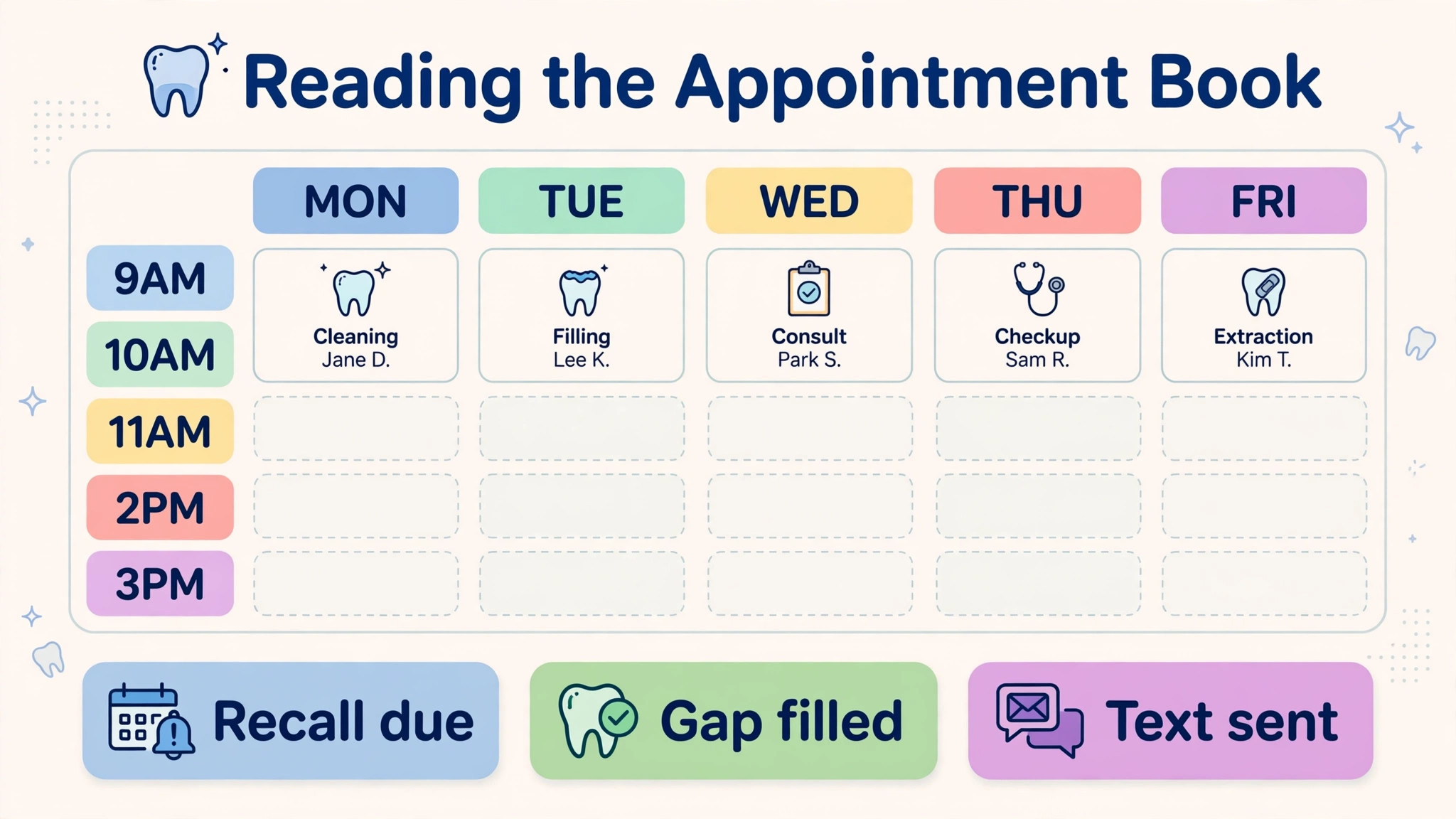
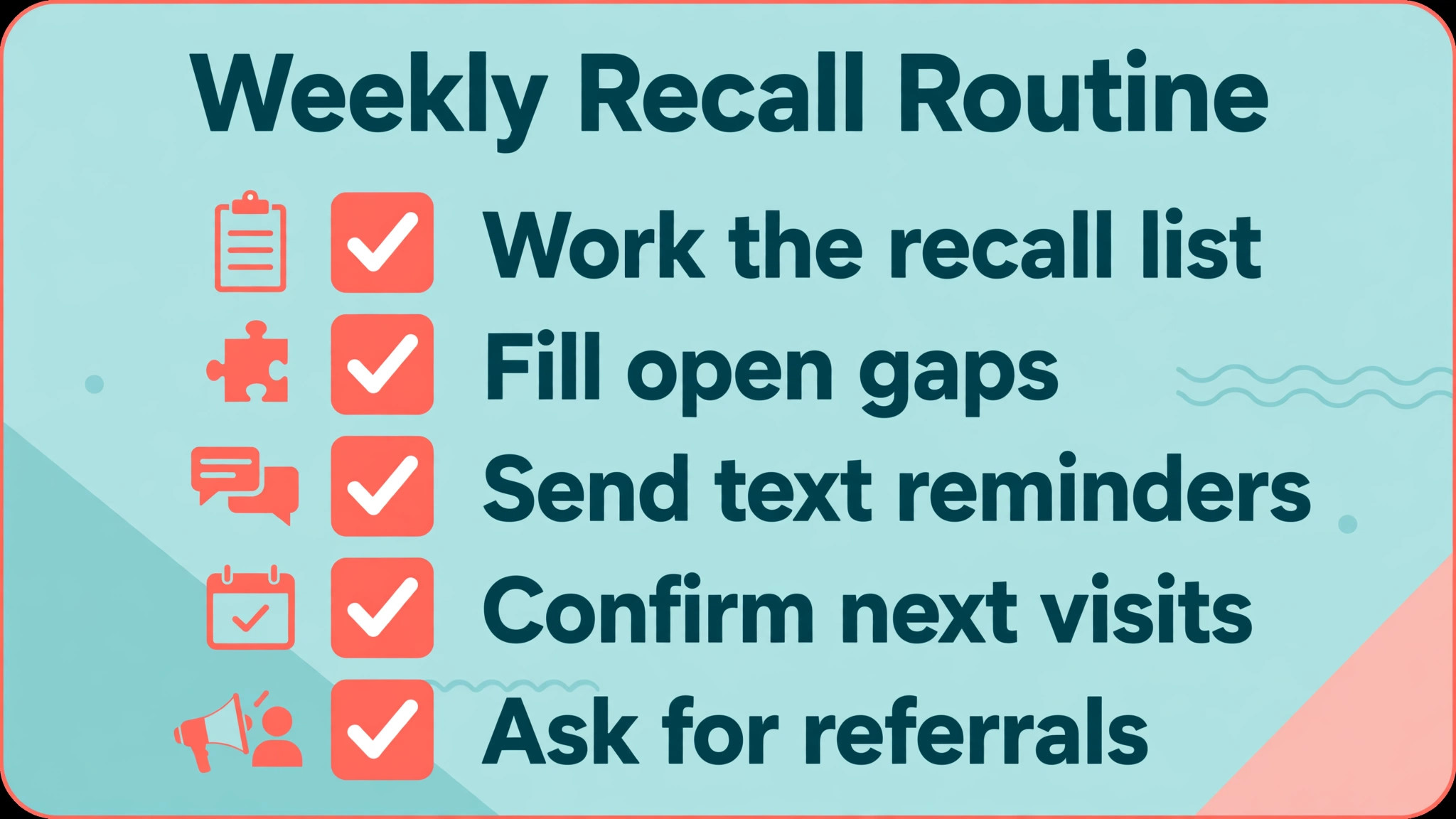
Recall is the cheapest appointment a clinic can fill, because the patient already knows the practice. Use this checklist every week and treat an unworked recall list as lost revenue, not admin.
– Pull the overdue recall list every Monday and assign every name to a staff member with a deadline. – Send a text reminder first, then a call for patients who do not reply within two days. – Record the reason for every missed appointment so patterns show up in the monthly report. – Ask every happy patient for a review at checkout, not by email a week later. – Track referrals by source so you know which local partners actually send patients. – Review unscheduled treatment plans weekly and follow up before the plan goes cold.
How to choose best CRM for dental clinics small practice
Start with the appointment book, not the feature list. Book a new patient, move a hygiene appointment, and fill a cancellation from the waitlist in the demo. If those three actions take more clicks than your current system, the new tool will slow the front desk down, however good its reports look.
Next, test recall end to end. Create a patient due for a checkup, confirm the reminder goes out, and check what happens when the patient does not reply. A system that only sends one reminder and then stops is not a recall system. It is a messaging tool with a nicer name.
Then check claims and payments. Ask how eligibility checks, claim submission, and patient balances flow into the same record, and who fixes a rejected claim. A clean appointment book means little if billing lives in a separate queue that nobody owns.
Finally, price the whole first year. Add migration, training, texting allowances, payment processing, and any per location fee to the headline subscription. The best CRM for dental clinics small practice on paper can become the most expensive choice once those extras are counted honestly.
One more test matters for a small clinic. Run the end of day routine in the demo, including balancing the day sheet, chasing unpaid balances, and preparing the next day recall list. A system that makes mornings easy but evenings slow will cost the front desk an hour a day, and that hour is the difference between a team that trusts the system and a team that keeps a paper backup.
Mistakes to avoid
The best CRM for dental clinics small practice is often lost in the buying process rather than in the product itself. These are the mistakes that cost small clinics the most time and money.
Buying for the group you hope to become
A solo practice that buys group reporting and multi location controls pays for complexity it will not use for years. Buy for the clinic you run today, with a clear upgrade path, and revisit the decision when chair count or location count actually changes.
Skipping the data migration question
Charts, images, ledgers, and perio records do not all migrate cleanly. Ask exactly what moves, what is left behind, and how long the practice runs on two systems. Budget weeks for conversion, not days, and get the answer in writing.
Letting the demo use vendor data
A demo with perfect sample patients hides the awkward cases that fill a real book. Insist on your own scenarios, including a double booked hygienist, a patient with two phone numbers, and a family account with mixed balances.
Ignoring texting limits
Reminder plans often cap messages or charge per text. A clinic that sends recall, confirmation, and review messages can cross that cap in the first month. Price texting at your real volume, not the vendor example volume.
No owner for recall after go live
Software does not work a recall list. People do. Name one staff member who owns the list each week, and review the worked list in the same meeting where you review production, or recall will quietly stop.
Pricing and total cost
Total cost for a dental clinic is rarely the subscription alone. Migration, training, texting, payment processing, and any per location fee sit on top of the monthly figure, and a quote only system can hide those extras until the contract arrives. The best CRM for dental clinics small practice on a pricing page is therefore only a starting point for comparison, not a final ranking.
Build a simple first year sheet before you sign. List the subscription, the migration fee, training days, texting at your real monthly volume, payment processing on your real card volume, and any extra user or location charge. Then compare that sheet across finalists, not the headline prices. A system that looks expensive at headline level can be cheaper once texting and training are included.
Ask about price rises at renewal in the same conversation. Some vendors hold the first year price and raise it sharply in year two, while others publish a fixed term price. Get the renewal rule in writing, along with the cancellation notice period, so a price rise does not trap a clinic that has already migrated its records.
Frequently Asked Questions
What is a dental CRM?
A dental CRM is the system that manages patient relationships around the appointment book, including scheduling, reminders, recall, messaging, and often charting and billing. In a small practice the value is simple. Fewer empty chairs, fewer missed recalls, and a front desk that spends less time on paperwork and more time with patients. That test also applies to the best CRM for dental clinics small practice shortlist, because a tool that only works in a demo will not survive a busy week.
Is a CRM the same as practice management software?
Not always. Full practice management software covers charting, imaging, claims, and billing as well as scheduling. A communication CRM such as Weave adds phones, texting, and reminders on top of a system you already own. Choose the full system when you are replacing everything, and the communication layer when only recall and messaging are broken.
How much does dental software cost for a small practice?
Published prices in this guide range from about 125 dollars a month for tab32 Alpine in year one to 199 dollars a month per location for Open Dental in year one, then 149 dollars. Most cloud systems are quote only, so the honest answer is that you must get a written quote that includes texting, migration, and training before comparing totals.
Should a solo dentist choose cloud or server software?
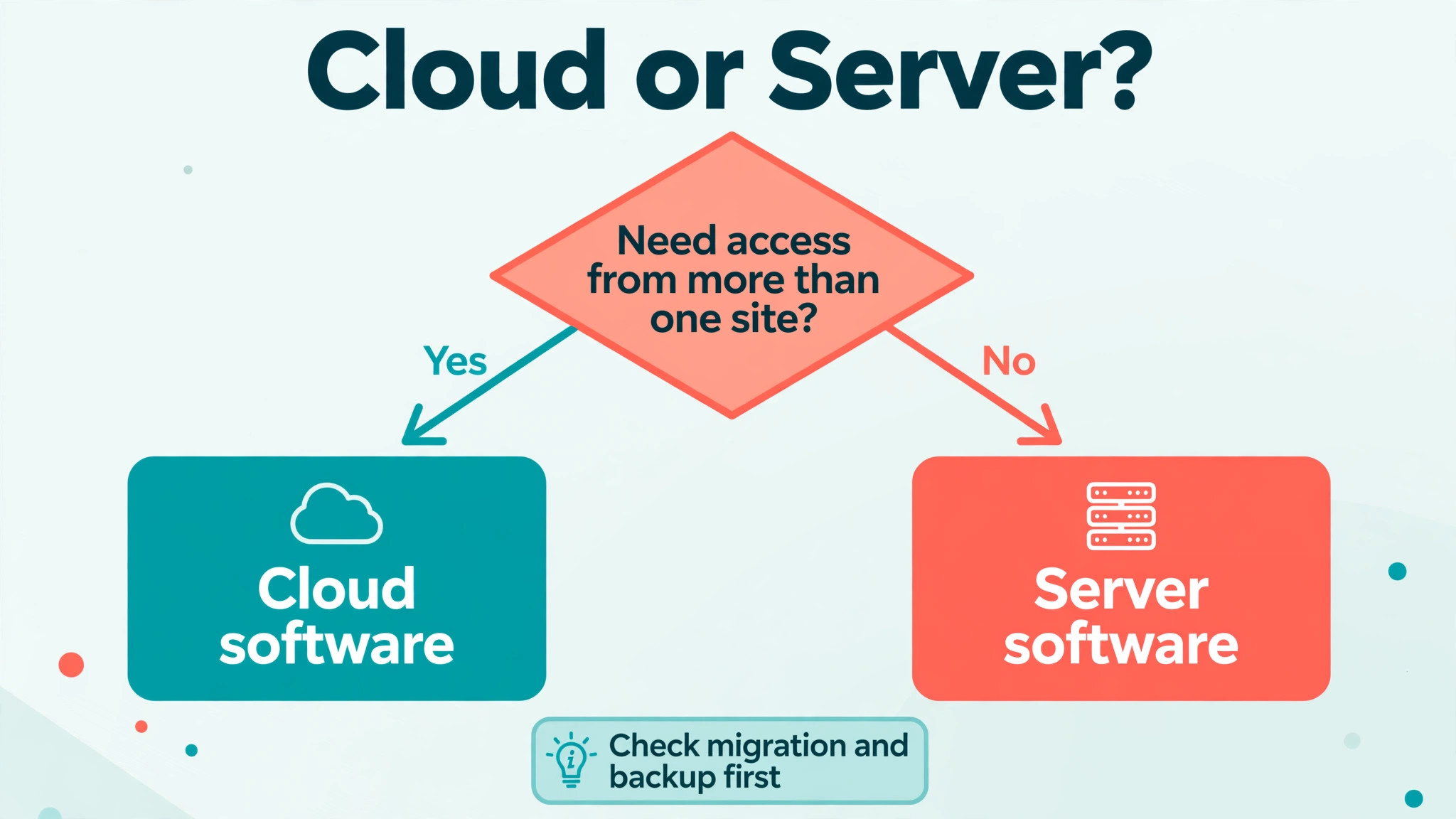
Most new solo practices should choose cloud software. There is no server to maintain, updates arrive automatically, and the owner can check the book from anywhere. Server software still suits a practice that wants data on its own hardware and already has the support to maintain it.
How long does switching dental software take?
Cloud vendors with vendor managed conversion often go live in days to a few weeks, while a complex legacy migration can take longer. The slow part is rarely the software install. It is cleaning patient records, training staff, and running the old and new systems in parallel until the team trusts the new book.
Can dental software handle insurance claims?
Full practice management systems handle eligibility checks, claim submission, and patient balances as part of the workflow. Communication only tools do not. If claims are a pain point, shortlist full systems and test a rejected claim in the demo, not just a clean claim.
Do patients actually respond to text reminders?
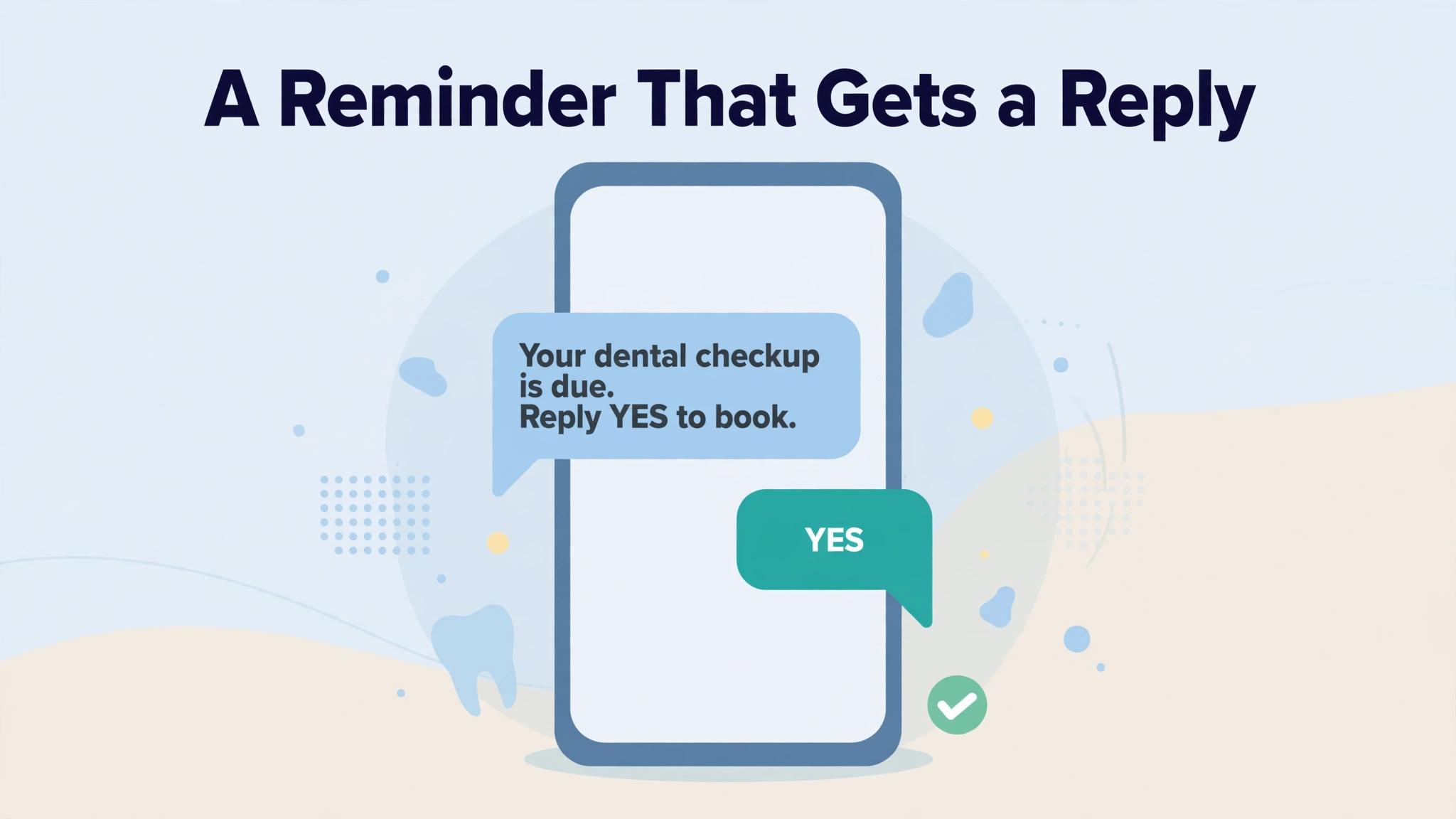
Text reminders reduce no shows compared with phone only follow up, because patients read texts quickly and can confirm with one reply. The gain depends on timing and follow up. A single reminder with no second attempt for non responders leaves much of the benefit unused.
What should I check before signing a dental software contract?
Check the monthly total including texting and extra users, the contract length, the data export format, the migration scope, and the support hours. Ask what happens to your data if you cancel, and confirm whether the price is fixed for the term or rises at renewal.
More Reading on Stratilyze
These related guides cover the wider small business systems that sit around a clinic, from client follow up to invoicing and general CRM choice.
– Best CRM software for small business – Best CRM for wedding vendors – Best CRM for recruitment agencies – Best CRM for franchise owners – Best invoicing software for consultants
Verdict
Shortlist Open Dental if budget and control matter most, Curve Dental if you want a mature cloud system, and Dentrix Ascend if your team already knows Dentrix workflows. Add Weave or RevenueWell only if the practice system itself is fine and recall is the real problem. Run each finalist through your own busiest week before signing. The best CRM for dental clinics small practice decision should be made on that tested week, not on a sales call.
Checklist close. Confirm the recall owner, confirm the texting budget, confirm the migration scope in writing, and only then sign. A clinic that does those four checks will get value from any of the ten systems above. A clinic that skips them will blame the software for a buying decision that was never tested.