
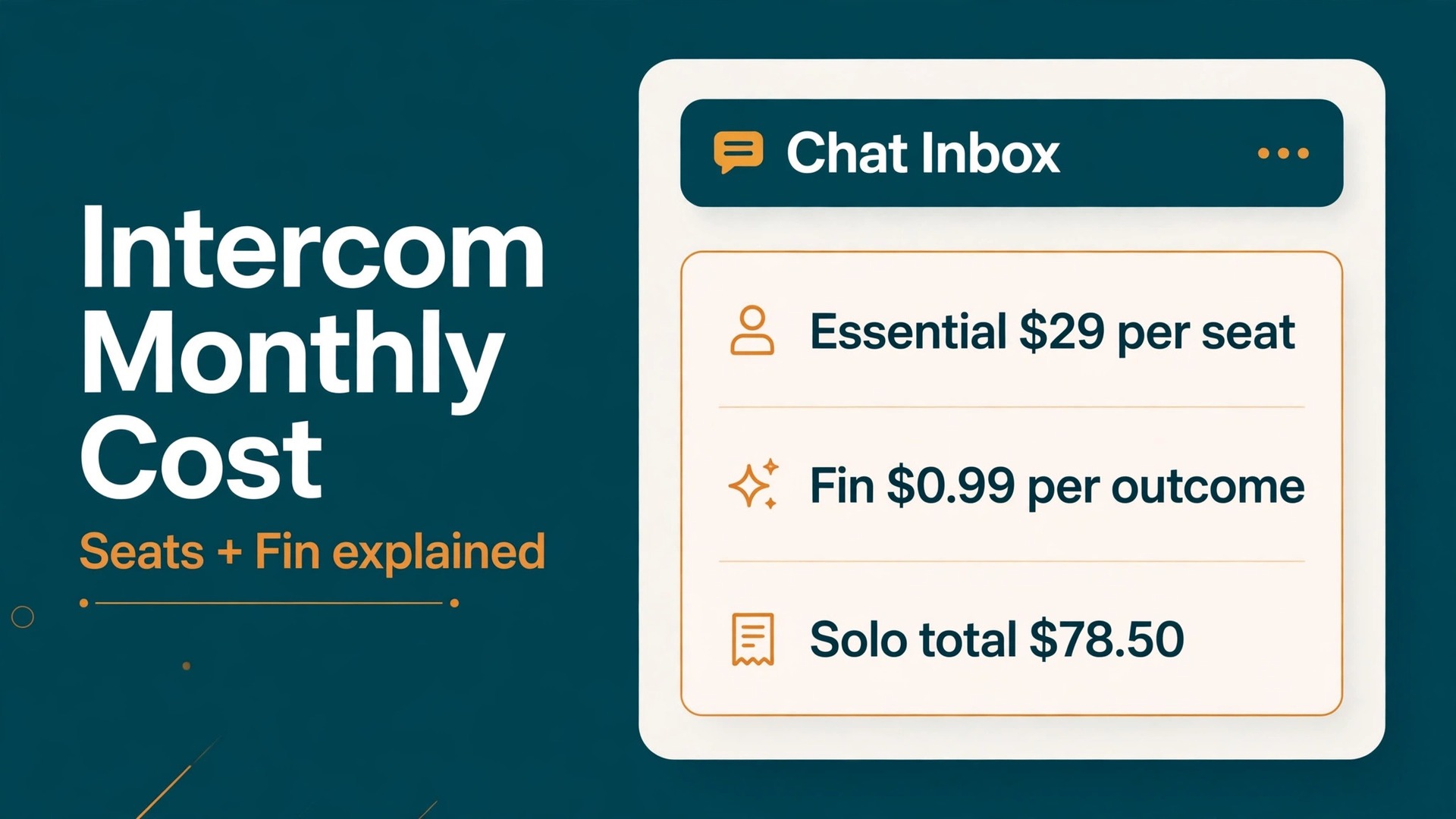
For most small support teams, Essential at 29 dollars per seat per month on annual billing is the sensible starting point, and Advanced only earns its price when automation and multiple inboxes remove real weekly work. That is the short answer to the cost of Intercom for small business monthly, and the rest of this guide tests it against real team sizes, real message volume, and the usage charge that many buyers miss on first reading.
Intercom charges in two parts, and the second part is where budgets slip. Seats carry a fixed monthly price by tier, while Fin, the AI agent, charges 0.99 dollars per resolved outcome, with a monthly minimum of 50 outcomes. A team that plans only for seats will understate the bill in any month when Fin handles a large share of conversations, so both parts belong in the same budget from day one.
Prices in this guide are starting points gathered from vendor and comparison pages at writing time. Intercom has changed its packaging before, and it may change it again, so check the vendor page for the current seat price, the Fin rate, and any new customer offer before you commit. Use the worked totals here to size the bill, then confirm the live price before you pay.
What the cost of Intercom for small business monthly Really Covers
That headline seat price buys the shared inbox, the Messenger chat widget, ticketing, a public help center, and prebuilt reports on Essential. It does not buy unlimited AI resolutions, and it does not include every add on. Copilot, for example, is listed as a separate 29 dollar per seat per month add on in recent comparisons, so a team that wants AI help for agents should price it apart from the seat itself.
Advanced adds multiple team inboxes, workflow automation, round robin assignment, and a private and multilingual help center, plus 20 free Lite seats. Expert adds single sign on and identity management, HIPAA support, service level agreements, and multibrand Messenger and help center support, plus 50 free Lite seats. Lite seats matter for colleagues who need to view work without replying, but they do not replace full seats for agents who answer customers.
Fin sits across all three tiers as a usage charge, not a tier feature. Every plan can use it, and every use costs money at the published outcome rate. That split is actually fair, because a quiet shop should not pay the same AI bill as a busy store, but it means the monthly total moves with conversation volume. Budget Fin separately, track outcomes weekly, and treat a rising outcome count as a sign that customers need help, not just as a cost.
Intercom Plans and Seat Prices Side by Side
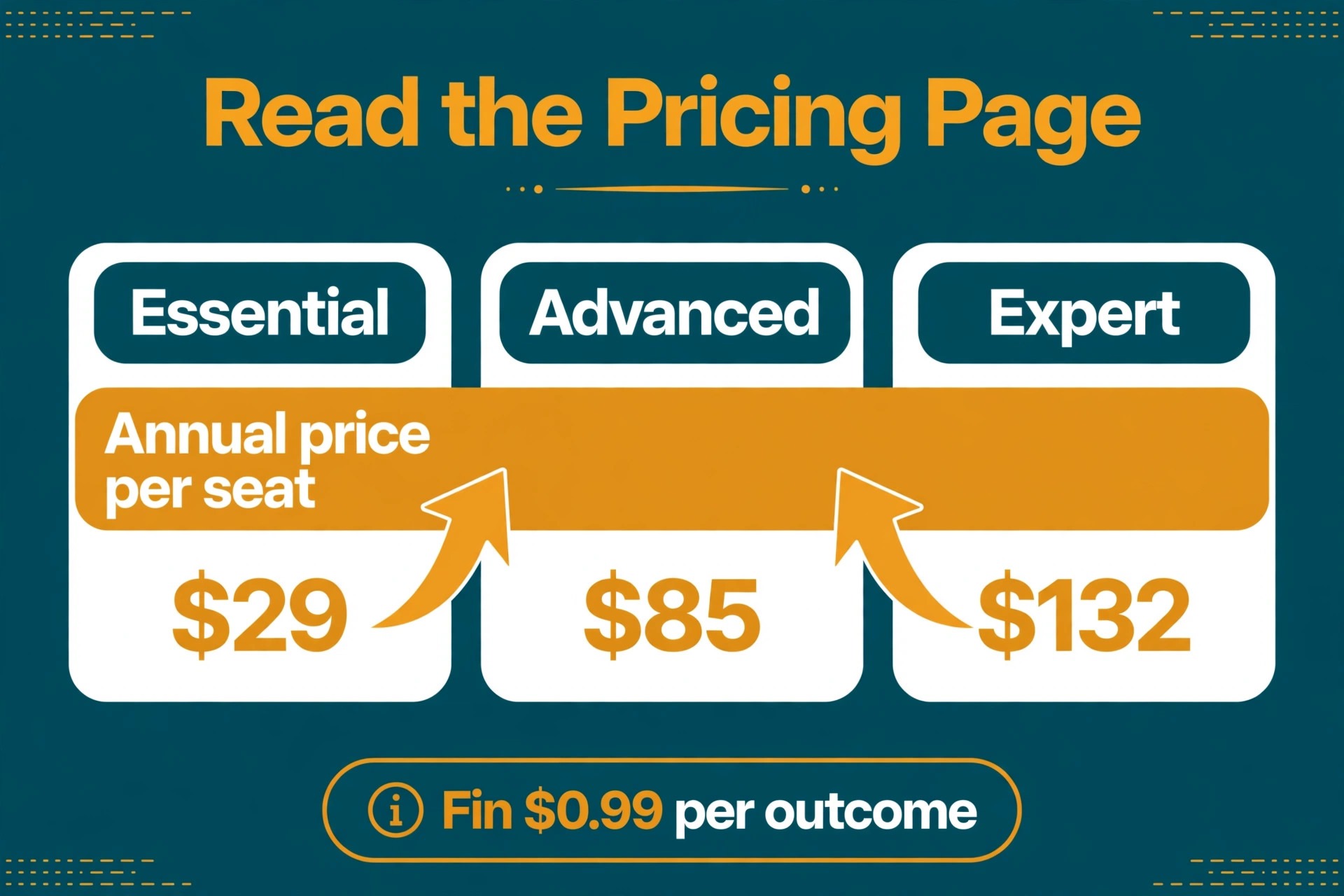
The table below uses annual billing first, with monthly billing beside it, because the difference is large enough to change the decision for a small team. Essential rises from 29 dollars to 39 dollars per seat when billed monthly, Advanced from 85 dollars to 99 dollars, and Expert from 132 dollars to 139 dollars.
| Plan | Annual billing per seat | Monthly billing per seat | Free Lite seats |
|---|---|---|---|
| Essential | 29 dollars | 39 dollars | None published |
| Advanced | 85 dollars | 99 dollars | 20 |
| Expert | 132 dollars | 139 dollars | 50 |
Read Lite seats carefully before counting them as team capacity. They suit managers, product colleagues, or part time helpers who need visibility, but published comparisons describe them as unable to reply to customers in the same way as full seats. A five person support team still needs five full seats if five people answer, whatever the Lite allowance says.
New customer offers appear from time to time, and one recent comparison noted a 35 percent reduction on Essential for new customers. Treat any offer as temporary unless the vendor page says otherwise, and budget the renewal at the full published rate. A plan that only works at a launch discount is a plan that will surprise you at renewal.
Use this table as the starting point for judging the cost of Intercom for small business monthly against the work the team actually does each week, rather than against a rival headline price alone.

Worked Monthly Totals for a Solo Owner and a Five Person Team
The totals below use annual billing seat prices and add Fin at 0.99 dollars per outcome. They show the cost of Intercom for small business monthly at two team sizes, before taxes, before Copilot, and before any other add on.
| Scenario | Seat cost | Fin outcomes | Fin cost | Monthly total |
|---|---|---|---|---|
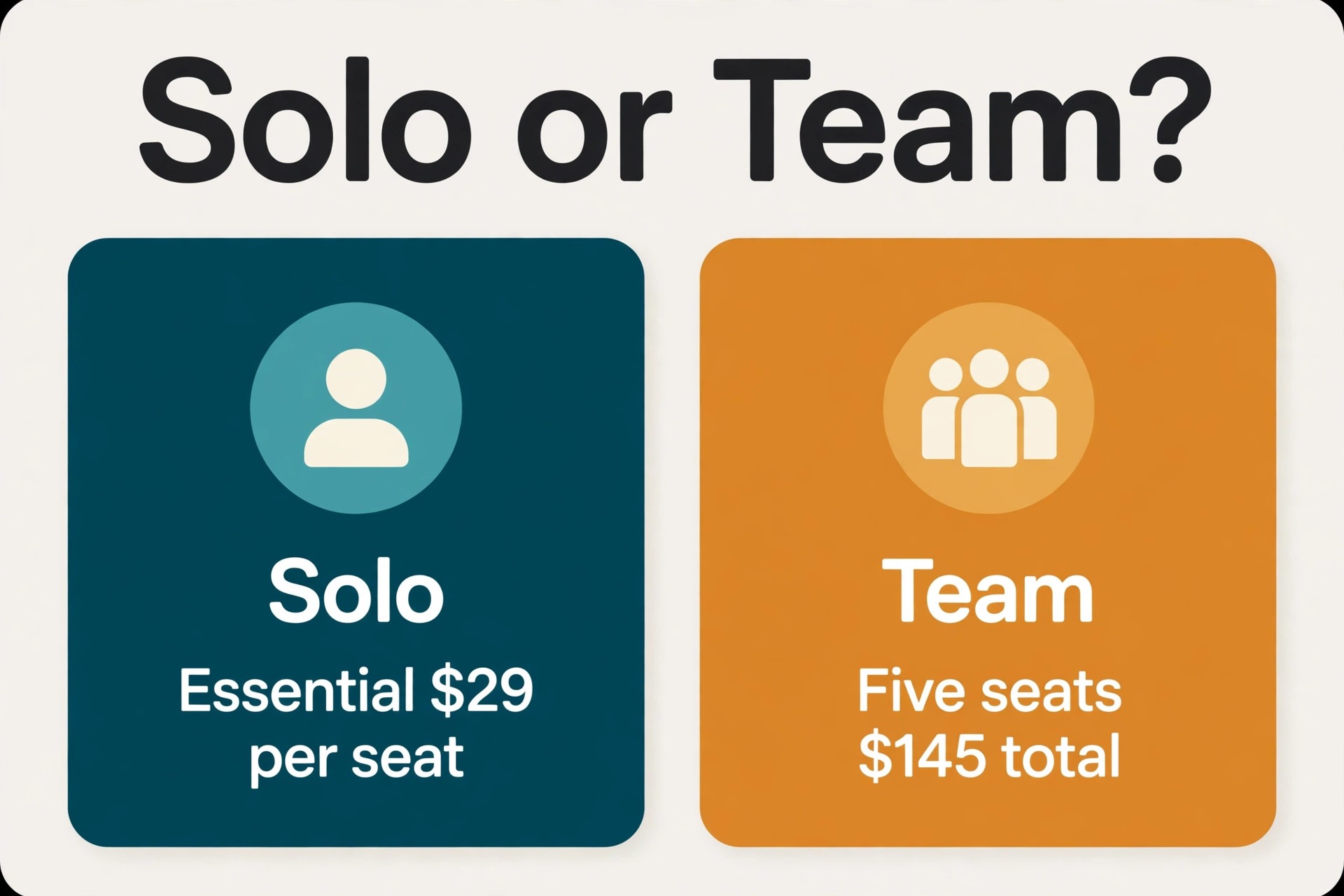
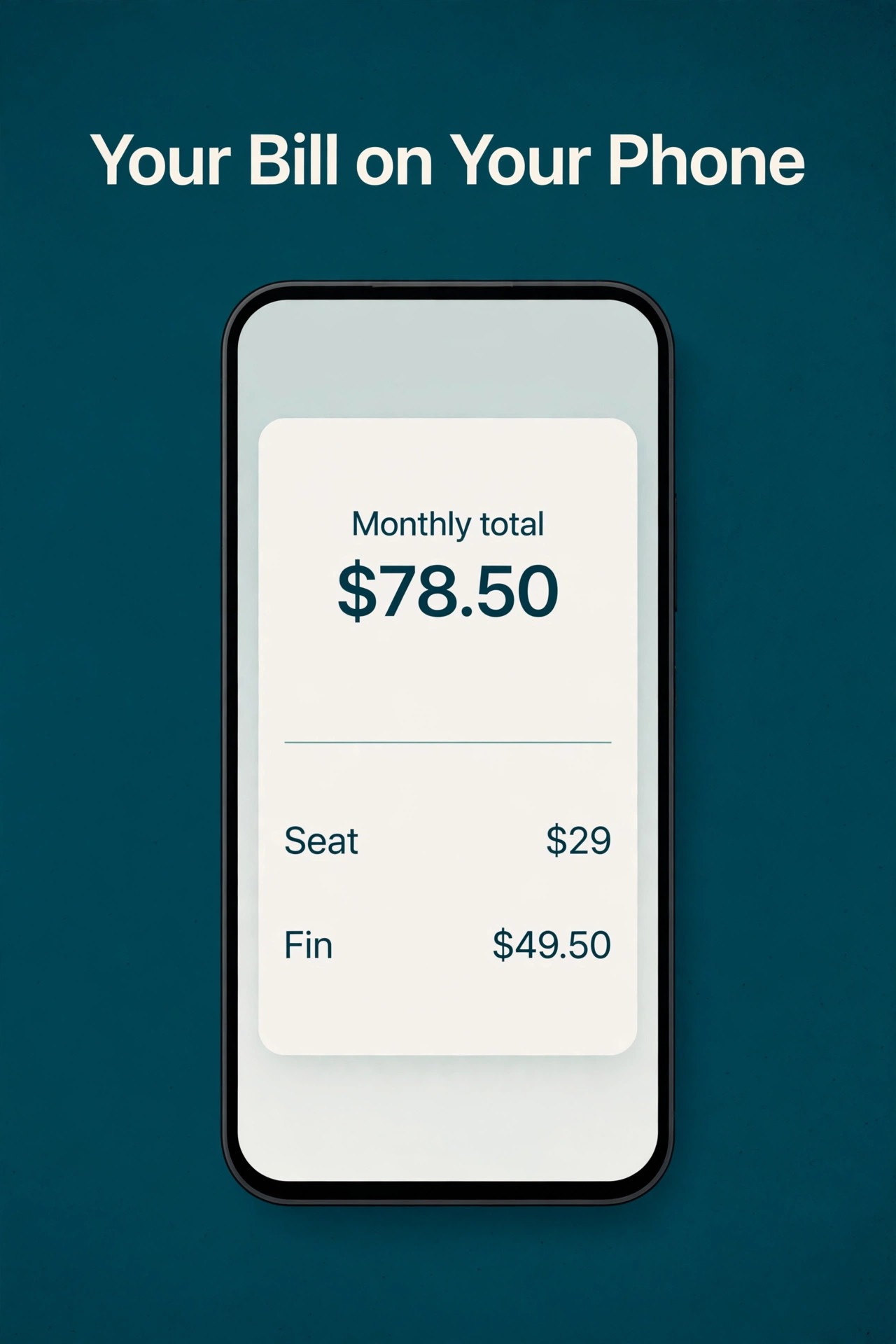
| Solo owner, Essential | 29 dollars | 50 outcomes | 49.50 dollars | 78.50 dollars |
| Solo owner, Essential, 100 outcomes | 29 dollars | 100 outcomes | 99 dollars | 128 dollars |
| Five person team, Essential | 145 dollars | 200 outcomes | 198 dollars | 343 dollars |
| Five person team, Advanced | 425 dollars | 200 outcomes | 198 dollars | 623 dollars |
| Five person team, Expert | 660 dollars | 200 outcomes | 198 dollars | 858 dollars |
Do the arithmetic for your own volume before choosing a tier, because Fin can be larger than the seat bill. A solo owner with 50 outcomes pays 49.50 dollars for Fin against 29 dollars for the seat, so the AI charge is the bigger line. That is not a reason to avoid Fin, since resolved conversations save agent time, but it is a reason to track outcomes from the first week rather than discovering them on the invoice.
The jump from Essential to Advanced for a five person team is 280 dollars a month on seats alone, before Fin. That jump only pays when workflows, round robin assignment, and multiple inboxes remove enough manual triage to save several agent hours a week. If the team still routes most chats by hand, Advanced buys features the team has not yet built the habit to use. Start on Essential, build the workflow habit, and move up when a limit blocks work.
Beyond the Seat Price
Fin has a monthly minimum of 50 outcomes, so even a quiet month carries a Fin floor of about 49.50 dollars if Fin is active. A shop that only gets a handful of chats a week should ask whether Fin should be on at all, or whether the human inbox alone covers the volume. The minimum is small in absolute terms, but it changes the value test for very small teams.
Copilot is the next add on to price honestly. At a published 29 dollars per seat per month in recent comparisons, Copilot for a five person team adds 145 dollars a month, which is as large as the whole Essential seat bill for that team. It may still be worth it if it shortens replies and improves first contact resolution, but it should be trialled as a separate decision, with its own before and after measure, not bundled silently into the seat budget.
Channel and integration needs can also add cost, and some useful pieces of the platform are add ons rather than tier features in recent breakdowns. List every channel, every integration, and every automation the team needs before the trial ends, then ask the vendor which items sit outside the chosen tier. A budget that lists add ons separately is the only budget that survives contact with the first invoice.
Annual Billing Against Monthly Billing for Intercom
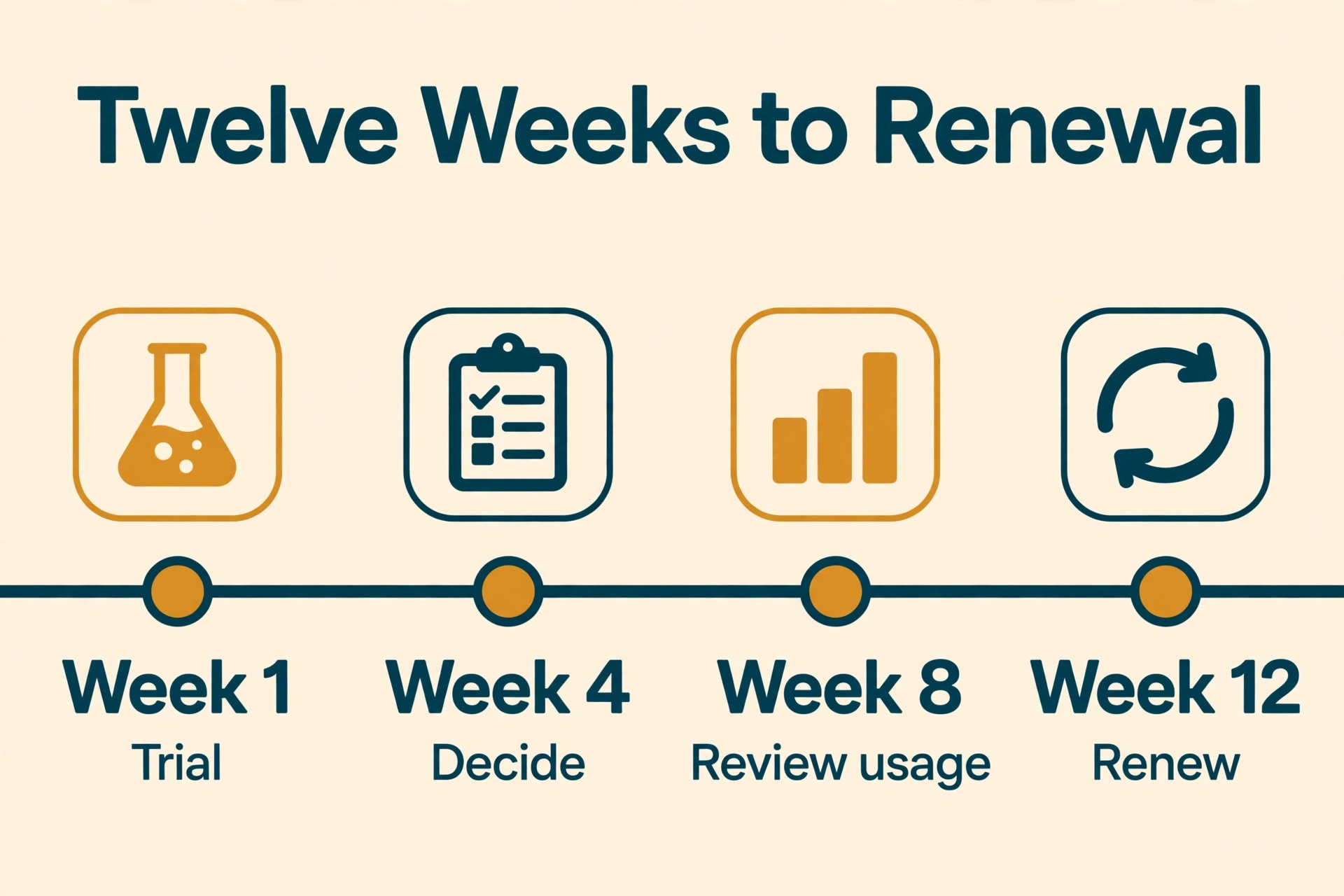
Paying yearly usually lowers the monthly equivalent, but it also locks money into a tool before you know whether the team will stay with it. A small business should treat the annual saving as a reward for a tool that already proved itself, not as a reason to commit on day one. Start monthly, run a real month of work through it, and only switch to yearly billing when the renewal date would otherwise catch you by surprise.
Monthly billing costs more per month, yet it keeps the exit cheap. If the team size changes, the workload drops, or a better fit appears, a monthly plan lets you step down without waiting out a contract year. That flexibility has real value for a business with seasonal work or uncertain hiring plans. Compare the yearly saving against the cost of being stuck, not against zero.
That choice between monthly and annual billing is a core part of the cost of Intercom for small business monthly, because the same team can pay a very different total for the same service depending on the cycle chosen.
Which Intercom Tier Fits Which Team Shape
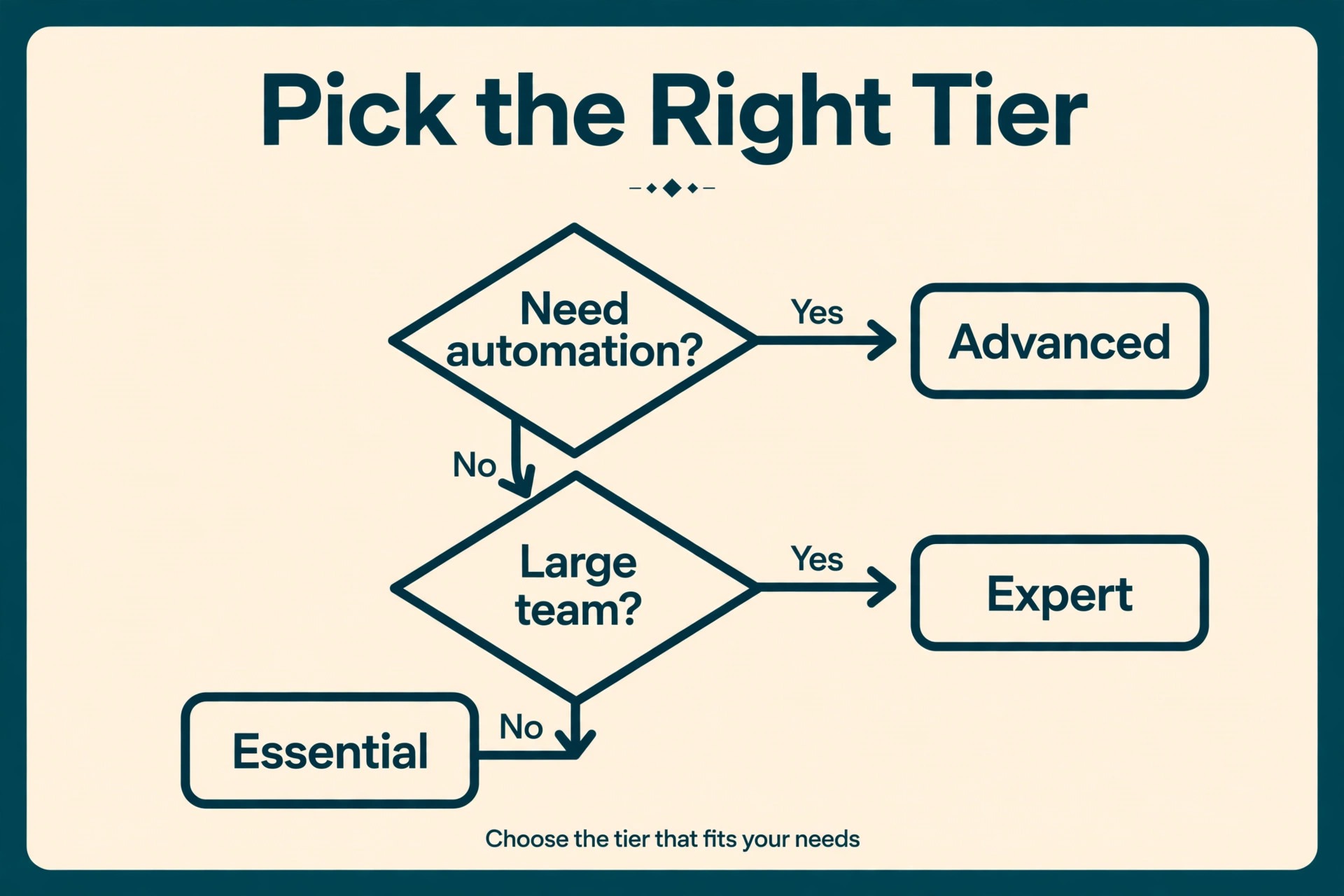
The right tier is usually the cheapest tier that covers the work the team actually does every week. Extra features sound useful in a sales demo, but they only earn their price when they remove a weekly task, prevent a lost customer, or replace another paid tool. List the five tasks the team repeats most often, then check which tier covers all five without add ons. If the cheapest tier covers them, the higher tier is a luxury, not a need.
| Team shape | Sensible first tier | Reason |
|---|---|---|
| Solo owner, light chat | Essential | Low seat cost, shared inbox and help center cover the basics |
| Solo owner, heavy chat | Essential plus Fin tracking | Fin cost, not tier, is the main variable to watch |
| Growing team, shared inbox | Advanced | Multiple inboxes and workflows cut manual routing |
| Regulated or multi brand team | Expert | Single sign on, HIPAA support and multibrand tools matter here |
Team size matters less than workload shape. A solo owner with heavy message volume can need a higher tier sooner than a five person team with light volume. Count conversations, channels, or orders per week before counting heads. A tier chosen on headcount alone often buys seats for people who rarely log in, while the person doing the real work hits a limit on the cheaper plan.
Matching the tier to the team shape is the simplest way to control the cost of Intercom for small business monthly without losing a feature the team actually uses every week.
Budget Mistakes That Inflate an Intercom Bill
The most common budget mistake is buying for the business you hope to become rather than the business you run today. A higher tier bought for a future team still bills every month while that team is only a plan on paper. Buy for current volume, keep the upgrade path open, and let growth trigger the higher bill. Growth should pay for the tool, not the other way round.
Another costly mistake is counting only the headline price and ignoring the extras that appear later. Add ons, extra profiles, usage charges, and a second tool bought to cover a gap can double the first quote. Add every likely extra to the first month estimate, even if the vendor page lists it as optional. A budget built on the full stack is rarely surprised.
Avoiding these mistakes is the fastest way to lower the cost of Intercom for small business monthly without changing tools or cutting a feature the team needs.
How to Keep an Intercom Bill Under Control
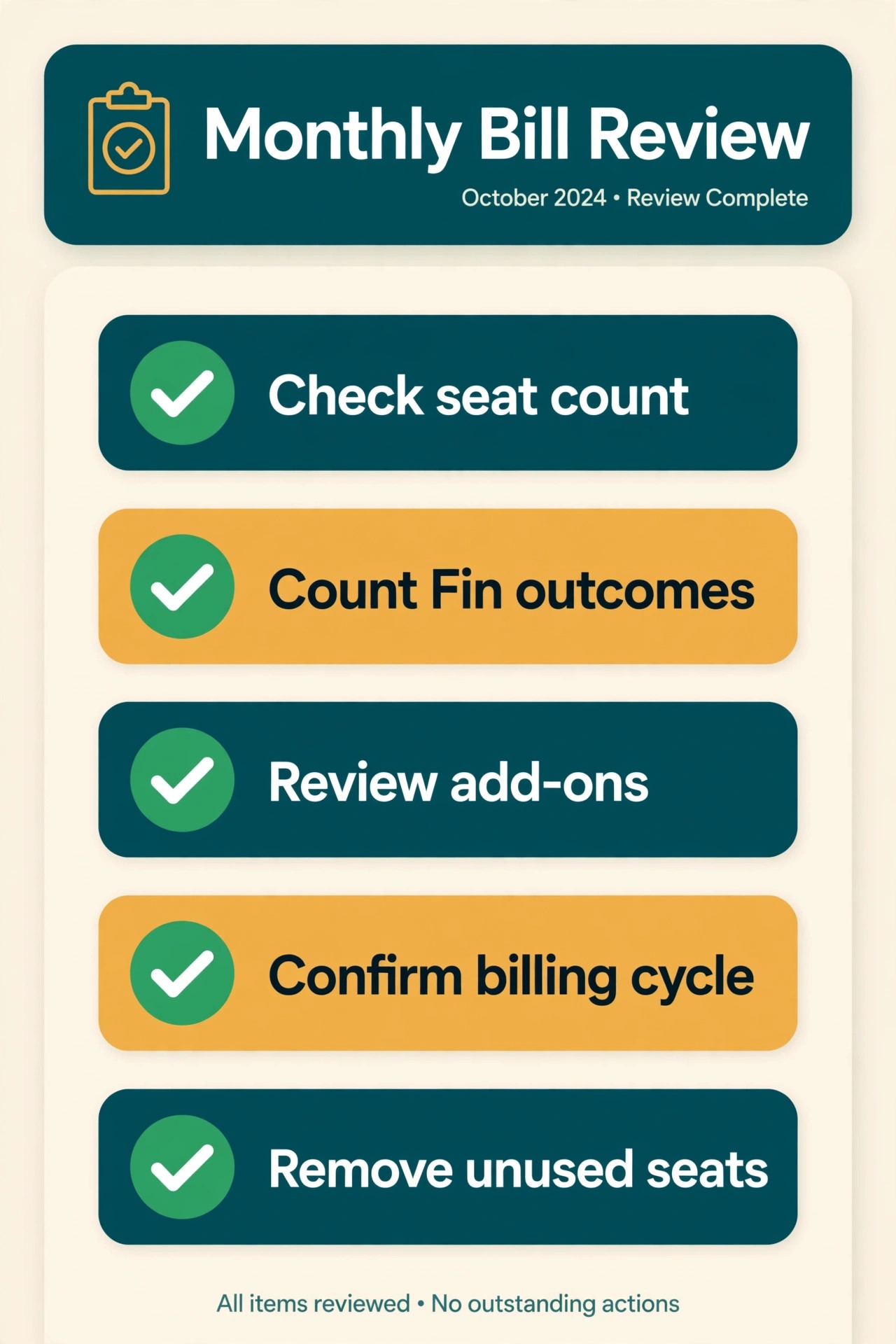
A simple monthly review keeps a subscription bill honest. Once a month, check who logged in, which limits were hit, and what the tool delivered that could not have been done with a cheaper option. Remove seats for people who left, close channels that no longer post, and downgrade a tier that is only half used. Fifteen minutes of review can save more than any discount code.
Write the renewal date and the cancellation steps in the same place you track other bills. Many small businesses lose money not on the price itself but on renewals that nobody noticed. A shared calendar entry with the price, the billing cycle, and the vendor support link turns renewal from a surprise into a decision. Review the bill before it renews, not after it lands.
A monthly review like this keeps the cost of Intercom for small business monthly tied to real use, and it catches seats, channels, or profiles that no longer earn their price.
Review the bill against actual use at the end of the first month, and write down which features were used daily, which were used once, and which were never opened. That short note becomes the evidence for the renewal decision, and it stops the team from paying for a tier chosen on a demo rather than on real work.
Ask the vendor what happens to your data if you downgrade or cancel, and test an export before you rely on the tool for anything important. A clean export turns a subscription into a reversible choice, while a blocked export turns a monthly bill into a trap. This check takes minutes in a trial and can save weeks later.
Keep one owner for each paid tool, even in a tiny team. That person tracks the renewal date, the seat count, and the monthly usage, and they approve any upgrade. Shared ownership usually means nobody owns the bill, and bills without an owner tend to grow quietly.
Negotiate from usage, not from hope. A vendor is more likely to help on price when you can show steady use, a clear seat count, and a renewal date you are willing to walk away from. A polite note before renewal, with the competing price in hand, often beats a complaint after the invoice arrives.
Separate the cost of the tool from the cost of the work around it. Setup time, training, and the weekly habit of checking a new inbox all carry a price in hours. A tool that saves ten hours a month at a higher price can still be cheaper than a free tool that nobody uses properly.
Watch for seasonal swings before choosing a billing cycle. A business with a busy summer and a quiet winter may prefer monthly billing through the slow months, even if annual billing looks cheaper on paper. The right cycle follows the revenue pattern, not just the discount.
Document the reason for the chosen tier in one sentence and keep it with the bill. When a new team member asks why the business pays for a higher tier, that sentence answers the question without a fresh debate. It also makes the downgrade decision easier when the reason no longer applies.
Test the support response during the trial, not after a problem hits a live customer. Send a real question, time the reply, and judge whether the help matches the price. Support quality is part of the monthly cost, because slow help turns into lost customers and extra staff time.
Compare the tool price against the price of doing the same work by hand, including the hours spent on manual posting, inbox triage, or fee arithmetic. A tool that looks expensive on a price page can still be cheap against ten hours of staff time a month, while a cheap tool that nobody uses is expensive at any price. Time, not headline price, is the real budget line.
Run a trial with a clear pass mark written down before the trial starts, such as a reply time, a posting count, or a report built in under an hour. A trial without a pass mark tends to drift into a paid plan by default, because nobody wants to admit the test was inconclusive. A written pass mark makes the renewal decision a fact check, not a feeling.
Check what happens when a team member leaves, since seats, channels, and logins often stay active after the person has gone. A quarterly seat audit that removes departed users and reassigns their work prevents the slow creep that inflates many small business bills. Treat every login as a cost, even on a plan that charges per channel rather than per user.
Keep the billing email in a shared inbox that more than one owner can see, so renewal notices and price change emails do not sit unread in a departed employee mailbox. Many price rises are announced by email weeks before they take effect, and a business that misses the notice loses the chance to downgrade or switch before the new rate starts.
Ask whether a lower tier plus a small second tool beats a higher tier of one tool, since the best combination is not always a single vendor. A cheap scheduler plus a separate reporting sheet can beat a premium all in one plan for a team that only needs one premium feature. Price the combination honestly, including the extra login and the extra weekly habit it creates.
Watch the renewal terms for annual plans, especially whether renewal happens at the price you first paid or at the then current list price. Launch discounts often expire at the first renewal, and a plan that looked affordable in year one can jump in year two. Budget the renewal at the full list price, and treat any discount as a bonus rather than a baseline.
When to Move Up a Tier and When to Stay Put
Upgrade when a specific limit blocks real work three times in one month, not when a feature looks interesting. A blocked approval, a profile cap, or a missing report that forces manual work is a clear trigger. Write the trigger down, price the next tier for the actual team size, and check whether a cheaper workaround covers the same task. If no workaround exists, the upgrade is justified.
Stay on the current tier when the pain is occasional and the workaround takes minutes. Many teams upgrade for one busy week and then pay the higher price through quiet months. A better test is to ask whether the limit will still bite in ninety days at normal volume. If the answer is no, wait. The higher tier will still be there when volume genuinely grows.
How Intercom Prices Compare With Close Alternatives
Price alone rarely decides a tool, because the cheapest option can cost more in time if it misses a core task. The table below puts the headline price beside the job each alternative does best, so the comparison stays practical. Check the vendor page for current prices before deciding, since all of these vendors change packaging from time to time.
| Tool | What it does best | Price note |
|---|---|---|
| Zendesk | Large support operations with deep ticketing | Check the vendor page, tier pricing varies by team size |
| Help Scout | Small teams that want a simpler shared inbox | Check the vendor page, per user pricing applies |
| Freshdesk | Budget teams that need ticketing fast | Check the vendor page, free tier exists with limits |
| Intercom | Chat first support with AI resolution | 29 dollars per seat on Essential, annual billing |
Test the finalists on the same real tasks for one week each, and score them on time saved, errors caught, and reports delivered, rather than on feature count alone. A tool that wins on identical work is the tool that will still win in month six, when the novelty has worn off and only the daily habit remains.
Frequently Asked Questions About Cost of Intercom for a Small Business Monthly
Is there a free Intercom plan for a small business?
No permanent free tier is listed in recent pricing breakdowns, although a 14 day free trial is commonly offered without a card. A solo owner should use the trial to run real conversations, not demo chats, and decide before the trial ends. If the trial never reaches a realistic chat volume, the price test is incomplete, and a second trial week with real traffic is worth arranging.
Treat the trial as a measurement exercise. Count how many conversations Fin resolves, how many need a human, and how long replies take with and without automation. Those three numbers, plus the seat total, give a monthly estimate that a feature list never will. That trial measurement gives a realistic estimate for the cost of Intercom for small business monthly before any annual commitment.
How much does Fin add to a small monthly bill?
Fin charges 0.99 dollars per resolved outcome, with a monthly minimum of 50 outcomes, so the floor is about 49.50 dollars when Fin is active. At 100 outcomes the charge is 99 dollars, and at 200 outcomes it is 198 dollars, before seats. A team should forecast outcomes from past chat volume, not from hope, and review the outcome count weekly in the first two months.
The value test is time saved per outcome. If Fin resolves routine questions that previously took an agent five minutes each, the charge can pay for itself quickly. If Fin mostly hands conversations back to agents, the charge is pure extra cost, and the team should fix the help content or the workflow before scaling Fin use.
Does Essential suit a solo owner?
Yes, for most solo owners, because Essential covers the shared inbox, Messenger, ticketing, and a public help center at the lowest seat price. A solo owner with light chat volume may even find Fin unnecessary at first, which keeps the bill at the seat price alone. The limit to watch is workflow depth, since heavy automation belongs on Advanced.
A solo owner should upgrade only when manual routing or reporting becomes a weekly burden. If the inbox stays manageable and the help center answers most repeat questions, Essential remains the right tier. Growth in chat volume alone does not force a tier change, because Fin usage, not tier, is the cost that moves with volume.
What are Lite seats, and do they replace full seats?
Lite seats are free seats included on Advanced and Expert, 20 and 50 respectively in published breakdowns, for colleagues who need visibility without full agent duties. They do not replace full seats for people who reply to customers, so a support team should count only full seats when sizing the bill. Managers and product colleagues are the natural Lite seat users.
A common error is to divide the team headcount by the Lite allowance and assume the bill falls. It does not. Price the bill on full seats for everyone who answers, then treat Lite seats as a bonus for the wider business, not as a discount on the support team.
Should a small team pay monthly or annually?
Monthly billing costs 39 dollars, 99 dollars, and 139 dollars per seat on Essential, Advanced, and Expert, against 29 dollars, 85 dollars, and 132 dollars on annual billing. Monthly billing suits a team still testing Intercom or expecting headcount changes, while annual billing suits a settled team that already uses the tool daily. The saving on a five person Essential team is 50 dollars a month, or 600 dollars a year.
Start monthly for one quarter, review real use, and move to annual billing only when the tool has proven itself. That sequence keeps the saving without locking money into a tool the team might leave. Put the renewal date in a shared calendar so the annual decision is made deliberately, not by default.
When does Advanced become worth the higher seat price?
Advanced becomes worth it when multiple inboxes, workflow automation, and round robin assignment remove manual work every day. If one inbox still serves the team and routing takes minutes rather than hours, Essential is enough. The trigger to watch is triage time, since Advanced pays when it cuts triage from hours to minutes across the team.
Price the jump honestly for the real team size. For five people the seat jump from Essential to Advanced is 280 dollars a month. If automation saves each agent even one hour a week, most teams will recover that cost, but the saving should be measured in the trial, not assumed from the feature list.
A Sensible Budget for Intercom for a Small Business Monthly
For most small businesses, the sensible Intercom path is Essential on monthly billing for the first quarter, with Fin tracked weekly and Copilot trialled separately if agent help is needed. Move to annual billing once daily use is proven, and move to Advanced only when multiple inboxes and workflows remove work the team actually feels. That sequence keeps the monthly bill tied to real use, not to a sales demo. That sequence is a practical way to manage the cost of Intercom for small business monthly as the business grows, without paying for a tier before it is needed.
Intercom earns its price when chat volume is real, repeat questions are common, and AI resolution saves agent hours every week. It does not earn its price as a badge on a website that rarely gets chats. Count your conversations, price seats plus Fin together, and let those two numbers choose the tier. A budget built that way rarely surprises anyone at renewal.
More Reading on Stratilyze
These related guides cover the work around the price, from choosing a tool to running the weekly routine that makes it pay.
- How to choose a helpdesk for a small ecommerce store, with inbox, automation, and reporting compared on real weekly work.
- A small business guide to writing help center articles that cut repeat questions before they reach the inbox.
- Chat widget placement and response time basics for a small business website, with a simple weekly review routine.
- When to add live chat to a small business site, and when email or a contact form still serves customers better.