
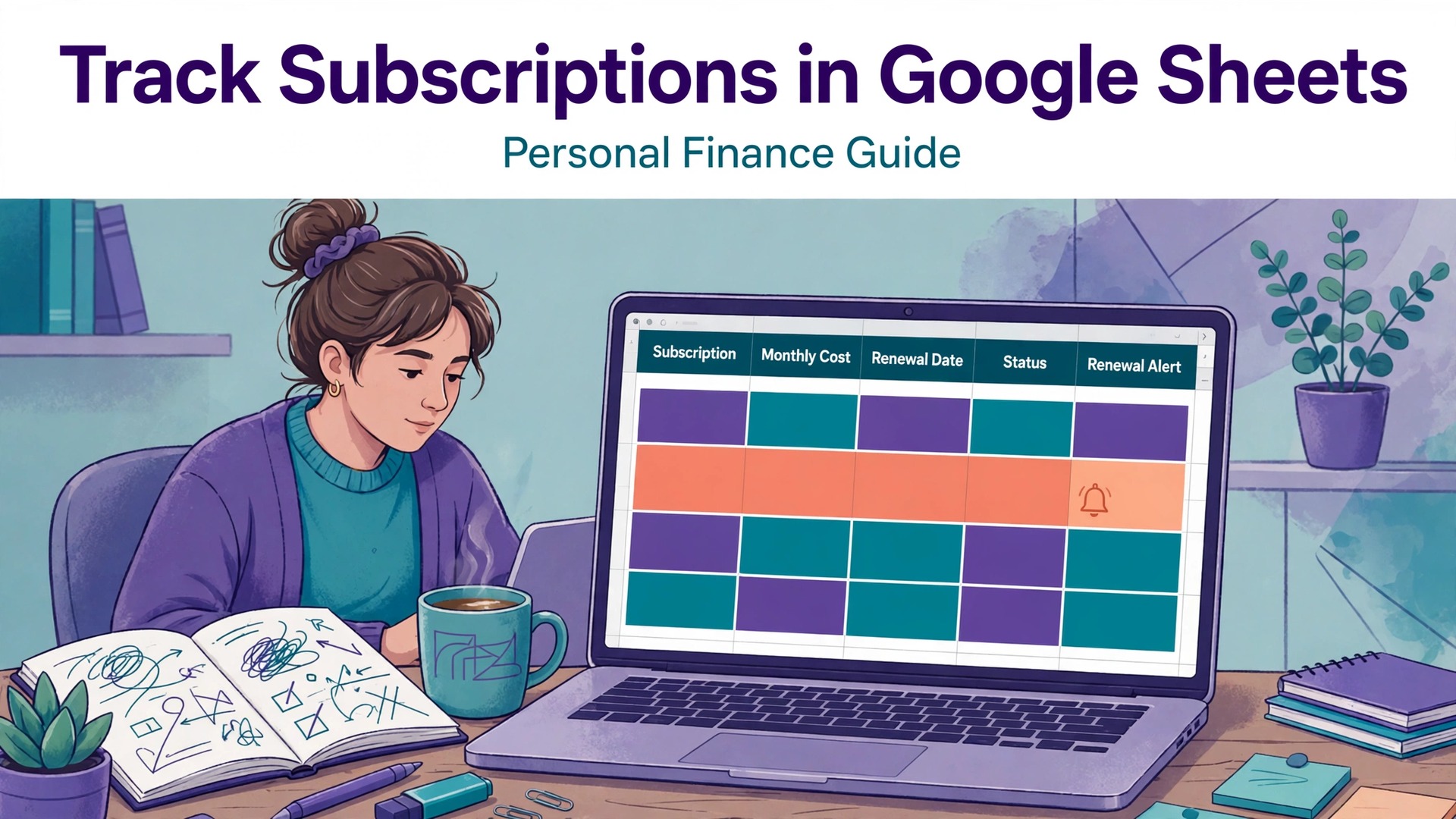
Subscriptions survive because they renew in different places on different days, and no single app statement ever adds them up. A streaming charge lands on a card, a cloud plan bills through an app store, and a gym debit hides among groceries, so the monthly total stays invisible until someone deliberately collects it. A spreadsheet fixes that invisibility for free, because every renewal, price and cancellation date can sit in one sortable list that you control. This guide shows how to use Google Sheets for subscription tracking personal finance that actually gets reviewed, with a tracker that takes an hour to build and minutes a month to run.
This guide builds a tracker that takes about an hour to set up and about 15 minutes a month to run. It covers the fields that catch price rises, the formulas that total monthly and yearly cost, a cancel or keep checklist for the monthly review, and the traps that let subscriptions survive long after their usefulness ends.
The Case for Doing It Properly
Subscriptions are designed to be forgotten. Free trials convert silently, yearly plans renew without a reminder, and small monthly amounts feel harmless until they are added together. A tracker reverses that design by making the total visible, and visibility is the only reliable cure for subscription drift.
Sheets also beats app based trackers on control. No account to link, no bank permission to grant, no data shared with a third party, and no subscription fee to track your subscriptions. The sheet holds what you type, it totals what you ask, and it exports anywhere, which is enough for a job that is mostly arithmetic.
The third gain is decision quality. A monthly review with real numbers turns vague feelings about value into a clear keep or cancel choice per service. People who review monthly cancel faster, renegotiate more often and spend less on services they forgot they owned.
How to Use Google Sheets For Subscription Tracking Personal Finance
This section shows how to use Google Sheets for subscription tracking personal finance in practice, starting from the setup decisions that matter most and ending with a routine you can repeat weekly.
Start with a bank statement sweep, not with memory. Go through the last three months of statements and list every recurring charge, including yearly ones, because memory misses the yearly renewals that cause the biggest surprises. A tracker built from statements is complete, while one built from memory is a wish list.
Then decide the fields before adding rows. Name, category, cost, billing cycle, next renewal date, payment method, cancellation link and a value rating cover every decision you will make. Fields added later mean rework, so agree the list now and keep it stable for a year.
Success in the first month looks ordinary, which is a good sign. The system is built, the first entries are real, the weekly review happens on schedule, and the numbers start to tell a story. If the first month feels messy, that usually means the system is being used honestly, since a tidy system with no real entries helps nobody.
Three Routes to the Same Result
The main tool here is Google Sheets, and the table below compares it with two other routes to the same result. Start with the option that fits your current setup, run it for a month, and only add a second tool when a clear gap appears, because stacking tools before the routine is settled creates confusion that no software can fix.
| Option | What it does | Best for |
|---|---|---|
| Google Sheets | a free shared grid with formulas and alerts | a person who wants full control and zero cost |
| Rocket Money style apps | automatic detection from bank feeds | a person who wants detection done for them |
| A notes app list | a simple typed list with no totals | a person with only three or four subscriptions |
Google Sheets
Google Sheets wins on cost and privacy. It totals monthly and yearly cost with simple formulas, it needs no bank access, and it works forever. Its limit is manual entry, so it suits people willing to spend 15 minutes a month, which is most people once they see the total.
Rocket Money style apps
Automatic apps win on detection, since bank feeds find subscriptions you forgot. Their cost is a subscription of their own plus bank access, and their cancellation help varies, so they suit people with many accounts who would otherwise never build a list.
A notes app list
A notes list wins on speed for tiny setups. With three subscriptions, a list is enough. Past about ten, the lack of totals and renewal sorting becomes a real weakness, and that is the point to move to a sheet.
When the options look close, trial the favourite with real work for a week, not with sample data. Real names, real volumes and real deadlines expose slow screens, missing fields and confusing messages within days, while a trial with sample data flatters every product equally. Keep the trial to one week and one clear verdict, since an open ended trial drifts into a second system running beside the old one.
Build It Step by Step
Use this workflow to use Google Sheets for subscription tracking personal finance in order, because the order matters. Skipping ahead to extras before the basics are recorded creates work that has to be redone, while following the steps in order means each step builds on a finished earlier step. Tick each step off, and do not move on until the current step works with a real task.
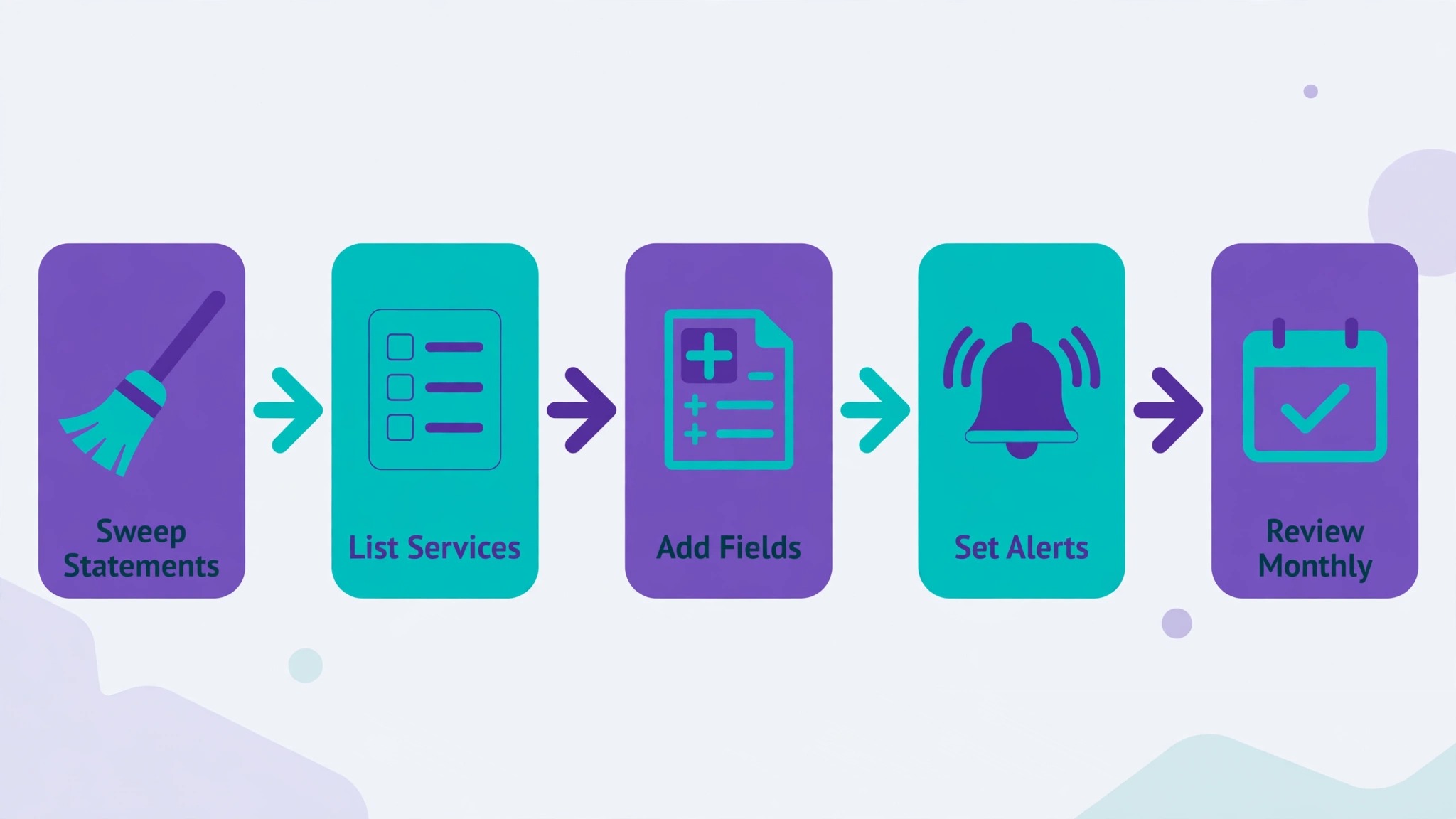
- Sweep three months of statements. List every recurring charge from bank and card statements, including yearly renewals and app store charges. Note the merchant name as it appears on the statement, since that name is what you will search for later when a charge looks unfamiliar.
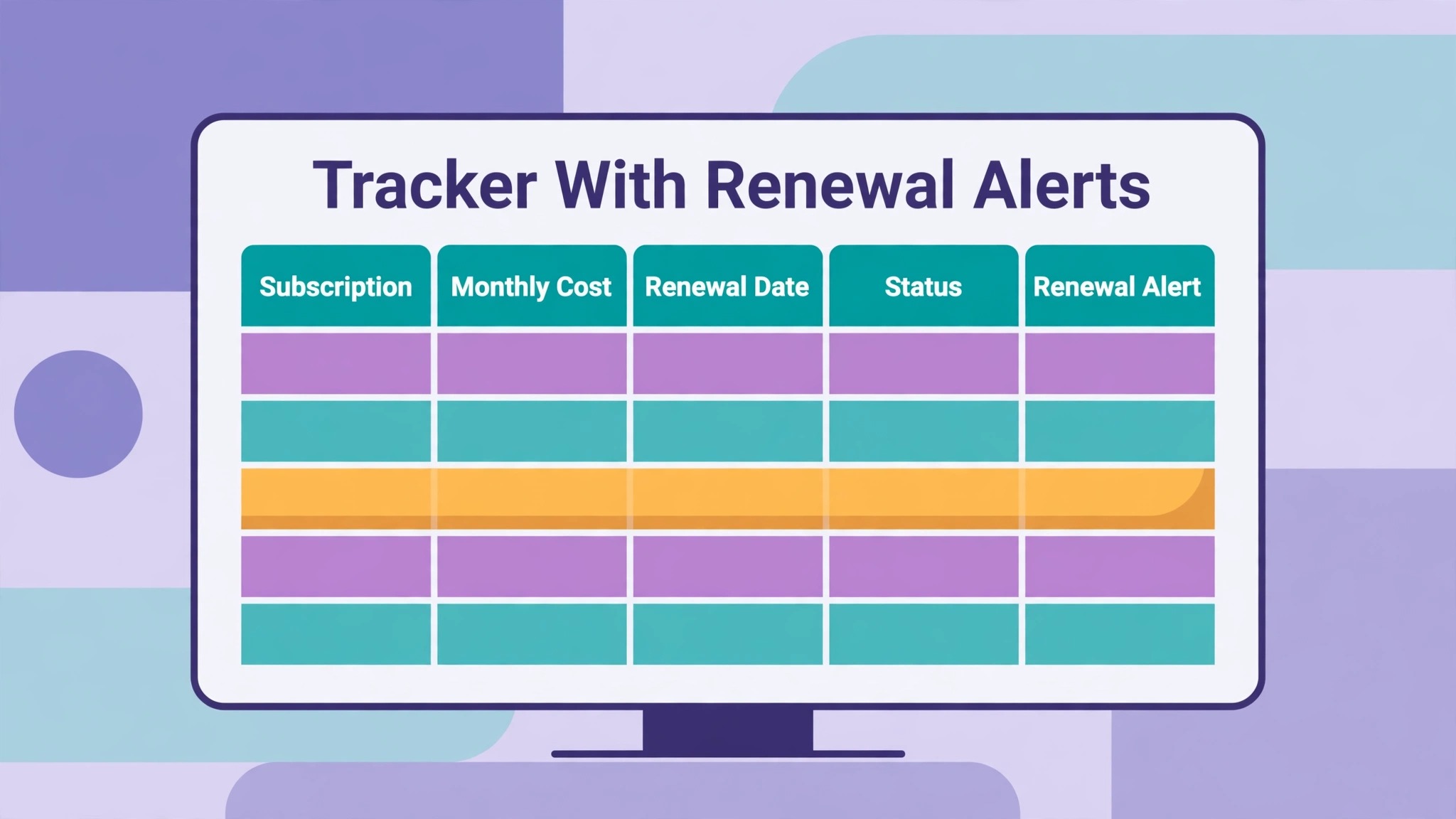
- Build the tracker grid. Create columns for name, category, monthly cost, billing cycle, next renewal, payment method, cancellation link and value rating. Use one row per subscription, and keep yearly plans in the same grid with their yearly cost converted to a monthly equivalent in a separate column.
- Add totals and renewal alerts. Sum the monthly equivalent column for the monthly total and multiply by 12 for the yearly total. Add conditional formatting that highlights renewals in the next 14 days, so the monthly review starts with what needs a decision soonest.
- Record the cancellation route for each service. Paste the cancellation link or the steps for each service while you are calm, not when you are annoyed at a renewal. Services that hide cancellation behind calls or chats need a note on the exact route, or the cancellation never happens.
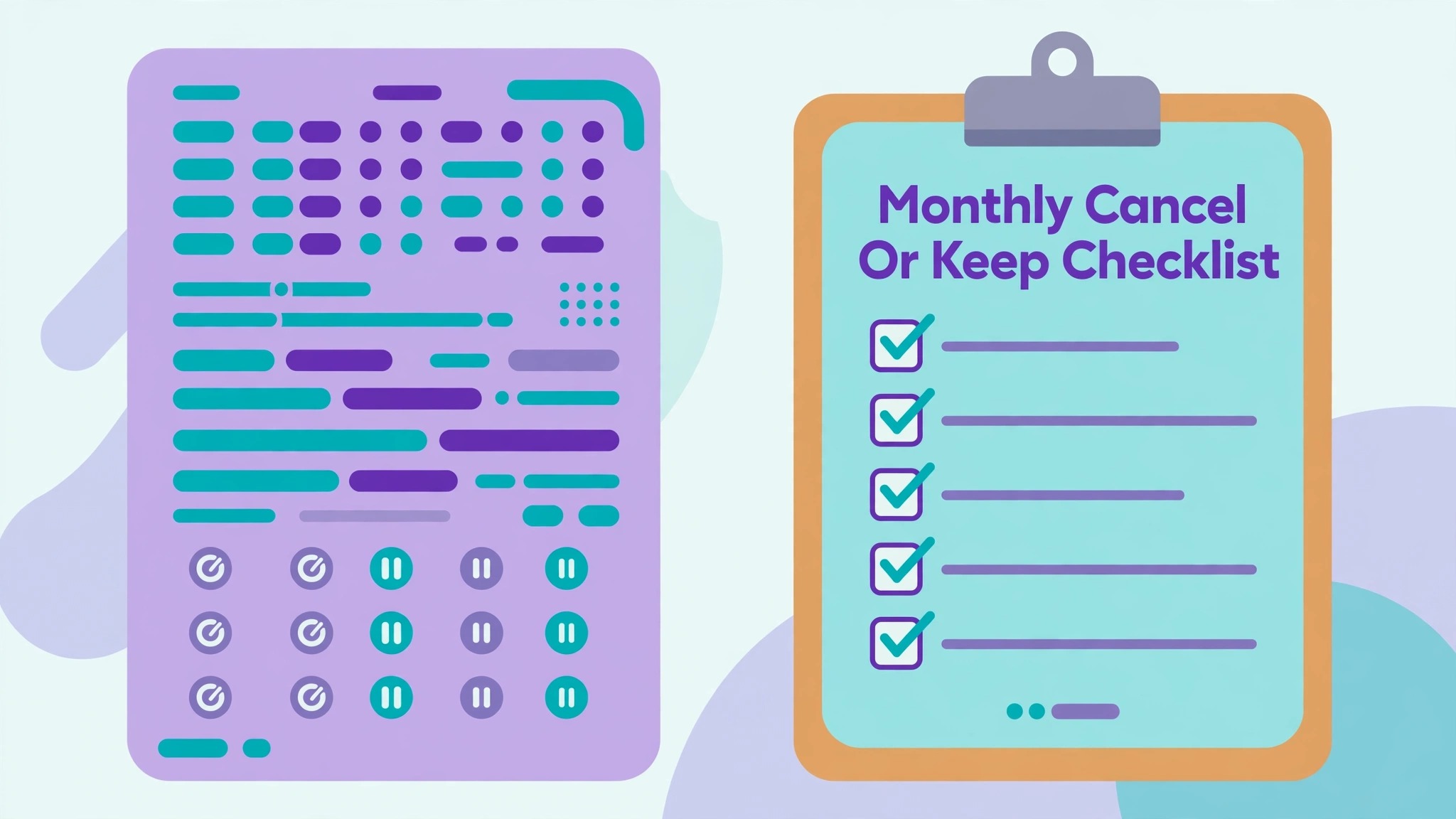
- Run the first cancel or keep review. Rate each service on use in the last month and value for money, then cancel anything unused or unloved immediately. The first review usually finds two or three cancellations, and that saving funds the habit for the rest of the year.
- Set a monthly review date. Pick the same day each month, open the renewal alerts, check for price changes and decide keep or cancel for anything renewing soon. A fixed date beats good intentions, and 15 minutes monthly beats an annual panic.
- Audit yearly renewals every January. Once a year, review every yearly plan before its renewal window, since yearly charges are the largest and least noticed. January works well, because most yearly plans renew across the year and a single audit catches them all in planning, if not in action.
Seeing It in a Real Week
Consider a team or a person starting from scratch, with a backlog of live work and no single place to see it. The first day goes to building the template and importing what is already live, and that import alone usually surfaces one overdue item and one duplicate. Those two finds repay the setup time immediately, and they also prove the point of the system better than any explanation, since the system found what memory had lost.
In the second week, the routine meets its first busy period, and the temptation is to skip the review because there is too much real work. That is precisely when the review matters most, because a skipped review in a busy week creates the backlog that the next busy week inherits. Fifteen to thirty minutes, protected on the calendar, keeps the system honest through the pressure, and honesty is what makes the numbers trustworthy later.
By the end of the first month, three things should be true. The template is filled with real data, not sample data. The weekly review has happened four times, even if one was short. And the numbers show a direction, whether improvement or a clear problem to fix. A system that reaches those three marks is no longer an experiment, it is infrastructure, and it deserves to be kept and refined rather than replaced.
Copy This Template and Checklist
Use this template when you use Google Sheets for subscription tracking personal finance without starting from a blank page each time. Copy it, fill it in with your own details, and keep the filled version where the people who use it can see it. A template that lives in a drawer helps nobody, while one that sits beside the work becomes the way the job actually gets done.
| Item | What to write down |
|---|---|
| Tracker columns | name, category, cost, cycle, next renewal, payment method, cancellation link, value rating |
| Monthly total | sum of monthly equivalents, checked against statements monthly |
| Renewal alerts | renewals in the next 14 days highlighted for the review |
| Cancel or keep rule | unused last month or unloved at the price means cancel, no debate |
| Yearly audit | January review of every yearly plan before renewal |
Fill the table in with real details from your own setup, not with guesses, because a plan filled with guesses gives confident answers that are wrong. If a detail is unknown, write unknown and find it before you act on that row, since a single guessed cost or time can undo an otherwise sound plan. Review the filled version every month for the first quarter, then every quarter after that, and update it when prices, people or suppliers change.
Keep the filled version where the work happens, whether that is a shared folder, a printed page or the tool itself, and name one person who owns updating it. Ownership matters because a template without an owner goes stale within a quarter, while one with a named keeper stays current through staff changes and price changes alike. When the owner changes, hand the template over explicitly, like any other responsibility.
- Every recurring charge from three months of statements is listed
- Yearly plans show a monthly equivalent beside the yearly cost
- Monthly and yearly totals are formula driven, not typed
- Renewals in the next 14 days are highlighted
- Each service has a recorded cancellation route
- The monthly review happens on a fixed date
- Price changes are noted when spotted, not ignored
- Unused services are cancelled in the same review, not deferred

Adapting the Template Over Time
The best time to adapt a template is during the monthly review, not in the middle of a busy week. A calm review can judge whether a field earned its place, while a busy week adds fields in panic that never get used again. Put template changes on the review agenda, decide them deliberately, and apply them once, so the team learns one version at a time instead of chasing a moving target.
Also watch for template drift, where each person keeps a slightly different personal version. Drift starts helpfully, as a personal improvement, and ends with five versions that no longer agree. Keep one master version, let improvements flow into it through the review, and retire personal copies promptly. One master template is a system, while five personal versions are just five habits.
What It Costs and Where It Stops
Before you commit money or time, write down the costs of the current way of working, because when you use Google Sheets for subscription tracking personal finance you need a baseline to judge the new way against. Count the time spent, the errors made and the opportunities missed under the old way, then compare that total with the same total after one month of the new routine. If the new total is not lower, or the experience is not clearly better, change one thing and measure again rather than adding more tools.
Google Sheets is free with a Google account, so the tracker itself costs nothing. The saving comes from cancellations, and the first review commonly removes enough to cover a year of the habit in one sitting. There is no paid tier to consider, which makes this one of the rare finance tools with a purely positive return.
Time cost is about an hour to set up and 15 minutes a month to run. Compare that with the cost of a single forgotten yearly renewal, which often exceeds the whole year of review time in value, and the case for the tracker is straightforward.
Watch for the cost that appears only after launch, such as extra seats as a team grows, premium features on higher tiers, or the time spent maintaining a setup that looked simple at first. Read the pricing page for the tier you will actually land on in six months, not the starter tier you land on today, because a tool that is cheap at small volume and expensive at larger volume can punish growth. Set a calendar reminder to review the bill every quarter, and compare it with the time saved, since a subscription that no longer saves time should be renegotiated or dropped.
Where Most People Go Wrong
The mistakes below are common because each one feels reasonable at the time, and when you use Google Sheets for subscription tracking personal finance it helps to name them before they happen. Read the list with anyone who will use the routine, agree which mistake your setup is most likely to make, and put one guard in place against it, because a named mistake is far easier to avoid than a vague warning to be careful.
- Building from memory instead of statements. Memory misses yearly renewals, which are the expensive ones.
- Listing cost without billing cycle. A 120 dollar yearly plan looks like a 120 dollar monthly plan without the cycle column.
- Skipping the cancellation route. A service you cannot cancel quickly is a service you keep paying for.
- Reviewing yearly instead of monthly. Monthly reviews catch price rises while they can still be challenged.
- Keeping a service out of guilt. A gym or course unused for three months is not a future self, it is a bill.
Measuring What Actually Improved
Pick a small set of numbers and track them monthly, because when you use Google Sheets for subscription tracking personal finance you need evidence, not a feeling, about whether the change is paying. Choose numbers you can collect without extra admin, such as monthly subscription total, yearly subscription total, services cancelled per quarter and price rises caught, and record them in one place on the same day each month. A trend over three months tells you far more than a single good or bad week.
Track the monthly total and the yearly total each month, because the total is the scoreboard. If the total falls for three months running, the habit is working. If it creeps up, check whether new services arrived without old ones leaving, since subscription creep is the usual cause.
Also count cancellations per quarter and price rises caught. A tracker that never cancels anything is a record, not a tool, while one that cancels two or three services a quarter is paying for its own time many times over.
When a number moves the wrong way, change one element and watch the next period before changing anything else. Changing five things at once feels decisive, but it destroys the evidence, since nobody can tell which change helped. Single changes, measured honestly, are slower to announce and faster to learn from, which is the trade that matters over a year.
Signs of Success at Ninety Days
After ninety days, a healthy setup shows up in small, boring ways, such as monthly subscription total, yearly subscription total, services cancelled per quarter and price rises caught trending in the right direction without heroic effort, and fewer messages asking where things stand. Nobody celebrates a routine that simply works, which is why it is worth naming those signs when they appear, so the people involved recognise the payoff and keep funding the habit.
The warning sign is different, and it is worth watching for, which is when people start working around the setup instead of through it. Workarounds usually mean one step no longer fits reality, so ask what changed, fix that step, and prune anything the workaround replaced. A setup that adapts to one real change survives, while one that demands loyalty to an outdated step gets quietly abandoned.
Set the ninety day review now, with a named owner and a date in the calendar. Without a named owner and a date, reviews slip, and a slipped review means a system that slowly stops matching the reality it was built for. The review itself need not take long, since one hour with the numbers and the honest answers is enough to decide what to keep, what to change and what to stop.
A Four Week Rollout That Sticks
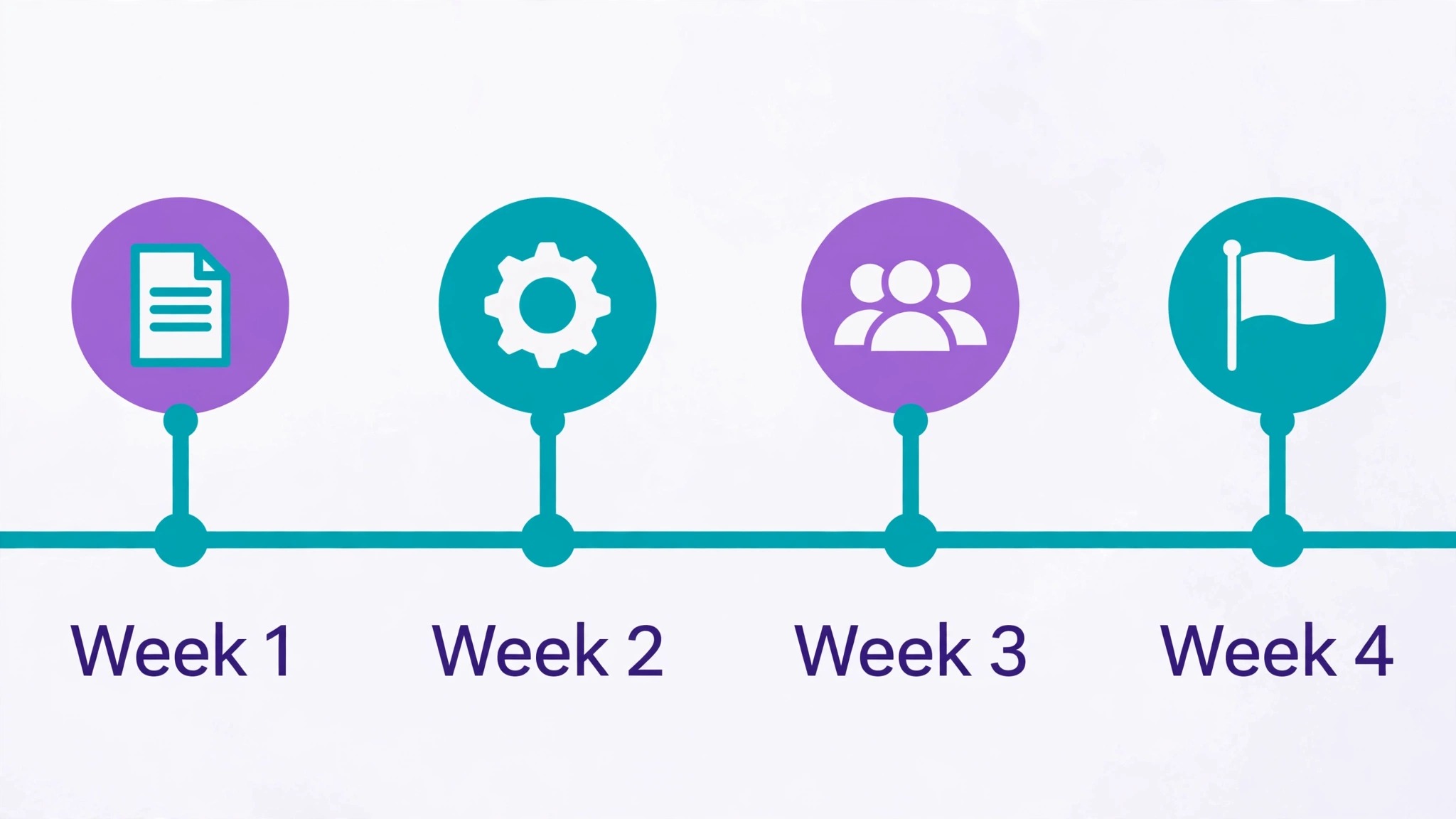
Week one is the sweep and build. List every charge from statements, build the grid with formulas and alerts, and run the first cancel or keep review. Expect to cancel something in week one, since almost everyone finds a forgotten service.
Weeks two to four are the first monthly cycle. Check renewal alerts, note any price changes and cancel anything unused. By month end, the total should be lower than at the start, and the review should feel like a 15 minute habit rather than a project.
If the first month feels messy, resist the urge to rebuild the system from scratch, since the fault usually sits in one step rather than in the whole approach. Return to the numbers you tracked, find the step where results diverged from the plan, and change that step alone. System swaps feel decisive, but they reset learning to zero, while a single step fix preserves everything that already worked.
Day by Day in Week One
On day one, build the template and import what is already live, without redesigning anything. The goal for day one is a working system with real entries, not a beautiful system with sample data, since real entries reveal the flaws that sample data hides. End the day by checking that every live item has a status and a next action.
On day two, use the system for new work as it arrives, and note every moment of friction. Friction notes are gold, because they point at the exact field, step or view that needs fixing, while general complaints about the system point nowhere. Keep the notes short, one line each, and review them at the end of the week.
On day three, fix the single biggest friction from the notes, and leave the rest alone. One fix per week is the pace that improves a system without destabilising it, and a system that changes daily never gets learned properly by anyone, including its owner. Stability for a week beats improvement every day.
On day four, share the system with anyone else who touches the work, and watch them use it without help. Watching a second person reveals instructions that only made sense to the author, and those instructions need rewriting before the system can survive a holiday or a handover. A system that only its author understands is not yet a system.
On day five, run the first weekly review, record the numbers, and decide one change for next week. The review closes week one with evidence instead of feelings, and that evidence becomes the baseline for month one. A week that ends with a review has already succeeded, whatever the numbers say, because the habit is the achievement.
Troubleshooting a Stalled Setup
When entry is the problem, simplify before adding features. Remove one field, shorten one checklist, or batch entry to a single sitting per day, and watch whether entries recover within a week. Entry friction is the most common stall, because a system that takes ten minutes per item will be abandoned in a busy week, while one that takes two minutes survives. Speed of entry matters more than completeness of record, especially in the first month.
When reviews are the problem, shrink the review rather than skipping it. A five minute review that happens beats a thirty minute review that does not, so cut the review to the three most important checks and protect its slot on the calendar. Pairing the review with an existing habit, such as Friday coffee or Monday planning, also helps, since a review attached to a habit survives while a review floating free gets postponed.
When results stay flat after a month of honest use, check whether the system measures the right thing. A tracker that counts activity while the goal is outcome will show busy weeks and flat results, which feels like failure even when effort is real. Revisit the metrics, pick one outcome number that matters, and let that number drive the next change. If the outcome number still does not move after a further month, the approach itself, not the system, needs rethinking.
More Reading on Stratilyze
More Reading on Stratilyze. For the systems around this one, read the best ai subscriptions worth paying for guide, the best ai tools for excel and google sheets guide, the cost of running an etsy shop monthly guide. Read the guide that matches your next bottleneck first, because fixing the biggest bottleneck next gives a larger gain than polishing a part of the setup that already works well.
Frequently Asked Questions

How many subscriptions does a typical household have?
More than it thinks, often 10 to 20 across streaming, apps, storage, software and memberships. The statement sweep in this guide usually surprises people, which is why building from statements matters more than building from memory.
Should I include yearly subscriptions in the monthly total?
Yes, as a monthly equivalent beside the yearly cost. A 120 dollar yearly plan costs 10 dollars a month in budget terms, and showing it that way stops yearly plans from hiding outside the monthly total.
What if a price rises without notice?
Note it in the review, then decide keep, downgrade or cancel, and contact the provider if the rise breaks a promised price. Price rises are a prompt to rejudge value, not an automatic reason to pay more for the same service.
Is a tracker app better than a sheet?
Apps detect subscriptions automatically, which helps people with many accounts, but they cost money and need bank access. A sheet costs nothing, needs no permissions and totals just as well, so it suits anyone willing to spend 15 minutes a month.
List the service once, note who shares it and who pays, and review it together. Shared services often survive because nobody owns the cancel decision, so name one owner per service in the tracker.
When should I cancel instead of downgrade?
Cancel when the service went unused last month or when the cheaper tier covers your actual use. Downgrade when you use it lightly but regularly. The monthly review asks the question plainly, so the answer stays honest.
The Bottom Line on Tracking Subscriptions
Money leaks through subscriptions because they are designed to be forgotten, and the cure is a visible total reviewed monthly. When you use Google Sheets for subscription tracking personal finance gains a free, private tracker where every renewal, price and cancellation route sits in one place, and the monthly review turns that visibility into savings.
Sweep three months of statements this week, build the grid with totals and alerts, and run the first cancel or keep review before the month ends. The subscriptions you cancel in week one will likely pay for the whole habit, and the total you watch monthly will stay honest from then on.