
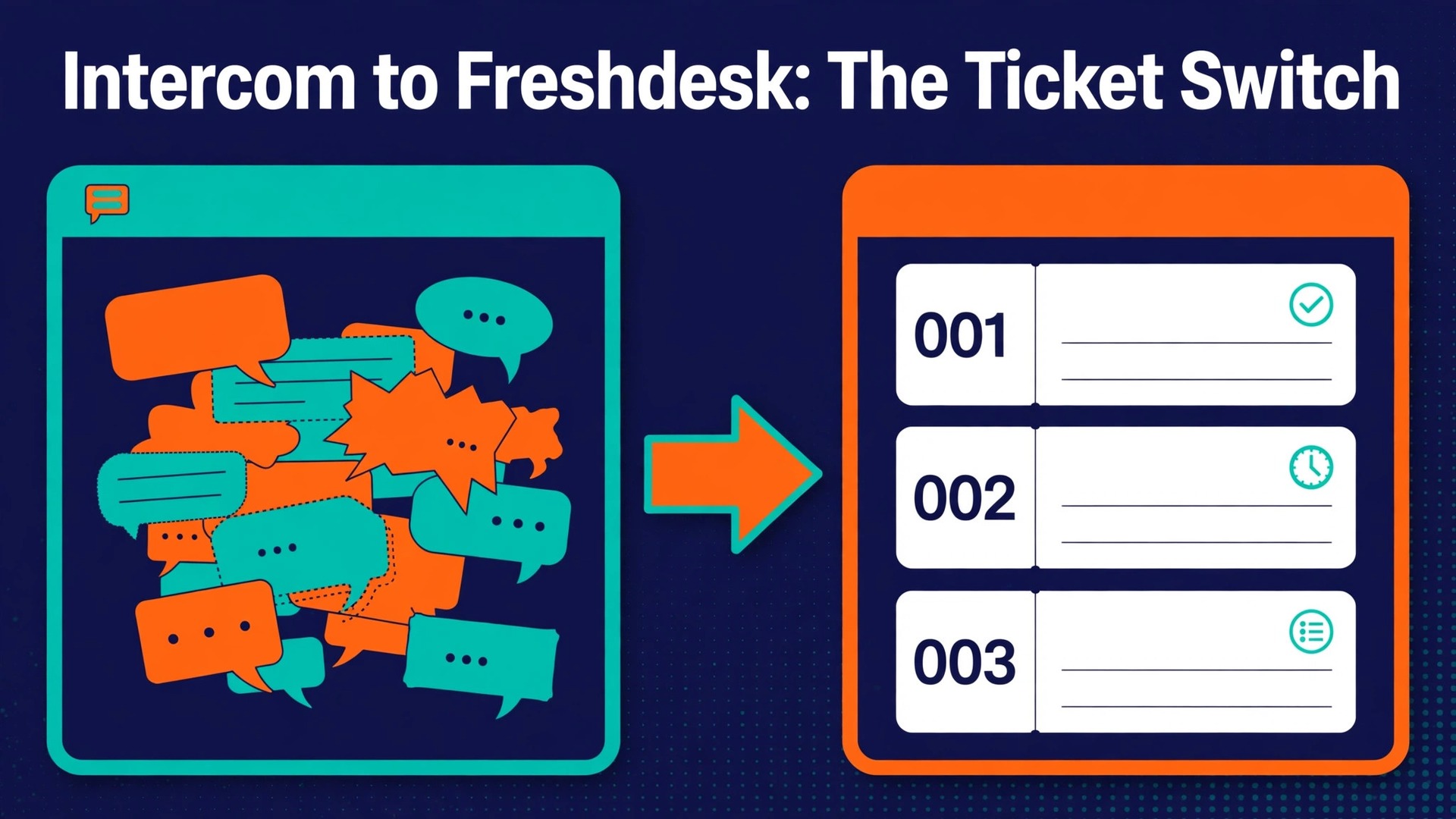
The verdict is simple. If your support team now lives in ticket queues, SLA targets, and a knowledge base rather than in live chat threads, you should switch Intercom to Freshdesk support team operations in one planned move, not in a series of half finished experiments. Intercom remains a strong tool for conversational messaging and product led onboarding. Freshdesk is the stronger tool once the work becomes structured tickets with priorities, assignments, and measurable response times. The switch pays off when ticket volume, reporting needs, or SLA commitments outgrow a chat first workflow.
It does not pay off when most of your support still happens in real time inside your product, because that is the job Intercom was built to do.
This guide walks through the full move. It covers what transfers cleanly, what must be rebuilt by hand, and how to keep customers from noticing the change except in faster, better tracked answers. Figures for Freshdesk plans come from pricing guides checked at writing time, and Freshdesk pricing changes from time to time, so confirm the current price on the vendor page before you buy. Where a figure is reported rather than published on the vendor pricing page, the text says so plainly.
Why Teams Outgrow a Chat First Inbox
Intercom organises support around conversations. A customer opens a chat, an agent replies, and the thread stays open until it goes quiet. That model feels fast and human, and for product questions and onboarding help it often is. The trouble starts when volume grows and the same thread model has to carry bug reports, billing disputes, refund requests, and multi day investigations. A conversation thread has no natural priority, no due date, and no SLA clock unless the team builds one through workflows. Agents end up scanning long inboxes for the urgent item buried under ten easy chats.
Freshdesk organises support around tickets. Every request becomes a ticket with a status, a priority, a group, an agent, and a due date. That structure is less charming than a chat thread and far more useful at scale. Managers can see how many tickets sit open in each group, which ones approach an SLA breach, and which agents carry the heaviest load. Reporting stops being a manual count and becomes a dashboard. That structure is the reason a plan to switch Intercom to Freshdesk support team workflows appeals to managers who feel buried in chat threads.
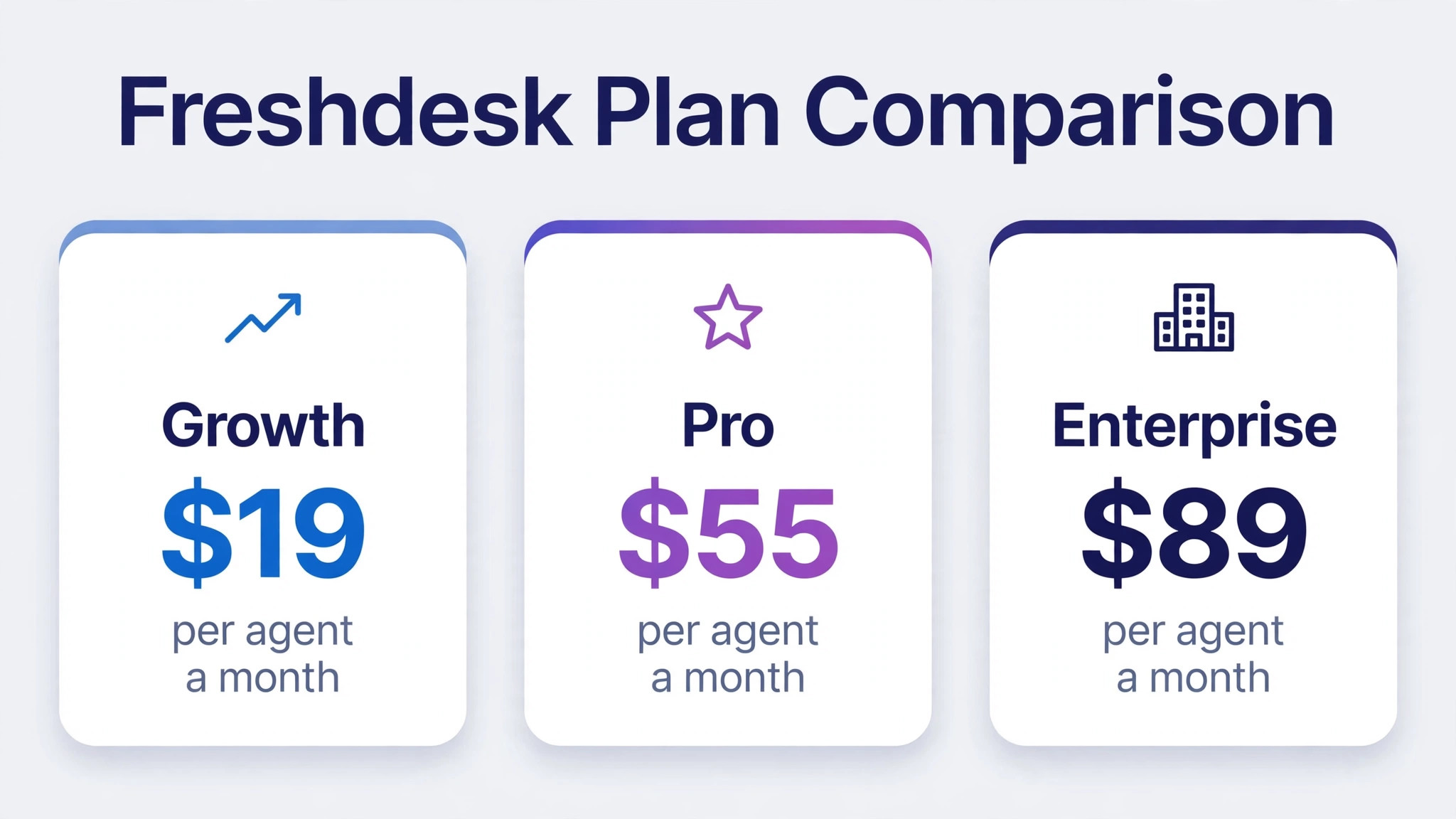
The second reason teams move is cost shape. Intercom pricing is built around seats plus add ons for automation, reporting, and AI, and the bill grows quickly once a team adds those pieces. Freshdesk pricing, as reported in pricing guides, starts at 19 dollars per agent a month on the Growth plan with annual billing, rises to 55 dollars on Pro, and reaches 89 dollars on Enterprise. Those figures cover ticketing, automation, and reporting in one price, which makes the budget easier to defend. Confirm the current price on the vendor page before you buy, because Freshdesk has changed its plan names and prices before.
A third reason is self service. Intercom help centres work well, but Freshdesk puts the knowledge base, the customer portal, and ticket submission in one place, with article versioning and multilingual support on higher plans. When customers can find answers and raise tickets from the same portal, agents spend less time answering the same question in chat. That shift only helps if the knowledge base moves with the team, which is why the checklist later in this guide treats article migration as a first class task rather than an afterthought.
What Transfers, What Partially Transfers, and What You Rebuild
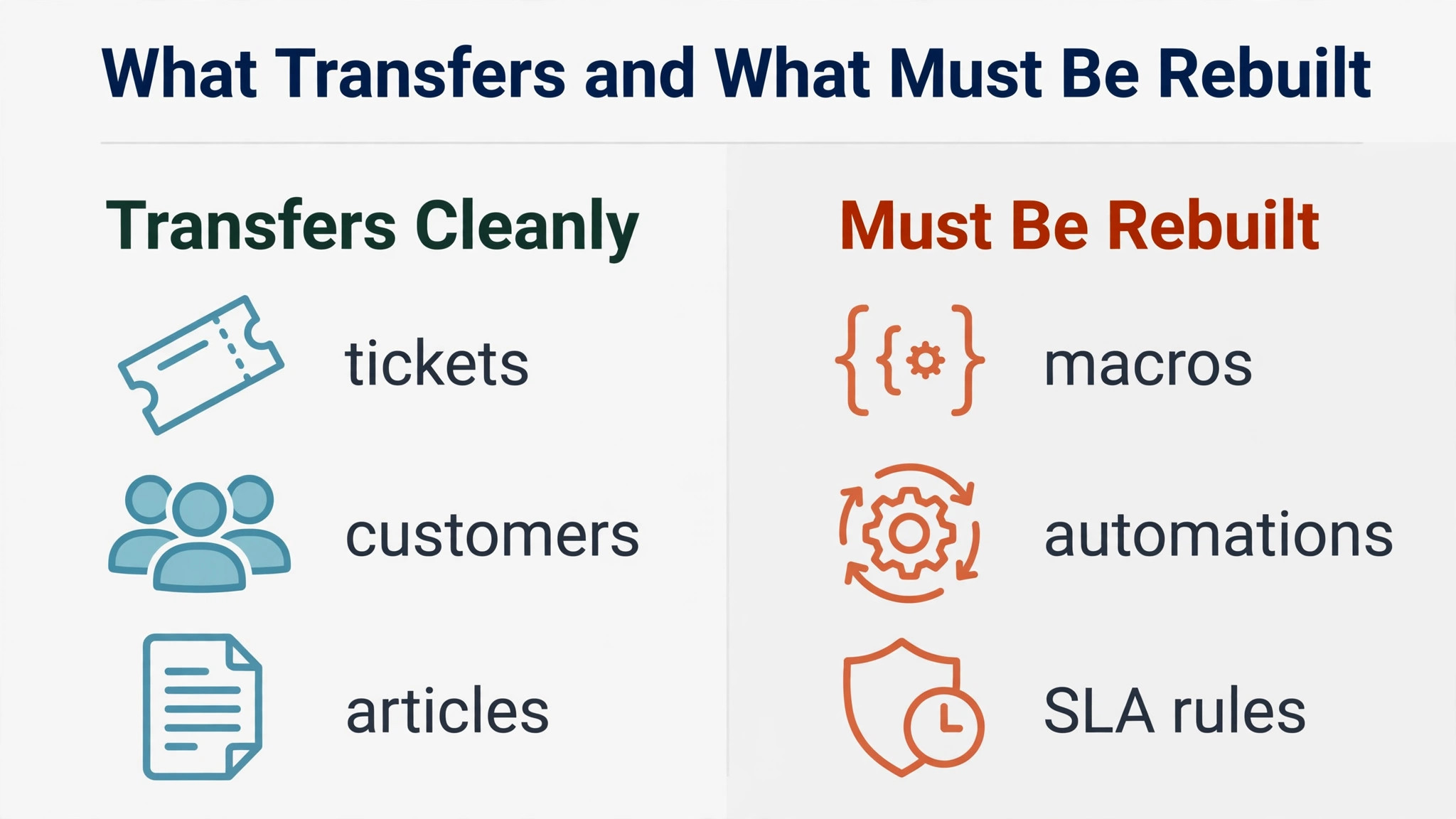
No migration tool moves everything. The honest split falls into three groups, and planning around them prevents the most common disappointment of this switch, which is discovering on cutover day that automations and macros did not come along.
Data that transfers well includes contacts, companies, conversations, tags, and attachments, when the team uses a third party migration service or the Freshdesk API. Conversations become tickets with their message history attached, and tags carry over so old classification survives. Contacts map to Freshdesk requesters, and companies map to Freshdesk companies. Custom attributes need a mapping step, because Intercom attributes and Freshdesk ticket fields do not share the same names or types. Plan a mapping session before any import, and drop attributes nobody uses, because an unmapped field is ignored and a messy field list follows the team for years.
Data that partially transfers includes the help centre and conversation ratings. Help centre articles can move through a third party service that maps Intercom collections to Freshdesk categories, or through the Freshdesk knowledge base import route, where the team emails a CSV of articles to the Freshdesk team for processing. Either route needs a content audit first, because old articles with dead screenshots and outdated steps do more harm than no article at all. Ratings map only loosely, since Intercom conversation ratings and Freshdesk satisfaction scores are not the same measurement, so treat old ratings as history, not as a baseline for the new system.
Everything about configuration must be rebuilt. Macros, automations, SLA rules, routing rules, and bot flows do not migrate, because the two platforms model them differently. Intercom macros become Freshdesk canned responses and scenario automations. Intercom workflows become Freshdesk automations and SLA policies. Intercom bots become Freddy AI Agent flows or a third party bot, and that rebuild deserves its own design pass rather than a copy of old bot scripts. Budget real time for this rebuild. It is the largest single block of work in the whole switch, and teams that skip it launch a new helpdesk running on guesswork.
Mapping the Switch Intercom to Freshdesk Support Team Move
The mapping table below is the document the whole migration should run from. Fill it in during week one, get every team lead to sign it, and use it as the checklist for the demo migration. Each row names the Intercom item, its Freshdesk destination, and the action the team must take.
| Intercom item | Freshdesk destination | Migration action |
|---|---|---|
| Conversation | Ticket with full thread | Import through a migration service or the API, keep timestamps and authors |
| Conversation part, user message | Ticket reply | Preserve order and author on each part |
| Conversation part, internal note | Private note on the ticket | Keep notes private, never expose them as public replies |
| Conversation part, bot message | Ticket reply marked as automated | Label bot replies so agents know they were automated |
| Contact | Requester | Import by CSV, require name plus email or name plus phone on each row |
| Company | Company | Map company attributes before import, drop unused fields |
| Tag | Tag | Transfer directly, merge duplicate tags first |
| Custom attribute, text or number | Custom ticket or contact field | Create the Freshdesk field first, then map by name |
| Custom attribute, computed | Static field value plus a note | Export the value, document the replacement logic |
| Macro, shared | Canned response plus scenario automation | Rebuild by hand, test each one on a sample ticket |
| Macro, personal | Personal canned response | Each agent rebuilds their own, or the team adopts shared versions |
| Workflow automation | Ticket automation or workflow automator rule | Redesign around Freshdesk triggers, do not copy logic blindly |
| SLA rule in a workflow | SLA policy | Rebuild on the right plan, since multiple SLA policies need Pro or higher |
| Help centre collection | Knowledge base category | Audit articles first, then import by service or CSV route |
| Help centre article | Knowledge base article | Check images, links, and formatting after import |
| Conversation rating | Satisfaction survey history | Treat as history only, reset the baseline after go live |
| Teammate | Agent | Invite agents, assign groups and roles before import |
| Team inbox | Group | Map each inbox to a group with a clear owner |
| Saved reply with variables | Canned response with placeholders | Translate variable syntax to Freshdesk placeholders |
Two rows in that table deserve extra attention. First, Freshdesk has no native ticket import through CSV, so contacts and companies can arrive by CSV while tickets need the REST API or a third party migration service. That single fact decides the budget for tooling, because a team with thousands of conversations should not hand build tickets. Second, Freshdesk requires an account to hold at least 10 tickets before the contact importer runs in some flows, as reported in migration guides, so create test tickets early and confirm the importer behaves as expected before the real import day.

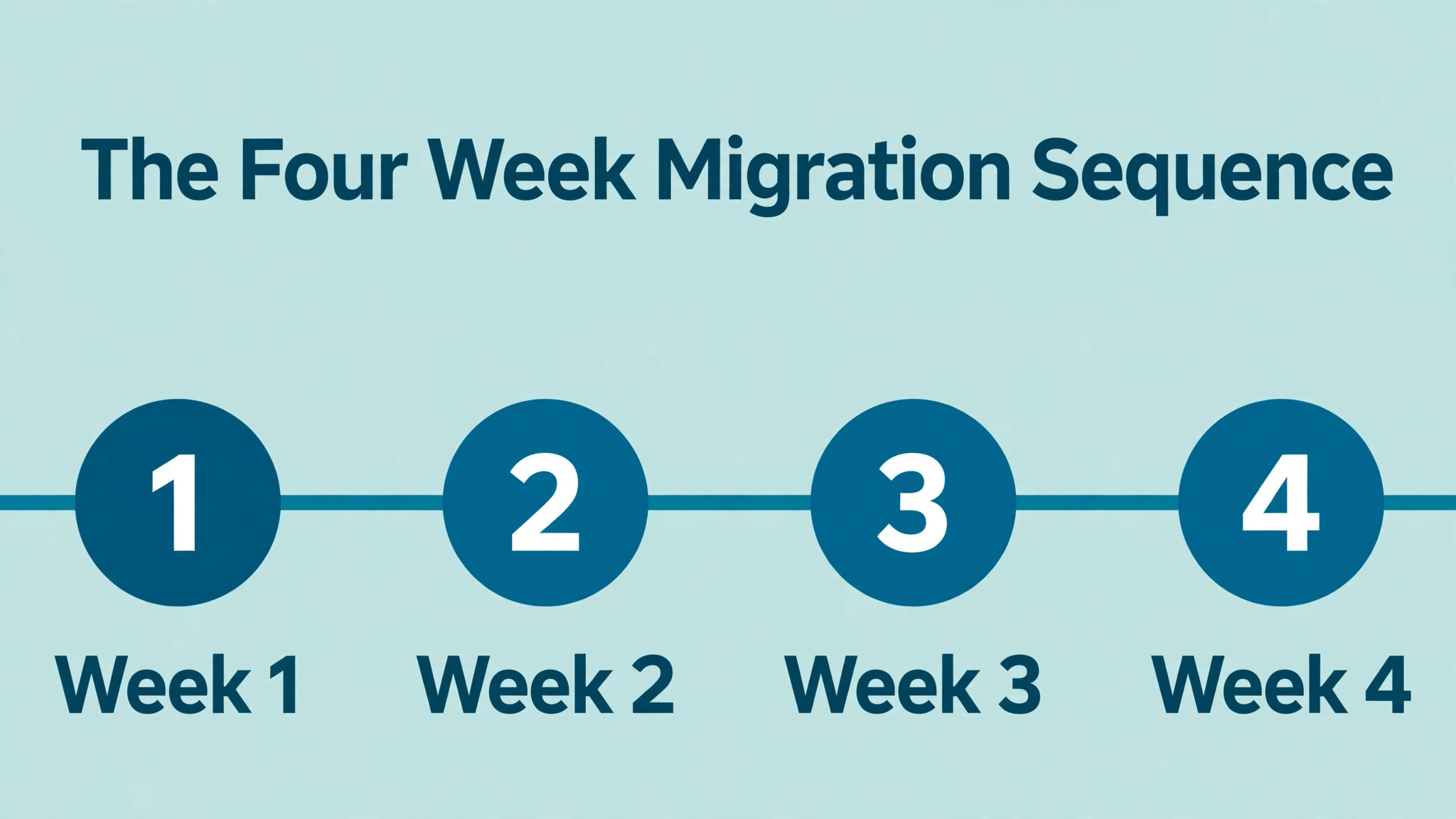
The Intercom to Freshdesk Sequence, Week by Week
A migration without a sequence becomes a scramble. The sequence below runs over four weeks for a team of up to twenty agents. Larger teams should add a week for training and a second demo migration, not compress the steps.
1. Freeze the scope. List every Intercom inbox, workflow, macro, and help centre collection, and decide what moves, what gets archived, and what gets deleted. A written scope is what keeps the switch Intercom to Freshdesk support team project honest about what it will not carry over. Archive anything unused for ninety days rather than migrating clutter. 2. Set up Freshdesk on the right plan. Confirm the plan covers the features the team needs, especially multiple SLA policies, which sit on Pro and higher according to pricing guides. Confirm the current price and plan contents on the vendor page before you commit. 3. Build the Freshdesk structure. Create groups, agent roles, ticket fields, priorities, and statuses before any data arrives. Importing into an empty structure creates rework, while importing into a finished structure creates a usable helpdesk on day one. 4. Clean the Intercom data. Merge duplicate contacts, merge duplicate tags, close conversations that have been idle for months, and delete test data. Every dirty record cleaned now is a dirty ticket the team never has to triage later. 5. Run a demo migration on a sample. Use a third party service free demo or a small API import, and check a sample of tickets end to end for author attribution, timestamps, attachments, and tags. Fix mapping errors here, not after the full import. 6. Rebuild macros, automations, and SLA policies. Work from the mapping table, test each canned response and automation on sample tickets, and have agents try them before go live. This step takes longer than teams expect, so start it in week two, not week four. 7. Migrate the knowledge base. Audit articles, rewrite outdated steps, import through the chosen route, and check images and links on every high traffic article. Publish the new help centre under a test portal first if the plan allows it. 8. Run the full migration. Import contacts, companies, and tickets, then run a delta import or a short freeze window to catch conversations created during the transfer. Verify counts against Intercom totals before anyone works in Freshdesk. 9. Train the team. Run two sessions, one on ticket handling and one on automations and reporting, and give agents a practice queue with real migrated tickets. Agents who first touch Freshdesk on go live morning will slow the queue for a week. 10. Cut over channels. Point the website widget, email addresses, and social channels at Freshdesk, update the help centre links, and keep Intercom read only for thirty days so agents can check history without splitting new work across two systems.
The freeze window in step eight deserves a decision, not an accident. A full freeze, where agents stop working in Intercom for a day, gives the cleanest import but pauses support. A delta import, where the migration service catches new conversations after the main import, keeps support running but needs careful checking. Small teams usually manage a weekend freeze. Larger teams should use a delta import and verify the delta counts twice.
What Breaks When Intercom Chats Become Freshdesk Tickets
The first thing that breaks is the chat habit. Agents used to answering in real time will treat tickets like chats, replying fast and closing quickly, which leaves follow up work untracked. Train agents to set status, priority, and next action on every ticket, and review a sample of tickets in the first week for missing fields. The second thing that breaks is bot coverage. Intercom bots that qualified leads, routed chats, and answered FAQs do not exist in Freshdesk until rebuilt, so expect a temporary rise in human handled volume unless the bot rebuild ships before cutover.
Reporting breaks in a subtler way. Intercom reports on conversation volume, response time, and teammate activity, while Freshdesk reports on ticket volume, SLA compliance, and group load. Old reports cannot be compared directly with new ones, so set a new baseline in the first month rather than forcing old numbers into new dashboards. Tell leadership this in advance, because a manager who expects the old chart will read the new chart as a drop in performance.
Customer facing pieces break too. The Intercom messenger widget disappears from the website and the product, and customers who relied on it need a clear path to the new portal and email channel. Publish a short notice on the help centre and in the product two weeks before cutover, and keep the old help centre URLs redirecting to the new portal where possible. Nothing damages trust faster than a support button that leads nowhere on launch day.
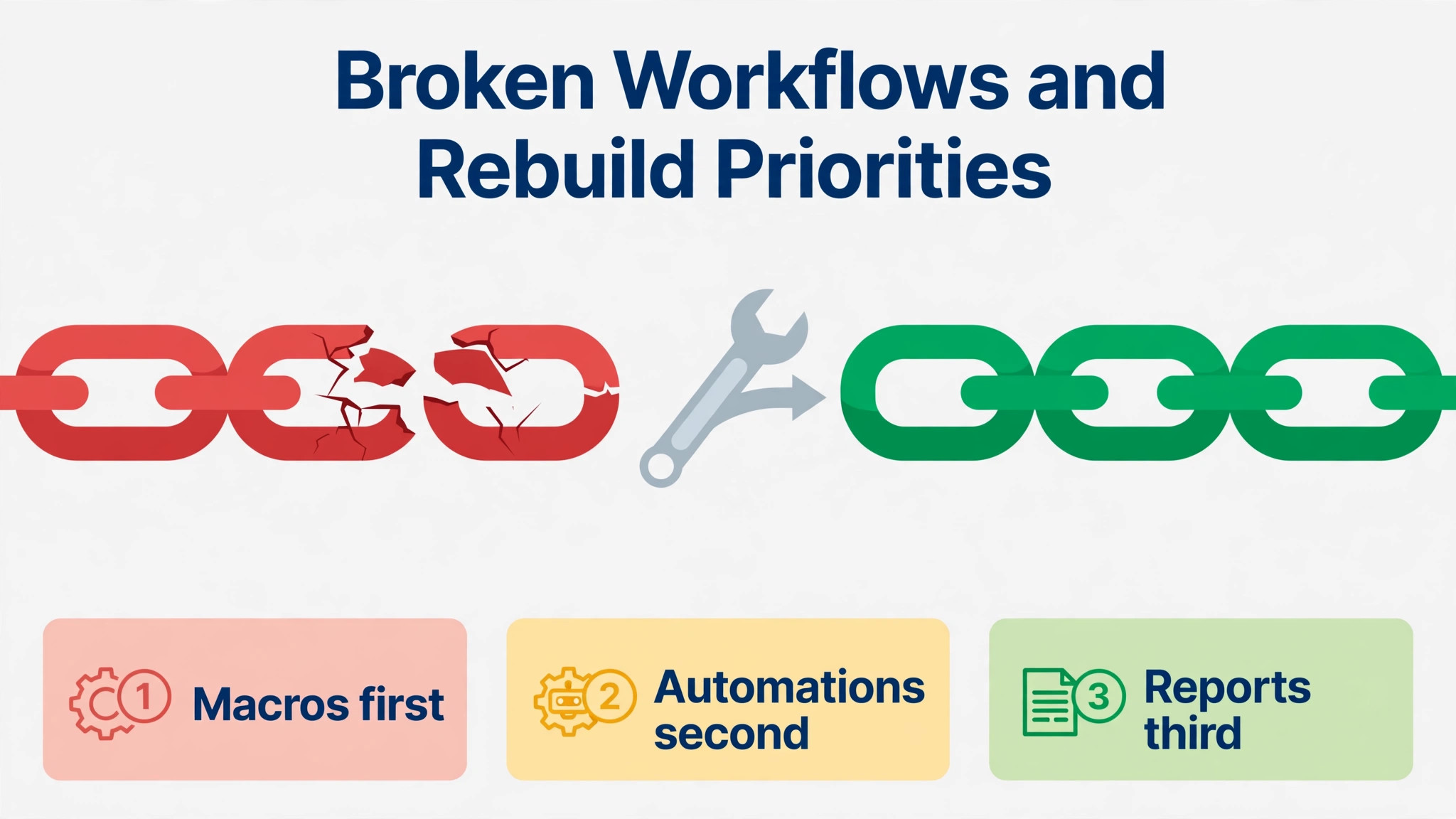
What to rebuild, in priority order, starts with routing and SLA policies, because those decide whether urgent tickets reach the right group on time. Next come canned responses for the ten most common questions, then automations for assignment and escalation, then reports and dashboards for team leads, and finally the bot flows and advanced automations. Rebuilding in that order means the team can run safely even if the later items slip by a week.
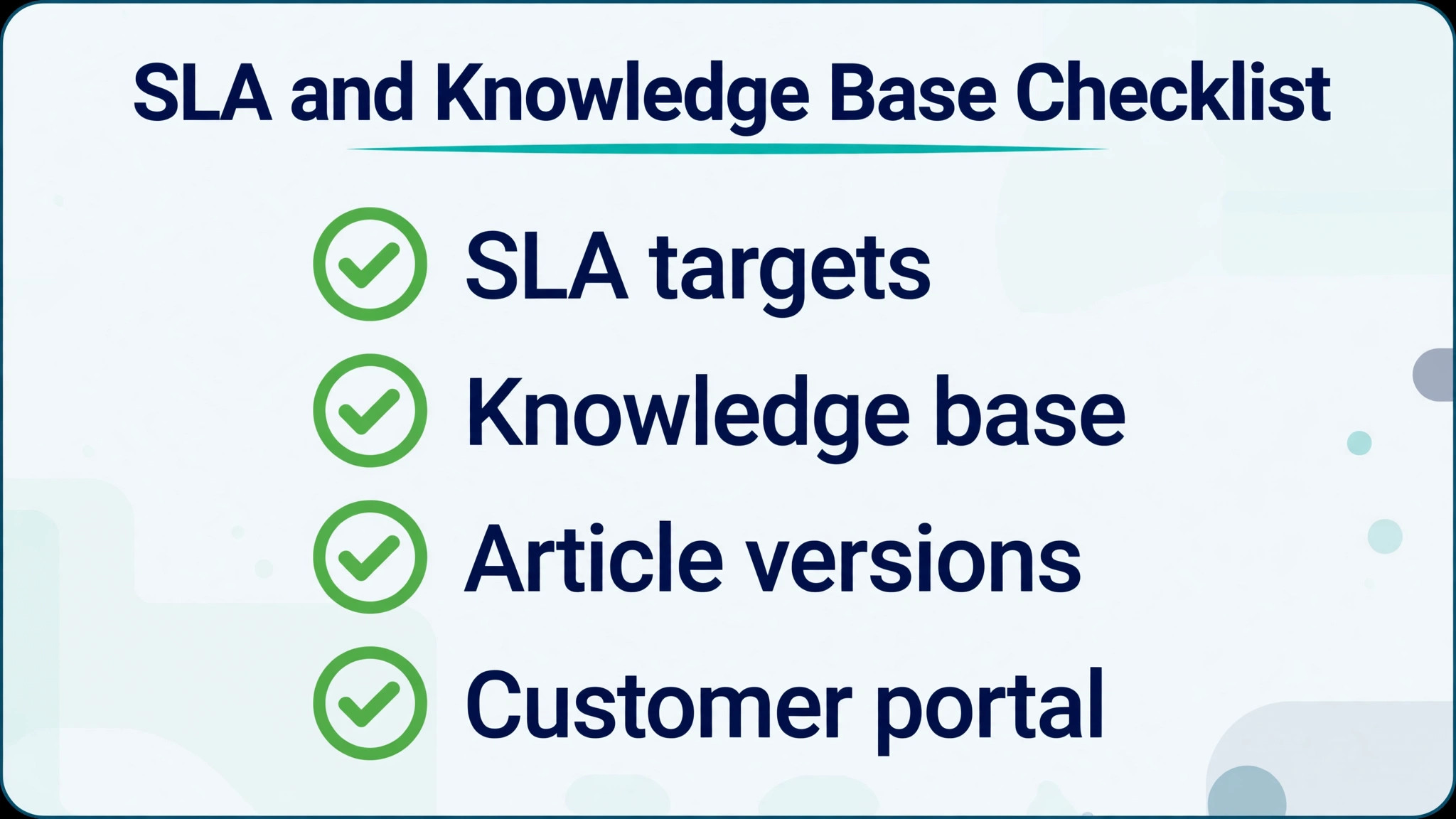
The SLA and Knowledge Base Checklist
SLA design comes before SLA configuration, because a policy built on guesses will breach constantly and teach agents to ignore it. Start from real data. Pull Intercom first response and resolution times for the last ninety days, split by priority and by team, and set Freshdesk targets slightly above the current median, not at the best week the team ever had. Targets the team cannot meet become noise, while targets with a small stretch improve performance without breaking morale.
– [ ] List every Intercom SLA rule, including the trigger, the target times, and the escalation action – [ ] Pull ninety days of first response, next response, and resolution times by priority – [ ] Define Freshdesk priorities and the response and resolution target for each one – [ ] Confirm the plan supports the number of SLA policies needed, since multiple policies need Pro or higher – [ ] Set business hours for each group so SLA clocks pause outside working hours – [ ] Build escalation automations for tickets approaching breach, not only for tickets already breached – [ ] Assign an owner for SLA breaches, with a weekly review in the first month – [ ] Publish the SLA targets internally before go live so agents know what they are measured on – [ ] Decide which customers, if any, get a faster SLA tier, and document the rule – [ ] Test each policy on sample tickets, including a ticket created outside business hours – [ ] Audit the knowledge base and archive or delete articles with no views in twelve months – [ ] Rewrite articles whose steps no longer match the current product – [ ] Check every image and embedded video in the top twenty articles by traffic – [ ] Fix internal links, since Intercom collection links do not carry over automatically – [ ] Map each Intercom collection to a Freshdesk category and assign an article owner – [ ] Confirm the import route, either a migration service or the Freshdesk CSV process – [ ] Spot check imported articles for formatting, headings, and code blocks – [ ] Add a feedback prompt to high traffic articles so the team learns which ones still confuse customers – [ ] Set a review date for each article, quarterly for product articles and twice a year for policy articles – [ ] Train agents to link the right article in replies, so self service improves instead of staying a separate project
One checklist item deserves emphasis. Business hours change SLA results more than any target number. A team that forgets to set business hours will watch SLA clocks run overnight and through weekends, and the first Monday report will show breaches that never really happened. Set business hours before the first real ticket arrives, and test with a ticket created on a Friday evening.
Pricing Reality and the Plan Decision
Freshdesk pricing, as reported in pricing guides, runs from 19 dollars per agent a month on Growth with annual billing, through 55 dollars on Pro, to 89 dollars on Enterprise. Monthly billing costs more, with reported figures around 23 dollars, 66 dollars, and 107 dollars for the same three plans. Every paid plan includes 500 Freddy AI Agent sessions a month according to those guides, while Freddy AI Copilot is a separate add on reported at 29 dollars per agent a month. Confirm all of these figures on the vendor page before you buy, because Freshdesk has run a separate omnichannel pricing line in the past and plan names have shifted.
The plan decision usually comes down to two questions. The first is whether the team needs more than one SLA policy, because that pushes the choice from Growth to Pro. A team with one product, one language, and one set of business hours can run on Growth. A team with premium customers, multiple products, or regional hours needs Pro. The second question is whether the team needs multilingual support, custom dashboards, or custom agent roles, which also sit on Pro and higher. Buying Growth and discovering the missing feature mid migration wastes the cheapest month of the project, so decide on features, not on the headline price.
Count seats honestly. Freshdesk charges per agent, and everyone who handles tickets needs a seat, including part time agents and team leads who occasionally pick up tickets. Collaborators and occasional viewers may not need full seats depending on the plan, but anyone who replies, assigns, or resolves tickets does. A team of eight agents on Pro at the reported annual rate costs 440 dollars a month, and that figure should sit in the business case next to the Intercom bill it replaces, including the add ons Intercom required for the same reporting and automation.
Common Mistakes When You Switch Intercom to Freshdesk Support Team Queues
The first mistake teams make when they switch Intercom to Freshdesk support team queues is importing everything, including years of dead conversations, test contacts, and tags nobody remembers creating. A big import feels thorough, and it creates a queue full of noise that agents must triage before they can do real work. Import open and recently closed conversations, archive the rest in a searchable export, and let the team start clean. History stays available, but it stops cluttering the daily queue.
The second mistake is rebuilding automations exactly as they worked in Intercom. Freshdesk triggers, conditions, and actions differ, and a copied rule often fires at the wrong time or misses the ticket entirely. Redesign each automation around the Freshdesk event model, test it on sample tickets, and watch it for a full week before trusting it. The third mistake is skipping the customer notice. Customers who open the old messenger and find nothing assume support has closed, and some will complain publicly before they try email. A short notice two weeks before cutover prevents most of that damage.
The fourth mistake, and the one that quietly undermines the whole project, is measuring the new system with old expectations. When you switch Intercom to Freshdesk support team reporting, first response time, resolution time, and satisfaction all change meaning, because tickets and conversations are counted differently. Set a new baseline in the first month, explain the change to leadership, and judge the migration on SLA compliance and backlog trend rather than on a comparison with chat era numbers that no longer apply.
The Cutover Week, Day by Day
Monday is verification day. Check imported ticket counts against Intercom, spot check fifty tickets across groups, and confirm that attachments open and tags look right. Fix mapping errors now, while Intercom is still read only and the team has not yet built new work on bad data. Tuesday is training day, with agents working a practice queue and team leads checking that routing rules send tickets to the right groups.
Wednesday is the soft launch. Route one channel, usually email, to Freshdesk while chat stays on Intercom for one more day, and watch the queue, the SLA clocks, and the automations in real time. Thursday moves the remaining channels, updates the website widget and help centre links, and sends the customer notice. Friday is a review day, not a launch day. Hold a short review with team leads, list every broken automation or confusing workflow, and fix the top five before the weekend.
That pacing feels slow, and it is deliberately slow. Migrations that cut over everything on Monday morning discover every problem at once, under full customer load. A staged week discovers problems one channel at a time, while the team still has capacity to fix them. The cost is a few days of running two systems, and the benefit is a queue that stays under control through the change.
Verdict, Intercom or Freshdesk for a Support Team
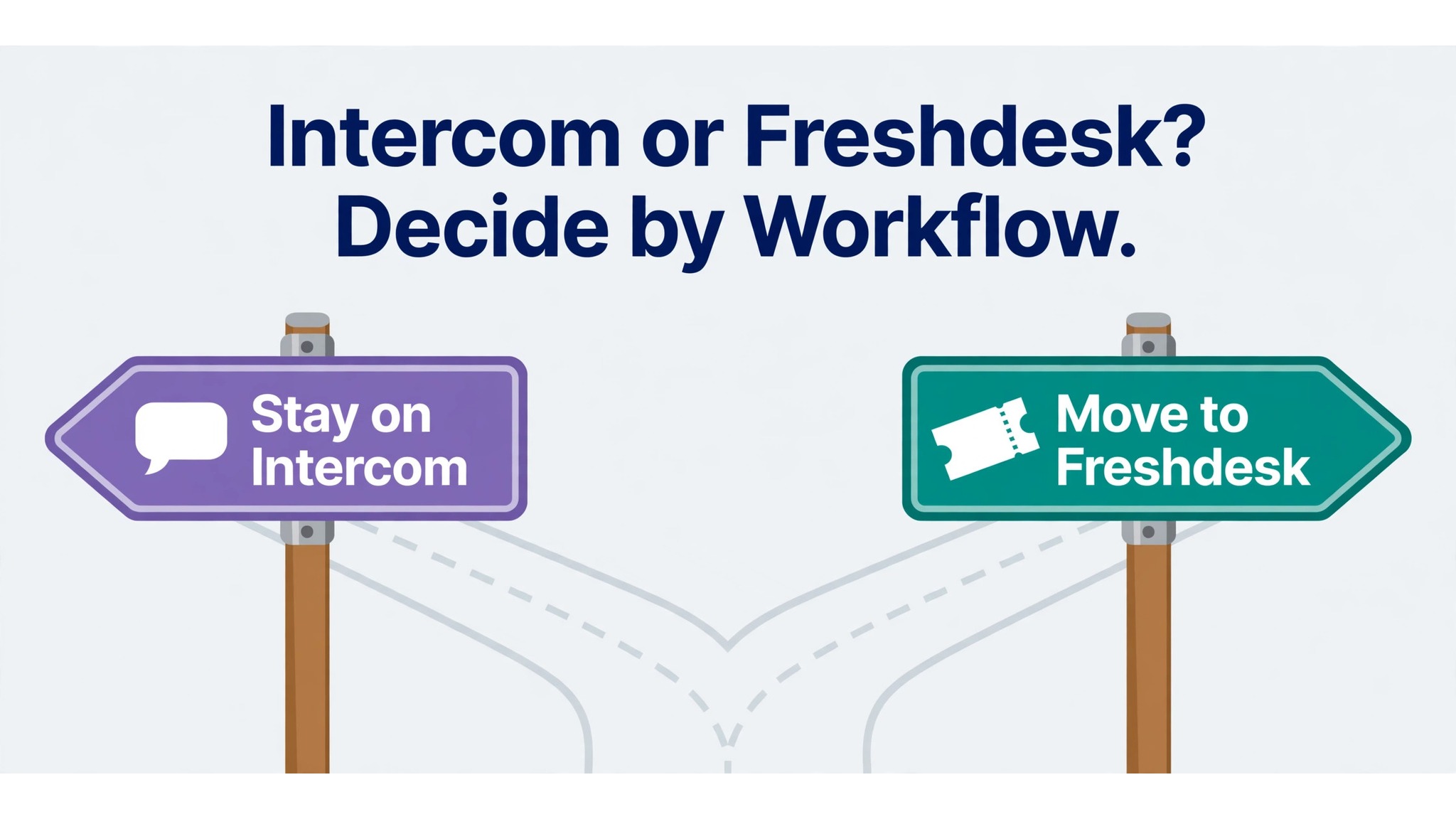
Move to Freshdesk when ticket structure, SLA accountability, and knowledge base self service matter more than real time chat, and when the team is ready to rebuild macros and automations rather than expecting them to transfer. Stay on Intercom when live chat inside the product drives onboarding and sales, and when ticket volume is still low enough that a conversation inbox stays manageable.
For most growing support teams, the honest answer is to switch Intercom to Freshdesk support team operations, and the migration in this guide is the way to make it without losing history, confusing customers, or launching a helpdesk nobody trusts. Run the demo migration, rebuild the configuration by hand, and cut over in stages, and the team will wonder why it waited so long.
More Reading on Stratilyze
For a related support tool comparison, read Freshdesk pricing for small teams and Zendesk pricing for small teams. For a different way to organise team work, see Asana alternatives.
Frequently Asked Questions
Does Freshdesk import Intercom tickets directly
Freshdesk has no native CSV import for tickets, so contacts and companies arrive by CSV while tickets move through the REST API or a third party migration service. That distinction matters for budgeting, because a team with thousands of conversations should plan for a migration tool rather than manual ticket creation. Run a demo migration first to check author attribution, timestamps, and attachments before the full import.
Do Intercom macros move to Freshdesk automatically
No, macros do not migrate automatically. Intercom macros become Freshdesk canned responses, and macros that also changed status or assignment become scenario automations that an agent triggers with one click. Rebuild each shared macro by hand, translate variable syntax to Freshdesk placeholders, and test every macro on a sample ticket before go live.
What happens to the Intercom help centre
Help centre articles move through a third party migration service that maps collections to Freshdesk categories, or through the Freshdesk knowledge base import route using a CSV of articles. Either route needs a content audit first, because outdated articles, broken images, and dead links will carry over just as faithfully as good articles. Check the top twenty articles by traffic after import.
Which Freshdesk plan do I need for multiple SLA policies
Multiple SLA policies sit on Pro and higher according to pricing guides, while Growth covers a single SLA setup with business hours. A team with premium customers, multiple products, or regional hours should budget for Pro. Confirm the current plan contents on the vendor page before you buy, since plan features have changed in the past.
How long does the migration take
A small team can complete a switch Intercom to Freshdesk support team project in about four weeks, including a demo migration, a configuration rebuild, and a staged cutover. Larger teams should add time for training and a second demo migration rather than compressing the sequence. The configuration rebuild, not the data import, usually takes the longest, because macros, automations, and SLA policies must be redesigned by hand.
Should I keep Intercom running after cutover
Keep Intercom read only for thirty days so agents can check history without splitting new work across two systems. After thirty days, export anything still needed, cancel the subscription, and remove the old widget from the website and product. Keeping both systems live for new work creates duplicate tickets and confused customers, so the read only window should have a firm end date.