
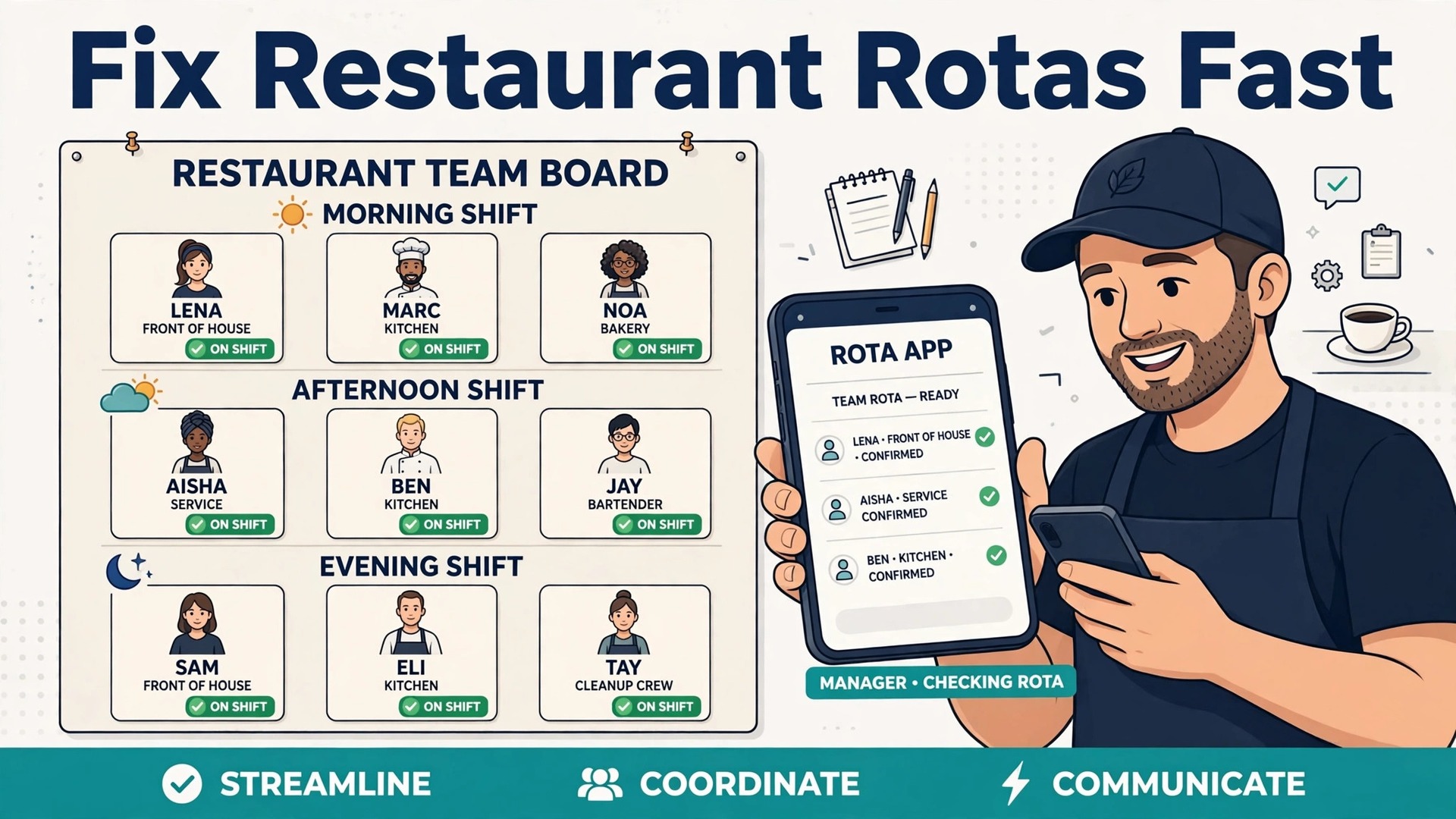
The Verdict First for Restaurant Operators
If you run one restaurant and need scheduling, time tracking and hiring in one affordable app, start with Homebase. If you run a small group and labour cost is your main worry, 7shifts is the stronger pick, because its forecasting ties schedules to sales data. That verdict comes from the job itself. Restaurants do not need generic HR software with features built for office teams. They need shift cover on a Friday night, tip handling that staff trust, break rules that hold up in a busy service and onboarding that works for a new hire who starts tomorrow. The best HR software for restaurants in this guide is judged on those daily tests, not on a feature list.
Eight tools made the list, from free scheduling apps to full payroll and HR platforms. Prices below are list prices and public pricing checks from October 2026, and per-location pricing is flagged wherever it changes the total for a group. A single location with fifteen part-time staff pays very differently on a per-user plan than on a per-location plan, so run the maths for your actual headcount before you choose. Trial the tool on a real rota week, with real availability and a real pay run, because a demo rota hides the messy parts of restaurant life.
What Restaurant HR Really Has to Cover
Restaurant HR is really three jobs in one. The first job is scheduling, which means building a rota that matches expected covers, respects availability and keeps labour cost in line with sales. The second job is people admin, which means hiring, onboarding, training records, time tracking and leave. The third job is pay and compliance, which means correct hours, tips, breaks, overtime and payroll. A tool that only does scheduling will leave payroll as manual work. A tool that only does payroll will leave managers building rotas in a spreadsheet.
The best restaurant tools connect these jobs. A schedule built from sales data leads to accurate hours, accurate hours lead to a cleaner pay run and a cleaner pay run leads to fewer staff disputes. Tip handling deserves special attention. Staff trust falls fast when tips are late, unclear or pooled unfairly. Check how each tool records tips, pools them and reports them to staff. Also check break and overtime alerts, because a busy service can push a team member past a limit without a manager noticing.
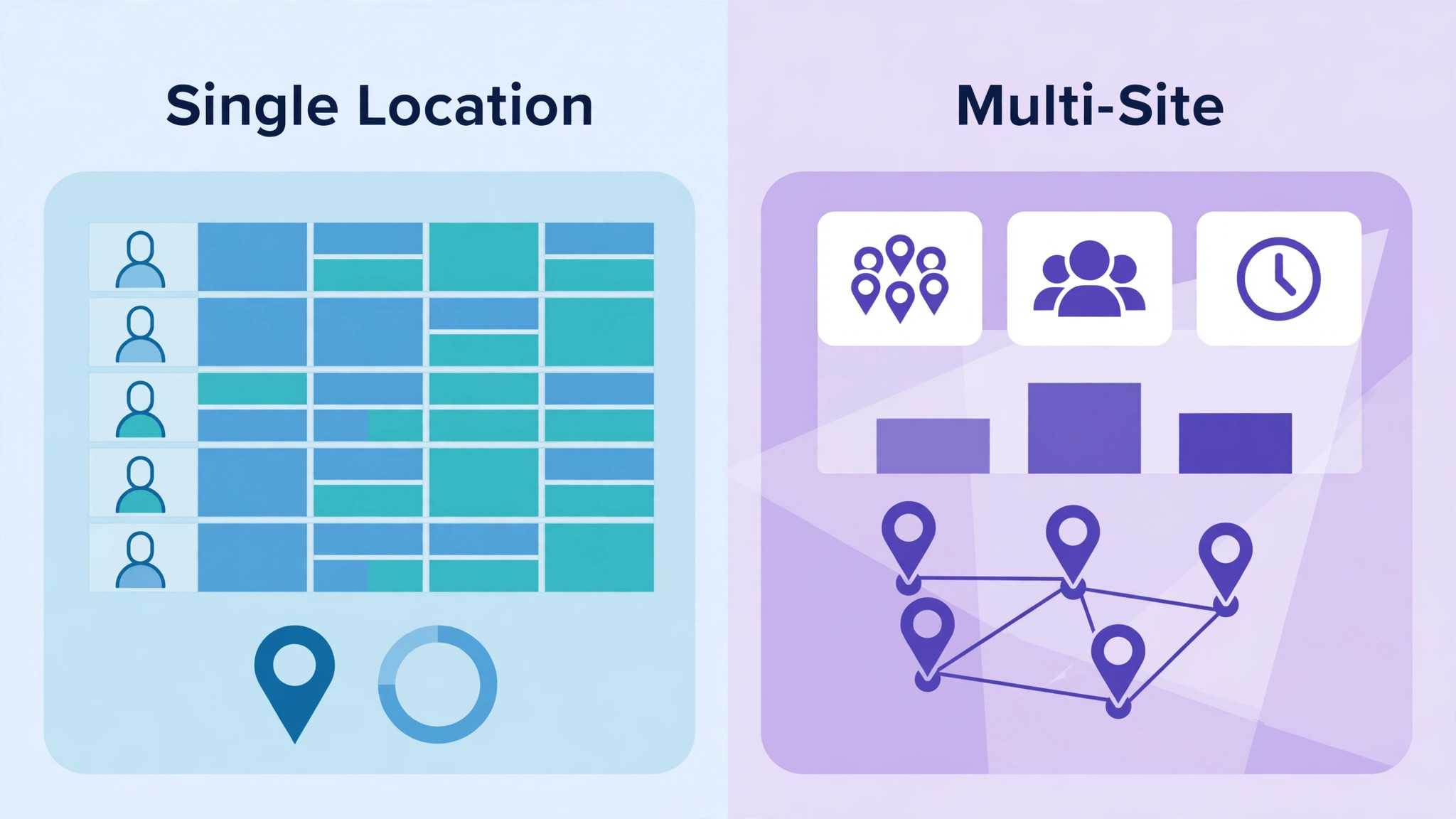
Best HR Software for Restaurants at a Glance
| Tool | Starting price | Best for |
|---|---|---|
| Homebase | Free basic plan, paid plans from 20 dollars per location per month, billed annually | Single location, all in one |
| 7shifts | Free Comp plan, paid from 39.99 dollars per location per month | Forecasting and labour cost |
| Toast Payroll | Pricing on request | Restaurants already on Toast POS |
| Gusto | 49 dollars per month plus 6 dollars per employee | Full payroll and HR compliance |
| Deputy | 5 dollars per user per month | Multi-location compliance |
| When I Work | 2.50 dollars per user per month | Simple scheduling for small teams |
| Sling by Toast | Free plan, paid from 2 dollars per user per month | Budget scheduling |
| Paylocity | Pricing on request | Larger groups needing a full HR suite |
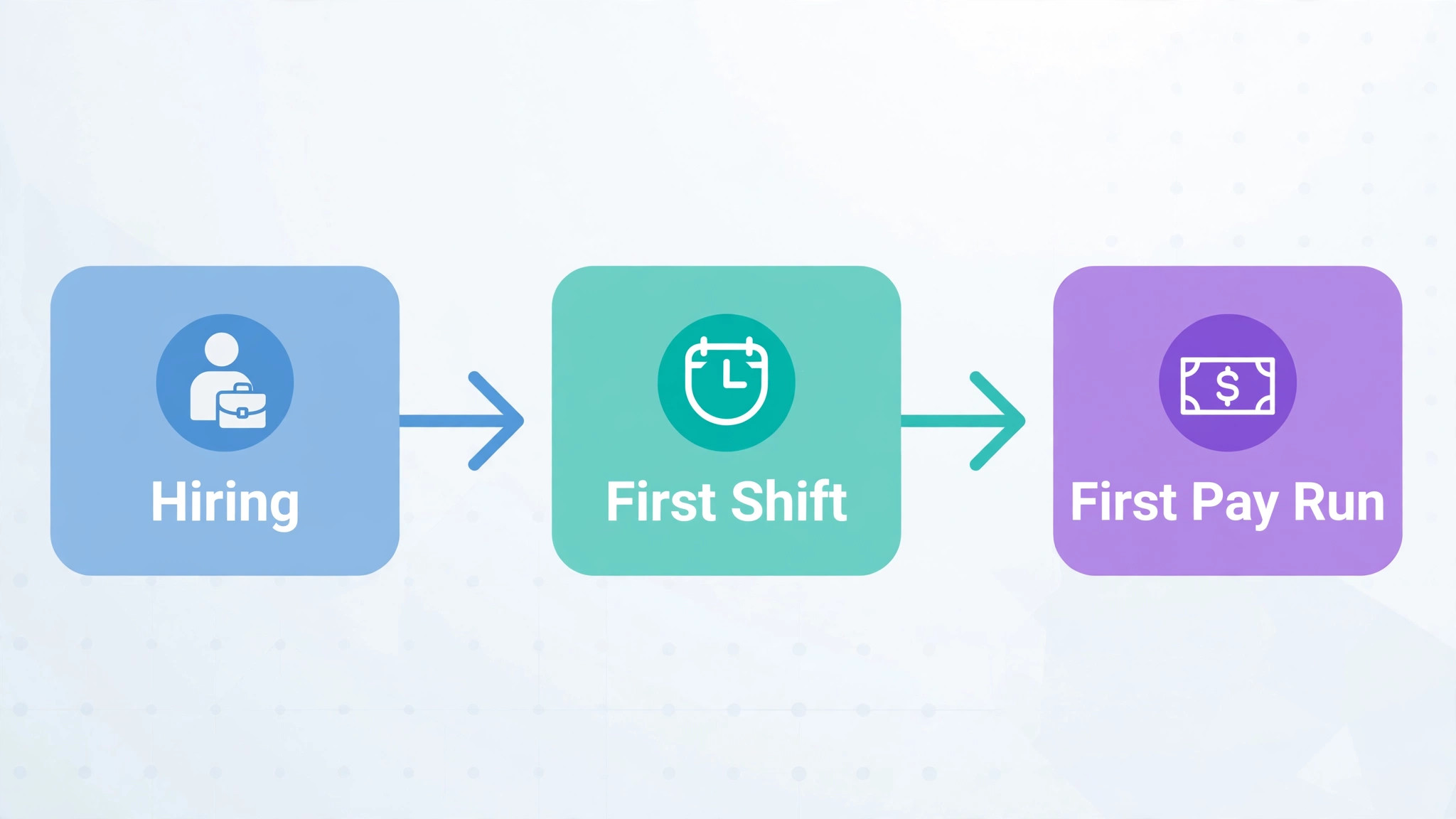
Best Pick by Job for Restaurants
| Job | Best pick | Why it fits |
|---|---|---|
| Single location | Homebase | Free entry, scheduling, hiring and payroll in one app |
| Small group | 7shifts | Per-location pricing and sales forecasting across sites |
| Seasonal staff | When I Work | Low per-user cost and fast onboarding for short contracts |
| Toast POS sites | Toast Payroll | Payroll syncs with register data |
| Larger groups | Paylocity | Full HR suite with multi-location controls |
The 8 Tools Reviewed in Detail
1. Homebase
Best for single-location restaurants that want one app for scheduling, hiring and pay. Starting price Free basic plan, with paid plans from 20 dollars per location per month, billed annually.
Homebase gives a small restaurant scheduling, time tracking, team messaging, hiring and payroll in one app, and the free basic plan covers timesheets, time clocks, hiring and scheduling for a single location. That breadth matters for an owner who is also the manager, because one login replaces a rota spreadsheet, a messaging group and a separate hiring tool. Job board syndication helps fill a vacancy fast, and sales and labour analytics help an owner see whether a busy week actually made money after labour cost.
Paid plans rise with features, and payroll is an added layer to price carefully, so the free plan is not the full cost for a restaurant that needs payroll. The tool is strongest for small teams, and a large group with complex benefits or multi-state compliance may need a fuller HR platform. Homebase also integrates with common POS systems, so check your exact POS during the trial rather than assuming a sync works.
– Strength. All-in-one app with a genuine free entry point – Watch out. Full payroll and advanced features add cost above the free plan – Try it this way. Put one real agency proposal through it before you pay for a full year, and check the mobile view, the payment step and the signed PDF.
2. 7shifts
Best for restaurants where labour cost and forecasting decide profit. Starting price Free Comp plan for a single location with up to 15 employees, with paid plans from 39.99 dollars per location per month.
7shifts is built for restaurants first. It connects to POS systems such as Toast, Square and Clover, pulls sales data and forecasts demand, so managers schedule to expected covers rather than gut feeling. Schedule templates, shift swaps, availability tracking and team chat are included, and higher tiers add labour compliance tools, a manager logbook and auto-scheduling. For an operator who has watched labour cost creep up on quiet Tuesdays, that forecasting is the main reason to choose it.
Tip pooling is a paid add-on on some tiers, and the total cost climbs once payroll and tip tools are added, so the headline per-location price is not the full bill. The Essentials, Pro and Premium tiers run from 39.99 dollars to 134.99 dollars per location per month in recent pricing checks, so a group must total all sites. 7shifts is a workforce tool first, not a full payroll and benefits platform, so some operators pair it with a payroll provider.
– Strength. Restaurant-first forecasting tied to sales data – Watch out. Tip and payroll add-ons raise the total cost – Try it this way. Put one real agency proposal through it before you pay for a full year, and check the mobile view, the payment step and the signed PDF.
3. Toast Payroll
Best for restaurants already running Toast POS. Starting price Pricing on request, no standard public list price for standalone payroll.
Toast Payroll suits a narrow but important case, a restaurant already on Toast POS that wants payroll synced directly from register data. Hours, sales and tips flow from the same system, which cuts manual entry and reduces pay disputes. For a busy operator, that single source of truth is worth more than a slightly cheaper standalone payroll tool, because errors fall and pay runs finish faster.
Pricing on request makes comparison harder, and the tool makes most sense only inside the Toast system. A restaurant on a different POS should compare Homebase or 7shifts plus a payroll provider before switching POS for payroll alone. Toast Payroll is also less useful as a standalone scheduling tool, so managers should check scheduling depth during a demo.
– Strength. Direct POS-to-payroll sync for Toast sites – Watch out. Quote-only pricing and Toast dependence – Try it this way. Put one real agency proposal through it before you pay for a full year, and check the mobile view, the payment step and the signed PDF.
4. Gusto
Best for restaurants that want full-service payroll and HR compliance without restaurant complexity. Starting price 49 dollars per month plus 6 dollars per employee.
Gusto is a strong general payroll and HR platform with clear pricing, benefits administration and compliance support. For a restaurant group that needs multi-state payroll, tax filings and employee self-service, Gusto removes a large admin burden. The interface is clean for managers and staff, and payroll runs are straightforward once hours are in. It suits owners who want payroll handled properly and do not want to manage POS-linked scheduling in the same tool.
Gusto is not restaurant-specific, so scheduling depth, tip pooling and sales forecasting are weaker than in 7shifts or Homebase. A restaurant will still need a scheduling tool or a POS integration to build rotas well. The per-employee fee also adds up for a large part-time team, so a 40-person roster costs far more than the base 49 dollars suggests. Run the total for your real roster, including seasonal hires.
– Strength. Clear payroll pricing and strong compliance – Watch out. Weaker restaurant scheduling and tip tools – Try it this way. Put one real agency proposal through it before you pay for a full year, and check the mobile view, the payment step and the signed PDF.
5. Deputy
Best for multi-location groups that need compliance controls. Starting price 5 dollars per user per month.
Deputy handles demand-based scheduling, time tracking and compliance controls across locations, which suits groups operating in states or regions with strict break and overtime rules. Managers can build schedules from demand patterns, staff can swap shifts in the app and labour cost stays visible by site. For a group with several managers, consistent controls across sites matter more than a single-site free plan.
Per-user pricing can grow fast for a large part-time roster, so a group with many casual staff should compare per-location pricing from 7shifts and Homebase. Deputy is a workforce tool, not a full payroll and benefits suite, so payroll still needs a provider or an integration. Trial it across two sites, not one, because multi-site reporting is where it must prove value.
– Strength. Multi-location scheduling with compliance controls – Watch out. Per-user cost grows with large casual rosters – Try it this way. Put one real agency proposal through it before you pay for a full year, and check the mobile view, the payment step and the signed PDF.
6. When I Work
Best for small teams that want simple scheduling and predictable per-user pricing. Starting price 2.50 dollars per user per month.
When I Work keeps scheduling simple. Managers build rotas fast, staff see shifts on a phone, swap requests are handled in the app and time tracking covers the basics. For a small restaurant with a stable team, that simplicity beats a heavier platform that managers never fully learn. The low per-user price also makes it easy to add seasonal staff without a large bill, and the app is easy to teach to a new hire.
It lacks the deep sales forecasting of 7shifts and the all-in-one hiring plus payroll breadth of Homebase. Payroll is handled through integrations rather than as a native strength, so pay runs still need care. Larger groups with complex compliance needs may outgrow it. When I Work is best for teams that want a clean rota tool and already have payroll covered elsewhere.
– Strength. Simple scheduling at a low per-user price – Watch out. Lighter forecasting and payroll depth – Try it this way. Put one real agency proposal through it before you pay for a full year, and check the mobile view, the payment step and the signed PDF.
7. Sling by Toast
Best for budget teams that only need scheduling and messaging. Starting price Free plan, with paid plans from 2 dollars per user per month.
Sling by Toast offers a generous free plan for scheduling and team communication, which makes it a sensible starting point for a very small restaurant. Managers can publish rotas, staff can request swaps and the basic workflow works without a subscription. For an owner testing whether staff will actually use an app, a free plan removes the risk of paying for a tool the team ignores.
Time tracking requires a paid upgrade, and the shift pickup interface has drawn criticism in user reviews, so test that flow with real staff before committing. Sling is a scheduling tool, not a full HR or payroll platform, so hiring, onboarding depth and pay runs need other tools. It suits a single site with simple needs, not a group that needs forecasting and compliance reporting.
– Strength. Generous free plan for basic scheduling – Watch out. Time tracking is paid and payroll is not native – Try it this way. Put one real agency proposal through it before you pay for a full year, and check the mobile view, the payment step and the signed PDF.
8. Paylocity
Best for larger restaurant groups that need a full HR suite. Starting price Pricing on request.
Paylocity covers HR, payroll, time tracking, recruiting and benefits in one suite, with multi-location management and integrations to POS systems including Toast. For a growing group, that breadth replaces several point tools and gives head office one view of labour cost, hiring and compliance. Recruiting at scale, benefits enrolment and employee self-service all sit in the same system, which helps when headcount passes fifty and spreadsheets stop working.
Pricing on request means a group must go through sales to budget, and the platform is heavier than a small restaurant needs. Implementation takes longer than a scheduling app, and a single-location operator will pay for depth it never uses. Paylocity is a group-stage choice, best adopted when the business has outgrown Homebase or 7shifts plus a separate payroll tool.
– Strength. Full HR suite for larger groups – Watch out. Quote-only pricing and heavier setup – Try it this way. Put one real agency proposal through it before you pay for a full year, and check the mobile view, the payment step and the signed PDF.
Onboarding and Training Checklist for Restaurants
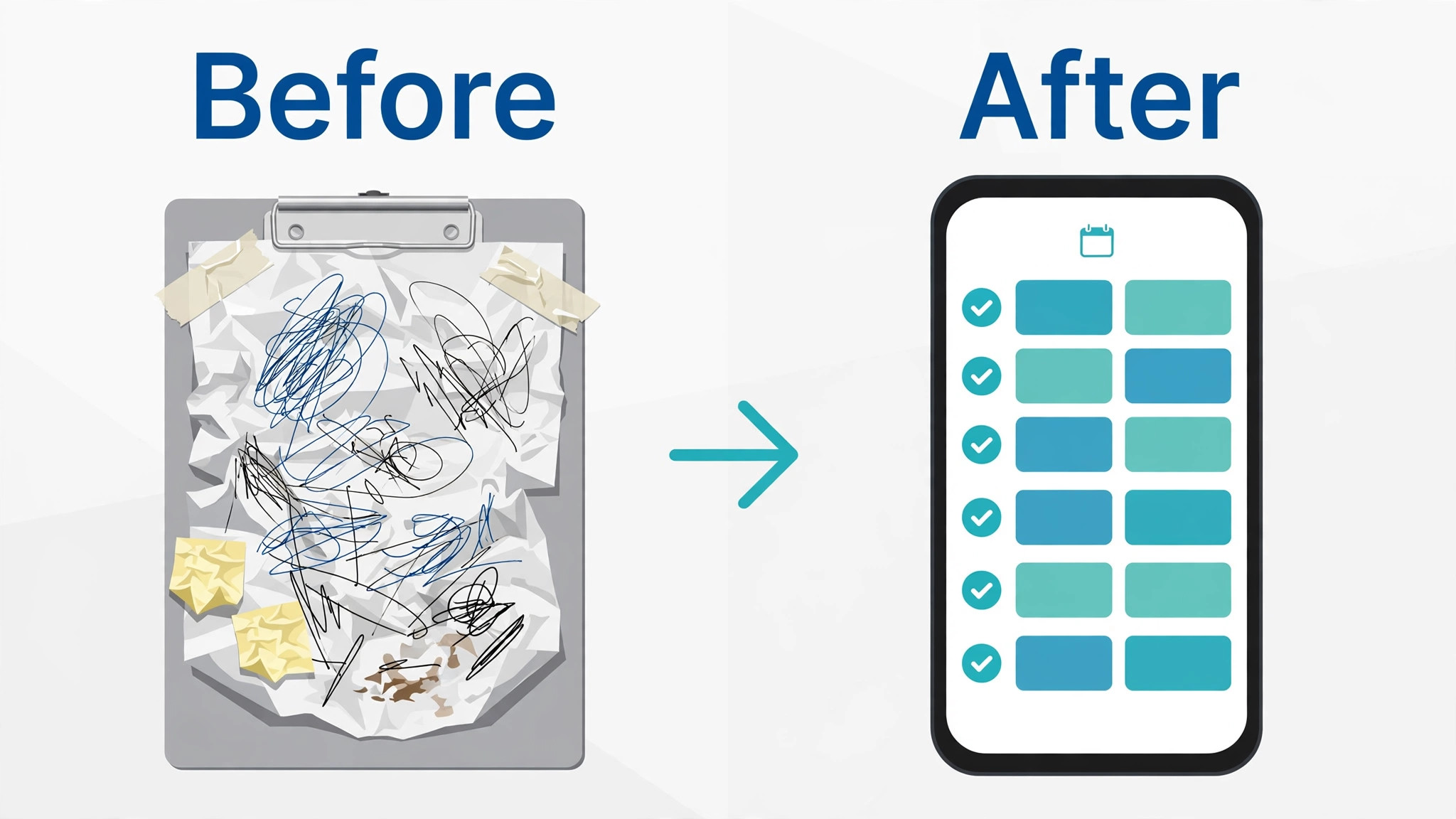
A new hire in a restaurant often starts within days, so onboarding must be fast and complete. First, collect the right documents and tax forms before the first shift, not after it. Second, create the staff profile, set availability and assign the correct role and pay rate. Third, run a short training plan that covers food safety, allergen handling, till use and the house rules for breaks and tips. Fourth, pair the new hire with a trained buddy for the first two shifts and record attendance and task completion. Fifth, review the first pay run with the new hire, so hours, tips and deductions are understood before a dispute grows.
Use the best HR software for restaurants angle here as a practical test. A tool that makes this checklist a template, with training records attached to each staff profile, will save a manager hours each month. Check whether training expiry alerts exist, because food safety certificates lapse quietly. Also check whether a new hire can complete forms on a phone, because many restaurant staff do not sit at a desk. A tool that fails the phone test will fail onboarding in real life.
How to Run a Fair Rota Without Burning Out Staff
A fair rota is a retention tool. Start with expected covers, not last week copy and paste, and build shifts around peak service times. Respect availability that staff have already given, and publish the rota early enough for staff to plan life outside work. Rotate weekend and closing shifts fairly, and avoid scheduling a closing shift followed by an early opening shift for the same person. Use shift swap rules that are clear, so a swap does not leave a station uncovered.
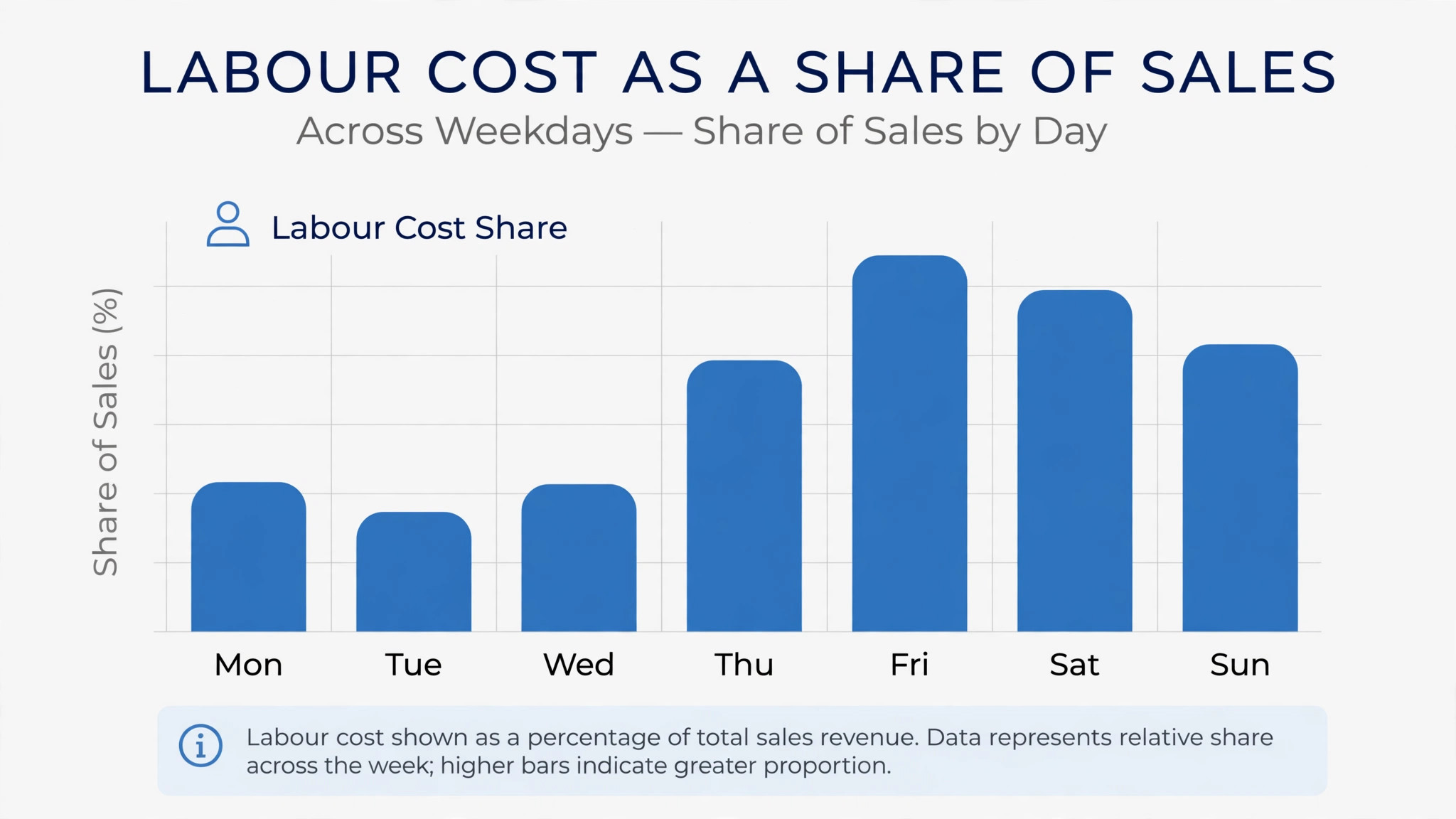
Labour cost control and fairness can coexist. Track labour as a share of sales each week, and review it by day part, not only by week total. A Saturday lunch that is overstaffed and a Friday dinner that is understaffed can hide inside an average that looks fine. Share the labour target with managers, so they understand why a rota change matters. When staff see that swaps are honoured and weekends rotate fairly, they stay longer, and longer tenure cuts the hiring cost that hurts restaurants most.
Mistakes That Push Labour Cost Up
The first mistake is building rotas from habit instead of sales data. A rota copied from last month keeps staff on quiet shifts and leaves busy shifts short. The second mistake is ignoring availability until the rota is published, which creates swaps, gaps and manager firefighting. The third mistake is treating tips as an afterthought. Unclear tip rules create distrust, and distrust creates turnover. Publish tip rules in writing, record tips in the system and let staff see their own tip totals.
Another mistake is buying on headline price without totalling payroll add-ons, tip tools and per-site fees. A free scheduling plan plus a separate payroll bill can cost more than an all-in-one plan. Finally, do not roll out a tool without training managers. A powerful forecasting tool that managers do not trust will be ignored, and rotas will return to spreadsheets within a month. Train managers on one real week, review the result together and adjust targets before judging the tool.
Training Managers and Staff on the New System
A restaurant tool only works if managers and staff actually use it, and that takes a short, practical training plan. Start with managers, because they build rotas, approve swaps and run pay checks. Train them on one real week, including a shift swap, a late availability change and a staff member who hits an overtime alert. Let managers practise fixing those cases in the test system, not in a slide deck, so they learn the clicks they will use on a busy Friday. Give each manager a one-page rota checklist for the first month, covering publication timing, break checks and labour cost review.
Staff training should take ten minutes, not an hour. Show staff how to see shifts, set availability, request a swap and check hours and tips on a phone. Most restaurant staff will not read a manual, so a short video or a live demo on their own phone works better than a document. The best HR software for restaurants in this guide all offer phone apps, but adoption still depends on that first ten minutes. If staff cannot complete the basics on a phone without help, they will return to messaging the manager directly, and the rota system will lose its value.
Follow up after two weeks with a short review. Ask managers which rota tasks still take too long, and ask staff whether swaps, availability and tip visibility work as expected. Fix the top two problems before rolling out to a second site. That review also reveals whether the tool fits the business or whether a different plan tier is needed. A tool that survives two real weeks with honest feedback is far more likely to survive a full season.
Seasonal Hiring Without Chaos
Seasonal hiring tests restaurant HR more than steady hiring, because ten new staff may start in one week and leave eight weeks later. A good system handles that surge without creating payroll errors or training gaps. Start seasonal hiring early, with job posts that state the season length, the shift pattern and the pay rate clearly. Use hiring templates so every seasonal hire gets the same documents, training tasks and pay setup, and set an end date in the system so leavers are processed cleanly rather than lingering on the rota.
During the season, track seasonal staff separately in reports, so labour cost for the seasonal period is visible without mixing it with core team costs. Give seasonal staff the same tip visibility and break protections as core staff, because fairness affects whether they return next season. The best HR software for restaurants should make seasonal start and end dates easy to set, and should not charge a heavy penalty for short-term hires. Per-location pricing often helps here, because a seasonal surge does not raise the bill in the same way as per-user pricing.
When the season ends, close the loop properly. Confirm final hours and tips with each seasonal hire, record training completed, and note which staff should be invited back next season. That record turns a one-season hire into a returning hire, which cuts next season hiring cost sharply. A studio of returning seasonal staff needs less training, makes fewer errors and already knows the menu and the house rules, which is a real competitive advantage in a tight labour market.
A final point on value deserves attention. The best HR software for restaurants should be judged on hours saved each week, not on the number of features on a pricing page. If a tool saves a manager five hours a week on rotas, hiring and pay checks, that saving alone usually covers the monthly cost many times over. If it saves no time, even a free plan is expensive, because staff time spent fighting a clumsy system is the real cost. Measure that time saving during the trial, and let it guide the final choice for the best HR software for restaurants.
Verdict on the Best HR Software for Restaurants
Homebase wins for a single location that wants one affordable app for scheduling, hiring, time tracking and payroll. 7shifts wins for a small group where sales forecasting and labour cost control matter most. Toast Payroll wins only for Toast POS sites that want direct payroll sync. Gusto wins for owners who want payroll and compliance handled cleanly and already have scheduling covered. Deputy, When I Work and Sling cover simpler or more specific needs at lower prices, while Paylocity is the step up for larger groups.
Choose by site count and labour pain. One site with a small team should start with Homebase. A group watching labour cost should trial 7shifts on real sales data. A Toast site should price Toast Payroll against Homebase plus payroll before switching anything. Whichever tool you pick, trial it on a real rota week and a real pay run, because that test reveals the truth faster than any demo.
Before signing, ask for the price in writing for the next twelve months and for the price when headcount crosses into the next tier. Per-user plans look cheap at ten staff and expensive at thirty, while per-location plans stay flat as seasonal hiring rises. Also confirm what happens to rotas, timesheets and pay history if you leave, because rebuilding a year of staff records costs more than any monthly saving. A tool that exports cleanly and holds its price for a year is worth more than a tool that wins a demo and raises its price at renewal.
Frequently Asked Questions
What is the cheapest HR software for a small restaurant?
Homebase and Sling by Toast both offer free plans for basic scheduling. Homebase paid plans start from 20 dollars per location per month, billed annually, while Sling paid plans start from 2 dollars per user per month. The cheapest full option depends on headcount, because per-location pricing favours larger part-time teams and per-user pricing favours small teams.
Does the best HR software for restaurants handle tips?
Tip handling varies by tool and tier. 7shifts offers tip pooling as a paid add-on on some plans, Homebase includes tip management in its broader suite and Toast Payroll syncs tip data from the register. Check tip recording, pooling rules and staff visibility during the trial, because tip trust affects retention directly.
Should a small group choose per-location or per-user pricing?
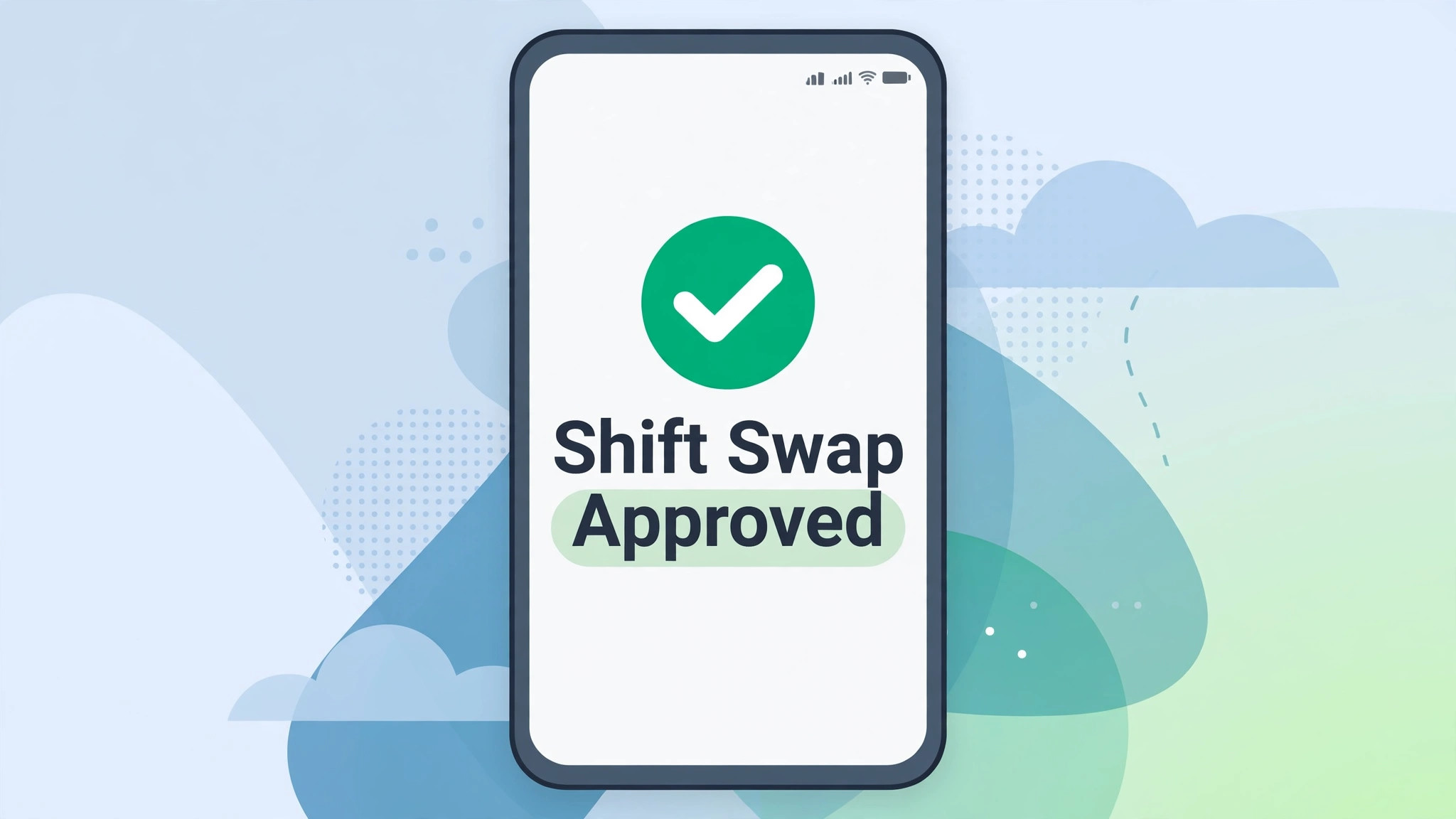
Per-location pricing usually wins for groups with many part-time staff, because the price does not rise with each casual hire. Per-user pricing suits small, stable teams. Total the cost for your real roster across all sites, including seasonal staff, before deciding. That total, not the headline price, is the fair comparison.
How long does restaurant HR software take to set up?
A scheduling app can be live in a few days, while a full payroll and HR suite takes weeks. Allow time to import staff, set pay rates, test a pay run and train managers. Start with one site, review a full rota week and a pay run, then roll out to other sites.
Can restaurant HR software help with seasonal hiring?
Yes, when hiring, onboarding templates and fast scheduling are built in. Tools with job board syndication and phone-friendly onboarding shorten the gap between application and first shift. Check seasonal staff handling in pricing too, because per-user plans charge for every seasonal hire while per-location plans often do not.