
A burst pipe does not wait for office hours, and a plumbing company that answers that call with a paper diary is already losing the job. The customer wants a time, a technician name, and a price range, all in the first call. If the office has to call back after checking who is free, the customer will often call the next company on the list. That first-call problem is the reason the best dispatch software for plumbing companies matters more than a simple calendar ever will.
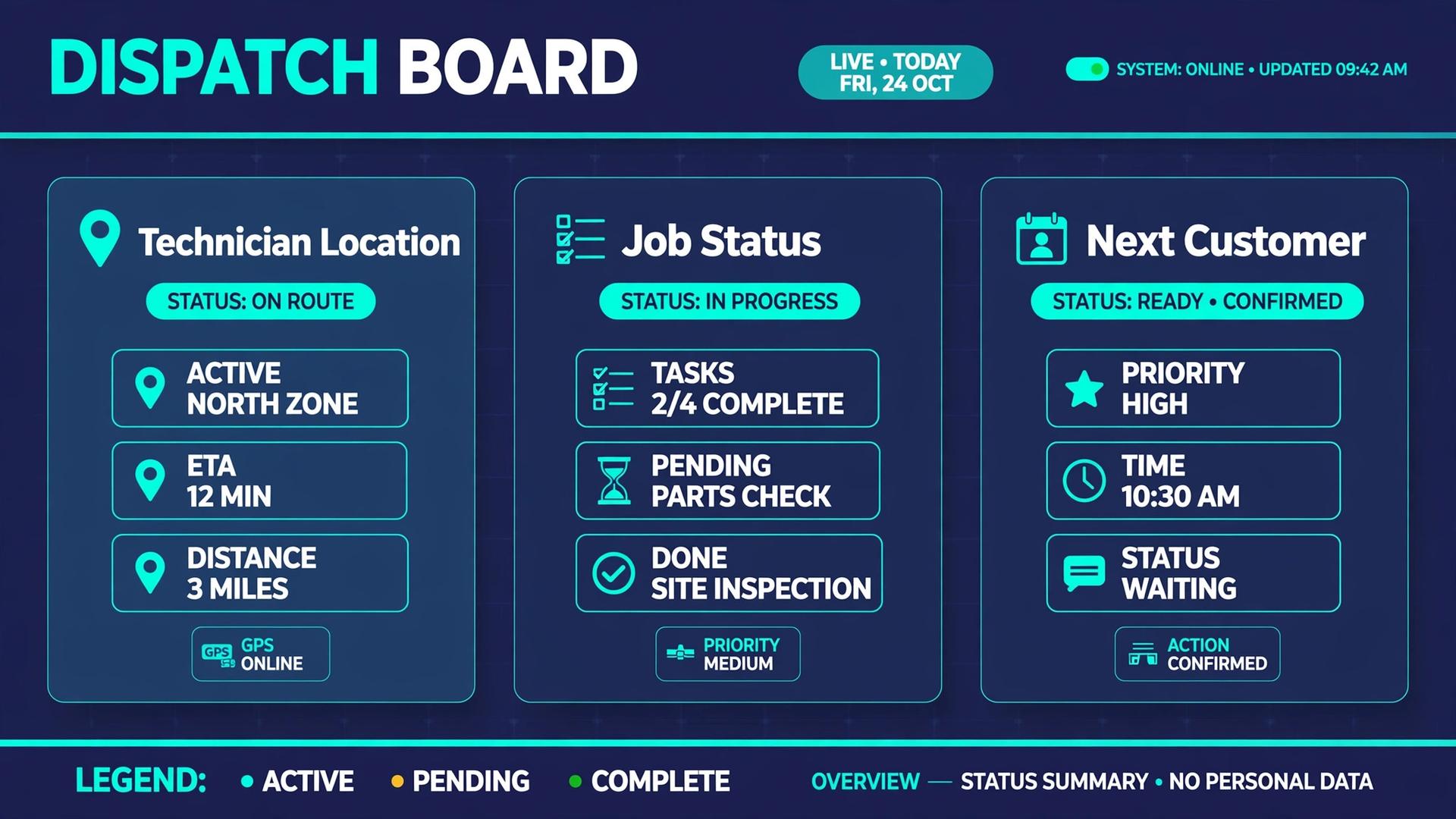
Dispatch in plumbing is a live puzzle. Technicians move between jobs, jobs overrun, parts run short, and emergency calls land in the middle of a planned day. A good dispatch board shows who is where, which job is running late, and which technician has the right skills and parts for the next call. It also keeps the customer informed, so a delayed arrival feels like a managed delay rather than a forgotten booking.
This guide compares thirteen tools used by plumbing companies, from simple scheduling apps for a solo plumber to full field service platforms for larger crews. Prices change often and many vendors quote by technician count, so every price entry here says to check the vendor pricing page. Get a written quote for your real technician count before you compare totals, and confirm whether messaging, payments, and route planning are included or charged separately.
Why a Plumbing Day Falls Apart Without Live Dispatch
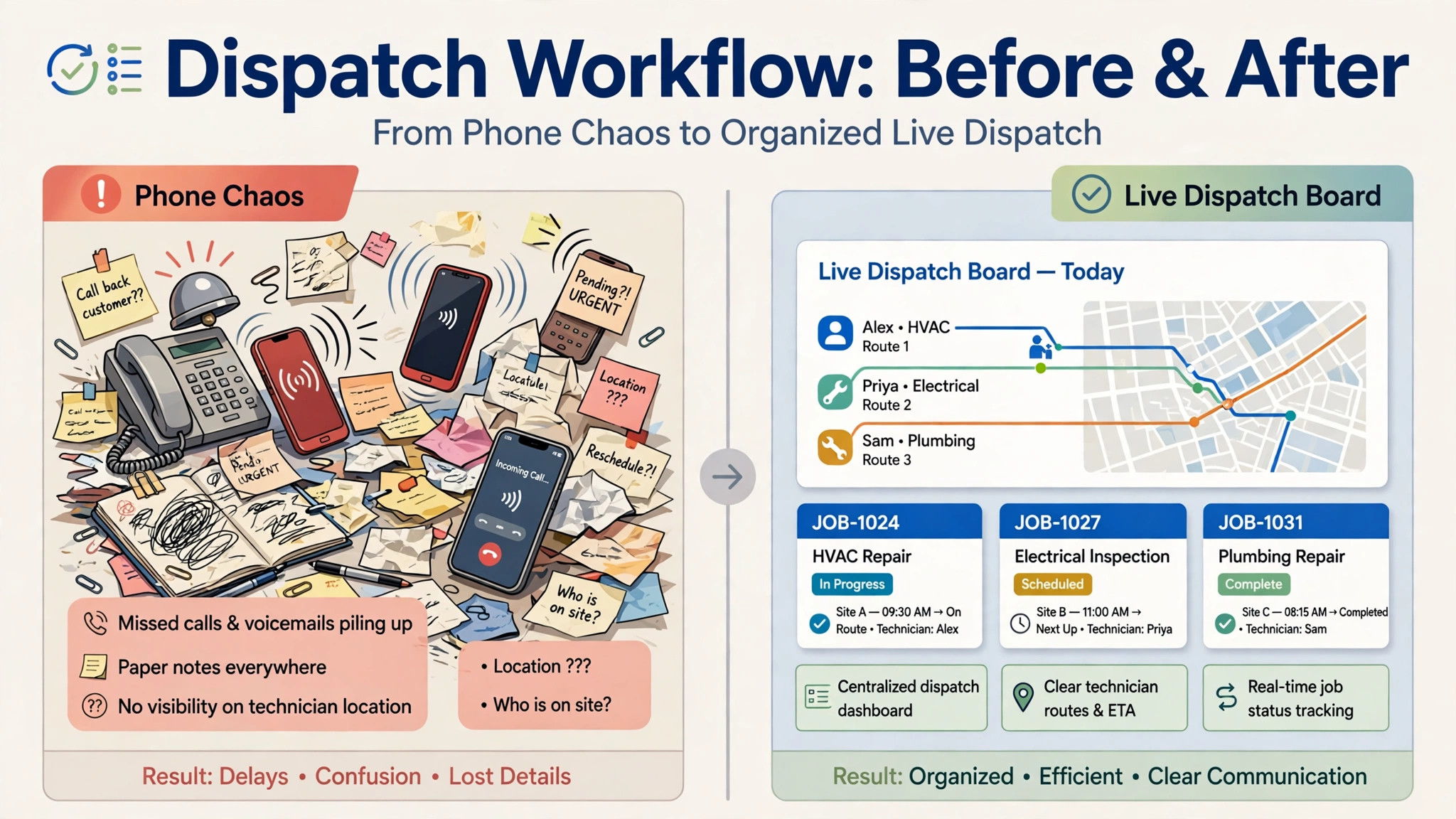
A plumbing schedule looks calm at 8 in the morning and chaotic by 10. A repair that should take an hour takes three because a valve is seized. A customer is not home. A technician needs a part that is on another van. Each small change ripples through the rest of the day, and an office working from a whiteboard or a shared spreadsheet will spend the morning re-planning by phone.
Live dispatch changes that work. When a job runs long, the dispatcher sees the delay on the board and can move the next job, warn the customer, or send a nearer technician.
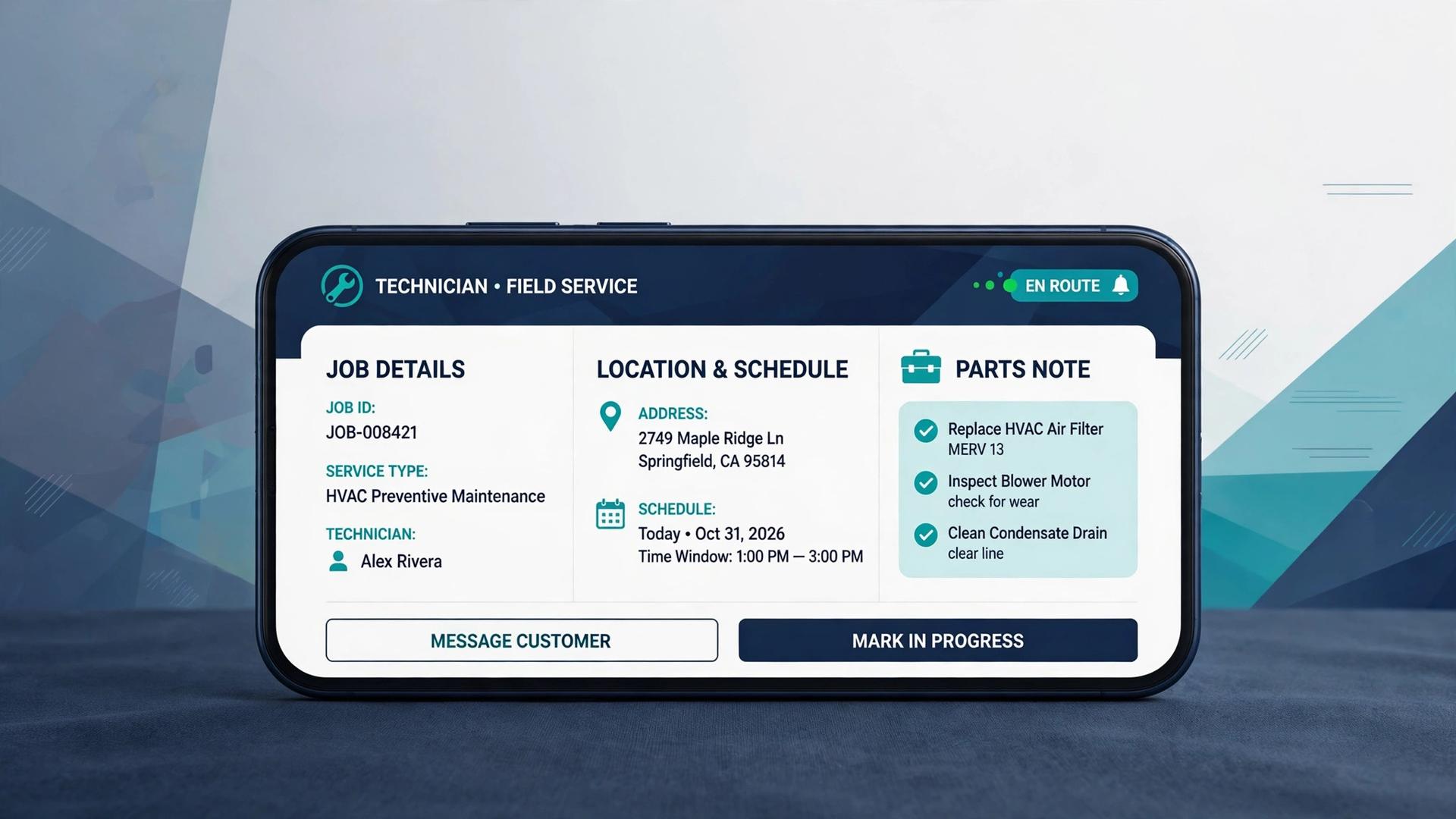
That single view also helps with parts and skills, because the dispatcher can check whether the nearest technician actually carries the fitting the job needs, rather than sending the closest van and discovering the gap on site. Over a month, those avoided second trips add up to real recovered hours. When an emergency call arrives, the dispatcher can see who is closest and who is finishing soon, rather than guessing from memory. That visibility is what keeps a full day profitable instead of letting it dissolve into missed calls and overtime.
Choosing well matters because dispatch touches every part of the business at once. A company that compares the best dispatch software for plumbing companies on price alone can end up with a board that looks tidy but fails on the first emergency reshuffle. A company that tests the board on a real chaotic day will learn quickly which tool protects revenue and which one only organises it.
Customer communication is the second half of the job. A customer who gets a text with an arrival window and a technician name is far more patient about a delay than a customer who hears nothing. A customer who can approve a quote on a phone and pay by card at the door is far easier to close than one who waits days for a paper invoice. Dispatch software earns its cost in that combination of fewer wasted trips, fewer missed calls, and faster payment.
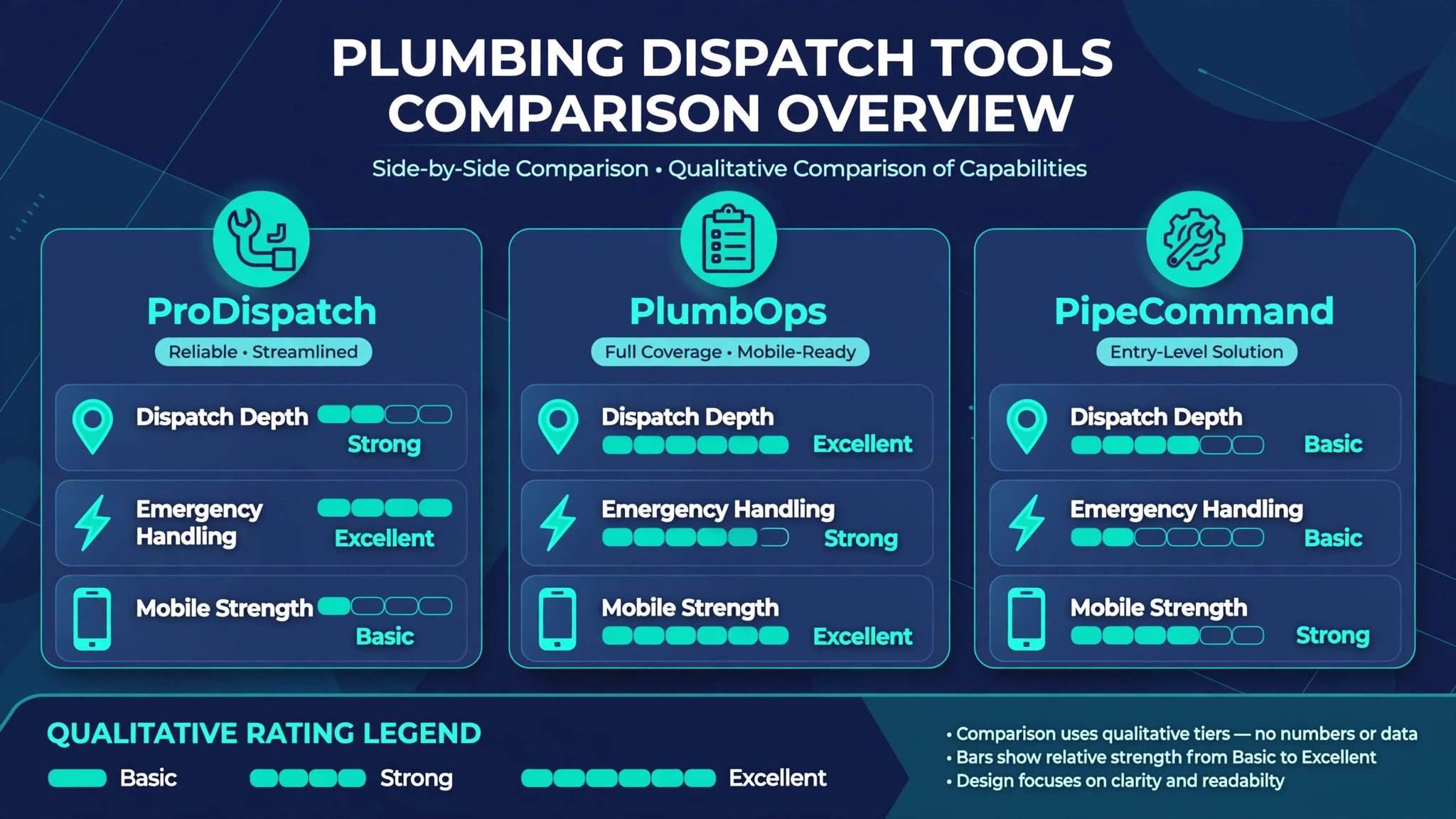
The 13 Tools at a Glance
| Tool | Starting price | Best for | Dispatch depth |
|---|---|---|---|
| Housecall Pro | Check the vendor pricing page | Small crews wanting fast setup | Strong |
| ServiceTitan | Check the vendor pricing page | Larger companies with complex dispatch | Strong |
| Jobber | Check the vendor pricing page | Growing crews with quoting and invoicing | Good |
| Service Fusion | Check the vendor pricing page | Dispatch plus inventory control | Strong |
| FieldEdge | Check the vendor pricing page | Plumbing and HVAC field service | Strong |
| Workiz | Check the vendor pricing page | Phone-led dispatch and lead handling | Good |
| ServiceM8 | Check the vendor pricing page | Mobile-first small teams | Good |
| simPRO | Check the vendor pricing page | Job costing and larger operations | Strong |
| Fergus | Check the vendor pricing page | Job management for trade firms | Good |
| Kickserv | Check the vendor pricing page | Simple scheduling and invoicing | Good |
| mHelpDesk | Check the vendor pricing page | Ticket-based service tracking | Good |
| RazorSync | Check the vendor pricing page | Mobile dispatch for small crews | Good |
| FieldPulse | Check the vendor pricing page | Simple field service management | Good |
Pricing in this market is rarely a single public number, and that is why a comparison of the best dispatch software for plumbing companies should start with a written quote for your real crew size. A low headline price can grow quickly once messaging credits, extra users, and payment processing are added, while a higher subscription can be cheaper per job once those items are included.
Best Pick by Job
| Job type | First pick | Why it fits | Watch out for |
|---|---|---|---|
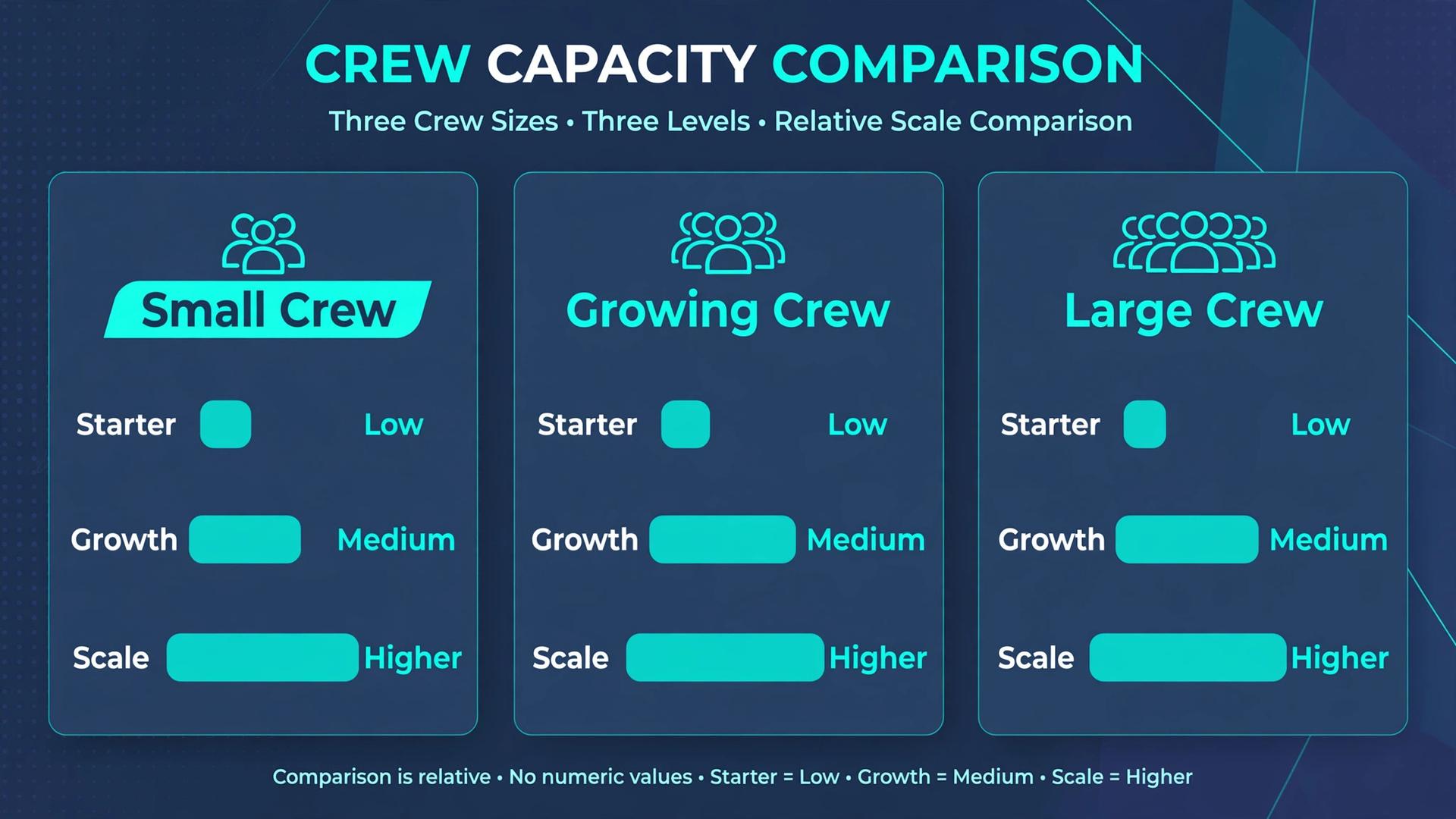
| Solo plumber | ServiceM8 | Mobile scheduling, quoting, and invoicing in one app | Less depth for multi-van dispatch |
| Small crew | Housecall Pro | Fast setup with a live dispatch board and customer messaging | Confirm pricing as the crew grows |
| Emergency-call company | ServiceTitan | Deep dispatch, call handling, and capacity planning | Setup effort and higher cost |
The job type that fills most of your week should decide the shortlist for the best dispatch software for plumbing companies. A solo plumber who buys a large enterprise platform will pay for capacity planning he never uses, while an emergency-call company that buys a simple scheduling app will struggle when three urgent calls land at once. Match the tool to the shape of your day, not to the longest feature list.
Emergency Dispatch Checklist
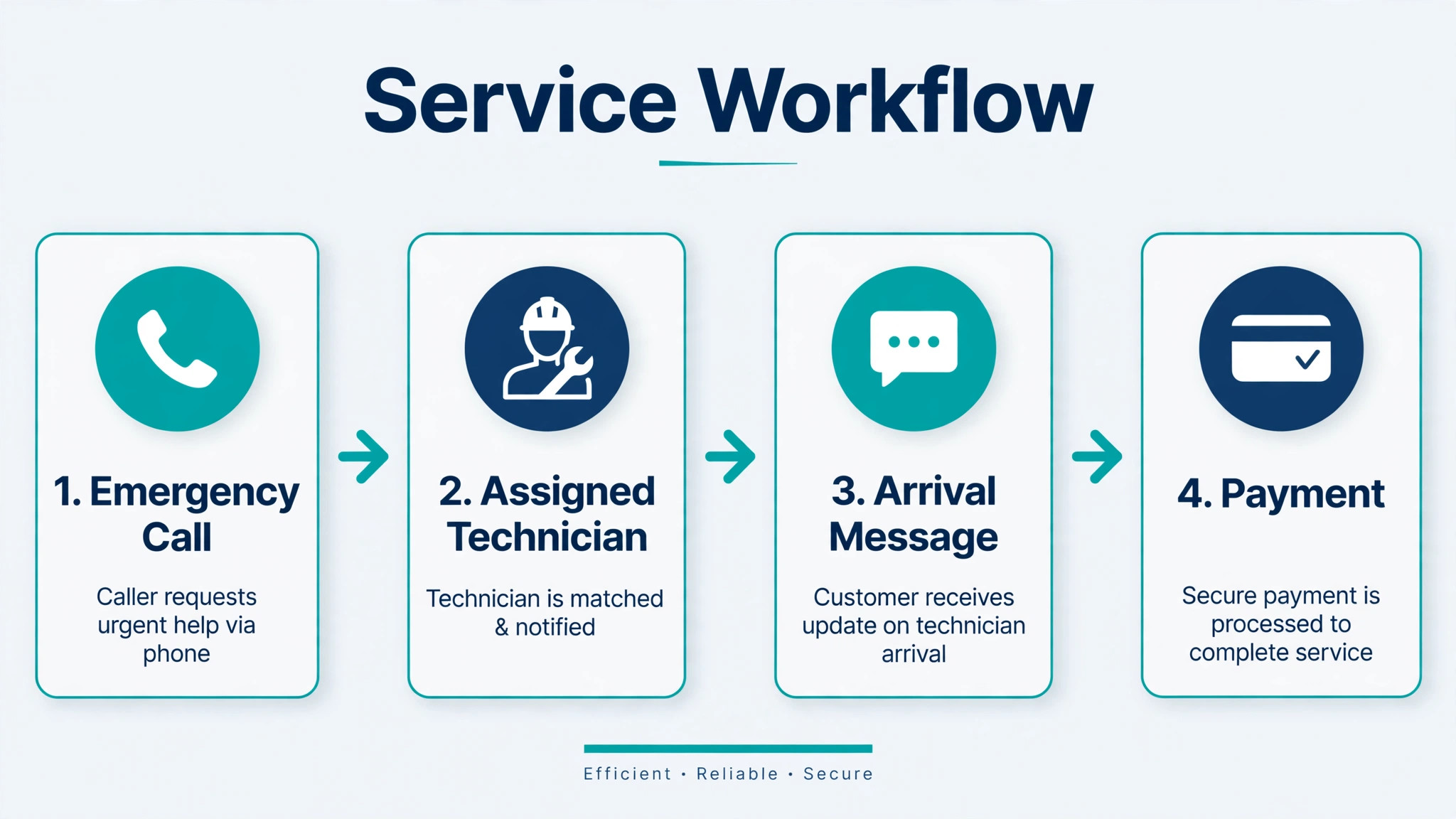
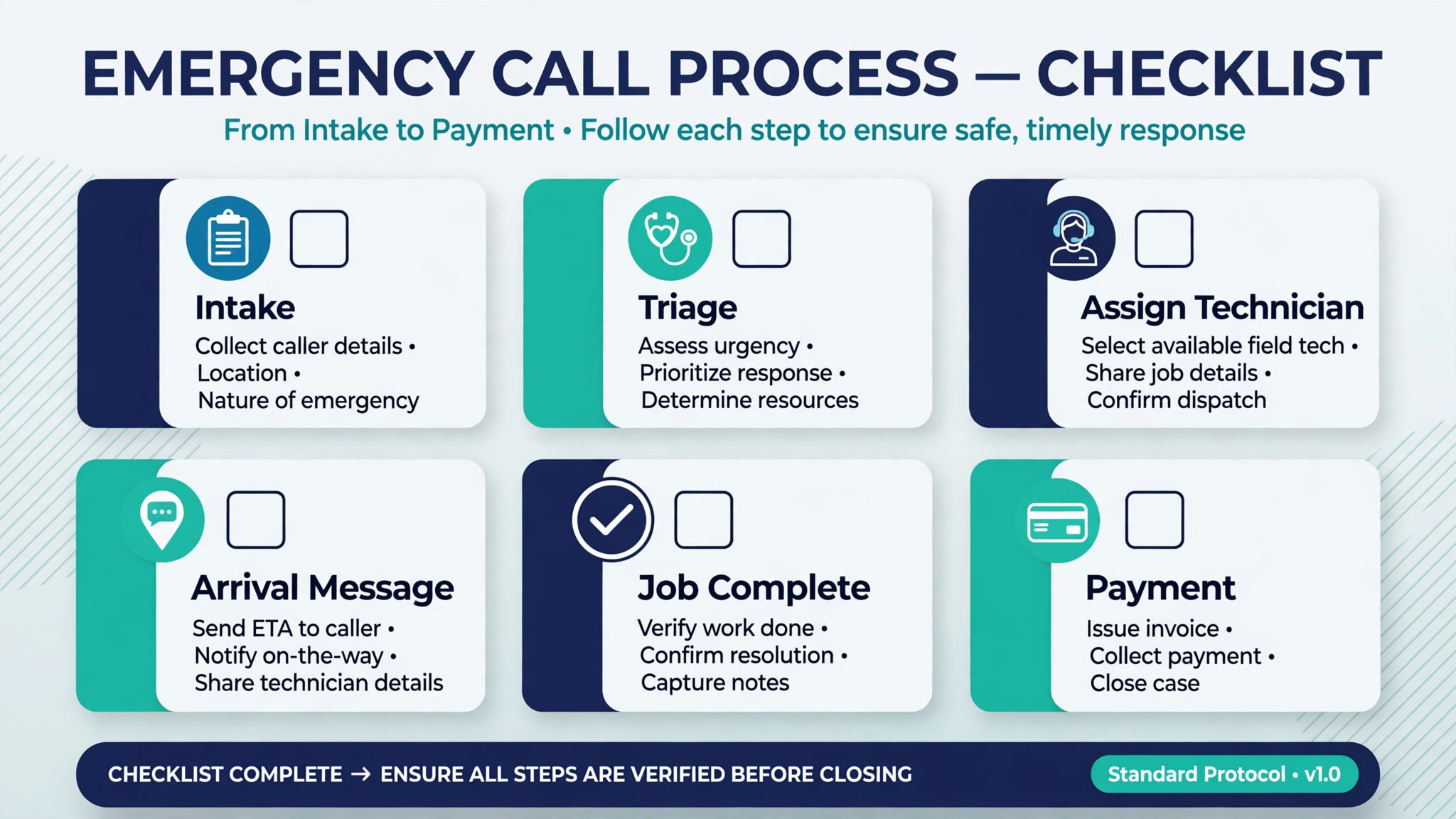
Use this checklist when an urgent call arrives, so the job is handled the same way no matter who answers the phone.
– Confirm the address, access details, and the exact problem, including whether water needs to be shut off before arrival. – Check which technician is nearest and which one is finishing a job soon, and assign the call to the best fit rather than the first name on the list. – Tell the customer the arrival window, the technician name, and what to do while waiting, such as shutting off the main valve. – Send the job to the technician phone with the address, job notes, and any parts likely to be needed. – Record the diagnosis, the agreed price, and any photos before work starts, so the invoice matches the conversation. – Update the board immediately if the job runs long, and warn the next customer before the delay becomes a complaint. – Collect payment on site where possible, and confirm the follow-up or return visit before leaving. – Review the day at close of business, and move any unfinished work into tomorrow with a customer message already sent.
Software helps this checklist only if the board, the technician phone, and the customer message all update from the same job record. If those three live in separate places, the checklist becomes extra admin work on the busiest day of the week.
The 13 Tools in Detail
1. Housecall Pro
Housecall Pro is a field service platform built around online booking, scheduling, dispatch, estimates, invoicing, and payments. A plumbing crew can run the dispatch board from the office while technicians see jobs, customer details, and job history on a phone. Automated reminders and review requests help fill the schedule and build a reputation without extra office work.
The strength is speed of setup for a small crew. A company can move from phone and paper to a live board quickly, and customers get clear booking confirmations and arrival messages. The limit is scale. Very large operations with complex capacity planning and inventory rules may need a deeper platform, so test multi-van dispatch on a busy week before committing.
2. ServiceTitan
ServiceTitan is a full field service platform for larger home service companies, covering dispatch, scheduling, customer records, estimates, invoicing, payments, and marketing. Its dispatch board is built for high call volume, with capacity planning, technician tracking, and call booking tools that help an office handle peaks without losing jobs.
The strength is depth for an emergency-heavy operation. When several urgent calls arrive together, the board, call handling, and job history work as one system rather than three separate tools. The limit is cost and implementation effort. A small crew should confirm the total price, including onboarding and any required tiers, before assuming the depth is worth it.
3. Jobber
Jobber combines quoting, scheduling, dispatch, invoicing, and customer messaging for service companies, and it is widely used by plumbing crews that are growing past a single van. Jobs can be scheduled, assigned, and tracked from the office, while technicians update job status and capture photos and notes on site.
The strength is balance. It covers the full job cycle without the complexity of a large enterprise platform, and its quoting and invoicing keep the office workflow in one place. The limit is dispatch depth at very high volume. A company running many vans with constant emergency reshuffling should test the board under a real peak day, not only on a quiet demo.
4. Service Fusion
Service Fusion offers dispatch, scheduling, estimates, invoicing, inventory, and customer management for field service companies. For a plumbing company, the inventory side matters, because a technician sent without the right valve or fitting wastes a trip and a customer relationship.
The strength is the link between dispatch and stock. The office can see job status and parts together, which helps when a job needs a return visit with a specific part. The limit is learning curve. A crew that only wants simple scheduling may find the wider feature set heavier than needed, so check which modules the team will actually use each week.
5. FieldEdge
FieldEdge is a field service platform for plumbing, HVAC, and electrical companies, with dispatch, scheduling, quoting, invoicing, and customer records. It is built for trade companies that need a clear board, fast quoting on site, and a customer history that follows the property rather than only the person.
The strength is trade fit. Job types, pricing, and dispatch workflows match how plumbing companies actually work, which shortens training for office staff and technicians. The limit is price transparency. Check the vendor pricing page and request a quote for your technician count, since the total depends on users and included features.
6. Workiz
Workiz is a field service platform with a strong phone and lead handling focus, plus scheduling, dispatch, invoicing, and payments. For a plumbing company that still gets most work by phone, the way calls become jobs matters as much as the board itself, and Workiz is built around that flow.
The strength is the path from ringing phone to booked job. Call tracking, lead capture, and dispatch sit together, so fewer enquiries are lost between the call and the calendar. The limit is that phone-led strength does not automatically mean deep job costing, so a company that needs detailed cost tracking should test that workflow separately.
7. ServiceM8
ServiceM8 is a mobile-first job management app for small trade teams, covering quoting, scheduling, dispatch, invoicing, and payments. Technicians can manage jobs from a phone, and a solo plumber can run booking, quoting, and payment without a separate office system.
The strength is simplicity for a small operation. The app is quick to learn, and the customer gets professional quotes, messages, and invoices from day one. The limit is multi-van dispatch depth. A growing crew with several vans and emergency reshuffling should test whether the board stays clear when the day changes fast.
8. simPRO
simPRO is a job management platform for trade and field service companies, with scheduling, dispatch, quoting, invoicing, inventory, and job costing. It suits a plumbing company that wants to track the true cost of each job, including labour, materials, and return visits, rather than only the invoice total.
The strength is cost control. A company can see which job types make money and which ones leak time and parts, and can price future work from real history. The limit is setup effort. Job costing and inventory need clean data from the start, so allow time for training and for building accurate job templates before go-live.
9. Fergus
Fergus is a job management tool for trade businesses, covering quoting, scheduling, invoicing, and job tracking. It is designed for firms that want clear job records and tidy invoicing without running a large enterprise system, and it keeps customer and job history easy to find.
The strength is clarity for a trade firm. Quotes turn into jobs and jobs turn into invoices in a straightforward flow, which suits an office with limited admin time. The limit is dispatch depth for emergency-heavy days. Test the board with overlapping urgent jobs before choosing it for a company that lives on emergency calls.
10. Kickserv
Kickserv is a scheduling and invoicing platform for service companies, with dispatch, customer records, estimates, and payments. It suits a plumbing crew that wants a clean schedule and fast invoicing, without paying for a wide set of features the team will not use.
The strength is value and simplicity. The office can schedule, dispatch, and invoice from one place, and technicians can see their day clearly. The limit is advanced dispatch and reporting depth. A larger company with complex routing and capacity needs should compare it against a deeper platform on a real busy week.
11. mHelpDesk
mHelpDesk is a field service platform built around tickets, scheduling, dispatch, invoicing, and customer management. Plumbing jobs become tickets that can be tracked from first call to final invoice, which helps an office that handles a high volume of repeat service work.
The strength is ticket clarity. Every job has a status, a history, and a paper trail, so nothing is lost when a job needs a return visit or a warranty check. The limit is that ticket workflows can feel formal for a small crew that prefers a simple board, so test the daily workflow with technicians before rolling it out.
12. RazorSync
RazorSync is a mobile field service platform for small service companies, with scheduling, dispatch, invoicing, estimates, and customer records. Technicians work from a phone app, and the office can dispatch, reschedule, and track jobs without chasing technicians by phone all day.
The strength is mobile simplicity for a small crew. The day is visible, jobs can be moved quickly, and invoicing follows the completed job. The limit is scale and advanced reporting. A company planning rapid growth should confirm that the platform can handle more vans, more users, and deeper reporting without a painful migration later.
13. FieldPulse
FieldPulse is a field service management platform for small and mid-sized service companies, covering scheduling, dispatch, estimates, invoicing, payments, and customer records. It suits a plumbing company that wants the full job cycle in one system at a price that fits a growing crew.
The strength is breadth for the size. A crew can quote, schedule, dispatch, invoice, and take payment without stitching several tools together. The limit is depth in the most complex dispatch cases. Test emergency reshuffling, multi-van routing, and parts tracking on real jobs before choosing it for a high-volume emergency operation.
What Changes When Dispatch Goes Live
The first change is the morning. Instead of starting the day with a round of phone calls to confirm who is going where, the office starts with a board that already shows the plan, and technicians start with jobs on their phones. That quieter morning saves office time, but its real value is fewer errors, because a job that is written on the board is far less likely to be forgotten than a job mentioned in a call.
The second change is the middle of the day. When a job overruns, the dispatcher can warn the next customer early, move a job to a nearer technician, or pull a job forward that fits the new gap. Customers judge a plumbing company heavily on how delays are handled, and early honest messages protect the relationship even when the schedule slips.
The third change is the end of the day. Completed jobs, photos, notes, and payments are already in the record, so invoicing does not become a weekend job. A company that invoices the same day gets paid faster and spots missing parts or unbilled time while the job is still fresh in memory.
A fourth change is quieter but just as valuable. When every job is recorded the same way, the owner can see which job types run over, which technicians handle emergencies best, and which areas produce repeat work. Judged on that evidence, the best dispatch software for plumbing companies is not only a scheduling aid. It is the record that turns a busy week into pricing, staffing, and training decisions that improve the next week.
How to Choose the Best Dispatch Software for Plumbing Companies
Start with a real week, not a feature list. Take a week that includes an emergency call, a job that overran, a customer who was not home, and a return visit for a part. Enter that week in the trial and see whether the board stays clear, whether customers get timely messages, and whether the office can re-plan without a chain of phone calls.
Next, test the technician experience. A tool that looks great in the office but confuses technicians on site will fail, because job notes, photos, and status updates will stop being recorded. Ask technicians to run a full day on the trial, including quoting and payment, and listen to what slows them down.
Then price the full stack for the best dispatch software for plumbing companies in your operation. Add messaging costs, payment fees, extra users, and onboarding to the subscription, and model the total at your current crew size and at the next crew size up. A tool that is cheap for two vans and expensive for five will punish growth.
Common Mistakes When Buying Plumbing Dispatch Software
One mistake is buying a calendar and calling it dispatch. A calendar shows times. Dispatch shows people, places, skills, parts, and job status together, and it lets the office re-plan when reality changes. Test the re-plan, not only the first plan.
Another mistake is ignoring the phone. Many plumbing jobs still start with a call, and a dispatch tool that cannot turn a call into a booked job quickly will leak enquiries. Test the path from ringing phone to assigned technician on a real call, and count how many steps it takes.
A third mistake is forgetting parts. A technician dispatched without the right part creates a second trip, a second customer wait, and a second invoice conversation. Make sure parts, van stock, or at least a parts note is part of the dispatch record from day one.
A fourth mistake is skipping customer messages. A board that only the office can see does not reassure the customer. Confirm that arrival windows, technician names, and delay messages reach the customer automatically, and check whether messaging is included in the price.
A fifth mistake is buying for a future crew size and ignoring the current one. A large platform can slow a small team with setup and training, while a simple tool can be outgrown in a year. Choose the tool that fits this year, and confirm that data can be exported if you move later.
Frequently Asked Questions
What should a plumbing company look for in dispatch software?
Look for a live board, technician tracking, skill and location matching, customer messaging, on-site quoting, and payment capture in one job record. The board must handle re-planning when jobs overrun, and the technician app must be simple enough to use on site with wet hands and a busy day. Test those two things on real jobs before judging any other feature.
Is a general scheduling app enough for a plumbing crew?
A general scheduling app can work for a solo plumber with simple repeat jobs, but it usually struggles with emergency reshuffling, parts tracking, and property history. Once a crew runs several vans or handles urgent calls daily, a trade-specific dispatch platform saves more time than it costs, because re-planning and customer messages happen from one record.
How does dispatch software handle emergency calls?
It shows which technicians are nearest, who is finishing soon, and who has the right skills, then lets the dispatcher assign the call and message the customer in a few steps. The best systems also warn the next scheduled customer automatically when a job is moved, so one emergency does not create two complaints. Test that warning step explicitly in a trial.
Can customers track their plumber arrival time?
Most modern platforms send an arrival window, a technician name, and a message when the technician is on the way, and some offer live tracking. Confirm exactly what the customer sees, and whether live tracking is included or an extra feature, since customers often judge the whole company by that one message.
How long does it take to switch dispatch software?
A solo plumber can switch in one to two weeks if job types, price lists, and customer records are prepared in advance. A small crew should allow three to four weeks, including technician training and parallel running on live jobs. A larger company should allow six to eight weeks, including data migration, template building, and dispatch board training.
Does dispatch software help with invoicing and payment?
Yes, when quoting, job notes, photos, and time are captured on site, the invoice can be produced at the door and paid by card before the technician leaves. That same-day cycle reduces unpaid invoices and admin backlog. Confirm payment processing fees and payout timing, since those terms affect cash flow as much as the subscription price.
Should a plumbing company keep phone booking alongside online booking?
Yes, for most companies. Online booking captures customers who search outside office hours, while phone booking serves urgent callers who need advice before a visit. Both channels must feed the same dispatch board, so a phone job cannot double book an online job, and the office always sees the full day in one place.
Run a Two Week Dispatch Trial Before You Sign
Do not choose from a demo board. Run a two week trial on your two finalists, using real jobs, real technicians, and real customers. In week one, enter the full schedule and let the board run the day. In week two, deliberately test the hard cases, including an emergency call, an overrun, a missing part, and a customer who reschedules at short notice.
The tool that keeps the board clear, the customers informed, and the technicians confident through those hard cases is the right choice for your crew, and it will also be the strongest candidate when you judge the best dispatch software for plumbing companies against real work rather than a sales demo.
A final point deserves attention before you sign. Ask how your data leaves the system, how quickly support answers on a Saturday, and what happens to the board if the internet drops at the office. Those answers matter more on a bad day than any extra reporting chart, and they separate a tool that supports the crew from a tool that only looks organised in a quiet week. Price matters, but a cheap tool that creates daily phone chaos will cost more in lost jobs and overtime than a mid-priced tool that runs quietly. Choose the system that makes the dispatcher calmer, the technicians better informed, and the customer more likely to call again.
More Reading on Stratilyze
– Best Booking Software for Music Schools – Best Booking Software for Escape Rooms – Best Booking Software for Boat Rentals – Best Membership Software for Dance Studios – Best Membership Software for Gyms