
About 7 in 10 small firms still chase at least one paper signature every week, and each chase costs a phone call, a resend and a delay that nobody bills for. That friction is why the best e-signature software for small business matters far more than its monthly price suggests. A signed contract that returns in an hour instead of a week moves cash, hiring and project starts forward, while an unsigned document sitting in an inbox quietly holds all three back.
A signature tool is not a document editor and it is not a filing cabinet, even though vendors often sell it as both. Its core job is narrow. It must take a document, place signature fields exactly where they belong, send it to the right person, prove who signed and when, and return a completed copy that both sides can trust. Everything beyond that core, from proposal design to payment collection, is useful only when it serves that core job without adding confusion for the signer.
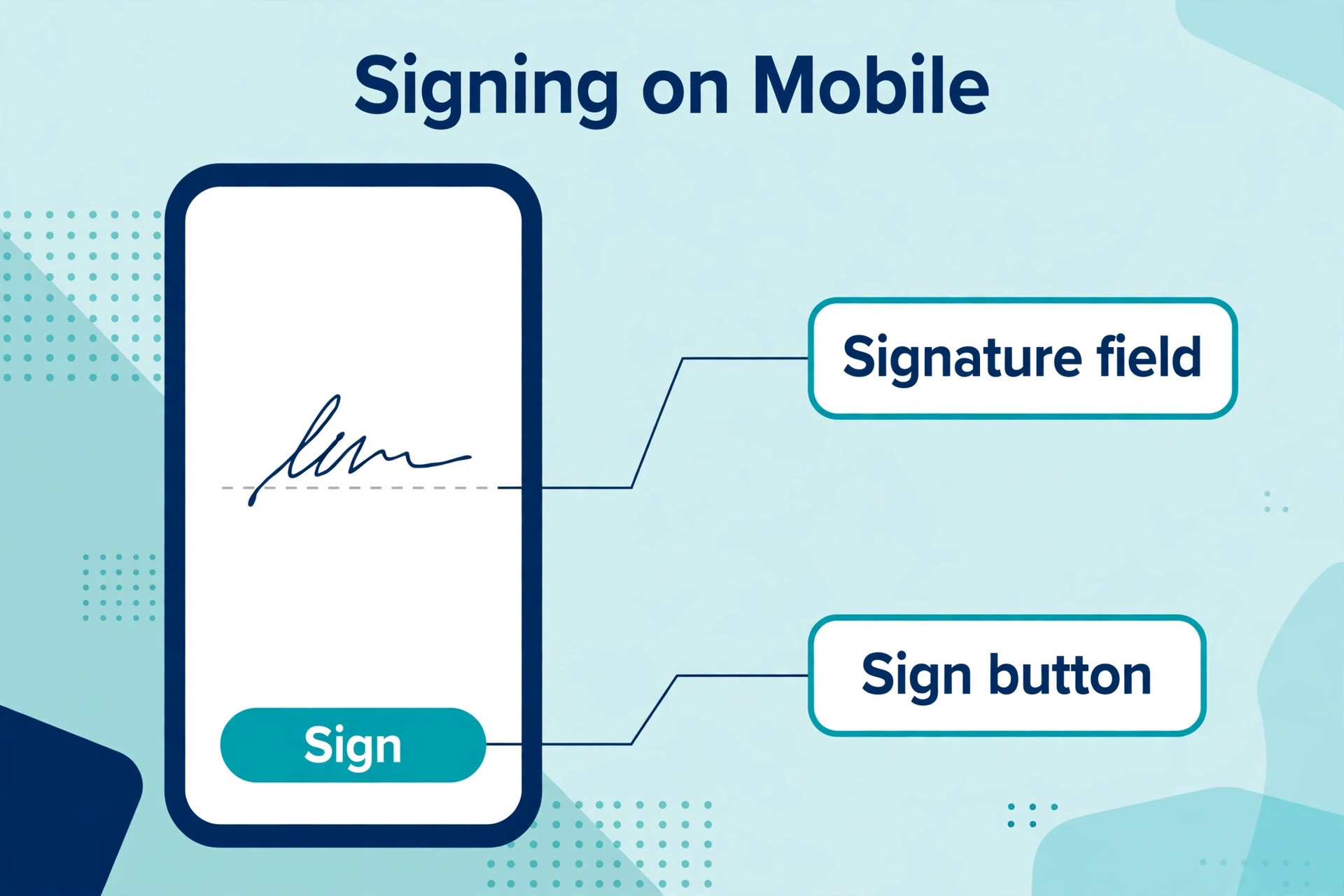
The third test is the signer experience. Your client will not read a help page before signing. They will open the link on a phone, often while doing something else, and they will either finish in two minutes or abandon the task. A tool that demands an account, hides the signature button or renders badly on a small screen will cost you deals even when its sender features look strong. Judge every tool in this guide from the signer side first, then from your own desk.
Why the Best E-Signature Software for Small Business Must Prove Every Signature
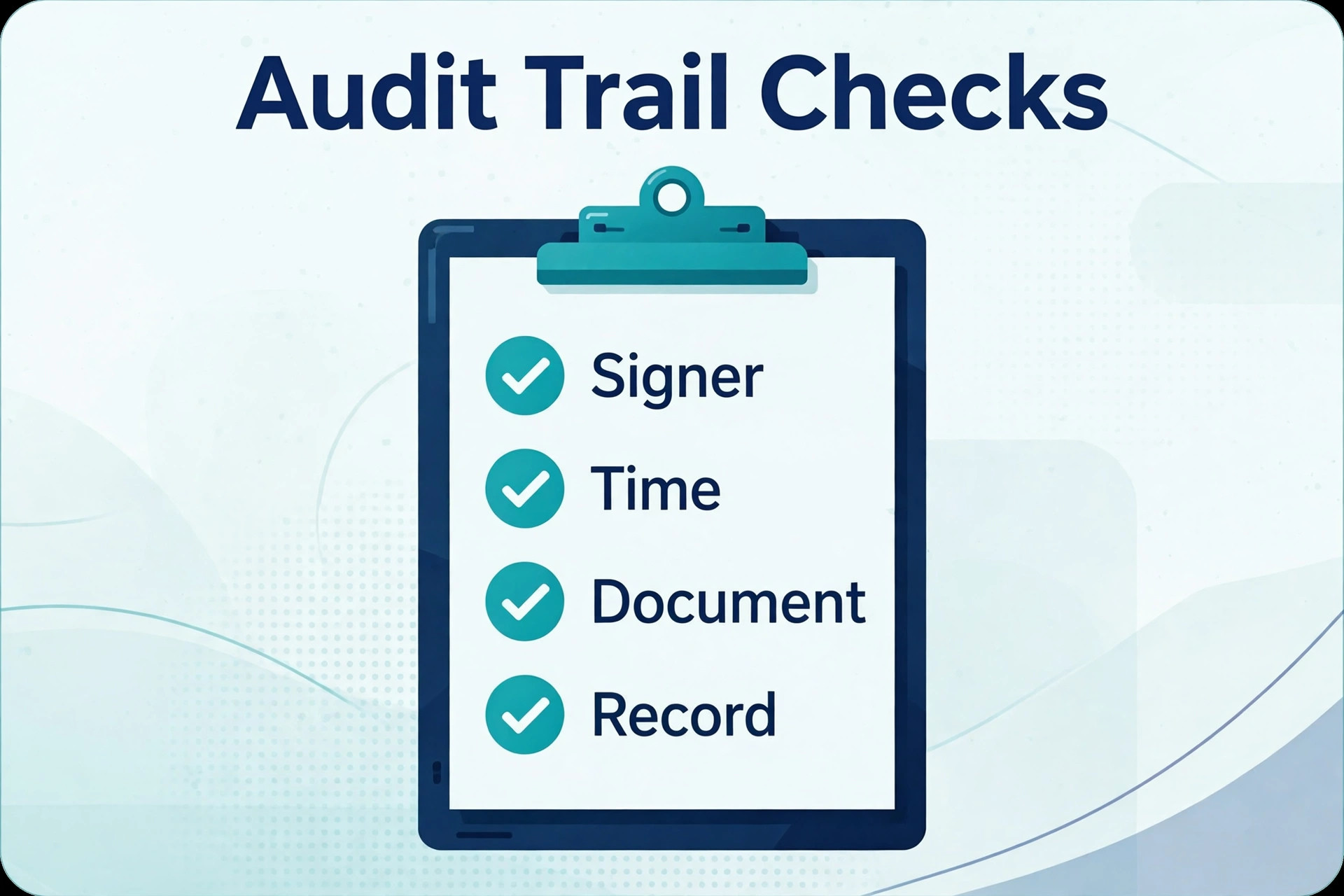
Legal weight starts with the audit trail, not with the signature image. A proper audit trail records when the document was sent, when it was opened, the device and location data available, and when each party signed, then seals that record to the completed document. If a client later claims they never saw a clause, that trail is your answer. A tool that produces a pretty signed PDF with a thin audit record leaves you arguing from memory instead of evidence.
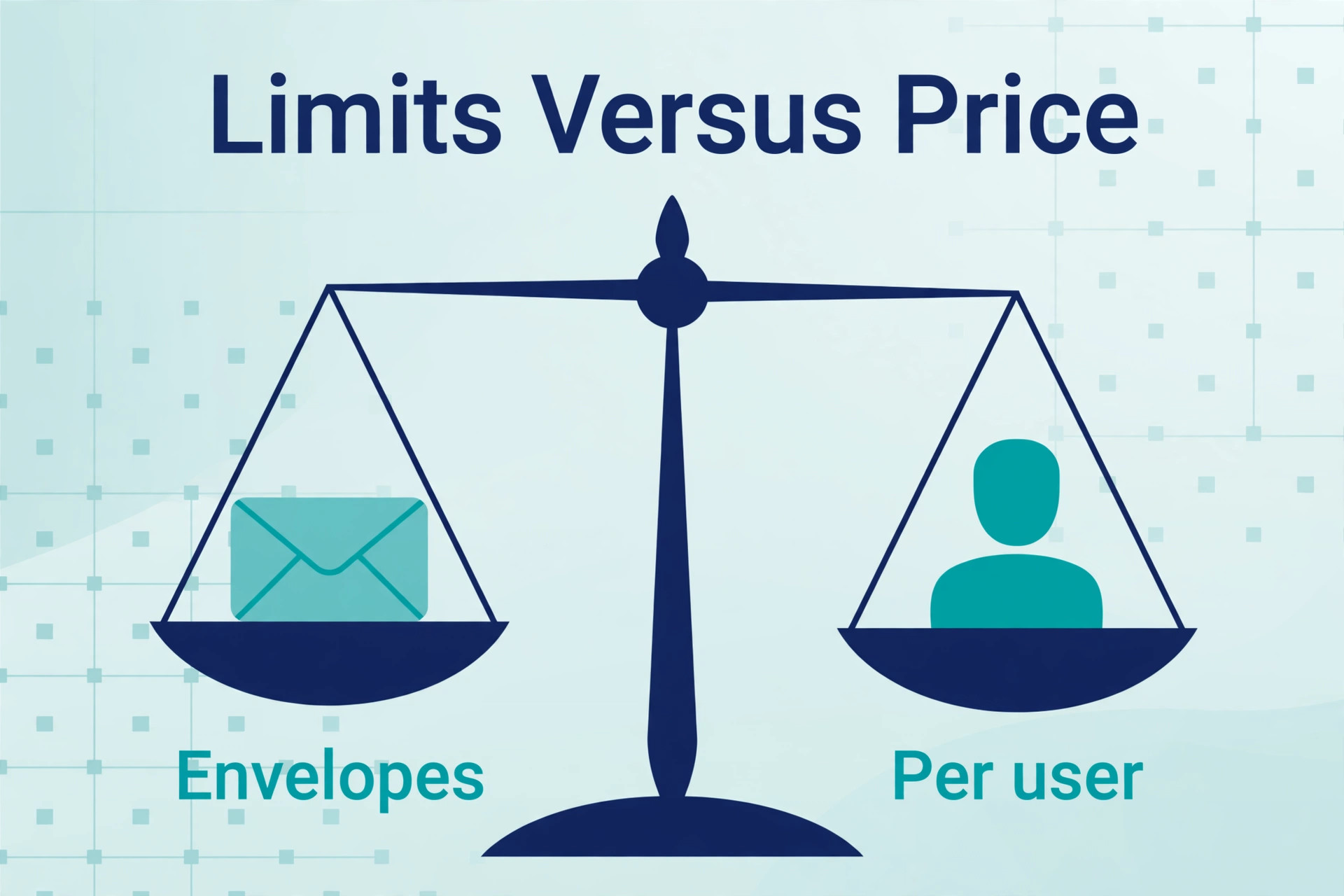
Envelope limits are the pricing trap most buyers miss. Some plans count every document sent as an envelope, while others count only completed signature requests, and a few offer unlimited sending on paid plans. A firm that sends five contracts a month will never notice the difference. A firm that sends service agreements, quotes, employment forms and renewals can cross a 100 envelope annual limit by autumn and face either an upgrade or a wait until renewal. Model your real annual volume before you compare monthly prices.
Templates and bulk send separate occasional tools from daily tools. A template turns a recurring contract into a two minute task, with fields, signing order and reminder settings already set. Bulk send matters when you issue the same form to many people at once, such as a policy update or a contractor agreement. A tool without usable templates will feel cheap for a week and slow for a year, because every document becomes a fresh setup job.
Integration depth decides whether signing lives inside your workflow or beside it. A tool that connects to your customer system, your cloud storage and your accounting software can file the completed document, update the deal record and trigger the next step without manual copying. A tool that only exports a PDF forces someone to do that filing by hand, and hand filing is where signed documents get lost, renamed badly or stored in the wrong client folder.
Eight Questions to Ask an E-Signature Vendor
Send a real document to a real colleague during the trial, not a sample to yourself. Use a contract you actually send, with your real clauses, your real field placements and your real signer order. Watch how long setup takes, whether the field placement feels precise, and whether the signer can finish on a phone without instructions from you. A trial that only tests a demo document tests the vendor demo, not your business.
Test the reminder and expiry behaviour before you need it. Send a document, leave it unsigned for three days, and see what reminders go out, whether you control their wording and timing, and what happens at expiry. Some tools send polite reminders automatically and let you nudge with one click. Others stay silent until you notice the delay yourself. Reminder control is worth real money, because chasing signatures is the task you are paying to stop doing.
Check what the signer sees when something goes wrong. Ask your test signer to decline, to ask a question, or to open the link on a different device. A good tool handles each case with clear messages and a path back to signing. A weak tool shows a generic error and leaves the signer to email you for help, which defeats the purpose of a self serve signature flow. The edge cases reveal the quality of the whole product.
Check the completed document as a sceptic would. Open the final PDF, read the audit page, and try to find the signing times, the signer identities and the tamper seal. Then file it where your team would file it and see whether the filename, the folder and the linked record make sense a month later. If the completed file is hard to verify or hard to find, the tool has failed its most important job, no matter how pleasant the sending screen looked.
Nine Tools Compared on Price and Fit
| Tool | Starting price | Best for |
|---|---|---|
| DocuSign | about $15 a month | firms that need the most recognised name |
| Adobe Acrobat Sign | about $13 a month | teams already paying for Acrobat |
| PandaDoc | about $19 a month per user | sales teams that send proposals and quotes |
| Dropbox Sign | about $15 a month | small teams that want simple signing |
| SignNow | about $8 a month per user | budget conscious firms that send often |
| Zoho Sign | free plan, paid from about $10 a month per user | firms already using Zoho apps |
| BoldSign | about $10 a month per user | firms that want unlimited signing on higher plans |
| SignWell | free plan, paid from about $12 a month | occasional senders who want a low entry price |
| Sign.Plus | free plan, paid from about $20 a month per user | firms that need strong compliance options |
Read the table as a shortlist, not as a ranking, and check the vendor page before buying, because prices and envelope limits change often. The cheapest headline plan may exclude templates, bulk send or the integrations you need, while a dearer plan may include unlimited sending that makes it cheaper at your real volume. Price the plan that includes the features you will actually use, then compare totals across a full year of sending. That full year view is how a smart buyer judges the best e-signature software for small business, because a plan that looks cheap monthly can still cost more once seats and caps are counted.
Nine E-Signature Tools in Detail
DocuSign
DocuSign is the pick for firms that need the most recognised signature name, because clients rarely hesitate when they see it and many larger customers already expect it. It covers templates, signing order, reminders, bulk send and a detailed audit trail, with deep integrations across customer, storage and accounting tools. A firm that signs with enterprise clients or regulated counterparties will value that recognition and that integration depth most.
At about $15 a month for Personal and about $25 a month per user for Standard billed annually, it is not the cheapest tool in this guide, and envelope limits on lower plans need checking against your annual volume. The limit is price at scale, because per user billing grows with every sender you add. If recognition and depth matter more than the lowest bill, DocuSign earns its trial place.
Adobe Acrobat Sign
Adobe Acrobat Sign is the pick for teams already paying for Acrobat, because signing then lives inside the PDF workflow the team already uses. It covers templates, signer authentication options, audit trails and Microsoft 365 integrations, with a sender experience that feels familiar to anyone who edits PDFs daily. A firm that already stores contracts as PDFs and edits them in Acrobat will adopt it faster than a standalone tool.
At about $13 a month for an individual plan and higher team pricing from there, it is competitive for a single sender but needs a quote for larger teams. The limit is that its strength is PDF workflow rather than proposal design, so sales teams that need rich quotes should pair it with a proposal tool or choose a different pick. If Acrobat is already your document home, this is the natural fit.
PandaDoc
PandaDoc is the pick for sales teams that send proposals, quotes and contracts as one document, because it builds the proposal and collects the signature in the same flow. It covers drag and drop document building, pricing tables, content blocks, templates, analytics that show when a client opens a proposal, and payment collection on higher plans. A sales team that currently sends a PDF quote and then a separate contract will save a whole step here.
At about $19 a month per user for Starter billed annually, with a free eSign plan for basic signing, it is priced as a sales tool rather than a bare signature tool. The limit is that a firm that only needs signatures will pay for proposal features it never opens. If your signature problem is really a proposal problem, PandaDoc is the strongest answer in this guide.
Dropbox Sign
Dropbox Sign is the pick for small teams that want simple, clean signing without a learning curve. It covers templates, signing order, reminders, audit trails and a signer experience that asks for no account, with integrations for common storage and customer tools. A team that sends contracts, NDAs and onboarding forms and wants them back quickly will find very little to learn here, which is a genuine advantage.
At about $15 a month for Essentials, with unlimited sending on that plan for small teams, it is priced for simplicity rather than depth. The limit is advanced workflow, because firms that need complex conditional routing or deep proposal building will outgrow it. If simple and fast matters more than feature depth, Dropbox Sign is an easy trial.
SignNow
SignNow is the pick for budget conscious firms that send often, because its entry price undercuts most rivals while still offering templates, bulk send and audit trails. It covers in person signing, signer authentication options, team management and integrations with common business tools, with a mobile app that handles field signing well. A firm that sends dozens of documents a month will feel the price difference immediately.
At about $8 a month per user for Business billed annually, it is the cheapest paid entry in this guide. The limit is polish in places, because some advanced features and integrations sit on higher plans and the interface feels more functional than refined. If volume is high and budget is tight, SignNow is the value pick to test first.
Zoho Sign
Zoho Sign is the pick for firms already using Zoho apps, because signing then sits beside the CRM, books and workplace tools the team already opens daily. It covers templates, signing order, bulk send, audit trails and signer authentication, with a free plan for a small monthly document allowance. A Zoho firm that adds a standalone signature tool would pay twice for integrations it already owns.
At a free plan plus paid plans from about $10 a month per user, it is affordable and well integrated for Zoho users. The limit is that its standalone appeal is weaker for firms outside Zoho, because rival tools offer broader third party integrations. If Zoho is your operating system, this pick is straightforward.
BoldSign
BoldSign is the pick for firms that want unlimited signing without watching an envelope meter, because higher plans remove the counting that trips up busy senders. It covers templates, signing order, bulk send, audit trails, branding and API access, with a clean sender and signer experience that suits small teams. A firm whose volume spikes seasonally will value a plan that does not punish a busy month.
At about $10 a month per user for Growth billed annually, with unlimited sending on higher plans, it is priced between the budget tools and the premium names. The limit is brand recognition, because some clients may not know the name as instantly as DocuSign. If volume certainty matters more than name recognition, BoldSign deserves a trial.
SignWell
SignWell is the pick for occasional senders who want a low entry price and a simple product. It covers templates, audit trails, reminders and API access, with a free plan for a few documents a month and a clean signing link that works well on phones. A solo operator or a tiny firm that sends a handful of contracts a month can start free and upgrade only when volume grows.
At a free plan plus paid plans from about $12 a month, it is one of the cheapest ways to get proper audit trails. The limit is depth, because larger teams that need advanced routing, rich proposal features or deep integrations will need a bigger tool. If your sending is occasional and your budget is small, SignWell is a sensible start.
Sign.Plus
Sign.Plus is the pick for firms that need strong compliance options and a clean modern interface, including teams in legal, finance and healthcare work. It covers templates, signing order, audit trails, signer authentication and integrations, with unlimited requests on paid plans and a free plan for light use. A firm that must show a regulator or a client exactly how a signature was verified will value its compliance controls.
At a free plan plus paid plans from about $20 a month per user, it sits in the middle of this guide on price. The limit is that its proposal features are thinner than PandaDoc, so sales teams that live on rich proposals should look there instead. If compliance and clarity matter most, Sign.Plus is a strong trial candidate.
Best E-Signature Pick by Job
| Job shape | Best pick | Why it wins |
|---|---|---|
| Occasional sender | SignWell or Dropbox Sign | low cost, simple sending, no account needed for signers |
| Daily sender | SignNow or BoldSign | low per user cost, unlimited sending on the right plan |
| Team sending | DocuSign or Sign.Plus | depth, audit quality and integrations at team scale |
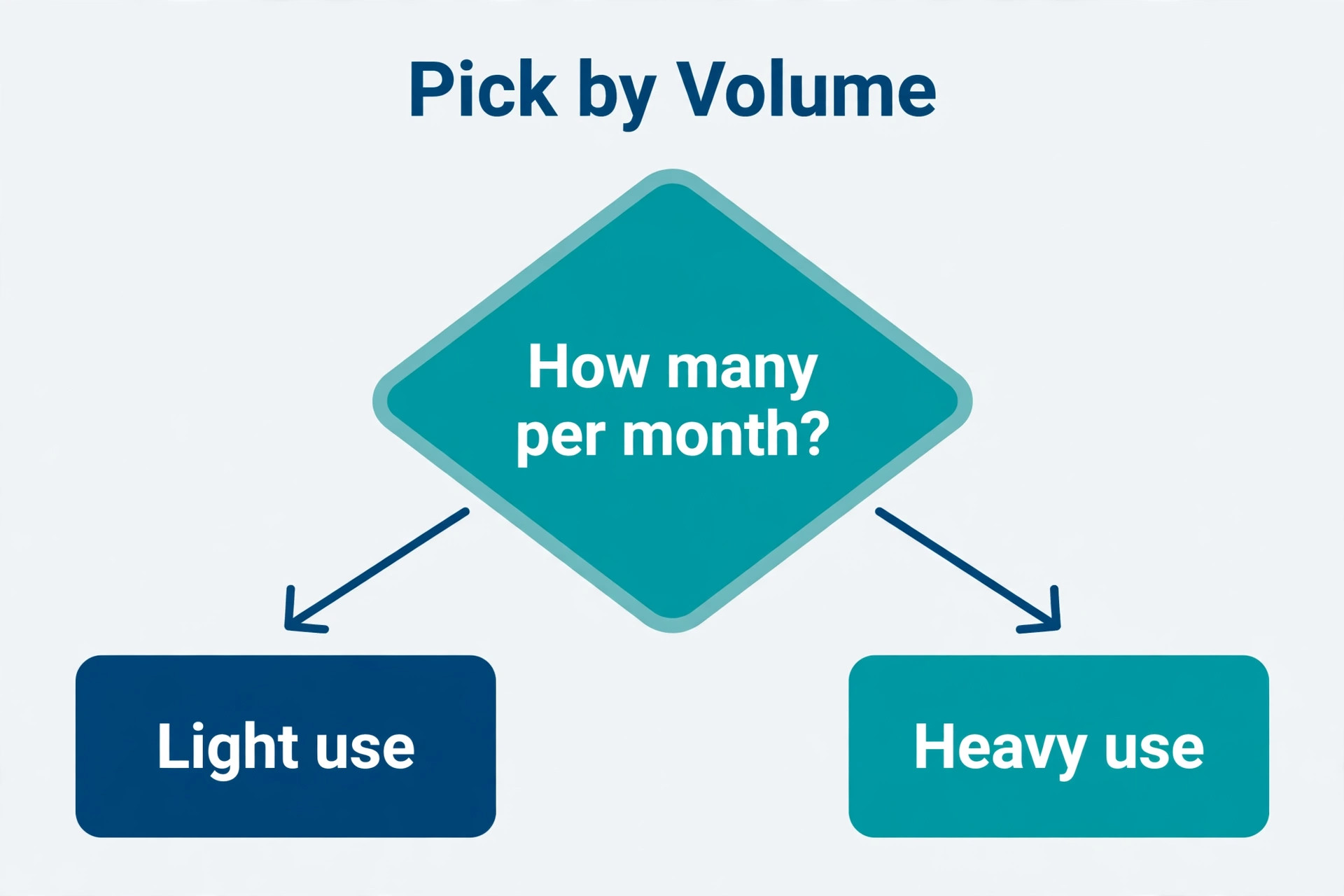
Use the table to narrow to two finalists, then run the trial tests above on each. An occasional sender who buys a daily sender tool pays for capacity they never use, while a daily sender who buys an occasional tool hits envelope limits at the worst moment. Match the meter to your real sending pattern, not to the plan that looks cheapest on a pricing page. The best e-signature software for small business for your firm is the one whose meter fits that pattern without forcing an upgrade in a busy month.
Per Envelope Pricing Table
| Sending pattern | What to check | Cheapest shape |
|---|---|---|
| Under 5 documents a month | free plan limits and audit quality | free plan with a full audit trail |
| 5 to 30 documents a month | envelope cap and per user cost | low per user plan with a generous cap |
| Over 30 documents a month | unlimited sending or high cap | flat plan that does not meter each send |
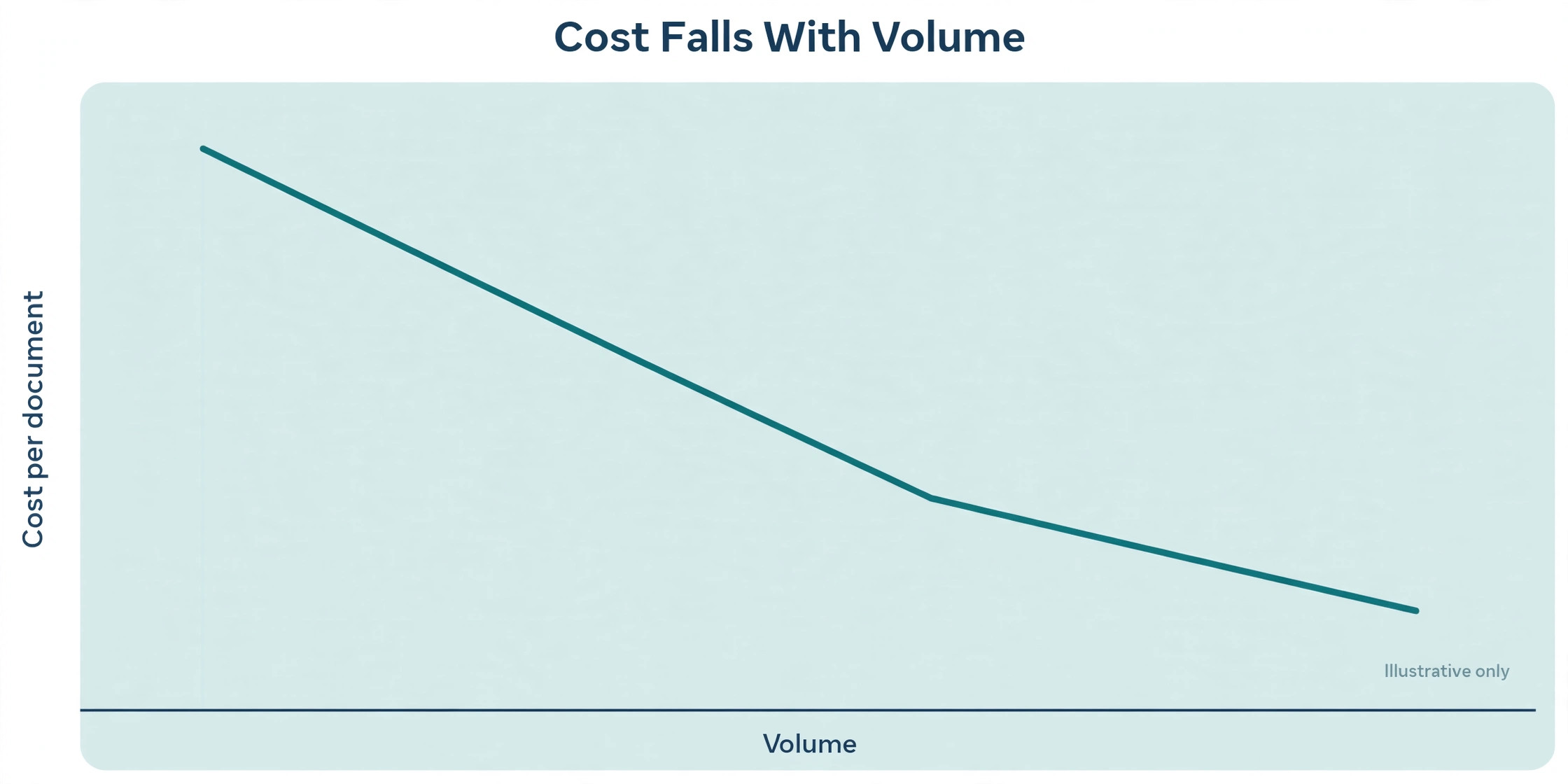
Work through the table with last year numbers, not with a guess. Count every document type you send, including renewals, employment forms and internal approvals, because firms routinely undercount by a third. Then divide the annual subscription by that total to get a true cost per signed document, and compare tools on that number rather than on the monthly headline. Use that true cost when you compare the best e-signature software for small business, because headline prices hide the seats and caps that drive the real bill.
Mistakes That Waste Signature Money
The first mistake is buying per user seats for people who only sign, not send. Signers never need a paid seat on any tool in this guide, because they sign through a link. Audit your sender list before buying, and give seats only to staff who actually create and send documents. A five person firm often needs two sender seats, not five, and that correction alone can cut the bill nearly in half.
The second mistake is ignoring renewal terms. Some plans renew at a higher rate after an introductory year, and some charge for extra users or extra envelopes automatically. Read the renewal clause before the trial ends, set a calendar reminder a month before renewal, and recheck your volume at that point. A tool that was right last year may be overpriced this year if your sending pattern changed.
The third mistake is keeping paper habits inside a digital tool. If your team still prints the completed PDF, files it in a cabinet and emails a scanned copy to the client, you have digitised the signature and kept the filing chaos. Build the filing step into the tool, through storage integration or a naming rule, so the completed document lands where the next person expects it. The signature is only half the workflow.
The fourth mistake is skipping signer authentication on high value documents. A simple email link is fine for a routine NDA, but a high value contract, a loan document or a healthcare form deserves a stronger check, such as an access code or identity verification where the tool offers it. Match the authentication strength to the document value, and record that choice in your process so staff do not have to guess each time.
Signing Workflow That Clients Actually Finish
Start with a template for every recurring document, and name templates by the job they do rather than by the file they came from. A template called client services agreement is found in seconds, while a template called final v3 revised is found never. Good template names save more time than any feature, because staff reuse what they can find and rebuild what they cannot.
Set the signing order deliberately, not by default. Some documents need signatures in sequence, such as a manager approving before a client signs, while others can go to all parties at once. A wrong order creates delays and resends, while a right order moves the document forward without a human chasing it. Test the order on a real document during the trial, because a demo with one signer hides order problems completely.
Write the signer message as if the signer has never seen your tool. State what the document is, what action you need, and the deadline, in plain words, before the link. A message that only says please sign attached leaves the signer guessing, while a message that says this is your services agreement, please sign page four by Friday, removes doubt. Clarity in that short message lifts completion rates more than any reminder setting.
Close the loop the day a document completes. File it, notify the next owner, and trigger the next step, whether that is invoicing, onboarding or project setup. A signed contract that sits unfiled for a week is nearly as useless as an unsigned one, because nobody can act on a document they cannot find. Filing discipline is part of choosing the best e-signature software for small business, not an afterthought once the trial ends. Build that closing step into the workflow, not into someone memory.
More Reading on Stratilyze
Readers comparing signature and contract tools usually check the neighbouring guides next. The guide to small business CRM software covers the customer records behind the signature, the guide to AI invoice generators covers invoicing once work is agreed, and the guide to client portal software helps with sharing signed documents securely with clients.
Frequently Asked Questions
Are electronic signatures legally binding for small business contracts
Yes, in the United States electronic signatures are generally binding under federal and state law for most business contracts, provided the signer intended to sign and the process records consent and identity. Some documents still need special handling, such as certain wills, court filings and notarised documents, so check the rules for your document type before relying on a standard signature flow. A complete audit trail is what makes the signature defensible if it is ever challenged.
How many envelopes will a small firm actually use in a year
Most small firms underestimate by a third, because they count client contracts and forget renewals, employment forms, vendor agreements and internal approvals. Count every document type for a full year, then add a margin for growth and seasonal spikes. If your total sits near a plan cap, choose the next plan up or an unlimited plan, because hitting a cap mid month stalls real work for a billing reason.
Should signers need an account to sign a document
No, and you should avoid any tool that forces signers into an account for routine documents. An account requirement adds friction at the exact moment you want speed, and it causes abandonment, especially on phones. Reserve account based signing for high security cases where identity verification genuinely matters, and keep routine signing to a simple link with a clear action.
What is the difference between an electronic signature and a digital signature
An electronic signature is the broad legal concept of agreeing electronically, which can be a typed name, a drawn mark or a click to accept. A digital signature is a specific technical method that uses cryptography to seal the document and verify the signer. Most small business tools offer electronic signatures with audit trails, and some add digital signature options for higher assurance documents. Match the method to the document risk, not to the marketing label.
Is DocuSign worth the higher price for a small firm
It can be, when clients expect the name, when you need its deepest integrations, or when you sign with larger firms that already standardise on it. It is harder to justify when you send a modest volume to clients who have no preference, because cheaper tools produce the same legal result with a full audit trail. Compare the true annual cost at your volume, including seats, before deciding that recognition alone is worth the premium.
Can a free e-signature plan work for a real business
Yes, for a very light sender, because a free plan still produces a legally binding signature with an audit trail. The limits that matter are monthly document caps, missing templates, missing branding and missing integrations. If you send fewer than five documents a month and you do not need templates or bulk send, a free plan is a genuine option. Once volume or template needs grow, a paid plan quickly pays for itself in saved chasing time.
How should a firm store completed signed documents
Store the completed PDF together with its audit record, under a consistent naming rule, in the system where the team already looks for client records. Use the signature tool storage integration where available, so filing happens automatically rather than by hand. A signed document that only lives in one person inbox is not stored, it is hidden, and hidden documents cause disputes that a proper file would have settled in minutes.
Final Verdict for E-Signature Buyers
Start from your sending volume, not from brand names. That volume first rule keeps the search for the best e-signature software for small business grounded in your real workload instead of vendor marketing. An occasional sender should start free or cheap and upgrade only on evidence of volume. A daily sender should price unlimited sending and per user seats at the real team size. A team that signs with large clients should weigh recognition and integration depth alongside price, because a stalled signature with a big client costs more than any monthly saving.
Run two trials on real documents, test the signer experience on a phone, and check the audit trail as a sceptic before you commit. The tool that wins those three tests is the right tool for your firm, even if it is not the tool your competitors use. That trial evidence is the final test for the best e-signature software for small business, and it beats any feature list a vendor publishes. A signature tool earns its keep in hours saved chasing paper, and the best way to prove that saving is to measure it in your own trial, not to trust a pricing page.