
About three in ten trade invoices are paid late, and most late invoices are not disputed, they are simply forgotten, unclear or hard to pay. A trades firm that sends a clear invoice with a payment link, a due date and the job details attached will be paid faster than a firm that sends a lump sum figure by email with no link at all. The best invoicing software for trades businesses is therefore a cash flow tool first and an admin tool second.
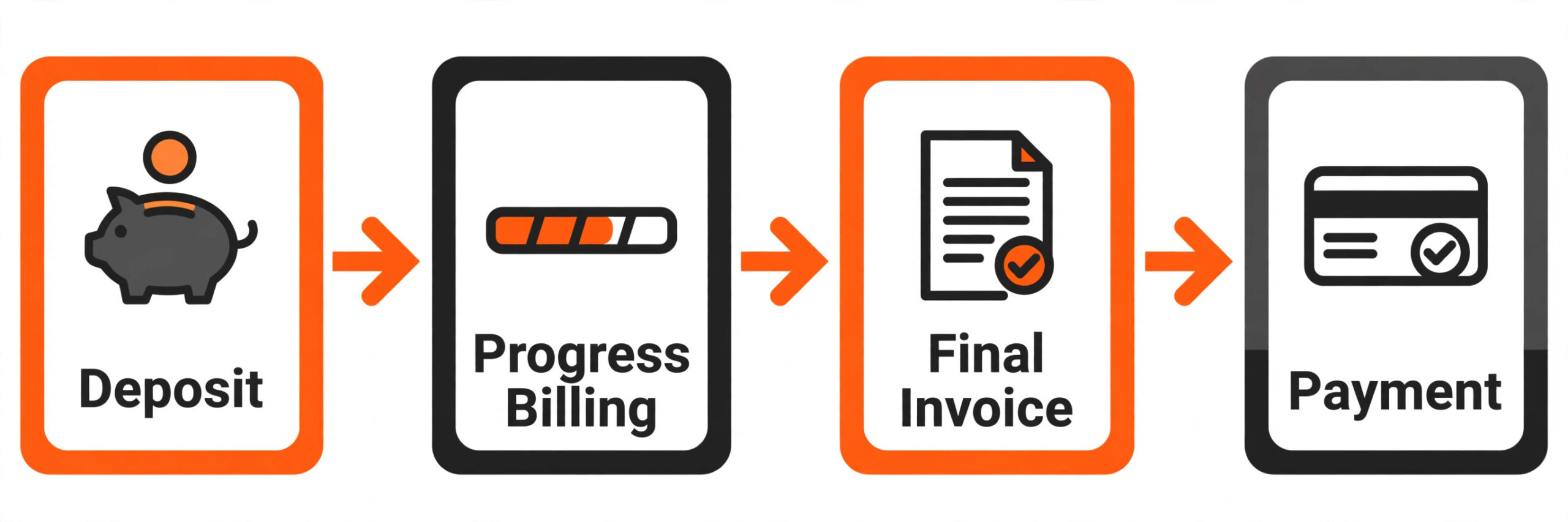
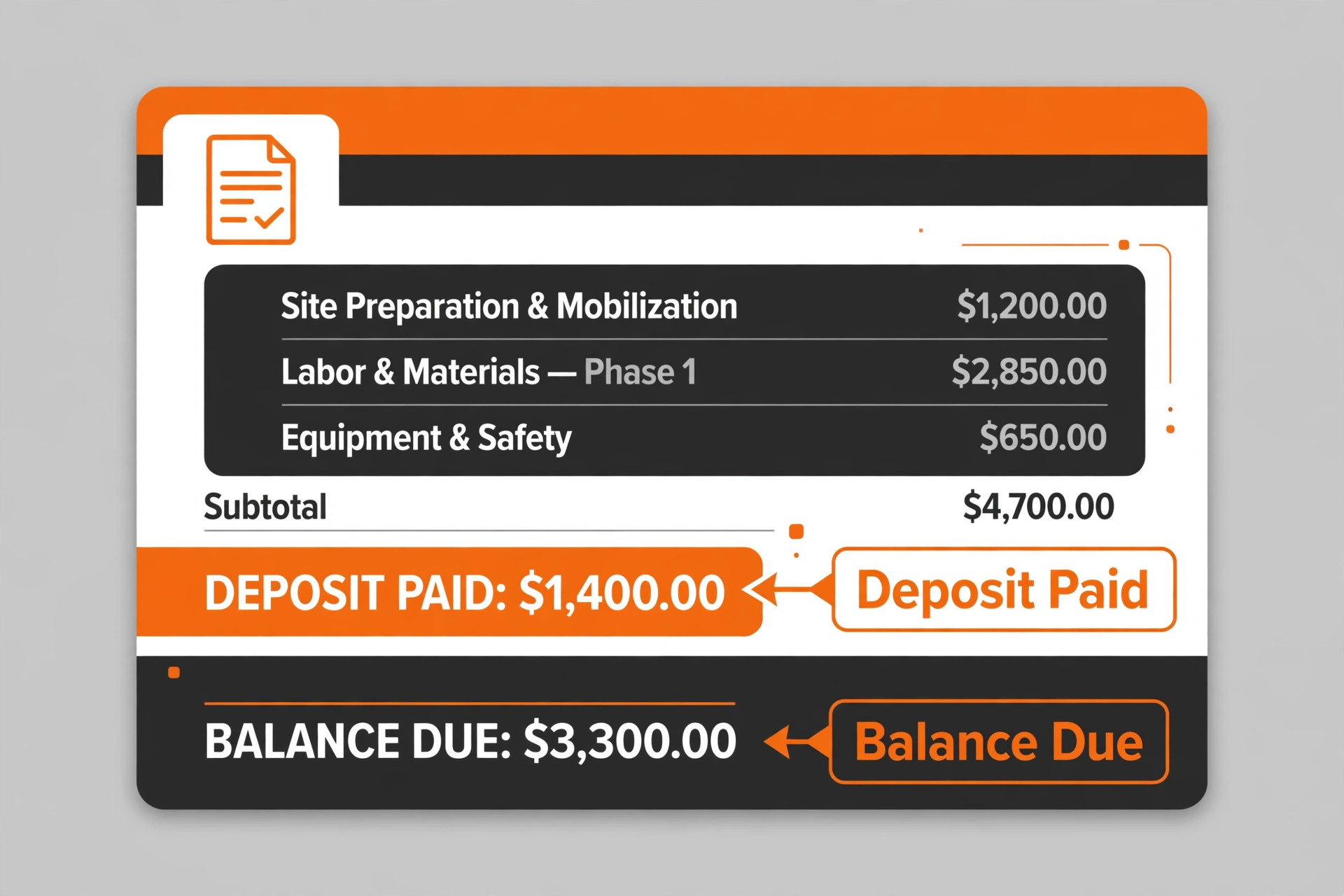
Trades billing is not one job, and a tool that handles only the final invoice will miss the money that matters most. Job deposits fund materials, progress billing keeps large jobs cash positive, and the final invoice closes the job with variations and retention handled clearly. A system that handles all three stages without retyping will protect margin in a way a simple invoice template never can.
This guide compares eleven tools on the same questions. How does it handle deposits, progress billing and final invoices, how clear are payment terms to the customer, what does the bill become at real team size, and where does each tool fall short. Prices are starting points checked at writing time, so confirm the current price on the vendor page before you buy.
Trades Invoicing Tools at a Glance
Read the table as a shortlist, not as a ranking. The free tool suits a starting firm perfectly, while the field platform suits a growing team. Pick three finalists, then read their full sections before committing to an annual plan. Use this table to start choosing the best invoicing software for trades businesses for your size and billing style.
| Tool | Starting price | Best for |
|---|---|---|
| Jobber | small to mid size trade teams | About $29 a month for Core billed annually |
| FreshBooks | trades firms wanting clean books with invoices | From $23 a month for Lite |
| HoneyBook | firms selling packages with proposals and contracts | From $29 a month billed annually for Starter |
| Wave | firms starting out on no budget | Free for invoicing |
| QuickBooks Online | firms wanting tax help inside QuickBooks | About $20 a month for Solopreneur in recent comparisons |
| Zoho Invoice | firms wanting structured invoice control free | Free for up to 500 invoices a year |
| Square Invoices | firms taking payments in person as well as by invoice | Free plan, Plus from $49 a month |
| Invoice Ninja | firms wanting control at low cost | Free for up to five clients, Pro from $14 a month |
| Bonsai | firms wanting contracts and proposals with invoices | From $19 a month billed annually in recent comparisons |
| Housecall Pro | consumer home service firms | Check the vendor page |
| FieldPulse | growing firms wanting presentation selling | About $99 a month per user |
Why best invoicing software for trades businesses Beats a Generic Invoice Template
A generic template records a sale. A trades invoicing system runs the money side of the job from deposit to final payment. It sends deposits, progress invoices and final invoices from the same job record, chases overdue amounts automatically, applies late fees fairly and reports which jobs, customers and stages are actually paid. A firm that only uses a template will still chase money by memory, and memory chasing is where late payment starts.
Customer clarity is the second difference. A trades invoice must show the job, the stage, the materials, the labour, the variations and the amount already paid, so the customer can approve it without calling for an explanation. A single lump sum figure invites questions, delays and disputes, while a clear staged invoice invites payment. Test the invoice as a customer would, on a phone, before choosing.
The third difference is field reality. Trades invoices are often raised on site, from a van, with weak signal and a customer waiting. A tool with a strong mobile app lets a firm build, send and take payment for an invoice before leaving the property, while a desktop only tool adds a day of delay and a chance to forget a detail discussed on site.
Start the trial with a real week of work, not with a demo account filled with perfect test data. Load your actual timetable, your real customers and your true prices, then ask the team to run the daily routine exactly as they would after launch. A trial that mirrors real work exposes slow screens, missing fields and confusing steps before any money changes hands. If a task takes three clicks in the demo and seven in real use, that gap will cost hours every week.
Eleven Tools, Reviewed One by One
Jobber
Jobber is the pick for About $29 a month for Core billed annually. It covers quoting, scheduling, invoicing, payments and a client hub where customers approve quotes and pay invoices, with a mobile app for field work. A trade firm that currently juggles a quote tool, a scheduling tool and an invoicing tool can often replace all three here. At small to mid size trade teams, it sits in a price band a small business can judge against the hours it saves or the revenue it protects.
The limit is tier placement, because advanced quote options and upsells sit on higher plans, so a firm should price Grow, not Core, if options selling matters to revenue. Choose Jobber if the job above matches your daily work and the price fits your budget at your real size. Skip it if that job is only a small part of what you need, because a tool bought for one job rarely excels at a different one.
FreshBooks
FreshBooks is the pick for From $23 a month for Lite. It covers clean invoices, automatic reminders, late fees, expense tracking and time that turns into invoices without retyping, with polished client facing documents. A firm that bills hourly or by project and wants clients to see a professional invoice every time will value that polish. At trades firms wanting clean books with invoices, it sits in a price band a small business can judge against the hours it saves or the revenue it protects.
The limit is client caps, because the Lite plan covers only five billable clients, so a firm with a wider client list must pay for the next tier, and extra team seats cost more on top. Choose FreshBooks if the job above matches your daily work and the price fits your budget at your real size. Skip it if that job is only a small part of what you need, because a tool bought for one job rarely excels at a different one.
HoneyBook
HoneyBook is the pick for From $29 a month billed annually for Starter. It covers the whole client flow from enquiry to proposal to contract to invoice to payment, with one polished portal for everything. Clients get a single place for the whole job, which reduces back and forth and makes a small firm look established. At firms selling packages with proposals and contracts, it sits in a price band a small business can judge against the hours it saves or the revenue it protects.
The limit is accounting depth, because it is overbuilt for a firm that only needs simple invoices, and firms that need full books will still pair it with accounting software. Choose HoneyBook if the job above matches your daily work and the price fits your budget at your real size. Skip it if that job is only a small part of what you need, because a tool bought for one job rarely excels at a different one.
Wave
Wave is the pick for Free for invoicing. It covers unlimited invoicing and double entry bookkeeping free, with card payments charged only when money is collected. A new firm can invoice properly from day one without a monthly bill, which is hard to beat for a first year business. At firms starting out on no budget, it sits in a price band a small business can judge against the hours it saves or the revenue it protects.
The limit is workflow depth, because automatic bank import sits on the paid plan, and the client workflow is thinner than package based rivals for firms selling bundled jobs. Choose Wave if the job above matches your daily work and the price fits your budget at your real size. Skip it if that job is only a small part of what you need, because a tool bought for one job rarely excels at a different one.
QuickBooks Online
QuickBooks Online is the pick for About $20 a month for Solopreneur in recent comparisons. It covers income and expense tracking, mileage and quarterly tax estimates for a one person business, with a path up to full QuickBooks Online as the firm grows. A solo tradesperson who wants the QuickBooks name and tax help without full books gets a practical start. At firms wanting tax help inside QuickBooks, it sits in a price band a small business can judge against the hours it saves or the revenue it protects.
The limit is scale, because it is not full accounting software, so a firm that grows into a team or needs inventory and payroll will need to move up to a higher QuickBooks plan. Choose QuickBooks Online if the job above matches your daily work and the price fits your budget at your real size. Skip it if that job is only a small part of what you need, because a tool bought for one job rarely excels at a different one.
Zoho Invoice
Zoho Invoice is the pick for Free for up to 500 invoices a year. It covers estimates, recurring invoices, multi currency support and a client portal, with structured control that suits a firm billing regularly. A firm already using other Zoho apps gets one ecosystem for invoicing alongside them. At firms wanting structured invoice control free, it sits in a price band a small business can judge against the hours it saves or the revenue it protects.
The limit is accounting scope, because it is invoicing only rather than full accounting, so a firm that needs deep books, tax reports or payroll will need Zoho Books or another tool alongside it. Choose Zoho Invoice if the job above matches your daily work and the price fits your budget at your real size. Skip it if that job is only a small part of what you need, because a tool bought for one job rarely excels at a different one.
Square Invoices
Square Invoices is the pick for Free plan, Plus from $49 a month. It covers invoicing and in person card payments in one system, so a firm that meets clients on site can invoice, take a deposit and take a card payment without switching tools. The free plan covers basic invoicing for a small firm. At firms taking payments in person as well as by invoice, it sits in a price band a small business can judge against the hours it saves or the revenue it protects.
The limit is project depth, because it is less natural for retainers and complex project billing, where FreshBooks or Jobber offer stronger project and time workflows. Choose Square Invoices if the job above matches your daily work and the price fits your budget at your real size. Skip it if that job is only a small part of what you need, because a tool bought for one job rarely excels at a different one.
Invoice Ninja
Invoice Ninja is the pick for Free for up to five clients, Pro from $14 a month. It covers invoicing, quotes, expenses and client portals, plus a self hosted option for firms that want full control of their data. A technical firm that values flexibility and does not want to pay a premium for polish will find it strong value. At firms wanting control at low cost, it sits in a price band a small business can judge against the hours it saves or the revenue it protects.
The limit is polish and setup, because the interface is less polished than FreshBooks or HoneyBook, and payment gateway setup takes more configuration, so a non technical firm should test it carefully. Choose Invoice Ninja if the job above matches your daily work and the price fits your budget at your real size. Skip it if that job is only a small part of what you need, because a tool bought for one job rarely excels at a different one.
Bonsai
Bonsai is the pick for From $19 a month billed annually in recent comparisons. It covers proposals, contracts, time tracking, invoicing and tax tools in one place, so the whole client relationship lives in one system. A firm that wants to stop chasing signatures and payments separately will value the way proposal, contract and invoice flow together. At firms wanting contracts and proposals with invoices, it sits in a price band a small business can judge against the hours it saves or the revenue it protects.
The limit is team cost, because the depth can feel like too much for a firm with three steady clients, and per user pricing grows fast if a small team is added later. Choose Bonsai if the job above matches your daily work and the price fits your budget at your real size. Skip it if that job is only a small part of what you need, because a tool bought for one job rarely excels at a different one.
Housecall Pro
Housecall Pro is the pick for Check the vendor page. It covers quoting, scheduling, dispatch, invoicing, payments and review automation, with a customer experience focus that suits firms serving homeowners directly. A plumbing, HVAC or cleaning firm that lives on repeat residential work will use its communication tools daily. At consumer home service firms, it sits in a price band a small business can judge against the hours it saves or the revenue it protects.
The limit is transparency, because pricing is by quote, so a firm cannot compare it against a published rival price without a sales conversation and a written quote at its real team size. Choose Housecall Pro if the job above matches your daily work and the price fits your budget at your real size. Skip it if that job is only a small part of what you need, because a tool bought for one job rarely excels at a different one.
FieldPulse
FieldPulse is the pick for About $99 a month per user. It covers estimating, sales presentations, scheduling, invoicing and custom workflows, with a presentation builder that shows options clearly to the customer. A residential contractor that wants to sell options at the kitchen table will find its presentation flow more persuasive than a plain invoice email. At growing firms wanting presentation selling, it sits in a price band a small business can judge against the hours it saves or the revenue it protects.
The limit is suite pricing, because the price book and dynamic proposals need the paid sales suite, so the headline price is not the full presentation price, and a firm should price the full suite before deciding. Choose FieldPulse if the job above matches your daily work and the price fits your budget at your real size. Skip it if that job is only a small part of what you need, because a tool bought for one job rarely excels at a different one.
Best Pick by Billing Job
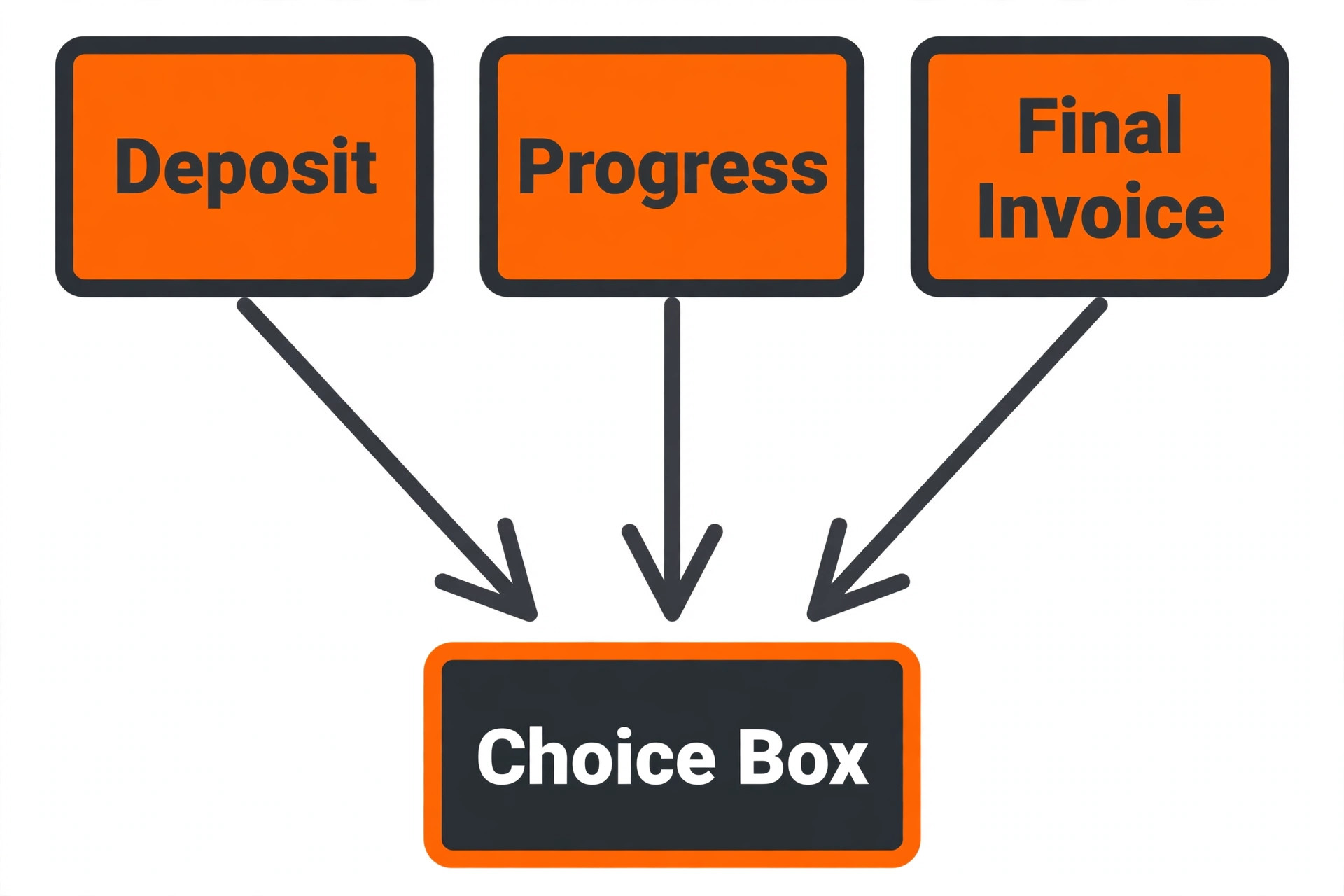
The right tool changes with the billing stage. Job deposits, progress billing and final invoices are different problems, and the tool that wins one may not win another. Use this table to match the pick to the job, then confirm the fit by testing that exact stage in a trial. That matching step turns a general search for the best invoicing software for trades businesses into a shortlist that fits real work.
| Job | Best pick | Why it wins |
|---|---|---|
| Job deposits | Square Invoices | Take a deposit on site and by invoice in one system |
| Progress billing | Jobber | Quote to job to staged invoice in one flow |
| Final invoice | FreshBooks | Clean final invoices with reminders and late fees |
The Payment Terms Checklist Before You Pay
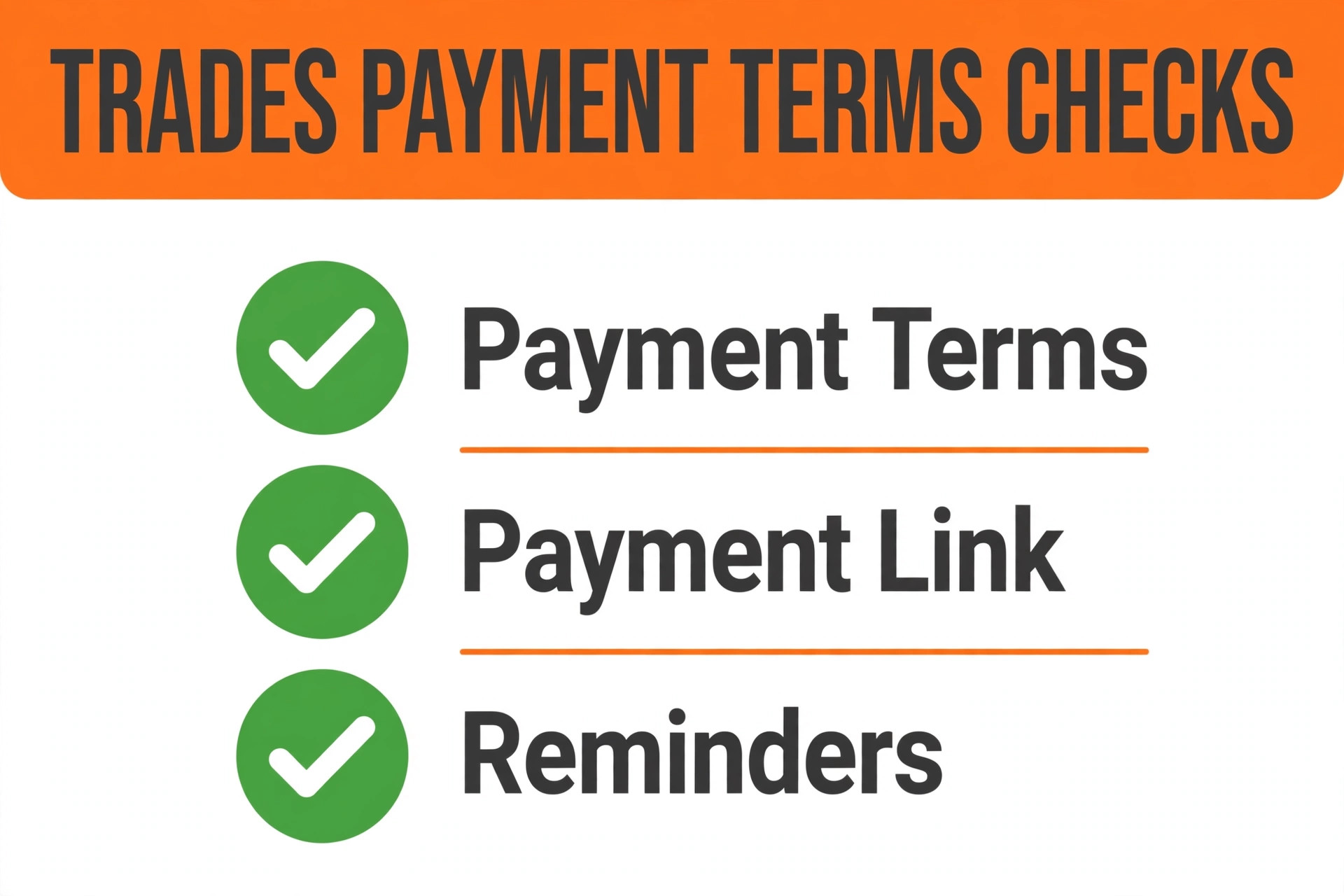
Run through this checklist on every finalist before signing. A tool that fails two or more items will cost more in late payment than it saves in subscription fees. Run the same checks when comparing the best invoicing software for trades businesses, because payment terms that look clear in a demo must also work for deposits, variations and retention.
– Check that deposits, progress payments and final invoices can all be raised from one job record, with amounts already paid shown clearly on every document. – Check that payment terms, due dates and late fee rules are stated on the invoice itself, in plain language a customer can understand without calling. – Check that customers can pay by card and bank transfer from the invoice, with a link that works on a phone, rather than needing a separate payment step. – Check that overdue invoices trigger polite automatic reminders, with a clear escalation path, so chasing money is a system rather than a memory task. – Check that variations and extras can be added to the job and billed cleanly, without rebuilding the invoice from scratch. – Check that invoice, payment and customer data can be exported, so the firm is never locked into a tool it cannot leave.
What a Trades Firm Really Pays Each Month
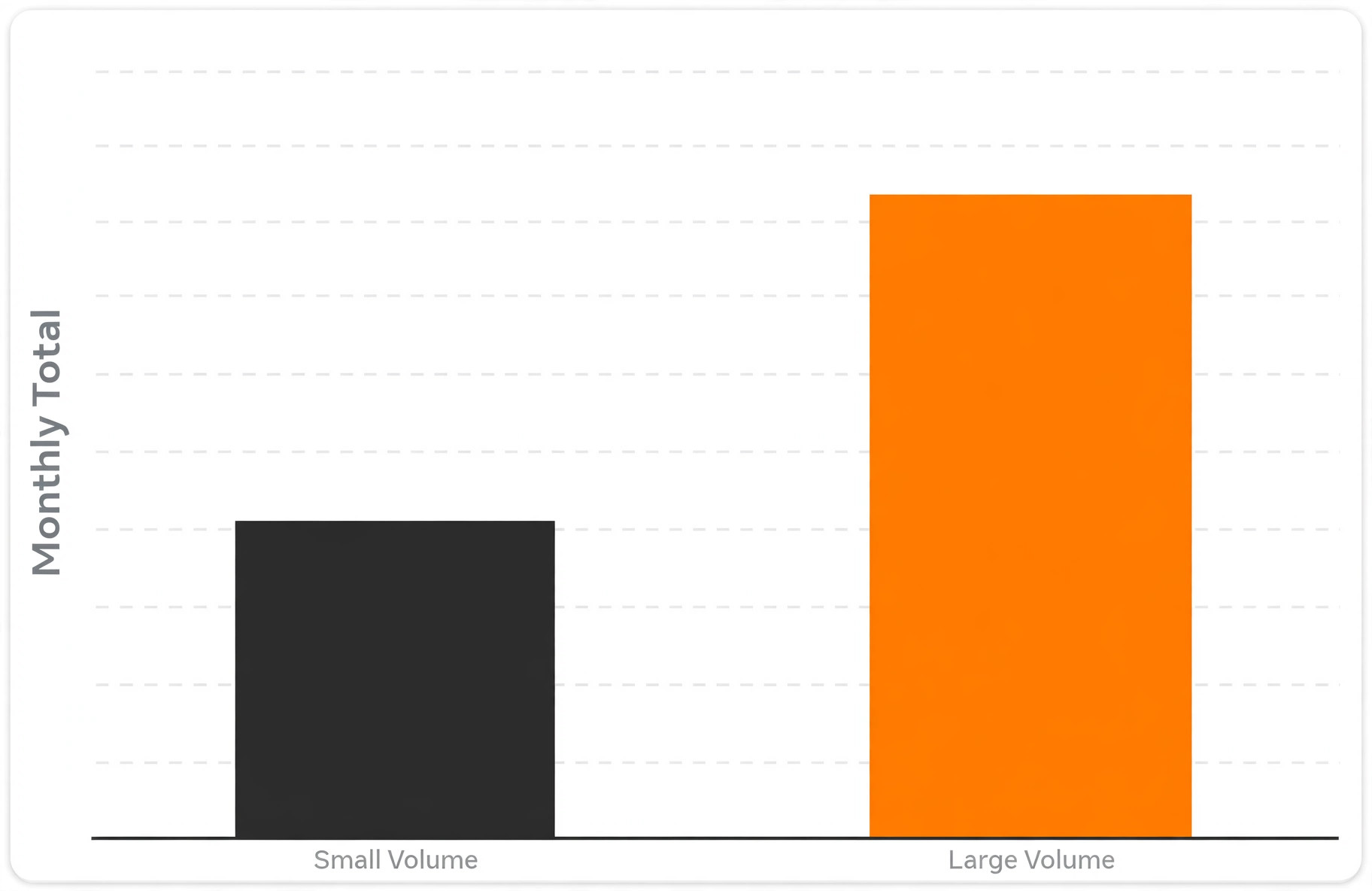
The headline subscription hides the real decision, because payment processing, per user seats and add ons move the total far more than the monthly plan. A firm collecting 20,000 dollars a month by card at a typical rate will spend several hundred dollars on processing alone, which can exceed the subscription itself. Compare the full monthly total at real volume, not the headline plan price. That total is the real price to compare when choosing the best invoicing software for trades businesses.
At a small size, the maths favours a free or low cost start. A solo firm on a free plan or a 23 dollar plan keeps almost all revenue, while a firm on a 99 dollar per user plan needs many extra jobs to justify the gap. At a larger size, the maths flips, because a system that recovers deposits, bills progress on time and chases overdue invoices can pay for itself from cash collected earlier alone.
Ask who owns the setup once the vendor team leaves. A tool that needs a champion inside the business will stall if that person is also the busiest operator. Name one owner, give that person protected time in the first fortnight, and write down the three routines that must happen every day. Without an owner, even a strong product drifts back to spreadsheets and group chats within a month.
Mistakes That Delay Trades Payments
The most common mistake is sending the final invoice late. A job finished on Friday and invoiced the following week is already a week closer to being forgotten, and a firm that invoices on site, before leaving, will be paid weeks earlier on average. Build invoicing into the job close routine, not into a Friday admin session. That discipline matters for any search for the best invoicing software for trades businesses.
The second mistake is invoicing without a payment link. An invoice that asks the customer to find bank details, write a reference and send a transfer will be delayed, while an invoice with a tap to pay link will be paid the same day far more often. Test the payment step as a customer would, on a phone, before choosing.
Check the exit terms before the entry price, because every system in this guide holds data you will need later. Ask for a sample export, open it, and confirm that customer records, history and financial figures come out in a usable form. A vendor that makes leaving hard will also make price rises easy, so treat export quality as a core feature rather than a footnote in the contract.

How to Test Three Invoicing Finalists in Two Weeks
Give each finalist the same real week of work. Load a real past job, with a deposit, a progress stage and a final invoice including one variation, then run deposit, progress invoice, reminder and final payment through each system. Score each tool on the same sheet, so the decision rests on evidence rather than on the smoothest sales demo. A fair trial is the only honest way to compare the best invoicing software for trades businesses.
Test the invoice on a phone as a customer, not on a desktop as the owner, because most customers open invoices on phones and pay there if the step is easy. Check how clear the staged totals feel, how fast payment completes and how clear the receipt looks. A system that feels fast in week one usually stays fast, while a system that feels slow rarely improves with familiarity.

More Reading on Stratilyze
–
[
B
e
s
t
I
n
v
o
i
c
i
n
g
S
o
f
t
w
a
r
e
f
o
r
F
r
e
e
l
a
n
c
e
r
s
]
(
h
t
t
p
s
:
/
/
s
t
r
a
t
i
l
y
z
e
.
c
o
m
/
b
e
s
t
–
i
n
v
o
i
c
i
n
g
–
s
o
f
t
w
a
r
e
–
f
o
r
–
f
r
e
e
l
a
n
c
e
r
s
/
)
–
[
B
e
s
t
Q
u
o
t
e
S
o
f
t
w
a
r
e
f
o
r
T
r
a
d
e
s
B
u
s
i
n
e
s
s
e
s
]
(
h
t
t
p
s
:
/
/
s
t
r
a
t
i
l
y
z
e
.
c
o
m
/
b
e
s
t
–
q
u
o
t
e
–
s
o
f
t
w
a
r
e
–
f
o
r
–
t
r
a
d
e
s
–
b
u
s
i
n
e
s
s
e
s
/
)
–
[
B
e
s
t
W
e
b
s
i
t
e
B
u
i
l
d
e
r
f
o
r
T
r
a
d
e
s
p
e
o
p
l
e
]
(
h
t
t
p
s
:
/
/
s
t
r
a
t
i
l
y
z
e
.
c
o
m
/
b
e
s
t
–
w
e
b
s
i
t
e
–
b
u
i
l
d
e
r
–
f
o
r
–
t
r
a
d
e
s
p
e
o
p
l
e
/
)
Frequently Asked Questions About Trades Invoicing Software
Should I take deposits on every job?
Yes, for jobs with materials or a booked slot, because a deposit funds materials, confirms commitment and reduces no shows. The deposit amount should be stated in the quote, taken through the invoice system, and shown as paid on every later invoice for that job.
How does progress billing work in practice?
Progress billing splits a large job into stages, with an invoice at each agreed stage, such as first fix, second fix and completion. Each invoice shows work done to date, amounts already paid and the balance left, so the customer always knows where the job stands financially.
What payment terms should a trades firm use?
Short, clear terms work best, such as payment on completion for small jobs and seven to fourteen days for larger staged jobs. State the terms on the quote and on every invoice, and pair them with automatic reminders, because clear terms plus reminders beat long terms with no follow up.
Do I need accounting software as well as invoicing software?
It depends on size. A solo firm can often run invoicing plus a simple bookkeeping tool, while a growing firm with payroll, inventory and tax reporting will need fuller accounting. Check whether the invoicing tool syncs cleanly with the accounting tool before buying both.
Can customers pay by card from an invoice?
Yes, on most tools in this guide, with card processing charged as a percentage plus a per transaction fee. Compare that fee against bank transfer options, because a card fee on a large job can be material, and some firms pass card costs through or offer both routes.
How long does setup take?
A solo firm can launch in a few days, while a firm with staged billing, price books and a team should allow two to three weeks. The slow part is loading the price book, setting payment terms and testing a full job from deposit to final payment, not installing the software itself.
The Verdict for Trades Businesses
For most small to mid size trades firms, Jobber is the sensible first trial, because it runs quote, schedule, invoice and payment in one flow. Firms that mainly need clean books with invoices should trial FreshBooks next, and firms starting on no budget should trial Wave before paying anything. That shortlist is a practical way to choose the best invoicing software for trades businesses without paying for a field platform you will not use.
Whichever tool you shortlist, test it with a real job from deposit to final payment before you pay for a year. The best system is the one customers pay from without calling, staff raise on site without retyping, and owners can leave without losing their invoice history. That test, run properly, will choose the tool for you.