

A photographer loses work when a portfolio loads slowly, looks dated, or hides the booking button. Clients judge skill from the first screen, and a weak site can undo a strong shoot before anyone sees the full gallery. That is why choosing the best website builder for photographers is a business decision, not a design hobby.
The problem is that no single platform wins on every job. A wedding photographer needs proofing and print sales. A commercial photographer needs a sharp portfolio and fast loading. A portrait studio needs booking and simple payments. Buying the wrong tool means paying twice, once for the site and again for the gallery service that fills its gaps.
This guide compares 13 platforms on the work photographers actually do, with starting prices from recent comparisons and clear guidance on when to choose or skip each one. Prices change often, so treat every figure as a starting point and confirm it on the vendor page before you buy.
Photographer Builder Tools at a Glance
The table below gives a fast read on price and fit. Read it as a starting point, then use the tool sections for the trade offs that decide a purchase. The best website builder for photographers for your work depends on whether the site, the gallery, or the booking system earns the money.
| Tool | Starting price | Best for |
|---|---|---|
| Squarespace | 19 dollars per month billed annually | Design led portfolios with booking and store |
| Format | 10 dollars per month billed annually | Portfolio plus proofing and print sales |
| Pixieset | 8 dollars per month for galleries | Client gallery delivery and proofing |
| Pixpa | 5 dollars and 40 cents per month billed annually | Portfolio, galleries, and no commission store |
| Wix | 17 dollars per month billed annually | Full design control with a free start |
| SmugMug | 20 dollars per month billed annually | Unlimited storage and print sales |
| Zenfolio | 7 dollars per month billed annually | Volume studios with booking and sales |
| Adobe Portfolio | Included with Creative Cloud | Simple portfolio for Creative Cloud users |
| WordPress | Hosting from about 6 dollars per month | Full control with themes and plugins |
| PhotoBiz | 29 dollars per month | Flat price site plus business tools |
| Pic-Time | 7 dollars per month | Premium galleries with print automation |
| ShootProof | Check the vendor page | Gallery delivery and sales |
| Cargo | Check the vendor page | Distinctive design led portfolios |
Why the best website builder for photographers beats a general page builder
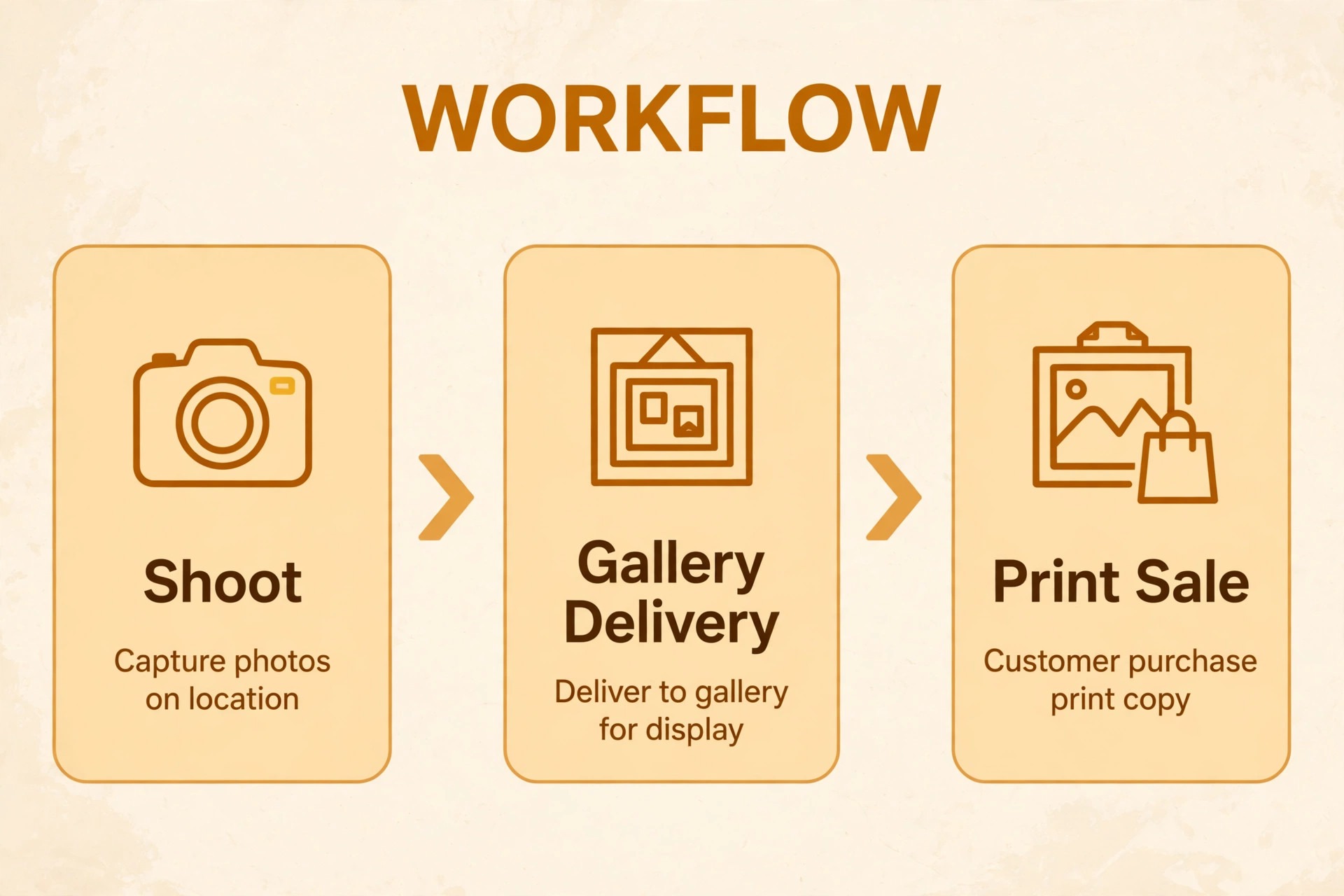
A general page builder can display photos, but it rarely understands a photography business. Proofing, download controls, watermarking, and lab fulfillment are not generic features, and adding them through apps often creates a clumsy client experience. A photography platform keeps the client journey in one place, from first view to final payment.
Image handling is the second difference. Large files need fast loading, sensible compression, and layouts that protect detail on phones and desktops. A platform built for photos usually handles those choices better than a general builder that treats images like any other block on the page.
The third difference is money. Print markup, digital download fees, and store commissions quietly change what a photographer keeps. A platform with no store commission can beat a cheaper plan once sales volume grows, while a lab based system can save time even if the markup is smaller. Price the whole workflow, not just the monthly plan.
Finally, a photography platform saves time between shoots. Uploading, sharing, proofing, and selling should take minutes, not an evening of admin. When the system fits the shoot type, the photographer spends more time shooting and less time fixing links, permissions, and payments.
Start the trial with a real week of work, not with a demo account filled with perfect test data. Load your actual timetable, your real customers and your true prices, then ask the team to run the daily routine exactly as they would after launch. A trial that mirrors real work exposes slow screens, missing fields and confusing steps before any money changes hands. If a task takes three clicks in the demo and seven in real use, that gap will cost hours every week.
Train on one workflow at a time, starting with the job that earns money fastest. Staff who learn booking, payment and cancellation in week one will trust the system, while staff who sit through a full feature tour will remember little of it. Short daily practice, using real examples from the previous day, builds confidence faster than a long training day that nobody enjoys.
Agree on response times and support hours in writing, especially if the business trades evenings or weekends. A support team that answers only on weekday mornings is little help when the system fails on a Saturday. Ask for the real support channel, test it during the trial, and note how long a genuine question takes to reach a person who can fix it.
Plan the migration in small steps, moving one group of records at a time and checking each group before moving the next. A big move on a Friday night creates a Monday morning of missing records and confused staff. Small steps take longer on paper, yet they protect the business from the one error that stops trading for a day.
Keep one channel for internal questions during the first month, so staff do not learn different workarounds in separate chats. A single place for questions lets the owner spot the same problem twice and fix the workflow once, rather than answering the same question five times in five places.
The 13 Platforms Compared
Squarespace
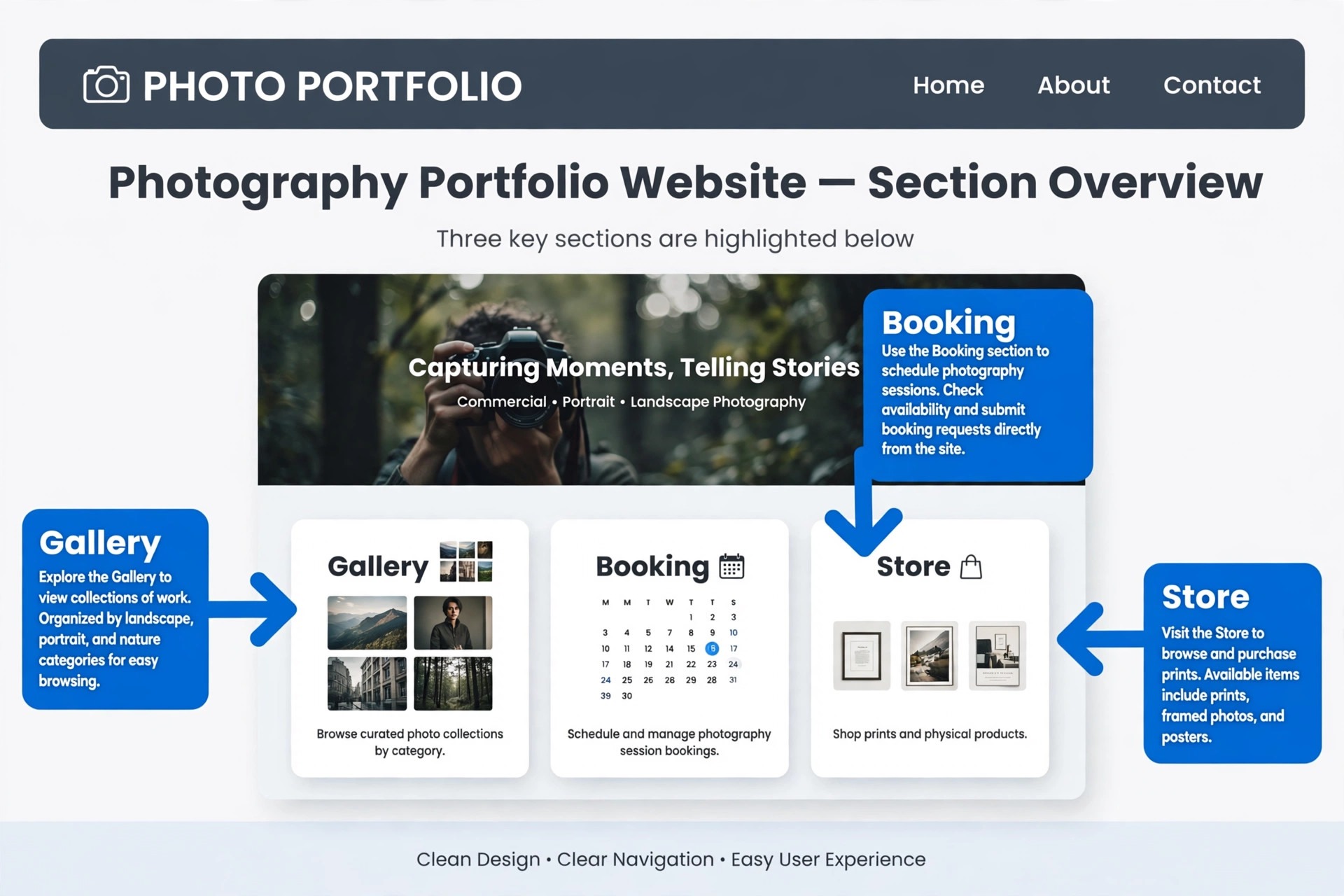
Squarespace wins on presentation. Its templates handle large images with care, typography stays clean, and a portfolio can look gallery ready without a designer in the room. Booking, invoicing, and a store sit in the same account, so a photographer who also sells sessions or prints does not need to stitch several services together. Search settings, mobile layouts, and a free domain for the first year on annual plans remove much of the setup friction that slows a launch.
Choose Squarespace when the public site is the main sales tool and you are happy to pair it with a separate gallery service for proofing. Skip it when client delivery is the daily job, because proofing, download tracking, and lab fulfillment are not native strengths.
Format
Format is built for photographers first, and that focus shows in the portfolio, the client proofing rooms, and the print options. Galleries feel like part of the site rather than an add on, clients can mark favourites, and password protection keeps unfinished work private. The editor stays simple enough that a working photographer can update a portfolio between shoots without learning a general design system.
Choose Format when you want portfolio, proofing, and selling in one account at a modest price. Skip it when you need deep marketing automation or a large general store, because the platform stays close to photography work.
Pixieset
Pixieset is the delivery system first and a website second, and for wedding and portrait photographers that order is exactly right. Client galleries, favourites, comments on selections, download controls, and print sales through partner labs all live around the moment a client opens their photos. A free plan lets a new photographer test a real gallery before paying, which lowers the risk of switching.
Choose Pixieset when most income comes from delivered galleries and print orders. Skip it as the only marketing site when blogging, landing pages, and a full store matter more, because its builder is simpler than a general platform.
Pixpa
Pixpa combines a portfolio, client galleries, a store, and a blog on one bill, and it charges no commission on store sales in recent comparisons. That matters for photographers who sell prints and digital files often, because commission differences add up across a busy season. Templates cover photography styles well, and the 15 day trial gives enough time to test a real portfolio with real images.
Choose Pixpa when you want one subscription for portfolio, galleries, and selling. Skip it when you need a studio manager with contracts and booking built in, because that side of the business is thinner here.
Wix
Wix gives the most design freedom of the general builders, with a large template library and a drag and drop editor that lets a photographer place images exactly where they belong. Wix Bookings handles sessions, a free plan lets a beginner start at no cost, and apps can add galleries and print options. For a photographer who enjoys shaping every page, that freedom is a real advantage.
Choose Wix when you want full control over layout and a free starting point. Skip it when you want a photography workflow ready out of the box, because proofing and lab sales arrive through apps rather than as native tools.
SmugMug
SmugMug is built around storage and selling. Every paid plan includes unlimited storage in recent comparisons, smart galleries can sort by tags or dates, and print sales run through established labs. For a photographer with a large archive, or a high volume shooter who needs every shoot online and sellable, that storage promise removes a constant worry.
Choose SmugMug when unlimited storage and print sales matter most. Skip it when you need booking or a modern marketing site, because those tools are thin and recent comparisons note a commission on print markup.
Zenfolio
Zenfolio suits studios that juggle volume work, booking, and sales. Studio management tools, client galleries, print sales, and email marketing sit under one login, which helps school, sports, and event photographers who process many clients at once. The platform has been re-priced several times, so the plan structure deserves a careful read before purchase.
Choose Zenfolio when volume, booking, and sales all need to live together. Skip it when you want the most modern template design, because reviewers describe the editor as less fresh than newer rivals.
Adobe Portfolio
Adobe Portfolio is the quiet bargain for anyone already paying for Creative Cloud. Lightroom edits can sync to a portfolio, setup takes minutes, and there is no extra subscription to manage. For a photographer whose main need is a clean public portfolio linked to an existing editing workflow, that simplicity is hard to beat.
Choose Adobe Portfolio when you already pay for Creative Cloud and need a simple portfolio fast. Skip it when you need client galleries, a store, or booking, because those features are missing.
WordPress
WordPress gives full control over design, plugins, and hosting, and a photographer can build almost any combination of portfolio, gallery, store, and booking with the right theme and plugins. That freedom suits photographers who already manage a site or who work with a developer, and it scales from a simple portfolio to a large business site.
Choose WordPress when control matters more than convenience. Skip it when you want everything managed in one place, because hosting, updates, and plugin choices become your job.
PhotoBiz
PhotoBiz bundles a website, unlimited galleries, client management, invoicing, contracts, bookings, and email marketing for one flat monthly price. That breadth suits a photographer who wants business tools without buying several subscriptions, and the flat price makes budgeting simple across a season.
Choose PhotoBiz when you want one flat bill for site plus business tools. Skip it when you need deep print lab integration or a large general store, because those areas are not its strongest.
Pic-Time
Pic-Time focuses on premium galleries and automated print sales. Galleries look polished, automation can turn a delivered gallery into print orders without constant chasing, and partner labs handle fulfillment. For photographers who sell prints after delivery, that automation can quietly add income to work already completed.
Choose Pic-Time when gallery quality and print automation matter most. Skip it when you need a full website builder, because Pic-Time is a gallery system rather than a general site platform.
ShootProof
ShootProof is built for client galleries, proofing, and selling, with a clear workflow from upload to payment. Photographers can share private galleries, let clients select favourites, and sell prints and digital files without building a store from scratch. The focus stays on delivery, which keeps the learning curve short.
Choose ShootProof when delivery and sales from galleries are the priority. Skip it when you want a full marketing website, because the site tools are secondary. Pricing could not be verified from the sources checked for this guide, so check the vendor page.
Cargo
Cargo appeals to photographers who want a distinctive, design led portfolio rather than a standard template look. Its layouts feel more editorial, which suits fine art, fashion, and commercial photographers whose site itself is part of the pitch. The platform stays focused on presentation rather than business tools.
Choose Cargo when a distinctive portfolio matters more than booking or gallery delivery. Skip it when you need proofing, print labs, or invoicing built in, because those tools will need a second service. Pricing could not be verified from the sources checked for this guide, so check the vendor page.
Best Picks by Job
Use this table to match the platform to the job that pays the bills. The best website builder for photographers changes with the shoot type, so pick by income source rather than by template looks alone.
| Job | Best pick | Why it wins |
|---|---|---|
| Portfolio first | Squarespace or Format | Design and image quality lead the pitch |
| Booking first | Zenfolio or PhotoBiz | Booking, client tools, and sales sit together |
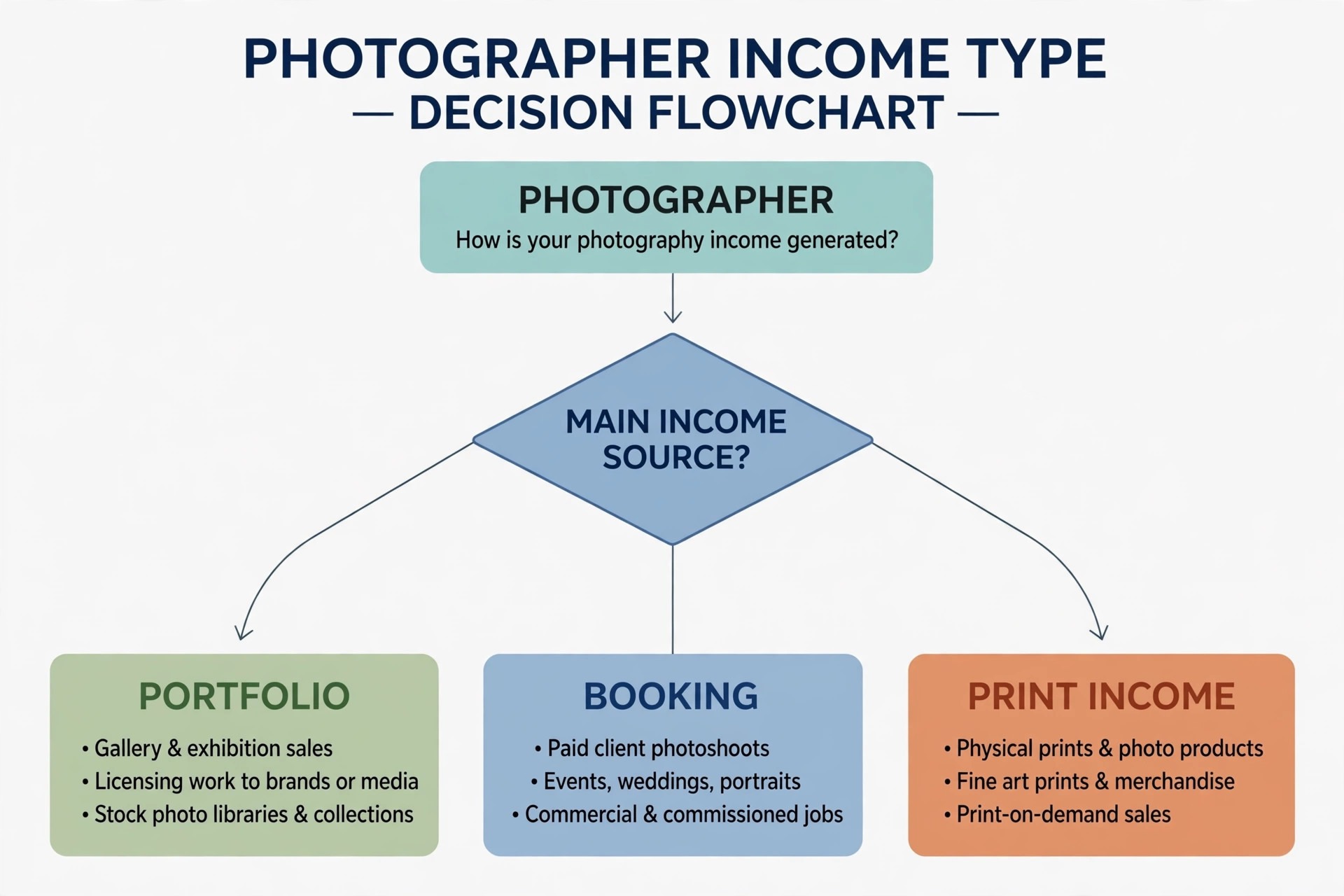
| Print sales first | Pixpa or SmugMug | Storage, labs, and store terms drive income |
Gallery Delivery Checklist Before You Launch
Run through this checklist with a real gallery before you commit to a platform. The best website builder for photographers should pass every item that matters to your shoot type, not just most of them.
– Upload a full shoot and time how long clients wait for images to load on a phone. – Test password protection, download permissions, and watermarking on one gallery. – Ask a client to mark favourites and leave a comment, then check how clearly those choices reach you. – Place a test print order and a test digital download, then confirm fees, lab timing, and payout. – Check booking, invoicing, and payment on the same account, or confirm the second tool you will need. – View the portfolio on a phone, a tablet, and a desktop, and fix any layout that crops a key image. – Confirm the domain, search settings, and contact form work before you announce the new site.
What a Photography Site Really Costs Each Month
The monthly plan is only part of the bill. Add a domain, a second gallery service if the builder lacks proofing, payment processing fees, and any print lab markup or store commission. The best website builder for photographers on plan price alone can still be the expensive choice once the full workflow is priced. A 19 dollar plan plus a separate gallery subscription can cost more than a 29 dollar all in one plan, so compare totals for the same workflow.
Annual billing usually lowers the monthly figure, but it locks money in for a year. A new photographer should weigh that saving against the chance of switching after three months of real use. A free plan or a short trial is worth more than a small annual discount when the fit is still uncertain.
Print and download fees deserve their own line in the budget. A platform that takes a share of each sale can look cheap on the plan price and expensive after a busy wedding season. Model a typical order, including the lab price, the client price, and the platform share, before you choose.
Time is the hidden cost. A platform that needs constant fixes, plugin updates, or manual gallery work costs hours that could go to shooting or marketing. A slightly higher plan that removes that admin often pays for itself within the first month of regular use.
Ask who owns the setup once the vendor team leaves. A tool that needs a champion inside the business will stall if that person is also the busiest operator. Name one owner, give that person protected time in the first fortnight, and write down the three routines that must happen every day. Without an owner, even a strong product drifts back to spreadsheets and group chats within a month.
Watch the first month of reports closely, because the numbers will show whether the new system helps or merely moves work around. Track time spent on admin, missed bookings or unpaid invoices, and customer complaints about the booking or payment step. If those figures do not improve by the end of month one, fix the workflow before blaming the team, because a good tool with a bad workflow still fails.
Review the contract line by line with the same care you give to a supplier agreement. Note the minimum term, the notice period, the price change clause and any fee for extra users, locations or transactions. A clear contract protects both sides, while a vague contract protects only the vendor. If a term is unclear, ask for it in plain writing before signing.
Finally, set a review date three months after launch and judge the tool against the reasons you bought it. Write those reasons down now, while they are fresh, and compare them with the actual results at review time. If the tool met them, keep it and deepen its use. If it did not, change the workflow or change the tool before another year of fees passes.
Protect data quality from day one by setting clear rules for names, phone numbers, and job titles. Duplicate customers and misspelled addresses create double bookings and failed messages, and cleaning them later takes far longer than entering them correctly at the start. A short data rule sheet, shared with the team, prevents most of the mess.
Mistakes That Cost Photographers Clients
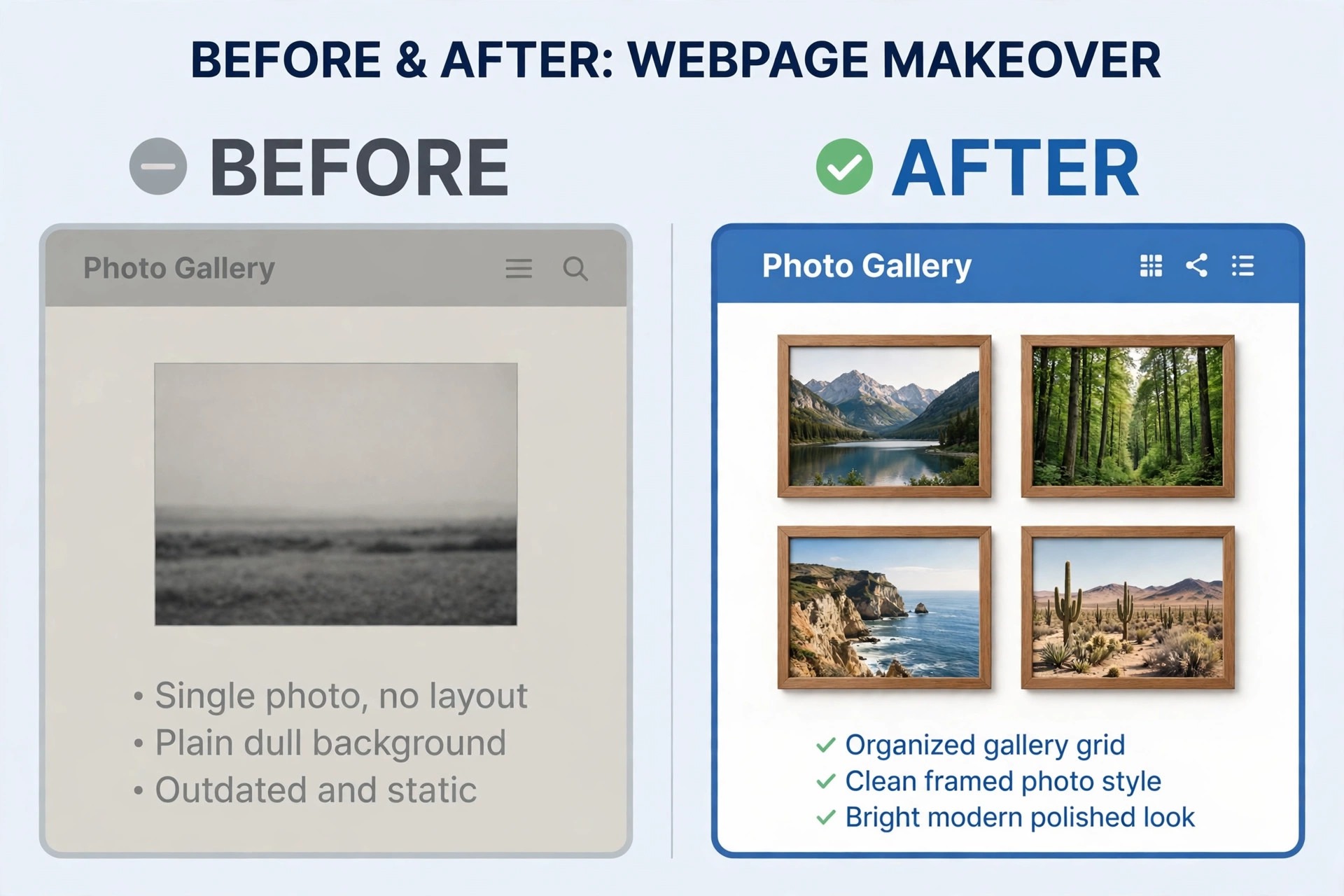
The most common mistake is choosing by template alone. A beautiful demo with stock images can hide weak proofing, slow loading, or missing booking tools. Test with your own images and a real client workflow, not just the demo gallery.
A second mistake is ignoring mobile loading. Most clients open a portfolio link on a phone, often on a slow connection. If images load slowly or crop badly, the photographer looks careless even when the work is strong. Mobile testing should happen before launch, not after complaints.
A third mistake is stacking too many services. A site builder, a gallery tool, a booking app, and a separate store can each work well alone and still create a confusing client journey. Fewer logins and fewer handoffs usually beat a best in class tool for every single task.
A fourth mistake is forgetting print terms. Photographers often discover commission or lab pricing only after a large order. Reading those terms before the first sale prevents an awkward conversation with a client about a price that changed after checkout.
Check the exit terms before the entry price, because every system in this guide holds data you will need later. Ask for a sample export, open it, and confirm that customer records, history and financial figures come out in a usable form. A vendor that makes leaving hard will also make price rises easy, so treat export quality as a core feature rather than a footnote in the contract.
Keep the customer experience at the centre of every setting you change. A shorter form, a clearer confirmation and a faster payment step will do more for repeat business than a new dashboard feature. Test every change as a customer would, on a phone, in a hurry, with one hand free. If a step feels awkward there, it will feel awkward for every customer who tries it.
Build a simple weekly routine around the new system, with one person checking the key figures and one short meeting to fix problems. A tool that nobody reviews will slowly fill with stale records, duplicate customers and outdated prices. Fifteen minutes a week keeps the data clean, and clean data keeps every later report honest and useful.
Map the customer journey before you change any setting, from first enquiry to final payment, and note every step where a customer waits, repeats information, or gets confused. A system that fixes those steps will feel like an improvement, while a system that only adds a dashboard will feel like extra work. Journey first, features second, is the order that protects adoption.
How to Test Two Finalists in a Weekend
Pick two finalists and build the same small portfolio on both. Use ten real images, one gallery, one booking link, and one contact form. The platform that feels faster and clearer with real work, not demo work, is usually the right pick.
Invite one past client to test each gallery. Ask them to find a favourite image, download a file if allowed, and place a test order. Their confusion is more useful than any feature list, because clients will face the same steps on a paid job.
Check support before you need it. Send a question about galleries, pricing, or domains and note how fast and how clearly the team replies. Support quality matters most during a busy season, when a broken gallery cannot wait for a slow answer.
Finally, write down the full first year cost for each finalist, including any second subscription and payment fees. A clear total makes the decision easier and prevents a cheap plan from quietly becoming the expensive choice.
Price the second year, not the first month, because introductory rates, free trials and launch discounts all expire. Write down the renewal price, the price at the next tier and the cost of the add ons you actually need. A plan that looks cheap at launch and dear at renewal is not cheap, and a plan that stays fair as you grow is worth more than a small saving in month one.
Separate must have features from nice to have features before the demo, and score each finalist only on the must have list. A long feature list looks impressive in a sales call, yet most of those features will never be opened after launch. Three features used daily beat thirty features used once, so buy for the daily work and ignore the rest of the catalogue.
Test the mobile experience before anything else, because staff and customers now do most of this work on phones. If the mobile view hides key buttons, shrinks text too far or forces endless scrolling, adoption will suffer no matter how good the desktop version looks. Judge the product on the smallest screen your team actually uses, not on a large office monitor.
Write down the three numbers that will prove success, such as response time, unpaid invoices, or repeat bookings, and agree on them with the team before launch. Without agreed numbers, every later argument about the tool becomes opinion. With agreed numbers, the review after three months is a simple check, not a debate.

More Reading on Stratilyze
– Best Client Gallery Software for Photography Studios – Best Website Builder for Restaurants – Best Website Builder for Fitness Studios
Frequently Asked Questions
Which platform is best for a wedding photographer?
Pixieset and Zenfolio lead for wedding work because galleries, proofing, and print sales sit at the centre. Squarespace can work for the public portfolio, but most wedding photographers still pair it with a gallery service for delivery.
Do I need a separate gallery tool with Squarespace or Wix?
In most cases, yes. Both builders handle portfolios and booking well, but proofing, download tracking, and lab fulfillment are not native strengths. Budget for that second subscription when you compare total cost.
Is a free plan enough for a working photographer?
A free plan works for testing and for a very small portfolio, but branding limits, storage caps, and missing sales tools usually push a working photographer to a paid plan. Use the free tier to test, then upgrade before a busy season.
How much should a photography site cost per year?
Entry plans in recent comparisons run roughly 150 to 250 dollars per year, while mid tier all in one platforms run 300 to 500 dollars. Add payment fees and any second gallery subscription to get the true first year total.
Does print commission matter more than the monthly plan?
Yes, once sales volume grows. A small commission difference on many print orders can exceed the monthly plan saving. Model a typical order before choosing, and favour no commission terms when print sales are a major income source.
Can I switch platforms later without losing my portfolio?
You can usually move images and rebuild pages, but galleries, client selections, and store history rarely transfer cleanly. Export images and client lists early, and expect some rebuilding when you switch.
The Verdict for Photographers
For most photographers, the best website builder for photographers is the one that matches the income source. Squarespace leads for a design led portfolio, Pixieset leads for gallery delivery, and Pixpa leads for a single bill covering portfolio, galleries, and a no commission store.
Start with the job that pays the bills, test two finalists with real images and a real client, and price the full workflow including any second subscription. A platform that fits the shoot type will feel simple in daily use, and that simplicity is what keeps clients booking, viewing, and buying.