
QR TIGER is the preferred choice for most events, because it offers dynamic codes from $7 a month, unlimited scans on paid plans, and a design tool that keeps the code on brand. The best qr code generators for events are judged here on what an event actually needs, which is a code that scans fast in a crowd, a destination that can change after printing, and a scan count the organiser can read the next morning.
Why QR TIGER Wins for Events
QR TIGER wins for events because it covers the three jobs that matter, and it covers them at the lowest honest price on this list. The Regular plan costs $7 a month under annual billing, and it includes 12 dynamic codes with unlimited scans and advanced analytics. A dynamic code can change its destination after printing, which is the feature that saves an event when the ticket page moves, the menu changes, or the feedback form needs replacing at the last minute.
The design tool is the second reason it wins. A QR code on a poster, a ticket or a lanyard has to look like part of the event, not like a sticker added at the last minute, and QR TIGER lets an organiser add a logo, change the colours and frame the code without breaking the scan. A code that looks on brand will be scanned more often, because guests trust it, and a code that looks generic will be ignored, because guests have learned to be careful about random codes.
The third reason is the analytics. An organiser who can see how many scans each code received, and when, can learn which poster worked and which entrance was busiest, and that learning is worth more than the subscription. The free plan includes 3 dynamic codes, each capped at 500 scans, which is enough to test the tool, though a real event will need the paid plan. The paid codes stop working when the plan expires, so an organiser should keep the plan active until the event is over and the feedback is collected.
What Should an Event QR Code Do?
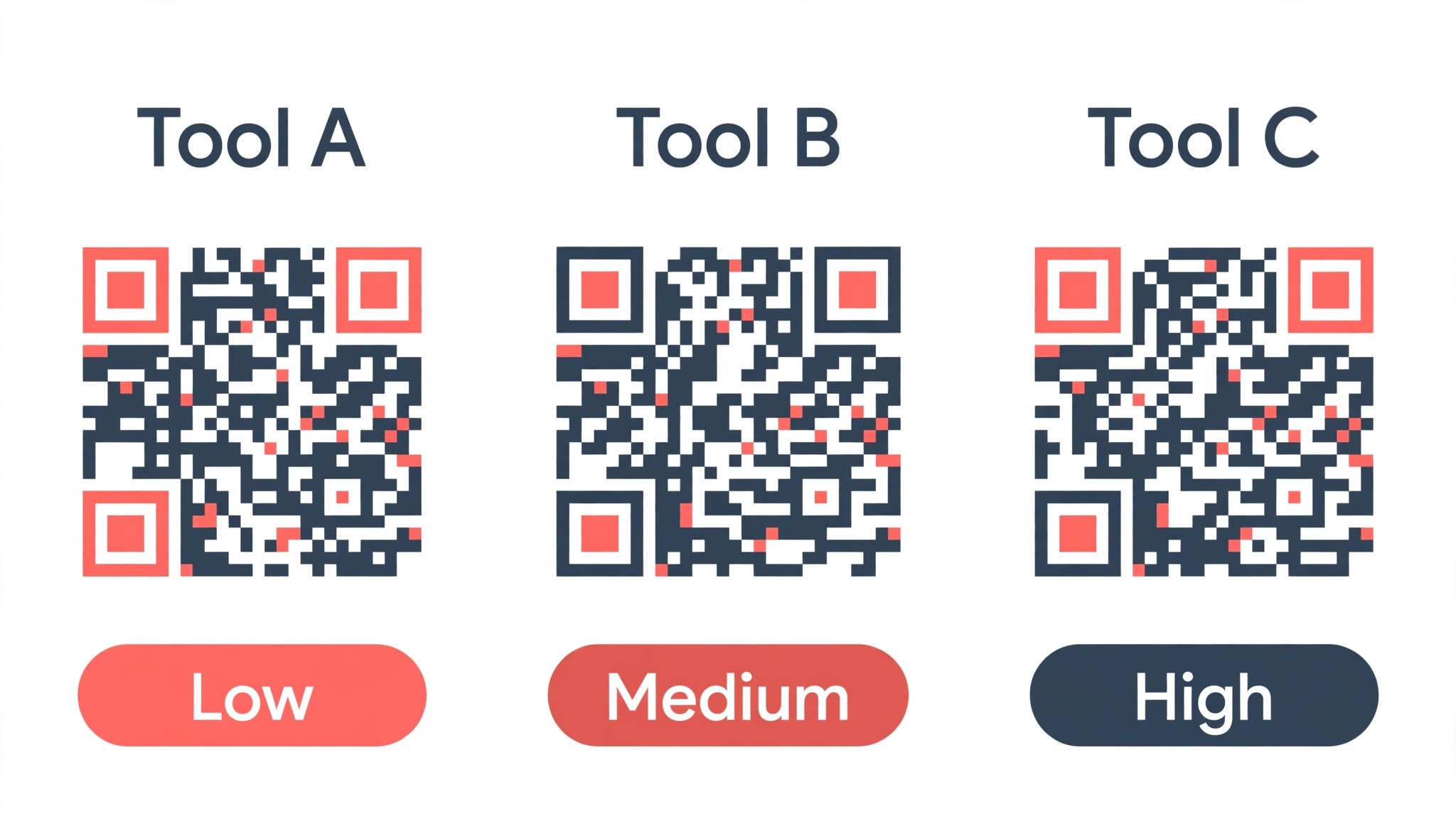
An event QR code should do one job well, which is take a guest from a physical place to the right digital place in under two seconds. The best qr code generators for events are judged on that speed first, because a code that takes five seconds to scan will lose guests in a queue, and a code that takes two seconds will be used by everyone. The speed depends on the code design, the print size and the destination page, and the tools on this list differ in how much they help with each one.
The code should also survive the venue. A code printed on a poster in sunlight, on a ticket in a pocket, or on a lanyard in the rain will be scanned in poor light, at an angle, and from a distance, so the code needs a quiet zone around it, a size large enough to scan from three feet away, and a destination page that loads fast on a weak signal. A tool that warns you about size and contrast will save an event, and a tool that lets you make a tiny code in pale colours will cost it.
Finally, the code should be changeable, because events change. A ticket page moves, a menu changes, a speaker cancels, and a code that points to a fixed destination will be wrong within an hour. A dynamic code can change its destination after printing, and that single feature is the difference between a tool that works for events and a tool that works for a business card. Every tool on this list that offers dynamic codes earns its place on that feature alone.
How to Choose the Best QR Code Generators for Events
Start with dynamic versus static, because the choice decides everything else. A static code points to one fixed destination forever, and it is free, while a dynamic code points to a destination that can change, and it costs money. An event needs dynamic codes, because the ticket page, the menu and the feedback form will all change, and a static code that points to the wrong page is worse than no code at all. QRCode Monkey offers the best free static codes on this list, and QR TIGER offers the cheapest real dynamic plan.
Then check the scan limits, because a free plan that caps scans will stop working in the middle of an event. Flowcode free covers 2 dynamic codes with analytics for up to 500 scans, QR TIGER free covers 3 dynamic codes with 500 scans each, and the paid plans on most tools offer unlimited scans. An event with a thousand guests will need a paid plan, and an event with fifty guests can run on a free tier, so count the guests before counting the cost.
Finally, check what happens when the plan ends, because the codes on a printed poster will outlive the subscription. Some tools keep static codes working forever, and most tools stop dynamic codes when the plan expires, so an organiser should keep the plan active until the event is over. The right pick serves the event size and the number of codes, not the tool with the most features.
QR TIGER vs Flowcode
QR TIGER and Flowcode are the two names that come up first for events, and they are built for different events. QR TIGER is a code-first tool, with a design tool, dynamic codes and analytics at a low price, starting at $7 a month on a yearly bill. Flowcode is a campaign tool, with landing pages, smart routing, conversion analytics and CRM integrations on top of the code, starting at $25 monthly billed annually for Pro Plus, with Growth at $250 a month.
On price, QR TIGER wins clearly, because $7 a month buys 12 dynamic codes with unlimited scans, while Flowcode Pro Plus at $25 a month buys 50 codes with analytics for up to 6,000 scans. An event that needs many codes will find Flowcode cheaper per code, at about 50 cents per code per month, though an event that needs a dozen codes will find QR TIGER cheaper in total.
On design, Flowcode wins, because its codes are distinctive and its landing pages keep guests on brand from scan to signup. On simplicity, QR TIGER wins, because an organiser can make a code, print it and read the scans without learning a campaign platform. A small event should pick QR TIGER, and a large brand event that needs a funnel should pick Flowcode.
The 10 Tools at a Glance
The ten tools below cover every way an event can use a QR code, from a free static code to a full campaign platform. The best qr code generators for events were judged on dynamic codes, scan limits, design, analytics, ease of use, and the bill for a full year of use.
| Tool | Best for | Starting price | Free plan | Watch out |
|---|---|---|---|---|
| QR TIGER | Best overall value | Regular $7 a month | Yes | Codes stop if plan ends |
| Flowcode | Branded campaigns | Pro Plus $25 a month | Yes | Dear for small events |
| QR Code Generator | Campaign management | Starter $9.99 a month | Trial | Only 2 codes on Starter |
| Design.com | QR plus brand kit | Subscription from about $3 a month | Yes | Less depth per tool |
| Uniqode | Compliance and scale | Essential $9 a month | Trial | Annual billing only |
| QRCode Monkey | Free static codes | Free | Yes | No dynamic codes |
| Bitly | Short links plus QR | Core $10 a month | Yes | QR payload is URL only |
| Canva | QR on a design | Pro $144 a year | Yes | Static codes only |
| Adobe Express | QR on a flyer | Premium $9.99 a month | Yes | Basic QR features |
| Scanova | Bulk codes | From about $14 a month | Trial | No free plan |
QR TIGER leads the overview table on value, and Flowcode takes it on campaigns, since its landing pages and routing turn a scan into a signup. QRCode Monkey is the one for a free static code, and Uniqode is the choice for an event where compliance is not optional.
Best Pick by Job
Everyday jobs each get one choice from the best qr code generators for events in the table that follows; pick the row that matches your event.
| Job | Pick | Why it wins here |
|---|---|---|
| Best overall value | QR TIGER | $7 a month, 12 dynamic codes |
| Branded campaign | Flowcode | Landing pages, smart routing |
| Campaign management | QR Code Generator | Tracking, bulk creation, API |
| QR plus brand kit | Design.com | One account, shared brand kit |
| Compliance and scale | Uniqode | SOC 2, HIPAA, GDPR, bulk creation |
| Free static code | QRCode Monkey | Free, SVG export, logo on code |
| Short link plus QR | Bitly | Links and codes in one account |
| QR on a poster design | Canva | Code inside the design tool |
| QR on a flyer | Adobe Express | Quick flyer plus code |
| Bulk codes for badges | Scanova | Bulk creation, advanced analytics |
The 10 Tools in Detail
The best qr code generators for events are ranked below by what a working event actually demands. QR TIGER leads on value and Flowcode on campaigns, QR Code Generator and Uniqode follow on management and compliance, and the rest justify their spots on single jobs, not overall strength.
1. QR TIGER
QR TIGER is the best QR code generator for most events, and the lead comes from the price and the feature set together. The Regular plan costs $7 a month if billed yearly, and it includes 12 dynamic codes with unlimited scans and advanced analytics, which undercuts most rivals. The Advanced plan at $16 a month adds 200 codes, GPS tracking, retargeting pixels and API access, and the Premium plan at $37 a month unlocks unlimited codes, white-label options and priority support.
The design tool is strong, with logo placement, colour control and frames that keep the code on brand without breaking the scan. The free plan includes 3 dynamic codes, each capped at 500 scans, with a QR TIGER ad shown on scan, which is enough to test the tool. The catch is the expiry, because dynamic codes stop working when the plan expires, so an organiser should keep the plan active until the event is over and the feedback is collected.
2. Flowcode
Flowcode scores second on the funnel as the branded-campaign pick. The platform treats a QR code as the start of a marketing funnel rather than a shortcut, with landing pages, smart routing, conversion analytics and CRM integrations on top of the code. The free plan is honest, with 2 dynamic codes, analytics for up to 500 scans, and no ads, forever. Pro Plus at $25 per month billed yearly is the entry point for serious use, with 50 codes and analytics for up to 6,000 scans, and Growth starts at $250 a month.
The design tooling is the strongest on this list, with distinctive codes and real brand recognition in US consumer markets. What hurts is the price, because a small event will find $25 a month dear for a dozen codes, and the Growth tier scales fast. A large brand event that needs a funnel will find Flowcode the best tool on this list, and a small event will find it expensive.
3. QR Code Generator
QR Code Generator, now part of Bitly, ends third on history and depth, the campaign-management pick of this roundup. Static codes are free forever with no account required, while the Starter, Advanced and Professional plans add dynamic codes with editable destinations, scan tracking by location and device, bulk creation and API access. Starter runs $9.99 monthly on annual billing and includes 2 dynamic codes, and Advanced at $18.99 monthly on annual billing includes 50 codes.
The rub is the Starter tier, because 2 dynamic codes will not cover an event with a ticket page, a menu and a feedback form. The winner is the management, because the tracking, the bulk creation and the API suit an organiser who runs many events a year. A regular event organiser who needs a system rather than a single code will find QR Code Generator the most complete management tool on this list.
4. Design.com
The fourth ranking goes to Design.com, because an event QR code is the seed of the brand, and the subscription carries everything else forward from it. That one payment stretches across logo, kit, website and business card plus a QR code set, the same colours tying every piece together, so the poster, the ticket and the lanyard line up from day one. An organiser who is launching an event series and building its identity in the same week gets more from that single checkout than from aQR-only tool for twice the money.
The QR maker itself is workmanlike rather than exceptional. It makes a clean code from a link and a few settings, offers designs that suit events, and exports in the formats an organiser needs. QR TIGER designs better and Flowcode campaigns better, so the wrong buy for either strength is Design.com. The reason to buy it is the one kit that ties the poster, the ticket and the lanyard together, priced from about $3 a month on annual billing for Starter, with the website builder on the higher tiers.
5. Uniqode
Uniqode, formerly known as Beaconstac, wins the compliance slot, ranking fifth on scale and safety. The Essential plan costs $9 a month billed yearly and covers 15 dynamic codes, and the platform brings SOC 2, HIPAA and GDPR compliance plus bulk creation, which matters for events in regulated industries. The Core plan at $49 a month is the first tier with an API, and higher tiers add more codes and more controls.
Its flaw is the billing, because Uniqode only sells annual plans, so the first invoice is twelve months. Static codes are free and permanent, while dynamic codes come with a 14-day trial and become inactive when it ends unless you subscribe. A large event where compliance is not optional will find Uniqode the safest tool on this list, and a small event will find the annual billing a barrier.
6. QRCode Monkey
QRCode Monkey is the free static pick, and it holds sixth place on a single remarkable feature. The tool charges nothing, and it hands over a static code with a logo, SVG, PDF and EPS export, without asking for payment, which no other free tool on this list does as well. The codes are print-ready, the design tool is simple, and a code made here will scan reliably for years.
The flaw is everything else, because there are no dynamic codes, no analytics and no API. A static code that points to a fixed destination will be wrong when the event changes, and the tool cannot fix it. Its pride is the free code, and for an event with one fixed page that will never change, QRCode Monkey is the right pick, and the $0 price is impossible to beat.
7. Bitly
Bitly secures seventh place on the combination as the short-link pick. The platform pairs short links with QR codes in one account, so an organiser who already uses Bitly for links can add codes without a second tool. The Core plan costs $10 per month on annual billing and includes 5 codes, with Growth at $29 a month for 10 codes and Premium at $199 a month for 200 codes. The free plan includes 2 QR codes.
Its gap is the QR payload, because Bitly codes carry a URL only, with no Wi-Fi, contact or event payloads. Its lure is the link management, because the same account tracks clicks and scans together, and the analytics are strong. An organiser who lives in Bitly already will find the QR feature a useful addition, and an organiser who needs rich QR payloads will find a specialist better.
8. Canva
Canva grabs eighth on the design workflow as the poster pick. The QR code is made inside the design tool, so a poster, a ticket and a code all leave from the same account, with the same colours and fonts. Canva Pro costs $144 annually on newer pages, with older pages listing $120, and the free tier includes a basic QR maker. The code is static, which is the first thing to know, because a static code cannot change its destination after printing.
The hook is the design, because the code sits inside a poster that looks finished, and its limit is the code, because a static code with no analytics will not tell an organiser how many guests scanned it. A small event that needs a code on a poster and nothing else will find Canva the easiest route, and an event that needs tracking will need a second tool.
9. Adobe Express
Adobe Express slots in ninth on speed as the flyer choice. Premium costs $9.99, billed monthly, and includes a QR maker, brand kits and one-click resize, so a flyer, a poster and a code all leave from the same account. The QR features are basic, with static codes and limited tracking, though the design workflow is fast and the Adobe fonts are strong.
What matters here is the workflow, since the flyer, the photos and the social feeds all live in one place. A small event that needs a flyer with a code on it will find Adobe Express the fastest route on this list, and an event that needs dynamic codes and analytics will find it thin. The resize tool saves time on every new poster size, which matters when the same event needs a poster, a ticket and a social post.
10. Scanova
Scanova finishes the lineup as the bulk pick, and it lands tenth on volume. The platform offers bulk creation, advanced analytics and more than 50 dynamic code types, with paid plans from about $14 a month, and a free trial though no free plan. An event that needs a different code on every badge, ticket or table will find the bulk tool the fastest route, because the codes can be made in a batch rather than one by one.
Its catch is the price and the learning curve, because a small event will find $14 a month dear for a handful of codes, and the interface is built for volume rather than simplicity. Its charm is the scale, and for a conference with hundreds of badges, Scanova is the right pick. A small event should start with QR TIGER free and move to Scanova only when the code count justifies it.
What Happens When the Wi-Fi Drops at the Venue?
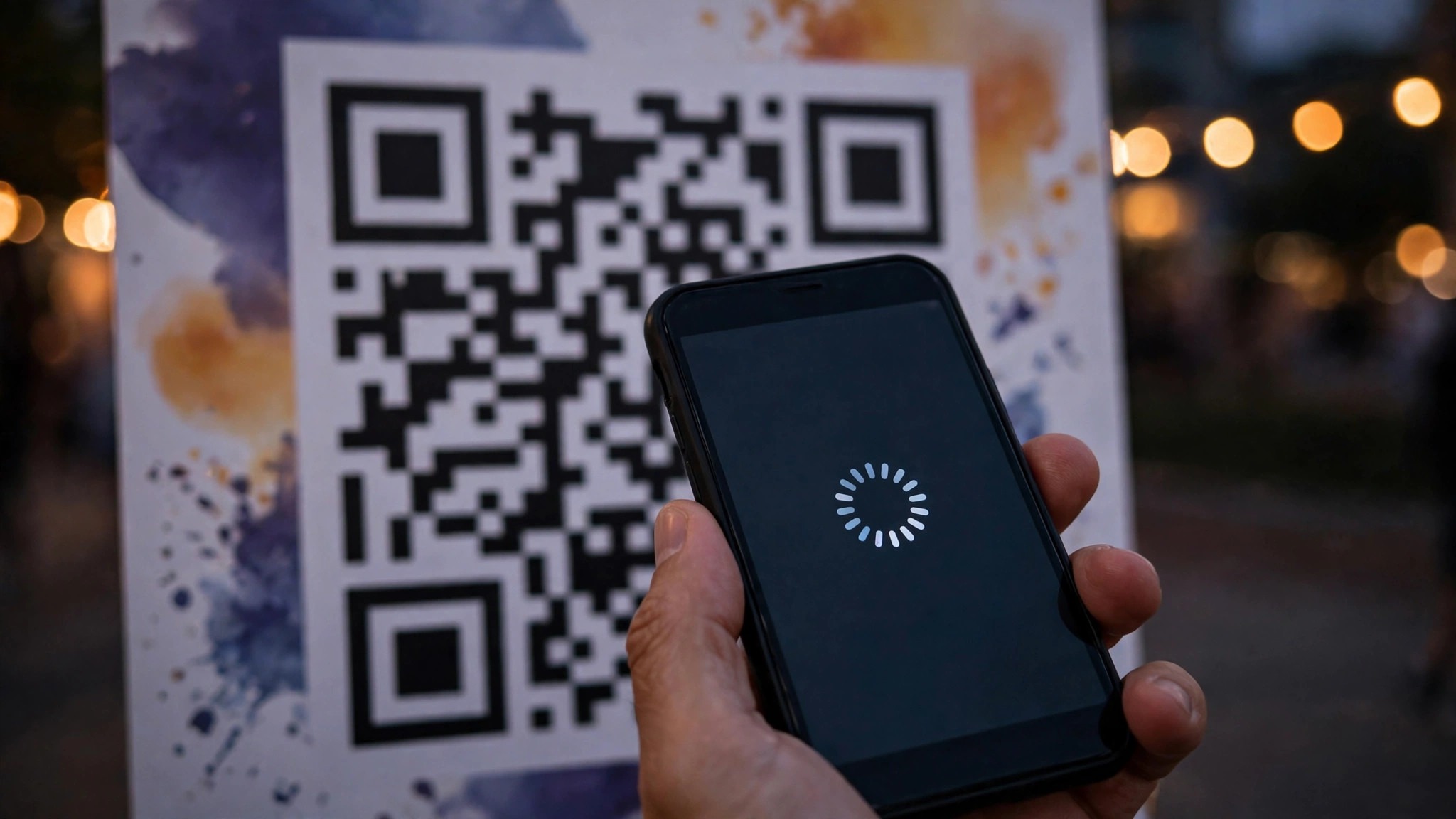
The Wi-Fi drops at a venue more often than organisers admit, because a thousand guests on one network will slow it down, and a code that points to a heavy page will fail. The best qr code generators for events handle this by keeping the destination page light, because a ticket page, a menu or a feedback form should load in under two seconds on a weak signal. A tool that lets you test the destination on a slow connection will save an event, and a tool that only makes the code will not.
The practical fix is a light destination and a large code. A code printed at least two inches wide, with a quiet zone around it, will scan in poor light and at an angle, and a page that loads fast will work when the signal is weak. Test the code on two different phones, on the venue Wi-Fi, before the doors open, because a code that works in the office may fail in a hall full of guests. The code is only as good as the page it points to, and the page is only as good as its load time.
Can One QR Code Serve Tickets, Menus and Feedback?
One QR code cannot serve tickets, menus and feedback well, because each job needs a different page, and a guest who scans a code for a ticket does not want a menu. The practical answer is one code per job, with each code printed where its job is done. A ticket code goes on the ticket, a menu code goes on the table, and a feedback code goes on the exit sign, so each scan lands on the right page without a choice in between.
The tools that make this easy are the ones with bulk creation and clear naming, because an organiser who makes ten codes needs to know which code is which. QR TIGER Advanced at $16 a month includes 200 codes, Flowcode Pro Plus includes 50 codes, and Scanova is built for bulk creation. A small event with three codes can manage them by hand, and a large event with a hundred codes needs a tool that names and tracks them.
Frequently Asked Questions
Do QR codes expire?
Static QR codes do not expire, and dynamic QR codes work as long as the plan that hosts them is active. A static code from QRCode Monkey or Canva will keep working for years, because it points directly to a fixed destination. A dynamic code from QR TIGER, Flowcode or Uniqode will stop working when the plan expires, because the destination lives on the vendor’s server, so keep the plan active until the event is over and the feedback is collected.
How many QR codes does an event need?
At least three, one for tickets, one for the menu or programme, and one for feedback, with more for each entrance, table or session. A small event with fifty guests can run on three codes, and a conference with a thousand guests will need a code on every badge, table and door. The paid plans on this list cover 12 to 200 codes, so count the codes before counting the cost.
What size should a QR code be on a poster?
At least two inches wide, with a quiet zone of blank space around it, so the code scans from three feet away in poor light. A code that is too small will fail in a crowd, and a code in pale colours will fail in sunlight. Test the code on two different phones, at the distance guests will scan from, before printing a full run.
Can I change where a QR code points after printing?
Yes, if the code is dynamic, and no, if the code is static. A dynamic code from QR TIGER, Flowcode or Uniqode can change its destination after printing, which is the feature that saves an event when the ticket page moves. A static code from QRCode Monkey or Canva points to one fixed destination forever, so check the code type before printing.
Do QR codes work without internet?
A QR code itself works without internet, because the code is just a pattern, though the destination page needs a connection to load. A code that points to a Wi-Fi login will connect the guest, and a code that points to a ticket page will need a signal. The practical fix is a light destination page and a venue network that can handle the crowd.
How do I track QR code scans at an event?
Use a tool with analytics, because a static code with no tracking will tell you nothing. QR TIGER, Flowcode and QR Code Generator all report scan counts by time, location and device, so an organiser can see which poster worked and which entrance was busiest. The free plans cap the scans they report, so a real event will need a paid plan to see the full picture.
If This, Then That: Your Decision Tree
If your event is small, with under a hundred guests and three codes, then pick QR TIGER free, test the codes, and move to Regular at $7 a month when the scan cap approaches. If your event is a brand launch with a funnel, then pick Flowcode Pro Plus at $25 a month, because the landing pages and routing will turn scans into signups. If your event needs compliance, then pick Uniqode Essential at $9 a month, because the SOC 2, HIPAA and GDPR cover will matter more than the price.
If your event needs one fixed code on a poster and nothing else, then pick QRCode Monkey free, because the static code with a logo will scan reliably for years. If your event needs a code inside a poster design, then pick Canva, because the code and the poster leave from the same account. If your event needs a different code on every badge, then pick Scanova, because the bulk tool will make a hundred codes in the time a single-code tool makes ten. The best qr code generators for events all point to the same decision, which is to match the tool to the code count and the guest count, not to the feature list.
Start with the code count, check the scan cap, and test the code on two phones before printing. A code that scans fast, points to a light page, and can change after printing will carry an event, and a code that fails any of those three tests will cost the organiser guests. Pick the tool that passes all three for your event size, and stop there.