

About half of consulting projects run late, and the delay is rarely the work itself, it is the handoff, the missing file, and the client who was never told, which is why the top 10 project management software for consultants matters more than any single template. A project that slips by a week costs the consultant a week of billable time.
This guide compares ten project tools that consultants actually use in 2026, judged on client work, time tracking, invoicing, and price. The prices in this guide come from vendor pages reviewed in late 2026, so check the live plan on the vendor site first, because prices shift.
The ten tools split into two groups. General project platforms like Asana and Monday handle tasks, timelines, and team work. Consultant-friendly tools like Teamwork and Basecamp add client visibility and simple billing. Your pick should follow whether your pain is managing the work or showing it to the client.
Why Consulting Projects Slip Without a System
A consultant juggles four clients, and each one thinks they are the only project. One client waits for a draft, another waits for a call, and a third waits for an invoice, while the consultant works on the fourth and forgets the other three. The work is fine, but the communication is broken, and the client feels ignored.
That gap is exactly what the top 10 project management software for consultants is built to close. One board shows every client, every deadline, and every next step, so nothing waits in silence. The client sees progress without asking, and the consultant sees the week before it arrives.
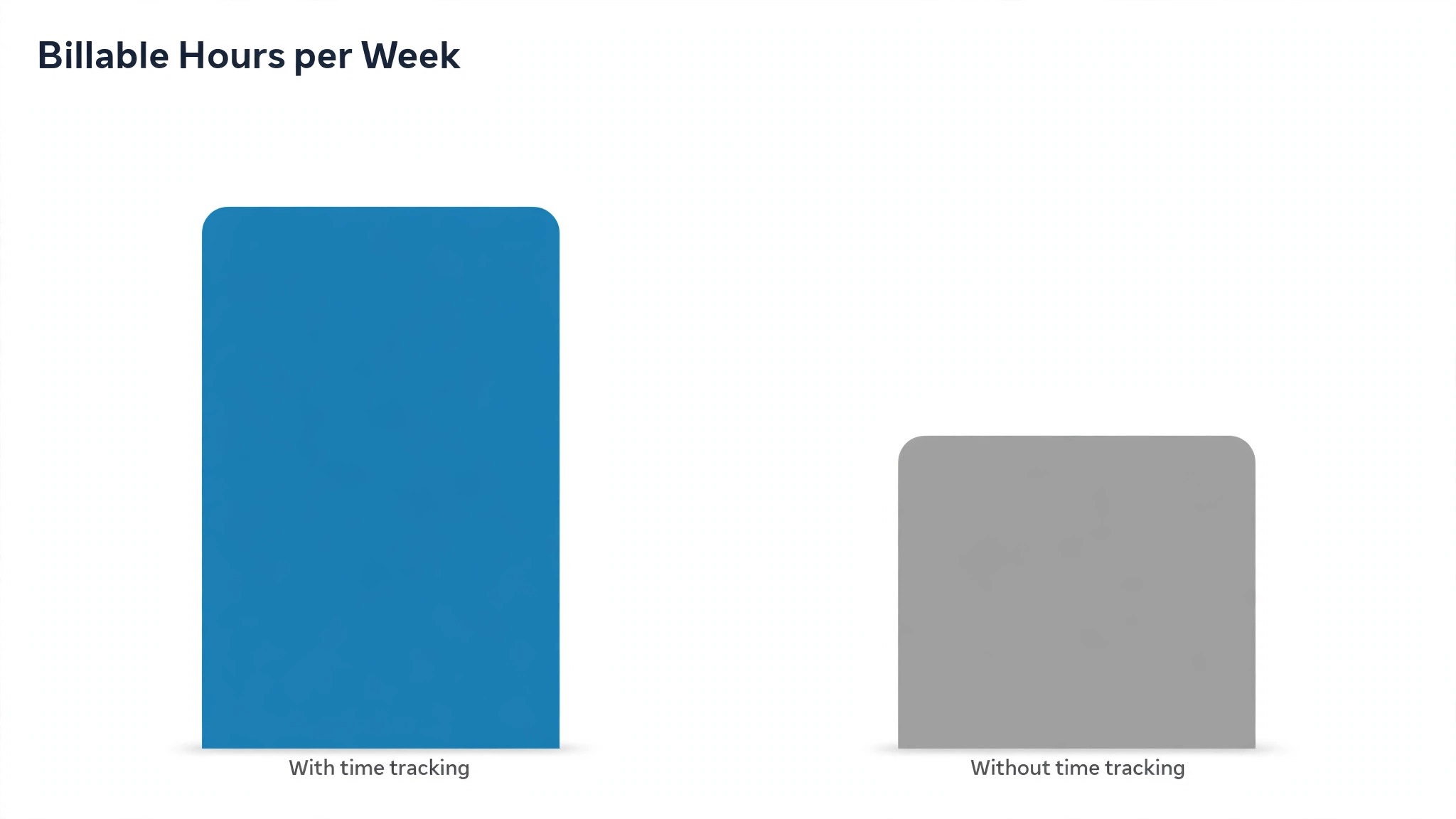
The second problem is time. A consultant who cannot show where the hours went cannot bill for them, and a client who cannot see the hours questions the invoice. A tool that tracks time against each project turns the week into a billable record, and the invoice writes itself from the log.
The 10 Tools at a Glance
| Tool | Main job | Best for | Starting paid price |
|---|---|---|---|
| Asana | Task and timeline management | Team task work | about $11 a user a month |
| Monday.com | Visual work management | Dashboards | about $9 a seat a month |
| ClickUp | All-in-one productivity | Value | about $7 a user a month |
| Trello | Visual kanban boards | Simple boards | about $5 a user a month |
| Notion | Flexible workspace | Notes plus tasks | about $10 a user a month |
| Wrike | Enterprise task management | Complex projects | about $10 a user a month |
| Teamwork | Client project management | Client billing | about $19 a user a month |
| Basecamp | Client friendly projects | Client visibility | about $15 a user a month |
| Smartsheet | Spreadsheet project management | Timelines | about $9 a user a month |
| Toggl Plan | Simple team timelines | Small team planning | about $8 a user a month |
No single row in this table settles the choice, because the top 10 project management software for consultants for a solo consultant looks different from the right pick for a ten-person firm. A solo consultant needs low cost and fast setup, while a firm needs client seats and reporting. The table sorts the field by cost, and the detail section shows the work each tool does for it.
Best Pick by Job
| Job type | First pick | Second tool | Why this pair works |
|---|---|---|---|
| Solo consultant, 4 clients | Notion | Trello | Flexible workspace plus a simple visual board |
| Growing firm, 10 people | Asana | Teamwork | Strong task management plus client project tools |
| Client visibility first | Basecamp | Teamwork | Client-friendly project pages plus shared timelines |
| Heavy timelines | Smartsheet | Wrike | Spreadsheet timelines plus enterprise task tracking |
| Budget first consultant | ClickUp | Trello | Most features per dollar plus a free tier |
| Time billing first | Teamwork | Monday.com | Time tracking plus clean client dashboards |
A solo consultant should start with the top 10 project management software for consultants that costs almost nothing, and Notion wins that job with a flexible workspace that holds notes, tasks, and client pages in one place. Trello sits behind it as a simple visual board for tracking the week.
A growing firm needs real task management, so Asana takes the lead with strong timelines and reporting, while Teamwork stays on for client-facing projects. A consultant who wants the client to see progress should run Basecamp instead, because its project pages are built for clients, not just for staff.
How to Judge the Top 10 Project Management Software For Consultants
Start with the client view, not with the feature list. Invite a test client into the tool and ask them to find the latest draft, the next deadline, and the invoice. A tool that shows the client those three things in one minute is worth more than one with fifty features the client never sees, because the client view is where trust is built.
Next, test the time log, because the top 10 project management software for consultants is judged by whether the week turns into a bill. Log an hour against a project, then generate the invoice from that log. If the flow takes more than a minute, the consultant will stop logging, and the billable hours will vanish.
Then model the real cost per user at your headcount, including client seats. A tool that costs 11 dollars a user sounds cheap until you add ten staff and five clients, while a tool with free client seats can look expensive at two users and cheap at twenty. Work out the monthly bill at your headcount today and in a year.
The 10 Tools in Detail
The tools below are reviewed one at a time, with what each does best, what it costs, and where it falls short for a consultant. Start with the pick that fits your firm size, then look at the runner-up, because the second tool often suits a solo practice better.
1. Asana
Asana is the task platform most consulting firms choose, and its strength is the timeline. Tasks, owners, and deadlines sit on a clear board that the whole firm can read at a glance. Pricing starts at about 11 dollars a user a month for Starter, with higher tiers adding reporting and portfolios. The interface is clean, and the integrations cover most tools a firm already uses.
It fits firms that need real task management. The trade-off is client billing, which Asana does not handle. Best for Team task work. Paid plans start at about $11 a user a month.
A team moving from Monday.com should run both tools for two weeks, so no projects is lost in the switch. Keep Monday.com running until the first full month closes cleanly in the new tool, then cancel the old plan only after every projects record is confirmed in place, and keep a backup export on file for a month after the switch.
2. Monday.com
Monday.com is the visual work platform here, and its strength is the dashboard. Every project, client, and deadline appears as a colored board that the team and the client can read in seconds. Pricing starts at about 9 dollars a seat a month for Basic, with higher tiers adding automations and time tracking. The templates cover consulting projects well.
It fits firms that want visual status at a glance. The trade-off is depth, since Monday is broader than it is deep. Best for Dashboards. The entry paid price is about $9 a seat a month.
Before you leave ClickUp, download your projects and confirm the history comes with them. A trial that covers one full billing cycle shows the true cost of leaving ClickUp, because the first month always looks cheaper than the second month does, so keep a backup export on file for a month after the switch.
3. ClickUp
ClickUp is the value pick in this guide, and its strength is the feature count per dollar. Tasks, docs, chat, goals, and time tracking live in one account for about 7 dollars a user a month. Pricing starts at about 7 dollars a user a month for Unlimited, with a generous free tier for small teams. The platform covers almost every job a consultant needs.
It fits budget-first firms that want everything in one place. The trade-off is complexity, since ClickUp has more features than a small team needs at first. Best for Value. Starting paid price about $7 a user a month.
If you switch from Trello, export your projects first and check every record survives the move. Run Trello and the new tool side by side for two full weeks, so the team can compare real projects in daily work before the old subscription ends for good, and keep a backup export on file for a month after the switch.
4. Trello
Trello is the simple board tool in this guide, and its strength is clarity. A project becomes a board, a task becomes a card, and the week becomes a column that anyone can read. Pricing starts at about 5 dollars a user a month for Standard, with a free tier for small boards. The power-ups add calendars, time tracking, and automation.
It fits solo consultants and small teams that want a visual week. The trade-off is depth, since Trello is a board, not a full project system. Best for Simple boards. Paid plans start at about $5 a user a month.
A team moving from Notion should run both tools for two weeks, so no projects is lost in the switch. Keep Notion running until the first full month closes cleanly in the new tool, then cancel the old plan only after every projects record is confirmed in place, and keep a backup export on file for a month after the switch.
5. Notion
Notion is the flexible workspace in this guide, and its strength is the page. Notes, tasks, client pages, and databases combine in one calm system that a consultant shapes to fit. Pricing starts at about 10 dollars a user a month for Plus, with a free tier for personal use. The templates cover consulting projects, CRMs, and meeting notes.
It fits solo consultants who want one home for everything. The trade-off is structure, since Notion needs the consultant to build it. Best for Notes plus tasks. The entry paid price is about $10 a user a month.
Before you leave Wrike, download your projects and confirm the history comes with them. A trial that covers one full billing cycle shows the true cost of leaving Wrike, because the first month always looks cheaper than the second month does, so keep a backup export on file for a month after the switch.
6. Wrike
Wrike is the enterprise task platform here, and its strength is structure. Complex projects with many owners, approvals, and dependencies stay organized in one system. Pricing starts at about 10 dollars a user a month for Team, with higher tiers adding reporting and resource management. The platform suits firms with formal project methods.
It fits larger firms with complex projects. The trade-off is weight, since Wrike is heavier than a small team needs. Best for Complex projects. Starting paid price about $10 a user a month.
If you switch from Teamwork, export your projects first and check every record survives the move. Run Teamwork and the new tool side by side for two full weeks, so the team can compare real projects in daily work before the old subscription ends for good, and keep a backup export on file for a month after the switch.
7. Teamwork
Teamwork is the client project tool in this guide, and its strength is the bill. Time tracking, project budgets, and invoicing live together, so the week turns into a client invoice. Pricing starts at about 19 dollars a user a month for Grow, with higher tiers adding more. The client seats and shared timelines suit firms that bill by the hour.
It fits firms that bill clients for time. The trade-off is the general task depth, which is lighter than Asana. Best for Client billing. Paid plans start at about $19 a user a month.
A team moving from Basecamp should run both tools for two weeks, so no projects is lost in the switch. Keep Basecamp running until the first full month closes cleanly in the new tool, then cancel the old plan only after every projects record is confirmed in place, and keep a backup export on file for a month after the switch.
8. Basecamp
Basecamp is the client-friendly project tool here, and its strength is calm. Project pages show progress, files, and messages in one place that clients can open without training. Pricing is about 15 dollars a user a month, with a flat plan for larger teams. The tool is deliberately simple, with no timelines or Gantt charts to learn.
It fits firms that want clients to see progress. The trade-off is scheduling depth, since Basecamp keeps timelines simple. Best for Client visibility. The entry paid price is about $15 a user a month.
Before you leave Smartsheet, download your projects and confirm the history comes with them. A trial that covers one full billing cycle shows the true cost of leaving Smartsheet, because the first month always looks cheaper than the second month does, so keep a backup export on file for a month after the switch.
9. Smartsheet
Smartsheet is the spreadsheet project tool in this guide, and its strength is the timeline. Projects look like spreadsheets with Gantt charts, which suits consultants who think in rows and dates. Pricing starts at about 9 dollars a user a month for Pro, with higher tiers adding reporting and resource management. The platform handles large, date-heavy projects well.
It fits firms that run date-heavy projects. The trade-off is the learning curve, since Smartsheet is more powerful than it looks. Best for Timelines. Starting paid price about $9 a user a month.
If you switch from Toggl Plan, export your projects first and check every record survives the move. Run Toggl Plan and the new tool side by side for two full weeks, so the team can compare real projects in daily work before the old subscription ends for good, and keep a backup export on file for a month after the switch.
10. Toggl Plan
Toggl Plan is the simple timeline tool here, and its strength is the team view. A visual timeline shows who is doing what and when, with almost no setup. Pricing starts at about 8 dollars a user a month for Team, with a free tier for small teams. The tool is light, fast, and easy to learn.
It fits small teams that need a shared calendar of work. The trade-off is depth, since Toggl Plan is a planner, not a full project system. Best for Small team planning. Paid plans start at about $8 a user a month.
A team moving from Asana should run both tools for two weeks, so no projects is lost in the switch. Keep Asana running until the first full month closes cleanly in the new tool, then cancel the old plan only after every projects record is confirmed in place, and keep a backup export on file for a month after the switch.
From First Call to Final Invoice in Six Moves
| Step | Job | Best tool | What good looks like |
|---|---|---|---|
| 1 | Scope the work | Notion | Proposal and scope in one shared page |
| 2 | Plan the project | Asana | Tasks, owners, and deadlines on a timeline |
| 3 | Do the work | ClickUp | Tasks with docs, chat, and time tracking |
| 4 | Share progress | Basecamp | Client page with updates and files |
| 5 | Track the time | Teamwork | Hours logged against each project |
| 6 | Bill the client | Monday.com | Invoice built from the time log |
The workflow above is the real test of the top 10 project management software for consultants, because a tool that handles all six moves in one place turns a messy week into a billable project. A consultant that runs this workflow every week bills more hours with the same clients, simply because no hour goes unlogged and no client waits in silence.
Test the workflow on two real projects before you roll it out to the whole firm. Scope them, plan them, do the work, share progress, log the time, and bill them, then ask the team which step felt slow. The step the team calls slow is the step your tool choice has to fix.

What Project Software Costs With a Growing Client List
| Business type | Volume | Tool stack | Monthly cost |
|---|---|---|---|
| Solo, 4 clients | 20 hours a week | Notion Plus plus Trello | About 15 dollars |
| Small firm, 5 people | 100 hours a week | ClickUp plus Asana | About 90 dollars |
| Growing firm, 10 people | 250 hours a week | Asana plus Teamwork | About 300 dollars |
| Larger firm, 25 people | 600 hours a week | Monday.com plus Wrike | About 650 dollars |
| Enterprise firm, 50 people | 1,200 hours a week | Smartsheet plus Wrike | Pricing on the vendor site |
A solo consultant can run on the top 10 project management software for consultants for about 15 dollars a month, using Notion Plus and Trello, and that is the right way to start. A small firm with five people pays about 90 dollars a month for ClickUp and Asana, which buys real task management and timelines.
A growing firm with ten people pays about 300 dollars a month for Asana and Teamwork, and a larger firm pays about 650 dollars for Monday and Wrike. The bill grows with headcount, so model it at your headcount in a year, and remember that one recovered billable hour a week pays for the whole stack.
Project Mistakes That Eat Consulting Margins
The first mistake is running projects in email. A project that lives in an inbox has no owner, no deadline, and no status, and the consultant spends Monday morning reconstructing the week from messages. A board with tasks, owners, and dates fixes that in one move, because the week is visible before it starts.
The second mistake is never logging time, because the top 10 project management software for consultants only helps if the hours are recorded. A consultant who guesses the hours at invoice time underbills by a fifth, and the client questions the number anyway. Log the hour when you work it, and the invoice writes itself.
The third mistake is hiding progress from the client. A client who hears nothing for three weeks assumes nothing happened, and the next call starts with an apology. A weekly update on a shared project page takes ten minutes and keeps the client calm, which is cheaper than a difficult conversation.
Scope creep is the margin killer in consulting, and it starts with a small favor. A client asks for one more analysis, then one more meeting, and the project grows by a week with no extra fee. A tool that tracks scope changes against the original plan makes the extra work visible, and the consultant can price it before doing it.
Templates are the speed trick most consultants never build. A kickoff checklist, a weekly update format, and a closing report template turn every new project into a repeat of the last one, instead of a fresh invention. Build the templates once, and every project starts faster.
Retrospectives are the cheapest improvement a firm can make. A thirty-minute review at the end of each project, asking what slipped and why, finds the same two problems every time. Fix those two problems and the next project runs smoother, which is the whole point of the review.
Client onboarding sets the tone for the whole project. A welcome page with the scope, the timeline, the team, and the communication plan answers the questions every client asks in week one. A consultant who onboards well spends less time answering questions and more time doing the work.
How Firms Handle Scope Creep
Scope creep starts with a small favor that feels too small to charge for. A client asks for one more analysis, then one more meeting, and by the end of the month the project has grown by a week with no extra fee. The consultant did the work, the client is happy, and the margin is gone, which is the worst kind of loss because nobody noticed it happening.
The fix is a scope document that both sides sign before the work starts, with the deliverables listed one by one. A tool that tracks tasks against that scope makes the extra work visible the moment it appears, and the consultant can price it before doing it. A client who sees the scope will usually pay for the extra work, because the request is fair when the cost is clear.
Change requests should have a form, not a conversation. A short form that says what the client wants, what it costs, and what it delays turns a casual ask into a decision, and the client signs it before the work starts. A firm that uses change forms keeps its margins, while a firm that works on verbal asks gives its time away.
The weekly review is where scope creep gets caught. A thirty-minute meeting that compares the plan with the actual work finds the extra tasks while they are still small, and the consultant can raise them with the client before they grow. A firm that reviews weekly never discovers a month of extra work at the invoice.
Saying no is a skill, and the tool helps. A consultant who can show the client the full project board, with every task and every date, can say that the extra work needs an extra week or an extra fee, and the client accepts it because the evidence is on the screen. A consultant with no board has no evidence, and the client expects the work for free.
Your First-Month Project Setup Plan
Use this plan when you set up project software for a consulting practice, and keep a copy with your firm notes.
- List every active client with the project, owner, and deadline
- Build one project template with tasks, milestones, and a timeline
- Turn on time tracking and link it to each project
- Invite clients to a shared project page with progress updates
- Set up a weekly review of deadlines and overdue tasks
- Connect invoicing to the time log for each project
- Build a kickoff checklist for every new engagement
- Review the first month and fix the step the team skips most
Related Guides
Keep exploring with these guides on Stratilyze:
- Best AI Project Management Tools for Startups (10 Tools)
- Best Project Management Software for Construction Companies (12 Tools)
- Best Project Management Software for Small Businesses (10 Tools)
Frequently Asked Questions
Which project tool is best for a solo consultant?
Notion is the strongest pick for a solo consultant, because one workspace holds notes, tasks, and client pages at about 10 dollars a month. Trello is the best free backup for a simple visual board. A solo consultant should avoid enterprise platforms until the firm grows, because the monthly fee outweighs the extra features.
Can Asana handle client billing as well as tasks?
Asana handles tasks, timelines, and reporting well, but it does not bill clients, so most consultants pair it with an invoicing tool or use Teamwork for the billing side. The time tracking in Asana feeds the invoice in the second tool. If billing is your main pain, start with Teamwork.
How much does project software cost a consulting firm each month?
A solo consultant can start at about 15 dollars a month with Notion and Trello. A small firm should budget about 90 dollars a month for ClickUp and Asana, and a growing firm should budget about 300 dollars. The bill grows with headcount, so model it at your team size in a year.
Does Basecamp work for client-facing projects?
Basecamp is built for client-facing work, with project pages that clients can open without training, and it shows progress, files, and messages in one calm place. It is weaker at complex timelines than Asana or Smartsheet, so a firm with heavy scheduling pairs it with a second tool. If client visibility is your main pain, start with Basecamp.
Should I track time on every consulting task?
Yes, track time on every task, because the hours you do not log are the hours you cannot bill, and the log also shows which clients take more time than they pay for. A tool with a one-click timer makes logging painless, and the weekly report shows the truth about your margins.
What is the fastest way to stop projects slipping?
Put every project on one board with an owner and a date for every task, and review the board every Monday morning. A project slips when nobody owns the next step, so the board must show who does what by when. The weekly review takes thirty minutes and saves a week of delay.
Our Verdict for Independent Consultants
Asana is our pick for most consulting firms, because the top 10 project management software for consultants is judged by whether the week turns into billed work, and Asana keeps tasks, timelines, and owners visible. A solo consultant should start with Notion, and a firm that needs client billing should buy Teamwork.
Whichever tool you choose, put every project on one board, log every hour when you work it, and show the client progress every week. Project software earns its fee in hours that get billed instead of forgotten, clients who never have to ask what happened, and a firm that finishes on time. Choose the tool your team will open every Monday, and the rest will take care of itself.