
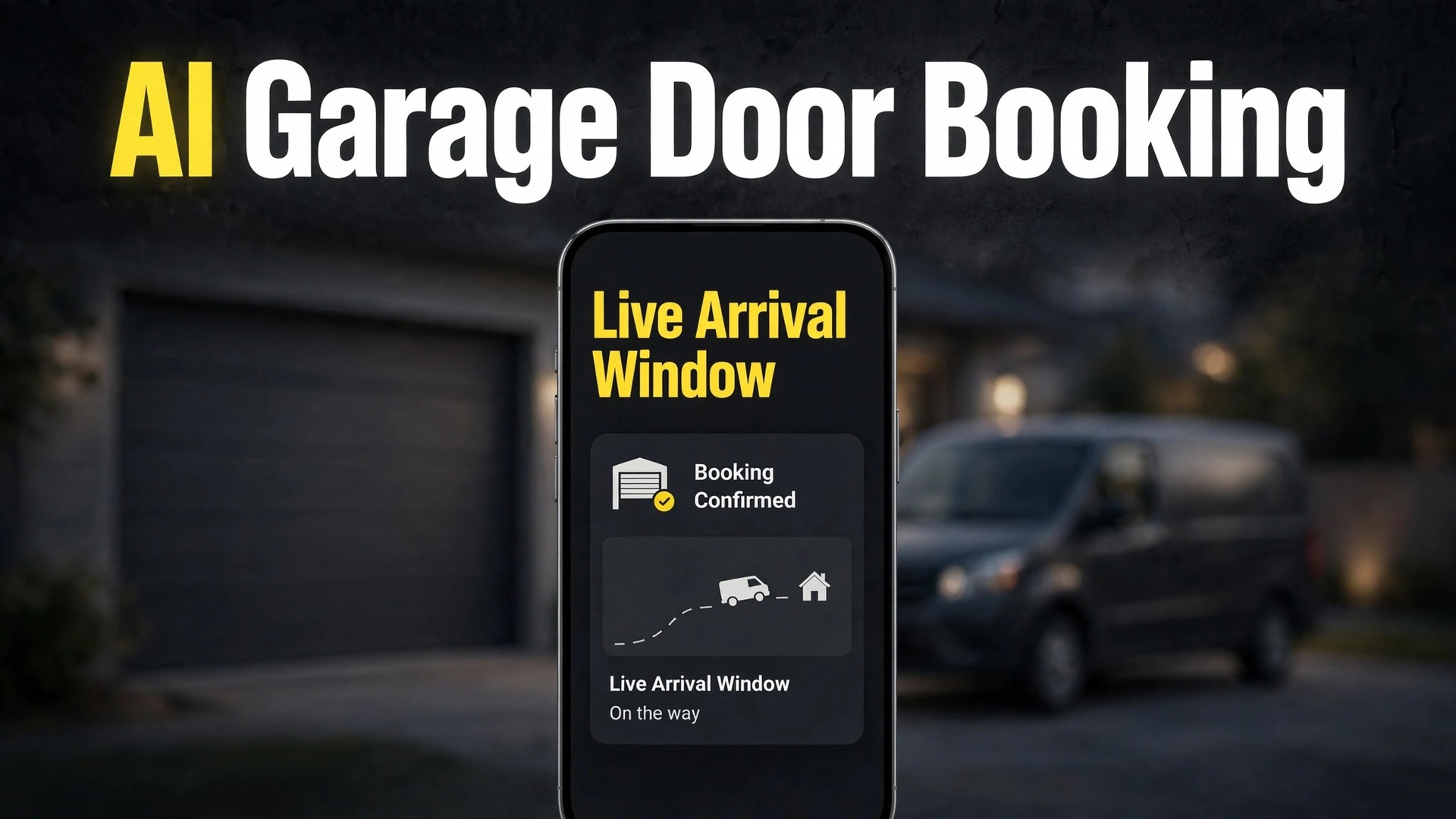
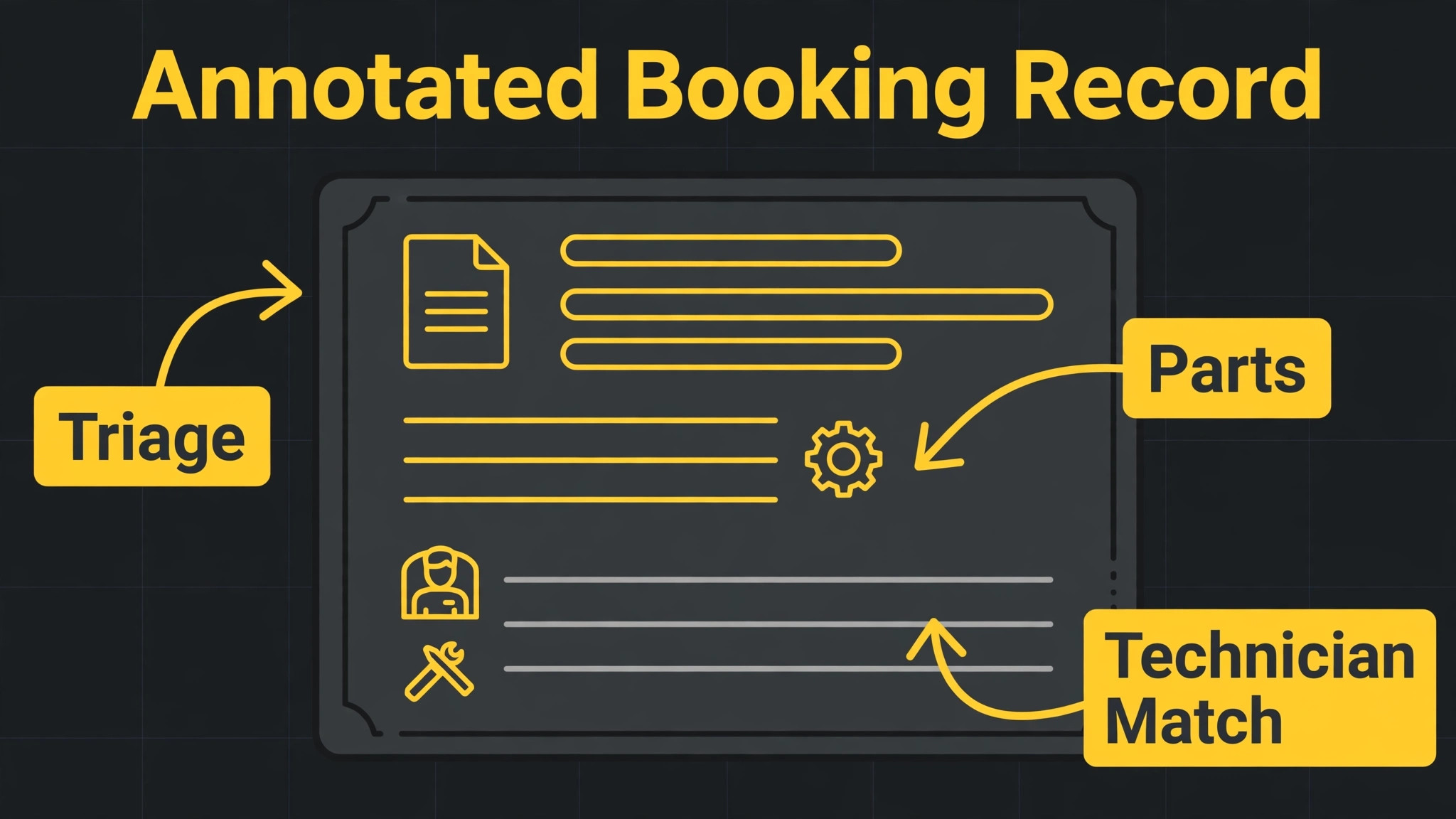
The verdict is simple. A garage door company should let software triage the fault, check the parts, match the technician, and send arrival updates, while a person keeps control of safety calls, spring and cable work, and any job where the description does not add up. That split is the fastest way to use AI for garage door repair booking without creating a system that books the wrong technician for a dangerous job. Speed matters here, because a door stuck open is a security problem, while a door stuck closed can trap a car and ruin a morning.
Garage door faults are urgent in uneven ways, and that uneven urgency is what makes booking hard. A broken spring, a snapped cable, or a door off its track needs a fast, careful response and a technician who must not be rushed into unsafe work. A noisy door, a remote that stopped working, or a sensor that keeps reversing the door usually needs a standard visit, not an emergency call out. The workflow below sorts those cases in the first minutes, so emergency capacity goes to real emergencies and routine work still gets a clear slot.
This guide follows a booking from first message to completed job. You will see how fault triage should work, how parts checks prevent a second visit, how technician matching saves time, how arrival windows reduce missed access, and how completion photos close the job cleanly. It also covers tool choices, costs, mistakes, and the numbers that show whether booking is actually improving.
How to Use AI for Garage Door Repair Booking Without the Phone Chaos
A garage door booking answers six questions in order. What is wrong, and is it safe to keep using the door. What parts are likely needed, and does a van carry them. Which technician has the skill and the stock for this door type. When can that technician arrive, and how wide should the window be. What does the customer need to do before arrival. And what proof of completion should close the job. Tools slot into each question, but they do not replace the whole chain at once, and trying to automate everything on day one is the fastest way to create bookings that look efficient and still send the wrong van.
Most garage door companies start from one of three places. Some still book by phone and a paper diary. Some use a general calendar plus texting. Some already run field service software such as Jobber, Housecall Pro, or ServiceTitan and want triage and messaging layered on top. The workflow in this guide works for all three, because the steps stay the same even when the software changes. What changes is how much typing a person has to do at each step, and how much of the job history is saved for the next similar door.
Think of the system as three helpers rather than one brain. The first helper listens and sorts, which covers intake, photos, and fault triage. The second helper matches and schedules, which covers parts checks, technician matching, and arrival windows. The third helper communicates and closes, which covers confirmations, reminders, live arrival updates, completion photos, and payment. When you test a tool, ask which helper it actually delivers well, because a demo that shows all three may only do one of them reliably in daily use.
Fault Triage That Sorts Danger From Inconvenience
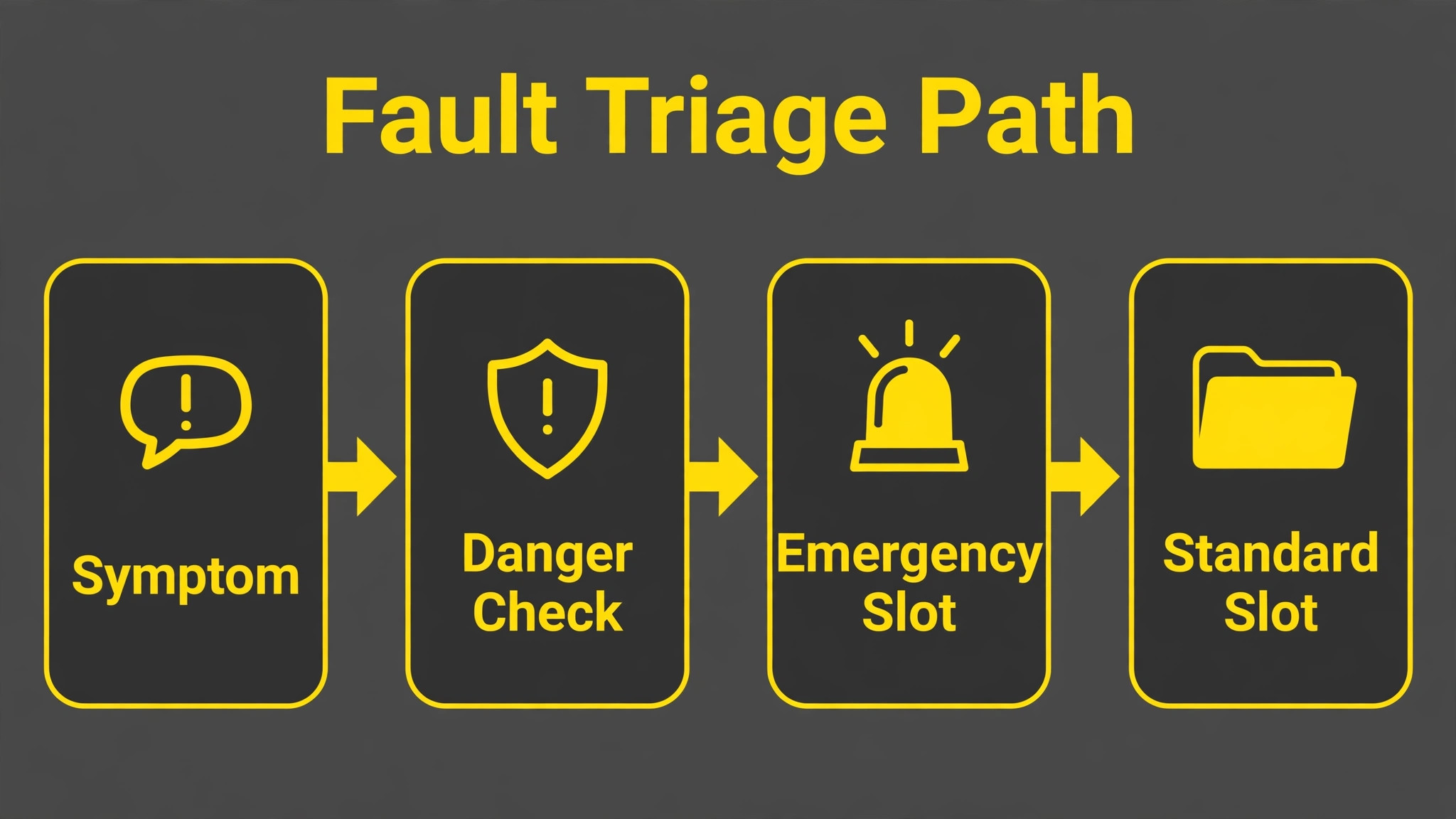
Fault triage is where garage door booking succeeds or fails, because every later decision depends on what was captured in the first minutes. A good triage record answers the door position, whether the door is stuck open, closed, or partway, whether a loud bang was heard, whether one side sits lower than the other, whether the opener hums without moving the door, and whether a spring or cable looks broken or loose. Customers should be told plainly not to touch high tension parts, and not to keep operating a door that is off track, crooked, or hanging on one side.
When you use AI for garage door repair booking, triage can start with a guided form or an answered call that asks those questions in order, then suggests a priority. Emergency priority fits a broken spring, a frayed or broken cable, a door off its track, or a door stuck open that leaves a home unsecure. Standard priority fits a door that reverses, a remote fault, a noisy or slow door, or cosmetic panel damage that does not affect function. That priority suggestion must still be checked by a person for the first month, because a customer description can hide a serious fault behind a mild sounding symptom.
The table below gives a starting triage guide for the office, based on published emergency repair guidance. Use it to train staff and to set software rules, not as a substitute for a technician’s judgment on a specific door.
| Symptom | Suggested priority | First safety note |
|---|---|---|
| Loud bang, door stuck | Emergency | Do not force it, keep clear |
| Cable hanging, door tilted | Emergency | Stop use, keep clear |
| Door off track, jammed | Emergency | Do not operate it |
| Door stuck open | Emergency | Secure home, request fast visit |
| Door reverses, will not close | Standard | Check obstruction, clean sensors |
| Remote fails, button works | Standard | Try batteries, reprogram |
| Noisy, slow movement | Standard | Book a repair visit |
Triage also needs a clear rule for what happens after hours. Route after hours calls through answering help that captures the address, the symptom, the door position, and a photo where the customer can send one safely, then books the job or flags it for the on call technician. Set clear rules for what counts as an emergency, and make sure any customer who describes a door that could fall is told to keep clear and wait for a technician rather than trying a fix. Test the after hours flow with real calls before relying on it, because a flow that works at noon may fail at midnight when customers are stressed and descriptions are short.
Parts Checks That Stop the Second Visit
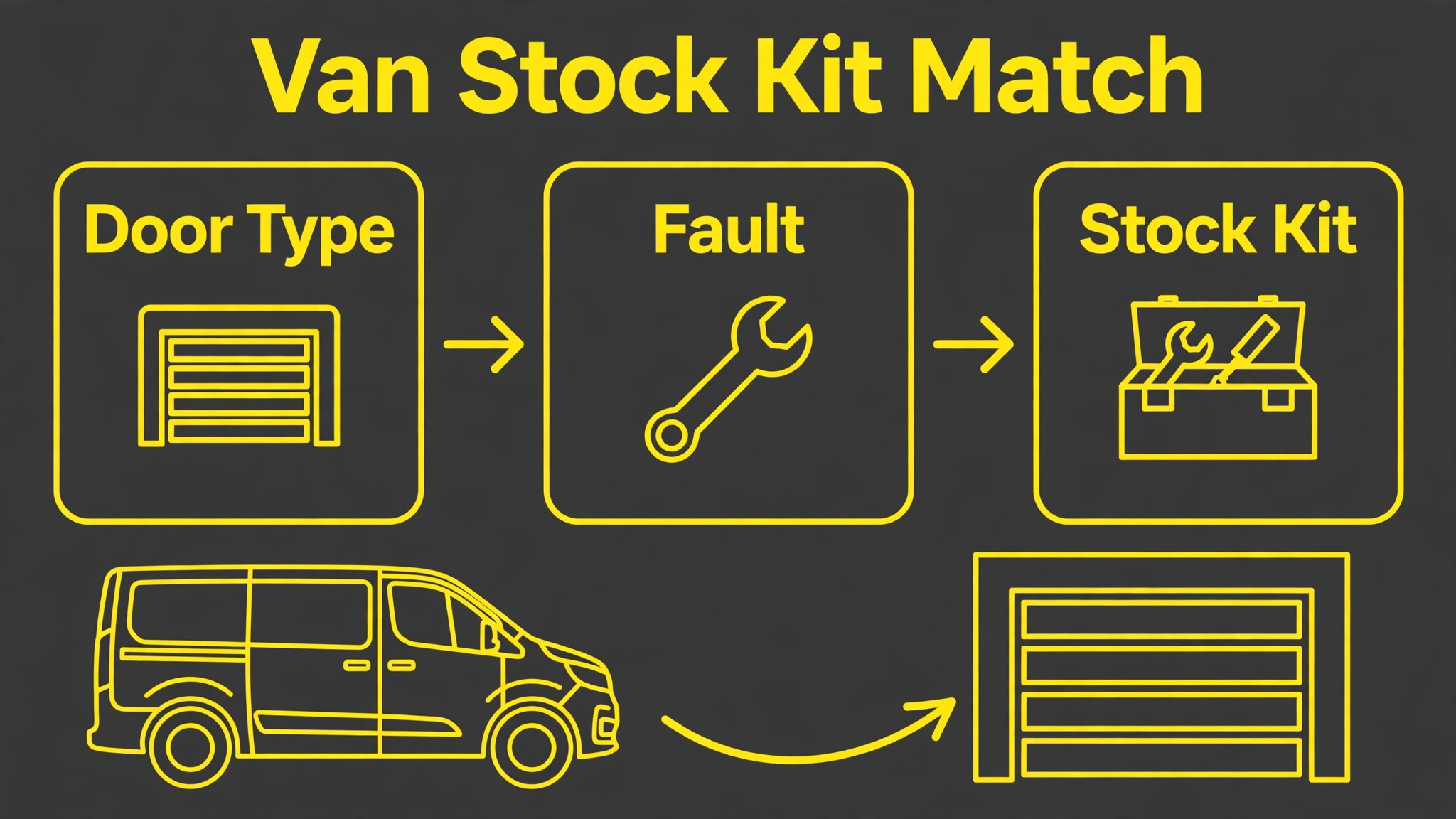
A wasted trip is the most expensive failure in garage door repair, because it burns fuel, technician time, and customer trust in one visit. Parts checks exist to stop the second visit that should never have been needed. The workflow is simple in theory. The triage note names the likely fault, the system suggests likely parts from past jobs of the same door type, the dispatcher confirms what the van already carries, and anything missing is picked up, ordered, or assigned to a technician whose van stocks it.
When you use AI for garage door repair booking, the parts check learns from job history. If most torsion spring replacements for a standard double steel door need the same spring sizes and winding bars, the system can flag those items when a similar job is booked. If a specific opener model keeps needing a drive component that only one supplier stocks, the system can warn the dispatcher before the van leaves. None of this removes the need for a technician to confirm on site, because photos and customer descriptions are often wrong about door weight, spring type, and opener model, but it shifts the odds toward a first visit fix.
Van stock discipline matters as much as software. Each van should carry a standard kit for the jobs it handles most, including common springs, cables, rollers, and opener parts for the door types in its area, and the kit should be checked at the start of the week, not discovered empty at a customer door. The booking system can track what was used on each job and prompt a restock, but only if technicians log usage honestly. Make that logging part of closing the job, with a single screen, not a separate form at the end of the day that nobody completes.
For larger parts, such as a full door section, a commercial opener, or a specialist panel, the parts check should happen before the job is promised, not after. A customer given a morning window for a repair that cannot be completed until a part arrives in the afternoon will be disappointed twice, once by the delay and once by the reschedule. Better to book the job for the day the part is confirmed available, and say so plainly, than to book optimistically and move the customer later. That honesty also protects the technician, who should not arrive to a job that was never completable that day.
Technician Matching That Fits Door Type and Skill
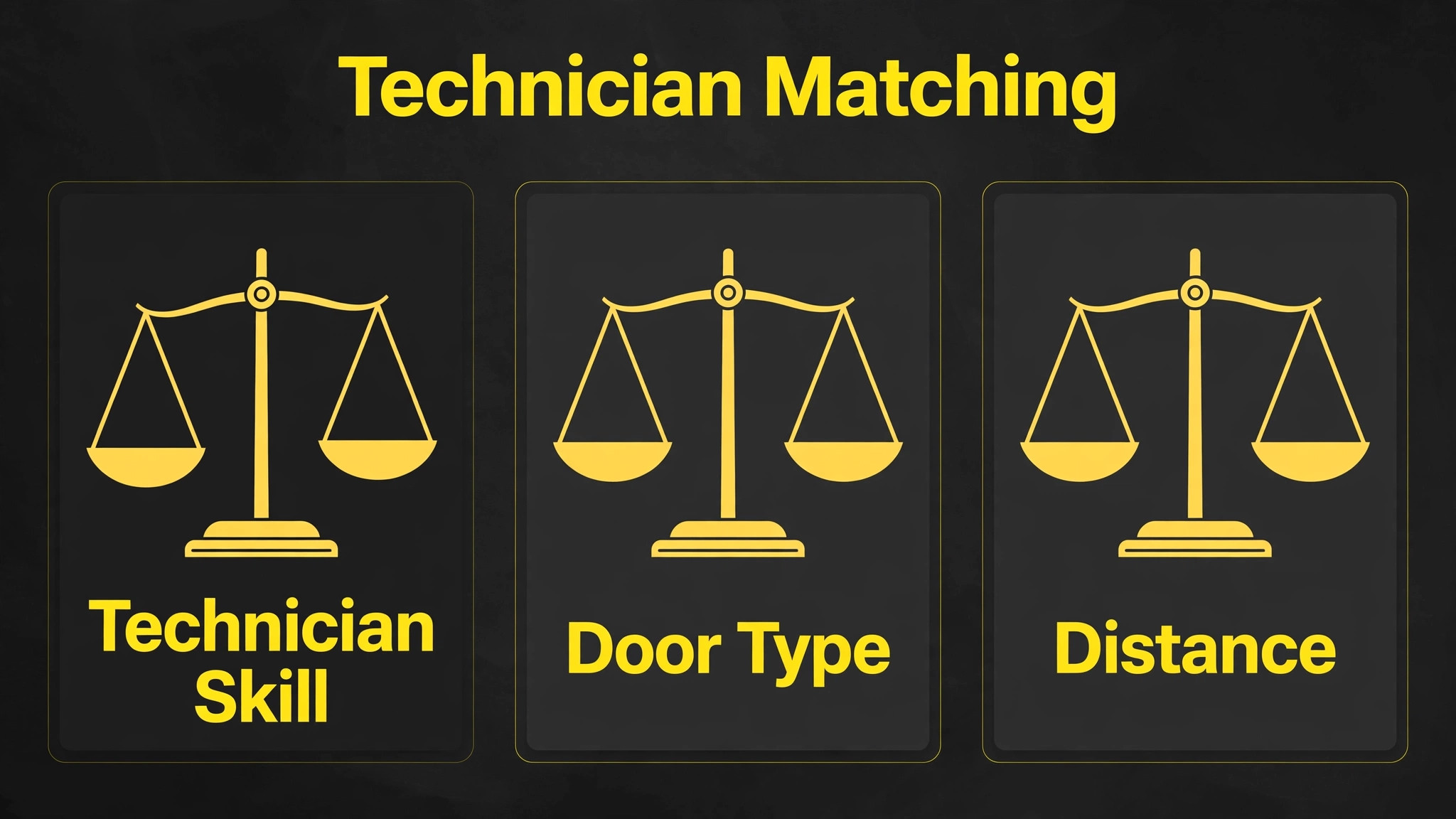
Technician matching is more than finding the nearest free person, because garage door work splits by skill, door type, and risk. A residential sectional door with torsion springs is one job. A heavy wood carriage style door, a one piece tilt up door, an older extension spring system, or a commercial door is a different job, and each may need different parts, more time, or two technicians. Matching that ignores door type will send a technician who is fast on standard doors to a heavy door that needs a second pair of hands, and that mistake costs a return visit.
When you use AI for garage door repair booking, software helps matching by holding three facts about each technician, namely skill and certification, door types handled, and current van stock. It then compares those facts with the triage record and the parts check, and suggests the best fit rather than the nearest fit. Distance still matters, because a technician across town will arrive late even with the right skill, so the suggestion should weigh skill first for high risk jobs and distance first for low risk jobs. A dispatcher should confirm the match for emergency and commercial jobs every time, because those jobs carry the highest cost if the match is wrong.
Two technician jobs need a rule of their own. Large, heavy, or commercial doors, doors that need a section replaced, and jobs where a spring change on a heavy door is expected should be flagged for two people at booking, not discovered on site. Flagging early lets scheduling book a pair together, rather than pulling a second technician off another job mid day. Ask customers for door size, material, and approximate age at intake, because those three answers often decide whether a job is a solo visit or a pair visit. A booking system that never asks those questions will keep surprising technicians with doors they cannot safely handle alone.
Arrival Windows Customers Can Plan Around
Arrival windows fail when they are too wide to plan around or too narrow to keep. A four hour window with no updates leaves a customer guessing, while a thirty minute promise that slips by an hour leaves a customer angry. A good window is honest about drive time, job length, and the chance that an earlier job overruns. For standard repairs, a two hour window with a live update when the technician is on the way works well for most homes. For emergency repairs, a shorter window with a direct contact number works better, because the customer is waiting with a security problem, not a routine appointment.
When you use AI for garage door repair booking, arrival windows can be built from live job status, drive time between appointments, and parts availability, rather than from a fixed diary grid. The system should block travel buffers between jobs, account for technician skill matching, and hold a slot open for the emergency that will probably arrive. That held slot feels wasteful on a quiet morning and looks brilliant at noon when a broken spring call lands and a technician is already nearby. Owners should protect that buffer deliberately rather than filling every hour and then paying overtime to cover emergencies.
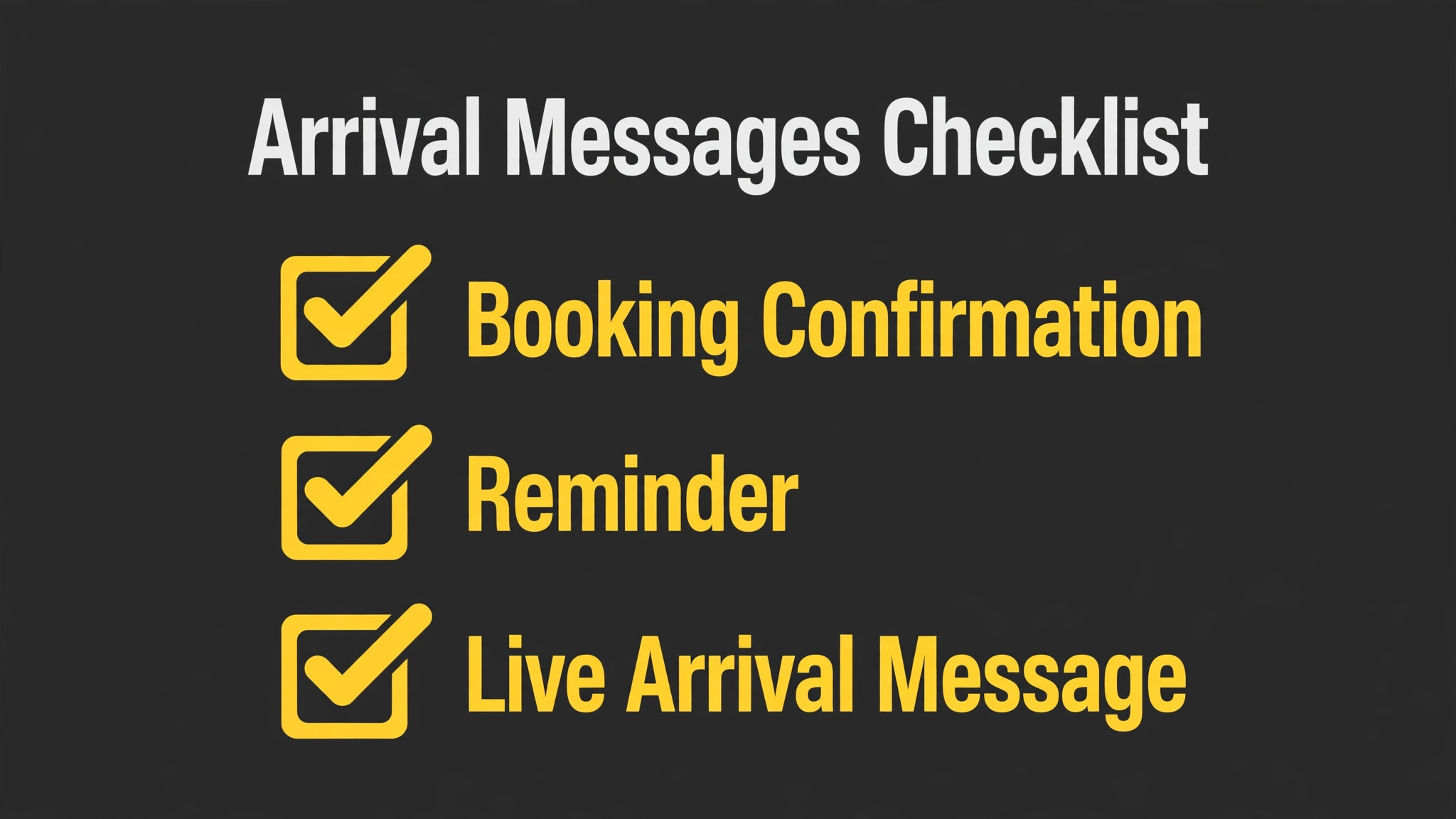
Customer messaging around the window should follow a short sequence, not a single message. Send a booking confirmation the moment the job is scheduled, with the date, the window, and what the technician needs access to. Send a reminder the day before, with a simple way to reschedule. Send a live arrival update when the technician is on the way, with the technician name and an updated arrival time. Send a completion message after the job, with the invoice and a short request for a review. Each message should come from the business number the customer already recognises, and each should allow a reply, because a one way broadcast that cannot be answered creates a second phone queue.
Completion Photos That Close the Job Cleanly
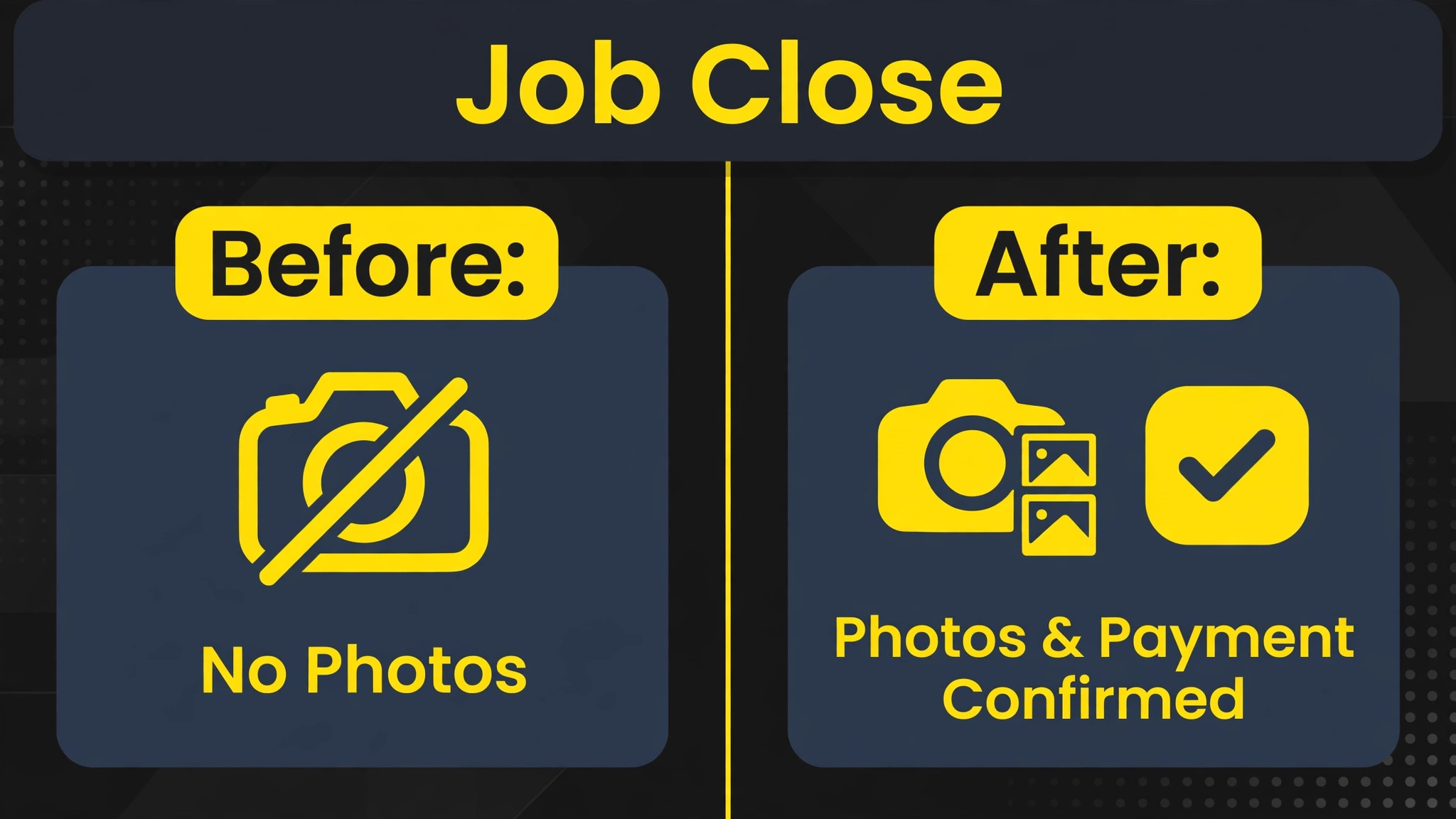
Completion photos are the smallest step with the largest effect on disputes, because a garage door job is easy to argue about after the technician leaves. Take photos that show the repaired part, the door in the closed position, the door in the open position, and the safety checks that were run, such as sensor alignment and reversal behaviour. Those photos give the customer a record, give the office a quality check, and give the next technician a baseline if the customer calls again. A job without photos relies on memory, and memory fades fast when a second fault appears a month later.
When you use AI for garage door repair booking, completion photos can be tied to the job record automatically, with the technician prompted for each required shot before the job can be closed. That prompt matters, because technicians who are rushing to the next job will skip photos unless the system asks for them at the right moment. Keep the required set short, with four or five shots, so the prompt helps rather than slows the close. A long photo list will be skipped or faked, while a short list that matches the safety checks will be completed honestly.
Payment and review should follow the photos in the same flow, not as a separate chase days later. The customer receives the completion photos, the invoice, and a payment link together, while the technician is still nearby to answer questions. That timing improves payment speed and review quality. If a follow up repair is needed, the photos and the job record let the office book the right technician with the right parts, rather than starting the triage from zero again.
Best Pick by Job for Garage Door Booking Tools
No single tool fits every garage door company, because a solo operator and a multi van fleet buy different things even when the feature list looks similar. The table below sorts the main approaches by the business shape they suit, based on how vendors position their products and how reviewers describe their fit in daily use.
| Business shape | Best fit approach | Why it fits |
|---|---|---|
| Solo technician | Booking app plus simple invoicing | Fast slots, low monthly cost, little setup |
| Two to three van team | Field service software with booking built in | Shared diary, customer history, bookings that turn into jobs |
| Multi van operation with a dispatcher | Larger field service platform | Deep dispatch board, parts tracking, reporting for a team |
| Company with strong after hours demand | Field service software plus phone answering | After hours capture, faster first replies, less lost work |
When you use AI for garage door repair booking, read that table as a starting point, not a verdict. A solo technician who plans to grow to ten vans may be better starting on the platform the larger company will need, even if it feels heavy at first, because migrating booking history mid growth is painful. A large company that values speed over depth may prefer the simpler tool and accept manual workarounds. Demo each option with your own messy jobs, including an emergency insertion, a parts shortage, and a heavy door that needs two technicians, and judge the tool on those days.
Costs and Trade Offs of Garage Door Booking Software
The cost of booking software is not one subscription. It is the field service platform, any phone or messaging add on, the time to set up triage rules and van stock lists, and the dispatcher hours spent checking the system in the early weeks. Companies already paying for field service software may add triage or messaging features for a smaller increment. Companies moving from a paper diary pay for the whole platform at once, plus training, and should budget for a slower first month while the team learns the new routine.
The trade offs are real and worth naming. A platform built for scale brings reporting and control, but it also brings a longer setup and a steeper learning curve. A simpler platform gets a small team running in days, but it may need manual workarounds as the team grows, such as tracking specialist parts outside the system.
A phone answering add on captures after hours calls, but it can also book a job with incomplete detail if the caller is vague, which creates dispatcher cleanup the next morning. None of these trade offs is a reason to avoid the tools. Each is a reason to match the tool to the team size you have now, with a clear path to the size you plan to reach.
Common Mistakes in Garage Door Booking
The most common mistake is booking from a vague symptom without asking for door position, sound, and one sided movement. A message that says the door is not working tells the office nothing about springs, cables, tracks, or opener faults, so the wrong technician or the wrong parts arrive. Fix triage first, with a short question set on every booking, then let software suggest priority and parts from complete information. Software scales whatever you feed it, good or bad, and a fast booking from bad triage is still a bad booking.
The second mistake is giving customers windows the business cannot keep. A one hour promise that slips to three hours because the route was overfilled destroys more trust than an honest two hour window kept on time. Set windows from real job durations, including travel and parts collection, not from optimistic averages. Then protect a buffer in each area for emergencies, and do not let sales pressure fill it with routine work that could wait a day. That buffer is the difference between a company that handles emergencies well and a company that apologises all afternoon.
The third mistake is letting the system message customers without dispatcher oversight in the early weeks. A wrong arrival text sent automatically at scale reaches every customer on the route before anyone notices. For the first month, review outgoing messages in batches, check the arrival logic against actual arrival times, and fix the timing rules before removing the check. Speed without accuracy is worse than a slower manual message that arrives on time, because a customer who was told the wrong time will not trust the next update either.
The fourth mistake is ignoring technician feedback. Technicians know which routes ignore one way streets, which door types always overrun, and which parts suggestions are wrong. If they stop reporting those problems because nobody acts on them, the system keeps making the same errors with confidence. Hold a short weekly review in the first two months, fix the top three recurring complaints, and tell the team what changed. That loop is what turns a generic tool into a system shaped for your patch.
Garage Door Booking Checklist for the First Thirty Days
Use this checklist to roll out a booking workflow without breaking the week.
- Write triage rules for emergency, same day, and standard work, and test them on real calls for two weeks.
- Build a van stock kit for the most common door types, with a restock prompt at job close.
- Set technician matching rules by skill, door type, van stock, and two person job flags.
- Build the customer message sequence and test it on your own phone from booking to completion.
- Run triage and matching as recommendations for one week, with a dispatcher confirming every change.
- Protect one buffer slot per area per day for emergencies, and track how often it gets used.
- Set a completion photo list of four or five shots, tied to job close and payment.
- Review missed access, first visit fixes, and dispatcher overrides weekly, and fix the top recurring cause.
How to Measure Garage Door Booking Results
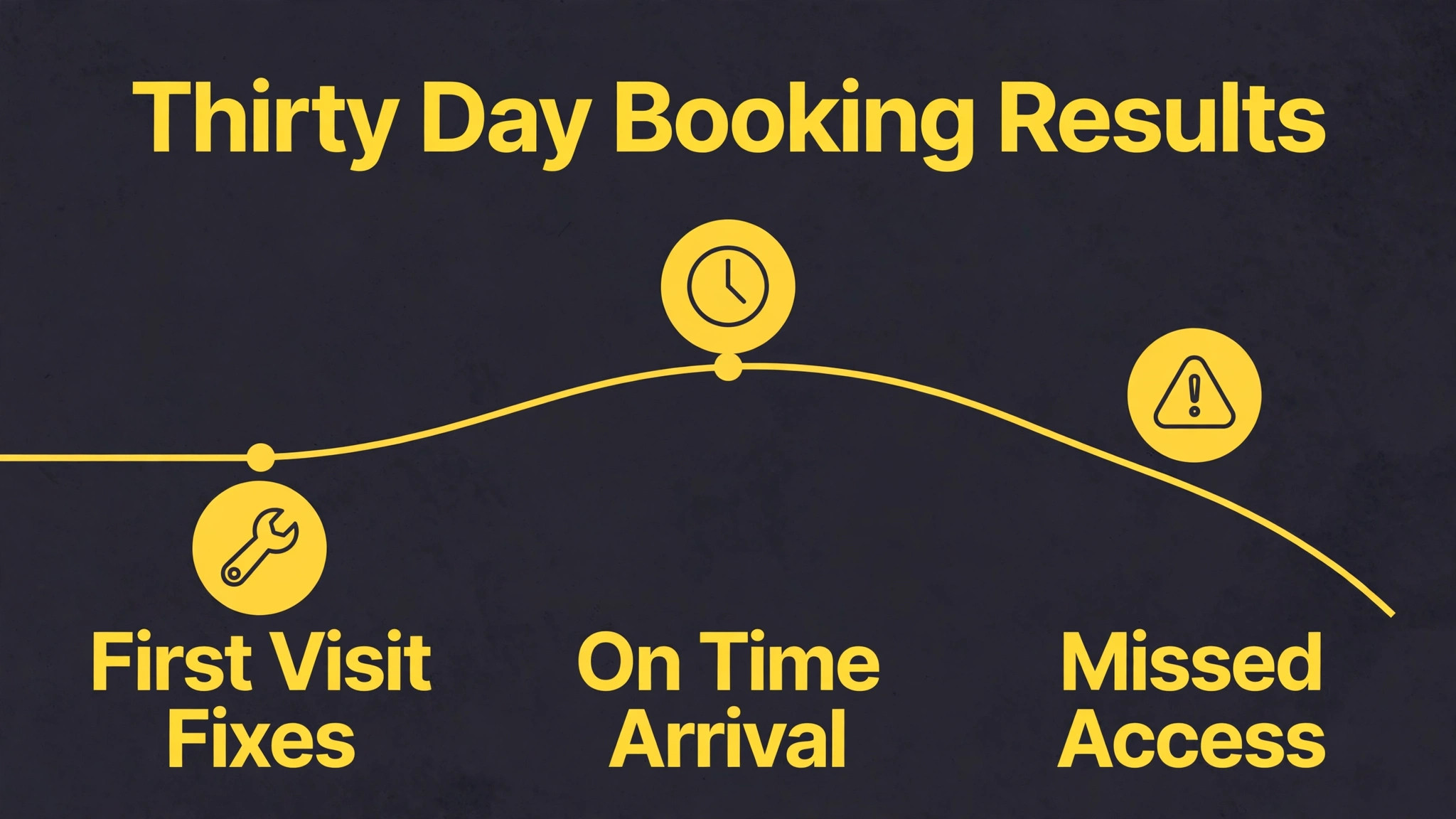
Measurement should start before the new workflow, so the improvement is visible rather than claimed. Record four numbers for four weeks on the old method. First, the share of jobs completed on the first visit. Second, the share of jobs where the technician arrived inside the promised window. Third, the missed access rate, meaning jobs where nobody was home or access was blocked. Fourth, the average jobs completed per technician per day, with driving time noted separately if the system tracks it. Those four numbers describe fix quality, punctuality, access, and output in one view.
After rollout, track the same four numbers weekly, plus two more. Track dispatcher overrides, meaning how often a person changed the triage priority or the technician match, because a falling override rate shows growing trust in sound rules, while a rising rate shows rules that need fixing. Track customer replies to arrival texts, because replies show customers are engaged with the schedule rather than ignoring it. A business that only tracks job count will miss the quality change, since more jobs done badly is not progress.
Set targets that fit the starting point. A company with a high missed access rate should aim to cut it first, because every avoided wasted trip frees a slot for a paying job. A company with good access but low first visit completion should focus on parts checks and triage detail. A company with strong completion but long driving days should focus on matching and area grouping. One priority at a time beats five targets chased at once, because the team can see which change caused which result.
Review the numbers with technicians, not just in the office. A route that looks efficient on a screen may ignore parking or supplier hours that technicians know from experience. When a number worsens, treat it as a rule to fix, not a person to blame, because booking improvement is a system problem before it is a people problem.
What to Do on Monday Morning
Start Monday with triage, not with software shopping. Write the emergency and standard rules on one page, set the van stock kits, and agree the arrival window and message sequence with the team. Then add one helper at a time, starting with intake and messaging, then matching and parts checks once the data is clean. Choose the platform that fits the team you have, with room to grow, and judge it on messy days rather than demo days.
Measure first visit completion, on time arrival, missed access, and jobs per day, and fix the worst number first. Keep people on safety calls, spring and cable work, and every decision where the triage note is thin or the stakes are high. Let software handle the sorting, the matching, and the messaging, and let people handle the judgment that keeps customers safe. Done that way, booking becomes calmer for the office, clearer for the customer, and safer for the technician at the door.
Frequently Asked Questions
Is a broken garage door spring an emergency?
Yes in most cases, because a broken spring leaves the door heavy, unbalanced, and unsafe to operate, and a loud bang with a door that will not open is a classic spring failure sign. Stop using the door, keep clear of the springs and cables, and request a fast visit. Do not try to lift a heavy door alone or to replace a high tension spring without training and the right tools, because stored spring energy can cause serious injury.
How do I describe a garage door fault so booking is faster?
State the door position, whether it is stuck open, closed, or partway, and what you heard, such as a bang, squeal, scrape, or grinding noise. Say whether the opener hums without moving the door, whether the wall button works while remotes do not, and whether one side sits lower than the other. If you can safely see a broken spring above the door or a loose cable near the side, mention that too, but do not touch it. Door type and approximate age also help the office match the right technician and parts.
Can a garage door repair usually be fixed in one visit?
Yes for most common repairs, provided triage captured the door type and symptom well and the van carries the likely parts. Broken torsion springs, cable replacements, roller changes, track adjustments, sensor alignment, opener troubleshooting, and keypad replacement can often be handled in one visit when the parts are standard stock. Larger parts, commercial doors, and specialist panels may need ordering, in which case the job should be booked for the day the part is confirmed available rather than promised optimistically.
What should I do before the technician arrives?
Clear access to the door inside and outside, move vehicles and stored items away from the tracks, and keep children and pets clear of the door area. Do not operate a door that is off track, crooked, or hanging on one side, and do not touch springs or cables. Note the door type, opener brand if visible, and any recent changes, such as a new remote or a recent repair, so the technician can start from useful information rather than guesswork.
How wide should a garage door arrival window be?
Two hours works well for most standard repairs when paired with a live update when the technician is on the way, because it gives the customer a plan while allowing for traffic and earlier jobs that overrun. Emergency repairs deserve a shorter window and a direct contact number, because the customer is waiting with a security problem. A window that is too wide frustrates customers, while a window that is too narrow and then slips damages trust more than an honest wider window kept on time.
Should a garage door company send completion photos?
Yes, because photos of the repaired part, the door closed, the door open, and the safety checks give the customer a clear record and give the office a quality check. They also help the next technician if the customer calls again, because the record shows what was replaced and what the door looked like when the job closed. A short set of four or five photos, tied to payment and the invoice, closes the job cleanly without slowing the technician down.
More Reading on Stratilyze
– Use AI for Plumbing Company Dispatch – Use AI for Pest Control Route Scheduling – Use AI for Window Cleaning Quote Booking – Best Quote Software for Trades Businesses – Automate Small Business with AI