
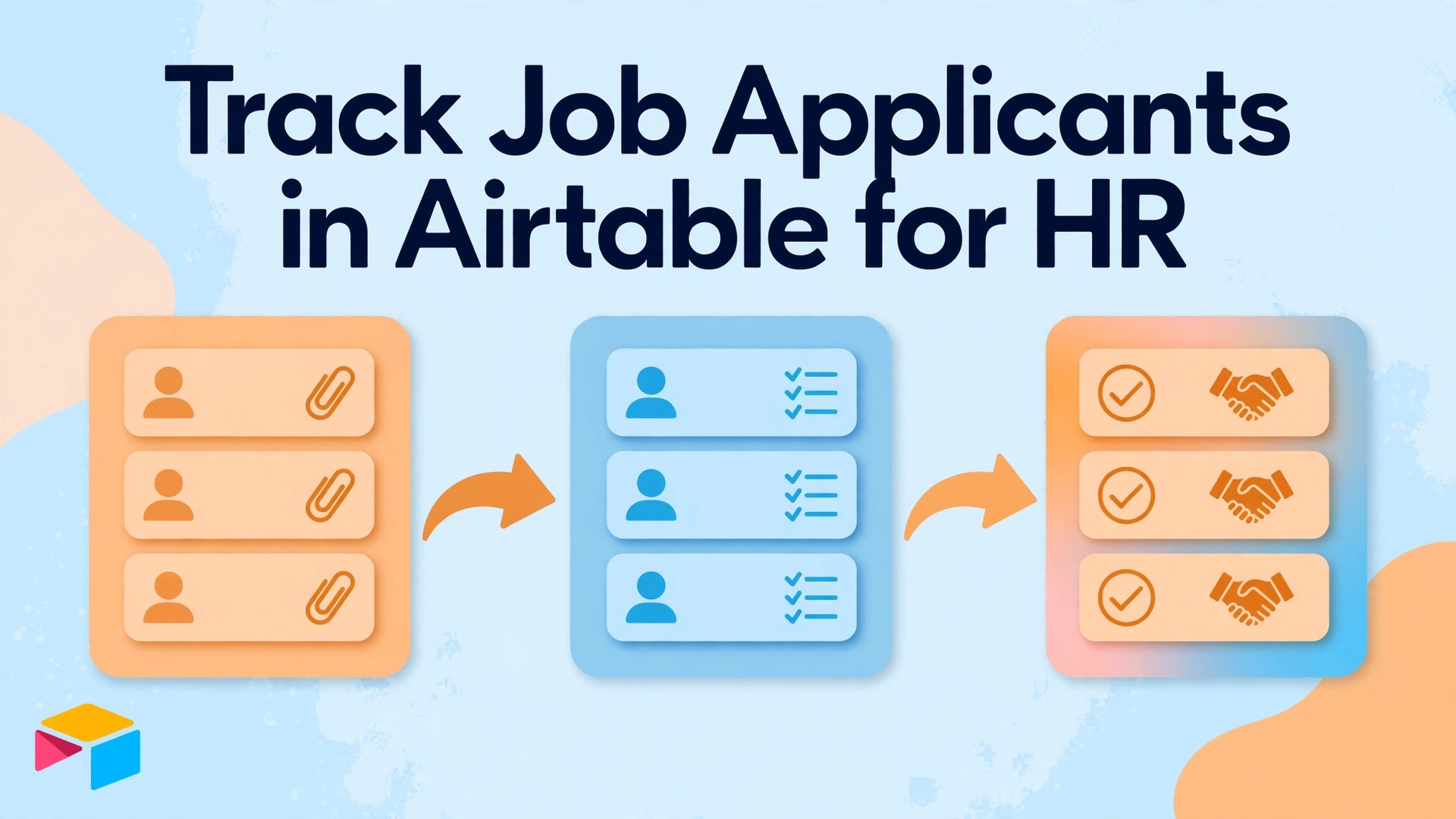
The verdict for small HR teams is clear. If applicants arrive by email, live in scattered spreadsheets, and are discussed from memory, good candidates will be lost, follow ups will be late, and hiring decisions will feel inconsistent, no matter how careful the team intends to be. A single structured base, where every applicant, role, and interview stage is visible in one place, is how you use Airtable for job applicant tracking HR, and it fixes those specific failures without requiring enterprise software or a large budget.
HR teams who use Airtable for job applicant tracking HR can sustain will find this guide useful, because it builds a hiring pipeline base from tables and views, covers interview stages and scoring fairly, and includes the weekly routine that keeps hiring moving and candidates informed.
Why Email and Spreadsheets Fail Hiring
Email is a communication tool, not a hiring system, which is why teams who use Airtable for job applicant tracking HR move applications into a base. An application that arrives by email can be forwarded, buried under new messages, or stored in one person inbox where no one else can find it. When a hiring manager asks who applied for a role last week, the answer requires searching multiple inboxes, which is slow and incomplete. A candidate who applied twice, once by email and once through a form, may appear as two different people, or may be counted twice, or may be missed entirely. Those errors are not rare.
They are the normal result of using a tool for a job it was not designed to do.
Spreadsheets improve on email by centralising data, but they have their own limits for hiring. A spreadsheet can store applicants, but it struggles to link applicants to roles, interviewers, and stages without duplicating data or creating fragile formulas. When a role changes, such as a new interview stage or a changed hiring manager, every related row may need updating. When multiple people edit the same sheet, versions conflict, notes overwrite each other, and the history of who moved a candidate and why is lost. A spreadsheet also makes views difficult.
A hiring manager who wants to see only candidates in interview stage for one role must filter carefully, and a recruiter who wants to see overdue follow ups must build that view manually each time.
A database tool designed for linked records solves those problems by design. Applicants link to roles. Interviews link to applicants and interviewers. Stages are fixed values, not free text. Views filter and group automatically. That structure does not make hiring decisions for you, but it makes the information for those decisions complete, current, and shared, which is the foundation for fair and timely hiring.

How to Use Airtable for Job Applicant Tracking HR With a Pipeline Base
A hiring base needs at least three tables, which are roles, applicants, and interviews, plus optionally a fourth table for interviewers or hiring managers if your team is large enough to need it. Roles hold the job information, such as title, department, location, employment type, hiring manager, opening date, and closing date, and status, such as open, paused, or closed. Applicants hold candidate information, such as name, email, phone, role applied for, source, application date, CV attachment, and stage. Interviews link applicants to interviewers, dates, stages, scores, and notes, so the history of each candidate journey is preserved in one place.
Linking is the key concept, when you use Airtable for job applicant tracking HR bases. Instead of typing a role name into every applicant row, link the applicant record to the role record. That link means changing the role title once updates it everywhere, filtering applicants by role becomes a click, and counting applicants per role becomes automatic. Similarly, linking interviews to applicants means opening an applicant record shows all their interviews, scores, and notes together, without searching separate sheets. Beginners should spend time understanding links before adding many fields, because links are what turn a spreadsheet-like table into a real hiring system.
Start with the minimum fields that answer hiring questions, and add fields only when a question keeps arising. For roles, minimum fields are title, department, hiring manager, status, and dates. For applicants, minimum fields are name, contact, role link, source, application date, CV, and stage. For interviews, minimum fields are applicant link, interviewer, date, stage, score or outcome, and notes. Additional fields, such as salary expectations, notice period, or work authorisation, should be added only if your hiring process genuinely needs them for every role, because each extra field is a question every applicant or recruiter must answer, and unnecessary questions slow hiring and annoy candidates.
| Table | Core fields | Linked to |
|---|---|---|
| Roles | Title, department, manager, status, dates | Applicants, interviews |
| Applicants | Name, contact, role, source, date, CV, stage | Roles, interviews |
| Interviews | Applicant, interviewer, date, stage, score, notes | Applicants, roles |
| Interviewers | Name, role, availability notes | Interviews |

Stages That Reflect Real Hiring, Not Wishful Thinking
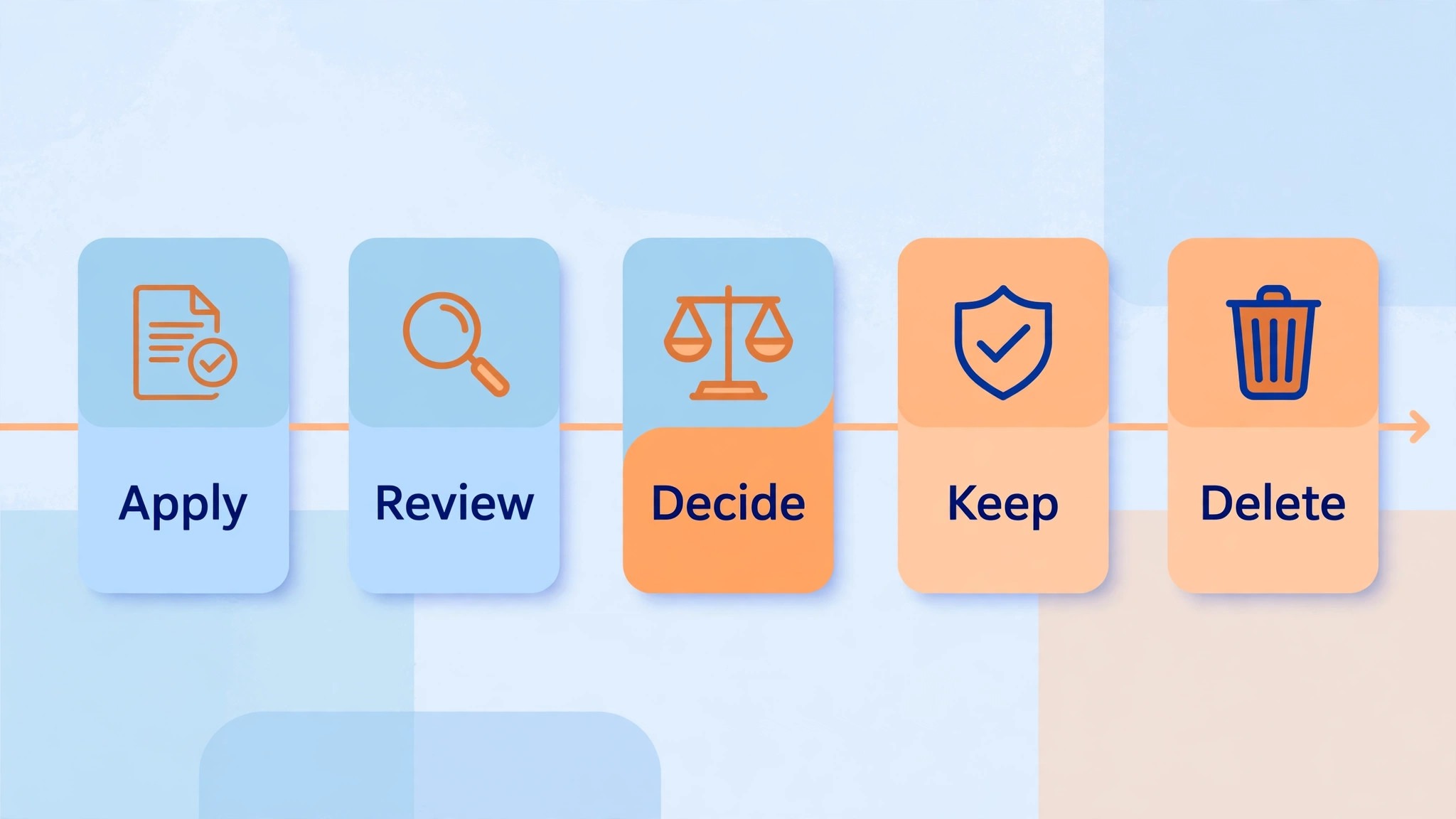
Stages, when you use Airtable for job applicant tracking HR pipelines, should reflect the actual steps a candidate passes through, not an idealised process that no one follows. A practical stage list for many small teams is applied, screening, interview, assessment, final interview, offer, hired, and rejected, with a separate reason field for rejections. That list is short enough to use consistently, detailed enough to show where candidates are stuck, and honest enough to reveal bottlenecks, such as many candidates stuck at screening because no one has time to review them.
Each stage needs an owner and a time expectation. Screening might be owned by the recruiter, with a target of five working days from application. Interviews might be owned by the hiring manager, with a target of ten working days from screening. Offers might be owned by HR, with a target of three working days from final interview. Those expectations should be written in the base guide or in a separate process note, not just assumed, because without them, stages become labels without accountability, and candidates wait without explanation. When a candidate exceeds a stage target, the base should make that visible, through a view filtered to overdue candidates, so follow up happens before the candidate accepts another offer.
Rejection stages need care. A candidate marked rejected should have a reason, a date, and a note about whether they can be considered for future roles. That information protects the team if a candidate asks for feedback, and it preserves good candidates who were not right for one role but might be right for another. A base that deletes rejected candidates loses that talent pool and loses the history that shows whether hiring criteria are being applied consistently. Keep rejected records, with appropriate privacy controls, and review them periodically for future roles, rather than starting every search from scratch.

Forms, CVs, and Candidate Experience
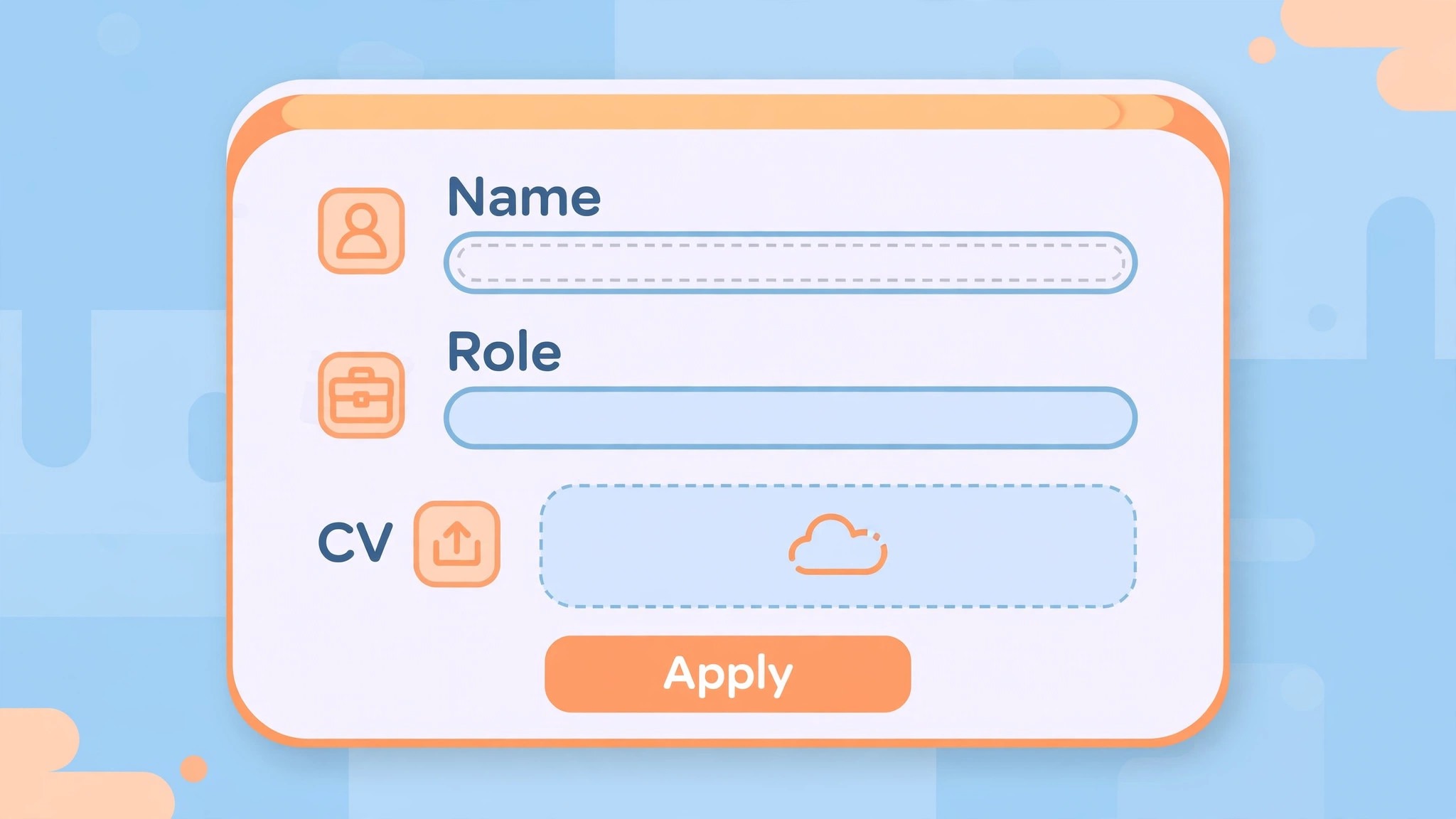
Application forms, for teams who use Airtable for job applicant tracking HR forms, are the front door of the hiring base, and they should be short, clear, and respectful of candidate time. A form linked to the applicants table can capture name, contact, role, CV attachment, and a brief message, and create a record automatically, without manual data entry. That automation reduces errors and ensures every application is captured, even when it arrives outside working hours. Keep the form to essential fields only. Every extra question, such as a long essay or a detailed work history that duplicates the CV, reduces completion rates and signals that the employer does not value candidate time.
CV handling needs a privacy rule from day one. CVs contain personal data, and access should be limited to people involved in hiring for that role, not to everyone with access to the base. Use permissions and views to limit visibility where the tool allows it, and do not share CVs by email or chat outside the base, where they cannot be tracked or deleted. Set a retention rule, such as deleting or anonymising unsuccessful candidate data after a defined period, in line with local privacy law and company policy. That rule should be documented and followed, because privacy is not just a legal requirement.
It is part of candidate trust, and candidates who trust a hiring process are more likely to accept offers and refer others.
Candidate communication should be tied to stage changes. When a candidate moves from applied to screening, they should receive an acknowledgement. When they move to interview, they should receive scheduling details. When they are rejected, they should receive a polite, timely message, not silence. Automations can help with acknowledgements and status updates, but they should be tested carefully, because an automation that sends the wrong message to the wrong candidate damages trust more than a slow manual message. Start with manual messages for sensitive stages, such as rejections and offers, and automate only routine acknowledgements after testing.
Interview Stages, Scoring, and Fair Comparison
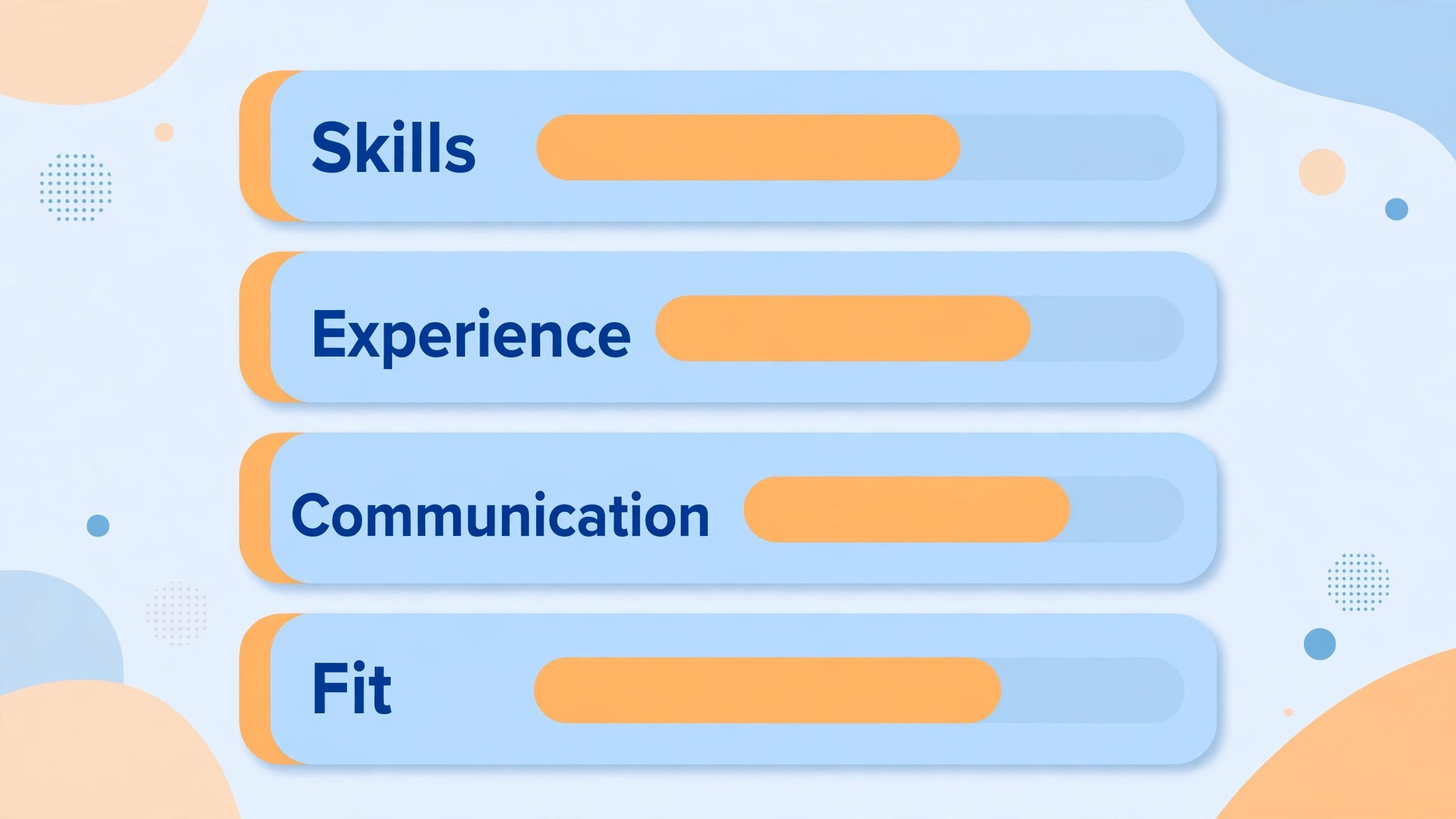
Interview scoring, when you use Airtable for job applicant tracking HR reviews, should be structured, because unstructured interviews, where each interviewer asks different questions and judges by gut feeling, produce inconsistent decisions and are vulnerable to bias. A structured approach uses the same core questions for each role, a simple scoring scale, and separate scores for distinct criteria, such as communication, experience, skills match, and role specific ability. That structure does not remove judgment, but it makes judgment comparable across candidates, because every candidate is assessed on the same dimensions with the same scale.
In the base, scoring lives in the interviews table, with one record per interview, and fields for each criterion, plus an overall recommendation and notes. Interviewers should score independently before discussing, to avoid one strong opinion shaping others, and notes should record evidence, such as specific answers or examples, rather than general impressions. When scores are compared, look for patterns, such as a candidate who scores highly on skills but low on communication for a customer facing role, and discuss whether that pattern matters for the role, rather than averaging scores blindly into a single number that hides important differences.
Bias checks belong in the review routine. Periodically review hiring outcomes by stage, to see whether candidates from certain sources, backgrounds, or locations drop out disproportionately at a particular stage. That review does not prove bias by itself, because many factors affect outcomes, but it prompts questions that should be asked, such as whether a stage criteria is relevant to the role, whether interviewers need training, or whether a requirement is unnecessarily narrow. A base that records stages, scores, and sources consistently makes that review possible. A hiring process that records nothing cannot be checked, and therefore cannot be improved fairly.
Views, Filters, and the Weekly Hiring Review
Views are how different people use the same base without seeing everything. A recruiter view might show all applicants grouped by stage, with overdue follow ups highlighted. A hiring manager view might show only applicants for their roles, in interview stage, with scores and interview dates. An interviewer view might show only their upcoming interviews, with candidate names and interview stages. Those views are filters and groupings on the same tables, not separate copies, so updates in one view appear in all views, and no one works from outdated data.
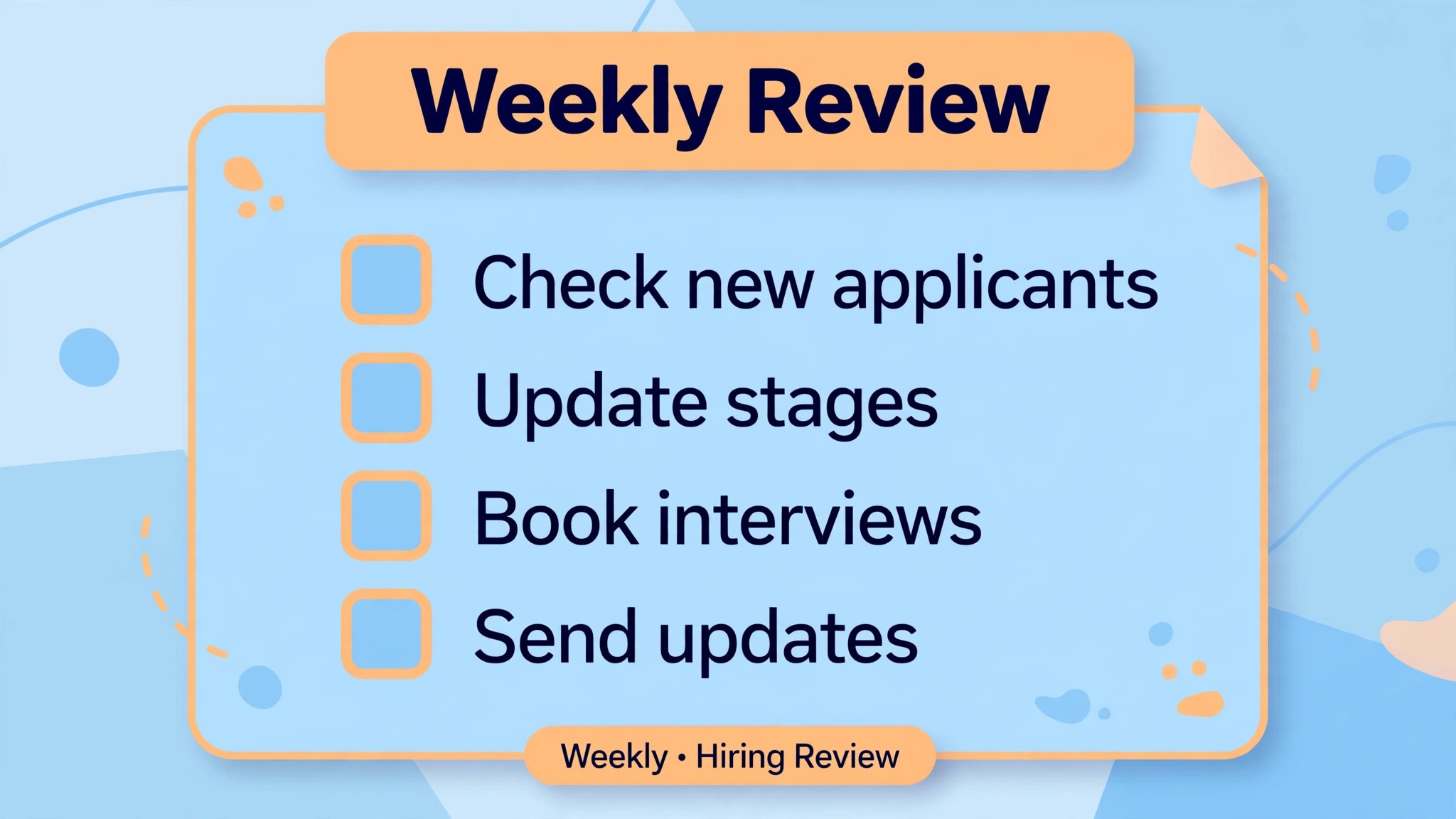
The weekly hiring review should use those views to answer four questions. Which roles have candidates stuck in a stage beyond target time. Which interviews need scheduling or feedback. Which offers are pending and what is blocking them. Which candidates need a communication update, even if there is no decision yet. That review, run for about thirty minutes each week, prevents the most common hiring failures, which are not bad decisions, but slow decisions, missed follow ups, and candidates who accept other offers while waiting in silence.
During the review, update the base to match reality. Move candidates whose stage has changed, record interview outcomes promptly, and close roles that are filled, so the base does not show open roles that are actually closed. A base that is two weeks out of date will be ignored, and an ignored base will be replaced by email and memory, which is how the original problem returns. The review is therefore not administrative overhead. It is the habit that keeps the system trustworthy, and trust is what makes hiring managers actually use it.
Automations That Help and Automations That Hurt
Automations can save time on routine tasks, such as sending an acknowledgement when a form is submitted, notifying a hiring manager when a candidate reaches interview stage, or creating an interview record when a stage changes. Those automations are useful because they are predictable, low risk, and easy to test. They should be introduced one at a time, tested with a test candidate, and monitored for a week before adding the next one, because an automation that misfires can send messages to real candidates or create duplicate records that are hard to clean.
Automations that hurt are those that make sensitive decisions or send sensitive messages without human review. An automation that rejects candidates based on a keyword, sends an offer without HR approval, or moves a candidate to hired based on a score alone should not be built, because hiring decisions need human judgment, context, and accountability. Similarly, automations that copy personal data to external tools without privacy review should be avoided, because they create data protection risks that are hard to undo. The rule is simple. Automate notifications and record creation. Do not automate judgments or sensitive communications.
When an automation fails, and one eventually will, have a manual fallback. Keep a simple checklist for the task the automation was doing, so a team member can do it manually while the automation is fixed, and notify candidates promptly if a failure caused a delay or a wrong message. Apologising quickly and honestly for an automation error preserves more trust than pretending it did not happen. That honesty is part of candidate experience, and it reflects well on the employer, even when the error itself was embarrassing.
Privacy, Retention, and Responsible Data Handling
Hiring data is sensitive, and responsible handling is a core part of the system, not an afterthought. Limit access by role, so recruiters, hiring managers, and interviewers see only the data they need for their roles. Do not store sensitive information that is not needed for hiring, such as health details, political views, or unrelated personal information, even if a candidate volunteers it in a message. If such information is received, do not record it in the base, and delete the message if policy requires it, because storing unnecessary sensitive data creates risk without benefit.
Retention should be defined and enforced. Successful candidate data moves to employee records according to company policy. Unsuccessful candidate data should be kept only for the period needed for hiring decisions, feedback, and future role consideration, as defined by policy and law, and then deleted or anonymised. Set a periodic review, such as quarterly, to check for old records that should be removed, and document that review. A base that grows indefinitely with old candidate data becomes harder to search, harder to secure, and harder to defend if a privacy question arises.
Security practices also matter at a practical level. Use strong, unique passwords and two factor authentication where available, do not share base links publicly, and do not export candidate data to personal spreadsheets or devices, where it cannot be protected or deleted centrally. Those practices sound basic, but they are where most small team data incidents occur, not through sophisticated attacks, but through a shared link, an exported file, or a device that was lost. A hiring base is only as secure as the habits of the people who use it.
Scaling the Base as Hiring Grows
A base that works for five hires a year will need changes when hiring grows to fifty, and planning for that growth early prevents a painful rebuild later. The first sign of growth pressure is usually volume, with many applicants per role making manual review slow. At that point, views become more important, with filtered views for high priority roles, overdue stages, and shortlisted candidates, so recruiters can focus without scrolling through hundreds of records. Sorting and grouping by stage, role, and date also become essential, because a flat list that worked for twenty applicants becomes unusable for two hundred.
The second sign is complexity, with different roles needing different stages or criteria. A single stage list may no longer fit both a technical role with an assessment and a customer service role without one. Rather than creating a separate base per role type immediately, consider adding a stage or criteria field that varies by role, or a separate interview template per role type, while keeping the core tables shared. Shared tables preserve the ability to report across roles, while role specific fields handle genuine differences. Separate bases should be a last resort, because they fragment reporting and make cross role talent pooling harder.
The third sign is integration need, such as syncing with email, calendars, or HR systems. At that point, evaluate whether automations within the base are enough, or whether a dedicated hiring system is now justified by volume and compliance needs. That evaluation should be based on evidence, such as time spent on manual tasks, error rates, and candidate feedback, not on a desire for a more impressive tool. A base that has grown thoughtfully, with documented stages, views, and retention rules, will also make migration easier if you do move, because its structure already reflects your real hiring process, not a guess about it.
Onboarding Handover From Hiring to Employment
Hiring does not end when an offer is accepted. The handover from hiring records to onboarding is where good candidate experiences can unravel, if information is lost, repeated, or requested again unnecessarily. A hiring base can support a clean handover by making it clear what has already been collected, what still needs collecting, and who owns the next step. When a candidate moves to hired stage, create a handover note in the record, listing the role, start date, manager, location, and any equipment or access needs already discussed, so the onboarding owner does not have to reconstruct that information from emails.
That handover note should also flag what not to repeat. Candidates who have already provided identification, bank details for payroll, or emergency contacts during hiring should not be asked for the same information again on day one, unless a separate system genuinely requires it and the reason is explained. Repeating requests signals disorganisation and frustrates new hires at the moment when first impressions matter most. If a separate HR system does require re-entry, tell the new hire in advance, explain why, and provide a single form or checklist, rather than a series of separate requests from different people.
Finally, close the hiring loop cleanly. Mark the role as closed or filled, archive or retain applicant records according to the retention rule, and thank interviewers and referrers who helped. A short thank you to interviewers, noting the outcome and the time they gave, encourages them to help again for the next role. A note to referrers, where appropriate, closes their involvement respectfully. Those closing habits take minutes, but they keep the hiring network warm for the next search, which is often when a good base and good relationships matter most, because the next great candidate may already be known to someone on the team.
A final habit worth adopting is a short monthly audit of open roles, checking that every open role still needs filling, every hiring manager is still available, and every long open role has a plan to move forward or close.
More Reading on Stratilyze
Readers building people and operations systems often continue with the guides on tracking client projects visually, planning a content calendar in a spreadsheet, and writing professional emails, because those pieces cover delivery, planning, and communication alongside hiring.
Frequently Asked Questions
How many tables do I need for applicant tracking in Airtable
Start with three tables, which are roles, applicants, and interviews. That set covers the core hiring journey, from opening a role, to receiving applications, to interviewing and deciding, without overcomplicating the base. Add a fourth table for interviewers only if your team is large enough that interviewer availability and workload need tracking separately, otherwise interviewer names can live in the interviews table.
Can Airtable replace a full applicant tracking system for a small team
For many small HR teams, yes, especially when hiring volume is moderate and processes are straightforward. A well designed base offers forms, linked records, views, and automations that cover most small team needs, without the cost or complexity of enterprise software. A dedicated system may be better when hiring volume is high, compliance needs are complex, or integrations with payroll and background checks are required, but a small team should move to such a system because the base has revealed a specific limit, not because it looks more professional.
How do I use Airtable for job applicant tracking HR teams can keep fair
Use fixed stages, structured interview scores on the same criteria for every candidate, independent scoring before discussion, and periodic reviews of outcomes by stage. Record evidence in interview notes, rather than general impressions, and review whether any stage disproportionately filters out candidates for reasons unrelated to the role. Fairness comes from consistent process and recorded evidence, not from good intentions alone, and a base that records stages and scores makes that consistency checkable.
What should an application form include and what should it leave out
Include name, contact, role applied for, CV attachment, and a brief message or screening question directly relevant to the role. Leave out long essays, detailed work histories that duplicate the CV, and sensitive information not needed for hiring. Every extra question reduces completion and signals that candidate time is not valued, while essential questions ensure the hiring team has what it needs to screen fairly and quickly.
How long should unsuccessful candidate data be kept
That depends on company policy and local privacy law, and you should follow both, but a common practice is to keep unsuccessful data only for the period needed for hiring decisions, feedback, and consideration for future roles, then delete or anonymise it. Document the retention period, set a quarterly review to remove old records, and tell candidates in the privacy notice how long data will be kept and why, so expectations are clear from the start.
How do I handle candidates who applied for multiple roles
Create one applicant record per application, linked to the specific role, rather than one record per person with multiple roles crammed into it, because stages, scores, and outcomes differ by role. If the same person applies for two roles, they will have two records, each with its own journey, which keeps decisions clear. You can still see the full history by filtering applicant records by name or email, but each role decision remains separate and auditable.
Hiring That Candidates Trust
A hiring system is judged by candidates as much as by hiring managers. Candidates judge it by whether they receive timely updates, whether interviews feel structured and fair, whether decisions are explained, and whether their data is handled respectfully. A base that supports those experiences, by making stages visible, follow ups timely, scores structured, and data handling responsible, does more than organise HR work. It builds an employer reputation that attracts future applicants, because candidates talk about hiring experiences, good and bad, long after a process ends.
Start with three tables, fixed stages, and a weekly review. Add forms, views, and automations one at a time, testing each before adding the next. After a few hires, review the base honestly. Which stages caused delays. Which scores predicted success. Which candidates were lost and why. Use those answers to improve the process, not just the base, because the base is a tool for hiring, and hiring is ultimately about people, decisions, and trust, not about software.