
A full day tattoo session can be worth several hundred dollars, so a single no show can cost more than a month of booking software. That simple maths explains why the best booking software for tattoo studios is judged first on deposits, and only second on how pretty the calendar looks. A tool that holds a slot without taking money is a diary, not a booking system.
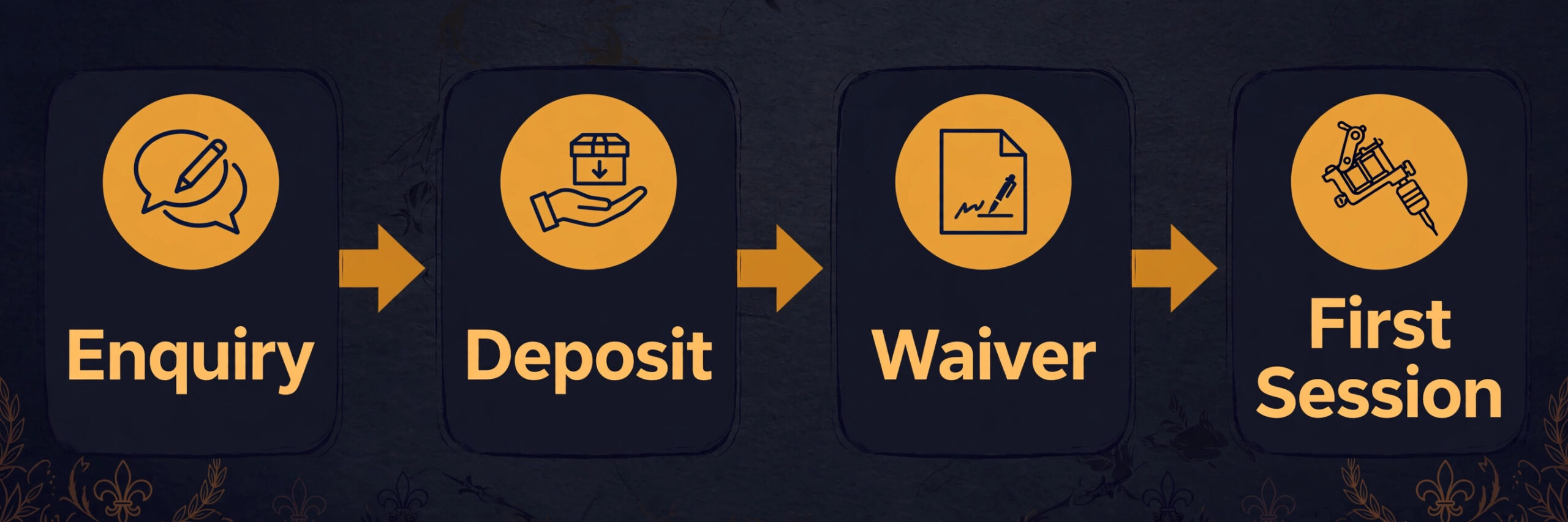
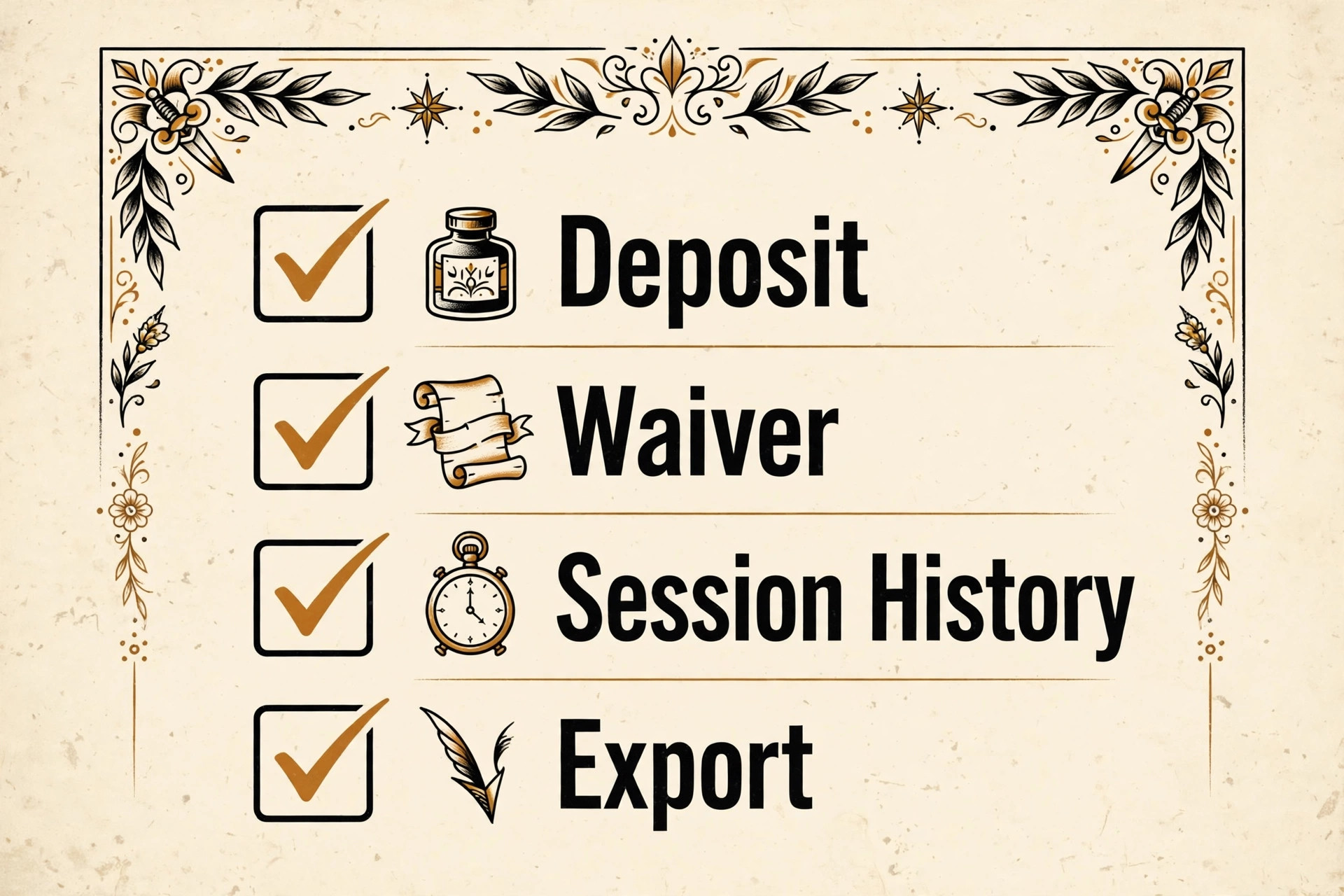
Most studios still take bookings through direct messages, and that habit creates the problems owners complain about most. Messages get buried, consultation notes live in a chat thread, deposits are chased by hand, and two artists can double book the same chair. A proper booking tool moves that whole conversation into one place, with a public booking page, a deposit rule, a waiver form and a record of every session on a piece that may take months to finish.
This guide compares ten tools on the things that matter in a tattoo shop. It covers deposit handling, multi session tracking, consent and waiver forms, guest artist support, card fees and the real monthly bill at a realistic artist count. Prices come from vendor pricing pages and recent comparison checks, and where a price could not be verified it says so plainly and tells you to check the vendor page before you buy.
Tattoo Studio Tools at a Glance
| Tool | Starting price | Best for |
|---|---|---|
| GlossGenius | $24 a month billed annually | Solo artists and small shops |
| Booksy | $29.99 a month | Artists who want marketplace discovery |
| Vagaro | $30 a month for one calendar | Shops that want an all rounder |
| Fresha | $19.95 a month for one artist | New shops that need new clients |
| Square Appointments | Free plan available | Shops already taking Square payments |
| Tattoo Studio Pro | $29 a month | Studios that want tattoo specific tools |
| DaySmart Body Art | From $29 a month | Established studios with complex rotas |
| Boulevard | From $159 a month per location | Premium shops selling experience |
| Acuity Scheduling | From $16 a month | Shops that only need scheduling |
| Schedulicity | Check the vendor page | Shops that want marketplace booking |
Read the table as a shortlist, not a ranking. The cheapest tool suits a solo artist perfectly, while the most expensive tool suits a shop where the booking experience is part of the brand. Pick three finalists from the table, then read their full sections before you commit to a trial.
Use that shortlist as the starting point for choosing the best booking software for tattoo studios for your size and budget.
Why Best Booking Software for Tattoo Studios Beats a General Diary
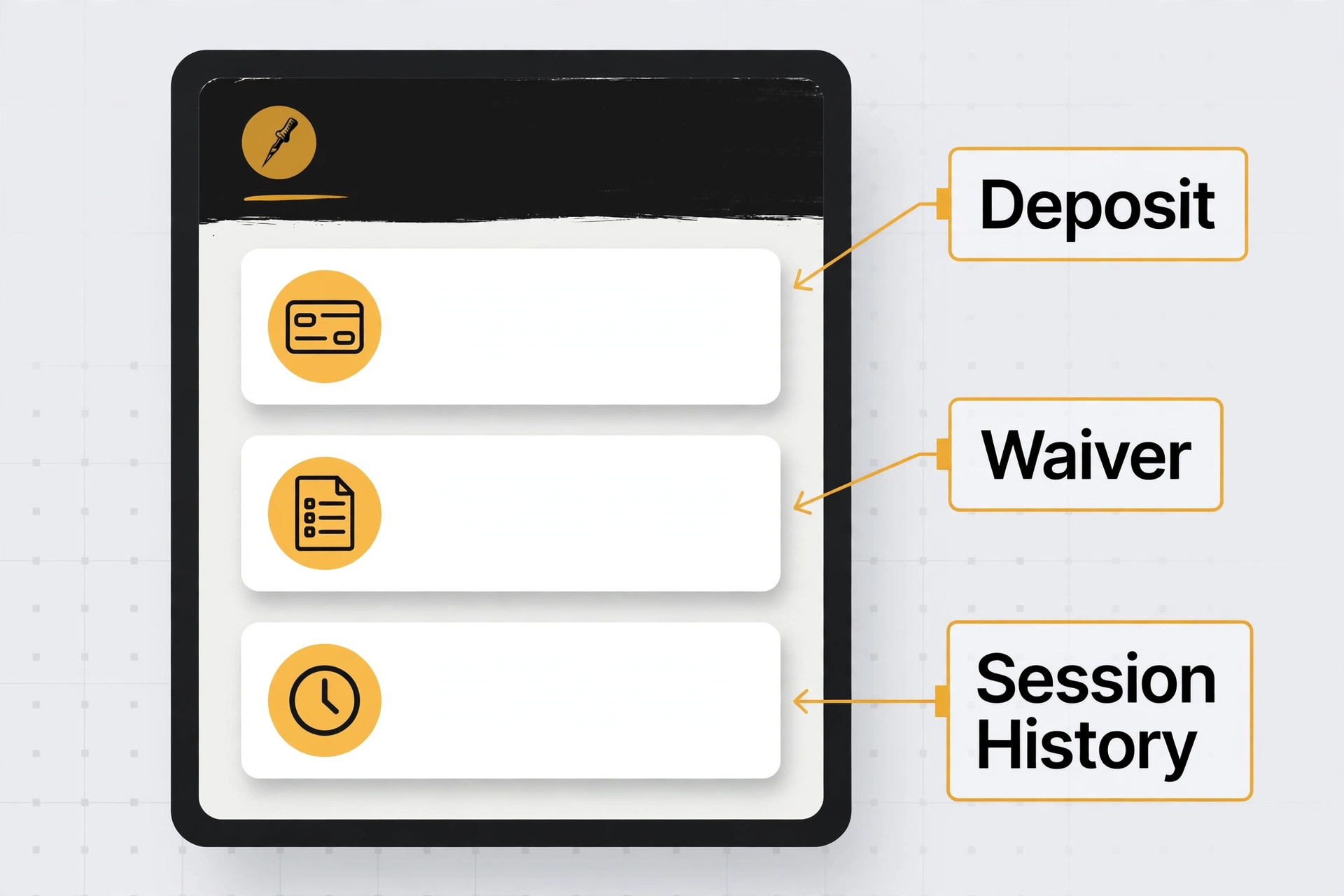
A tattoo booking is not a haircut booking with a different label. A piece can run over several sessions, each session needs its own deposit and aftercare note, and the client record must track what was done, what remains and what was agreed about touch ups. A general diary holds a name and a time. A tattoo ready tool holds the whole history of a piece, so the artist opening the file six weeks later knows exactly where the work stopped.
Deposits are the second difference, and they are the difference that pays for the software. Tattoo work is custom, it cannot be resold to the next person in line, and a cancelled full day leaves a hole no walk in can fill at short notice. The right tool takes a deposit or full payment at booking, applies a cancellation policy automatically and keeps card details on file where the rules allow it. Shops that move from messages to enforced deposits usually see no shows fall fast, because clients who have paid something show up.
The third difference is consent and paperwork. Waivers, aftercare instructions, allergy notes and age checks belong in the booking flow, not in a paper folder or a phone photo. A tool with built in forms sends the waiver before the appointment, stores the signed copy against the client record and frees the front desk from chasing paper on the day. If a tool cannot do that, the shop ends up running two systems, and two systems always drift apart.
Ten Tools, Reviewed One by One
GlossGenius
GlossGenius is the pick for solo artists and small shops that want a polished booking page and a predictable bill. Standard costs $28 a month, or $24 billed annually, and Gold costs $56 a month, or $48 billed annually, for teams of up to nine staff. Card payments run at a flat 2.6 percent, and the system covers online booking, deposits, client records, forms, messaging and marketing in one place, which means a solo artist can set it up in a day and stop living in direct messages.
The strength is how little friction it adds. Clients book from a clean page, pay a deposit without a phone call and get reminders automatically, while the artist keeps a tidy record of each client and each session. The weakness is tattoo depth. It is built for beauty businesses first, so multi session piece tracking and guest artist rotas need workarounds rather than dedicated screens. Choose GlossGenius if the shop is small and wants the lowest friction start. Skip it if the shop runs many guest artists and needs tattoo specific workflows as standard.
Booksy
Booksy is the pick for artists who want marketplace discovery on top of booking. Booksy Biz costs $29.99 a month for a solo provider, with $20 a month per extra team member, and it pairs a booking system with a consumer marketplace, client messaging, payments and marketing tools. In person card payments run at 2.49 percent plus 10 cents, which is competitive for a marketplace tool, and the app is familiar to clients who already book beauty services through it.
The strength is the existing audience. Clients searching the marketplace can find the shop without following it on social media first, and the optional Boost feature promotes the listing to new clients for a one time fee of around 30 percent of the first visit, capped at $100. The weakness is that same marketplace. The shop sits next to competitors on the same screen, and the fee for Boost clients eats into a first session. Choose Booksy if the book still needs new faces. Skip it if the book is already full and the priority is private, tattoo specific operations.
Vagaro
Vagaro is the pick for shops that want a broad all rounder at a low entry price. It starts at $30 a month for one bookable calendar, with $10 a month per additional calendar, after a lower introductory rate for the first six months. That price covers online booking, a marketplace listing, payments, marketing tools and reporting, which is a wide net for the money, and deposits and no show protection are part of the toolkit.
The strength is the ceiling. Costs grow in small steps as calendars are added, and the marketplace brings discovery without a separate advertising bill. The weakness is add on creep. Forms, text marketing and some payment features cost extra or sit on higher tiers, so the real bill for a busy shop is higher than the headline plan price. Choose Vagaro if the shop needs one system for booking, payments and marketing at a controlled cost. Skip it if every feature must be included in the base price with no extras.
Fresha
Fresha is the pick for new shops that need clients more than they need advanced operations. The Independent plan costs $19.95 a month for one bookable team member, and the Team plan costs $14.95 a month per bookable team member. It offers unlimited bookings, automated reminders, intake and consent forms, before and after photos and payments, with no minimum commitment, which suits a shop that is still building its name.
The strength is discovery. Fresha connects shops to a large marketplace audience, which matters more than any reporting feature when the chairs are empty. The weakness is the marketplace fee. A one time fee of around 20 percent applies to new clients found through the marketplace, so a shop that already fills its book from referrals pays for reach it does not need. Choose Fresha if the shop is new and needs clients fast. Skip it if the book is already full and the priority is keeping every dollar of the ticket.
Square Appointments
Square Appointments is the pick for shops already running Square for payments or retail. The free plan covers online booking, calendar sync and email reminders, while paid plans start from $49 a month per location and add cancellation policies, no show fees, multi staff booking, waitlists and resource management. In person card payments run at 2.6 percent plus 15 cents, and online bookings run higher, so model the card mix before judging the free plan.
The strength is the free start and the payment ecosystem. A shop already taking Square payments can add booking without a new vendor, and the free tier is genuinely usable for a solo artist testing online booking for the first time. The weakness is tattoo fit. Consent forms, multi session tracking and guest artist management are thinner than on tattoo specific tools, so a busy shop will still need workarounds. Choose Square Appointments if the shop is small, budget conscious and already on Square. Skip it if the booking tool must track a piece across many sessions on its own.
Tattoo Studio Pro
Tattoo Studio Pro is the pick for shops that want tools built for tattoo work rather than adapted from salon software. It is priced from $29 a month in recent comparisons, and it is designed around deposits, consent forms and multi session pieces, which are the three workflows that general tools handle worst. Check the vendor page for the current plan breakdown, because tattoo specific vendors change plan details more often than the large platforms do.
The strength is fit. When a tool understands that a sleeve takes six sessions, that each session needs a deposit and that touch up policy matters, the front desk stops bending a salon tool into shape. The weakness is ecosystem size. It will not bring marketplace discovery like Booksy or Fresha, and integrations are narrower than on the big platforms. Choose Tattoo Studio Pro if tattoo workflows matter more than discovery. Skip it if the shop still needs a marketplace to fill chairs.
DaySmart Body Art
DaySmart Body Art is the pick for established studios that need operational depth. It starts from $29 a month in recent comparisons, and it is built for body art businesses, with booking, client records, consent handling and business reporting in a system that understands piercing and tattoo work. Larger studios can manage several artists, rooms and services from one rota, which matters once the shop grows past two chairs.
The strength is industry focus at a moderate price. The shop gets body art workflows without paying a premium platform price, and the reporting helps an owner see which artists, services and days actually earn money. The weakness is team cost. As artists are added, the bill grows, and the interface feels more functional than polished next to GlossGenius or Boulevard. Choose DaySmart Body Art if the shop is established and needs depth. Skip it if the shop is solo and a simpler, prettier tool would do the job.
Boulevard
Boulevard is the pick for premium shops where the booking experience is part of the brand. It offers a modern booking flow, precise scheduling, client profiles, memberships and payments, with a polished interface that suits high end studios. Essentials starts from $159 a month per location on monthly billing, with lower pricing on annual billing, and digital forms are a paid add on from $65 a month per location on lower tiers, so price the full stack before deciding.
The strength is the experience itself. Clients see a refined flow, artists see a precise schedule, and the front desk spends less time fixing bookings made through messages. The weakness is the add on structure and the tattoo gap. Forms cost extra on lower tiers, and tattoo specific multi session tracking is not its core strength. Choose Boulevard if the shop competes on experience and can absorb the add on cost. Skip it if the budget is tight and tattoo workflows must be included in the base price.
Acuity Scheduling
Acuity Scheduling is the pick for shops that only need scheduling and already have the rest covered. Plans start from $16 a month, and it covers calendar sync, custom booking pages, intake forms, reminders and payments through third party processors. It suits a shop that already has a charting or client system and only needs a reliable booking layer on top, or a solo artist who wants full control over the booking page.
The strength is focus and price. It does one job well, stays cheap and connects to the tools a shop already uses, including payment processors the owner chooses. The weakness is everything else. There is no built in tattoo piece tracking, no marketplace and no shop management engine, so a shop expecting an all rounder will be disappointed. Choose Acuity Scheduling if booking is the only gap. Skip it if the shop wants booking, deposits, forms and client history in one place.
Schedulicity
Schedulicity is the pick for shops that want marketplace booking at a simple price. It pairs online booking with a consumer marketplace, client reminders and payments, and it suits small service businesses that want clients to discover and book them in one place. Pricing and plan details could not be verified against a current vendor page at the time of writing, so check the vendor page for the current monthly price and any marketplace fees before you trial it.
The strength is simplicity with discovery. A small shop gets a booking page plus a place where new clients can find it, without learning a large platform. The weakness is tattoo depth and price uncertainty. It is a general service booking tool, so multi session tracking and consent workflows need checking in a trial, and an unverified price should never be budgeted as fact. Choose Schedulicity if discovery and simplicity matter most. Skip it if the shop needs proven tattoo workflows or a published price it can plan around.
The Best Pick for Each Tattoo Job
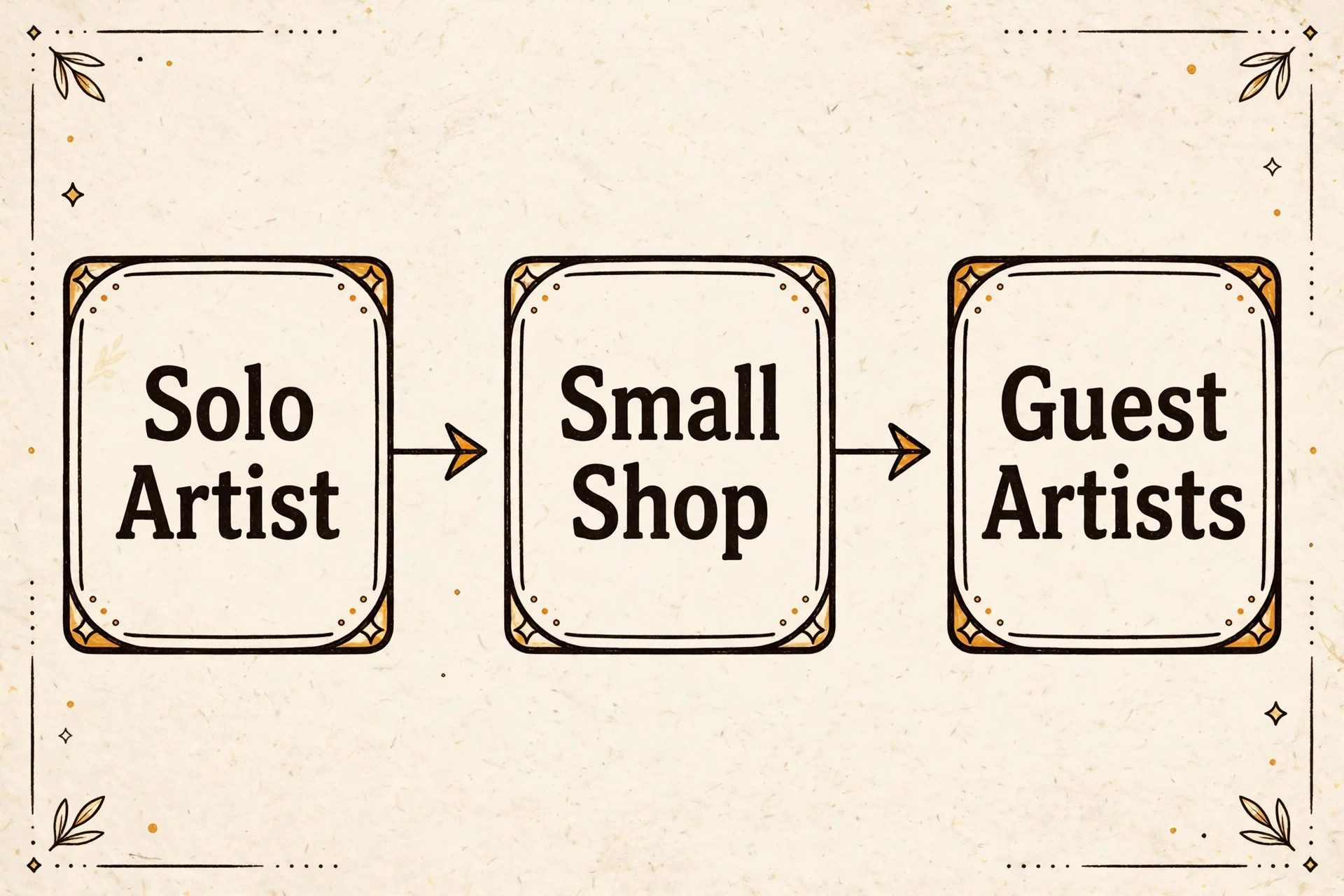
The right tool changes with the shape of the shop. A solo artist and a five artist shop with guest weeks are buying different things, even when they browse the same pricing pages. Use this table to match the pick to the job, then confirm the fit in a trial with real deposit and waiver settings.
| Job | Best pick | Why it wins |
|---|---|---|
| Single artist | GlossGenius | Low cost, polished page, deposits included |
| Multi artist shop | Vagaro | Calendar pricing grows in small steps |
| Guest artist weeks | Tattoo Studio Pro | Tattoo workflows fit guest rotas and pieces |
| New shop needing clients | Fresha | Marketplace reach beats features at launch |
That matching step is what turns a general search for the best booking software for tattoo studios into a shortlist that fits real work.
The Tattoo Booking Checklist Before You Pay
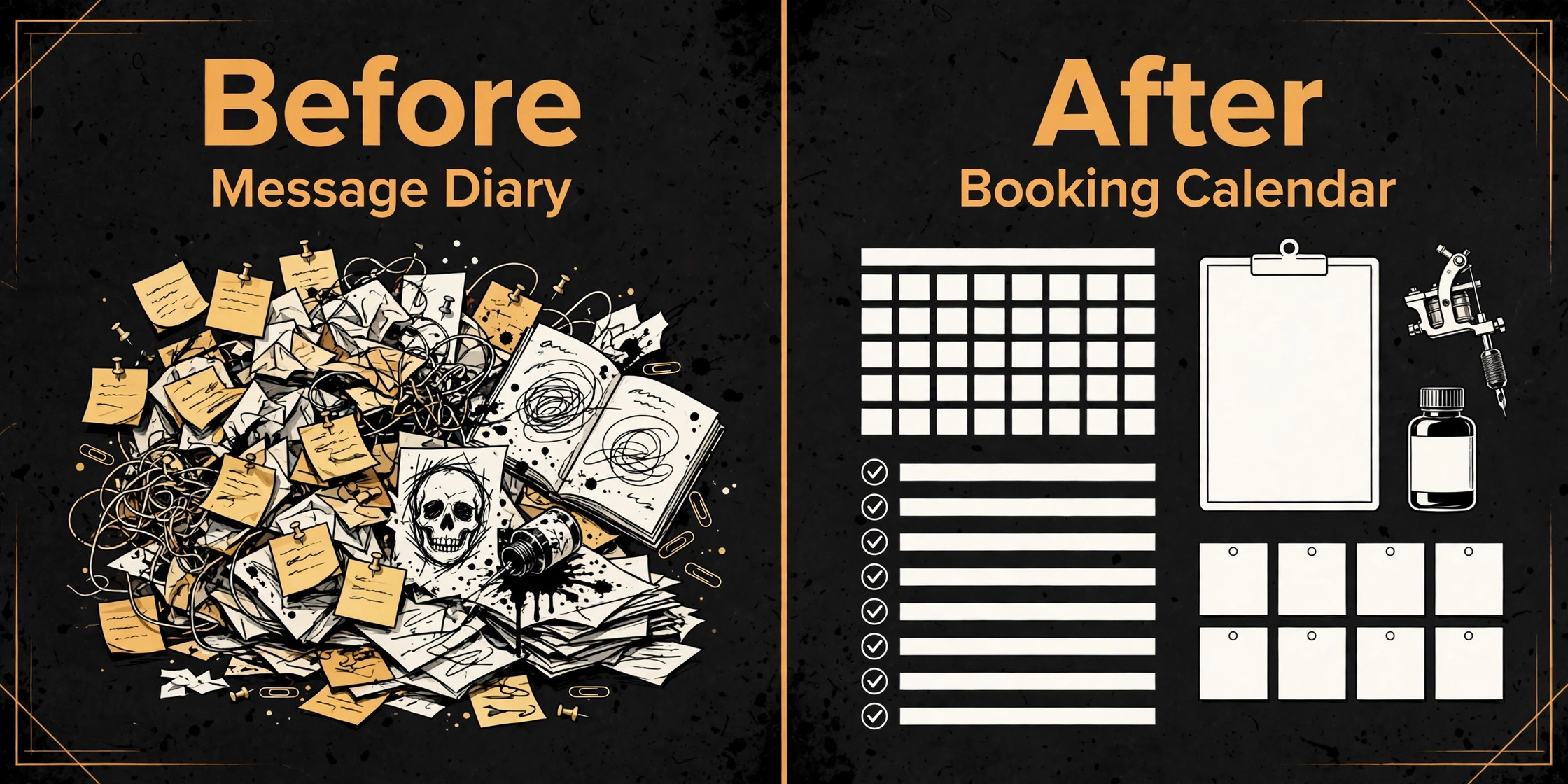
Run through this checklist on every finalist before paying. A tool that fails two or more items will cost more in workarounds than it saves in subscription fees.
Check that deposits are taken at booking, with a cancellation policy the system enforces without staff chasing payments by hand.
Check that waiver and consent forms are sent before the appointment and stored against the client record for later reference.
Check that a multi session piece keeps one history, with deposits, notes and remaining work visible to every artist on the job.
Check that guest artists can be added for a short period without paying a full year seat or rebuilding the whole rota.
Check that reminders go out automatically, and that a client can reschedule within your policy without messaging the shop.
Check that card fees are clear for in person and online payments, including any marketplace fee on new clients.
Check that client data can be exported, so the shop is never locked into a tool it cannot leave.
The Real Monthly Bill at Each Shop Size
The headline plan price is only the first line of the bill. Card fees, marketplace fees, extra calendars and paid add ons decide what a shop actually pays, and those lines move with volume. A solo artist doing $6,000 a month in card sales at 2.6 percent pays about $156 a month in processing alone, before any subscription. That is why a free plan with a higher card rate can cost more than a $30 plan with a lower rate once volume grows.
At one artist, the realistic range in this guide runs from free on Square Appointments to about $30 a month on the paid tools, plus processing. At three artists, Vagaro sits near $50 a month for three calendars, GlossGenius Gold sits near $48 to $56 a month, and Booksy sits near $70 a month with extra team members. At five artists, expect roughly $70 to $110 a month on the calendar and team priced tools, before add ons. Boulevard and larger premium setups sit well above that range, and should only be judged once forms and other add ons are priced in.
Marketplace fees deserve their own line in the budget. Fresha takes around 20 percent of a first booking from marketplace clients, and Booksy Boost takes around 30 percent up to $100. Those fees only apply to new clients found through the marketplace, so a shop with strong referrals may rarely pay them, while a new shop may pay them often. Model both cases before choosing. A tool that looks cheap on subscription can be expensive on first bookings, and a tool that looks dear can be cheap once the book fills from repeat clients.
When you compare the best booking software for tattoo studios, judge the total bill at your real size, not the headline plan price.
Mistakes That Cost Tattoo Shops Real Money
The most expensive mistake is choosing on looks alone. A beautiful booking page that cannot take a deposit, store a waiver or track a multi session piece will push work back into messages within a month. Judge the tool on the deposit flow first, the waiver flow second and the calendar third. If any of those three fails in a trial, walk away, no matter how good the page looks.
The second mistake is ignoring the card and marketplace maths. Owners compare $24 against $30 and call it done, while processing and marketplace fees quietly take hundreds a month. Run the numbers on real volume, real average ticket and real new client share. A shop with a high average ticket feels card rate differences fast, and a shop that relies on marketplace discovery feels marketplace fees fast. Both numbers belong in the decision, not in a footnote.
The third mistake is skipping the export test. Every tool promises easy setup, and few mention how hard it is to leave. Before paying, export a test client list, check what comes out and confirm deposits and appointment history are usable elsewhere. A shop that cannot leave a tool is not a customer, it is a hostage, and the time to discover that is before the first real client record goes in, not a year later.
The cheapest option in a search for the best booking software for tattoo studios is rarely the cheapest system once real volume and add ons are counted.

How to Test a Tattoo Finalist in Two Weeks
Week one should test the money flow, not the calendar colours. Set up the real deposit rule, the real cancellation policy and a test waiver, then book, pay, cancel and reschedule a test client through the public page. If any step needs staff help, note it, because clients will hit the same step at midnight when nobody is there to help them. A tool that only works when the front desk is watching is not an online booking tool.
Week two should test the messy reality. Add a guest artist for a short run, split a large piece across three sessions with a deposit on each, and move a booking between artists without losing the client history. Invite one regular client to book through the new page and ask what confused them. Their answer matters more than any demo, because demos hide friction and real clients find it in seconds.
End the trial with a cost sheet, not a feeling. Write down the subscription at the real artist count, the card fees on a typical month, any marketplace fees and any add ons the shop actually needs. Compare that total across finalists, then pick the cheapest tool that passes the deposit, waiver and multi session tests. Price breaks ties. It should never override a failed money or paperwork test.
A trial that tests money, paperwork and daily work will tell you more about the best booking software for tattoo studios than any demo ever will.

More Reading on Stratilyze
Readers comparing booking tools usually check the neighbouring guides next. The guide to booking software for med spas covers a closely related booking decision, the guide to setting up a small salon booking system explains the setup around it, and the guide to using AI for tattoo studio booking management helps with the wider studio workflow around it.
Frequently Asked Questions
Does tattoo booking software need to handle deposits
Yes, deposits are the core feature for tattoo work. A custom piece cannot be resold if a client cancels, and a full day session is worth too much to hold on a promise. Choose a tool that takes a deposit or full payment at booking, enforces a cancellation policy automatically and keeps card details on file where the rules allow it. Shops that enforce deposits see fewer no shows and fewer last minute gaps.
Can a general salon tool work for a tattoo studio
It can, and many small shops start that way, because tools like GlossGenius and Vagaro cover booking, deposits and forms well. The gap appears with multi session pieces and guest artist rotas, which general tools handle through workarounds rather than dedicated screens. If the shop runs large pieces across many sessions, a tattoo specific tool saves more staff time than the price difference suggests.
How much should a solo tattoo artist pay for booking software
A solo artist can start free on Square Appointments or near $16 to $30 a month on the paid tools in this guide, plus card processing fees. At $6,000 a month in card sales, processing at 2.6 percent adds about $156 a month, so the card rate matters more than a $5 subscription gap. Price the tool at real volume, not at the headline plan price alone.
What about marketplace fees on Booksy and Fresha
Marketplace fees only apply to new clients found through that marketplace, not to existing clients who book direct. Fresha charges around 20 percent of a first marketplace booking, and Booksy Boost charges around 30 percent of a first visit up to $100. A new shop may pay these often while building its book, while an established shop with strong referrals may rarely pay them. Check the vendor page for current fee terms before committing.
Should a shop take waivers online before the appointment
Yes, sending waivers before the appointment saves front desk time and creates a cleaner record. The client signs at home, the signed copy sits against the client record, and the artist can check it before the session starts. Confirm the tool stores signed forms properly and lets staff find them fast, because a waiver buried in an email thread helps nobody if it is ever needed.
How do guest artists work in booking software
Guest artists need a temporary calendar, a way to take deposits for their dates and a record that stays with the shop after they leave. Some tools handle this with extra calendars or team seats, while others need a workaround. Test this in a trial before a guest week, because a tool that charges a full year seat for a one week guest will either cost too much or push guest bookings back into messages.
The Verdict for Tattoo Studios
For most tattoo studios, the decision comes down to shop shape. Solo artists should start with GlossGenius for its polished page, predictable bill and deposit handling, or Square Appointments if the shop already runs on Square and wants a free start. Shops that need marketplace discovery should choose Fresha while building a book or Booksy once the book has momentum. Shops that live on large multi session pieces should look hard at Tattoo Studio Pro, because tattoo specific workflows save staff time every week.
Whatever the pick, judge it on deposits, waivers and multi session history before judging it on looks. The best booking software for tattoo studios is the one that protects the diary, collects money at booking and keeps a clean record of every piece. Trial two finalists with real deposit and waiver settings, price the full bill at the real artist count, and pick the cheapest tool that passes all three tests without workarounds.