
Mailchimp starts cheaper, MailerLite starts cheaper still, and yet plenty of small businesses pay Constant Contact month after month without switching. That comparison is the right place to start, because the cost of Constant Contact for small business monthly only makes sense once you see what the higher price buys and what it does not. Constant Contact sells simplicity, phone support and event tools to businesses that email customers rather than running complex automation, and it charges for that simplicity in a way that grows with the contact list.
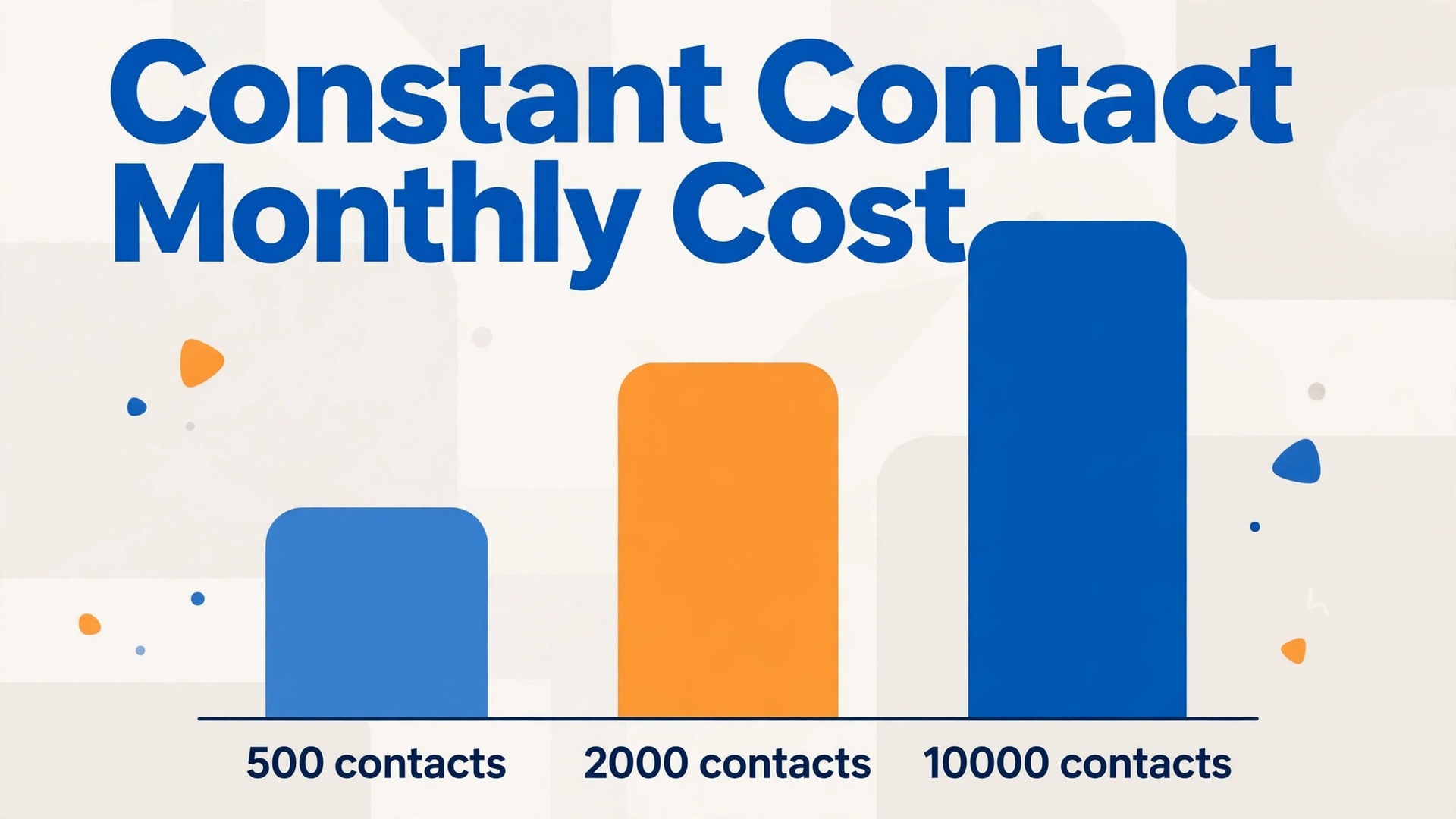
The trap is not the starting price. At up to 500 contacts, Lite starts at $12 a month, Standard at $35 and Premium at $80 on monthly billing, which looks manageable. The trap is the step system underneath those prices, because the bill rises as contacts rise, even if sending habits never change. A business that grows its list from 500 to 2,500 contacts can see its monthly bill more than double on the same plan, and a business that grows to 10,000 contacts can pay ten times its starting price. Growth is good news, but on this pricing model it is also a budget event.
Prices in this guide are United States list prices reported in 2026, before tax, and Constant Contact changes prices and promotions often. Treat every figure here as a starting point and check the vendor page at checkout. Where a price depends on the exact contact band, this guide names the band, because a single starting price without its band is the most misleading number in email marketing.
How Constant Contact Prices by Contacts
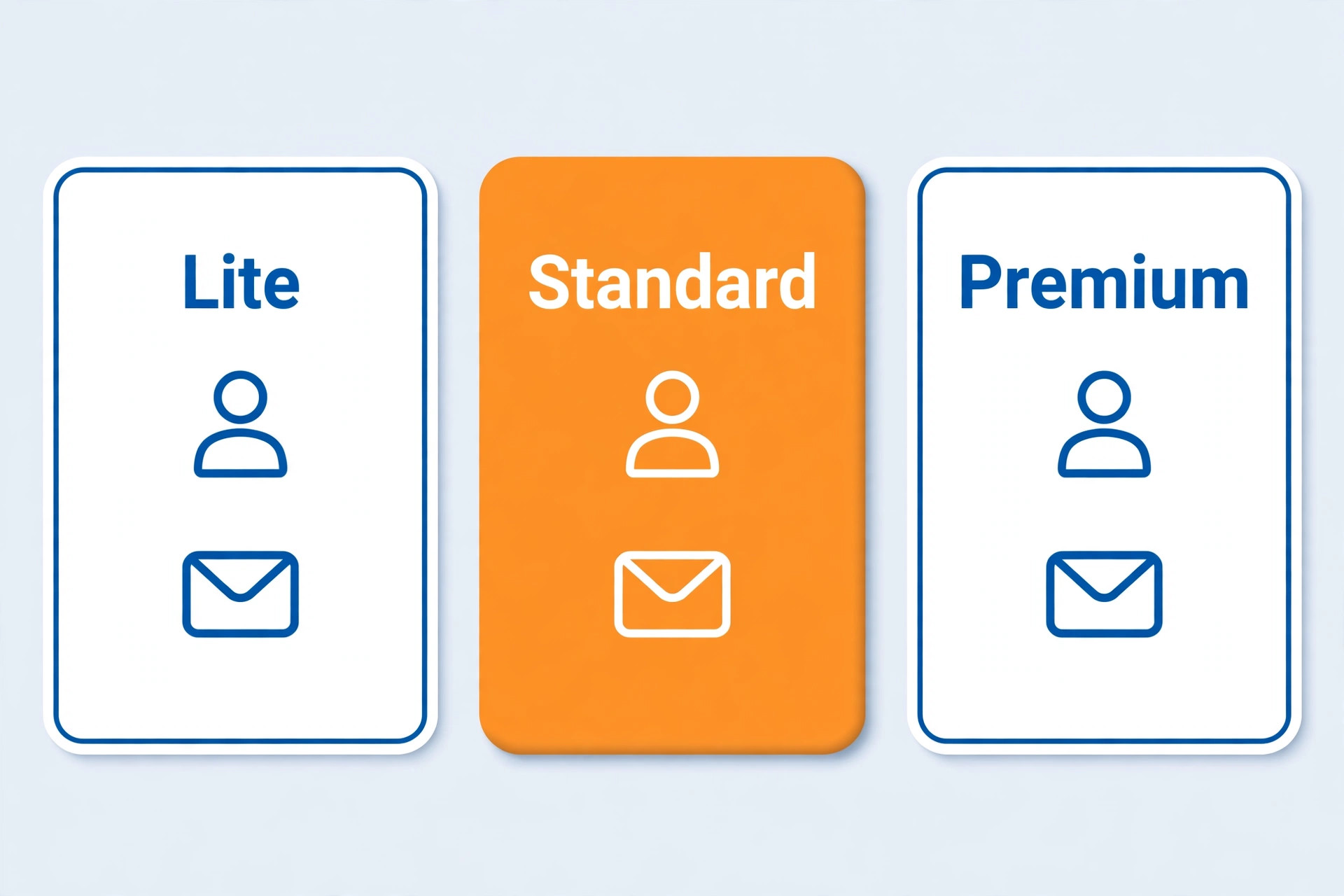
Constant Contact does not charge a flat monthly fee. It charges by plan and by contact count, so two businesses on the same plan can pay very different amounts. The three main tiers are Lite, Standard and Premium, plus a custom Multi Account plan for teams needing five or more accounts. Lite allows one user and basic automation, Standard allows three users with subject line testing and stronger automation, and Premium allows unlimited users with dynamic content, advanced reporting and bundled SMS credits.
The contact bands are where the money moves. Published 2026 monthly billing figures show Lite, Standard and Premium at $12, $35 and $80 for up to 500 contacts, rising to $50, $75 and $150 in the 1,001 to 2,500 band, and to $120, $160 and $275 at 10,000 contacts. At 5,000 contacts the figures sit near $80, $110 and $200. Those steps mean a business should budget for the band it will reach in six months, not only the band it sits in today, because crossing a band boundary raises the bill immediately even if nothing else changes.
Annual prepayment softens the blow but does not remove it. Prepaying for twelve months saves up to 15 percent, which brings the 500 contact starting prices to about $10.20 for Lite, $29.75 for Standard and $68 for Premium per month. Nonprofit organisations can save more, with discounts reported up to 30 percent on twelve month prepayment for qualifying organisations. The discount is worth taking for a settled business, but it locks in a contact band, so a business growing fast should check how band changes are handled mid term before prepaying.
The Fee Breakdown at 500, 2,000 and 10,000 Contacts
At 500 contacts the choice is genuinely about features. Lite at $12 a month suits a business sending simple campaigns to a small list, with a send allowance of ten times the contact count, which is 5,000 emails a month at this size. Standard at $35 adds testing, segmentation and stronger automation, with a twelve times allowance, or 6,000 emails a month. Premium at $80 adds dynamic content and advanced reporting, with a twenty four times allowance, or 12,000 emails a month, plus SMS credits. Most small businesses at this size should start on Standard if they plan to automate at all, because Lite limits automation to basic autoresponders and restricts testing.
At 2,000 contacts the bill tells a different story. The business now sits in the 1,001 to 2,500 band, paying about $50 for Lite, $75 for Standard and $150 for Premium on monthly billing. That is a steep rise from the starting prices, and it arrives simply because the list grew. The send allowances grow too, to 20,000 emails on Lite, 24,000 on Standard and 48,000 on Premium at 2,000 contacts, which is generous for most small businesses. The question at this size is not whether the allowance suffices, it is whether the business uses the features of the tier it pays for, because Lite at $50 buys little automation for real money.
At 10,000 contacts the bill becomes a serious budget line. Monthly billing runs about $120 for Lite, $160 for Standard and $275 for Premium. Annual prepayment would bring those down by up to 15 percent, to roughly $102, $136 and $234 per month, but the annual total still runs into thousands. At this size a business should compare Constant Contact against competitors on total cost, not on starting price, because the gap between platforms widens as lists grow. A business paying $275 a month for Premium should be able to point to features it uses every week that cheaper tools do not offer.
Worked yearly totals sharpen the point. A business on Standard at 500 contacts pays $420 a year on monthly billing, or about $357 with annual prepayment. The same business on Standard at 2,000 contacts pays about $900 a year on monthly billing, and at 10,000 contacts about $1,920 a year. Those are plan costs only, before SMS add ons, inbox previews or overage fees, and they show why list hygiene matters. Every inactive contact stored on the list raises the band, and therefore the bill, whether or not that contact ever opens an email.
The Send Limit Trap Most Owners Miss
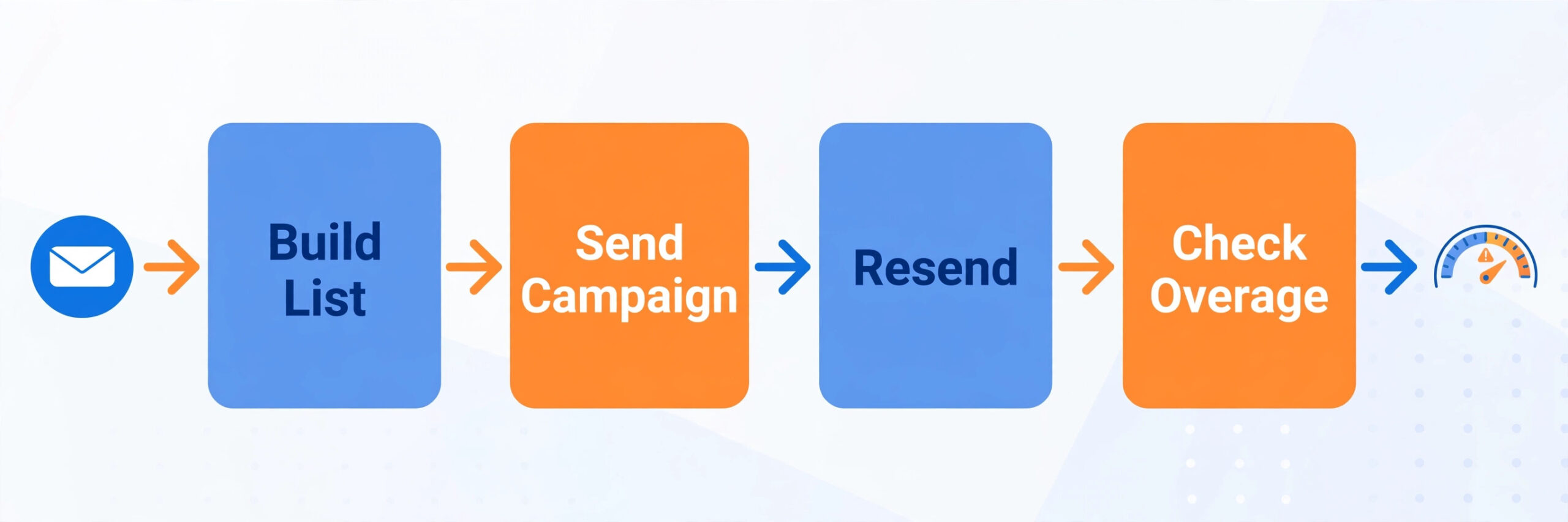
Send allowances are generous until they are not. Lite allows ten times the contact count per month, Standard twelve times and Premium twenty four times, and automated emails such as welcome messages and abandoned cart reminders do not count against the allowance. Campaign sends and resends to non openers do count, which matters for a business that sends often and resends to boost opens. A business emailing a 2,000 contact list weekly, four campaigns a month, uses 8,000 sends, well inside every allowance. A business emailing daily and resending to non openers can approach the Lite limit fast.
Overage is charged at $0.002 per email above the allowance, which sounds trivial until volume is counted. Ten thousand extra emails cost $20, which is not ruinous, but a large seasonal send can produce a surprise line on the invoice. The practical fix is to watch the send counter during busy months, suppress resends when the allowance is tight, and let automated flows carry the repeat work, since those do not count. A business that regularly exceeds its allowance is on the wrong tier or the wrong sending rhythm, and either fix is cheaper than paying overage every month.
List hygiene is the other lever, and it is the one owners control most directly. Contacts who never open, bounced addresses and duplicate entries all count toward the band, so a list of 10,000 names with 3,000 inactive contacts bills like a 10,000 contact list while behaving like a 7,000 contact list. Regular cleaning, meaning removing or suppressing long term non engagers, can drop a business a band and save real money. Set a quarterly cleaning habit, and treat list size as a cost to manage, not a trophy to grow without limit.
Who Each Tier Fits, Honestly
Lite fits a very specific business, namely a sole trader or tiny team sending simple campaigns to a small list, with one user and no need for testing or deep segmentation. The branding and automation limits matter here. Lite is the tier most often bought for its $12 starting price and most often outgrown, because a business that starts emailing seriously soon wants testing and automation that Lite withholds. Buy Lite only if the sending plan is genuinely simple and likely to stay simple.
Standard fits most small businesses, and it is the tier this guide would point a typical owner toward first. Three users cover an owner plus two staff, testing improves subject lines, segmentation lets the business email customers differently from prospects, and automation covers the welcome and follow up sequences that make email work. The cost of Constant Contact for small business monthly on Standard is the figure most owners should budget against, because Lite is too limited for a growing business and Premium is more than most small teams need.
Premium fits a business that uses its advanced features weekly. Dynamic content, advanced reporting, unlimited users and bundled SMS credits suit a larger team, a business running events or a business with complex segments that change message content per reader. A business that buys Premium for a single feature it uses monthly is overpaying, and a business that needs SMS should compare the bundled credits against buying SMS separately, because 500 credits a month cover only light texting. Premium earns its price through daily use, not through its feature list.

Extra Charges Beyond the Plan
SMS is the largest extra charge for most businesses. Premium includes 500 SMS credits a month, while lower tiers need an SMS add on, commonly reported from around $10 a month for starter blocks. A business texting customers regularly can spend more on SMS than on the email plan itself, because credits are consumed per message and campaigns to thousands of contacts consume thousands of credits. Price SMS separately from email, and check credit consumption on the first campaign before committing to a texting rhythm.
Inbox previews are a smaller extra, commonly reported around $10 a month, and they let a business see how an email renders across clients before sending. That is useful for a business whose emails carry complex layouts, and unnecessary for a business sending simple text led campaigns. Other extras include higher send needs and additional accounts under the Multi Account plan, which is priced through sales. None of these extras is hidden in a deceptive sense, but each is easy to miss when the owner budgets only the headline plan price.
Support is the genuine extra value in the price, and it deserves a fair mention. Phone support on all paid plans, six days a week, is unusual among email platforms at this price, and it matters to a business without a marketing team. A business that values being able to call a person when a campaign misfires may reasonably pay more for Constant Contact than for a cheaper tool with email only support. That value is real, but it should be weighed consciously, not assumed to justify every price step as the list grows.

When to Upgrade, When to Downgrade, When to Leave
Upgrade from Lite to Standard when testing, segmentation or automation would change results, not when the business merely feels it should be on a bigger plan. The trigger is usually a failed test, meaning the owner wants to test subject lines and cannot, or a segment the owner wants to email and cannot build. Upgrade to Premium when dynamic content, advanced reporting or unlimited users solve a weekly problem, or when bundled SMS replaces a separate SMS spend of similar size. Upgrade for a named job, not for a feature list.

Downgrade when the list shrinks or when sending simplifies. A business that ran a launch, built a large list and then settled into a monthly newsletter may find Standard features idle and Lite sufficient, but check the automation and segment limits before downgrading, because downgrading can disable flows the business relies on. The cheapest plan that does the current job is the right plan, and loyalty to a tier is not a strategy.

Leave when the bill outgrows the value, and the signal is usually a list above 10,000 contacts where the owner uses only basic campaigns. At that size cheaper platforms offer similar sending for far less, and the saving can fund advertising or content. Leaving costs time, because lists, templates and automations must move, and deliverability needs care during the move, with domain authentication set up on the new platform before the first large send. Plan the move in a quiet month, warm the sending reputation gradually, and keep the old account live until the new one proves itself.
Constant Contact Verdict for a Small Business Budget
For a small list and simple sending, Standard at $35 a month for up to 500 contacts is the sensible default, with annual prepayment bringing it near $29.75 a month for a settled business. Lite at $12 suits only the simplest sending, and Premium at $80 suits a team using its advanced features weekly. Budget for the contact band the business will reach, not the band it sits in, because the step from 500 to 2,500 contacts more than doubles the Lite bill and raises Standard from $35 to $75.
The cost of Constant Contact for small business monthly is therefore best read as a growth tax that rewards list hygiene and punishes inactive contacts. Clean the list quarterly, watch the send allowance in busy months, price SMS separately, and compare the total against competitors once the list passes 10,000 contacts. A business that does those four things can justify Constant Contact for its simplicity and support, and a business that does not will pay for contacts that never open anything.

What the Cost of Constant Contact for Small Business Monthly Looks Like in Year Two
Year two is when the starting price stops describing the bill. A business that began at 500 contacts and grew steadily may sit at 2,000 or 3,000 contacts by year two, and the plan price will have stepped up at least once. The cost of Constant Contact for small business monthly in year two is therefore best forecast from the expected list size at the end of year two, not from the list size on day one. A business adding 100 contacts a month will add 1,200 contacts in a year, which can move it two bands, and each band step should be priced in advance.
Annual prepayment changes the year two picture in two ways. First, it lowers the monthly equivalent by up to 15 percent, which is a real saving for a settled business. Second, it commits the business to a plan while the list keeps growing, so the owner should check how mid term band changes are billed before prepaying. A business growing fast may prefer monthly billing for a few quarters, accept the higher rate, and switch to annual billing once growth steadies. Flexibility has a price, and in a fast growth phase it is often worth paying.
Events change the year two bill in a way that pure newsletters do not. A business running ticketed events, classes or fundraisers may use Constant Contact event tools heavily, and that usage can justify Premium where a newsletter only business would not need it. Event revenue, ticket sales and attendee lists all flow through the same contact system, so the list grows with every event. Budget event driven list growth separately from newsletter growth, because a single successful event can add hundreds of contacts in a week and push the account into a higher band overnight.
Nonprofit pricing deserves a separate line in a year two budget. Qualifying organisations can save up to 30 percent with twelve month prepayment, which turns a $160 Standard bill at 10,000 contacts into roughly $112 a month. That saving is large enough to change the comparison against cheaper tools, and it is one reason nonprofits stay with Constant Contact longer than commercial businesses at the same list size. Check eligibility early, because the discount applies to qualifying organisations and the paperwork takes time.
The year two question every owner should ask is whether the list earned its keep. Divide the yearly plan cost by the revenue attributed to email, even roughly, and see whether email pays for itself several times over. A business spending $1,920 a year on Standard at 10,000 contacts needs email to drive far more than that in sales, bookings or donations, or the list is a cost centre rather than a channel. If the return is thin, the fix may be better campaigns, or it may be a cheaper platform, and the numbers will say which.
A Small Business Email Budget Template
A usable budget template has five lines, and each line should be filled with a real number before the owner commits. Line one is the plan price at the expected contact band, not the starting band. Line two is SMS, priced from expected message volume, not from the bundled credits alone. Line three is inbox previews and any other add ons the team actually uses. Line four is overage, budgeted at zero for a disciplined sender and at a small allowance for a seasonal sender. Line five is staff time, because a tool that needs hours of fiddling each week costs more than its subscription suggests.
Staff time is the line owners most often skip, and it is where Constant Contact earns back some of its premium. A simple editor, ready templates and phone support mean a non specialist can build and send a campaign quickly, while a cheaper but more complex tool can eat hours of owner time each month. Price that time honestly. If the owner values an hour at $50 and the simpler tool saves two hours a month, that is $100 of value against a price gap that may be smaller. Simplicity is not free, but it is not valueless either.
The template should also carry a trigger for review. Set a contact count trigger, for example 2,500 or 10,000 contacts, at which the owner must compare the total bill against two competitors before the next renewal. The cost of Constant Contact for small business monthly grows quietly, and a trigger forces a loud decision at the moment it matters. Without a trigger, the bill drifts upward year after year while the owner assumes the starting price still applies, which is how a $35 plan becomes a $275 habit.
Finally, keep a record of what each tier actually delivered. Note which automations ran, which segments were used, how many tests were run and how much SMS was consumed. That record turns the next renewal from a guess into a decision, because the owner can see whether Premium features were used weekly or merely admired on the pricing page. A budget template without usage notes is only half a tool, and the usage half is the part that prevents overpaying.
Deliverability Habits That Protect the Money Spent
A list that does not reach the inbox wastes every dollar of plan price, so deliverability habits belong in a pricing guide. The cost of Constant Contact for small business monthly buys sending infrastructure, but the sender still controls the habits that determine whether mail lands in the inbox, the promotions tab or spam. Authenticate the sending domain, keep the list clean, avoid purchased lists entirely, and watch bounce and complaint rates after every large send. A single purchased list can damage a sending reputation for months, and no plan tier repairs that damage quickly.
Sending rhythm matters as much as content. A business that emails rarely and then blasts a large campaign after months of silence looks suspicious to mailbox providers, while a business that emails steadily builds a reputation for wanted mail. Warm a growing list gradually, starting with engaged contacts before mailing the full list, and keep subject lines honest about what the email contains. Misleading subject lines earn opens once and complaints thereafter, and complaints cost far more than any single campaign gains.
Reporting should be read for decisions, not for vanity. Opens are unreliable as a sole measure, because privacy changes hide them, so clicks, replies, bookings and sales attributed to email are better guides. A campaign with modest opens but strong bookings did its job, while a campaign with high opens and no action did not. Review the worst performing campaign each month and change one thing, meaning subject, send time, segment or offer, rather than changing everything at once and learning nothing. The cost of Constant Contact for small business monthly is easier to defend when each month shows a lesson learned and a result improved.
Segmentation also protects deliverability, because engaged readers receive mail they want while inactive readers receive less of it. Split the list by recent engagement and send the most frequent campaigns only to readers who opened or clicked in the past ninety days, with a lighter rhythm for everyone else. That habit raises engagement rates, lowers complaints, and keeps the sending reputation healthy, which in turn keeps future campaigns reaching the inbox. It also gives the owner a clear picture of how many contacts are truly active, which feeds directly back into the billing band decision and the quarterly cleaning habit.
One last habit is worth adopting from the first month. Save a copy of every invoice and note the contact band it reflects, so the owner can see the bill rising or falling over time rather than guessing. That small record turns renewal into a five minute review instead of a surprise, and it makes the comparison against competitors honest, because both sides of the comparison use real numbers.
Frequently Asked Questions
How much does Constant Contact cost per month for a small business?
A small business pays from $12 a month for Lite, $35 for Standard and $80 for Premium for up to 500 contacts on monthly billing. Prices rise with contact count, reaching about $50, $75 and $150 in the 1,001 to 2,500 band, and about $120, $160 and $275 at 10,000 contacts. Annual prepayment saves up to 15 percent.
Which Constant Contact plan is best for a small business?
Standard is the best fit for most small businesses, because it adds testing, segmentation and stronger automation for three users. Lite suits only very simple sending to a small list, while Premium suits a larger team using dynamic content, advanced reporting and SMS weekly. Start on Standard if the business plans to automate at all.
What happens if I exceed my Constant Contact send limit?
Sends above the monthly allowance cost $0.002 per email. Lite allows ten times the contact count, Standard twelve times and Premium twenty four times, while automated flows such as welcome and cart messages do not count. Watch the counter in busy months and reduce resends to non openers if the allowance runs tight.
Does Constant Contact offer a free plan?
No, Constant Contact has no permanent free plan, although it offers a free trial without a credit card and a money back guarantee on paid plans. A business wanting a free tier should look at competitors with free plans, while weighing the phone support and simplicity that Constant Contact includes on paid plans.
How can a small business lower its Constant Contact bill?
Clean the list quarterly by removing or suppressing long term non engagers, because inactive contacts raise the billing band without adding value. Prepay annually for up to 15 percent off, avoid overage by watching send counts, and price SMS separately so texting does not quietly exceed the plan. Downgrade if advanced features sit unused.
Is Constant Contact worth it compared with cheaper email tools?
It is worth it for a business that values simple tools, phone support and event features, and that uses the tier it pays for. It is harder to justify at large list sizes for basic sending, where cheaper tools offer similar campaigns for far less. Compare total cost at the business’s real contact count, not at the starting price, before renewing at scale.
More Reading on Stratilyze
– Best Email Marketing Software for Restaurants – Best Email Tool for Small Business Newsletters – Cost of Mailchimp for Small Business Monthly – Best AI Tools for Email Marketing – Migrate Mailchimp to Klaviyo Checklist