
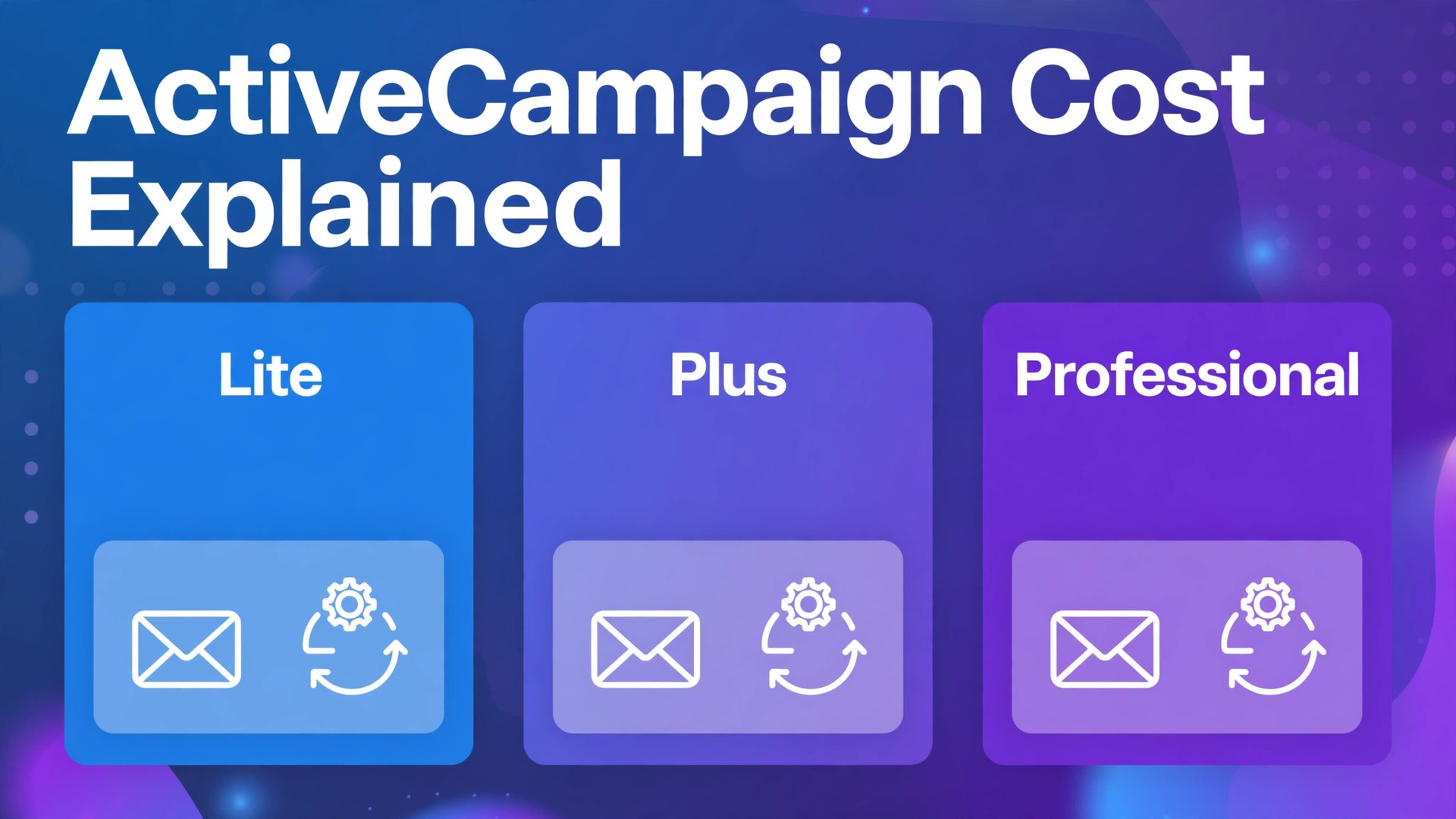
A small business signs up expecting a $15 email tool and ends up with a $200 automation bill, and the gap is almost never a surprise charge. It is contact growth. The cost of ActiveCampaign for small business monthly use rises as the contact list grows, and the tier that looked cheap at 500 contacts can cost several times more at 10,000 contacts. Understanding that ladder before you import a list is the difference between a tool that pays for itself and a subscription you resent every month.
ActiveCampaign is not a simple newsletter sender. It is an email marketing and automation platform with a built in CRM on higher tiers, and its price reflects that depth. A business that only sends a monthly newsletter will overpay on ActiveCampaign. A business that runs welcome sequences, abandoned cart flows, lead scoring and sales pipelines will get value that a cheaper sender cannot match. The question is never whether ActiveCampaign is good. It is whether your use justifies its price at your contact count.
This guide breaks down Lite, Plus and Professional tiers, shows how per contact pricing steps work, and gives worked monthly totals at 500, 2,000 and 10,000 contacts. Prices below are starting points from vendor pages and recent comparisons, and ActiveCampaign changes prices often, so check the vendor page before you buy. Newer ActiveCampaign pages show Lite as Starter and Professional as Pro, so treat those names as the same tiers described here.
ActiveCampaign Tiers at a Glance
Use this table to shortlist a tier, then read the detail sections before you commit. The starting prices shown are for 500 contacts on monthly billing, which is the smallest ladder most small businesses actually price.
| Tier | Starting price at 500 contacts | Users included | Key gate |
|---|---|---|---|
| Lite | $15 a month | Up to 3 | No CRM, no lead scoring |
| Plus | $70 a month | Up to 25 | CRM and lead scoring included |
| Professional | $159 a month | Up to 50 | Predictive sending and attribution |
The jump from Lite to Plus is the important one. Plus more than quadruples the starting price, but it adds the CRM, sales automation, landing pages, contact scoring and custom permissions that turn ActiveCampaign from a sender into a sales system. Professional adds predictive tools, split automations, site messaging and attribution reporting for teams that already use Plus fully.
What the Cost of ActiveCampaign for Small Business Monthly Really Includes
ActiveCampaign charges mainly by contacts, not by emails sent. Every plan includes unlimited sending, which means a business that emails weekly pays the same subscription as a business that emails daily at the same contact count and tier. That model rewards frequent senders and punishes list hoarders, because every dormant contact raises the bill whether it opens anything or not.
Users are the second cost driver, and they work differently by tier. Lite includes up to 3 users, Plus up to 25 and Professional up to 50, so a small team rarely pays extra for seats on Plus or Professional. A business with a single owner and one assistant will never hit the Lite user cap either, which means seats matter less than contacts for most small businesses reading this guide.
Support, templates, forms, site tracking and basic automation come on all tiers, including Lite. That is why Lite works for a simple newsletter and welcome sequence. What Lite lacks is the sales layer. There is no CRM pipeline, no lead scoring, no deep data integration and no custom user permissions, so a business that needs to track deals or score leads must move to Plus regardless of contact count.
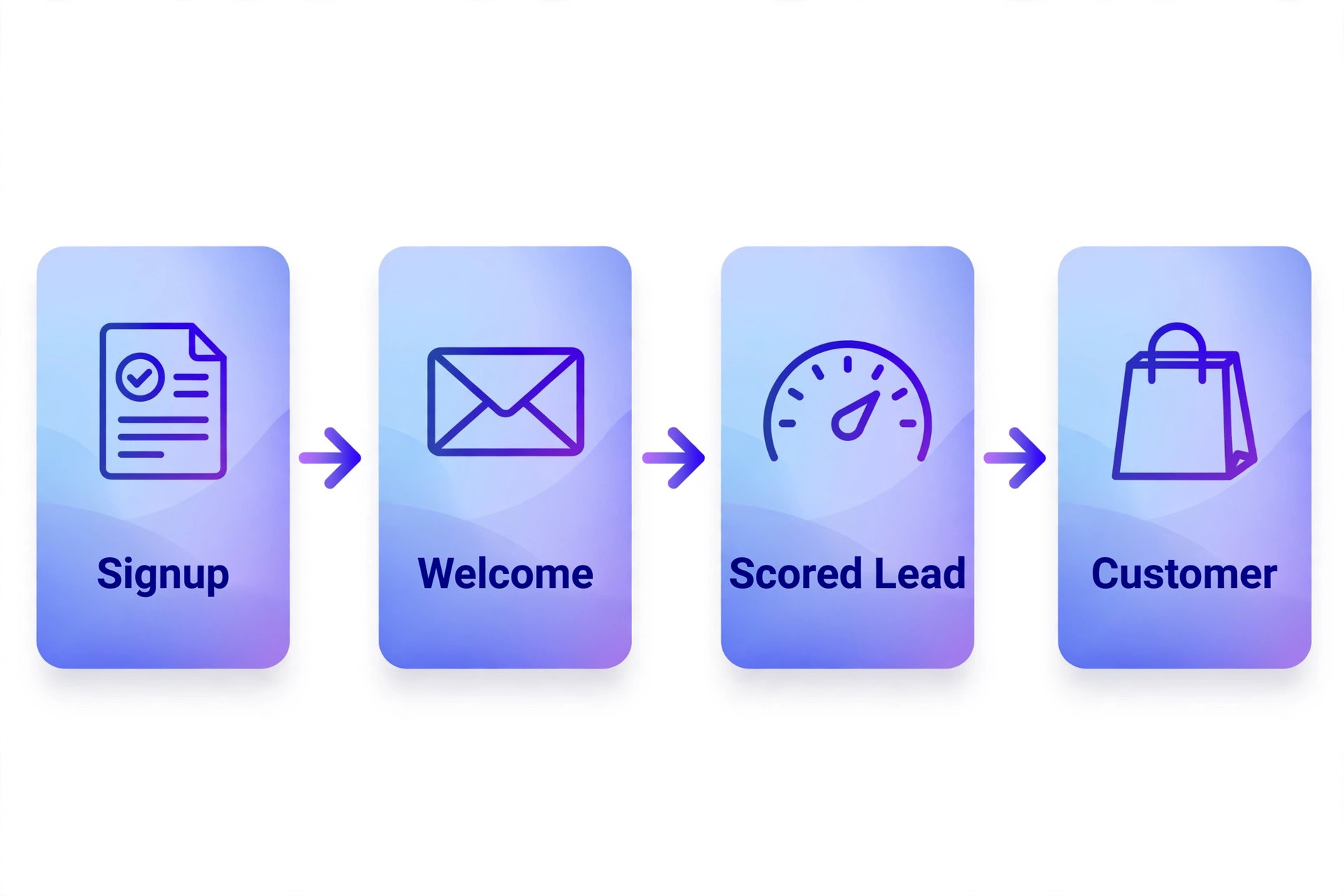
Lite, Plus and Professional in Detail
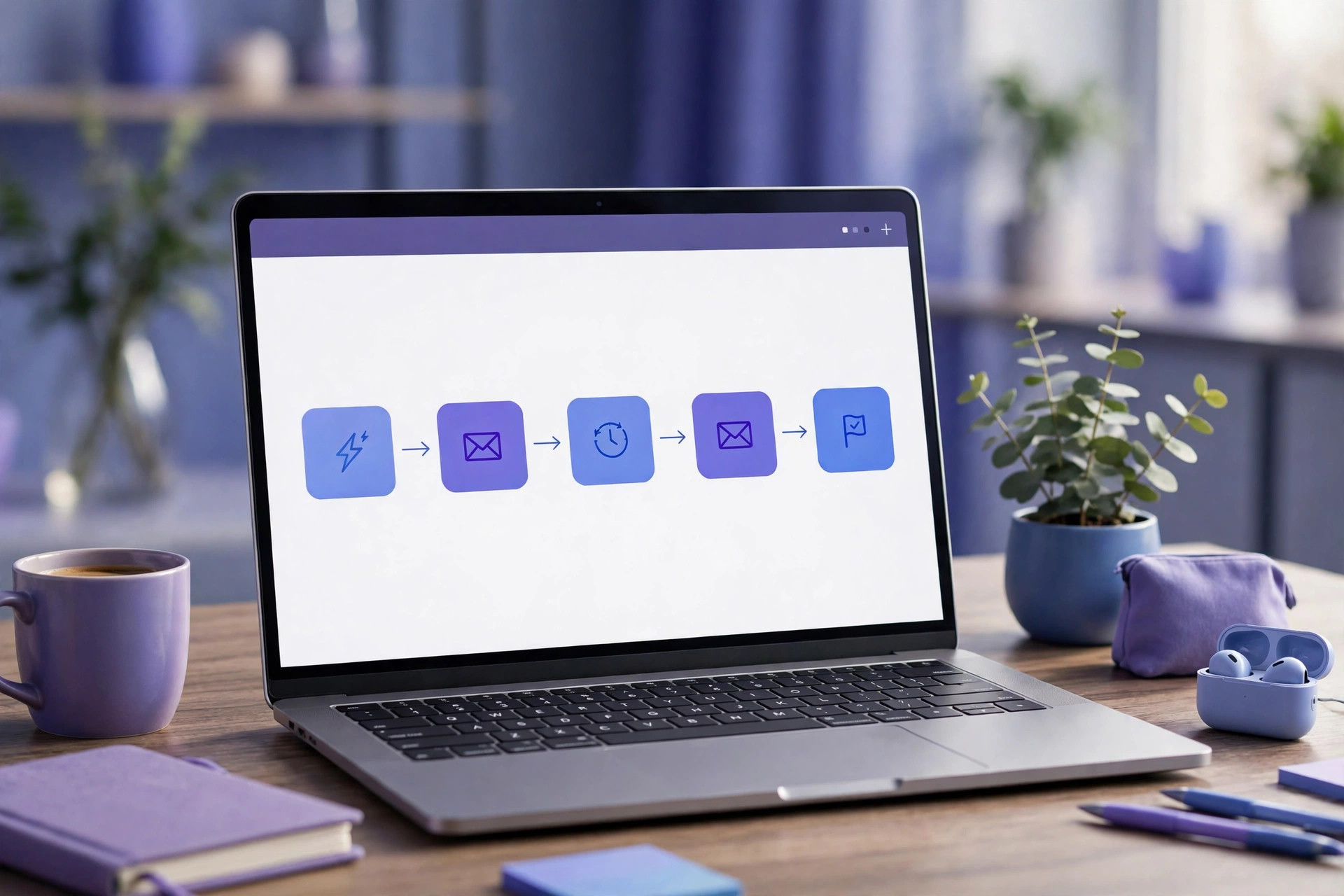
Lite
Lite is the newsletter and basic automation tier. It covers email marketing, marketing automation, autoresponders, templates, inline forms, site and event tracking and basic segmentation, with more than 500 automation recipes available as starting points. A small business that sends a regular newsletter, runs a welcome sequence and tags subscribers by interest will find Lite complete.
The limit is sales depth. Lite has no CRM with deal pipelines, no contact or lead scoring, no landing page builder at full strength and no custom permissions for a team. A business that starts tracking deals in a spreadsheet beside Lite has outgrown it, and the right move is Plus rather than a second CRM subscription. Lite suits a business with one sender, one list and simple goals.
Choose Lite if email is mainly broadcast and nurture. Skip Lite if deals, scoring or team permissions matter, because those features only arrive on Plus and the upgrade cost should be budgeted from day one.
Plus
Plus is the tier most small businesses should price first, even though its starting price looks steep next to Lite. It adds the CRM with sales automation, deal pipelines, landing pages, contact scoring, deep data integrations, custom branding, custom domain and custom user permissions. It also adds unlimited automation actions and one to one training on many plans, which shortens the learning curve.
The value of Plus shows up in follow up discipline. A lead that downloads a guide can be scored, assigned, entered into a pipeline and followed by an automated sequence without manual copying between tools. A business that sells services, courses or higher value products will feel that difference within a month, because fewer warm leads go cold while the owner is busy delivering work.
Choose Plus if the business tracks deals or scores leads. Skip Plus if the business only broadcasts newsletters, because Lite delivers the same sending power for far less money and the CRM features will sit unused.
Professional
Professional is the optimisation tier. It adds predictive sending, predictive content, split automations, site messaging, attribution reporting and win probability scoring on top of everything in Plus. These features help a team that already sends well to send better, by timing sends to each contact, testing paths inside an automation and proving which campaigns actually created revenue.
The cost only makes sense at volume or value. A business with 10,000 contacts and a proven funnel can use attribution to shift budget toward winning campaigns and pay for the upgrade from the improvement. A business with 500 contacts and no funnel yet will learn nothing from predictive tools, because there is not enough data for predictions to beat simple rules.
Choose Professional if Plus is fully used and data volume supports prediction. Skip Professional if automations are still basic, because the money is better spent growing the list and proving the funnel on Plus first.
Fee Breakdown by Contact Band
Per contact pricing steps are the core of the ActiveCampaign bill. The price does not rise smoothly with each new contact. It steps up at contact bands, so crossing a threshold can raise the monthly bill even though only a handful of new contacts were added. That step behaviour is why list hygiene matters so much on this platform.
The table below shows starting monthly prices on monthly billing at three common contact counts. Treat these as starting points to verify on the vendor page, because the exact ladder depends on billing cycle and current promotions, and annual billing typically lowers the monthly equivalent by about a fifth.
| Contacts | Lite | Plus | Professional |
|---|---|---|---|
| 500 | $15 a month | $70 a month | $159 a month |
| 2,000 | $39 a month | $99 a month | $189 a month |
| 10,000 | $79 a month | $199 a month | $279 a month |
Read the ladder in two ways. First, the tier gap narrows in percentage terms as contacts grow, because contact volume starts to dominate the bill. Second, the absolute gap still grows in dollars, so a business on Professional at 10,000 contacts pays $200 a month more than the same business on Lite. That $200 must buy measurable pipeline value, not just nicer reports.
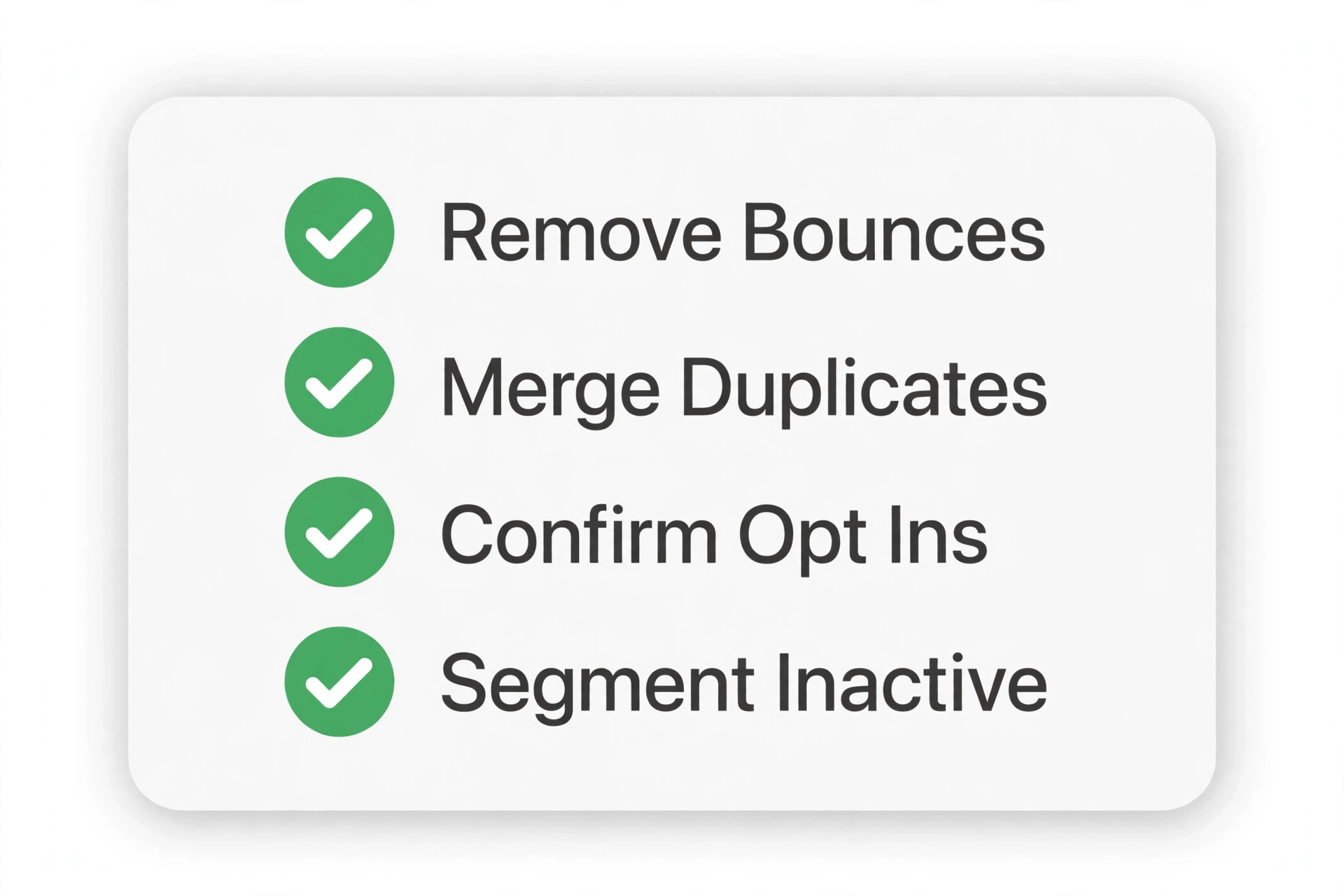
List cleaning is therefore a cost control tool, not a chore. Removing bounced addresses, unengaged contacts and duplicate imports before a threshold crossing can hold a business in a lower band for months. A quarterly clean that removes 10 percent of a stale list can save more than any discount negotiation, and it improves deliverability at the same time.
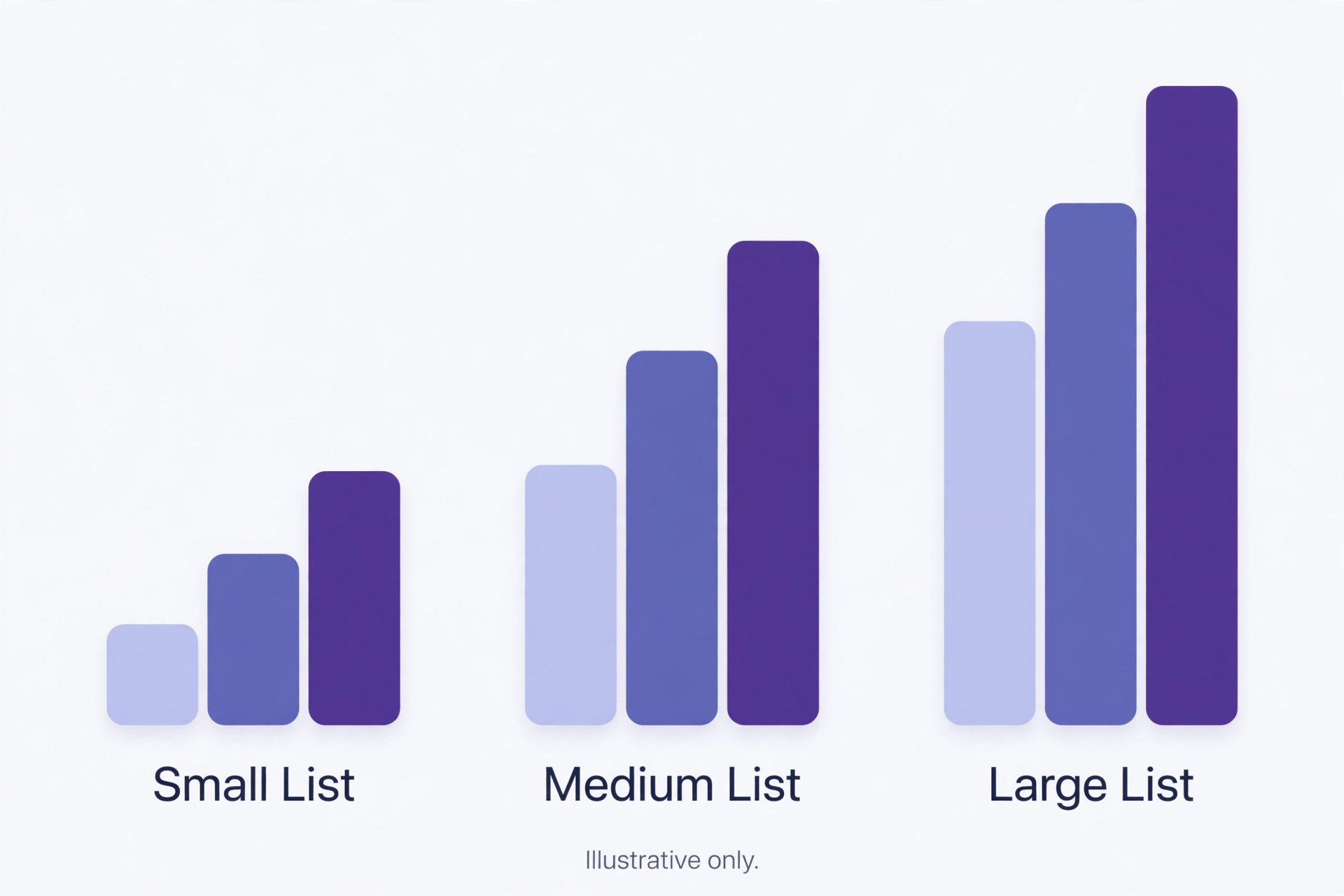
ActiveCampaign Worked Monthly Totals
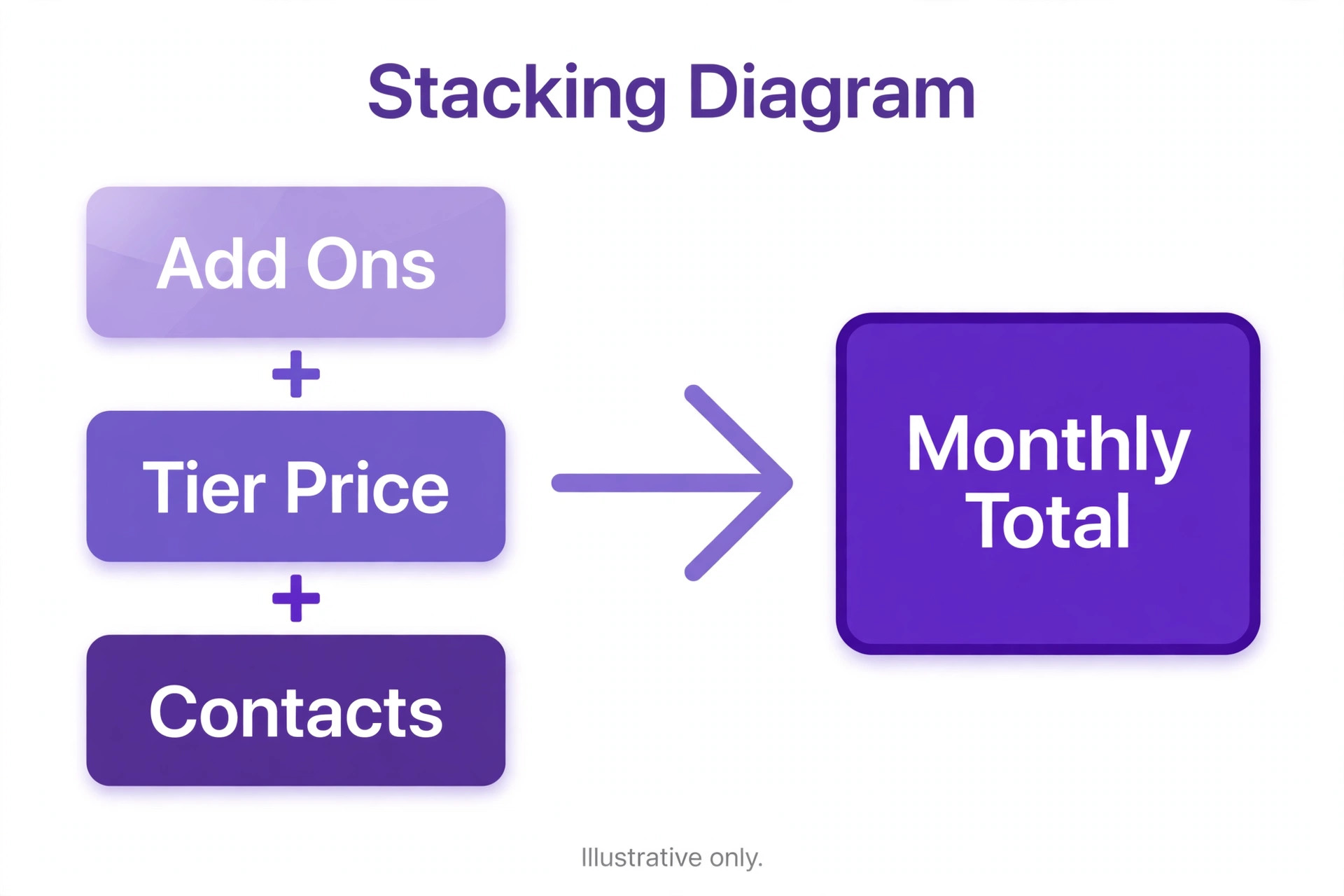
Worked totals turn tier prices into a real bill. Each scenario below uses monthly billing, includes only the subscription, and states the assumption plainly so you can adjust it to your own list. Payment processing, SMS credits and add ons are covered separately in the hidden costs section.
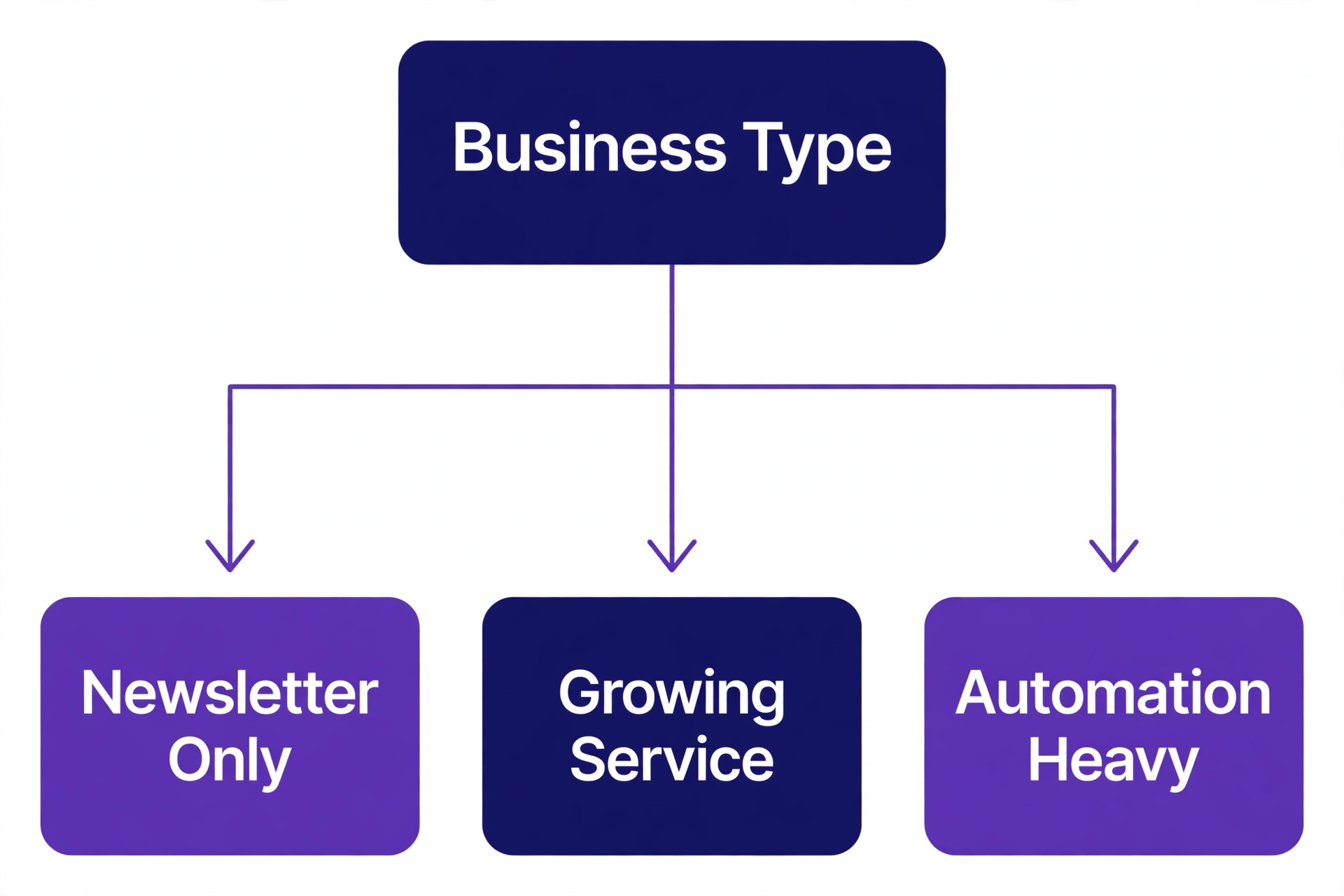
A newsletter only business with 500 contacts on Lite pays $15 a month, which is $180 a year on monthly billing. That business sends a weekly newsletter and a welcome sequence, uses templates and forms, and tracks opens and clicks. It pays nothing for CRM features because it does not use them, and that is the correct use of Lite. The bill stays at $15 until the list crosses into the next band.
A growing service business with 2,000 contacts on Plus pays $99 a month, which is $1,188 a year on monthly billing. That business runs a welcome sequence, a lead magnet follow up, a sales pipeline with five stages and lead scoring that flags hot prospects for a call. On annual billing at roughly a fifth less, the same plan costs about $950 a year in equivalent terms, which is why annual billing suits a business that has already proven the tool for a quarter.
An automation heavy business with 10,000 contacts on Professional pays $279 a month, which is $3,348 a year on monthly billing. That business runs split automations, predictive sending, site messaging and attribution reporting across several funnels, and it can point to revenue per campaign in its reports. At this size, a 10 percent improvement in conversion from better timing and attribution is worth far more than the $80 a month gap over Plus at the same contact count.
Compare those three totals before choosing a tier. The newsletter business that buys Professional wastes $144 a month at 500 contacts. The automation business that stays on Lite saves money and loses deals, because it cannot score, route or attribute anything. Match the tier to the funnel you actually run, not the funnel you hope to run next year.
A fourth scenario shows the middle ground well. An online store with 2,000 contacts on Plus at $99 a month adds abandoned cart flows, post purchase follow up and a win back sequence for lapsed buyers, and those three automations together often recover more revenue in a month than the subscription costs. Add about $20 a month for SMS reminders on high value carts, and the realistic system total lands near $119 a month before payment processing, which the store pays on every sale regardless of email tool.
SMS marketing is the first hidden cost. SMS credits are billed separately from the subscription, and a business that adds text reminders to every automation can add tens of dollars a month without noticing. Price SMS by message volume before enabling it, and reserve it for high value steps like appointment reminders and hot lead alerts rather than every email in a sequence.
Transactional email is the second add on to price separately. Order confirmations, password resets and receipts may need a transactional sending add on depending on volume and setup, and that cost sits outside the marketing subscription. A store that mixes marketing and transactional mail in one account should check which sends count where before launch, because a busy store can cross a transactional threshold quickly.
Extra users, premium onboarding and integrations form the third group. Plus and Professional include generous user counts, so extra seats rarely bite a small business, but dedicated onboarding, custom reporting help and some integrations can carry fees on higher tiers. A business that needs a dedicated account manager or custom reporting should price Enterprise rather than assuming Professional includes it. When you add SMS, transactional sending and any paid onboarding together, the true cost of ActiveCampaign for small business monthly use can run 20 to 40 dollars above the subscription alone, so budget a buffer line for add ons in the first quarter.
How to Choose and When to Downgrade
The cost of ActiveCampaign for small business monthly planning should start with a funnel audit, not a tier comparison. List every automation currently running, every deal stage in use and every report actually read each month. If the list fits on Lite, buy Lite. If deals and scoring appear, buy Plus. If predictive tools and attribution appear, buy Professional. The audit takes an hour and prevents a year of overpaying.
Downgrading is a legitimate strategy on this platform. A business that bought Professional for a launch, then settled into a simple newsletter rhythm, should drop to Plus or Lite at renewal and bank the saving. ActiveCampaign keeps contacts and basic automations across a downgrade in most cases, but check which features will stop working first, because a downgrade that breaks a live sales pipeline costs more than it saves.
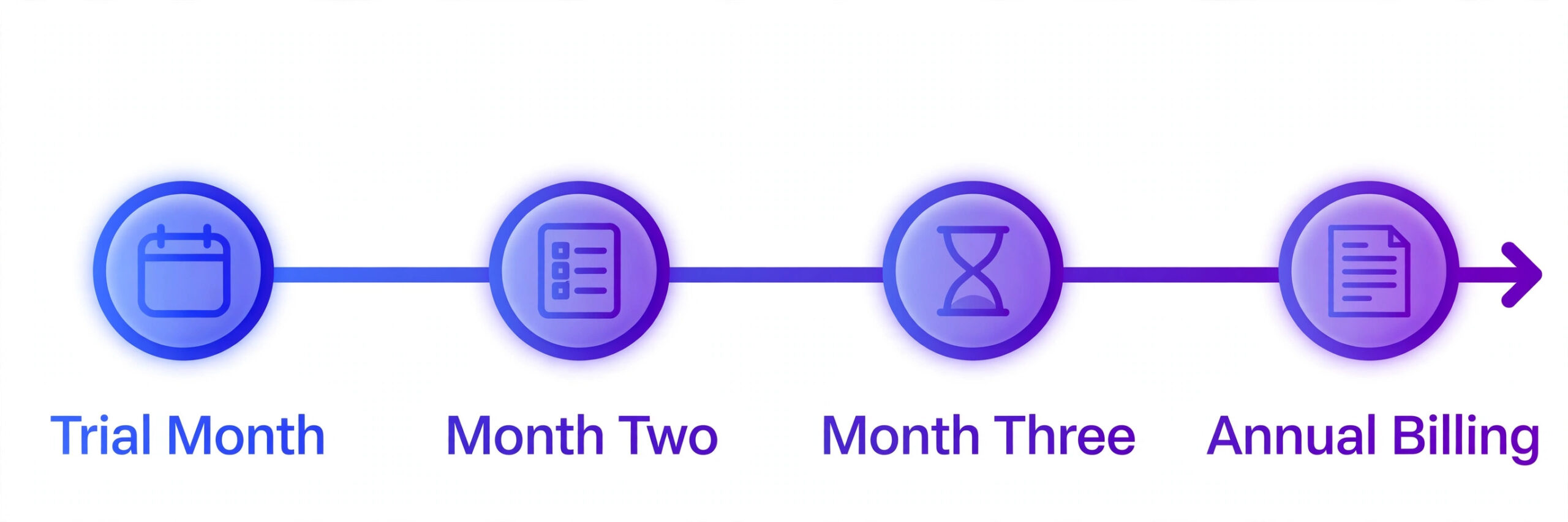
Trial discipline also matters. Use the 14 day trial to build one real automation, import a cleaned list and send to a real segment, rather than clicking through demo data. A trial that never sends to real contacts proves nothing about deliverability, automation behaviour or reporting, and it leaves the tier decision to guesswork.
ActiveCampaign Mistakes That Inflate the Bill
The most expensive mistake is importing an uncleaned list. Old lists, purchased contacts, event imports from years ago and duplicate records all raise the contact count and therefore the price, while hurting deliverability. Clean the list before import, remove bounces and long term non openers, and set up a sunset automation that removes contacts who ignore everything for six months.
The second mistake is buying Professional before Plus is fully used. Predictive sending cannot fix a funnel with no offers, weak copy or no follow up discipline, and attribution cannot prove value for campaigns that never ran. Prove the funnel on Plus, measure revenue per automation, and upgrade only when the data shows a decision that Professional features would change.
The third mistake is paying monthly forever out of inertia. Monthly billing suits a trial quarter, but a business that has used ActiveCampaign for a year on monthly billing is giving up roughly a fifth in annual savings for flexibility it no longer needs. Set a renewal review every twelve months, confirm the tier still matches the funnel, then switch to annual billing if the tool is staying.
A Full Year on Each Tier
Monthly prices hide the yearly commitment, so the cost of ActiveCampaign for small business monthly planning should always be converted to an annual total before signing. A $15 Lite plan costs $180 a year on monthly billing. A $99 Plus plan at 2,000 contacts costs $1,188 a year. A $279 Professional plan at 10,000 contacts costs $3,348 a year. Those annual totals are the numbers to compare against revenue, because a tool that costs $3,348 a year must create at least that much measurable value or it should be downgraded.
| Scenario | Monthly billing total a year | Annual billing equivalent, about |
|---|---|---|
| Lite, 500 contacts | $180 | About $145 |
| Plus, 2,000 contacts | $1,188 | About $950 |
| Professional, 10,000 contacts | $3,348 | About $2,680 |
Annual billing equivalents above use a rough fifth discount and are estimates, not quoted prices, so confirm the exact annual figure on the vendor page at checkout. The point of the table is cash flow, not precision. Annual billing saves money but takes cash up front, which matters for a seasonal business that earns unevenly through the year.
Renewal timing is the practical lever. Set a calendar reminder thirty days before renewal, review contact count, tier use and automation performance, and clean the list before the renewal date. A business that cleans its list and downgrades a tier at renewal can cut the next year bill by hundreds of dollars in one afternoon, while a business that auto renews without review pays last year prices for this year funnel.
Growth changes the maths mid year. A list that grows from 2,000 to 5,000 contacts will step through at least one price band, and a business should budget for that step rather than treating it as a surprise. The healthy way to budget is to forecast contact growth quarterly, price the next band in advance, and treat each band crossing as a check that automation revenue grew faster than the subscription.
ActiveCampaign Against Cheaper Senders
A basic newsletter sender costs far less than ActiveCampaign at the same list size, and for a broadcast only business it is the better buy. The sender covers templates, lists, basic automation and reporting for a fraction of Plus pricing, and the saving can fund ads or content instead. A business should only pay the ActiveCampaign premium when scoring, pipelines, split automations or attribution change a decision or recover a deal.
The comparison changes when sales enter the picture. A cheap sender plus a separate CRM plus a separate landing page tool can cost more together than Plus alone, and the data copying between three tools eats time and creates errors. In that setup, ActiveCampaign wins on system cost even though it loses on headline price, because one subscription replaces three and one contact record serves marketing and sales together.
The cost of ActiveCampaign for small business monthly buyers should therefore be compared against the system it replaces, not against the cheapest sender on the market. Add the CRM subscription, the landing page tool and the automation tool that ActiveCampaign would replace, then compare totals. If the replacement total is lower, stay with separate tools. If ActiveCampaign is lower, the premium is an illusion created by comparing one system against one tool.
There is also a middle path that many small businesses miss. Start on a cheap sender while the list is small and the funnel is simple, then migrate to ActiveCampaign when deals, scoring or complex automations become real needs. Migration costs a weekend of list cleaning and automation rebuilding, but it avoids a year of paying for depth that goes unused. The wrong time to migrate is during a launch. The right time is a quiet month with time to test.
Cutting the Bill Without Losing Results
List hygiene is the fastest saving available on ActiveCampaign, and it costs nothing but an afternoon each quarter. Export the list, remove hard bounces, remove contacts who have not opened anything in six months, and merge duplicates created by multiple forms. A list that falls from 11,000 contacts back under 10,000 can drop a whole price band, and the deliverability gain from removing dead addresses often lifts open rates enough to offset the smaller audience.
Segmentation is the second saving, because it stops a business paying to mail people who should not be mailed at all. A store that mails every promotion to every contact wastes sends and risks spam complaints, while a segmented sender mails new product news to buyers, restock news to waitlist contacts and win back offers only to lapsed buyers. Smaller, sharper sends convert better and keep the list cleaner, which in turn keeps the contact count honest.
Automation pruning is the third saving. Many accounts carry automations built for launches that ended years ago, still tagging and mailing contacts through dead funnels. Audit every automation once a quarter, pause anything with no entries in ninety days, and delete anything tied to an offer that no longer exists. A lean automation set is easier to report on, easier to fix when something breaks, and far less likely to mail a new subscriber through an outdated sequence.
Timing the upgrade is the fourth saving. A business should upgrade the week a new funnel launches, not months before it, and downgrade the month a funnel ends. ActiveCampaign bills by current tier and contact band, so a business that times upgrades to launches and downgrades to quiet periods pays for depth only while depth earns money. That discipline alone can save one tier of pricing for several months each year.
Finally, negotiate at renewal rather than at signup. A business with a year of payment history, a clean list and a proven funnel has leverage that a new trial account does not, and vendors will often extend a promotion or add training to keep a paying account. Ask plainly for the annual rate, any loyalty offer and any onboarding help included, and compare the renewal quote against the cost of migrating before accepting it.
More Reading on Stratilyze
Readers pricing email tools usually check the neighbouring guides next. The guide to email marketing software for restaurants covers campaign tools for a different niche, the guide to CRM software for small business compares the wider CRM decision, and the guide to live chat software for small business covers a lead capture channel that pairs well with automation.
Frequently Asked Questions
How much does ActiveCampaign cost for a small business per month
A small business with 500 contacts pays from $15 a month on Lite, $70 a month on Plus and $159 a month on Professional with monthly billing. At 2,000 contacts those starting points rise to about $39, $99 and $189 a month. At 10,000 contacts they rise to about $79, $199 and $279 a month. Those figures are the core of the cost of ActiveCampaign for small business monthly planning, and they should be checked against the vendor page before purchase, because billing cycle and promotions change the exact figure and newer pages may label Lite as Starter and Professional as Pro.
Is ActiveCampaign Lite enough for a small business
Lite is enough if the business mainly sends newsletters, welcome sequences and basic nurture automations. It covers email, automation, forms, tracking and segmentation. It is not enough if the business tracks deals, scores leads, needs custom permissions or wants landing pages at full strength, because those features require Plus. Judge Lite by the funnel in use, not by the feature list.
Does ActiveCampaign charge per email sent
No, ActiveCampaign plans include unlimited sending, so the bill is driven by contacts and tier rather than send volume. A business that emails daily pays the same subscription as a business that emails weekly at the same contact count and tier. SMS credits and transactional add ons are billed separately, which is where send based costs can still appear.
What happens when my contact list grows past a pricing band
The monthly price steps up to the next contact band, even if only a few contacts pushed the list over the threshold. That step behaviour makes list hygiene valuable, because removing bounces, duplicates and long term non openers can hold the account in a lower band. Review the list quarterly, and clean it before a known threshold crossing rather than after the bill rises.
Is annual billing cheaper than monthly billing for ActiveCampaign
Yes, annual billing typically lowers the monthly equivalent by about a fifth compared with monthly billing, though the exact saving varies by tier and promotion. A business that has used the tool for a quarter and plans to keep it for a year should switch to annual billing at renewal. A new business should stay monthly for the first quarter until the tier choice is proven.
Choose ActiveCampaign if automation, CRM pipelines, scoring or attribution drive revenue, because cheaper senders cannot match that depth. Choose a cheaper newsletter tool if the business only broadcasts a newsletter and a welcome sequence, because Lite still costs more than a basic sender at the same list size. The deciding factor is funnel complexity, not list size alone.
Final Verdict on ActiveCampaign Costs
For most small businesses, the right ActiveCampaign spend is the lowest tier that covers the funnel in use today. Start on Lite for newsletters and basic nurture, move to Plus when deals and scoring enter the picture, and move to Professional only when Plus is fully used and data volume supports prediction. That ladder keeps the monthly bill honest and ties every upgrade to a measurable improvement.
Before you buy, clean the list, price the system including SMS and transactional add ons, and run a real automation in the trial. The cost of ActiveCampaign for small business monthly use is fair when the funnel uses it, and wasteful when it does not, so let your actual automations decide the tier. Buy the tier your funnel needs, review it yearly, and let the tool earn each upgrade.