

The store still sells, but every new idea turns into a workaround. A discount rule that should take minutes needs a custom setup. An app that should exist does not. Inventory across two sales channels never quite agrees. That is the problem that pushes a small store off Wix. If you want to switch Wix to Shopify small store owners usually reach this point the same way. Not through a dramatic failure, but through a slow pile of small limits that together cost more time than a rebuild.
Shopify is built for selling first and everything else second. That focus is the reason to move, and it is also the reason to plan carefully. A store migration touches products, customers, orders, payments, shipping, discounts and search rankings at the same time. Done in order, with the old store kept live until the new one is tested, it is a manageable project. Done in a rush, it breaks checkout on the week the store can least afford it.
This guide follows the order that protects revenue. Audit first, export second, rebuild third, test fourth, launch last. Prices and limits here are starting points reported in October 2026, and Shopify, Wix and app makers change them often. Check the vendor page before you pay. Where sources disagree, this guide says so plainly.
Why a Small Store Outgrows Wix
Wix Stores works well for a small catalogue and simple selling. It starts to strain when the catalogue grows, when variants multiply, when the store sells on more than one channel, or when marketing depends on discount rules, bundles and abandoned cart recovery. None of these is a flaw in Wix as a website builder. They are signs that the store now needs a platform whose main job is commerce.
Shopify brings a larger app market, stronger inventory tools, more payment and shipping options, and a checkout that has been tested at huge scale. It also brings a learning curve and a different cost structure, with apps that add monthly fees on top of the plan. A store that sells a handful of products to local customers may gain little from that power. A store that sells daily, runs promotions and plans to add channels will feel the difference quickly.
The decision test is practical. List the selling features the store needs in the next year, including discounts, subscriptions, multi channel selling, wholesale or bundles. If Wix already covers them, or covers them with one app, stay. If the list needs three or more workarounds, or a feature Shopify treats as standard, the move has a business case. Write the list down, because it becomes the app shopping list later.
Before You Switch, Audit the Store You Have
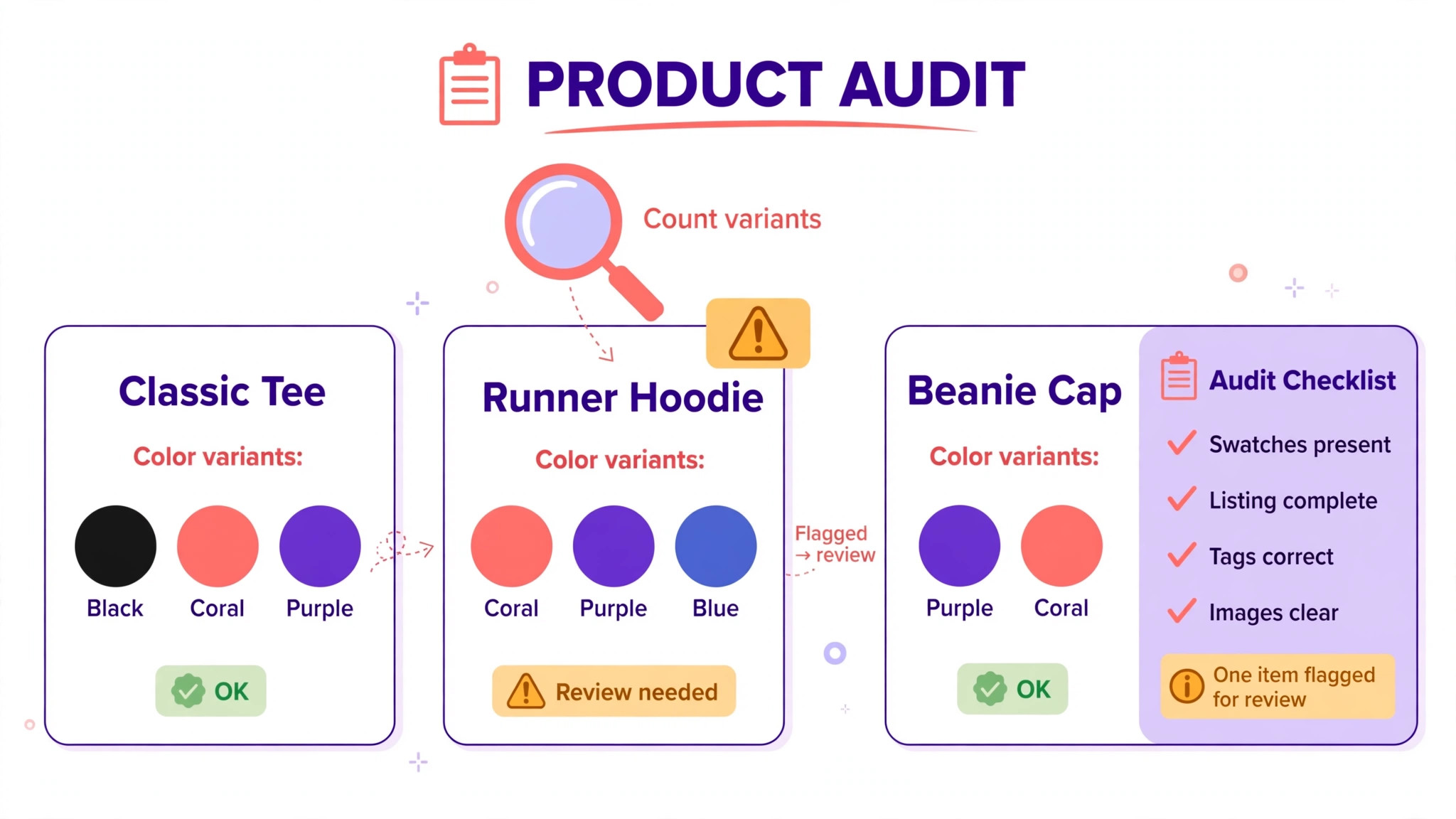
For a switch Wix to Shopify small store project, start with a product audit. Count products, variants, collections and images. Note products with more than three options, because Shopify allows a maximum of three options per product, while Wix allows up to six. Shopify’s own migration help states this limit clearly. Products with four or more options import without their options in the free Store Migration app, and their variants must be recreated or handled with metafields or a third party app. Find those products now, not on import day.
Next, audit customers and orders. Export a customer list and check how many records have complete emails and addresses. Note that customer passwords cannot be transferred for security reasons, so returning customers will need to create a new password, and that message needs planning. Order history is harder. Shopify has no native order import from Wix, so order history either stays in Wix as an archive or moves through a third party migration app such as Matrixify or Cart2Cart.
Then audit the selling setup. List every discount code, gift card, shipping rule, tax setting and payment method currently live. List every app, including review apps, email apps, shipping apps and popups, with what each one does and what it costs. Product reviews deserve a special note. Reviews cannot be exported from Wix, so they must be rebuilt with a review app on Shopify, and the best reviews should be saved manually before the move.
Finally, take the same URL inventory described for any site move. Pull the sitemap, the Search Console indexed list, and a crawl of the live store. Product pages that rank or earn links are the pages the redirect map must protect. A product page that brings steady search sales is worth more than a dozen blog posts, and losing it to a missing redirect is a direct revenue loss.
What to freeze, and what to keep selling
Set a freeze on catalogue changes once exports begin. No new products, no price changes, no variant edits until the new store is live, except for urgent corrections that are logged and repeated on Shopify. A catalogue that changes during migration produces two versions of the truth, and reconciling them after launch takes longer than the freeze ever did.
Keep selling on Wix throughout the rebuild. Build the Shopify store on a temporary address, test it fully, and only then move the domain. Customers should never see a half built store. The old store is both the reference copy and the rollback option, and it stays live until the new store has taken real orders successfully.
Switch Wix to Shopify Small Store, Step by Step
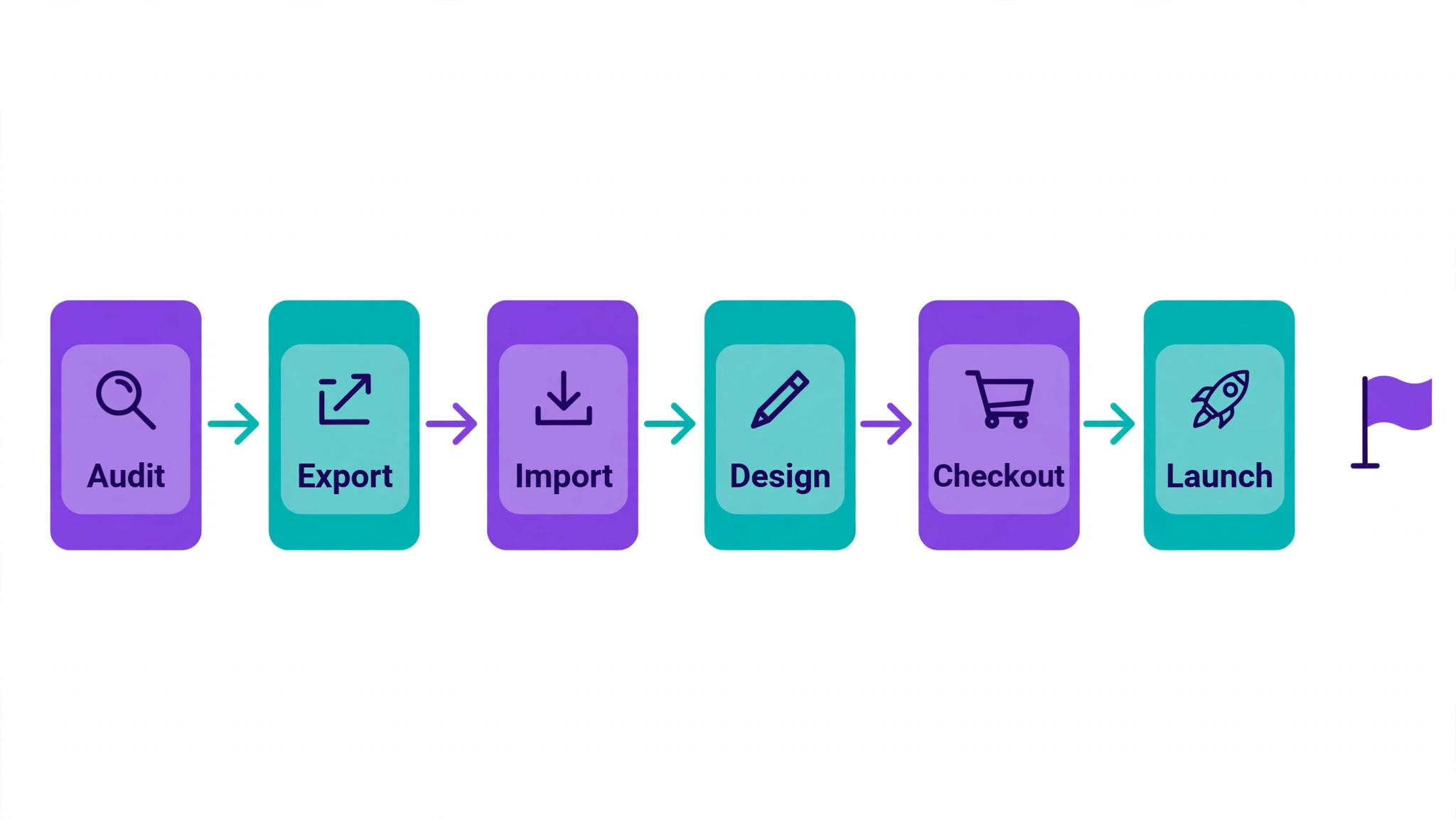
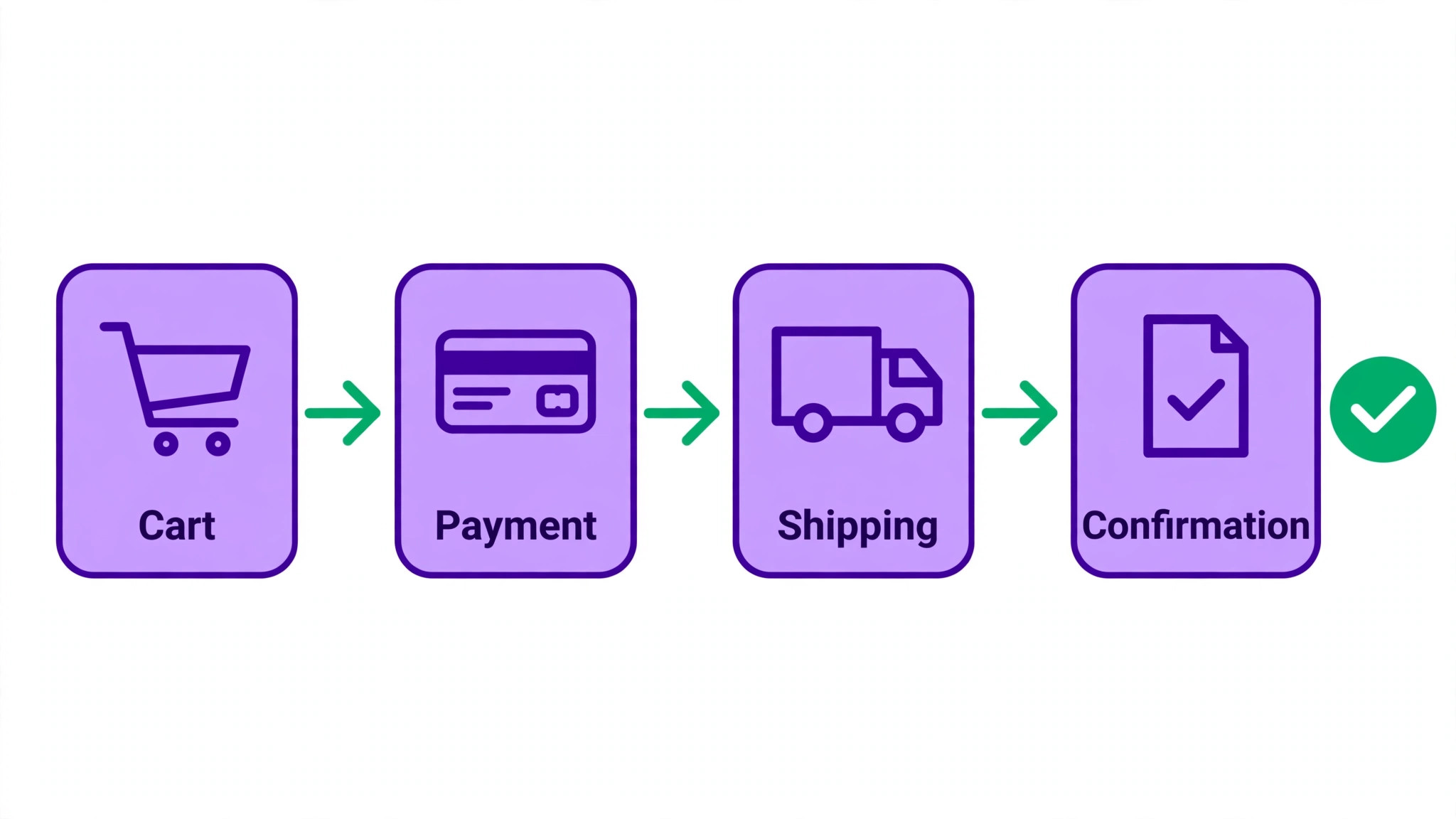
The workflow below runs in six stages, and each stage ends with a check. Stage one is the audit above, plus a Shopify trial store and a plan choice. Stage two is product and customer export, using the free Store Migration app or a cleaned CSV import. Stage three is theme selection and store design, built around the best selling products first. Stage four is checkout, payments, shipping and tax setup. Stage five is app swaps and redirect mapping. Stage six is testing, launch and the first month of monitoring.
For a small store, a realistic planning figure is one to three weeks of part time work, longer if the catalogue is large or the app list is long. A store with under fifty products and simple shipping can move faster. A store with hundreds of products, many variants and several apps should plan for the longer end and should not promise customers a launch date before the import has been tested.
Start with a small test import, not the full catalogue. Import ten products covering every variant pattern the store uses, including the awkward ones with many options, and check how they land. The test import reveals mapping problems while they are still cheap to fix. A full import that fails halfway wastes a day. A test import that fails teaches you something in an hour.
Product Export, the Store Migration App Versus CSV
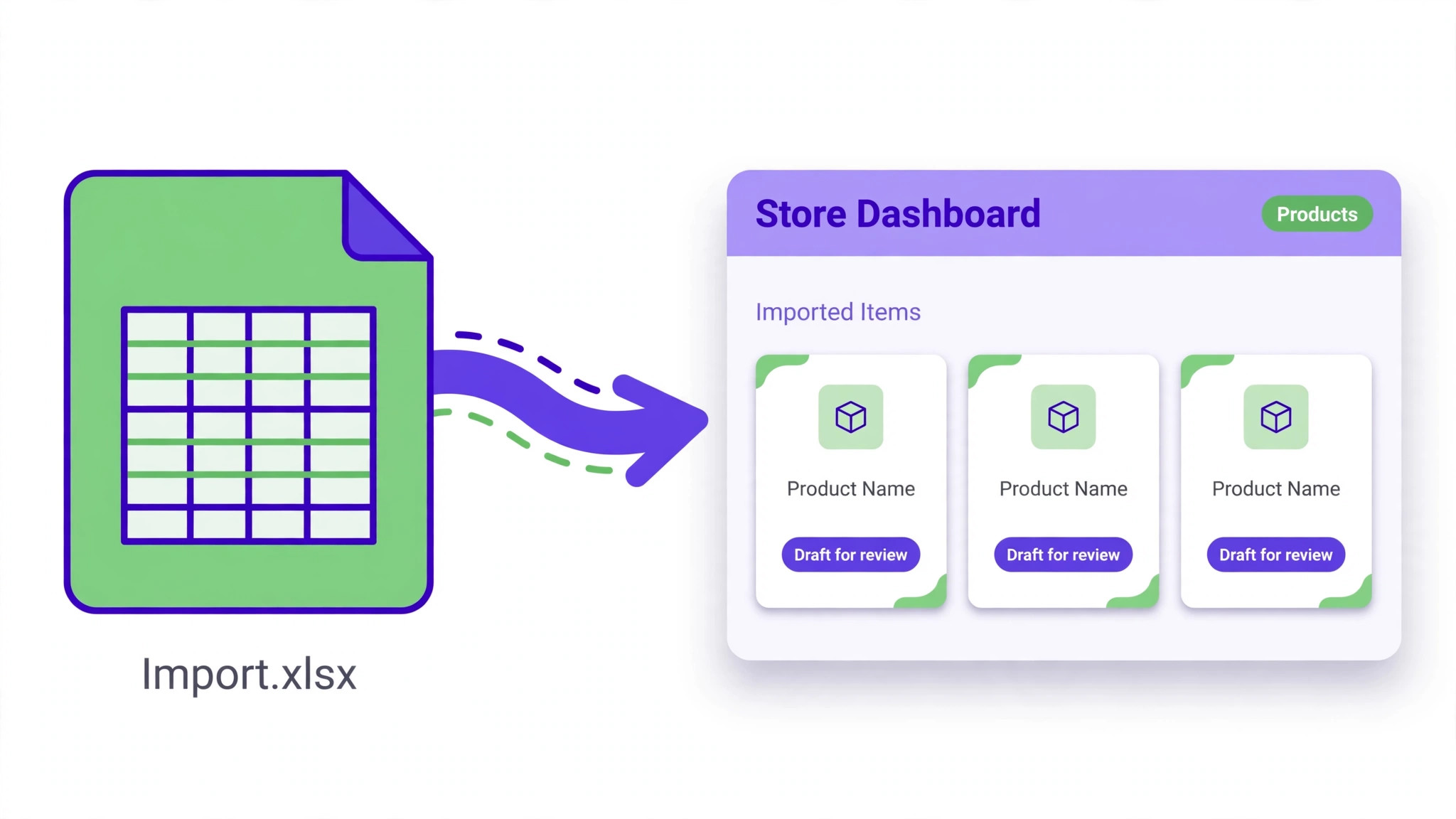
Shopify offers a free Store Migration app that imports product and customer CSV files exported from Wix without requiring the files to be edited first. That is the simplest route for most small stores. Export products from Wix, export customers if wanted, upload both files to the app, and review the import report, which lists how many items imported and flags items with problems. Imported products arrive as drafts, which is a safety feature, not a flaw, because it lets you review before anything goes live.
In a switch Wix to Shopify small store move, the limits of that route must be understood before relying on it. As noted, products with more than three options lose their options. Wix collections and ribbons import as product tags rather than as Shopify collections, so collections must be rebuilt. Digital products cannot be exported from Wix, so they must be added to Shopify by hand. Location based prices default to the highest price in the migration app, according to third party guides, so check prices on every imported product rather than trusting the import blindly.
The CSV route gives more control and more work. Export the Wix product file, remap its columns to Shopify’s product CSV template, and import through the Products section. Shopify’s CSV expects weight in grams, so convert weights if the Wix file uses another unit. This route suits owners comfortable with spreadsheets, or stores whose Wix export needs cleaning anyway. Whichever route you choose, never edit the only copy of an export. Keep the original file untouched and work on a copy, so a bad edit can be undone by starting again.
After import, review a sample of products line by line. Check titles, descriptions, prices, compare at prices, SKUs, inventory counts, weights and images. Check that variant combinations match the originals and that no variant was silently dropped. A product imported with the wrong price sells at the wrong price, and that error is discovered by a customer, not by a report. Publish products only after the sample checks pass.
Images, descriptions and variants that need hand work
Images usually travel with the export, but check them rather than assuming. Look for missing images, low resolution copies and images assigned to the wrong variant. Product descriptions written for Wix may contain formatting that looks different on Shopify, so read the top selling product pages on the new theme and fix formatting before launch. Descriptions are also the moment to improve weak copy, but keep the key product terms intact on pages that rank.
Variants are where small stores lose the most time. A product with size, colour and material options on Wix has three options and fits Shopify. A product with a fourth option, such as engraving or gift wrapping, does not fit the standard model and needs a different approach, such as a separate product, a metafield, or an app that adds extra options at checkout. Decide the approach per product during the audit, and do not leave variant decisions until the week of launch.
Rebuilding the Storefront on a Shopify Theme
Choose a theme for speed, mobile usability and fit with the product type, not for the flashiest demo. A store selling one hero product needs a different layout from a store with two hundred SKUs. Shopify’s theme store includes free themes that suit many small stores, and paid themes add features that may or may not be worth their price. Test the theme with your real products, not with demo products, because demo photography flatters every theme.
Rebuild navigation around how customers shop, not around how the business organises itself internally. Collections should match customer intent, such as by room, by gift recipient or by problem solved, rather than by supplier or warehouse category. Keep the number of top level menu items small. A menu with fifteen items helps nobody, and on a phone it actively harms sales.
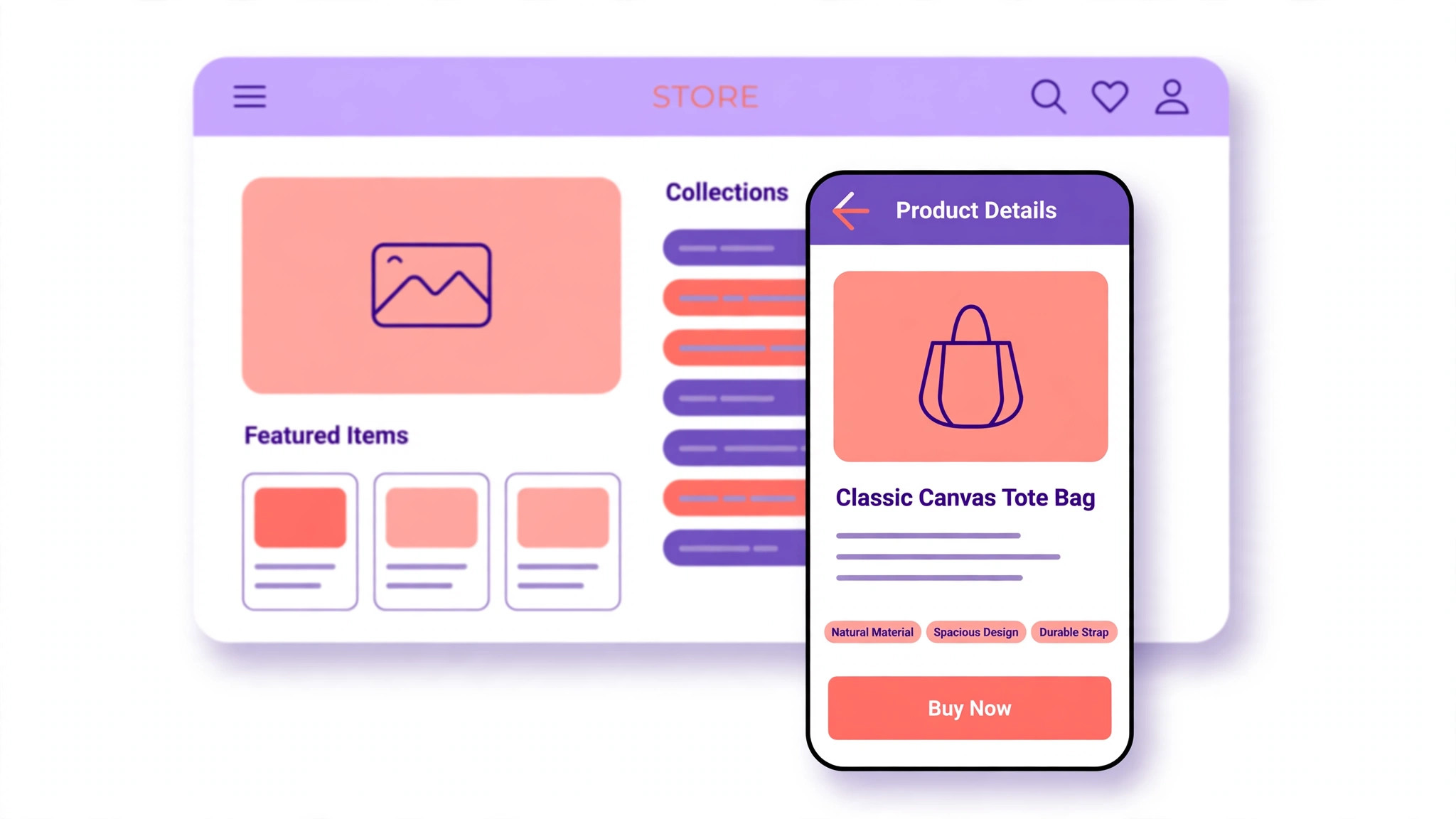
Product pages deserve the most design attention, because they are where money changes hands. The price, the variant selector, the delivery note and the buy button must be obvious without scrolling on a phone. Reviews, where rebuilt, belong near the buy button rather than buried at the foot of the page. Shipping and returns information should be one tap away, because uncertainty at that moment is a lost sale.
The home page should answer three questions fast. What does this store sell, why should a visitor trust it, and what should they do next. A hero image, a short trust statement, best sellers and a clear route into collections cover those questions. Everything else on the home page is decoration, and decoration that slows loading or pushes products down the page costs sales. Cut it.
Checkout, Payments, Shipping and Tax Rebuild
Checkout is the part of the move where a small mistake costs real orders, so rebuild it deliberately. Connect the payment provider the store already uses where possible, or choose a new one with eyes open about fees and payout timing. Test checkout with a real card in test mode and with the payment methods customers actually use, including wallets and local methods where relevant. A checkout that works for cards but fails for a popular wallet loses a visible share of sales.
Shipping setup must be rebuilt from the Wix rules, not guessed. List every shipping zone, rate and free shipping threshold from the old store and recreate them on Shopify, then test with addresses in each zone. A store that offered free shipping over a threshold on Wix and forgets that threshold on Shopify will either lose margin or lose orders, depending on which way the error falls. Test both sides of the threshold.
Tax settings need the same care. Confirm the tax regions, rates and product tax treatment on Shopify match the old setup, and check them against current rules for the places the store sells. Discount codes must be recreated one by one, with their conditions, limits and expiry dates checked against the originals. Gift cards need a decision too, because balances and codes do not move automatically, and existing gift card holders must be told how their balance carries over.
Abandoned cart recovery, order confirmations and shipping notifications all need setting up and testing on Shopify. Send test orders through the full journey and read every email as a customer would. A confirmation email with a broken tracking link or a missing returns note creates support work that the old store never caused. Fix those emails before launch, when they are still cheap to fix.
App Swaps, Reviews and Email
Work through the app list from the audit and find a Shopify equivalent for each app, or decide the function is no longer needed. Email marketing, reviews, popups, loyalty, shipping labels and accounting integrations each need a choice. Do not install every app on day one. Install the apps needed for launch, test them, and add the rest after the store is stable. Every app adds loading time and a monthly fee, and a store with twenty apps on launch day is a store nobody has tested properly.
Reviews need a rebuild plan, since they do not export from Wix. Choose a review app, import any reviews you saved manually, and invite recent customers to leave fresh reviews on the new store after launch. A store that launches with zero reviews looks newer than it is, so the review invitation sequence should be ready for launch week, not written a month later when the moment has passed.
Email lists transfer with the customer export, but automations do not. Welcome sequences, abandoned cart emails, post purchase follow ups and win back campaigns must be rebuilt in the new email tool, with their triggers and timing checked. Test each automation with a test customer before launch. An automation that fires twice, or fires to the wrong segment, is worse than no automation, because it reaches real customers with visible errors.
Accounting and inventory integrations also need reconnecting. If the store syncs orders to an accounting tool or a stock system, test that sync with test orders before launch. A sync that duplicates orders or misses refunds creates bookkeeping work that takes weeks to untangle. Keep the old Wix records accessible until the new sync has run cleanly for a full month.
Redirect Map and Search Protection for a Store
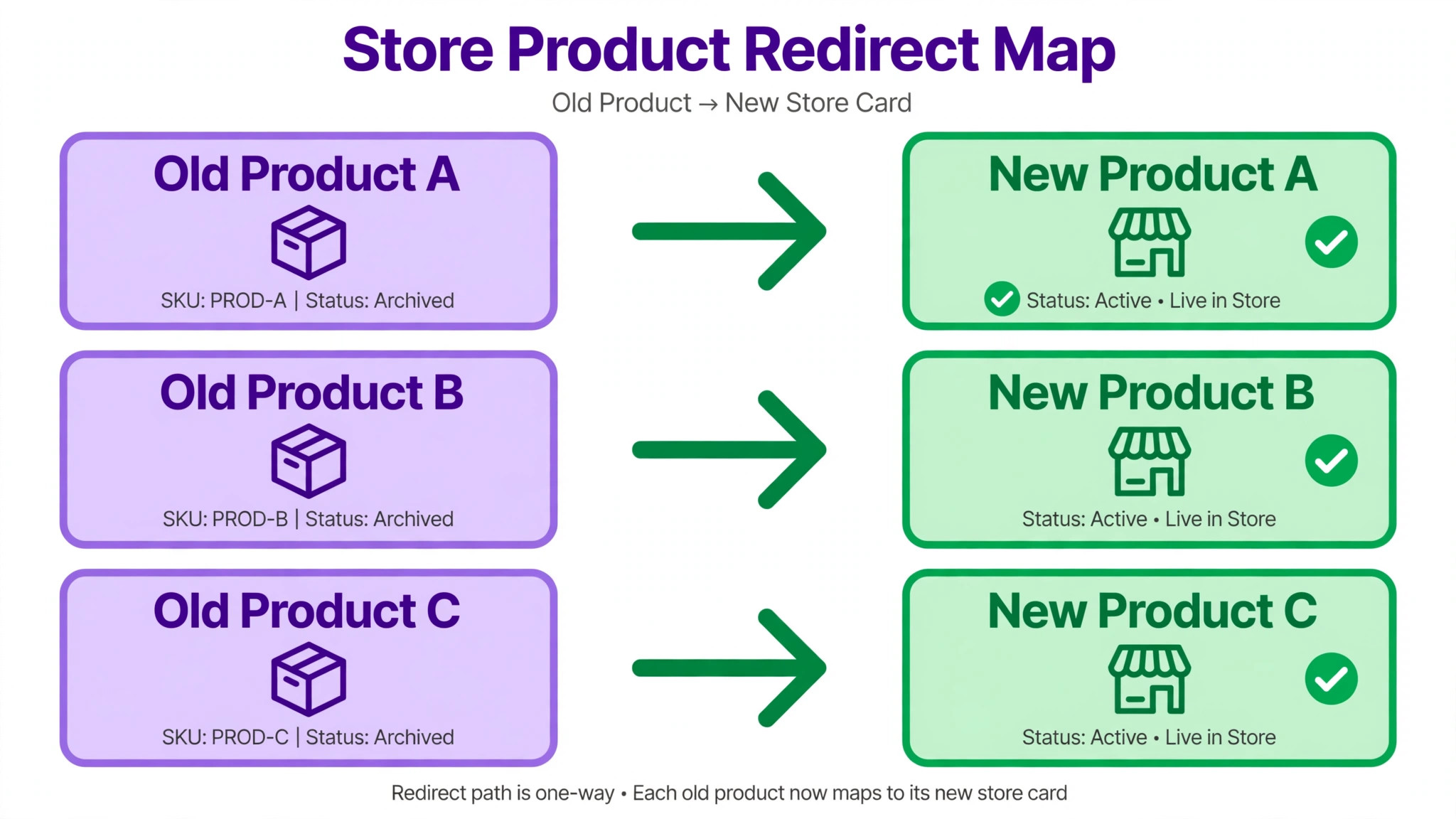
Product and collection addresses change in a switch Wix to Shopify small store move, and every changed address that earned traffic or links needs a redirect. Build the map from the URL inventory, with the old Wix address beside the new Shopify address for every important page. Shopify supports redirects for changed URLs, and they should be created before launch rather than added in a panic after traffic drops. Test the map on the staging store where possible, and test again on the live domain after launch.
Prioritise by value. Best selling products first, then ranking category pages, then the home and key information pages, then blog posts that bring traffic. Pages being discontinued should redirect to the closest live product or collection, not to the home page. A discontinued product with a good replacement is an opportunity, because the redirect sends its traffic to a product that can still sell.
Submit the new sitemap to Search Console on launch day and watch coverage and performance over the following weeks. Expect some movement while Google recrawls, and judge the migration after several weeks rather than after a few days. A product that drops and stays down usually has a missing redirect, a changed title or description, or a new page that loads slowly. Check those three causes in that order.
Keep the Wix store accessible for reference for at least a month, and keep its plan active through launch week as the rollback option. If checkout fails badly on the new store, the rollback is to point the domain back to Wix while the problem is fixed. A rollback plan that depends on rebuilding the old store is not a plan, and the cost of one extra month of Wix is trivial beside a weekend of lost sales.
Launch Checklist and the First Month of Trading
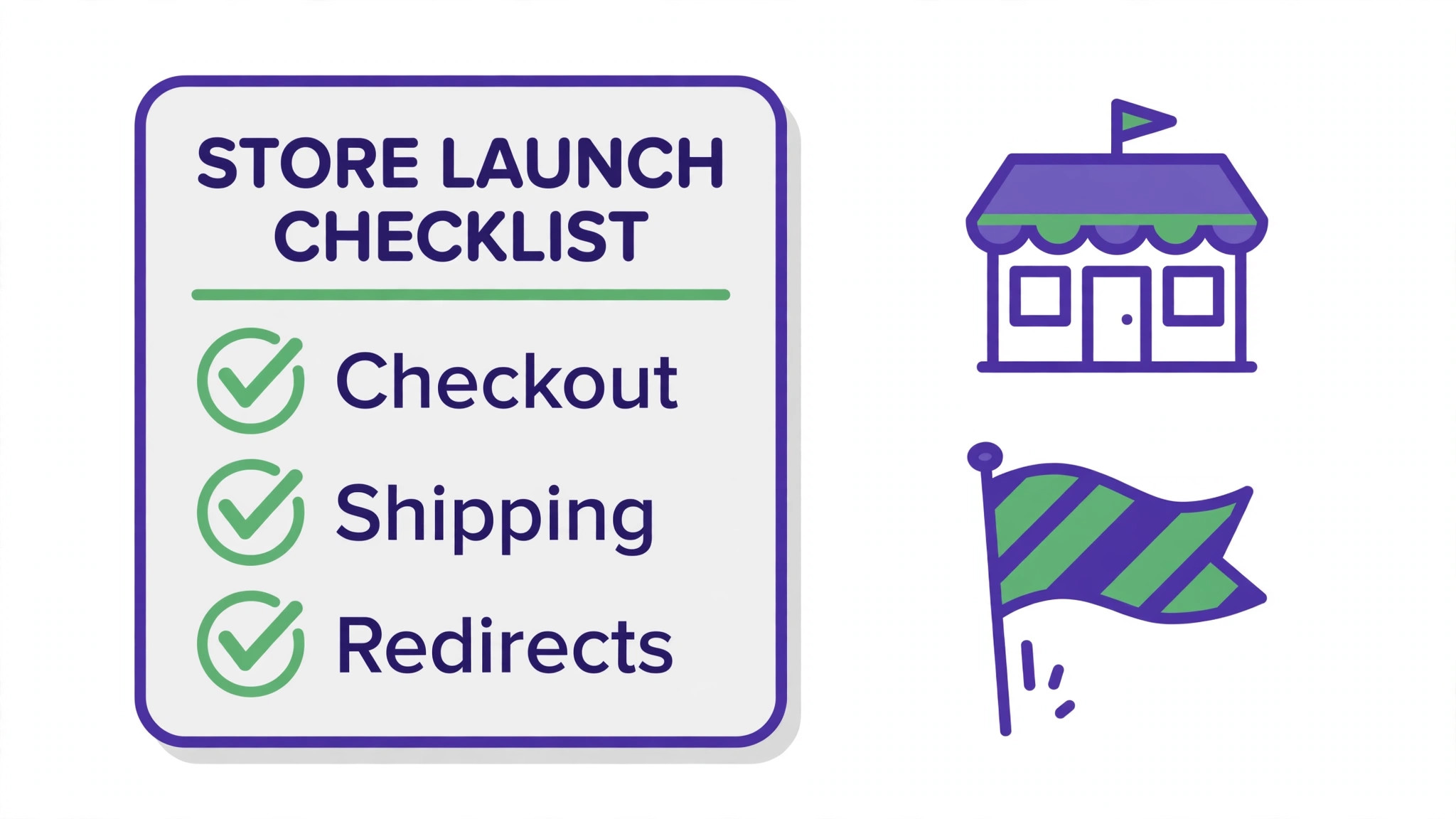
For a switch Wix to Shopify small store launch, launch on a weekday morning, when support, the team and any outside help are available. Confirm the checklist in order. Products reviewed and published, prices checked, checkout tested, shipping and tax tested, discounts recreated, redirects in place, analytics recording, email automations tested, and the domain move planned. Only then point the domain to Shopify, either by connecting it through DNS or by transferring it with the code from Wix, noting that domains registered within the last sixty days cannot be transferred under domain rules.
After the domain move, test as a customer from a phone on mobile data. Buy a real product, or a low priced test product, and follow it through to delivery confirmation. Check the order in Shopify, check the payment payout, and check that inventory decreased correctly. That single real order tests more systems than a week of staging checks, because it runs on the live domain with live payment and live email.
Announce the move to customers only where it affects them. Returning customers need to know they must create a new password, gift card holders need to know how balances carry over, and subscribers need to know their subscriptions continue or change. Keep each message short and focused on the customer’s next step. Nobody needs a technical explanation of the platform change.
The first month is monitoring. Compare orders, conversion rate, average order value and search traffic with the same period before the move. Watch for products with traffic but no sales, which often signals a price, variant or shipping error. Watch support messages for patterns, because three customers reporting the same checkout problem is a system fault, not bad luck. Fix patterns fast and log every fix.
What the Move Costs, and What It Saves
Shopify plan costs depend on the plan chosen, and app fees sit on top, so price the actual plan and app shortlist rather than budgeting from a headline figure. A small store often starts on a basic plan and adds apps for reviews, email and shipping, and those app fees can rival the plan fee within a year. List every app with its monthly price before launch, and review the list quarterly, cancelling anything the team no longer uses.
Time is the larger cost for most owners, and a switch Wix to Shopify small store project should be budgeted in weeks rather than days once product checks, app setup and testing are counted. Hiring help converts that time into a fee, and quotes should be sought against the product count and app list rather than against a vague brief. A quote for a fifty product store and a quote for a five hundred product store are different projects, and a provider who quotes without asking the count has not understood the job.
Savings come from fewer workarounds, better conversion on a checkout built for selling, and time saved on inventory and marketing tasks that previously needed manual steps. Those savings are real but they arrive over months, not on launch day. Judge the move at three months on orders, conversion and hours saved, not on launch week excitement. If the store sells more per visitor and the team spends less time fighting the platform, the move has paid.
Mistakes That Break a Store Migration
The most common mistake in a switch Wix to Shopify small store move is importing the full catalogue without a test import, which turns a mapping problem into a catalogue wide error. The second is forgetting that reviews, order history and gift cards do not move automatically, which leaves the new store looking empty and confuses loyal customers. The third is launching without a real test order, which leaves checkout, shipping and email unproven on the live domain.
Another mistake is keeping every app from the old store, including apps nobody used. Each app costs money and slows the site, and a launch is the right moment to cut the list to what the store actually needs. A related mistake is choosing a theme for looks rather than for speed and mobile checkout, which trades sales for decoration. Test the theme with real products on a real phone before committing.
A final mistake is cancelling Wix on launch day. Keep it live for reference and rollback for at least a month, and cancel only when the new store has traded cleanly, search traffic has settled, and every function has been tested. The cost of an extra month is small. The cost of needing the old store after cancelling it is large, and it arrives at the worst possible moment.
Frequently Asked Questions
Can products move from Wix to Shopify automatically?
Products and customers can move through Shopify’s free Store Migration app using CSV exports from Wix, without editing the files first. The app has limits, including the three option maximum and the handling of collections, digital products and location prices noted earlier. Review the import report and check a sample of products line by line before publishing anything.
Do customers keep their passwords?
No, customer passwords cannot be transferred for security reasons. Returning customers must create a new password on the new store. Plan an account email that explains the change, links to the password reset, and reassures customers that their order history and details are safe. Send it on launch day, not a week later when customers have already hit the login wall.
Will search rankings survive the move?
Rankings usually survive when redirects cover the important product and collection pages and the rebuilt pages keep their core content. Expect movement while Google recrawls, and judge after several weeks. A page that stays down usually has a missing redirect, changed content or a slow load time. Check those causes in that order before assuming the platform is at fault.
How long does the move take?
A small store with a simple catalogue can move in one to two weeks of part time work. A larger catalogue, many variants or several apps push that to three weeks or more. The test import is the best predictor. If the test import lands cleanly, the full import will be fast. If it reveals variant or price problems, add time for hand work before promising a launch date.
Should the domain move to Shopify or stay where it is?
Both routes work. Connecting the domain through DNS keeps registration where it is and points the store to Shopify. Transferring moves registration to Shopify as well. Transfer is not possible for domains registered within the last sixty days. Either way, copy DNS records carefully, especially mail records, and test email after the move.
What happens to Wix order history?
Order history does not import natively. Most small stores keep Wix as an archive for old orders, or use a third party migration app if the history must live inside Shopify. Either choice should be decided before launch, and customers asking about old orders should be answered from the archive without delay. Losing access to order history hurts support far more than it hurts the storefront.
The Verdict for a Small Store Ready to Grow
Move when selling is the main job of the site and Wix limits are costing time, sales or marketing options. Stay when the catalogue is small, selling is simple, and the store earns well without new features. The platform is a tool, not a badge, and the right tool is the one that sells with the least friction for the store you actually run.
For stores that do move, the discipline is the same throughout. Test import before full import, check prices and variants by hand, rebuild checkout and shipping from the old rules, map redirects before launch, and keep Wix live until the new store has traded cleanly. A switch Wix to Shopify small store owners plan in that order becomes a store built for selling, with a checkout, app market and inventory system that can grow with the business rather than holding it back.
More Reading on Stratilyze
– Cost of Shopify for Small Business Monthly – Cost of Wix for Small Business Monthly – Cost of Running a Shopify Store Monthly – Best Payment Software for Service Businesses – Migrate Wix to WordPress for Bloggers