

Your ads are active, your budget is set, and almost nothing is happening. No spend, no leads, or spend that crawls while results stay flat. That is the problem this guide solves, and it solves it in diagnostic order, so you stop guessing. The method to fix Facebook ads not delivering small business owners need starts with the delivery status, not with a bigger budget, because a bigger budget cannot fix a paused ad, a rejected creative, or an audience that is too small to spend against.
Delivery problems look identical from the outside and differ completely inside. An ad set still in learning, a budget too small for the result you asked for, two ad sets bidding against each other, tired creative, or a placement the audience never sees can each produce the same flat dashboard. Working through the checks below in order tells you which one you actually have, and each check ends with a clear decision. Fix that cause, wait long enough to judge it, and only then move on.
Before you change anything, capture the current state. Note the delivery status of each campaign, ad set and ad, the daily budget, the optimisation event, the audience size estimate, the start and end dates, and the spend and results for the last seven days. Screenshot the delivery column and the breakdown by placement. That snapshot stops the most common diagnostic error, which is changing three settings, seeing a change, and never knowing which change caused it.
How to Fix Facebook Ads Not Delivering Small Business Problems in Order
The workflow runs from status to learning phase, then budget, audience overlap, creative fatigue, and placement audit. That order matters because early steps are free to check and often explain everything. A status problem is a switch, not a strategy problem. A learning problem is a patience and structure problem, not a creative problem. Only after those pass does it make sense to judge creative or placements, because tired creative cannot be diagnosed inside an ad set that never had a fair chance to deliver.
Change one thing at a time and give it a fair test window. Meta own guidance describes the learning phase as the period after creation or a significant edit, during which the system explores who is most likely to deliver the result you asked for. Significant edits, including budget changes above about a fifth, audience changes, creative swaps and bid strategy changes, can restart that exploration. If you stack edits every day, you keep restarting the clock and then blame the platform for never stabilising.
Judge delivery on the right window. A single day of low spend after an edit tells you almost nothing, while seven days of consistent underdelivery tells you a great deal. Use the last seven days as your default window, compare like with like across ad sets, and write down what you changed and when. That log is what turns a confusing dashboard into a diagnostic trail, and it is what any freelancer or agency you later hire will ask for first.
| What the dashboard shows | Most likely cause | First check |
|---|---|---|
| Ad set shows Learning Limited | Too few optimisation events expected per week | Budget, audience size, event frequency and overlap |
| Spend is near zero despite an active status | Rejected ad, paused element, schedule, or account limit | Delivery status at campaign, ad set and ad level |
| Spend is normal but results are flat | Creative fatigue or weak offer | Frequency, cost per result trend, and creative age |
| One ad set spends, a similar one does not | Audience overlap or auction competition | Audience overlap check and consolidation |
| Results arrive only from one placement | Placement mismatch | Breakdown by placement and asset suitability |

Read the Delivery Status Before You Touch Budgets
Open Ads Manager and read delivery status at all three levels, campaign, ad set and ad. A campaign can be active while an ad set inside it is paused, and an ad set can be active while its only ad is rejected or still in review. Owners who check only the campaign level miss those cases for days, while blaming targeting or budget for a problem that is really a switch or a rejection. Click into each level and confirm what is actually live.
Rejected ads deserve a careful read, not a quick duplicate. Open the rejection reason, read the advertising standard it cites, and edit the ad to meet it, or request a review if you believe the rejection was a mistake. Duplicating a rejected ad without changing the offending element usually produces a second rejection, and repeated rejections waste the test window you need for real diagnosis. If an ad is still in review, wait for that review to finish before judging delivery, because an ad under review cannot deliver normally.
Check the boring switches next. Start and end dates, dayparting schedules, account spending limits, payment failures, and billing holds can each stop delivery while everything else looks healthy. An account spending limit reached silently is a classic small business trap, because the ads look active and the limit sits in a billing screen nobody opens. A payment failure has the same effect. Confirm billing is current, confirm no account limit has been reached, and confirm the schedule covers the hours your customers actually buy.
Check the optimisation event and the conversion setup before you blame delivery. If the pixel or Conversions API is misfiring, duplicated, or tracking the wrong event, Meta cannot learn who converts, and delivery will look broken even when the ads themselves are fine. Open Events Manager, run a test event, and confirm the event you optimise for fires cleanly on a real action. A delivery problem caused by broken tracking is fixed in tracking, not in targeting, and no budget increase will compensate for missing signal.

Learning Phase Check That Explains Most Slow Starts
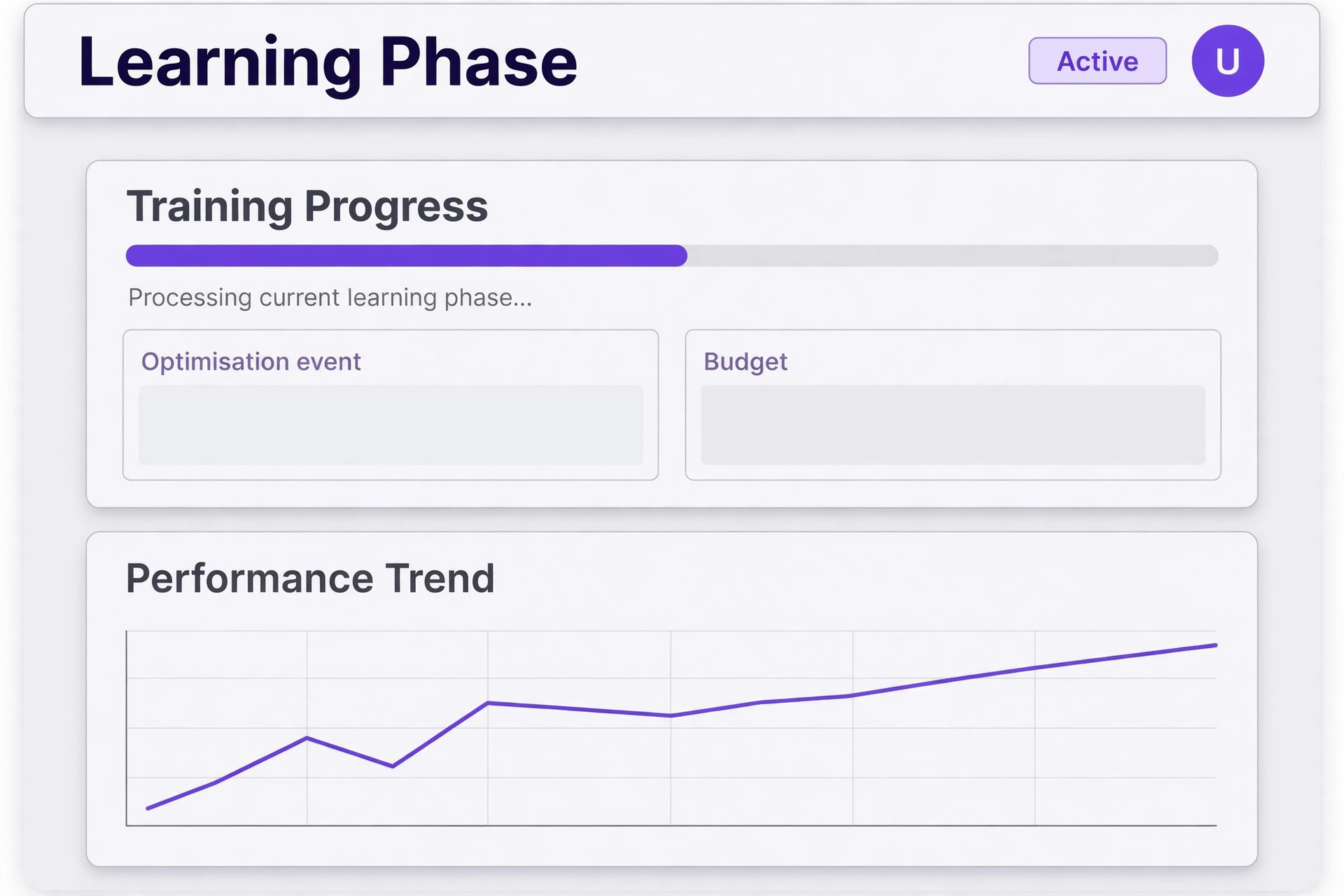
Meta describes the learning phase as ending once an ad set has gathered enough optimisation events, commonly described as about 50 events in the week after the last significant edit. An ad set that Meta predicts will not reach that level is labelled Learning Limited. That label is not a penalty. It is a forecast that the current budget, audience, event and structure will not generate enough signal for stable delivery, and it tells you exactly where to look.
Start with the arithmetic, because it settles many arguments fast. Multiply your recent cost per result by 50 to see what a week of learning would cost at current performance, then compare that figure with the weekly budget actually assigned to the ad set. If the budget cannot plausibly fund 50 results, Learning Limited is expected, not mysterious, and the honest fixes are to consolidate budget into fewer ad sets, optimise for an event that happens more often, widen the audience, or accept slower learning and judge the ad set on customers rather than on learning status alone.
Consolidation is usually the highest value fix for a small account. Five small ad sets splitting one budget give each ad set a fifth of the signal, while one or two broader ad sets give each enough events to learn. Merge ad sets that target similar people with the same goal, move the freed budget into the surviving set, and resist the urge to split again by age, interest or placement until the consolidated set is delivering steadily. Broader targeting with more creative variety inside one ad set beats narrow targeting spread across many starved ad sets.
Protect the learning window once you have fixed the structure. Avoid budget changes above about a fifth, audience changes, creative swaps and bid changes for a full week after the fix, and judge the result at the end of that week, not on day two. Early numbers during learning are noisy by design, because the system is still exploring. Owners who kill an ad set on day two because the cost per result looks high are usually killing it before it had a chance to find its audience. That patience is often the missing step when owners try to fix Facebook ads not delivering small business results, because the fix was already made and never given time to work.
Budget Check That Separates Underfunding From Underperformance
Budget problems come in two kinds, and they need different fixes. Underfunding means the budget cannot buy enough results for the system to learn or for the business to notice. Underperformance means the budget is being spent but each result costs more than the business can afford. Raising the budget fixes the first kind and worsens the second, so check which kind you have before you touch the number.
Test underfunding with the same arithmetic as the learning check. If the ad set spends its full daily budget every day and still produces few results, the budget may be too small for the event, but the cost per result is the real test. If the cost per result is affordable and the business wants more volume, a larger budget is a reasonable test, raised gradually rather than doubled overnight. If the cost per result is already unaffordable, more budget buys more unaffordable results, and the fix sits in creative, offer, landing page or event choice, not in spend.
Check for budget fragmentation across the account, not just inside one campaign. A small business often runs a prospecting campaign, a retargeting campaign, a boosted post and a page promotion at once, each with a small budget, and each starving the others. Add up total daily spend, list what each campaign is meant to achieve, and pause or merge the ones with no clear job. One campaign doing one job well beats four campaigns doing four jobs badly, and the freed budget often fixes delivery without any increase in total spend.
Watch bid and cost controls with the same suspicion as budgets. A bid cap or cost cap set below the auction price for your audience will throttle delivery even when the budget is generous, because the system cannot bid high enough to win impressions. If delivery is near zero and a cap is in place, test by loosening or removing the cap on a duplicate ad set, and compare delivery before judging audience or creative. Caps are useful once delivery is healthy, but poor diagnostic tools on an ad set that has never delivered. Checking caps early saves owners who try to fix Facebook ads not delivering small business campaigns from raising budgets against a ceiling they set themselves.
Audience Overlap Check That Stops Ad Sets Bidding Against Each Other
Audience overlap happens when two or more ad sets target many of the same people with similar goals, so they compete in the same auction and push each other costs up while splitting delivery. Meta provides an audience overlap check in Ads Manager, and it is worth running whenever one ad set spends well while a similar one starves, or when costs rise across all ad sets even after creative changes. Overlap alone does not prove a problem, but overlap combined with underdelivery is a strong signal.
Fix overlap with the lightest touch that fits the situation. Where two ad sets share a goal and similar audiences, combine them and their budgets into one stronger ad set. Where one overlapping ad set is Learning Limited while another delivers, turn the weaker one off and move its budget to the active one. Where funnel stages must stay separate, such as prospecting and retargeting, exclude one audience from the other so each ad set targets a distinct slice. Each fix removes the auction competition while keeping the audiences the business actually needs.
Avoid the trap of fixing overlap by endlessly narrowing audiences. Narrower slices reduce overlap on paper while starving each ad set of the audience size it needs to learn, which brings the learning problem back. Broader audiences with clear exclusions usually deliver better than many tiny slices, because they give the system room to find buyers inside a large pool without competing against a sibling ad set. Check the audience size estimate after any change, and be suspicious of any ad set whose pool is too small to fund its own learning.
Review overlap across the whole account, not just inside one campaign. Overlap can occur across campaigns and even across ad accounts that Meta sees as one advertiser, so a prospecting campaign and a retargeting campaign in different campaigns can still compete. Run the overlap check on the ad sets that matter most, consolidate where the goal is the same, and use exclusions where the funnel stage genuinely differs. That account wide view is what stops the same overlap problem reappearing under a new campaign name. It is also the check most often skipped by owners who try to fix Facebook ads not delivering small business campaigns by changing creative, while two ad sets quietly bid against each other.

Creative Fatigue Check That Judges Ads Fairly
Creative fatigue means the same audience has seen the same ads too often, so attention drops and cost per result climbs even though delivery continues. Frequency is the first number to check, together with the cost per result trend over the last few weeks. Rising frequency alongside rising cost per result, with no change in budget or audience, points at fatigue rather than targeting. A new audience would hide fatigue for a while, but refreshing creative fixes it properly.
Refresh creative with variety, not just a new image on the same message. Test a different hook in the first line, a different benefit, a different format such as video instead of a static image, and a different call to action that matches the landing page. Keep the winning elements where the data supports them, such as a headline that still converts, and change the elements that have gone stale. Running three to five genuinely different ads per ad set gives the system choice without fragmenting signal across dozens of near identical variants.
Check the landing page before you blame creative alone. An ad that promises one thing and lands on a page that says another will convert poorly no matter how fresh the creative is, and the dashboard will blame the ad. Open the landing page on a phone, confirm the headline matches the ad, confirm the offer and price are visible without scrolling through unrelated content, and confirm the form or checkout works. Creative and landing page are one experience for the customer, and diagnosing them separately misses the handoff between them.
Give refreshed creative a fair test window, just as you would a new ad set. Judge it after several days of stable delivery, not after a few hours, and compare it against the fatigued creative on cost per result and on actual customers, not just on clicks. Clicks are cheap to generate and easy to misread. A creative refresh that lowers clicks but raises booked jobs is a success, while a refresh that raises clicks and lowers jobs is a failure dressed as progress. Judging on customers is the discipline that separates owners who fix Facebook ads not delivering small business results from owners who keep refreshing ads that were never the problem.
Placement Audit That Finds Where Results Actually Come From
Placements decide where ads appear, from feeds and stories to reels, search results and partner apps, and not every placement suits every creative. A video built for reels will look poor in a feed placement, and a detailed static image built for feed will lose impact in a short story slot. Open the breakdown by placement and compare spend, results and cost per result across placements for the same ad set. A placement consuming budget with no results is a placement to remove, while a placement delivering cheap results deserves more creative built for it.
Use automatic placements as a starting point, not as a permanent setting, once you have placement data. Automatic placements let the system find cheap inventory, which is useful while learning, but they can also hide a mismatch where one placement eats budget that a better placement would use well. After a week of data, remove placements with consistently poor cost per result, keep the placements that convert, and build creative in the format each kept placement favours. That audit often improves delivery without any budget change at all.
Check asset suitability for each kept placement before you judge the placement itself. A story placement needs vertical video or image with readable text that survives cropping, while a feed placement needs a clear headline and a strong first frame. An ad that fails in stories because it was built for feed is a creative format problem, not a placement problem, and removing stories would hide it rather than fix it. Build one asset per placement format for the best performing message, and let the placement data judge the format, not the message.
Review placements together with audience and creative, because the three interact. A placement that looks poor for a broad audience may perform well for retargeting, where the viewer already knows the business, and a placement that looks poor for static images may perform well for video. Change one variable at a time, placement or creative or audience, and record the result, so the audit produces decisions rather than hunches. That discipline is what turns a placement breakdown from a confusing table into a fix list.
Delivery Fix Checklist and the Seven Day Test
Use this checklist in order, and do not skip to creative or placements until the earlier steps pass. The checklist is the overview proof of this guide, because it turns a flat dashboard into a sequence of verifiable checks.
1. Read delivery status at campaign, ad set and ad level, and fix pauses, rejections and review holds. 2. Check start and end dates, schedules, account spending limits, billing and payment status. 3. Confirm the optimisation event fires cleanly in Events Manager with a test event. 4. Run the learning arithmetic, comparing weekly budget with the cost of about 50 optimisation events. 5. Consolidate overlapping or fragmented ad sets into one or two broader ad sets with enough budget each. 6. Check budget fragmentation across the whole account and pause campaigns with no clear job. 7. Run the audience overlap check and combine, exclude or turn off competing ad sets. 8. Check frequency and cost per result trends for creative fatigue, then refresh creative with variety. 9. Audit placements by spend and cost per result, remove poor placements, and build format correct assets. 10. Protect the fixed structure for seven days with no significant edits, then judge on customers and cost per result.
After the checklist, run a seven day test with a written prediction. State what you changed, what you expect to improve, and what number would prove it. If delivery improves, keep the structure and scale gradually. If delivery stays flat, the checklist tells you which causes are already ruled out, so the next investigation starts from evidence rather than from zero. That written prediction is what stops the cycle of daily tweaks that never get judged properly. It is the final step for owners who want to fix Facebook ads not delivering small business campaigns once, with a record, instead of tweaking them forever without one.

Mistakes That Keep Delivery Flat
The most common mistake is raising the budget on an ad set that has never delivered for a structural reason. More money cannot fix a rejected ad, a paused ad set, a spending limit, or an audience overlap problem, and it can make a cost problem worse by buying more expensive results. Diagnose first, spend second, and let the checklist decide whether a budget change is even the right lever.
The second mistake is editing every day. Each significant edit can restart learning, so daily budget tweaks, audience tweaks and creative swaps keep the ad set in permanent exploration. Owners often describe this as the platform never working, when the real pattern is that the platform was never left alone long enough to work. Make a change, log it, wait a week, and judge it. That rhythm feels slow, but it is faster than months of daily edits that never stabilise.
The third mistake is judging on clicks and impressions instead of customers. An ad set can deliver plenty of cheap clicks that never become leads or sales, while a quieter ad set delivers fewer clicks and more customers. Judge delivery fixes on cost per lead, cost per booking or cost per sale, and check whether those leads actually become customers. Vanity metrics flatter bad decisions, while customer metrics expose them quickly.
The fourth mistake is copying a competitor structure without copying its budget or event volume. A structure that works for a large advertiser with many daily conversions will starve on a small budget with few weekly conversions, because each ad set needs its own learning signal. Small accounts need fewer, broader ad sets, not more granular ones. Simplicity is not a compromise for small businesses, it is the structure that matches their event volume.
How to Prove Delivery Stays Healthy
A single good week does not prove delivery is fixed, because learning, seasonality and creative freshness all move over time. Monitor three measures weekly for a month after the fix. First, spend against budget, which shows whether the ad set is actually able to spend. Second, cost per result and cost per customer, which show whether results are affordable. Third, frequency and creative age, which warn of fatigue before it damages results. A weekly check on those three numbers catches most regressions early.
Set a standing rule for future changes. No significant edit without a logged reason, no new ad set without checking overlap against existing sets, and no creative launch without a format check for its placements. That rule sounds bureaucratic, but it prevents the two most common regressions, which are fragmentation and overlap creeping back as new campaigns are added. Review the account structure monthly, merge ad sets that have drifted into overlap, and retire creative that has passed its useful life.
Watch for quiet regressions that never trigger a warning. A landing page change that breaks the conversion event, a new team member boosting posts outside Ads Manager, a payment card expiring, or a seasonal audience shrinking can each flatten delivery without any status flag. Treat a sudden change in spend or cost per result as a diagnostic event, run the checklist from the top, and compare against the snapshot you took before the fix. That habit turns delivery from a mystery into a routine.
The Delivery Verdict for Small Businesses
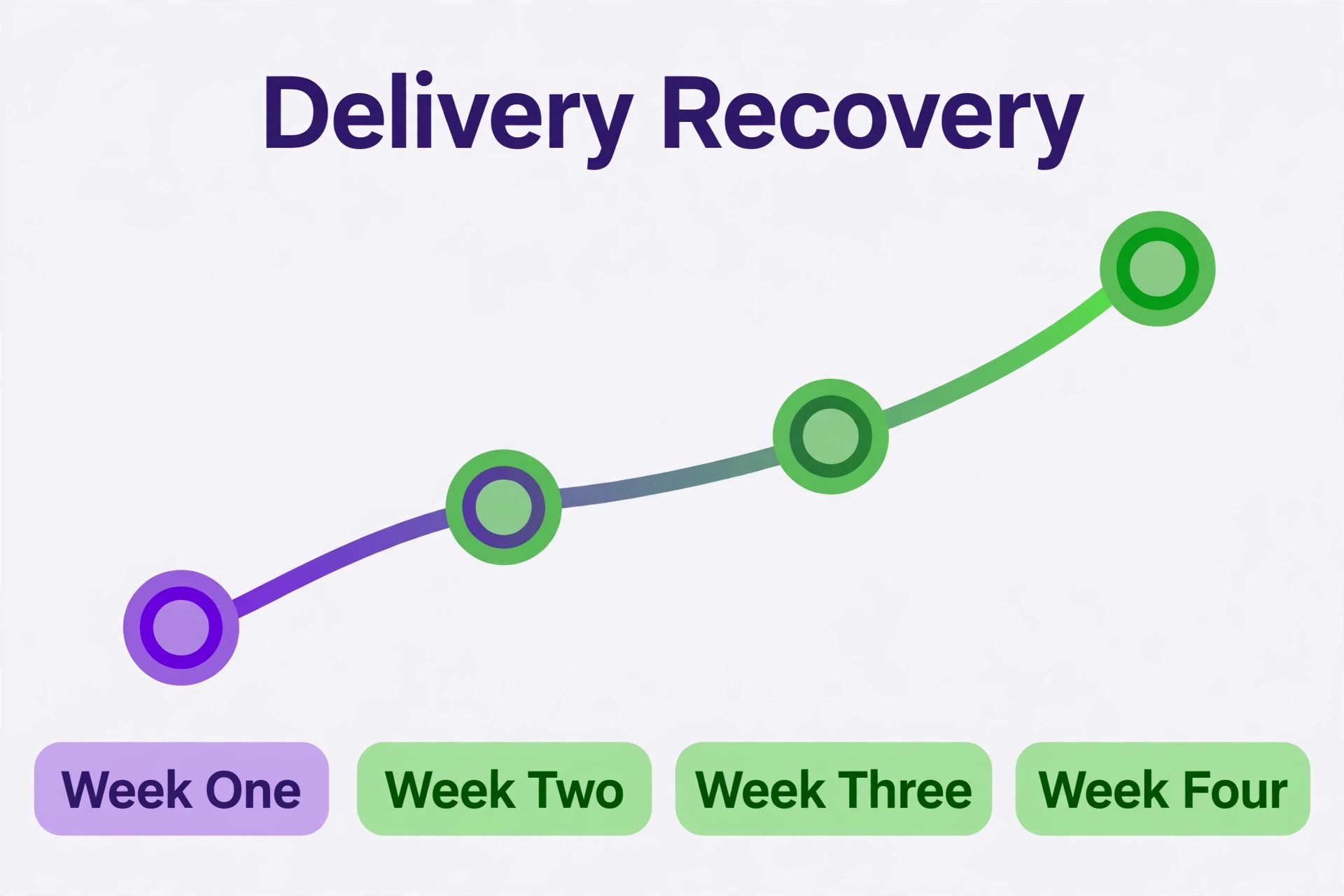
Flat delivery is usually a structure problem, not a platform problem and not a budget problem. Read the status, fix the learning arithmetic, consolidate fragmented ad sets, remove overlap, refresh tired creative, and audit placements, in that order, and protect the fixed structure for seven days. That sequence is the practical way to fix Facebook ads not delivering small business owners face, and it works because it rules causes out one by one instead of guessing at all of them at once.
Start with the delivery column, not the budget slider. Work the checklist, write down your prediction, and judge the result on customers after a full week. Done that way, a flat dashboard becomes a short diagnostic job with a known cause, and the account that emerges is simpler, broader and easier to manage than the fragmented account that stopped delivering.

Frequently Asked Questions
Why does my ad set say Learning Limited?
It means Meta predicts the ad set will not gather enough optimisation events in the week after the last significant edit to finish learning, usually described as about 50 events. Common causes are a small audience, a low budget, a low bid or cost control, high auction overlap, an infrequent optimisation event, or too many ads running at once. Consolidate ad sets, widen the audience, or optimise for a more frequent event, then protect the structure for a week.
How long should I wait before judging a delivery fix?
Give a fixed structure a full seven days with no significant edits before judging it on customers and cost per result. Daily numbers during learning are noisy, and significant edits can restart learning, so judging on day two usually measures noise rather than performance. A seven day window with a written prediction gives the fix a fair test and gives you a clear decision at the end.
Does raising my budget fix ads that are not delivering?
Only when underfunding is the actual cause, meaning the ad set spends its budget, the cost per result is affordable, and more volume is wanted. Raising the budget cannot fix a rejected ad, a paused ad set, a spending limit, broken tracking, audience overlap, or creative fatigue, and it can worsen an unaffordable cost per result. Diagnose first, then decide whether budget is the right lever. That order is the core lesson for anyone trying to fix Facebook ads not delivering small business campaigns on a tight budget, because it protects spend for the fix that actually works.
What is audience overlap and should I worry about it?
Audience overlap means two or more ad sets target many of the same people with similar goals, so they compete in the same auction and push costs up while splitting delivery. Worry about it when overlap combines with underdelivery, one ad set starving while a similar one spends, or costs rising across ad sets after creative changes. Combine same goal ad sets, exclude audiences where funnel stages must stay separate, or turn off the weaker set.
How do I know if my creative is fatigued?
Check frequency together with the cost per result trend over several weeks. Rising frequency alongside rising cost per result, with no change in budget or audience, points at fatigue. Refresh creative with genuine variety, a different hook, benefit, format or call to action, and judge the refresh on customers after several days of stable delivery, not on clicks alone.
Should I use automatic placements or choose placements manually?
Use automatic placements while learning, because they let the system find inventory cheaply, then audit the placement breakdown after a week of data. Remove placements with consistently poor cost per result, keep the placements that convert, and build creative in the format each kept placement favours. Manual placement choice works best once placement data, not guesswork, supports it.
More Reading on Stratilyze
– Automate Small Business with AI – Best Customer Feedback Software for Small Business – Best Live Chat Software for Small Business Websites – Best Review Management Software for Local Businesses