
A couple sends an inquiry on a Sunday night, a florist replies to an old thread on Tuesday, a venue changes its load in time on Wednesday, and by Friday the planner is answering the same budget question in three different places while a payment deadline slips past unnoticed, and it is the problem you use AI for wedding planner client management to solve.
That is the daily problem of wedding planning, and it has almost nothing to do with taste or creativity. It is a problem of volume, timing, and scattered information across a planning period that often stretches well over a year. The couples who feel looked after are not the ones whose planner works hardest. They are the ones whose planner never loses a detail.
The fix is not a bigger inbox or a better memory. When you use AI for wedding planner client management, the fix is one client record per wedding where inquiries, vendors, timelines, budgets, payments, and day of decisions live together, with software handling the sorting, the chasing, and the reminding around them. This guide builds that system in the order a planner actually lives it, from the first inquiry to the packet handed over on the wedding morning. It covers inquiry triage, vendor shortlists, timeline building, payment milestones, and the day of packet, plus tool choices by planner size, real costs, common mistakes, and the numbers that show whether client management is truly improving.
The honest limit comes first, because it shapes every later choice. Software cannot taste a floral design, calm a nervous couple, or negotiate with a difficult venue manager. What it can do is make sure the florist shortlist, the venue deadline, and the payment reminder all surface at the right moment, to the right person, without the planner retyping them. A planner who buys software expecting it to replace judgment will be disappointed. A planner who buys it to protect judgment from admin overload will wonder how the work ever ran without it.
How to Use AI for Wedding Planner Client Management Day to Day
Client management for a wedding answers six questions in order. Who inquired, and are they a fit. Which vendors suit this couple, this budget, and this date. What must happen by when, across a year or more of planning. What has been paid, what is due, and who owes whom. What happens on the day itself, in what order, with which vendor. And what does the couple need to approve, decide, or pay this week. Tools that help you use AI for wedding planner client management slot into each question, but they work best as one connected record rather than a separate app for each answer.
Most planners start from one of three places. Some still run on email, spreadsheets, and a notes app, which works for five weddings a year and breaks somewhere around fifteen. Some use a general client tool such as HoneyBook or Dubsado for inquiries, contracts, and payments, and keep wedding detail in spreadsheets. Some already run a wedding specific platform such as Aisle Planner or Planning Pod, and want the newer automated features layered on top. The workflow in this guide fits all three, because the steps stay the same even when the software changes. What changes is how much copying a human has to do between systems.
Think of the system as three helpers, not one brain. The first helper sorts, which covers inquiry scoring, vendor matching, and deadline tracking. The second helper sells and bills, which covers proposals, contracts, deposits, installments, and payment reminders. The third helper talks to people, which covers couple updates, vendor confirmations, and day of instructions. When you evaluate a tool, ask which helper it actually delivers well, because a vendor demo may show all three while the planner only ever uses one of them properly.
Inquiry Triage That Sorts Serious Couples From Browsers
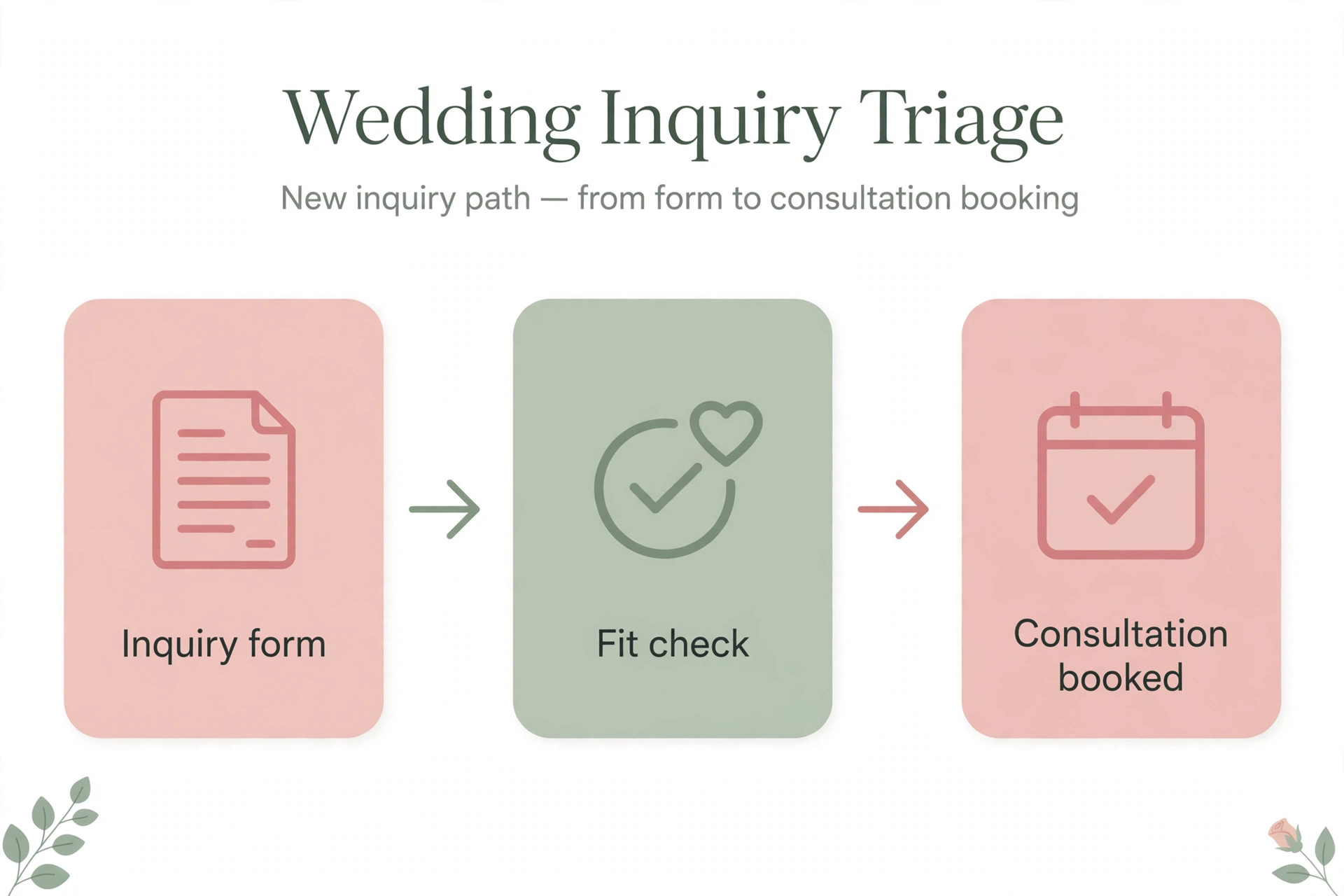
Inquiry triage is where wedding client management succeeds or fails, because a planner’s calendar is the scarcest resource in the business. Every wedding takes a date, and a date given to a couple who never books is a date that cannot be sold twice. Good triage starts with the inquiry form itself. Date, venue or region, guest count range, budget range, services wanted, and how the couple found the planner are the fields that matter. A form that asks for a life story will be abandoned. A form that asks for nothing will produce a week of back and forth just to learn the wedding is in a city the planner does not serve.
Software helps by scoring and sorting inquiries the moment they arrive. When you use AI for wedding planner client management, an inquiry can be tagged by date availability, budget fit, and service match, then routed to the right next step. A strong fit gets a fast personal reply with a consultation link. A date clash gets an honest reply and a referral, which protects the planner reputation far better than silence. A vague inquiry gets a short reply asking for the three missing facts, sent automatically, so the planner does not spend a morning chasing basics.
Speed matters more than polish in the first reply. Couples often inquire with several planners on the same weekend, and the planner who replies first with a real next step, not a generic brochure, usually wins the consultation. Set a rule that every inquiry gets a personal reply within one business day, with an automated acknowledgment filling the gap on evenings and weekends. That acknowledgment should name the wedding date the couple gave, confirm what happens next, and give a booking link, because a message that proves the planner actually read the inquiry builds more trust than a beautiful template that could have gone to anyone.
Vendor Shortlists Couples Can Approve Without Endless Email
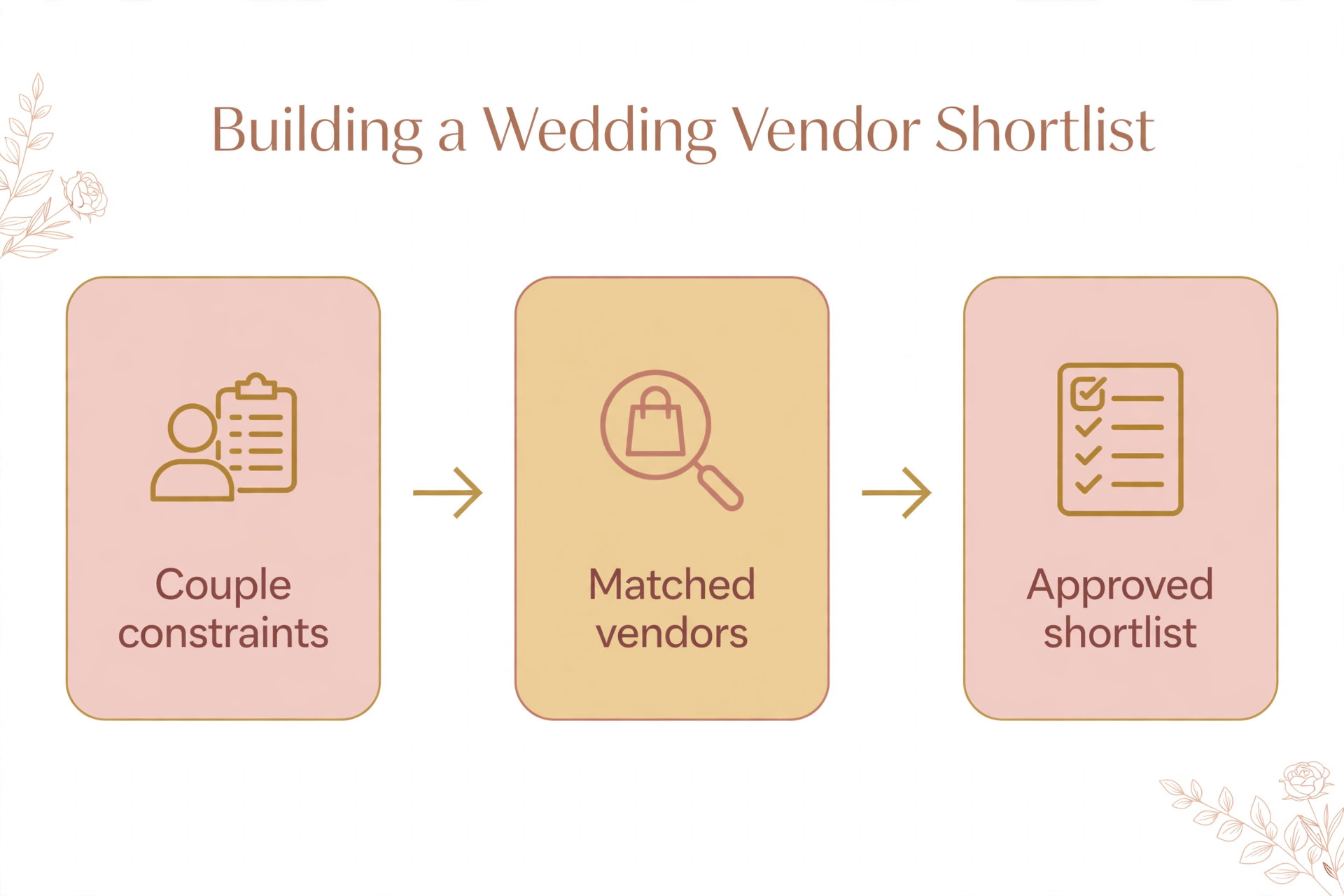
Vendor selection is the step where couples feel either guided or overwhelmed, and the difference is usually the size of the shortlist. A planner who sends twenty photographers with no filter has not helped. A planner who sends three photographers, each with a note explaining why that photographer fits this couple, this venue, and this budget, has done real work. When you use AI for wedding planner client management, software helps by holding vendor records in one place, with style tags, price ranges, availability, past performance notes, and contact detail, so the shortlist comes from data rather than memory.
The workflow that works starts with the couple’s constraints, not the planner’s favourites. Budget per category, venue rules, guest count, style words the couple actually used, and any vendor the couple already loves all narrow the list before a human looks at it. The system can then suggest vendors who match those constraints and who have performed well on past weddings, while the planner makes the final choice and writes the short personal note for each name. That note is the part couples remember, and it is the part software should never be asked to fake.
Approvals need a single place to happen. When a couple approves a photographer by email, a caterer by text, and a florist in a portal, nobody can answer the simple question of what is booked and what is still open. A client portal where couples see each category, the shortlist, the status, and the next decision solves this, and published descriptions of wedding platforms consistently highlight the client portal as the feature couples actually use. Give each category a clear status, such as researching, shortlisted, contacted, booked, or paid deposit, and review the open categories weekly, because a category stuck on researching for a month is a deadline problem in disguise.
Timeline Builds That Hold Twelve Months of Deadlines Together
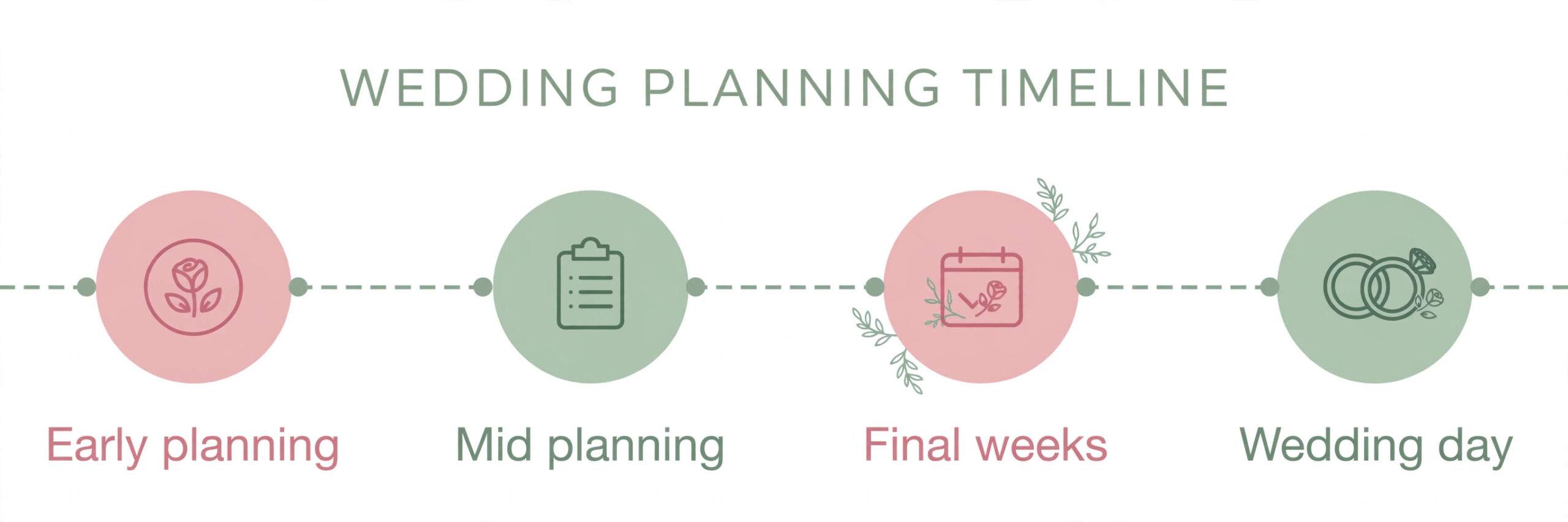
A wedding timeline is really two timelines, and confusing them causes most planning stress. The planning timeline runs backward from the wedding date across many months, with vendor booking deadlines, tasting dates, fitting dates, and final headcount deadlines. The day of timeline runs forward across one day, with vendor arrival times, ceremony cues, and reception moments. Both need tracking, both need owners, and both break when they live in separate documents that nobody updates together.
When you use AI for wedding planner client management, software builds the planning timeline from a template tied to the wedding date, which is the single most useful automation in this whole guide. When the date changes, the deadlines move. When a vendor category is booked, its follow up tasks appear. When a task passes its due date, it shows up on the planner’s weekly review instead of hiding in a spreadsheet row. The template should come from the planner’s real experience, not a generic internet checklist, because a planner who serves large venue weddings needs different milestones from a planner who serves small garden weddings.
The day of timeline deserves its own build, starting about six weeks before the wedding. Vendor arrival times, setup windows, ceremony cues, and reception moments each get a time, a location, an owner, and a contact number. Couples approve it in the portal, vendors receive only the entries that apply to them, and the planner carries the full version. Published descriptions of wedding tools highlight timeline builders with vendor arrival times and ceremony cue sheets, which tells you these are not extras. They are the core of day of delivery.
Changes will happen, and the system must handle them without a rewrite. A ceremony time moves by half an hour, a vendor swaps a contact, a reception moment is cut. The planner changes one entry, and every affected person sees the updated version, with the change noted. The rule to enforce is that the portal timeline is the single source of truth, and any timeline sent by email or text is a snapshot that can go stale.
Payment Milestones That Stop Awkward Money Chases
Wedding money is uncomfortable to chase because the planner is selling a joyful event, not a utility bill, and yet the planner’s own cash flow depends on deposits and installments arriving on time. The fix is a payment schedule agreed at booking, visible to the couple at all times, with reminders that arrive before the due date rather than after it. A couple who sees the next milestone coming pays it calmly. A couple who is surprised by a balance two weeks before the wedding pays it resentfully, if at all.
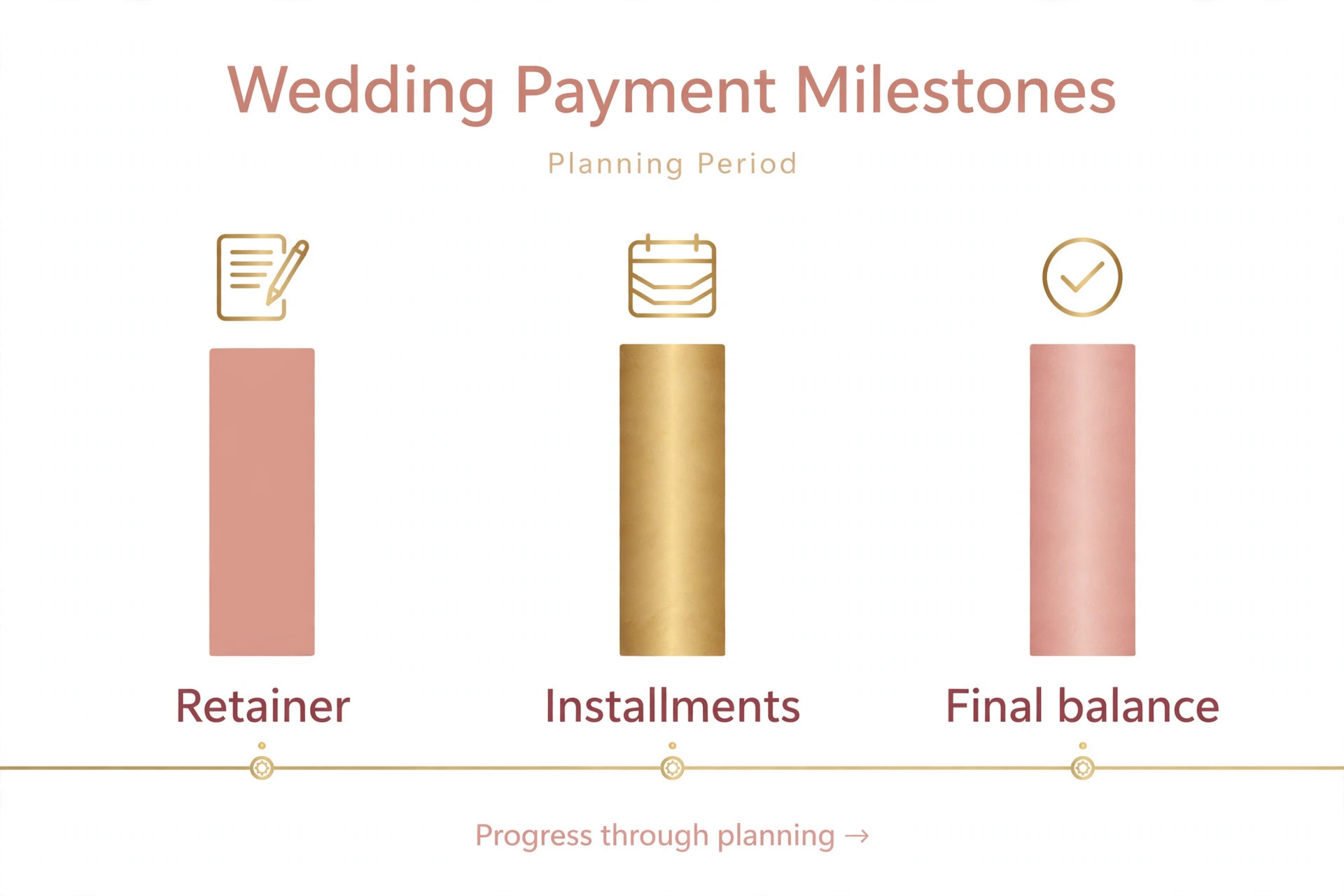
Structure the schedule around the work, not just the calendar. A retainer secures the date. An installment falls when major vendor categories are booked. A further installment falls a set number of weeks before the wedding, when final details consume planner time. A final balance falls before the wedding day itself, never after it, because chasing a final balance from a couple on honeymoon is a miserable job for everyone. Vendor deposits need their own tracking alongside planner fees, because a couple often confuses the two, and a planner who can show which vendor has been paid what earns trust fast.
Software handles the routine parts well. Invoices go out on schedule, payment links work from a phone, reminders arrive a few days before each milestone, and overdue notices escalate gently, first a reminder, then a personal message from the planner. Published pricing for one wedding platform shows project count based plans starting around fifty dollars a month for a small book of projects, which is a useful starting point, but treat any third party price as a starting point and check the vendor page before signing. The cost of the tool is small beside the cost of one missed installment or one lost date.
The hardest payment conversations are the ones about scope change, and they need a rule written before they happen. A couple who adds a welcome dinner, a second day, or a large guest count increase has changed the work, and the planner should be able to issue a revised schedule without embarrassment. Put the scope change rule in the contract in plain words, reference it kindly when it applies, and let the system generate the revised invoice. A rule agreed in calm times makes a difficult conversation in busy times far shorter.
The Day Of Packet Everyone Works From
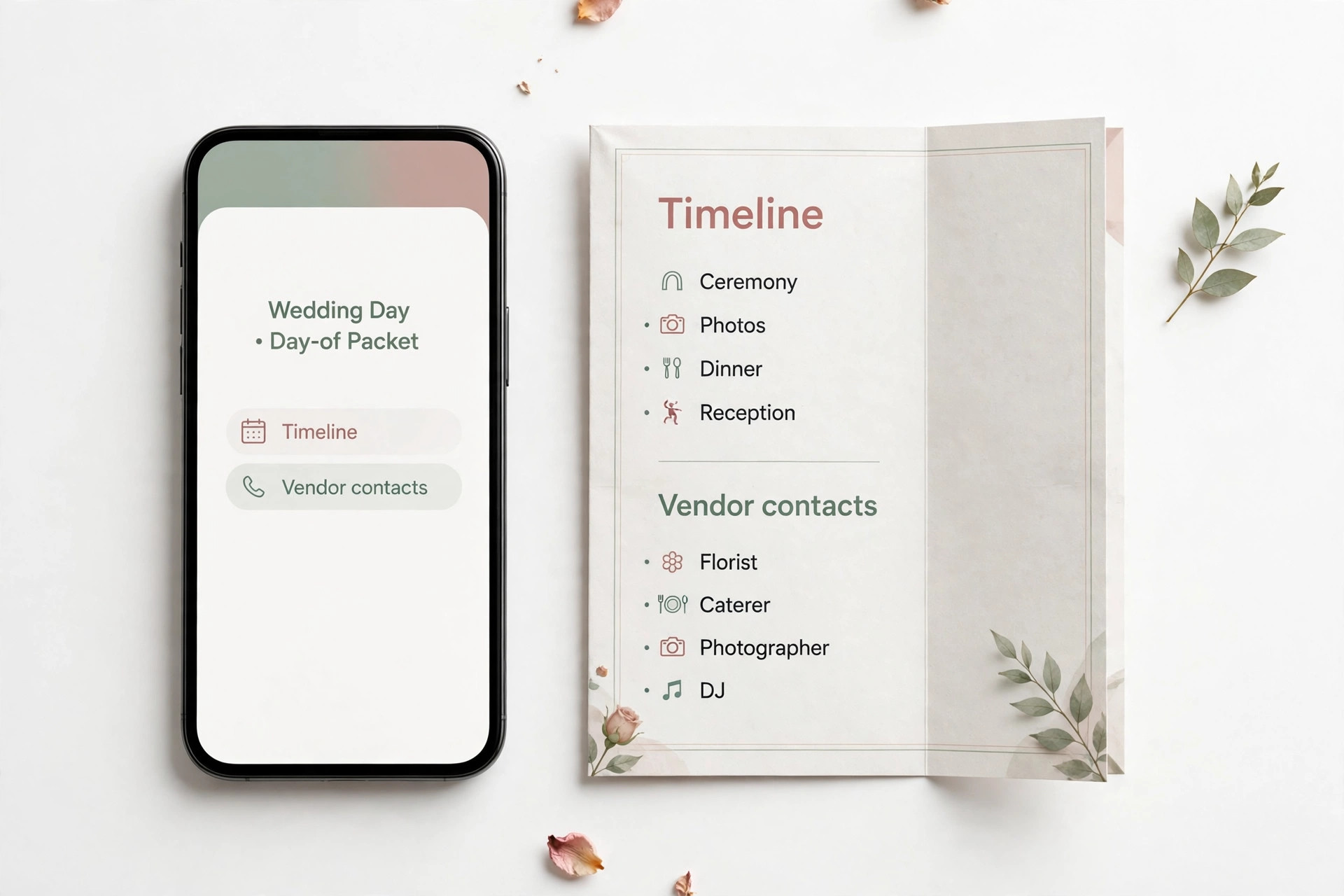
The day of packet is the document that decides whether a wedding day feels calm or chaotic, and its quality depends on work done weeks earlier. It contains the final timeline, the vendor list with arrival times and contacts, the floor plan or layout notes, the ceremony cue sheet, the reception running order, the contact tree for problems, and the payment and gratuity notes for vendors who are paid on the day. Every vendor gets the entries that apply to them. The couple gets a short version. The planner and any assistant carry the full version.
Build the packet from the client record, not by retyping it the week before the wedding. If vendor contacts, arrival times, and timeline entries already live in the system, the packet is mostly assembled, and the planner’s final week is spent checking it rather than creating it. Print one copy as backup, because venues have dead zones and phones run out of battery, and keep a digital copy the team can reach from any phone.
Run a short packet review with the couple about two weeks before the wedding, walking through the timeline, the vendor arrivals, and the moments that matter most to them. This review catches the errors that no software can spot, such as a ceremony reading assigned to the wrong person, a vendor arriving at a loading dock that will be locked, or a reception moment the couple assumed was happening but nobody booked. Fix those in the system, regenerate the packet, and resend it, so the single source of truth stays single.
Best Pick by Job for Wedding Planner Tools
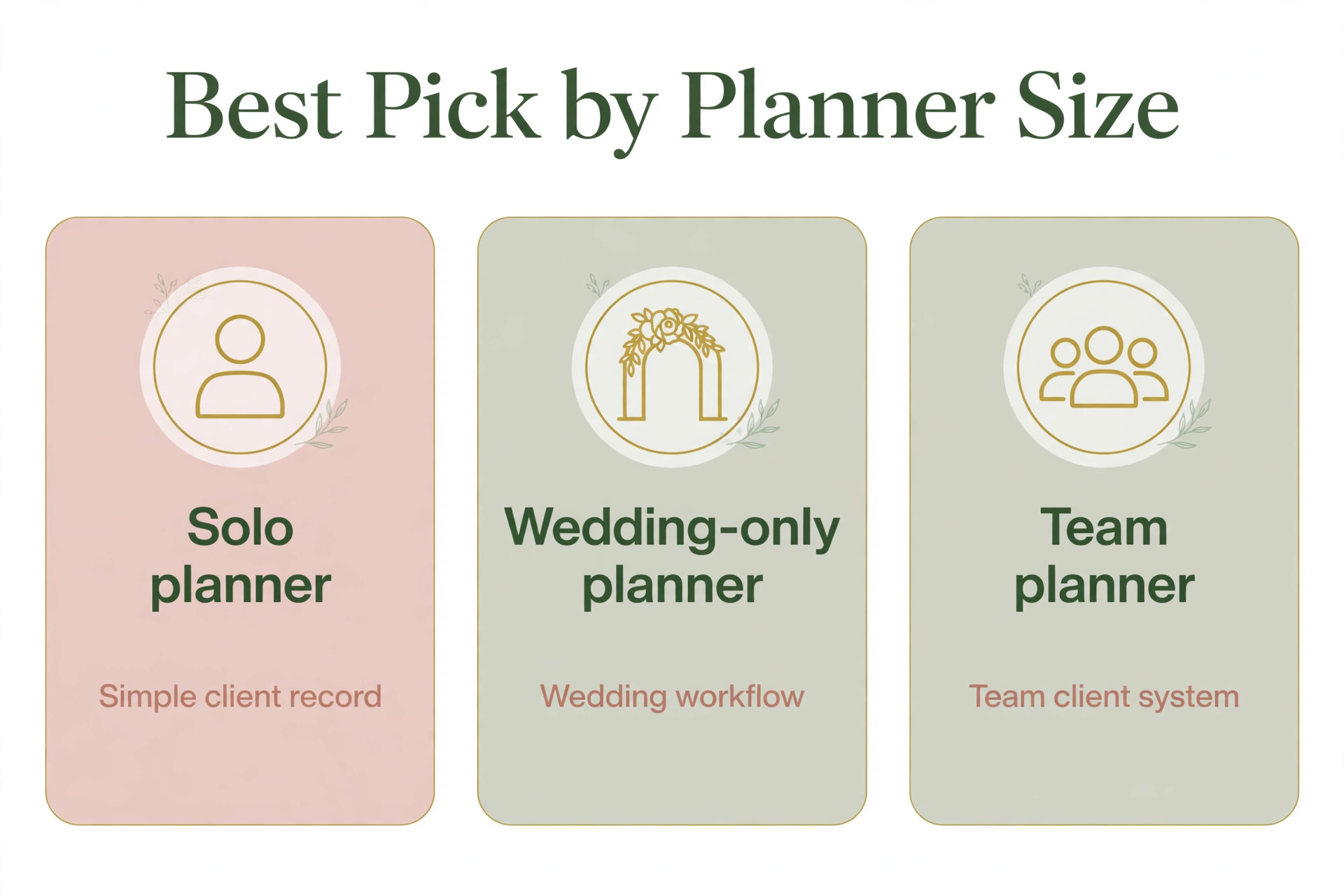
No single tool fits every wedding planner, because a solo planner and a team running fifty weddings a year buy different things even when the feature lists look similar. The table below sorts the main approaches by the job they do best, based on how vendors position them and how reviewers describe their fit.
| Planner shape | Best fit approach | Why it fits |
|---|---|---|
| Solo planner starting out | General client tool with proposals and payments | Fast setup, inquiry to payment in one place, low monthly cost |
| Wedding only planner with design work | Wedding specific platform with portals and timelines | Design boards, seating, vendor coordination, and day of timelines in one record |
| Planner handling many event types | Full event platform with tasks and floor plans | Vendor tracking, budgets, and layouts across weddings and other events |
| Team running a large book of weddings | Wedding platform with project count pricing | Clear cost per active project, shared records, and team task ownership |
Read that table as a starting point, not a verdict. A solo planner who plans to specialise in weddings may be better starting on the wedding specific platform, even if it feels heavy at first, because migrating client records mid growth is painful. A wedding only planner who also takes corporate events may prefer the general client tool and accept manual workarounds for seating and timelines. Demo each option with your own messy cases, including a date change that moves every deadline, a couple with three vendors approved in three different places, and a payment schedule with a scope change, and judge the tool on those days.
Pricing also separates these tools in ways a feature list hides. Some charge per user, some charge per active project, and some quote only after a demo, which makes direct comparison hard. A general client tool is often described in roundups at around twenty nine dollars a month at the low end, while wedding specific plans rise with the number of active projects, so a planner running twenty six active weddings can jump a pricing tier overnight. Treat any third party price as a starting point and get a written quote for your exact active project count, because the price for ten weddings and the price for forty are different products in practice.
Costs and Trade Offs Worth Pricing Before You Commit
The cost of wedding client software is not one subscription. It is the platform fee, any payment processing fee on each transaction, the time to build timeline templates and vendor records, and the staff hours spent checking automated messages in the early weeks. Planners already paying for a general client tool may add wedding features for a smaller increment. Planners moving from spreadsheets pay for the whole platform at once, plus setup, and should budget for a slower first month while couples learn the portal.
The trade offs are real and worth naming plainly. A wedding specific platform brings design, timelines, and vendor coordination together, but it also brings a longer setup and a price that rises with the active project count. A general client tool gets a solo planner running in days, but it may need manual workarounds for seating charts or day of timelines as the book grows.
An automated inquiry reply captures leads fast, but it can also send a consultation link to a couple whose date is already taken if availability is not connected, which creates an awkward correction. None of these trade offs is a reason to avoid the tools. Each is a reason to match the tool to the book size you have now, with a clear path to the size you plan to reach.
Mistakes That Undo Good Client Management
The most common mistake is automating a messy inquiry process. If the inquiry form asks for nothing useful today, automated scoring will sort vague inquiries faster, not better. If fit criteria live only in the planner head, the system will book consultations with couples who were never a fit. Fix the process on paper first, with a short inquiry form, written fit criteria, and a reply rule, then let software apply those rules. Software scales whatever you feed it, good or bad.
The second mistake is running two sources of truth. A timeline in the portal and a timeline in email, a budget in the system and a budget in a spreadsheet, a vendor list in the tool and a vendor list in a notebook all guarantee that someone works from the wrong version at the worst moment. Pick the system as the single source for each kind of record, and move the old copies out of daily use. The discipline feels strict for a week, and then it feels like relief.
The third mistake is letting the system message couples without oversight in the early weeks. A wrong timeline change sent automatically at scale reaches every couple and vendor on the book before anyone notices. For the first month, review outgoing messages in batches, check the reminder timing against actual replies, and fix the timing rules before removing the check. Speed without accuracy is worse than a slower manual message that arrives on time.
The fourth mistake is ignoring the couple experience in the portal. A portal that shows every internal task, every vendor cost, and every planner note overwhelms couples and creates questions the planner then has to answer. Show couples the decisions, the approvals, the timeline, and the payments, and keep internal notes, margins, and vendor performance comments in the planner view. A portal is a client experience, not a database dump, and it should be designed that way.
Wedding Client Checklist for the First Thirty Days
Use this checklist to roll out a plan to use AI for wedding planner client management without breaking a live book of weddings.
1. Write fit criteria and a short inquiry form, with date, region, guest range, budget range, and services wanted. 2. Set the first reply rule, with an automated acknowledgment and a personal reply within one business day. 3. Build one client record template with inquiries, vendors, timeline, budget, payments, and decisions in one place. 4. Create vendor records with style tags, price ranges, availability, and past performance notes. 5. Build a planning timeline template tied to the wedding date, plus a day of timeline template with vendor arrivals. 6. Set the payment schedule structure, with retainer, installments, and final balance before the wedding day. 7. Build the day of packet from the client record, and test it on a past wedding before using it live. 8. Review open categories, overdue tasks, and overdue payments weekly, and fix the top recurring cause first.
That checklist is deliberately short. A longer rollout plan looks impressive and gets ignored. Eight steps, done properly, change client management more than a fifty page manual that nobody reads.
How to Measure Whether Client Management Is Improving
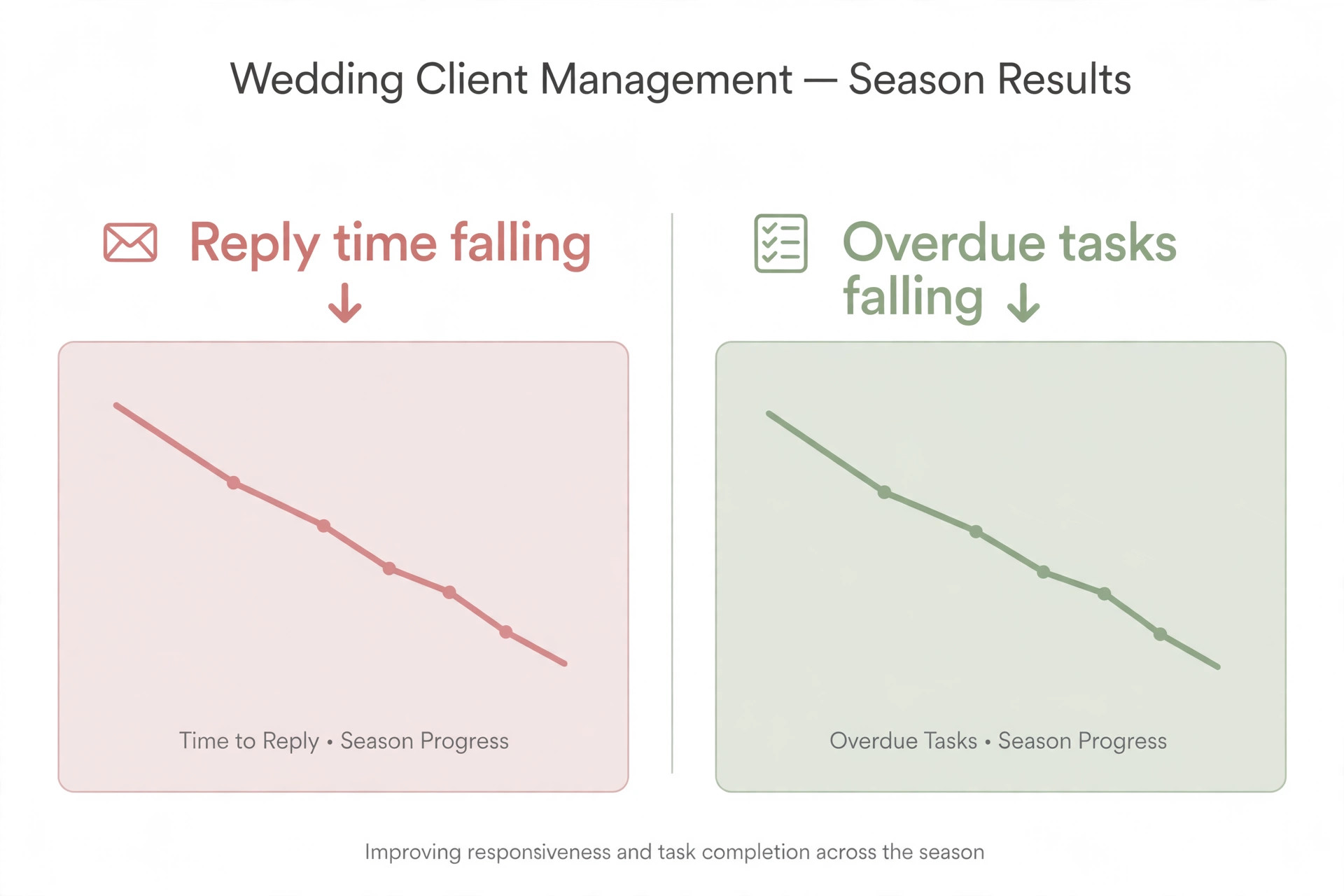
Measurement should start before the new workflow, so the improvement is visible rather than claimed. Record four numbers for four weeks on the old method. First, the inquiry reply time, meaning hours from inquiry to a real next step. Second, the consultation to booking rate, meaning consultations that become booked weddings. Third, the overdue task count, meaning planning tasks past their due date each week. Fourth, the overdue payment count, meaning milestones past due at each month end.
After rollout, track the same four numbers weekly, plus two more. Track portal use, meaning how often couples approve vendors and check timelines in the portal rather than by email, because rising portal use shows the single source of truth is working. Track vendor confirmation time, meaning days from shortlist approval to vendor booking, because a falling number shows the approval workflow is actually faster. A planner who only tracks booked weddings will miss the quality change, since more bookings with chaotic delivery is not progress.
Set targets that fit the starting point. A planner with slow inquiry replies should aim to cut reply time first, because every hour of delay loses consultations. A planner with fast replies but many overdue tasks should focus on timeline templates and weekly reviews. A planner with strong delivery but slow payments should focus on the payment schedule and reminder timing. One priority at a time beats five targets chased at once, because the planner can see which change caused which result.
Review the numbers with the whole team where there is one, not just in the planner head. An assistant who handles vendor confirmations knows which vendors reply slowly, which categories stall, and which portal steps confuse couples. When a number improves, say which workflow change likely caused it, so the team keeps doing that thing. When a number worsens, treat it as a rule to fix, not a person to blame, because client management improvement is a system problem before it is a people problem.
What Changes in the First Season With Better Client Management
The best way to use AI for wedding planner client management is to treat software as a disciplined coordinator, not a replacement for taste or care. Let it triage inquiries, build shortlists from real vendor data, hold timelines together across a year, chase payment milestones politely, and assemble the day of packet from records that already exist. Keep people on creative direction, difficult conversations, negotiations, and every decision where the record is thin or the stakes are high. That split gives a solo planner the coverage of a larger team without losing the personal feel couples chose the planner for.
Start small, with inquiry triage and the client portal, then add timeline automation and payment reminders once the records are clean. Choose the platform that fits the book you have, with room to grow, and judge it on a date change week rather than a demo day. Measure reply time, booking rate, overdue tasks, and overdue payments, and fix the worst number first. Done that way, the planner spends less time hunting for details across inboxes and more time on the work couples actually remember, which is the reason the planner was hired in the first place.
Frequently Asked Questions
Do I need wedding specific software, or will a general client tool work?
A general client tool works well for a solo planner whose main needs are inquiries, proposals, contracts, and payments. Wedding specific software earns its place when design boards, seating, vendor coordination, and day of timelines become daily work rather than occasional extras. Start with the general tool if the book is small, and move when wedding detail starts living in spreadsheets again.
How fast should I reply to a wedding inquiry?
Every inquiry should get an automated acknowledgment at once and a personal reply with a real next step within one business day. Couples often inquire with several planners on the same weekend, so speed plus a consultation link beats a beautiful brochure sent three days later. If the date is already taken, reply honestly and offer a referral rather than leaving the couple waiting.
What should a vendor shortlist contain?
Three to five vendors per category, each with a short note explaining why that vendor fits this couple, this venue, and this budget. Include style tags, price range, availability, and past performance notes in the vendor record, and let the couple approve or decline each name in one portal. A long unfiltered list feels like homework, while a short explained list feels like guidance.
When should the final wedding balance be due?
Before the wedding day itself, never after it, because chasing a final balance from a couple on honeymoon is a miserable job for everyone. Structure the schedule around the work, with a retainer at booking, installments as major categories are booked, and a final balance a set number of weeks before the wedding. Make the full schedule visible to the couple from the day they sign.
What belongs in a day of packet?
The final timeline, vendor arrivals and contacts, layout notes, ceremony cue sheet, reception running order, contact tree for problems, and payment notes for vendors paid on the day. Vendors receive only the entries that apply to them, the couple receives a short version, and the planner carries the full version. Print one backup copy, because venues have dead zones and phones run out of battery.
How do I handle a wedding date change without chaos?
Change the date once in the client record and let every planning deadline tied to that date move with it, then check vendor availability and payment milestones against the new date before confirming anything to the couple. Resend the updated timeline as the single source of truth, and note what changed so nobody works from an old copy. A date change is exactly the week that proves whether the system works.
More Reading on Stratilyze
– Use AI for Plumbing Company Dispatch – Use AI for Roofing Company Estimates – Use AI for Pest Control Route Scheduling – Best Quote Software for Trades Businesses – Automate Small Business with AI