
Verdict first. For most pest control firms, Jobber is the strongest starting point for a solo technician, Housecall Pro fits a small residential crew, and FieldRoutes fits a recurring route team that lives on service agreements. That split matters because pest work is not generic field service. Routes repeat every month or quarter, chemicals and labels must be recorded, and a missed re-treatment visit can cost a contract. The best dispatch software for pest control companies therefore has to handle routes, re-treatments, and compliance notes as daily work, not as an afterthought.
This guide compares 9 tools on routing, recurring scheduling, mobile job notes, invoicing, and price. Where a vendor quotes rather than publishes a price, that is stated plainly, and you should get a written quote for your technician count before you compare totals. Prices change, so confirm every figure on the vendor page before you sign.
A pest firm also needs a system its technicians will actually use in a crawl space or a kitchen. A dispatch board that looks clear in the office but fails on a phone in the field will be abandoned, and technicians will fall back to calls and texts. The best dispatch software for pest control companies is the one your crew trusts on every stop, so test the mobile app with real technicians before you commit.
Pest Dispatch Tools at a Glance
The table below gives a fast read on price and fit. Read it as a starting point, then use the tool sections for the trade offs that decide a purchase. Use this table to start shortlisting the best best dispatch software for pest control companies for your firm.
| Tool | Starting price | Best for |
|---|---|---|
| FieldRoutes | Check the vendor page | Recurring route teams that want pest specific workflows |
| PestRoutes | Check the vendor page | Pest firms that want route and office tools in one place |
| Jobber | 29 dollars per month billed annually for 1 user | Solo techs and small crews that want value and fast setup |
| Housecall Pro | 59 dollars per month billed annually | Residential crews that want booking and customer experience |
| GorillaDesk | Check the vendor page | Small pest firms that want simple scheduling and billing |
| ServiceTitan | Check the vendor page | Multi crew firms that will use deep reporting |
| Workiz | Check the vendor page | Phone driven teams that want lead and dispatch tools |
| FieldPulse | Check the vendor page | Small firms that want custom forms and project work |
| Service Fusion | 99 dollars per month reported | Budget mid size firms that want simple dispatch |
Why the best dispatch software for pest control companies beats a whiteboard
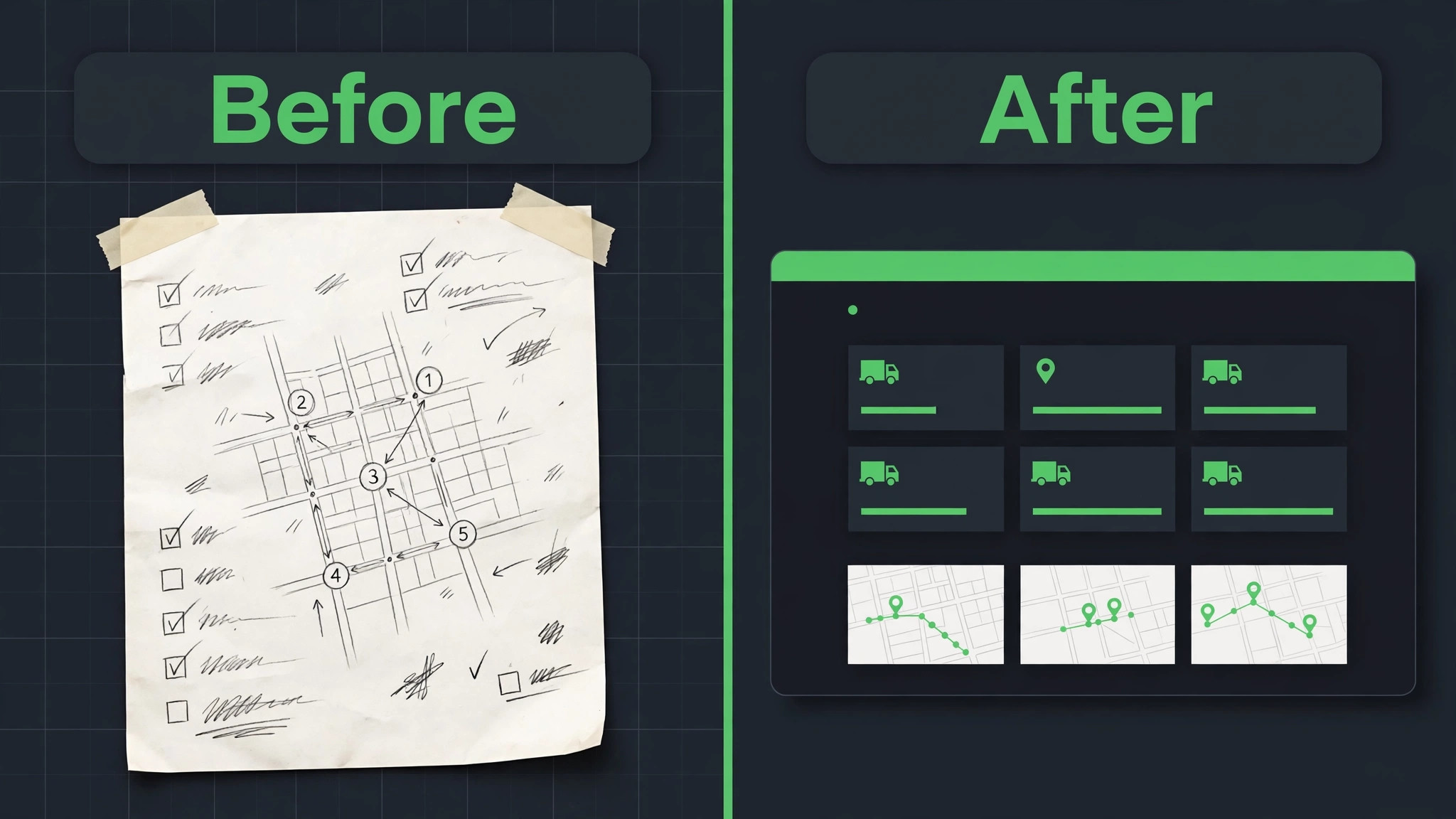
Pest routes repeat. The same homes and businesses need treatment on a cycle, and a whiteboard cannot hold hundreds of cycles without errors. Dispatch software builds those cycles into the schedule, so a quarterly account does not slip because someone forgot to copy it forward. The best dispatch software for pest control companies keeps the cycle visible and makes a missed visit obvious the same day.
Re-treatment work is where pest firms win or lose accounts. A customer who sees ants again two weeks after treatment wants a fast return visit, not a new sales call. Software that links the re-treatment to the original job, the product used, and the technician note lets the office book that visit in minutes and gives the technician the full history on arrival.
Chemical and safety notes are a second reason to move off paper. Product names, application areas, and customer instructions belong in the job record, where the next technician can find them. Paper notes stay in the van or get lost, while a digital record travels with the account and supports consistent, careful work on every visit.
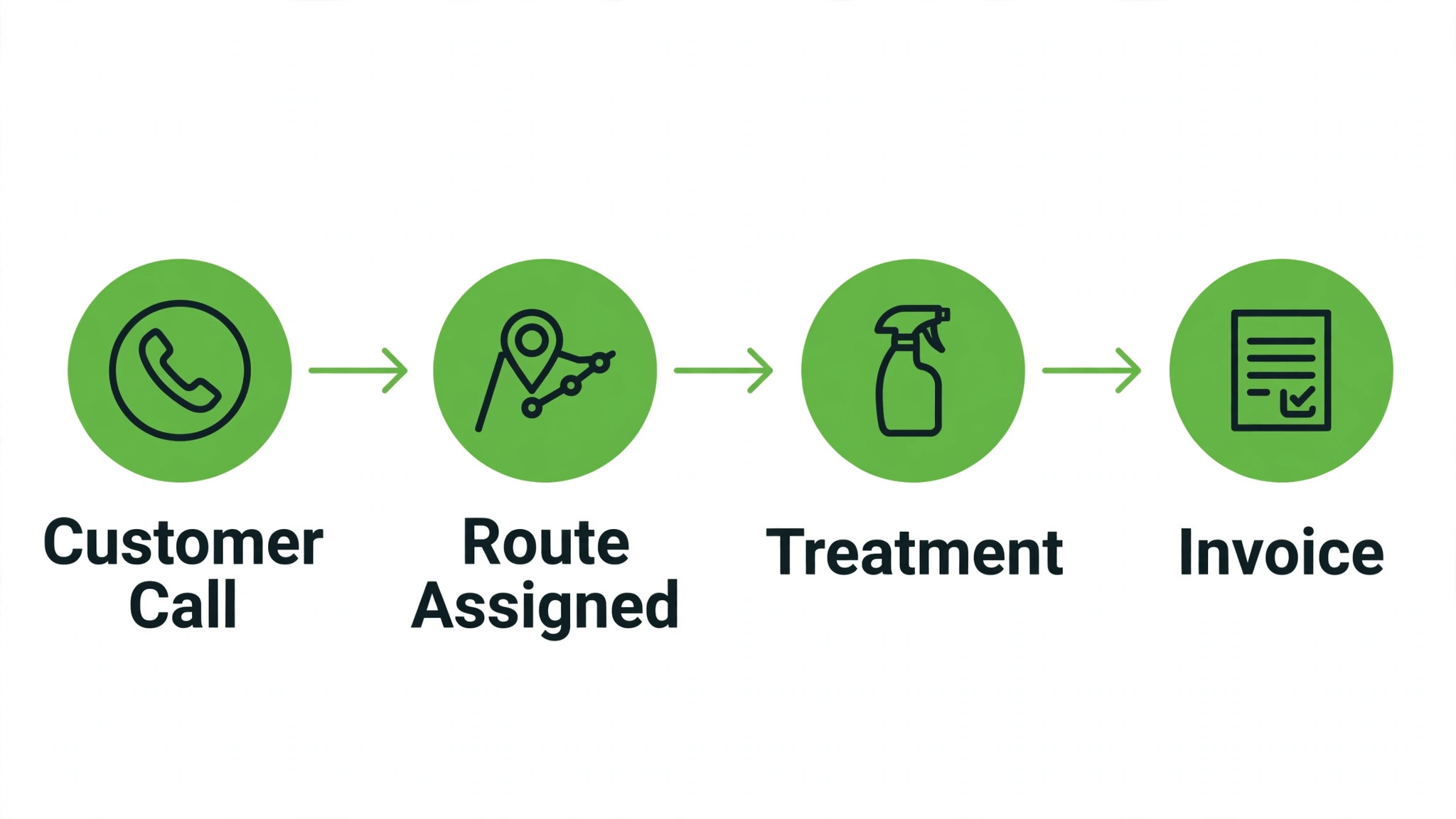
Money follows the same logic. Same day invoicing, payment on site, and service agreement billing shorten the gap between work done and money received. A system that connects the route, the job, and the invoice in one flow also makes it easier to spot accounts that are behind on payment before the next treatment is due.
Nine Dispatch Tools Compared

FieldRoutes
FieldRoutes, built by WorkWave for pest and lawn firms, is designed around recurring routes, service agreements, and route optimisation. It handles repeat scheduling, customer communication, and mobile job completion in one system, and it is one of the few tools in this guide built for pest work from the start rather than adapted from general field service. Pricing is quoted, so get a written quote for your route count and technician count.
Choose FieldRoutes when recurring routes and service agreements drive the business. Skip it for a solo technician who mainly needs simple scheduling and invoicing, because the depth and the quoted price suit a larger operation better than a one van firm.
PestRoutes
PestRoutes, also from WorkWave, covers scheduling, routing, customer management, invoicing, and reporting for pest firms. Its route tools help dispatchers build efficient daily routes, while office features keep agreements, billing, and customer history together. Pricing is quoted rather than published, so a demo and a written quote are needed to compare it fairly.
Choose PestRoutes when route efficiency and office control matter together. Skip it when you want published pricing or a very fast self serve setup, because the sales led process takes more time.
Jobber
Jobber is the strongest value pick for a solo pest technician. Scheduling, quoting, invoicing, customer reminders, and a clean mobile app cover the daily loop, and setup can be done in days rather than months. The Core plan at 29 dollars per month billed annually for one user in recent comparisons makes it easy to start, with higher tiers for larger teams. Confirm the current plan on the vendor page.
Choose Jobber when you run one to five technicians and want a polished system without enterprise cost. Skip it when you need deep pest specific route optimisation or chemical record depth, because those areas are thinner than in the pest specific tools.
Housecall Pro
Housecall Pro suits residential pest crews that live on repeat customers and seasonal work. Online booking, on my way texts, GPS tracking on higher tiers, and accounting sync cover the daily dispatch workflow, while review tools help win repeat seasonal work. The Basic plan at 59 dollars per month billed annually in recent comparisons is a clear entry point, with Essentials at 149 dollars for five users.
Choose Housecall Pro when residential service and repeat customers drive revenue. Skip it when you need pest specific route tools or deep agreement reporting, because the platform stays focused on general home service calls.
GorillaDesk
GorillaDesk is built for pest control firms, with scheduling, routing, invoicing, and customer management aimed at small operators. Its pest focus shows in recurring service handling and job notes, without the enterprise weight of the largest platforms. Pricing is quoted in recent comparisons, so confirm the current plan and user count before comparing totals.
Choose GorillaDesk when you want pest specific features at a smaller scale. Skip it when you need the deepest reporting or a large integration catalogue, because those areas need a closer look during a trial.
ServiceTitan
ServiceTitan is the enterprise standard for larger field service firms, with dispatch optimisation, pricebook control, marketing attribution, technician scorecards, and deep reporting. Contractor reported figures in recent comparisons put pricing near 245 to 500 dollars per technician per month, with implementation fees and longer contracts, so the total cost is far above small crew tools. Confirm any figure in writing.
Choose ServiceTitan when you run a multi crew firm and will use the reporting and dispatch depth every day. Skip it for a solo van or a small crew, because cost, contract length, and onboarding time outweigh the benefits at that scale.
Workiz
Workiz covers scheduling, dispatch, invoicing, payments, and automation, with built in phone tools and lead management that suit phone driven pest firms. Call tracking and lead pipelines help firms that win work by phone rather than online booking, and automation reduces manual follow up. Pricing is quoted in recent comparisons, so a demo is needed to compare it fairly.
Choose Workiz when phone calls and leads drive the business. Skip it when you need published pricing or the deepest pest route tools, because those areas are thinner here.
FieldPulse
FieldPulse combines scheduling and dispatch with custom forms, inventory tracking, and project management for jobs that span several days. That mix suits pest firms that handle both routine treatments and longer exclusion or remediation projects. Recent comparisons show mixed pricing, with some sources reporting a flat monthly figure and others describing quoted tiers, so confirm the current plan.
Choose FieldPulse when custom forms for inspection notes and project work matter. Skip it when you need the deepest pest route reporting, because reviewers describe reporting depth as limited compared with larger platforms.
Service Fusion
Service Fusion offers scheduling, dispatch, and billing in a straightforward package that suits budget conscious mid size firms. The reported starting price near 99 dollars per month in recent comparisons makes it a useful middle option between simple tools and enterprise platforms, with a focus on getting jobs booked, dispatched, and paid without excess complexity.
Choose Service Fusion when you want solid dispatch at a mid range price. Skip it when you need pest specific route tools or advanced marketing attribution, because those features are not its focus. Confirm the current plan on the vendor page.
Picks by Crew Size
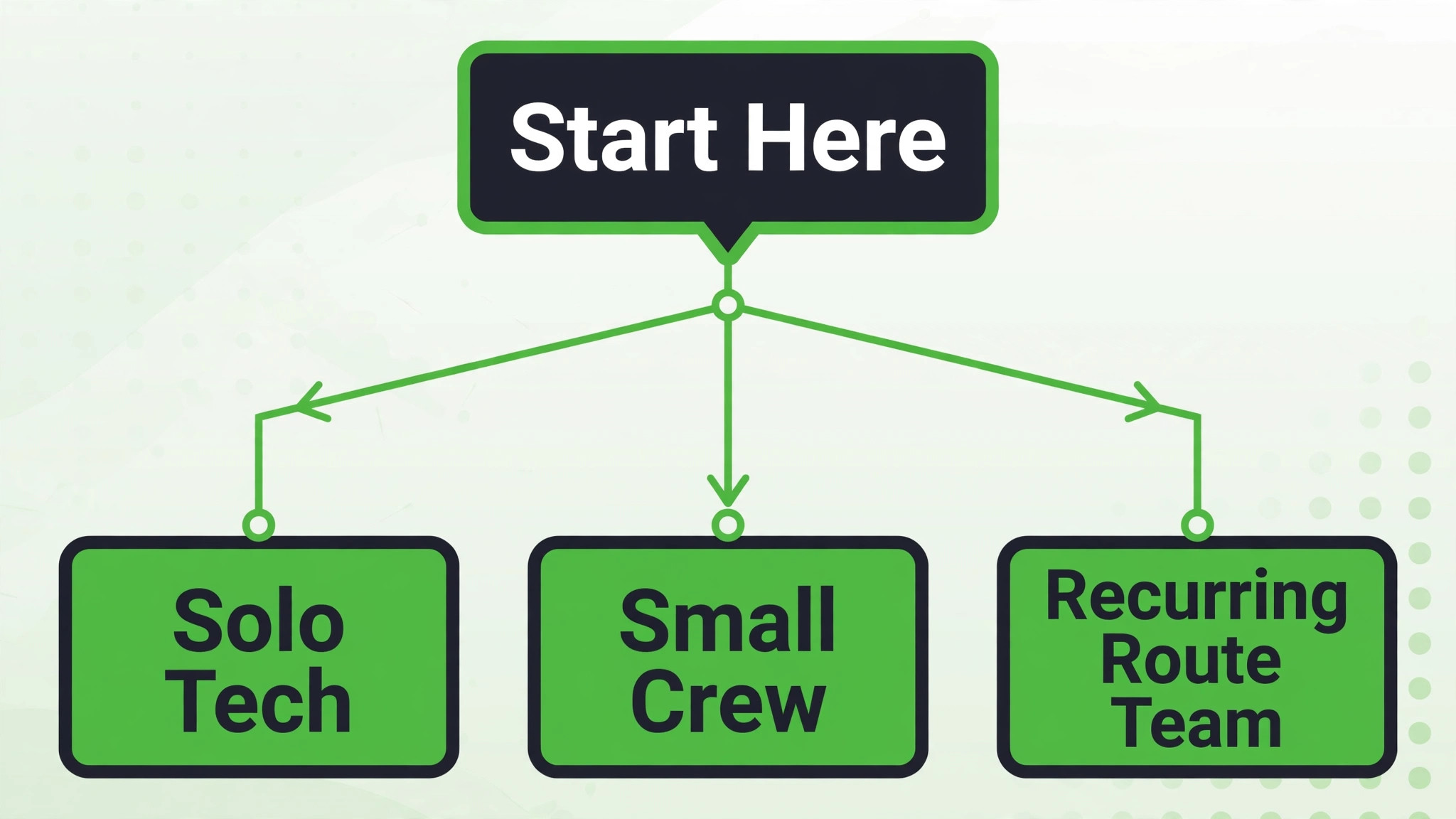
Use this table to match the tool to the way you actually work. Pick for the team you will have at peak season, not just today, because a tool that fits a solo van can strain badly when routes double. Keep the best best dispatch software for pest control companies in view as you compare, and judge each pick on the job it must do daily.
| Job | Best pick | Why it wins |
|---|---|---|
| Solo tech | Jobber | Fast setup, simple invoicing, mobile first |
| Small crew | Housecall Pro or GorillaDesk | Booking, repeat customers, and pest aware scheduling |
| Recurring route team | FieldRoutes or PestRoutes | Route optimisation, agreements, and repeat cycle control |
Re-treatment Visit Checklist
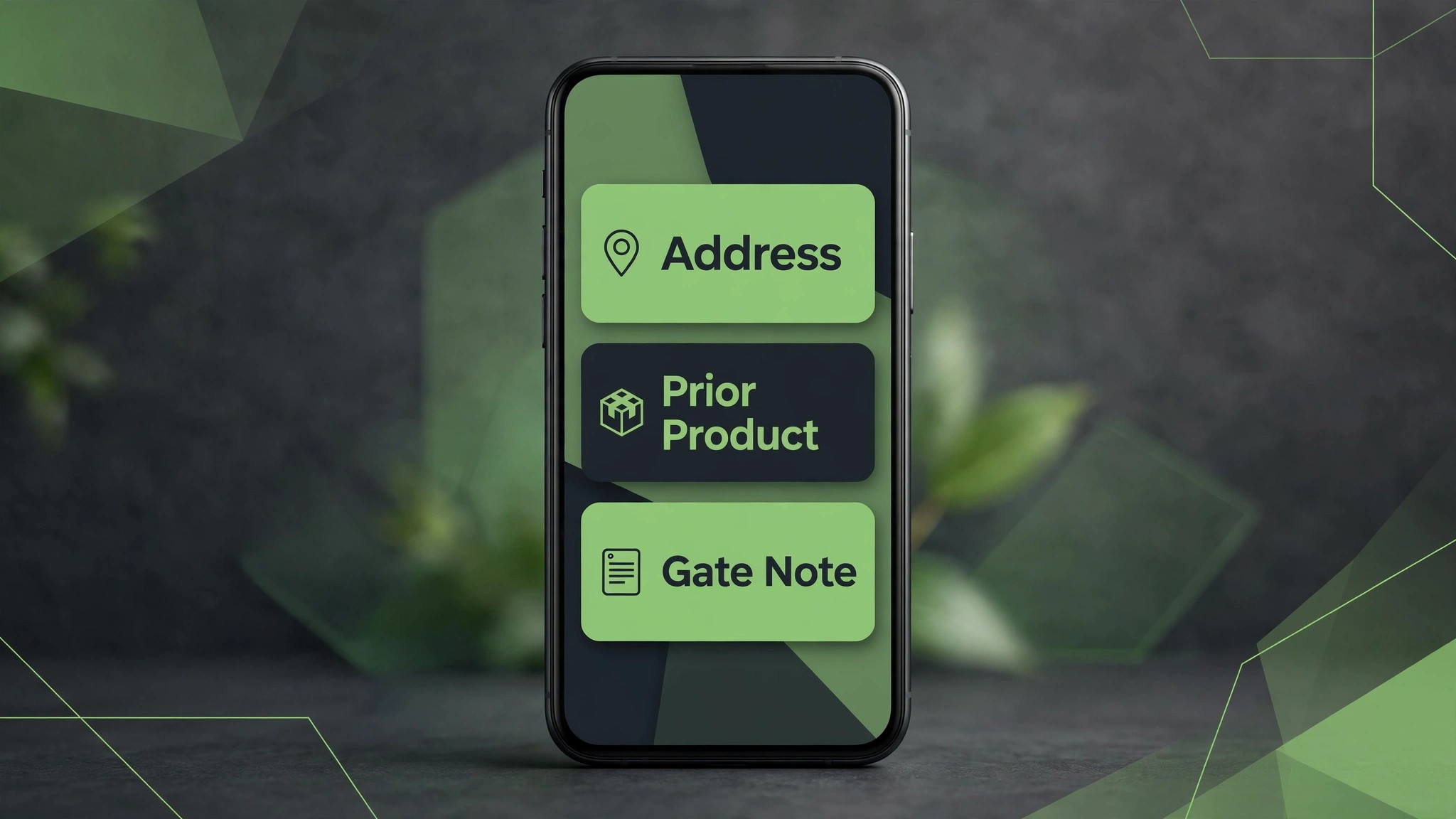
– Log the callback against the original job, with the pest, the product used, and the area treated. – Check the service agreement before rebooking, so a free re-treatment is not billed and a paid visit is not given away. – Book the return visit inside the agreement window and send the customer a confirmed arrival window. – Give the technician the prior note, the prior product, and any customer instruction before arrival. – Record the new product, area, and result on the job record before the technician leaves the property. – Send the invoice or the no charge confirmation the same day, so the account record stays clean. – Flag any account with two callbacks in one cycle for a supervisor review of treatment or exclusion work.
What Dispatch Software Really Costs
The monthly plan is only part of the bill. Add implementation fees, training, extra users, payment processing, and any second tool for marketing or accounting. A tool that looks cheap on plan price alone can still be the expensive choice once those items are added. Model the cost for your real technician count, not for a single user demo.
Per technician pricing punishes growth. A high per technician plan looks manageable for two technicians and very different for ten, while a flat team plan can become better value as the crew grows. Price the tool at your peak season crew size, and ask for the contract length and renewal price in writing.
Implementation time is a cost too. Enterprise platforms can take weeks or months to set up, during which office staff split time between the old system and the new one. A tool that is live in days may save more than a cheaper monthly plan that takes a quarter to implement.
Payment speed is the offset. Same day invoicing and payment on site can shorten the gap between work and cash by weeks, which matters for a small firm. When you compare totals, include the value of faster payment, not just the subscription line.
Separate the subscription from the total cost of ownership before you compare finalists. Training time, setup help, extra users, and any second tool all sit outside the headline price, and they decide the real first year bill. The best best dispatch software for pest control companies on subscription price alone can still be the expensive choice once those items are added, so build one total per finalist and compare totals, not headlines.
Ask every vendor for the renewal price in writing, not just the first year price. Introductory offers, first month discounts, and launch pricing all expire, and the renewal figure is the price you will actually live with. A vendor that will not put renewal pricing in writing is telling you something useful about the second year.

Dispatch Mistakes That Lose Jobs
The most common mistake is buying for the office and ignoring the van. A dispatch board that looks clear on a desktop but fails on a phone in a crawl space will be abandoned, and technicians will fall back to calls and texts. Test the mobile app with real technicians before you sign.
A second mistake is ignoring re-treatment workflow. Many tools handle routine bookings well and fail when a callback arrives during a full route day. Test how the system links the callback, updates the customer, and protects the displaced job before peak season exposes the gap.
A third mistake is letting route data go stale. Old addresses, wrong gate codes, and duplicate accounts create failed visits and wasted drive time. A short weekly data check, with one person owning it, keeps routes honest and customers happier.
A fourth mistake is signing a long contract before a real trial. The fit only becomes clear after real routes run through the system. A trial with live dispatch, even for one week, reveals more than any demo.
Another common mistake is letting one person hold all the system knowledge. If only the owner knows how to fix route and agreement handling, a holiday or a sick day becomes a system outage. Train at least two people on the core routines, write the routines down on one page, and keep that page where the team works.

How to Test Finalists During a Busy Week
Pick two finalists and run live dispatch through both during a busy week. Book routine treatments, a recurring route, and a simulated callback, then score how each system handles routing, customer updates, invoicing, and payment. The platform that stays clear under pressure is usually the right pick.
Ask technicians to score each platform separately from office staff. Office staff value reporting and invoicing, while technicians value speed, offline behaviour, and clear job details. A tool that only pleases one group will fail in daily use.
Check support before you need it. Send a question about routing, agreements, or mobile access and note how fast and how clearly the team replies. Support quality matters most during a seasonal surge, when dispatch cannot wait.
Finally, write down the three numbers that will prove success, such as response time, unpaid invoices, or repeat bookings, and agree on them with the team before launch. Without agreed numbers, every later argument about the tool becomes opinion, while with agreed numbers the review after three months is a simple check, not a debate.
How to Choose a Pest Dispatch Tool
Start with the work that happens every day, not with the feature list that impressed a demo. Write down the five tasks your team repeats most in pest treatment, then score each finalist only on those tasks. A tool that handles the daily loop cleanly will earn its fee, while a tool that shines on rare tasks and stumbles on daily ones will frustrate the team within a month.
Next, list the must have features separately from the nice to have features, and keep the must have list short. Three features used daily beat thirty features used once, so buy for the daily work and ignore the rest of the catalogue. The best best dispatch software for pest control companies for your firm is the one that does the must have list without workarounds, even if a rival lists more features overall.
Check the mobile experience before anything else, because staff and homeowners and businesses now do most of this work on phones. If the mobile view hides key buttons, shrinks text too far, or forces endless scrolling, adoption will suffer no matter how good the desktop version looks. Judge the product on the smallest screen your team actually uses, not on a large office monitor.
Ask for references from businesses of a similar size, not just from large success stories. A vendor that serves a fifty person firm well may still fail a three person firm, because support, pricing, and setup differ by scale. A reference from a firm like yours is worth more than a polished case study, so ask for two and actually call them.
Review the contract line by line with the same care you give to a supplier agreement. Note the minimum term, the notice period, the price change clause, and any fee for extra users, locations, or transactions. A clear contract protects both sides, while a vague contract protects only the vendor, so ask for any unclear term in plain writing before signing.
Decide what happens when the system is down, because every online tool fails at some point. Write a simple fallback, such as a paper record or a phone tree, and keep it where staff can find it. A fallback plan turns a system outage into a minor delay rather than a lost day of trading, and it is a sign of a mature operation.
Plan for growth in the contract, including the price at the next tier and the cost of adding a location, a team, or a new channel. A tool that punishes growth will be replaced just when the business succeeds, which is the worst time to migrate. Growth pricing agreed in advance removes that trap and keeps the decision honest.
Setting Up Without Disrupting Routes
Migration works best in small steps. Move one group of records at a time and check each group before moving the next, because a big move on a Friday night creates a Monday morning of missing records and confused staff. Small steps take longer on paper, yet they protect the business from the one error that stops trading for a day.
Keep the old system running in parallel for two weeks, so staff can check a record in the old place if the new place looks wrong. Parallel running feels like extra work, yet it catches migration errors before they affect homeowners and businesses. Stop the old system only after two clean weeks, and only when the team agrees the new system is trustworthy. Choosing the best best dispatch software for pest control companies is only half the job, and a careful cutover is the other half.
Protect data quality from day one by setting clear rules for names, phone numbers, and record titles. Duplicate records and misspelled addresses create double bookings and failed messages, and cleaning them later takes far longer than entering them correctly at the start. A short data rule sheet, shared with the team, prevents most of the mess.
Schedule training in the week before launch, not in the month before, so skills are fresh when real work starts. Training that happens too early fades, and training that happens after launch arrives too late. A short session, followed by a real day of work, builds confidence faster than either alone, especially before a seasonal surge.
After Launch, Keep Routes Honest
Celebrate the first month of wins with the team, such as faster follow up, fewer missed bookings, or a happier customer. A new system feels like a burden until staff see it working, and a small celebration marks the change as a success. Recognition builds the habit of using the tool well, which matters more than any launch announcement.
Keep one channel for internal questions during the first month, so staff do not learn different workarounds in separate chats. A single place for questions lets the owner spot the same problem twice and fix the workflow once, rather than answering the same question five times in five places. That discipline keeps the system clean as the team grows.
Document the daily, weekly, and monthly tasks for the new system on one page, and pin that page where the team works. A one page routine beats a long manual that nobody opens, because staff will follow a short list they can see. Update the page when the workflow changes, so it stays true to how work actually happens.
Agree on response times and support hours in writing, especially if the business trades evenings or weekends. A support team that answers only on weekday mornings is little help when the system fails on a Saturday. Ask for the real support channel, test it during the trial, and note how long a genuine question takes to reach a person who can fix it.
Review user permissions before launch, so each role sees only what it needs. Office staff need financial views, field staff need job details, and customers need only their own records. Clear permissions protect privacy, reduce confusion, and prevent accidental changes to prices or schedules that are hard to unwind later.
More Reading on Stratilyze
– Best Dispatch Software for HVAC Companies – Best Dispatch Software for Locksmiths – Use AI for Pest Control Route Scheduling
Frequently Asked Questions
Which dispatch tool is best for a solo pest technician?
Jobber leads for solo technicians because setup is fast, pricing is published, and mobile invoicing works from the van. GorillaDesk is worth a trial too if you want pest specific features at a small scale, but enterprise platforms cost far more and take longer to implement than a solo operation needs.
Do pest firms need pest specific software?
Not always. A general tool fits a solo technician or a small residential crew well. Pest specific software earns its price when recurring routes, service agreements, and re-treatment tracking dominate the week, because those workflows are built in rather than worked around.
How much does pest dispatch software cost per month?
Published starting prices in this guide run from 29 dollars per month for a single user to 99 dollars per month for mid size tools, while pest specific and enterprise platforms are quoted per user or per route. Model the cost at peak crew size and get quoted prices in writing.
Can dispatch software handle re-treatment visits?
The best tools can, by linking the callback to the original job and showing the prior product and note to the technician. Test callback workflow during a trial, because routine booking alone does not prove it.
How long does setup take?
Simple dispatch tools can be live in days, while enterprise and pest specific platforms can take weeks. Budget staff time for route setup, agreement migration, and training, and name one owner for the first month.
What should I check on a trial?
Run a real route week, a callback, and a same day invoice through the trial. Check mobile behaviour in the field, route changes mid day, and how fast support answers a real question. Those three checks reveal more than a feature list.
The Verdict for Pest Firms
For most pest firms, the best dispatch software for pest control companies is Jobber for a solo technician, Housecall Pro or GorillaDesk for a small residential crew, and FieldRoutes for a recurring route team that lives on agreements. PestRoutes fills the middle ground for firms that want route and office control together.
Start with route type and crew size, test two finalists during a busy week, and price the full first year including implementation. A dispatch system that technicians trust in the field and the office trusts at the desk will keep routes tight, re-treatments fast, and invoices paid on time.