
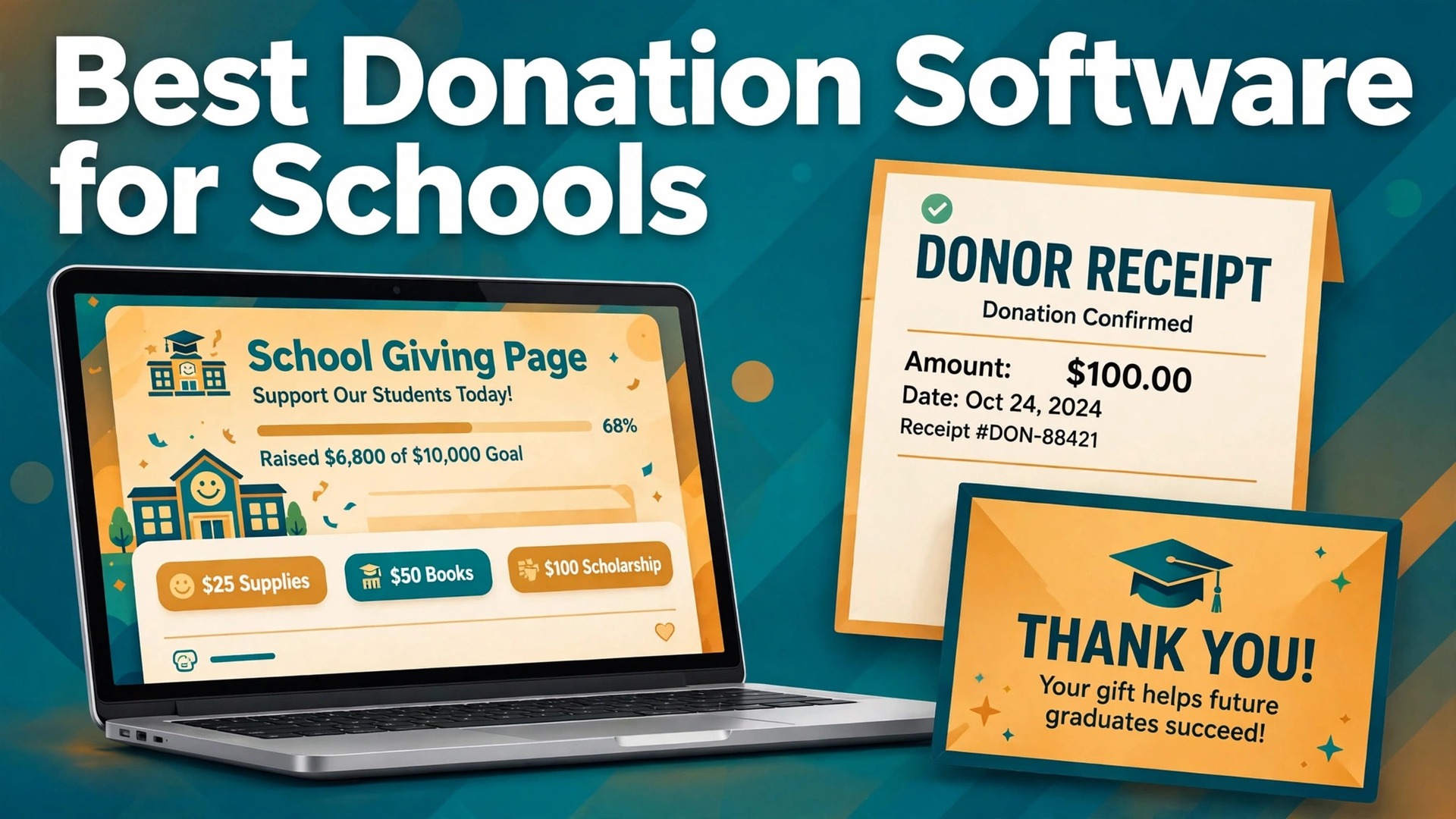
In one recent comparison, free giving platforms and paid donor databases sat side by side with monthly costs from zero to well over $100, and schools still chose badly, because the cheapest tool was not the cheapest outcome. The best donation software for schools is the one that collects the gift, issues a correct receipt, and keeps the donor willing to give again, and a tool that fails any one of those three jobs costs more than its fee suggests.
School giving is not generic fundraising. Annual funds, event tickets, auctions, pledge drives, and alumni gifts each need different pages, different messages, and different reporting, and a tool built for a single campaign will strain when the school runs all five in one year. The right system handles the full school calendar, not just one appeal.
This guide compares nine systems on the same questions. What does each gift really cost once platform and processing fees are counted, can parents and alumni give easily on a phone, does the school keep donor records it can use next year, and are receipts automatic and accurate. Prices are starting points in recent comparisons, so confirm the current price and fee terms on the vendor page before you launch.
Nine School Giving Tools Side by Side
Read the table as a shortlist, not as a ranking. A cheaper option suits a smaller operation with a simple workflow, while a fuller platform suits an operation whose income already depends on the system. Pick three finalists, then read their full sections before signing a contract.
| Tool | Starting price | Best for |
|---|---|---|
| Givebutter | free core platform funded by optional donor tips, with a 3 percent platform fee when tips are off in recent comparisons | schools that want modern campaigns and events at no subscription cost |
| Zeffy | free with no platform or processing fees in recent comparisons | budget conscious schools that want zero fees of any kind |
| DonorPerfect | priced by quote, with entry estimates around $99 a month in recent comparisons | schools with complex, multi-channel fundraising operations |
| Bloomerang | from $125 a month for the CRM plan billed annually in recent comparisons | schools that want to keep donors, not just record them |
| Little Green Light | from $45 a month for up to 2,500 records in recent comparisons | small schools moving from spreadsheets to a real database |
| Donorbox | free Standard plan with a 2.95 percent platform fee, or Pro from $150 a month in recent comparisons | schools that want recurring donations from simple forms |
| GiveCampus | priced by quote, confirm on the vendor page | schools and colleges focused on alumni and annual fund giving |
| RallyUp | free plan with a 0 percent platform fee on donation pages in recent comparisons | schools running raffles, auctions, and pledge events |
| Qgiv | from $40 a month plus modular add ons in recent comparisons | schools that want to pay only for the components they use |
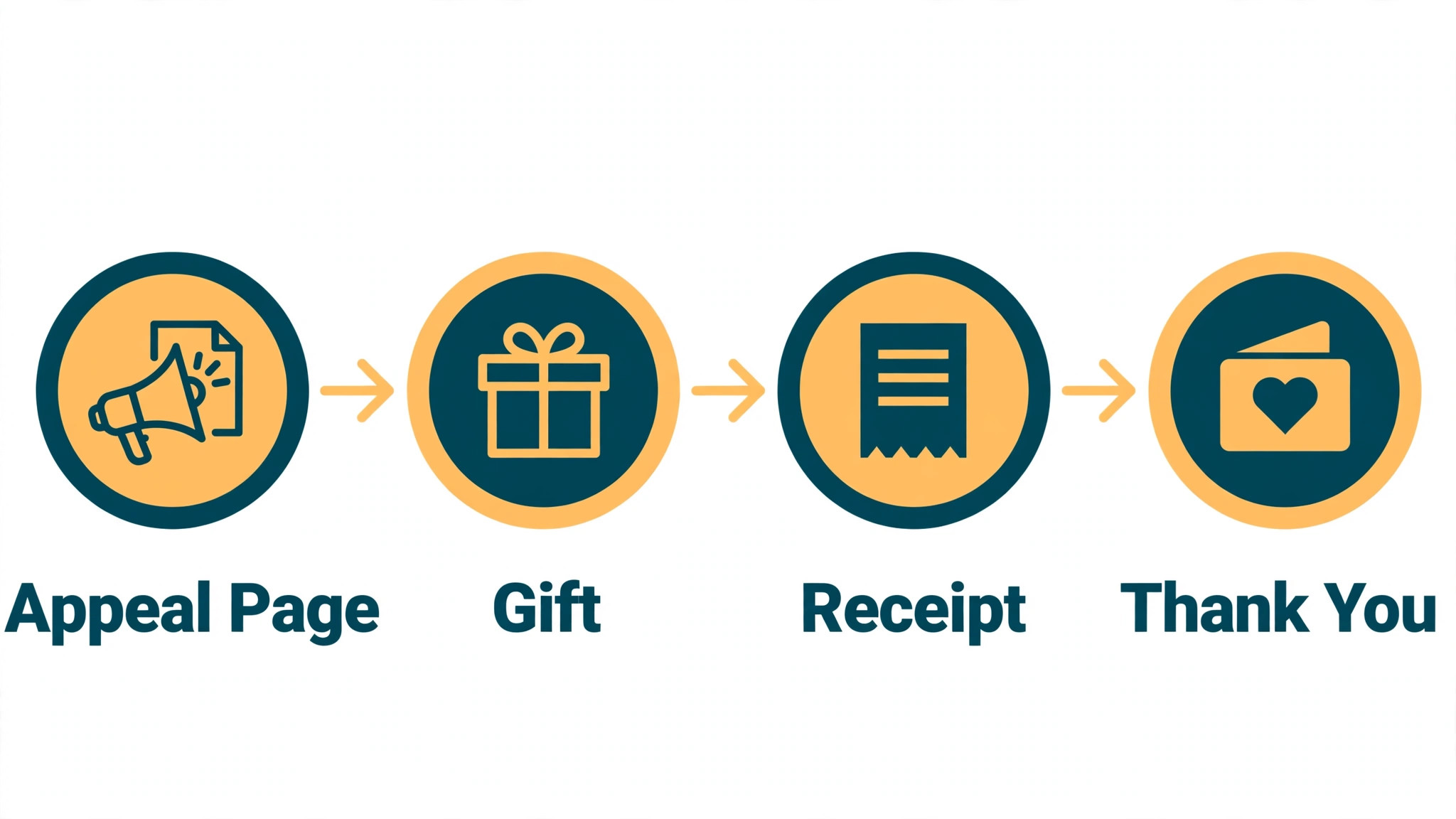
A donate button collects a gift. A working school giving system builds a donor, and the difference shows in the receipt, the thank you, and the next appeal. A system that treats those three as core features will outperform a prettier button that leaves the school chasing receipts and rebuilding its donor list every year.
Fees are the second test, and they are easy to misread. A free platform funded by donor tips, a platform fee plus card processing, and a monthly subscription plus processing are three different bills, and the cheapest headline often carries the highest cost per gift. Work out the cost on a real gift, such as $50 and $250, before comparing tools.
Donor records are the third test, and they decide next year. A school that only receives money, without clean records of who gave, to what, and when, must rebuild its appeal list from scratch each year. The right system keeps those records in one place, with giving history the development office can actually use.
Nine Systems, Reviewed One by One
Givebutter
Givebutter fits schools that want modern fundraising pages, events, and auctions without a monthly subscription. Its free core, built in donor records, and campaign tools suit a parent teacher group or a small school running several appeals a year. The starting point is free core platform funded by optional donor tips, with a 3 percent platform fee when tips are off in recent comparisons, so confirm the live price on the vendor page before you budget.
The limit is fee clarity. Donor tips fund the free model, and when tips are off, platform and processing fees apply, so model the cost per gift honestly and explain the tip choice clearly to donors at checkout.
Zeffy
Zeffy is genuinely free in recent comparisons, funded by optional donor contributions, with automatic tax receipts and no platform or processing fees. For a school where every dollar matters, that model removes the subscription and fee debate entirely. The starting point is free with no platform or processing fees in recent comparisons, so confirm the live price on the vendor page before you budget.
Watch the checkout experience closely, because donor contributions are presented during giving and some reviewers note the default contribution level. Test the full donor journey on a phone and confirm the school is comfortable with how contributions appear.
DonorPerfect
DonorPerfect fits schools with complex fundraising operations, including multi-channel appeals, detailed reporting, and a large donor database. Its CRM depth suits a development office that manages annual funds, events, and alumni giving together. The starting point is priced by quote, with entry estimates around $99 a month in recent comparisons, so confirm the live price on the vendor page before you budget.
Pricing is gated behind a sales conversation in recent comparisons, so start that conversation early and ask for the full cost, including processing, add ons, and training. A small school with simple needs may pay for depth it never uses.
Bloomerang
Bloomerang centres on donor retention, with engagement scoring and a retention dashboard that budget tools do not offer. A school foundation that needs board level reporting on who gave, who lapsed, and who upgraded will find that reporting clearer than most. The starting point is from $125 a month for the CRM plan billed annually in recent comparisons, so confirm the live price on the vendor page before you budget.
The trade off is price and setup. At $125 a month in recent comparisons, plus processing fees, the cost needs a retention case behind it, so check that the school will actually use engagement reporting before paying for it.
Little Green Light
Little Green Light is the cheapest credible paid donor database for small schools leaving spreadsheets. It records gifts, tracks donors, and produces reports at a price a small school can sustain, without the complexity of an enterprise system. The starting point is from $45 a month for up to 2,500 records in recent comparisons, so confirm the live price on the vendor page before you budget.
Campaign and event tools are lighter than on a fundraising platform, so a school running auctions and pledge drives may pair it with a separate campaign tool. Price that pair honestly before comparing it alone with an all in one platform.
Donorbox
Donorbox fits schools that want simple, recurring donation forms embedded on an existing website. Its forms handle monthly giving well, and integrations move gifts into several popular donor databases, which suits a school that already has a CRM. The starting point is free Standard plan with a 2.95 percent platform fee, or Pro from $150 a month in recent comparisons, so confirm the live price on the vendor page before you budget.
The limit is that the free plan platform fee plus card processing adds up on larger gifts, so model the cost per gift at the school’s real average. A school with high average gifts may save money on a lower fee plan.
GiveCampus
GiveCampus is built for education giving, with campaign pages, giving days, and alumni focused tools that fit a school or college annual fund. Its education specific design suits a development office running class challenges, giving days, and reunion appeals. The starting point is priced by quote, confirm on the vendor page, so confirm the live price on the vendor page before you budget.
Pricing is quote based, so a small school should ask early whether the cost fits a modest annual fund. A school that mainly needs simple forms may find a general platform cheaper for the same result.
RallyUp
RallyUp fits schools running raffles, auctions, pledge drives, and hybrid events in one campaign. Its event tools cover a-thons, auctions, and raffles together, which suits a parent teacher group planning a gala or a fun run. The starting point is free plan with a 0 percent platform fee on donation pages in recent comparisons, so confirm the live price on the vendor page before you budget.
Eligibility and feature limits matter, because some tools are limited to registered nonprofits or specific event types. Confirm the school group qualifies, and test the exact event format, not just a donation page, during the trial.
Qgiv
Qgiv, now part of Bloomerang Fundraising in recent comparisons, fits schools that want modular pricing. A school can start with donation forms and add event, auction, or peer to peer components as needed, paying only for the pieces it uses. The starting point is from $40 a month plus modular add ons in recent comparisons, so confirm the live price on the vendor page before you budget.
Modular pricing can grow quietly, because each add on carries its own cost in recent comparisons. List every component the school will use in a year, price the full set, and compare that total with an all in one subscription before deciding.
School Giving Picks Matched to the Appeal
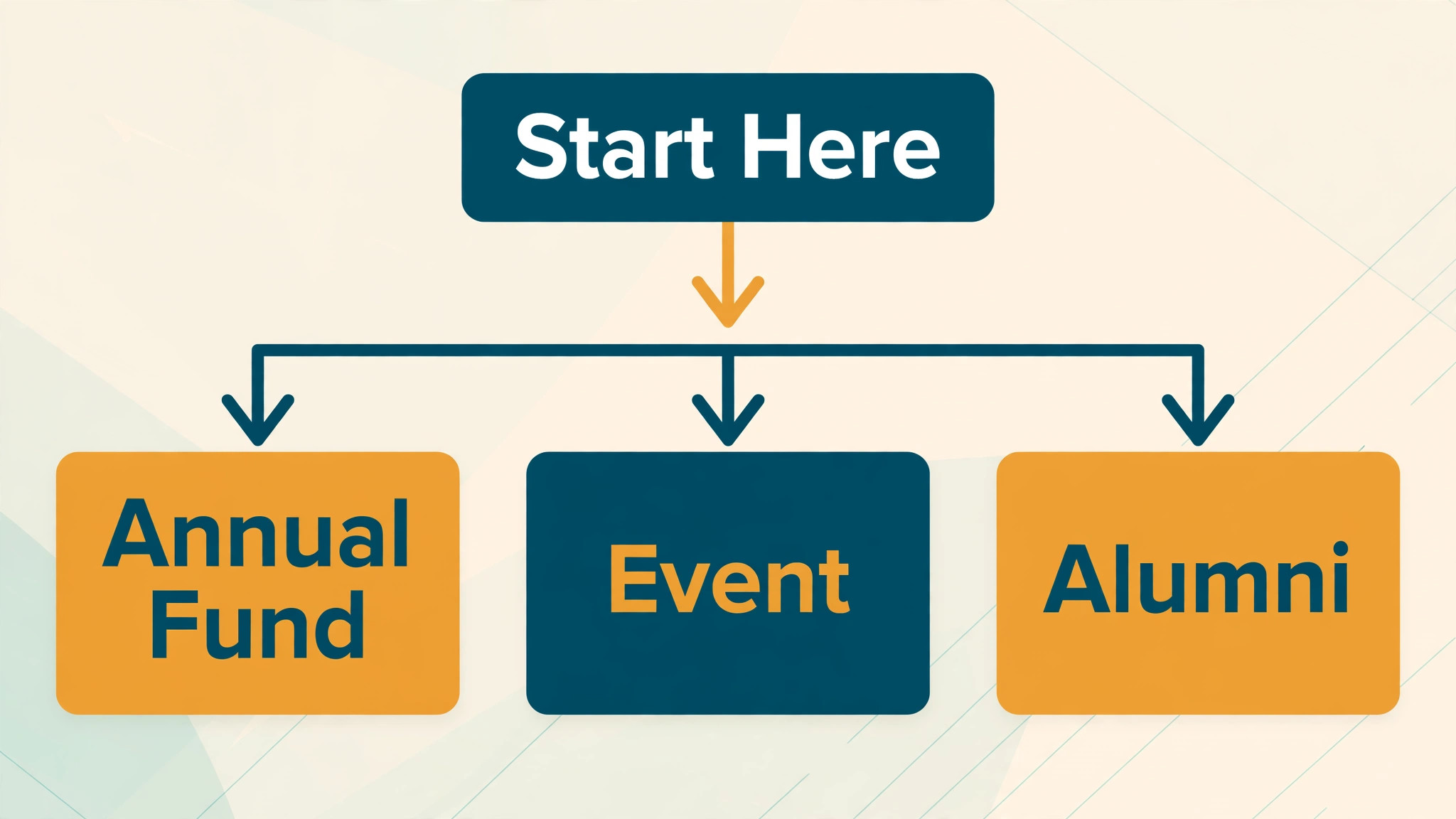
The right pick changes with the job that pays the bills. One job may need speed, another may need depth, and a third may need room to grow. Use this table to match the pick to the job, then confirm the fit by running one real workflow in a trial.
| Job | Best pick | Why it wins |
|---|---|---|
| Annual fund | Bloomerang | Retention reporting and donor history that support the next appeal |
| Event giving | RallyUp | Raffles, auctions, and pledge events in one campaign |
| Alumni gifts | GiveCampus | Education focused campaign pages and giving day tools |
The Donor Receipt Checklist Before Launch
A receipt system only works when every donor receives a correct, timely receipt without the school chasing paperwork. Run through this checklist with a real test gift before you launch, and fix every gap in the trial rather than after the appeal.
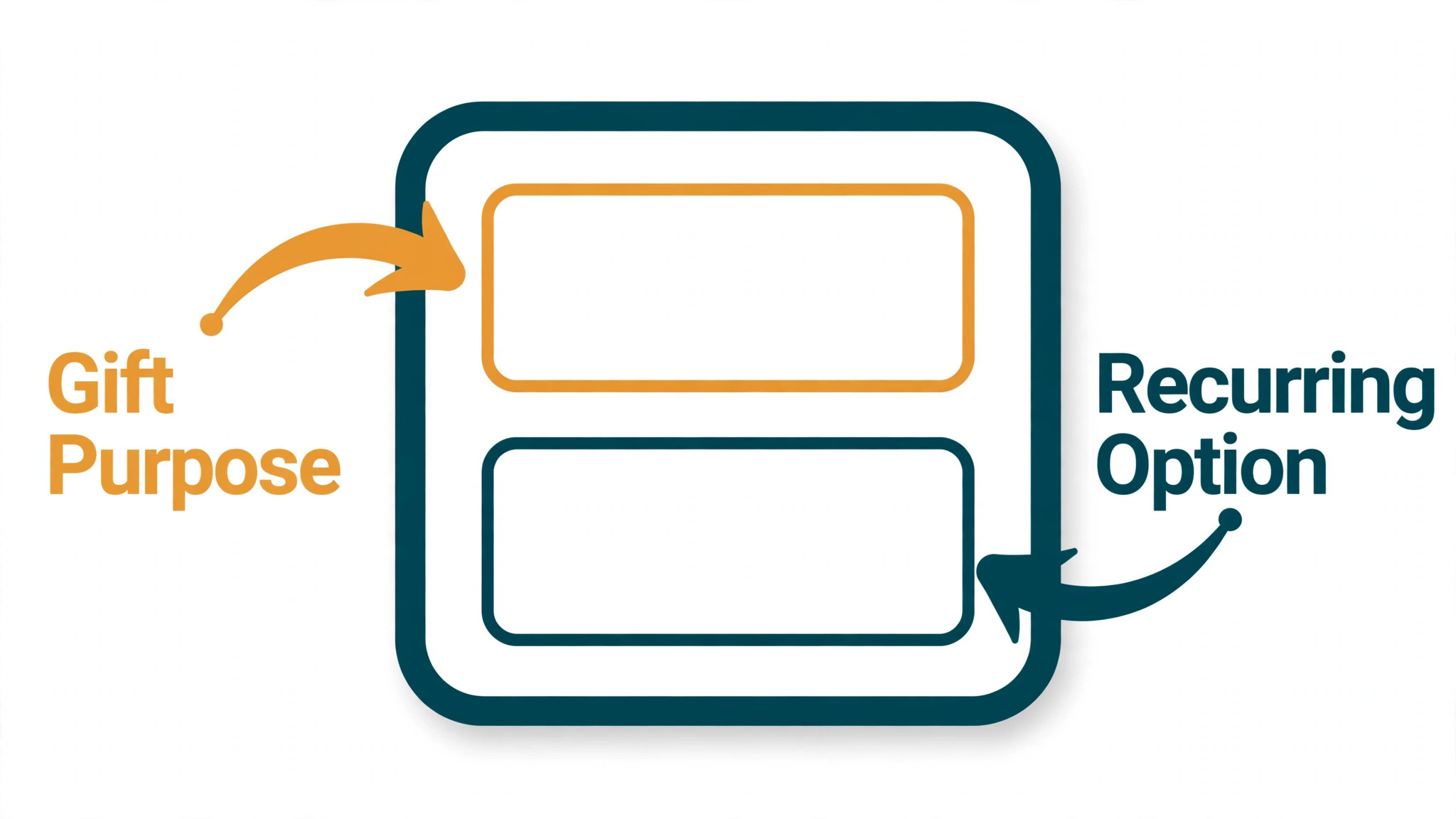
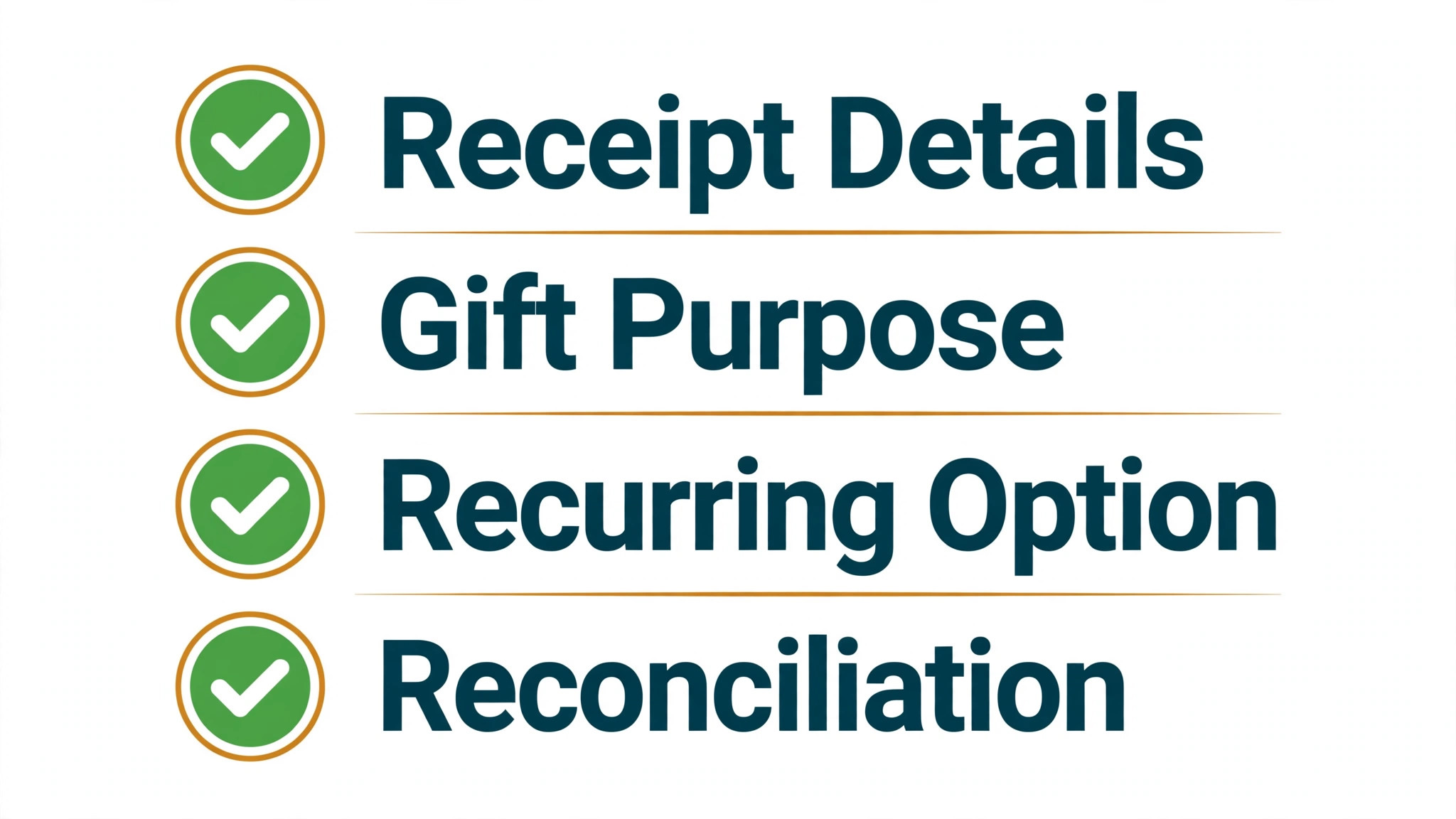
- Send an automatic receipt for every gift, with the school name, amount, date, and gift purpose stated clearly.
- State whether any part of the gift is not tax deductible, such as goods or services received at an event.
- Record the gift purpose, campaign, and donor record together, so reporting matches the money received.
- Offer recurring giving on the same form, with a clear way for donors to change or stop the gift.
- Test receipts on a phone, including the email subject line, the download link, and the school branding.
- Reconcile the first week of gifts against bank deposits, and fix any mismatch before the appeal scales.
- Thank every donor within two working days, with a message tied to the gift purpose, not a generic note.
What School Giving Software Really Costs
The headline price hides the real decision, because platform fees, processing fees, and subscriptions are three different bills. A school on a free platform with donor tips may pay nothing in subscription but still see donors cover a contribution, while a school on a $125 CRM plus processing pays a predictable monthly fee plus a per gift charge. Compare the cost per gift at the school’s real average, not at a $10 test gift.
Card processing deserves its own line in the budget. Most platforms pass on processing near 2.2 to 2.9 percent plus 30 cents per card transaction in recent comparisons, with lower nonprofit rates on some processors. On a $250 alumni gift, that processing alone matters, and a platform fee on top can quietly take a second cut.
Time is the second hidden cost. A system that needs a volunteer to reconcile gifts by hand each week costs more than its subscription suggests, while a system that reconciles automatically saves both time and errors. Count the hours for one appeal cycle, including receipt checks, thank you messages, and reporting, and price that time honestly.

Mistakes That Cost Schools Donors
The most common mistake is choosing on subscription price alone. A free platform that confuses donors at checkout, or a cheap database that cannot run events, will cost more in lost gifts than a paid system that runs the full calendar well. Judge the donor journey first, the fee model second, and the subscription third.
The second mistake is launching an appeal without testing receipts. A donor who receives no receipt, a wrong amount, or a receipt weeks late will hesitate before giving again, and the school may not learn why. Test every gift type, including recurring and event gifts, before the appeal goes live.
The third mistake is treating each appeal as a fresh start. A school that does not record who gave, to what, and when must rebuild its list every year, while a school with clean records can thank, segment, and reappeal with confidence. Protect donor records as carefully as the money itself.
A Two Week Trial That Actually Decides Anything
Week one should run a real gift, not a demo. Build one annual fund page and one event page, make test gifts of $25 and $250, and check receipts, records, and bank reconciliation for both. If any step needs a workaround in week one, it will need that workaround every appeal after launch.
Week two should bring real donors, even if only a small test group. Send the pages to a few parents and alumni, watch where they hesitate at checkout, and ask two people who did not give why they stopped. Their answers will tell you more than any feature list.

Rollout Notes for a School Development Office
Map the school giving calendar before choosing, listing the annual fund, events, pledge drives, and alumni appeals in one year. A calendar exposes whether the tool must handle all five formats, or only one, and that answer changes the shortlist completely.
Write appeal pages for one purpose each, rather than one general donate page for the whole school. A parent giving to a library fund and an alumnus giving to a scholarship need different stories, and one page cannot serve both well.
Set gift purpose and campaign codes before launch, so every gift lands in the right fund without manual sorting. A clear code list prevents the reconciliation errors that appear at year end, when nobody remembers what a gift was for.
Plan thank you messages around the gift, not around the tool. A donor who gave to a sports fund should hear about that team, while a donor who gave to a bursary should hear about the students helped, because relevant thanks bring second gifts.
Set a review date three months after launch and judge the system against gifts completed, receipts issued on time, and donors retained, not against how much you enjoyed building pages. If numbers have not moved, fix the appeal or the audience first, and only change systems when the system itself is the bottleneck.
Check who can run an appeal when the development lead is away. The right system is one a colleague can operate in minutes, because appeals happen on fixed dates, and a system that only one person understands is a risk on appeal day.
Choosing the best donation software for schools Without Overpaying
A school does not need the most expensive system, only the system whose paid features match the giving that already exists. For a small school, the cheapest system that issues correct receipts and keeps clean records is often the right start, because a small school has more need for donors than for advanced scoring. Start with a clear annual fund page, automatic receipts, and one event format, and add advanced tools only when giving income can pay for them.
Price the system at the giving volume you will reach in six months, not at the volume you have today, because a fee model that fits 50 gifts may strain at 500. The right system should still feel affordable when an appeal succeeds, and it should not punish success with fees that grow faster than gifts. Check the fee terms now, and note what triggers higher costs, whether that trigger is gifts, records, users, or add ons.
Separate the platform fee from the tools that often hide beside it. Event ticketing, auction tools, peer to peer pages, and email can each add a charge, and a system that looks free can become expensive once those four are added. Write down the full cost for each finalist, including the event tool you will actually use, before comparing headline prices.
A trial should prove completed gifts, not just good design. The right system will let a parent give on a phone, receive a correct receipt, and see a clear thank you without confusion, and those flows should be tested with real gifts during the trial. Ask two test donors where they hesitated, and fix the hesitation before launch, because a hesitation in a trial becomes a lost gift after launch.
Donor records are where a school giving system earns its keep over time, because clean history makes every later appeal smarter. The right system therefore needs records that update automatically, duplicate handling that works, and reports the development office can read without a specialist. A system that makes reporting a chore will slowly starve the school of the very insight that brings second gifts.
Do not buy a platform for an appeal format that does not exist yet. For a school with a proven annual fund, a donor led system is the right purchase, while for a school whose income comes mainly from events, an event led platform may fit better, and those are different purchases. Buy for the giving that already exists, and upgrade when the next format proves itself with real gifts.
Finally, judge fee transparency as a feature, not as paperwork. Ask how donor tips appear at checkout, what platform and processing fees apply to each gift type, and what happens to fees on a refund. A system that answers those questions clearly earns trust before a donor ever gives, and that trust is part of the appeal itself.
Judge the best donation software for schools by the worst day it must handle, such as a peak appeal week or a fully booked Saturday, not by a quiet demo.
The best donation software for schools that suits a small operation is often the simplest one that covers the core job without extra layers.
Write down the full monthly cost of the best donation software for schools for each finalist, including add ons and processing, before comparing headline prices.
A trial of the best donation software for schools proves itself when a real customer completes the full journey without staff help.
Before signing for the best donation software for schools, confirm support hours and response times, because problems arrive outside office hours.
The best donation software for schools you pick should grow with the operation for at least two years, or the next move will cost more than the saving today.
Migration deserves its own week, even when the new tool promises an import button. Export the old lists, clean duplicate records, and map every field before a single record moves, because a rushed import turns small errors into daily confusion. Run the old and new systems side by side for a fortnight, and only switch off the old one when the team trusts the new reports.
Training decides whether a good tool gets used or quietly ignored. Book one short session for each role, not one long session for everyone, and give each person a single real task to complete in the new system during that session. Record the sessions, keep a one page guide for the five most common tasks, and name one internal champion who answers questions in the first month.
Support quality matters more than a feature list once the system is live. Test support before you pay by sending a real question during the trial and timing the reply, then check whether the answer solves the problem or only links to a help article. A vendor that answers slowly during a trial rarely answers faster after the contract is signed.
Contract terms deserve the same attention as features. Check the notice period, what happens to your data at cancellation, whether prices rise at renewal, and whether seats can be reduced mid term. Ask for those answers in writing, because a verbal promise from a sales call is hard to enforce when the renewal invoice arrives.
Measure the first month against the problem that drove the purchase. Count the hours saved, the bookings completed, the payments collected on time, or the follow ups sent, and compare those numbers with the month before the switch. If the numbers have not moved, the problem is usually the workflow or the offer, not the template, so fix the process before changing tools again.
Integrations fail quietly, so test each one with real data rather than trusting a logo on a pricing page. Connect the calendar, the payment tool, and the email system, then run one complete journey from first contact to final payment and check every record it creates. A broken link between two tools creates manual work that nobody budgeted for.
Data ownership should be settled before the first record is entered. Confirm that contacts, payment history, and message history can be exported in a usable format, and test that export during the trial. A tool that locks data behind an expensive export fee becomes very hard to leave, even when a better option appears.
More Reading on Stratilyze
- Best Donation Software for Animal Shelters
- Best Donation Software for Small Nonprofits
- Best Donation Software for Churches
Frequently Asked Questions
Is a free giving platform really free for a school?
It can be free in subscription terms, but gifts still carry costs somewhere, whether through donor tips, platform fees, or card processing. Read the fee terms for each gift type, model the cost on a real $50 and $250 gift, and decide whether the school or the donor should carry each fee before launch.
Should a small school pay for a donor CRM straight away?
Usually not, unless the school already has a donor list worth managing. A small school should start on a free or low cost platform, prove that appeals complete and receipts arrive correctly, and move to a paid CRM when donor retention reporting will actually change the next appeal.
How do school donation fees compare across platforms?
Free platforms rely on donor tips or charge a platform fee when tips are off, paid CRMs charge a monthly subscription plus processing, and form tools charge a platform fee on a free plan or a subscription on a paid plan. The cheapest option depends on gift size and volume, so model the school’s real gifts before choosing.
Can a school move donor data later if it chooses wrong?
Donor records and gift history can usually move, but campaign pages, event structures, and receipt templates often need rebuilding. Keep copies of all donor lists, gift records, and appeal copy outside the platform from day one, and check export terms before signing.
What is the first page a school should build?
The annual fund page, because it carries the core appeal and the recurring giving option. Follow it with one event page for the next school event, and only then add alumni or class challenge pages, so each format is tested before the calendar fills up.
How fast should a donor receive a receipt?
Immediately, by email, at the moment the gift completes. A receipt that arrives days later creates doubt and extra work for the school office, while an instant, accurate receipt builds trust and makes the next gift easier.
A School Giving Shortlist to Take Into Your Trial
For most schools starting out, Givebutter is the sensible first trial for modern campaigns at no subscription cost, and Zeffy is the sensible first trial for a zero fee model. Schools that need retention reporting should trial Bloomerang first, and schools running large events should trial RallyUp beside it. That shortlist is a practical way to choose without paying for a system you will not use.
Whichever system you shortlist, run one real gift, check one real receipt, and reconcile one real deposit before you launch an appeal. The right system is the one a parent can give through on a phone, receive a correct receipt from instantly, and trust enough to give again next year. That test, run properly, will choose the system for you.