
Your booking inbox is full, your calendar has double entries, and clients still message to ask whether their appointment is confirmed. This guide works out cost of Acuity for small business monthly, tier by tier, so the choice stops being a guess.
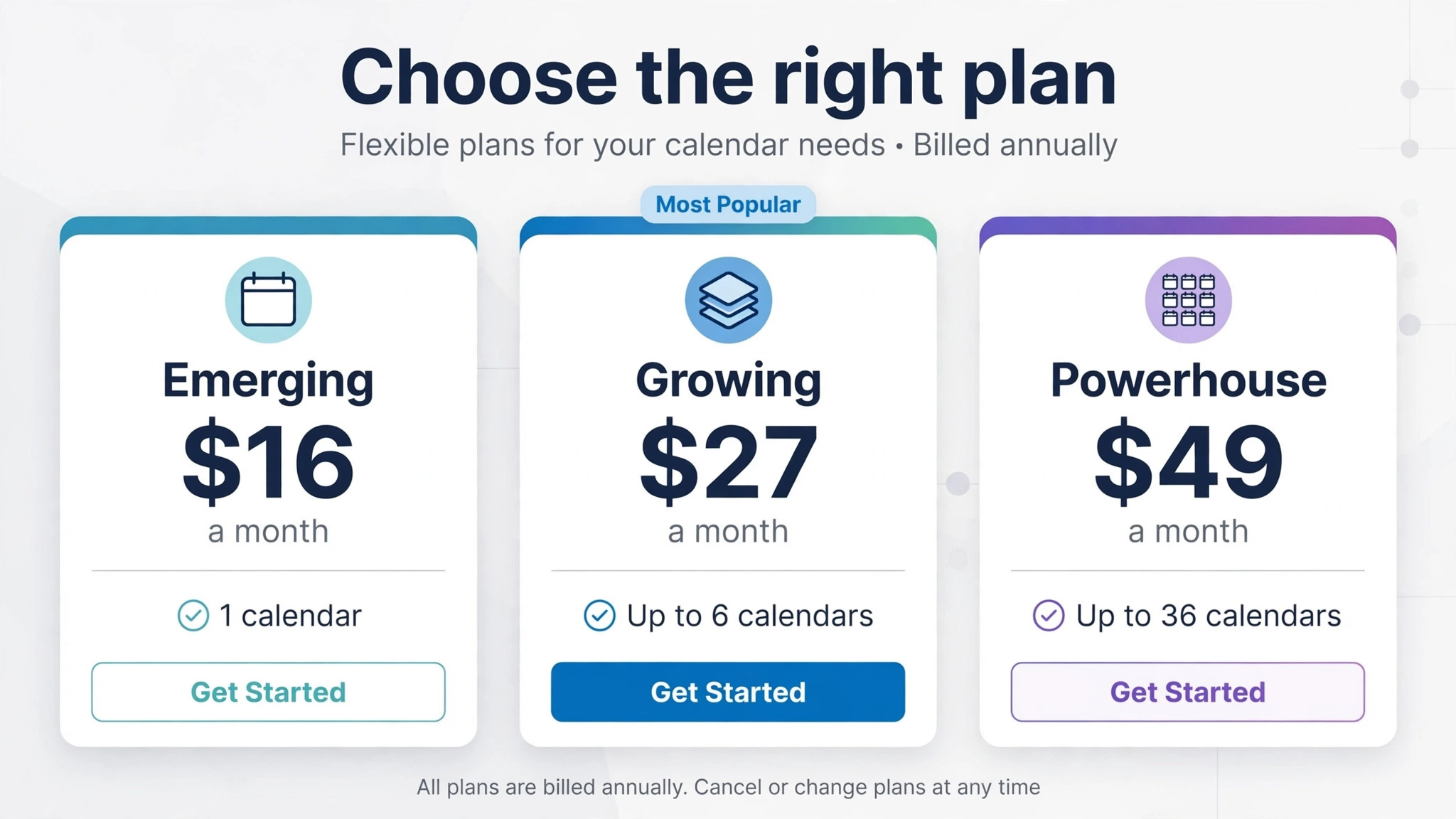
That is the problem Acuity Scheduling is bought to solve, and the price of solving it is lower than most business software, which makes the tier choice easy to rush and easy to get wrong. Emerging starts at 16 dollars per month billed annually, or 20 dollars billed monthly. Growing starts at 27 dollars billed annually, or 34 dollars billed monthly. Powerhouse starts at 49 dollars billed annually, or 61 dollars billed monthly. The difference between those tiers is not just price. It is calendars, packages, reminders and compliance features that decide whether booking actually saves admin time or simply moves the mess into a new tool.
This guide explains the cost of Acuity for small business monthly use for solo practitioners and small teams, with worked totals for one calendar and for a three person team, plus the payment, SMS and add on costs that sit outside the subscription. Acuity is now part of Squarespace, and its pricing is reported in two forms, annual per month and month to month, so this guide states both wherever they differ. Prices reflect reports from 2026, and you should confirm the live Squarespace Acuity pricing page before you pay, because calendar limits and included features have changed with Squarespace integration.
Cost of Acuity for Small Business Monthly at a Glance
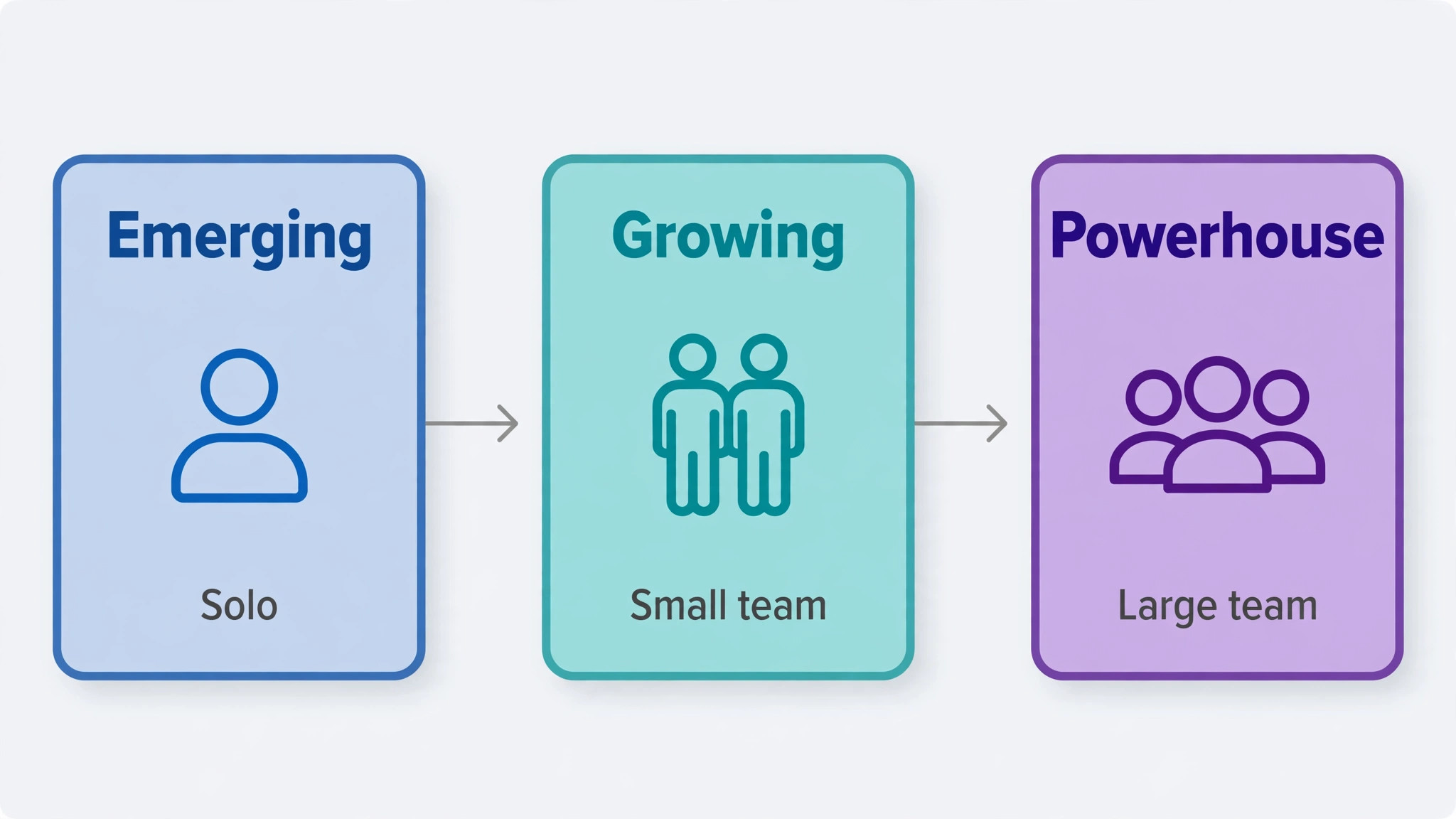
Acuity sells three main paid tiers plus a custom Enterprise tier for larger organisations. Emerging allows one staff member or calendar, unlimited appointments, intake forms and payment acceptance, with email confirmations and calendar sync. Growing allows up to six staff or calendars, adds appointment packages, gift certificates, memberships, text reminders and branding removal, and suits studios and small teams. Powerhouse allows up to 36 staff or calendars, adds HIPAA compliance support, multiple time zones, custom CSS and API access, and suits larger studios, clinics and multi location businesses.
Annual billing saves 20 percent on each tier compared with month to month billing. Emerging saves 4 dollars per month, Growing saves 7 dollars per month, and Powerhouse saves 12 dollars per month, when the annual per month rate is compared with the monthly rate. Those savings are modest in absolute terms, which changes the billing advice for Acuity compared with more expensive tools. Annual billing still saves money over a year, but the cash locked up is small, so the decision should rest on confidence in the tool rather than on a large discount alone.
| Plan | Billed annually, per month | Billed monthly | Staff or calendars |
|---|---|---|---|
| Emerging | 16 dollars | 20 dollars | 1 |
| Growing | 27 dollars | 34 dollars | Up to 6 |
| Powerhouse | 49 dollars | 61 dollars | Up to 36 |
| Enterprise | Custom quote | Custom quote | Custom |
Acuity also offers a free trial, reported as seven days, with no credit card required on some signup routes. Use the trial to test the exact booking flow your clients will use, including intake forms, payment and rescheduling, rather than to browse settings. A trial that only tests the admin view tells you little about client experience, and client experience is what decides whether no shows fall and bookings rise after you switch.
What Emerging Covers for a Solo Practitioner
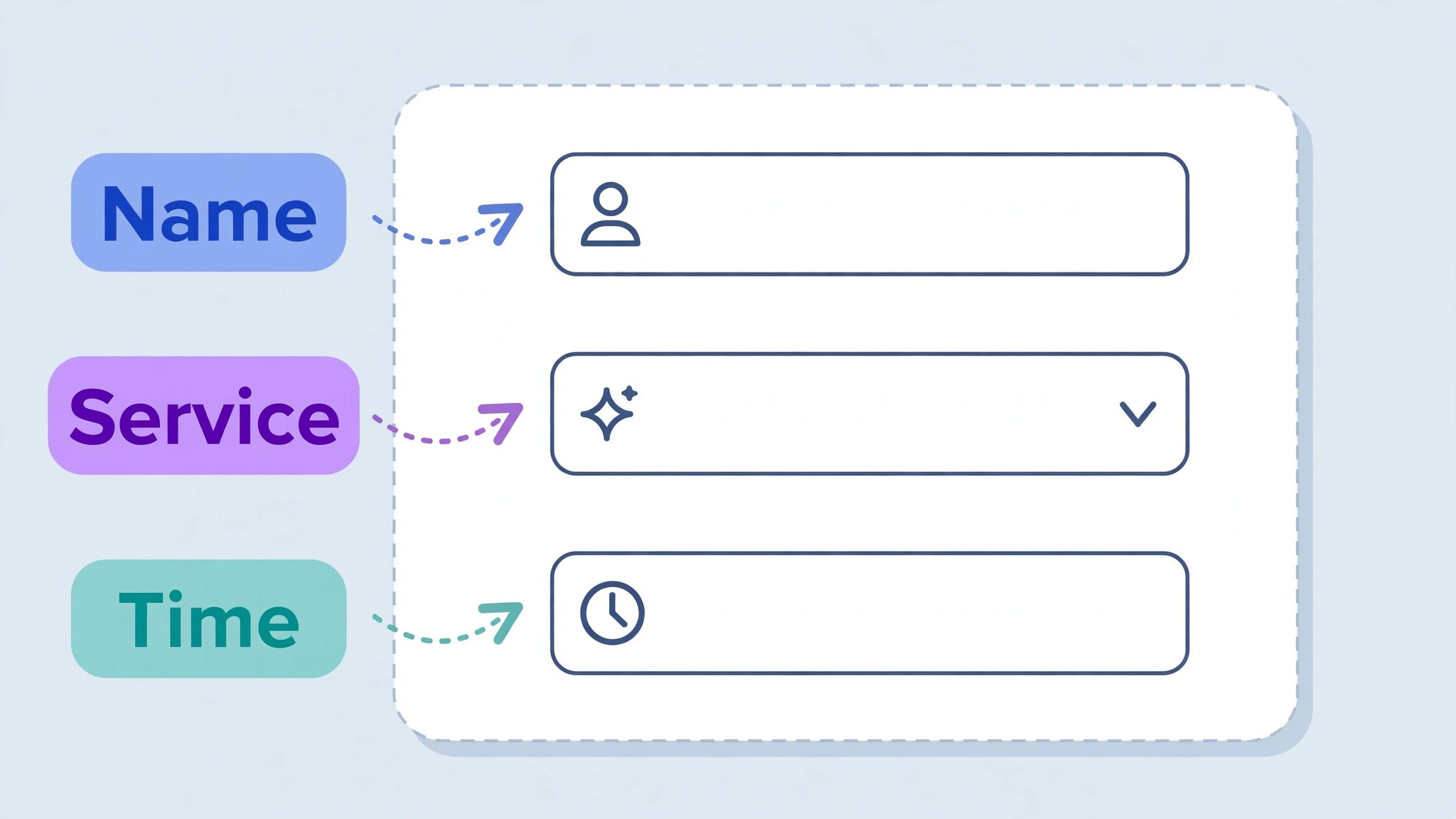
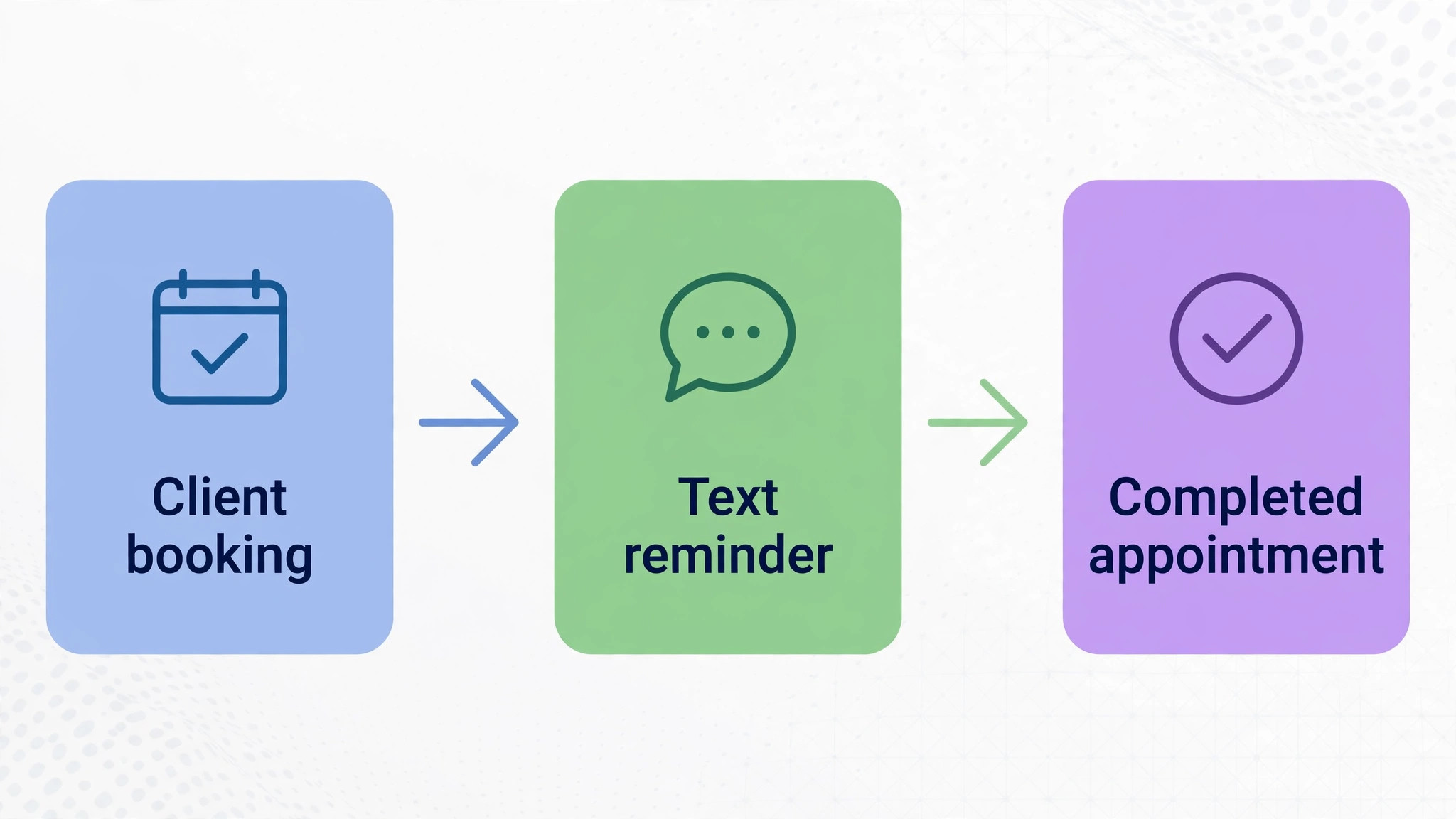
Emerging covers the core booking job for one person judging the cost of Acuity for small business monthly use. Clients book online, choose a service and time, complete an intake form, pay if required, and receive email confirmations and reminders. Calendar sync keeps your personal calendar and your booking calendar aligned, which prevents the double booking problem that drives many solo practitioners to a scheduling tool in the first place. Unlimited appointments mean a busy solo practice is not penalised for success in the way a per booking tool would penalise it, and that flat price structure is a genuine advantage for high volume solo work.
The limits are clear and should be tested against your actual services. One calendar means one staff member, so a solo practitioner who later hires an associate will need Growing, not a workaround with shared logins. Emerging does not include appointment packages, gift certificates or memberships, so a business that sells a block of sessions at a discount, or a recurring membership, will need to handle those sales outside Acuity or upgrade. Text reminders are also a Growing feature on reported terms, so a solo practitioner who relies on SMS to reduce no shows may find Emerging email reminders insufficient, depending on how clients respond.
Emerging is the right tier when your booking model is simple. One practitioner, single appointments, payment at booking or at the session, and email reminders that clients actually read. It is the wrong tier when your model already includes packages, when you plan to add staff within a few months, or when no shows are a costly problem that email alone has not solved. In those cases, paying 11 dollars more per month on annual billing for Growing is cheaper than losing one appointment per month to a no show or to a package sale handled manually.
What Growing Adds for a Small Team
Growing is the tier most small teams judging the cost of Acuity for small business monthly use should price first, because it matches how small service businesses actually sell. Six calendars cover a studio with several practitioners, a salon with several stylists, or a clinic with a small team, without paying for Powerhouse scale. Packages let clients buy a block of sessions in advance, which improves cash flow and commitment, while gift certificates bring new clients through existing ones. Memberships support recurring revenue for ongoing services, such as regular coaching, therapy or maintenance sessions, without a separate membership tool.
Text reminders on Growing deserve attention, because they address a direct revenue leak. Email reminders are easy to miss, especially for clients who book weeks ahead and then forget. Text reminders, sent automatically before an appointment, reduce no shows for many service businesses, and a single avoided no show per month often covers the price difference between Emerging and Growing. Branding removal also matters for a team that wants booking pages to look like its own business rather than like a third party tool, although clients care more about a smooth booking flow than about a logo in a corner.
Growing still has limits worth noting. Six calendars is ample for a small team but not for a multi location business with many staff, and API access remains a Powerhouse feature, so custom integrations will be limited. Group scheduling is included in a form that suits classes and group sessions, but complex scheduling rules, such as resource booking for rooms or equipment alongside staff, may need a more specialised tool or a Powerhouse workaround. Test group and package flows in the trial with real service names and prices, because a feature that exists in a list and a feature that works for your exact service are not always the same thing.
What Powerhouse Adds, and When It Is Overkill
Powerhouse adds scale and compliance features that smaller teams rarely need. Thirty six calendars cover a large studio, a multi location clinic or a franchise style operation with many practitioners. HIPAA compliance support matters for health related businesses that handle protected health information, although compliance depends on how you configure and use the tool, not only on the tier you buy. Multiple time zone support helps businesses serving clients across regions, and custom CSS plus API access help businesses that need booking to match a custom website or to connect with other systems automatically.
For a three person team judging the cost of Acuity for small business monthly use, Powerhouse is usually overkill. The extra calendars sit unused, the API remains uncalled, and custom CSS is a one off job that does not justify a permanent monthly premium. The premium over Growing on annual billing is 22 dollars per month, or 264 dollars per year, which is not huge in absolute terms, but it is still money spent on capacity that produces no return. A small team should buy Powerhouse only when a named requirement, such as HIPAA support, time zone handling for a dispersed client base, or a documented API integration, cannot be met on Growing.
A larger business should judge Powerhouse differently. A clinic with twenty practitioners, a salon group with several locations, or a training business with many coaches will use the calendar headroom and the admin features, and the flat 49 dollars per month on annual billing remains low compared with per staff pricing on many competing tools. Powerhouse pricing is per account, not per staff member within its calendar limit, which is a key advantage for larger teams. Compare that structure carefully with per user tools, because a per user tool that looks cheaper for three people can become far more expensive for twenty.
A Solo Practitioner, Worked Out Month by Month
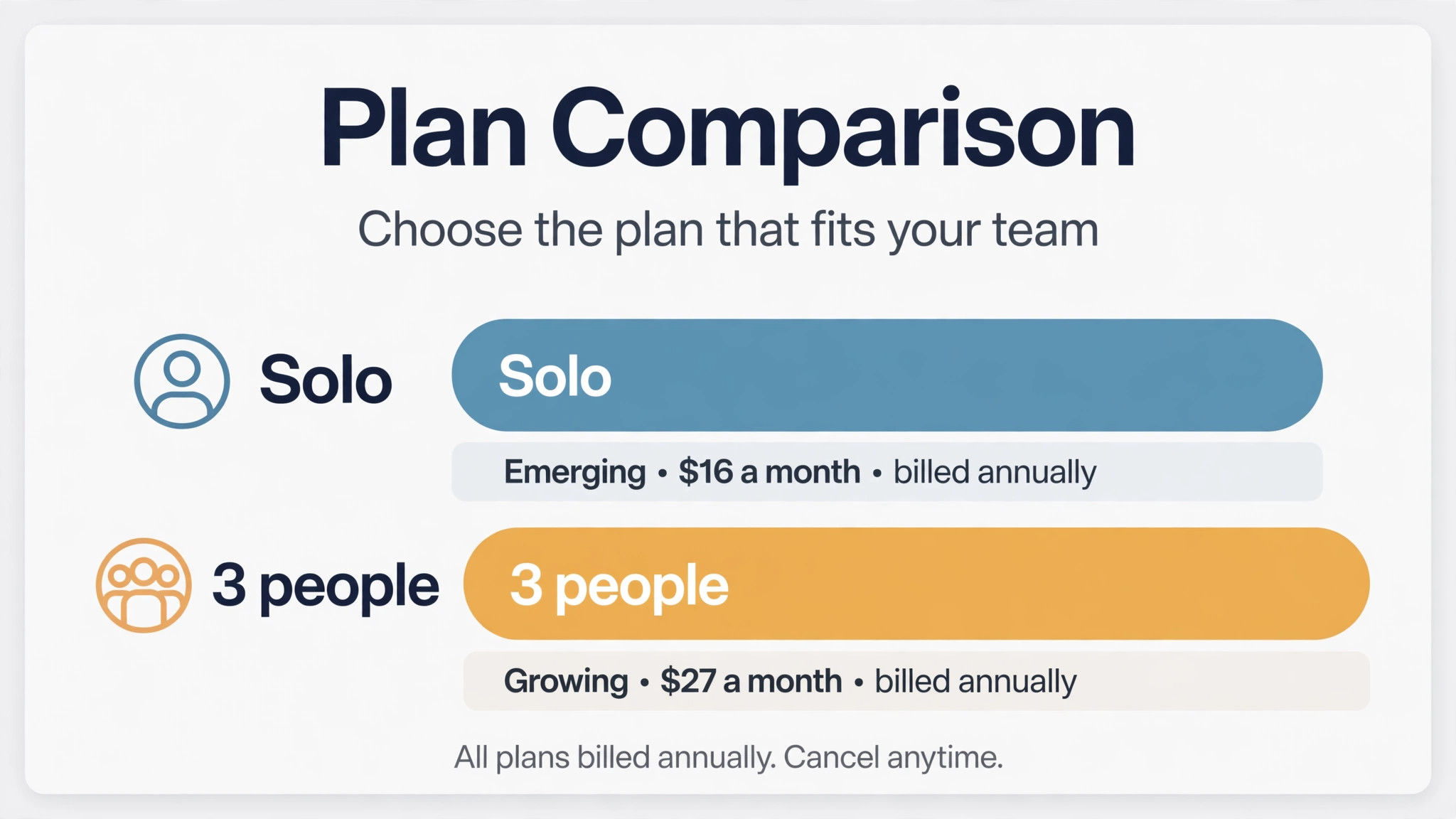
Take a solo therapist booking twenty sessions per month at 80 dollars per session, using Emerging on annual billing. The subscription equivalent is 16 dollars per month, paid as 192 dollars for the year. On month to month billing, Emerging costs 20 dollars per month, so annual billing saves 48 dollars over a year. Revenue from twenty sessions totals 1,600 dollars per month before expenses, so the subscription is 1 percent of revenue on annual billing, which is negligible beside rent, insurance, payment processing and marketing costs.
Payment processing is the larger variable cost. If clients pay by card through Acuity connected payment processors, normal card processing at roughly 2.9 percent plus 30 cents per transaction applies on reported terms for common processors, although exact rates depend on your processor and location. On an 80 dollar session, processing costs about 2.62 dollars, so twenty sessions cost about 52 dollars per month in processing. That brings the booking and processing total to about 68 dollars per month on Emerging annual billing, before any SMS costs, email tools or website costs. If clients pay in person or by bank transfer outside Acuity, processing through Acuity may be lower or absent, but booking still needs to record payment correctly.
No show reduction is where Acuity earns its price for a solo practitioner, even on Emerging. One avoided no show per month at 80 dollars covers the subscription and processing for that month several times over, provided reminders actually reach clients. Email reminders help, but a solo practitioner with a high no show rate should test whether Growing text reminders reduce no shows further, and price Growing as a no show insurance policy rather than as a feature upgrade. Track no shows for a month before Acuity and a month after, using the same definition, so the decision rests on your own numbers rather than on a generic claim.
A Three Person Team, Worked Out Month by Month
Take a small studio with three practitioners, each booking thirty appointments per month, using Growing on annual billing. The subscription equivalent is 27 dollars per month for the whole account, not per practitioner, paid as 324 dollars for the year. On month to month billing, Growing costs 34 dollars per month. That flat account price is the most attractive part of Acuity for teams, because a three person team pays the same subscription as a one person team would on Growing, up to the six calendar limit, while a per user tool would triple the cost for three people.
Revenue and processing scale with appointments, not with the subscription. Ninety appointments per month at 60 dollars each total 5,400 dollars per month before expenses. Card processing at roughly 2.9 percent plus 30 cents per appointment would total about 184 dollars per month, which dwarfs the 27 dollar subscription. The booking and processing total therefore sits near 211 dollars per month on Growing annual billing, plus any SMS charges, email tools and website costs. That total is still a small share of revenue, but it shows why processing, not subscription, should dominate a team pricing discussion.
If the same three person team chose Powerhouse on annual billing, the subscription rises to 49 dollars per month, an increase of 22 dollars over Growing. The total with the same processing estimate rises to about 233 dollars per month, a modest increase that would be justified only by a Powerhouse feature the team actually uses. If the team chose Emerging, it could not cover three calendars, so Emerging is not a valid comparison for a three person team, regardless of price. The valid choice for three people is therefore Growing in most cases, with Powerhouse reserved for compliance, time zone or integration needs that Growing cannot meet.
SMS reminders can carry extra costs beyond the subscription, depending on your plan, region and message volume, and those costs should be confirmed before you rely on text reminders for every appointment. Some reports describe SMS as included in Growing and Powerhouse in a basic form, while higher volumes or specific regions may incur additional charges. A studio sending ninety reminders per month plus rescheduling messages should ask for the SMS terms in writing and budget a small monthly allowance, even if the base inclusion covers most messages. An unexpected SMS bill is rarely large, but it undermines trust in a budget that was supposed to be flat.
Squarespace integration is a second area to check, because Acuity is sold as part of Squarespace and also as a standalone scheduling product. If you already use Squarespace for your website, Acuity integration may be smoother and may be bundled in a Squarespace plan on terms that differ from standalone Acuity pricing. If you use another website platform, standalone Acuity still works through booking links and embeds, but you should test the embed on your actual site, including on mobile, before committing. A booking page that looks fine in Acuity and breaks on your site will cost bookings, regardless of how low the subscription is.
Other hidden costs are familiar from other scheduling tools. A domain, a website platform, an email marketing tool for client follow up, and payment processor fees all sit outside Acuity, yet they belong in a monthly booking total. A solo practitioner might therefore total 50 to 120 dollars per month including Acuity, processing on actual sales, a website share and an email tool, while a three person team might total 250 to 400 dollars per month on the same basis, depending on appointment volume and processing. Keep those surrounding costs in the same spreadsheet as Acuity, so a low subscription does not hide a high total.
Choosing the Right Tier Without a Trial Trap
Choose Emerging if you are solo, if you sell single appointments, and if email reminders work for your clients. Choose Growing if you have two to six staff, if you sell packages, gift certificates or memberships, or if text reminders are needed to cut no shows. Choose Powerhouse if you have more than six calendars, if HIPAA support is a requirement, if you serve clients across many time zones, or if you need API access or custom CSS for a documented integration. That decision tree covers most small businesses, and any choice outside it should carry a written reason tied to a specific service or client need.
Avoid the trial trap of testing only the highest tier. A trial on Powerhouse makes every feature look normal, then a downgrade to Emerging or Growing after the trial feels like a loss, even though the lower tier may be the right fit. Instead, trial the tier you expect to buy, and test the exact flows that tier must support, including packages if you plan to sell them. If a flow fails on the expected tier, upgrade during the trial with evidence, not after paying for a year on a tier that cannot do the job.
Billing choice for Acuity is less dramatic than for expensive tools, because annual savings are 48 dollars on Emerging, 84 dollars on Growing and 144 dollars on Powerhouse over a year. Those savings are still worth taking after a successful trial month, but they should not drive a rushed annual commitment before you know whether clients will actually use online booking. Start month to month for one month, measure booking completion, no shows and support messages, then switch to annual billing when the evidence supports it. That sequence costs a few dollars extra in month one and protects you from a year of paying for a tool clients resist.
– Solo, single appointments and email reminders point to Emerging – Two to six staff, packages or text reminders point to Growing – More than six calendars, HIPAA, time zones or API needs point to Powerhouse – Trial the expected tier, with real service names and prices – Switch to annual billing after one month of client use evidence
Mistakes That Keep Booking Costs High
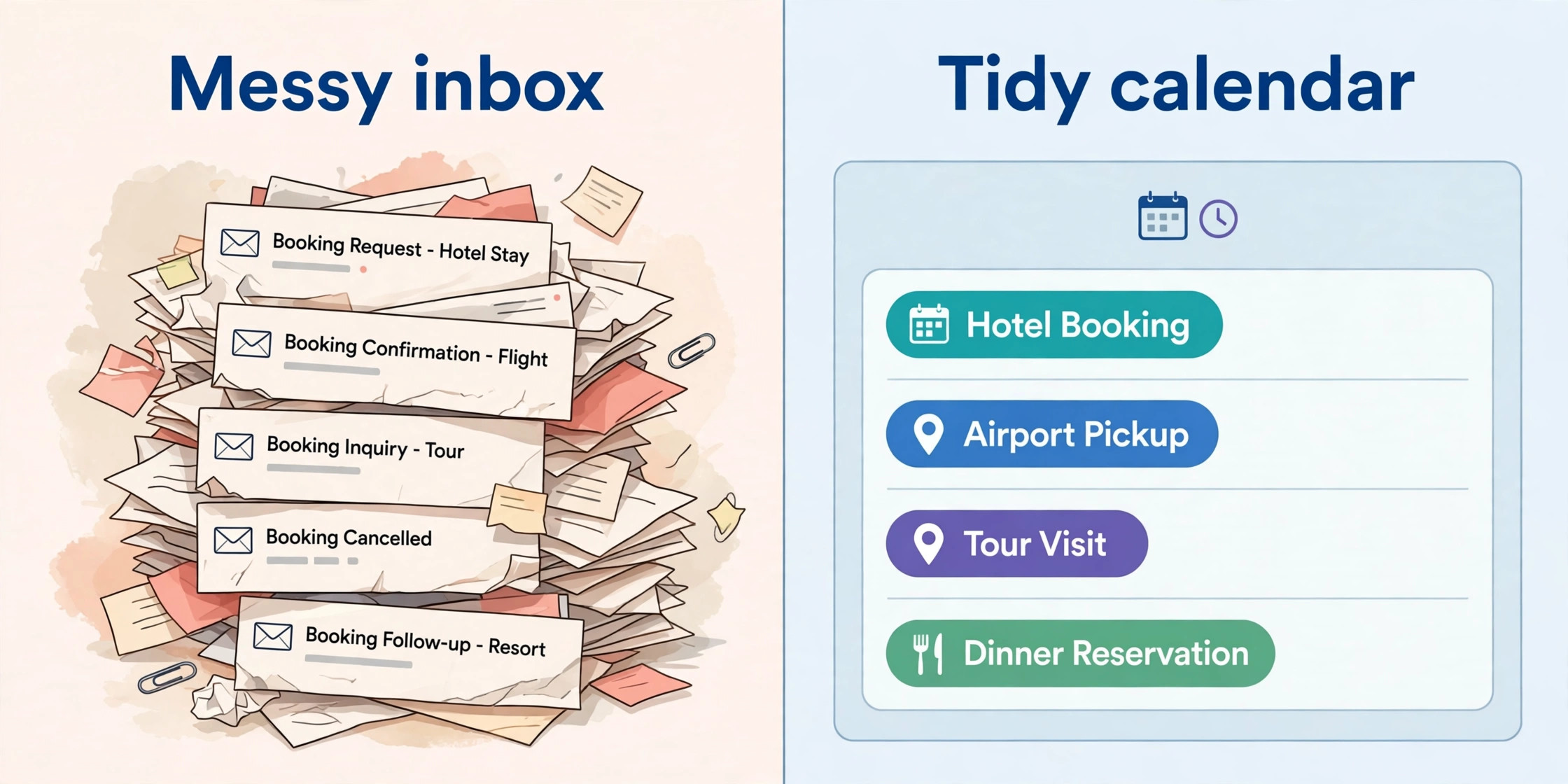
Keeping phone booking alongside online booking without a clear rule is a common mistake that raises the cost of Acuity for small business monthly use in wasted time that preserves admin work while adding a subscription cost. Clients who can book online but still call, and staff who accept phone bookings without entering them into Acuity, create double bookings and confusion that Acuity was bought to prevent. Set a rule that all bookings go through Acuity, with phone help for clients who struggle, and enter any phone booking into Acuity immediately. The tool only saves time when it becomes the single source of truth for appointments.
A second mistake is building intake forms that are too long. A form that asks for everything a practitioner might ever need will deter bookings, especially on mobile, and will create data that nobody reviews. Ask only for information needed to confirm, prepare for and safely deliver the appointment, and collect the rest at the appointment itself. A short form plus a clear confirmation page produces more completed bookings than a thorough form that clients abandon halfway through.
A third mistake is ignoring cancellation and rescheduling rules. A business that allows free cancellation up to an hour before an appointment will suffer late cancellations that cannot be refilled, while a business with no rescheduling option will lose clients who simply do not show up instead of moving their booking. Set a cancellation window that matches your ability to refill a slot, require payment or a deposit for high value appointments where appropriate, and make rescheduling easy within that window. Those policy choices affect revenue far more than the difference between Emerging and Growing.
Seasonal Demand and Package Pricing in Practice
Seasonal demand changes how Acuity pays for itself, because booking volume is rarely flat across the year. A salon may be quiet in January and fully booked in December, a tutoring practice may peak before exams, and a clinic may see demand rise after a local event or a referral campaign. A flat monthly subscription helps in this pattern, because the cost stays the same while revenue rises in peak months, and the subscription does not punish a busy month the way a per booking fee would.
The risk is the opposite in quiet months, when a subscription still charges while appointments fall, so a seasonal business should judge Acuity on annual booking totals rather than on a single quiet month.
Packages change the pattern further, because a package sale brings cash forward while appointments are delivered over weeks or months. A Growing account that sells a ten session package at a discount collects revenue up front, improves cash flow, and locks in commitment from clients who might otherwise drift away after two sessions. That cash flow benefit can outweigh the subscription many times over, provided package expiry, rescheduling and refund rules are clear at purchase. A vague package policy creates support work and disputes that erase the benefit, so write expiry and refund terms on the booking page itself, not only in a separate policy document.
For a seasonal business judging the cost of Acuity for small business monthly use, the practical test is a full year view. Add twelve months of subscription, add processing on actual package and single appointment sales, subtract the value of avoided no shows, and compare that total with the admin time saved on phone booking and calendar management. If the annual view shows a saving in time or money, Acuity is worth keeping through quiet months as well as busy ones. If it shows a loss, the problem is usually booking volume or pricing, not the subscription tier, and those are the levers to fix first.
Verdict for Solo and Small Team Booking
For a solo practitioner with simple single appointments, Emerging on annual billing at 16 dollars per month is excellent value, provided email reminders are enough and no packages or second calendar are on the near horizon. For a small team of two to six people, Growing on annual billing at 27 dollars per month is the clear value tier, because packages, gift certificates, memberships and text reminders match how teams sell and reduce no shows, all for a flat account price that does not rise per practitioner. Powerhouse at 49 dollars per month on annual billing earns its price for larger, multi location or compliance driven businesses, not for small teams buying headroom they will not use.
Price Acuity as part of a booking total, not as a standalone subscription. Add processing on your actual appointment volume, allow a small amount for SMS if you use text reminders heavily, and include website and email tools that support booking. If that total still leaves a healthy margin after a realistic no show rate, Acuity is affordable. If it does not, fix pricing, cancellation policy or no show handling before blaming the subscription, because those factors move revenue far more than a 16 to 49 dollar monthly fee. Check current prices on the official Acuity Scheduling site at https://acuityscheduling.com before you subscribe.
Frequently Asked Questions
Is Emerging enough for a solo practitioner?
Yes, if you are the only calendar, sell single appointments and find email reminders sufficient. Emerging becomes limiting when you add staff, sell packages or memberships, or need text reminders to reduce no shows, and those needs point to Growing.
How much does the cost of Acuity for small business monthly use change on annual billing?
Annual billing lowers Emerging from 20 dollars to 16 dollars per month, Growing from 34 dollars to 27 dollars, and Powerhouse from 61 dollars to 49 dollars, when the annual rate is expressed per month. The full year is paid in advance, so budget for a lump sum at renewal rather than a monthly charge.
Does Acuity charge per staff member?
No, Acuity pricing is per account within a calendar limit, not per staff member in the way many per user tools charge. Emerging allows one calendar, Growing allows up to six, and Powerhouse allows up to 36, so a three person team on Growing pays the same subscription as a one person team on Growing.
Are text reminders included on every plan?
Text reminders are reported as a Growing and Powerhouse feature, not as an Emerging feature, and SMS volume or region may affect costs. Confirm SMS terms for your volume before relying on text reminders for every appointment, and budget a small allowance if you send many messages.
What happens if a small team grows beyond six calendars?
A team beyond six calendars needs Powerhouse, which allows up to 36 calendars, or a custom Enterprise arrangement for larger needs. Plan the move before you hit the limit, because migrating calendars and booking links during a busy period creates disruption that a planned upgrade avoids.
How does the cost of Acuity for small business monthly use compare with a free booking tool?
Free tools often limit calendars, reminders, payments or branding, and may charge per booking or show ads to clients. Acuity wins when unlimited appointments, payment handling and professional booking pages save admin time and reduce no shows, and a free tool wins only when booking volume is very low and features are truly sufficient.
Can clients pay when they book through Acuity?
Yes, Acuity connects to payment processors so clients can pay at booking, pay a deposit, or pay later depending on your settings, subject to processor availability in your region. Normal card processing fees apply on top of the subscription, so price those fees into your service prices.
Is HIPAA compliance automatic on Powerhouse?
No, Powerhouse adds HIPAA compliance support, but compliance also depends on configuration, access controls and business processes, including a business associate agreement where required. Health businesses should confirm requirements with Acuity and with their own compliance adviser before relying on a tier label alone.