
Verdict first. Most small businesses should start on Pro if the team is ten people or fewer, move to Business when automations, workload views or a three person minimum stop being optional, and treat Enterprise as a quote only step for larger organisations, not as a natural upgrade for a growing small team. That verdict rests on a simple pricing fact. Pro costs 9 dollars per member per month billed annually, or 12 dollars billed monthly. Business costs 19 dollars per member per month billed annually, or 24 dollars billed monthly. The gap between those two prices is large enough to matter, and the features that justify it are specific, not general. The sections below price cost of Smartsheet for small business monthly by member count, including guests and contributors.
This guide explains the cost of Smartsheet for small business monthly use in full, including how Smartsheet counts members, why guests and contributors change the total, and what 3, 10 and 25 person teams actually pay. It also covers Enterprise and Advanced Work Management, where prices are custom and must be quoted, so a small business can recognise when it has outgrown published pricing. Prices reflect Smartsheet pricing reports from September 2026, and you should confirm the live pricing page before you buy, because Smartsheet has changed its seat model in recent years.
Cost of Smartsheet for Small Business Monthly at a Glance
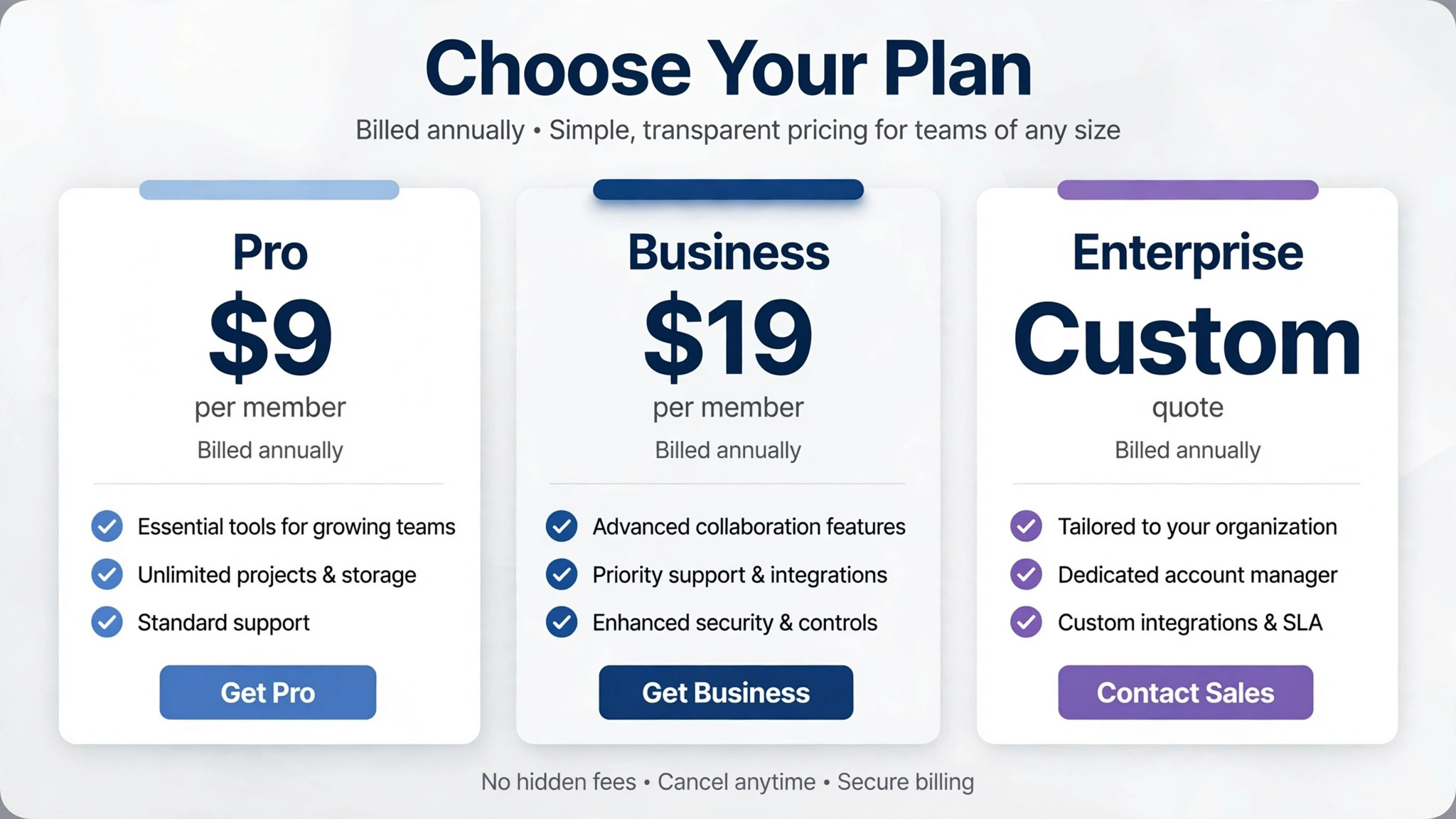
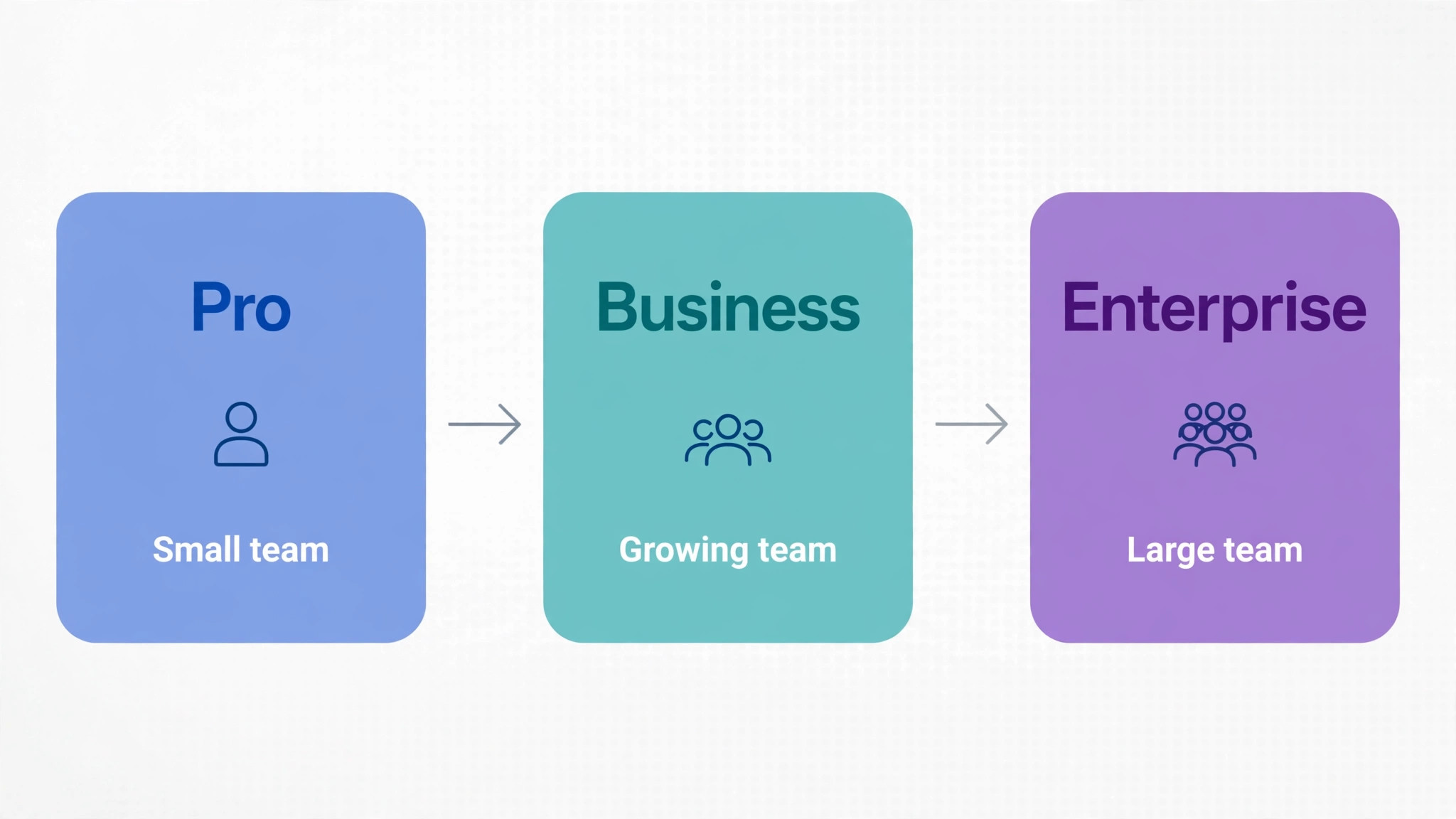
Smartsheet sells four levels. Pro is for 1 to 10 members, Business requires a minimum of 3 members, Enterprise requires 10 or more members on a custom quote, and Advanced Work Management is a custom priced bundle for portfolio and data management needs. Pro includes Gantt, table, board and calendar views, rich formulas, unlimited sheets, forms and reports, plus 250 automations per month and 20 gigabytes of storage. Business adds timeline view, workload tracking, unlimited automations, 1 terabyte of storage and stronger admin controls, plus unlimited free guests on reported terms.
The member model is the key to the cost of Smartsheet for small business monthly use. Smartsheet charges per member, meaning a paid user who can create and own sheets and perform admin tasks, while guests and contributors have more limited roles and do not carry the same charge in the current model. Reports from April 2026 describe a contributor seat that lets unlimited people view shared work, comment, add attachments, fill in forms and answer update requests without a paid member licence. That distinction can save a small business a great deal, because a team of ten paid members can collaborate with many more contributors without paying for every viewer.
| Plan | Billed annually, per member | Billed monthly, per member | Member range |
|---|---|---|---|
| Pro | 9 dollars | 12 dollars | 1 to 10 |
| Business | 19 dollars | 24 dollars | 3 or more |
| Enterprise | Custom quote | Custom quote | 10 or more |
| Advanced Work Management | Custom quote | Custom quote | Custom |
Annual billing saves 25 percent on Pro and about 21 percent on Business compared with month to month billing. On Pro, the annual saving is 3 dollars per member per month. On Business, it is 5 dollars per member per month. For a ten person team, those savings total 30 dollars per month on Pro and 50 dollars per month on Business, which is meaningful over a year but still secondary to choosing the right tier and the right member count in the first place.
How Members, Guests and Contributors Change the Bill
Counting heads is not the same as counting members, and confusing the two is the fastest way to overpay for Smartsheet. A member is a paid user who creates sheets, owns work and uses the full editing and admin features. A guest or contributor is a person who interacts with shared work in a limited way, such as viewing, commenting or submitting a form, without owning sheets in the same way. A small business should therefore list every person who needs to create and own sheets, and treat everyone else as a potential guest or contributor, subject to confirming current role rules at signup.
Consider a construction firm with five project managers who build schedules, plus fifteen site staff who update task status and upload photos. Paying for twenty members would waste money if the fifteen site staff only need contributor access. Paying for five members and giving the rest contributor access, where the current model allows it, keeps the bill at five paid seats while still gathering field updates. The reverse error is also common. A business that gives everyone member access for convenience, then never audits roles, ends up paying for members who only view sheets once a month.
Role audits for the cost of Smartsheet for small business monthly use should happen quarterly, alongside seat reviews. Check who created a sheet in the last ninety days, who owns active sheets, and who only viewed or commented. Downgrade or remove member status where the work does not require it, and document the decision so a future manager does not re add seats by default. This habit matters more as a team grows, because member creep at 19 dollars per person per month on Business adds up quickly, and a ten person overcount costs 190 dollars per month on annual billing, or 2,280 dollars per year.

What Pro Covers, and Its Real Limits
Pro covers the core project job for a small team. You can plan with Gantt charts, track work in tables, boards and calendars, build formulas, collect data through forms and report across sheets. Unlimited sheets, forms and reports mean a small team is unlikely to hit a structural limit early, and 20 gigabytes of storage covers many documents and images for a team that does not store large video files in Smartsheet itself. For a marketing team tracking campaigns, an operations team tracking orders, or a professional services team tracking client work, Pro is a complete system, not a starter demo.
The limits that push teams to Business are specific. Pro allows only 250 automations per month, which sounds ample until a team automates status alerts, approval requests and assignment notices across many sheets. A team with ten active sheets and several automations per sheet can approach that cap in a busy month, and hitting it means automations pause or must be rationed. Pro also lacks timeline view and workload tracking, so a manager who needs to see who is overloaded across projects, or to present a timeline view to a client, will find Pro frustrating. Single sheet per report limits and dashboard widget limits can also bind for reporting heavy teams.
A useful test of the cost of Smartsheet for small business monthly use on Pro is a month of real work with automations counted. Track how many automation runs you use, how often you wish for workload view, and whether any report or dashboard limit blocked a presentation. If automation use stays well under 250 and no Business view is missed, Pro remains the right tier. If automation use approaches the cap or workload questions keep arising in meetings, those are concrete reasons to price Business, not vague feelings that a larger tier would be nicer to have.
What Business Unlocks, and What It Still Does Not Include
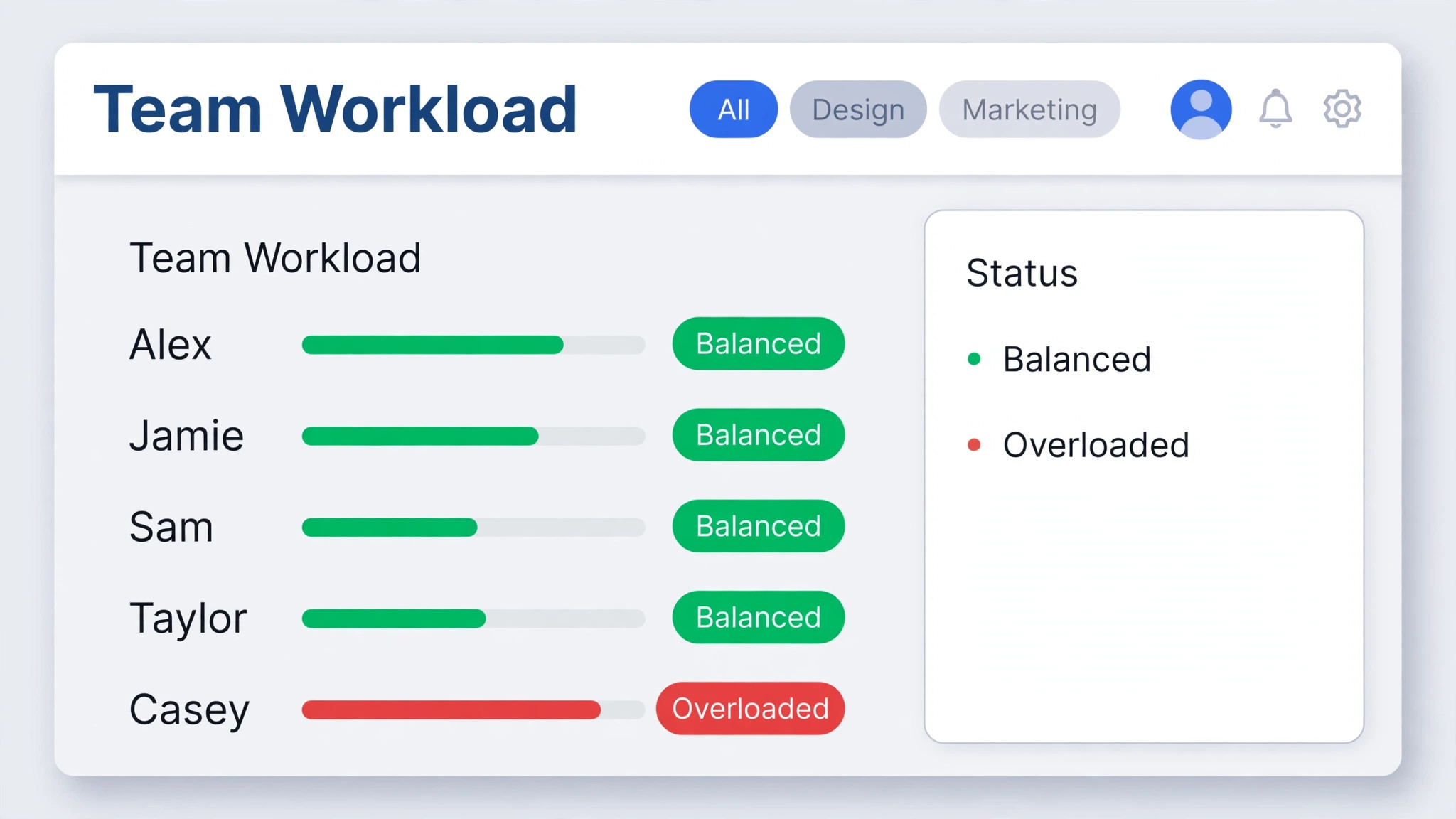
Business unlocks unlimited automations, which removes the rationing problem for active teams, and adds timeline view for presenting plans over time in a cleaner format. Workload tracking shows allocation across people and projects, which helps a manager rebalance work before burnout or missed deadlines occur. Stronger admin controls help a growing business manage access, groups and permissions more systematically, and 1 terabyte of storage removes most attachment worries for document heavy work. Published read only views also help teams share plans with clients or partners without giving editing access.
Business still does not include everything Smartsheet sells. AI features, including smart summaries, AI assisted formulas and natural language navigation, are reported as Enterprise only, which surprises buyers who assume a mid tier tool in 2026 includes AI throughout. Premium capabilities such as Dynamic View, Resource Management, Data Shuttle, DataMesh and Control Center sit in Enterprise or in the Advanced Work Management bundle, and they require a custom quote or an enterprise conversation. A Business buyer who expects those tools will be disappointed, so check the feature list for any premium capability by name before assuming it is included.
That gap matters when judging the cost of Smartsheet for small business monthly use, because a team that needs Resource Management or Data Shuttle may face a jump from a published Business price to a custom Enterprise quote, with no published number to plan around. In that case, the right move is to request a quote early, with a clear list of required premium features and member count, and to compare the quoted total with alternatives that include those features in a published tier. Do not budget Business and hope premium features appear later, because they will not appear without a contract change.
Enterprise and Advanced Work Management, Explained
Enterprise is a custom priced tier for organisations with ten or more members that need advanced security, governance and portfolio features. It includes everything in Business, plus SAML based single sign on, directory integrations, unlimited storage, Work Insights, WorkApps and enterprise level management tools, plus the AI features noted above. For a regulated business, a larger firm with strict IT requirements, or a team managing a portfolio of projects across departments, those controls can be requirements rather than preferences, and the custom price reflects that scope.
Advanced Work Management bundles Control Center, Dynamic View, Data Shuttle, DataMesh, Connectors and Bridge into a custom priced package for organisations managing large scale portfolios and connected systems. It is aimed at businesses that need to automate project creation at scale, sync data between systems, and manage permissions across many projects consistently. Most small businesses will not need this bundle, and a small business that is quoted for it should ask which specific capability drives the recommendation, because a simpler Business setup plus a targeted integration may cover the need at a published price.
Custom pricing means you cannot budget Enterprise from this guide alone, and any article that gives a single Enterprise number without a quote should be treated with caution. Request a written quote that states member count, included premium features, contract length, renewal terms and any implementation or training fees. Compare the first year total, not just the per member equivalent, because implementation and training can add a meaningful amount to year one. If the quote exceeds the value of the governance or portfolio features, staying on Business and working around one premium gap is often the better financial choice.
A Three Person Team, Worked Out Month by Month
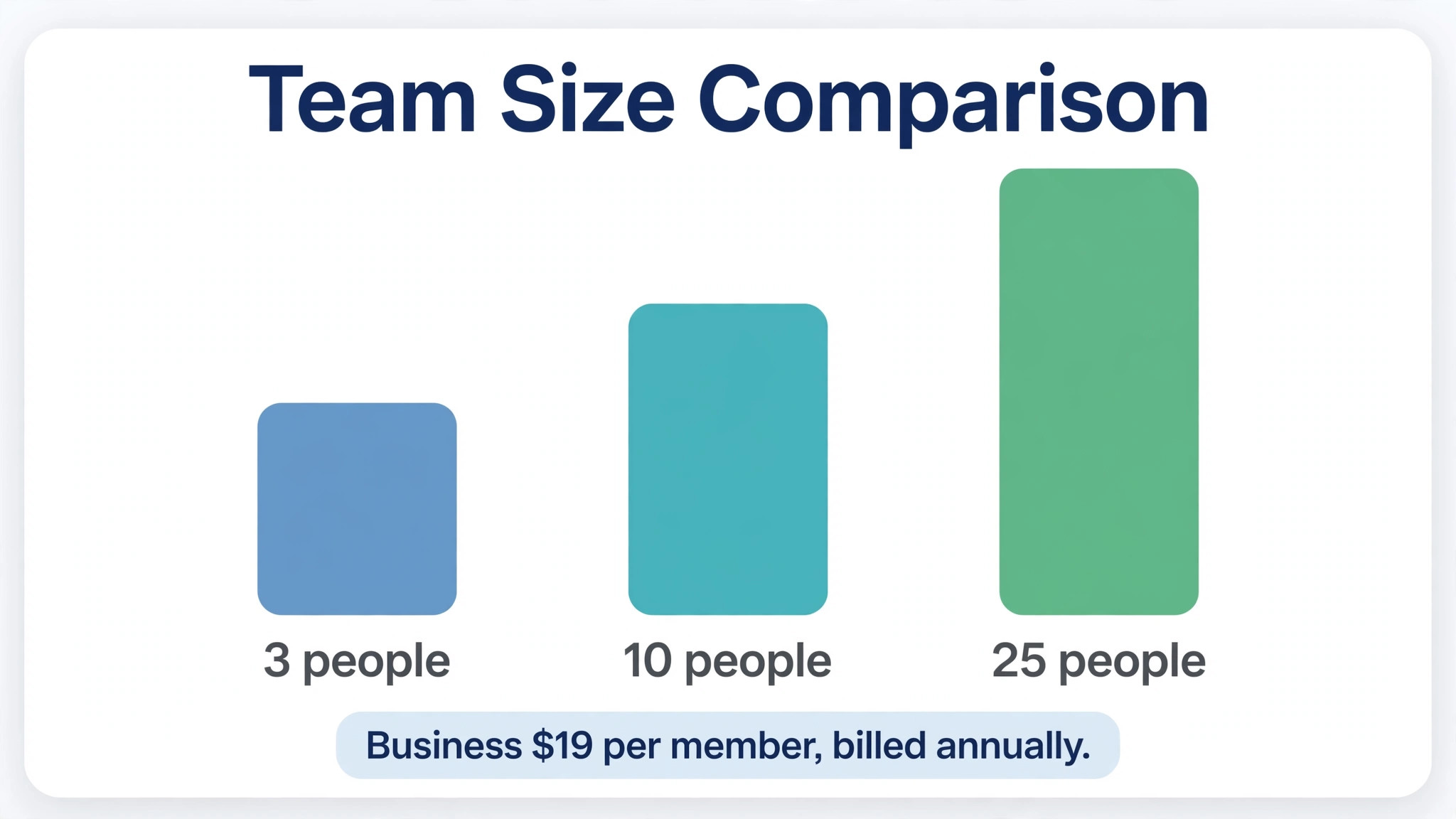
A three person team is the smallest Business team, because Business requires at least three members. On Pro with annual billing, three members at 9 dollars each total 27 dollars per month, paid as 324 dollars for the year. On Pro with month to month billing, three members at 12 dollars each total 36 dollars per month. On Business with annual billing, three members at 19 dollars each total 57 dollars per month, paid as 684 dollars for the year. On Business with month to month billing, three members at 24 dollars each total 72 dollars per month.
The Business premium for three people is therefore 30 dollars per month on annual billing, or 36 dollars per month on month to month billing, compared with Pro. That premium buys unlimited automations, timeline view, workload tracking, larger storage and stronger admin controls for three users. For a three person team running many automations or managing workload across clients, 30 dollars per month is a modest price for removing friction. For a three person team running a handful of sheets with simple tracking, it is an unnecessary increase, and Pro leaves 360 dollars per year on annual billing for other tools or training.
Surrounding costs for a three person team are usually small. Smartsheet itself is the main cost, plus any file storage, communication tool or time tracking tool the team already uses. A realistic total for a three person operations team might therefore sit near 50 to 100 dollars per month including Smartsheet Pro or Business plus a shared storage or communication tool, before staff time. The key budgeting point is member discipline. Adding a fourth member who only views sheets would raise the Pro annual total to 36 dollars per month, so role choice matters even at this small scale.
A Ten Person Team, Worked Out Month by Month
Ten people is the top of Pro and a comfortable Business size. On Pro with annual billing, ten members at 9 dollars each total 90 dollars per month, paid as 1,080 dollars for the year. On Pro with month to month billing, ten members at 12 dollars each total 120 dollars per month. On Business with annual billing, ten members at 19 dollars each total 190 dollars per month, paid as 2,280 dollars for the year. On Business with month to month billing, ten members at 24 dollars each total 240 dollars per month.
The Business premium for ten people is 100 dollars per month on annual billing, or 120 dollars per month on month to month billing, compared with Pro. That is 1,200 dollars per year on annual billing, which should be justified by automation volume, workload management or reporting needs that Pro cannot meet. A ten person team with twenty active sheets, daily status automations and weekly workload reviews will likely justify Business quickly. A ten person team with five sheets and simple status tracking will likely find Pro ample, and the saving can fund training that improves use of the tool they already have.
Guest and contributor handling matters most at ten people, because the temptation to give everyone a member seat grows with team size. If only seven of the ten people create and own sheets, and three only update or view work, the paid member count should be seven, not ten, subject to current role rules. On Business annual billing, seven members total 133 dollars per month instead of 190 dollars, saving 57 dollars per month or 684 dollars per year. That saving is larger than many add on tools cost, and it comes from role discipline alone, without losing any capability the three contributors actually need.
A Twenty Five Person Team, Worked Out Month by Month
Twenty five people cannot use Pro, because Pro caps at ten members, so Business or Enterprise becomes the choice. On Business with annual billing, twenty five members at 19 dollars each total 475 dollars per month, paid as 5,700 dollars for the year. On Business with month to month billing, twenty five members at 24 dollars each total 600 dollars per month. Those totals assume every one of the twenty five needs a member seat, which is rarely true in a larger team, and role discipline therefore has a larger payoff at this scale than at any smaller size.
Suppose only fifteen of the twenty five create and own sheets, while ten contribute updates or view work. On Business annual billing, fifteen members total 285 dollars per month instead of 475 dollars, saving 190 dollars per month or 2,280 dollars per year. That saving alone could fund training, templates or an integration that improves adoption across the whole team. The point is not to restrict access for its own sake. It is to match paid seats to creation and ownership work, and to give everyone else the contributor access that lets them do their job without a member price tag.
At twenty five people, Enterprise may enter the conversation for security, single sign on or portfolio reasons, even though Business remains cheaper on published pricing. An Enterprise quote for twenty five members cannot be stated here, because it is custom, but a buyer should compare it with the Business total of 475 dollars per month annual as a baseline. If the Enterprise premium buys only features the team will not use, Business remains the better value. If it buys required security controls or portfolio tools that the business cannot operate without, the premium is a cost of doing business at that scale, and it should be budgeted as such, not treated as an optional upgrade.
Premium add ons are the main hidden cost, because Business does not include every Smartsheet capability. Dynamic View, Resource Management, Data Shuttle, DataMesh, Control Center and Bridge can require Enterprise or Advanced Work Management, and their prices are custom, so a team that plans around a published Business price and later discovers a premium need faces an unbudgeted jump. The protection is a feature checklist before purchase, naming every premium capability the team expects to use in the next year, and confirming its tier in writing from Smartsheet or a reseller.
Implementation and training are a second cost, especially for teams migrating from spreadsheets. Smartsheet looks like a spreadsheet, which helps adoption, but building good sheets, automations, dashboards and reports takes design work. A team that rushes migration without templates or training often ends up with many inconsistent sheets that are hard to report across, and then pays for cleanup later. Budget time for template design, a short training session and a review after thirty days, even if no external consultant is hired, because internal time is still a cost.
Tax, contract and renewal terms form a third area to check. Annual billing is paid up front, so a growing team should confirm how additional members are billed mid year, whether unused members are credited, and what happens at renewal if member count changes. A team that grows from ten to fifteen members mid year will see its bill rise, which is fair, but the timing and proration should be understood in advance. A team that shrinks should know whether it can reduce members at renewal without penalty, because paying for former staff seats is a common waste in growing and contracting businesses alike.
How to Choose, With a Short Checklist
Start by counting creators, not viewers. List the people who will create sheets, own projects and build reports, and treat that list as your member count. Then list automation needs, workload questions and reporting needs, and match them to Pro or Business. If automations stay under 250 per month, if workload views are not needed weekly, and if reports stay simple, Pro is enough. If any of those conditions fails regularly, Business is the better fit, and the premium should be judged against the time saved, not against the headline price alone.
Next, test with a pilot sheet set before committing to annual billing for the whole team. Build three real sheets, run automations for a month, and present one dashboard to a manager or client. The pilot reveals automation use, role needs and reporting gaps with evidence, rather than with opinions about what the team might need. It also reveals training needs, because a pilot team that struggles with formulas or automations will need help before a wider rollout, regardless of tier.
– Creators counted separately from viewers and contributors – Automation runs measured over a real month, not estimated – Workload and timeline needs confirmed from actual meetings – Premium features checked by name against the tier list – Annual billing chosen after a pilot, with renewal and mid year member rules confirmed
Mistakes That Inflate a Smartsheet Bill
Giving everyone a member seat is the most common and most expensive mistake in the cost of Smartsheet for small business monthly use. It feels generous and simple, and it quietly adds 9 or 19 dollars per person per month for people who only view or update work. A related mistake is keeping member seats for former staff or for people who changed roles, because Smartsheet does not automatically remove seats when a person stops creating sheets. Quarterly role audits prevent both problems, and they take less time than the cost of the wasted seats justifies.
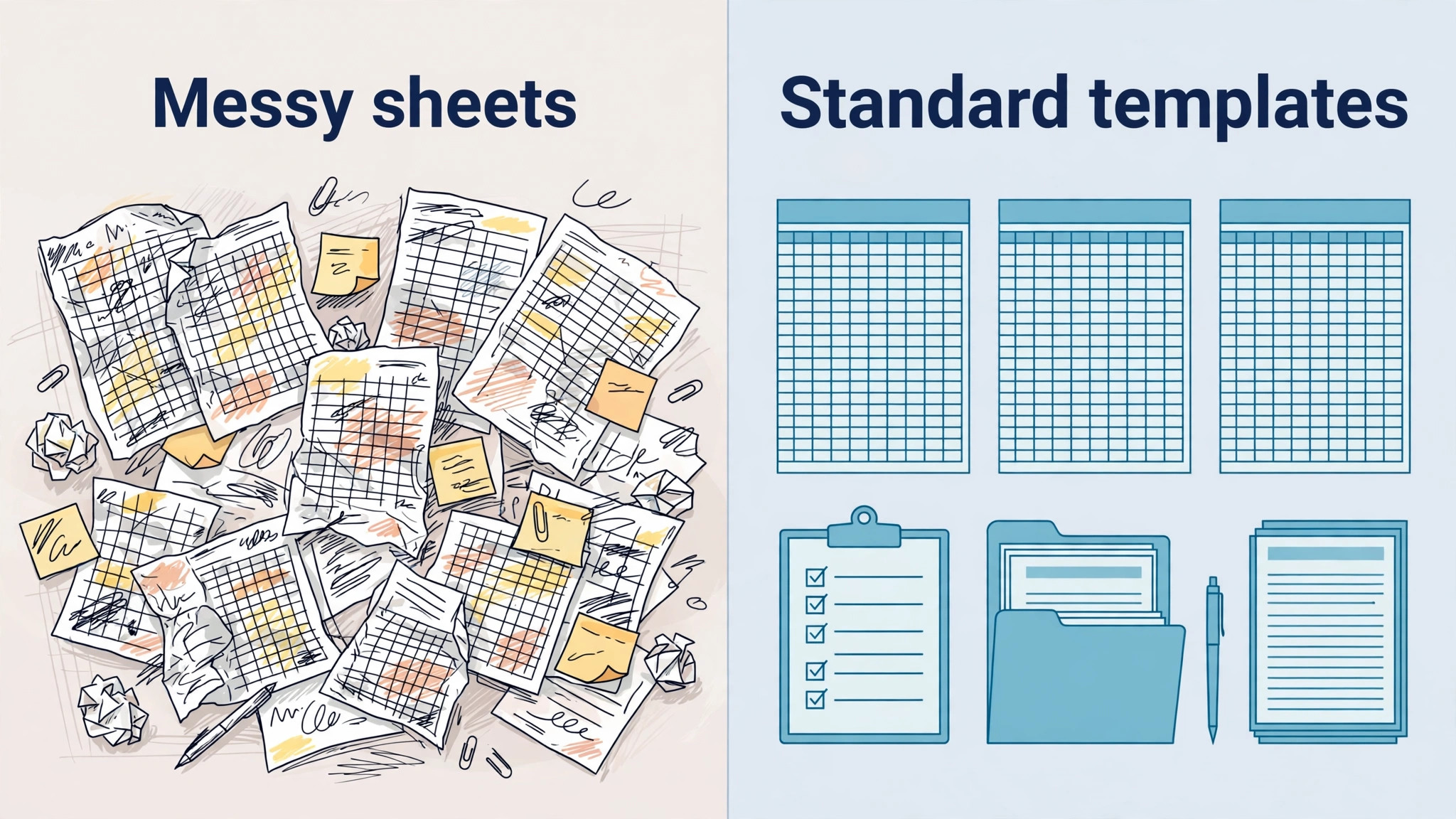
Building too many inconsistent sheets is a second mistake that raises costs indirectly. When every project manager builds a different sheet structure, reporting across projects becomes manual work, dashboards become unreliable, and the team may blame the tool and buy a higher tier or a premium add on to fix a design problem. Standard templates, consistent column names and a simple naming rule solve most of this without spending more. Invest in template design early, and treat a new sheet that breaks the template as a decision, not as a default.
Ignoring the automation cap on Pro is a third mistake. A team that builds automations freely, then hits 250 runs in a busy month, faces paused alerts and missed approvals at the worst time. Count automation runs during the pilot, set a monthly check, and either ration automations on Pro or move to Business before the cap becomes a operational problem. The same logic applies to storage on Pro, although 20 gigabytes lasts longer for most document teams than the automation cap does for active teams.
Verdict in One Paragraph, Then the Detail Behind It
Pro at 9 dollars per member per month on annual billing is the right starting point for most small teams up to ten members, Business at 19 dollars is the right step when automations, workload or reporting needs exceed Pro on a regular basis, and Enterprise is a quoted decision for larger or regulated organisations, not a default upgrade. Count creators, not viewers, pilot before annual billing, and audit roles quarterly, and the monthly total will stay close to the worked examples in this guide rather than drifting upward through seat creep and premium surprises. Check the official Smartsheet pricing page at https://www.smartsheet.com before you buy, because seat roles and premium inclusions change.
Frequently Asked Questions
How many members does a small business actually need to pay for?
Pay for people who create and own sheets and use full admin features. People who only view, comment, submit forms or update shared work may qualify for guest or contributor access under current role rules, so count creators separately from viewers before you buy.
What is the cost of Smartsheet for small business monthly use for a ten person team?
On annual billing, ten Pro members total 90 dollars per month, while ten Business members total 190 dollars per month. On month to month billing, the same teams total 120 dollars and 240 dollars per month respectively, before tax and any premium add ons.
Why is Business more than double Pro per member?
Business adds unlimited automations, timeline view, workload tracking, larger storage and stronger admin controls, which are valuable for active teams but unnecessary for simple tracking. The premium is justified when those features are used regularly, and it is wasteful when they are not, so judge Business on use rather than on tier prestige.
Does Smartsheet have a free plan for small businesses?
Reports from 2026 indicate no free plan for new signups, with a trial available instead. A trial is useful for a pilot, but budget for a paid tier from the first month of real use, and confirm trial length and conversion terms at signup.
When should a team consider Enterprise instead of Business?
Consider Enterprise when security requirements such as single sign on, directory integration, portfolio management or AI features become requirements, or when member count and governance needs exceed what Business can support. Request a written quote, because Enterprise pricing is custom and cannot be budgeted from a published per member price.
How does the cost of Smartsheet for small business monthly use compare with a spreadsheet plus a task tool?
A spreadsheet plus a separate task tool can be cheaper in subscription terms, but it often costs more in manual reporting, version confusion and automation gaps. Smartsheet wins when a team needs shared sheets, automations and reporting in one system, and it loses when work is simple enough for a spreadsheet alone.
Can member count be reduced later if the team shrinks?
Member count can usually be adjusted at renewal, and mid year changes depend on contract terms, so confirm proration and credit rules before annual billing. Quarterly role audits help ensure you are not paying for former staff or for viewers who should be contributors.
Is Advanced Work Management needed for a small business?
Usually no. It bundles portfolio and data tools for large scale operations, and most small businesses can work well on Pro or Business without it. Ask which specific capability drives any recommendation for it, and compare a targeted workaround before accepting a custom priced bundle.