

Google Drive is the best file sharing software for teams that live in Google Workspace, because real time co editing and 30 GB of pooled storage per user on the Starter plan cover most small teams for $7 per user a month. Dropbox is the pick for teams that sync large files across Mac, Windows and Linux every day. The ten tools below compare sync, storage, security and price, so a team can pick the platform its files will actually live on.
File sharing looks simple until a team grows past five people. Then the questions change from where a file sits to who can see it, who changed it last, whether the client link still works, and what happens when someone leaves. A consumer drive account answers none of those questions well, which is why business plans exist.
The buying problem is that every vendor sells storage, and storage is the least interesting difference. The real differences are sync speed on big files, permission controls, external sharing rules, and how the price grows as the team grows. This guide prices a 10 person team on every tool, so the comparison uses real money rather than list prices alone.
The 10 Tools at a Glance
| Tool | Main job | Best for | Starting price |
|---|---|---|---|
| Google Drive | Cloud docs and real time editing | Google Workspace teams | $7 per user a month |
| Dropbox Business | Cross platform file sync | Teams syncing big files daily | $15 per user a month |
| Box | Governed content management | Regulated industries | $15 per user a month |
| Microsoft OneDrive | Microsoft 365 file storage | Microsoft 365 organisations | $7 per user a month |
| Egnyte | Hybrid cloud and on premises files | Firms with local servers | Quote-based |
| Citrix ShareFile | Client portals and e signatures | Professional services firms | $16.50 per user a month |
| Tresorit | Zero knowledge encrypted sharing | Privacy first teams | $19 per user a month |
| Sync.com | Encrypted sync and backup | Small teams on a budget | $6 per user a month |
| pCloud Business | Lifetime style cloud storage | Teams that hate subscriptions | $7.99 per user a month |
| WeTransfer | Sending very large files | Occasional big file sends | $12 per user a month |
Best Pick by Job
| Job type | First pick | Second tool | Why this pair works |
|---|---|---|---|
| Google Workspace team | Google Drive | Dropbox Business | Drive edits live in Docs, Dropbox syncs the big files |
| Microsoft 365 organisation | Microsoft OneDrive | SharePoint via OneDrive | OneDrive is already in the licence, SharePoint adds team sites |
| Regulated industry team | Box | Tresorit | Box carries the certifications, Tresorit adds zero knowledge encryption |
| Small team on a tight budget | Sync.com | pCloud Business | Sync.com is cheapest per user, pCloud avoids per seat growth |
| Client facing professional firm | Citrix ShareFile | Box | ShareFile adds portals and signatures, Box adds governance |
A Google Workspace team should start with Google Drive. The Starter plan costs $7 per user a month on annual billing, includes 30 GB of pooled storage per user, and the real time editing in Docs, Sheets and Slides is still the best in this guide. A team that writes together every day will feel the difference within a week, because no other tool edits a shared document as smoothly.
A Microsoft 365 organisation should start with OneDrive instead, because it is already inside the licence the team pays for. Business Basic costs $7 per user a month and includes 1 TB per user, plus the desktop apps on higher tiers. Buying a second file platform on top of Microsoft 365 is the most common waste of money in this category, and the fix is to check what the current licence already covers before shopping.
Which File Sharing Tool Fits a 10 Person Team Best?
Google Drive fits a 10 person team that writes and edits together, because the Starter plan costs $70 a month for the whole team and the shared drives keep project files separate from personal files. The 30 GB pooled per user adds up to 300 GB for the team, which covers documents, slides and spreadsheets for years, though a team with video will need the Standard plan at $14 per user a month for 2 TB per user.
Dropbox fits a 10 person team that moves large files between operating systems, because its sync engine is still the most reliable in this guide. Standard costs $15 per user a month on annual billing, so $150 a month for ten people, and includes 3 TB for the team plus 180 days of file recovery. The price is double Google Drive, and the value is the sync rather than the storage.
Sync.com fits a 10 person team on a tight budget, because $6 per user a month is the lowest entry price in this guide, so $60 a month for ten people. The encryption is end to end by default, which suits teams handling sensitive client files, though the collaboration features are thinner than Google Drive or Dropbox and the integrations list is shorter. That trade is the heart of choosing the best file sharing software for teams on a budget, because the cheapest tool is only a bargain if the team can live without the features it drops.
How to Choose the Best File Sharing Software for Teams
Start by checking what the team already pays for. A team on Google Workspace or Microsoft 365 already owns a file platform, and the first question is whether that platform fails at something specific. If it does not fail, the cheapest file sharing tool is the one already in the licence, and the money is better spent on training than on a second subscription.
Next, measure the biggest file the team shares. Box limits single uploads to 2 GB on its Starter tier and 5 GB on Business, while Google Drive allows 5 TB and Dropbox handles multi terabyte uploads on the web with a practical limit near 375 GB before timeouts. A video team that hits the Box limit every week will hate a tool that a documents team loves, so the file size test decides the shortlist before any demo.
Then check the external sharing rules. ShareFile and Box give an admin real control over client links, expiry dates and download permissions, while the cheapest plans in this guide offer far less. Finally, price the team at its size in six months rather than today, because a per user price that looks cheap at five people doubles at ten, and a flat workspace price like pCloud Business stays steadier as the team grows.
The 10 Tools in Detail
The ten tools below cover cloud native editing, cross platform sync, governed content and encrypted sharing. Each one is judged on sync, storage, security and the real monthly cost for a small team, so this roundup of the best file sharing software for teams stays honest about what each tool actually does.
1. Google Drive
Google Drive is the cloud storage inside Google Workspace, and its strength is real time co editing rather than storage alone. Business Starter costs $7 per user a month on annual billing with 30 GB of pooled storage per user, while Business Standard costs $14 per user a month with 2 TB per user and shared drives for team owned files. The Docs, Sheets and Slides editors let a whole team work in one document at once, with comments and version history built in.
The limit is storage on the entry tier and the lack of a true desktop sync for very large files. A team with video, design files or large archives will outgrow 30 GB per user fast, and the Standard plan doubles the cost. The admin controls are solid but lighter than Box, so a regulated firm will want more governance than Drive offers out of the box.
It suits teams that already use Gmail and Google Calendar and want their files in the same place. The editing experience is the best in this guide, and the $70 a month cost for ten people is hard to beat.
Ask for the Standard trial before committing, and check how much of the team storage is video before choosing a tier.
2. Dropbox Business
Dropbox Business is the cross platform sync specialist, and its desktop client is still the most reliable way to keep large files identical across Mac, Windows and Linux. Standard costs $15 per user a month on annual billing with 3 TB for the team, while Advanced costs $24 per user a month with unlimited storage and more admin controls. Smart Sync keeps files visible without downloading them, which saves disk space on small laptops.
The drawback is price and the thinner document editing. Dropbox Paper exists, but a team that writes together will still open Google Docs or Microsoft Word, so Dropbox is a sync and storage tool rather than a writing tool. At $150 a month for ten people it costs more than double Google Drive Starter, and the value has to come from sync quality.
It suits teams that move large files every day and work across operating systems. The sync engine is the reason to pay the premium, and the 180 day file recovery on Standard is a real safety net.
Request a trial with the largest real project folder, and watch the sync time before deciding.
3. Box
Box is the governed content platform for teams that treat files as regulated assets, with HIPAA, FedRAMP, FINRA and PCI DSS coverage on its enterprise tiers. Business costs $15 per user a month on annual billing, Business Plus costs $25, and Enterprise costs $35, with upload limits that grow by tier from 2 GB on Starter to 5 GB on Business. The admin console controls sharing, retention and access in detail.
The limit is the upload size on the cheaper tiers and the price of the tiers that carry the full compliance story. A team that buys Box for the certifications needs Enterprise, not Business, and the cost jumps accordingly. The editing experience is also weaker than Google Drive, so Box pairs best with Microsoft 365 or Google Workspace rather than replacing them.
It suits regulated teams that need audit trails and retention rules more than they need editing. The governance depth is the deepest in this guide, and the certifications are the reason firms choose it.
Ask Box for a written list of which certifications apply on the tier you would actually buy.
4. Microsoft OneDrive
Microsoft OneDrive is the file storage inside Microsoft 365, and for a team already on Microsoft it is the default choice. Business Basic costs $7 per user a month on annual billing with 1 TB per user, while Business Standard costs $12.50 per user a month and adds the desktop Office apps. Files sync to Windows and Mac, share through Teams and Outlook, and live in SharePoint team sites when a project needs a shared home.
The limit is the experience outside the Microsoft world. A team on Google Workspace or on mixed tools will find OneDrive a weaker fit, and the web editing, while good, is not as smooth as Google Docs for live co editing. The 1 TB per user on Basic is generous, so storage is rarely the problem.
It suits organisations that already pay for Microsoft 365 and want their files inside that licence. The $70 a month cost for ten people on Basic is the same as Google Drive Starter, and the value is the integration with Teams and Outlook.
Check the current licence tier before buying anything else, because many teams already own more storage than they use.
5. Egnyte
Egnyte is the hybrid platform in this guide, and the only one that bridges on premises file servers and the cloud in one governed system. Pricing is quote based, with third party comparisons reporting Business from $22 per user a month on annual billing and higher tiers at $39 and $48. The platform adds ransomware detection, large file handling up to 100 GB on Business, and integrations with Autodesk and Procore for construction and design firms.
The drawback is the quote only pricing and the setup effort. A small team with no local servers gains little from the hybrid bridge, and the per user price is higher than the cloud native tools. The admin depth is a strength for a firm with compliance needs and a burden for a team that just wants shared folders.
It suits firms with local servers, large design files or construction workflows. The hybrid bridge and the ransomware detection are the features no other tool here matches.
Ask Egnyte for a quote that includes the tier with the file size limit the team actually needs.
6. Citrix ShareFile
Citrix ShareFile is built for professional services firms that share files with clients, with client portals, e signatures and request lists at its core. Pricing starts at $16.50 per user a month on annual billing with a three user minimum, and higher tiers reach $69.30 per user a month for advanced workflows. The portal lets clients upload and download without a licence of their own, which suits law, accounting and advisory firms.
The limit is the price and the narrower internal collaboration. ShareFile is a client sharing tool first and a team workspace second, so a team that mainly shares internally will find Google Drive or OneDrive a better home. The storage is 3 TB per account on the entry tier, pooled at 1 TB per licence, which is generous but tied to the licence count.
It suits firms that send files to clients every day and need signatures and audit trails on those sends. The client portal is the strongest in this guide, and the e signature integration saves a separate subscription.
Trial the client portal with a real client workflow before buying, because the portal is the whole value.
7. Tresorit
Tresorit is the zero knowledge encrypted sharing platform, which means the vendor cannot read the files it stores. Pricing starts at $19 per user a month on annual billing, with higher tiers at $24, and the platform is built for teams that handle sensitive data under strict privacy rules. The encryption is end to end by default, and the admin controls cover sharing, access and audit trails.
The drawback is price and the smaller integrations list. At $190 a month for ten people it is the most expensive entry tier in this guide, and a team that does not need zero knowledge encryption pays for protection it will never use. The collaboration features are solid but not as deep as Google Drive or Dropbox.
It suits privacy first teams, legal and finance firms, and any team whose clients ask how files are encrypted. The zero knowledge design is the feature that justifies the price, and the audit trail satisfies the compliance review.
Ask Tresorit for the exact tier that includes the admin controls the team needs, because they vary by plan.
8. Sync.com
Sync.com is the budget encrypted option, starting at $6 per user a month on annual billing, which makes it the cheapest paid plan in this guide at $60 a month for ten people. The platform offers end to end encryption, file sync across devices, and backup features, with a free plan for a single user to test the sync before paying.
The limit is the thinner collaboration and integrations list. Sync.com does not match Google Drive for live editing or Dropbox for third party integrations, so a team that lives in other apps will feel the gaps. The storage and the sync are the strengths, and the price is the reason to choose it over Tresorit for a team that wants encryption without the premium.
It suits small teams that want encrypted storage at the lowest price and do not need deep integrations. The $6 entry price and the encryption by default are the combination no other tool here offers.
Test the free plan with the team real folders, and check the integrations list against the apps the team already uses.
9. pCloud Business
pCloud Business costs $7.99 per user a month on annual billing and stands out for its lifetime plans on the personal side and its crypto folder for client side encryption. The business plan includes 1 TB per user, file sharing links with passwords and expiry dates, and a desktop client that works across operating systems. The price stays flat per user as the team grows, which makes budgeting simple.
The drawback is the smaller business ecosystem and the crypto folder being a paid add on rather than included. A team that needs deep integrations with project tools or CRMs will find pCloud thinner than Dropbox or Box, and the admin controls are lighter than the enterprise tools in this guide.
It suits teams that want simple, predictable cloud storage with strong sharing links and no surprises. The $79.90 a month cost for ten people is competitive, and the sharing controls are better than the price suggests.
Check whether the team needs the crypto add on before comparing the price with Sync.com.
10. WeTransfer
WeTransfer is the simplest tool in this guide, built for sending very large files rather than storing them. The Pro plan costs $12 per user a month on annual billing, with 1 TB of storage, transfers up to 200 GB, and custom portals for branded sends. The free tier handles transfers up to 2 GB without an account, which covers the occasional send.
The limit is that WeTransfer is not a file system. It does not sync folders, version documents or manage permissions the way the other nine tools do, so it works as an addition to a file platform rather than a replacement. A team that buys it as its only file tool will be back shopping within a month.
It suits teams that already have storage and need a clean way to send huge files to clients. The 200 GB transfer limit is the largest in this guide, and the branded portal makes the send look professional.
Use the free tier for a month first, and only pay if the team sends large files more than twice a week.
Google Drive vs Dropbox. Which Sync Wins for a Mixed Team
The editing difference is the first split. Google Drive wins on live co editing, because Docs, Sheets and Slides let a whole team write in one document at once. Dropbox wins on sync, because its desktop client keeps large files identical across Mac, Windows and Linux with fewer conflicts and faster uploads. A team that writes together should take Drive, while a team that moves files should take Dropbox.
The price difference is the second split. Google Drive Starter costs $7 per user a month, so $70 a month for ten people, while Dropbox Standard costs $15 per user a month, so $150 a month for the same team. The $80 a month gap buys the sync engine and the 180 day file recovery, and a team has to decide whether its files are large and cross platform enough to justify it.
The deciding factor is where the team work happens. If the work is documents, spreadsheets and slides, Google Drive is the better buy and the cheaper one. If the work is video, design files and large archives moving between operating systems, Dropbox is the better buy despite the price. That split is the cleanest way to read the best file sharing software for teams when the choice narrows to two, because the two tools solve different problems that happen to share a category name.
What Does File Sharing Cost a 10 Person Team?
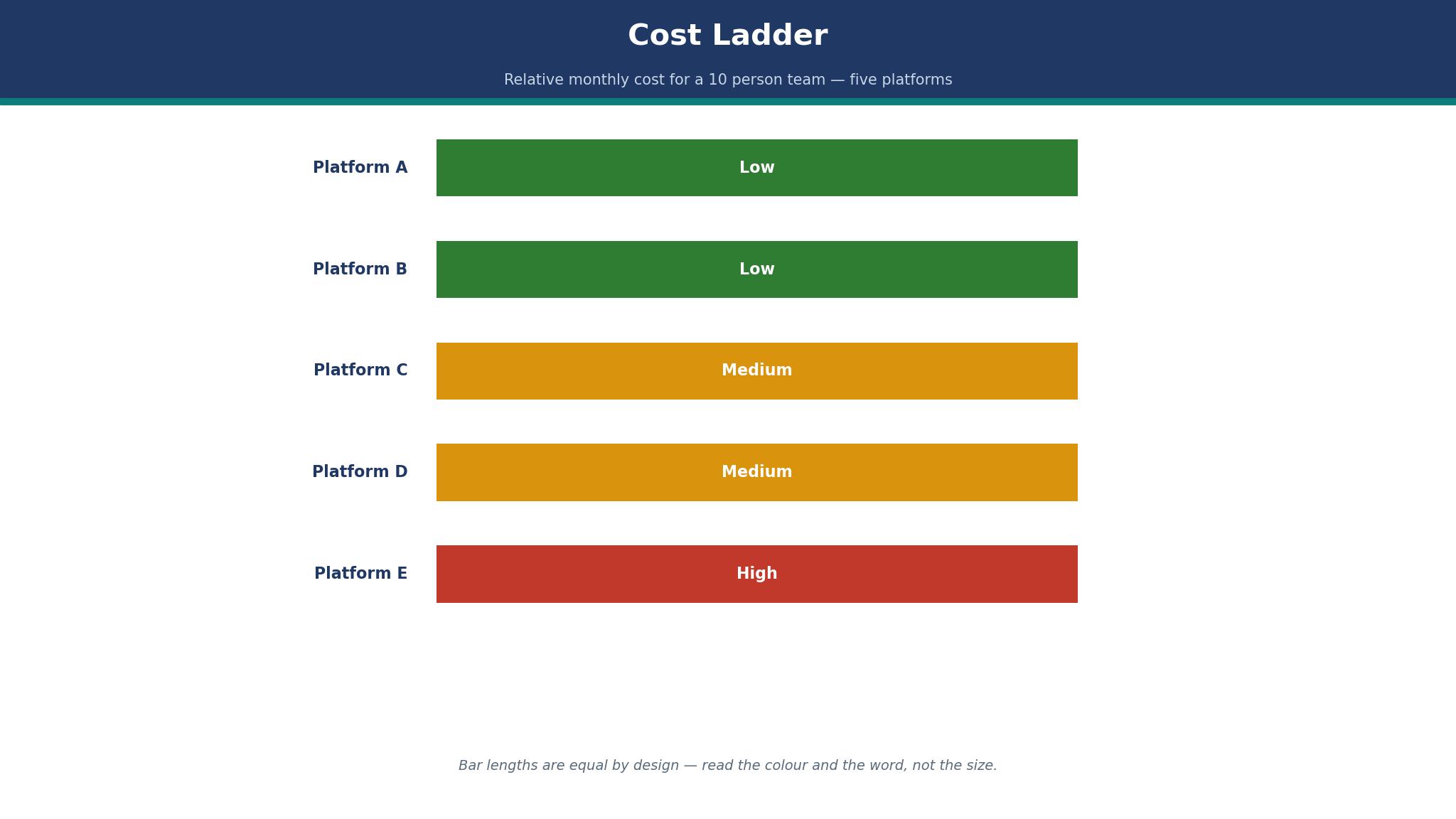
The honest answer is $60 to $190 a month for the entry business tier, depending on the tool. Sync.com costs $60, Google Drive and OneDrive cost $70, pCloud Business costs $79.90, WeTransfer costs $120, Dropbox and Box cost $150, ShareFile costs $165, and Tresorit costs $190. Egnyte is quote based, with third party comparisons reporting from $22 per user a month, which would be $220 for ten people. That spread is why the best file sharing software for teams cannot be picked on the headline price alone, because the storage tier and the team size change the bill.
The entry price is not the total cost, because storage tiers matter. A team with video will outgrow Google Drive Starter at 30 GB per user and need Standard at $14 per user a month, which takes the monthly cost to $140. A team on Dropbox Standard gets 3 TB for the team, so the $150 covers more storage than the Google Drive Starter price suggests. The right comparison prices the storage the team actually needs, not the cheapest tier on the page.
The cheapest path is to use what the team already pays for. A Microsoft 365 or Google Workspace licence already includes file storage, so the marginal cost of the file platform is zero. A team that buys a second platform without checking the current licence pays twice for the same storage, and that is the most common overspend in this category.
How Do You Move a Team to a New File Platform in 30 Days?
Days one to seven are the audit. List every shared folder, every client link and every integration the current platform touches, because a migration that misses one client link creates a support ticket on day one. Pick the ten most used folders and move those first, since they carry most of the daily work.
Days eight to twenty are the move. Migrate the ten folders, set the permission groups before the files arrive, and test the sharing links with a real client before the team switches over. Run the old and new platforms side by side for a week, so nobody loses a file while the team learns the new layout.
Days twenty one to thirty are the switch. Turn off write access on the old platform, keep read access for 90 days, and delete nothing until the finance team confirms the old subscription is cancelled. The 90 day read only window is the safety net that makes a migration boring rather than stressful, and boring is the goal when a team moves the best file sharing software for teams it relies on every day.

Frequently Asked Questions
Is Google Drive enough for a 10 person team?
Yes, for most document heavy teams. The Starter plan costs $7 per user a month, so $70 a month for ten people, with 30 GB of pooled storage per user and the best live editing in this guide. A team with video or large design files should take the Standard plan at $14 per user a month for 2 TB per user instead, because that is the point where the best file sharing software for teams has to grow with the files rather than the headcount.
Does Dropbox cost twice as much as Google Drive?
On the entry business tier, yes. Dropbox Standard costs $15 per user a month on annual billing, so $150 a month for ten people, while Google Drive Starter costs $7 per user a month, so $70 a month. The extra $80 buys the sync engine, Smart Sync and 180 days of file recovery, which matters most for teams moving large files across operating systems.
Which file sharing tool is best for client portals?
Citrix ShareFile is the best pick for client portals, because clients upload and download without a licence of their own and e signatures are built in. Pricing starts at $16.50 per user a month on annual billing with a three user minimum. Box is the alternative for firms that need deeper governance on those client shares.
Is Tresorit worth $19 per user a month?
It is worth it for teams whose clients ask how files are encrypted, because Tresorit is zero knowledge by default and the vendor cannot read the stored files. For a team with no privacy requirement, Sync.com offers encryption by default from $6 per user a month and is the better value.
Can a team use WeTransfer instead of a file platform?
No, not as the only tool. WeTransfer Pro costs $12 per user a month and handles transfers up to 200 GB, but it does not sync folders, version documents or manage permissions. It works as an addition to Google Drive, Dropbox or OneDrive, and it is the right tool when the job is sending a huge file to a client.
What is the cheapest file sharing software for a small team?
Sync.com is the cheapest paid plan in this guide at $6 per user a month on annual billing, so $60 a month for ten people, with end to end encryption included. The cheapest overall path is to use the storage already inside a Google Workspace or Microsoft 365 licence, which costs nothing extra, and that is the first check before any team buys the best file sharing software for teams from scratch.
The File Sharing Pick for Your Team Size
A team of up to ten people that writes together should take Google Drive Starter at $7 per user a month, because the editing and the price are the best combination in this guide. A team that moves large files across operating systems should take Dropbox Standard at $15 per user a month, because the sync engine is worth the premium. A regulated team should take Box, a privacy first team should take Tresorit, and a team on a tight budget should take Sync.com.
The cheapest file platform is usually the one already in the licence. Check the licence the team already pays for before buying anything, price the team at its size in six months, and test the sync with the largest real folder before signing. A file platform is a home for the team work, and the right home is the one the team will still be using in two years, which is the real test of the best file sharing software for teams.