
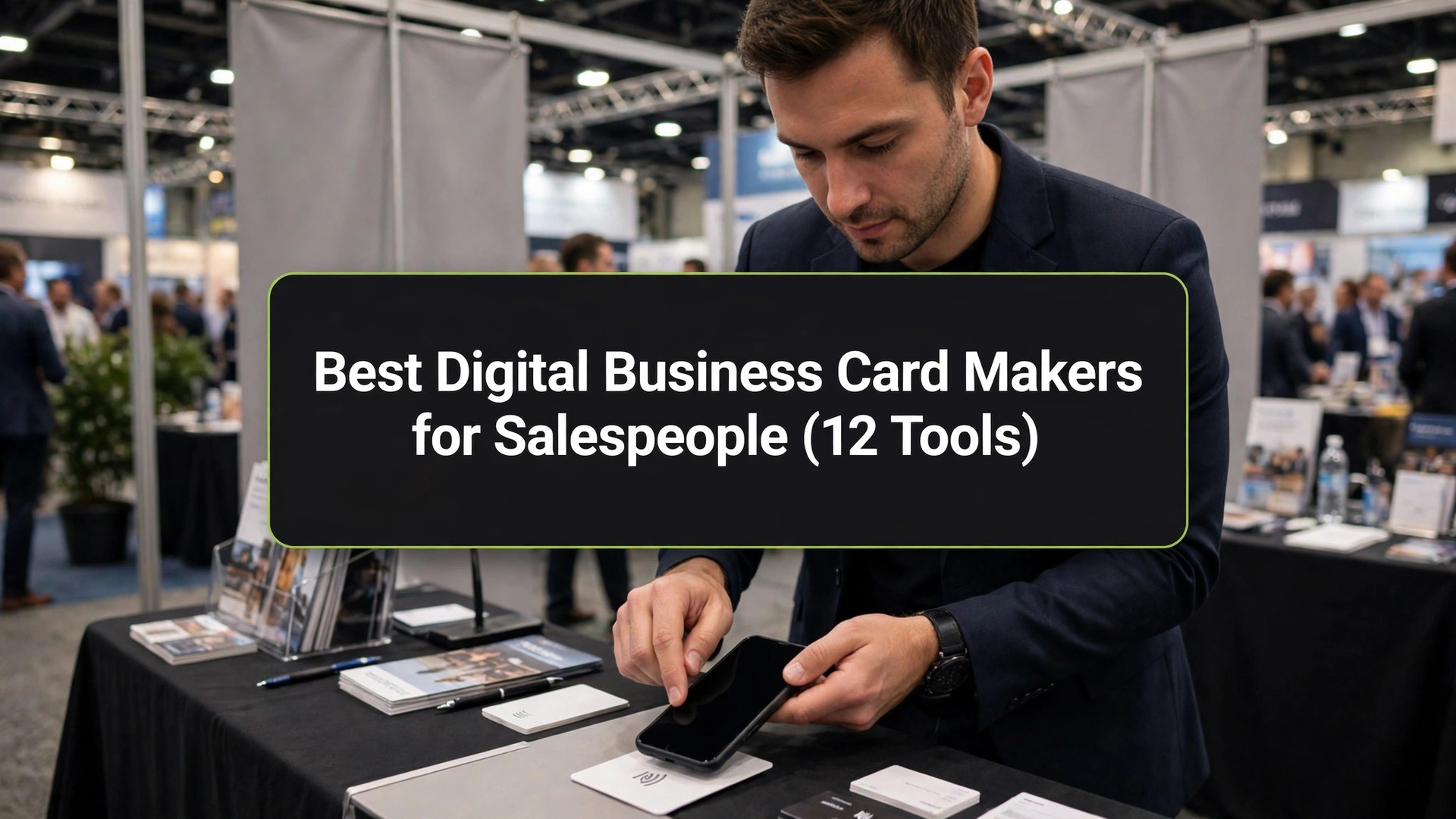
A sales rep starts the day with forty paper cards in a jacket pocket and ends it with nine left, three of them bent and one of them handed to the wrong person, and the best digital business card makers for salespeople exist to end that arithmetic. This guide follows one rep through a working day, then ranks twelve tools on which of them survive it.
A Sales Day, Hour by Hour
The day opens at eight with a coffee meeting in a hotel lobby. The rep meets a buyer, talks for twenty minutes, and reaches for a card. On paper, the card is handed over and forgotten by lunch. On a digital card, the rep taps the phone, the buyer saves the details in one touch, and the rep sees the tap land in the app before the coffee cools. The first exchange of the day already favours the tool that records the meeting as well as making it.
By ten the rep is on a trade show floor, and the pace changes. Ten conversations in an hour, each one short, each one a name and a company and a need. Paper cards run out by eleven, and the rep starts writing names on the back of other people’s cards. A digital card never runs out, and each tap captures the contact with a note about what was discussed. The rep who captures ten contacts with notes has ten follow-ups to send. The rep who captures ten paper cards has ten names to decipher that evening.
Lunch is a client visit across town, and the rep arrives with the card already sent. The client opened the link on the train, saw the product video and the calendar link, and the meeting starts with a question rather than an introduction. That is the quiet advantage of the best digital business card makers for salespeople, a card that carries more than a name. It does the first five minutes of the meeting before the meeting starts.
The day ends at six with follow-ups, and this is where the tools separate. The rep opens the app, sees who opened the card, who saved it and who clicked the calendar, and sends the follow-ups in order of interest. The paper rep sends the same email to everyone and hopes. The digital rep knows who is warm, and the evening is spent on three real conversations instead of forty cold ones.
The Sharing Methods That Matter
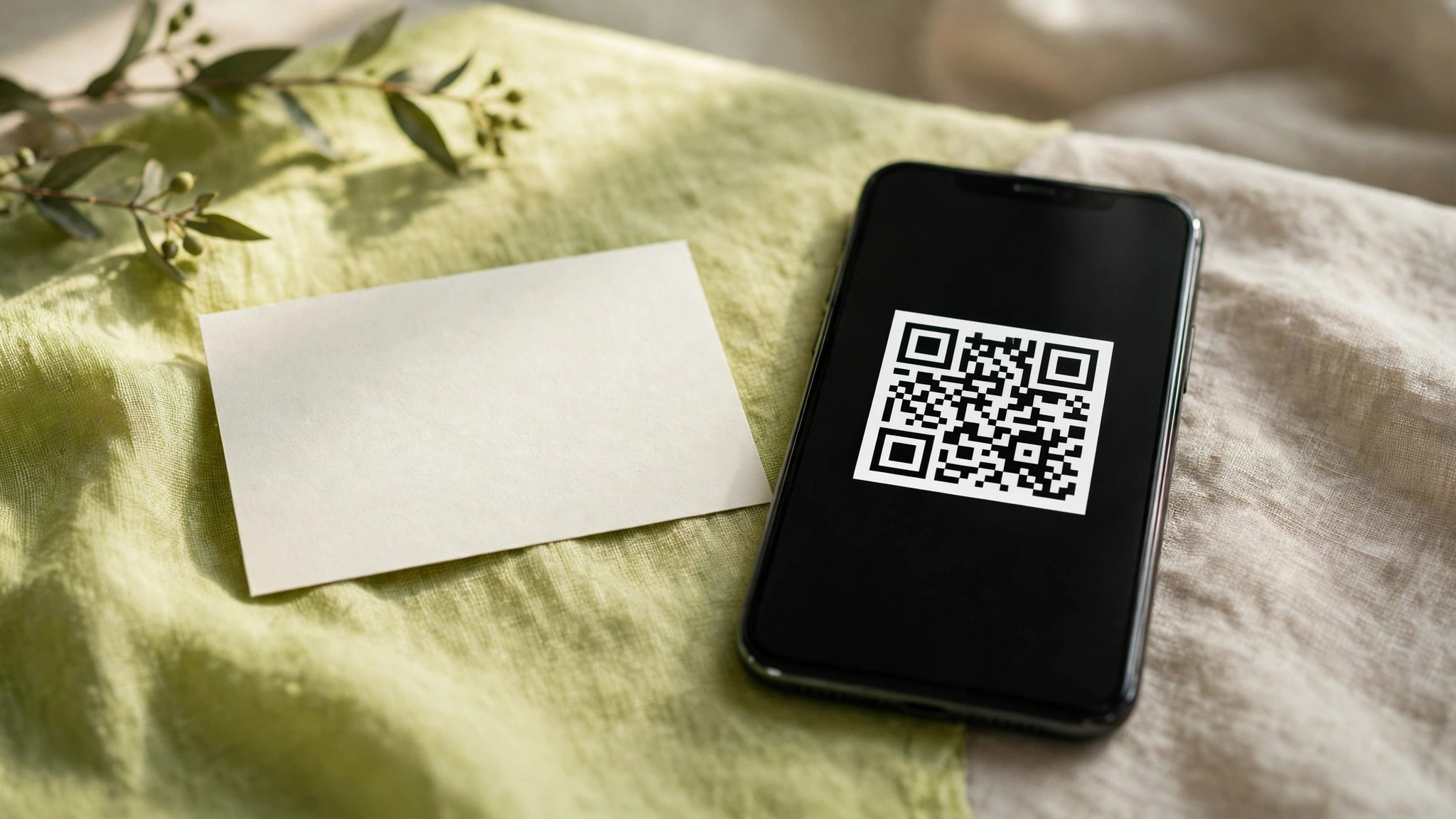
A QR code is the sharing method that works everywhere, because every phone made in the last five years can read one. The rep shows the code on the phone screen, the buyer scans it, and the card opens in the browser with no app to install. A QR printed on the back of a paper card, on a badge or on a booth banner does the same job when the phone is in a pocket. The test for any tool is whether its QR still works when the buyer has no app at all.
Tap sharing, through an NFC card or a phone tap, is the fastest method in a crowded room. Two phones touch, the card opens, and the exchange takes two seconds. The catch is the hardware. The rep needs a tap card or a compatible phone, and the buyer needs a phone that reads NFC, which most modern phones do. A tool that sells the tap card and the app together, such as Popl or Mobilo, is worth more here than a tool that only sells the app.
The link and the wallet pass cover the meetings that happen without a handshake. A card link goes in an email signature, a LinkedIn message and a calendar invite, so the rep is introduced before the meeting starts. A wallet pass sits on the buyer phone beside the boarding pass, ready for the next event. The best digital business card makers for salespeople handle all four methods, QR, tap, link and wallet, and survive a whole sales day rather than a single meeting.
HiHello vs Blinq
HiHello and Blinq are the two names every sales team meets first, and they split on what a card is for. HiHello is the broader platform, with digital cards, email signatures, virtual backgrounds and a corporate directory in one account. Blinq is the sharper card, with a cleaner design, a faster share and a stronger free tier for a solo rep.
On price, the two are close at the solo level and far apart at team level. HiHello offers a free tier for individuals, with Business pricing quoted per team. Blinq has a free tier, Premium at $9.99 monthly or $88.68 a year, and Teams at $4.99 per user a month billed yearly with a five-seat minimum. A solo rep will find both free tiers usable, while a team of ten will find the Blinq team price easier to budget.
On capture, HiHello pulls ahead, because its scanner and its CRM integrations turn a stack of paper cards into contacts without typing. Blinq pulls ahead on the share itself, because its card opens faster and its design options are cleaner. The choice is between the platform and the card, and a sales manager buying for a team will pick the platform, while a rep buying for herself will pick the card.
How to Choose the Best Digital Business Card Makers for Salespeople
Start with the share test, because a card that cannot be shared in two seconds is a card that will not be shared at all. Stand in a room, tap or scan, and time the exchange from phone to saved contact. If it takes more than five seconds, the buyer has already moved on, and the tool has failed the only test that matters on a trade show floor.
Then check the follow-up, because a card that only shares is only half a tool. The app should show who opened the card, who saved it and who clicked the calendar link, and it should push those contacts into the CRM without retyping. HiHello and Kado both do this well. A tool that leaves the rep typing names into a spreadsheet at six in the evening has given back with one hand what it took with the other.
Finally, count the real cost per rep per month, including the tap card. A free app with a $30 tap card is cheaper than a $10 a month app with a $50 card, and the card is a one-time cost while the app is forever. Time the full job once, from first tap to CRM entry, on each of your top two choices. The faster one wins, even if it costs more, because a rep who saves an hour a week gains fifty hours a year for selling.
The 12 Tools at a Glance
The twelve tools below are the best digital business card makers for salespeople when the test is a working day rather than a feature list. Each one was judged on how fast the card shares, whether the contacts reach the CRM, how well the team controls the brand, and the bill for a full year of use.
| Tool | Best for | Starting price | Free plan | Watch out |
|---|---|---|---|---|
| HiHello | Full sales platform | Free | Yes | Team price on quote |
| Blinq | Fast clean sharing | Premium $9.99 a month | Yes | Teams need 5 seats |
| Popl | Tap sharing | Pro $2.99 a month | Yes | Hardware costs extra |
| Design.com | Card plus brand kit | Subscription | Yes | Less depth per tool |
| Mobilo | Tap cards for teams | Pro about $9 a month | Yes | Card prices vary |
| Linq | Team card platform | Free | Yes | Team price on quote |
| Kado | Affordable team cards | Networker $2.50 a month | Yes | Smaller brand name |
| Beaconstac | QR-led cards | From about $5 a month | Yes | Wider platform, less focus |
| Wave | Simple team cards | Pro $9 a month | Yes | Team minimum 3 seats |
| Knowee | European teams | Basic 5 euros a month | Yes | Euro pricing |
| Switchit | Smart card plus CRM | From about $6 a month | Yes | Smaller community |
| L-Card | Free simple card | Free | Yes | Fewer team features |
HiHello owns the glance table on the full platform, and Blinq carries it on the share itself. Kado is the move for a team that needs the lowest per-seat price, and Popl is the fit for a rep who lives on the trade show floor.
Best Pick by Job
Everyday jobs each get one choice from the best digital business card makers for salespeople in the table that follows; pick the row that matches your week.
| Job | Pick | Why it wins here |
|---|---|---|
| Full sales platform | HiHello | Cards, signatures, directory in one place |
| Fast clean sharing | Blinq | Fastest share, cleanest design |
| Tap sharing | Popl | Tap card and app together |
| Card plus brand kit | Design.com | One account, shared brand kit |
| Tap cards for teams | Mobilo | Hardware and admin in one flow |
| Team card platform | Linq | Directory sync, single sign-on |
| Affordable team cards | Kado | $2.50 a seat, CRM integrations |
| QR-led cards | Beaconstac | QR at scale, analytics |
| Simple team cards | Wave | Easy admin, low learning curve |
| European teams | Knowee | Euro billing, multilingual app |
| Smart card plus CRM | Switchit | CRM sync built in |
| Free simple card | L-Card | Free, no card needed |
The 12 Tools in Detail
The best digital business card makers for salespeople are ranked below by what a working rep actually demands. HiHello leads on the platform and Blinq on the share, Popl and Design.com follow on breadth, and the rest justify their spots on single jobs instead of overall strength.
1. HiHello
HiHello is the best digital business card maker for a sales team that wants the card inside a wider platform, and the lead is built on the plain fact that the card is not the whole product.
The app builds the card, scans paper cards into contacts, applies email signatures across the company and runs a corporate directory, all from one account. A sales manager can create cards for the whole team from the directory, lock the brand, and see who is sharing and who is not.
The free plan offers a solo rep well, with a card, a QR code and basic sharing. Business pricing is quoted per team, so a manager should ask for the quote before budgeting. The scanner is the quiet advantage, because it turns the paper cards a rep still receives into contacts without typing, and that saves the evening hour the day-in-the-life story spends on follow-ups.
2. Blinq
Blinq is the fastest card on this list, and it comes in second on the share itself. The card opens quickly, the design is clean, and the share takes two seconds by tap or QR.
At Blinq, a free tier leads, Premium runs $9.99 each month or $88.68 a year, and Teams costs $4.99 per user per month with yearly billing with a five-seat minimum. The free tier is generous enough for a solo rep to work all week, and Premium adds the analytics and the custom branding that a working rep needs.
The analytics show who opened the card and when, which is the information the evening follow-up runs on. Its ceiling is the team floor, because a team of three cannot buy the Teams plan and must pay Premium per person instead. For a solo rep or a team of five or more, Blinq is the cleanest card here.
3. Popl
Popl earns third place on the trade show floor as the tap-sharing choice. The tap card and the app are sold together, so the rep buys one product and the share works the same way every time.
Popl includes a free tier, Pro at $2.99 a month and Pro Plus at $14.99 a month, with the tap card priced separately. The free tier grants the card and the QR share, while Pro adds the lead capture and the CRM integrations that a working rep needs. The hardware is the cost to watch, because a team of ten needs ten cards.
The lead capture is the real product. Each tap can ask the buyer for their details, tag the meeting and push the contact into the CRM, so the rep leaves the floor with a list rather than a pocket of paper. A rep who works events every week will recover the hardware cost in the first month.
4. Design.com
Design.com sits fourth on this list, because a sales card starts with the brand, and the subscription extends the remaining pieces from it. One subscription payment unlocks a logo, a kit and a website, a business card and a digital card, one shared palette and typeface running through each piece, so the tap card, the email signature and the website match from the start.
The digital card itself does the job without dazzling. It puts together a clean card from a name and a few settings, offers a QR code and a share link, and keeps the brand locked. HiHello captures better and Blinq shares faster, so neither strength comes with Design.com. The shared kit behind every piece is the point, which suits a rep building a personal brand from scratch in one week.
5. Mobilo
Mobilo is the tap-card pick for teams, and it takes fifth place on hardware and admin together. The company sells the tap card, the app and the team admin in one flow, so a manager can order cards for twenty reps and see them all in one dashboard.
Mobilo ships with a free tier, with Pro reported at about $9 a month and team pricing on quote, so confirm the price at checkout. The card itself is the cost to budget, because each rep needs one, and the price varies by material and design. The admin is the strength, because a manager can update a rep card centrally when a title or a number changes, without asking the rep to do anything.
The catch is the price of the whole package, which is higher than an app-only tool. A team that works trade shows every month will find it fair, because the tap share is the fastest exchange on a crowded floor.
6. Linq
Linq holds sixth place on admin controls and keeps the team-platform slot. The tool offers directory sync, single sign-on and custom branded QR codes, which are the features a sales manager asks for when the team passes twenty people.
Linq provides a free tier for individuals, with Teams pricing quoted per organisation, so a manager should ask for the quote before budgeting. The free plan grants a solo rep well, with a card, a QR code and tap sharing. The team features are the reason to buy, because directory sync creates cards automatically when a rep joins and removes them when a rep leaves.
The cost is the quote wall, which makes budgeting harder than a published price. A team that needs single sign-on and directory sync will pay it, because no published-price tool on this list offers both at the same depth.
7. Kado
Kado is the affordable team pick, and it claims seventh place on price. The free Lite plan covers a solo rep, Networker costs $2.50 per user monthly, and Business Developer costs $4 a month, which makes it the cheapest paid team seat on this list.
The Business Developer plan adds CRM integrations, notes, task management and advanced contact organisation, which are the features a structured sales team needs. The card itself supports full branding and animated backgrounds, and the contact capture tool records each meeting with a note.
The drawback is brand recognition, because Kado is less known than HiHello or Blinq, and a buyer may not recognise the name on the card.
8. Beaconstac
Beaconstac takes eighth place on scale as the QR-led choice. The platform builds QR codes for cards, booths and brochures, tracks every scan, and reports which code brought which lead, so a marketing manager can see the whole event in one dashboard.
Beaconstac offers a free tier, with paid plans reported from about $5 a month, so confirm the number at checkout. The digital card is one feature inside a wider QR platform, which is both the strength and the weakness. A team that already runs QR campaigns will find the card a natural addition, while a team that only needs a card will find the platform wider than necessary.
The analytics are the reason to buy. Each scan is logged with time and place, so the rep knows which booth, which brochure and which card produced the lead. That data is worth more than the card itself on a big event.
9. Wave
Wave is the simple team pick, and it holds ninth place on ease. The app builds a card, shares it by QR or link, captures the contact and pushes it to the CRM, and the admin is simple enough that a manager learns it in an afternoon.
Wave has a free tier, Pro at $9 a month or $84 a year, and Teams at $5 per seat a month with a three-seat minimum. The team minimum is lower than Blinq, so a team of three can buy the team plan here. The learning curve is the lowest on this list after L-Card, which matters when the team includes reps who hate new software.
The letdown is depth. Wave does the core job well and little else, so a team that needs email signatures, a directory and virtual backgrounds will need a second tool. A team that only needs cards will find Wave the easiest adoption on this list.
10. Knowee
Knowee is the European team pick, and it lands tenth on fit. The app is built in Spain, bills in euros, and works in several languages, which suits a sales team that works across European markets.
Knowee offers a free app, with the Basic plan at 5 euros per user a month. The card shares by QR, link, email, WhatsApp and SMS, and the app scans paper cards into a holder, so the rep keeps the contacts received as well as the ones given. The price in euros is a small advantage for a European team, because the billing matches the budget currency.
What drags is reach outside Europe, where the brand is less known and the integrations are thinner. A team that sells only in Europe will not notice, and the multilingual app is a genuine advantage on a trade show floor in Barcelona or Berlin.
11. Switchit
Switchit finishes eleventh on CRM sync, taking the smart-card slot. The card pushes contacts straight into the CRM, tags them by meeting, and logs the exchange, so the rep never retypes a name at six in the evening.
Switchit includes a free tier, with paid plans reported from about $6 a month, so confirm the listed price here. The community is smaller than HiHello or Blinq, so there are fewer tutorials and fewer shared templates to borrow. The card itself is clean, the QR share is fast, and the CRM sync is the feature that earns the place.
What hurts is the smaller ecosystem, which shows when a team needs an integration the tool does not yet offer. A team that runs a common CRM will find the sync works, and the price is low enough to test for a month before committing.
12. L-Card
L-Card finishes the lineup as the free simple pick, and it ranks twelfth on price. The tool is free, the card is built in minutes, and the share works by QR and link with no hardware to buy.
The free tier is the whole product for a solo rep, and there is no team plan to grow into, which is the limit. A rep who needs team admin, CRM sync and analytics will outgrow L-Card in a month. A rep who needs a card today, for free, with no learning curve, will find it the fastest start on this list.
Do Digital Cards Work Without an App?
Digital cards work without an app on the buyer side, and that is the fact the whole category rests on. The buyer scans a QR code or taps a card, and the card opens in the phone browser with the details, the links and the calendar. No download, no account and no permission screen stand between the buyer and the rep details.
The rep needs the app, because the rep builds the card, watches the analytics and pushes contacts to the CRM from it. The buyer needs nothing but a phone made in the last five years. The one exception is an old phone that cannot read a QR code, and the answer there is the link, sent by text or email, which opens the same card in any browser.
What Happens to Your Contacts When a Rep Leaves?
Contacts belong to the company when the card is issued by the company, and they belong to the rep when the card is personal, so the answer starts with who paid for the account. A team plan with central admin, such as HiHello Business or Linq Teams, keeps the contacts in the company account when the rep leaves, and the card can be reassigned or retired in one click.
A personal account keeps the contacts with the rep, and the company loses the list the day the rep walks out. The fix is to buy the team plan before the team grows, because moving personal cards into a company account later is a manual job that nobody enjoys. The cheapest insurance in this guide is a team plan from the best digital business card makers for salespeople, and Kado at $2.50 a seat is the cheapest way to buy it.
Is a Tap Card Worth Paying For?
A tap card is worth paying for when the rep works crowded rooms, and it is not worth paying for when the rep works by email and calendar. On a trade show floor, a tap takes two seconds and a QR takes ten, and over a hundred conversations that gap is thirteen minutes of selling time. Over a year of events, the card pays for itself in the first month.
In a quiet office, the tap card sits in a drawer, because the link in the email signature does the job for free. The test is simple, and it is the number of face-to-face meetings in a week. Above ten, buy the card. Below five, skip it and spend the money on the app instead. Popl and Mobilo both sell the card and the app together, so the buyer can start with the app and add the card when the events start.
Frequently Asked Questions
Do digital cards work without an app?
Yes, on the buyer side. The buyer scans a QR code or taps a card, and the card opens in the phone browser with no app to install. The rep needs the app to build the card and watch the analytics, but the buyer needs nothing but a phone. The link works the same way, opening the card in any browser when the QR cannot be scanned.
Can I keep my paper cards too?
Yes, and many reps do. A paper card with a QR code on the back gives the buyer both, and the QR carries the buyer to the digital card where the links and the calendar live. The paper card is the souvenir and the digital card is the working copy, and the two together cover every buyer, including the one whose phone is dead.
Will my contacts sync to my CRM?
They will on the team plans of HiHello, Kado, Popl, Wave and Switchit, which all push contacts into the CRM without retyping. The free tiers vary, and some only export a file, so check the sync list before buying. The sync is the feature that separates a card tool from a card toy, because a contact that stays on the phone is a contact that never gets followed up.
How much does a digital business card cost?
From $0 to about $10 a month per rep, plus the tap card if you buy one. Kado Networker costs $2.50 a month, Popl Pro costs $2.99 a month, Blinq Premium costs $9.99 every month, and HiHello Business is quoted per team. A tap card costs extra, and the price varies by material, so budget for the card separately from the app.
Can a whole sales team share one brand?
Yes, and the team plans exist for that job. HiHello Business, Linq Teams, Blinq Teams, Kado Networker and Wave Teams all lock the brand, the logo and the colours across every rep card, so the team looks like one company rather than twenty individuals. The admin creates the cards from the directory, and a rep cannot change the brand by accident.
Is a digital card professional enough for a senior buyer?
Yes, when the card is clean and the share is fast. A senior buyer judges the rep on the speed and the polish of the exchange, not on the paper, and a tap that opens a complete card in two seconds reads as more professional than a bent paper card from a jacket pocket. The card must carry the full details, the calendar and the company links, or it will feel thin.
The Right Card for Each Situation
A solo rep starting out should take Blinq free, because the share is the fastest on this list and the free plan covers a full week of meetings. When the follow-ups start to matter, move to Blinq Premium at $9.99 a month or Popl Pro at $2.99 a month, depending on whether the work is meetings or events. A rep who lives on the trade show floor should take Popl, because the tap card and the lead capture are built for that room.
A sales manager buying for a team should take HiHello Business, because the cards, the signatures and the directory live in one account, and the admin can see who is sharing. When the budget is tight, Kado Networker at $2.50 a seat buys the same team controls for a quarter of the price, and the CRM integrations are already there. A European team should take Knowee, because the euro billing and the multilingual app fit the market.
What I would do, if I were starting a sales job tomorrow, is build the card in Blinq free, buy a Popl tap card for the first event, and move to a team plan the week a second rep joins. The card is not the sale, and no tool on this list closes a deal, but the best digital business card makers for salespeople all agree on one thing. A contact that is captured, synced and followed up beats a contact that was handed over on paper and forgotten by lunch.