
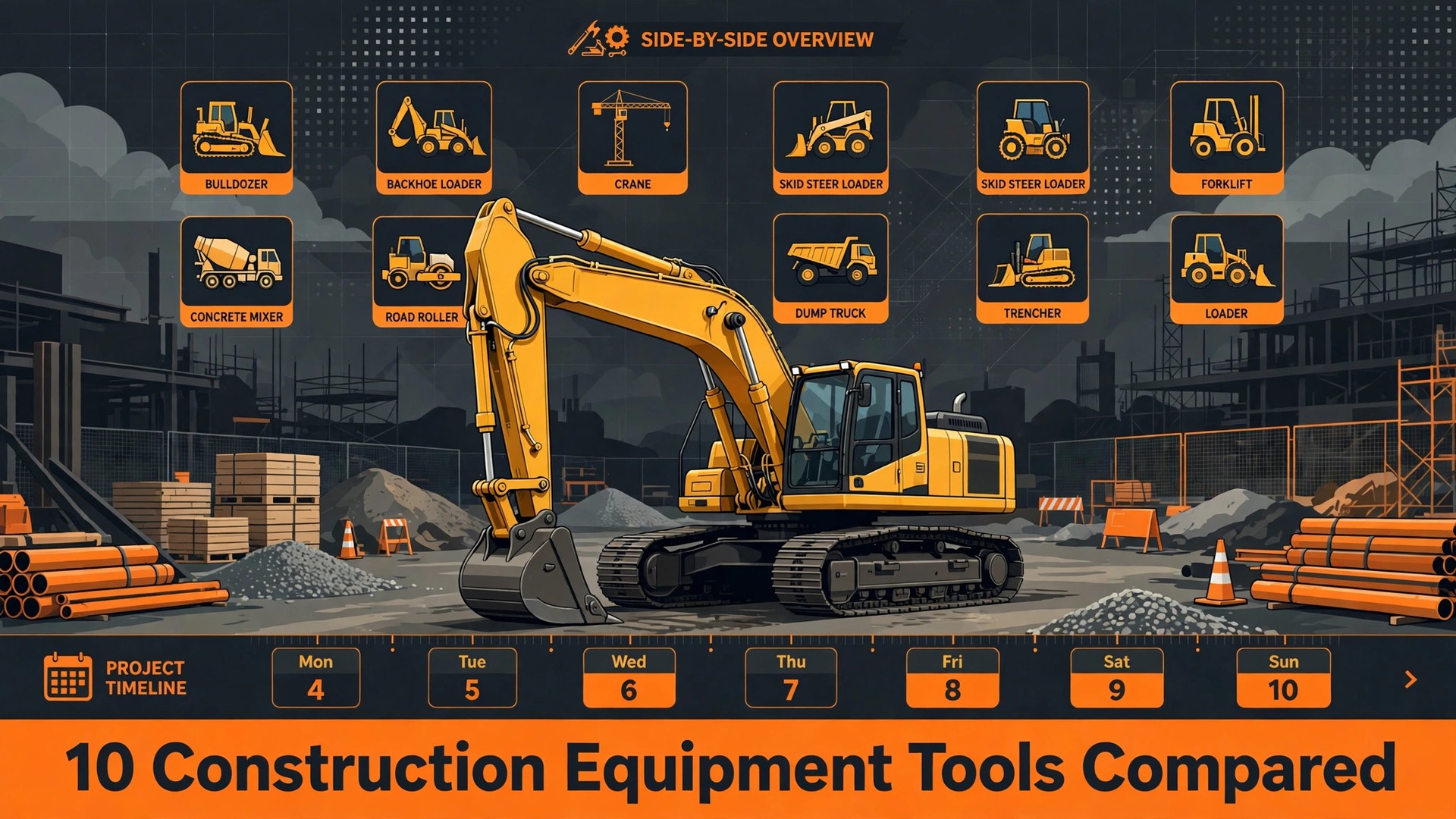
A contractor calls on Friday afternoon needing an excavator on site Monday morning, and the rental house either confirms it in minutes or loses the job to a competitor. The problem is rarely a missing machine. It is a missing record, with nobody sure whether the excavator is out on hire, due back Friday, in maintenance, or sitting in a different yard. That uncertainty is the daily problem for equipment rental houses, and it is exactly what the best rental software for construction equipment rentals is built to remove.
A rental tool for construction equipment has to handle more than a booking calendar. It must track each machine by serial number, manage rental rates by day, week, and month, handle delivery and pickup scheduling, record damage and maintenance, manage deposits and invoicing, and show true availability across yards. A generic rental tool can reserve an item category. It cannot easily show that the only 8 tonne excavator in the fleet is out until Thursday, needs a service on return, and cannot be promised for Monday.
This guide compares ten tools, from construction rental specialists to general rental platforms that equipment houses adapt. Prices vary by fleet size, user count, and feature tier, so treat any starting price as a prompt to get a quote. Check the vendor pricing page before you budget, since per user, per asset, and per yard pricing models behave very differently as fleet size grows.
Why Equipment Rental Breaks a Normal Booking Tool
An equipment rental is a physical asset commitment, not a time slot. A machine that is out on hire cannot be double booked, a machine in maintenance cannot be promised, and a machine in another yard cannot arrive without transport time. A normal booking tool shows that a category is available. It cannot easily show that the specific machine is available, in the right yard, and in working condition on the required date.
Rates and terms add a second constraint. Equipment rents by day, week, and month, with delivery charges, damage waivers, fuel charges, and late return fees. A rental agreement must capture the machine, the rate, the hire period, the delivery address, and the damage condition at handover. A generic tool that only records a reservation will force the office to build the agreement, the invoice, and the damage record separately, which creates errors on the busiest days.
Maintenance and damage add a third constraint. A machine that returns damaged must be flagged, repaired, and kept off hire until it is safe. A machine due a service must not be sent out on a long hire that runs past its service date. A system that does not connect rentals to maintenance and damage records will send out machines it should have held back, which costs money and damages customer trust.
The 10 Tools at a Glance
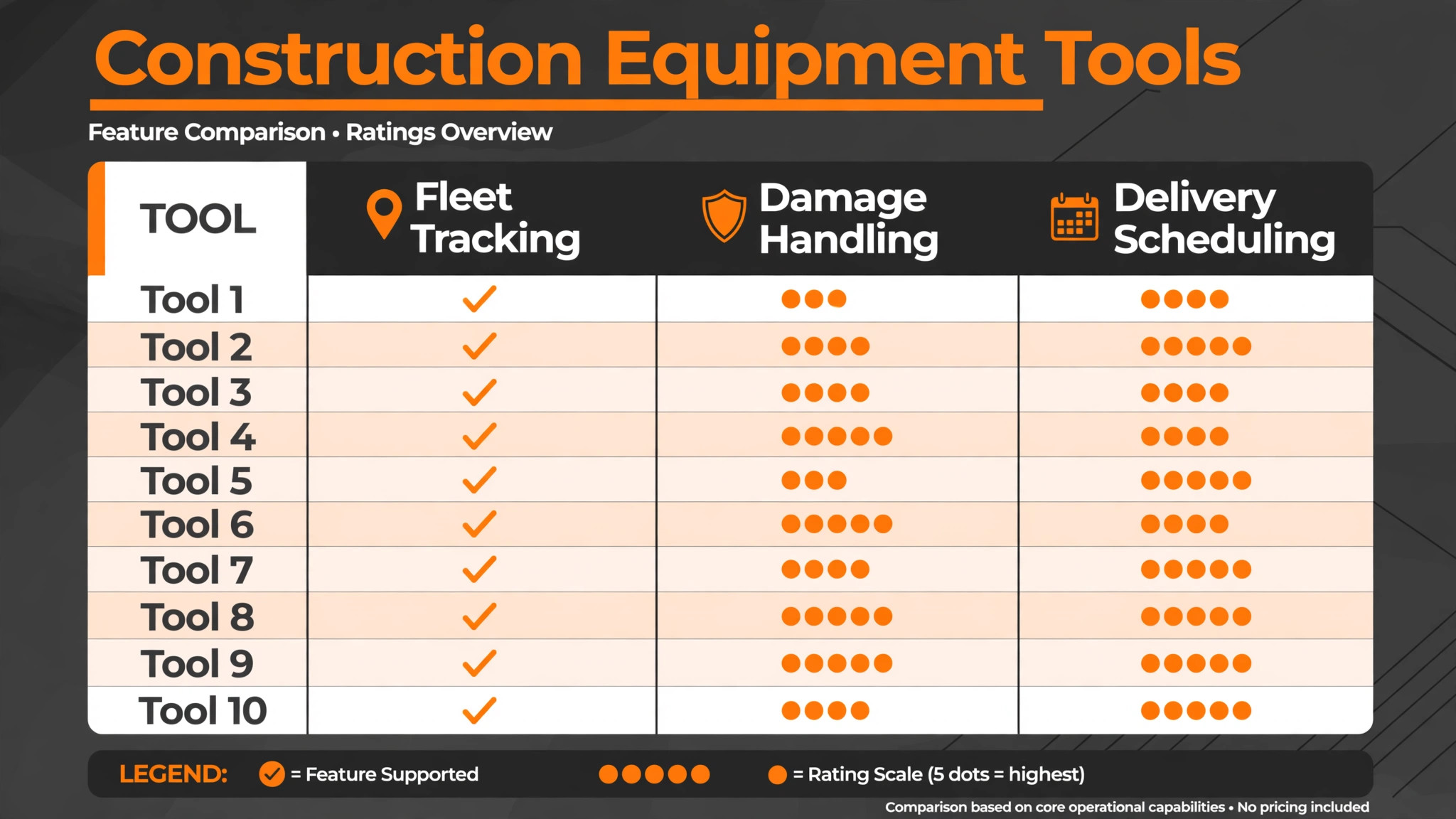
| Tool | Starting price | Best for | Equipment rental depth |
|---|---|---|---|
| Point of Rental | Check the vendor pricing page | Rental houses wanting full rental management | Strong |
| Texada | Check the vendor pricing page | Equipment dealers and rental houses | Strong |
| inspHire | Check the vendor pricing page | Rental houses wanting hire and service control | Strong |
| Wynne Systems | Check the vendor pricing page | Larger rental houses wanting depth | Strong |
| MCS Rental Software | Check the vendor pricing page | Rental houses wanting fleet and hire control | Good |
| Rentman | Check the vendor pricing page | Rental houses wanting scheduling and crew planning | Good |
| Booqable | Check the vendor pricing page | Smaller rental businesses wanting simple booking | Good |
| Alert Rental | Check the vendor pricing page | Rental houses wanting counter and fleet control | Good |
| Viberent | Check the vendor pricing page | Equipment rental with online booking | Good |
| EZRentOut | Check the vendor pricing page | Businesses wanting asset tracking plus rentals | Good |
Pricing transparency is uneven in this market, and several tools quote by fleet size, user count, or yard count. That is why a comparison of the best rental software for construction equipment rentals should start with a written quote for your real fleet size and yard count, not with a directory starting price alone. Get a written quote for your fleet size and user count before comparing totals, and confirm whether delivery scheduling, maintenance, and online booking are included or charged separately.
Best Pick by Job
| Job type | First pick | Why it fits | Watch out for |
|---|---|---|---|
| Single yard | inspHire | Hire, service, and fleet control for one site | Confirm online booking depth for customer self service |
| Multi-yard rental house | Point of Rental | Fleet control across yards with full rental management | Confirm implementation scope for a smaller team |
| Delivery-focused rental house | Texada | Equipment rental depth with service and logistics | Confirm pricing for your fleet size |
| Smaller rental business | Booqable | Simple online booking and asset management | Less depth on maintenance and damage workflows |
| Scheduling-led rental house | Rentman | Scheduling, crew, and equipment planning together | Confirm rate and invoicing depth in a trial |
The job type that matches most of your hires should decide the shortlist for the best rental software for construction equipment rentals. A single yard that buys a full multi-yard enterprise platform will pay for controls it never uses. A multi-yard house that buys a simple booking tool will struggle with transfers, fleet visibility, and consolidated reporting.
Fleet and Damage Checklist
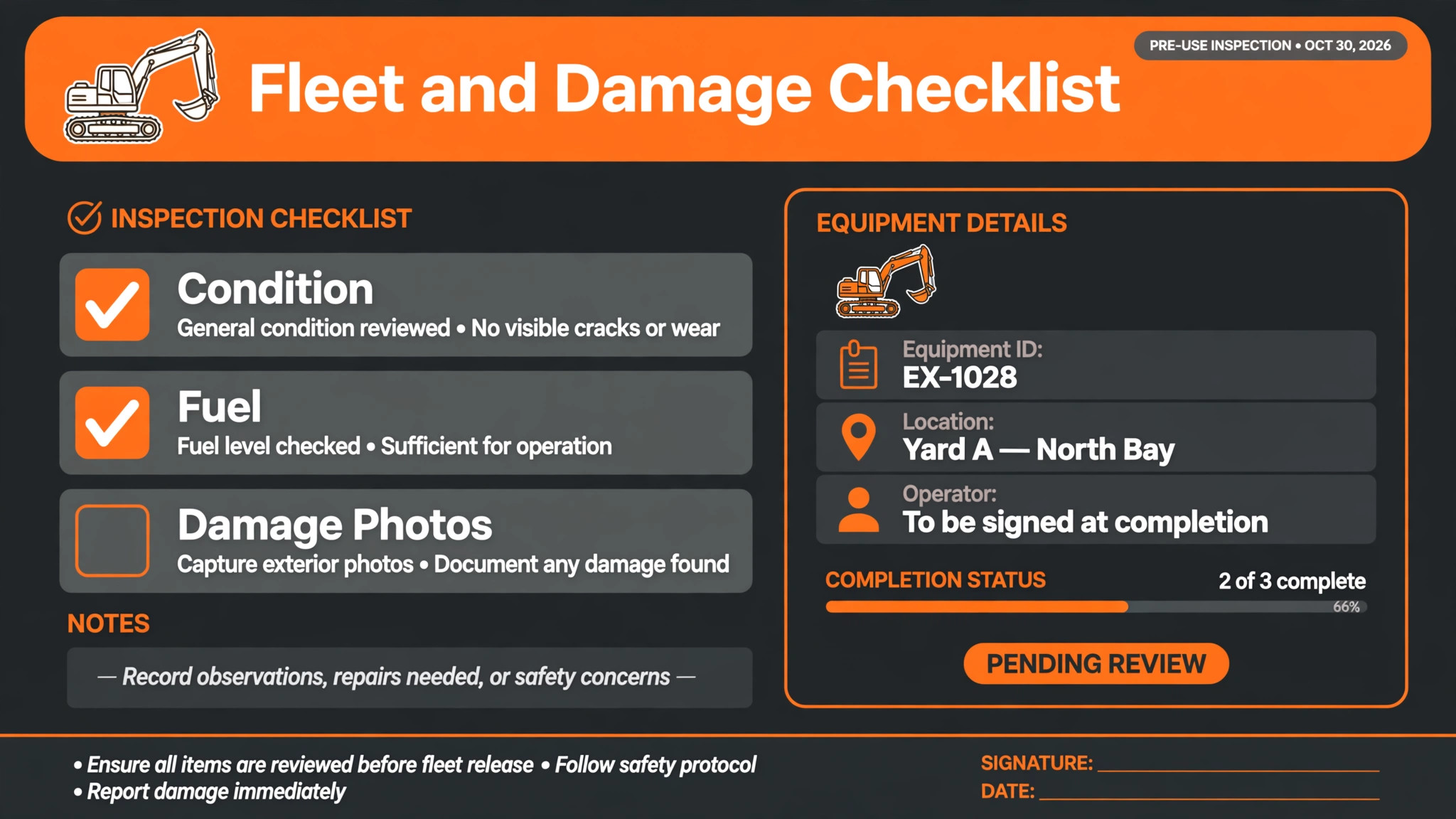
Use this checklist at every handover and return. It turns rental data into fleet protection, rather than leaving damage disputes to memory.
– Confirm the machine by serial number, not just by category, and record the exact unit leaving the yard. – Record the hire rate, hire period, delivery address, and expected return date on the agreement before the machine leaves. – Photograph or record the machine condition at handover, including existing damage, fuel level, and hour meter reading where relevant. – Confirm delivery scheduling, including vehicle, driver, access details, and site contact, so the machine arrives on time. – On return, inspect the machine against the handover record, and record any new damage with photos and a description before the next hire. – Flag any machine needing repair or service as unavailable immediately, so it cannot be promised to the next customer by mistake. – Check that damage charges, late fees, fuel charges, and deposits are calculated from the agreement terms, not from memory. – Update the fleet record on the same day, including availability, location, maintenance due date, and damage status, so the next booking is based on true availability.
Software helps this checklist only if machines, agreements, damage records, maintenance dates, and yard locations live in one fleet record. If those details live in separate spreadsheets and paper forms, the checklist becomes a manual hunt every time a machine returns.
The 10 Tools in Detail
1. Point of Rental
Point of Rental is a rental management platform built for rental businesses, with hire management, fleet tracking, invoicing, and reporting. It handles rental agreements, rates, availability, and customer records, with a structure designed around rental items and hire periods rather than generic bookings.
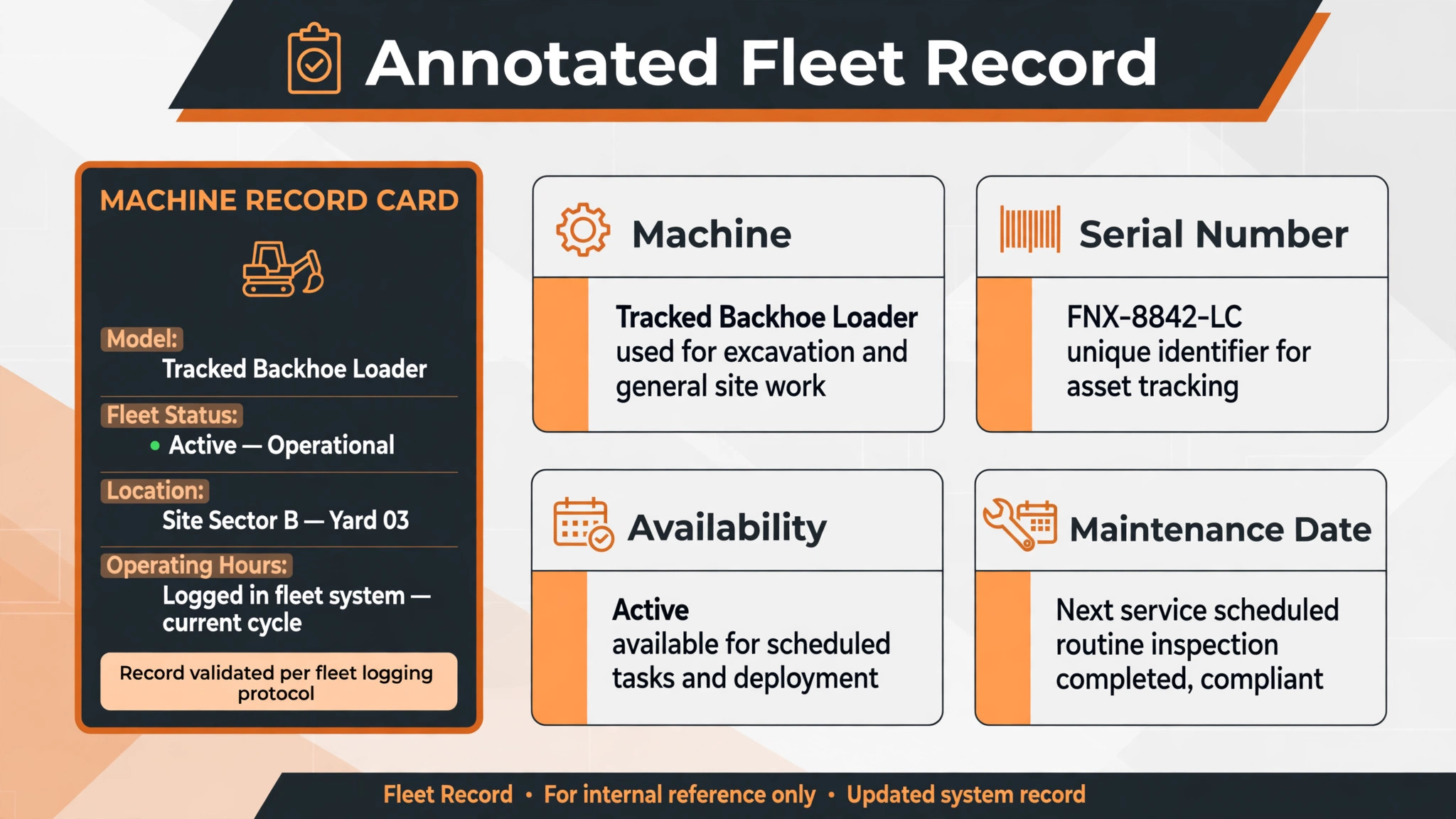
The strength is rental depth across yards. A rental house can see fleet availability, manage transfers between yards, and handle agreements and invoicing from one system. The limit is implementation scope. A smaller team should confirm what setup, training, and data migration are included, and how long the switch will take. Check the vendor pricing page and request a quote for your fleet size.
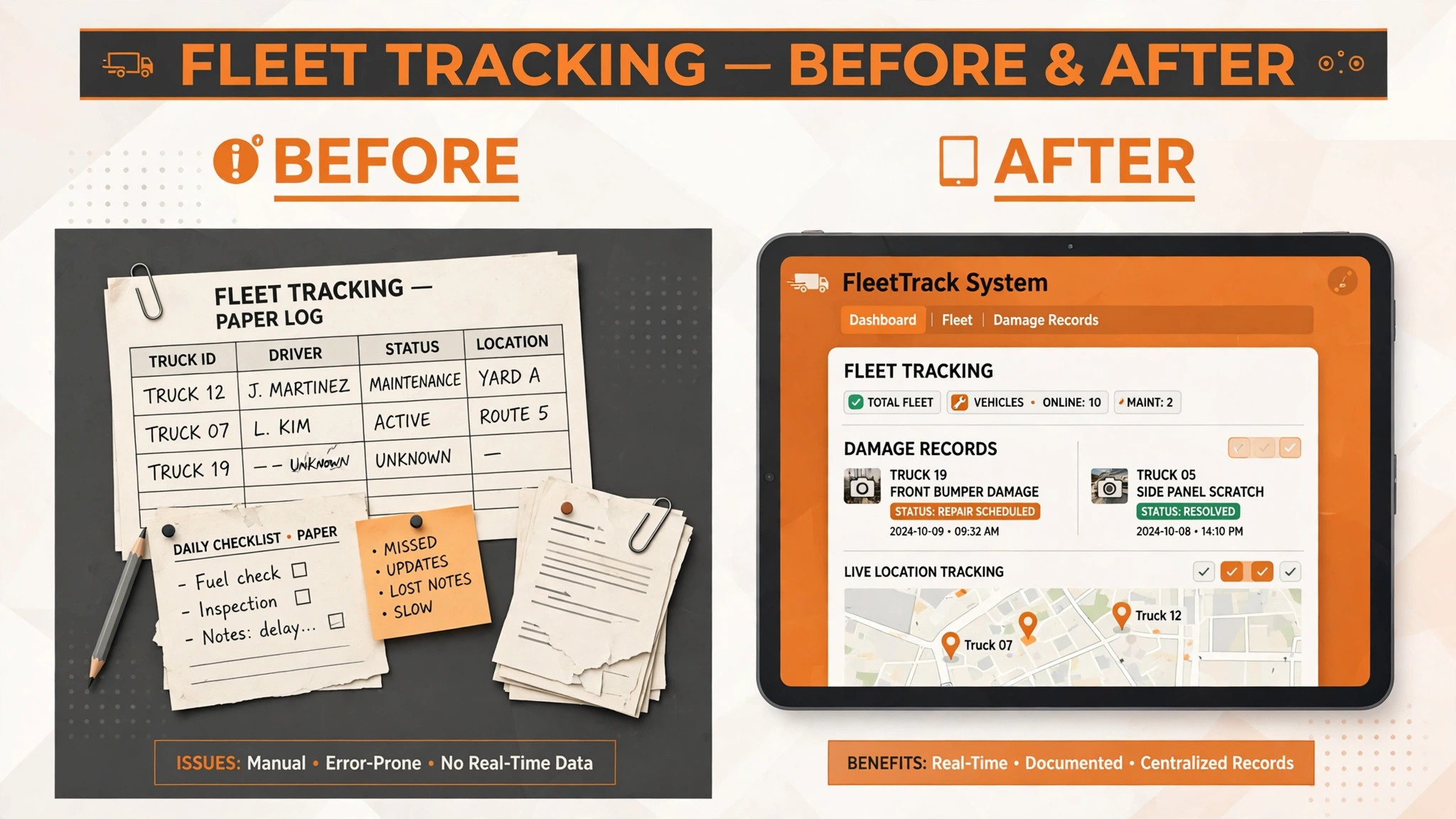
Best for a multi-yard rental house that wants full rental management with fleet visibility.
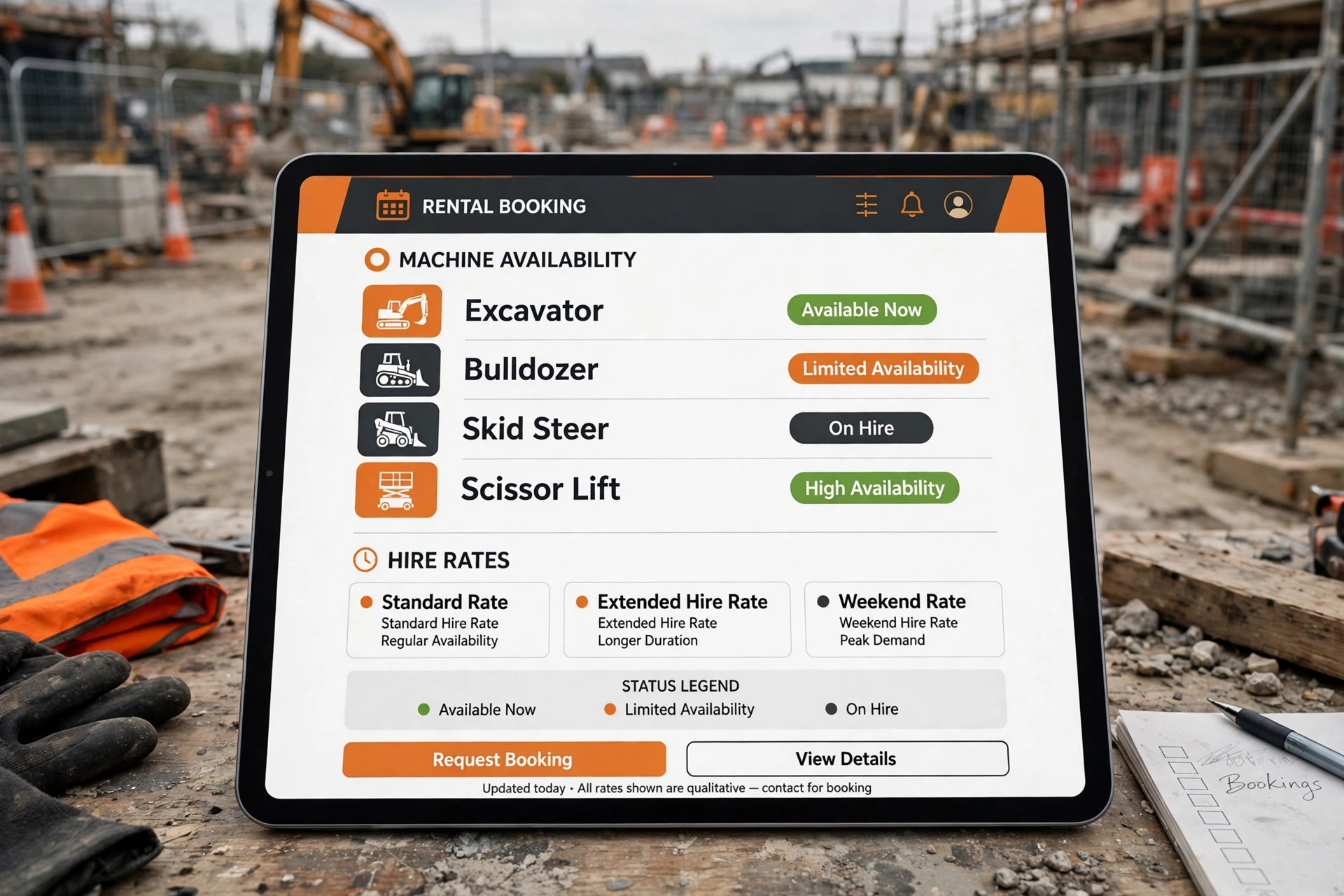
2. Texada
Texada is a software platform for equipment dealers, rental houses, and service organisations, with rental management, service management, and fleet control. It connects rentals to service work, so a machine’s hire history and maintenance history sit in one record.
The strength is the rental plus service combination. A rental house that also services its own fleet benefits from seeing service due dates, work orders, and hire bookings together, which prevents sending out a machine that is due a service. The limit is cost and complexity for a very small yard. A single yard with a small fleet should confirm pricing and whether the full platform fits its team size. Check the vendor pricing page for fleet based pricing terms.
Best for a delivery-focused rental house or an equipment business that combines rental with service work.
3. inspHire
inspHire is a rental management system for hire companies, with hire control, fleet management, service scheduling, and invoicing. It is designed around the hire cycle, from quotation and agreement through delivery, return, and invoicing, with fleet records that track each asset individually.
The strength is hire cycle control for a single yard or small group. A rental house can manage quotations, agreements, deliveries, and returns from one system, with service scheduling built in. The limit is online customer booking depth. A house that wants customers to book and pay fully online should test the self service workflow carefully. Check the vendor pricing page and request a demo on a real hire cycle.
Best for a single yard that wants hire, service, and fleet control in one system.
4. Wynne Systems
Wynne Systems provides rental management software for larger rental houses, with fleet management, rental agreements, service, and reporting. It is built for businesses with larger fleets and more complex operations, where consolidated reporting and multi location control matter.
The strength is depth at scale. A larger rental house gets fleet visibility, agreement control, and reporting that smaller tools cannot match. The limit is fit for a small yard. A small team may find the platform heavier and more expensive than it needs, and should confirm implementation time and training. Check the vendor pricing page and request a quote for your fleet and yard count.
Best for a larger rental house that needs depth, scale, and consolidated reporting.
5. MCS Rental Software
MCS Rental Software is a rental management platform for hire and rental businesses, with fleet management, hire control, invoicing, and reporting. It handles the rental cycle from enquiry through agreement, delivery, return, and invoice, with asset records that track availability and location.
The strength is balanced rental control. A rental house gets fleet, hire, and invoicing depth without necessarily buying an enterprise platform. The limit is market familiarity in some regions. A rental house should confirm local support, integrations, and training availability before choosing. Check the vendor pricing page for user and fleet pricing terms.
Best for a rental house that wants solid fleet and hire control at a mid market level.
6. Rentman
Rentman is a rental and planning platform for equipment rental businesses, with scheduling, crew planning, equipment management, and invoicing. It suits rental houses that plan crews, vehicles, and equipment together, such as houses serving events and projects with complex logistics.
The strength is planning. A rental house that must coordinate machines, delivery vehicles, and crew in one schedule benefits from a system built around that planning view. The limit is rental agreement depth for construction hire. Rate structures, damage records, and long hire terms should be tested against real construction hire scenarios. Check the vendor pricing page for the tier that includes invoicing and planning features.
Best for a scheduling-led rental house that plans equipment, vehicles, and crew together.
7. Booqable
Booqable is a rental software platform for smaller rental businesses, with online booking, asset management, payments, and a storefront. Rental businesses use it to let customers browse available equipment, book online, and pay, while managing availability from a simple dashboard.
The strength is simple online booking. A smaller rental business can move from phone bookings to online bookings quickly, with a storefront that customers find easy to use. The limit is heavy fleet depth. Maintenance scheduling, damage workflows, and multi-yard transfers are lighter than on specialist construction rental platforms, so a larger house should test those needs. Check the vendor pricing page for asset and booking terms.
Best for a smaller rental business that wants simple online booking and asset management.
8. Alert Rental
Alert Rental, from Alert Management Systems, is a rental management platform for rental houses, with counter sales, hire management, fleet control, and invoicing. It is built for rental counters that handle walk in customers, phone bookings, and account customers from one system.
The strength is counter operations. A rental house with a busy counter benefits from a system designed for fast agreement creation, fleet checks, and invoicing at the point of hire. The limit is online booking depth. A house that wants a large share of bookings online should test the customer self service workflow before choosing. Check the vendor pricing page and confirm counter and fleet feature terms.
Best for a rental house with a busy counter that wants fleet and hire control at the point of sale.
9. Viberent
Viberent is an equipment rental software platform with online booking, fleet management, and hire control, built for equipment rental businesses that want customers to book online. It supports equipment listings, availability, bookings, and payments, with fleet records behind the booking pages.
The strength is online equipment booking. A rental house that wants customers to check availability and book machines online, without phone handling for routine hires, gets a system built around that flow. The limit is enterprise depth. A large multi-yard house with complex service and reporting needs should test those requirements carefully. Check the vendor pricing page for fleet and booking terms.
Best for an equipment rental house that wants online booking with fleet management behind it.
10. EZRentOut
EZRentOut is a rental and asset tracking platform for businesses that rent equipment, with asset records, bookings, maintenance tracking, and reporting. It combines equipment tracking with rental management, which suits businesses that also track owned assets used internally.
The strength is asset visibility. A business that rents equipment and tracks its own assets gets one record for both, with maintenance dates and availability in one place. The limit is construction hire specificity. Long hire terms, damage records, and delivery logistics should be tested against real construction scenarios. Check the vendor pricing page for asset and user pricing terms.
Best for a business that wants asset tracking plus rental management in one system.
How Rental Software Changes Yard Operations
Rental software changes yard operations before it changes the office. When yard staff can see true availability by serial number, the first question of the day shifts from whether a machine might be available to which exact machine goes to which site. That certainty matters for a rental house, because a wrong promise on Friday afternoon becomes a failed delivery on Monday morning. A system that gives true availability in one screen is worth more than a system with a longer feature list that hides it.
The second change is damage handling. A machine that returns with damage recorded against the handover record, with photos and a clear charge, protects both the rental house and the customer. A machine that returns with damage recorded on paper, or not at all, creates disputes that cost time and customer goodwill. That dispute cost is the hidden cost of a simple booking tool, and it only shows up after a damaged machine causes an argument.
The third change is utilisation. An owner who can see which machines sit idle, which machines are always out, and which yards hold surplus stock can move fleet where demand is, rather than buying more machines. That visibility lets the owner invest in the right machines and transfer idle stock early. A fleet that lives in spreadsheets and memory cannot give that warning, which is why the best rental software for construction equipment rentals should be judged on utilisation truth, not on dashboard beauty.
There is also a seasonal effect. Demand for many machine types rises and falls through the year, and a rental house that cannot see true availability during a peak will either turn work away or promise machines it does not have. A system that stays accurate during a peak, with real fleet status and maintenance holds, protects revenue in exactly the weeks when demand is highest.
There is also a customer trust effect. A contractor who receives a confirmed machine, a clear agreement, an on time delivery, and a fair damage process will hire from the same house again. A contractor who receives a substituted machine, a late delivery, and a surprise charge will not. Judged on confirmed hires, on time deliveries, and repeat customers, the right system is the tool that makes the yard run on true availability, not the tool with the most booking page options.
How to Choose the Best Rental Software for Construction Equipment Rentals
Start with the availability test. Take a real fleet, including a machine out on hire, a machine in maintenance, and a machine in another yard, and run booking requests against it in the trial. See whether the system blocks double bookings, shows the maintenance hold clearly, and accounts for transfer time. If that test fails, the tool will fail on a busy week.
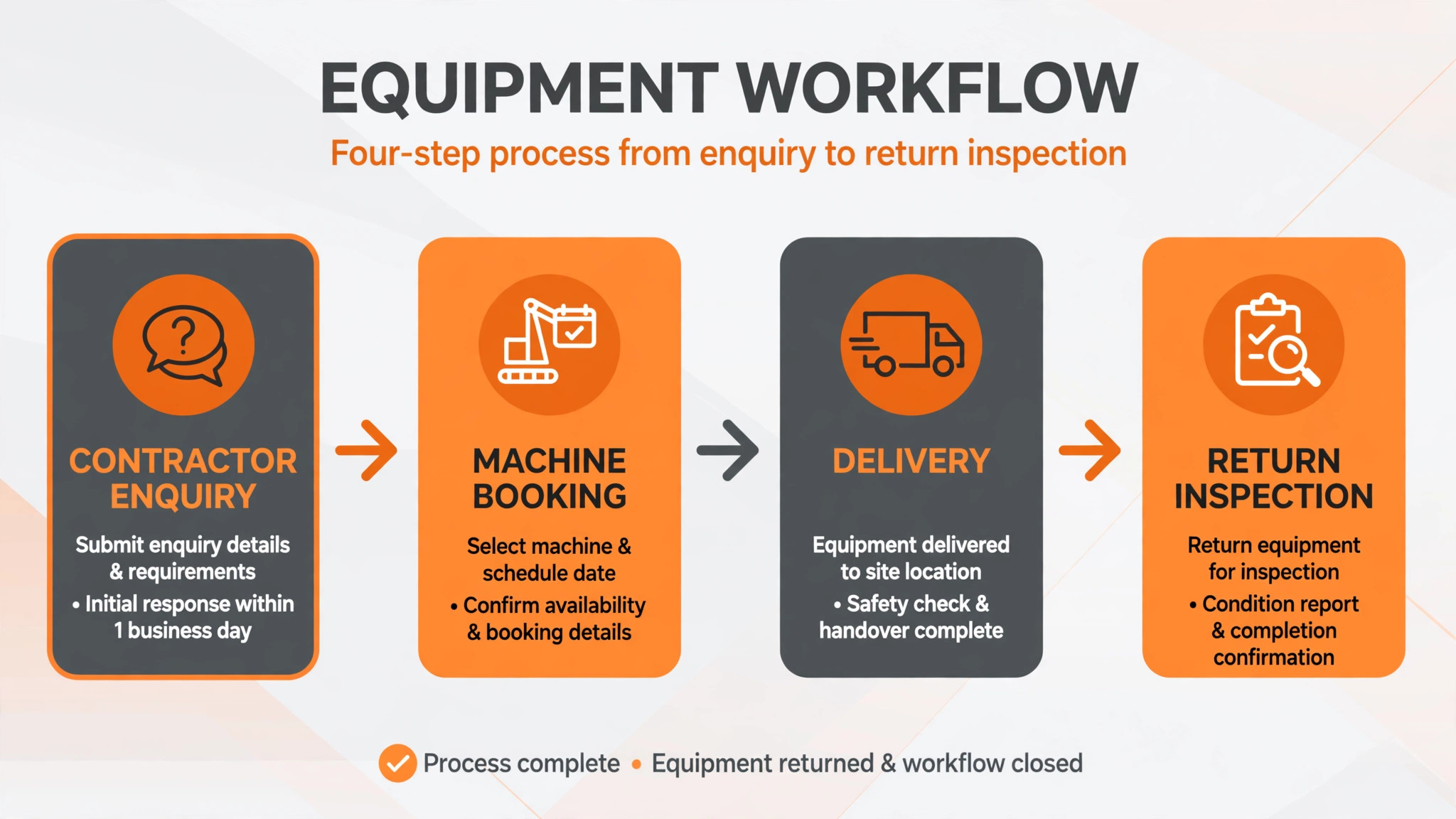
Next, test the hire journey from enquiry to return. Can the office quote, create an agreement, schedule delivery, record handover condition, process the return, record damage, and invoice without leaving the system or retyping data. Count the retyping. A rental tool that still needs a spreadsheet for damage or invoicing has not solved the yard problem, even if the booking screen looks good.
Then test maintenance and damage together. Take a machine due a service, book it on a long hire, record damage on return, and flag it unavailable. The system should prevent the bad booking, link the damage to the agreement, and hold the machine until repaired. If those details live in separate screens with no clear link, yard staff will still reconcile by hand.
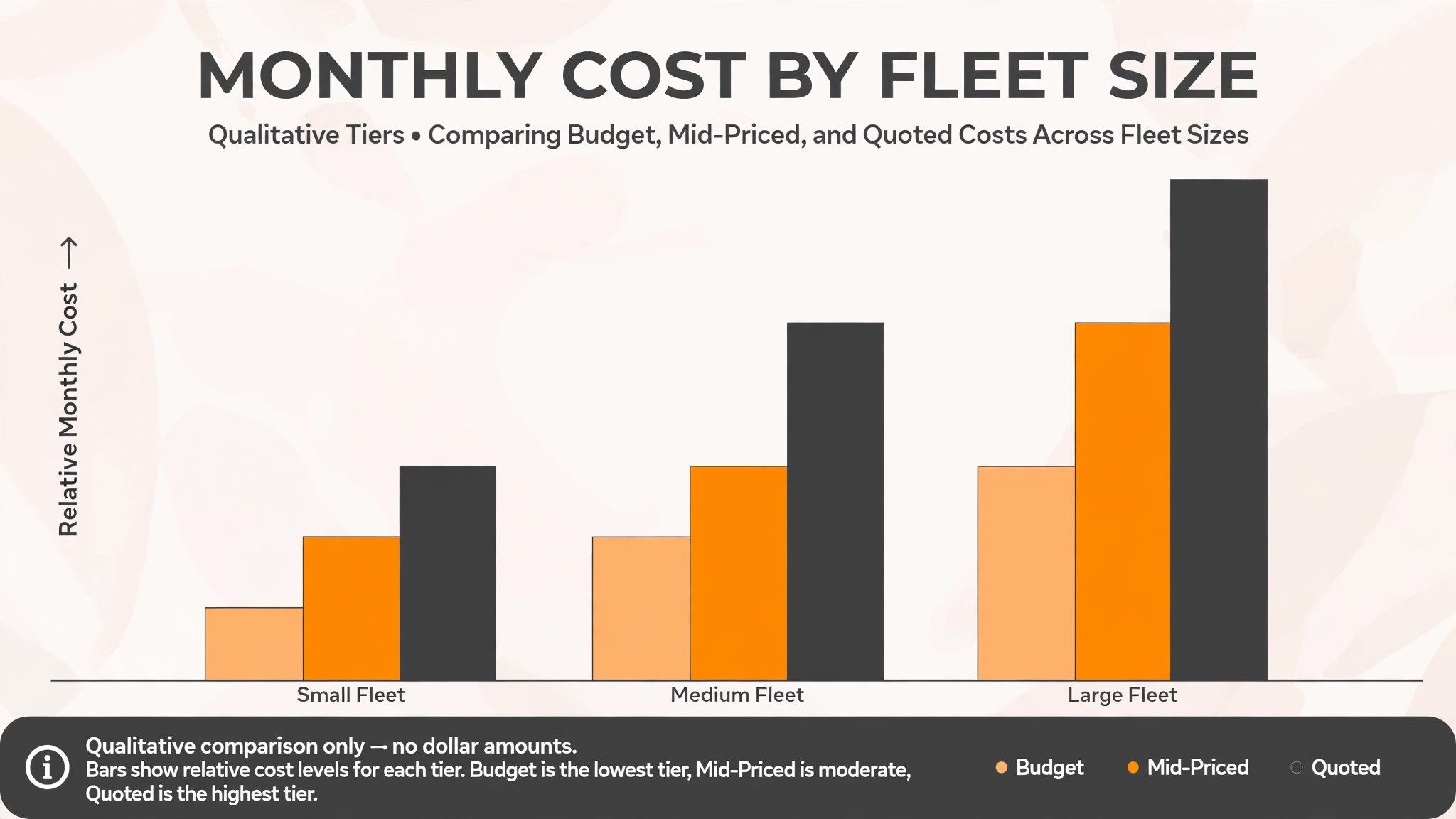
Finally, price the full rental stack. Add per user fees, per asset fees, delivery scheduling, maintenance, and online booking charges to the subscription. A cheap booking tool with expensive fleet or maintenance terms can cost more than a mid priced specialist platform once fleet size grows. Get the monthly total for your real fleet size and yard count in writing before comparing tools.
Common Mistakes When Buying Equipment Rental Software
The first mistake is buying a booking tool and calling it a rental system. A booking tool reserves a category. A rental system tracks machines by serial number, manages rates and agreements, handles delivery, damage, and maintenance, and shows true availability. Test the machine record, not only the booking screen.
The second mistake is ignoring maintenance. Many rental problems are maintenance problems, not booking problems. A system that allows a machine due a service to be booked on a long hire will create breakdowns and disappointed customers. Maintenance holds should be a scored test in the trial, not an afterthought.
The third mistake is forgetting damage records. A system without handover condition records, return inspections, and damage charges will not protect the fleet, even if it books well. Test the damage workflow with photos and charges, and confirm whether the customer receives a clear damage summary.
The fourth mistake is buying for the rental house you hope to become, not the house you run. A full enterprise platform with multi-yard reporting is valuable for a large house, but it adds setup and training burden for a single yard. Start with the tool that fits current fleet size and yard count, and check that it can grow when both rise.
The fifth mistake is neglecting data export. Fleet records, hire histories, and customer histories are the business’s history. Before signing, confirm that those records can be exported in a usable format, and that the rental house is not locked into a platform by its own data.
Frequently Asked Questions
How much does construction equipment rental software cost?
Costs range from modest subscriptions on simple rental platforms to quoted pricing on specialist rental systems. The final cost depends on fleet size, user count, yard count, maintenance features, and online booking terms. A rental house with a large fleet should model per asset and per user costs at its real fleet size, since those charges grow with every machine. Get a written quote for your real fleet size, including maintenance and booking terms, before comparing headline prices.
What is the best rental software for a single yard?
For many single yards, inspHire is a strong starting point among the best rental software for construction equipment rentals, because it combines hire control, fleet management, and service scheduling for one site. Booqable suits a smaller business that values simple online booking, while Point of Rental suits a yard planning multi-yard growth. The right choice depends on whether hire control, online booking, or growth matters most.
Can customers book construction equipment online?
Yes, on tools with online booking. Customers can view available equipment, book, and pay from a booking page or storefront, while the rental house manages agreements, delivery, and damage records behind the scenes. The test is whether online booking respects true machine availability, maintenance holds, and yard location, rather than merely reserving a category.
Does rental software track maintenance and damage?
Specialist rental platforms such as Texada and Point of Rental are built to track fleet, maintenance, and damage records alongside hire agreements. General rental tools can record bookings and notes, but maintenance holds and damage workflows often need careful setup. Test the maintenance and damage view on a real machine record, including service due dates and return inspections, before choosing.
How does rental software handle delivery scheduling?
Rental systems schedule deliveries and pickups against vehicles, drivers, and site details, so a machine arrives with the right transport and access information. The system should show delivery jobs alongside hire bookings, so the yard can plan the day’s movements in one view. Confirm delivery scheduling in a trial with real sites and access constraints.
What is the difference between rental software and asset tracking software?
Asset tracking software records where assets are and when they need maintenance. Rental software also manages hire agreements, rates, availability, delivery, damage, and invoicing for customer hires. Many rental tools include asset tracking, but the hire agreement side is what makes customer rental manageable.
How long does it take to switch equipment rental software?
A single yard can switch in two to three weeks if fleet records, hire agreements, and customer records are prepared in advance. A multi-yard house should allow four to six weeks, including staff training and parallel running on live hires. A larger house should allow eight weeks or more, including data migration and maintenance record checks.
Should a rental house offer online booking and phone booking together?
Yes, for most rental houses. Online booking captures contractors who search and book outside office hours, while phone booking serves contractors who need advice on machine size, site access, or hire terms. The booking system should keep both channels in one fleet view, so a phone booking cannot double book an online booking, and the yard can see true availability in one place.
A Two Week Trial Plan
Do not choose from a feature list. Run a two week trial plan on your two finalists. In week one, enter a real fleet, real hire agreements, and real delivery jobs, and run bookings, handovers, and returns through the system. In week two, run the fleet and damage checklist, check maintenance holds, and test multi-yard or transfer needs for your operation. Ask yard staff whether availability, damage records, and delivery scheduling actually helped them run the yard, or only helped the office.
The tool that passes those two weeks with the fewest workarounds, the fewest double bookings, and the least yard confusion is the best rental software for construction equipment rentals for your operation, and the tool to keep. Price matters, but a cheap tool that creates daily yard fixes will cost more in failed deliveries and damaged machines than a mid priced tool that runs cleanly. Choose the system that makes the yard quieter, the fleet better used, and the contractors more likely to hire again.
More Reading on Stratilyze
– Best Booking Software for Boat Rentals – Best Booking Software for Outdoor Rental Businesses – Best Booking Software for Music Schools – Best Booking Software for Escape Rooms – Best Website Builder for Photographers