
A happy customer shows you a screenshot of a five star review, full of praise for a job done on time, and you open your profile to find nothing there. You refresh, you check again the next day, and the review still has not appeared, while your review count has not moved. That gap between a real review and a public profile is the daily frustration when you need to fix Google Business Profile reviews not showing small business profiles, because the review exists in the customer account, yet nobody else can see it, and the business loses the proof that wins the next customer.
Reviews are not vanity for a small business. Shoppers compare star ratings, read recent comments, and judge trust before they ring, and a profile with missing reviews looks quieter than it really is. A business that earned ten good reviews but shows only six is not just missing four stars, it is missing four stories that could have convinced a hesitant shopper. This guide sets out a diagnostic order that separates a delayed review from a filtered review, a profile fault from a content fault, and a fixable re-ask from a case that needs support.
Before you change anything, save a record of the problem. Note the customer name, the date the review was posted, the star rating, and whether the customer can still see the review in their own account. Note also whether one review is missing, several reviews vanished together, or customers cannot post reviews at all, because those three patterns point to different faults. Do not ask the customer to post the same review again at once, because duplicate posting can look like manipulation and can make a filtered review harder to recover.
Why a Review Can Exist Yet Stay Invisible
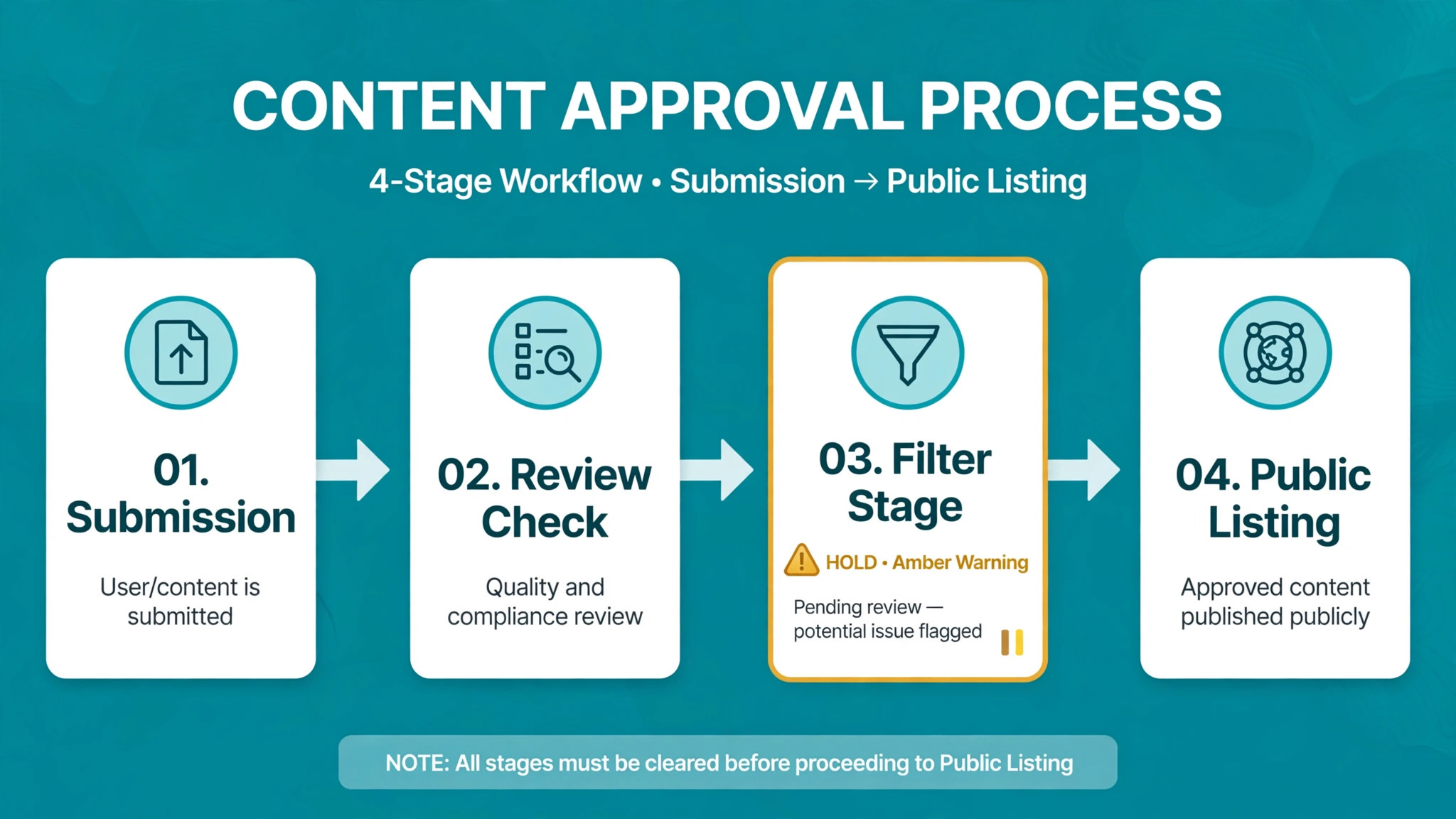
A review passes through several stages before it goes public, and it can stop at any one of them. The customer may have submitted to the wrong profile, the review may still be in moderation, the automated filter may have held it for a spam check, or the profile itself may have a restriction that hides new reviews. Each stage looks the same from the business side, meaning nothing appears, yet each stage needs a different fix, which is why the checks below start with diagnosis rather than with repeated review requests.
The most useful diagnostic question is simple. Can the customer still see the review while logged in to their own account. If yes, the review was likely filtered, because filtered reviews often remain visible to the writer while staying hidden from the public. If the customer cannot find the review in their own account either, the review may never have submitted, or it may have been removed, and the fix starts with a fresh, careful submission rather than with an edit. Ask that question first, before you ask for anything else, because it saves days of guessing.
Check the public view correctly too, because your logged in view of your profile can differ from what the public sees, and the public view is the one that matters. Open the profile in a private browser window, without signing in, and check the review count, the review list, and the sort order. A review that appears under one sort order but not another may simply be buried, while a review that appears nowhere in the public view is genuinely missing. That private window check takes a minute, and it prevents a whole investigation into a review that was never missing at all.
How to Fix Google Business Profile Reviews Not Showing Small Business Profiles
To fix Google Business Profile reviews not showing small business profiles, work in the order below, and test after each check. The order matters, because the filter check explains most single missing reviews, the profile status check explains reviews that vanish together, the guideline check explains reviews that were removed for content, the re-ask sequence recovers reviews safely, and the support escalation checklist handles cases that no owner action can fix. Changing all five at once may restore a review without telling you why, which means the next review can disappear for the same reason.
Keep a simple log as you go. Write down each missing review, the customer account check result, the public view result, and what you changed, with dates. That log saves you from repeating steps, helps support understand the problem later, and proves whether the fault affects one review, many reviews, or the whole profile. If a check passes, move on. If a check fails, fix that layer before moving to the next, because later checks assume earlier layers are sound.
| Check | What it proves | If it fails, do this |
|---|---|---|
| Review filter check | The review was held by the filter, not lost | Edit content, wait, then re-ask carefully |
| Profile status check | The profile can show reviews at all | Fix verification, suspension, or duplicate issues |
| Guideline check | The review follows content rules | Remove flagged content, do not repost duplicates |
| Customer re-ask sequence | A clean review can be posted safely | Ask in small batches, with no scripted wording |
| Support escalation checklist | The case is ready for support review | Submit evidence, then wait without repeated posts |
Do not ask customers to post reviews from your shop Wi-Fi, from your own devices, or in a sudden batch, because those patterns look like manipulation to an automated filter, even when every review is real. Space requests out, let customers post from their own devices and accounts, and never hand customers a script to copy, because identical wording across reviews is a classic filter trigger.

The Review Filter Check That Explains Most Single Missing Reviews
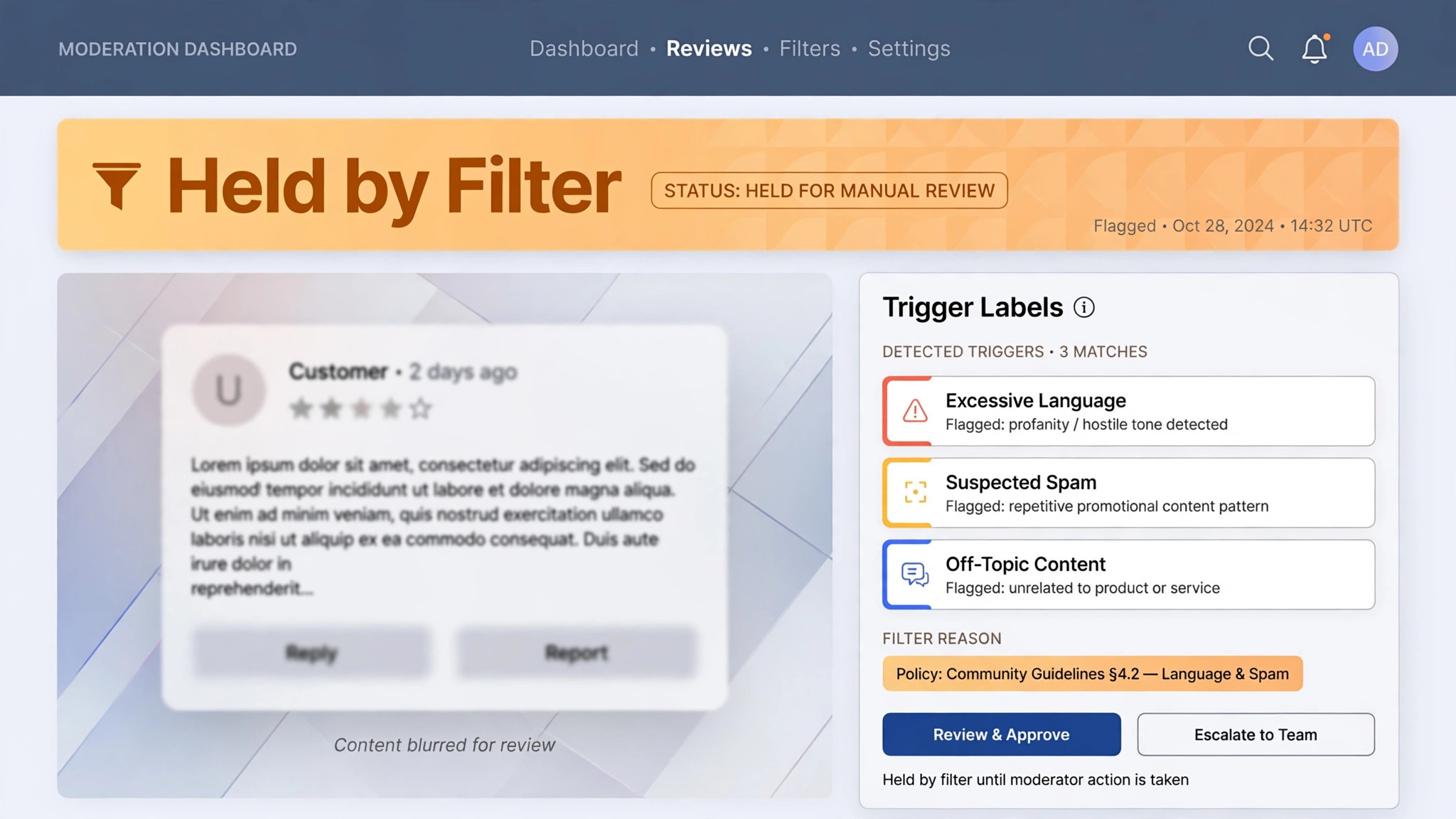
Google uses an automated filter to hold reviews that look like spam, fake engagement, or policy violations, and the filter does not tell the business why a specific review was held. Common triggers include a sudden spike of reviews, reviews from the same network or device as the business, reviews from accounts with little history, reviews that repeat the same phrasing as other recent reviews, and reviews that contain links, phone numbers, email addresses, competitor names, or personal details. Any one trigger can hold a review, and several triggers together make a hold far more likely.
Test the filter by working through the diagnostic questions in order. Ask the customer whether they can still see the review in their own account, and ask them to open their contributions and reviews list while signed in. Ask whether they posted from your shop, from your Wi-Fi, or from a device you manage, because a shared network connection between business and reviewer is a known trigger. Ask whether they used a script or a template you provided, because scripted wording creates a pattern the filter reads as manipulation. Note the answers in your log, because they tell you whether to edit, wait, or re-ask.
If the review is visible to the writer but not to the public, ask the writer to edit it once, lightly, rather than deleting and reposting it. A small edit, such as removing a phone number, a link, or a repeated phrase, and rephrasing one sentence in the writer own words, can sometimes pass the filter on a second review.
Wait 48 hours after an edit before you judge the result, because moderation takes time, and repeated edits in quick succession can look like further manipulation. If the review is still not public after 48 hours, do not ask the writer to post identical copies from the same or additional accounts, because duplicate activity is prohibited and can harm the profile further. That single edit rule is a key step to fix Google Business Profile reviews not showing small business profiles.
If several reviews disappeared at once, the filter check alone is unlikely to explain the fault, because a single filter hold affects one review, while a batch loss points to a profile event. Note the timing, and check whether the loss followed a suspension, a reinstatement, a profile merge, or a change in business details. That timing clue moves the investigation to the profile status check, where a platform restriction, rather than a single review, is the likely cause.
The Profile Status Check That Explains Reviews That Vanish Together
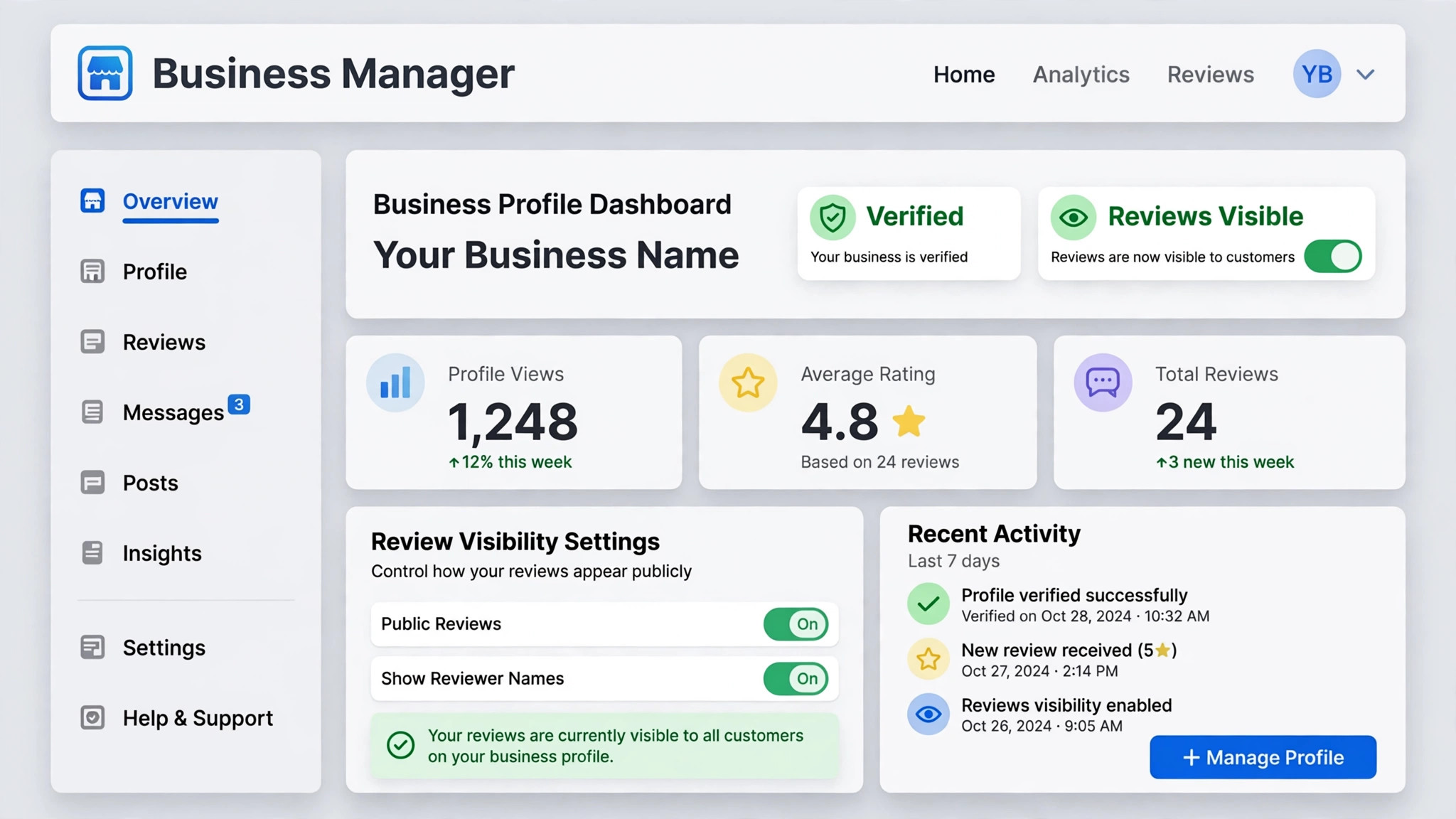
Open the profile dashboard and check status before you blame individual reviews, because a profile problem hides reviews in bulk. Confirm the profile is verified, not suspended, not marked as duplicate, and not under a restriction that limits reviews. Confirm the business name, address, category, and service area match the real business, because mismatches can trigger verification or identity checks that affect review visibility. Confirm you are looking at the correct profile, because duplicate profiles split reviews across two listings, and a review posted to the wrong listing will never appear on the listing you check.
Test the profile the way a shopper would. Open the public profile in a private window, try the official review link, and note whether the review form opens, whether it accepts a test draft, and whether any notice appears about reviews being restricted for the profile or category. Do not submit a fake test review, because fake reviews violate policy and can harm the profile, but do confirm that the form itself is reachable and that no restriction notice appears. If customers cannot access the review form at all, the fault sits with the profile or category, not with individual review content, and the fix starts with profile support, not with re-asks.
Check recent profile events in your log, because timing explains many bulk losses. A suspension followed by reinstatement often comes with delayed or missing reviews, and support specifically advises contacting them when reviews disappear after reinstatement. A profile merge can also delay reviews for several days while records combine, and reviews from merged profiles may need time to appear. A change in ownership, a change in business name, or a change in primary category can trigger a fresh verification check that temporarily affects visibility. Record each event with its date, because support will ask for that timeline.
If the profile is verified, active, and unrestricted, yet new reviews still do not appear, return to the filter check for single reviews, and to the guideline check for content, because a healthy profile can still hold individual reviews that trigger the filter, and that return step helps fix Google Business Profile reviews not showing small business profiles. A healthy profile plus a batch loss, however, is a support case, not a re-ask case, and the escalation checklist at the end of this guide tells you what evidence to prepare.
The Guideline Check That Catches Content Reviews Cannot Carry
Review guidelines ban content that seems harmless to a happy customer but reads as a violation to a filter. Reviews must not include personal details, such as phone numbers or addresses, financial details, explicit language, hate speech, or personal attacks. Reviews must not include pricing, special offers, or marketing content, and they must not be written by the business, by staff posing as customers, or in exchange for payment or incentives that are not disclosed. Reviews must be about a real experience with that business, written in the writer own words, and posted once, not duplicated across accounts or listings.
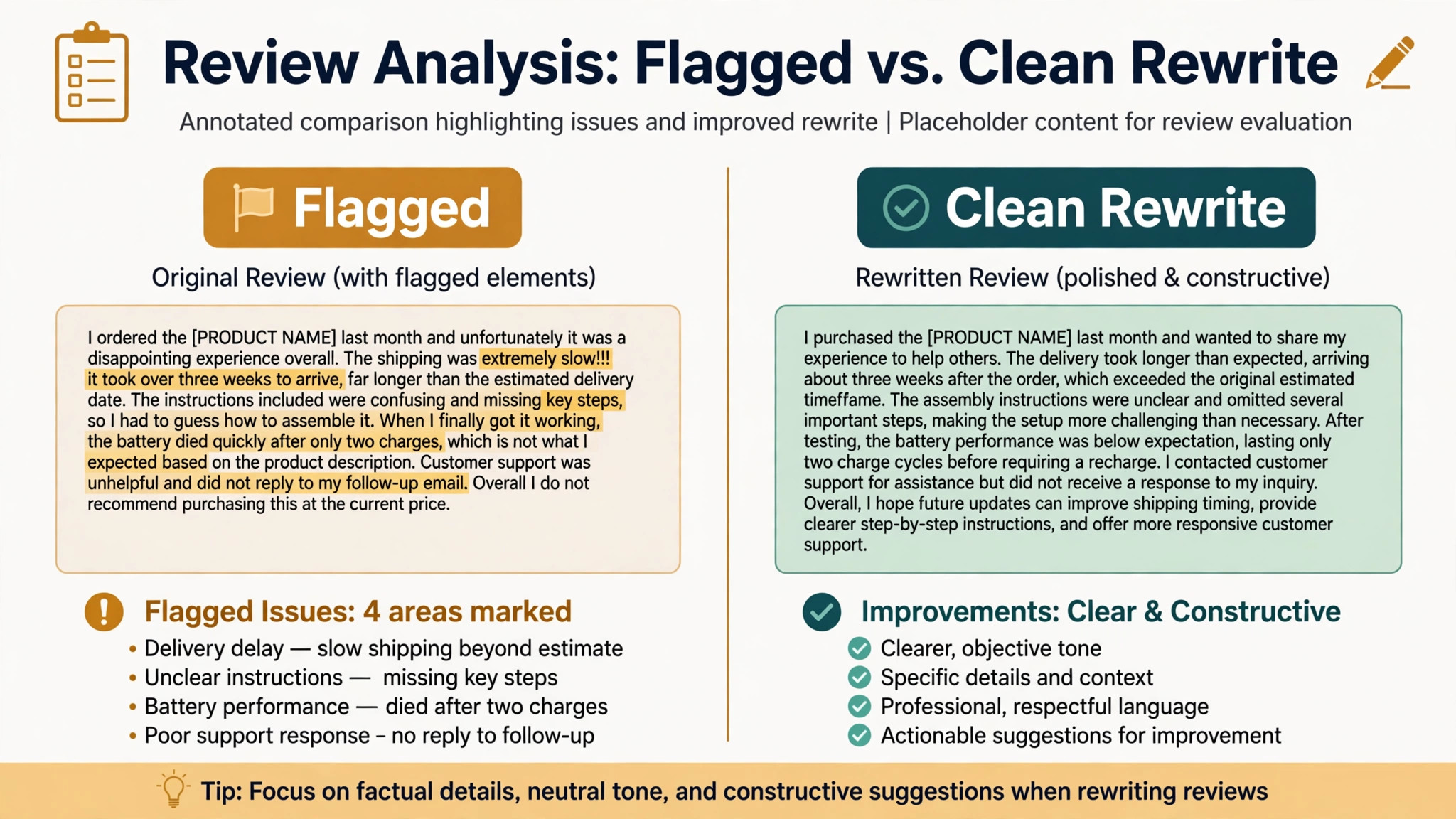
Audit a missing review against those rules with the customer, without asking the customer to lie about their experience. Read the review text together, if the customer is willing to share it, and look for links, contact details, competitor names, employee names, repeated phrases from other reviews, and claims that read like an advert rather than an experience. A review that says a technician arrived on time, fixed a leak, and left the kitchen clean will usually pass, while a review that includes a phone number, a discount code, and the same slogan as five other reviews will often be held, even though the experience was real.
If flagged content is found, the fix is a careful edit, not a deletion and repost, and not a request for a second review with the same wording, and that edit first rule helps fix Google Business Profile reviews not showing small business profiles. Ask the writer to remove the flagged element, keep the core experience in their own words, and save once.
Wait 48 hours, check the public view in a private window, and record the result. If the edited review appears, note what was removed, because that lesson should shape future review requests. If the edited review still does not appear, accept that the filter may not release it, and move to a clean re-ask for a future experience, rather than chasing one held review with repeated posts.
Never offer payment, discounts, or freebies in exchange for a review, and never ask staff, family, or friends to post reviews that pretend to be customer experiences, because those practices violate policy and can lead to review removal or profile penalties that cost far more than one missing review gains. The safest review request is simple. Ask a real customer, after a real job, to share their honest experience in their own words, at their own time, from their own device. That request produces reviews that survive the filter, because they look like what they are, meaning real.
The Customer Re-Ask Sequence That Recovers Reviews Safely
Re-asking works when it is spaced, personal, and free of scripts, and it fails when it is batched, scripted, or rushed. Start with one customer, not with every customer from the last six months in one afternoon, because a sudden spike of reviews, even when every review is real, reads as manipulation to an automated filter. Send a short, personal message after a completed job, thank the customer, and include the official review link, without telling the customer what to write, what rating to give, or which phrases to use. Let the customer post from their own device, on their own network, at a time they choose.
Space re-asks across days, not hours, and prioritise customers whose original review was never submitted or was held for a clear, fixable reason, such as a phone number in the text, because spaced asks help fix Google Business Profile reviews not showing small business profiles safely. For customers whose review is visible in their own account but not public, prefer a single light edit over a fresh post, because an edit preserves the original submission date and avoids duplicate content. For customers whose review cannot be found in their own account at all, a fresh post is reasonable, provided the new review is written in the customer own words, without copied wording, links, or personal details.
Use a simple tracking sheet for re-asks, with customer name, original post date, account check result, edit or fresh post date, and public view result after 48 hours. That sheet stops you from asking the same customer twice, stops you from sending a batch by accident, and shows whether re-asks are working or whether the fault needs support. Review the sheet weekly, and pause re-asks if new reviews stop appearing, because continuing to ask while the filter is holding reviews only adds held reviews to the pile.
Keep the message short and human. Thank the customer for the job, mention the specific work if you can, and ask them to share their experience if they have a moment. Do not mention star ratings, do not offer a reward for a review, and do not follow up more than once about the same job, because repeated chasing annoys customers and can push them to post a rushed review that the filter holds. A polite single ask, sent at the right moment, wins more lasting reviews than a campaign of reminders.
The Support Escalation Checklist That Prepares a Real Case
Escalate when the checks above pass individually but reviews still do not appear, when multiple legitimate reviews disappeared after reinstatement, when reviews vanished together after a profile event, or when customers cannot access the review form at all. Those patterns point to a platform restriction or a profile fault that no owner action can fix, and further re-asks will only add noise. Support cannot manually publish a missing customer review or restore a review removed for a policy violation, but support can investigate a profile restriction, a reinstatement loss, or a disabled review function when the evidence is clear.
Prepare a short escalation pack before you contact support. Include the profile identifier from the dashboard, the business name and address as shown publicly, the timeline of profile events, a list of missing reviews with post dates and customer account check results, screenshots from the customer account where the customer consents to share them, and the public view results from a private window. Include also the results of the filter, status, and guideline checks, because support will ask whether those checks were done. A clear pack gets a faster answer, because support can start from evidence rather than from questions.
Use this checklist before you escalate, and tick each item honestly.
– Public view checked in a private window, with review count and list recorded – Customer account check done for each missing review, with visible or not visible result recorded – Profile verified, active, and unrestricted, with duplicate profiles checked – Recent profile events recorded, including suspension, reinstatement, merge, or detail changes – Guideline audit done for each missing review, with flagged content noted – Single light edit tried where appropriate, with 48 hours allowed before judging the result – No duplicate posts, no scripted wording, no shop Wi-Fi posting, and no incentives offered – Re-ask tracking sheet kept, with dates and public view results for each re-ask
If most items are ticked and reviews still do not appear, escalate with the pack, and then wait without posting duplicates while support investigates, because repeated posts during an investigation can confuse the case. If several items are unticked, finish them first, because support will ask for those results before it can help. Note the support case number and the date submitted in your log, and check the public view weekly rather than daily, because platform reviews take time.

The first mistake is asking for a batch of reviews at once. A business that sends one review request to every customer from the last six months in a single afternoon produces a spike that the filter reads as manipulation, even when every review is real. Space requests, personalise them, and let reviews arrive naturally across weeks, because a steady stream of real reviews survives the filter far better than a sudden flood.
The second mistake is handing customers a script. Identical wording across reviews creates a pattern that the filter catches quickly, and it also makes reviews less useful to shoppers, who can spot copied praise. Ask for honest experiences in the customer own words, and accept that real reviews vary in length, tone, and detail. That variation is a strength, not a weakness, because it proves the reviews come from different people.
The third mistake is posting from the shop. Reviews written on shop devices, on shop Wi-Fi, or by staff on behalf of customers create a connection between business and reviewer that the filter reads as fake engagement. Let customers post from their own devices, on their own networks, at their own time, even if that means waiting longer for the review to appear. Patience here protects the profile.
The fourth mistake is chasing one held review with repeated posts. Deleting and reposting the same review, posting identical copies from additional accounts, or asking the same customer to post again and again can turn a single held review into a pattern that harms the profile, and avoiding that pattern helps fix Google Business Profile reviews not showing small business profiles. Edit once, wait 48 hours, record the result, and then move on to the next real customer, because the next clean review matters more than the last held one.
A Calmer Way to Rebuild Your Review Count
Start with diagnosis, not with requests. Check the public view in a private window, ask one missing reviewer whether they can still see their review, and check profile status before you ask anyone for anything. That hour of diagnosis tells you whether you face a filter hold, a profile fault, or a content fault, and it stops you from wasting a week on re-asks that cannot work. Most single missing reviews yield to that sequence, with a light edit, a wait, or a clean re-ask, without any support case at all.
Then rebuild steadily. Ask one real customer at a time, after a real job, with a short personal message and no script, and track each ask on a simple sheet. Celebrate each new public review by replying to it promptly and specifically, because replies show future shoppers that the business reads reviews and cares about feedback. A profile that replies well, asks steadily, and avoids batching will usually recover its review count within weeks, even if a few held reviews never reappear.
Keep the log. The next missing review will arrive after a busy week, a profile change, or a review campaign, and a log that records what worked last time turns a day of guessing into an hour of checking. Save the profile status, the customer account results, the edit outcomes, and the support case number in one place, and share that place with anyone who works on the profile. Good records are the cheapest insurance a small business reputation can buy, and they are the real payoff when you fix Google Business Profile reviews not showing small business profiles.
Frequently Asked Questions About Google Business Profile Reviews
Why can a customer see their review but nobody else can?
That pattern usually means the automated filter held the review, because filtered reviews often remain visible to the writer while staying hidden from the public. Check the review for links, contact details, repeated phrasing, or other flagged content, ask the writer to edit once lightly, and wait 48 hours before judging the result. Do not ask the writer to post identical copies, because duplicate activity can harm the profile.
How long should I wait before assuming a review is missing?
Allow a few days for moderation, and allow 48 hours after any edit before you judge the result, because reviews do not always appear instantly. Check the public view in a private window, and ask the customer to check their own contributions list, because a review that appears in one view but not another may simply be delayed or buried by sort order. If a review is still not public after several days, work through the filter, status, and guideline checks.
Can a business restore a review that Google removed?
No, a business cannot manually publish a missing customer review or restore a review removed for a policy violation. The customer controls the review, and only the customer can edit it, while support can investigate profile restrictions or reinstatement losses when the evidence is clear. Focus on clean future reviews, rather than chasing a removed review with duplicate posts.
Should I ask customers to post reviews while they are still in my shop?
No, avoid that, because reviews posted from shop devices or shop Wi-Fi create a connection between business and reviewer that the filter reads as fake engagement, even when the review is real. Let customers post from their own devices, on their own networks, at a time they choose, and send a short personal message with the official review link after the job instead.
What should I do if many reviews disappeared at once?
Record the timing and check for a profile event, such as suspension and reinstatement, a merge, or a change in business details, because batch losses usually follow a profile event rather than a single filter hold. Check profile status, confirm there is no duplicate profile splitting reviews, and prepare a support case with the timeline and customer account results. Do not send a batch of re-asks at once, because a spike can make the problem worse.
Is it safe to offer a discount for a review?
No, offering payment, discounts, or freebies in exchange for a review violates policy and can lead to review removal or profile penalties. Ask real customers, after real jobs, to share honest experiences in their own words, without mentioning ratings or rewards, and follow up at most once about the same job. Honest, unscripted reviews survive the filter because they look like what they are, meaning real.
More Reading on Stratilyze
– How to Handle Negative Reviews as a Small Business, plain text title, link not verified at writing time – Best Review Management Software for Small Businesses, plain text title, link not verified at writing time – Fix Facebook Page Not Visible for a Small Business, plain text title, link not verified at writing time – Local SEO Checklist for Small Business Owners, plain text title, link not verified at writing time – Small Business Reputation Fixes That Win Trust, plain text title, link not verified at writing time