
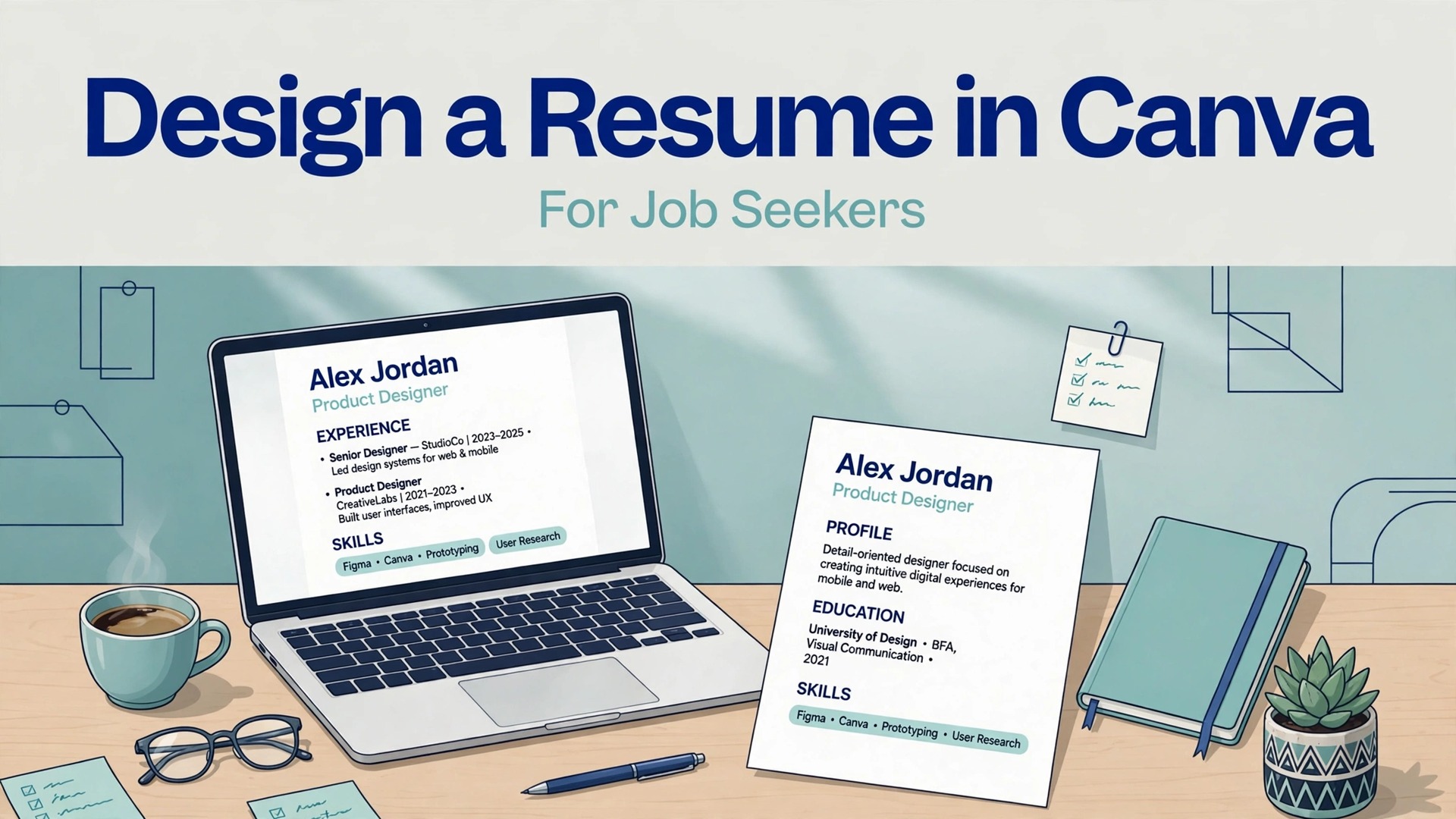
A plain word processor resume and a designed Canva resume reach the same hiring manager, but only one earns a second look in the first six seconds. A clear hierarchy, generous spacing and a readable type choice signal care before a single achievement is read. When you use Canva for resume design job seekers get that polish without design training, but the polish only helps if the file still parses cleanly in the tracking systems that read it first.
This guide balances both sides. It covers choosing a template that survives parsing, laying out a one page resume that a human can scan, writing achievements that carry numbers, and an ATS readability checklist to run before sending. It also covers cost, since Canva offers a free tier that handles most resume work.
Why a System Beats a Pile of Notes
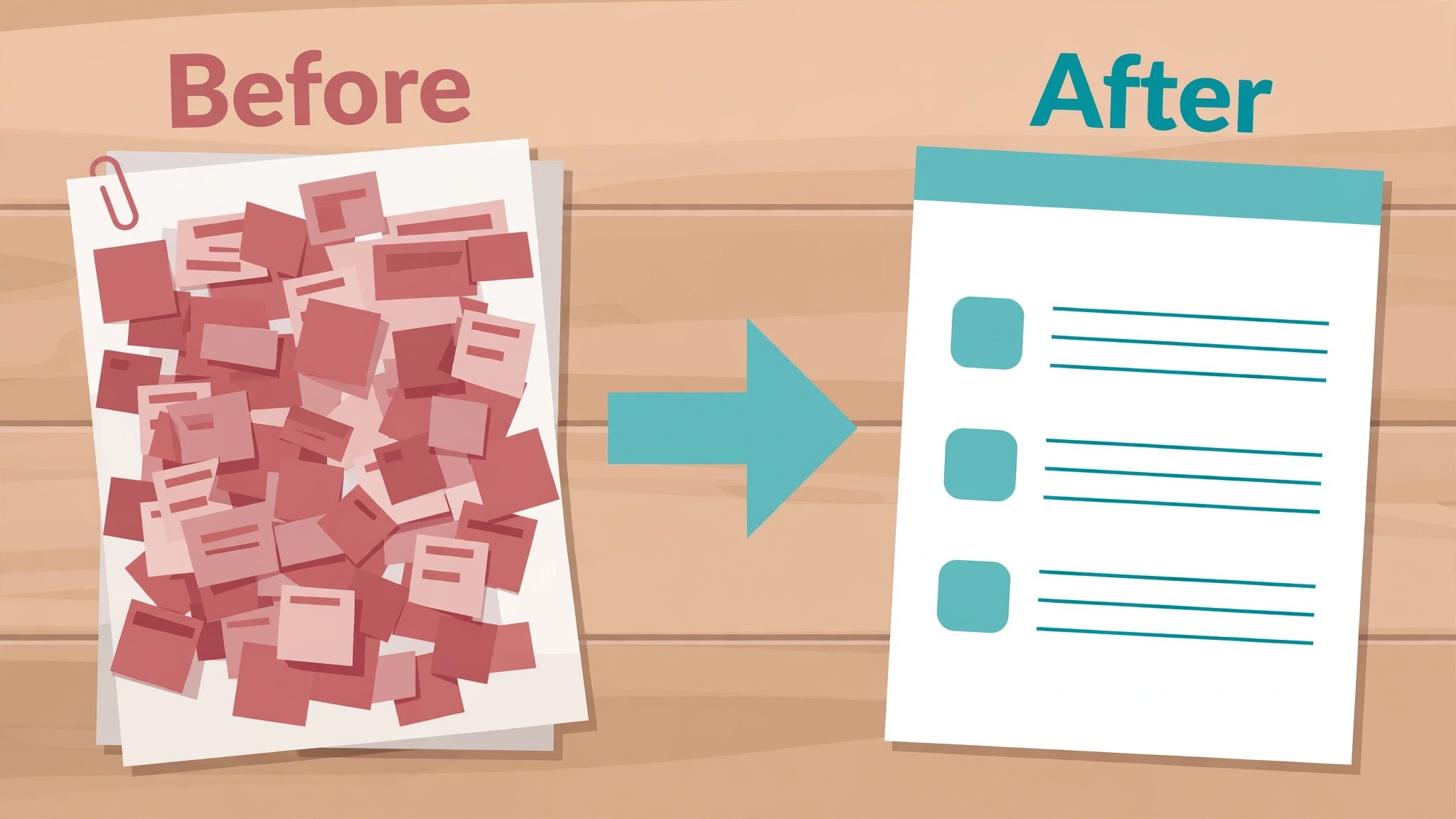
Hiring managers scan, they do not read, on the first pass. A resume with a clear title, a short summary and achievements grouped under roles lets the eye find the relevant experience in seconds. Design creates that path, while a dense wall of text hides the same experience behind effort.
Canva also removes the formatting fight. Word processors shift spacing, break tables and mangle margins at the worst moment, while a Canva layout stays where you put it. That stability matters when you tailor a resume for five roles in a week and cannot afford a broken version going out.
The risk is real, though, and it shapes this whole guide. Overdesigned resumes with graphics, columns and icons can confuse parsing software, so the prettiest resume can score worst. The goal is a resume that looks designed to a human and reads plainly to a machine, and that balance is achievable with the right template.
How to Use Canva For Resume Design Job Seekers
This section shows how to use Canva for resume design job seekers in practice, starting from the setup decisions that matter most and ending with a routine you can repeat weekly.
Start from the job posting, not from the template gallery. List the three skills the posting repeats, then build the resume around evidence for those three, with the most relevant role first. A resume designed around the posting beats a beautiful generic one, because relevance is what both humans and parsers reward.
Then choose the template with parsing in mind. A single column layout, real text headings and no text baked into graphics will survive almost every tracking system. Treat any template that needs images to carry words as a poster, not a resume, and move on.
Success in the first month looks ordinary, which is a good sign. The system is built, the first entries are real, the weekly review happens on schedule, and the numbers start to tell a story. If the first month feels messy, that usually means the system is being used honestly, since a tidy system with no real entries helps nobody.
What Else Could Do This Work
The main tool here is Canva, and the table below compares it with two other routes to the same result. Start with the option that fits your current setup, run it for a month, and only add a second tool when a clear gap appears, because stacking tools before the routine is settled creates confusion that no software can fix.
| Option | What it does | Best for |
|---|---|---|
| Canva | a drag and drop designer with resume templates and export options | a seeker who wants a polished one page resume fast |
| Google Docs | a word processor with simple, parser friendly templates | a seeker who prioritises parsing over looks |
| Adobe Express | a template designer with strong brand tools | a seeker who already uses Adobe tools |
Canva
Canva wins on visual control. Templates, spacing and type choices are easy to adjust, and exports look identical everywhere. Its risk is parsing, so choose a single column template, keep text as real text and test the export before sending widely.
Google Docs
Google Docs wins on parsing safety. Simple layouts parse cleanly in almost every tracking system, and collaboration is trivial. Its weakness is visual range, since polished layouts take manual effort and the result often looks plain beside a designed one.
Adobe Express
Adobe Express wins for seekers who want brand consistency across a resume, portfolio and social profiles. Its resume templates are fewer than Canva, so the choice usually comes down to which ecosystem you already live in.
A final test before committing is the handover test. Ask whether a second person could run the setup from the template and the notes alone, without asking the founder. If the answer is no, the setup is not yet a system, it is a personal habit with a tool attached. Fix that gap first, since holidays, sick days and busy weeks will expose it at the worst moment.
From Blank Page to Working System
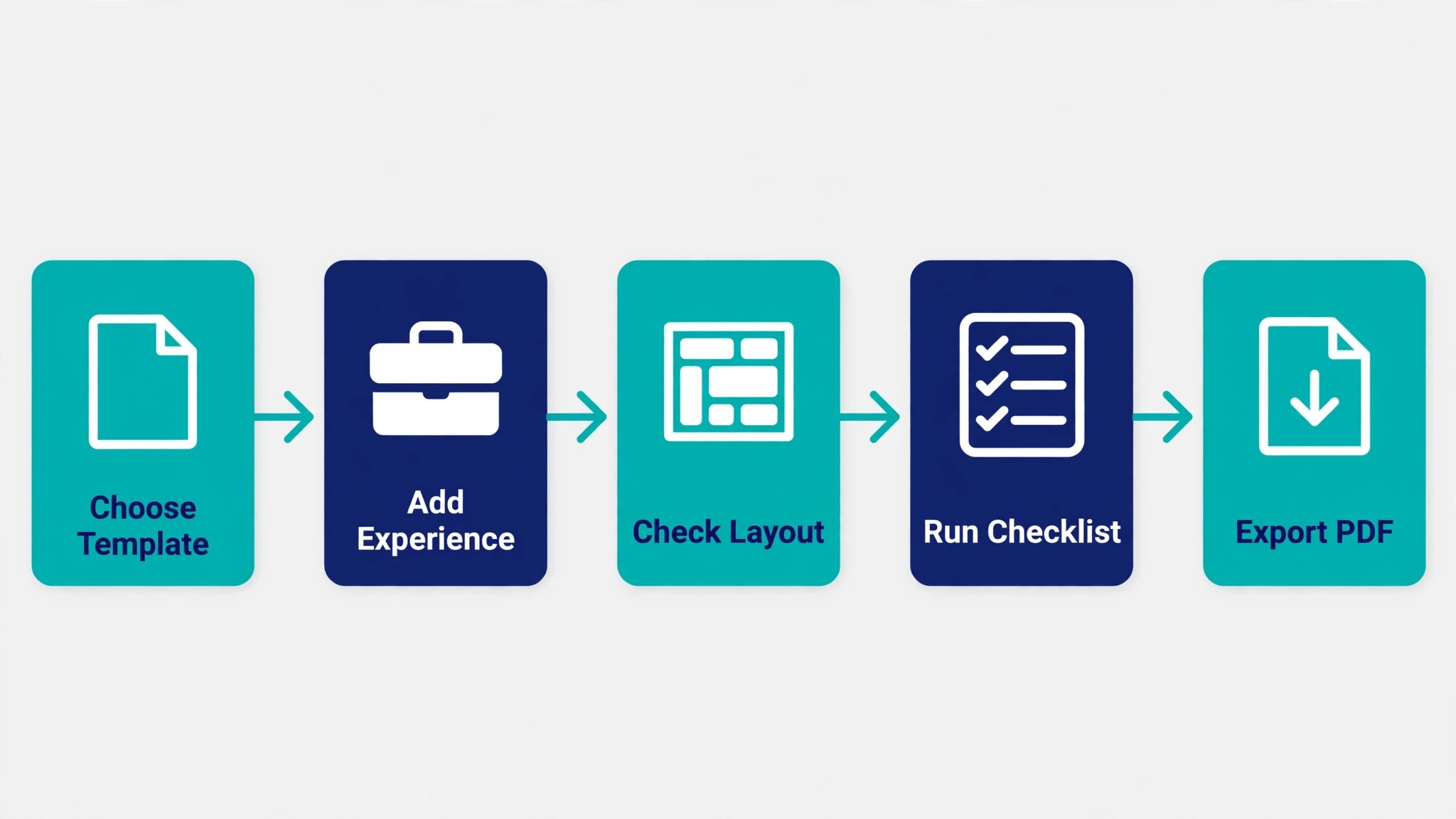
Use this workflow to use Canva for resume design job seekers in order, because the order matters. Skipping ahead to extras before the basics are recorded creates work that has to be redone, while following the steps in order means each step builds on a finished earlier step. Tick each step off, and do not move on until the current step works with a real task.
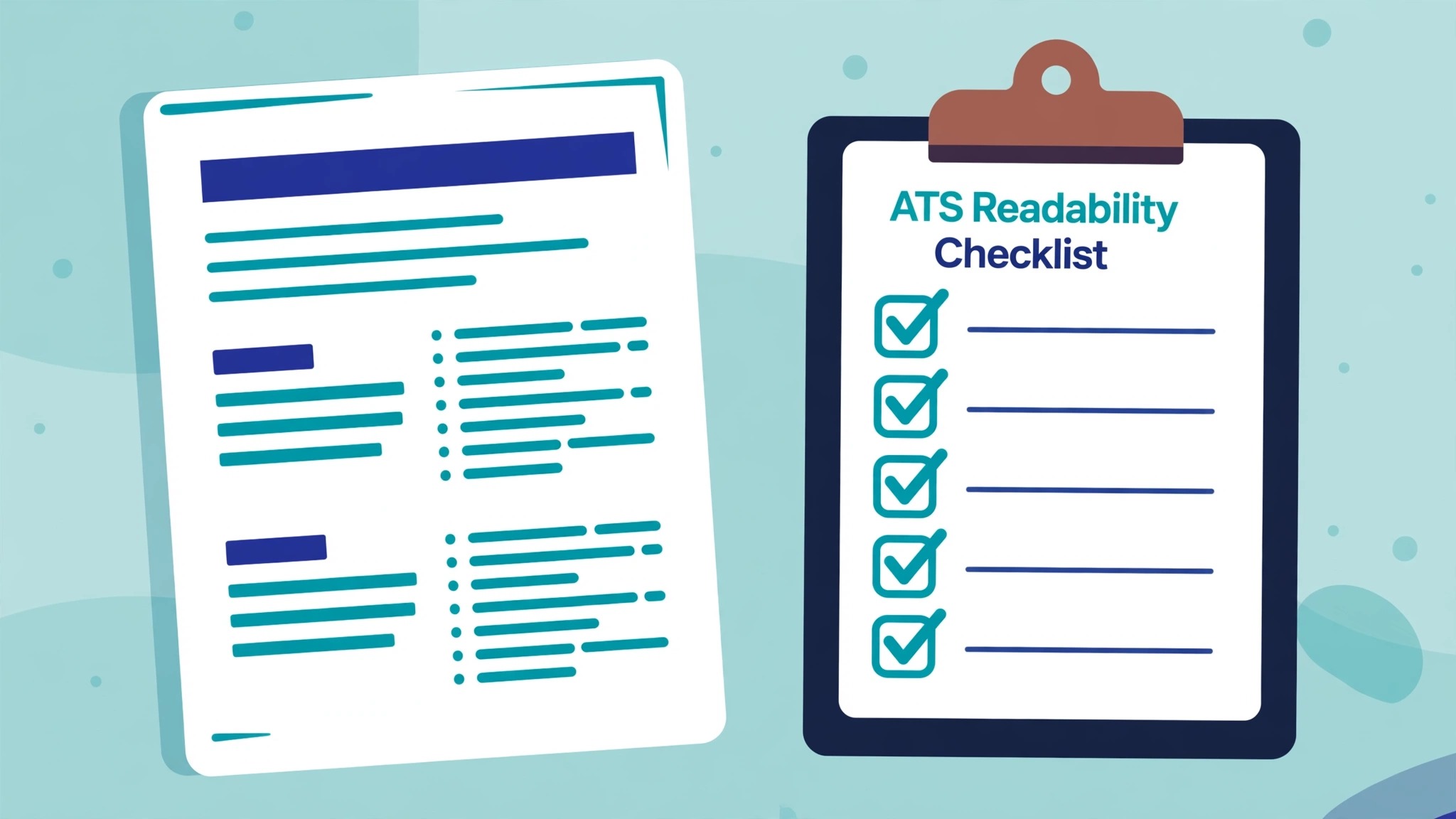
- Pick a single column template. Search for simple resume templates and choose one with a single column, real text headings and no graphics behind text. Two column layouts look modern and parse badly, since parsers often read across columns in the wrong order. Simplicity here is a feature, not a compromise.
- Set the page to one page, always. Keep the resume to one page for most seekers, two only for a long senior career. Cut older roles to one line each, and cut any achievement without a result. A second page that exists because nothing was cut signals weak editing to a human reader.
- Write the header for scanning. Put your name, role title, city, email, phone and portfolio link at the top in plain text. Avoid icons for contact details, since parsers may skip icon paired text, and write the email as text, not as an image or a linked icon alone.
- Draft a three line summary tied to the role. Write two or three lines naming the role you target, the years of relevant experience and the strongest result. A summary that could fit any job fits no job, so tailor its nouns to the posting, not just its adjectives.
- Rewrite bullets as achievement plus result. Turn duty statements into achievements with numbers, such as revenue influenced, time saved or volume handled. Each bullet should carry a verb, a task and a result, and any bullet without a result should be rewritten or cut.
- Match keywords from the posting honestly. Mirror the posting language for skills you truly hold, since parsers match terms and humans notice relevance. Never claim a skill you lack, because an interview will expose it, and a short honest match beats a long invented one.
- Export, parse test and proofread. Export as PDF, copy the text out of the PDF and read it in order. If the order scrambles or text vanishes, change the template. Then proofread on paper, since screen proofreading misses errors that print reveals.
What a Real Week Looks Like
Imagine the system after a month of real use, with a filled template, a history of weekly reviews and a set of numbers that mean something. The value at that point is not the tool, it is the record, because the record shows patterns that memory smooths over. Which items stall repeatedly, which weeks go well, and which kinds of work take longer than expected are all visible in the record, and visible patterns can be fixed.
The record also changes conversations with other people. Instead of saying the workload feels heavy, the owner can show which items are live, which are overdue and what the trend looks like over four weeks. Facts make requests for help, for time or for a change of priority easier to grant, because the other person can see the same picture. A system that produces shareable facts is therefore also a communication tool, not just an organisation tool.
That is why the first month matters more than the first day. A system set up perfectly and abandoned in week two teaches nothing, while a system set up plainly and reviewed four times teaches a great deal about the work itself. Judge the system at the end of month one, on the record it produced and the decisions it improved, not on how impressive it looked on day one.
The Template Plus the Weekly Checklist
Use this template when you use Canva for resume design job seekers without starting from a blank page each time. Copy it, fill it in with your own details, and keep the filled version where the people who use it can see it. A template that lives in a drawer helps nobody, while one that sits beside the work becomes the way the job actually gets done.
| Item | What to write down |
|---|---|
| Header block | name, target role, city, email, phone, portfolio link, all as plain text |
| Summary block | three lines tied to the target role, with years and strongest result |
| Experience block | role, company, dates, then achievement bullets with numbers |
| Skills block | posting matched skills you truly hold, grouped plainly |
| Education block | qualification, institution and year, kept short |
Fill the table in with real details from your own setup, not with guesses, because a plan filled with guesses gives confident answers that are wrong. If a detail is unknown, write unknown and find it before you act on that row, since a single guessed cost or time can undo an otherwise sound plan. Review the filled version every month for the first quarter, then every quarter after that, and update it when prices, people or suppliers change.
Keep the filled version where the work happens, whether that is a shared folder, a printed page or the tool itself, and name one person who owns updating it. Ownership matters because a template without an owner goes stale within a quarter, while one with a named keeper stays current through staff changes and price changes alike. When the owner changes, hand the template over explicitly, like any other responsibility.
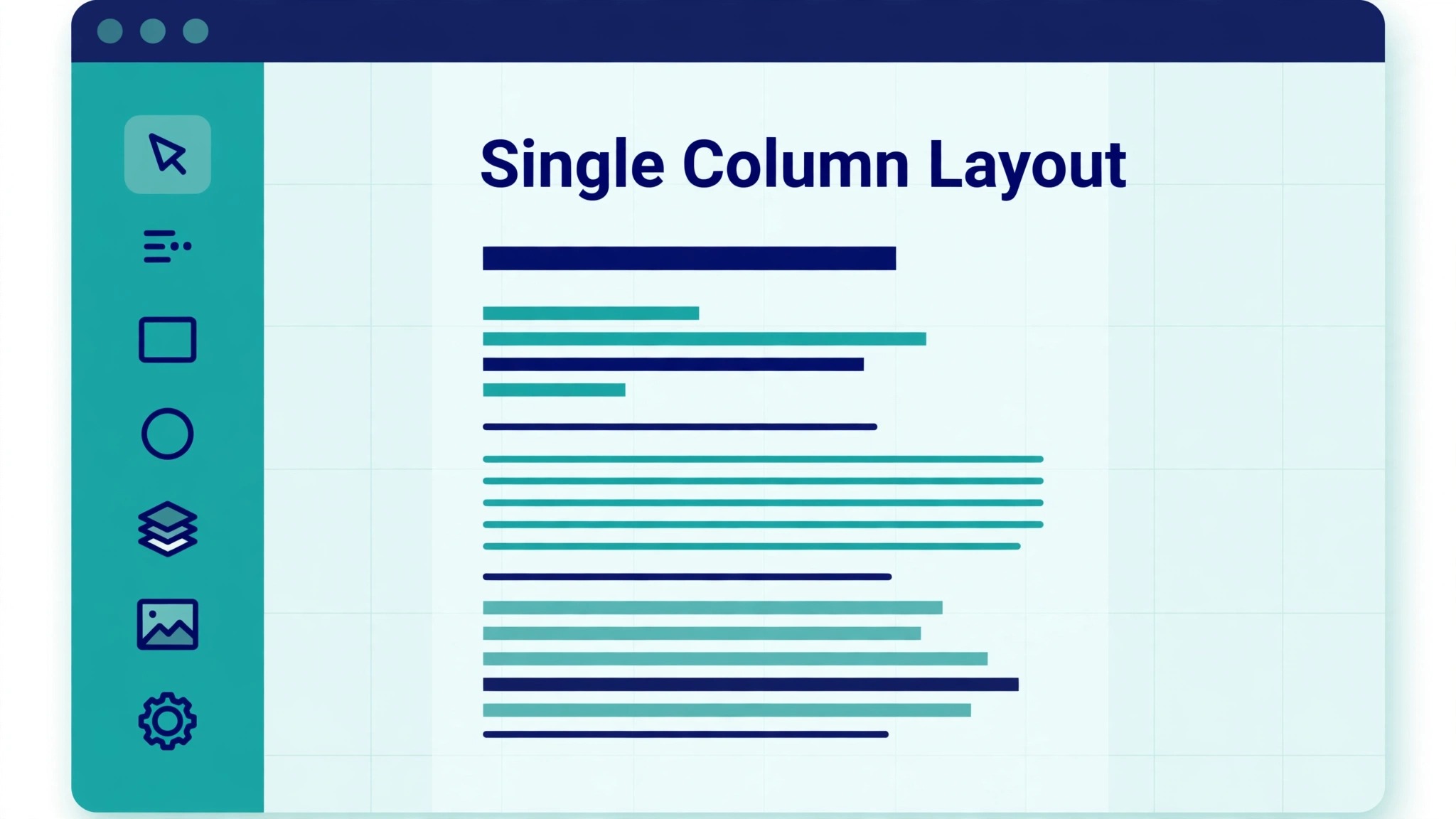
- The template uses a single column with real text, not images of text
- Exported PDF text copies out in the correct reading order
- Contact details appear as plain text, not icons alone
- Every bullet carries a verb, a task and a result
- Keywords mirror the posting for skills genuinely held
- The resume fits one page without cramped margins
- No graphics, charts or tables carry essential information
- A fresh proofread on paper found no typos or date errors

Keeping the Template Honest
A template that never changes is probably not being used honestly, while one that changes weekly is probably not stable enough to trust. The healthy middle is a template that changes monthly, in small deliberate steps, driven by review evidence. Track the changes in a short log, even just a dated line per change, so the evolution stays visible and reversible if a change turns out to be a mistake.
Finally, test every template change with real work before rolling it out to a team. A change that looks tidy in the abstract can slow entry in practice, and entry speed decides whether a template survives busy weeks. One week of real use by one person beats a month of discussion by a committee, because real use reveals friction that discussion only imagines.
Pricing and Practical Limits
Before you commit money or time, write down the costs of the current way of working, because when you use Canva for resume design job seekers you need a baseline to judge the new way against. Count the time spent, the errors made and the opportunities missed under the old way, then compare that total with the same total after one month of the new routine. If the new total is not lower, or the experience is not clearly better, change one thing and measure again rather than adding more tools.
Canva pricing is gentle for resume work. The free tier covers most templates and exports, which is enough for a strong resume. Paid Pro adds premium templates, a brand kit and background tools, with prices that have moved between about 12 and 18 dollars a month depending on billing and region, so check the vendor pricing page before paying, since the free tier likely suffices.
Time cost is the bigger line. Expect two to three hours for the first version, then about 20 minutes per tailored version once the template exists. That tailoring time is the best spent time in a search, because a tailored resume outperforms a generic one at every stage.
Watch for the cost that appears only after launch, such as extra seats as a team grows, premium features on higher tiers, or the time spent maintaining a setup that looked simple at first. Read the pricing page for the tier you will actually land on in six months, not the starter tier you land on today, because a tool that is cheap at small volume and expensive at larger volume can punish growth. Set a calendar reminder to review the bill every quarter, and compare it with the time saved, since a subscription that no longer saves time should be renegotiated or dropped.
Errors That Creep In Over Time
The mistakes below are common because each one feels reasonable at the time, and when you use Canva for resume design job seekers it helps to name them before they happen. Read the list with anyone who will use the routine, agree which mistake your setup is most likely to make, and put one guard in place against it, because a named mistake is far easier to avoid than a vague warning to be careful.
- Choosing a two column template that scrambles in parsers. Beauty that breaks parsing is a liability.
- Writing duties instead of achievements. Nobody hires a list of responsibilities, they hire results.
- Cramming ten years onto one page with tiny type. Cut, do not shrink, since tiny type signals desperation.
- Using graphics for skills ratings. Star ratings and bars mean nothing to parsers and little to humans.
- Sending the same resume everywhere. Tailor the summary and the top bullets for each role, or accept lower replies.
Reviewing the Results Honestly
Pick a small set of numbers and track them monthly, because when you use Canva for resume design job seekers you need evidence, not a feeling, about whether the change is paying. Choose numbers you can collect without extra admin, such as reply rate per version, interviews per 10 applications, time to tailor per role and parse test pass rate, and record them in one place on the same day each month. A trend over three months tells you far more than a single good or bad week.
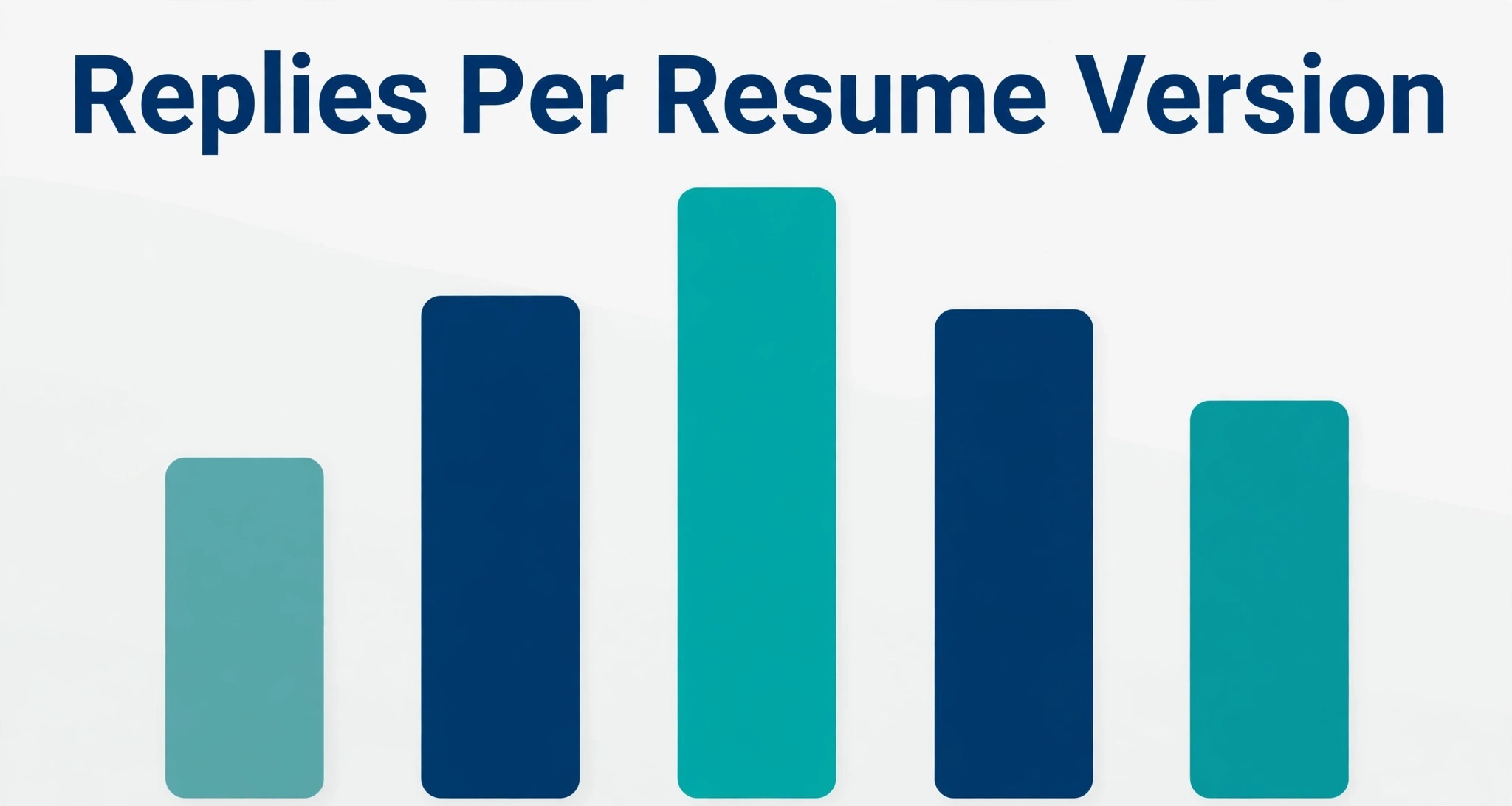
Track reply rate per resume version, because a resume is a testable document. If version A draws replies at twice the rate of version B, keep A structure and change one element at a time. Interviews per ten applications is the cleanest single number, and it needs at least 20 applications before it means much.
Also track tailoring time. If tailoring takes over 30 minutes per role, the template is too rigid, so simplify it. A resume system that slows applications down costs opportunities, however beautiful the output looks.
When a number moves the wrong way, change one element and watch the next period before changing anything else. Changing five things at once feels decisive, but it destroys the evidence, since nobody can tell which change helped. Single changes, measured honestly, are slower to announce and faster to learn from, which is the trade that matters over a year.
Where You Should Be in Three Months
After ninety days, a healthy setup shows up in small, boring ways, such as reply rate per version, interviews per 10 applications, time to tailor per role and parse test pass rate trending in the right direction without heroic effort, and fewer messages asking where things stand. Nobody celebrates a routine that simply works, which is why it is worth naming those signs when they appear, so the people involved recognise the payoff and keep funding the habit.
The warning sign is different, and it is worth watching for, which is when people start working around the setup instead of through it. Workarounds usually mean one step no longer fits reality, so ask what changed, fix that step, and prune anything the workaround replaced. A setup that adapts to one real change survives, while one that demands loyalty to an outdated step gets quietly abandoned.
Set the ninety day review now, with a named owner and a date in the calendar. Without a named owner and a date, reviews slip, and a slipped review means a system that slowly stops matching the reality it was built for. The review itself need not take long, since one hour with the numbers and the honest answers is enough to decide what to keep, what to change and what to stop.
The First Month, Week by Week
Week one is the master resume. Choose the template, write the achievements, run the parse test and proofread on paper. Do not tailor for roles until the master passes the checklist, since tailoring a broken base multiplies the flaw.
Weeks two to four are tailoring rounds. Adapt the summary and top bullets per role, track reply rates per version and refine the template monthly. By month end, you should own one master plus a tailoring habit that takes about 20 minutes per role.
If the first month feels messy, resist the urge to rebuild the system from scratch, since the fault usually sits in one step rather than in the whole approach. Return to the numbers you tracked, find the step where results diverged from the plan, and change that step alone. System swaps feel decisive, but they reset learning to zero, while a single step fix preserves everything that already worked.
Day by Day in Week One
On day one, build the template and import what is already live, without redesigning anything. The goal for day one is a working system with real entries, not a beautiful system with sample data, since real entries reveal the flaws that sample data hides. End the day by checking that every live item has a status and a next action.
On day two, use the system for new work as it arrives, and note every moment of friction. Friction notes are gold, because they point at the exact field, step or view that needs fixing, while general complaints about the system point nowhere. Keep the notes short, one line each, and review them at the end of the week.
On day three, fix the single biggest friction from the notes, and leave the rest alone. One fix per week is the pace that improves a system without destabilising it, and a system that changes daily never gets learned properly by anyone, including its owner. Stability for a week beats improvement every day.
On day four, share the system with anyone else who touches the work, and watch them use it without help. Watching a second person reveals instructions that only made sense to the author, and those instructions need rewriting before the system can survive a holiday or a handover. A system that only its author understands is not yet a system.
On day five, run the first weekly review, record the numbers, and decide one change for next week. The review closes week one with evidence instead of feelings, and that evidence becomes the baseline for month one. A week that ends with a review has already succeeded, whatever the numbers say, because the habit is the achievement.
If Momentum Fades
When results stay flat after a month of honest use, check whether the system measures the right thing. A tracker that counts activity while the goal is outcome will show busy weeks and flat results, which feels like failure even when effort is real. Revisit the metrics, pick one outcome number that matters, and let that number drive the next change. If the outcome number still does not move after a further month, the approach itself, not the system, needs rethinking.
A stalled system usually fails at one of three points, which are entry, review or follow through, and diagnosing the right point saves a rebuild. If entries lag, the template is too heavy or entry takes too long. If reviews get skipped, the review is too long or it has no fixed slot. If actions do not follow, the numbers are not connected to decisions. Name the failing point plainly before changing anything, since a fix aimed at the wrong point adds complexity without restoring momentum.
More Reading on Stratilyze
More Reading on Stratilyze. For the systems around this one, read the create professional resume with ai guide, the how to create a professional resume with ai guide, the best ai tools for job seekers guide. Read the guide that matches your next bottleneck first, because fixing the biggest bottleneck next gives a larger gain than polishing a part of the setup that already works well.
Frequently Asked Questions
Will a Canva resume pass an ATS?
A simple single column Canva resume with real text usually parses well, while graphic heavy or two column designs often scramble. The test is simple. Export the PDF, copy its text out and check the reading order. If the order holds, the resume is safe to send.
Should my resume be one page or two?
One page for most seekers, since hiring managers scan fast and a tight page signals editing skill. Two pages suit senior candidates with long relevant careers, and even then the first page must carry the case alone, since many readers never reach page two.
Do I need Canva Pro for a good resume?
No. The free tier covers strong templates and PDF export, which is all a resume needs. Pro adds premium templates and brand tools that rarely change hiring outcomes, so spend the money only if a premium template genuinely fits your field.
What file format should I send?
PDF in most cases, since it preserves layout everywhere, unless the posting asks for a word document. When a word file is requested, send exactly that, because following instructions is itself a signal. Always test the file you send, not a different version.
How do I tailor a resume without rewriting it each time?
Keep a master resume, then change the summary and the top three bullets per role to mirror the posting. That 20 minute tailoring captures most of the benefit of a rewrite without the time cost, and it keeps the document consistent across applications.
Are icons and colours safe on a resume?
Colour in headings is safe, while icons carrying essential information are not. Keep contact details as plain text, keep skill ratings out, and use colour sparingly for headings and rules. Restraint reads as professional, while decoration reads as distraction.
A Sensible Place to Stop and Start
A resume must do two jobs at once, impress a human in seconds and parse cleanly for a machine. When you use Canva for resume design job seekers get the visual control to do the first job well, provided they choose a simple template and run the readability checklist for the second. Design serves the content, never the other way round.
Pick a single column template today, rewrite your bullets as achievements with results, and run the parse test before the next application goes out. A resume that reads well in both worlds is a quiet advantage, and quiet advantages compound across a whole search.