
One plumbing firm fills its diary from a monthly webinar that answers real homeowner questions, while a similar firm in the same town relies on sporadic social posts and waits for the phone to ring. The first firm does not have a bigger budget or a famous presenter. It has a repeatable webinar marketing strategy small service business owners can actually run, with one clear topic, one clear offer, and a follow up sequence that turns viewers into booked consultations. The second firm has good work and weak demand generation, which is a common gap for skilled service businesses.
That comparison matters for any webinar marketing strategy small service business owners test, because webinars reward clarity more than production polish. A small service business does not need a studio, a large audience, or a celebrity guest to make webinars work. It needs a topic that matches a buying decision, a registration page that states the outcome plainly, a live session that teaches something useful, and a next step that is easy to take. When those four parts line up, a webinar becomes a sales conversation at scale rather than a one off event.
This guide builds that system from the ground up. You will score topics before you commit to them, design a registration flow that lifts attendance, run a session that holds attention, and follow up in a way that respects viewers while moving them toward a booking. The worksheet and run of show template near the middle of this guide give you a working document you can reuse every month, rather than a theory you must rebuild each time.
What a Webinar Funnel Does for a Service Business
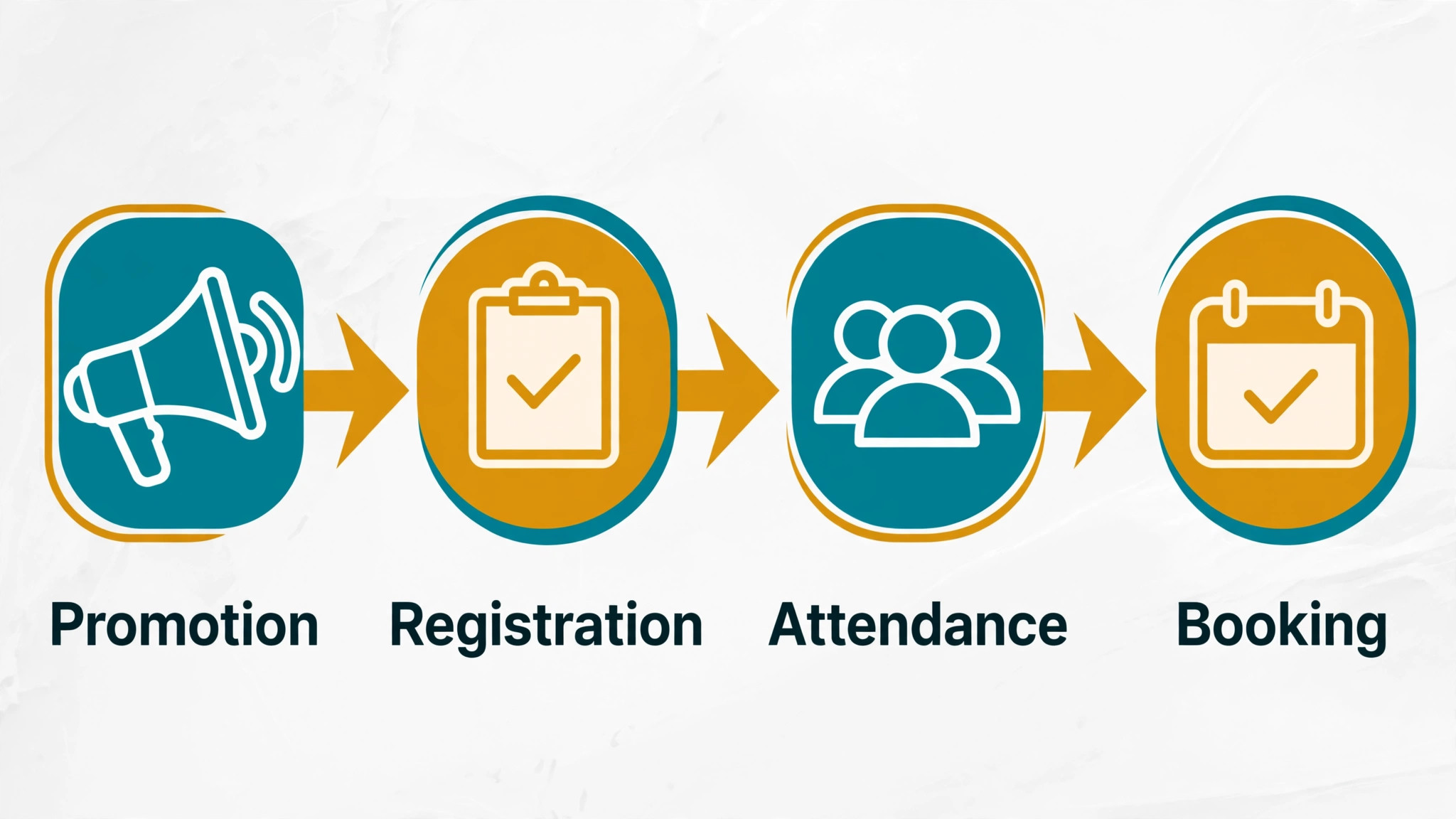
A webinar funnel is a short, structured path from attention to booking. A prospect sees a useful topic, registers with an email address, attends or watches a replay, and is offered a consultation, an audit, or a fixed price service. Each step has one job. Promotion creates registrations. The live session creates trust. Follow up creates bookings. If any step is vague, the whole funnel leaks, and the business blames webinars instead of fixing the weak step.
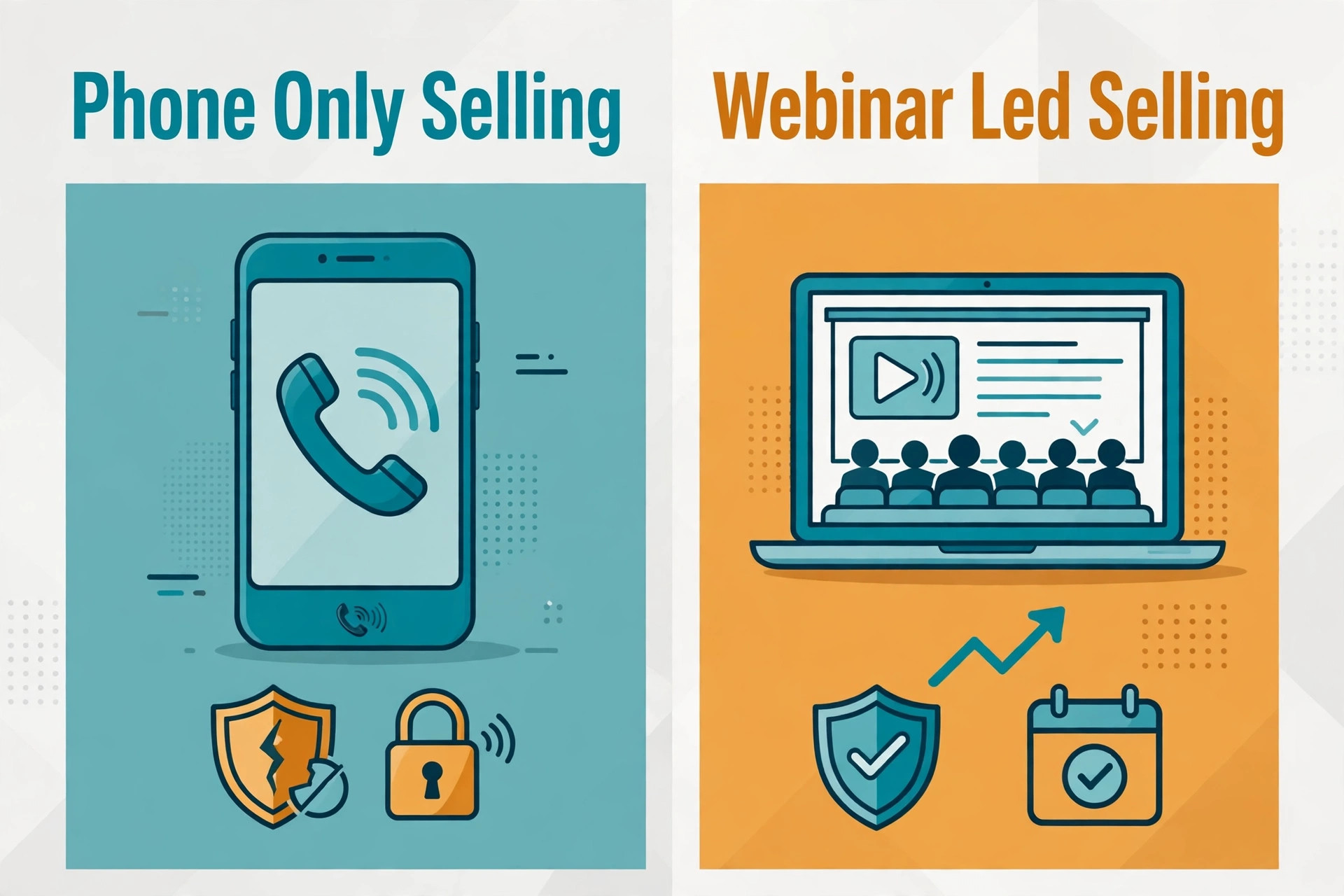
Service businesses benefit from this path because their sales often depend on trust and explanation. A homeowner choosing a roofer, a parent choosing a tutor, or a clinic owner choosing a bookkeeper wants to hear how the provider thinks before committing money. A webinar lets that prospect hear your reasoning, see your method, and judge your care in under an hour. That preview is far stronger than a short advertisement, and it filters out poor fit prospects before they waste your time.
The funnel also creates reusable assets. A good session becomes a replay page, short clips, a checklist download, and a set of questions that reveal what buyers worry about. Those assets feed email, social posts, and sales calls for weeks. A business that treats each webinar as a single event misses most of the value. A business that treats it as a content and sales asset gets a return long after the live session ends.
Scoring Topics Before You Commit
Topic choice decides most of the result. A topic that is too broad attracts curious viewers who never buy. A topic that is too narrow attracts almost nobody. A topic that matches a painful, expensive, or confusing decision attracts the right viewers, because the session promises a decision they already need to make. Score every idea in a webinar marketing strategy small service business plan on fit, urgency, proof, and ease of teaching before you announce a date.
Fit means the topic leads naturally to your paid service without a forced sales pitch. A drain cleaning firm could teach how to spot early signs of a blocked main line, which leads naturally to an inspection offer. A tax firm could teach year end moves for freelancers, which leads naturally to a planning consultation. If the topic leads to a competitor service or to a do it yourself outcome with no next step, the fit score should stay low.
Urgency means the viewer has a reason to act this month, not someday. Seasonal deadlines, cost increases, compliance dates, and visible problems all create urgency. Proof means you can show real examples, before and after results, or a clear method, rather than only opinions. Ease of teaching means you can explain the topic in plain language with a few visuals, without needing a long technical lecture that loses non expert viewers.
Webinar Topic Scoring Worksheet
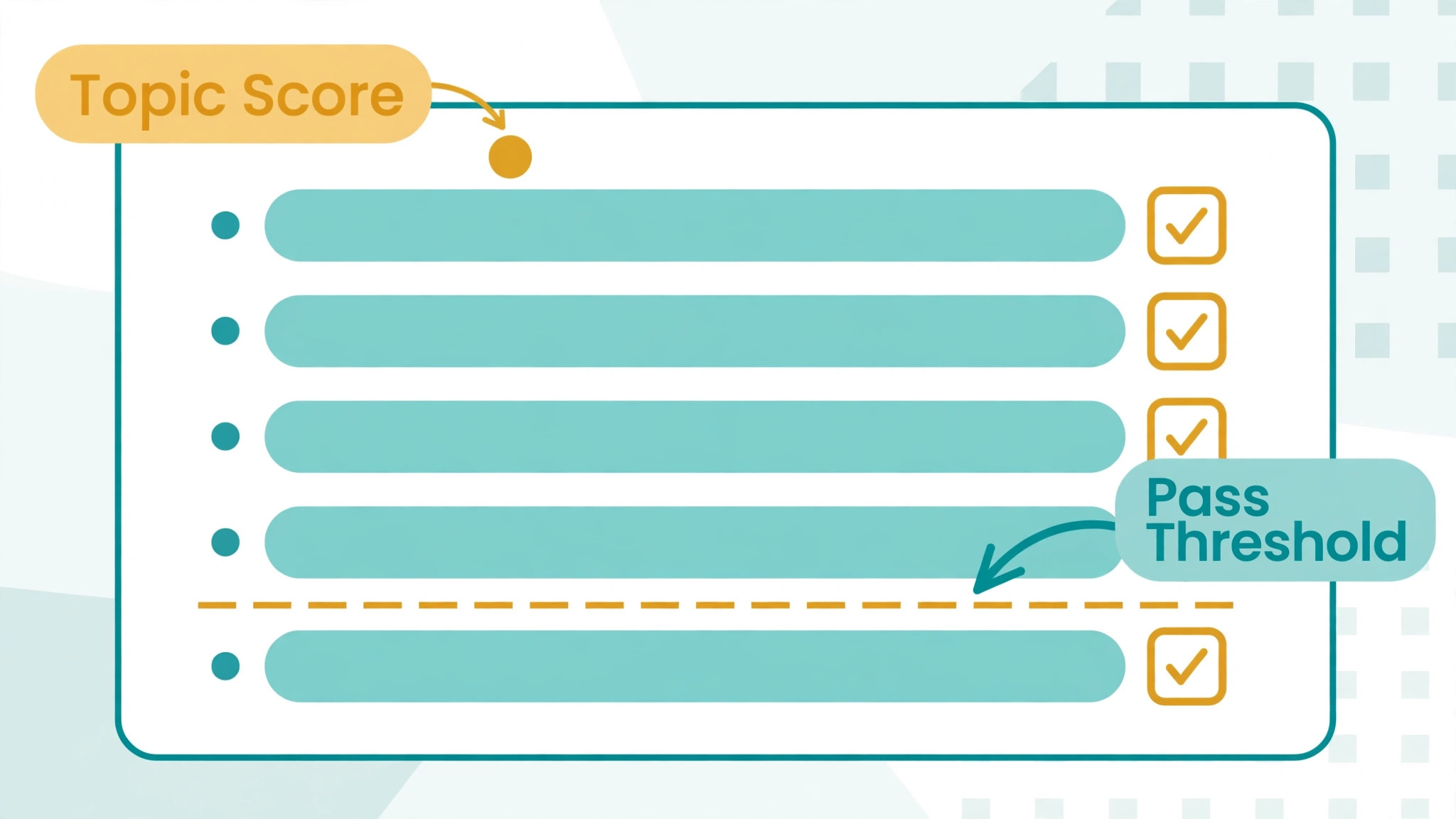
Use this worksheet for every topic idea. Score each item from 1 to 5, add the totals, and only run topics that score 32 or higher out of 40. Keep the sheet with your campaign notes so later topics can be compared fairly.
- Topic fit. Does this topic lead directly to a service you sell, with a natural next step for the viewer.
- Buyer urgency. Does the viewer face a deadline, a rising cost, or a visible problem that makes action timely.
- Proof available. Can you show real examples, photos, numbers, or a worked case without naming private clients.
- Teaching clarity. Can you explain the topic in plain language in 40 minutes, with three or fewer core ideas.
- Audience reach. Can you reach at least 200 likely viewers through email, past clients, partners, or local groups.
- Offer match. Does your consultation, audit, or fixed price service solve the exact problem the session teaches.
- Replay value. Will the recording still be useful in three months, so it can keep generating bookings.
- Presenter confidence. Can you answer the likely questions live without guessing, or bring a colleague who can.
A topic that scores well on fit and urgency but poorly on proof needs more preparation, not a lower standard. Gather two worked examples, a simple diagram, and a checklist before you schedule it. A topic that scores well on teaching clarity but poorly on audience reach needs a partner, a local group, or a past client list to promote it. Do not announce a date until the weakest score has a plan to improve it.
Registration That Lifts Show Up Rates
Registration is where many small businesses lose their audience. A long form, a vague title, and a missing reminder sequence all reduce attendance. Keep the form short, asking for name and email, plus one qualifying question at most. That question might ask about the service area, the problem type, or the timeline. It helps you segment follow up, but a second or third question will cost registrations, so resist adding fields for internal convenience.
The landing page should state the outcome in one sentence, list three things the viewer will learn, name the presenter with a short credibility line, and show the date, time, and duration. Add a calendar add button and a clear statement about the replay, because many registrants plan to watch later. A page that hides the time, buries the benefit, or promises vague value will convert poorly even with good traffic behind it.
Reminders do most of the attendance work in a webinar marketing strategy small service business teams run. Send a confirmation immediately, a value email three days before with one useful tip, a reminder the day before with the joining link, and a final reminder one hour before the session. Each message should repeat the outcome and the joining link, not only the date. Per guides on webinar promotion, email remains the strongest registration driver for small audiences, so put email first and social posts second rather than reversing that order.
The Run of Show Template
A run of show is a timed plan for the live session. It prevents the common failure where the teaching runs long, the questions get squeezed, and the offer feels rushed. Write the plan in minutes, assign each block an owner, and rehearse the transitions once. A 45 minute teaching session plus 15 minutes of questions is a practical shape for most service webinars, and it respects viewers who booked an hour.
Open with the problem and the promise in the first three minutes. State who the session helps, what decision it supports, and what the viewer will be able to do by the end. That opening filters the room politely. Viewers who are not a fit can leave early, while the right viewers settle in because they hear their own problem described accurately. Avoid long introductions about your company history at this stage, since the viewer came for help, not a biography.
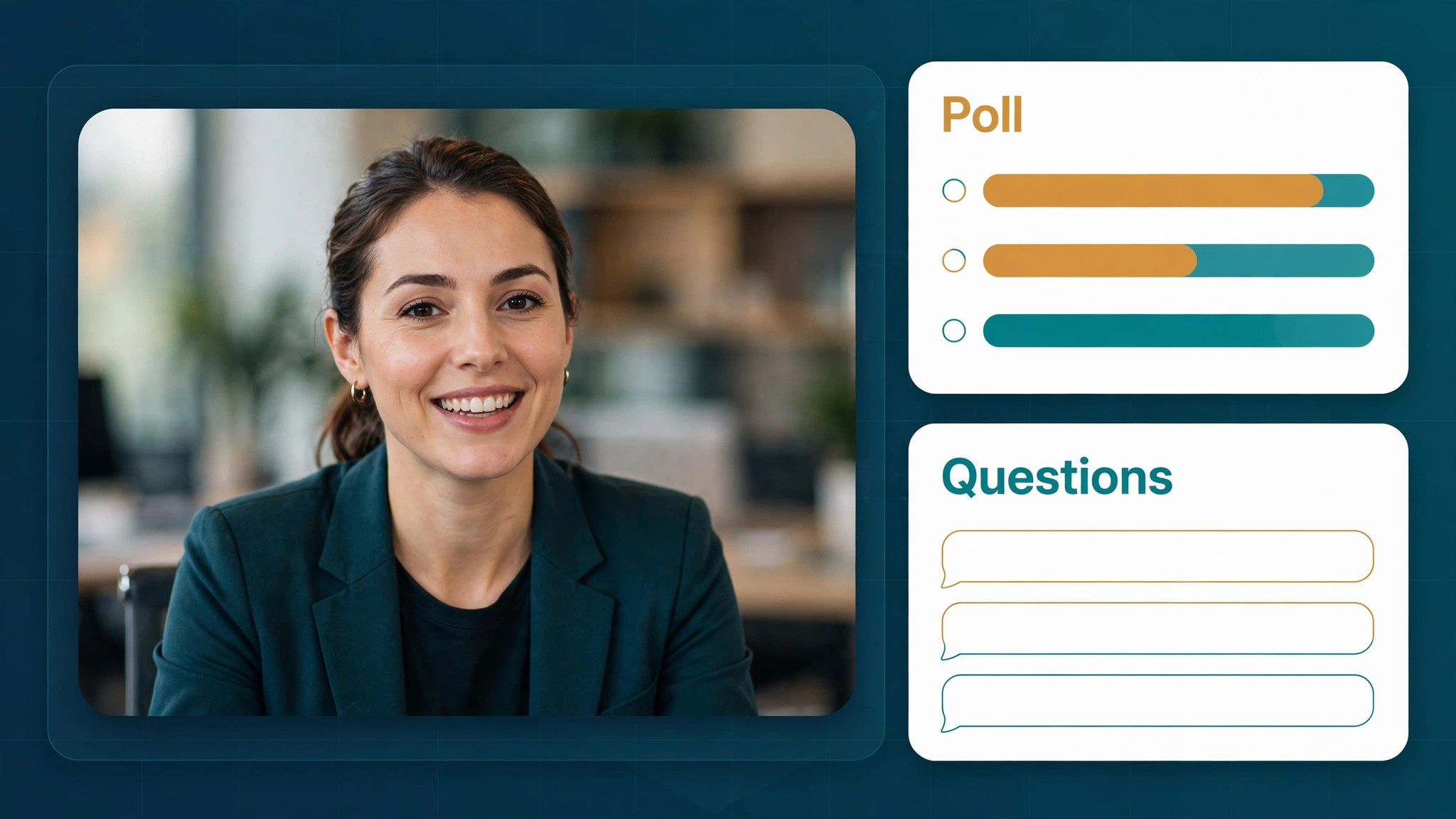
Teach in three blocks, each with one idea, one example, and one action. That rhythm keeps the session moving and gives viewers notes they can use even if they never buy. Use visuals that show the idea, not slides full of text that you read aloud. Pause for a poll or a chat question between blocks, because participation keeps attention and gives you language for follow up. Close the teaching with a short summary that restates the three ideas in plain words.
Webinar Run of Show Template
Copy this template for each session and fill in the times before rehearsal. Keep a printed copy beside you during the live event.
- Minutes 0 to 3. Welcome, problem statement, promise, and housekeeping on questions and replay.
- Minutes 3 to 13. First teaching block, one core idea, one real example, and one action for viewers.
- Minutes 13 to 15. Poll or chat question tied to the first block, with a brief comment on the answers.
- Minutes 15 to 25. Second teaching block, one core idea, one real example, and one action for viewers.
- Minutes 25 to 27. Poll or chat question tied to the second block, with a brief comment on the answers.
- Minutes 27 to 37. Third teaching block, one core idea, one real example, and one action for viewers.
- Minutes 37 to 42. Summary of the three ideas, common mistakes to avoid, and a clear next step offer.
- Minutes 42 to 60. Live questions, with unanswered questions noted for a follow up email to all registrants.
The offer in minutes 37 to 42 should be specific and low friction. A free 20 minute consultation, a fixed price inspection, or a paid audit with a clear scope all work better than a vague invitation to get in touch. State who the offer suits, what happens in the session, how to book, and any deadline. A deadline tied to capacity, such as ten consultation slots in the next two weeks, is honest and effective when it is real. A false deadline damages trust and should never be used.
Running the Live Session With Confidence
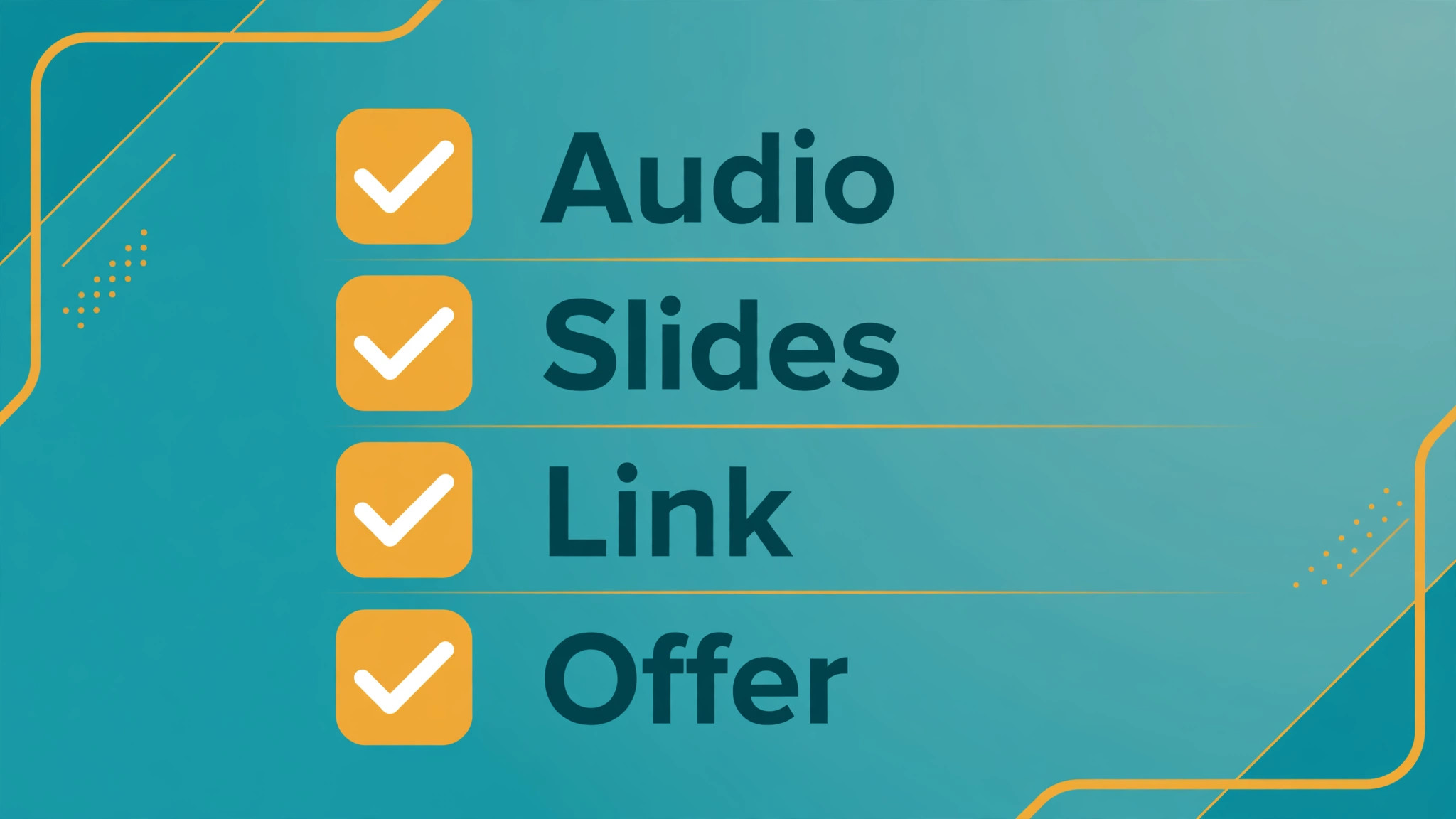
Live delivery in a webinar marketing strategy small service business teams run is mostly preparation. Test audio, video, screen sharing, and the joining link a day before, and again 30 minutes before the session. Keep a second device logged in as a viewer so you can see what the audience sees. Prepare answers for the five most likely questions, and prepare a polite deflection for questions outside scope, such as offering to cover them in a follow up email rather than guessing live.
Engagement comes from interaction, not from energy alone. Ask a poll early, read chat comments by name where appropriate, and invite questions throughout rather than saving them all for the end. When a viewer asks a good question, answer it fully and connect it to the teaching point. That habit turns a lecture into a conversation, and it gives quieter viewers permission to ask their own questions. Record the session from the start, and note timestamps for strong answers that can become clips later.
Handle technical problems calmly and openly. If screen sharing fails, describe the point verbally and promise the slide in the follow up email. If audio drops, pause and fix it rather than talking over a broken connection. Viewers forgive a small glitch handled well. They do not forgive a presenter who pretends everything is fine while half the room cannot hear. A short backup plan, written on your run of show sheet, removes most live panic.
Follow Up That Turns Viewers Into Bookings
Follow up is where webinar revenue is actually made in a webinar marketing strategy small service business plan, and it is where most small businesses stop too early. Send the replay and a thank you within 24 hours to every registrant, not only to attendees. Attendees get a booking link and a summary of the three teaching points. Non attendees get the replay, a short written summary, and the same booking link with a note that the offer window is shorter. That split respects the difference in engagement while giving both groups a clear next step.
Segment the next messages by behaviour. Viewers who asked questions or stayed to the end get a personal note that references their question, plus a direct booking invitation. Viewers who watched part of the replay get a second email with one case example and a booking link. Viewers who did not open the first email get a different subject line and a short checklist version of the session, rather than the same message repeated. Per guides on post webinar follow up, this kind of segmentation lifts replies because the message matches what the viewer actually did.
Keep the sequence short and useful. A practical cadence is replay on day one, a case example on day three, a common mistakes email on day six, and a final offer reminder on day ten. Each email should teach something small, not only push the booking. A viewer who learns from every email stays subscribed and may book later, even if the first offer window passes. A viewer who receives only sales pressure unsubscribes, and that lost contact costs more than a single missed booking.
Sales calls from webinar leads need a different script from cold calls. Open by referencing the session topic and the question or poll answer that signalled interest. Ask what the viewer is trying to decide, and what would make the decision easier. Offer the consultation as a working session with a clear outcome, not as a generic chat. Record the outcome in your customer system, including the webinar topic, attendance, and questions asked, so future marketing can build on real behaviour rather than guesses.
Choosing a Platform Without Overbuying
Small service businesses building a webinar marketing strategy small service business plan often buy webinar software with features they never use. Start from your funnel, not from a feature list. You need reliable live video, screen sharing, registration pages, automated reminders, chat and polls, recording, and a simple export of registrant data. If you already use an email tool and a booking tool, check whether your webinar platform connects to them before adding another subscription. A clean connection saves more time than an extra feature.
Live versus automated webinars is a real choice. Live sessions build trust faster and let you answer questions, which suits high value services where a consultation follows. Automated sessions, where a recording plays on a schedule, suit lower priced services and evergreen topics, and they free up presenter time. Many small businesses start live, record the best session, and only then test an automated version with the same teaching and offer. That order keeps quality high, because the automated version is proven live first.
Test the attendee experience before you commit. Register with a personal email, join from a phone, and check whether the joining link, reminders, and replay all work without confusion. A platform that is easy for you but confusing for viewers will quietly lose registrations. Also check data handling, recording storage, and whether you can download the registrant list, since that list is a business asset you should control.
Measuring a Webinar Like a Business Owner
Measure five numbers after every webinar in a webinar marketing strategy small service business plan, and judge the session on all five together. Registration count shows promotion strength. Attendance rate shows topic fit and reminder quality. Engagement, measured by polls answered and questions asked, shows teaching quality. Booking rate among attendees shows offer fit. Revenue per registrant, counting bookings that close over the following 30 days, shows the real return. A session with high registrations but low bookings has an offer problem, not a promotion problem.
| Measure | What it tells you | A useful first target |
|---|---|---|
| Registrations | Promotion reach and title strength | At least 100 for a first local campaign |
| Attendance rate | Topic fit and reminder quality | One third of registrants live or on replay |
| Questions and polls | Teaching engagement | At least one interaction per five attendees |
| Booking rate | Offer fit and follow up quality | One booking per ten engaged attendees |
| Revenue per registrant | True return over 30 days | Higher than the cost to acquire each registrant |
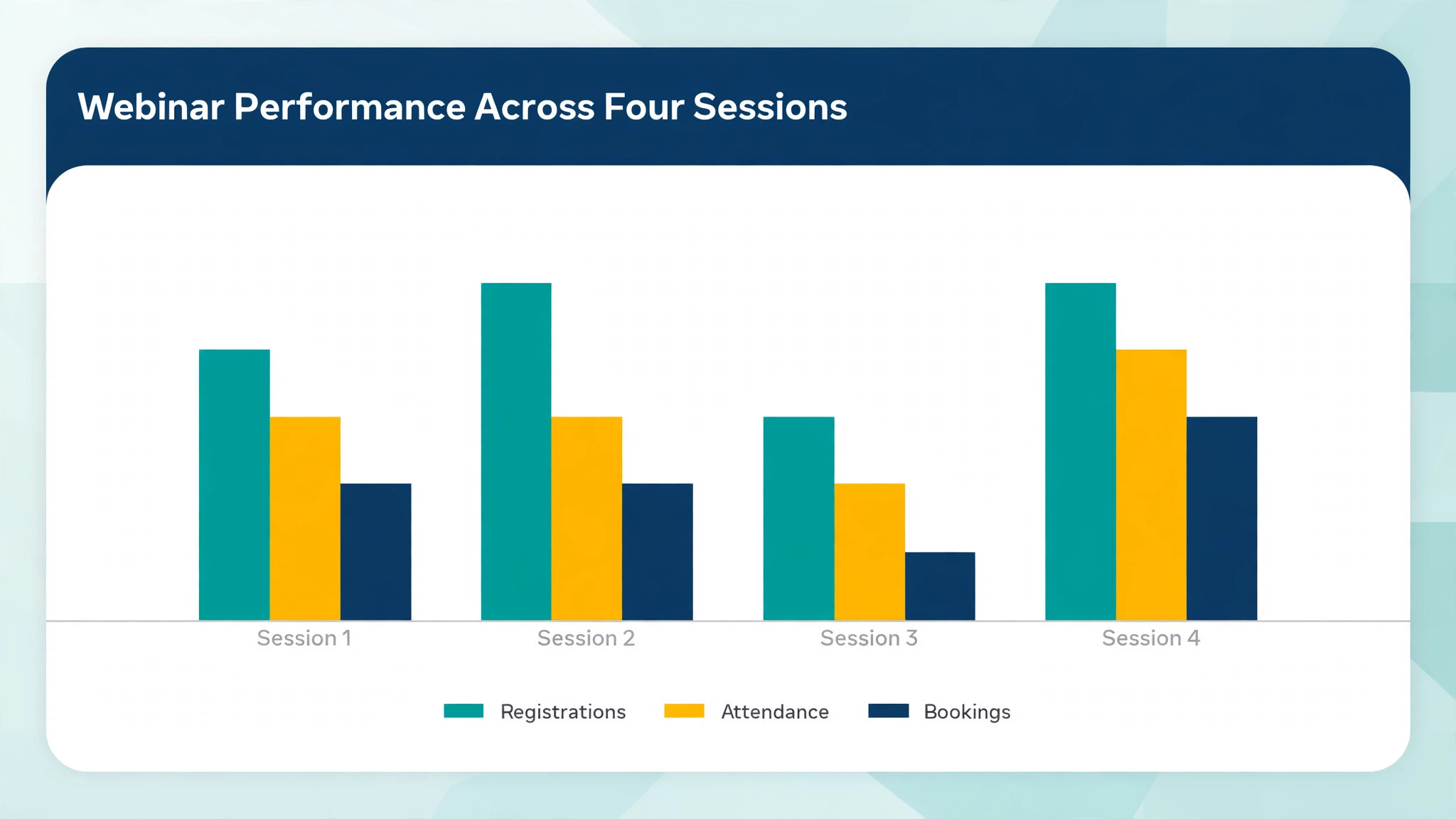
Those targets are starting points for a small service business, not guarantees. A niche service with high ticket prices can profit from 40 registrants and three bookings, while a lower priced service needs larger numbers. The useful comparison is your own trend across sessions. If attendance rises but bookings stay flat, fix the offer. If bookings rise but registrations fall, fix promotion. If engagement falls, fix teaching before you change anything else.
Review the recording with a simple scorecard after each session. Note where viewers dropped off, which poll got the strongest response, which question repeated, and where the offer felt rushed. Those notes become the brief for the next session, and they are more valuable than a generic platform report. Over four sessions, that scorecard habit turns a single webinar into a system that improves every month.
Mistakes That Quietly Kill Webinar Results
The first mistake is teaching everything you know. A session that covers ten ideas teaches none of them well, and viewers leave with notes they cannot act on. Three ideas, taught with examples, beat a comprehensive lecture every time. If a topic genuinely needs more depth, split it into a series with a clear part one and part two, and let viewers register for both at once.
The second mistake is hiding the offer until the final minute. Viewers who have followed the teaching deserve a clear next step, and a rushed offer feels like an ambush. Mention the offer briefly at the start, such as noting that a consultation link will be shared at the end, then present it fully in the summary block. That framing is honest, it sets expectations, and it lets interested viewers stay for the offer on purpose.
The third mistake is promoting only to a cold audience. Past clients, past enquirers, email subscribers, and referral partners convert far better than strangers, because they already know your work. Promote to warm lists first, and use paid promotion only to extend a topic that already converts. A cold audience that has never heard of you needs more trust building than a single webinar can provide, so pair cold promotion with a free checklist or a short video first.
The fourth mistake is treating the replay as an afterthought. Many registrants plan to watch later, and some will book from the replay weeks after the live event. Give the replay its own page with the summary, the checklist, and the booking link, and keep the offer window visible on that page. Send replay viewers the same segmented follow up as live attendees, adjusted for what they watched. A replay page that is hard to find wastes half the campaign.
How to Build a Webinar Marketing Strategy Small Service Business Teams Can Repeat
A repeatable system beats a brilliant one off event. Start with one topic per month, one platform, one offer, and one follow up sequence. Run that shape four times before you change the format, because four sessions give you enough data to judge what works. Changing the topic, platform, offer, and timing all at once makes it impossible to know which change helped, and it exhausts a small team for no learning benefit.
Assign clear owners even in a two person business. One person owns topic and teaching, one person owns registration, reminders, and follow up, and both review the scorecard together. If one person does everything, protect their time by reusing the worksheet, the run of show, and the email templates from this guide. Templates are not a lack of creativity. They are the reason a small team can publish consistently while still doing client work.
Build a simple content calendar around the webinar. Publish a short article on the topic two weeks before, share one tip per day in the week before, run the session, then publish the replay, a checklist, and two short clips in the two weeks after. That calendar turns one hour of teaching into a month of visible expertise, and it gives promotion a reason beyond repeated announcements. Prospects who miss the live event still meet your thinking through the surrounding content.
A Four Week Rollout Plan
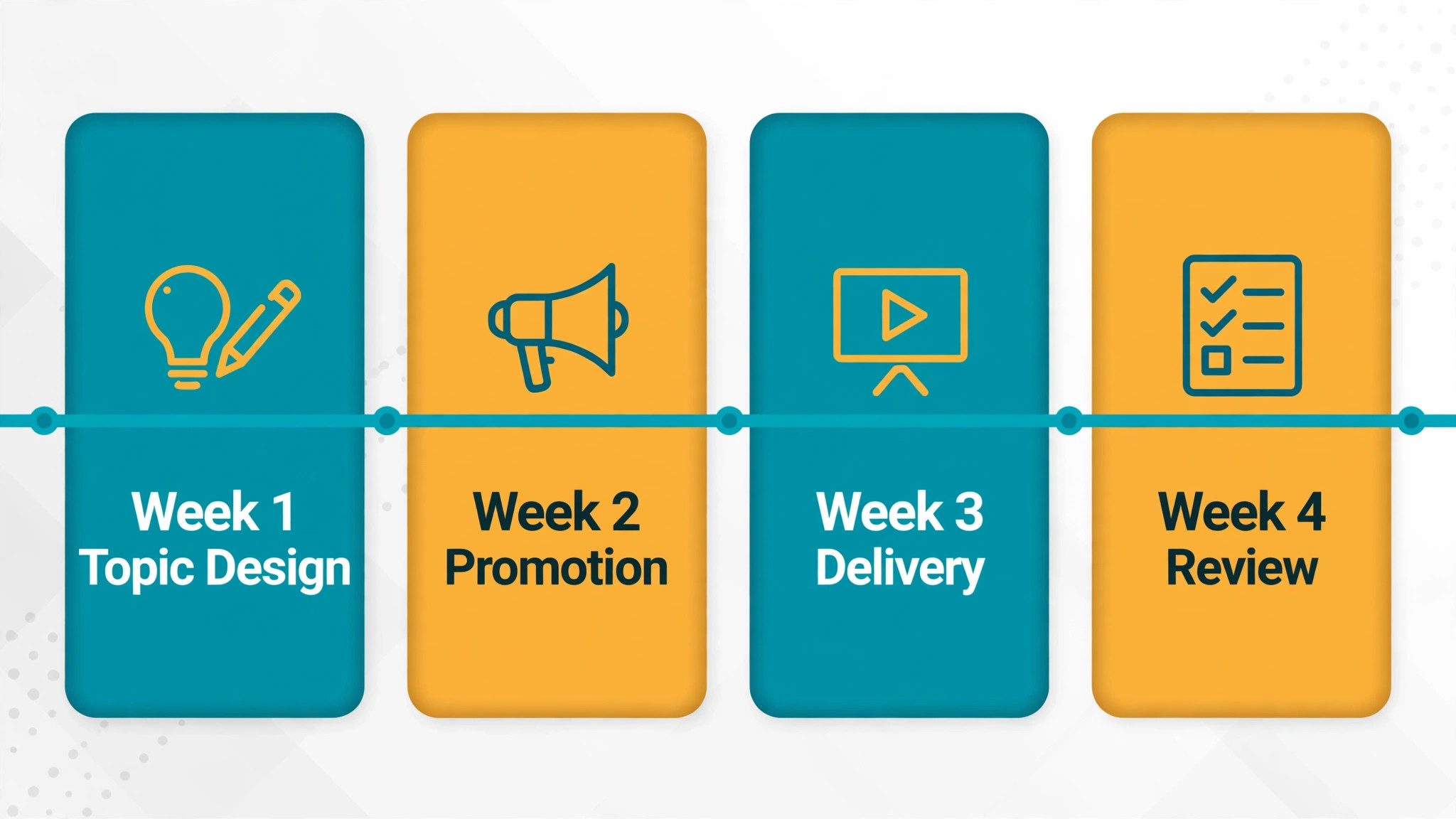
Week one is topic and offer design. Score three topics with the worksheet, choose the winner, and write the offer with its scope, price or consultation length, and booking link. Draft the landing page and the three learning points, and ask two past clients whether the topic matches a decision they faced. That quick check catches vague topics before you spend money promoting them.
Week two is promotion and preparation. Publish the landing page, send the first email to warm lists, ask partners to share it, and post the tip content. Meanwhile, build the slides, write the run of show, and prepare the poll questions and the five likely answers. Book a rehearsal slot and test the platform from a phone and a laptop, so the live experience is checked from the viewer side.
Week three is delivery and immediate follow up. Run the live session, send the replay within 24 hours, and start the segmented sequence. Log questions, poll results, and booking requests in your customer system on the same day, while the details are fresh. That log becomes the source for the case example email and for the next topic choice.
Week four is review and reuse. Score the session on the five measures, cut two short clips from the strongest teaching moments, and publish the replay page with the checklist. Decide whether the topic deserves a second run, an automated version, or a follow up session on a narrower question. Then choose the next topic with the worksheet, and the cycle starts again with less effort than the first run.
Frequently Asked Questions
How many webinars should a small service business run each month?
One strong webinar per month is a practical pace for most small service businesses. That cadence gives you time to promote well, teach well, and follow up properly, while still serving clients. Two per month can work if one is a repeat of a proven session, but weekly webinars usually dilute promotion and exhaust a small team before the funnel improves.
What length works best for a service business webinar?
Sixty minutes, with about 45 minutes of teaching and 15 minutes of questions, works well for most service topics. Shorter sessions suit a single narrow question, while longer sessions suit a complex buying decision with several options. Whatever length you choose, state it on the registration page and finish on time, since finishing late damages trust with busy viewers.
Do I need paid ads to fill a webinar?
Not for your first sessions. Warm lists, past clients, referral partners, and local groups usually provide enough registrants to test a topic and an offer. Paid ads make sense once a topic converts, because then you can spend with a known booking rate. Spending on ads before you know the booking rate risks paying to learn that the offer needs work.
Should the webinar be live or recorded?
Live is better for a first run, because questions reveal what buyers worry about and build trust faster. A recording is better once a session is proven, because it can run on a schedule without presenter time. Many businesses run live first, then turn the best recording into an automated version with the same teaching, offer, and follow up sequence.
What offer works best at the end of a service webinar?
A specific, low friction next step works best, such as a 20 minute consultation, a fixed price inspection, or a paid audit with a clear scope. The offer should solve the exact problem the session taught, state what happens in the next step, and give a booking link with a real capacity limit. Vague invitations to get in touch convert poorly because the viewer does not know what they are booking.
How do I handle viewers who register but do not attend?
Send them the replay, a short written summary, and the booking link, with a note that the offer window is shorter than for live attendees. Then follow the same segmented sequence, using a different subject line and a checklist version of the session for those who do not open the first email. Many bookings come from replay viewers, so this group deserves the same care as live attendees, not a single reminder.
The Verdict for a Small Service Business
Webinars work for small service businesses when they are treated as a sales system, not as a presentation. Score the topic, keep registration simple, teach three ideas well, offer one clear next step, and follow up by behaviour for ten days. Repeat that shape monthly, review the five measures honestly, and improve one weak step at a time. That discipline beats a larger budget, a fancier platform, or a more polished slide deck.
Start with the topic your past clients asked about most in the last three months. Score it with the worksheet, build the run of show, and set a date four weeks out. A small, well run webinar that books three consultations teaches you more than a large, vague event that books none. The goal is not to become a webinar company. The goal is to let good teaching do the first half of your selling, so your consultations start with trust already built.
More Reading on Stratilyze
– Best Booking Software for Driving Schools – Best Booking Software for Music Schools – Best Booking Software for Escape Rooms – Best Booking Software for Boat Rentals – Best Membership Software for Dance Studios