
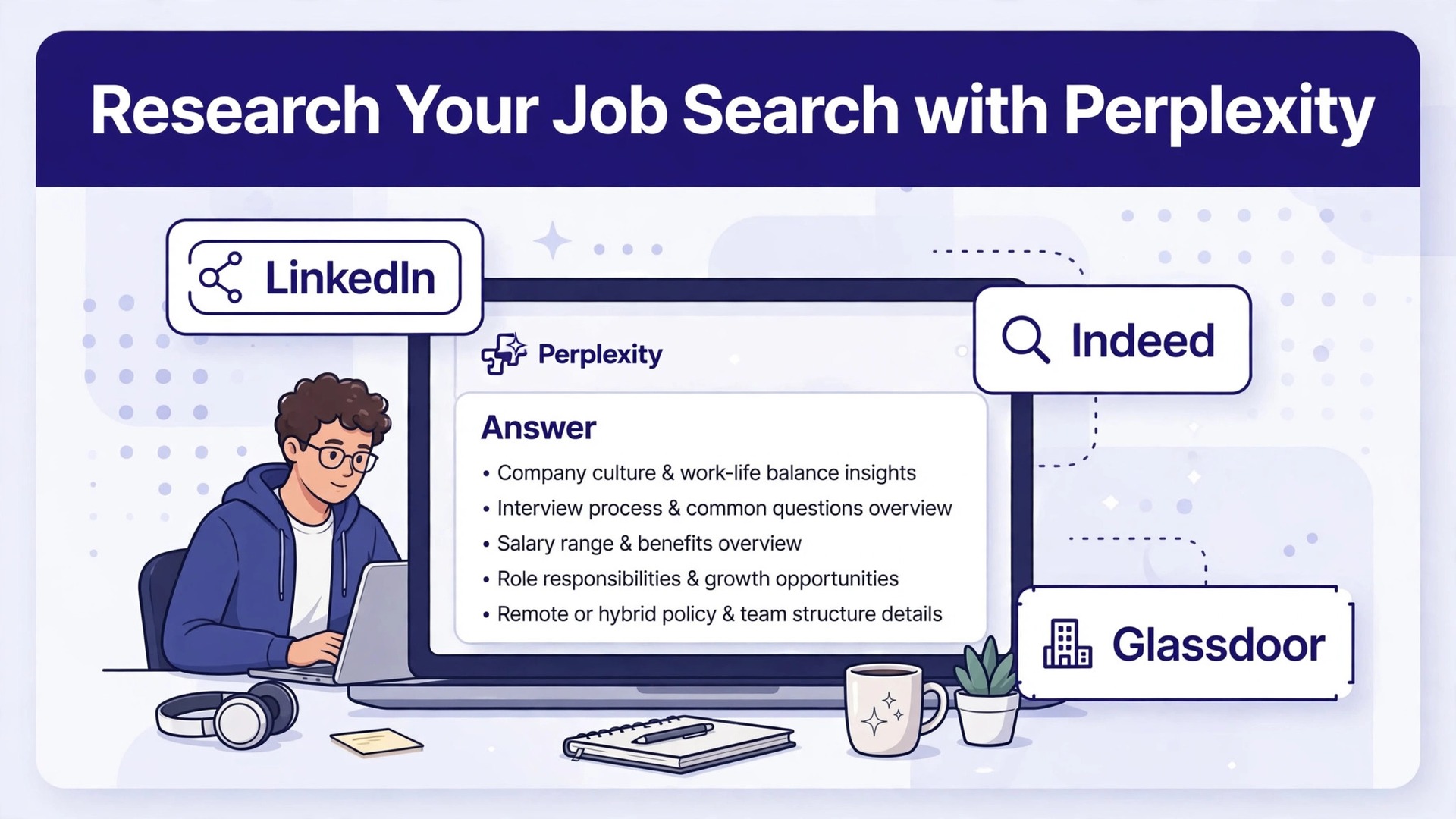
A traditional job search sends you down a rabbit hole of open tabs. One tab holds the job post, another holds a salary page, a third holds a news story about layoffs, and a fourth holds a review site full of anonymous complaints. By the time you have read all four, you have forgotten what the first one said, and you still cannot answer the only question that matters, which is whether this employer is worth your time. When you use Perplexity for job search research job seekers get a different starting point.
You ask a direct question, you get a cited answer drawn from live web pages, and you can follow each citation back to the source before you trust a single claim. That difference is not about speed alone. It is about walking into an application, a recruiter call, or an interview with facts you have actually checked.
Perplexity is an answer engine rather than a list of links. You type a question in plain language, it searches the live web, and it returns a summary with numbered citations that point to the pages it used. For job seekers, that structure fits the work unusually well, because a job search is really a research project with a deadline. You need to compare employers, check salary ranges, understand a team, spot warning signs, and prepare questions that show you did more than skim the careers page.
The free tier offers unlimited basic searches, while the paid Pro tier adds more advanced searches and larger file uploads, so most job seekers can start without paying anything and upgrade only if they are running high-volume research across many roles.
Google Tabs Versus Perplexity Answers for Job Research
The old way of researching an employer has a hidden cost. Search engines return ten blue links, and each link demands that you open it, skim it, and decide whether it is current, credible, and relevant. A salary article from 2021 looks identical to one from last month until you check the date. A company blog post reads like news until you notice who published it. Perplexity compresses that first pass. It reads across sources, synthesizes the findings, and shows its citations, so you can judge the answer and then verify the parts that matter most. That does not remove your judgment. It moves your judgment to a better place, from hunting for pages to checking claims.
There are limits worth stating plainly. Perplexity can misread a source, merge two different companies with similar names, or present an outdated figure as if it were current. Its citations help, but a citation is a route to a source, not proof that the summary represents that source fairly. The discipline in this guide is therefore built around verification. You will use Perplexity to gather and organize, and you will use primary sources to confirm. Company career pages, regulatory filings, earnings reports, and the hiring manager’s own words in an interview outrank any AI summary, and this guide shows you when to trust each layer.
| Research task | Old tab-hopping method | Perplexity-first method |
|---|---|---|
| Company background | Open 6 to 10 pages and take scattered notes | One cited summary, then open 2 to 3 primary sources |
| Salary range | Compare conflicting articles with different dates | Ask for a dated range with sources, then cross-check |
| Recent news | Scroll news results and guess what matters | Ask for dated news in the last 90 days with citations |
| Interview prep | Guess likely questions from generic lists | Build questions from the team’s actual projects and posts |
| Red flags | Stumble on reviews by chance | Ask directly about layoffs, turnover, and funding news |
The table above is not an argument that Perplexity replaces reading. It is an argument for sequencing. Let the tool do the broad sweep in minutes, then spend your saved time on the few sources that decide whether you apply, negotiate, or walk away. Job seekers who follow that sequence tend to apply to fewer roles with stronger applications, because they stop spraying generic resumes at companies they know nothing about and start targeting employers they have actually vetted.
Building a Company Profile Before You Apply
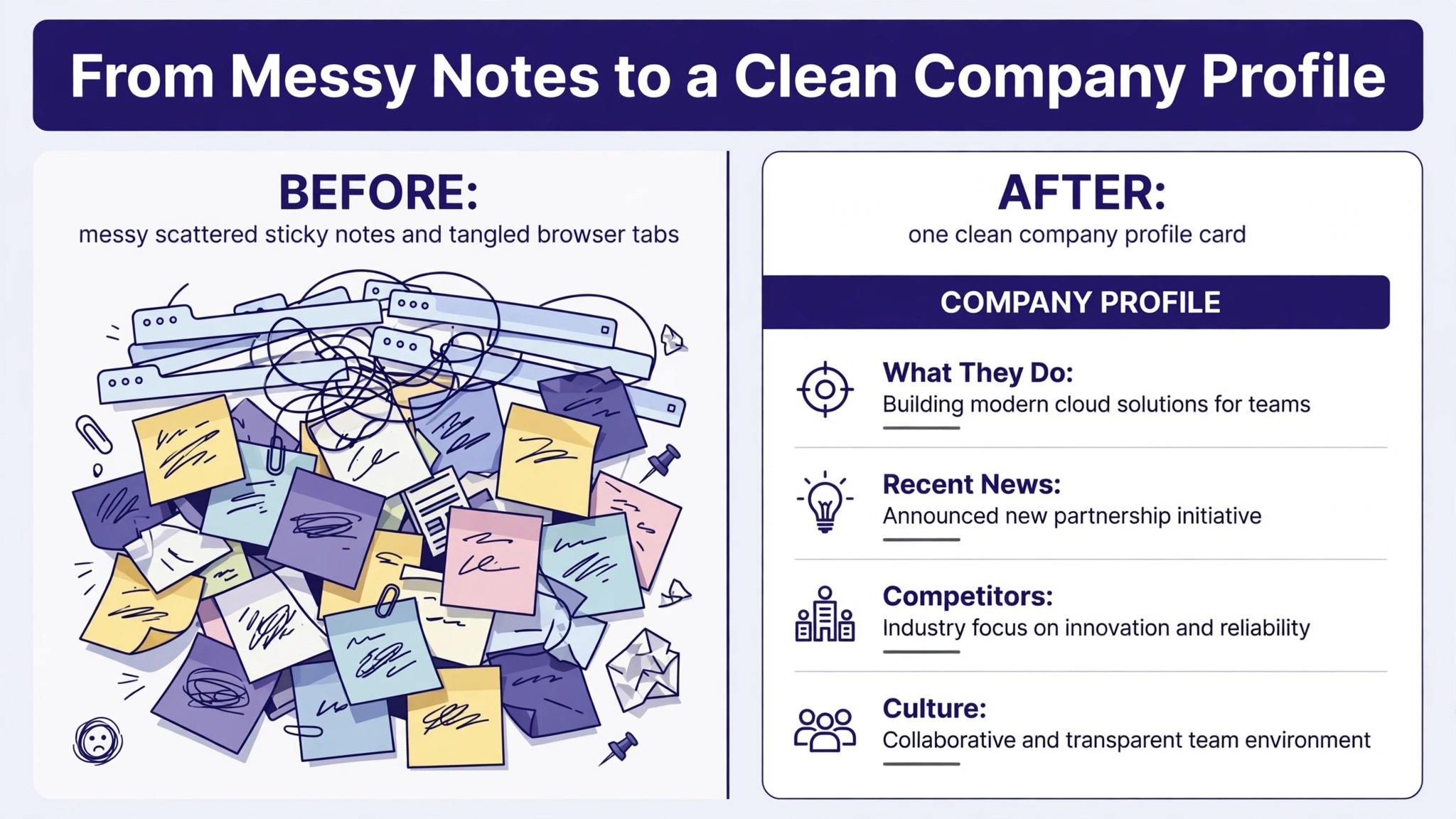
Start every serious application with a company profile, not with your resume. A profile answers five questions. What does the company sell and to whom. How does it make money. How big is it and is it growing or shrinking. What is the team you would join actually working on. And what do recent employees and reporters say about working there. Perplexity can answer all five in a single session if you ask in stages rather than in one giant prompt. Begin with the business model, then ask about funding and headcount, then ask about the specific team or product area named in the job post.
A useful prompt pattern is to ask for facts with dates and sources attached. For example, ask what the company announced in the last year, what its revenue or funding position looks like according to public reporting, and what its main competitors are. Then ask a follow-up that narrows the picture, such as which product lines are growing and which have been cut. Follow-up questions are where Perplexity earns its keep, because each answer lets you drill one level deeper without starting a new search from scratch. Keep a running note of every claim you plan to repeat in a cover letter or interview, and mark each one as verified or unverified until you have opened the source yourself.
Salary research deserves the same staged approach. When you use Perplexity for job search research job seekers get cleaner salary answers by asking for the exact role title and city, then asking a follow-up that separates base pay from bonuses and equity. Ask for the salary range for the exact role title in the exact city, and ask the answer to separate base pay from bonuses and equity where sources report them separately. Then check the result against at least one independent source, such as a second salary database or a recent job post from the same company that lists a range. Where the law requires pay ranges in job posts, the employer’s own listing is your strongest source.
Where it does not, treat every number as an approximate planning range, not a promise, and prepare a negotiation range rather than a single figure. Candidates who anchor on one unverified number often negotiate against a fantasy.
Perplexity Focus Modes That Help Job Seekers
Perplexity offers different search modes, and choosing the right one changes the quality of the answer. Web mode gives broad coverage for company news and general background. News mode narrows results to recent reporting, which is ideal for layoffs, funding rounds, leadership changes, and product launches. Academic mode prioritizes scholarly sources, which matters less for most job searches but helps when you are researching a technical field or a regulated industry. Social mode surfaces discussion and sentiment, which can reveal what employees and customers are saying, but it should never be your only source for a factual claim. Match the mode to the question, and say so in your notes, so you can retrace how you found each fact.
Reading Citations Like a Hiring Manager Would
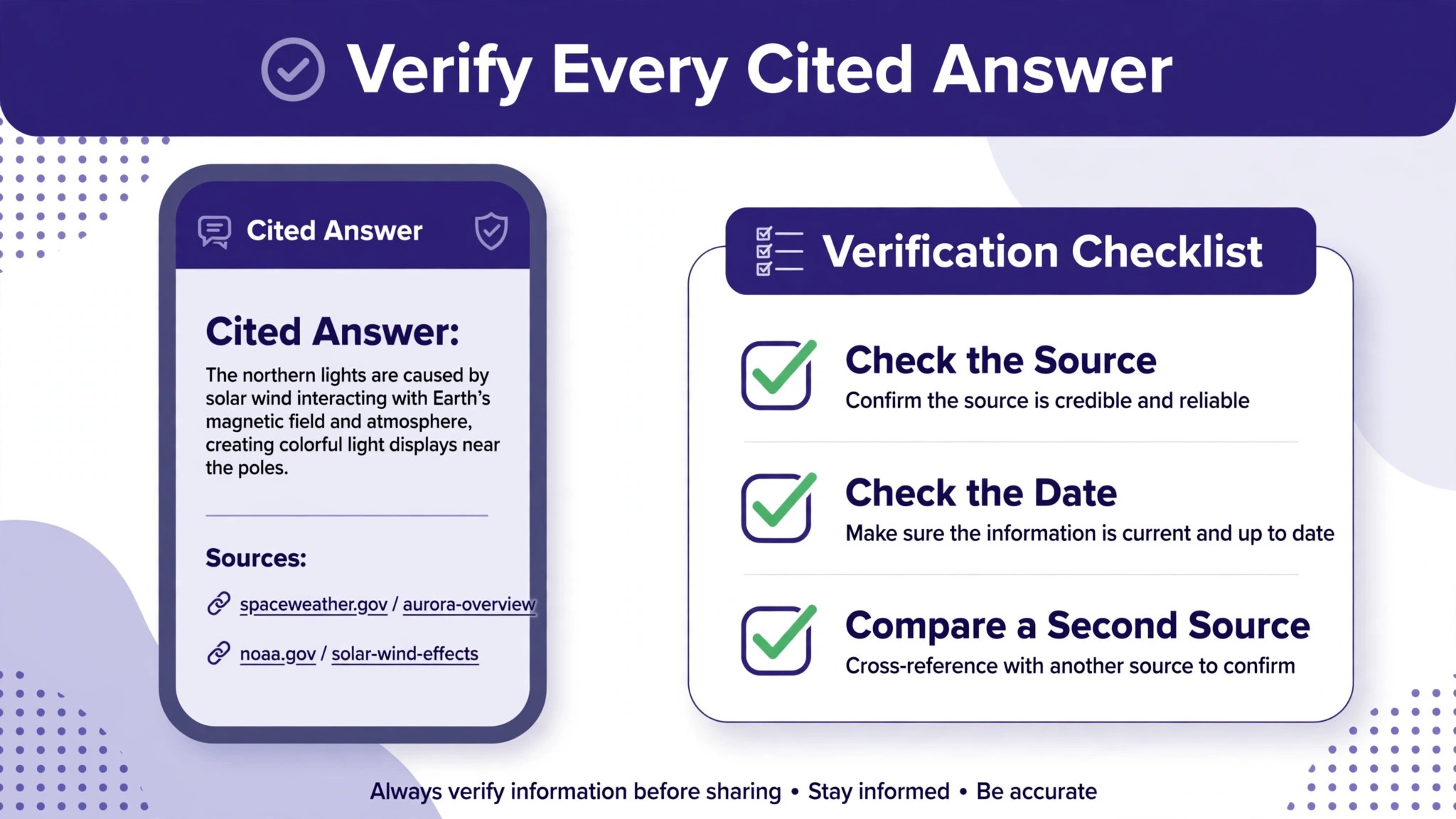
Open the citations behind any claim you intend to use. Check who published the page, when it was published, and whether the page actually supports the claim. A press release proves that a company said something, not that it is true. An anonymous review proves that one person had one experience, not that the whole team is miserable. A funding announcement from two years ago proves that money arrived then, not that the company is healthy now. This habit takes minutes per claim and it is the single biggest difference between job seekers who sound informed and those who repeat a summary they never checked.
If a citation will not open, or if it points to a page that says something different from the summary, mark the claim as unverified and do not use it.
How to Use Perplexity for Job Search Research Job Seekers in a Seven Day Sprint
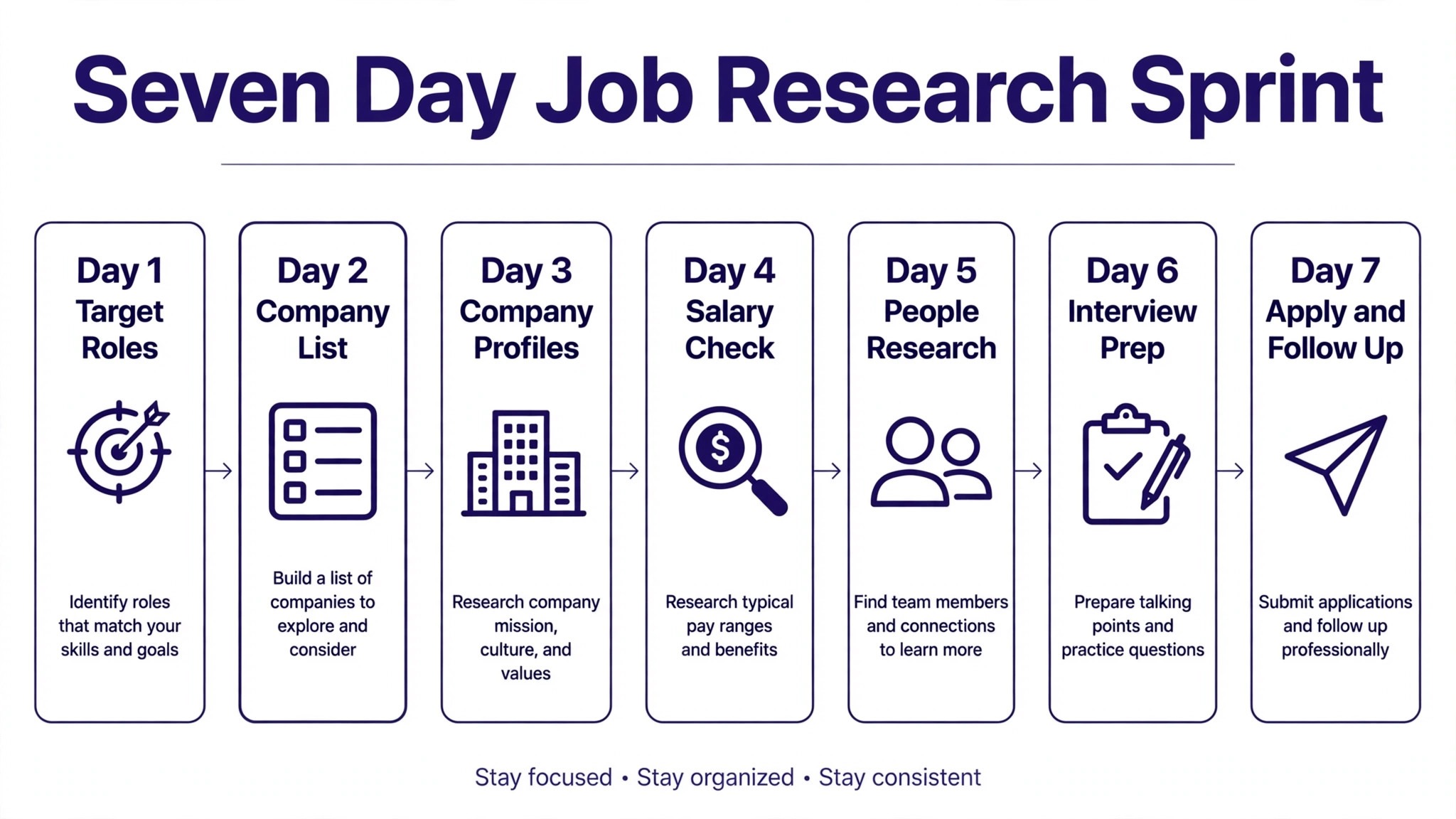
A job search without a schedule drifts. A seven day sprint gives Perplexity research a shape, and it prevents the most common failure, which is spending three weeks reading about companies and never applying. Day one is for targeting. List ten roles that genuinely fit your skills, then run a company profile pass on each one and cut the list to five. Day two is for salary and market research on those five, so you know your range before any recruiter asks for a number. Day three is for tailoring, where you rewrite the top of your resume and your opening cover letter paragraph for each remaining role using facts from your profiles.
Days four and five are for applications and recruiter outreach. Day six is for interview preparation on the roles that respond. Day seven is for review, where you update your notes, drop dead leads, and add fresh targets.
This sprint works because it separates research from application. When you use Perplexity for job search research job seekers benefit most by treating day one as a cutoff point, where a company either earns a brief or drops off the list. Research feels productive, which makes it tempting to keep researching instead of applying. A sprint forces a decision point. After day one, a company either earns a place on your shortlist or it does not, and the reason is written down. That written reason matters later, because when a recruiter calls three weeks after you applied, you will not remember why you liked the company.
Your profile note will tell you in thirty seconds, and you will sound like a candidate who chose this employer on purpose rather than one who applied everywhere.
The sprint also protects your energy. Job searching is emotionally draining, and open-ended research makes it worse, because there is always one more article to read. A time-boxed sprint gives you a finish line each day. When the research block ends, you stop, even if one more question occurs to you. Write that question down for tomorrow. Discipline here is not about working harder. It is about converting research into applications, because applications are what produce interviews, and no amount of company knowledge substitutes for being in the process.
Spotting Red Flags Before You Waste an Interview Round
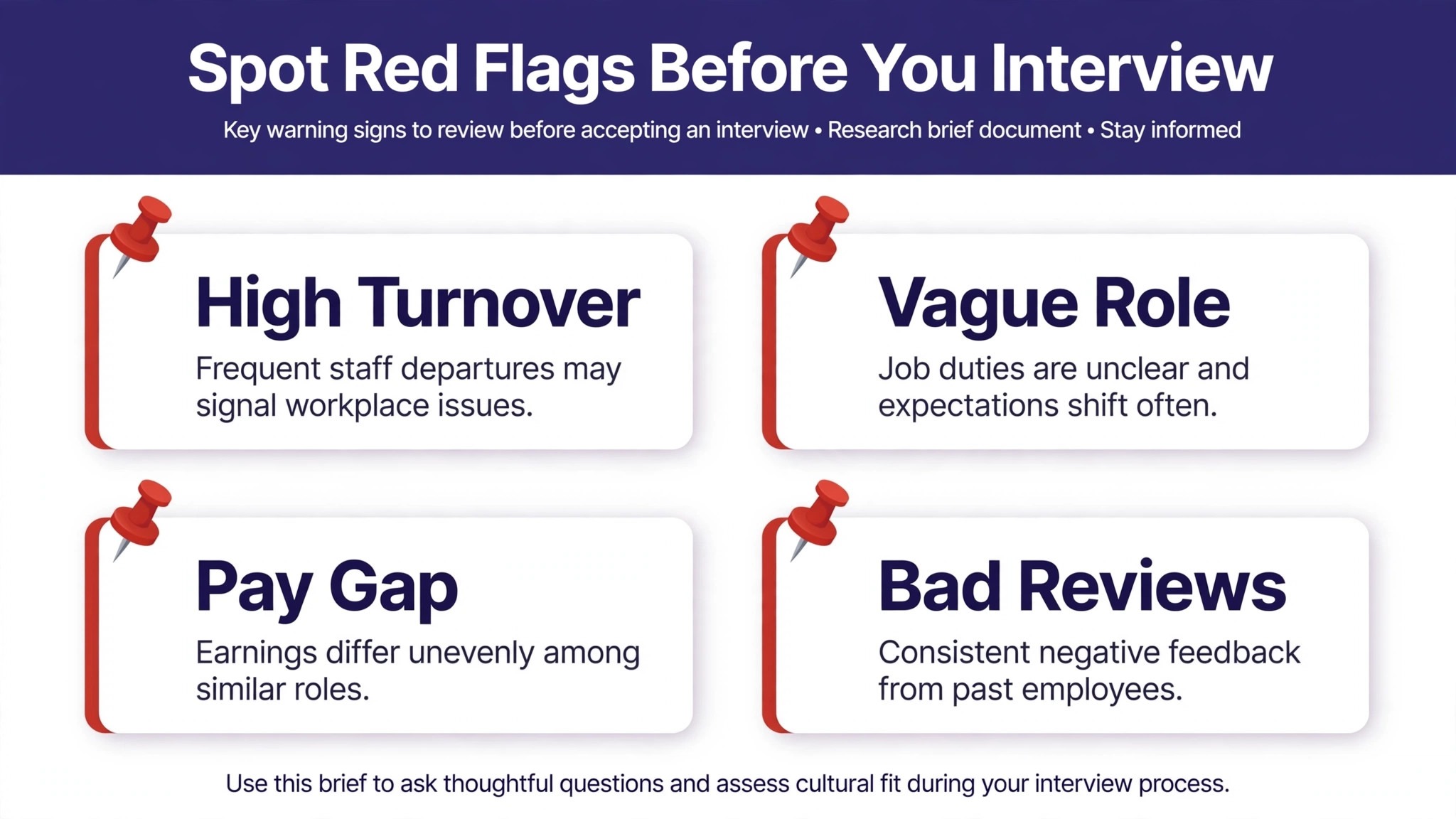
Perplexity is particularly good at surfacing warning signs, because you can ask blunt questions that a careers page will never answer. Ask whether the company has announced layoffs in the last two years, whether its leadership has changed recently, whether employees report high turnover on public review sites, and whether its funding runway has been discussed in credible reporting. Ask each question separately, so the answers stay specific, and always check the dates. A layoff from four years ago under different leadership tells a different story from three rounds of cuts in the last twelve months.
Review sites need careful handling. When you use Perplexity for job search research job seekers should ask for repeated themes across many reviews rather than reacting to a single angry post. A pattern across many reviews over time is meaningful. A single angry review is not. Look for repeated themes, such as sudden reorgs, unrealistic targets, or managers who leave quickly, and compare those themes with what you learn in interviews. If reviewers repeatedly mention that a team has had three managers in two years, ask the hiring manager about team stability directly. A good employer will answer plainly. An evasive answer is itself data. Also research the specific team, not just the company.
A healthy company can contain a struggling team, and a struggling company can contain a strong team with a good manager. The job post usually names the team or product area, and that is your research target.
Another red flag check is growth versus churn in the role itself. Search for how often the same role has been posted. A role reposted every few months may signal turnover, rapid growth, or a hiring process that keeps falling through, and each explanation points to a different question for the recruiter. Ask how long the previous person stayed, why the role is open, and what success looks like in the first ninety days. Perplexity can help you find the posting history, but only the employer can explain it. Treat the research as preparation for a sharp question, not as a verdict reached before you speak to anyone.
Turning Research Into Interview Answers That Stand Out
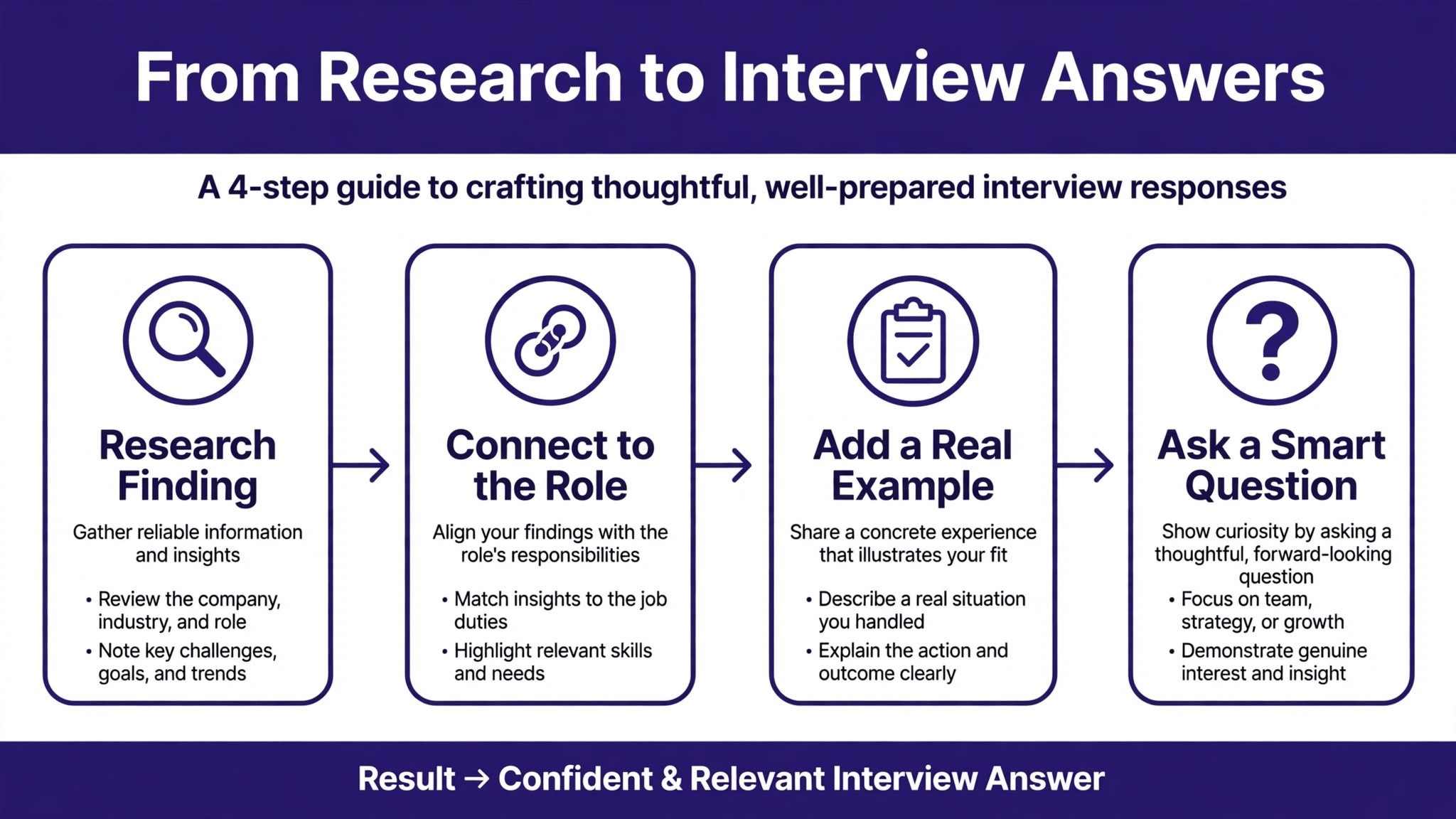
Interviewers remember candidates who reference specific facts. A generic answer says you admire the company’s mission. A researched answer says you noticed the company expanded into a new market last quarter, and you explain how your experience maps to that expansion. Perplexity helps you build the second kind of answer, because you can ask about recent product launches, strategy shifts, and the team’s public work, then connect each fact to a story from your own career. The connection is the point. Facts without a link to your experience sound like trivia. Experience without facts sounds generic. Together they sound like a candidate who has already started thinking like an employee.
Prepare three kinds of questions from your research. When you use Perplexity for job search research job seekers can turn each verified finding into one question about the work, one about success, and one about the team. First, questions about the work itself, such as what the team is building next and what problem is hardest right now. Second, questions about success, such as how the team measures a good first six months. Third, questions about the manager and the team, such as how decisions get made and what changed on the team in the last year. Write these questions down before the interview and bring them with you.
Interviewers consistently rate prepared questions as a sign of genuine interest, and your research gives you questions that other candidates will not ask, because they did not do the reading.
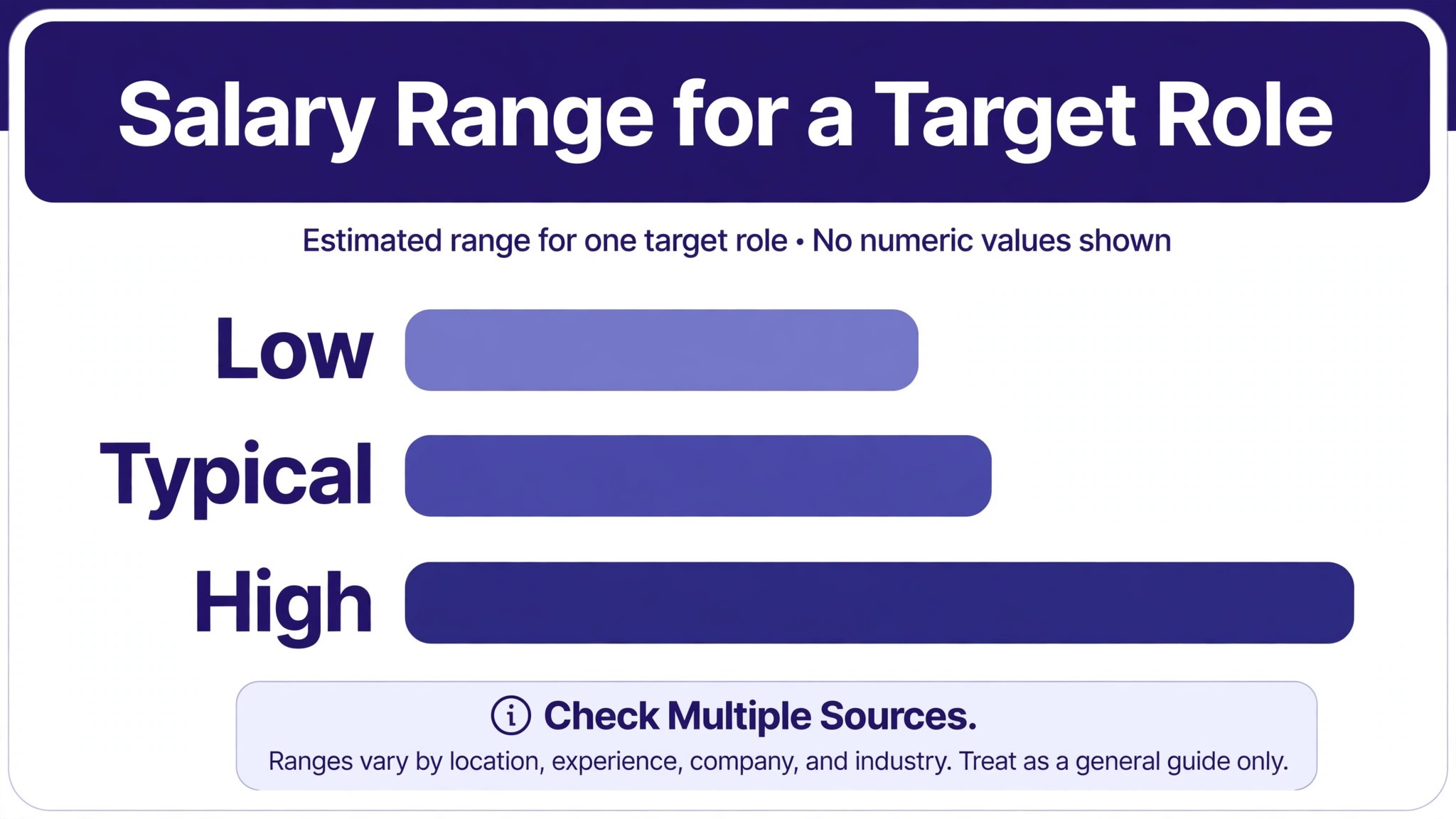
Salary negotiation is where research pays most directly. Go into any recruiter screen with a range, not a single number, and know the top, middle, and bottom of that range from at least two sources. When asked for expectations early, you can say you are still learning about the full scope of the role, then give a researched range once you understand the responsibilities. If an offer comes in below your range, your research lets you respond with specifics rather than feelings. You can cite the market range, the scope of the role, and the value you bring, and you can ask what flexibility exists on base pay, bonus, equity, or start date.
Negotiation works better when both sides are discussing the same market, and your research creates that shared ground.
Questions to Ask About Perplexity Findings in Interviews
Never quote an AI summary in an interview as if it were gospel. Instead, turn findings into open questions. If research suggests the team recently reorganized, ask what changed and why. If reporting suggests rapid growth, ask what growing pains the team is feeling. If a product launch drew mixed reactions, ask what the team learned from it. This approach has two advantages. It protects you if the summary was wrong, because a question cannot be wrong in the same way a claim can. And it invites the interviewer to share real information, which tells you far more than any web page. The best interview research does not show off what you know.
It opens a conversation that reveals what you need to know.
The Company Research Brief Template
A research brief is a one page document you complete for each serious target employer. It forces you to turn a pile of search results into a decision, and it becomes your cheat sheet before every recruiter call and interview. Copy the structure below into your notes app or a document, fill one in per company, and keep all briefs in a single folder so you can compare employers side by side. When you use Perplexity for job search research job seekers who keep briefs like this stop relying on memory, and their applications get sharper with every role, because each brief teaches them what to look for in the next one.
| Brief field | What to write | Source to check |
|---|---|---|
| Business in one paragraph | What the company sells, to whom, and how it earns money | Company site, annual report, credible profile |
| Size and momentum | Headcount trend, funding or revenue signals, hiring pace | News reporting, filings, job board volume |
| Team and product focus | What the specific team builds and its recent work | Job post, team blog, product announcements |
| Salary range | Researched range with date, split by base and variable pay | Employer listing, two independent salary sources |
| Recent news | Dated items from the last 90 days that affect the role | News mode results with citations opened |
| Culture signals | Repeated themes from reviews and reporting, with dates | Review sites, interviews, press coverage |
| Risks and open questions | Red flags found and the question you will ask about each | Your notes, to be resolved in interviews |
| Why this role fits | Two sentences linking your experience to this team’s work | Your own judgment, informed by the brief |
Fill the brief in order, and do not skip the risks section. A brief that lists only positives is a sales document, not research, and it will not help you decide. The risks section is where you record the uncomfortable findings, such as a recent layoff or a product line being wound down, alongside the question that will resolve them. If you cannot resolve a serious risk through interviews, that is a legitimate reason to withdraw, and withdrawing from a bad fit is a successful outcome, not a failure. Your brief also protects you from recency bias. When a recruiter is charming on the phone, your written notes remind you what you actually found before the call.
Update each brief after every interview round. Add what the hiring manager said about the team, the scope, and the timeline, and note where their account differed from public reporting. Differences are not automatically lies. Public reporting lags reality, and a team can improve quickly under new leadership. But a pattern of differences, especially on turnover, scope, or compensation, is a signal to slow down and ask more questions. A brief that evolves through the process becomes a record of your decision, and that record is valuable if you later need to choose between two offers under time pressure.
The Source Verification Checklist
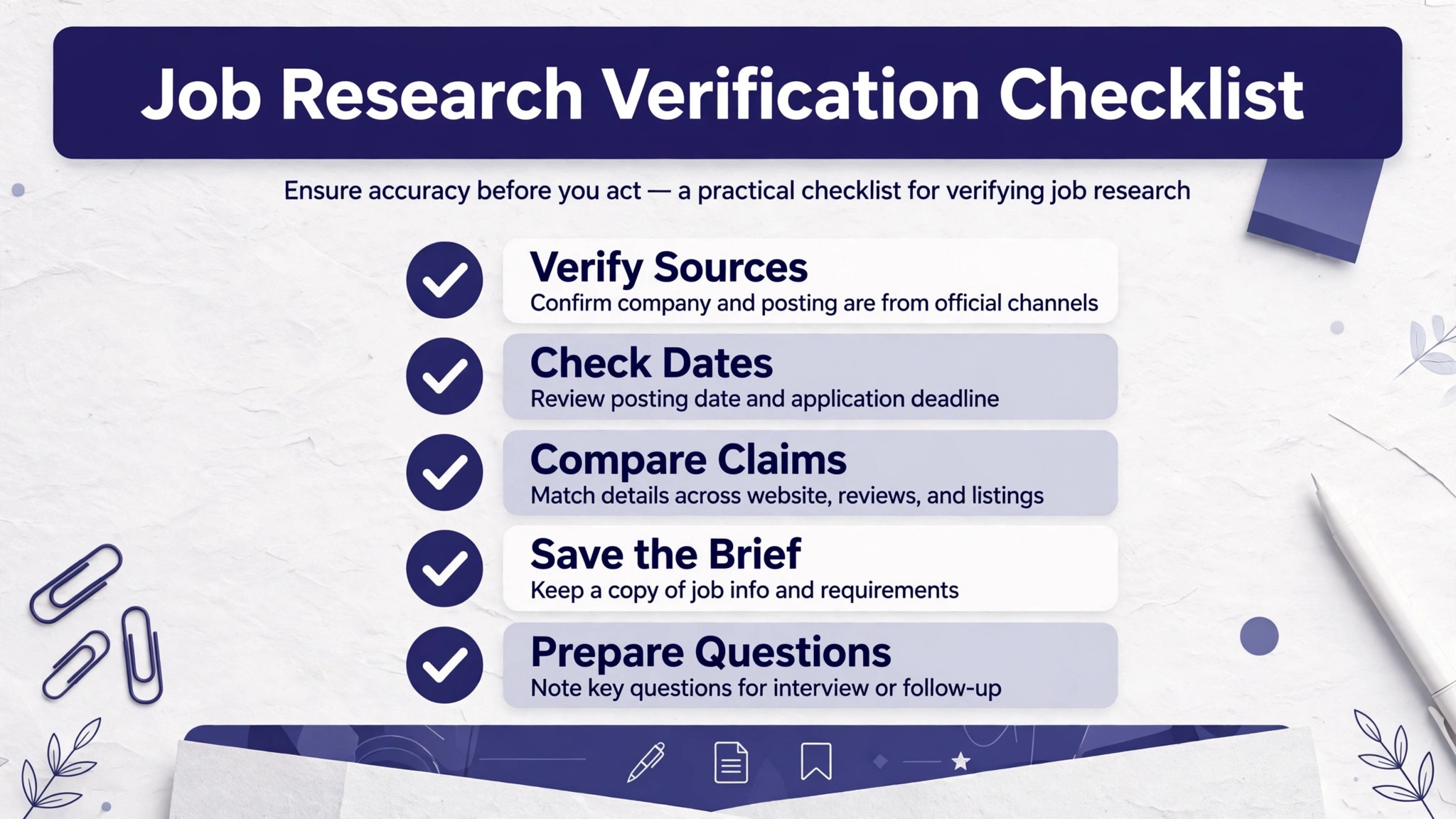
Use this checklist on every brief before you repeat a fact in an application or interview. It takes about fifteen minutes per company once you are practiced, and it is the step that separates careful researchers from people who paste summaries into cover letters. When you use Perplexity for job search research job seekers should treat verification as part of the workflow, not as an optional extra, because one wrong claim in an interview can undo an otherwise strong impression.
- Open the citation behind every claim you plan to repeat, and confirm the page says what the summary says it says.
- Check the publication date on every source, and discard or re-date any fact older than the window that matters for that claim.
- Confirm the company identity, since similar names, subsidiaries, and rebrands cause frequent mix-ups in AI summaries.
- Separate company statements from independent reporting, and label each fact as claimed by the company or reported independently.
- Cross-check salary figures against a second independent source, and record both figures with their dates.
- Cross-check layoff, funding, and leadership news against at least one reputable news outlet, not only aggregator pages.
- Flag any claim whose citation will not open, and do not use it until you find an accessible source.
- Note what you could not verify, and turn each gap into a question for the recruiter or hiring manager.
- Re-check time-sensitive facts the week of an interview, since funding, leadership, and hiring news can change fast.
- Save the strongest sources in the brief, so you can re-open them quickly before a call without re-running the whole search.
Mistakes That Weaken Perplexity Job Research
The most common mistake is copying a summary into an application without reading the sources. Recruiters and hiring managers can tell when a cover letter paragraph reads like generated text, and worse, the paragraph may contain a factual error that a quick source check would have caught. A second mistake is researching only the company and never the role. A great company with a poorly defined role, a new manager, or a team in flux can be a bad move, so the team and the manager deserve as much attention as the brand. A third mistake is trusting salary figures without dates or sample sizes.
A range built on three self-reported salaries from three years ago is not a market rate, and negotiating from it can cost you.
Another trap is over-researching to avoid applying. When you use Perplexity for job search research job seekers should set a deadline for each brief, because a summary that never becomes an application helps no one. If you have spent more than a week researching a single employer without submitting an application or reaching out to a recruiter, the research has become procrastination. Set a deadline for each brief, submit the application, and keep researching while you wait for a response. Finally, do not let negative review sites make the decision for you. Reviews skew negative, because satisfied employees rarely post, and a company with thousands of employees will always have unhappy former staff.
Use reviews to generate questions, not verdicts, and give the interview process a chance to answer them. The goal is an informed decision, not a perfect one, and perfect information never arrives before a deadline.
More Reading on Stratilyze
Readers who found this guide useful may also enjoy preparing for interviews with ChatGPT for job seekers, tracking job applications in Notion for job seekers, and tracking a job search in Trello for job seekers. Each one extends a different part of the system described here, from organizing your notes to following up with recruiters without losing track of open applications.
Frequently Asked Questions
Is Perplexity free for job search research?
Yes, the free tier offers unlimited basic searches, which covers most company and salary research. The paid Pro tier adds more advanced searches per day and larger file uploads, which helps if you are uploading long job descriptions or reports for analysis. Start free, and upgrade only if you hit the limits during an active search across many roles.
How accurate is Perplexity for salary information?
Salary answers are a starting point, not a verdict. They combine sources of different ages, locations, and sample sizes, so always check the dates and cross-reference against a second source. The employer’s own posted range, where available, is the strongest single source. Treat every other figure as an approximate planning range and negotiate from a range rather than a single number.
Can Perplexity replace reading a company’s own website?
No, and it should not. Perplexity is best for the broad sweep across many sources, while the company’s careers page, product pages, and investor materials give you the employer’s own framing and the freshest role details. Use the summary to decide what to read, then read the primary pages for anything you plan to quote or rely on.
What should I do if Perplexity gives conflicting answers?
Treat conflict as information. Different sources may use different dates, definitions, or samples, and the honest answer may be that the truth is uncertain. Record both versions with their sources and dates in your brief, and turn the conflict into an interview question. Asking about a discrepancy shows sharper judgment than pretending it does not exist.
How much time should company research take per application?
For a serious target, plan roughly one to two hours for the first brief, including verification, and about fifteen minutes to refresh it before each interview round. For speculative applications where you are less committed, a thirty minute pass is enough to decide whether the role deserves a full brief. Time-boxing research keeps it from crowding out applications.
Does using AI research hurt my chances with employers?
Employers never see your research process, only its results. A well-researched application and interview performance help you, regardless of the tools you used to prepare. What hurts is submitting unchecked or generic material. As long as you verify facts and write in your own voice, the tool is invisible and the preparation is what gets noticed.
A Smarter Way to Choose Your Next Employer
The strongest job searches are not the ones with the most applications. They are the ones with the best decisions, made early, about which employers deserve your effort. Perplexity gives you a faster first pass at those decisions, but the judgment remains yours. Build a brief for each serious target, verify the claims you plan to repeat, ask sharper questions in interviews, and negotiate from researched ranges rather than guesses. Do that consistently, and you will apply to fewer roles, interview better at the ones that matter, and choose your next employer with evidence rather than hope.
Start with one company today, complete its brief before the week ends, and let that single disciplined profile set the standard for every application that follows.