

For most music schools, MyMusicStaff is the first trial, and this guide explains why before it compares the alternatives, because the best booking software for music schools is usually the one that handles private lessons, group classes and recitals without forcing the school to stitch three tools together. MyMusicStaff starts at 16.95 dollars a month for a single teacher, adds teachers at 4.95 dollars each, and covers scheduling, billing, attendance and parent communication in one place.
A music school sells time in a complicated way. Private lessons recur weekly with the same teacher, group classes fill by level and instrument, make up lessons need credit rules, and recitals need event booking with fees. A general booking tool handles appointments well and lesson logic poorly, so the front desk ends up tracking make ups, credits and teacher pay by hand. That hand work grows with every new student.
This guide compares eight tools on the same questions. What does the entry plan actually include, how does the bill grow with teachers, how well does it handle make ups and teacher pay, and where does it fall short. Prices below are starting points reported in recent comparisons, so confirm the current price on the vendor page before you buy.
Best Booking Software For Music Schools Tools at a Glance
Read the table as a shortlist, not as a ranking. The cheapest tool suits a solo teacher perfectly, while the larger platform suits a multi teacher school. Pick three finalists, then read their full sections before committing to an annual plan.
| Tool | Starting price | Best for |
|---|---|---|
| MyMusicStaff | From 16.95 dollars a month for a single teacher, plus 4.95 dollars per extra teacher | music schools and private studios of any size |
| Tutorbird | From 16.95 dollars a month in recent comparisons | tutors and teachers who want simple booking and billing |
| Teachworks | From 16.49 dollars a month plus 0.32 dollars per lesson in recent comparisons | music schools and agencies with several teachers |
| Opus1 | From 98 dollars a month in recent comparisons | larger music schools that need room and teacher coordination |
| Music Teacher’s Helper | Check the vendor page | private teachers who want billing and scheduling in one place |
| Duet | From 14 dollars a month in recent comparisons | independent music teachers who want simple money tracking |
| Fons | From 19.95 dollars a month plus payment fees in recent comparisons | teachers whose main problem is late payment |
| Koalendar | Free plan, with Pro from 6.99 dollars a month per seat on annual billing in recent comparisons | teachers who need straightforward online booking first |
Why best booking software for music schools Beats a General Calendar
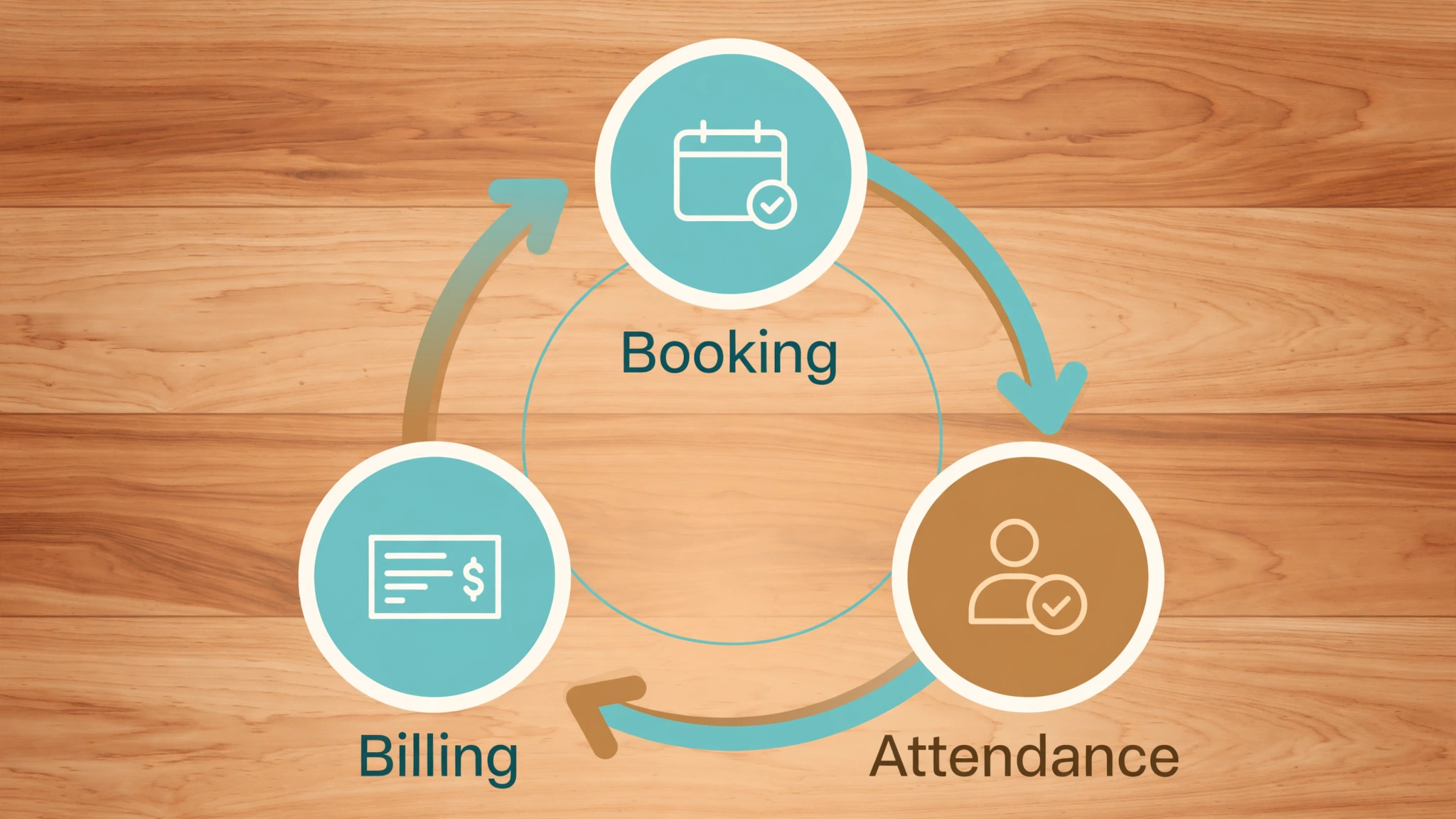
A lesson calendar shows times and names. A music school system runs the business behind those times. It books recurring lessons, tracks attendance, manages make up credits, bills families on time, pays teachers and reports which teachers, instruments and times actually earn money. A school that only buys a calendar will still chase payments by hand, and payment chasing is the job that eats admin hours fastest.
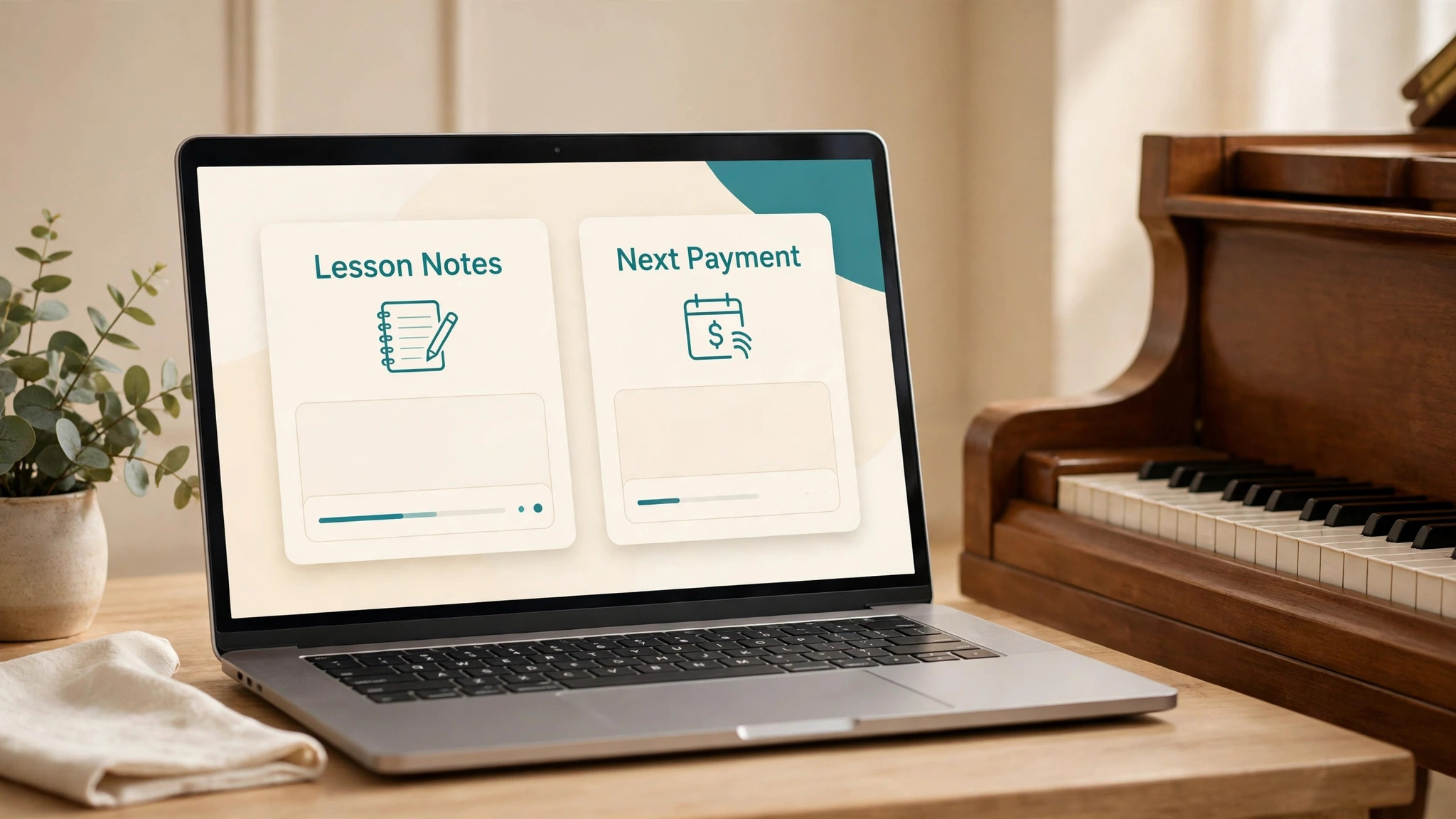
Parent experience is the second difference. Parents book from a portal, see lesson notes and practice assignments, pay online and get reminders that reduce no shows. A clumsy booking flow loses enrolments to friction, especially for trial lessons booked by busy parents in the evening. A clear parent portal helps a school of any size, but it should be bought for enrolment evidence, not for looks alone.
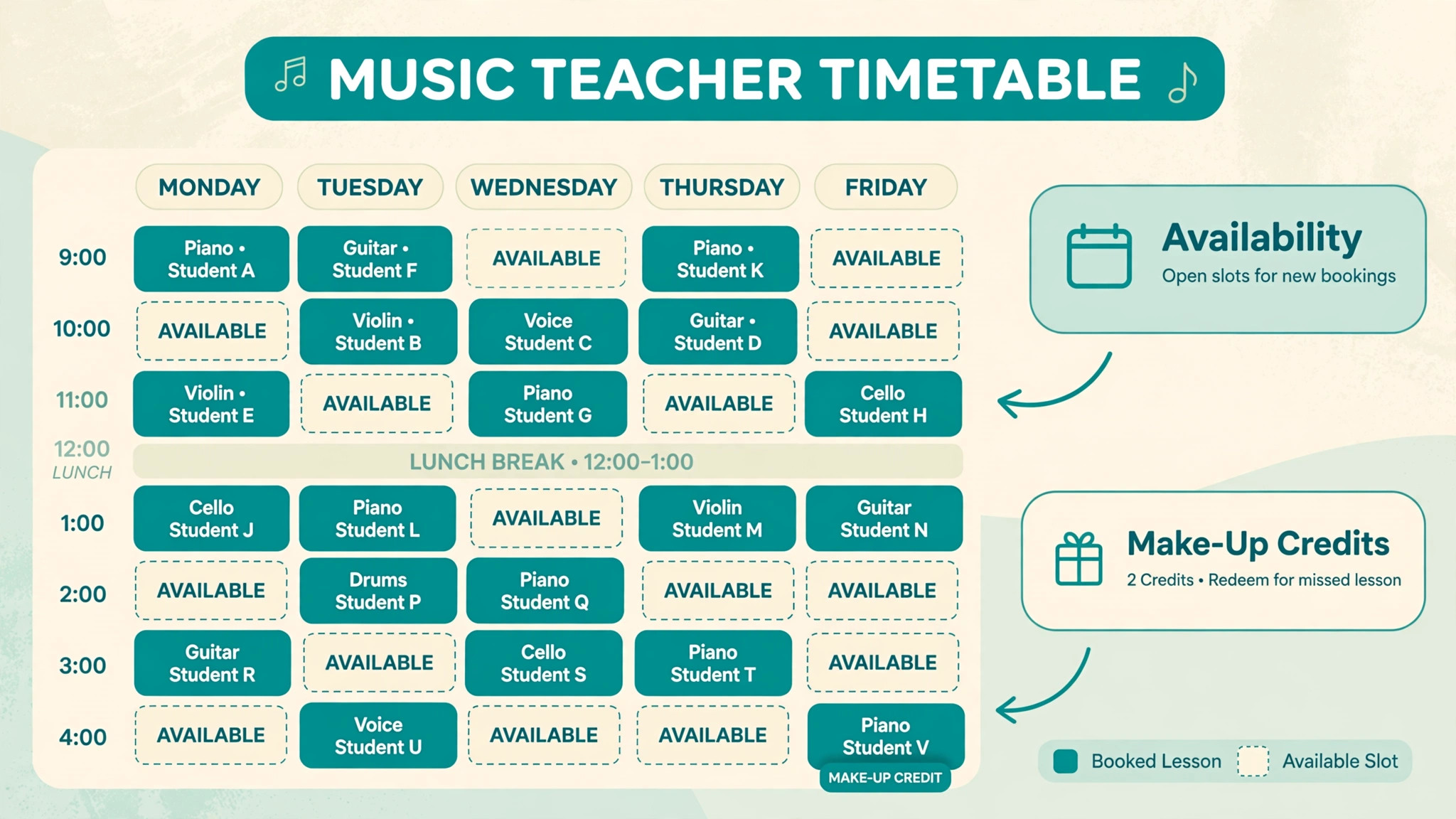
The third difference is teacher management. A school with several teachers needs availability rules, room booking, payroll or pay tracking and substitute cover. A tool that handles one teacher beautifully and several weakly will force workarounds as the school hires. Test multi teacher scheduling, pay and availability before choosing, even if the school has only two teachers today.
Start the trial with a real term, not with a demo account filled with perfect test data. Load your actual timetable, your real students and your true prices, then ask the team to run the daily routine exactly as they would after launch. A trial that mirrors real work exposes slow screens, missing fields and confusing steps before any money changes hands.
Eight Tools, Reviewed One by One
MyMusicStaff
MyMusicStaff is the pick for music schools and private studios of any size. It covers lesson scheduling, online booking, invoicing, payments, attendance, lesson notes, practice tracking, parent portal, teacher management and payroll. At From 16.95 dollars a month for a single teacher, plus 4.95 dollars per extra teacher, it sits in a price band a small business can judge against the hours it saves or the revenue it protects.
The limit is mobile experience, because it is web first rather than a native app, so phone heavy teachers should test it on a phone first. Choose MyMusicStaff if you want the most complete music specific system at a price a small school can justify. Skip it if you need a native mobile app as the main working tool, because a web first system will frustrate you, because a tool bought for one job rarely excels at a different one.
Budget it as From 16.95 dollars a month for a single teacher, plus 4.95 dollars per extra teacher at entry, and reprice it at your real size before signing, because the entry tier rarely matches a growing team. If music schools and private studios of any size describes your daily work, shortlist MyMusicStaff for the trial round and test the exact job it will do first.
Tutorbird
Tutorbird is the pick for tutors and teachers who want simple booking and billing. It covers scheduling, billing, student management and online booking in a clean web platform. At From 16.95 dollars a month in recent comparisons, it sits in a price band a small business can judge against the hours it saves or the revenue it protects.
The trade-off is music specific depth, because it serves tutors broadly rather than music schools alone, so recital and repertoire tools are thinner. Choose Tutorbird if you teach several subjects or want a simple all round system. Skip it if music specific features like repertoire tracking matter most, because a music first tool will fit better, because a tool bought for one job rarely excels at a different one.
Budget it as From 16.95 dollars a month in recent comparisons at entry, and reprice it at your real size before signing, because the entry tier rarely matches a growing team. If tutors and teachers who want simple booking and billing describes your daily work, shortlist Tutorbird for the trial round and test the exact job it will do first.
Teachworks
Teachworks is the pick for music schools and agencies with several teachers. It covers scheduling, automated billing, payroll, add ons and multi teacher management for growing schools. At From 16.49 dollars a month plus 0.32 dollars per lesson in recent comparisons, it sits in a price band a small business can judge against the hours it saves or the revenue it protects.
The watch-out is usage cost growth, because the per lesson charge rises with volume and must be modelled at real lesson counts. Choose Teachworks if your school runs many teachers and needs payroll and billing automation. Skip it if you are a solo teacher, because the platform and usage charges suit a school better than one desk, because a tool bought for one job rarely excels at a different one.
Budget it as From 16.49 dollars a month plus 0.32 dollars per lesson in recent comparisons at entry, and reprice it at your real size before signing, because the entry tier rarely matches a growing team. If music schools and agencies with several teachers describes your daily work, shortlist Teachworks for the trial round and test the exact job it will do first.
Opus1
Opus1 is the pick for larger music schools that need room and teacher coordination. It covers scheduling, billing, communication and growth tools for multi teacher operations, with room and instrument coordination. At From 98 dollars a month in recent comparisons, it sits in a price band a small business can judge against the hours it saves or the revenue it protects.
The limit is entry price, because the monthly bill suits a school with real volume rather than a starting studio. Choose Opus1 if your school coordinates many teachers, rooms and instruments each week. Skip it if you are a solo teacher, because the price and depth exceed what one teacher needs, because a tool bought for one job rarely excels at a different one.
Budget it as From 98 dollars a month in recent comparisons at entry, and reprice it at your real size before signing, because the entry tier rarely matches a growing team. If larger music schools that need room and teacher coordination describes your daily work, shortlist Opus1 for the trial round and test the exact job it will do first.
Music Teacher’s Helper
Music Teacher’s Helper is the pick for private teachers who want billing and scheduling in one place. It covers lesson schedules, billing, automatic reminders and tax reports built for private music studios. At Check the vendor page, it sits in a price band a small business can judge against the hours it saves or the revenue it protects.
The trade-off is scale, because multi teacher schools may need deeper payroll and room tools than a teacher first system provides. Choose Music Teacher’s Helper if you are a private teacher who wants billing and reminders automated. Skip it if you run a large multi teacher school, because a school platform will serve you better, because a tool bought for one job rarely excels at a different one.
Budget it as Check the vendor page at entry, and reprice it at your real size before signing, because the entry tier rarely matches a growing team. If private teachers who want billing and scheduling in one place describes your daily work, shortlist Music Teacher’s Helper for the trial round and test the exact job it will do first.
Duet
Duet is the pick for independent music teachers who want simple money tracking. It covers payment tracking, expense tracking, recurring transactions and lesson billing for solo teachers. At From 14 dollars a month in recent comparisons, it sits in a price band a small business can judge against the hours it saves or the revenue it protects.
The watch-out is school features, because group classes, multi teacher scheduling and parent portals are thinner than on school platforms. Choose Duet if you are an independent teacher whose main pain is tracking money. Skip it if you run group classes and recitals at scale, because a school system fits that job better, because a tool bought for one job rarely excels at a different one.
Budget it as From 14 dollars a month in recent comparisons at entry, and reprice it at your real size before signing, because the entry tier rarely matches a growing team. If independent music teachers who want simple money tracking describes your daily work, shortlist Duet for the trial round and test the exact job it will do first.
Fons
Fons is the pick for teachers whose main problem is late payment. It covers automated billing, card on file and recurring charges so families pay without chasing. At From 19.95 dollars a month plus payment fees in recent comparisons, it sits in a price band a small business can judge against the hours it saves or the revenue it protects.
The limit is breadth, because billing strength comes ahead of deep scheduling and school management features. Choose Fons if late payments cost you the most hours each month. Skip it if scheduling complexity is your main problem, because a scheduling led tool will help more, because a tool bought for one job rarely excels at a different one.
Budget it as From 19.95 dollars a month plus payment fees in recent comparisons at entry, and reprice it at your real size before signing, because the entry tier rarely matches a growing team. If teachers whose main problem is late payment describes your daily work, shortlist Fons for the trial round and test the exact job it will do first.
Koalendar
Koalendar is the pick for teachers who need straightforward online booking first. It covers online booking, recurring lessons, reminders and payments through Stripe or PayPal, with a free starting tier. At Free plan, with Pro from 6.99 dollars a month per seat on annual billing in recent comparisons, it sits in a price band a small business can judge against the hours it saves or the revenue it protects.
The trade-off is school depth, because it lacks grade books, sheet music libraries and teacher payroll calculations. Choose Koalendar if you mainly need clean booking and payments at low cost. Skip it if you need full school management, because Koalendar is a booking tool first, because a tool bought for one job rarely excels at a different one.
Budget it as Free plan, with Pro from 6.99 dollars a month per seat on annual billing in recent comparisons at entry, and reprice it at your real size before signing, because the entry tier rarely matches a growing team. If teachers who need straightforward online booking first describes your daily work, shortlist Koalendar for the trial round and test the exact job it will do first.
Best Pick by Job for Music Schools
The right tool changes with the job. Use this table to match the pick to the job, then confirm the fit by testing that exact job in a trial. That matching step turns a general search for best booking software for music schools into a shortlist that fits real work.
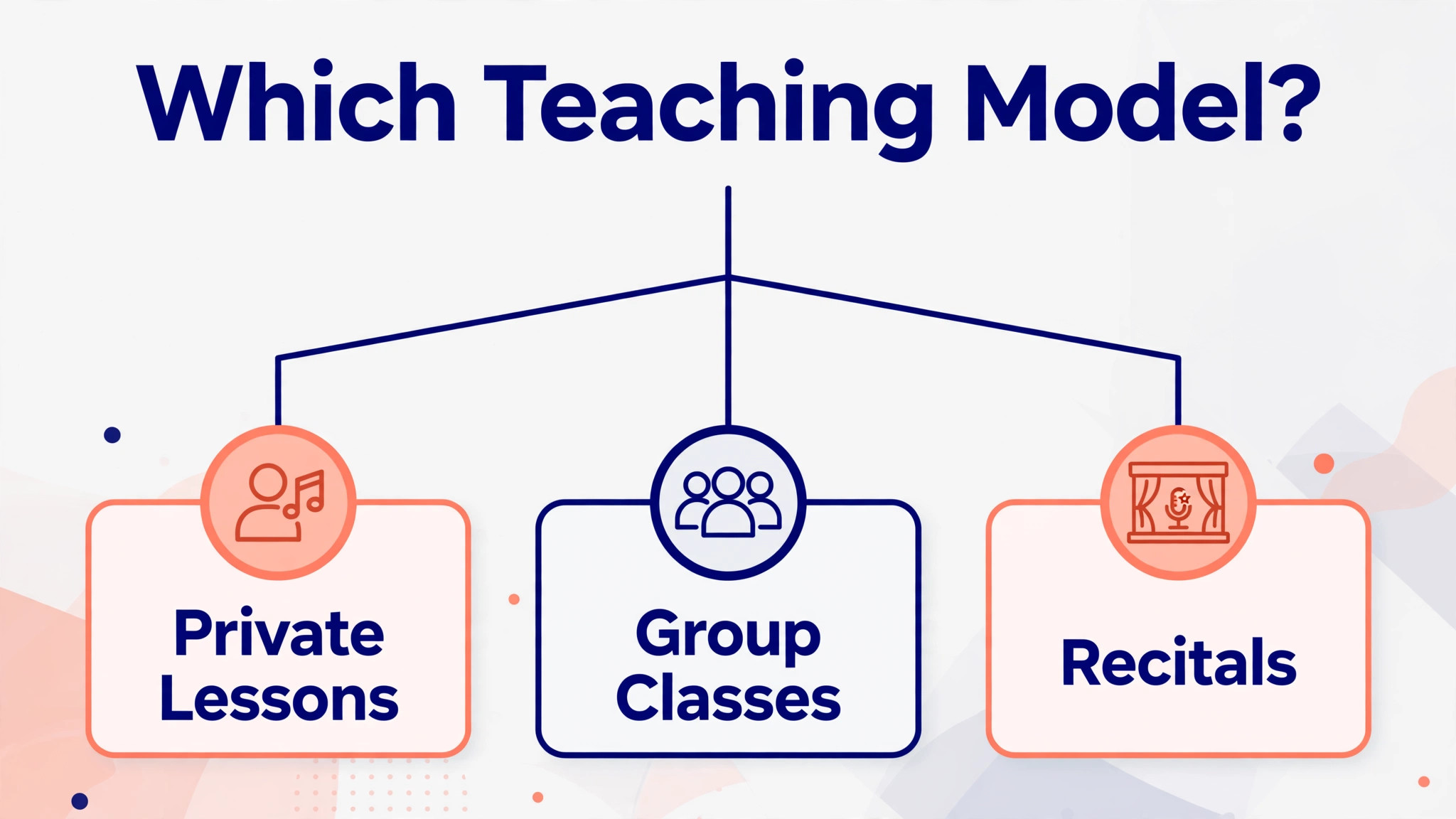
| Job | Best pick | Why it wins |
|---|---|---|
| Private lessons | MyMusicStaff | Recurring lessons, make ups and parent portal in one music system |
| Group classes | Opus1 | Teacher and room coordination for busy class timetables |
| Recitals | Teachworks | Event scheduling plus billing for recital fees and multi teacher cover |
The Teacher Availability Checklist Before You Pay
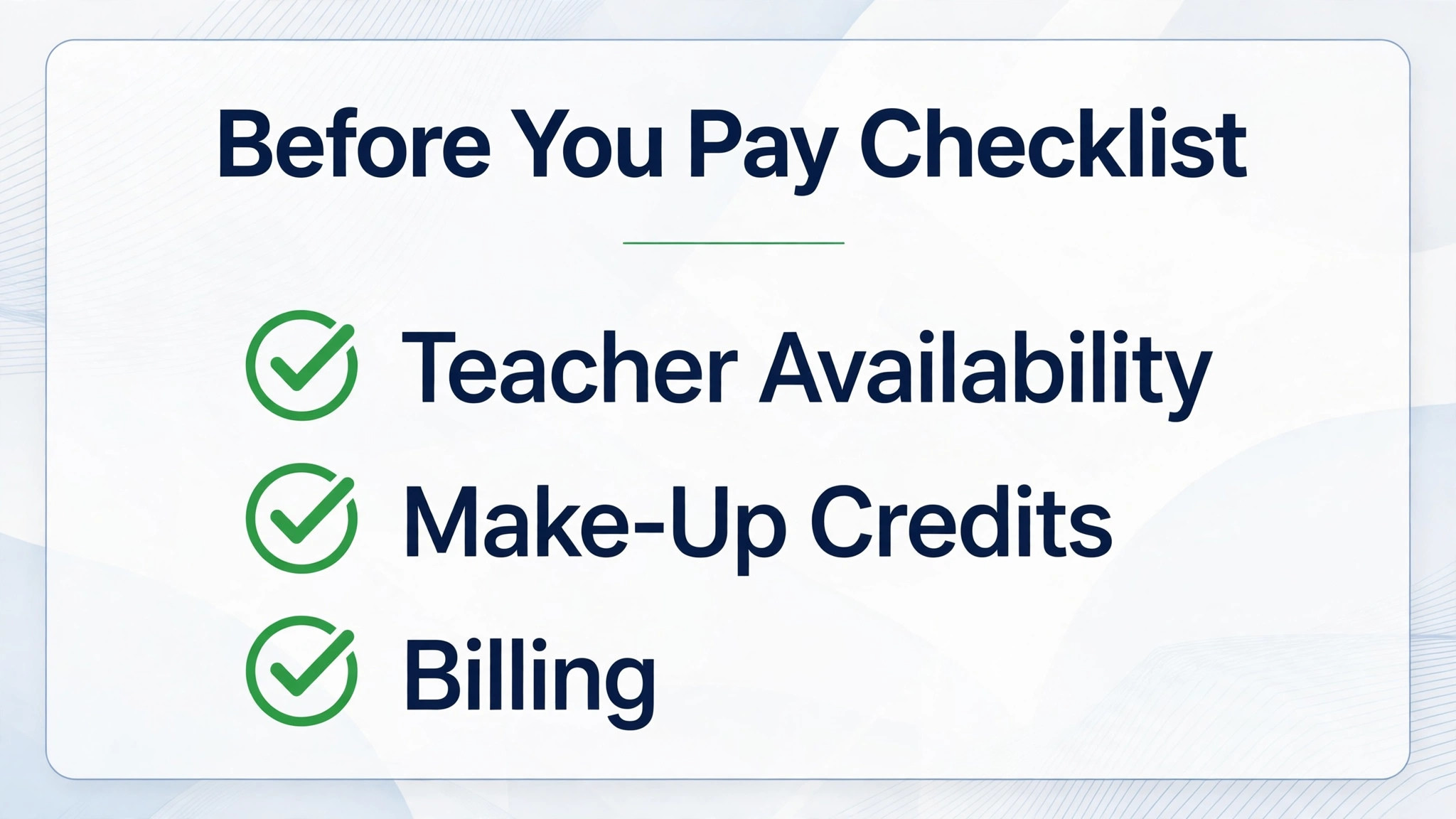
Run through this checklist on every finalist before signing. A platform that fails two or more items will cost more in admin hours than it saves in subscription fees, because teacher availability is where music school systems earn or lose trust. Run the same checks when comparing best booking software for music schools, because a policy that looks fair on paper must also work in daily use.
– Check that each teacher sets their own availability, blackout dates and room needs, with conflicts blocked before a family can book. – Check that private lessons, group classes and recitals can each be booked, rescheduled and cancelled under rules you control. – Check that make up lessons, credits and expiry rules work automatically, with a record both the school and the family can see. – Check that billing, late payment reminders and teacher pay tracking run from the same lesson data, without retyping. – Check that parents see lesson notes, practice assignments and upcoming lessons in one portal, without emailing the school. – Check that your student list, lesson history and payment records can be exported, so the school is never locked into a tool it cannot leave.
What a Music School Really Pays Each Month
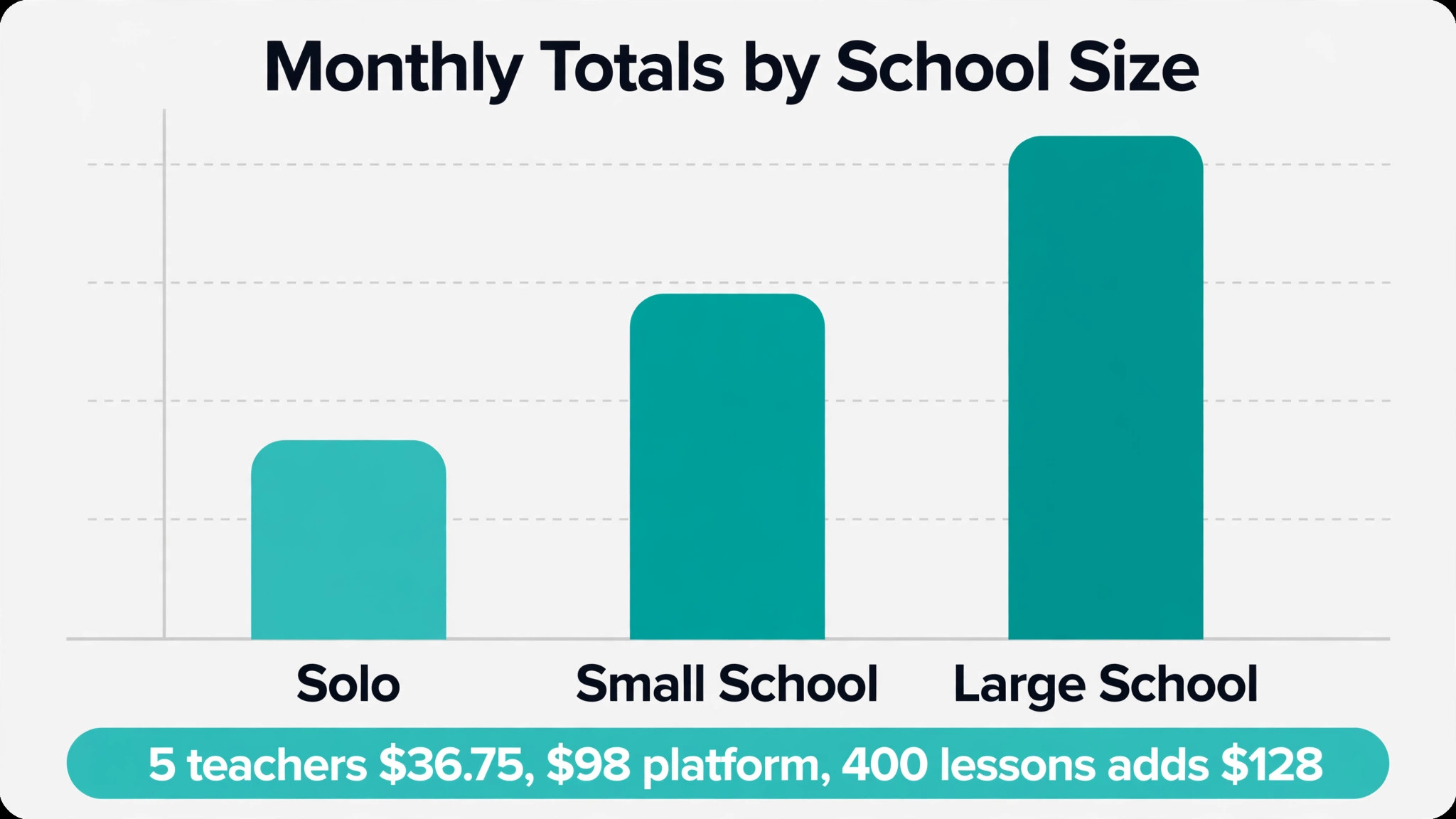
The headline subscription hides the real decision, because per teacher charges, per lesson charges and payment processing move the total by a wide margin. A school with five teachers on MyMusicStaff pays 16.95 dollars plus four times 4.95 dollars, which is 36.75 dollars a month before processing. The same school on a 98 dollar platform pays nearly three times as much for the software alone, so the dearer tool must earn its gap in saved admin hours or extra enrolments.
At a small size, the maths favours a low cost start. A solo teacher on a 14 or 16.95 dollar plan keeps almost all lesson revenue, while a teacher on a 98 dollar plan needs many extra students to justify the gap. At a larger size, the maths flips, because a platform that fills timetables, recovers missed payments and automates teacher pay can pay for itself from recovered revenue alone.
Model the per lesson charge honestly where it applies. A school teaching 400 lessons a month at 0.32 dollars per lesson adds 128 dollars a month on top of the subscription, which can exceed the base plan itself. Compare the full monthly total at real lesson volume, not the headline plan price.
That total is the real price to compare when choosing best booking software for music schools.
Mistakes That Empty a Music Timetable
The most common mistake is choosing on subscription price alone. A free booking tool without make up credit rules can cost more in admin hours than a paid music system, and a cheap plan that lacks teacher pay tracking will cost front desk hours every month. Compare the full monthly total at real volume, not the headline subscription.
The second mistake is signing an annual plan before the parent test. Book a trial lesson as a new parent on a phone, reschedule it, buy a lesson pack and check what messages arrive. If any step is confusing, parents will message the school instead, and the system will have added work rather than removed it.
The third mistake is ignoring teacher adoption. A system teachers avoid becomes a system the office runs alone, with timetables kept in two places. Give teachers a real week on each finalist and listen to the teacher who teaches the most lessons, because that teacher lives in the tool.
That student and owner test matters more than any feature list for best booking software for music schools.
How to Choose Between Three Music Finalists
Give each finalist the same real term of work. Load the true timetable, the real teacher availability, the actual prices and a small group of test families, then run bookings, reschedules, make ups and a failed payment through each system. Score each tool on the same sheet, so the decision rests on evidence rather than on the smoothest sales demo.
Test the parent journey on a phone, not on a desktop, because most parents book in the evening. Check how fast a new parent can create an account, book a trial lesson and pay, and how clear the reschedule message feels. A system that feels fast in week one usually stays fast.
Test the teacher journey too, because teachers record attendance, write lesson notes and check pay. A system that feels slow for teachers will be abandoned first by the people whose work it was bought to support.
A fair trial is the only honest way to compare best booking software for music schools.
The First Thirty Days After You Choose
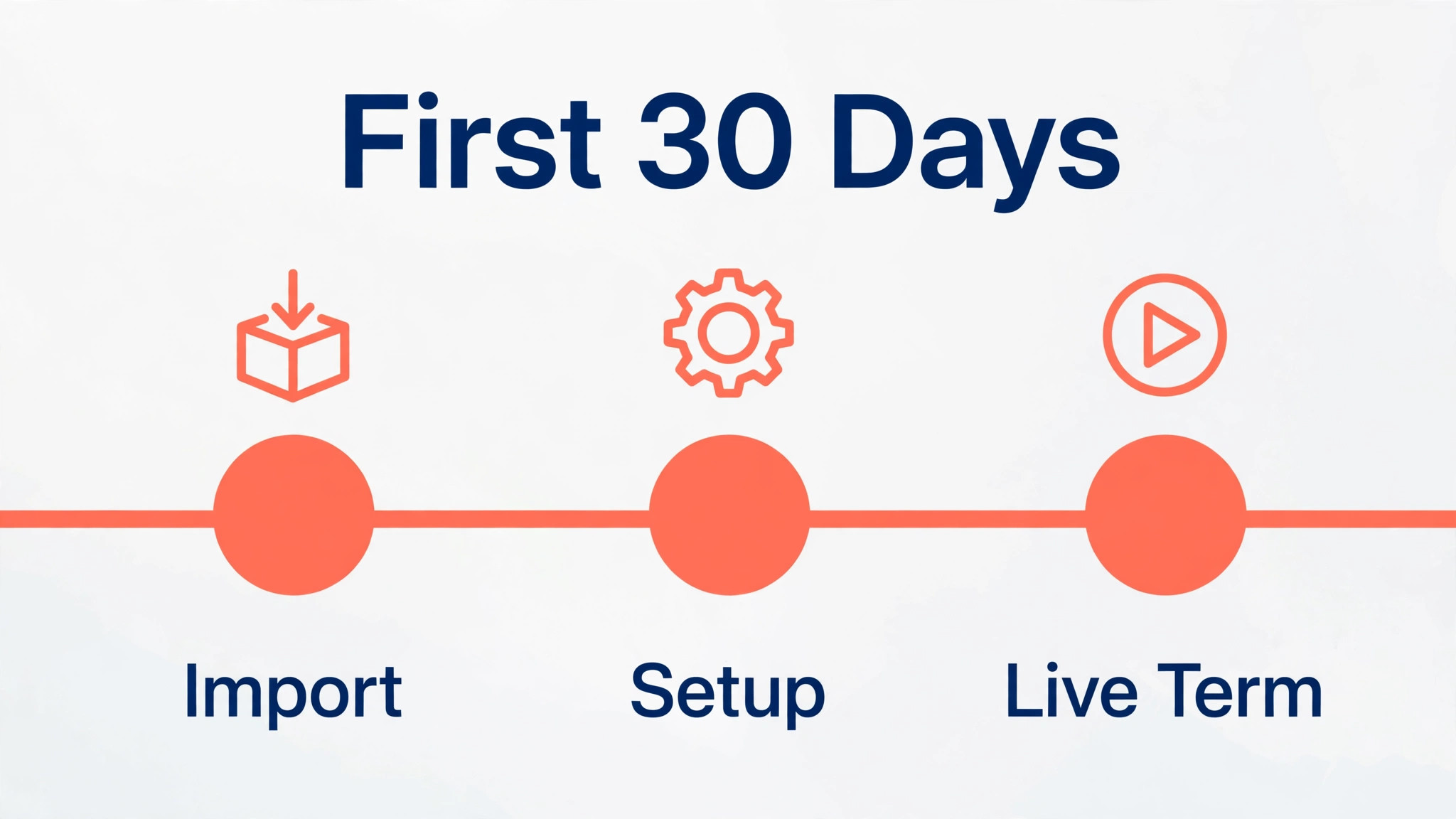
In the first week, import students and families, set teacher availability and room rules, and load the real timetable with true prices. A timetable loaded with placeholder data teaches the team nothing about real conflicts.
In the second week, set make up credit rules, billing dates and reminder messages, then run one live week end to end. Fix every friction point before the rest of the school migrates, because early frustration decides adoption.
By day thirty, review attendance, no shows, make up balances and teacher pay weekly. The tool earns its keep when the owner can see, in one report, which teachers are full and which families need chasing.
What Parents Ask Before the First Lesson
Parents ask whether lessons can move when a child is ill, and the answer must be visible before they book, not buried in terms. A school page that states the make up rule in plain words, with an example week showing a moved lesson, removes the most common enrolment objection. Builders that support a clear policy page with examples will convert better than builders that hide policy in a PDF.
Parents also ask who will teach their child, and a teacher page with a photo, instrument, experience and a short teaching note answers that question better than a staff list of names. A builder that makes teacher pages easy to publish and update will keep those pages current as teachers join. A builder that makes them awkward will leave them stale, and stale teacher pages quietly lose trust.
The third parent question is about progress. Parents want to know how they will hear about practice, level changes and recital readiness without chasing the teacher. A site that explains lesson notes, practice assignments and term reports on one page sets expectations before the first lesson. That clarity reduces messages to the office and keeps families enrolled longer.
Trial lessons deserve their own page, because a trial is a different sale from a term booking. The page should state length, price, what to bring, where to park or log in, and what happens after the trial. A builder with a simple booking form and a confirmation message will turn trials into enrolments. A builder that forces email booking will lose trials to friction.
Finally, parents compare schools on price transparency. A page that explains lesson lengths, term fees, instrument hire and recital costs in plain ranges will beat a page that says only to contact us for prices. The builder does not need to publish an exact price for every option, but it must make a clear fees page easy to build and easy to update each term.
More Reading on Stratilyze
– Best Booking Software for Yoga Studios – Best Booking Software for Fitness Studios – Best Website Builder for Coaches
Frequently Asked Questions
Do I need music specific software, or is a general booking tool enough?
A general booking tool works for simple appointments, but music schools need recurring lessons, make up credits, group levels and teacher pay, which general tools handle weakly. If the school teaches only occasional single lessons, a general tool remains honest. If it runs weekly lessons with make ups, a music system saves hours every week.
What is the cheapest honest way to start?
A free booking tier or a low cost teacher plan is the cheapest honest start for a solo teacher, followed by a music school plan once teacher numbers grow. Check the per teacher and per lesson charges carefully, because a low headline price can rise fast with volume.
How do make up lessons work in software?
Make up lessons give a student credit when a lesson is cancelled under the school policy, and the system tracks that credit until it is used or expires. A good tool applies the rule automatically and shows the balance to both school and family. A weak tool leaves credits in a spreadsheet, where they are forgotten or disputed.
Can I move my student list if I switch later?
Usually yes, if you check before signing. Ask for a sample export during the trial and open it to confirm that names, contact details, lesson history and payment records come out cleanly. A vendor that blocks exports should be treated as a risk, whatever its price.
Should a music school use a general scheduling app?
It can work for a single teacher with simple bookings, but a music specific tool usually fits lesson types, make ups and teacher schedules better from day one. A general app suits a teacher who also sells other services, where broader booking features matter more than music detail.
How long does setup usually take?
A solo teacher can launch in a few days, while a multi teacher school with timetables, billing and recitals should allow two to three weeks. The slow part is rarely the software itself. It is writing make up rules, loading the timetable and testing the parent journey before the first live term.
How do trial lessons work in booking software?
A trial lesson is booked like a normal lesson but flagged as a trial, so the school can follow up afterwards without treating it as a term enrolment. A good tool sends a confirmation, a reminder and a follow up message, and records whether the trial converted. A weak tool leaves trials in email, where follow ups are forgotten.
The Verdict
For most music schools, MyMusicStaff is the sensible first trial, because it starts low, understands lesson logic and keeps the monthly bill modest while the school grows. Schools that coordinate many teachers and rooms should trial Opus1 next, and teachers whose main pain is late payment should trial Fons for automated billing.
Whichever tool you shortlist, test it with real teachers, real families and a real make up before you pay for a year. The best system is the one parents book on without thinking, teachers run without side spreadsheets, and owners can leave without losing their student list. That test, run properly, will choose the tool for you.
That shortlist is a practical way to choose best booking software for music schools without paying for features you will not use.