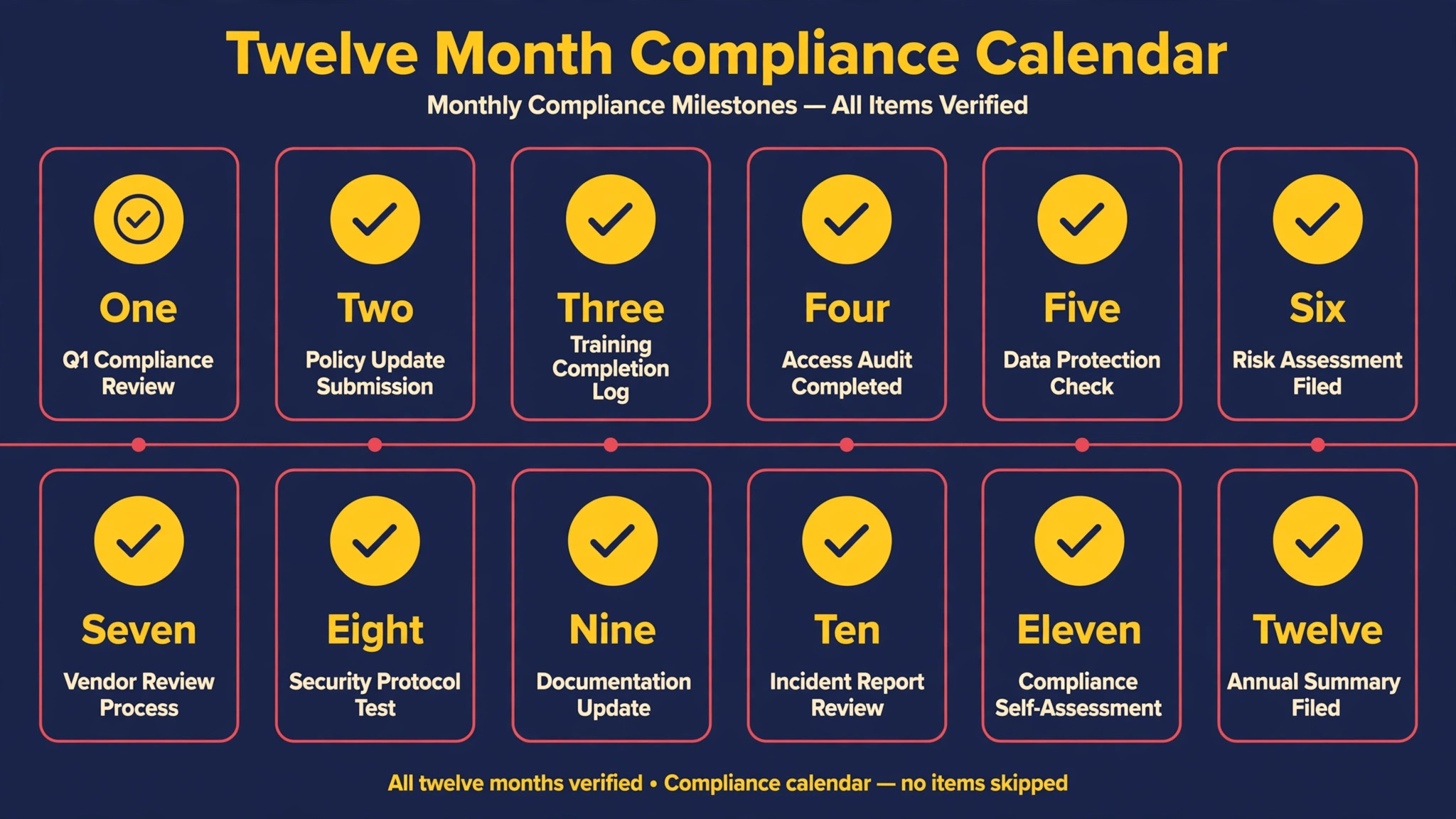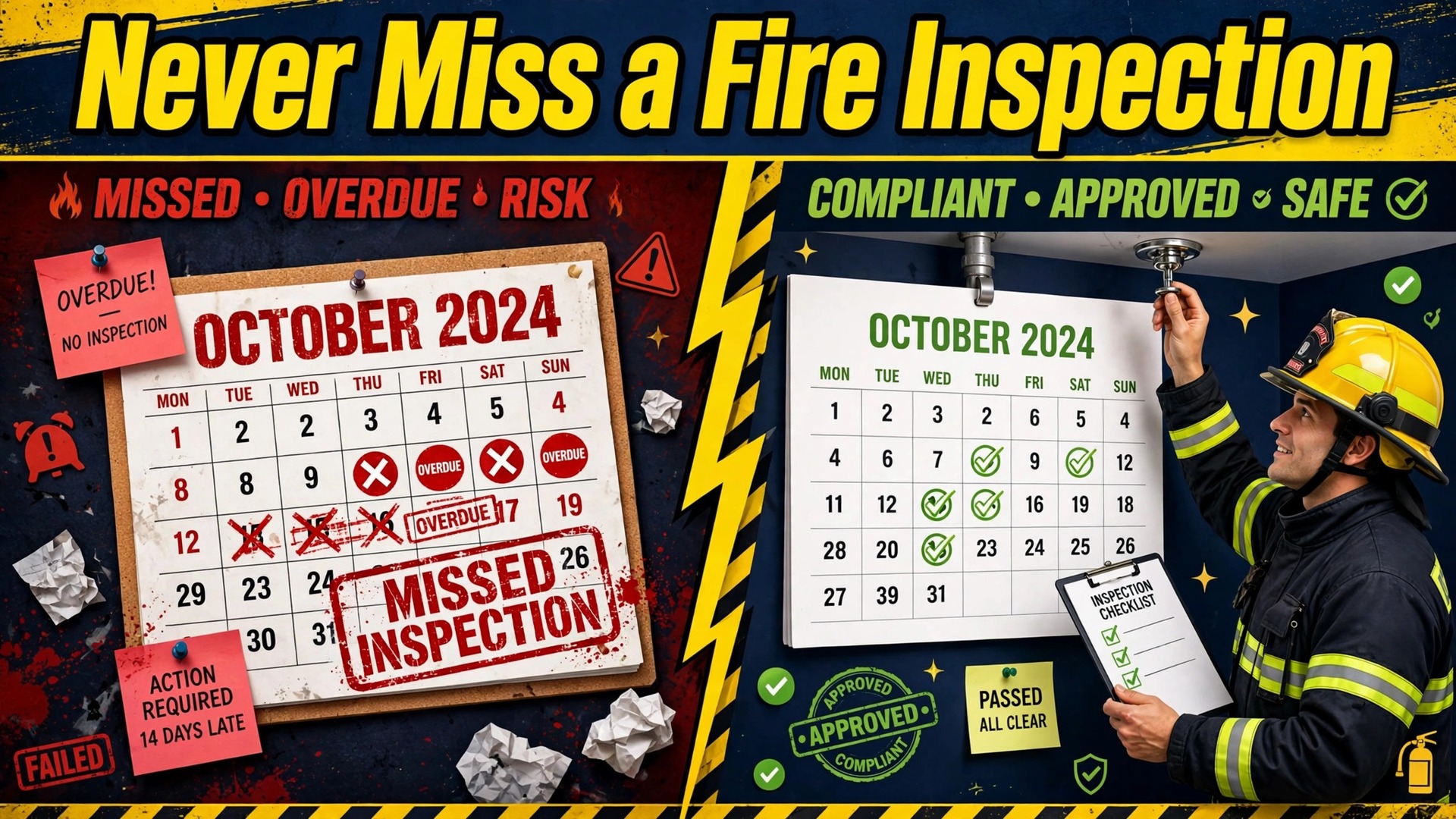
Here is the verdict up front. If you run a fire protection company, use AI for fire protection inspection scheduling as a compliance calendar with a human dispatcher in charge, not as a hands-free booking machine. Missed inspections are not a customer service problem. They are a compliance problem that can draw a citation, void an insurance position and leave a building unprotected. AI earns its place by keeping every overlapping schedule visible, by drafting customer notices from real contract data, and by flagging the visit that is about to slip. The dispatcher still approves the route, the technician and the report.
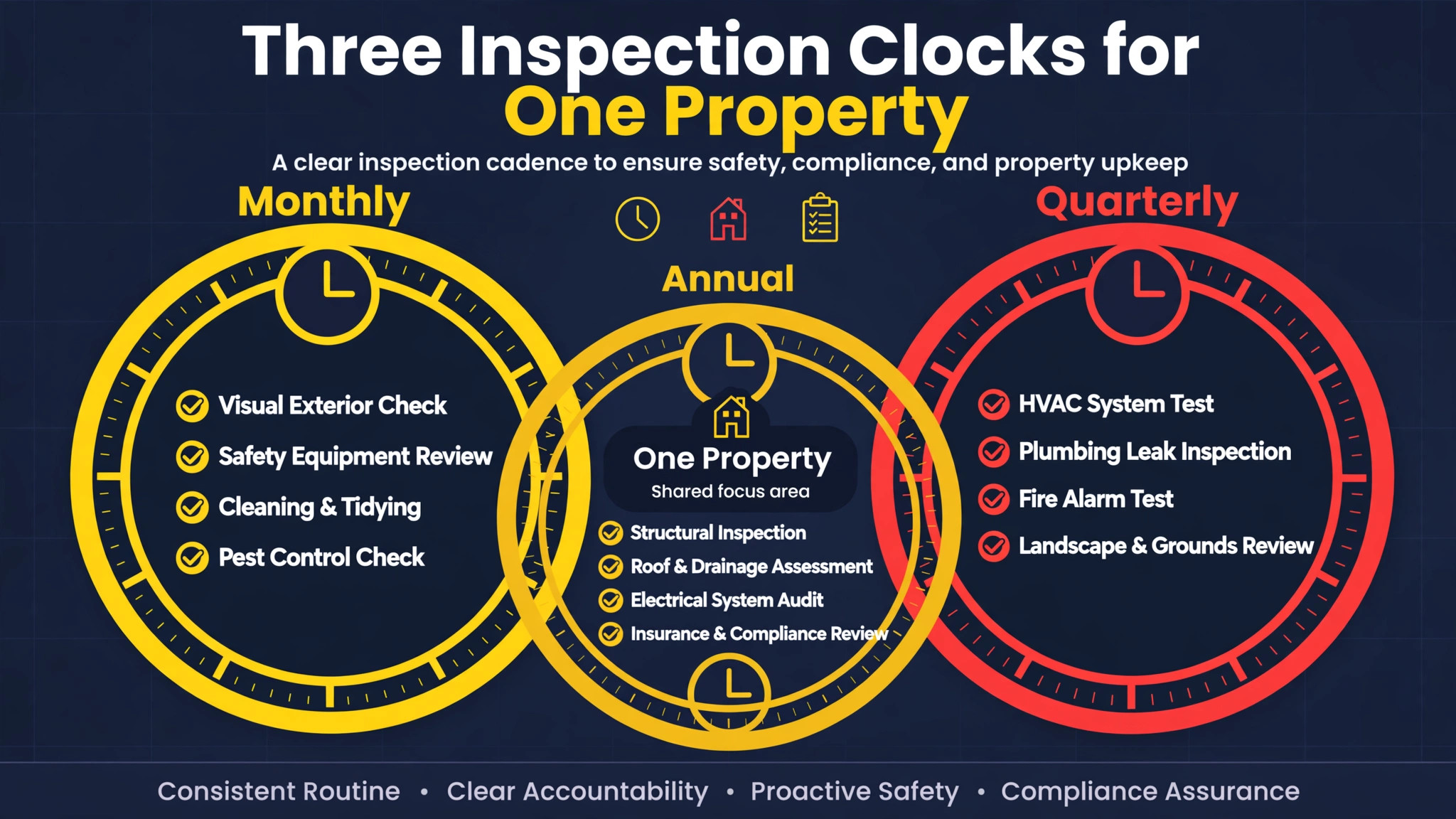
The scheduling problem is harder than it looks, because one property rarely has one schedule. A single building can carry monthly battery checks, quarterly monitoring tests, semi-annual visual inspections and an annual functional test, each on its own clock, and the local authority having jurisdiction can add its own requirements on top. NFPA 72, the National Fire Alarm and Signaling Code, sets the frequencies that drive much of that calendar, while NFPA 25 covers water-based systems such as sprinklers. A spreadsheet that tracks only the annual visit will miss the quarterly test every time.
This guide sets out a workflow that respects that complexity. You will learn how to build a property and asset record that AI can actually use, how to route technicians by certification and geography, how to handle access failures and deficiencies without losing the compliance thread, and a checklist you can run every week to prove no visit is overdue. The goal is not more appointments. It is zero missed compliance dates with a report in the customer’s file on time.
Why one property needs several clocks, not one visit
Most companies still run this work by memory, inbox and a spreadsheet that one person understands. That works until the busy season, a staff holiday or a simple sick day breaks the chain, and then the customers who needed a reply hear nothing. The cost is invisible at first, because nobody complains about a message they never expected, yet the empty seat, the missed visit or the lost booking shows up in the numbers weeks later. Reading a guide like field service software for fire protection companies shows the same pattern in a neighbouring niche, where the system, not the effort, decides who gets served on time.
The reason to use AI for fire protection inspection scheduling is not fashion. It is that the repetitive parts of this work, namely drafting, reminding, ranking and tracking, are exactly the parts a machine handles well, while the judgement parts, namely pricing, clinical or safety calls and personal conversations, must stay human. A workflow that respects that split will feel helpful to customers and to staff. A workflow that ignores it will feel cold, and customers will notice within a week.
Start with the record, not the tool. If the underlying list of customers, dates and promises is messy, automation will only send messy messages faster. Clean the list, write the rules, and then add one automation at a time, checking each one for a full cycle before adding the next. That discipline is what separates a company that uses AI well from one that merely owns AI tools, as any reader of dispatch software for plumbing companies will recognise from their own booking work.
Before the workflow, here is the decision shortcut for the whole guide. When you know which situation a customer is in, you know what to send, and use AI for fire protection inspection scheduling becomes a set of small decisions rather than a large project. Keep this table near the weekly routine until the habit is automatic.
| Situation | Best first move | What to avoid |
|---|---|---|
| Customers is ready but has not replied | Short personal message with one clear next step | Another generic message with no detail |
| Customers is overdue or drifting | Personal contact that names the real reason to act | A discount offered before the reason is known |
| Customers just completed a visit or booking | Thank you plus the next date or step, booked now | Silence until the next cycle, when it is too late |
Every step that follows supports one row of that table. If a proposed automation does not help a row, leave it out, because extra messages cost attention, and attention is the scarcest resource a small business owns.
The tools that keep compliance dates visible
Four tools cover most of the work, and each one fits a different part of the scheduling chain. use AI for fire protection inspection scheduling works best when each tool owns one job and the record stays in one place, so resist the urge to buy a new tool for every small gap. Fix the gap with a rule first, and buy only when the rule proves the need.
Inspect Point
Inspect Point is built for fire protection inspection work, which means its records are organised around properties, systems and devices rather than generic appointments. A technician can work through a device list on site, record deficiencies against the right asset, and produce a report shaped for fire protection customers. For scheduling, the value is the asset history that travels with the property, so the next visit starts from what was found last time, not from a blank form.
ServiceTitan
ServiceTitan fits larger fire protection companies that also run service and repair work alongside inspections, because scheduling, dispatch and invoicing can share one customer record. The scheduling win is route density. When inspections, deficiency repairs and emergency calls share one board, a dispatcher can group nearby jobs and keep a technician’s day full without double-booking a certified tech on two sites at once.
Jobber
Jobber suits a smaller fire protection company that needs clean scheduling, customer reminders and quotes without a heavy system to learn. Its strength for this workflow is the reminder chain. A customer who gets a notice two weeks out, a confirmation three days out and a technician arrival note on the day is far less likely to cause an access failure, which is one of the most common reasons a visit fails.
General AI drafting assistant
A general AI assistant drafts, it does not schedule. Give it your contract terms, your notice templates and your escalation rules, and let it draft access requests, reschedule messages and deficiency summaries from the technician’s notes. A dispatcher reviews every customer-facing draft before sending, because a wrong date or a wrong system name in a compliance notice destroys trust faster than a late reply.
How to use AI for fire protection inspection scheduling without missing a compliance date
The workflow below is written in the order work actually happens, not in the order tools are sold. Read it as a weekly routine, and note where a human must approve before anything reaches a customer. use AI for fire protection inspection scheduling succeeds when the routine runs even in a busy week, so keep each step small enough to survive one.
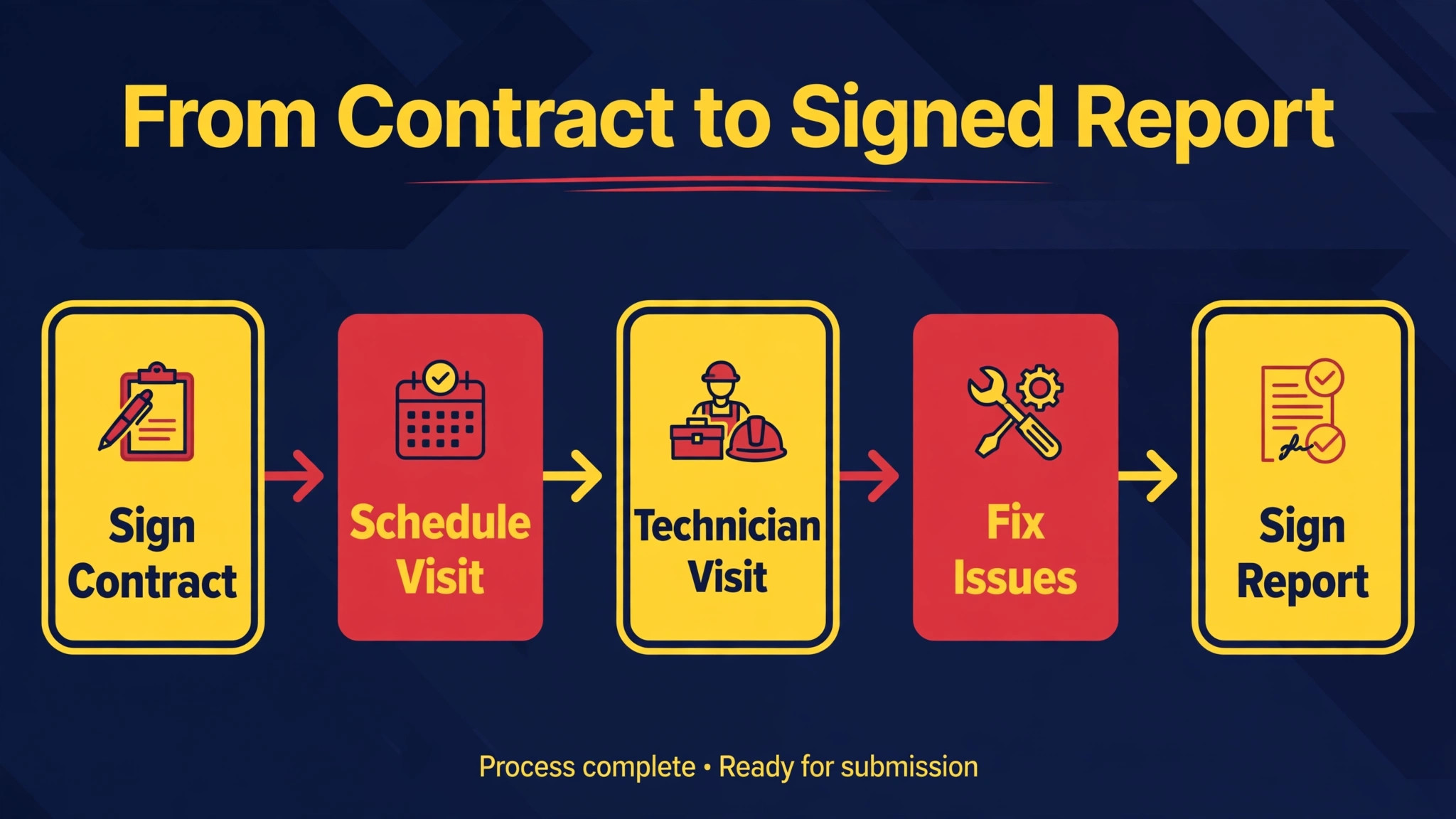
Step 1. Build the property and asset record first
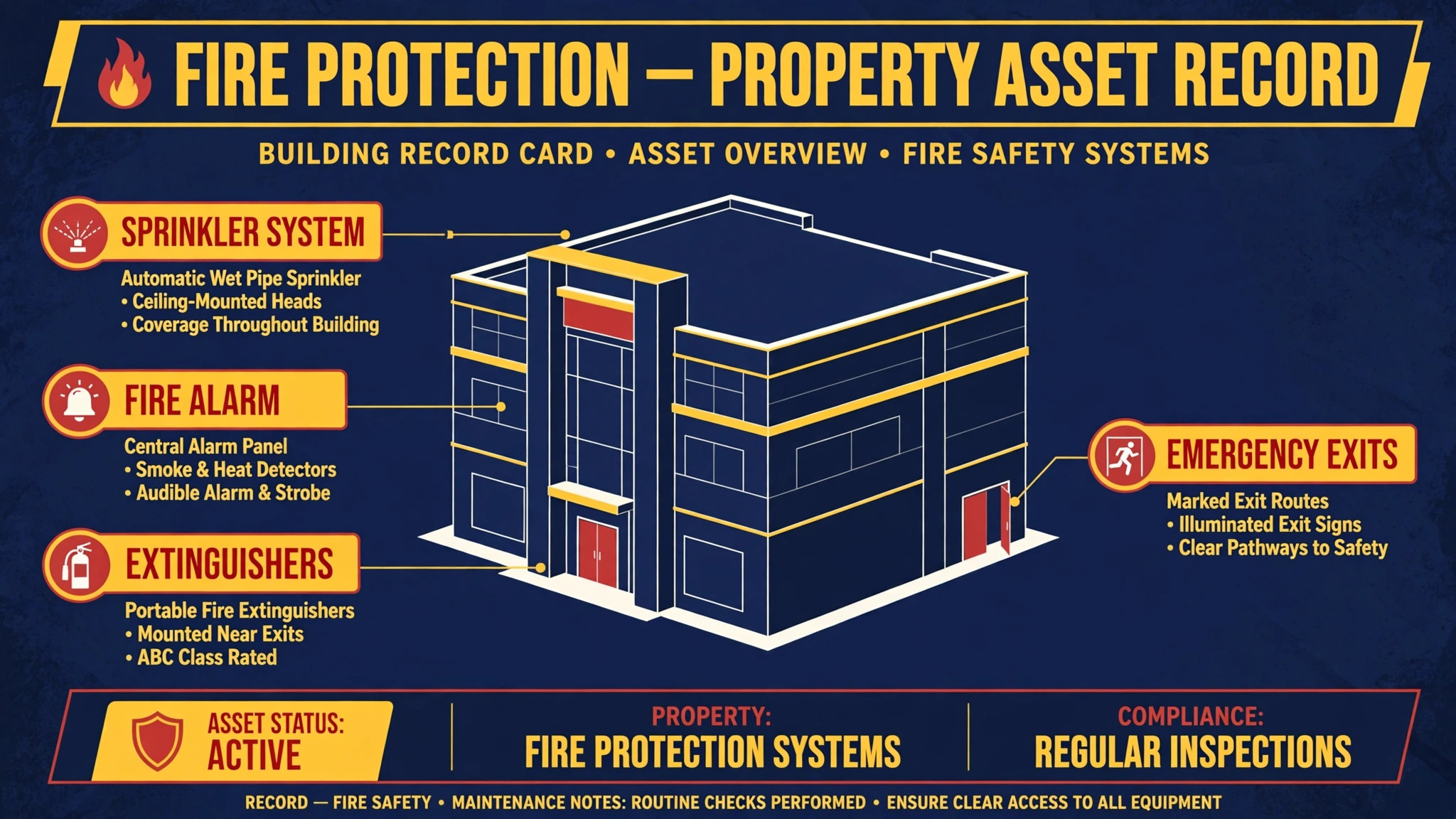
Create one record per property with every system, device type, install date and access note attached, plus the contract terms that set each inspection frequency. Map each system to its standard, NFPA 72 for alarms, NFPA 25 for sprinklers and NFPA 96 for kitchen suppression, and record any authority requirement that overrides the standard interval. AI can read old contracts and reports to draft these records, but a senior technician must verify the mapping before any schedule is generated from it.
Step 2. Generate the full year of due dates, not just the next visit
From the asset record, generate every due date for the next twelve months, including monthly, quarterly, semi-annual and annual items as separate jobs. Review the whole year for collisions, such as a week where one technician would need to cover three annual tests in different towns. AI can spot those collisions and suggest spreading the load, but the dispatcher decides which customer moves, because only the dispatcher knows which relationships can absorb a change.
Step 3. Match each job to a certified technician
Assign jobs by certification first, geography second and availability third. A fire alarm annual test needs a technician with the right NICET level, a backflow test needs a backflow-certified tech, and a suppression job needs manufacturer training for that system. AI can filter the roster to the technicians who qualify and propose the shortest route, while the dispatcher checks fatigue, vehicle stock and whether the tech has visited that building before.
Step 4. Confirm access before the truck rolls
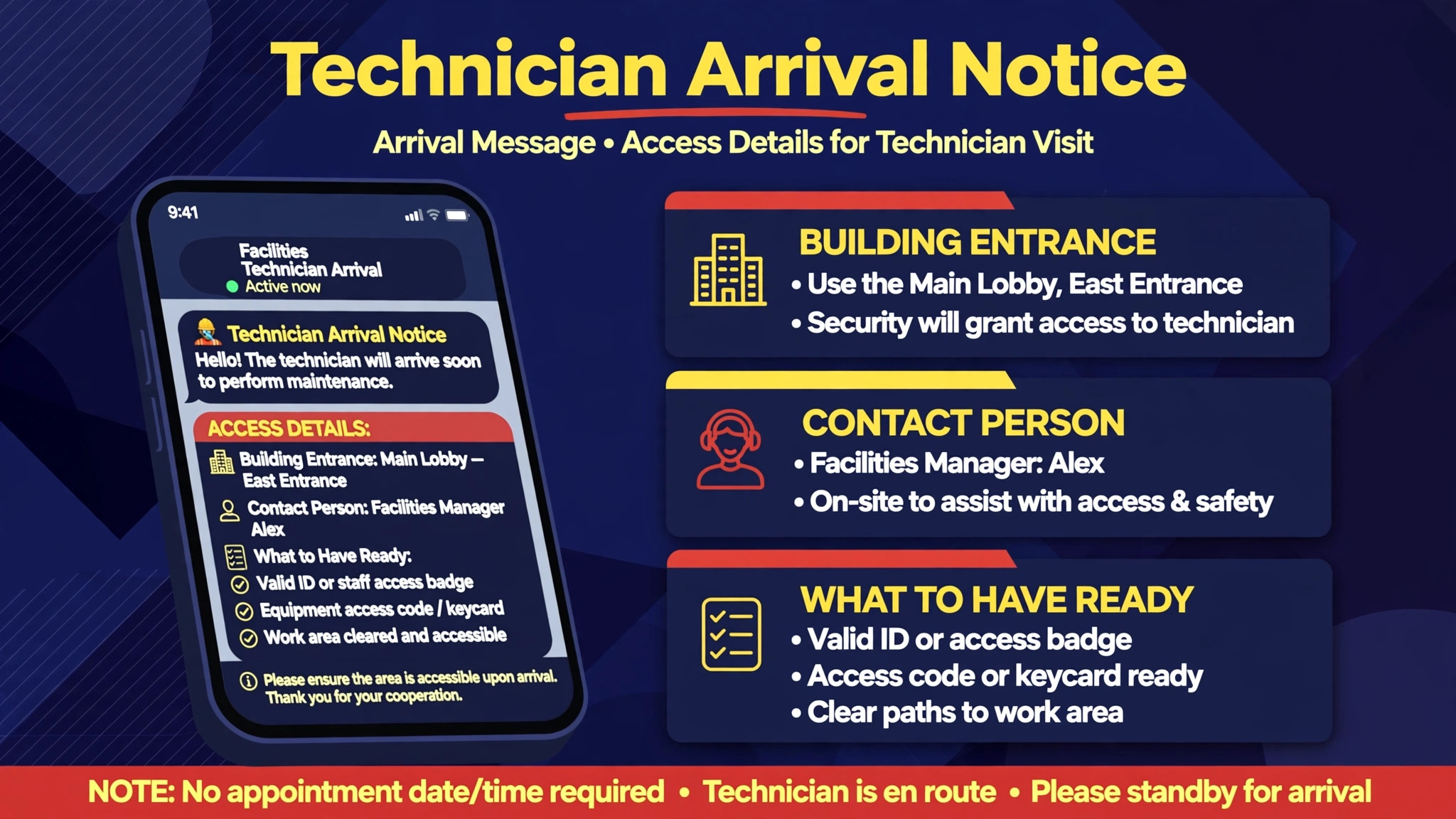
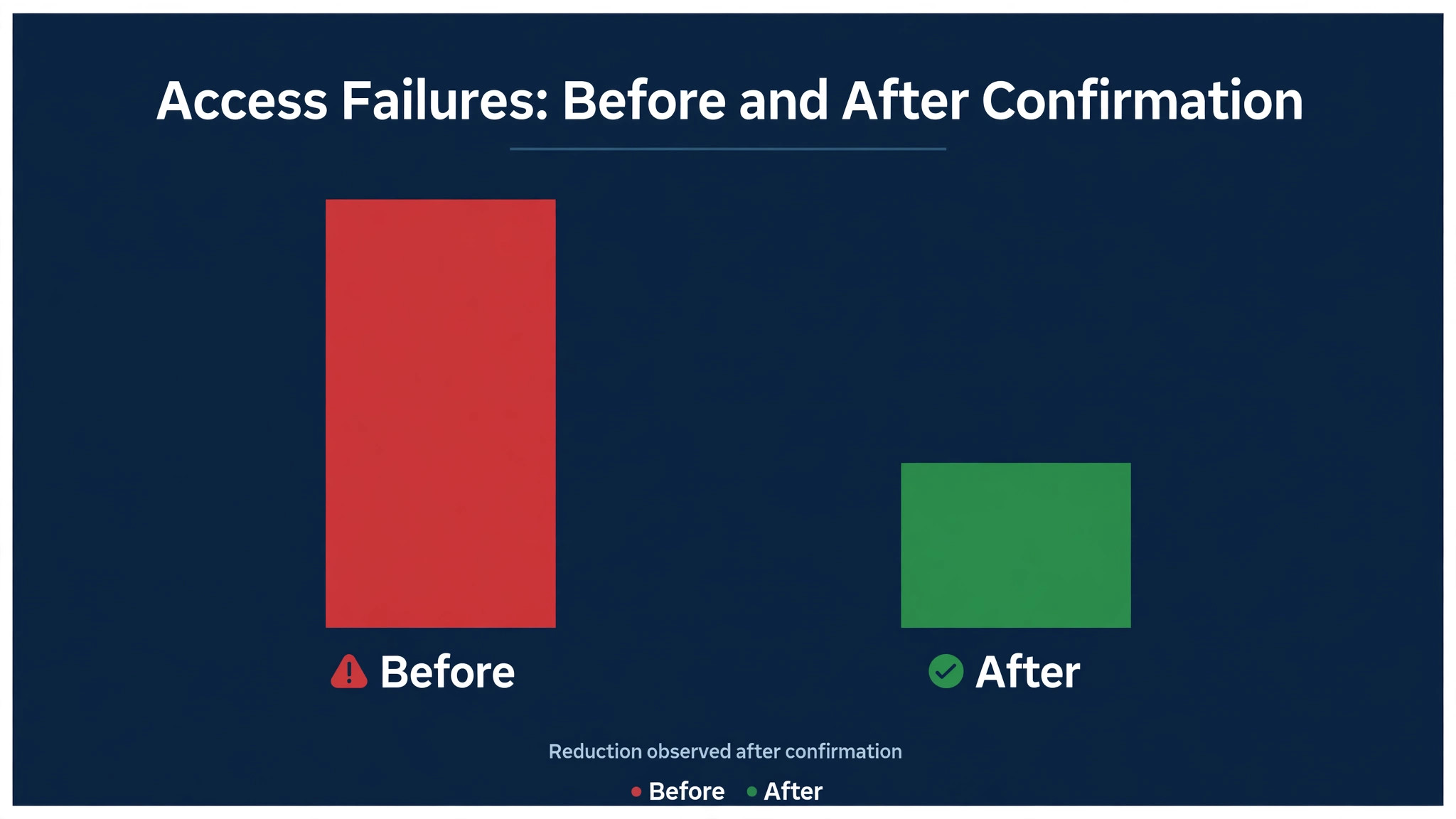
Send an access request two weeks out, a confirmation three days out and an arrival window on the day, each naming the contact, the access procedure and the systems to be tested. Collect gate codes, alarm panel codes handling rules and escort requirements in advance, and store them on the property record for next time. An access failure wastes a certified technician’s morning and pushes a compliance date, so this step deserves more attention than any other.
Step 5. Run the visit from the device list, not from memory
The technician works through the device list for that system, records pass, fail and deficiency against each asset, and photographs nameplates and deficiency conditions where the report requires it. AI can turn spoken or shorthand site notes into clean report language after the visit, but the technician must confirm every deficiency line before the report is sent, because the report becomes the customer’s compliance record.
Step 6. Close the loop on deficiencies the same week
A deficiency is not closed when it is written down. It is closed when the customer approves the repair, the repair is scheduled, and the retest is booked. AI can draft the deficiency summary in plain language, with the risk stated honestly and the repair options priced, while office staff track approval and book the follow-up. Review open deficiencies every Monday, and escalate any that pass 30 days without a customer decision.
Step 7. Set the next due date the day the report is signed
The moment a report is signed, calculate the next due date for that system from the completion date and the required interval, and place it on the calendar immediately. Do not leave next scheduling to a month-end review, because that is how quarterly tests quietly become overdue. AI can calculate and propose the next date, and the dispatcher confirms it against the customer’s preferred season and the technician’s route.
Step 8. Run a weekly overdue and at-risk review
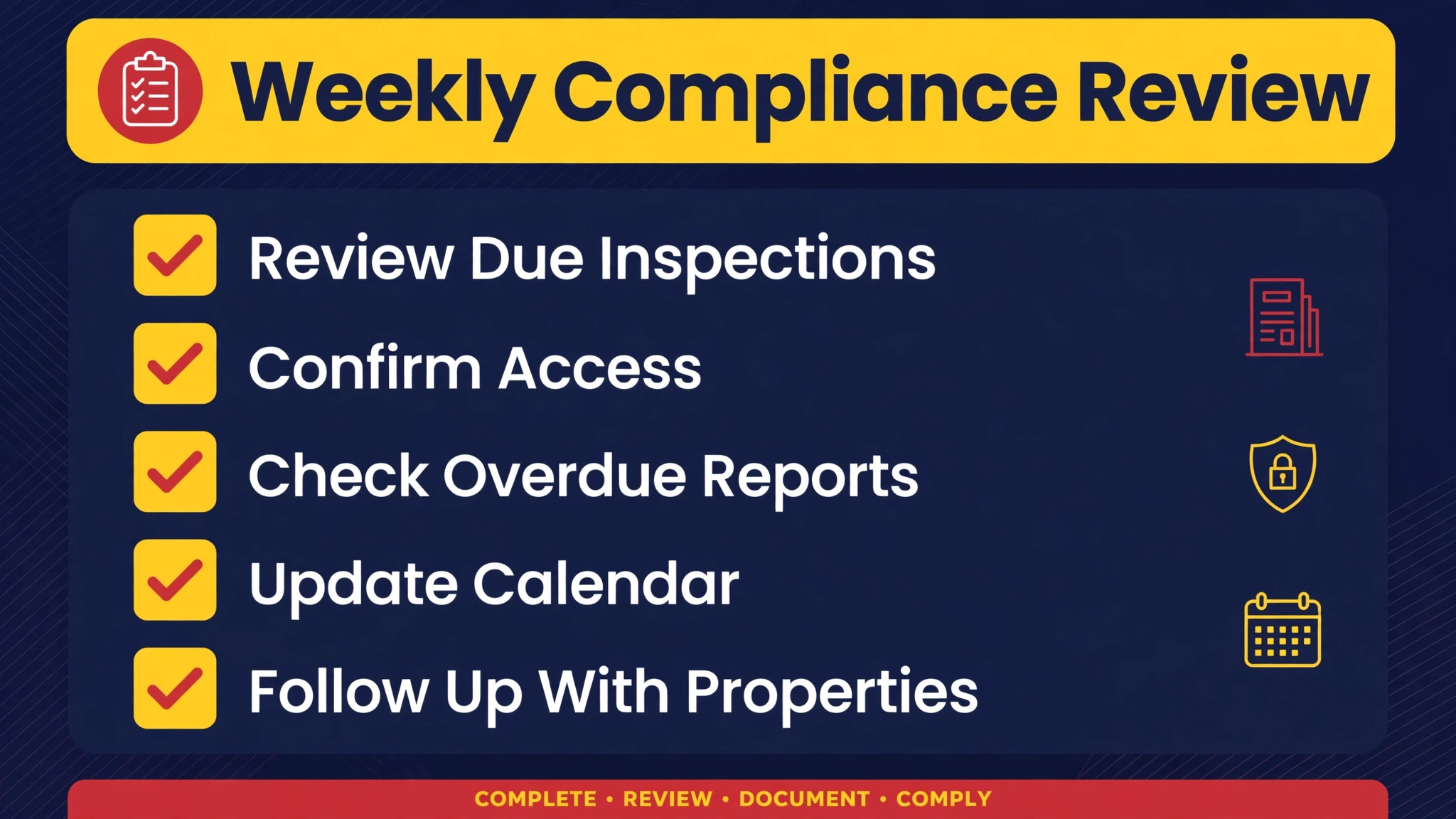
Every week, review three lists, namely jobs due in the next 30 days, jobs with no confirmed access, and jobs already past due. Escalate past-due jobs to a manager the same day, with a customer call, not just another email. AI can prepare the review pack, ranking jobs by compliance risk and days overdue, so the meeting spends its time on decisions rather than on hunting for data.
The inspection-scheduling compliance checklist
Run this checklist in full the first time, then run it as a weekly habit. use AI for fire protection inspection scheduling is only as strong as its weakest step, and a checklist is how a busy team keeps the weak step visible instead of forgotten.
- Property record complete, with every system, device type and install date attached to the right building.
- Each system mapped to its standard and interval, with authority requirements recorded where they override the standard.
- Full twelve month calendar generated, with collisions reviewed and spread by the dispatcher.
- Every job matched to a technician holding the required certification for that system type.
- Access request sent two weeks out, confirmation three days out, and arrival window sent on the day.
- Device list used on site, with deficiencies recorded against the correct asset and photographs attached.
- Deficiency summary sent within two working days, with repair options and a follow-up booking offered.
- Next due date calculated and calendared the day the report is signed, not at month end.
- Weekly review held over jobs due in 30 days, jobs without confirmed access, and jobs past due.
- Past-due escalation rule written, with a manager call to the customer on the day a job goes overdue.
Copy this list into your task system, assign one owner per item, and review it together each week. A checklist nobody owns is a poster, not a workflow, and the difference shows up in the first month.
Messages that get access confirmed on time
The messages below are starting points, not scripts to copy blindly. Adapt each one with a real detail from the record, a real date and a real name, and keep the tone close to how your team actually speaks. A message that sounds like your team will be answered. A message that sounds like a system will be ignored.
The first message should confirm, not sell. Name the person, name the booking or visit, and give one clear next step with a reply route that works. Keep it under four short sentences, because a long message on a phone screen is a message that gets saved for later and then forgotten.
The second message should add value from the real record. Mention the last visit, the last class or the last conversation, and add one useful detail the recipient did not have, such as a date, a preparation note or a choice between two options. Value is what earns the next reply, and a message with no new information earns nothing.
The third message should make deciding easy. Restate the choice plainly, name the deadline honestly, and offer help with the decision rather than pressure to decide. If the recipient has a concern, this is the message that surfaces it, so end with a question that is easy to answer in one line.
The final message should close the loop with respect. Thank the person, state what happens next, and leave the door open with a real route back. A respectful close-out protects the relationship for the next cycle, and many lost bookings return months later to the business that closed gracefully.
What a missed inspection really costs a customer
Measure four numbers weekly, namely response rate, conversion or completion rate, overdue rate and time from first contact to decision. use AI for fire protection inspection scheduling should move at least two of those four within a month, or the workflow needs a timing change before it needs a tool change. Do not measure message volume, because sending more messages is easy and means nothing on its own.
Compare the new numbers with the same period before the workflow, not with another business, because seasons, prices and local competition differ too much for outside comparison to help. A guide such as estimating software for roofing contractors makes the same point for its own niche, where the honest baseline is your own past performance, measured the same way every week.
| Measure | What good looks like | What to change first |
|---|---|---|
| Response rate | Rising week on week | Message timing and first line |
| Overdue rate | Falling toward zero | The record step, not the message step |
| Decision time | Shorter, without more chasing | The clarity of the next step |
What the first inspection year teaches a firm
Bundling is one of the quiet wins in this workflow. A property that needs a sprinkler test, a backflow certification and an alarm test in the same quarter should get one coordinated visit where certification allows, rather than three separate truck rolls. AI can surface bundling opportunities by comparing due dates across systems on the same property, but the dispatcher must check that the assigned technician holds every certification the bundled visit requires. A bundled visit that arrives without the right certification wastes more time than three separate visits.
Route density matters as much as certification, because a technician who spends half the day driving completes fewer inspections and arrives tired at the last building. Group jobs by geography within each week, keep emergency capacity open rather than booking every hour, and review drive time as a weekly metric alongside completion rate. AI route suggestions are useful here, but they must respect access windows, such as schools that cannot be tested during class hours and hospitals with strict escort rules.
Customer communication is a compliance tool, not a courtesy. A property manager who understands why a quarterly test cannot slip is far more likely to grant access and approve a repair than one who sees only an invoice. Use plain language in every notice, name the system, the standard and the due date, and explain what happens if the date passes. AI drafts can keep that language consistent across hundreds of customers, while the dispatcher adds the personal line that shows a human read the file.
Finally, treat the report as the product, not the paperwork after the product. The customer, the authority and the insurer all judge your company from that document. A report that names the right building, the right system, the right devices and the right deficiencies, delivered on time, is what earns the renewal. Build the workflow backwards from that report, and every earlier step, from the asset record to the access confirmation, will fall into place.
Getting the schedule straight in the first fortnight
Week one starts with an audit, not a purchase. List every active customers, every open date and every promise that is currently tracked only in someone’s head or inbox, then move that list into one shared record with one owner. Write the rules for timing, channel and escalation on a single page, and get the whole team to agree them before any message goes out. An audit like this usually takes a day, and it prevents the most common failure, which is automating a messy list and then blaming the tool for messy results.
In the second half of week one, draft the templates and test them on real records. Pick five past cases that cover the normal range, from the easy win to the awkward exception, and draft every message for those cases by hand first. Then let the AI draft the same messages and compare the two sets side by side, keeping whatever is clearer and discarding whatever sounds generic. This comparison teaches the team what good input looks like, and it builds trust that the AI drafts will be checked rather than sent blind.
Week two is a pilot with a small group, not a launch to the whole list. Choose one segment, such as one class, one route, one month of renewals or one recall group, and run the full workflow for that segment only. Watch reply rates, watch complaints, and watch the time staff spend on review, because a workflow that saves an hour of drafting but costs two hours of fixing has not saved anything. Meet at the end of the pilot week and decide one change, not ten, so the effect of that change can actually be seen.
The most common pilot fixes are timing, channel and record gaps. A message sent at the wrong hour gets ignored, a message sent on the wrong channel never arrives, and a message built from a missing record field looks careless. Fix those three before you touch wording, because wording rarely causes a failed pilot. Also check the edge cases the pilot revealed, such as a duplicate record, a family with two contacts, or a customer who opted out on one channel but not another, and write a rule for each one.
Week three is the full rollout, and it should feel boring rather than exciting. Move the remaining segments onto the workflow one at a time, keep the weekly review meeting, and publish a one page monthly report showing response rate, overdue rate and decision time. Boring is the goal, because a workflow that only works when someone is excited about it will stop working in the first busy month. A workflow that runs quietly, with a named owner and a weekly review, will still be running next year.
Keep one rule above all others through the rollout. No message goes out without a named human approving it, no record stays in a private inbox, and no overdue item waits for the month-end meeting. Those three habits cost minutes a week, and they are what keep the workflow honest when the team is busy and the season is at its peak.
Frequently Asked Questions
Which standard sets the inspection frequency?
It depends on the system. NFPA 72 covers fire alarm and signaling systems, NFPA 25 covers water-based systems such as sprinklers, and NFPA 96 covers kitchen suppression. Your schedule must follow the standard for each system on the property, plus any local authority requirement that is stricter. When in doubt, record the authority requirement on the property record so the stricter rule wins automatically.
How far ahead should inspections be scheduled?
Generate the full year in advance and confirm access in the two weeks before each visit. A year view reveals route collisions and busy seasons early, while a short view hides them until it is too late to move a customer gracefully. Confirming access two weeks out still leaves time to reschedule without breaking a compliance date.
Can AI schedule inspections without a dispatcher?
No, and a company that lets it will regret it. AI is strong at spotting collisions, drafting notices and ranking risk, but it cannot judge a customer’s flexibility, a technician’s fatigue or a building’s access quirks. Keep a dispatcher approving routes and sends, and let AI prepare the decisions rather than making them.
What happens when a customer denies access?
Record the failed access the same day, notify the customer in writing that the compliance date is now at risk, and offer two new dates within the allowed window. If the window closes, escalate to a manager call and keep the written record. A polite paper trail protects both the customer and your company if an authority later asks what happened.
How should deficiencies be tracked after the visit?
Track each deficiency as its own item with an owner, a customer decision state and a retest date, not as a line buried in a report. Review open deficiencies weekly and escalate anything without a customer decision after 30 days. A deficiency that is found but never repaired is worse than one never found, because the company knew and the record proves it.
Do small fire protection companies need inspection software?
A small company needs the discipline more, not less, because one dispatcher often carries the whole calendar in memory. Even a simple system that holds property records, due dates and deficiency states will prevent the missed quarterly test that a memory-based calendar eventually allows. Start with records and due dates, then add routing and reporting.
The verdict for fire protection companies
The verdict stands. AI should make your compliance calendar visible, your notices faster and your risk ranking sharper, while a dispatcher keeps control of routes, certifications and customer promises. A company that runs this workflow will miss fewer dates, close deficiencies faster and renew more contracts, because customers stay with the company whose reports always arrive on time. use AI for fire protection inspection scheduling is a discipline before it is a technology, and the discipline is a clean record, a clear rule and a message approved by a human.
Start with the asset record and the twelve month calendar, then add the weekly review before you add any further automation. If overdue jobs fall to zero and stay there for a quarter, the system is working. If they do not, fix the record or the access step before buying another tool, because those two steps cause most missed dates. For a neighbouring view on keeping customers close, see route scheduling for mobile pet groomers and scheduling software for mobile pet groomers, which cover the same habit of noticing drift early and acting on it personally.