

A creator has three video ideas ready, a script written, and no time to set up lights, camera, and sound before the day ends. The ideas wait, the channel goes quiet for a week, and the audience drifts to a creator who posts every day. That missing camera time is the everyday problem behind this guide, and the best ai avatar generators for content creators exist to turn a script into a finished video without a studio.
An avatar is not a replacement for a creator. It is a way to publish when the camera is not possible, when the voice is tired, or when the video needs to exist in five languages by tomorrow. A good avatar looks like the creator, moves like a person, and speaks the script clearly enough that the audience watches the idea instead of the technology. A bad avatar distracts, mispronounces, and makes the channel look cheap.
This guide compares ten generators on what they do for a creator with a real channel, real scripts, and a real posting schedule. Prices in this guide are the vendor list prices as published in November 2026. The goal is video that ships on time and still feels like you.
Why a Creator Runs Out of Camera Time
A creator runs out of camera time because filming is the slowest part of the job. Writing a script takes an hour, editing takes two, and filming takes a whole afternoon once the lights, the sound, the background, and the retakes are counted. A creator with a day job, a family, or a second channel cannot film every day, and the posting schedule is the first thing to slip.
The second strain is the language barrier. A creator whose audience spans three countries needs the same video in three languages, and recording each one means three filming sessions, three voice sessions, and three edits. An avatar that translates the script and speaks it in another language with the same face turns one filming session into three finished videos.
The third strain is the update. A tutorial recorded six months ago needs a new price, a new step, or a new warning, and refilming the whole video for one changed line is a waste of a day. An avatar video can be updated by editing the script and re-rendering the changed lines, which turns a day of refilming into ten minutes of editing.
What an Avatar Has to Do Before It Carries Your Face
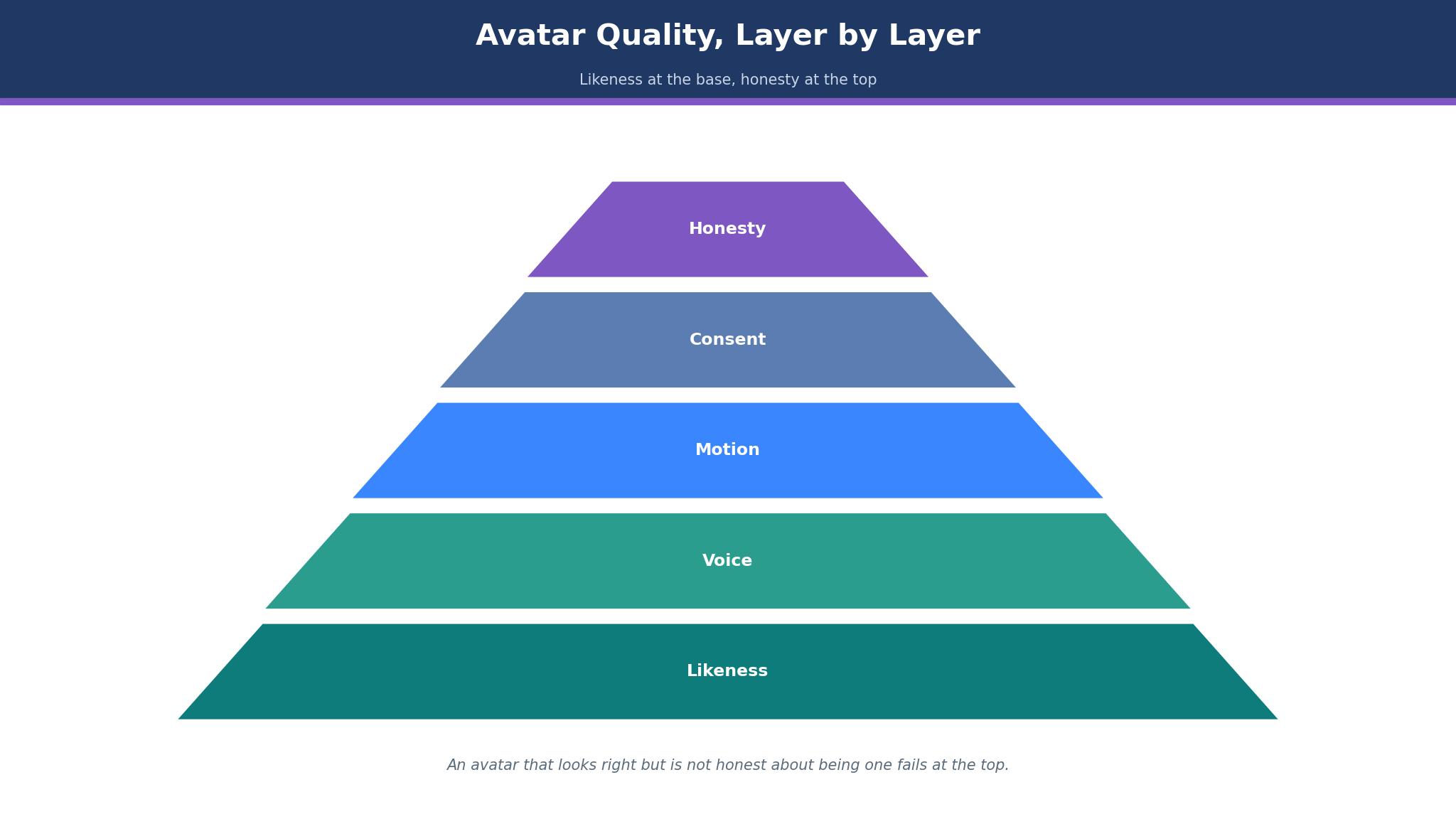
An avatar has to pass three tests before it carries your face. First, it has to look like you. The likeness should be close enough that a regular viewer recognises you in the first second, without the face looking waxy, the eyes looking wrong, or the mouth moving out of time with the words. A viewer who notices the technology instead of the idea will not finish the video.
Second, it has to sound like you. The voice should carry your pace, your pauses, and your emphasis, or at least a clear, natural voice that fits the channel. A flat, robotic voice will make even a good script feel dull, and a voice that mispronounces your key terms will make the channel look careless.
Third, it has to be honest. The audience should know when they are watching an avatar, and the creator should have consented to the likeness being used. From August 2026, European rules require deployers to tell people when they are exposed to an AI-generated face, and a creator who hides the avatar risks more than a bad comment. The tools on this list are ranked on likeness, voice, and the consent controls they offer.
The 10 Tools at a Glance
The table below gives the short version of the best ai avatar generators for content creators. Each price is a starting price on monthly billing unless stated, and the main job column states what each generator is built to do first.
| Tool | Main job | Best for | Starting price |
|---|---|---|---|
| HeyGen | Realistic avatars with translation | Creators who localise video | $29 per month |
| Synthesia | Stock avatars for training video | Creators who make structured explainers | $29 per month |
| D-ID | Photo animation and agents | Creators who animate photos cheaply | $5.90 per month |
| Colossyan | Interactive training avatars | Creators who make course video | $59 per month |
| Elai.io | Simple presenter video | Solo creators who want simple minutes | $29 per month |
| Vidnoz | Free avatar video with templates | Creators who want a free start | Free, paid plans on the vendor site |
| DeepBrain AI Studios | Conversational avatars | Creators who need live avatars | $24 per month |
| Wondershare Virbo | Talking avatars for marketing | Creators who make promo video | From $19.99 per month |
| VEED | Editor with AI avatars | Creators who edit and avatar in one place | Free, Lite from $24 per user per month |
| Hedra | Character video with expression | Creators who want expressive characters | Free, Basic from $10 per month |
Best Pick by Job
The table below matches each creator pattern to a first pick and a backup from the best ai avatar generators for content creators, so a solo YouTuber and a course maker can each see their own answer at once.
| Job type | First pick | Second tool | Why this pair works |
|---|---|---|---|
| Creator who posts in many languages | HeyGen | Synthesia | HeyGen translates with your face and Synthesia covers structured lessons |
| Creator on the smallest budget | D-ID | Hedra | D-ID starts cheapest and Hedra adds expression for free |
| Course maker who needs lessons | Synthesia | Colossyan | Synthesia builds clean lessons and Colossyan adds interactivity |
| Creator who edits everything in one tool | VEED | Vidnoz | VEED edits and avatars together and Vidnoz gives a free start |
| Creator who makes promo video | Wondershare Virbo | DeepBrain AI Studios | Virbo makes fast promos and DeepBrain adds live avatars |
How to Choose the Best AI Avatar Generators for Content Creators
Choosing starts with your own face and voice, because the test is personal. Record a one-minute script, the kind you actually publish, and render it in each candidate tool. The best ai avatar generators for content creators differ most on how the result looks and sounds on your own material, and a tool that flatters a stock presenter may fail on your face.
Then check the metering, because every tool on this list charges differently. HeyGen sells credits, Synthesia sells credits that map to minutes, and D-ID sells minutes, so the cheapest headline can be the most expensive at your volume. Work out your cost per finished minute at your real output, including revisions, because a video that needs three renders costs three times the headline rate.
Finally, check the consent and disclosure controls. A tool should let you prove the avatar is yours, watermark or label the output where required, and stop anyone else from cloning your face. A creator who skips this check risks their likeness being used without permission, and that risk is worth more than any price difference.
The 10 Tools in Detail
1. HeyGen
HeyGen leads this list on realism and translation, with more than 700 stock avatars on paid plans and 175 translation languages. A creator can build a digital twin from a photo or a short video, then render the same script in several languages with the same face and a matching voice. Creator costs $29 a month, or $24 on annual billing, for 600 credits, and the free plan covers three videos a month.
The weak point is the credit system. Avatar IV, the best-looking model, burns credits faster than the older engines, so a creator who renders often will use the allowance fast. The per-minute cost is hard to pin down from the pricing page, and unused credits roll over, which helps, but the metering still needs watching.
It suits a creator who publishes in more than one language or needs the most realistic face on this list. For that creator, the translation quality and the lip sync are worth the credit math.
Test it by rendering your most recent script in your own language and in one more language your audience speaks, then showing both to a viewer who speaks that language. If they understand the second video and recognise you in it, HeyGen has done its job, and if the lip sync looks wrong, try a shorter script.
2. Synthesia
Synthesia is the structured explainer tool, built for creators who make lessons, explainers, and training videos. It offers more than 125 stock avatars, 160-plus languages, and a clean slide-based editor that turns a script into a video with scenes, text, and media. Starter costs $29 a month, or $18 on annual billing, for about 22 minutes, and the free plan is watermarked.
The catch is the cost per finished minute, which is the highest among the simple tools here, and the credit metering that makes revisions expensive. Personal avatars start on the Pro plan, so a creator who wants their own face on the Starter plan will be disappointed, and the tool is built for corporate training as much as for creators.
It suits a creator who makes structured, repeatable explainers and wants a polished, consistent result. For that creator, the scene editor and the language range are the whole point.
Try it by building one lesson from your most popular topic, with three scenes and a quiz-style ending, then timing how long the build took and how many credits it used. If the lesson looks professional and the cost per minute is acceptable, Synthesia fits your channel.
3. D-ID
D-ID is the cheapest entry on this list, with Lite at $5.90 a month, or about $4.70 on annual billing, and a 14-day trial. It animates photos into talking heads, builds conversational agents, and offers an API for developers who want a live face in their own product. For a creator who wants to test avatar video without a real budget, D-ID is the place to start.
The downside is the minute accounting, which is strict on the low plans, with Lite covering only 10 minutes a month and a watermark on lower tiers. The avatars are expressive but the range of stock presenters is smaller than HeyGen or Synthesia, and the higher plans jump in price fast.
It suits a creator who animates photos, tests ideas cheaply, or builds a conversational agent. For that creator, the low entry price is the whole argument.
Test it by animating one photo with a thirty-second script, then showing it to three viewers and asking whether the face looked natural and the voice matched. If the viewers accept the face and the price stays low, D-ID is your cheap start.
4. Colossyan
Colossyan is the course tool, built for creators who make training video with quizzes, branching, and SCORM export to a learning system. It offers more than 300 avatars on all plans, 120-plus languages, and interactive video that lets the viewer choose a path. Professional costs $59 a month on annual billing, and the free plan covers 20 minutes a month.
The trade-off is the price and the focus. Colossyan is built for learning teams, so a creator who makes short social video will pay for SCORM and branching they never use. The monthly-billed price is not published, so a buyer on monthly billing cannot budget from the website.
It suits a creator who sells courses and needs the video to work inside a learning system. For that creator, the SCORM export and the interactive features are worth the $59.
Evaluate it by building one lesson with a quiz and a branch, exporting it to your learning platform, and checking that the results come back correctly. If the export works and the learners finish the lesson, Colossyan has earned its fee.
5. Elai.io
Elai.io is the simple presenter tool, with a slide-based editor that feels like a presentation app and a URL-to-video feature that turns a page into a clip. It offers more than 80 avatars, 75-plus languages, and a Creator plan at $29 a month, or $23 on annual billing, for 15 minutes. The free plan covers one minute a month.
The flaw is the minute limit, with only 15 minutes on Creator, and the lack of conversational avatars. The tool is simple, which is a strength for a solo creator, but a creator who needs interactive video or a large library will outgrow it fast.
It suits a solo creator who wants to turn slides or a link into a presenter video with the least fuss. For that creator, the simple minute pricing and the slide editor are the whole point.
Try it by turning one of your blog posts into a video with the URL feature, then checking whether the result reads like your post and sounds natural. If the video is ready in under an hour and the minutes used are acceptable, Elai fits your workflow.
6. Vidnoz
Vidnoz is the free start on this list, with a generous free tier, templates, and a wide range of avatar styles. A creator can make a first avatar video without paying, test the format with their audience, and only upgrade when the volume grows. The paid plans sit on the vendor site, and the tool covers talking avatars, templates, and quick edits.
The limit is the quality ceiling. The free avatars look good in a template but the realism trails HeyGen, and the metering moved to credits, so the cost at volume needs checking. The tool is newer and less proven for professional work than the leaders here.
It suits a creator who wants to test avatar video for free before spending anything. For that creator, the free tier is the whole argument.
Test it by making three videos on the free tier, one for each of your most common formats, then showing them to your audience and asking whether they would watch a second one. If the answer is yes, the format works, and the paid plan is a decision about volume, not about quality.
7. DeepBrain AI Studios
DeepBrain AI Studios, also known as AI Studios, is the conversational pick, with live avatars that can talk to a viewer in real time. A creator can build a virtual presenter, a customer-facing agent, or a training host that answers questions as they come. Personal plans start from $24 a month, and the free plan covers three short videos.
The snag is the complexity. A live avatar needs more setup than a recorded one, and the cost per minute is higher than the simple tools. A creator who only needs recorded video will pay for live features they never use, and the avatar range is narrower than HeyGen.
It suits a creator who needs a live, conversational face, like a virtual host or a support agent. For that creator, the real-time avatar is the feature that matters.
Judge it by building one conversational avatar that answers five questions about your channel, then testing it with five visitors. If the avatar answers well and the visitors stay engaged, DeepBrain has done its job.
8. Wondershare Virbo
Wondershare Virbo is the marketing pick, built for creators who make promo video, ads, and product clips fast. It offers talking avatars, templates, and a simple editor that turns a script into a finished promo in minutes. Plans start from $19.99 a month, and the tool sits inside the Wondershare family, so a creator on Filmora will find it familiar.
The part to weigh is the depth. Virbo is built for short promo video, not for long lessons or deep training, and the avatar realism trails HeyGen. A creator who needs long-form explainers will outgrow it, and the voice range is narrower than the leaders.
It suits a creator who makes short promo video and ads and wants them fast. For that creator, the templates and the speed are the whole point.
Try it by making three promos for your next launch, each under a minute, and timing how long each took from script to finished video. If the promos are ready in an afternoon and the cost stays low, Virbo fits your launch workflow.
9. VEED
VEED is the editor with avatars built in, and its strength is that a creator can edit, caption, and avatar in one place. The AI avatars sit beside the timeline, the subtitles, and the templates, so a creator who already edits in VEED can add an avatar scene without opening another tool. The free plan covers the basics, and Lite starts from $24 per user per month.
The honest drawback is that the avatars are a feature, not the product, so the range and the realism trail the dedicated tools. A creator who needs the best face or the widest language range will find VEED thinner, and the per-user pricing adds up for a team.
It suits a creator who already edits in VEED and wants an avatar scene inside the same timeline. For that creator, the single tool is worth the trade-off in realism.
Evaluate it by building one video that mixes your real footage with one avatar scene, then showing it to your audience and asking whether the avatar scene felt natural. If the mix works and the edit stayed in one tool, VEED has done its job.
10. Hedra
Hedra is the expressive character tool, built for creators who want avatars with strong expression, movement, and personality. Its Character-3 model gives the face more life than a standard presenter, which suits a creator who makes character-driven video, storytelling, or entertainment. The free tier covers the basics, and Basic starts from $10 a month.
The thing to watch is the newness. Hedra is newer than the leaders here, and the tool is built for character video rather than corporate training, so a creator who needs SCORM, compliance, or a large stock library will find it thin. The pricing and the limits need checking as the product grows.
It suits a creator who makes expressive, character-led video and wants a face with more life. For that creator, the expression is the feature that matters.
Test it by making one character video with strong emotion, like excitement or surprise, and showing it to your audience. If the expression reads clearly and the viewers react to the character, Hedra has done its job.
A Production Week That Ships Video Without a Studio
A good production week has a shape. Monday is for the scripts, when the creator writes the three videos for the week in one sitting, keeping each script short and spoken, not written for reading. Tuesday is for the renders, when the avatar videos are built in the tool, with the voice, the face, and the captions checked on the first render of each one. The best ai avatar generators for content creators all promise fast renders, yet the test is whether the first render is good enough to publish.
Wednesday is for the edits, when the rendered videos are cut, captioned, and checked for mispronunciations and wrong names. Thursday is for the publish, when the videos go out on schedule, with the disclosure that an avatar was used where the rules require it. Friday is for the numbers, when the creator checks which video held the audience longest and writes the next week’s scripts around that finding.
The week works because the avatar removes the filming bottleneck, not the thinking. A creator who writes well and renders fast will post more often, and a creator who posts more often will learn faster what the audience wants. The tool is the shortcut, and the script is still the work.

Avatar Mistakes That Break Trust With an Audience
The first mistake is hiding the avatar. An audience that discovers the face on screen is not real, without being told, will feel tricked, and the trust that took years to build can break in one video. Tell the audience when an avatar is used, in the video and in the description, and the honesty will protect the channel.
The second mistake is the uncanny face. An avatar that almost looks real but moves slightly wrong is more unsettling than one that clearly looks generated, and the audience will watch the face instead of the idea. Pick the tool whose avatar looks most natural on your own face, and test it on real viewers before you publish. The third mistake is the mispronounced name, which is an avatar saying your product, your guest, or your place name wrong. Check every proper name in the script, and fix the pronunciation before the render, because a wrong name in a published video is hard to take back.
The fourth mistake is the credit surprise. A creator who renders a video three times to fix small errors will pay three times, and the monthly bill can double without warning. Render short test clips first, fix the script, and only then render the full video, so the credits are spent on the final version, not on the drafts.
Frequently Asked Questions
Do I need to tell my audience when I use an avatar?
Yes, and from August 2026 the European rules require it for AI-generated faces. The best ai avatar generators for content creators include disclosure tools, yet the habit matters more than the tool. Say it in the video, say it in the description, and the audience will trust you more, not less, for being open about it.
Can someone else clone my face with these tools?
The reputable tools require consent and a verification step before they will build a digital twin of a real person. A creator should still check the vendor’s consent policy, keep the verification on file, and report any unauthorised clone at once. A tool without a consent check is a tool to avoid, whatever its price.
How much does avatar video cost per finished minute?
The cost runs from about $1.50 to $4 per finished minute for a small creator, after revisions, with the cheapest tools at the low end and the enterprise suites at the high end. The number that matters is the cost after revisions, because a video that needs three renders costs three times the headline rate, so render short tests first.
Is an avatar video as good as a real video for my channel?
For explainers, lessons, and updates, an avatar video can match a real one when the script is strong and the avatar looks natural. For personal stories, reactions, and anything where the audience wants to see you, a real video still wins. Use the avatar for the videos where the idea matters more than the face, and film yourself for the ones where the face is the point.
Which tool is best for YouTube Shorts and TikTok?
HeyGen and Virbo are the strongest for short-form video, because both handle vertical formats, fast renders, and short scripts well. D-ID and Hedra also work for short clips, and the test is the same, which is whether the avatar looks natural in nine seconds on a phone screen. Render one short in each tool and compare them on your own phone.
Can I use my own voice with an avatar?
Yes, on the tools that support voice cloning, including HeyGen and Synthesia on their higher plans, and the clone needs your consent and a voice sample. A cloned voice should sound like you on your best day, not like a recording from a tired afternoon, so record the sample when your voice is fresh and check the result before you publish.
The Avatar Setup That Fits Your Channel
For most creators, HeyGen is the strongest first step, because the realism is the best on this list and the translation opens new audiences. A creator on a tight budget should start with D-ID, and a course maker should test Synthesia. A creator who edits in one place should try VEED, and a creator who makes short promos should test Virbo. The best ai avatar generators for content creators all render a face, yet the winner is the one that looks like you, sounds like you, and ships on your schedule.
Pick two tools, render your most recent script in both, and keep the one your viewers accept as you. That test takes a day, and it will tell you more than any demo.