

A customer waits three days for an answer to a simple question, and by the time the reply arrives the order has been cancelled, and that slow ticket is the problem the best ai ticketing tools are built to solve. A ticket is a promise with a clock, and a support team that cannot see its queue, its oldest tickets and its repeat questions will keep breaking that promise in the same way every week. The tool is not there to make the team type faster. It is there to answer the easy tickets automatically, route the hard ones to the right person, and show the manager where the queue is stuck.
The workflow runs in four steps. A request arrives by email, chat or form and becomes a ticket, the AI classifies it and suggests an answer or routes it, an agent resolves it with the full customer history in view, and the resolved ticket feeds a help centre article that answers the next customer before they write in. When any step is weak, the queue grows and the same question arrives ten times a day.
Zendesk leads this guide because it handles ticketing depth, many channels and AI agents at a scale no other tool here matches. Freshdesk follows for teams that want a full help desk without the Zendesk price tag, and the other eight cover budget, email-first work, ecommerce, IT service and European brands. All ten tools were live in November 2026 when this guide was researched, prices come from vendor pricing pages or from reports flagged in the text, and the live price should be checked before any purchase.
A Ticket Is a Promise With a Clock
A ticket ages visibly, and a customer who waits feels the wait in hours rather than in days. A team that answers in four hours looks fast, and a team that answers in two days looks absent, even when the answer is the same. The best ai ticketing tools in this guide were judged on whether they shorten the wait, with AI that drafts replies, suggests help centre articles and resolves the simplest tickets without a human touching them.
First response time is the number that matters most, because a customer who gets a useful answer in an hour will wait patiently for a fix, while a customer who hears nothing for a day will write again, call, and post publicly. The tools below were judged on whether they keep the first response fast even when the queue is full, because a queue that only moves when an agent is free is a queue that fails under load.
Per Seat, Per Ticket or Per Resolution
Help desk pricing splits three ways, and the split decides the bill more than the headline price does. Per-seat tools such as Zendesk, Freshdesk and Zoho Desk charge for every agent, so the bill grows with the team. Per-ticket tools such as Gorgias charge by monthly ticket volume, so the bill grows with demand. Per-resolution AI tools charge for each ticket the AI resolves, so the bill grows with automation success, and a team should read that meter carefully before turning the AI on.
Add-ons hide the real cost on every model. Freshdesk charges extra for its Freddy AI Copilot, Help Scout charges per AI resolution, and Zendesk charges per automated resolution on top of the seat price. The detail sections below call out the entry price for each tool, and a team should ask for the full monthly cost at its real ticket volume before signing, because the cheapest seat price is rarely the cheapest bill at real volume.
The 10 Tools at a Glance
| Tool | Main job | Best for | Starting price |
|---|---|---|---|
| Zendesk | Enterprise omnichannel support | Large support teams | From 19 dollars a month |
| Freshdesk | Accessible AI help desk | Most teams | From 19 dollars a month |
| Zoho Desk | Budget help desk | Zoho teams | From 7 dollars a month |
| Help Scout | Shared inbox and help centre | Small email-first teams | From 25 dollars a month |
| Gorgias | Ecommerce support | Online stores | From 10 dollars a month |
| HappyFox | Configurable ticketing | Mid-market teams | From 24 dollars a month |
| Jira Service Management | IT service and ticketing | IT teams | Free, Standard from 21.50 dollars a month |
| HubSpot Service Hub | Service inside the CRM | HubSpot teams | From 20 dollars a month |
| Dixa | Omnichannel for brands | Mid-market brands | From 89 euros a month |
| Intercom | Conversational support | Product-led teams | From 29 dollars a month |
Best Pick by Job
| Job type | First pick | Second tool | Why this pair works |
|---|---|---|---|
| Large support team | Zendesk | Freshdesk | Zendesk handles scale and Freshdesk adds value |
| Small team budget | Freshdesk | Zoho Desk | Freshdesk covers the basics and Zoho adds the lowest price |
| Email-first support | Help Scout | Freshdesk | Help Scout keeps the inbox calm and Freshdesk adds depth |
| Ecommerce support | Gorgias | Zendesk | Gorgias ties tickets to orders and Zendesk adds scale |
| IT service desk | Jira Service Management | Zendesk | Jira fits IT workflows and Zendesk adds customer service |
Start from where the customers actually reach you. A shop selling online needs order history inside every ticket, while an IT desk needs incident workflows and asset links, and a system that covers both halves halfway still fails the team on the work it does all day. Pick the tool that fits the busiest channel first, and keep the other one ready as the backup for the cases the first cannot handle.
The price question answers itself the same way. A team of five can run Zoho Desk or Freshdesk for under 100 dollars a month, because the per-agent price stays low at that size. A team of fifty needs to count seats honestly, and a per-ticket tool can suddenly look cheap. The best ai ticketing tools are judged on the bill at real ticket volume, not on the entry price.
How to Judge the best ai ticketing tools
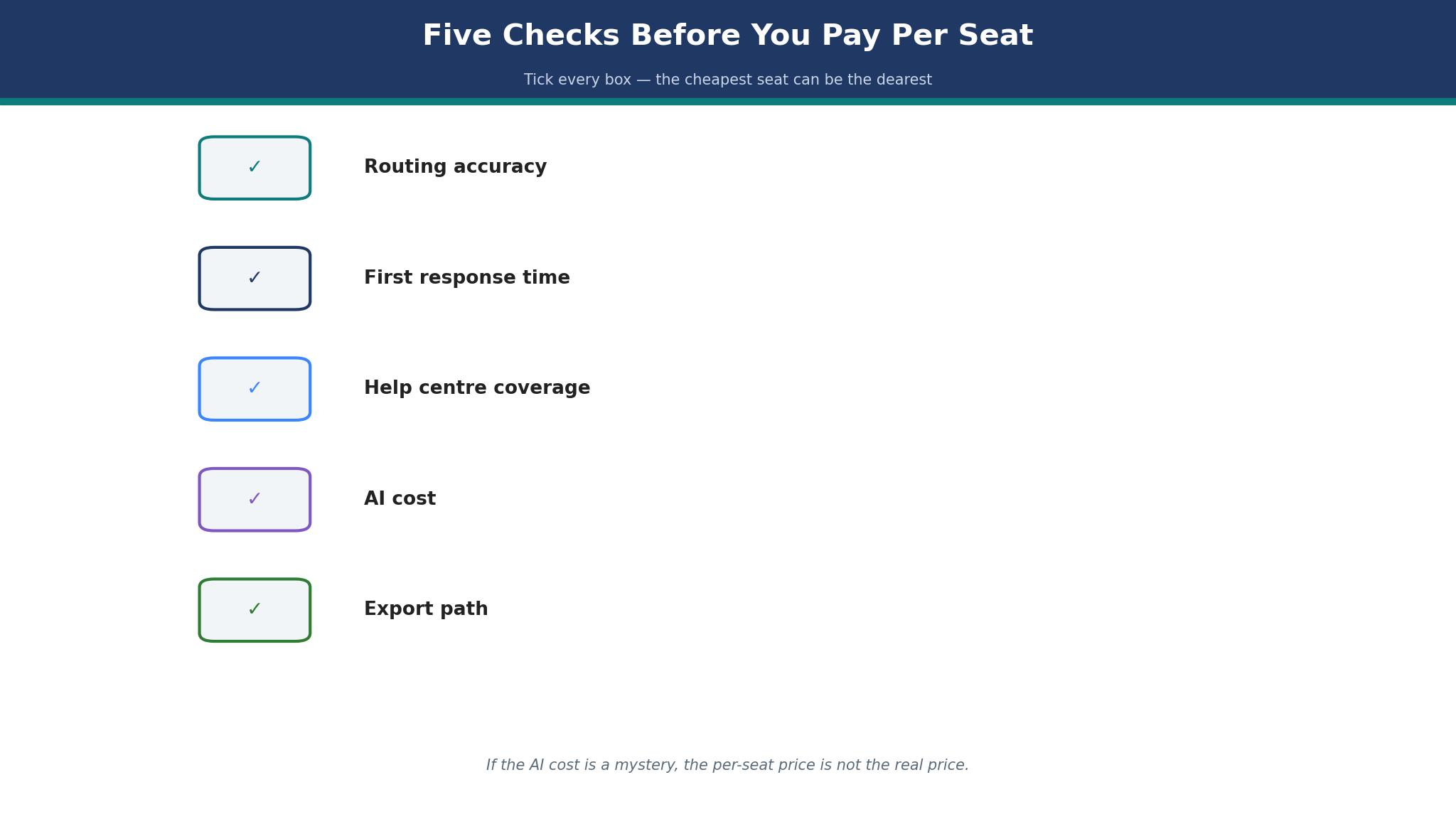
Start with fifty real tickets, because that is where a help desk either earns its fee or wastes it. Route them through the tool, watch where they land, and measure how many the AI drafts well, how many it resolves alone, and how many it sends to the wrong queue. A good tool routes most tickets right on the first try, and a tool that misroutes a third of them will cost more in rework than it saves in automation. Check whether the AI draft sounds like the team, since a draft that needs a full rewrite saves nothing.
Next, test the agent view on a busy morning. Open the queue, pick the oldest ticket, and answer it with the customer history in view. The best ai ticketing tools keep the whole conversation in one thread, because an agent who has to open three systems to answer one question will answer slowly. Look for a help centre that suggests itself, since a customer who finds the answer alone never becomes a ticket.
Then check the cost at the next hire and the next thousand tickets. Add three agents to the plan and read the new monthly total, then add the AI add-on cost at the team’s real resolution volume. A tool whose AI bill grows with every resolved ticket can surprise a team that automated well, and the finance team will notice before support does.
The 10 Tools in Detail
Ticketing depth and honest pricing set the order below, so the tool that handles a real queue best leads the list.
1. Zendesk
Zendesk is the strongest pick for a large support team because it covers ticketing depth, many channels and AI agents in one platform. The Support Team plan starts at 19 dollars an agent a month billed annually, with higher tiers adding AI agents, advanced automation and deeper analytics, and the platform handles email, chat, voice and social in one queue. The AI agents resolve simple tickets on their own, and the reporting shows first response time, resolution time and satisfaction by channel.
The drawback is the cost and the admin burden. The entry plan is only the start, because the AI features that matter sit on higher tiers or carry a per-resolution charge, and a team without a dedicated admin will struggle to keep the automations and routing honest. A small team will pay for depth it never uses, and the setup takes longer than the simpler tools.
Zendesk suits a support organisation that needs scale. It fits a company with a large team and many channels, a business whose queue runs into thousands of tickets a month, and anyone who needs reporting a manager can defend. The omnichannel queue is the feature that matters, because a customer who writes on three channels should still be one conversation.
Route fifty real tickets through Zendesk and measure the first response time for a week. If the queue moves faster and the misroutes stay low, Zendesk fits the team.
2. Freshdesk
Freshdesk is the best all-round pick for most teams, because it offers a full help desk with Freddy AI, omnichannel ticketing and workflow automation at a lower price than Zendesk. Growth costs 19 dollars an agent a month billed annually, with Pro at 55 dollars and Enterprise at 89 dollars, and a free program covers two agents for six months as an on-ramp. The platform is easy to set up, and a small team can have a working queue in a day.
The drawback is the AI pricing and the entry figure. Freddy AI Copilot is a paid add-on starting at 29 dollars an agent a month, locked to the Pro and Enterprise plans, so a standard licence does not include it, and some listings show Growth at 15 dollars a month, which conflicts with the 19 dollar figure on the vendor pricing page. A team should confirm the current price and the add-on cost before budgeting.
Freshdesk suits a small and growing team that wants a full help desk. It fits a startup with a rising ticket count, a business that needs omnichannel ticketing without an enterprise bill, and anyone who values a quick setup. The free program is the feature that matters, because two free agents for six months is a real trial rather than a demo.
Route fifty real tickets through Freshdesk and check how many the AI drafts well. If the drafts need only a light edit and the queue stays tidy, Freshdesk fits the team.
3. Zoho Desk
Zoho Desk is the budget pick, starting at 7 dollars an agent a month, which makes it the cheapest per-seat tool in this guide. The free tier covers three users, and the platform covers ticketing, a knowledge base, omnichannel routing and Zia AI, with tokens included on the paid plans. A team that already runs Zoho CRM gets one login for sales and support, and the setup is short.
The drawback is the depth and the polish. Zoho Desk is less refined than Zendesk or Freshdesk, and its AI is capable but less mature than Freddy or Zendesk’s agents. A team that needs deep automation or advanced reporting will find the ceiling sooner, and the interface carries the weight of a large suite.
Zoho Desk suits a budget team inside the Zoho world. It fits a small business that wants a real help desk for 7 dollars an agent, a team already using Zoho products, and anyone who values a low price over a polished interface. The low price is the feature that matters, because 7 dollars an agent buys a help desk that covers the basics well.
Route fifty real tickets through Zoho Desk and measure the first response time for a week. If the queue moves and the price holds, Zoho Desk fits the team.
4. Help Scout
Help Scout is the pick for a small team that runs support mostly through email, because its shared inbox is calm, clear and easy to learn. The Standard plan costs 25 dollars a user a month for up to 25 users, with Plus at 45 dollars and Pro at 75 dollars, and a free plan covers up to five users. The built-in help centre, AI assist and surveys sit beside the inbox, and the tone stays personal rather than corporate.
The drawback is the automation depth and the AI meter. Help Scout’s automation is lighter than Zendesk or Freshdesk, and its AI assist charges around 0.75 dollars per resolution, so a team that leans on AI will see a second bill grow with volume. A team that needs deep routing or complex workflows will outgrow the platform.
Help Scout suits a relationship-driven small team. It fits a business whose customers write long emails, a team that values a personal tone, and anyone who wants a shared inbox without a steep learning curve. The shared inbox is the feature that matters, because an inbox the whole team can read is an inbox where nothing gets missed.
Route fifty real tickets through Help Scout and watch the inbox for a week. If every reply sounds like the team and nothing is missed, Help Scout fits the business.
5. Gorgias
Gorgias is the pick for an online store, because it puts order data inside every ticket and prices by ticket volume rather than by seats. The Starter plan costs 10 dollars a month for 50 tickets, with higher tiers covering 300, 2,000 or 5,000 tickets, and the AI agent resolves simple order questions at around 0.90 dollars per automated interaction. An agent can see the order, the shipment and the refund history without leaving the ticket.
The drawback is the double meter and the fit outside ecommerce. Gorgias charges for tickets and for AI resolutions, so a store that automates well pays twice, and the platform is built for Shopify and similar stores, which makes it a poor pick for a business that does not sell online. A team that needs a general help desk will find the ecommerce focus narrow.
Gorgias suits an online store with a busy support queue. It fits a Shopify brand, a direct-to-consumer business with a high ticket count, and anyone whose agents need order data in every reply. The order data in the ticket is the feature that matters, because an agent who can see the order answers in minutes rather than in hours.
Route fifty real order tickets through Gorgias and check how many the AI resolves alone. If the refund and shipping questions clear without an agent, Gorgias fits the store.
6. HappyFox
HappyFox is the pick for a mid-market team that wants configurable ticketing without a full-time admin. The Help Desk plan starts at 24 dollars an agent a month billed annually, with Team at 39 dollars and Pro at 89 dollars, and the platform covers ticketing, a knowledge base, omnichannel routing and automation that a team can shape without code. The AI add-on runs from 14 dollars an agent a month, and a Slack or Teams assistant sits beside the queue.
The drawback is the price climb and the interface. The Basic plan caps at five agents, so a growing team moves to Team quickly, and the interface can feel complex at scale, with more settings than a small team needs. The AI features are capable but sit behind the add-on, so the headline price understates the real bill.
HappyFox suits a support team that needs structure. It fits a mid-market business with a growing queue, a team that wants workflows shaped to its own process, and anyone who values configuration over a fixed template. The configurable workflow is the feature that matters, because a queue shaped to the team’s process is one the team will actually follow.
Route fifty real tickets through HappyFox and shape one workflow to the team’s process. If the tickets land in the right queue and the team follows the flow, HappyFox fits the business.
7. Jira Service Management
Jira Service Management is the pick for an IT team, because it is built around incident, problem and change workflows rather than around customer email. The free tier covers three agents, Standard costs 21.50 dollars an agent a month, and Premium sits at 55.28 dollars, with asset management, approvals and automation that an IT department expects. A team that already runs Jira for development gets one system for code and for support.
The drawback is the fit outside IT and the learning curve. Jira Service Management is shaped for internal service, so a customer-facing team will find its workflows heavier than a help desk, and the interface needs an admin who knows the Atlassian world. A small business without IT staff will find the setup slow.
Jira Service Management suits an IT service desk. It fits a company with an internal support team, a business that tracks incidents and assets together, and anyone who already runs Jira. The incident workflow is the feature that matters, because an outage tracked as an incident gets fixed faster than one tracked as an email.
Route fifty real IT tickets through Jira Service Management and check the incident flow. If the tickets link to assets and the approvals run cleanly, the tool fits the team.
8. HubSpot Service Hub
HubSpot Service Hub is the pick for a team already on HubSpot, because service sits beside sales and marketing in one CRM. The Starter plan costs 20 dollars a seat a month, with Professional and Enterprise above it, and the platform covers ticketing, a knowledge base, live chat and customer feedback, all sharing the same contact record. A support agent can see the sales history before answering, which shortens the conversation.
The drawback is the price step and the depth. Starter is only the entry point, and the features a growing team needs, such as advanced automation and reporting, sit on Professional, which costs far more. The service features are capable but less deep than Zendesk for a team whose whole job is support.
HubSpot Service Hub suits a team that already runs HubSpot. It fits a business that wants sales and service on one record, a team that values the shared contact history, and anyone who wants a help desk without a second vendor. The shared record is the feature that matters, because an agent who can see the sales history answers the right question first.
Route fifty real tickets through Service Hub and check whether the agents use the contact history. If the replies get shorter and more accurate, the tool fits the team.
9. Dixa
Dixa is the pick for a mid-market brand that wants omnichannel support with a European base. The platform covers email, chat, voice and messaging in one queue, with AI routing and ecommerce integrations that suit consumer brands. Pricing starts from 89 euros a seat a month, which positions it above the budget tools and beside the mid-market tier of Zendesk and Freshdesk.
The drawback is the price and the reach. Dixa costs more than the budget tools, and its brand is less known in the United States, so a buyer has fewer independent reviews to lean on. The platform is built for mid-market brands, which makes it a poor pick for a small team that only needs email.
Dixa suits a mid-market consumer brand. It fits a business with customers across several channels, a team that needs routing and ecommerce integrations, and anyone who wants a European vendor. The omnichannel queue is the feature that matters, because a customer who writes on any channel should still be one conversation.
Route fifty real tickets through Dixa and measure the first response time across channels. If every channel answers at the same speed, Dixa fits the brand.
10. Intercom
Intercom is the pick for a product-led team, because its support lives inside the product where the customer already is. Live chat, in-app messaging, AI agents and a help centre sit together, and the AI resolves simple questions before they reach an agent. Pricing starts from 29 dollars a month, with higher tiers adding more AI resolutions and automation, and the platform suits teams whose customers ask questions while using the product.
The drawback is the price structure and the fit outside product teams. Intercom’s tiers and AI charges can push the bill up fast, and a team that mainly answers email will find the in-app focus less useful than a shared inbox. The platform rewards a team that lives in the product, and a traditional support team may find the workflow unfamiliar.
Intercom suits a product-led business. It fits a SaaS team whose customers ask questions inside the app, a business that wants AI to answer before an agent is needed, and anyone who values in-app support over email. The in-app messaging is the feature that matters, because a question answered inside the product is a question that never becomes a ticket.
Route fifty real in-app conversations through Intercom and check how many the AI resolves alone. If the simple questions clear and the hard ones reach an agent with context, Intercom fits the team.
Support Habits That Cut the Queue
The most expensive habit is answering the same question ten times a day without writing it down. A support team that resolves a ticket and moves on will see the same question tomorrow, while a team that turns the answer into a help centre article will watch that ticket type disappear within a month. Write the article after the third time a question arrives, and link it in the reply so the next customer finds it first. The best ai ticketing tools make the article easy to create from a resolved ticket, because a help centre that grows with the queue is a queue that shrinks.
A second habit is letting the oldest ticket sit while the newest gets answered. A queue sorted by newest first feels productive and hides the tickets that have waited longest, and those are the customers most likely to leave. Sort by oldest first once a day, and clear the oldest five before touching the new arrivals. A team that protects the oldest tickets protects the customers who are closest to leaving.

Frequently Asked Questions
Which ticketing tool is best for a small team?
Freshdesk is the best starting point for a small team, because Growth costs 19 dollars an agent a month and the free program covers two agents for six months. Zoho Desk is the better pick when the budget is tightest, at 7 dollars an agent a month, and Help Scout is the better pick when the team works mostly by email. A small team should test the top two with fifty real tickets before paying.
How much does a help desk cost per agent per month?
A help desk costs between 7 and 29 dollars per agent a month on the entry paid tier, with the median around 19 to 25 dollars on annual billing. Zoho Desk starts at 7 dollars, Zendesk and Freshdesk start at 19 dollars, and Help Scout starts at 25 dollars. The practical entry point is higher, since AI add-ons and higher tiers add to the bill.
Can AI answer customer tickets on its own?
Yes, AI agents on Zendesk, Intercom, Freshdesk and Gorgias can resolve simple tickets without a human, such as order status, password resets and delivery questions. The AI should hand a ticket to a human when it is unsure, because a wrong automated answer costs more than a slow human one. Most teams land in the middle, with AI handling the easy tickets and agents handling the rest.
Is Zendesk or Freshdesk better?
Zendesk is better for a large team with complex routing and many channels, because its depth, automation and reporting go further than any other tool. Freshdesk is better for a small and growing team, because it offers a full help desk at a lower price with a quicker setup. A team under twenty should test Freshdesk first, while a team over fifty with a dedicated admin should test Zendesk first.
What is the cheapest good ticketing tool?
Zoho Desk is the cheapest good ticketing tool, at 7 dollars an agent a month with a free tier for three users. Freshdesk Growth at 19 dollars an agent a month is the next best value, with a free program for two agents. A team on a tight budget should start with Zoho Desk Free, then compare Freshdesk when the free limits bite.
Do ticketing tools work for ecommerce stores?
Yes, Gorgias is built for online stores, with order data inside every ticket and pricing by ticket volume, and Zendesk and Freshdesk both handle ecommerce support well with the right integrations. A store should pick the tool that shows the order beside the ticket, since an agent who can see the order answers in minutes. Gorgias is the strongest pick when the store runs on Shopify.
The Verdict on AI Ticketing Tools
Zendesk takes the top spot because it is the tool a support team is least likely to regret. The ticketing depth is real, the channels all land in one queue, and the AI agents resolve the easy work while the team handles the hard tickets. The price climbs at the higher tiers, but the entry is fair for what it does, and the best ai ticketing tools are the ones that shorten the wait without weakening the answer.
Freshdesk is the pick for most teams, Zoho Desk is the pick for the tightest budget, and Gorgias is the pick for an online store. The best ai ticketing tools are not the ones with the longest feature list, they are the ones that route tickets right, answer fast, and cost less than the customers they keep.
Choose by the channel the customers use first, by ticket volume second and by price third. Route fifty real tickets through the top two choices, measure the first response time, and set a review date. A team that picks this way will spend less time fighting its queue and more time answering the customers who actually need help.