

Keeper Tax is the best tax software for gig workers pick for most drivers, couriers and freelancers, because its Standard plan costs 199 dollars a year and combines year round deduction tracking with federal and state filing reviewed by a tax professional. TurboTax Premium is the pick for filers who want the most guided experience, at 139 dollars for the federal return plus state. The ten tools below compare price, deduction finding and filing, so a gig worker can pick the tool that saves the most at tax time.
Gig work creates a tax problem that a W-2 job never does. Income arrives from several platforms, expenses arrive all year, and nobody withholds tax from a delivery payout. A gig worker who waits until April to think about taxes will pay more, miss deductions and face a surprise bill, because the tax is owed on the whole year of income at once.
The tools split two ways. Trackers like Keeper, Hurdlr and QuickBooks Solopreneur watch expenses and mileage all year, while filers like TurboTax, H&R Block and TaxSlayer handle the return itself. The best setup for most gig workers is a tracker plus a filer, or one tool that does both, because tracking without filing and filing without tracking both leave money on the table.
The 10 Tools at a Glance
| Tool | Main job | Best for | Starting price |
|---|---|---|---|
| Keeper Tax | Deduction tracking plus filing | Most gig workers | 199 dollars a year |
| TurboTax Premium | Guided filing | Hand holding filers | 139 dollars federal |
| H&R Block Self-Employed | Filing with expert help | Switching to a pro | 85 dollars federal |
| TaxSlayer Self-Employed | Value filing | Lowest cost full filing | 62.95 dollars federal |
| FreeTaxUSA | Free federal filing | Cheapest filing | 0 dollars federal |
| QuickBooks Solopreneur | Tracking plus invoicing | All in one tracking | 15 dollars a month |
| Hurdlr | Mileage and expense tracking | Drivers | 10 dollars a month |
| Cash App Taxes | Free filing | Simple returns | Free |
| FlyFin | AI tracking plus CPA filing | Done for you filing | 192 dollars a year |
| Bonsai Tax | Freelancer tax and invoices | Freelancers with clients | 11 dollars a month |
Filing prices are for the federal return, with state returns extra on most tools. A gig worker who files in two states should add the state fee to the headline price before comparing, because a cheap federal price with two state fees can cost more than a dearer all in plan.
Best Pick by Job
| Job type | First pick | Second tool | Why this pair works |
|---|---|---|---|
| Most gig workers | Keeper Tax | TurboTax Premium | Keeper tracks and files, TurboTax guides best |
| Guided filing, complex return | TurboTax Premium | H&R Block Self-Employed | TurboTax guides, H&R Block adds a pro |
| Lowest cost full filing | TaxSlayer Self-Employed | FreeTaxUSA | TaxSlayer is cheapest full service, FreeTaxUSA is free federal |
| Drivers, mileage heavy work | Hurdlr | Keeper Tax | Hurdlr owns mileage, Keeper adds filing |
| Done for you filing | FlyFin | Keeper Tax | FlyFin adds a CPA, Keeper costs less |
Keeper Tax wins the general pick because it does the two jobs a gig worker needs in one subscription. It connects to bank and card accounts, scans transactions through the year and flags likely business deductions, then files the return with a tax professional reviewing and signing it. The Standard plan at 199 dollars a year includes federal and up to two state filings, while Premium at 399 dollars a year adds quarterly estimated tax help and audit help.
TurboTax Premium wins for guided filing because the interview style walks a filer through Schedule C line by line in plain English. The federal return costs 139 dollars, with state returns extra, and the 1099 import and the year round tax estimator add real help. That guided style is the reason a nervous first time filer should look here first, and it is the sharpest contrast in this look at the best tax software for gig workers for a filer who wants hand holding rather than automation.
Which Tax Tool Finds the Most Deductions for Drivers?
Keeper Tax finds the most deductions for drivers, because it scans every bank and card transaction through the year and flags the ones that look like business expenses. A driver with hundreds of small transactions will miss deductions by hand, while Keeper catches the fuel, the phone, the supplies and the fees that add up to real money. The Standard plan at 199 dollars a year includes the tracking and the filing, so the deductions found pay for the subscription many times over.
Hurdlr is the better pick for mileage alone. Its GPS based automatic mileage tracking learns to tell business drives apart from personal ones, which is the single largest deduction for a rideshare or delivery driver. The free plan covers limited tracking, and the paid plan costs around 10 dollars a month. The limit is that Hurdlr tracks rather than files, so the numbers must go to a filer or an accountant at tax time.
FlyFin is the third option for a driver who wants the work done for them. The AI tracks expenses through the year and a CPA files the return, with the plan costing 192 dollars a year. The CPA filing is the difference, because a professional signs the return rather than the driver filing alone.
A fourth path suits a freelancer who invoices clients. QuickBooks Solopreneur tracks mileage and expenses and adds invoicing, with the standard tier around 15 dollars a month. The bundle with TurboTax filing moves the tracked data straight into the return, so a freelancer who invoices clients can track and file without retyping numbers.
How to Choose the Best Tax Software For Gig Workers
Start with the work type. A rideshare or delivery driver needs mileage tracking above all, so Hurdlr or Keeper fits. A freelancer with clients needs invoicing and expense tracking, so QuickBooks Solopreneur or Bonsai Tax fits. A worker with several gig platforms needs a tool that reads all of them, so Keeper or FlyFin fits. Matching the tool to the work avoids paying for features the worker never uses.
Next, decide whether the tool must file. A tracker like Hurdlr saves money all year but leaves the filing to someone else, while Keeper, TurboTax and TaxSlayer file the return. A worker who hates tax forms should take a tool that files, because the tracking saving is lost if the return is never filed well.
Then count the total cost to file. TurboTax Premium at 139 dollars federal plus state costs more than TaxSlayer at 62.95 dollars federal plus 39.95 dollars per state, and FreeTaxUSA files federal for free with state at 15.99 dollars. A worker with one state should add the state fee to the federal price before comparing, because the cheapest federal price is not always the cheapest return.
Finally, check the quarterly estimates. A gig worker owes estimated tax four times a year, and a tool that calculates the estimates saves penalties. Keeper Premium and TurboTax both help with estimates, while the free filers leave the math to the worker. That help is worth more than the price difference for a worker who has never paid quarterly tax.
One more check matters for a worker with income from several platforms. Ask whether the tool connects to all of them, because a tracker that reads only one platform misses the income from the others. Keeper connects to bank and card accounts rather than to each platform, so it sees every payout no matter where it came from, and that bank level view is the one that catches all the income.
The 10 Tools in Detail
The ten tools below cover tracking, filing and done for you services. Each one is judged on deduction finding, filing cost, mileage tools and ease of use, so this roundup of the best tax software for gig workers stays honest about what each tool files and what it leaves to the worker.
1. Keeper Tax
Keeper Tax connects to bank and card accounts, sorts expenses into deductions through the year, and then files the return. The Standard plan costs 199 dollars a year and includes federal and up to two state filings, with every return reviewed and signed by a human tax professional before submission. Premium costs 399 dollars a year and adds quarterly estimated tax help, prior year and amended returns and audit help. A bookkeeping only plan costs 20 dollars a month with no filing.
The strength is the automation, because the AI flags deductions a busy worker would miss, and the tax pro review catches errors before filing. The drawback is the price for a worker with very simple taxes, because a worker with one platform and few expenses may not need year round tracking. It suits gig workers with high transaction volume or income from several platforms.
2. TurboTax Premium
TurboTax Premium, formerly TurboTax Self-Employed, is the most widely used tax software in the US, built for 1099 filers. The federal return costs 139 dollars, with state returns extra, and the product includes Schedule C, a 1099 photo import in the mobile app and a year round tax estimator once filed. Expert Assist adds on demand expert help at 59 to 209 dollars, and Expert Full Service starts at 129 dollars for a W-2 and Form 1040 only.
The strength is the guided experience, because the interview style explains each step in plain language. The drawback is the cost, because 139 dollars federal plus state is the most expensive filing in this guide. It suits filers who want hand holding and a polished experience, and who are comfortable paying for it.
3. H&R Block Self-Employed
H&R Block Self-Employed covers the same ground as TurboTax, with guided Schedule C filing, 1099 import, a deduction finder and quarterly estimate calculations. The online product costs 85 dollars for federal plus 37 dollars per state, with free audit support included. In office filing is more expensive, and tax pro filing starts at 99 dollars plus a state fee.
The strength is the switch to a pro, because a filer can start online and hand the return to a tax professional in one of 9,000 plus offices when the return gets complex. The drawback is the price gap, because the online price is lower than TurboTax but the in office price climbs fast. It suits filers who want an office to walk into when the return gets hard.
4. TaxSlayer Self-Employed
TaxSlayer Self-Employed is the value filing option in this guide, with full Schedule C support at the lowest price for a full featured filer. The federal return costs 62.95 dollars plus 39.95 dollars per state, with expense tracking and priority support included. The interface is simpler than TurboTax, but the forms are the same and the filing is complete.
The strength is the price, because a full Schedule C return for about 103 dollars with one state is far cheaper than TurboTax. The drawback is the guidance, because the interview is less polished and a first time filer may need more help. It suits a filer who knows the basics and wants the lowest cost full filing.
5. FreeTaxUSA
FreeTaxUSA files a federal return with business income for free, charging 15.99 dollars per state. The product covers Schedule C, 1099 income and deductions, with audit support included. The interface is plain but complete, and the filing is the cheapest in this guide for a worker with one state.
The strength is the price, because a federal return for free is hard to beat. The drawback is the lack of year round tracking and the plain guidance, because FreeTaxUSA files rather than tracks. It suits a worker who tracks expenses elsewhere and wants the cheapest filing.
6. QuickBooks Solopreneur
QuickBooks Solopreneur is the all in one tracking tool from Intuit, covering mileage, expenses, invoicing and tax estimates for a one person business. The standard tier runs around 15 dollars a month, with a bundle option that adds TurboTax Self-Employed filing so the tracked data flows straight into the return. The tool suits a worker who invoices clients as well as tracking expenses.
The strength is the all in one design, because tracking, invoicing and estimates live in one place. The drawback is the filing, because the base plan tracks without filing and the bundle costs more. It suits freelancers and solo operators who invoice clients and want one tool for the business money.
7. Hurdlr
Hurdlr is the mileage specialist in this guide, with GPS based automatic mileage tracking that learns to tell business drives apart from personal ones. The free plan covers limited tracking, and the paid plan costs around 10 dollars a month. The tool also tracks expenses and income, with reports that feed straight into a tax return.
The strength is the mileage accuracy, because automatic tracking catches drives a manual log misses. The drawback is the filing gap, because Hurdlr is a tracking tool rather than a filing tool, so the numbers must go to an accountant or a filing app at tax time. It suits rideshare and delivery drivers with heavy mileage.
8. Cash App Taxes
Cash App Taxes files a federal return for free, with state filing included free in most states. The product covers Schedule C at a basic level, with a simple interface inside the Cash App. The price is zero, which makes it the cheapest filing in this guide alongside FreeTaxUSA federal.
The strength is the price and the simplicity, because a simple return can be filed in minutes. The drawback is the depth, because complex gig returns with multiple income sources and large deductions may need a fuller tool. It suits a worker with a simple return who wants to file for free.
9. FlyFin
FlyFin is an AI tax tool for freelancers that tracks expenses through the year and files the return with a CPA. The plan costs 192 dollars a year with CPA filing included, and the AI finds deductions from bank transactions automatically. The CPA review is the difference, because a professional files the return rather than the worker filing alone.
The strength is the done for you model, because the worker tracks little and the CPA handles the filing. The drawback is the reliance on the AI, because the deduction suggestions still need a human check. It suits a freelancer who wants the tracking and the filing handled together.
10. Bonsai Tax
Bonsai Tax is a freelancer tax tool that combines expense tracking, invoicing and tax estimates for independent workers with clients. Paid plans start at around 11 dollars a month, with mileage tracking, receipt scanning and quarterly estimate calculations included. The tool suits a freelancer who invoices clients and wants the tax side handled in the same place.
The strength is the freelancer focus, because the invoicing and the tax tracking fit a client based business. The drawback is the filing gap, because Bonsai Tax tracks and estimates rather than filing the return itself. It suits freelancers with clients who want one tool for invoices and taxes.
Keeper Tax vs TurboTax Premium, Year-Round Tracking Against Guided Filing
The job is the first difference. Keeper Tax tracks deductions all year and then files, with a tax professional reviewing and signing the return. TurboTax Premium files with the most guided interview in the industry, walking the filer through Schedule C line by line. A worker who loses money by missing deductions should take Keeper, while a worker who loses sleep over tax forms should take TurboTax.
The second difference is the price shape. Keeper Standard costs 199 dollars a year and includes federal and up to two state filings, while TurboTax Premium costs 139 dollars for federal alone with state extra. A worker in one state pays about the same either way, while a worker in two states pays less with Keeper, because the second state is included.
The deciding factor is the work pattern. A driver or courier with hundreds of transactions should take Keeper, because the year round scanning finds deductions a manual filer misses. A freelancer with a few large invoices and a complex return should take TurboTax, because the guided interview handles the complexity. That split is the cleanest way to read the best tax software for gig workers when the choice narrows to these two.
A third difference is the review. Keeper has a human tax professional review and sign the return before submission, while TurboTax relies on the software checks unless the filer buys Expert Assist. A worker who wants a person to check the return should weigh that review, because a second pair of eyes catches the error a checklist misses.
What Does Filing as a Gig Worker Cost in Total?
The filing fee is the first line. TurboTax Premium costs 139 dollars federal plus state, H&R Block Self-Employed costs 85 dollars federal plus 37 dollars per state, TaxSlayer costs 62.95 dollars federal plus 39.95 dollars per state, and FreeTaxUSA costs zero federal plus 15.99 dollars per state. A worker in one state pays roughly 103 dollars with TaxSlayer, 122 dollars with H&R Block, and 16 dollars with FreeTaxUSA.
The tracking cost is the second line. Keeper Standard at 199 dollars a year and FlyFin at 192 dollars a year include tracking and filing together, while Hurdlr at around 10 dollars a month and QuickBooks Solopreneur at around 15 dollars a month track without filing. A worker who buys a tracker and a filer separately pays both lines, so the all in plan is often cheaper than the two tool stack.
The state fee is a smaller line that still matters. A worker who lives in one state and works in another files two state returns, and Keeper Standard includes up to two states while most filers charge per state. A two state worker should add the second state fee to every filer price before comparing, because it changes the ranking.
The tax itself is the largest line of all. A gig worker who earns 40,000 dollars and misses 5,000 dollars of deductions pays tax on 5,000 dollars they did not need to, which costs far more than any software. The software that finds the most deductions is the cheapest software in total, even when its sticker price is the highest, because the saving comes from the deductions rather than the filing fee, and that is the real test of the best tax software for gig workers.
How Do I Estimate Quarterly Tax as a Gig Worker?
Start with the income so far. Add up the payouts from every platform, subtract the business expenses, and apply the self employment tax rate of 15.3 percent plus the income tax rate for the total. A worker who earns 10,000 dollars in a quarter with 2,000 dollars of expenses owes tax on 8,000 dollars, and the estimate should cover that amount.
Next, use a tool rather than a guess. Keeper Premium, TurboTax and QuickBooks Solopreneur all calculate quarterly estimates from the tracked income, while the free filers leave the math to the worker. A tool that calculates the estimate from real numbers beats a guess, because a guess that is too low brings a penalty at year end.
Then pay on time. Quarterly estimated tax is due in April, June, September and January, and the IRS charges a penalty for underpayment. A worker who sets aside 25 to 30 percent of every payout in a separate account will always have the estimate ready, and that habit matters more than the tool, because the money must exist before the estimate can be paid.
A worker who misses a quarter should not panic. The penalty is small compared with the tax itself, and the next quarter payment can include a catch up amount. The habit to build is the monthly set aside, because a worker who sets the money aside every month will rarely miss a quarter at all.
A Monthly Tax Routine for Gig Workers
Week one of each month is the catch up. Connect the bank and card accounts, review the flagged deductions, and confirm the mileage log. Keeper and Hurdlr both flag transactions automatically, but a human check catches the personal expense that looks like a business one, and that check takes ten minutes a month.
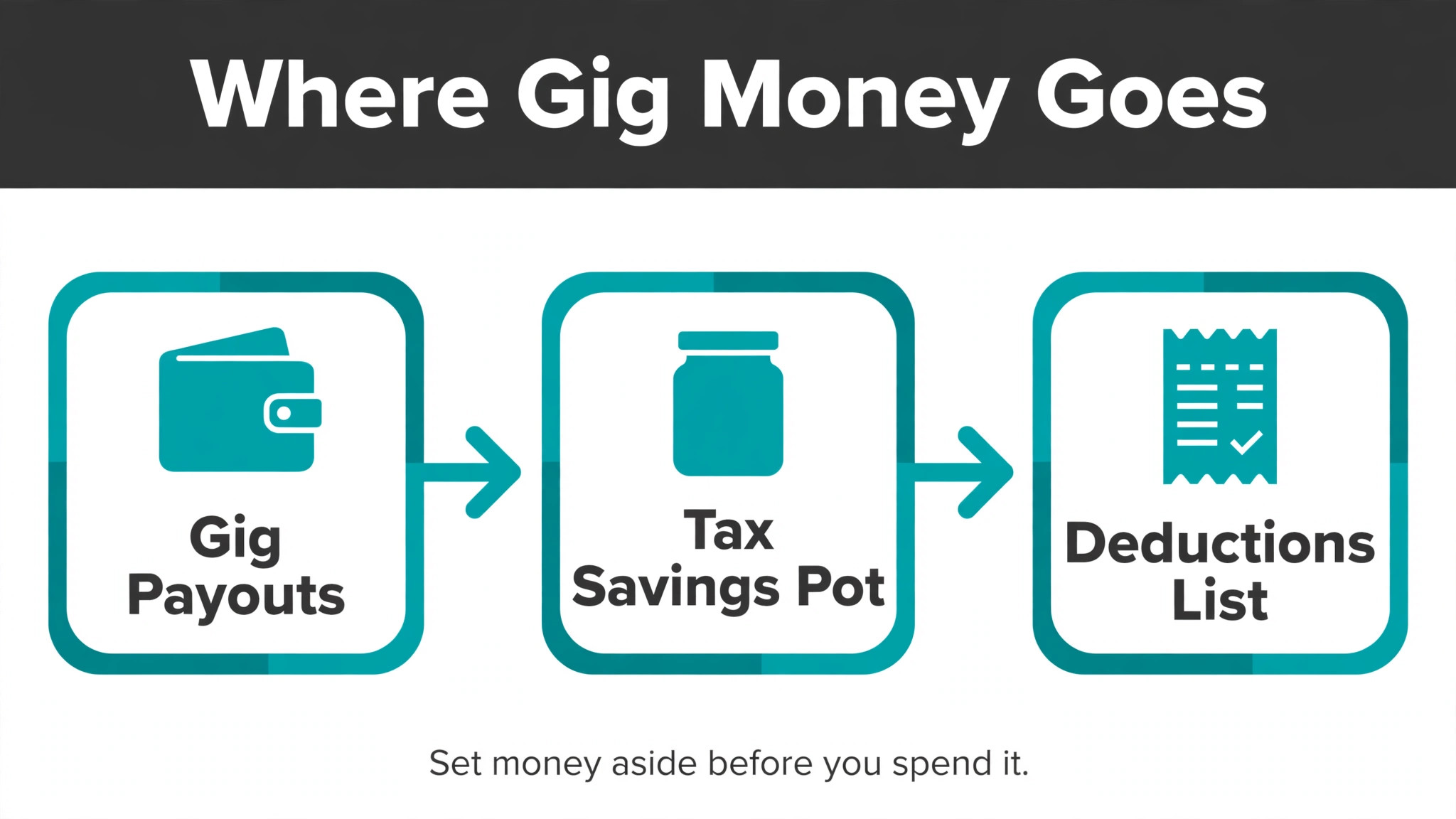
Week two is the set aside. Move 25 to 30 percent of last month gig income into a separate savings account for tax, and record the quarterly estimate due date. A worker who sets the money aside monthly never faces a surprise bill, because the tax money is already waiting when the estimate is due.
Weeks three and four are the business as usual. Log any cash expenses, photograph receipts, and keep the mileage tracker running. A routine that takes an hour a month saves a weekend in April, and it is the habit that separates a gig worker who files calmly from one who files in a panic, which is why the best tax software for gig workers is the one that makes the monthly routine easy to keep.

Frequently Asked Questions
Is Keeper Tax worth 199 dollars a year?
Yes, for a gig worker with many transactions. Keeper Standard at 199 dollars a year includes year round deduction tracking and federal plus up to two state filings, with a tax professional reviewing and signing the return. A worker who finds even 1,000 dollars of extra deductions saves more than the subscription costs, and that finding rate is the usual answer when owners compare the best tax software for gig workers.
Is TurboTax Premium the same as TurboTax Self-Employed?
Yes, the name changed. TurboTax Premium is the current name for the product formerly sold as TurboTax Self-Employed, built for 1099 filers with Schedule C support. The federal return costs 139 dollars, with state returns extra, and the product includes a 1099 photo import and a year round tax estimator.
What is the cheapest way to file a gig return?
FreeTaxUSA files federal for free with state at 15.99 dollars, and Cash App Taxes files for free in most states. TaxSlayer Self-Employed at 62.95 dollars federal plus 39.95 dollars per state is the cheapest full featured filer. The cheapest filing is not always the cheapest total, because a tracker that finds more deductions can save more than the filing fee.
Does Hurdlr file my taxes?
No. Hurdlr is a tracking tool, not a filing tool, with GPS mileage tracking and expense reports. The numbers must go to an accountant or a filing app like TurboTax or FreeTaxUSA at tax time, so a driver who uses Hurdlr should pair it with a filer.
How much should I set aside for gig taxes?
Most gig workers should set aside 25 to 30 percent of every payout for tax, covering self employment tax at 15.3 percent plus income tax. The exact rate depends on total income and deductions, so a tool that calculates quarterly estimates from real tracked income gives a better number than a flat rule.
Can I deduct my car as a gig driver?
Yes, either by mileage or by actual expenses, but not both. The standard mileage rate covers fuel, wear and insurance in one per mile figure, while actual expenses need records for fuel, repairs, insurance and depreciation. Most drivers do better with mileage, because the record is simpler and the deduction is usually larger.
Track All Year, File Without Panic
A gig worker with many transactions should take Keeper Tax, because the year round tracking and the tax pro review save more than the 199 dollar price. A filer who wants guidance should take TurboTax Premium, because the interview style handles a complex return calmly. A worker on a tight budget should take TaxSlayer or FreeTaxUSA, because the filing is complete at a fraction of the price.
Track every month, set aside 25 to 30 percent of every payout, and file with the tool that matches the work. The best tax software for gig workers is the one that finds the deductions all year and files the return without a panic in April.