

The average professional spends 3+ hours a day in email, and most of it is not replying to anything important — it is sorting, skimming, snoozing and hunting for that one thread from last Tuesday. The best AI email management tools in 2026 attack that specific problem: not writing your emails for you (that is a different post — see our guide to AI email writing tools), but triage, auto-sorting, follow-up reminders and inbox-zero workflows.
This is the layer most people actually need. A tool that drafts a paragraph saves you 30 seconds; a tool that keeps low-priority mail out of your face saves you an hour a day. We compared the leading AI inbox triage tools on what matters: how they sort, how they learn, whether they work with Gmail, Outlook or anything else, and what they cost per seat in 2026.
Quick Answer: Best AI Email Management Tools
| Tool | Best for | Starts at (2026) | Gmail / Outlook | Free plan? |
|---|---|---|---|---|
| SaneBox | Passive auto-sorting in any email app | ~$7/mo | Any (server-side) | 14-day trial |
| Superhuman | Keyboard-speed inbox processing | $25/user/mo (annual) | Gmail + Outlook | 7-day trial |
| Fyxer | AI triage + drafts + meeting notes in one | $37/user/mo (annual) | Gmail + Outlook | Free plan (limited) |
| Shortwave | AI assistant inside your Gmail | $7/mo personal | Gmail only | Free (limited) |
| Clean Email | One-time bulk cleanup & declutter | Pricing varies | Any IMAP | Cleans 1,000 emails free |
| Spark Mail | Free cross-platform client with AI | Free / $4.99+/mo | Gmail, Outlook, iCloud, IMAP | Yes |
One-line verdicts:
- Best auto-sorting with zero behaviour change: SaneBox — it works inside the email app you already use.
- Best for power users who live in email: Superhuman — unmatched speed, steepest price.
- Best all-in-one AI inbox assistant: Fyxer — triage, drafts and meeting notes together.
- Best free-ish AI inbox for Gmail users: Shortwave or Spark Mail — start here before paying anyone.
Why Inbox Triage Matters More Than Email Writing
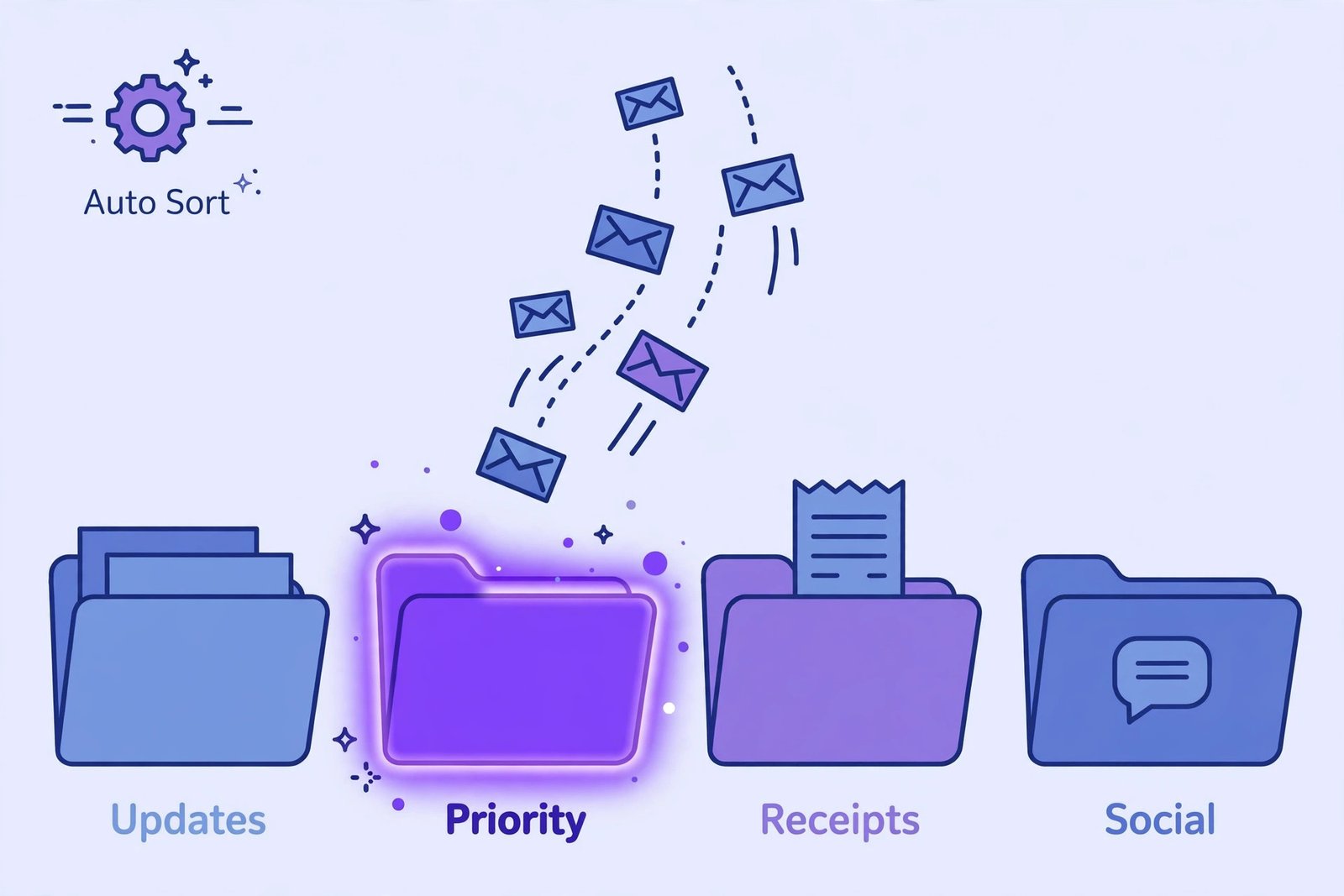
There are two completely different AI-email categories, and mixing them up wastes money:
- AI writing tools draft, rewrite and polish emails. Useful, but they help only after you have opened the message.
- AI email management tools decide what deserves your attention in the first place — auto-labelling, priority sorting, follow-up tracking, snoozing, and surfacing unanswered threads.
In 2026, Gmail’s category tabs and Outlook’s Focused Inbox already do basic sorting for free, so a paid tool has to earn its fee in the gap between “sorted into tabs” and “handled.” The tools below earn it by learning your definition of urgent, drafting replies from context, and telling you which sent emails never got answered.
1. SaneBox — Best Passive Auto-Sorting (Works in Any App)
Best for: Anyone who wants a calmer inbox without switching apps or learning a new interface.
Pricing (2026): Plans from around $7/mo (2 email accounts, “Snack”) up to ~$36/mo for heavy multi-account use. 14-day free trial, no free plan.
SaneBox is not an email client — it is a server-side filter that plugs into whatever you already use: Gmail, Outlook, Apple Mail, Thunderbird, anything with IMAP. Once connected, it analyses your incoming mail and files it into smart folders like @SaneLater, @SaneNews and @SaneCC (for CC’d mail). Your main inbox keeps only the mail that actually matters to you.
The headline AI feature is SaneBlackHole: drag a newsletter or sender into it once, and SaneBox silently archives all future mail from that sender forever — no unsubscribe dance, no “confirm you want to leave” pages. It also has SaneReminders (follow-up nudges when someone does not reply) and SaneSnooze.
Standout features
- Zero behaviour change — triage happens in your existing inbox, on any device, with no new app
- Privacy-first design — SaneBox analyses only email headers (sender, subject, timestamp), never message content
- Learns from you — accuracy improves as you move things; one-tap training
- Digest summaries so you can skim what was filtered at a glance
Where SaneBox falls short
- Sorting only — it does not draft replies, summarise threads or transcribe meetings
- The most useful folders and the DoNotDisturb features sit on higher tiers
- People who want a flashier “AI assistant” experience will find it boring (which is arguably the point)
SaneBox pricing (2026)
| Plan | Price (approx) | Email accounts |
|---|---|---|
| Snack | ~$7/mo | 1–2 |
| Lunch | ~$12/mo | 2–4 |
| Dinner | ~$36/mo | 4–6 |
Prices verified against 2026 comparisons; confirm on the vendor page before buying — SaneBox occasionally runs annual discounts that shift these figures.
Bottom line: If your complaint is “too much mail reaches my inbox,” SaneBox is the cheapest, lowest-friction fix. It will not write anything for you — it just makes the noise disappear.
2. Superhuman — Best for Speed-Obsessed Power Users
Best for: Founders, sales leaders, consultants and anyone spending 2+ hours a day actively processing email.
Pricing (2026): From $25/user/mo on annual billing (Starter); Business tiers from $30–$40/user/mo with AI auto-drafts. 7-day trial with 1-on-1 onboarding.
Superhuman is a standalone email client (Gmail and Outlook backends) built around one idea: process email at keyboard speed. Everything is a shortcut — archive, snooze, snippet, send-later — and the interface is engineered for sub-100ms responses. Users who stick with it report saving 4–6 hours a week, which is the only way $25–$40/mo per seat makes sense.
In 2026 Superhuman layered AI over the speed: Auto Drafts (drafts replies in your voice, available on Business plans), AI-powered labels and splits (automatic inbox segmentation), and instant snippet shortcuts. It also has the strongest CRM integrations of the inbox clients, which is why sales teams adopt it.
Standout features
- Fastest triage UX in the category — split inboxes, keyboard-first everything
- Auto Drafts in your voice (Business plans) plus AI labels that learn your priorities
- Read statuses and send-later built in
- White-glove onboarding — a real human trains you 1-on-1
Where Superhuman falls short
- You still do all the email — it is a faster inbox, not a managed one; nothing is handled without you
- The price is steep for solo users; auto-drafts (the headline AI feature) need the pricier Business plan
- Steep learning curve — the keyboard-first workflow takes a week to internalise
- No bulk cleanup for years of old mail; pair it with a cleanup tool first
Superhuman pricing (2026)
| Plan | Price | Key notes |
|---|---|---|
| Starter | $25/user/mo (annual) | Core speed client |
| Business | $30–$40/user/mo | Adds Auto Drafts and AI labels |
Bottom line: Superhuman pays for itself if you live in your inbox. If you just want the noise filtered out, SaneBox costs a quarter of the price.
3. Fyxer — Best All-in-One AI Inbox Assistant
Best for: Professionals who want triage plus AI drafts and meeting notes in a single subscription.
Pricing (2026): Pro $37/user/mo annual ($49 monthly); Team $64/user/mo annual ($99 monthly). Free plan with 400 credits/month (no reply drafting). 14-day trial.
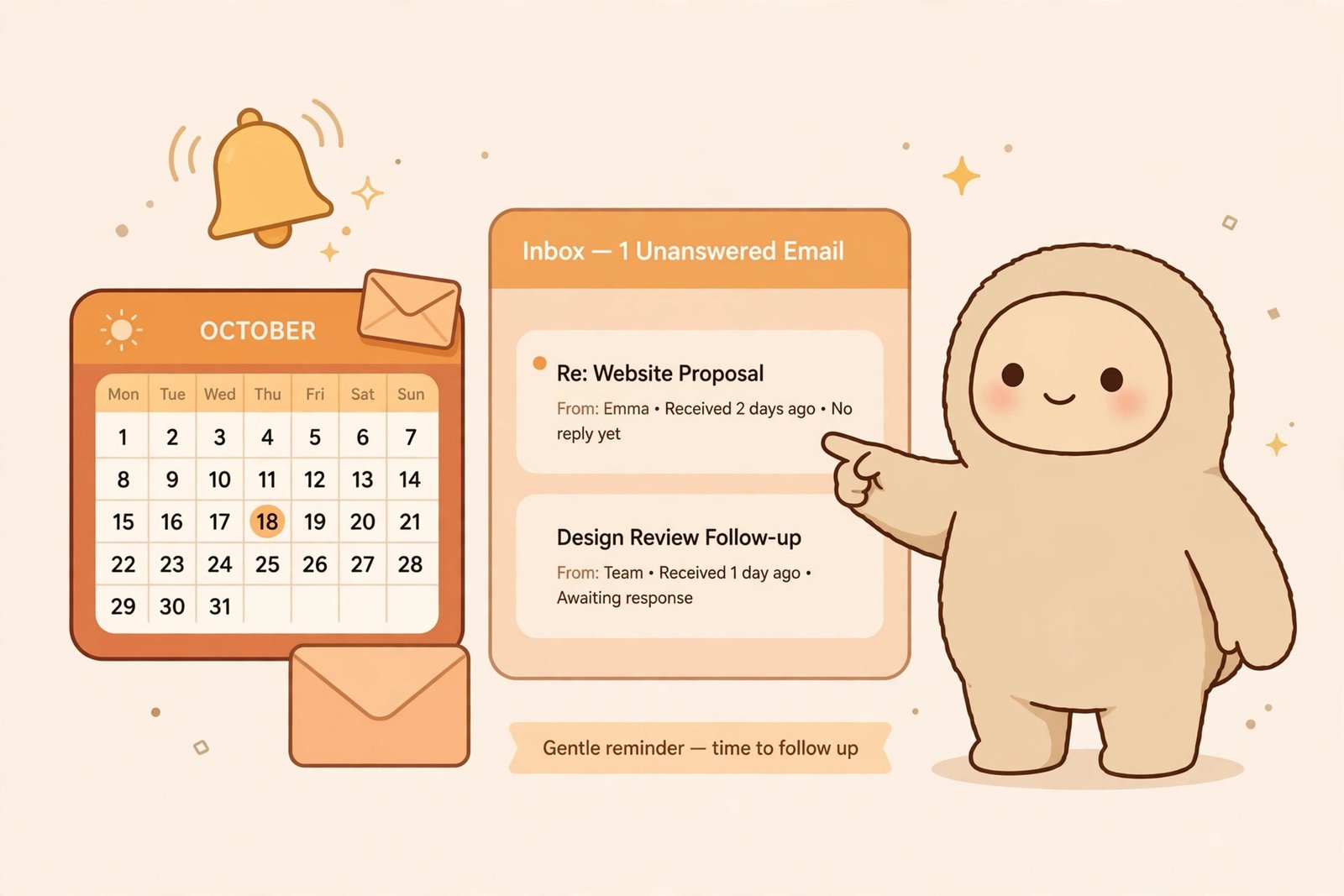
Fyxer is the most “agent-like” of the inbox tools. It sits on top of your Gmail or Outlook inbox and does four jobs: auto-labels new mail, drafts replies in your tone from thread context, records and summarises meetings, and maintains a follow-up list of sent emails that never got answered. Sorting costs roughly one credit per five emails; Pro includes 3,000 credits/month per member.
Where Fyxer differs from Superhuman is philosophy: Superhuman makes you faster; Fyxer tries to do the work — drafts waiting for your approval, meeting notes written for you, unanswered threads surfaced without being asked. The trade is that usage is metered by credits, so very heavy users hit limits that a flat-rate tool would not impose.
Standout features
- Triage + drafting + meeting notes in one product — the broadest feature set here
- Drafts learn your tone from your sent mail rather than sounding like a template
- Follow-up tracking flags sent emails that went unanswered
- Works in Gmail, Outlook, Slack and Teams, plus its own hub
Where Fyxer falls short
- Credit-based pricing makes costs less predictable than flat-rate competitors
- Drafted replies start on Pro; the free plan does not draft at all
- Multiple inboxes per person need the pricier Team plan
- No meeting transcription competitor? No — it records meetings, but pair with a dedicated AI meeting notes tool if that is your main need
Fyxer pricing (2026)
| Plan | Price (annual) | Key limits |
|---|---|---|
| Free | $0 | 400 credits/mo; briefings and meeting notes, no reply drafting |
| Pro | $37/user/mo ($49 monthly) | 3,000 credits/mo per member after onboarding period |
| Team | $64/user/mo ($99 monthly) | Multiple inboxes per person, shared workflows |
Bottom line: If you want one subscription that triages, drafts and takes meeting notes, Fyxer is the most complete pick — just watch the credit meter.
4. Shortwave — Best AI-Native Gmail Client
Best for: Gmail users who want an AI assistant inside their inbox — semantic search, thread summaries, natural-language queries.
Pricing (2026): Personal plans from ~$7/mo; team AI workspaces from ~$14/mo (annual) or $18/seat/mo billed monthly. Free plan with limited AI and 90 days of search history.
Shortwave is built by ex-Google engineers and feels like what Gmail would be if it were redesigned around an LLM. Its standout capability is semantic thread understanding: ask “what did Sarah quote for the Q3 marketing budget?” and Shortwave synthesises an answer across your whole inbox history, not just keyword matches. It bundles threads automatically, summarises long conversations, and turns emails into tasks.
The limitation is scope: it is Gmail and Google Workspace only (Outlook users can only forward mail in — not a real workflow). And several comparisons note that its higher tiers jumped in price during 2026, so verify the current team pricing before committing.
Standout features
- Best AI search of any inbox tool — answers questions across your entire mail history
- Automatic thread bundling and summarisation
- Clean, modern client that many users prefer to Gmail’s interface
- Generous free tier with 90 days of history
Where Shortwave falls short
- Gmail only — a non-starter for Outlook users
- Billed monthly only on some tiers, which raises the effective annual cost
- No CRM integrations and no server-side filtering for other clients
Bottom line: For Gmail-only users, Shortwave is the most impressive AI-in-inbox experience — and the free tier lets you test the semantic search before paying.
5. Clean Email — Best One-Time Bulk Cleanup
Best for: Anyone whose inbox has 10,000+ unread messages and needs a reset before any daily workflow can work.
Pricing (2026): Pricing varies by plan and billing cycle — check the vendor page at publish time. Free tier cleans up to 1,000 emails.
Clean Email is a specialist: it does not help with your daily workflow, it fixes the backlog. Smart filters group senders and newsletter types, bulk actions archive or delete thousands of messages at once, and auto-clean rules keep the result tidy going forward. Think of it as step zero: run Clean Email for a weekend, then hand the clean inbox to SaneBox or Fyxer for daily triage.
The honest limitation: once the cleanup is done, its ongoing value is thin compared with the triage tools above. Buy it for the reset, not the routine.
Bottom line: Do this first if your inbox is a disaster zone; then pick a daily triage tool from this list.
6. Spark Mail — Best Free AI Email Client
Best for: Users who want a genuinely free, cross-platform email client with usable AI features.
Pricing (2026): Free plan available; premium tiers from ~$4.99/mo for individuals (team plans higher).
Spark works with Gmail, Outlook, iCloud and any IMAP account on Mac, Windows, iOS and Android — the widest platform coverage of any client here. Its AI features include smart priority inboxes, AI-generated summaries and draft assistance. It is not the deepest AI of the paid clients, but it is the best free starting point: many users will get everything they need from the free tier plus some discipline.
Bottom line: The $0 option worth trying before you pay anyone.
Detailed Comparison: AI Inbox Triage Tools
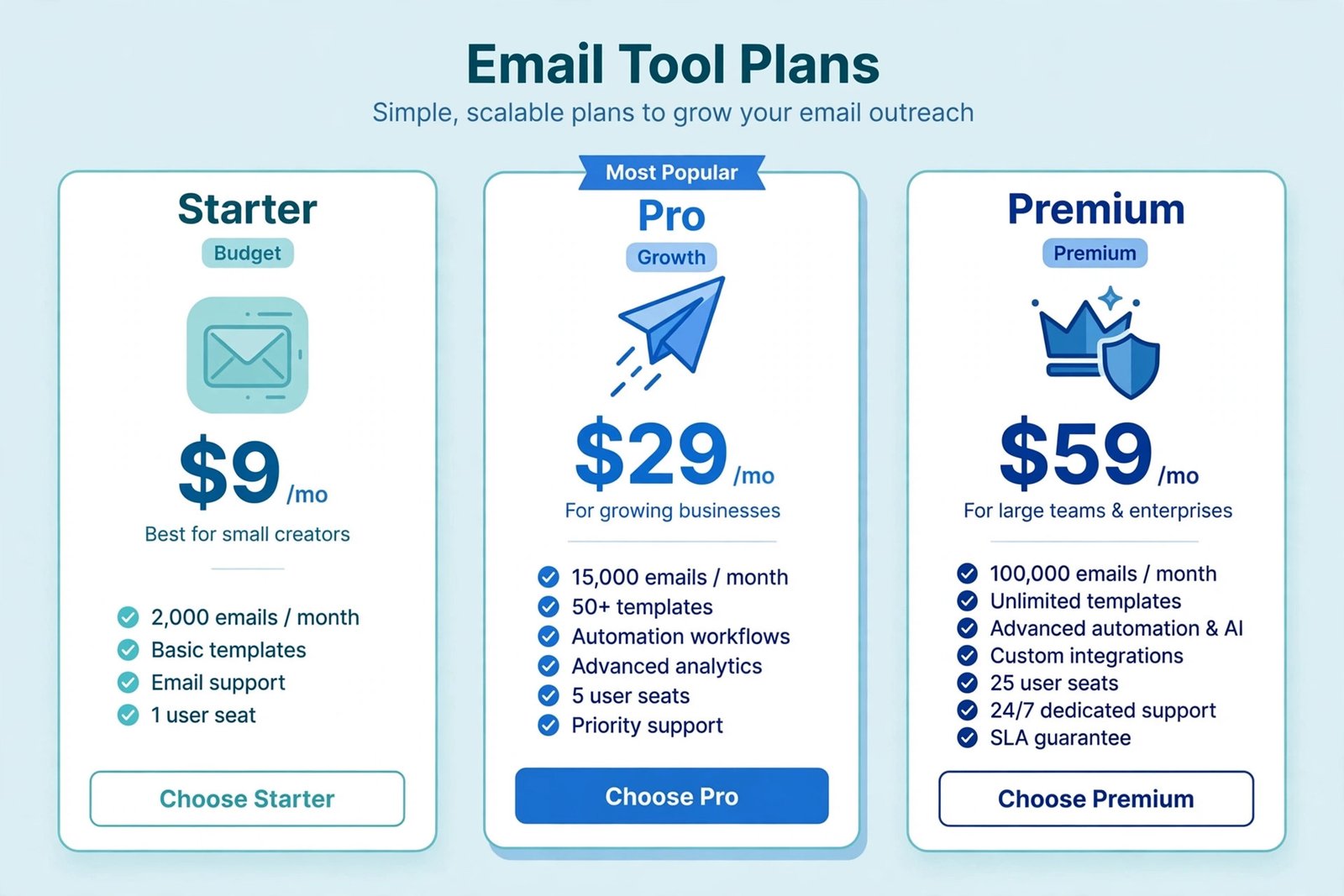
| Feature | SaneBox | Superhuman | Fyxer | Shortwave | Clean Email | Spark Mail |
|---|---|---|---|---|---|---|
| Category | Server-side filter | Email client | AI assistant layer | Email client | Cleanup tool | Email client |
| Gmail | Yes (any app) | Yes | Yes | Yes | Yes | Yes |
| Outlook | Yes (any app) | Yes | Yes | No (forwarding only) | Yes | Yes |
| Auto-sorting / labels | Yes (smart folders) | Yes (AI labels, Business) | Yes (credits) | Yes | Yes (bulk rules) | Yes (smart inbox) |
| AI reply drafts | No | Yes (Business) | Yes (Pro+) | Yes | No | Basic |
| Follow-up reminders | Yes (SaneReminders) | Via snooze | Yes (follow-up list) | Yes (tasks) | No | Yes (snooze) |
| Meeting notes | No | No | Yes | No | No | No |
| Privacy posture | Headers only | Full content AI | Full content AI | Full content AI | Full content AI | Full content AI |
| Entry price (2026) | ~$7/mo | $25/user/mo | $37/user/mo | ~$7/mo | Pricing varies | Free |
How to Choose: Match the Tool to Your Inbox Problem
Your inbox is overflowing and you will not switch apps → SaneBox. Server-side filtering inside the app you already use, headers-only privacy, and the lowest price. This is the default recommendation for most people.
You process 100+ emails a day and want raw speed → Superhuman. The keyboard-driven workflow is unmatched, and the ROI math works at 2+ hours of daily email. Just know the AI drafting costs extra.
You want one AI that triages, drafts and takes meeting notes → Fyxer. The broadest product; budget for credit usage and confirm the Team tier if you run multiple inboxes.
You live in Gmail and want the smartest search → Shortwave. The semantic inbox search is genuinely best-in-class. Outlook users, look elsewhere.
Your inbox has years of backlog → Clean Email first, then pick a daily tool. No triage product fixes 20,000 unread messages well; clean first.
You want to spend $0 → Spark Mail or Shortwave’s free tier. Configure Gmail’s tabs and Outlook’s Focused Inbox properly first — under ~30 emails a day, the built-ins may be enough.
Frequently Asked Questions
What is the best AI email management tool in 2026?
For most people, SaneBox — it auto-sorts mail in whatever app you already use, from ~$7/mo, with the strongest privacy posture (it reads only headers). Power users who want maximum speed should look at Superhuman; those wanting drafts plus triage should shortlist Fyxer.
Do AI email management tools work with Outlook?
Yes — with one exception. SaneBox (server-side), Superhuman, Fyxer, Clean Email and Spark Mail all support Outlook. Shortwave is Gmail-only; Outlook users would have to forward mail in, which is not a practical workflow.
Will an AI email tool read all my emails?
It depends on the tool. SaneBox analyses only message headers (sender, subject, timestamp) — the most privacy-friendly option here. Clients and assistants like Superhuman, Fyxer, Shortwave and Spark need full message content to draft replies and summarise threads. All are SOC 2 certified, but check your organisation’s policy before connecting a work inbox.
Can AI email tools really get me to inbox zero?
They get you close by automating the two biggest time sinks: sorting (auto-labels, smart folders) and follow-up tracking (reminders for unanswered mail). What they cannot do is decide what you find important — expect to spend a week training any of these tools before the automation feels right.
What is the difference between AI email writing tools and AI email management tools?
Writing tools draft and polish individual emails. Management tools handle the inbox itself: triage, auto-sorting, priority detection, follow-up reminders and bulk cleanup. We cover the writing side separately; this post is about the management layer, which saves more time for most users.
Is it worth paying for email management when Gmail and Outlook have built-in features?
If you receive under ~30 emails a day, probably not — Gmail’s category tabs, snooze and scheduled send, plus Outlook’s Focused Inbox, cover the basics for free. Paid tools earn their fee at higher volumes, where learning your priorities and tracking unanswered threads saves 4+ hours a week.
Final Verdict
Start with the diagnosis, not the tool. If your problem is noise, buy SaneBox and keep your current app. If your problem is speed, buy Superhuman and learn the shortcuts. If your problem is “I wish someone would just handle it,” trial Fyxer’s Pro plan and let the drafts and follow-up lists do the heavy lifting. And if your problem is 20,000 unread messages, spend a weekend with Clean Email before you spend a dollar on anything else.
Whatever you choose, run it on two full weeks of real mail before deciding — inbox tools are the one category where the free trial genuinely tells you everything.
Keep building your stack: pair inbox triage with an AI meeting notes tool to reclaim your calendar too, or see how AI agents for small business can automate the workflows your emails trigger.