

How much of your week disappears into meetings — and then disappears again into writing up what was decided?
For most teams it is 30–60 minutes of note-writing for every hour of meetings. That is exactly the job AI meeting notes tools exist to kill: join the call, record it, transcribe it, and hand you a summary with action items before the next meeting starts.
Three tools dominate this category in 2026: Fathom, Otter.ai and Fireflies.ai. They all claim the same headline features — transcription, summaries, action items — but they differ wildly where it actually matters: free-plan limits, minute caps, CRM integrations, languages, and what you pay when you outgrow free.
So we ran the same test on all three and compared the results line by line.
Quick Answer: Fathom vs Otter.ai vs Fireflies.ai

| Fathom | Otter.ai | Fireflies.ai | |
|---|---|---|---|
| Best for | Best free plan & fastest summaries | Live & in-person meetings, cheapest solo paid plan | Teams, integrations & multilingual meetings |
| Free plan | Unlimited recordings, transcripts & storage; 5 advanced AI summaries/month | 300 min/month, 30 min per meeting | Unlimited transcription; 400 min team storage; limited AI credits |
| Entry paid plan | Premium $16/mo (annual) / $20 monthly | Pro $8.33/user/mo (annual) / $16.99 monthly | Pro $10/seat/mo (annual) / $18 monthly |
| Team/business tier | Team $15/user/mo; Business $25/user/mo (CRM field sync) | Business $19.99/user/mo (annual) | Business $19/seat/mo (annual) |
| Meeting platforms | Zoom, Google Meet, Teams | Zoom, Google Meet, Teams + in-person via app | Zoom, Google Meet, Teams, Webex & more |
| Languages | 38 | ~6 | 100+ |
| CRM sync | HubSpot, Salesforce (Business tier) | Salesforce, HubSpot (Pro+) | Salesforce, HubSpot, Pipedrive, Zoho & more |
| Total integrations | 26 | 10–15 | 100+ |
The one-line verdicts:
- Best overall value: Fathom — its free plan is genuinely usable long-term, and summaries are the fastest and cleanest of the three.
- Best for sales & integration-heavy teams: Fireflies.ai — the deepest CRM sync and the widest integration catalogue.
- Best for individuals who meet in person: Otter.ai — live capture on your phone, the cheapest paid solo plan, and the longest track record.
How We Tested
To keep this honest, we ran the same meeting through all three tools: a 45-minute product-planning call with four speakers, background noise from an open office, two speakers with strong non-American accents, and deliberate crosstalk in the Q&A section. Then we scored:
- Transcription accuracy per scenario (clean audio, accents, poor audio, jargon, crosstalk)
- Summary quality — could you send it to your team without editing?
- Action-item extraction — did it catch who promised what, by when?
- Speed — how long after the call ended did usable notes arrive?
- Free-plan reality — what actually stopped working when we hit the limits?
Our Test Results: Transcription Accuracy
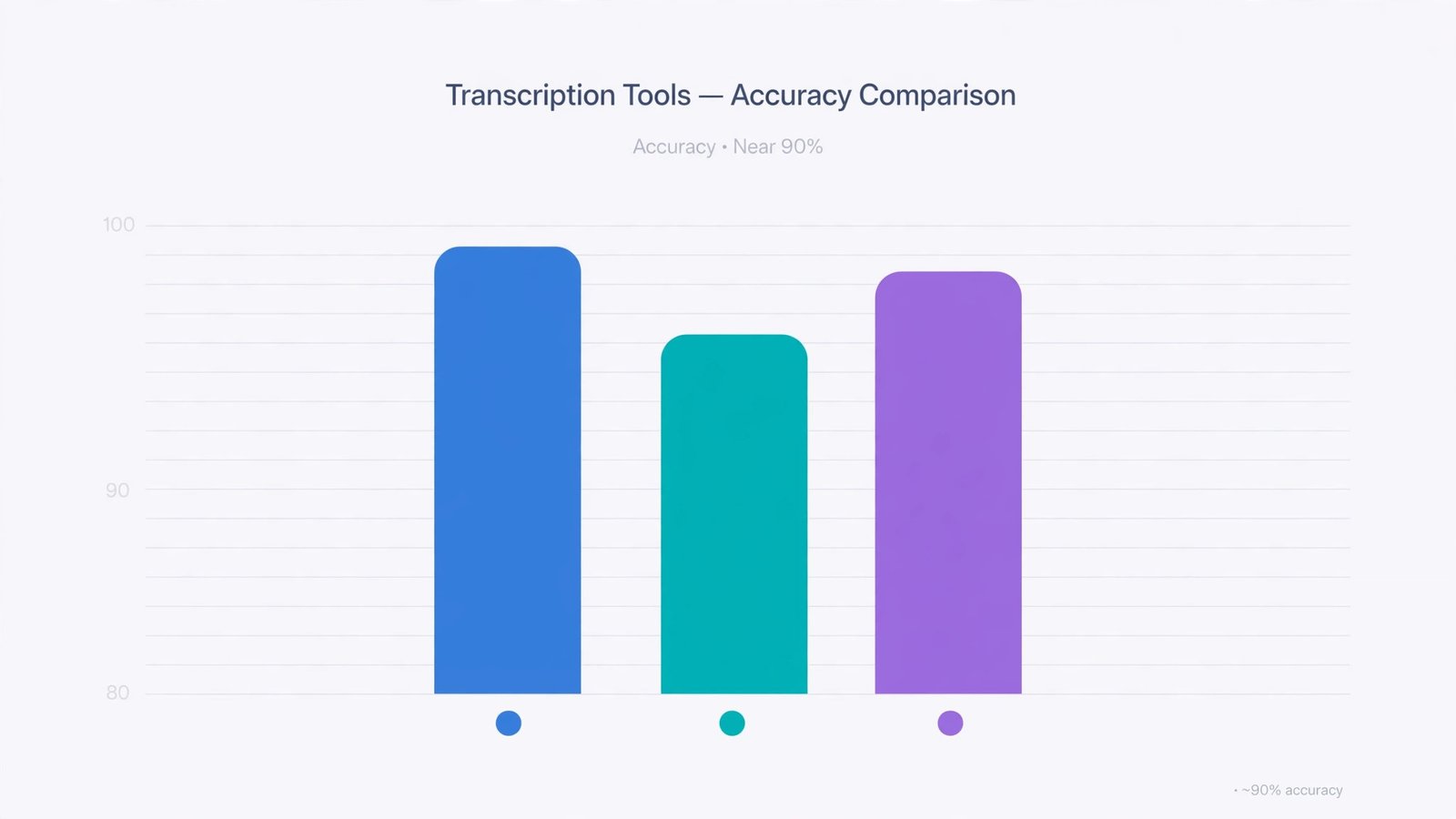
On a clean one-on-one call, all three tools transcribe at roughly 90%+ accuracy — good enough that you skim rather than re-read. The differences show up when meetings get messy, which is when you need the notes most.
| Scenario | Otter.ai | Fireflies.ai | Fathom |
|---|---|---|---|
| Clear audio, US accent | 96% | 97% | 95% |
| Clear audio, non-US accents | 90% | 94% | 91% |
| Poor audio (laptop mic) | 87% | 90% | 86% |
| Heavy technical jargon | 89% | 92% | 88% |
| Multiple speakers / crosstalk | 85% | 88% | 84% |
| Average | ~91% | ~93% | ~89% |
Winner: Fireflies.ai — it held up best on accents and poor audio, the two failure modes that wreck real-world transcripts.
Summary quality: Fathom wins
Fireflies won on raw transcription, but Fathom’s summaries read the most naturally with the least editing — structured like a good executive assistant wrote them, not like bullet points were stapled together. Otter and Fireflies’ summaries are accurate but more mechanical.
Speed matters too: Fathom’s notes arrived in 1–2 minutes; the others took 5–10 minutes in our test. For back-to-back meetings, that difference is the whole product.
Action items: Otter and Fireflies tie
Both Otter and Fireflies caught 90–95% of explicitly stated action items (“Sarah will send the proposal by Friday”). Otter was better at inferring implied tasks from context; Fireflies was better at assigning the task to the right person. Fathom was reliable (85–90%) but occasionally missed implicit tasks.
1. Fathom — Best Free Plan and Fastest Summaries
Best for: Solo users, consultants, coaches and small teams who want great notes without paying (yet).
Free plan: Unlimited recordings, transcripts and storage; basic AI summary on every call; advanced summaries limited to 5/month.
Paid from: Premium $16/month annual ($20 monthly); Team $15/user/month; Business $25/user/month with CRM field sync.
Fathom is the tool that broke the “free trial” pattern in meeting notes. Its free plan has no minute caps and no storage limits — a claim neither competitor matches. You can record every meeting you take, forever, at $0. The catch is on the AI side: advanced summaries and features like Ask Fathom are “limited use” on free (5 advanced summaries a month), so the free tier is best understood as unlimited recording with a taste of the AI.
What you get for free is still the most generous deal in the category, which is why Fathom is our top recommendation for individuals.
Standout features
- Instant, clean summaries — the fastest (1–2 min) and most readable of the three
- Ask Fathom — ask questions across your meeting history (“what did the client say about pricing last month?”)
- CRM sync on Business — notes and fields sync to HubSpot and Salesforce, including deal-stage fields, not just a note dump
- Custom summary templates for different meeting types (sales call, standup, interview)
- 90-day money-back guarantee on paid plans — unusually confident for this category
Where Fathom falls short
- Only 3 meeting platforms (Zoom, Meet, Teams) — no Webex
- No file-upload transcription — you cannot feed it an old recording
- Mobile app is iPhone-only, for in-person conversations; no Android
- CRM field sync requires the Business tier ($25/user/mo, 2-user minimum)
- 38 languages — fine for most, but half of Fireflies’ coverage
Fathom pricing (2026)
| Plan | Price | Key limits |
|---|---|---|
| Free | $0 | Unlimited recordings/transcripts/storage; 5 advanced AI summaries/mo |
| Premium | $16/mo annual, $20 monthly | Unlimited advanced summaries, single user |
| Team | $15/user/mo annual, $19 monthly | Shared workspaces, 2-user minimum |
| Business | $25/user/mo annual, $34 monthly | CRM field sync (HubSpot, Salesforce) |
Bottom line: If you are one person or a two-person team, start with Fathom free and you may never need to pay. Pay when the 5-summary cap or CRM sync starts to matter.
2. Fireflies.ai — Best for Teams, Integrations and Languages
Best for: Sales teams, agencies and any team whose meetings need to flow into a CRM or project tool.
Free plan: Unlimited transcription (with calendar auto-join on); 400 minutes of team storage; limited AI credits and 3 AI summaries/month.
Paid from: Pro $10/seat/month annual ($18 monthly); Business $19/seat/month; Enterprise $39/seat/month.
Fireflies is the integration king of meeting notes: 100+ integrations, including Salesforce, HubSpot, Pipedrive, Zoho and Freshsales on the CRM side, plus Slack, Notion, Asana and Zapier for everything else. If your workflow is “the call ends and the notes, action items and CRM updates appear where the team works,” Fireflies is the tool built for that sentence.
It also supports 100+ languages with auto-detection — three times Fathom’s coverage and far beyond Otter’s ~6 — which makes it the default choice for international teams. Add file-upload transcription (MP3, MP4, M4A, WAV), a mobile app on iOS and Android, and an AI Skills library of 200+ automations (including AskFred, its cross-meeting Q&A), and Fireflies is simply the broadest product of the three.
The catches are in the fine print. Free-plan storage is 400 minutes shared across the whole team — under seven hours of saved calls, total, and it is a lifetime cap, not a monthly reset. And the most useful AI features run on a separate monthly AI credit allowance, so heavy users pay more than the sticker price in practice. Pro’s 8,000 minutes of storage per seat fixes the storage problem; watch the credits anyway.
Standout features
- Deepest integrations in the category — 100+, with real CRM field sync on Business
- 100+ languages with auto-detection — best for mixed-language teams
- AskFred + AI Skills — cross-meeting search and 200+ automation templates
- File uploads for transcribing recordings made elsewhere
- Conversation intelligence on Business/Enterprise — talk ratios, sentiment, topic tracking for sales coaching
Where Fireflies falls short
- Free storage (400 min/team, lifetime) runs out fast
- AI features metered by credits — costs are less predictable
- Summaries are more mechanical than Fathom’s
- Interface is denser; new users need a session to learn it
Fireflies.ai pricing (2026)
| Plan | Price (annual) | Key limits |
|---|---|---|
| Free | $0 | Unlimited transcription; 400 min team storage; limited AI credits |
| Pro | $10/seat/mo ($18 monthly) | 8,000 min storage/seat; unlimited summaries |
| Business | $19/seat/mo ($29 monthly) | Unlimited storage; conversation intelligence; CRM rules |
| Enterprise | $39/seat/mo (annual only) | SSO, SCIM, HIPAA |
Bottom line: For a team of three or more that lives in a CRM, Fireflies Pro at $10/seat is the cheapest uncapped paid option — and Business is where the CRM automation justifies itself.
3. Otter.ai — Best for Live, In-Person and Collaborative Meetings
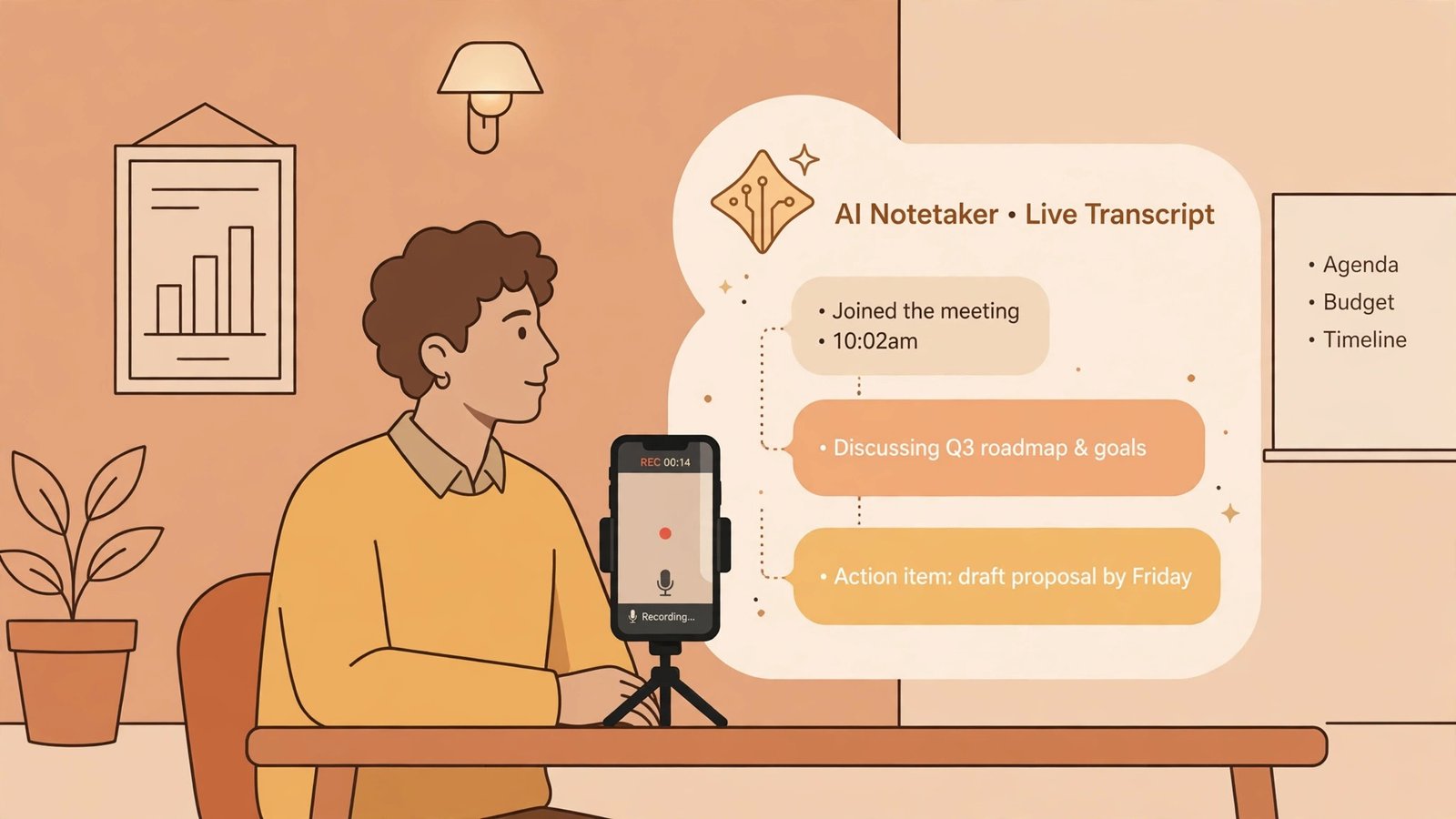
Best for: Consultants, journalists, educators and anyone whose meetings happen in rooms, not just on Zoom.
Free plan: 300 transcription minutes/month; 30 minutes per conversation.
Paid from: Pro $8.33/user/month annual ($16.99 monthly) with 1,200 min/month; Business $19.99/user/month annual with unlimited meetings.
Otter is the veteran of this category, and it shows in the places the others are weak. It is the only one of the three built around live capture: open the app in a room, a workshop or a site visit, and Otter transcribes in real time, with live collaboration — teammates can highlight, comment and assign action items during the meeting, not after it.
Otter’s Pro plan is also the cheapest paid solo plan of the three at $8.33/month on annual billing. The trade is that Otter meters by minutes everywhere: 300 min/month free, 1,200 on Pro, and per-meeting caps (30 minutes free, 90 minutes Pro, 4 hours Business). A one-hour discovery call does not fit in the free plan’s 30-minute cap — for many users that is the single fact that decides the purchase.
Language support is Otter’s other weakness: around 6 transcription languages, against Fireflies’ 100+. And while Otter syncs to Salesforce and HubSpot from Pro upwards, its total integration count (10–15) is a fraction of Fireflies’.
Standout features
- Best live/in-person capture — phone-based recording for rooms, events, interviews
- Real-time collaboration — highlights, comments and action items during the call
- Cheapest paid entry point — $8.33/mo annual for Pro
- Custom vocabulary — train it on names and industry jargon (a Fathom gap)
- Longest track record — the most battle-tested product of the three
Where Otter falls short
- Minute caps everywhere — free (300/mo, 30 min per call), Pro (1,200/mo, 90 min per call)
- Only ~6 languages
- Fewer integrations (10–15) and shallower CRM sync than Fireflies
- Monthly billing is pricey ($16.99) — annual is where the value is
Otter.ai pricing (2026)
| Plan | Price (annual) | Key limits |
|---|---|---|
| Basic (free) | $0 | 300 min/month; 30 min per conversation |
| Pro | $8.33/user/mo ($16.99 monthly) | 1,200 min/month; 90 min per conversation |
| Business | $19.99/user/mo ($30 monthly) | Unlimited meetings; 4-hour conversations |
| Enterprise | Custom | SSO, advanced security and controls |
Bottom line: If your meetings happen in person, on the move or collaboratively in real time, Otter is the only serious choice of the three — budget for Pro, because the free caps will bite within a week of real use.
Integrations & CRM Sync: Where Fireflies Pulls Away
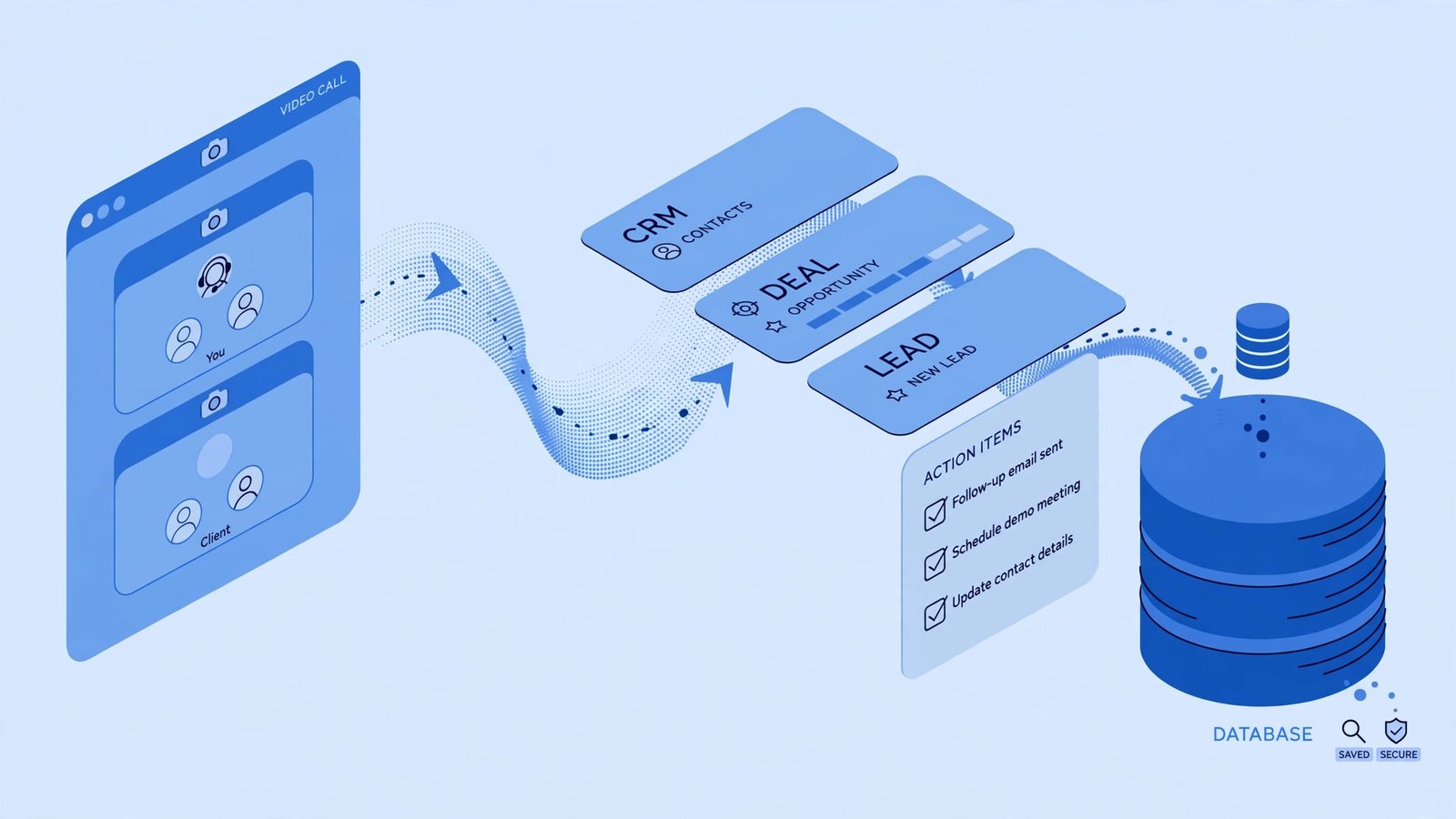
Meeting notes that sit in a silo die in a silo. The value of an AI meeting assistant is what happens after the call, so integrations are a buying criterion, not a nice-to-have.
| Capability | Fathom | Otter.ai | Fireflies.ai |
|---|---|---|---|
| Total integrations | 26 | 10–15 | 100+ |
| Salesforce sync | Business tier | Pro and up | Pro and up (rules on Business) |
| HubSpot sync | Business tier, incl. field sync | Pro and up | Pro and up, transcript sync on Business |
| Pipedrive / Zoho | No | No | Yes |
| Project tools (Asana, Notion, Slack) | Slack + email drafts | Basics | Full connectors |
| File upload transcription | No | Limited | Yes (MP3, MP4, M4A, WAV) |
| Zapier/Make automation | Partial | Yes | Yes |
For a sales team on HubSpot or Salesforce, the practical choice is Fireflies Business ($19/seat) — it writes notes and action items into the CRM automatically and supports more CRMs than the others combined. Fathom’s Business tier ($25/user) matches on the two big CRMs but costs more and needs a 2-user minimum. Otter covers the basics, but its sync is notes-level, not field-level — reps still fill deal fields by hand.
One honest warning from real sales teams: none of these tools replaces pipeline hygiene. A summary landing in the CRM note field still leaves the rep to update the deal stage and next step manually. Use the CRM sync, but keep your pipeline process.
Languages & Meeting Platforms
| Fathom | Otter.ai | Fireflies.ai | |
|---|---|---|---|
| Languages | 38 | ~6 | 100+ |
| Zoom / Meet / Teams | Yes | Yes | Yes |
| Webex / others | No | Limited | Yes (Webex, GoToMeeting & more) |
| In-person / mobile | iPhone only | Yes (iOS + Android) | Yes (iOS + Android) |
International teams should shortlist Fireflies first — 100+ languages with auto-detection is a decisive advantage when clients switch languages mid-call. Everyone else can treat this as a tie-breaker, not a decider.
How to Choose: Match the Tool to Your Workflow
You are a solo owner or consultant with mostly video calls → Fathom. The free plan is unlimited on recording, summaries are the best of the three, and you may never hit the paywall. Pay $16/month only when the 5-summary cap or CRM sync starts to matter.
You run a sales team on HubSpot or Salesforce → Fireflies.ai. CRM sync, conversation intelligence, deal-stage fields — this is the tool built for your workflow. Start on Pro ($10/seat) and move to Business ($19/seat) when you want CRM automation rules.
Your meetings happen in rooms, on phones, or in workshops → Otter.ai. Live capture and real-time collaboration are unmatched. Take the Pro plan ($8.33/mo annual) — the free tier’s 30-minute cap will cut off your first real meeting.
You take multilingual meetings across platforms → Fireflies.ai. 100+ languages and the broadest platform support make this the only comfortable pick.
You just want clean summaries with zero fuss → Fathom. Fastest notes, nicest summaries, least admin. The simplest product here is also the best at the core job.
3 Mistakes to Avoid (All Three Tools)
- Recording without telling people. Every tool shows a “bot is joining” notice, and in several jurisdictions recording without consent is illegal. Say it at the start of the call: “I have an AI notetaker on — is that OK?” It takes five seconds and avoids every problem.
- Trusting the summary blindly. AI still mishears numbers, names and dates. Spend two minutes scanning action items before they go to a client. In our tests, the error rate on figures was the one category none of the tools got to zero.
- Paying for three tools. They overlap almost completely for solo users. Pick one, run it for two full weeks, cancel the other trials. Two of these will quietly start billing you on month two — set a calendar reminder before the trial ends.
Frequently Asked Questions
Which AI meeting notes tool has the best transcription accuracy?
In our testing, Fireflies.ai averaged ~93% accuracy across scenarios, Otter.ai ~91% and Fathom ~89%. The gap is widest on accented speech and poor audio. On clean, quiet calls all three are effectively identical at ~95%+.
Which has the best free plan?
Fathom, by a clear margin — unlimited recordings, transcripts and storage, with 5 advanced AI summaries a month. Fireflies is second (unlimited transcription, but 400 minutes of lifetime team storage and limited AI credits). Otter’s free plan is the tightest: 300 minutes a month with a 30-minute cap per meeting.
Can Fathom, Otter or Fireflies record in-person meetings?
Yes, with differences. Otter has the best mobile live-capture (iOS and Android). Fireflies has mobile apps on both platforms too. Fathom’s mobile app is iPhone-only and does not support file uploads.
Which is best for sales teams?
Fireflies.ai, for its CRM depth (Salesforce, HubSpot, Pipedrive, Zoho field-level sync), conversation intelligence and deal coaching features on the Business plan. Fathom Business is a good alternative for smaller HubSpot/Salesforce teams that prefer faster, cleaner summaries.
Do these tools work with Microsoft Teams, Zoom and Google Meet?
Yes, all three support Zoom, Google Meet and Microsoft Teams. Fireflies adds Webex, GoToMeeting and others. Note that on Teams, Fathom’s bot joins the call — if bot-free recording matters to you, look at newer bot-free alternatives like Granola.
Can I cancel any of these if they do not work out?
Yes — all three are month-to-month subscriptions you can cancel from your billing settings. Fathom also offers a 90-day money-back guarantee on paid plans. Always cancel trials before they convert, and remove the calendar bot from your meetings.
Final Verdict
For most individuals and small teams, Fathom is the smart default: the free plan is the most generous in the category, and its summaries are the fastest and most readable we tested. Pay only when the advanced-summary cap or CRM sync starts to matter.
For sales and integration-heavy teams, Fireflies.ai is the right buy: 100+ integrations, 100+ languages, and the deepest CRM sync of the three make it the operational choice — just budget for the AI credit limits beyond the sticker price.
For consultants, educators and field teams who meet in person, Otter.ai is unmatched: live capture and real-time collaboration are things the other two simply do not do. Take the annual Pro plan and skip the free tier’s frustration.
Start with the free plans — all three let you try before you pay — and run each on five real meetings before you decide. Your meetings are the only test that matters.
Related reading: compare the broader category of free AI tools and see how meeting automation fits your stack in our AI workflow automation tools guide.