
A home security system fails when it is bought as a box of gadgets without a plan for where sensors go, who receives alerts, and what happens when an alert arrives. When you set up home security system DIY, cameras, sensors, and alarms work as one system, covering entry points, detecting problems early, and alerting the right people with useful information, not just noise. That planned approach matters more than any single device, because a well placed basic sensor beats an expensive camera pointed at the wrong place.
This guide builds a DIY system for a typical home, covering planning, sensor placement, camera positions, hub and connectivity, alerts, storage, and testing. System costs vary widely by brand, device count, and whether professional monitoring is added, so confirm current prices on official brand pages before budgeting, and start with entry points before adding indoor coverage. No DIY system replaces professional advice for high risk homes, and this guide notes where professional help is worth considering.
Why This Approach Works
DIY security suits many homes because it is flexible, expandable, and far cheaper than a fully installed system, while modern wireless sensors and cameras can be fitted without drilling through walls or running cables everywhere. A homeowner can start with door and window sensors and one camera, learn how alerts work, and add devices room by room as needs become clear, rather than committing to a large system on day one. That gradual approach also builds understanding, because the homeowner who installs and tests each sensor knows how the system behaves, which reduces false alarms and increases confidence when a real alert arrives.
Planning is what separates a useful system from a collection of devices that beep and record without helping. A plan starts with a simple sketch of the home, marking entry points, vulnerable windows, garage and garden access, and indoor routes, then assigns a device type to each point based on risk, not on gadget appeal. Cameras deter and record, sensors detect entry, and alarms alert occupants, and each point needs the right combination, not the same device everywhere. A planned system also considers privacy, neighbours, and local rules for cameras, because a camera that records a neighbour’s garden or a public street without care can create disputes that outweigh its security value.
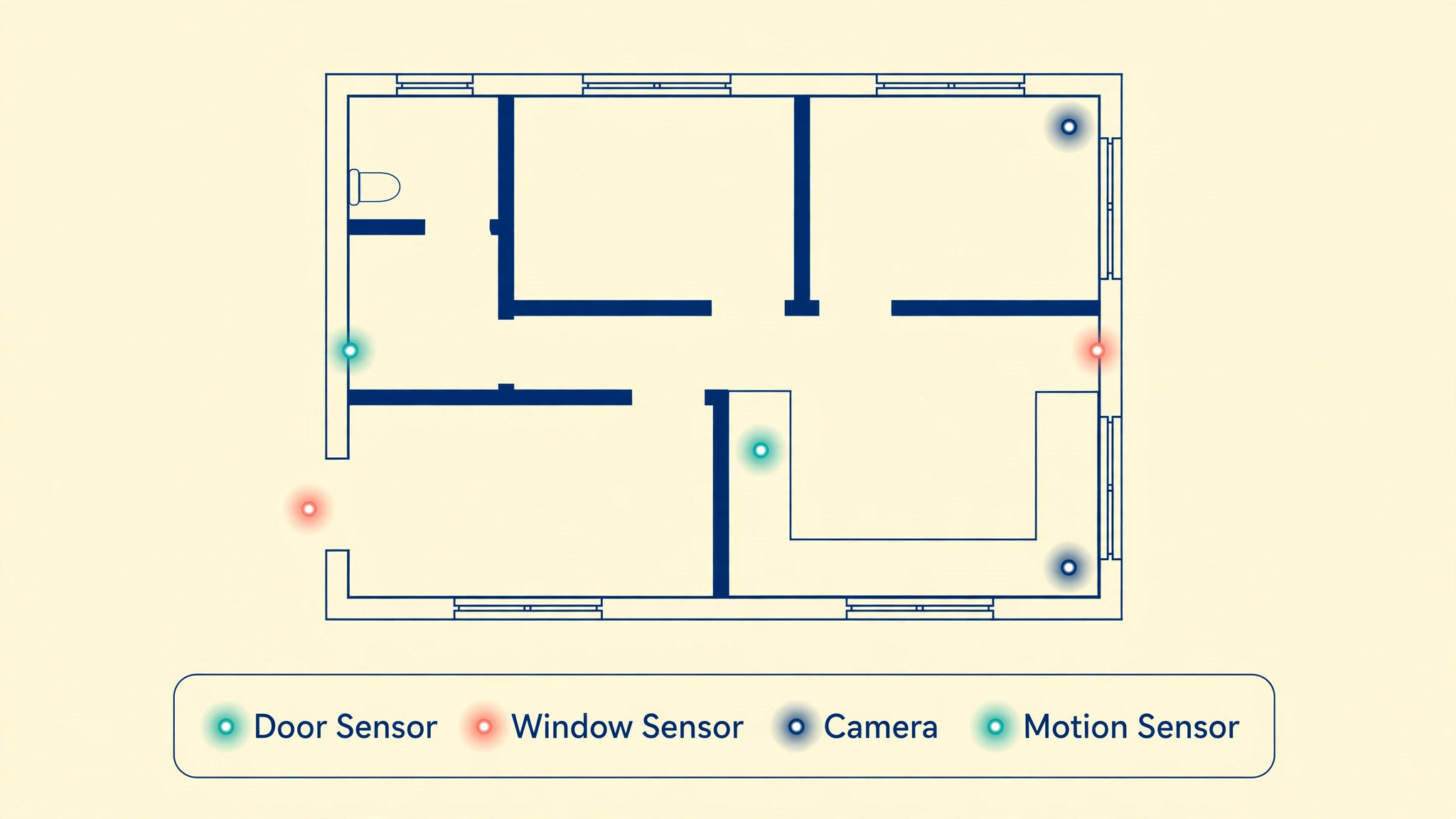
How to set up home security system DIY Step by Step
Install in the order below, starting with planning and connectivity, not with buying devices. When you set up home security system DIY, a sketch, a device list, and a connectivity check prevent the most common DIY failure, which is a box of sensors that cannot connect reliably, cover the wrong points, or alert nobody when it matters.
- **Sketch the home and mark entry points.** Draw a simple floor plan and garden sketch, marking front, back, and side doors, ground floor windows, garage doors, and any other access points, plus indoor routes an intruder might use. Rank each point by risk, considering visibility from the street, ease of access, and value of what lies beyond. A sketch takes an hour and guides every later decision, from device count to camera angles, far better than buying devices first and finding places for them later.
- **Choose a hub and check connectivity.** Choose a hub or app ecosystem that supports the sensors and cameras you plan to use, and check Wi-Fi coverage at each planned device location, including garages and gardens, before buying. Add a Wi-Fi extender or mesh point where coverage is weak, because a sensor that cannot connect reliably is worse than no sensor, as it creates false confidence. Test connectivity at each location with a phone before fixing any device in place.
- **Install door and window sensors first.** Fit contact sensors on main entry doors first, then on vulnerable ground floor windows, following manufacturer instructions for alignment and spacing. Test each sensor by opening and closing the door or window, and confirm that the app shows the correct state and that alerts arrive promptly. Entry sensors are the foundation of the system, because they detect intrusion at the point of entry, before an intruder reaches valuables.
- **Add motion sensors for indoor coverage.** Place motion sensors to cover hallways and main rooms, at the height and angle recommended by the manufacturer, avoiding direct sunlight, heaters, and pet areas where false alarms are common. Test motion sensors by walking the expected intruder route, and adjust sensitivity and position until coverage is reliable without frequent false triggers. Motion sensors complement entry sensors, by detecting movement even if an entry point is bypassed.
- **Position cameras for identification, not just coverage.** Place cameras to capture faces and details at entry points, at a height that is reachable for maintenance but not easily tampered with, and with lighting that avoids backlight and glare. Avoid pointing cameras at neighbours’ private areas or public streets beyond what is necessary, and check local privacy rules and camera placement guidance for your area. A camera that shows a clear face at the front door is more useful than a wide camera that shows only a distant figure.
- **Set up alarms, sirens, and alert rules.** Configure the alarm, siren, and alert rules, including entry delays for occupants, instant alerts for vulnerable points, and notification recipients for different alert types. Set different rules for home, away, and night modes, so the system protects without annoying occupants during normal use. Test each mode with the household present, so everyone understands what happens in each mode and how to disarm the system correctly.
- **Set storage, privacy, and retention rules.** Choose local, cloud, or hybrid storage for camera recordings, set retention periods that balance evidence needs with privacy and cost, and enable encryption and strong passwords with two factor authentication where available. Decide who can view recordings and for how long, and inform household members and regular visitors where cameras operate. Storage and privacy rules should be set before recordings accumulate, not after a dispute arises.
- **Test the full system and train the household.** Test every sensor, camera, and alert together, by simulating entry, motion, and alarm triggers where safe, and confirm that alerts reach all intended recipients promptly. Train every household member on arming, disarming, responding to alerts, and handling false alarms, and practise the routine for a week before relying on the system. A system that only one person understands will fail when that person is away, so household training is part of installation, not an afterthought.
After the first week, review false alarms, missed alerts, and household feedback, and adjust sensor positions, sensitivity, and alert rules accordingly. A system that is tuned in its first week will be trusted and used, while a system that generates frequent false alarms will be ignored or switched off, which is worse than having no system at all. Tuning is normal, and it should be expected as part of DIY installation.
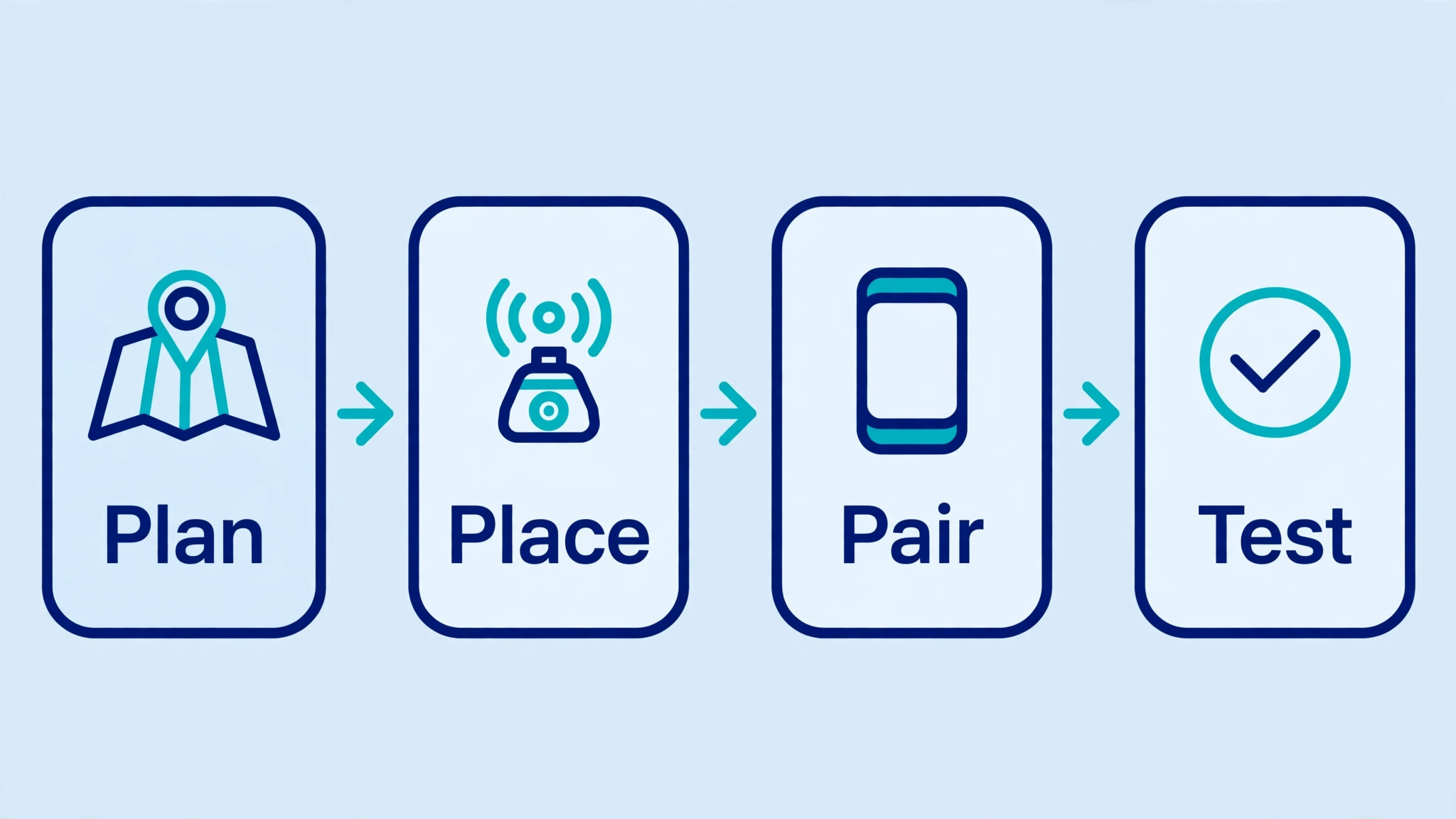
Options Compared
Security devices suit different points in a home, and the right mix depends on layout, risk, and household habits. When you set up home security system DIY, the table below compares the main device types, so entry points receive detection, indoor areas receive coverage, and cameras are placed where identification matters most.
| Device type | Best use | Watch out for |
|---|---|---|
| Door and window sensors | Detecting entry at doors and windows | Misalignment causes false states |
| Motion sensors | Indoor hallway and room coverage | Pets, sunlight, and heaters trigger falsely |
| Outdoor cameras | Entry identification and deterrence | Privacy, lighting, and weather exposure |
| Indoor cameras | Main rooms and vulnerable areas | Privacy for household and visitors |
| Sirens and alarms | Alerting occupants and deterring | False alarms annoy neighbours |
Start with entry sensors and one or two well placed outdoor cameras, then add motion sensors and indoor coverage based on testing and household feedback. A system that grows from a tested foundation will be more reliable than a large system installed all at once without testing. Add devices one room at a time, testing each addition before moving on, so problems are isolated and fixed quickly.
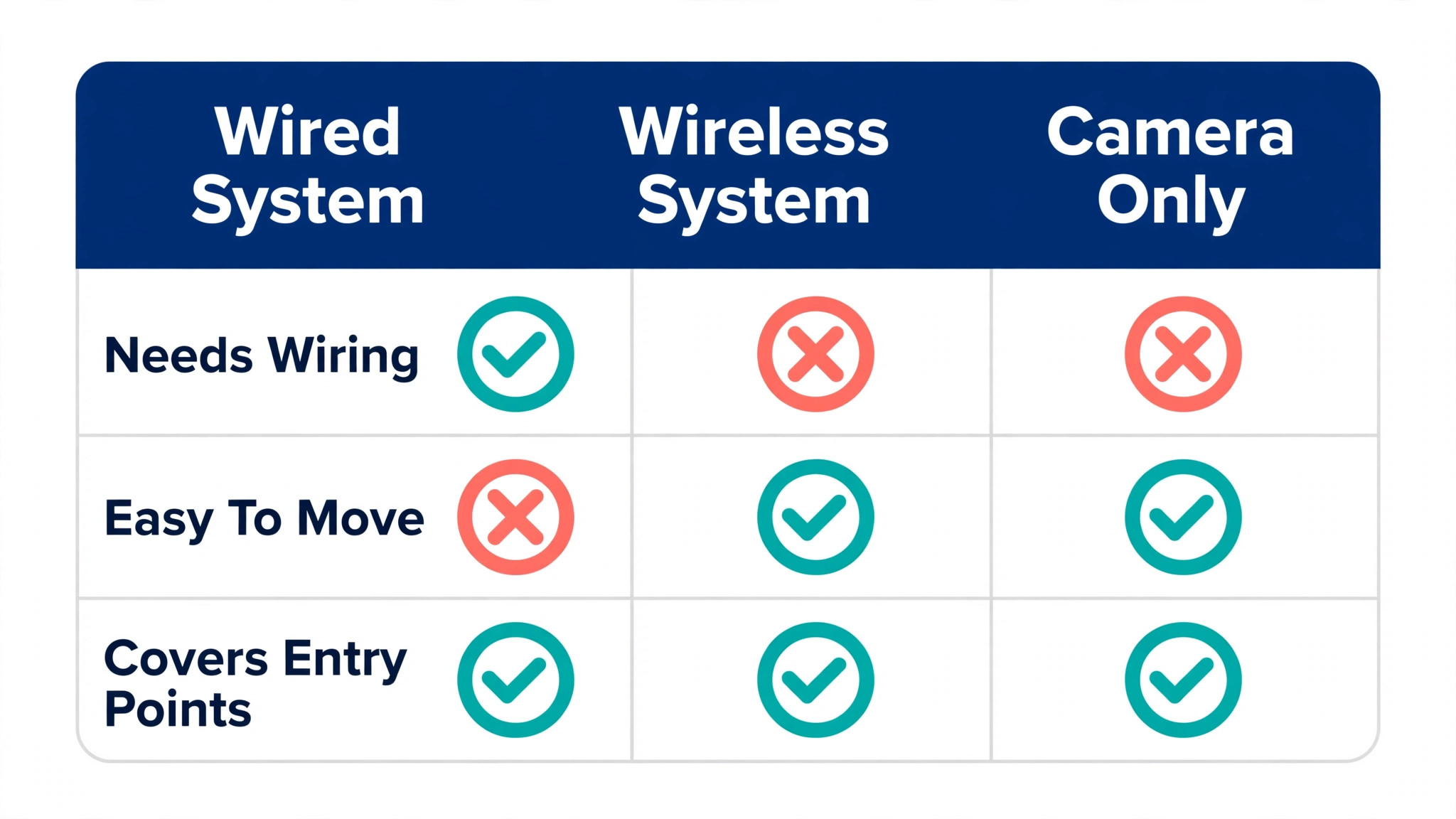
Costs and Tools to Budget For
Budget for DIY security in devices, storage, and optional monitoring. Entry sensors, motion sensors, cameras, and a hub vary widely in price by brand and features, so total the system from a device list based on your sketch, rather than from a starter kit that may not match your home. Cloud storage adds a monthly cost where used, while local storage adds a one off cost for a drive or hub with storage, and professional monitoring, where chosen, adds a monthly fee in exchange for human response to alerts. Confirm current brand pricing before budgeting, because device and subscription prices change frequently.
Time budgeting should include planning, installation, testing, and household training, usually a weekend for a typical home, plus tuning time in the first week. Rushing installation to finish in a day often leads to poor sensor alignment, weak Wi-Fi coverage, and untested alerts, which then require rework. Budget a full weekend, test thoroughly, and treat tuning in the first week as part of the job, not as a sign that installation failed.

Template and Checklist
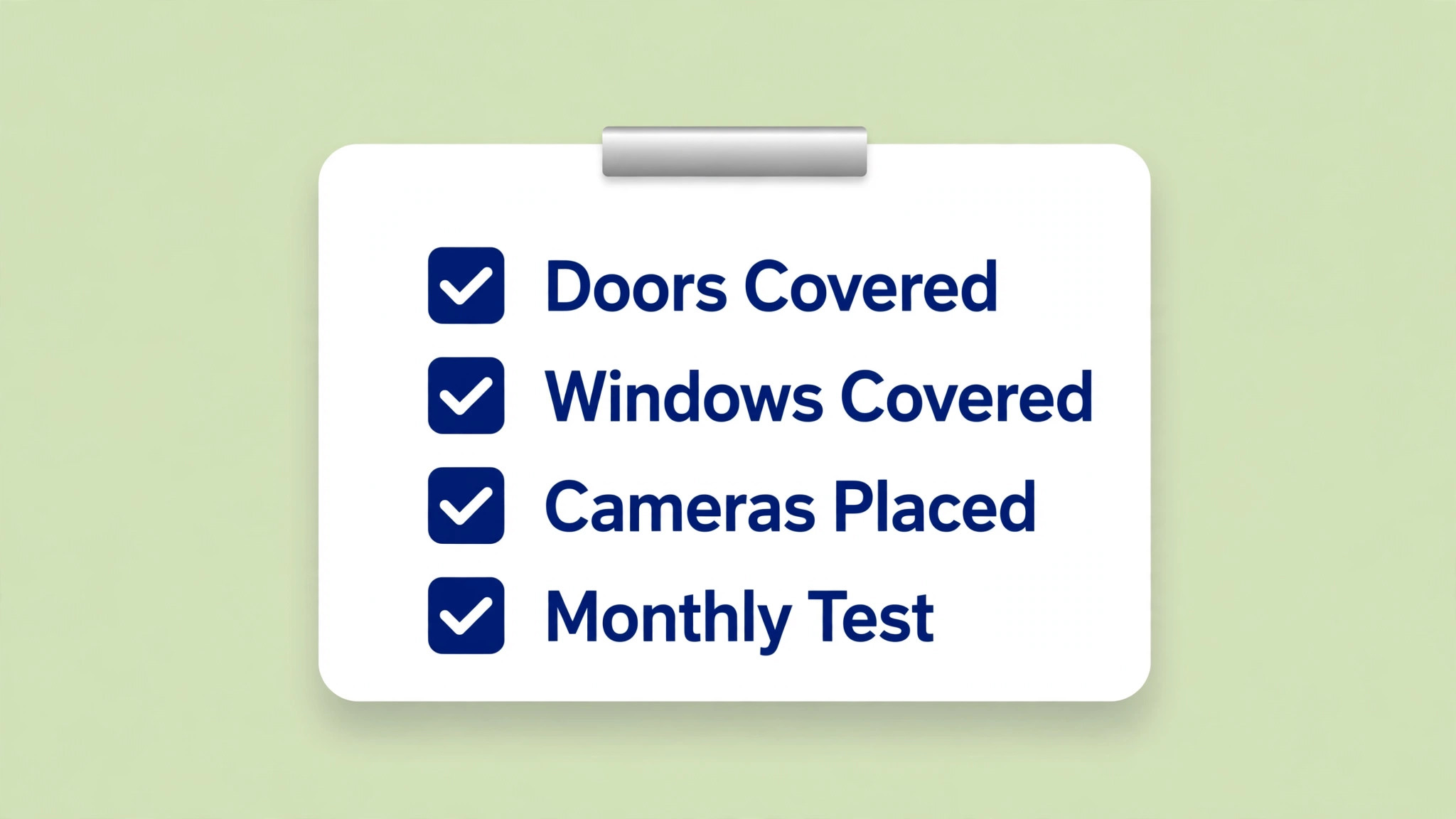
Run this checklist after installation and monthly thereafter. When you set up home security system DIY, the checklist is the gate that confirms the system actually detects, alerts, and records, rather than merely looking installed.
- A home sketch exists, with entry points ranked by risk and devices assigned.
- Hub connectivity is tested at every device location, including garage and garden.
- Door and window sensors are fitted, aligned, and tested for correct state.
- Motion sensors cover hallways and main rooms, without frequent false triggers.
- Cameras capture faces at entry points, with lighting checked day and night.
- Camera positions respect privacy rules and avoid neighbours’ private areas.
- Alarm modes for home, away, and night are configured and tested with the household.
- Alert recipients are set for each alert type, with contact details verified.
- Storage, retention, encryption, and password settings are configured.
- Every household member is trained on arming, disarming, and false alarms.
- A full system test is completed, with alerts confirmed to all recipients.
- A monthly check of batteries, connectivity, and settings is scheduled.
Keep the completed checklist with the device list, sketch, and storage settings, in a place accessible to household members. When a device is replaced or a new household member arrives, the checklist lets the system be updated and retrained quickly. Documentation of a security system is part of security itself, because a system that cannot be maintained will eventually fail silently.
Mistakes to Avoid
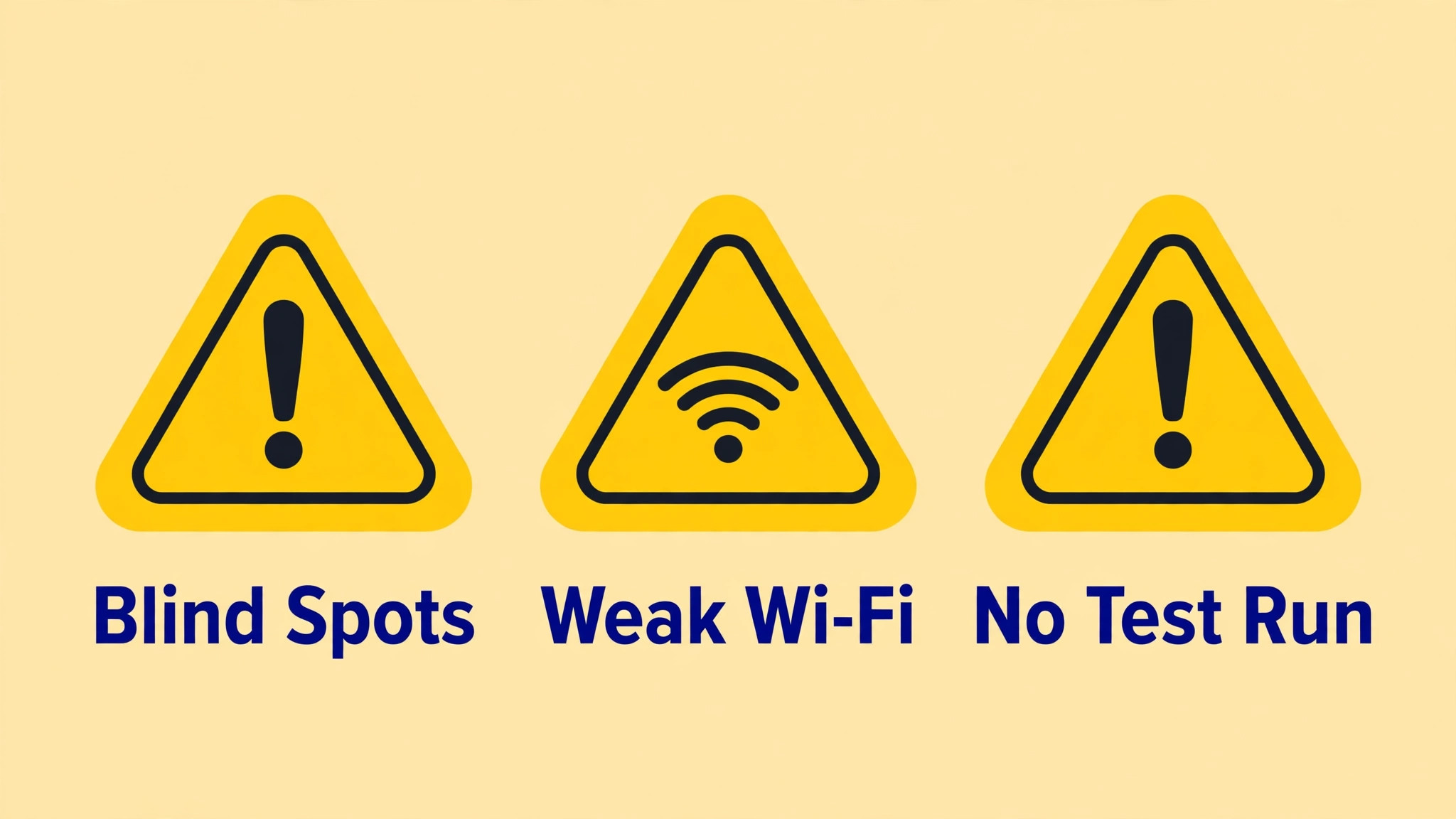
DIY security mistakes usually come from rushing installation or from placing devices for convenience rather than for coverage. When you set up home security system DIY, watch for these five mistakes, because each one leaves a gap that an intruder could use or creates false alarms that undermine trust in the system.
- **Buying devices before planning.** Buying a starter kit without a sketch leads to devices that do not match entry points, cover the wrong rooms, or cannot connect reliably. Sketch the home, rank entry points, and list devices by point before buying anything. A plan first approach saves money and produces a system that actually covers the home.
- **Placing cameras for coverage, not identification.** A wide camera that shows a whole garden but no clear face at the door is less useful than a narrower camera positioned for identification at the entry point. Place cameras to capture faces and details where entry happens, with lighting checked day and night. Identification is the purpose of entry cameras, not just a general view.
- **Ignoring Wi-Fi and battery checks.** Sensors and cameras that lose connection or run out of battery silently create gaps that nobody notices until an incident occurs. Check connectivity at each location before fixing devices, monitor battery levels monthly, and set low battery alerts where available. A connected, powered device is the minimum requirement for any security benefit.
- **Creating frequent false alarms.** False alarms from pets, sunlight, heaters, or poor sensor alignment train households and neighbours to ignore alerts, which defeats the purpose of the system. Tune sensitivity, reposition sensors, and test thoroughly in the first week, until false alarms are rare. A system that alerts rarely but reliably will be trusted, while a noisy system will be switched off.
- **Forgetting household training.** A system that only one person understands will fail when that person is away, on holiday, or unable to respond. Train every household member on arming, disarming, alert response, and false alarm handling, and practise the routine together. Household training is part of installation, and it should be repeated when members change or settings change significantly.
If false alarms persist after tuning, check sensor alignment, placement, and environmental triggers systematically, one sensor at a time, rather than disabling the whole system in frustration. Most false alarms have a specific cause, such as a loose sensor, a heat source, or a pet route, and fixing that cause restores trust. A system that is tuned patiently will serve for years, while a system disabled after a week of false alarms serves nobody.
A Worked Example
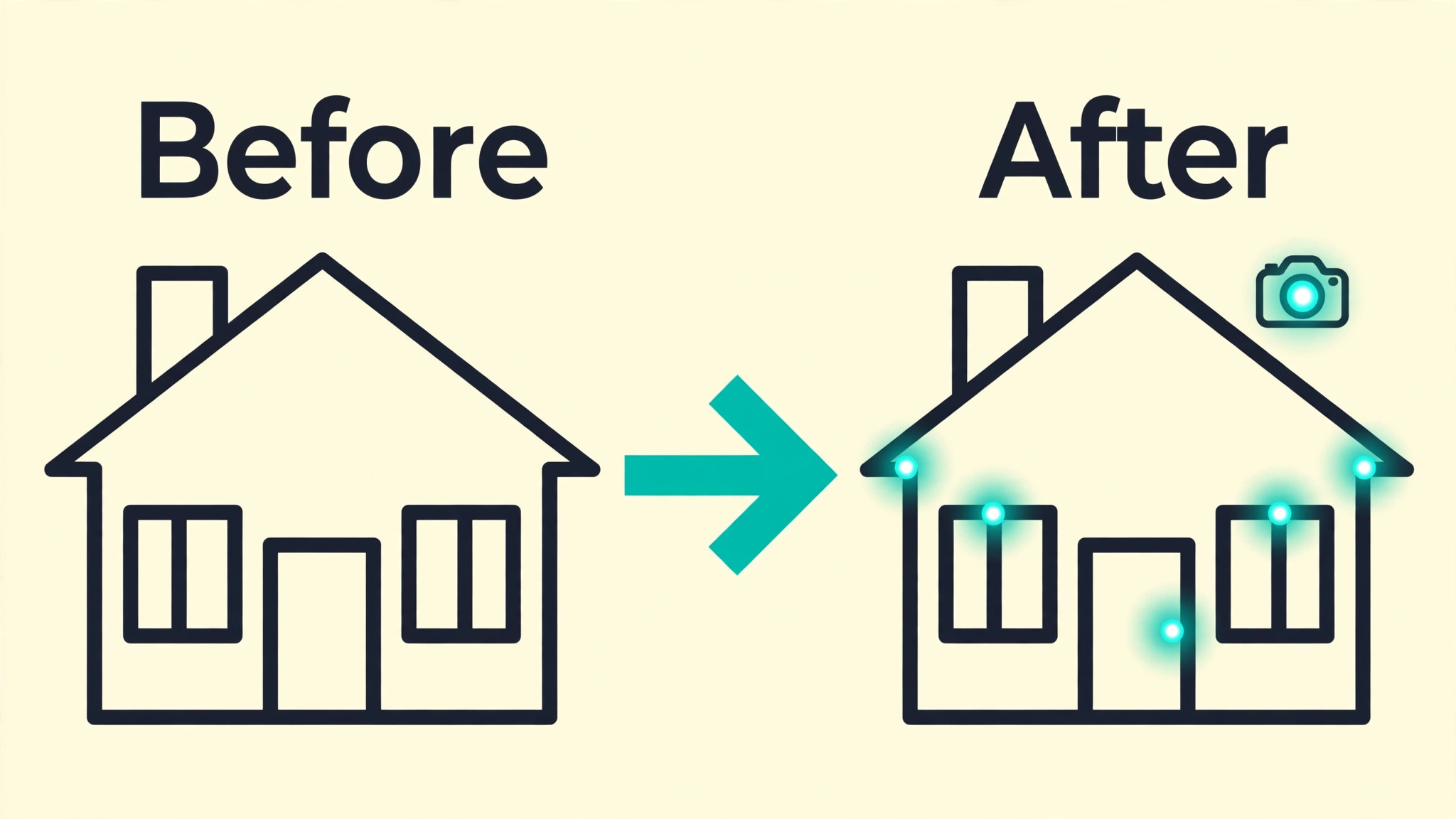
A household preparing for a week away can use that deadline to test the system as a whole rather than trusting individual devices in isolation. The work starts with the sketch, which marks the front, back and side doors, the ground floor windows, the garage doors and the garden access, and ranks each point by visibility from the street, ease of access and what lies beyond it. Door and window sensors go on the main entry doors first, then on the most vulnerable ground floor windows, and each sensor is tested by opening and closing the door or window while another household member watches the app for the correct state.
The garage and garden access points are checked for Wi-Fi coverage before any sensor is fixed in place, because a sensor that cannot report reliably creates false confidence rather than protection. Motion sensors follow in the hallways and main rooms, placed at the height and angle the manufacturer recommends, away from direct sunlight, heaters and the usual pet route, and tested by walking the route an intruder might use.
Cameras are positioned next, with the front door camera set to capture a face rather than a wide view of the garden, and lighting checked in daylight and after dark so backlight and glare do not wash out the image. Alert rules are then set for home, away and night modes, with an entry delay for occupants, instant alerts for the most vulnerable points, and different recipients for different alert types, and every mode is tested with the household present so each person knows how to arm and disarm the system and what each alert means.
Storage and privacy rules are set before the trip, with retention periods chosen, encryption and strong passwords in place, and a clear understanding of who can view recordings. During the first week, false alarms are logged by sensor, and each one is traced to a cause, such as a misaligned contact, a heat source or a pet crossing a sensor, and fixed one sensor at a time. A household that has walked the sketch, tested every mode together and tuned the first week of alerts will leave for a trip knowing which points are covered, who will be alerted, and what that alert will say, which is the real test of a home system.
Advanced Tips Worth Trying
Once entry sensors, motion coverage and entry cameras are tested, the system can be hardened in ways that cost little and prevent quiet failures. One useful habit is to keep the device list beside the sketch, with each sensor and camera matched to its entry point, its alert rule and its mode, so a device that starts misbehaving can be found and checked without guessing which room it belongs to. Battery levels deserve a routine of their own, with low battery alerts switched on where available and a monthly check that records which devices are running low, because a sensor that dies silently leaves a gap that looks covered on the sketch but is not covered in practice.
Connectivity can be checked in the same monthly pass, by confirming that devices in the garage and garden still report promptly, and by adding a Wi-Fi extender or mesh point before a weak location becomes a blind spot.
Camera placement also benefits from a seasonal check, because daylight angles and garden growth change across the year and a view that was clear in one season can be blocked or backlit in another. Checking each entry camera in daylight and after dark, and trimming or repositioning where the view has changed, keeps identification possible at the door rather than merely recording a shape. Alert rules repay a similar review whenever household routines change, such as a new work pattern, a visitor staying for a period, or a change in who should receive alerts, because a rule written for one routine can become a nuisance or a gap under another.
Finally, the household drill can be repeated after any significant settings change, with each member arming, disarming and responding to a test alert, so the system never depends on one person’s memory. A system that is documented on the sketch, checked monthly for power and connectivity, reviewed for light and routine changes, and drilled by the whole household will stay reliable long after installation day.
How to Measure Success
A home security system can be judged on detection, alerting, recording and upkeep, and each of those can be measured during tests rather than assumed from installation. Detection can be measured as a pass rate, calculated by dividing the number of sensors and cameras that respond correctly during a full system test by the total number of devices installed, with each device tested by the action it is meant to detect, such as opening a door, walking a hallway or standing at the front door.
Alerting can be measured by recording the time between a test trigger and the arrival of the alert on each intended recipient’s phone, and by counting how many recipients received it, because an alert that reaches one person late is weaker than an alert that reaches every recipient promptly. False alarms deserve their own count, recorded per sensor per week, so a sensor that repeatedly triggers can be identified and repositioned rather than tolerated until the household stops trusting alerts altogether.
Recording can be checked by attempting to retrieve a clip from a known date and time and noting whether the footage was found, whether it showed the entry point clearly, and whether it could be played back without difficulty. Upkeep can be tracked with two counts, the number of devices with low batteries found at the monthly check, and the number of devices that failed a connectivity check at the garage or garden locations. Review all four measures together each month, and change one thing at a time, such as a sensor position, a sensitivity setting or an alert recipient, so any fall in false alarms or any rise in the detection pass rate can be linked to that change.
A system whose detection pass rate, alert delivery, false alarm count and recording retrieval are all recorded monthly will reveal a quiet failure, such as a dying battery or a drifting camera, before an incident does.
Review and Next Steps
The monthly review should follow the checklist in order, starting with batteries and connectivity, then false alarms, then storage. Check battery levels for every sensor and camera, confirm that devices in the garage and garden still report promptly, and list any sensor that has produced false alarms during the month, with its cause where known. Test one sensor and one camera on rotation each month, so the full system is covered over a quarter without a single exhausting testing day, and attempt one recording retrieval, so storage health is proven rather than assumed.
Record the results in a monthly security note beside the sketch and device list, with any device changes and any alert incidents noted, because that note becomes the maintenance history that makes the next diagnosis faster. When you set up home security system DIY as an ongoing routine, that monthly note is what stops the system drifting from a tested installation into a collection of devices whose state nobody knows.
After the monthly check, look ahead to changes that could affect coverage. A new household member needs training on arming, disarming and false alarm handling before being left alone with the system, a change in work patterns may call for a review of home, away and night modes, and a device replacement should be entered on the device list and tested in all modes on the day it is fitted. Seasonal light changes call for a daylight and after dark check of entry cameras, and any camera position that now records a neighbour’s private area should be adjusted, because privacy rules and neighbour relations matter as much as coverage.
Where a home carries higher risk, or where tuning cannot remove repeated gaps, the next step is to seek professional advice rather than adding more devices to a plan that is not working, because a professional assessment can identify risks that a device list alone will miss. A system that is reviewed monthly, documented after every change and upgraded on evidence rather than on gadget appeal will keep alerting the right people, with useful information, for years rather than for the first month after installation.
A final habit worth keeping is a short annual look at the whole sketch, asking whether new entry points, new routines or new neighbours have changed what the system must cover, and whether any device has reached the end of its useful life. That annual look, recorded beside the monthly notes, gives the household a moment to replace tired devices, reconsider camera positions and confirm alert recipients before a problem forces the decision.
For related reading on Stratilyze, the guide to security cameras for small shops covers camera placement for business premises, and the guide to home Wi-Fi mesh networks helps with connectivity for garages and gardens. Read the mesh guide first if device locations have weak Wi-Fi, because connectivity underpins every sensor, and the method here for set up home security system DIY depends on reliable coverage at each point.
Frequently Asked Questions
Where should I place sensors first in a DIY system?
Start with main entry doors, then vulnerable ground floor windows, then hallways and main rooms with motion sensors. Entry sensors detect intrusion at the point of entry, which is the most valuable detection, while motion sensors cover movement even if an entry point is bypassed. Use a home sketch ranked by risk to prioritise, rather than installing devices in room order.
Do DIY security cameras need professional monitoring?
No, many DIY systems work well with self monitoring, where alerts go to household phones, provided someone can respond promptly. Professional monitoring adds human response when occupants are away or asleep, at a monthly cost, and suits homes where self response is unreliable. Choose based on occupancy, risk, and response ability, not on marketing alone.
How do I reduce false alarms in a DIY system?
Tune sensor sensitivity, reposition sensors away from pets, sunlight, and heaters, check alignment carefully, and test thoroughly in the first week. Most false alarms have a specific cause that can be found by testing one sensor at a time. A system with rare, reliable alerts will be trusted, while a noisy system will be ignored or switched off.
Should DIY cameras record continuously or on motion?
Motion triggered recording saves storage and makes reviewing easier, while continuous recording captures context before and after an event where storage allows. Many systems offer a hybrid, with motion clips plus short pre event buffers, which balances evidence and storage. Choose based on storage cost, privacy, and how often recordings are actually reviewed.
How do I protect privacy with home cameras?
Point cameras at your own entry points and property, avoid neighbours’ private areas, inform household members and regular visitors where cameras operate, and set retention and access rules before recordings accumulate. Check local privacy rules for your area, because camera placement that seems reasonable to one household may create disputes with neighbours.
How do I set up home security system DIY for a rented home?
Use wireless, adhesive, or freestanding devices that do not require drilling or permanent wiring, and check your tenancy agreement for any restrictions on cameras and alarms. Choose a system that can move with you, keep the original packaging and instructions, and restore the property on moving out. A portable DIY system suits renters far better than a fixed installed system.
A Home That Alerts You First
A DIY security system that works starts with a sketch, covers entry points first, uses cameras for identification, sets clear alert rules and storage, and is tested and trained with the whole household. Tune false alarms in the first week, check batteries and connectivity monthly, and grow the system room by room from a tested foundation. When you set up home security system DIY in that planned way, the system alerts you first, with useful information, instead of merely recording problems after they happen.