
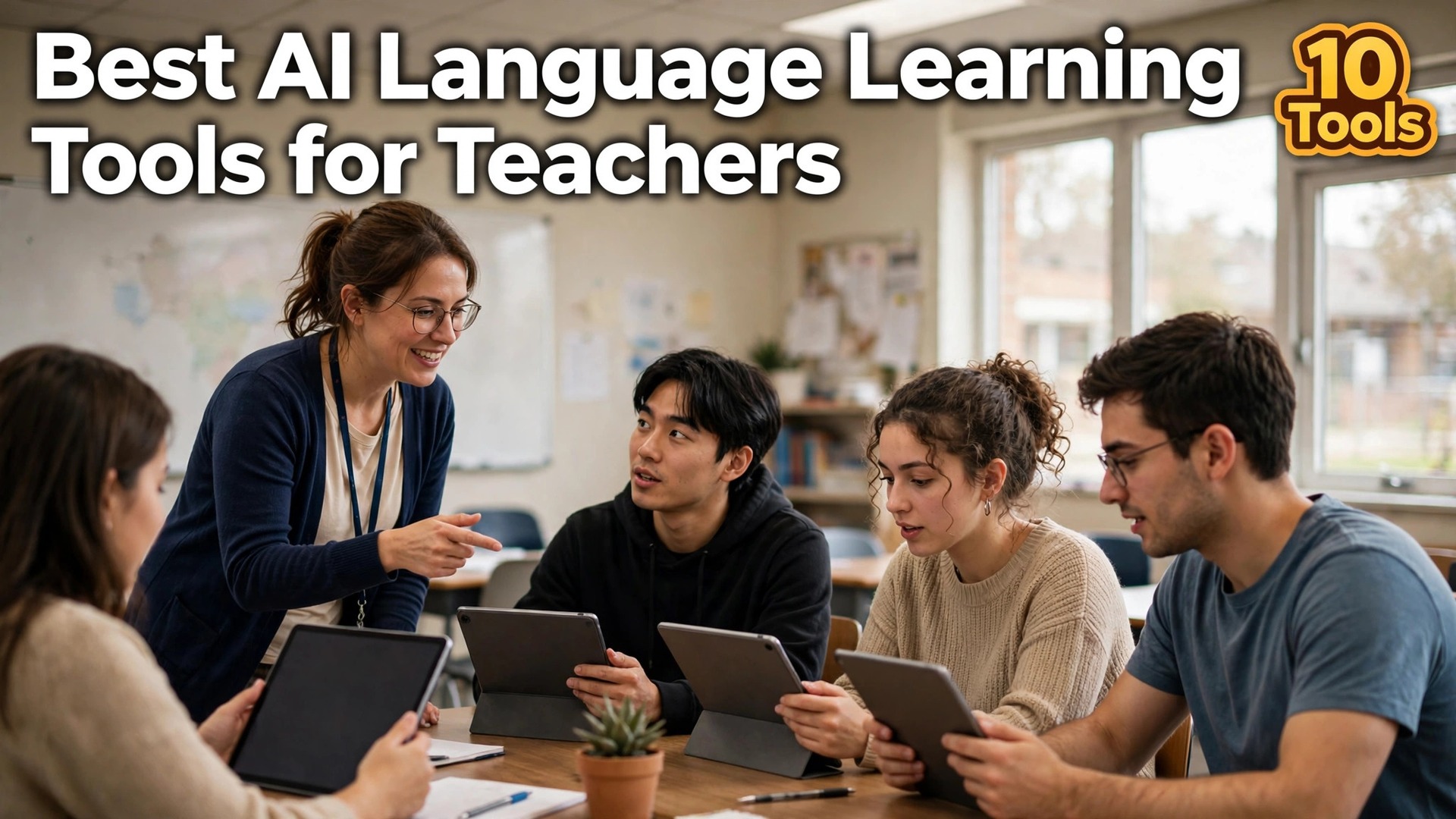
A language teacher with thirty students and one hour a week of speaking practice cannot give every student a conversation partner, and that gap is the problem the best ai language learning tools for teachers in this guide are built to close. AI conversation practice gives each student a patient partner that never tires, corrects gently, and is available at homework time, not just in class.
This guide compares ten tools teachers actually use, judged on classroom controls, speaking practice, progress tracking, and price. Prices come from vendor pages and app stores checked in late 2026, so confirm the pricing page before you commit, because education pricing changes often. Judge each tool by whether a student speaks more in a week, not by the feature list.
The ten tools split into three groups. Duolingo for Schools and Babbel lead on structured courses. Speak, Praktika, and ELSA Speak lead on AI speaking practice. Memrise, Busuu, and Rosetta Stone lead on vocabulary and immersion. Your choice should follow the class, because a beginners class and an exam class need different tools.
Plan the Lesson, Then Let the Tool Run the Drill
Choose the one speaking skill the class needs this week, such as ordering food or asking directions, and write the five sentences that skill takes. That short list is your lesson, because the best ai language learning tools for teachers differ most in how well they drill exactly that skill.
Next, run the same drill in three tools with one student each. Watch whether the AI corrects pronunciation, whether the student speaks for more than a minute, and whether the teacher can see the result afterwards. A tool that gives the teacher a clear report is worth more than a tool with a prettier avatar.
Then set the homework. Assign the drill for three evenings, check the completion data, and ask the students which tool they actually opened. A tool the students open at home is the tool that teaches, because class time is too short for the practice alone.
The 10 Tools at a Glance
| Tool | Main job | Best for | Starting paid price |
|---|---|---|---|
| Duolingo for Schools | free classroom language practice | free classroom language practice | free for teachers |
| Babbel | structured courses that teach grammar | structured courses that teach grammar | about $17.99 a month |
| Speak | AI conversation practice for speaking | AI conversation practice for speaking | about $17.99 a month |
| Praktika | animated AI tutors with feedback | animated AI tutors with feedback | about $9.99 a month |
| Memrise | vocabulary with spaced repetition | vocabulary with spaced repetition | pricing on the vendor site |
| Busuu | courses with community corrections | courses with community corrections | pricing on the vendor site |
| Rosetta Stone | immersion without translation | immersion without translation | pricing on the vendor site |
| ELSA Speak | pronunciation scoring and correction | pronunciation scoring and correction | pricing on the vendor site |
| LingQ | reading real texts with AI help | reading real texts with AI help | pricing on the vendor site |
| Mango Languages | classroom friendly language courses | classroom friendly language courses | pricing on the vendor site |
The table shows a market where the free tier does real work. Duolingo for Schools is free for teachers, and the Duolingo app itself is free with Super from about $9.99 a month. The best ai language learning tools for teachers cannot be picked on price alone, because a free tool that students open every evening beats a paid tool that sits unused.
Paid plans cluster near $10 to $18 a month. Speak costs about $17.99 a month, Babbel costs about $17.99 a month, and Praktika starts at about $9.99 a month. Price the classroom, not the single seat, because a per student cost that looks small can grow fast across thirty students.
Best Pick by Job
| Job type | First pick | Second tool | Why this pair works |
|---|---|---|---|
| Whole class, free start | Duolingo for Schools | Babbel | Free classroom controls plus a structured course alternative |
| Speaking practice matters most | Speak | Praktika | AI conversation plus animated tutors with feedback |
| Pronunciation focus | ELSA Speak | Speak | Pronunciation scoring plus full conversation practice |
| Vocabulary building | Memrise | Busuu | Spaced repetition plus community corrected writing |
| Immersion without translation | Rosetta Stone | LingQ | Picture based learning plus reading with real texts |
| Exam preparation | Babbel | Duolingo for Schools | Structured grammar plus free daily practice |
A teacher who wants a free start for the whole class should start with Duolingo for Schools, because it is free for teachers with classroom controls and progress tracking, and keep Babbel as the structured alternative. The best ai language learning tools for teachers reward that pairing, because the free tool covers daily practice and the paid tool covers grammar properly.
A teacher whose students need speaking practice should start with Speak, which is built around AI conversation at about $17.99 a month, and keep Praktika as the alternative with animated tutors from about $9.99 a month. Match the first pick to the skill the class needs most, not to the app with the most languages.
How to Judge the Best AI Language Learning Tools For Teachers
Start with one drill and one student, not with a whole class. Run the same speaking drill in three tools and watch whether the student speaks for more than a minute and whether the AI corrects them kindly. The best ai language learning tools for teachers separate quickly on that test, because a tool that gets a shy student speaking is the right tool even if it loses on a general ranking.
Then check the teacher dashboard. A report that shows who practised, for how long, and what they got wrong is worth more than a dozen features, because the teacher needs that data to plan the next lesson. Ask the tool to show the report after one week of homework, because that report is the product you will live with.
Then check the language coverage. Some tools cover forty languages well and others cover a few deeply, so confirm your language is supported at the level your class needs. A tool that teaches Spanish brilliantly and your language poorly is the wrong tool for your class, whatever the ranking says.

The 10 Tools in Detail
Every language tool below answers the same three questions before it earns a recommendation. Does it get students speaking. Can the teacher see the progress. And does it fit the classroom budget.
1. Duolingo for Schools
Duolingo for Schools is the free classroom language practice pick in this guide. It is free for teachers, with classroom controls, assignments, and progress tracking, and the app itself covers more than forty languages with gamified lessons students actually open. Starting at free for teachers.
The trade off is the AI speaking features need the paid Super plan from about $9.99 a month, and the gamification can distract from deep learning Still, teams that need free classroom language practice work done well keep coming back to it, because the core job it does is the one they repeat every week.
Test it the way you will actually use it, set up a class, assign one unit, and check the dashboard after a week, because the dashboard is the reason teachers use it and a clean first real job is the sign to keep it.
Duolingo for Schools earns its place here because free classroom language practice work is the job buyers repeat most, and the details above, from the price to the limits, are the ones that decide whether it fits your week.
2. Babbel
Babbel earns its place as the structured courses that teach grammar choice. It is the most structured course in this guide, teaching grammar properly with lessons built by language experts, and it holds strong independent reviews for course quality. Starting at about $17.99 a month.
The catch is the price is high per student across a whole class, and the speaking practice is thinner than on the AI conversation tools Even so, for structured courses that teach grammar work the balance usually favours it, because the daily job runs faster than on the alternatives most teams compare it with.
Run one real job through it before you commit, assign the grammar unit your class struggles with most, because that unit shows whether Babbel teaches or just drills because that single job tells you more than a week of reading reviews.
Babbel earns its place here because structured courses that teach grammar work is the job buyers repeat most, and the details above, from the price to the limits, are the ones that decide whether it fits your week.
3. Speak
For AI conversation practice for speaking work, Speak is the name most teams reach for first. It is built around AI conversation, with speaking practice that corrects and grades accuracy, vocabulary, and sentence complexity, and it is the most polished conversation trainer in this category. Starting at about $17.99 a month.
It is not perfect, and it is strongest for English and a few Asian languages, with minimal support for some others, and the price adds up per student That matters less than it sounds when AI conversation practice for speaking is the main job, because the part that works well is the part you use most.
Put it through a live job in the first week, give a shy student one conversation and time how long they speak, because the minutes spoken are the whole test and a tool that handles your hardest real case without fuss is the one to keep.
Speak earns its place here because AI conversation practice for speaking work is the job buyers repeat most, and the details above, from the price to the limits, are the ones that decide whether it fits your week.
4. Praktika
Praktika stands out for animated AI tutors with feedback teams. It offers animated AI tutors with adjustable feedback, which suits students who need a friendly face to practise with, and the annual plan starts near $49.99. Starting at about $9.99 a month.
The weakness to know is the free tier is limited to three avatars and basic feedback, and the tutor style is not for every student Weigh it against the animated AI tutors with feedback strength above, because most buyers feel the weakness once a month and the strength every day.
Judge it on a job you already do by hand, let one student practise with an avatar for a week, because the avatar either encourages them or it does not and keep the tool only if the time saved is real.
Praktika earns its place here because animated AI tutors with feedback work is the job buyers repeat most, and the details above, from the price to the limits, are the ones that decide whether it fits your week.
5. Memrise
Pick Memrise when vocabulary with spaced repetition is the priority. It builds vocabulary with spaced repetition and real video clips of native speakers, which suits a class that needs words to stick. Starting at pricing on the vendor site.
Watch out for pricing is not published as clearly as the others, and the speaking practice is thinner than on the conversation tools If that limit never bites your team, the vocabulary with spaced repetition value is hard to beat at this price.
Try it with your own material, not a demo set, assign twenty new words and test the class after a week, because the retention rate is the product since demo data flatters every tool while your own material shows the gaps.
Memrise earns its place here because vocabulary with spaced repetition work is the job buyers repeat most, and the details above, from the price to the limits, are the ones that decide whether it fits your week.
6. Busuu
Busuu is built around courses with community corrections work. It pairs structured courses with a community that corrects written exercises, which gives students real human feedback beside the AI drills. Starting at pricing on the vendor site.
The honest limit is pricing is not published as clearly as the others, and the correction speed depends on the community Buyers who accept that limit up front tend to stay happy, because nothing else in the courses with community corrections job surprises them later.
Give it the awkward case first, ask a student to submit one written exercise and time the correction, because the wait is part of the experience and if it copes with that case, the easy cases take care of themselves.
Busuu earns its place here because courses with community corrections work is the job buyers repeat most, and the details above, from the price to the limits, are the ones that decide whether it fits your week.
7. Rosetta Stone
Rosetta Stone is the immersion without translation pick in this guide. It teaches by immersion, with pictures and speech and no translation, which suits a teacher who wants students to think in the language from day one. Starting at pricing on the vendor site.
The trade off is pricing is not published as clearly as the others, and the method can feel slow for students who want grammar explained Still, teams that need immersion without translation work done well keep coming back to it, because the core job it does is the one they repeat every week.
Test it the way you will actually use it, run one unit with a beginners class and watch their faces, because immersion either clicks or it frustrates and a clean first real job is the sign to keep it.
Rosetta Stone earns its place here because immersion without translation work is the job buyers repeat most, and the details above, from the price to the limits, are the ones that decide whether it fits your week.
8. ELSA Speak
ELSA Speak earns its place as the pronunciation scoring and correction choice. It scores pronunciation and corrects it sound by sound, which suits a class where accent and clarity matter, and the feedback is specific enough to act on. Starting at pricing on the vendor site.
The catch is pricing varies by region, and the tool focuses on pronunciation rather than full conversation Even so, for pronunciation scoring and correction work the balance usually favours it, because the daily job runs faster than on the alternatives most teams compare it with.
Run one real job through it before you commit, give it to the student whose pronunciation needs the most work, because the improvement in a month is the test because that single job tells you more than a week of reading reviews.
ELSA Speak earns its place here because pronunciation scoring and correction work is the job buyers repeat most, and the details above, from the price to the limits, are the ones that decide whether it fits your week.
9. LingQ
For reading real texts with AI help work, LingQ is the name most teams reach for first. It lets students read real texts with vocabulary help built in, which suits an advanced class that has outgrown textbook dialogues. Starting at pricing on the vendor site.
It is not perfect, and pricing is not published as clearly as the others, and beginners will find real texts hard without support That matters less than it sounds when reading real texts with AI help is the main job, because the part that works well is the part you use most.
Put it through a live job in the first week, give an advanced student one real article and check the words they learned, because the learning is in the reading and a tool that handles your hardest real case without fuss is the one to keep.
LingQ earns its place here because reading real texts with AI help work is the job buyers repeat most, and the details above, from the price to the limits, are the ones that decide whether it fits your week.
10. Mango Languages
Mango Languages stands out for classroom friendly language courses teams. It offers classroom friendly courses in many languages, with a library model that suits schools and public libraries. Starting at pricing on the vendor site.
The weakness to know is pricing is not published as clearly as the others, and the AI features are lighter than on the conversation tools Weigh it against the classroom friendly language courses strength above, because most buyers feel the weakness once a month and the strength every day.
Judge it on a job you already do by hand, check whether your school library already provides it, because the library licence may already be paid for and keep the tool only if the time saved is real.
Mango Languages earns its place here because classroom friendly language courses work is the job buyers repeat most, and the details above, from the price to the limits, are the ones that decide whether it fits your week.
What Language Tools Cost Per Classroom
| Cost | What it looks like | Typical size |
|---|---|---|
| Free classroom | Duolingo for Schools | Free |
| Per student, monthly | Speak | About $17.99 a month |
| Per student, monthly | Babbel | About $17.99 a month |
| Per student, monthly | Praktika | From about $9.99 a month |
| Whole class, 30 students | Speak | About $540 a month |
| Library licence | Mango Languages | Check the library |
Price the classroom, because a per student cost that looks small grows fast across thirty students. The best ai language learning tools for teachers look cheap at one seat and different at thirty, and a free tool that covers the whole class can be the right choice even when a paid tool looks better for one student.
Then check what the school already pays for. A library licence, a district subscription, or a free teacher plan may already cover the tool you want, and the cheapest classroom is the one that is already funded. Ask the librarian before you ask the budget.

The Homework Loop That Makes Speaking Stick
Speaking improves between lessons, not during them, because one hour a week of class time cannot give thirty students enough minutes each. The homework loop is what fills the gap, and it has three parts, which are a short drill, a recording, and a teacher check. A student who records two minutes of speaking three evenings a week will speak more in a month than a student who only speaks in class.
The loop works because the recording makes the practice real. A student who knows the teacher will listen speaks more carefully, and a teacher who listens to two minutes per student can hear the exact error to correct in the next lesson. The drill gives the words, the recording gives the practice, and the check gives the correction, and the three together are worth more than any single lesson.
Keep the drill short enough that a tired student will still do it. Five sentences, two minutes, three evenings, and a check on Friday morning. A homework load that fits a real evening will be done, while a load that needs an hour will be skipped, and the skipped homework teaches nothing at all.
What to Do When a Student Will Not Speak
A student who will not speak is usually afraid of the mistake, not of the language, and the fix is to make the mistake cheap. Give the student a drill they have already practised with the AI tutor, so the first real attempt is the second attempt, and the fear drops because the words are already familiar. A student who has said the sentences to a patient AI partner will say them to a classmate far more easily.
The second fix is to shrink the audience. Let the shy student record alone first, then speak to one partner, then to a small group, and only then to the whole class, because each step is small enough to survive. A teacher who jumps straight to the whole class will hear silence, and the silence will be blamed on the student instead of on the step that was skipped.
The third fix is to praise the attempt, not the accuracy. A student who is praised for speaking will speak again, while a student who is corrected on every word will stop. Correct one error per attempt, praise the courage, and let the accuracy grow over the term, because a student who speaks imperfectly every day will outlearn a student who speaks perfectly once a month.
Classroom Mistakes That Waste the AI Speaking Time
The first mistake is assigning the tool without a drill. A student who opens an app with no clear task will play the game and learn nothing, and the best ai language learning tools for teachers only help when the lesson names the skill, the sentences, and the homework in advance.
The second mistake is never reading the dashboard. A teacher who does not check who practised will not know which students need help until the exam, and the dashboard is the reason these tools beat a textbook. Read it every week, and plan the next lesson from what it shows.
The third mistake is buying a tool that does not cover your language. Some tools teach forty languages well and others teach a few deeply, so confirm your language is supported at the level your class needs before the whole class starts. A tool that teaches Spanish brilliantly and your language poorly is the wrong tool for your class.
Eight Checks Before You Assign an App to a Class
Run this check with one student first, and keep the dashboard data with your lesson plan.
- Choose one speaking skill and write the five sentences it takes.
- Confirm your language is supported at the level the class needs.
- Run the same drill in two tools with one student each.
- Check the teacher dashboard after one week of homework.
- Confirm the free teacher plan covers your whole class.
- Price the tool for thirty students, not one seat.
- Ask the students which tool they actually opened at home.
- Check what the school library already provides before you buy.
Related Guides
Keep exploring with these guides on Stratilyze:
- Top 10 AI Language Learning Tools for Business Professionals (10 Tools)
- Best AI Learning Tools for Teachers (15 Tools)
- Top 10 AI Language Learning Tools for Students (10 Tools)
Frequently Asked Questions
Which language learning tool is best for teachers?
Duolingo for Schools is the best pick for most teachers, because it is free with classroom controls, assignments, and progress tracking, and the app covers more than forty languages. Babbel is the best alternative for structured grammar teaching.
Is Duolingo for Schools really free?
Yes. Duolingo for Schools is free for teachers, with classroom controls and progress tracking. The app itself is free with ads, and Super costs from about $9.99 a month for the AI speaking features, though the free tier already covers daily practice.
Which tool is best for speaking practice in class?
Speak is the best pick for speaking practice, because it is built around AI conversation that corrects and grades accuracy, vocabulary, and sentence complexity. It costs about $17.99 a month, and it is strongest for English and a few Asian languages.
Can AI conversation practice replace a human teacher?
No. AI gives each student a patient partner for practice, but it cannot plan a lesson, read a room, or know which student needs encouragement. The best ai language learning tools for teachers work when the teacher plans the lesson and the tool runs the drill.
How much does Speak cost for a whole class?
Speak costs about $17.99 a month per student, so thirty students would cost about $540 a month at list price. Check for education pricing before you budget, because the per student cost grows fast across a whole class.
What should a teacher do when students will not practise at home?
Assign a short drill with a clear task, not an open ended app session. A five sentence drill that takes ten minutes will be done, while an hour of free play will not. Check the dashboard the next morning, and praise the students who practised, because the praise is what brings the rest along.
The Mistake That Leaves Students Practising Alone
The mistake is handing students an app and hoping the practice happens by itself. A tool with no lesson, no drill, and no dashboard check leaves each student practising alone, and the best ai language learning tools for teachers cannot replace the teacher who plans the lesson and reads the results.
Plan the drill, assign it for three evenings, and read the dashboard every week. A student who speaks for a minute a day will speak for an hour by the end of term, and that hour comes from the lesson, not the app.