
Most outbound pipelines fail before a single email is sent. The list is stale, the contact data is wrong, or the rep spends the morning on research that should take ten minutes. The best AI sales prospecting tools fix that first problem, not the last one. They find the right accounts, verify contact details, watch for buying signals, and turn a cold list into a short list worth contacting this week.
This guide groups 13 tools by the prospecting job each one does best: finding leads and contact data, email outreach and sequences, LinkedIn and social prospecting, intent data and lead scoring, and CRM enrichment and automation. Prices are October 2026 figures in US dollars. Where a vendor hides pricing or sources disagreed, the guide says check checkout rather than guessing.
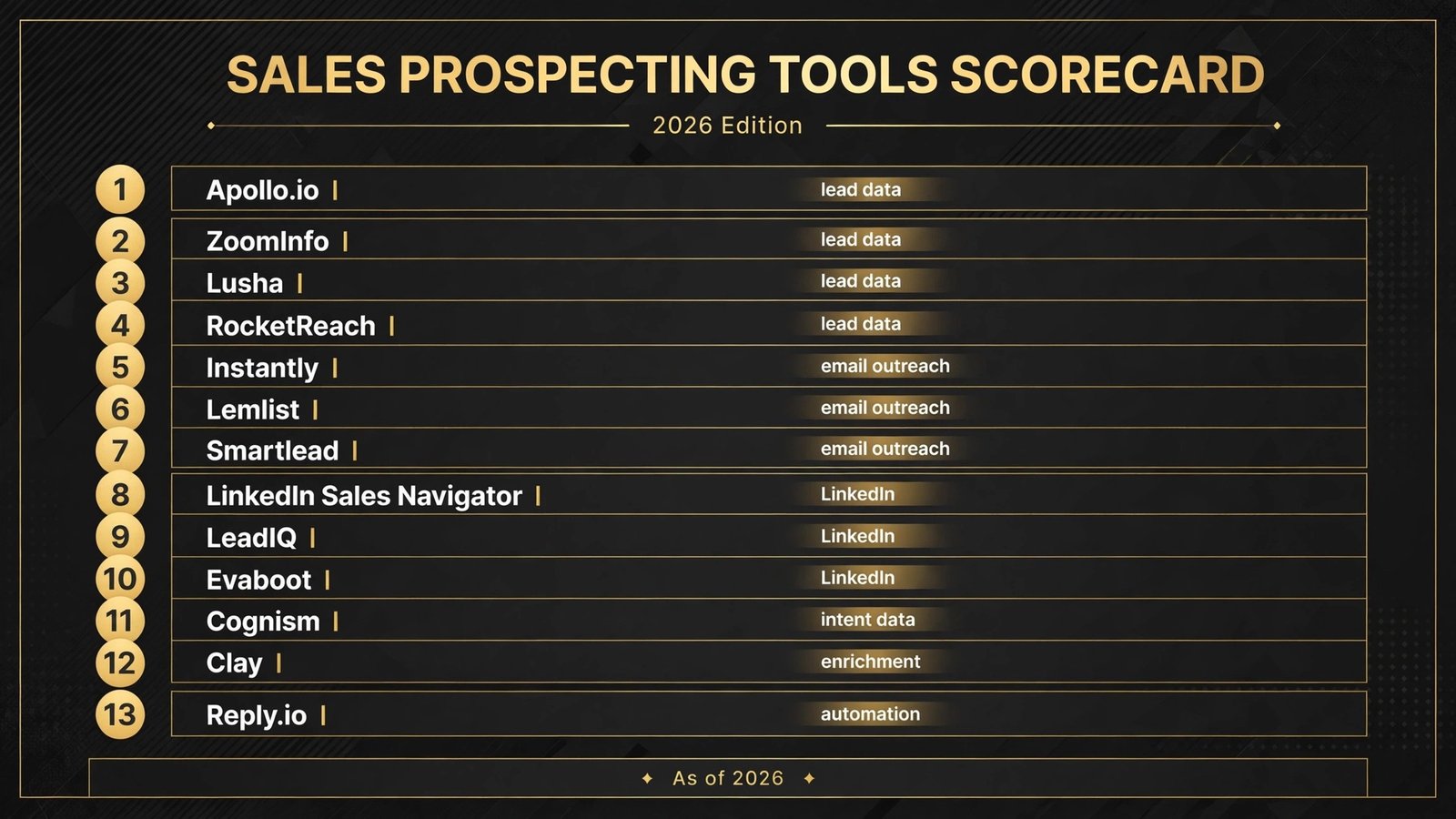
The 13 best AI sales prospecting tools at a glance
| Tool | Best job | Free option | Paid from |
|---|---|---|---|
| Apollo.io | Lead data plus sequences | Yes | $49 per user per month |
| ZoomInfo | Enterprise contact data | No | Custom, check checkout |
| Lusha | Quick contact lookup | Yes, limited | Around $49 per user per month |
| RocketReach | Email and phone lookup | Yes, limited | Check checkout |
| Instantly | Cold email at volume | 14 day trial | $47 per month |
| Lemlist | Personalised multichannel outreach | No | $39 per user per month |
| Smartlead | Deliverability focused sending | No | $39 per month |
| LinkedIn Sales Navigator | LinkedIn prospecting | No | $99 per month |
| LeadIQ | LinkedIn lead capture | Yes | Around $39 per user per month |
| Evaboot | LinkedIn list building | No | Check checkout |
| Cognism | Compliant data plus intent | No | Custom, check checkout |
| Clay | Enrichment and automation | Yes | $185 per month |
| Reply.io | Multichannel sequences | No | $49 per user per month |
Best pick by job
| Your job | Start with | If that fails, try |
|---|---|---|
| Build a lead list fast | Apollo.io | ZoomInfo |
| Verify one contact quickly | Lusha | RocketReach |
| Send cold email at volume | Instantly | Smartlead |
| Personalised outreach with video | Lemlist | Reply.io |
| Prospect on LinkedIn daily | Sales Navigator | LeadIQ |
| Scrape LinkedIn search results | Evaboot | LeadIQ |
| Spot accounts showing intent | Cognism | Apollo.io |
| Enrich and score a whole list | Clay | Cognism |
| Run email plus LinkedIn plus calls | Reply.io | Apollo.io |
Finding leads and contact data
Every other tool in this guide depends on this section. If the contact data is wrong, the sequence, the personalisation and the scoring all fail with it. If you collect leads through your own site, see our best AI form builders guide for the form side of the pipeline.
1. Apollo.io
Apollo.io is the default starting point for most prospecting teams, because it covers the most jobs in one subscription: a contact database of more than 240 million people, company data, buying signals, email sequences, a dialer and CRM sync. A solo rep can build a list, verify emails and start a sequence without buying four separate tools.

Pricing: Free plan available with limits. Basic costs $49 per user per month billed annually, Professional costs $79, and Organization costs $119 with a three seat minimum. Paid seats include yearly credit allowances, and mobile numbers cost more credits than emails, so phone heavy teams should check the credit math before committing.
Best for: Small teams and solo reps who want data plus outreach in one place, and startups that cannot justify an enterprise data contract yet.
Watch out for: Data depth outside North America. Coverage and phone accuracy are weaker in Europe, Asia Pacific and Latin America, so test a sample from your actual market before buying. Credits do not roll over.
Try it at: apollo.io
2. ZoomInfo
ZoomInfo is the enterprise standard for contact and company data. Its database, org charts, technographics and intent topics are deeper than Apollo’s, and its Salesforce integrations are mature. Large teams that already run Salesforce usually find ZoomInfo fits with the least friction.
Pricing: Custom only. Entry contracts are commonly reported in the five figure annual range, but ZoomInfo does not publish a price list, so check checkout and expect a sales conversation, not a self serve signup.
Best for: Mid market and enterprise teams with a defined territory, a CRM they already use, and a budget that treats data as infrastructure.
Watch out for: Price and contract length. ZoomInfo is hard to justify for a team of two, and an annual contract means a wrong bet costs a full year. Start with Apollo or Lusha and move up only when data gaps cost real deals.
Try it at: zoominfo.com
3. Lusha
Lusha is the fastest way to get a verified email or direct dial for one person. Its browser extension sits on LinkedIn and company websites, and one click reveals contact details with a confidence score. Reps who live on LinkedIn use it dozens of times a day without opening a separate database.
Pricing: Free plan with a small monthly credit allowance. Pro is reported at around $49 per user per month and Premium at around $79, with custom Scale plans above that. Credit packs cost extra, so check checkout.
Best for: Reps who prospect mainly on LinkedIn and need one contact at a time, and teams that already have a sending tool and only need better data.
Watch out for: Credits run out fast. A credit buys one record, so a heavy prospecting day can burn a month of Pro credits in a week. Lusha is a lookup tool, not a list builder, so it pairs with a database or a scraper rather than replacing one.
Try it at: lusha.com
4. RocketReach
RocketReach is a smaller, focused lookup tool with a large database of emails and phone numbers, plus a bulk lookup option for teams that need to verify a list in one pass. It has no sequences and no CRM of its own, which keeps it simple and the price lower than full platforms.
Pricing: Free tier with limited lookups. Paid plans are reported from around $39 a month, but tiers and lookup counts have changed across listings, so check checkout for the current figures.
Best for: Freelancers, recruiters and small teams that need reliable contact lookup without paying for a full sales platform.
Watch out for: It solves one job only. You still need a sending tool and a place to track replies.
Try it at: rocketreach.co
Email outreach and sequences
Good data with bad sending still fails. Deliverability, warmup, inbox rotation and reply handling decide whether a campaign reaches anyone at all. These three tools differ mainly on volume, personalisation and deliverability controls.
5. Instantly
Instantly is built for cold email at volume. Its headline feature is unlimited connected mailboxes and unlimited warmup on every paid plan, which matters because scaling cold email means adding secondary domains, not paying per seat. It adds a lead database, a shared reply inbox, AI writing help and a CRM on higher plans.
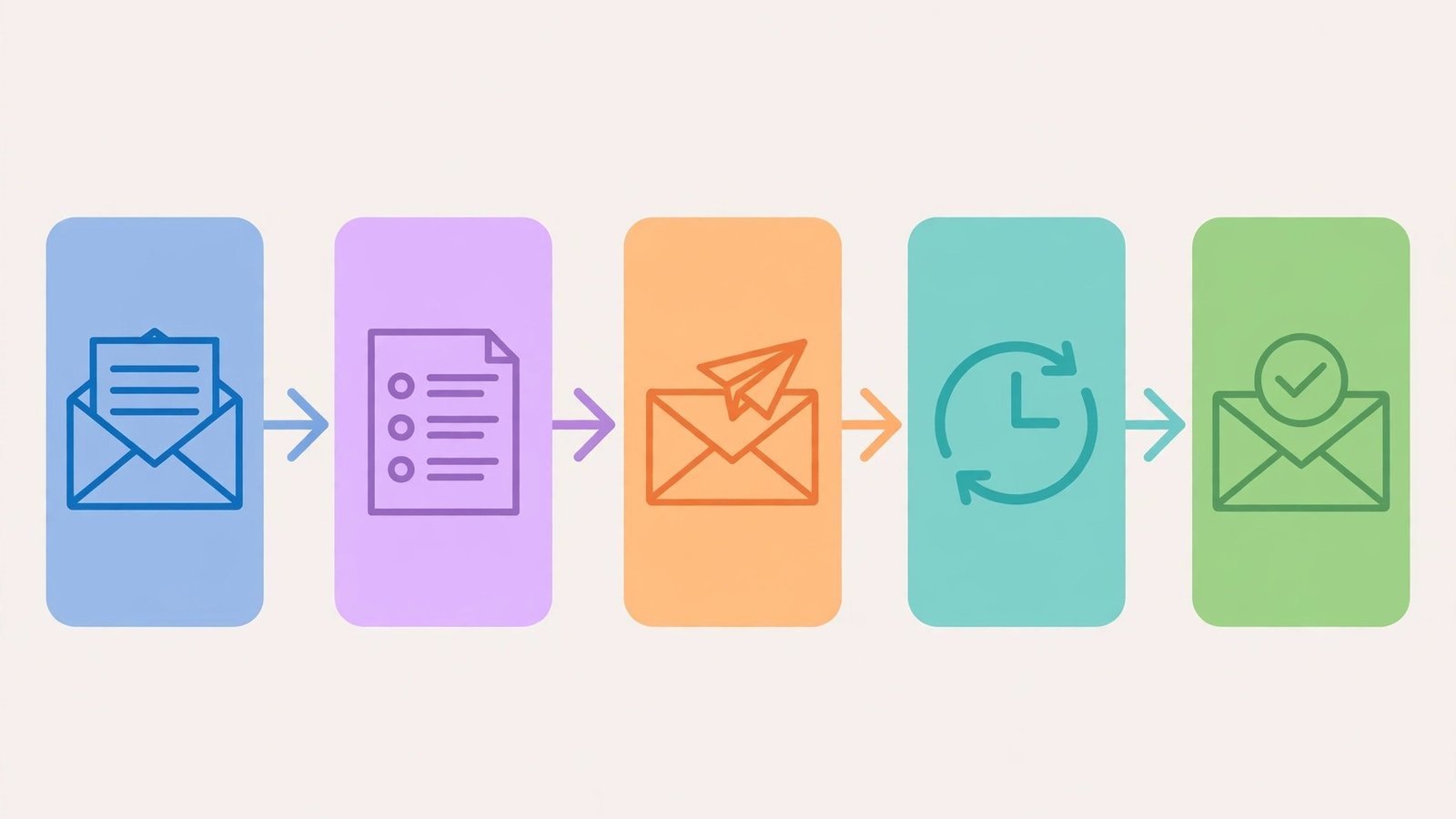
Pricing: Outreach plans start at $47 per month for Growth, $97 for Hypergrowth and $358 for Light Speed, with annual billing about 20 percent lower. Lead data is a separate subscription, so budget for two charges if you need both.
Best for: Agencies and teams running high volume cold email across many domains, and founders who want to scale sending without per mailbox fees.
Watch out for: The real bill. Growth covers sending only, with a 1,000 contact cap and 5,000 emails a month. Add lead credits and the CRM and the total climbs well above the headline price.
Try it at: instantly.ai
6. Lemlist
Lemlist is the personalisation first outreach tool. It builds sequences across email, LinkedIn and calls, and its standout features are personalised images, videos and landing pages generated per prospect, plus AI written first lines based on the prospect’s profile and recent posts.
Pricing: Paid plans are reported from $39 per user per month for email only, with multichannel plans from around $69. Exact tier names and limits have changed across listings, so check checkout for the current plans.
Best for: Teams that send fewer, better emails and win on relevance, especially agencies and B2B sellers targeting senior buyers who ignore generic sequences.
Watch out for: Price per seat and setup time. Personalisation only pays off if someone reviews the output. A team that blasts the same template to 10,000 contacts will get better value from Instantly or Smartlead.
Try it at: lemlist.com
7. Smartlead
Smartlead is the deliverability obsessed option, and one of the smaller names that has grown fast on that reputation. It offers unlimited mailboxes, automatic warmup, inbox rotation, and a master inbox for replies, plus AI writing and a CRM on higher tiers.
Pricing: Reported from $39 per month for Basic and $94 for Pro, with custom plans above that. Treat those figures as reported and check checkout, because Smartlead has repriced more than once.
Best for: Teams that have been burned by spam folder problems, and agencies managing sending for many clients from one account.
Watch out for: It is a sending engine, not a data source. You still need Apollo, Lusha or a similar tool to build the list, and teams that skip warmup will not see its main benefit.
Try it at: smartlead.ai
For many B2B sellers, LinkedIn is where prospects actually reply. These three tools cover the full workflow: finding people with advanced search, capturing them into a sequence, and building lists from search results.
Sales Navigator is LinkedIn’s own prospecting product, and it remains the most accurate way to search LinkedIn. Advanced lead and account filters, saved leads, job change alerts, and InMail credits give reps a live view of their territory that no third party database can fully copy.

Pricing: Core costs $99 per month billed annually, Advanced costs $149, and Advanced Plus is custom priced for teams that need CRM sync and admin controls.
Best for: Any rep whose buyers are active on LinkedIn, and teams that want the freshest job titles and job change signals available anywhere.
Watch out for: It is a research tool, not a sending tool. Sales Navigator does not run email sequences, and LinkedIn limits connection requests and messages. Pair it with LeadIQ or a sequence tool, and respect the limits or the account gets restricted.
Try it at: linkedin.com/sales
9. LeadIQ
LeadIQ captures prospects from LinkedIn and Sales Navigator into a sequence in one click, with verified emails and phone numbers attached. Its Chrome extension shows contact data on the profile page, and its sync with Salesforce, HubSpot and common sequencers means a captured lead lands in the right campaign without manual export.
Pricing: Free plan with a small monthly credit allowance. Pro is reported at around $39 per user per month billed annually, with higher tiers for teams. Check checkout for the current credit counts, because they have changed before.
Best for: Reps who build lists inside LinkedIn all day and want each prospect in their sequence with one click, not a weekly CSV export.
Watch out for: Credit limits and data quality on smaller markets. Like Lusha, LeadIQ charges per record, so heavy days burn credits fast. It also depends on LinkedIn access, so rule changes affect the workflow directly.
Try it at: leadiq.com
10. Evaboot
Evaboot is one of the smaller tools in this guide, and it earns its place for one specific job: turning a LinkedIn or Sales Navigator search into a clean, enriched list. It scrapes search results, removes duplicates, verifies emails, and exports a ready to send CSV. For teams that build lists from saved searches weekly, that export saves hours.
Pricing: No permanent free plan is advertised. Paid plans are reported from around $49 a month, with higher tiers for larger exports, so check checkout for the current tiers and export limits.
Best for: Small teams and solo prospectors who live in Sales Navigator searches and need lists out of them fast, without an enterprise contract.
Watch out for: Platform risk. Scraping tools live under LinkedIn’s terms of service, and aggressive use can restrict an account. Keep daily export volumes modest and treat Evaboot as a list builder, not a sender.
Try it at: evaboot.com
Intent data and lead scoring
Intent data answers a different question from contact data: not who to contact, but who to contact now. A company researching your category, hiring for a relevant role, or visiting your pricing page is worth ten cold names. Scoring turns those signals into a ranked list.
11. Cognism
Cognism combines a compliant B2B contact database with intent data and AI lead scoring. Its strongest selling point for European teams is compliance: phone numbers are checked against do not call lists, and data handling is built around GDPR rules. Intent topics, job change alerts and funding signals feed a scoring model that ranks accounts by readiness.
Pricing: Custom only, sold as an annual contract with seat based pricing. Expect a sales conversation and a quote tied to your market coverage and seat count, so check checkout rather than budgeting from a public price list.
Best for: Teams selling into Europe, and mid market companies that want intent scoring without buying a separate intent platform.
Watch out for: Cost and contract. Cognism is priced for teams, not solo reps, and its mobile numbers are not guaranteed. If your market is mainly North America and your budget is small, Apollo covers most of the same ground for far less.
Try it at: cognism.com
CRM enrichment and automation
The last job is keeping the CRM honest. Records go stale, fields stay blank, and reps waste calls on people who changed jobs a year ago. These two tools enrich records automatically and push scored leads into the systems reps already use.
12. Clay
Clay is the most powerful enrichment and automation tool on this list, and the hardest to set up well. It looks like a spreadsheet, but every column can fetch a fact: emails, phones, tech stack, funding, headcount, recent news, or AI researched notes. Waterfall enrichment tries several providers in order until a field is filled, and the finished table syncs to a CRM or a sequencer.

Pricing: Free plan with limited credits. Paid plans changed in March 2026: Launch starts from $185 per month and Growth from $495 per month, with older Starter, Explorer and Pro tiers retired for new customers. Credits now split into data credits and platform actions, so check checkout and model your real per contact cost before buying.
Best for: RevOps teams and agencies that run enrichment as a system, and any team whose list quality problem is bigger than its sending problem.
Watch out for: Complexity and cost creep. A badly built table burns credits fast. If you want to go deeper on the technical side, our best AI tools for learning to code guide covers the coding path. Solo reps should start with Apollo and add Clay only when manual research becomes the bottleneck.
Try it at: clay.com
13. Reply.io
Reply.io runs multichannel sequences across email, LinkedIn, calls, SMS and WhatsApp from one inbox, with AI writing, reply handling and reporting built in. It also includes a small B2B database and email verification, so a team can run outbound without stitching five tools together.
Pricing: No free plan. Starter is reported from $49 per user per month, with Growth and higher tiers above that for more mailboxes and AI features. Check checkout for the current tier list, because Reply.io has repriced its plans more than once.
Best for: Teams that want one tool for the whole sequence, especially teams that mix email with LinkedIn touches and calls in the same campaign.
Watch out for: It is a generalist. Its database is thinner than Apollo’s, its LinkedIn features are lighter than a dedicated LinkedIn tool, and its price per seat adds up for large teams. Reply.io wins on workflow, not on any single feature.
Try it at: reply.io
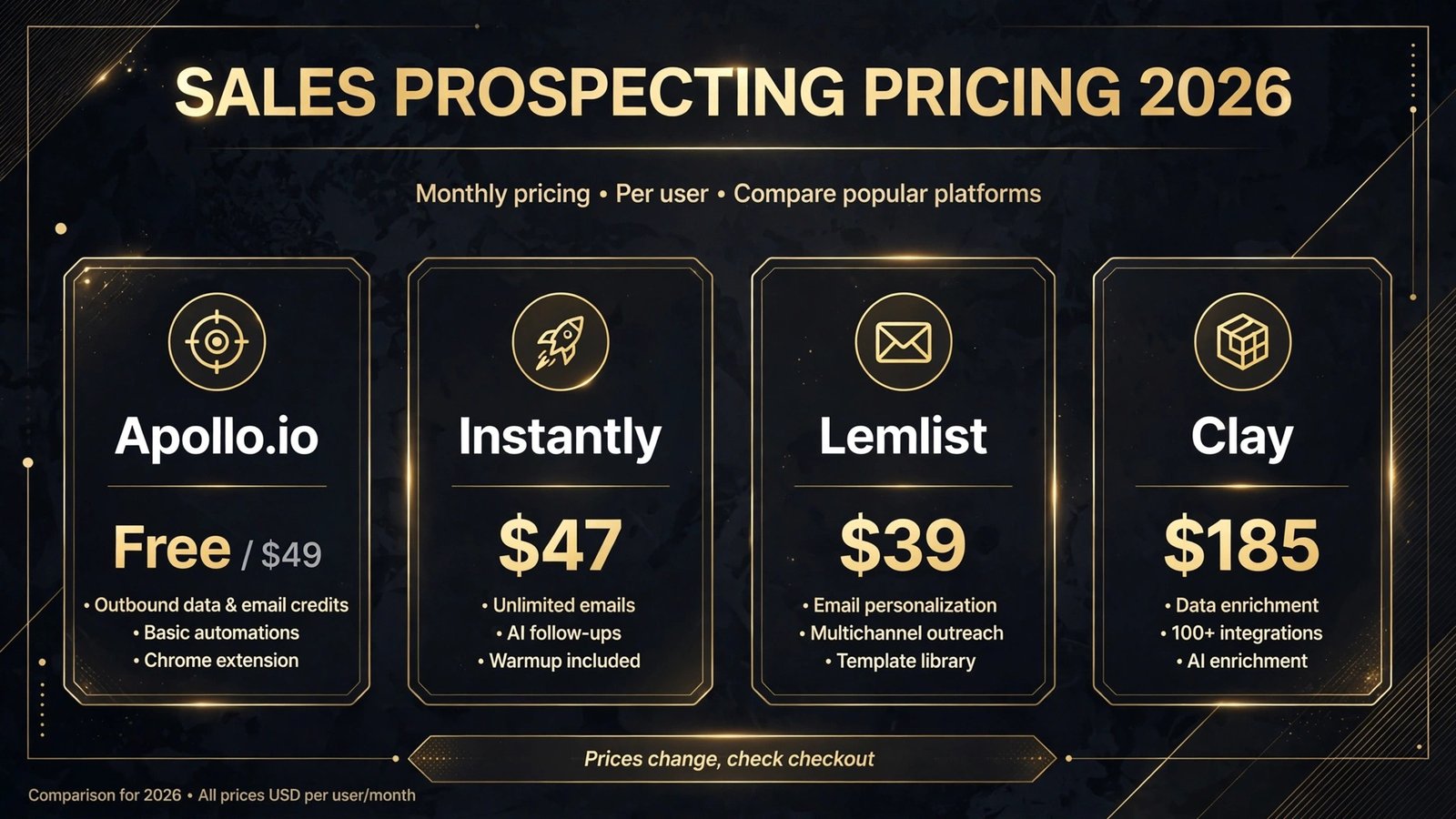
Pricing compared
| Tool | Free option | Paid from | Pricing note |
|---|---|---|---|
| Apollo.io | Yes | $49 per user per month | Annual billing, credit allowances apply |
| ZoomInfo | No | Custom | Sales led, five figure annual contracts reported |
| Lusha | Yes, limited | Around $49 per user per month | Credit based, packs cost extra |
| RocketReach | Yes, limited | Check checkout | Lookup only, no sequences |
| Instantly | 14 day trial | $47 per month | Sending only, lead data billed separately |
| Lemlist | No | $39 per user per month | Multichannel plans cost more |
| Smartlead | No | $39 per month | Unlimited mailboxes on paid plans |
| Sales Navigator | No | $99 per month | Annual billing, InMail credits included |
| LeadIQ | Yes | Around $39 per user per month | Credit based |
| Evaboot | No | Check checkout | Export limits vary by tier |
| Cognism | No | Custom | Annual contract, seat based |
| Clay | Yes | $185 per month | Credits split into data and actions |
| Reply.io | No | $49 per user per month | Per seat, multichannel included |
A realistic starter stack costs $50 to $150 per month: Apollo for data and sequences, Lusha free for quick lookups, and Sales Navigator once LinkedIn becomes a daily channel. A full stack with a dedicated sender plus Cognism or Clay runs several hundred dollars a month, which one closed deal usually covers. Stay on free tiers until volume justifies each subscription.
How to choose
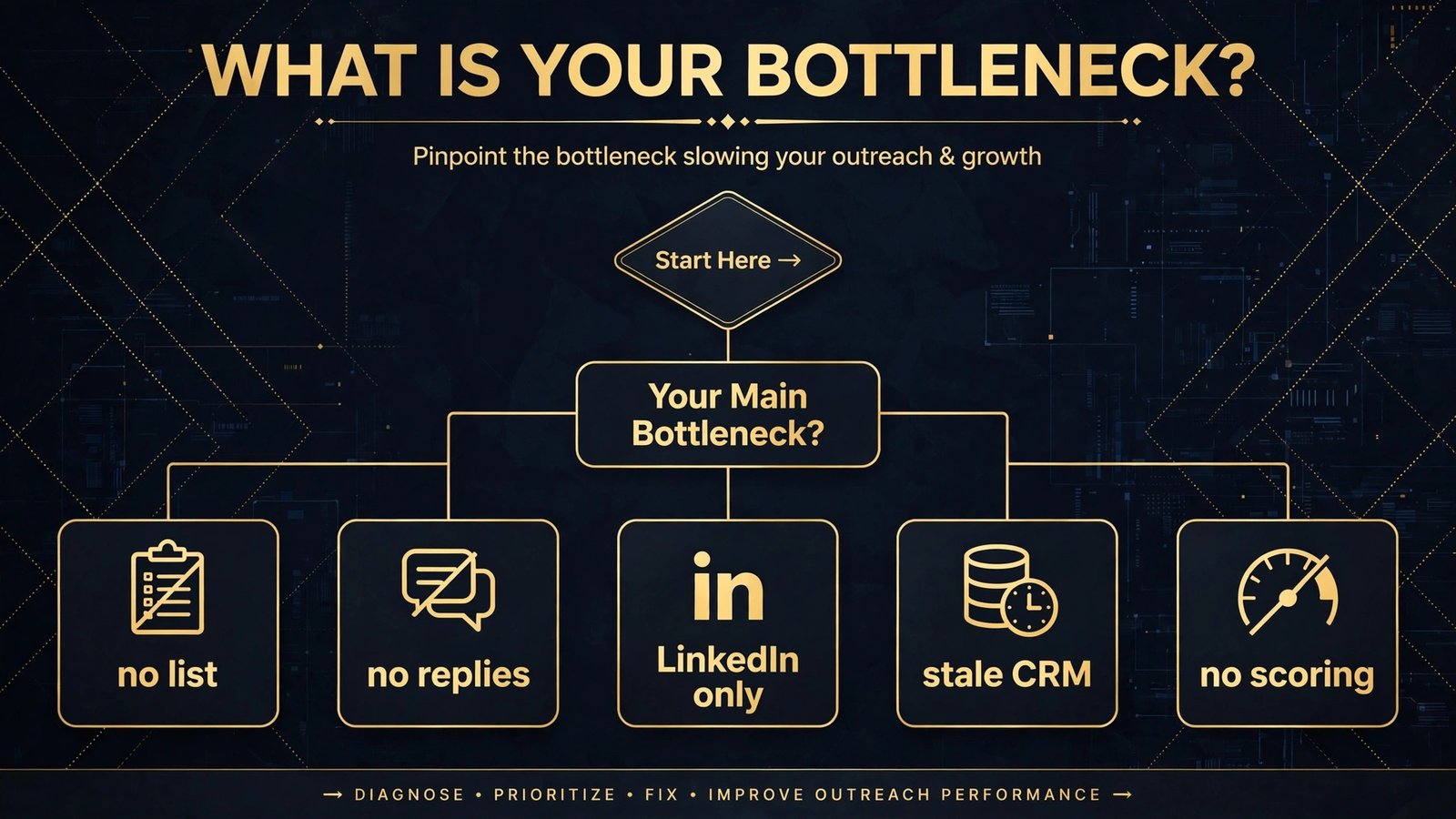
Start from the bottleneck, not from the tool list. If you have no list at all, start with Apollo and add Lusha for quick lookups. If you have a list but no replies, start with Instantly or Smartlead and fix your domains and warmup first. If your buyers live on LinkedIn, start with Sales Navigator and LeadIQ before buying any email tool. If your CRM is full of stale records, start with Clay or Cognism and fix the data before sending another campaign.
Second, count the real cost per contacted prospect, not the headline price. Credit based tools look cheap until mobile numbers and reruns pile up. Run one real campaign of 500 prospects through your shortlist and record the true cost, the bounce rate and the reply rate.
Third, protect your domain and your sender reputation. One bad list or spam complaint spike can burn your primary domain. Use secondary domains for cold outreach, warm them up for at least two weeks, keep daily sends modest per mailbox, and never buy a scraped list from a vendor you cannot verify. Solo operators should also read our best AI tools for freelance writers guide, and small teams should check our best AI tools for small business guide.
Frequently asked questions
Is cold email still effective in 2026?
Yes, when the list is accurate and the message is relevant. Response rates have fallen for generic blasts, but targeted outreach to a researched account with a specific problem still gets replies. The tools in this guide help on both sides: better targeting through data and intent, and better delivery through warmup and rotation.
Do I need a separate tool for data and for sending?
Not at first. Apollo covers both well enough for most small teams, and Reply.io covers sending plus a small database. Split the stack when one side becomes the bottleneck: add Instantly or Smartlead when sending volume outgrows Apollo, or add Clay or Cognism when data quality becomes the limiting factor.
How many prospects should a rep contact per day?
For email, a safe range is 50 to 100 new prospects per rep per day across warmed secondary domains, with follow ups on top. For LinkedIn, keep connection requests modest, roughly 20 to 25 per day. Higher volumes trigger platform limits and spam complaints, which cost more than the extra sends ever earn.
What is the difference between intent data and lead scoring?
Intent data is the raw signal: a company researching your category, visiting your pricing page, or hiring for a relevant role. Lead scoring is the ranking built from those signals plus firmographics and past behaviour. Cognism and Apollo both combine the two, but test whether highly scored accounts actually convert before trusting the ranking.
Are LinkedIn scraping tools safe to use?
They carry platform risk. LinkedIn restricts automated access, and aggressive scraping or messaging can limit or close an account. Keep volumes modest, use Sales Navigator for search, and treat tools like Evaboot as list builders used carefully, not as bulk automation.
Which single tool should a new sales team start with?
Apollo, for most teams. It covers list building, verification, signals and sequences in one subscription with a free plan to test. Add Sales Navigator when LinkedIn becomes a daily channel, and add Instantly or Smartlead when email volume outgrows Apollo’s sending. For teams that combine outbound with content marketing, see our best AI tools for content creators guide for the content side of the pipeline.
Conclusion
The best AI sales prospecting tools do not replace prospecting judgment. They remove the slow parts: building the list, verifying the contact, watching for signals, and keeping the CRM current. Apollo builds the list. Instantly, Lemlist and Smartlead send the message. Sales Navigator, LeadIQ and Evaboot work LinkedIn. Cognism ranks the accounts. Clay and Reply.io hold the system together.
Start with the bottleneck. If you have no list, buy data. If you have a list and no replies, fix sending and relevance. If your CRM is stale, fix enrichment first. Test with a real campaign, measure bounce rate and reply rate, and keep only the tools that earn their fee. The teams that win at prospecting in 2026 are not the ones with the most tools. They are the ones whose list is accurate, whose message is relevant, and whose follow up actually happens.