
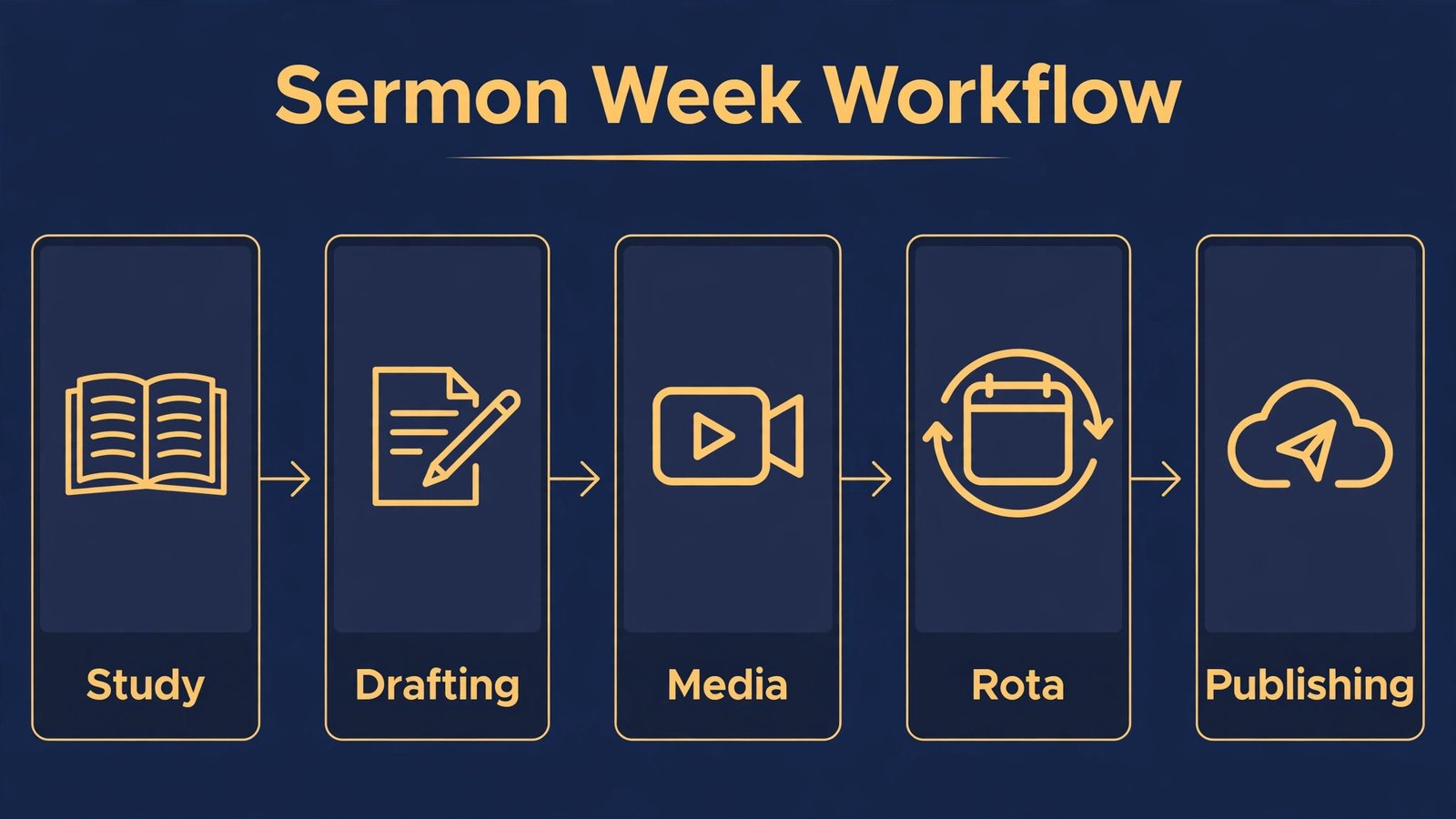
Sunday comes every seven days, whether the sermon is finished or not, whether the bulletin is ready or not, and whether the volunteer rota is filled or not. That weekly rhythm is the real problem this guide to the best AI tools for churches is trying to solve. Most churches do not need more technology for its own sake. They need help turning a sermon idea into a clear message, a service into a shareable recording, a notice sheet into a social post, and a pile of admin into a system a small team can run without burning out the same three volunteers. The tools below were chosen for that weekly work, and each one is judged on whether it saves time, serves people well, and respects the trust a congregation places in its leaders.
Two cautions belong at the start, because they shape every recommendation that follows. First, AI can draft and organise, but it cannot preach, pastor or discern for a church. A sermon still needs prayer, study, local knowledge and pastoral judgment, and a pastoral message still needs a human who knows the person receiving it. Use AI for research help, outlines, transcription and formatting, and keep the theological decisions, the pastoral wording and the final message firmly human. Second, churches hold sensitive information, from prayer requests to giving records to children’s details. Do not paste that material into public tools. Check privacy terms, use church approved accounts, and keep a short policy that says which tools are approved and what must never be entered into them.
The best AI tools for churches at a glance
| Tool | Best for | Watch out for |
|---|---|---|
| ChatGPT | Sermon brainstorming and study help | Theological claims need checking |
| Claude | Long study notes and sermon drafts | Smooth drafts can hide weak exegesis |
| Pastors.ai | Sermon research and summaries | Research aid only, not a sermon writer |
| Canva | Bulletins, slides and social graphics | Template sameness across churches |
| Descript | Service recordings and sermon clips | Poor audio needs good recording first |
| Sermon Shots | Short sermon clips for social media | Clips can lose context |
| Otter.ai | Meeting notes and sermon transcripts | Names and scripture references need review |
| Subsplash | Church app, giving and media | Setup and cost need a full term view |
| Planning Center | Rotas, services and people management | Needs disciplined setup to stay tidy |
Sermon preparation and study
Sermon preparation is where AI help is most tempting and most risky. Used well, it widens study, organises notes and saves drafting time. Used badly, it produces a generic sermon that could have been preached anywhere, to anyone, about anything. The tools below work best when a preacher brings a text, a congregation and a pastoral aim, and uses AI to support study rather than to supply the sermon.

1. ChatGPT
ChatGPT helps a preacher move from a passage to a working outline. A pastor can ask it to list the main themes of a passage, suggest cross references, explain a historical background point in plain language, or generate discussion questions for a small group. It can also help with the practical side of preaching, such as turning a long sermon into a short devotional, drafting a sermon series overview, or writing five versions of a sermon title for a notice sheet. That flexibility helps smaller churches where one person preaches, leads, visits and administers in the same week, and where study time is squeezed by pastoral demands.
The limit is theological accuracy and depth. ChatGPT can present a contested interpretation as settled, blend traditions without noting the difference, or invent a quotation, a historical detail or a reference that sounds plausible. A preacher must check every claim against trusted commentaries, the biblical text itself and their own tradition’s teaching, and must be honest about where scholars disagree. ChatGPT also tends toward generic application. A sermon that speaks to a specific congregation, with its griefs, joys, local employers, schools and community tensions, will always need human shaping after any AI draft. Treat ChatGPT as a study assistant that saves time on background and structure, never as an authority on what a text means.
Watch out for: contested interpretations presented as settled, invented quotations or references, and generic application that misses the local congregation.
2. Claude
Claude is best when study material is long. A pastor can work with a set of sermon notes, a commentary extract, a conference paper or a long article, and ask Claude to summarise by section, extract the main arguments, or rewrite a dense paragraph in language a congregation can follow. That helps with sermon series planning, where a preacher needs to hold several weeks of material in view at once, and with turning academic study into preaching that is clear without being shallow. Claude also drafts well, producing structured outlines with introductions, main points and applications that a preacher can then reshape, cut and fill with local illustration.
Smoothness is the risk. A Claude draft can read so well that a preacher accepts it without the hard work of wrestling with the text, and a congregation can tell the difference between a preached conviction and a polished summary. Long drafts also need editing for length, because a sermon that reads well on screen may run long when spoken, and spoken pacing, pauses and repetition differ from written prose. Read every AI assisted draft aloud, time it, and cut ruthlessly. Keep illustrations local and personal where appropriate, and keep the pastoral application tied to people you actually know, not to generic examples. Check pricing at checkout before committing to a paid plan for staff use.
Watch out for: polished drafts accepted without wrestling with the text, sermons that run long when spoken, and generic illustrations replacing local ones.
3. Pastors.ai
Pastors.ai is built specifically for sermon research, which makes it different from a general chat tool. It helps pastors search sermon related material, summarise research and organise study notes around a passage or topic. For a preacher preparing a series, that focus can save the first hour of searching, when the task is to gather background, find how others have handled a difficult passage, and collect illustrations and cross references. Because the tool is aimed at ministry, its outputs are framed for sermon work rather than general writing, which can make the results more immediately usable for a busy pastor.
Specificity is still essential. A research tool can gather material, but it cannot decide which interpretation fits your congregation, which illustration is pastorally wise this week, or which application is too soon after a bereavement or a community crisis. Pastors.ai should feed a study process that includes prayer, trusted commentaries and conversation with other leaders, not replace that process. Check sources behind any summary before you preach a claim, and be careful with material that may be copyrighted or drawn from other preachers’ work without clear attribution. Use the tool to widen study, then write the sermon in your own voice, for your own people.
Watch out for: research summaries accepted without source checks, attribution problems, and pastoral timing missed by a research tool.
Media, outreach and sharing the message
Most people first meet a church online, through a clip, a poster or a livestream, long before they walk through the door. These tools help a small media team produce clear, welcoming material without needing a full production department.
4. Canva
Canva is the practical choice for church graphics. Service slides, sermon series artwork, event posters, social posts, kids ministry handouts and welcome cards can all come from one tool, with templates that keep a church looking consistent week to week. Volunteers without design training can produce a clean slide deck or a social graphic in an afternoon, which matters when the media rota depends on willing helpers rather than professionals. Canva also helps churches keep branding simple. A small set of house colours, fonts and photo styles makes a church recognisable online and in print, without a complicated brand manual nobody reads.
Sameness is the downside. When many churches use the same popular templates, their graphics start to look interchangeable, and a sermon series poster can look like an advert for something else entirely. Build house templates with your own photos of your building, your people with permission, and your community, and vary layouts for major seasons such as Easter, Christmas and a new sermon series. Check spelling, dates, times and venue details twice, because a beautiful graphic with the wrong service time causes real confusion. Also check photo permissions and licences before publishing images of children or congregation members.
Watch out for: template sameness, wrong times or dates on pretty graphics, and photo permission problems.

5. Descript
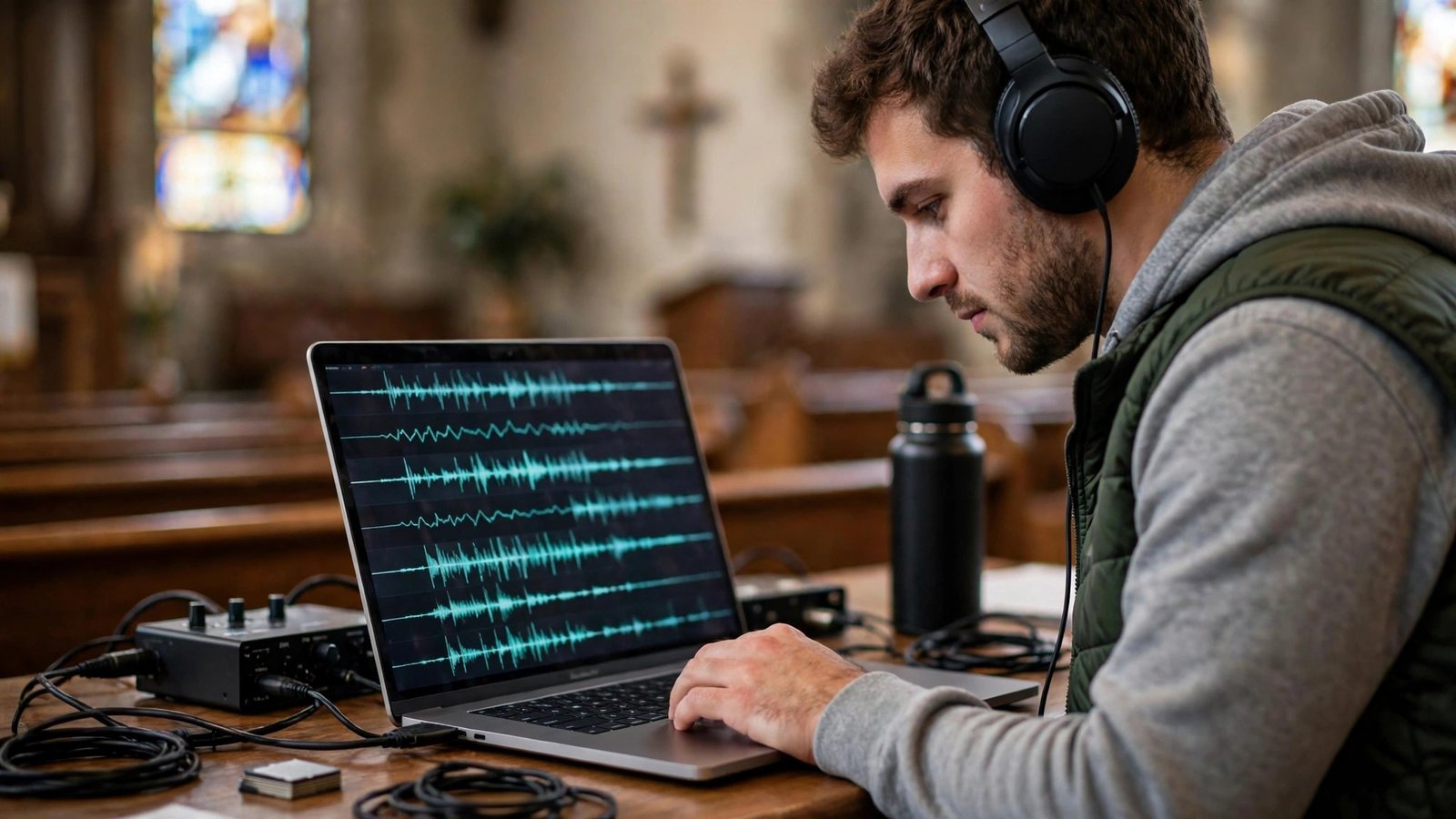
Descript edits audio and video by editing text, which makes sermon editing far more accessible for church volunteers. Record a service, get a transcript, delete a sentence in the text, and the audio follows. That simple idea lets a small team clean up a sermon, remove a long pause or a false start, add captions, and cut a short clip for social media without learning a complex audio editor. Descript also helps churches offer sermons as podcasts, with searchable transcripts that help members find a sermon on a topic, and help visitors sample preaching before they attend. For churches with members who cannot attend in person, a clean recording with captions is a genuine pastoral service, not only a marketing asset.
Good output still starts with good recording. A sermon recorded on a phone at the back of a hall, with echo and background noise, will not become a clean podcast by editing alone. Invest in a basic microphone setup, test levels before a service, and keep edited sermons at a sensible length. Caption accuracy also needs a check, especially for scripture references, names and theological terms that a transcription tool may mishear. Check speaker consent for clips and for any reuse beyond the original service, and be clear about where recordings will be published.
Watch out for: poor source audio, caption errors on scripture and names, and clip reuse without consent.
6. Sermon Shots
Sermon Shots turns longer sermons into short, shareable clips for social media, which helps churches reach people who will watch a sixty second clip but will not commit to a forty minute sermon first. A strong illustration, a clear point or a pastoral encouragement can travel far beyond a Sunday congregation, and can bring a visitor to a full sermon or a service. For churches with a small media team, a tool that finds likely clip moments and formats them for vertical video saves hours of manual searching and editing. It also gives a church a regular social presence without asking volunteers to invent new content every week, because the content already exists in the sermon.
Context is the danger. A short clip can make a nuanced point sound absolute, or an illustration sound like a claim, when the full sermon qualified it carefully. Review every clip before posting, check that the clip is fair to the sermon’s meaning, and add a caption or link to the full sermon where possible. Avoid clips that single out individuals, that could embarrass a congregation member, or that turn a pastoral moment into a viral moment. Short form reach is valuable, but it should serve the church’s witness, not distort it. Check pricing at checkout, because clip limits and publishing features vary by plan.
Watch out for: clips that lose qualification and context, clips that embarrass individuals, and reach pursued at the cost of fair representation.
Operations, people and pastoral admin
Admin rarely inspires anyone, but bad admin burns out volunteers and loses visitors. These tools help churches manage rotas, services, meetings and communication in a way that frees leaders for pastoral work.
7. Otter.ai
Otter.ai transcribes meetings, leadership discussions and sermons into searchable text, which helps churches keep reliable records without asking a volunteer to take perfect minutes. A leadership meeting becomes a transcript and a summary with action items, a sermon becomes a searchable text that a small group leader can quote, and a training session becomes a reference document new volunteers can read. Search matters most. Once transcripts exist, a church can find what was decided about a building project, a safeguarding policy or a service change without hunting through notebooks and emails.
Transcripts need review, especially for names, place names and scripture references, which transcription tools often mishear. Correct the transcript before it becomes an official record, and be careful about what is recorded. Leadership meetings that discuss sensitive pastoral matters should not be recorded or transcribed without clear agreement, and prayer requests and personal details should never be pasted into a public transcription tool. Get consent before recording a service or a meeting, explain where the transcript will be stored, and set a retention rule. A transcript that is useful for a month may not need to be kept for ten years.
Watch out for: misheard names and scripture references, recording sensitive discussions without agreement, and personal details in a public tool.
8. Subsplash
Subsplash gives churches an app, a website, media hosting and giving in one platform, which can simplify the digital front door for a congregation. Members can watch sermons, find events, give online, fill in a connection card and receive push notifications, instead of juggling a website, a separate giving link, a podcast feed and a social page. For churches that want a single, branded place for members and visitors, that consolidation is attractive, and it can reduce the number of systems volunteers must learn. Subsplash also helps with livestreaming and sermon archives, which matter for members who are travelling, ill or exploring faith from home.
Consolidation comes with cost and commitment. Subsplash is a platform decision, not a single tool trial, and churches should view pricing at checkout over a full year, including any setup, media and giving fees, before committing. Migration also takes work. Moving sermons, events and member data, training volunteers, and teaching a congregation to use a new app all take time, and a half adopted app helps nobody. Trial the member experience first, ask other churches of similar size about their experience, and check how giving data, member data and content can be exported if you later change platforms. A church should own its congregation data and its sermon archive, whatever platform it uses.
Watch out for: full year cost surprises, half adopted apps, and data export limits if you later leave.
9. Planning Center
Planning Center manages the people and service side of church life, from rotas and service plans to check ins and member records. A worship leader can build a service order, assign musicians, singers and tech volunteers, share songs and notes, and see who has confirmed, all in one place. Children’s check in, volunteer scheduling and room bookings can sit alongside service planning, which reduces the email chains and group chats that often hold church admin together. For larger churches, or churches with many services and volunteers, that structure prevents the classic failure where two people think someone else is on the rota and nobody turns up.
Structure needs discipline. Planning Center works only if rotas are kept current, volunteers actually confirm, and old data is cleaned up. Without an owner for each area, the system fills with outdated teams, duplicate people records and service plans nobody trusts, and volunteers revert to informal chats. Appoint a rota owner, set a weekly rhythm for confirming volunteers, and train new leaders properly rather than handing them a login and hoping. Privacy also matters. Member records, children’s details and pastoral notes need careful access controls, and not every volunteer needs to see everything. Use role based access, review permissions regularly, and keep pastoral notes out of general admin systems where possible.
Watch out for: outdated rotas nobody trusts, duplicate records, and over broad access to member and children’s data.

Best pick by job
| Job | First pick | Why it wins for most churches |
|---|---|---|
| Sermon brainstorming | ChatGPT | Fast themes, questions and outlines |
| Long study and drafts | Claude | Handles long notes and clear rewrites |
| Sermon research | Pastors.ai | Ministry focused research help |
| Graphics and slides | Canva | Volunteer friendly, consistent output |
| Sermon editing and captions | Descript | Text based editing for volunteers |
| Short social clips | Sermon Shots | Fast vertical clips from sermons |
| Meeting and sermon transcripts | Otter.ai | Searchable text from audio |
| Church app and giving | Subsplash | One place for media, events and giving |
| Rotas and service planning | Planning Center | Service orders, rotas and check in together |
Start with Canva for weekly graphics, Descript for sermon recordings and Planning Center for rotas. That trio covers the public face, the recorded message and the volunteer team, which are the three systems most churches feel every week. Add a sermon research helper only when preparation time becomes a regular pressure, and add a church app only when members will actually open it each week, because an unused app adds admin without adding connection.
How to choose the right tools for your church
Start with the weekly pain, not the feature list. Ask your team which three tasks cause the most stress on a Sunday. For many churches the answer is sermon preparation time, media production, and rota gaps. Choose tools for those three jobs first, and ignore tools that solve a problem you do not have. Test with a real sermon, a real service recording and a real rota, not with demo material, and involve the volunteers who will actually run the tool. A media tool that only the pastor can use will fail when the pastor is on holiday, and a rota tool that volunteers will not check will fail even if its features look excellent.
Then check stewardship details. Confirm pricing at checkout over a full year, check data ownership and export options, and check privacy for member, giving and children’s data. Write a short church AI policy. Name approved tools, state that AI does not write sermons or pastoral messages on its own, list what must never be pasted into a tool, and name who checks output before publication. Review the policy and the tool list each year, and drop tools that are not used, not trusted or no longer good value. Stewardship is not only about money. It is about time, trust and attention, and a tool that wastes volunteer time or risks trust is expensive whatever its price.
Training matters as much as tool choice. A church that buys a good tool but trains nobody will blame the tool, when the real problem is that volunteers were given a login and a deadline and no practice time. Run a short training session for each new tool, using a real sermon, a real service recording and a real rota, and give volunteers a one page guide they can keep beside the computer. Pair a confident volunteer with a less confident one for the first month, and thank volunteers publicly for learning new systems, because church media and admin work is often invisible until it goes wrong. If a tool still feels hard after proper training, that is useful evidence. It may be the wrong tool for your team, and a simpler tool used well will serve the congregation better than a powerful tool used badly.
Mistakes to avoid
The biggest mistake is letting AI write the sermon. A generated sermon may be smooth and biblically flavoured, yet miss the text, the congregation and the pastoral moment entirely. Use AI for study help and drafting support, then preach from your own wrestling with the text. A second mistake is publishing unchecked clips and graphics. A clip without context, a graphic with the wrong time, or a caption with a misheard scripture reference can mislead and embarrass. Review everything before it goes public, and assign that review to a named person. A third mistake is pasting sensitive pastoral material into public tools. Prayer requests, counselling notes, giving details and children’s information should stay in approved, access controlled systems only. A fourth mistake is buying a platform before the team is ready. Train volunteers, trial with one service or ministry, and expand only when the first use works well. A fifth mistake is chasing reach over faithfulness. Social clips and online growth are useful, but they should serve worship, teaching and pastoral care, not replace them.
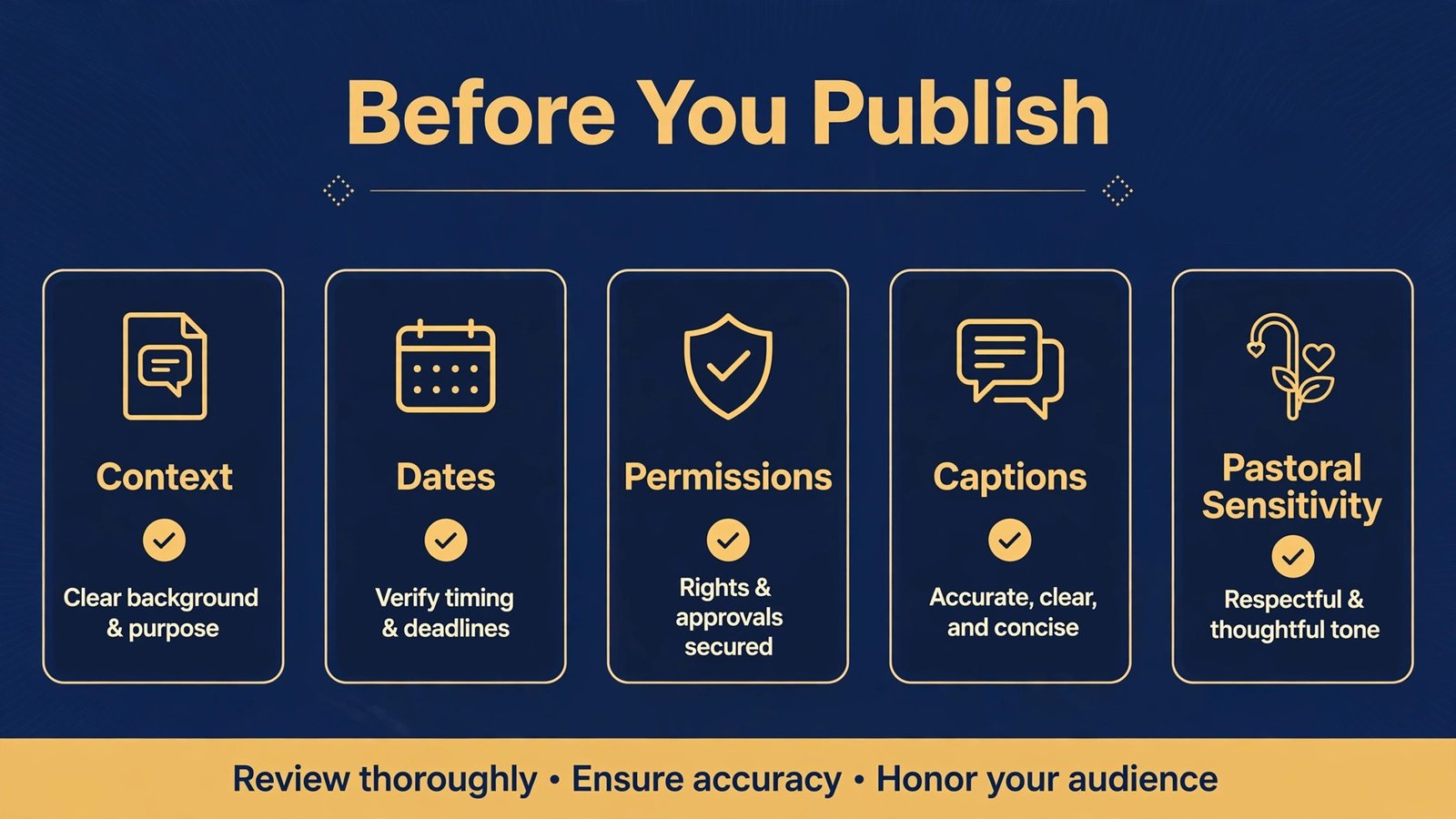
Frequently asked questions
Is it wrong for a church to use AI?
Using AI for research help, drafting support, transcription and design is a tool choice, not a theological position, provided human leaders keep responsibility for teaching, pastoral care and final wording. Problems arise when AI replaces study, discernment or pastoral judgment, or when output is presented as human work without honesty. Be transparent with your team about how AI is used.
Can AI write a sermon?
AI can draft an outline or a devotional, but a sermon needs a preacher who has studied the text, knows the congregation and takes pastoral responsibility for the message. Treat AI output as study help, then write and preach in your own voice, for your own people, with local illustration and application.
How should churches protect member data?
Use approved tools only, check privacy and retention terms, limit access by role, and never paste prayer requests, giving details, counselling notes or children’s information into public tools. Write a short policy, train volunteers, and review access regularly.
What should a small church start with?
Start with graphics, sermon recording and rota tools, because those cover weekly public output and volunteer organisation. Add sermon research help only when preparation time is a real pressure, and add a church app only when your congregation will actually use it.
How do churches handle AI and copyright?
Use material you own or have permission to use, check licences for songs, images and quoted work, and do not publish AI output that reproduces copyrighted material. Credit authors and sources clearly, and check your local rules for streaming and recording.
Short clips can help visitors discover a church, provided each clip is fair to the full sermon, reviewed before posting, and linked to the full message where possible. Avoid clips that embarrass individuals or turn pastoral moments into viral content.
Conclusion
Churches do not need every AI tool, and they should not adopt tools that pull attention away from worship, teaching, fellowship and pastoral care in the life of a congregation. They need a small, trusted set that makes the weekly rhythm sustainable. A research helper for study, a design tool for graphics, an editor for sermon recordings, a clip tool for outreach, and a rota system for volunteers will cover most of what a church feels each week. Keep humans in charge of theology, pastoral wording and final publication, protect sensitive data carefully, and review the tool list each year with the same stewardship you apply to a budget. Done that way, AI quietly carries some of the weekly load, and leaders get valuable time back for prayer, preparation and people for the work only people can do, which is knowing, teaching and caring for a congregation.
For churches that also run community outreach, see our guide to best AI tools for nonprofits and our guide to best AI tools for event planners. Churches producing regular video may also find our guide to best AI tools for content agencies useful for media planning.