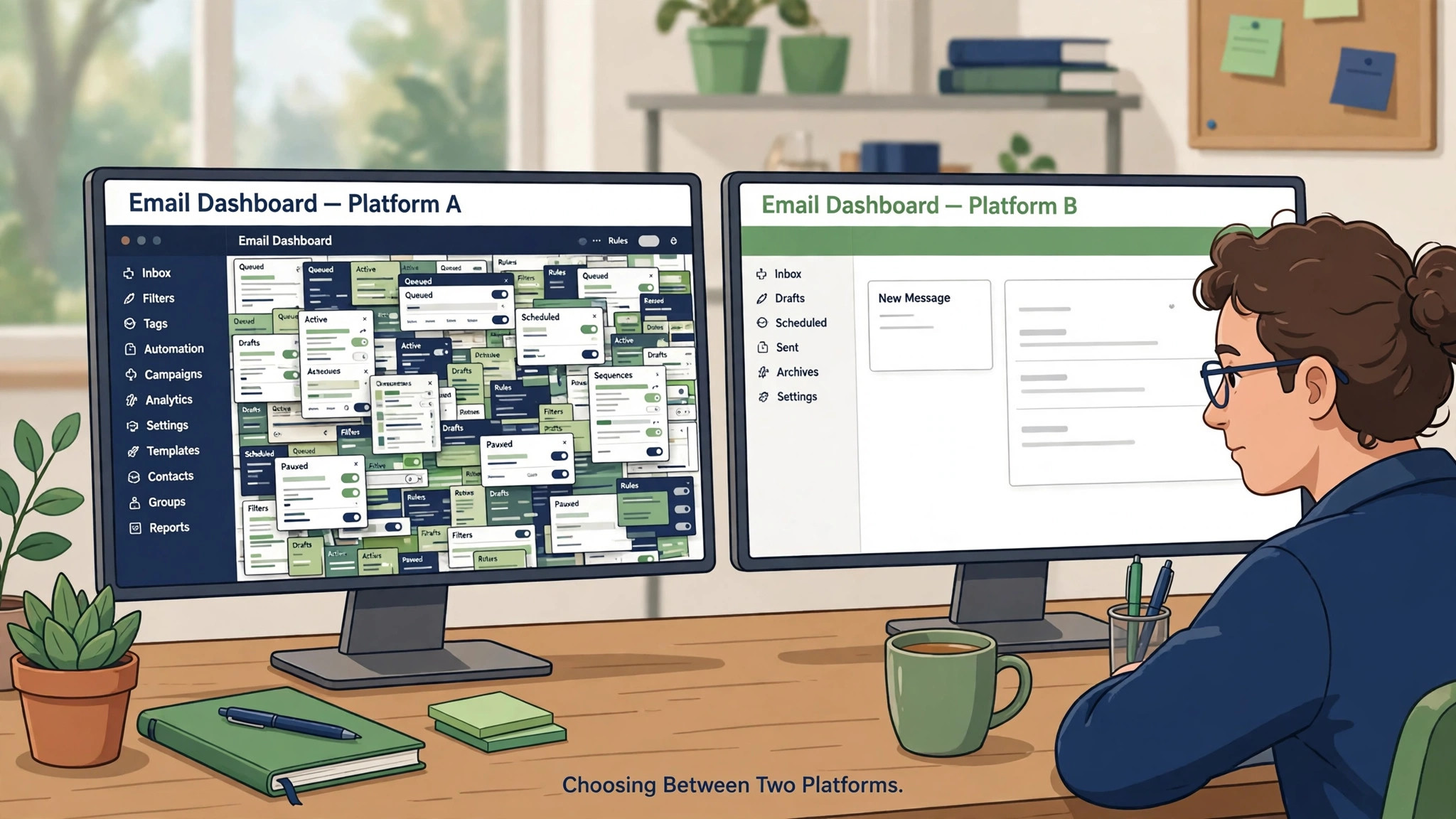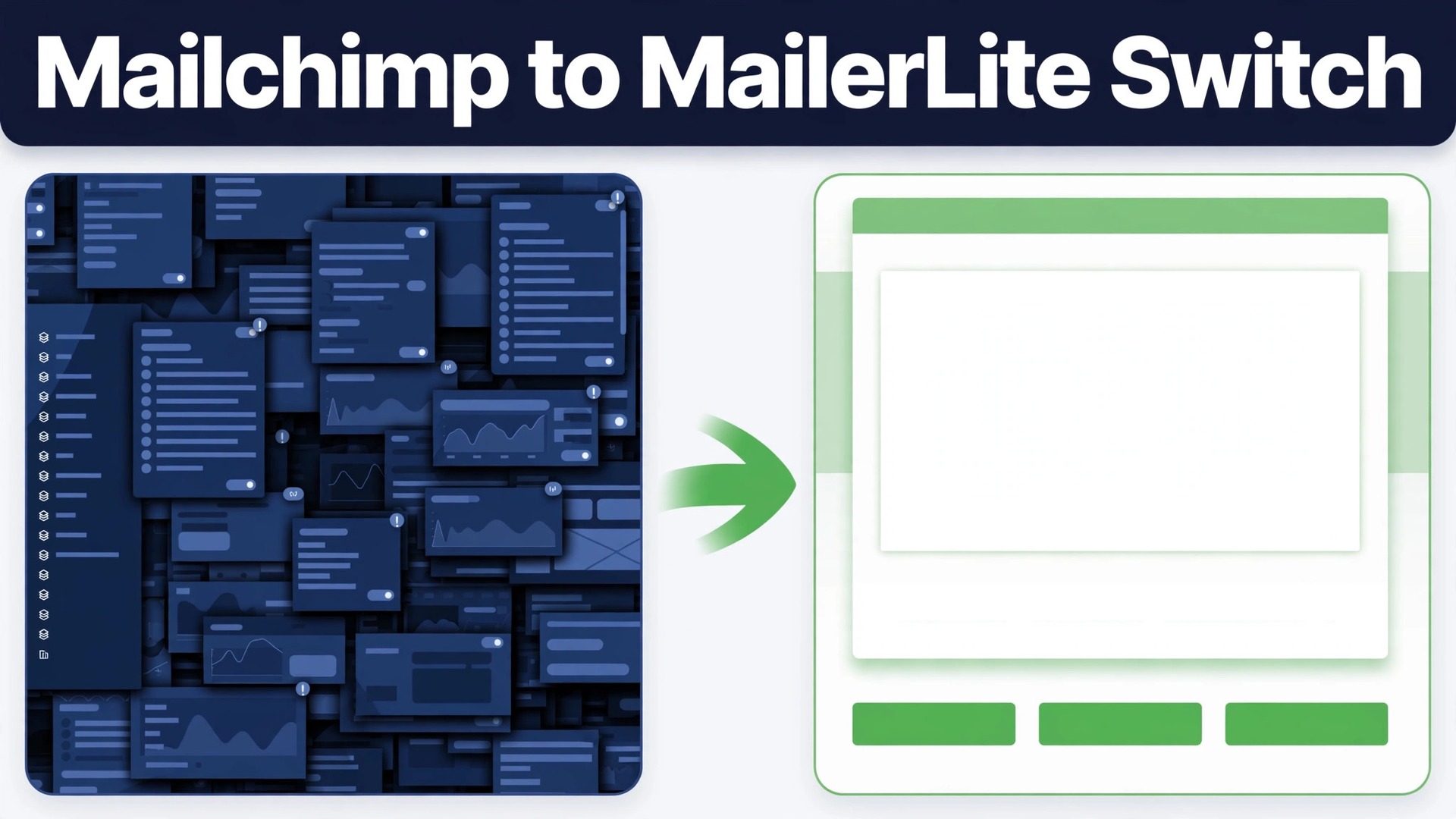
Mailchimp and MailerLite both send email, both build automations, and both charge by audience size, yet a small business can pay noticeably less on one than the other for the same list. For an owner planning to switch Mailchimp to MailerLite small business price comparisons are usually the starting point, though they should never be the whole decision.
Recent comparison guides put MailerLite ahead on price at ten thousand subscribers by a clear margin, while also noting that Mailchimp counts unsubscribed contacts toward billing tiers in ways that widen the gap for unpruned lists. That comparison is the reason many owners start this migration, and it is also the reason to check current pricing before deciding, since both vendors reprice regularly.
Price alone is a weak reason to move an email list, because a rushed move can cost more in lost subscribers and broken automations than it saves in a year. The strong reason is fit. MailerLite suits a business that mainly sends newsletters, welcome sequences, and simple nurture flows, and wants a cleaner interface with fewer features to learn. Mailchimp suits a business that relies on deeper customer data, predictive tools, or a wide integration library. This guide walks through the move for the first group, with honest warnings for the second.
The practical sequence is straightforward. Clean the list, import subscribers with tags and segments, rebuild automations and templates, replace signup forms everywhere, authenticate the sending domain, warm up carefully, and only then close or downgrade the old account. Keep Mailchimp running until MailerLite has sent successfully, because a live fallback is the cheapest insurance in email.
Should You Switch Mailchimp To MailerLite Small Business Owners Decide
A move makes sense when email work is mostly newsletters and welcome flows, when the team finds Mailchimp heavier than needed, and when the bill feels high for the features actually used. Small businesses in that position often discover that MailerLite covers their real workflow at a lower tier, with an interface that new team members learn faster. The saving is real, but the bigger gain is often simplicity, since a tool the team actually uses beats a powerful tool they avoid.
A move makes less sense when the business depends on advanced segmentation, ecommerce triggered journeys with deep branching, or integrations that exist only on the larger platform. MailerLite automation covers welcome, nurture, and resend flows well, but it offers fewer data sources to branch on than a mature Mailchimp setup. If your revenue depends on a complex journey that triggers on purchase behaviour across several products, map that journey on the new platform before exporting anything, and test it with real scenarios.
Ask three questions before starting. First, which three automations earn the most revenue or replies. Second, which segments are built on behaviour or purchase data rather than simple fields. Third, who owns email after the move, and how much time do they have each week. If the answers show simple flows and a small team, proceed. If they show deep behavioural logic, either simplify the flows first or stay where the logic already works.
Mailchimp And MailerLite Compared For A Small List
Mailchimp is the larger all in one marketing platform, with email, automation, customer data tools, and a wide integration library. Its strength is breadth, and its weakness for small businesses is that breadth costs money and attention. Lists grow, unsubscribed contacts linger in billing counts, and the bill rises even when the sending stays simple.
MailerLite is the leaner email platform, with newsletters, landing pages, forms, and automation in a cleaner workspace. Its strength is focus and price, and its weakness is narrower depth in advanced segmentation and integrations. For a business that sends a weekly newsletter and a welcome sequence, that focus is an advantage. For a business that segments on purchase history across many products, it can feel like a step down.
| Question | Mailchimp answer | MailerLite answer |
|---|---|---|
| Core strength | Breadth and data tools | Focused email and simplicity |
| Automation depth | Deep branching on many signals | Strong for welcome and nurture flows |
| Billing quirk | Unsubscribed contacts can count | Billable count set at import, check rules |
| Free plan shape | Small contact and send limits | Small subscriber limit, check current terms |
| Best fit | Data heavy marketing teams | Newsletter led small businesses |
Treat pricing as a snapshot, not a fact. Recent guides disagree on exact figures because both vendors changed plans during 2026, with free plan limits tightening on both sides. Confirm the current pricing page for your exact list size and confirm at checkout before deciding. A guide that quotes a price without a date is quoting history, and history does not pay your bill.
What Transfers And What Must Be Rebuilt
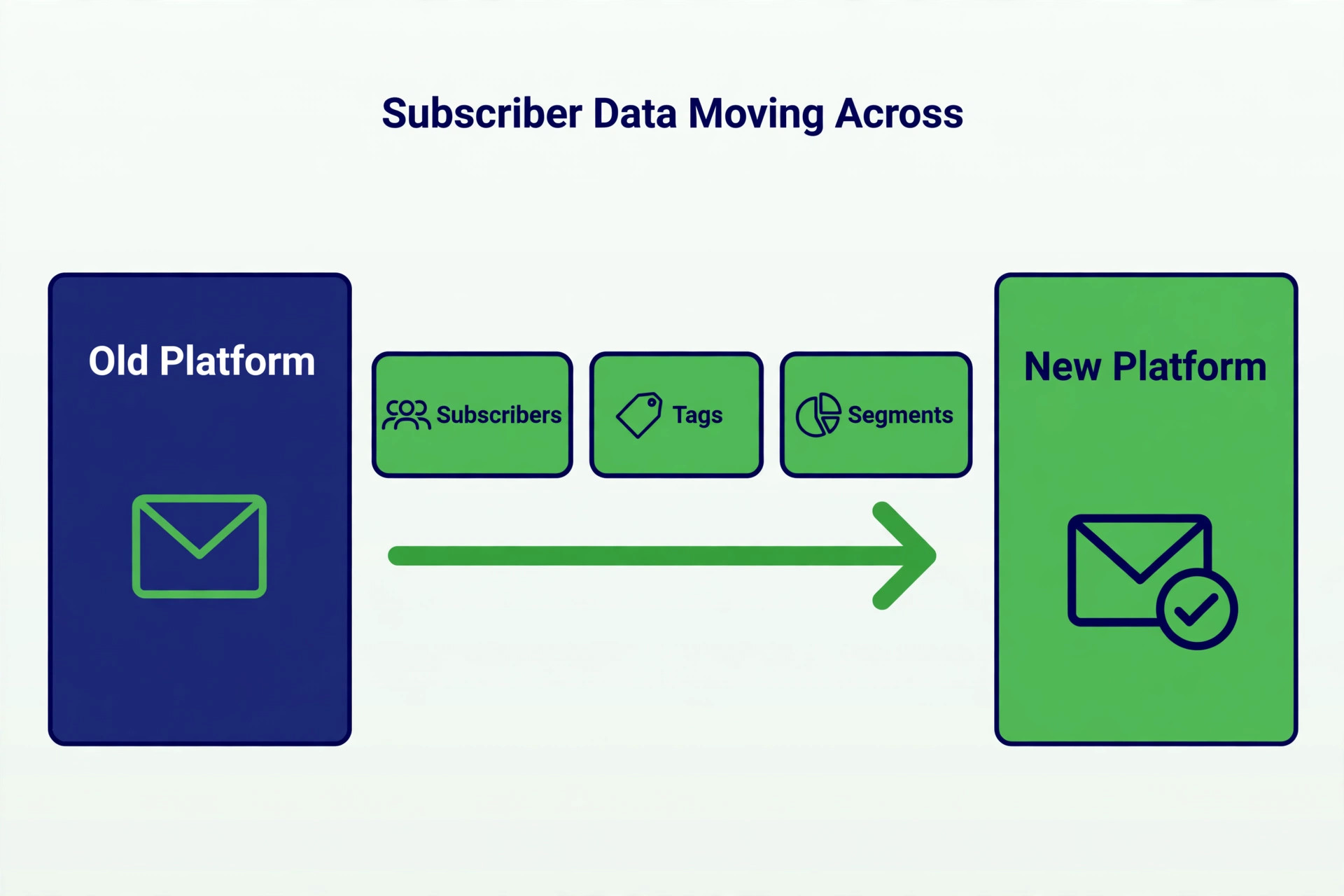
MailerLite provides a dedicated import path from Mailchimp, which carries subscribers, custom fields, tags, and simple segments across. That is a genuine advantage over a manual file move, because tags and field data survive without spreadsheet surgery. Groups on MailerLite play the role that tags played on Mailchimp, so plan a simple mapping from old tags to new groups before importing, and delete tags that no longer mean anything.
What does not transfer needs rebuilding, and segments are the sharpest edge. Simple field based segments generally recreate, while behavioural, ecommerce based, and advanced segments do not migrate automatically. Those segments must be rebuilt by hand with new rules, and some may not be expressible in the same way. List every advanced segment before migration, decide whether it still earns its keep, and rebuild only the ones that drive real sends.
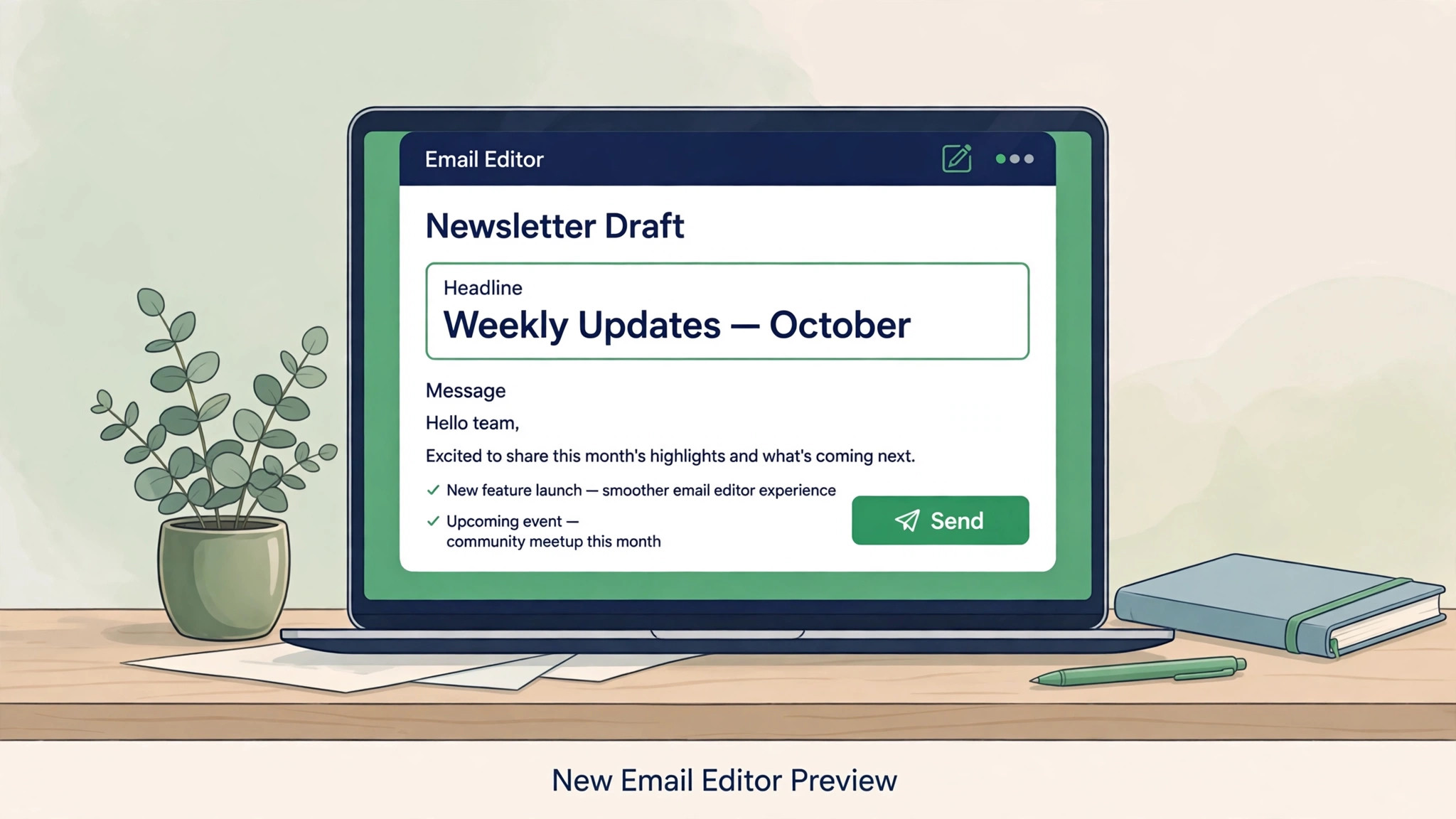
Automations and templates are the second rebuild area. Journeys do not import as working automations, so welcome sequences, nurture flows, and post purchase messages must be rebuilt step by step. Templates need the same treatment. Drag and drop designs rarely transfer cleanly, so plan to rebuild key templates in the new editor and test them on a phone and a desktop client before sending. Campaign history and reporting also stay behind, so export past performance figures you will want for comparison.
| Item | What happens in the move |
|---|---|
| Subscribers and fields | Imported through the dedicated tool |
| Tags | Imported and mapped to groups |
| Simple segments | Generally recreated |
| Advanced segments | Not migrated, rebuild by hand |
| Automations and journeys | Rebuilt step by step |
| Templates | Rebuilt in the new editor |
| Campaign history | Stays behind, export reports first |
| Signup forms | Replaced everywhere they appear |
Treat the import as a draft audience. Check counts, fields, groups, and a sample of records before sending anything, because an import that looks complete can still hide missing fields. A clean audience is the foundation of deliverability, and deliverability is the asset this whole project protects.
Costs And The List Cleaning That Pays For Itself
Email pricing follows audience size, so the cheapest migration step is also the most boring one, which is cleaning the list before import. Remove unsubscribed addresses, hard bounces, and role addresses that never engage, and suppress contacts who have not opened anything in a long time after a reengagement attempt. Every dead address you import is a cost on the new platform and a risk to deliverability, so cleaning is not housekeeping. It is budgeting.
Billing rules differ in ways that matter. Mailchimp has counted contacts beyond active subscribers toward tiers, which punishes lists that were never pruned. MailerLite sets the billable count based on addresses active during the billing cycle, according to recent guides, so importing a bloated list can raise the bill immediately. Count the cleaned list first, then choose the plan, not the other way round. Confirm the current counting rules on the pricing page, since vendors adjust them.
Free plans on both platforms have tightened, with recent guides putting free limits at a few hundred subscribers and a few thousand sends per month. A business near those limits should plan for a paid tier from the start rather than building on a free plan that stops sending mid campaign. Paid tiers should be compared at your real list size after cleaning, with sends per month included, because a plan that looks cheap at one size can jump at the next.
Step By Step Move For A Small Business
Work in this order, and do not send from the new platform until domain authentication and test sends pass. Email mistakes reach every subscriber at once, so the sequence protects reputation as well as data.
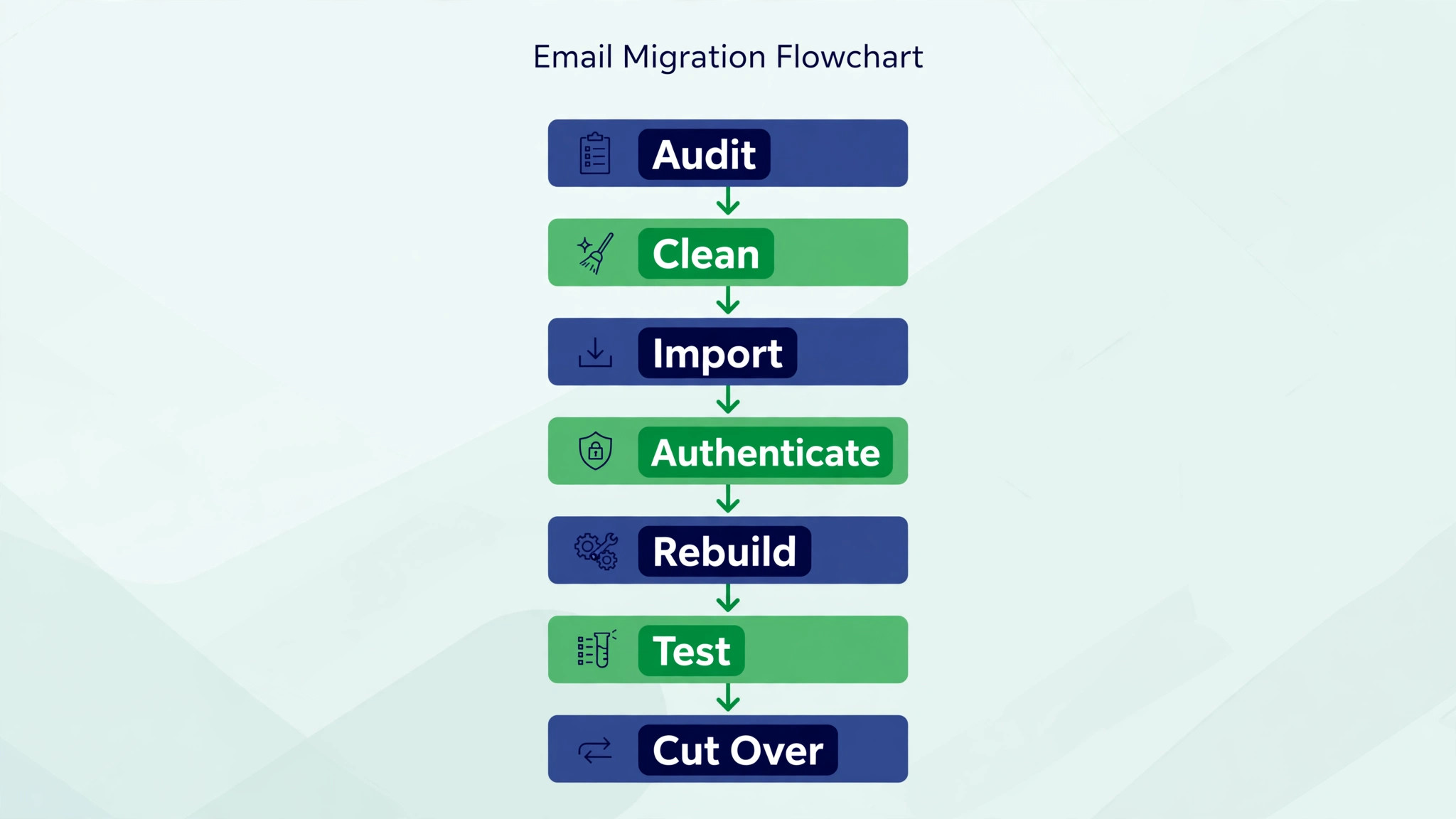
List every audience, tag, segment, automation, template, and signup form, and mark each one as keep, rebuild, or retire. Note which forms live on the website, in social profiles, in lead magnets, and in third party tools, because every one of them must be replaced. This audit becomes the rebuild list, and anything missing from it will keep sending subscribers to the old platform.
Step 2 Clean The List Before Import
Remove unsubscribed and bounced addresses, suppress long term non openers after a reengagement message, and delete duplicate or test records. Keep only subscribers with permission to hear from you, with evidence of where they signed up. Importing questionable addresses is the fastest way to trigger an account review, during which sending can pause, so caution here protects the whole project.
Use the dedicated Mailchimp import tool, mapping tags to groups and choosing how segments should be handled. Import in a way that lets you check counts afterwards, and compare imported totals with cleaned totals before moving on. Investigate any gap immediately, because a missing group discovered after launch is a missing audience for a campaign.
Step 4 Authenticate The Sending Domain
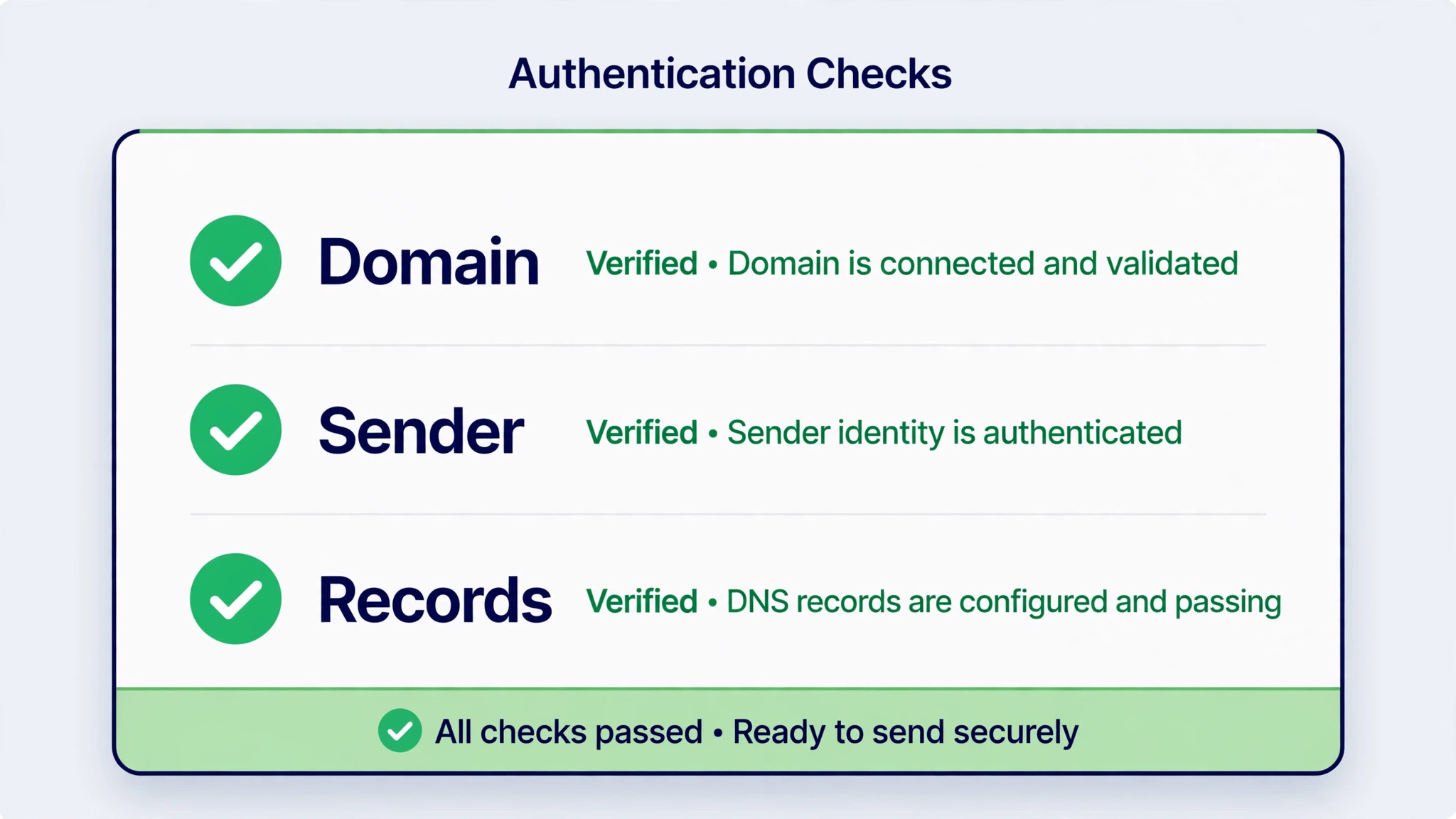
Set up domain authentication before any real send, following the new platform’s instructions for the required records. Authentication proves you own the sending domain, improves deliverability, and reduces spam folder placement. Test authentication status in the platform, and confirm with your domain provider if records do not verify, rather than sending unauthenticated and hoping.
Step 5 Rebuild Automations Templates And Forms
Rebuild automations in priority order, starting with the welcome sequence, then nurture flows, then the rest. Rebuild templates for the newsletter and the welcome series first, test them across devices, and replace every signup form with the new version. Update embedded forms, popups, and landing page links, and test each form with a real signup that lands in the right group.
Step 6 Test Sends And Warm Up Carefully
Send test campaigns to your own team and to a small engaged segment first. Check rendering, links, personalisation fields, and unsubscribe handling. Then send the first real campaign to your most engaged subscribers, not the full list, and watch open, bounce, and complaint signals. A careful warm up protects sender reputation far better than a single blast to a cold imported list.
Step 7 Cut Over And Retire The Old Account Slowly
Switch remaining forms, scheduled campaigns, and integrations to the new platform, then send a short note to subscribers only if they need to act, which they usually do not. Keep the old account in a downgraded or paused state for at least a month, with its data exported, before closing it. That overlap covers the case where a forgotten form or automation surfaces after cutover.
Tick items only after testing. In email, an untested item reaches thousands of people at once, so the checklist is a reputation document.
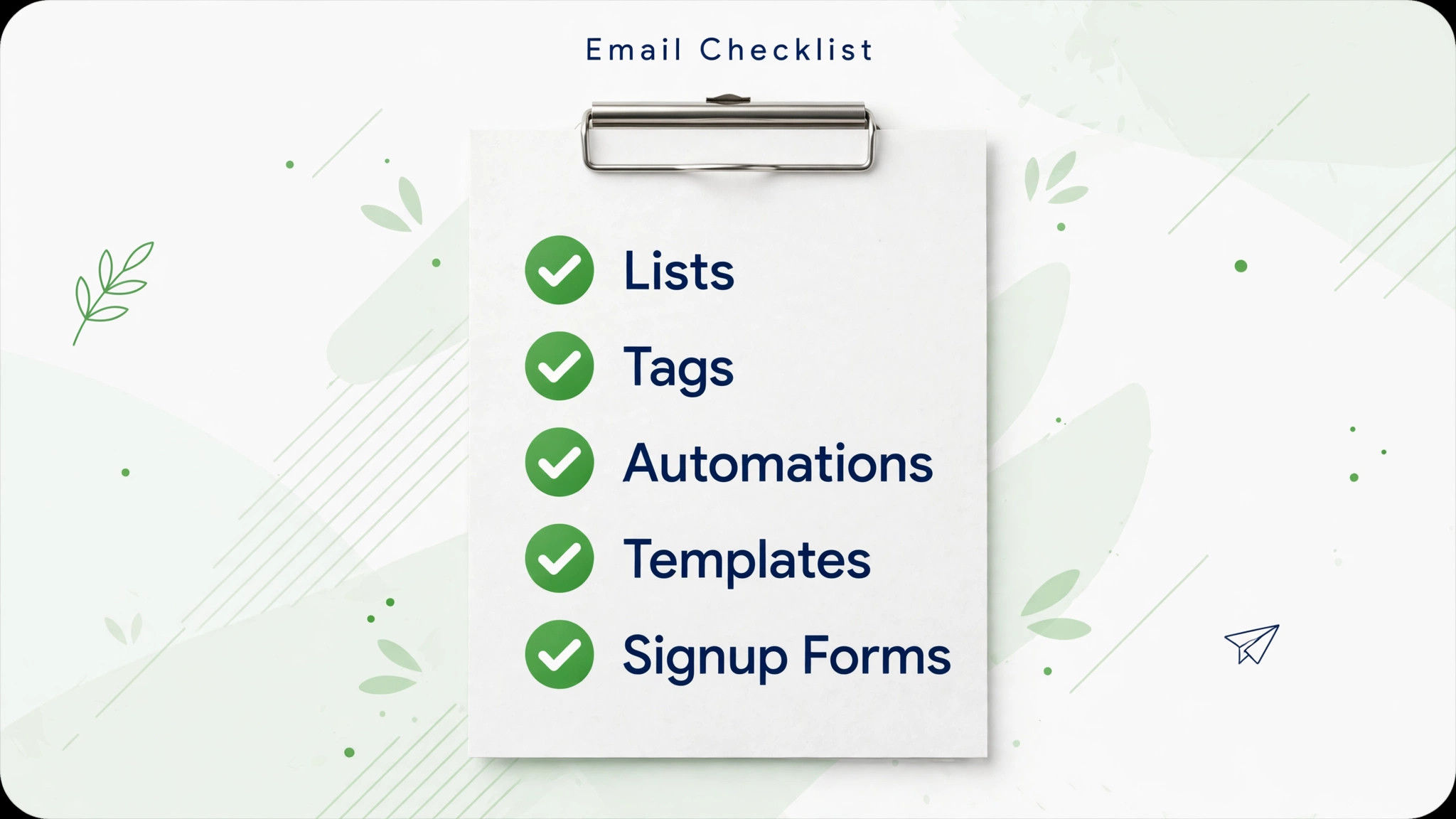
– Audit audiences, tags, segments, automations, templates, and forms – Decide keep, rebuild, or retire for every item on the audit – Remove unsubscribed, bounced, and duplicate records – Suppress long term non openers after a reengagement attempt – Keep permission evidence for every imported subscriber – Import subscribers with the dedicated tool and check counts – Map tags to groups and note any groups that need manual fixes – List advanced segments and rebuild each one that still matters – Authenticate the sending domain and verify the records – Rebuild the welcome automation first, then nurture flows – Rebuild newsletter and welcome templates and test rendering – Replace every signup form on the site, social, and lead magnets – Test each form with a real signup into the correct group – Send test campaigns to the team and a small engaged segment – Watch bounce and complaint signals on the first real sends – Switch scheduled campaigns and integrations to the new platform – Export old campaign reports before downgrading the old account – Keep the old account accessible for at least one month
Forms deserve a special sweep, because they hide in surprising places. Check the website footer, blog sidebar, contact page, checkout thank you page, social link pages, webinar tools, and any lead magnet delivery flow. When you switch Mailchimp to MailerLite small business owners most often lose subscribers not through import errors but through a forgotten form that keeps feeding the old list for months. Search the site for old form code after cutover and remove every trace.
Deliverability Domain And The First Sends
Deliverability is the quiet risk in every email migration. Subscribers did not ask to move platforms, and inbox providers watch how the new sender behaves. A sudden blast to a full imported list, especially one containing stale addresses, looks like the behaviour providers filter. A gradual start to engaged subscribers, with clean data and authenticated sending, looks like a legitimate sender. The difference is entirely in your control.
Domain authentication is non negotiable, and it must be verified before the first real campaign. Add the records the new platform asks for, wait for verification, and test with a small send to several mailbox providers if possible. Check that the sender name and address match what subscribers recognise, because a new sender name on a familiar newsletter confuses readers and increases complaints. Keep the from address consistent with what subscribers already trust.
Watch the first three campaigns closely. Track bounces, complaints, unsubscribes, and opens against the old platform’s baseline, and pause to investigate any sharp change rather than pushing through it. If complaints rise, the cause is usually list quality or a mismatch between the message and what subscribers expected. Fix the list or the message before sending again. A reputation damaged in week one takes months to repair, while a cautious first week costs nothing but patience.
First Week Cutover Plan For Email
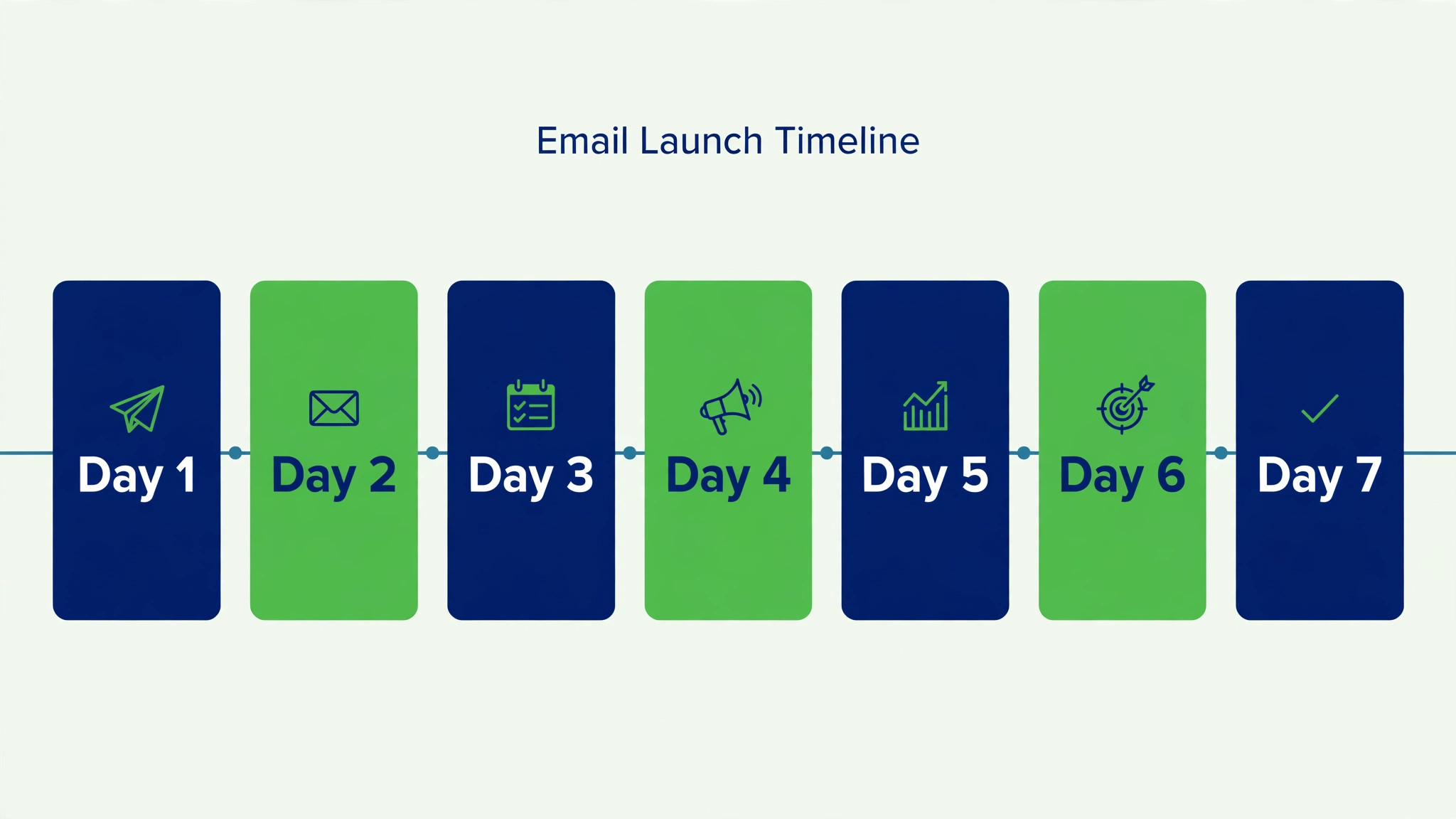
Email cutover week is about signals, not volume. Send less than usual, to better segments, and read every signal as if it were a customer message, because in deliverability terms it is.
| Day | Focus for the day |
|---|---|
| Launch day | Domain verified, test send to the team |
| Day 2 | First campaign to the most engaged segment |
| Day 3 | Check bounces, complaints, and rendering reports |
| Day 4 | Welcome automation live test with a real signup |
| Day 5 | Second campaign to a wider engaged segment |
| Day 6 | Form sweep, every old form replaced and tested |
| Day 7 | Compare signals with the old platform baseline |
Tell subscribers nothing unless they need to act. Most subscribers do not care which tool sends the newsletter, and a platform announcement only invites confusion. The exception is a welcome series or a signup flow that changed visibly, in which case a brief note explaining the new signup experience is helpful. Keep the focus on the reader, not the software.
Rollback Advice If Sending Goes Wrong
Rollback in email means returning sending to the old platform, not deleting the new one. Keep the old account, its lists, automations, and forms documented for at least a month, so a return is possible without rebuilding from memory. If deliverability collapses, if authentication fails repeatedly, or if a key automation cannot be rebuilt, pause new platform sends and resume from the old platform while you fix the problem.
Judge rollback by signals, not by effort already spent. A team that has rebuilt three automations may resist returning, but subscribers and inbox providers do not care about sunk effort. They care about messages arriving. Keep the new platform private for fixes, rebuild the failing piece with tests, and cut over again only after a clean test campaign. When you switch Mailchimp to MailerLite small business owners who keep a live fallback protect their list, while owners who close the old account on day one gamble it.
Mistakes That Damage Lists And Reputations
The first mistake is importing everything, including unsubscribed and stale addresses. That single choice raises cost, triggers reviews, and harms deliverability. The second mistake is sending to the full list on day one. Warm up with engaged subscribers and expand gradually. The third mistake is forgetting forms, which quietly splits the audience between two platforms for months.
A fourth mistake is rebuilding automations from memory instead of from the audit. Triggers, delays, and conditions differ between platforms, so a rebuilt flow needs testing with real signups, not just a visual check. The fifth mistake is closing the old account too early. Forgotten scheduled campaigns and integrations surface weeks later, and a closed account turns a small fix into a rebuild. Overlap is cheap, and regret is expensive.
Planning Email Work After The Move
After cutover, email work becomes routine again, and routine is where results compound. Send on a consistent schedule, prune non openers quarterly, and review which campaigns earn replies, clicks, and sales rather than just opens. When you switch Mailchimp to MailerLite small business teams gain most when they use the simpler workspace to send more consistently, because consistency beats occasional brilliance in email.
Use the rebuild as a chance to improve, not just copy. Shorten templates that readers skim past, rewrite subject lines that overpromise, and add a clear next step to every campaign.
Keep a simple log of what each campaign was for and how it performed, so future decisions rest on evidence rather than memory. Over a year, that log becomes the most useful document in the whole email programme, because it shows clearly which topics, offers, and formats readers actually answered. Review it before planning each quarter, and let it guide which series to repeat, which to retire, and which new idea deserves a careful test. When you switch Mailchimp to MailerLite small business newsletters improve when owners treat migration as an edit, keeping flows that earn replies and retiring flows that nobody remembers creating. A smaller, cleaner email programme outperforms a large neglected one on every measure that matters.
Rebuilding Segments That Do Not Migrate
Advanced segments are where email migrations quietly lose value. A segment that took months to refine, such as buyers of a specific product who opened the last three campaigns, will not reappear on the new platform by itself. The rebuild starts with documentation, not with clicking. Export or screenshot every advanced segment rule before migration, noting the fields, conditions, and logic, so the rebuild works from a record rather than from memory. When you switch Mailchimp to MailerLite small business owners who document first rebuild faster and with fewer errors than owners who improvise.
Next, judge each segment by the sends it actually drives. A segment that feeds a monthly campaign earns a rebuild. A segment created for a single promotion two years ago probably does not. Retiring dead segments is not a loss, because a smaller set of live segments is easier to maintain and less likely to confuse the team. For each surviving segment, translate the rule into the new platform’s logic, testing with a small group before using it for a real campaign. If a rule cannot be translated exactly, decide whether a close approximation serves the same purpose, or whether the campaign itself should change.
Behavioural segments need the most care, because behaviour data does not import as history. Opens, clicks, and purchases from the old platform become a starting point only if you record them as fields before migration, such as a last purchase date or a product interest field. When you switch Mailchimp to MailerLite small business teams should export those behavioural markers as fields where possible, so new segments can use them from day one. Without that step, the new platform starts with no behaviour history, and segments based on past engagement must be rebuilt gradually as new behaviour accumulates.
Finally, name segments clearly on the new platform, with names that state who is included and why. A segment called buyers is vague, while a segment called buyers of the starter kit in the last ninety days tells the next team member exactly what it does. When you switch Mailchimp to MailerLite small business segment names are documentation, and good documentation prevents the slow drift where nobody trusts the segments and everyone sends to the full list instead. Review segments quarterly, retire the unused, and keep the live set small enough to understand at a glance.
Frequently Asked Questions About This Switch
Do my subscribers import from Mailchimp to MailerLite?
Yes, a dedicated import tool carries subscribers, custom fields, tags, and simple segments across. Clean the list first, check imported counts against cleaned counts, and investigate any gap before sending. Importing a dirty list costs money and harms deliverability.
Do my automations transfer automatically?
No, automations and journeys must be rebuilt step by step on the new platform. Rebuild the welcome sequence first, test it with real signups, then rebuild nurture and other flows. Triggers and conditions differ, so test each rebuilt flow rather than assuming it matches the original.
What happens to advanced segments?
Simple field based segments generally recreate, while behavioural, ecommerce based, and advanced segments do not migrate automatically. List every advanced segment before migration, retire the ones that no longer matter, and rebuild the rest with new rules on the new platform.
Do templates move across?
Drag and drop templates rarely transfer cleanly, so plan to rebuild key templates in the new editor. Rebuild the newsletter and welcome templates first, test rendering on a phone and a desktop client, and check personalisation fields with test sends before real campaigns.
Will deliverability suffer after the move?
It can, if the new sender blasts a full imported list without authentication or warm up. Authenticate the sending domain, start with engaged subscribers, expand gradually, and watch bounce and complaint signals. A careful first week protects reputation, while a rushed blast damages it.
Do I need to tell subscribers about the move?
Usually not, since subscribers care about content, not software. Tell them only if something visible changes, such as a signup flow or sender address. Keep any message focused on the reader and what stays the same, not on platform details.
Can I keep my Mailchimp account after moving?
Yes, and you should keep it accessible for at least a month after cutover, downgraded if possible. That overlap covers forgotten forms, scheduled campaigns, and integrations. Close it only after the new platform has sent successfully and every form has been replaced.
How long does the migration take?
A small business with a clean list and simple flows often completes the move in one to two weeks of part time work, with automation rebuilding taking most of it. Complex segments and many forms extend the timeline. Keep the old platform live throughout, and move the cutover date rather than skipping tests.
Final Word For A Small Business Owner
Move when email is mostly newsletters and welcome flows, when the team wants a simpler workspace, and when the saving is real at your cleaned list size. Stay when deep behavioural journeys, advanced segmentation, or niche integrations drive revenue, because rebuilding those on a leaner platform costs more than the saving. The platform is a tool, and the list is the asset. Protect the asset first.
Clean before importing, authenticate before sending, rebuild in priority order, and warm up with engaged readers. When you switch Mailchimp to MailerLite small business success looks quiet, with campaigns arriving as expected, forms feeding the right groups, and a lower bill for the same real work. That quiet result is the goal, and it follows directly from the checklist in this guide.