
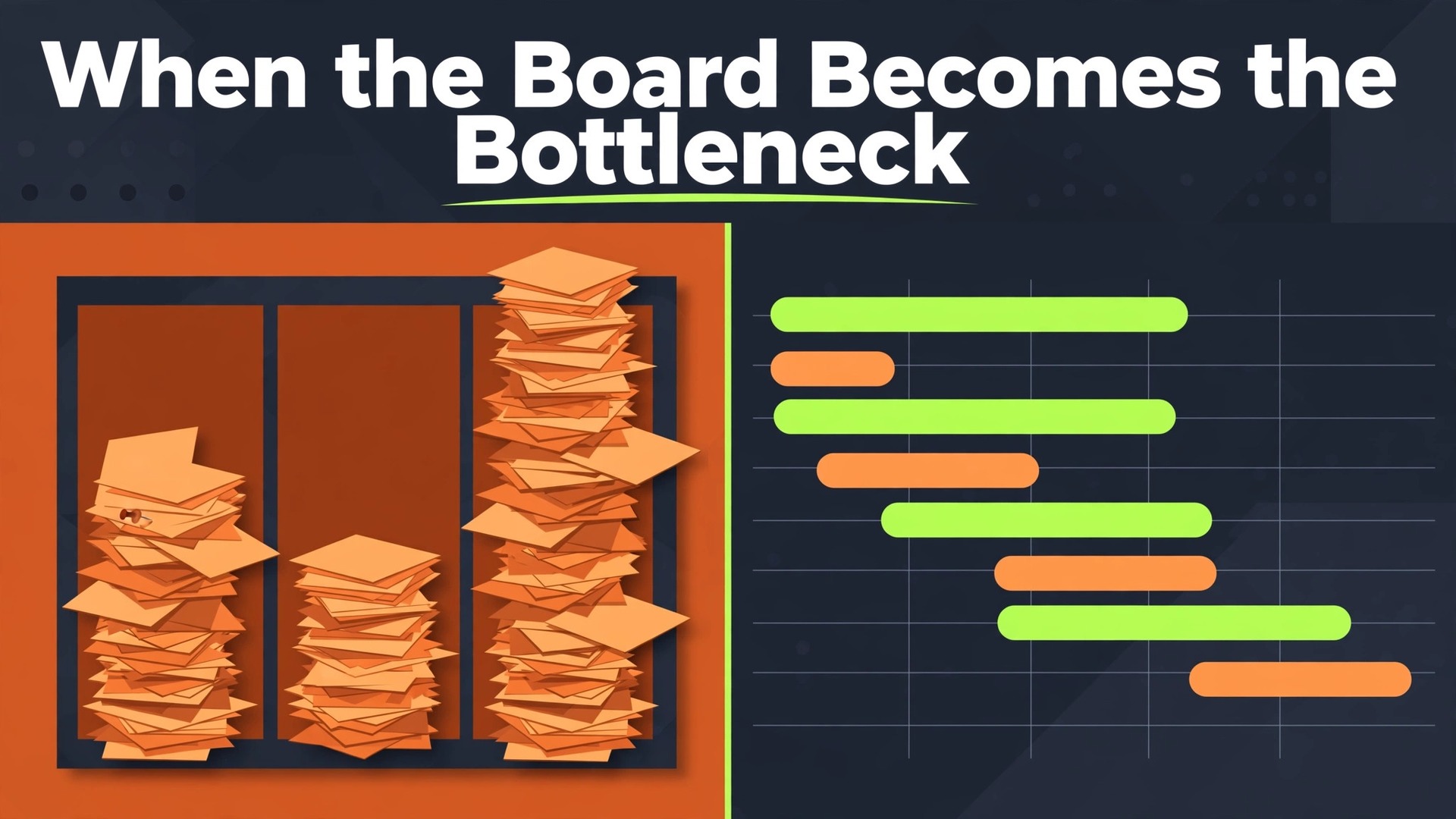
The problem is familiar to any team that grew up on Trello. The board still works, the cards still move, and yet nobody can answer a simple question. Which projects are late, who is overloaded, and what will slip next week. The information is on the board, spread across lists and cards, but the board cannot add it up. That gap is the reason to switch Trello to Smartsheet small team workflows. Trello shows work beautifully. Smartsheet counts it, reports on it, and ties it to dates and owners in a way a board alone never will.
The pain usually arrives in stages. First, a manager starts exporting cards to a spreadsheet every Friday to build a status report by hand. Then the team adds a second board for tracking, and a third for requests, and the boards stop agreeing with each other. Then a client asks for a timeline, and someone rebuilds the plan in a spreadsheet because the board has no real Gantt view with dependencies. Each workaround feels small, and together they cost hours every week. When the workarounds take more time than the work, the board has become the bottleneck, and a sheet based system with reporting built in is the honest fix.
This guide covers the move for a team of roughly three to twenty people. It maps Trello boards to Smartsheet sheets, gives a reporting and permissions migration checklist, and walks through a numbered sequence. Smartsheet import guidance that lists Trello among its import sources comes from Smartsheet tutorial material, so it is flagged as reported, and the guide says plainly to confirm the current import path on the vendor page before export day. Figures from community migration reports are flagged the same way.
Why Boards Stop Answering Management Questions
A Trello board answers one question well, which is what is happening right now on this board. It answers it with lists, cards, and labels that anyone can read in seconds. The trouble starts when the question spans boards, people, or time. A manager overseeing six boards must open six boards, read six sets of lists, and add up the late work by hand. There is no rollup, no cross board report, and no workload view that shows who is carrying too much across all six boards at once.
Labels illustrate the limit, and any switch Trello to Smartsheet small team assessment should audit labels early. Trello labels are fast and visual, and they collapse under scale. A team that starts with five labels ends with twenty, including near duplicates and labels that meant something to one person in one quarter. Filtering by label across boards is awkward, and reporting by label is manual work. Smartsheet handles the same need with columns, dropdowns, and reports that filter and group across sheets. The discipline feels heavier at first, and it pays every time a report runs itself instead of being rebuilt by hand.
Dates illustrate the second limit. Trello cards carry due dates, and calendar Power-Ups show them, but a board has no native critical path, no dependency shifting, and no baseline to compare against. When one card slips, nothing else moves, and nobody is warned. Smartsheet Gantt views with dependencies shift dependent rows when a predecessor moves, and they show the critical path that decides the delivery date. For a team whose clients ask “what happens if this slips”, that difference alone justifies the move.
The third limit is permissions. Trello boards are easy to share, which is a strength for a small team and a risk for a growing one. Guests, members, and observers blur together, and a board shared widely becomes a board nobody feels responsible for keeping tidy. Smartsheet sharing is sheet based, with viewer, editor, and admin levels, plus sharing controls that fit a team handling client work. The move is therefore not just a reporting upgrade. It is a governance upgrade, and teams that handle client data should weigh that as heavily as the Gantt chart.
The Board to Sheet Map
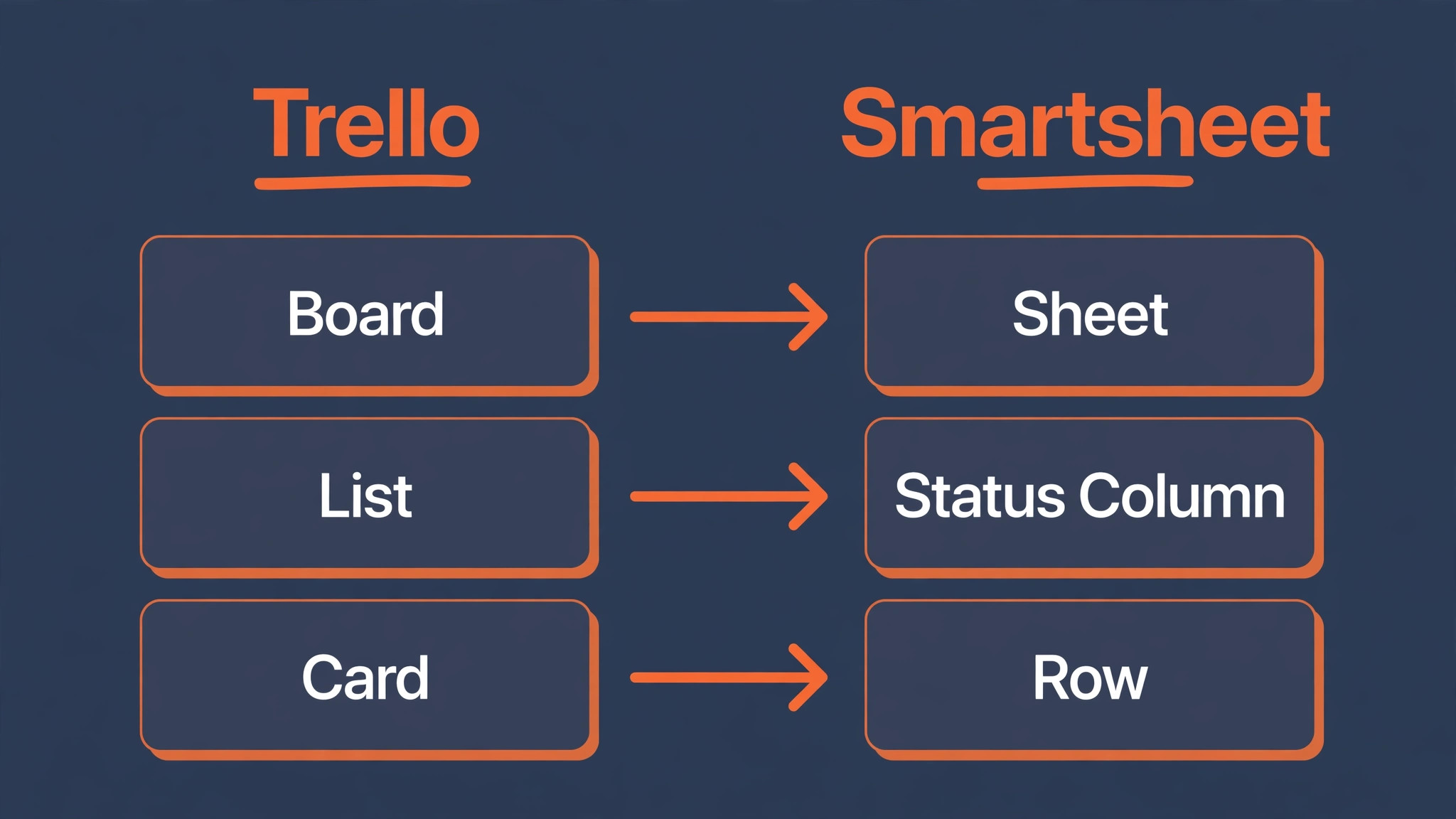
Map before exporting, and resist the temptation to import one board into one sheet without asking what the sheet must report. A Trello board that tracked a single project becomes a sheet. A Trello board that tracked requests from the whole company becomes a sheet with a form attached. A Trello board that was really a backlog becomes a sheet grouped by priority, not a sheet grouped by list. The map below is the starting point.
| Trello element | Smartsheet equivalent | What to decide before import |
|---|---|---|
| Board | Sheet | One board becomes one sheet, grouped by project or team |
| List | Group, status, or section row | Lists become a status column or grouped rows, not separate sheets |
| Card | Row | Keep the card title as the primary column value |
| Card description | Row notes or description column | Long descriptions need trimming for sheet readability |
| Checklist | Subtasks or checklist column | Checklists become indented rows or a checklist column |
| Checklist item | Indented row | Preserve the parent card link, or the item loses context |
| Label | Dropdown or symbol column | Clean label lists first, merging near duplicates |
| Member | Contact column | Confirm each member has a Smartsheet account before import |
| Due date | Date column | Split start and end dates where the card carried a range |
| Attachment | Attachment on the row | Reattach key files, and link the rest to the archive |
| Comment | Row conversation | Comments do not travel in a flat export, so archive them separately |
| Custom Field | Column of matching type | Match types exactly, since a text column cannot later filter like a date |
| Board Power-Up | Smartsheet feature or integration | Map each Power-Up to a native feature, a form, or a dropped habit |
| Archived card | Archived row or separate sheet | Decide whether archived cards migrate or stay in the Trello archive |
Lists deserve special attention, because they are the mapping decision teams get wrong most often in a switch Trello to Smartsheet small team move. A Trello list is a stage, such as To Do, Doing, and Done. In Smartsheet, that stage becomes a status column, and the sheet is then grouped or filtered by status. Teams that import each list as a separate sheet end up with three sheets for one project, and their reports break. Teams that import lists as a status column keep one sheet, one report, and one timeline.
If a board used lists for something else, such as teams or clients, that dimension becomes a separate column instead, and the status column is built from the card workflow rather than the list names.
Checklists need a similar decision. A Trello checklist with twenty items becomes twenty indented rows in Smartsheet, which is faithful and unreadable. A better mapping keeps the card as one row and turns the checklist into a short set of milestone rows, or into a checklist column where the detail matters less than completion. Ask which checklists anyone actually reads. The ones nobody reads should stay in the Trello archive, not clutter the new sheet.
Reporting and Permissions Migration Checklist
Work through this list before any import. The reporting half ensures the new sheets can answer the questions Trello could not, and the permissions half ensures the move does not accidentally widen access to client work.
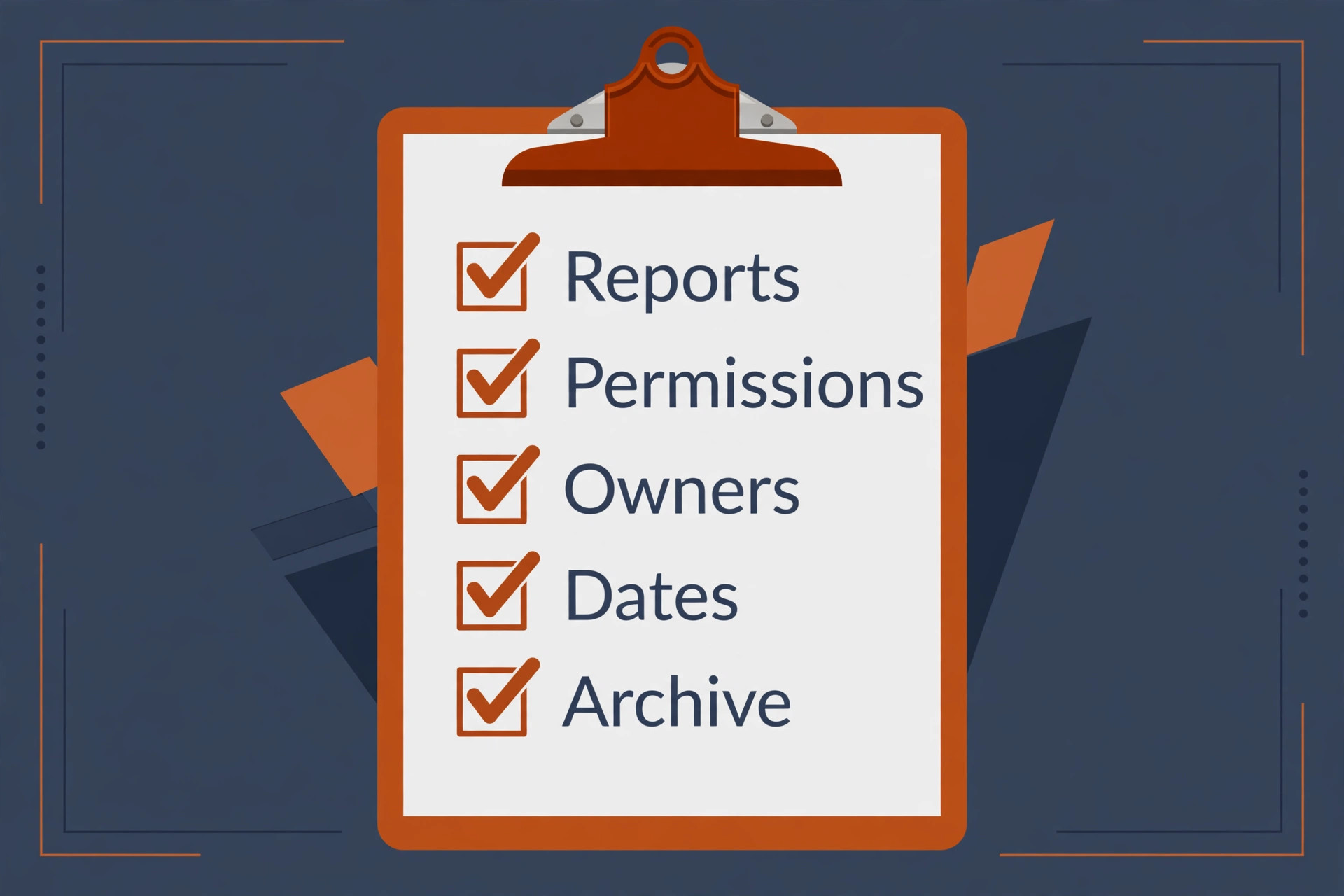
– List every board, its card count, and its owner, and mark each board as migrate, archive, or delete. – Name the three reports leadership needs weekly, and design the sheets so those reports can run without manual work. – Decide the status column values for each sheet, and clean Trello labels to match them before export. – Map every Power-Up to a Smartsheet feature, an integration, or a deliberate drop, and record the decision. – Export boards with filters removed, and note card counts per board for post import checks. – Clean member lists, remove departed members, and confirm remaining members have Smartsheet accounts. – Decide the sharing level for each sheet, naming viewers, editors, and admins before anyone is invited. – Remove external guests from boards that will not migrate, and re-invite them at the right level on the new sheets. – Create the Smartsheet workspace and empty sheets first, with columns matching the cleaned Trello fields. – Build one report and one dashboard from the pilot sheet, and show them to leadership before migrating further. – Test the Gantt view and dependencies on the pilot sheet with real dates, not demo dates. – Run both tools in parallel for one full week, comparing counts and report outputs daily. – Back up all Trello exports and store them outside both tools, so a bad import can be redone from source. – Make Trello read only on cutover day, and keep it available for a month as the reference archive.
The report-first rule is the most valuable item on this list, and it should lead any switch Trello to Smartsheet small team checklist. If the team cannot name the three reports it needs, it will build sheets that mirror Trello boards and inherit Trello reporting limits. Naming the reports first forces the column design to serve reporting, which is the whole point of the move. A sheet built for a report has clean status values, real dates, and one owner per row. A sheet built as a board copy has labels, vague dates, and shared ownership, and its reports will disappoint on day one.
The Switch Trello to Smartsheet Small Team Sequence
Run this sequence board by board, starting with the board whose reporting pain is worst. That board gives the clearest before and after story, and the story wins over the rest of the team faster than any feature list.
- Build the Smartsheet skeleton first. Create the workspace, create one sheet per migrating board, and set up columns that match the cleaned Trello fields. Add a status column with the agreed values, a contact column for owners, and date columns for start and end dates. Set up the Gantt view and confirm it reads the date columns correctly before any data lands.
- Export the first board. Trello exports carry cards, lists, labels, members, dates, and checklists in structured form, and community migration guides describe JSON and CSV routes for moving that data into a sheet. Confirm the current export and import path on the vendor pages before export day, since import options change, and keep the export file with a note of the card count. Smartsheet tutorial material lists Trello among its import sources, so check the Solution Center path in your own account rather than assuming it.
- Clean the export in a spreadsheet before importing. Remove blank rows, merge duplicate labels, confirm date formats are consistent, and split any list that should become a status value rather than a sheet. Put parent cards above their checklist rows in row order, so indented rows link to the right parent. A clean file imports cleanly, and a messy file creates a sheet that takes days to tidy.
- Import into the prepared sheet, mapping each column on the preview screen. Map the card title to the primary column, the list to the status column, the member to the contact column, and dates to date columns. Check the preview row by row for the first twenty rows, because a misread date column corrupts the Gantt view for the whole sheet, and a misread status column breaks every report built on it.
- Check the import before building reports. Compare the Trello card count with the Smartsheet row count, open twenty rows across statuses, and verify owner, dates, and status. If the counts mismatch, the cause is usually a filter during export or archived cards counted differently, so re-export with filters removed and archived cards handled explicitly rather than hand adding missing rows.
- Rebuild dependencies and the Gantt view. Link predecessor rows, set durations, and check that moving one date shifts its dependents. Build the critical path view and show it to the project owner, because the owner is the person who will catch a wrong dependency fastest. A Gantt view built on wrong dependencies is worse than no Gantt view, since it gives false confidence about delivery dates.
- Rebuild the reports and the dashboard for this sheet. Create the report that answers the weekly status question, the report that shows overdue work by owner, and a dashboard that leadership can read without opening the sheet. Test each report against the Trello board it replaces, and fix any row the report misses before moving on.
- Set permissions and invite the team. Share the sheet at the levels decided in the checklist, with editors limited to people who own work and viewers for everyone else who needs visibility. Walk the team through the sheet using a real project, not a demo, and show them how to update a status, add a row, and read the report. People adopt a sheet they have already used on real work.
- Repeat the sequence for each remaining board, in order of reporting value, not alphabetical order. Delivery boards go first, backlog boards go later, and request boards get a form attached so new work enters the sheet cleanly instead of as a scattered card. Update the migration log after each board with counts, issues, and fixes.
- Cut over after the parallel week. Make Trello read only, send the team sheet and dashboard links, and keep the Trello archive for a month. Treat every mismatch report in the first two weeks as a data defect to be fixed the same day, until the counts and the reports prove clean.
What Breaks When Trello Cards Become Smartsheet Rows
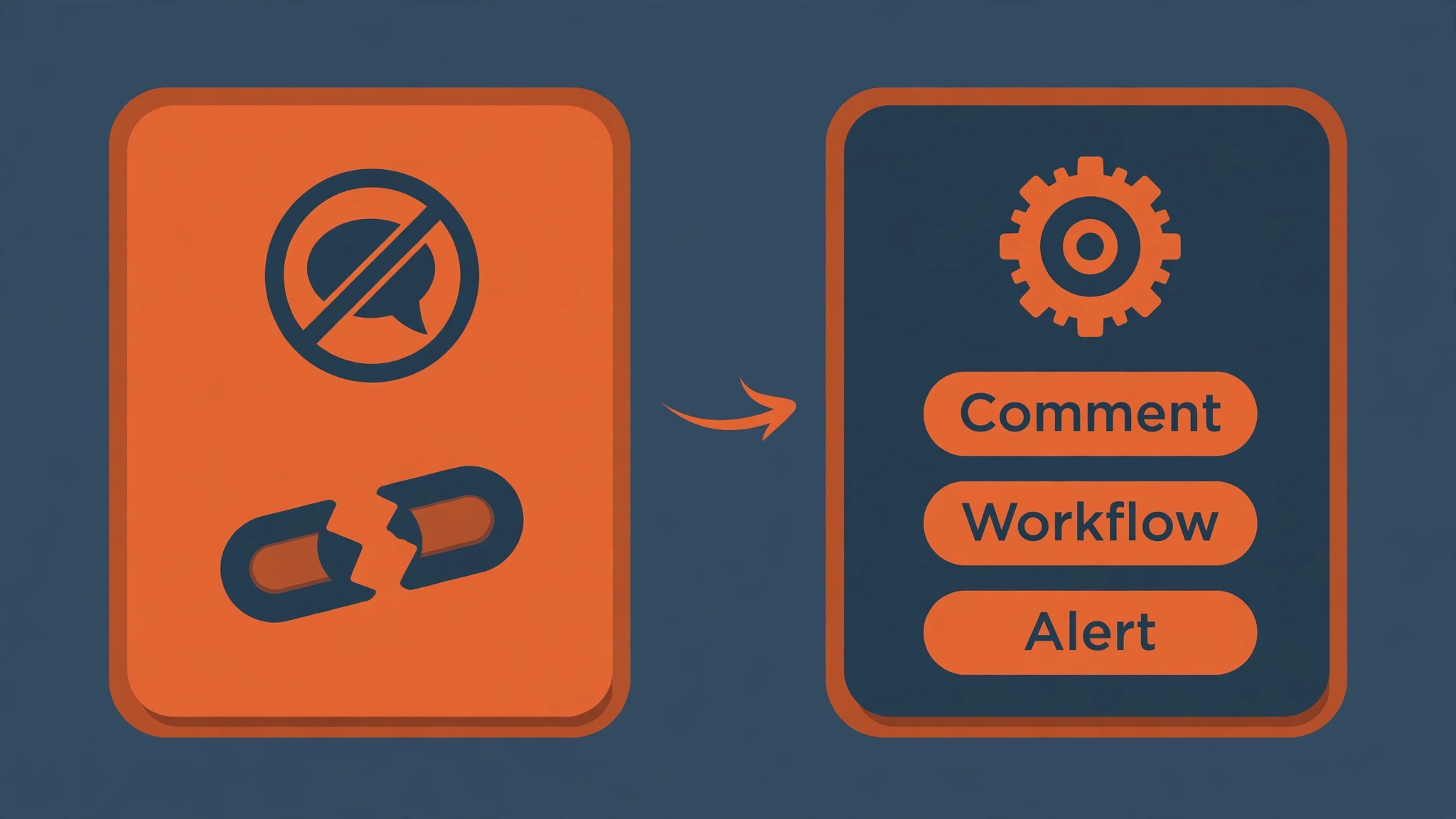
Comments break first, and they break in the way that hurts institutional memory most. Trello card comments hold decisions, client feedback, and the reasoning behind a change of plan. A flat export does not carry that conversation into Smartsheet rows. For the handful of cards where the discussion is the record, paste a short decision summary into the row notes and link back to the Trello card. Do not attempt to copy every comment thread. The team will never read a pasted thread, and the effort delays the cutover for no real gain. The Trello archive stays available for the month when someone genuinely needs the original thread.
Power-Ups break second, and each one needs its own decision. A calendar Power-Up becomes the Smartsheet calendar view. A voting Power-Up becomes a form or a symbol column. A time tracking Power-Up becomes a Smartsheet integration or a manual hours column, depending on how seriously the team bills from it. The mistake is assuming every Power-Up has a direct replacement. Some Power-Ups were experiments that nobody uses, and the migration is the right moment to drop them. List every Power-Up per board, ask its owner whether anyone would notice its absence, and drop the ones that fail that test.
Checklists break third, as described in the map, because a faithful import of every checklist item buries the sheet in detail. Rebuild checklists as milestone rows for the steps that gate delivery, and keep the fine detail in the row notes or the Trello archive. A sheet with five milestone rows per project reads clearly. A sheet with fifty checklist rows per project reads like a Trello board that lost its lists, which is exactly what the team left behind.
Automations break fourth, and a switch Trello to Smartsheet small team plan should inventory Butler rules before import day. Trello Butler rules that moved cards, set dates, or notified members do not transfer, and Smartsheet automated workflows must be rebuilt with their own triggers. Rebuild the rules that protect deadlines first, such as notifying an owner when a row becomes overdue, and test each rule with a real row. Keep the rule list short at first. Five rules the team understands beat twenty rules that fire in ways nobody can explain when a notification arrives at the wrong moment.
Building Reports Leaders Actually Read
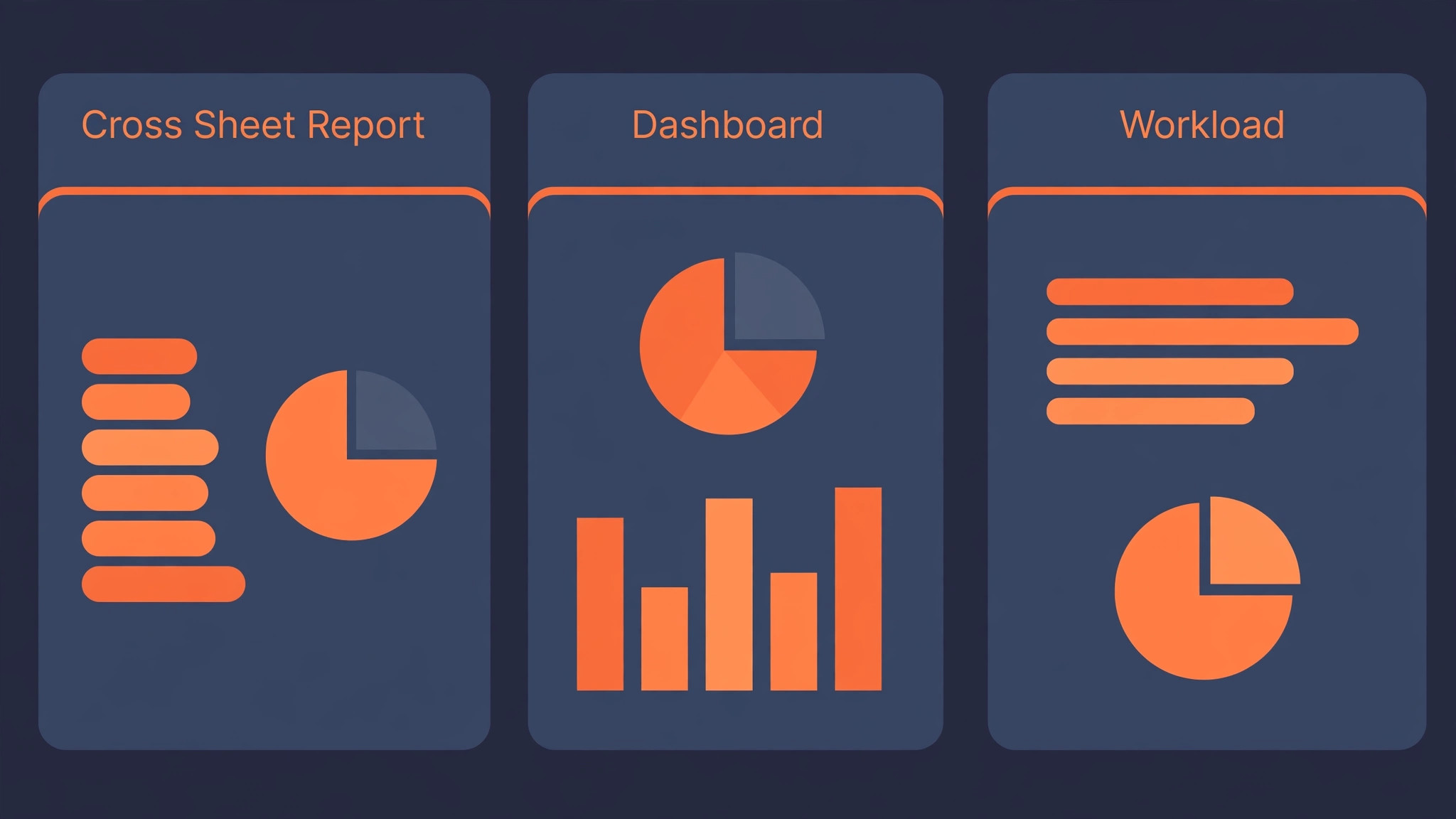
A report that nobody opens is a failed migration, no matter how clean the sheets are. Build reports around decisions, not around data availability. The weekly status report should answer which projects are on track, which are late, and what needs a decision this week. The workload report should answer who is overloaded and who has capacity, across all sheets, not just one. The overdue report should answer what slipped, by how much, and who owns the recovery. If a report does not answer a decision question, delete it, because it trains leadership to ignore reports altogether.
Dashboards need the same discipline. A dashboard with twelve widgets is a wall of numbers nobody reads. A dashboard with four widgets, each tied to a decision, gets read every week. Put the late work count, the at risk project list, the workload hotspots, and the upcoming milestones on the dashboard, and link each widget to its underlying report so a leader can drill down when a number looks wrong. Review the dashboard monthly and remove any widget nobody clicked, because a dashboard that never changes becomes wallpaper.
Report ownership matters as much as report design. Name one owner per report, and make that owner responsible for checking the report before the weekly review, not during it. A report checked in the meeting is a report nobody trusts, because errors surface in front of the whole team. A report checked beforehand, with errors fixed and context added, is a report leadership relies on. That habit, more than any Smartsheet feature, is what turns a Trello team into a reporting team.
Permissions Without the Trello Free-for-All
Smartsheet sharing rewards a clear rule, so write one before inviting anyone. Editors own rows and change dates. Viewers read sheets and reports without changing them. Admins manage sharing, columns, and workflows. A client who needs visibility becomes a viewer on their project sheet, not an editor on the whole workspace. A contractor who owns tasks becomes an editor on their sheet only. That granularity is the governance upgrade the move promises, but only if the team uses it instead of sharing everything with everyone out of habit.
Review sharing monthly for the first quarter, because sharing drifts upward in every tool. Each review should ask whether every editor still owns work on that sheet, and whether every viewer still needs access. Remove the people who changed roles, and downgrade the editors who only read. That review takes twenty minutes and prevents the slow slide back to a Trello style free-for-all, where everyone can change everything and nobody feels responsible for accuracy.

Cost and Seat Planning Before You Commit
A migration budget that counts only the import week will surprise the team at renewal time. A switch Trello to Smartsheet small team plan should count three costs. The first is staff time, which runs to roughly a day for inventory and cleanup, a day for the pilot board, and half a day per later board including checks and report building. A team with six boards should therefore expect about five working days of one person’s time spread over two weeks, plus review time from project owners. Schedule that time like client work, not as spare moments between deadlines.
The second cost is seats, and Smartsheet seat logic differs from Trello sharing habits. Trello teams share boards widely because sharing costs little thought. Smartsheet distinguishes viewers, editors, and admins, and the right level depends on whether a person changes rows or only reads reports. Count editors from the list of people who own work, not from the list of people who ever viewed a board, and confirm the current plan rules on the vendor page before budgeting, since plan structures change. Treating a price quoted in a comparison guide as current is a common budgeting error, so treat such figures as reported and verify them.
The third cost is the reporting habit itself. Reports need an owner, dashboards need monthly review, and sheets need a column cleanup every quarter. None of that costs a licence fee, but all of it costs staff attention, and a team that budgets no attention for maintenance will watch its clean sheets drift back toward board chaos within a quarter. A switch Trello to Smartsheet small team budget that covers time, seats, and maintenance attention is honest, and an honest budget is what keeps the migration from stalling at the first renewal conversation.
Cutover Week and the First Month
Cutover week should feel boring, and boring is a compliment. The sheets are built, the reports run, and the team works in Smartsheet while Trello sits read only as a reference. The migration owner checks counts daily, fixes mismatches the same day, and holds a short daily check in for the first three days where anyone can raise a sheet problem. Most problems in cutover week are small, such as a status value that needs renaming or a report filter that misses a sheet, and small problems fixed fast build trust faster than a perfect launch.
The first month is when the team either adopts the sheet discipline or slides back to board habits. Watch for three warning signs. Rows without owners mean the team is still sharing responsibility vaguely. Dates that never move mean the team is not updating reality. Status values that pile up in one stage mean the workflow does not match the real process. Each warning sign is a structure fix, not a training failure, and the fix is usually fewer columns, clearer statuses, or a simpler report. After thirty days, judge the move by whether leadership can answer the late work, overload, and slip questions without asking for a manual spreadsheet. If they can, Smartsheet earned its place.
Verdict, Trello or Smartsheet for a Small Team
A switch Trello to Smartsheet small team move pays when reporting, dependencies, and permissions have become the bottleneck, and the team is ready to trade board simplicity for sheet discipline. It does not pay when the team runs a handful of boards, when nobody needs cross board reports, or when the real problem is messy labels that a cleanup would fix. The import is a spreadsheet exercise with manual rebuilding, and any guide that promises a one click transfer is hiding the checklist, dependency, and report work.
Budget two weeks, one owner, and one pilot board with real reporting value. Keep Trello read only for a month, keep the exports outside both tools, and judge the move by the weekly review. If the review runs from Smartsheet reports without a manual spreadsheet, the move was worth it. If someone still exports to a spreadsheet every Friday, the sheets need fixing, and the fix is usually cleaner statuses and better reports, not another tool.
More Reading on Stratilyze
For a related project tool comparison, read Asana alternatives and Asana versus Monday. For a different project system for a niche team, see project management software for interior designers.
Frequently Asked Questions
Can Trello boards import directly into Smartsheet
Smartsheet tutorial material lists Trello among its import sources, but import paths change, so confirm the current path in your own Smartsheet account before export day. The safe route is a structured export of cards, lists, labels, members, and dates, cleaned in a spreadsheet, then imported into a prepared sheet with columns mapped on the preview screen.
What happens to Trello lists in Smartsheet
Lists usually become a status column, with the sheet grouped or filtered by status, rather than becoming separate sheets. Importing each list as its own sheet breaks reporting, because one project then lives in three places. If a board used lists for teams or clients instead of stages, that dimension becomes a separate column.
Do Trello comments and Power-Ups transfer
Comments do not travel in a flat export, so paste a short decision summary into the row notes for cards where the discussion is the record, and keep Trello read only as the archive. Power-Ups need individual decisions, mapping each one to a native Smartsheet feature, an integration, or a deliberate drop.
How does Smartsheet reporting differ from Trello
Smartsheet reports filter and group across sheets, showing late work, workload, and overdue items in one place, while Trello reporting stays mostly inside one board. That cross sheet view is the main reason teams move, and it only works when status values, dates, and owners are clean and consistent across sheets.
Should archived Trello cards migrate
Usually not. Archived cards add rows nobody reads and inflate the sheet, while the Trello archive stays searchable for the month after cutover. Migrate active cards and recent history, and leave deep archive in Trello, linked from the new sheets where a project genuinely needs its history.
Is Smartsheet too heavy for a very small team
It can be, if the team runs only a few boards and nobody needs cross board reports or dependencies. In that case, clean up Trello labels, add a weekly manual report, and revisit the move when reporting pain returns. Smartsheet pays when management questions span boards, people, and time, not when one board serves the whole team.