

For most small businesses that have outgrown a closed builder, the verdict is clear. It is time to switch Wix to WordPress small business owners can control fully, because ownership of hosting, design, and plugins matters more as the business grows. WordPress takes more setup than Wix, and it asks the owner to handle updates and backups, but that effort buys freedom no closed builder offers. A business that plans to add booking flows, membership areas, or custom checkouts will hit Wix limits again and again, while WordPress bends to each new need. This guide walks through the move in order, with the breaks and rebuilds stated plainly.
The move is not an export in the usual sense. Wix has no button that hands you a complete site file for WordPress. Blog posts can travel through an RSS feed, but pages, layouts, forms and store settings have to be rebuilt by hand or with a migration tool that still needs checking. Knowing that before you start changes the budget, the timeline and the team you need. A ten page brochure site is a weekend project. A store with hundreds of products is a proper project with a checklist.
Prices and limits in this guide are starting points reported in October 2026, and Wix, WordPress hosts and plugin makers change them often. Check the vendor page before you pay for anything. Where sources disagree, this guide says so rather than smoothing over the gap. The goal is a WordPress site that keeps your search traffic, your customers and your bookings intact.
Why Owners Leave Wix, and When They Should Stay
Wix earns its keep at the start. The editor is visual, hosting is included, and a small business can publish a decent site without hiring anyone. The friction appears later, when the business wants a specific booking flow, a membership area, a custom checkout, or a plugin that Wix does not offer. At that point the owner is not choosing between two builders. The owner is choosing between working around a closed system and owning the site outright.
WordPress is open source software that runs on hosting you choose. That freedom brings responsibility. Updates, backups, security and speed become your job or your host’s job, not Wix’s job. Owners who hate maintenance should think twice. A business that never touches its site after launch, and never plans to, may be better off staying on Wix and accepting its limits.
Before You Switch, the Inventory That Protects You
Every migration that loses traffic loses it for the same reason. Nobody made a full list of what existed before the move. Start with a URL inventory from three sources, not from memory. Pull the sitemap, pull the indexed pages from Search Console, and run a crawler over the live site. Merge those lists and remove duplicates. That merged list is the foundation of the redirect map.
Next, list every function the site performs, not just every page it shows. Contact forms, quote forms, booking calendars, newsletter signups, payment buttons, member logins, file downloads and embedded maps all count. For each function, note what tool powers it on Wix and what will power it on WordPress. A form that nobody maps is a form that silently stops working on launch day.
Then gather the assets. Download original images where you still have them, because images pulled from a live site are often compressed copies. Export customer lists, order records and subscriber lists through the Wix dashboard while the site is still live. Save copies of key pages as text, so the rebuild team works from the real wording rather than from memory or screenshots.
Finally, set a freeze date for the switch Wix to WordPress small business project. After that date, nobody edits the Wix site except for urgent corrections, and every urgent correction is logged so it can be repeated on WordPress. A site that keeps changing during a rebuild is a moving target, and the rebuilt site launches out of date. Tell the team, tell any outside help, and put the freeze in writing.
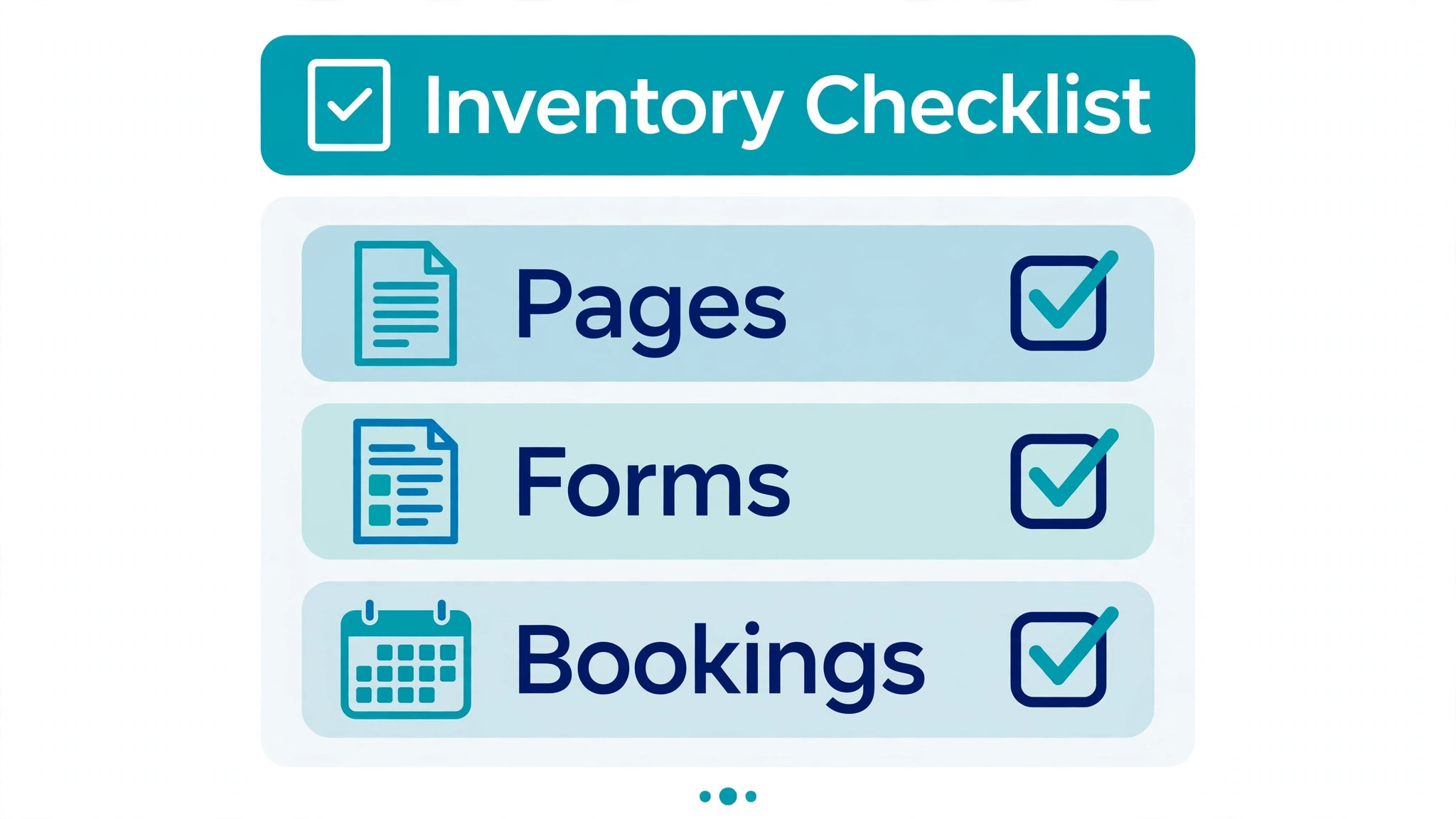
What to record before the rebuild starts
Record the top twenty pages by traffic and by enquiries, because those pages get rebuilt first and checked first. Record the pages that rank for your main services, even if their traffic looks small, because a page that brings two good enquiries a month is worth more than a blog post that brings a hundred idle visits. Record every page that another site links to, since those links are the ones a redirect must protect.
Switch Wix to WordPress Small Business, Step by Step
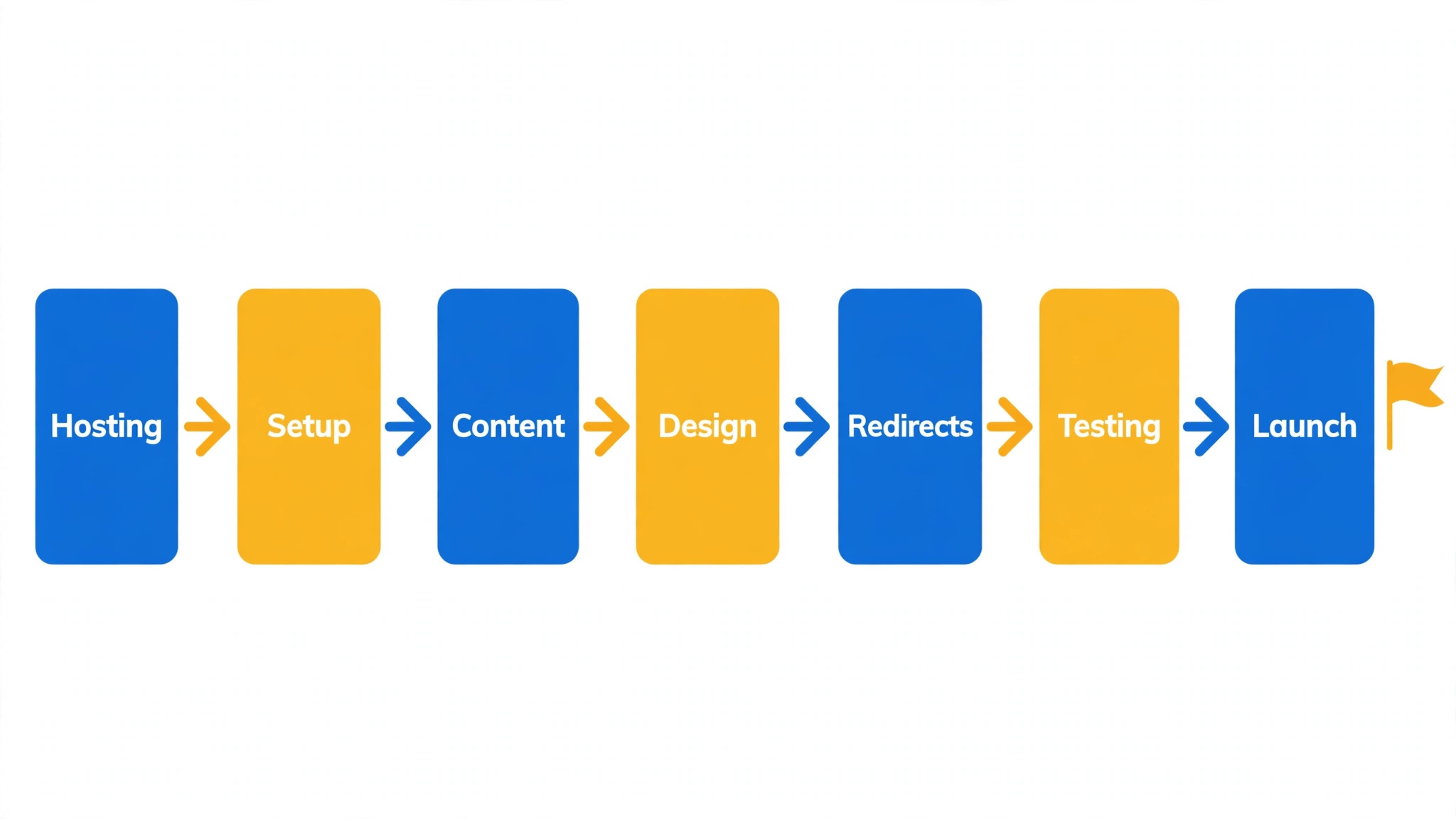
The workflow below is the order that causes the fewest surprises. Hosting and WordPress come first, content comes second, design comes third, and the domain moves last. Reversing that order is how owners end up with a half built site on a live domain and no way back. Each stage ends with a check, and you do not move on until that check passes.
Stage one is hosting and a clean WordPress install on a temporary address. Stage two is content export and import, starting with blog posts and then pages. Stage three is theme selection and page rebuild, working from the inventory rather than from the old design. Stage four is plugin setup for forms, bookings, search optimisation and backups. Stage five is the redirect map, tested on the staging site. Stage six is the launch checklist and the domain move.
Budget time honestly. Guides aimed at small sites often quote six to eight hours for a twenty to thirty page site, while other guides put a typical small business rebuild at twenty to forty hours once design, testing and redirects are counted. The gap is not a contradiction. The shorter figure covers a simple site moved with care, and the longer figure covers a site with forms, a store or custom layouts. Use the longer figure for planning, and treat finishing early as a bonus.
Hosting and WordPress Setup Without Regrets
For a switch Wix to WordPress small business move, choose hosting on support and backup quality, not on the cheapest first year price. A small business site needs daily backups, a staging area, and support that answers when the site is down. Shared hosting is fine for a brochure site. A store or a booking site with steady traffic deserves managed WordPress hosting, where updates and caching are handled for you. Read the renewal price before you buy, because first year discounts hide the real yearly cost.
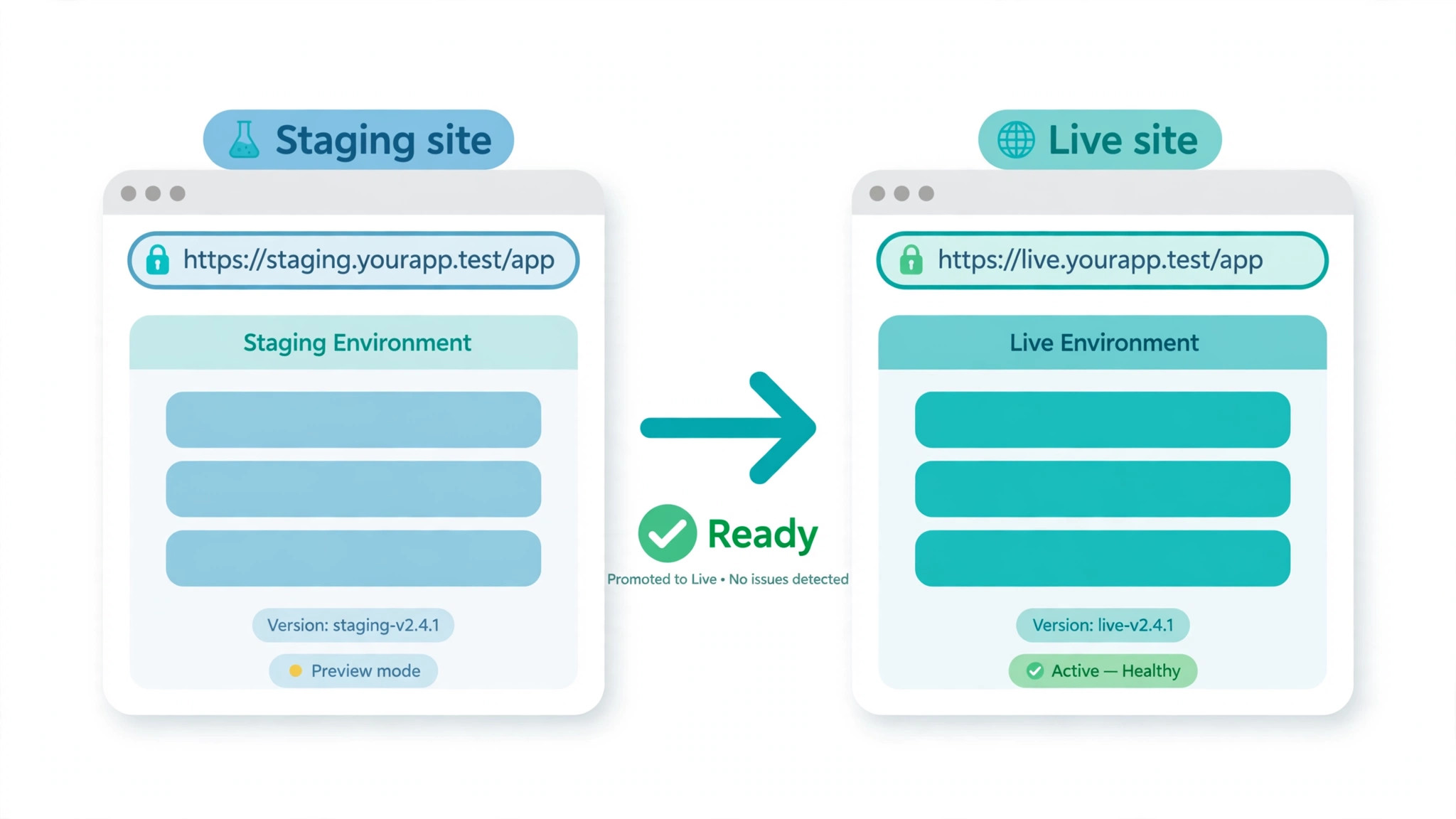
Install WordPress on a temporary subdomain or a staging address provided by the host. Never build on the live domain while Wix still serves visitors. The staging site is where every mistake happens safely. Set the staging site to discourage search engines while it is being built, so Google does not index a half finished copy of your site alongside the live one.
Pick a theme for speed and support, not for a demo that looks impressive. A lightweight theme with regular updates beats a heavy theme packed with features you will never use. Check that the theme works well on phones, because most small business visitors arrive on a phone. If you plan to use a page builder, pick one with a long track record and a large user base, so help and tutorials are easy to find later.
Content Export, What Travels and What Does Not
Wix offers an export for blog posts through its RSS feed, and in a switch Wix to WordPress small business move that is the only content export worth calling automatic. Multiple guides report that the feed covers recent blog posts, with one guide stating a limit of twenty posts in the built in export view, while other guides describe importing the full feed. Sources disagree on the exact limit, so test your own feed before promising a timeline. If your blog is large, plan to import in batches and to copy older posts by hand.
Pages do not export. The home page, service pages, about page and landing pages must be rebuilt in WordPress, copying text and rebuilding layout section by section. That sounds slow, and it is, but it is also the moment to improve the site. Cut pages that get no traffic and no enquiries. Merge thin pages that say the same thing. Rewrite headings so each service has its own clear page rather than sharing one crowded page.
Images need manual handling. There is no bulk media export from Wix, so images are downloaded one by one or with a browser tool, then uploaded to the WordPress media library. Rename files descriptively as you go, add alt text that describes the image, and compress large photos before upload. A site rebuilt with uncompressed ten megabyte photos will load slowly no matter how good the hosting is.
Store data is a separate problem, and a brochure site guide should not pretend otherwise. Products, customer accounts and order history do not travel with a blog RSS feed. A store owner should read a store migration guide alongside this one, and should plan to export product and customer lists as spreadsheets from the Wix dashboard. Customer passwords cannot be carried across, so returning customers will need a password reset, and that message should be planned, not improvised on launch day.
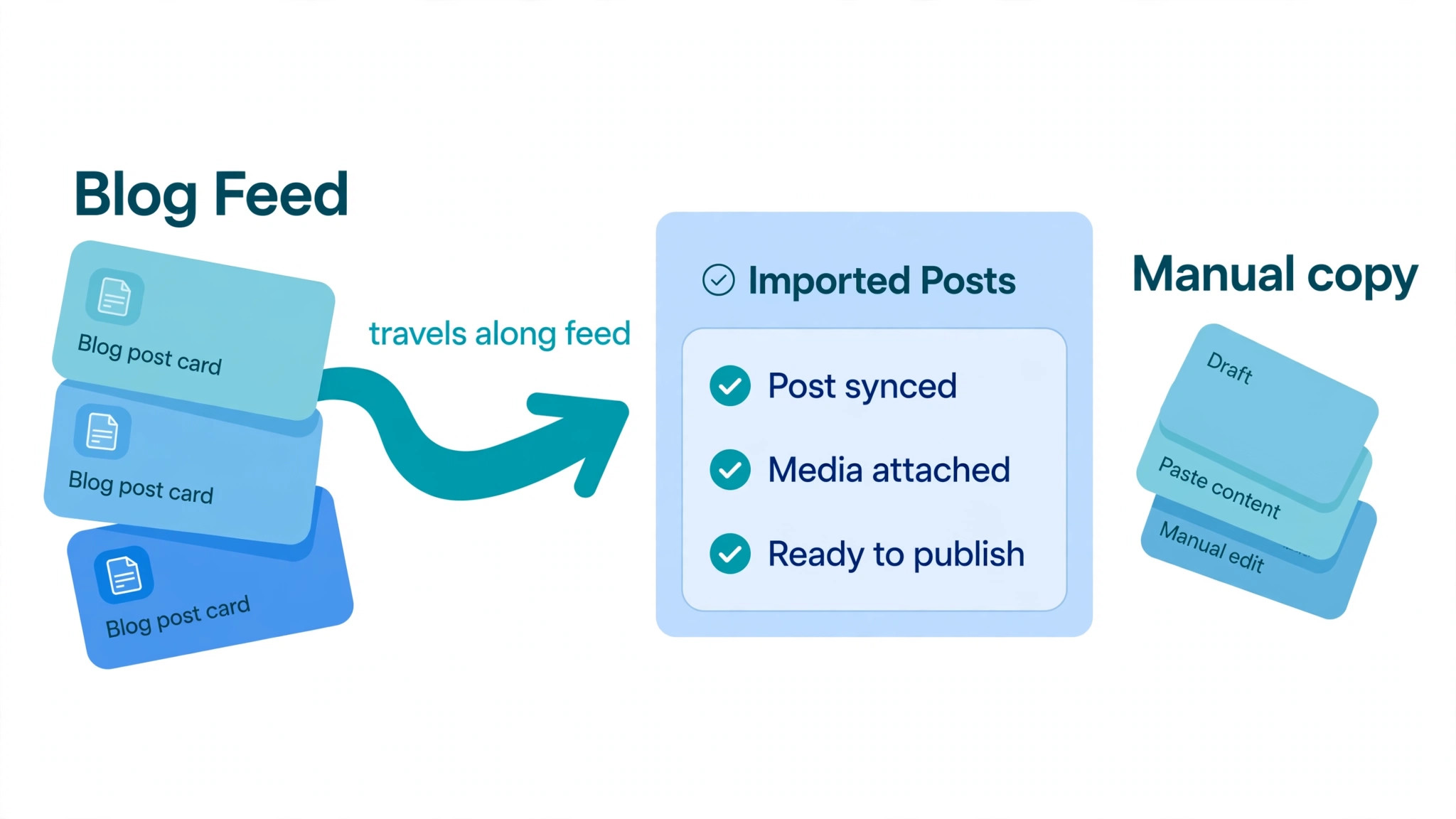
How to handle a large blog without losing posts
Start by counting posts on the live site and comparing that count with what the import brings in. The difference is the manual list. Work through that list oldest first or newest first, but work through it in order and tick each post off. For each post, check the title, the text, the images, the category and the publish date. A post imported with the wrong date can appear out of order or resurface as new content, which confuses readers and search engines alike.
Check internal links inside every imported post. Links that pointed to Wix page addresses need updating to the new WordPress addresses, and links to old blog addresses need the same treatment. This is tedious work, and it is exactly the work that separates a clean migration from one where half the site links to dead pages. A link checker run after import catches most of these, but it catches them after the fact, so fix the obvious ones during import.
Rebuilding Pages and Choosing a WordPress Theme
Rebuild from the inventory, starting with the top twenty pages. For each page, the brief is simple. Same purpose, same key message, better layout. Do not copy the Wix layout pixel for pixel. Wix layouts are built for the Wix editor, and forcing them into WordPress usually produces a fragile page that is hard to edit later. Build the page the WordPress way, using the theme and builder as intended.
Keep the wording close to the original on pages that rank well. Search engines rank pages partly on their content, and a full rewrite of a ranking page during a migration adds risk on top of risk. Improve clarity, fix errors and shorten rambling sections, but keep the main terms and the main claims intact. Save the big rewrite for a month after launch, once rankings have settled on the new platform.
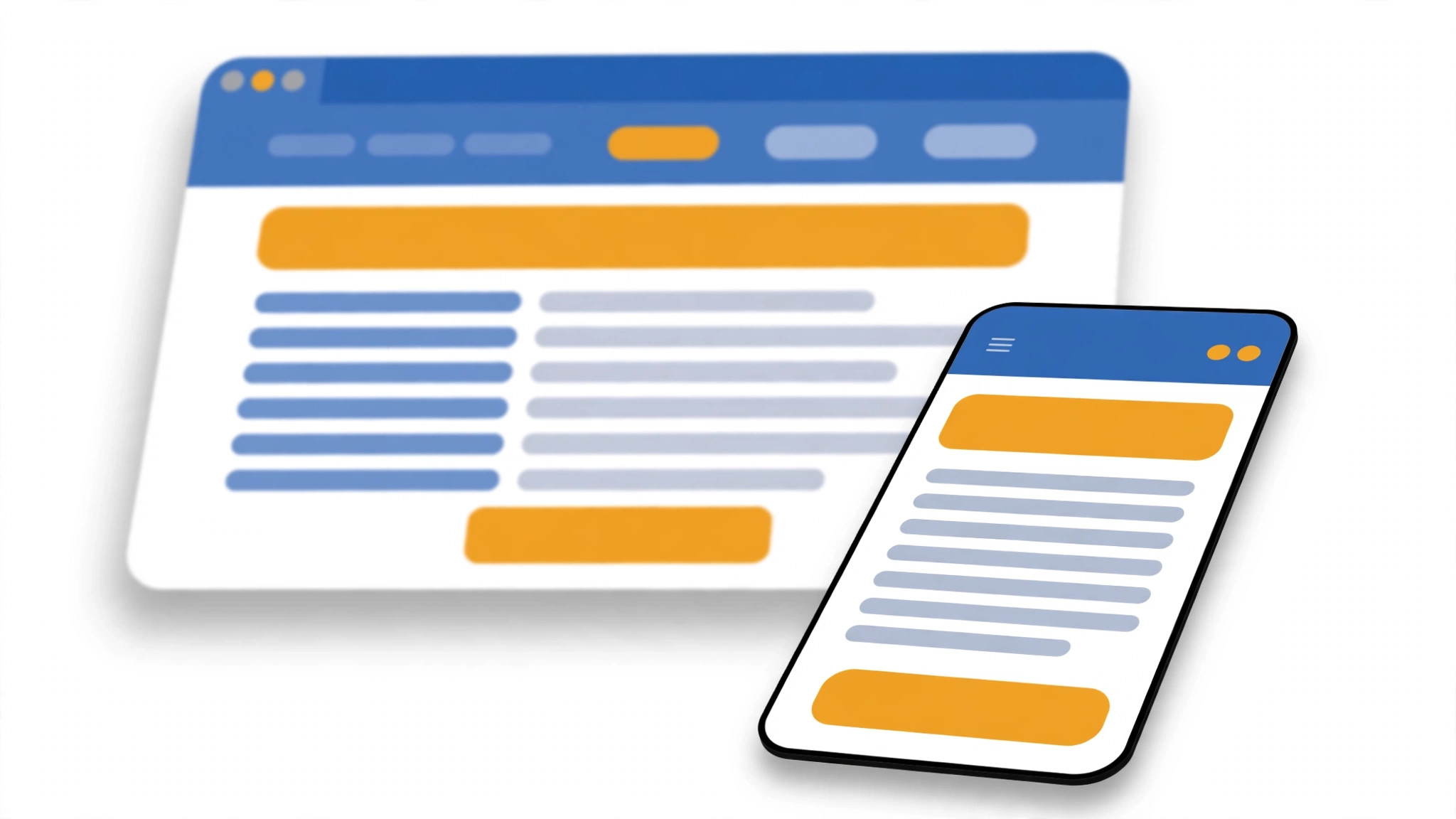
Design for phones first, then check desktop. Test every rebuilt page on a real phone, not only in a browser preview. Buttons must be thumb sized, phone numbers must tap to call, and forms must work without pinching or sideways scrolling. Small business sites live or die on phone usability, and a migration is the worst time to discover that a beautiful desktop layout fails on the device most visitors use.
Plugin Swaps, Forms, Bookings and Search Tools
Every Wix app needs a WordPress equivalent, and the mapping should be written down before installation begins. Forms map to a form plugin. Bookings map to a booking plugin. Email signup maps to an email plugin connected to your email service. Image galleries, sliders, popups and chat tools each need their own choice. Installing plugins one by one from the mapping is orderly. Installing whatever looks good on the day produces a bloated site.
Search optimisation on WordPress is handled by a dedicated plugin, and it needs setup, not just installation. Set the title and description format, connect the site to Search Console, and generate a sitemap. Copy the meta titles and descriptions from the Wix site for ranking pages, or write better ones where the old ones were weak. This is also the time to set up analytics properly, with goals for form submissions and calls, so the new site can be judged on enquiries rather than on raw visits.
Backups and security are plugins too, and they are not optional. Set automated daily backups stored away from the hosting account, so a hosting failure does not take the backup with it. Set login protection, automatic updates for minor releases, and a security plugin that alerts on suspicious activity. Wix handled all of this invisibly. On WordPress, invisible means nobody set it up, so set it up deliberately and test a restore before launch.
The Redirect Map, the Step That Saves Your Rankings
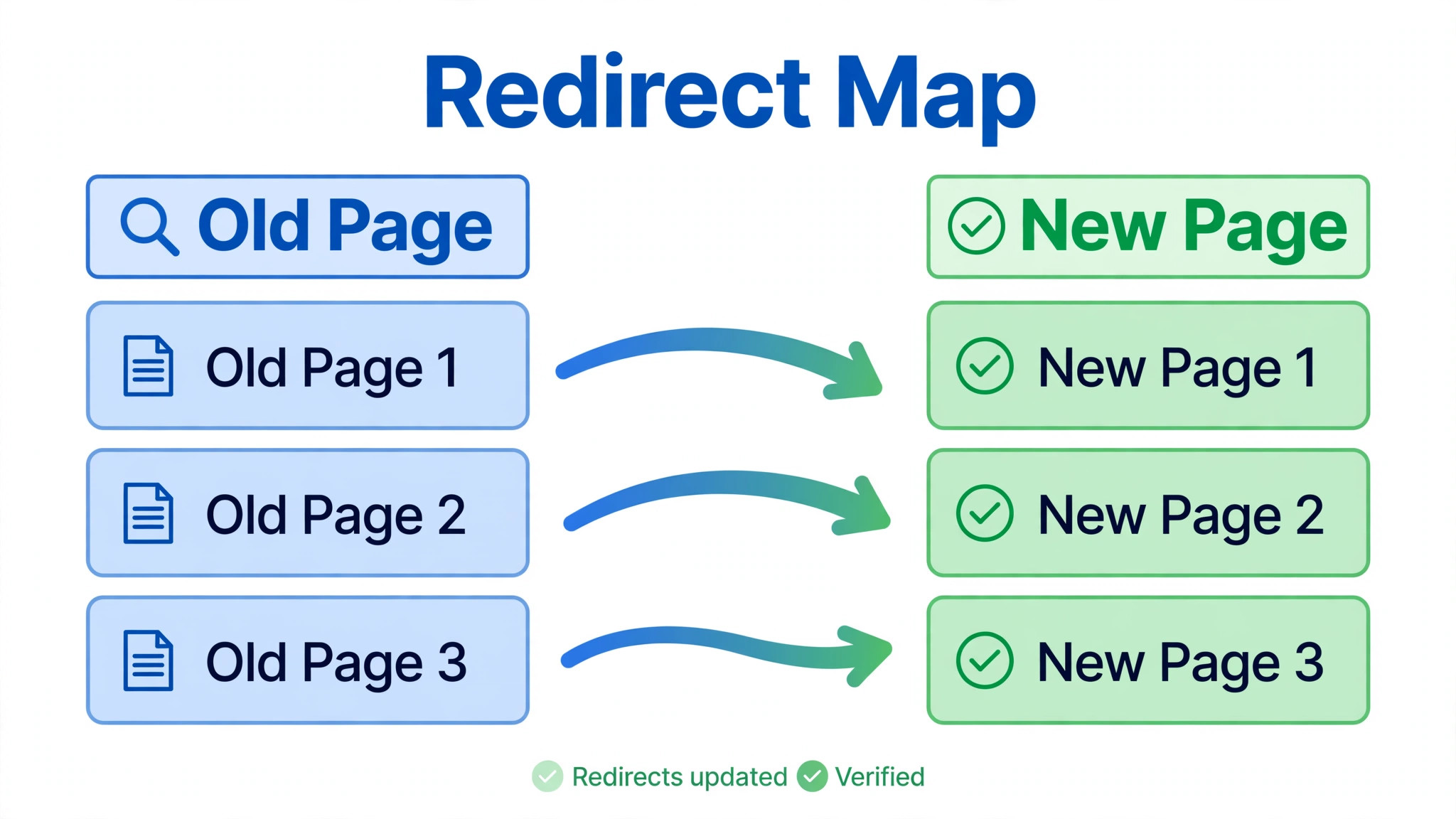
In a switch Wix to WordPress small business move, a redirect tells a visitor and a search engine that a page has permanently moved to a new address. Without redirects, every old Wix address returns an error after the domain moves, and the rankings built up over years drain away. With a complete redirect map, most rankings dip briefly while Google recrawls and then recover. Guides commonly describe a dip of two to six weeks. That dip is normal. A drop that is still there after six weeks usually means URLs are missing from the map.
Building the map is straightforward work. Take the old URL list from the inventory, write the new WordPress address beside each one, and mark pages that are being merged or retired. Retired pages should redirect to the closest live page, not to the home page, because a redirect to the home page helps nobody and search engines treat it as a soft error. Merged pages should redirect to the merged page, with the best content from each old page kept in the new one.
Wix does not give server level redirect control, so the practical method is a redirect plugin on WordPress plus, where guides describe it, a script based approach for old style addresses. Do not get lost in the method. What matters is the test. Before launch, run through the map on the staging site and check that every old address lands on the right new page. After launch, check again on the live domain, because staging tests cannot catch a DNS or domain setting error.
Submit the new sitemap to Search Console on launch day, and watch the coverage report over the following weeks. Pages that show as errors need a redirect added or a link fixed. Keep the Wix site accessible for reference for at least a month after launch, but do not keep it indexed as a duplicate. The reference copy is for checking wording and recovering anything missed, not for serving visitors.
Redirect mistakes that cost rankings
The most common mistake is redirecting everything to the home page. It feels tidy and it destroys the value of every deep link the site ever earned. The second mistake is forgetting blog posts, because posts are numerous and individually low traffic, yet together they carry a large share of search visits. The third mistake is changing the permalink structure after launch, which breaks the new addresses that the redirects point to. Lock the structure before launch and leave it alone.
Another mistake is launching on a Friday. If something breaks, support is thinner at the weekend and the team is tired. Launch on a Tuesday or Wednesday morning, when the team, the host support and any outside help are all available. A launch day problem found at ten in the morning is a fix. The same problem found on a Friday evening is a weekend of lost enquiries.
Forms, Email, Bookings and the Rest of the Plumbing
Test every form by submitting it yourself, on a phone and on a desktop, and confirm that the message arrives where it should. Check spam folders, check the sender address, and check that the reply address is the visitor’s address rather than the site’s own address. A form that submits successfully but delivers nowhere is worse than a form that shows an error, because the visitor believes they have been heard.
Email needs its own check. If email is hosted with Wix or tied to Wix DNS settings, moving the domain can break email if the mail records are not carried across. Copy the mail records exactly, test sending and receiving before and after the move, and tell the team to report any missing mail immediately. A day of lost email costs more than a day of a broken page, because nobody sees the loss happening.
Bookings, payments and member areas need end to end tests with real transactions in test mode. Book a test appointment, pay a test amount, cancel it, and check that confirmations arrive. If the Wix site sold products, test checkout on the new platform even if the store is small, because payment settings are the most common source of silent launch failures. Keep the old booking or payment system running until the new one has passed its tests.
Launch Checklist, Rollback Plan and the First Month
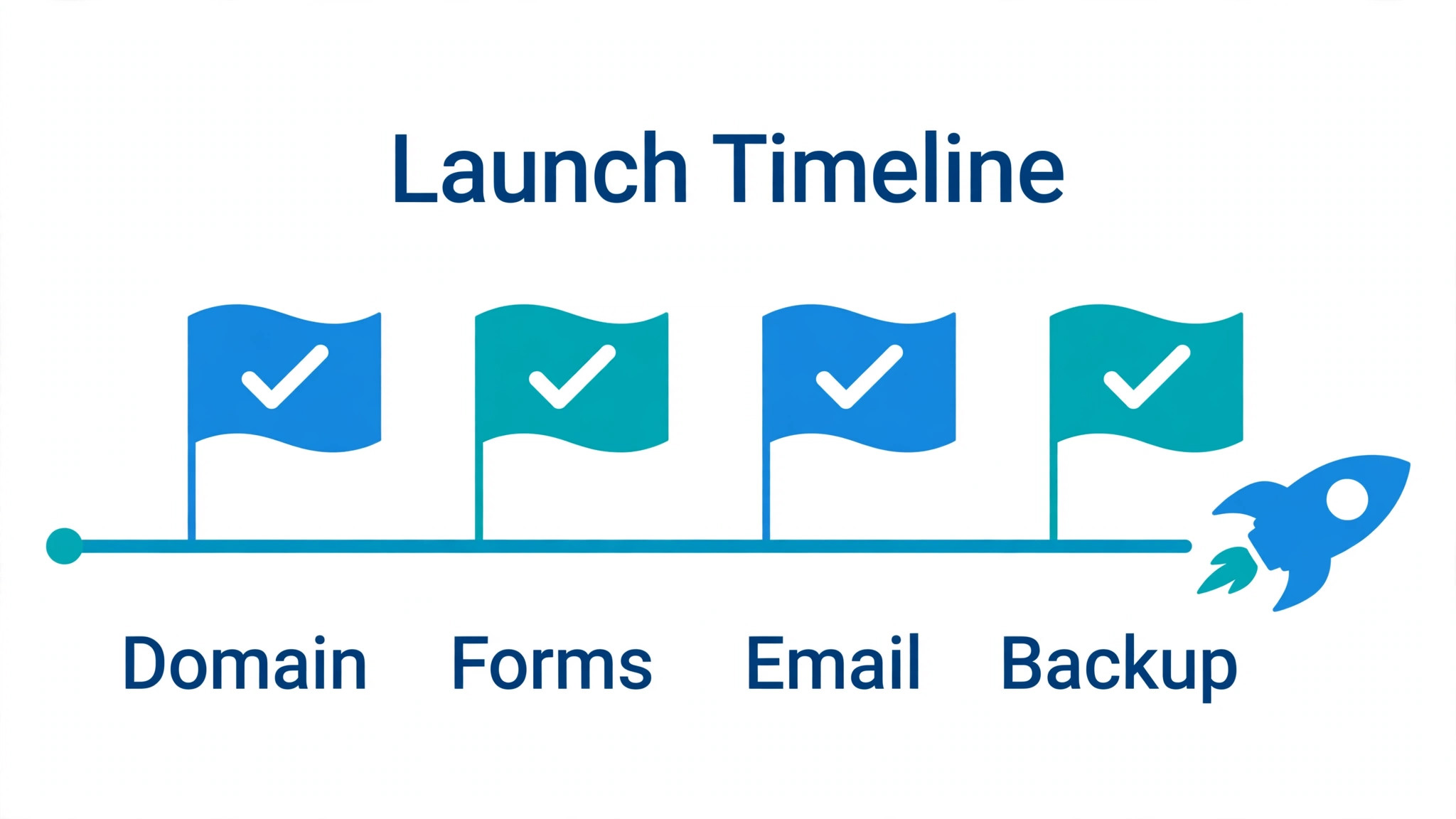
Launch day should be boring, and boring comes from a checklist followed in order. Confirm the staging site is complete, backups are running, redirects are tested, forms are tested, email works, analytics is recording, and the site is set to allow search engines. Only then point the domain to the new host. Update DNS, wait for it to spread, and check the site from a phone on mobile data, which bypasses office caching and shows what visitors really see.
Keep the rollback plan written down and within reach. If the new site fails badly on launch day, the rollback is to point the domain back to Wix and restore the old site while the problem is fixed. That only works if the Wix site and its plan are kept active through launch week, and if nobody cancels anything in excitement on launch morning. A rollback plan that requires rebuilding the old site is not a plan. It is a hope.
The first month is monitoring, not celebration. Check Search Console weekly for errors, check analytics for traffic and enquiries against the same period before the move, and fix broken links as they appear. Expect the ranking dip described earlier, and judge the migration at six weeks, not at six days. If traffic and enquiries are back to their old level or better by then, the migration worked. If they are not, the redirect map and the rebuilt pages are the first places to look.
What a Switch Costs, in Money and in Time
The honest cost of a switch Wix to WordPress small business migration has three parts. Hosting and plugins, time or professional fees, and the risk of a temporary traffic dip. Hosting for a small business WordPress site is commonly a modest monthly sum, and plugin costs vary by choice, so price your actual shortlist rather than budgeting from a round number. A free theme and free plugins can keep software costs low, while premium themes and booking tools add yearly renewals that should be counted from year one.
Time is the larger cost for most owners. A simple brochure site may take a focused weekend plus testing. A site with a blog, forms and bookings takes longer, and the twenty to forty hour range quoted earlier is a realistic planning figure for a typical small business site with real content. Hiring help converts that time into a fee, and the fee varies widely by region and by site size, so get quotes against the inventory rather than against a vague brief.
Mistakes Small Businesses Make on This Move
The biggest mistake in a switch Wix to WordPress small business move is starting the rebuild without an inventory, which guarantees missed pages and missed redirects. The second is cancelling Wix too early, which removes the reference copy and the rollback option at the exact moment both are most needed. Keep Wix active for at least a month after launch, and cancel only when the new site has proven itself on traffic, forms and bookings.
Another mistake is rebuilding every page exactly as it was, including pages that never earned a visit. A migration is a chance to prune. Pages with no traffic, no links and no enquiries should be retired with a redirect to the closest live page, not rebuilt out of sentiment. Sentiment is not a content strategy, and every page rebuilt is a page that must be maintained forever after.
Finally, do not skip the human checks. Automated tools catch broken links and missing images, but they do not catch a contact form that delivers to a former employee, a booking page showing last year’s prices, or a phone number that changed two years ago. Read the rebuilt site as a customer would, page by page, and fix what a customer would notice. That reading takes an hour and prevents the most embarrassing launch failures.
Frequently Asked Questions
Can Wix be exported directly to WordPress?
No, there is no direct whole site export from Wix to WordPress. Blog posts can be imported through the RSS feed, subject to the limit questions noted earlier, but pages, design, forms and store settings must be rebuilt. Any tool promising a one click whole site transfer should be treated with care, because the result usually needs extensive fixing. Plan for a rebuild, and treat any automated help as a head start rather than a finished site.
Will search rankings survive the move?
Rankings usually survive when the redirect map is complete and the rebuilt pages keep their core content. Expect movement for two to six weeks while Google recrawls the new addresses. A drop that lasts beyond six weeks points to missing redirects, changed content on ranking pages, or a permalink change after launch. Check Search Console, complete the map, and give the site time before judging the result.
How long does a small business migration take?
A simple brochure site can be rebuilt and tested in days of focused work. A site with a large blog, forms, bookings or a store takes weeks, and the twenty to forty hour planning range fits many small business sites. The inventory stage, the redirect map and testing take a larger share of that time than owners expect. Start with the inventory, and the timeline will estimate itself far more accurately than any generic promise.
Does the domain stay the same?
Yes, the domain name stays the same. What changes is where it points. The domain can stay registered where it is, with DNS updated to the new host, or it can be transferred to a new registrar. Either route works, but DNS changes need care, especially for email records. Take a screenshot of current DNS settings before changing anything, and test email after the move.
Should a small business hire help or do it alone?
An owner comfortable with WordPress can move a simple brochure site alone, following the stages in this guide. A store, a booking business or a site with significant search traffic benefits from experienced help, because redirect and checkout mistakes cost real money. Get quotes against the inventory, ask what happens to redirects and testing, and keep control of hosting, domain and backup access in your own name.
What happens to Wix email and apps after the move?
Email depends on where it is hosted. If email is tied to Wix DNS settings, those mail records must be carried to the new DNS setup or email breaks. Wix apps do not transfer to WordPress, so each function needs a WordPress plugin chosen from the mapping. List every app before the rebuild, and do not cancel Wix until every function has been tested on WordPress.
The Bottom Line for a Wix Owner
Move to WordPress when the business needs capability that Wix cannot give, and when the team is willing to own maintenance or pay a host to handle it. Stay on Wix when the site works, the team is happy, and the wish list fits inside Wix apps and plan upgrades. Neither choice is a failure. The failure is drifting into a rebuild without an inventory, without a redirect map, and without a rollback plan, and then blaming the platform for a planning gap.
For owners who do move, the order matters more than the tools. Inventory first, staging second, content third, design fourth, redirects fifth, domain last. Follow that order, keep Wix live through launch week, and judge the result at six weeks on enquiries and rankings rather than on launch day excitement. Done that way, a switch Wix to WordPress small business teams plan carefully becomes a site the business owns outright, with room to grow that no builder’s limits can take away.
More Reading on Stratilyze
– Migrate Wix to WordPress for Bloggers – Cost of Wix for Small Business Monthly – Best Website Builder for Tradespeople – Cost of Squarespace for Small Business Monthly – Best Website Builder for Restaurants