

Late invoices rarely mean a client refuses to pay. More often, the invoice was buried, the approver was away, or nobody owned the follow up, and the money simply drifted. When you use Zapier for invoice payment reminders, reminders go out on a fixed schedule, every time, without relying on memory or a spreadsheet that someone must remember to check. That consistency is what gets invoices paid faster, because clients respond to a clear, polite, predictable sequence far better than to a single urgent chase after weeks of silence.
This guide builds that sequence step by step. You will map the invoice journey, choose reminder timing, build the automation in Zapier, add escalation for overdue accounts, and review results monthly. Zapier pricing checked at draft time lists a free plan with 100 tasks per month, Professional starting near 19 dollars and 99 cents per month billed yearly with 750 tasks, and higher task packs for larger volumes. Confirm current pricing on the official pricing page, because task limits and plan names change.
Why This Approach Works
Chasing payments by hand is expensive in time and in relationships. A manual chase sent in frustration sounds different from a scheduled reminder sent calmly, and clients notice the difference. Automation keeps the tone steady, because every reminder uses approved wording, goes out at the agreed time, and stops automatically when payment arrives. It also creates a record, showing when each reminder was sent and what happened next, which helps when a client disputes a timeline. For a small business, that record and that consistency are worth more than the subscription cost, because one invoice paid two weeks earlier can cover months of tool fees.
Automation also reveals patterns that manual chasing hides. When reminders are logged, you can see which clients always pay after the second reminder, which industries need a longer first interval, and which invoice types generate the most queries. Those patterns let you fix the real cause, such as unclear invoice details or a missing purchase order number, instead of simply chasing harder. Treat the reminder system as a feedback tool, not only as a collection tool, and it will improve invoicing itself over time.

How to use Zapier for invoice payment reminders Step by Step
Build the automation in the order below, starting with the map, not with the tool. When you use Zapier for invoice payment reminders, a clear map prevents the most common automation error, which is reminding the wrong person, at the wrong time, about an invoice that was already paid. Map first, build second, test third, and only then switch the automation on for live invoices.
- **Map the invoice journey on paper.** List every stage an invoice passes through, from issue to payment, including approval, query, partial payment, and overdue. Note who acts at each stage and what information they need. A paper map takes an hour and prevents weeks of fixing an automation that was built on assumptions about a process nobody had written down.
- **Choose reminder timing and tone.** Set a polite sequence, such as a reminder three days before the due date, one on the due date, and follow ups at 7, 14, and 30 days overdue. Keep early reminders short and helpful, and reserve firmer wording for later stages. Agree the wording with anyone who talks to clients, so automated and manual messages sound like one business.
- **Connect the invoicing tool to Zapier.** Connect your invoicing app, such as QuickBooks, Xero, or Stripe, to Zapier, and test that invoice creation, payment, and overdue status all appear as triggers. Check that client names, amounts, due dates, and contact details arrive correctly in test data. A trigger that misses paid status will keep reminding paid clients, which is the fastest way to damage trust.
- **Build the reminder sequence as separate steps.** Create one automation per reminder stage, or a multi step automation with delays and filters, depending on your plan. Add a filter at each stage that checks payment status before sending, so a client who pays between stages receives no further reminders. Test the filter with a paid test invoice before going live.
- **Add a stop condition for paid invoices.** Make payment the hard stop for the whole sequence, with a thank you message or a receipt sent instead of another reminder. Confirm that partial payments pause rather than cancel the sequence where appropriate, and that the remaining balance is stated clearly in the next reminder. A stop condition is not optional, it is the core safety feature.
- **Set up escalation for overdue accounts.** Define escalation clearly, such as a personal call at 30 days overdue, a formal letter at 45 days, and a pause on new work at 60 days, with approval required at each stage. Automate the alert to the owner at each threshold, but keep the escalation message itself personal, because a templated threat at 60 days reads very differently from a direct conversation.
- **Test with real scenarios before going live.** Run test invoices through every path, on time payment, late payment, partial payment, disputed invoice, and refunded invoice. Check timing, wording, and stop behaviour for each path, and fix any path that sends a wrong message. Testing takes a day and prevents the errors that would otherwise reach real clients.
- **Switch on gradually and monitor daily.** Start with new invoices only, monitor sends and replies daily for the first two weeks, and fix any issue the same day. Watch for bounced emails, wrong contacts, and clients who reply to reminders with queries, and route those replies to a human promptly. Gradual rollout with daily monitoring builds confidence before the system covers the full invoice book.
After the first month, review the full sequence against real outcomes, and adjust one timing or wording element at a time. If most clients pay after the second reminder, the first reminder may be too early or too vague, while if many clients reach escalation, the invoice details themselves may need fixing. Small, measured changes beat a full rebuild, because they preserve what already works.

Options Compared
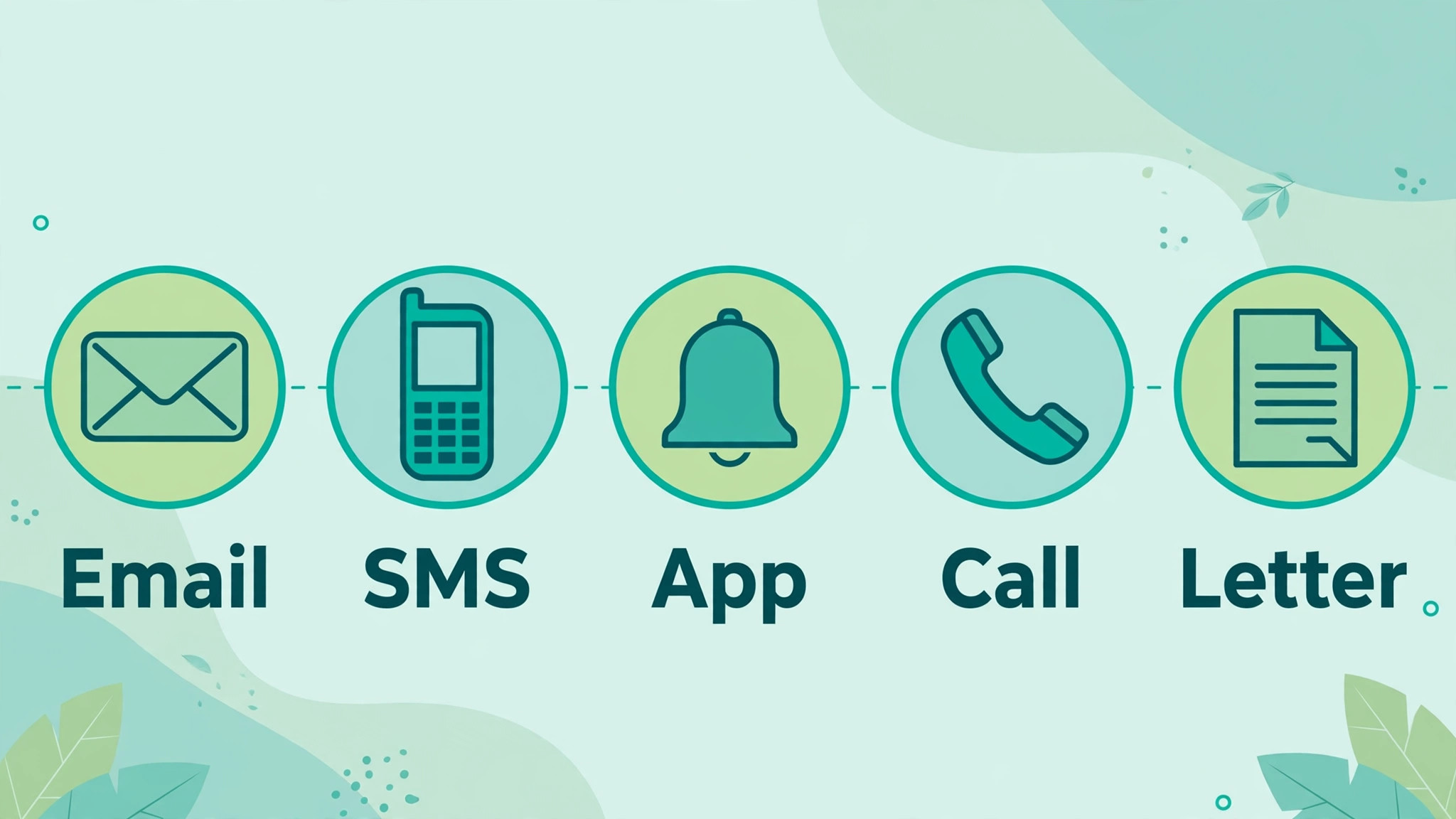
Different reminder channels suit different clients, and the right mix depends on invoice size and relationship. When you use Zapier for invoice payment reminders, email is the default, because it carries the invoice link and a full record, while other channels work as backups for urgent or high value cases. The table below compares the main options on cost, record keeping, and tone.
| Channel | Best use | Watch out for |
|---|---|---|
| Email reminder | Standard reminders for all invoices | Spam folders and ignored inboxes |
| SMS reminder | Short nudge for overdue accounts | Intrusive if used too often |
| In app notification | Clients on the same platform | Only reaches active users |
| Phone call | High value or long overdue accounts | Time heavy, needs notes after |
| Letter | Formal escalation stage | Slow, but carries formal weight |
Use email for the standard sequence, and reserve SMS and calls for stages where the invoice value or the delay justifies personal attention. A client who receives an SMS for a small invoice on the due date may feel harassed, while a client with a large overdue invoice may appreciate a call that resolves a query in minutes. Match the channel to the stage, and note the channel choice in the automation map so the sequence stays consistent.
Costs and Tools to Budget For
Budget for reminders in tool cost and setup time. Zapier lists a free plan with 100 tasks per month and two step automations only, which is enough to test one simple reminder, while Professional starting near 19 dollars and 99 cents per month billed yearly with 750 tasks supports multi step sequences. Count tasks honestly, because each reminder stage, filter, and notification counts toward the monthly total, and a business with many invoices can use hundreds of tasks quickly. Check the official pricing page and estimate tasks from last month’s invoice count before choosing a plan.
Setup time is the larger first cost, usually a day for mapping, building, and testing, plus a few hours for wording approval. That time pays back quickly if even a handful of invoices are paid earlier, because earlier payment improves cash flow without discounting or borrowing. Keep a simple record of days to payment before and after automation, so the payback is visible and the subscription can be justified with numbers rather than feelings.

Template and Checklist
Run this checklist before switching the automation on, and again after any change to wording, timing, or connections. When you use Zapier for invoice payment reminders, the checklist is the safety gate that stops paid clients from receiving reminders and stops overdue clients from receiving the wrong stage message.
- The invoice journey is mapped, with stages, owners, and information needs written down.
- Reminder timing and wording are agreed, with firmer wording reserved for later stages.
- The invoicing tool connection shows correct client, amount, due date, and contact data.
- A payment filter checks status before every reminder stage, including partial payments.
- Paid invoices stop the sequence and receive a receipt or thank you instead.
- Escalation thresholds and owners are defined, with personal contact at later stages.
- Test invoices cover on time, late, partial, disputed, and refunded paths.
- Bounced emails and replies are routed to a human owner promptly.
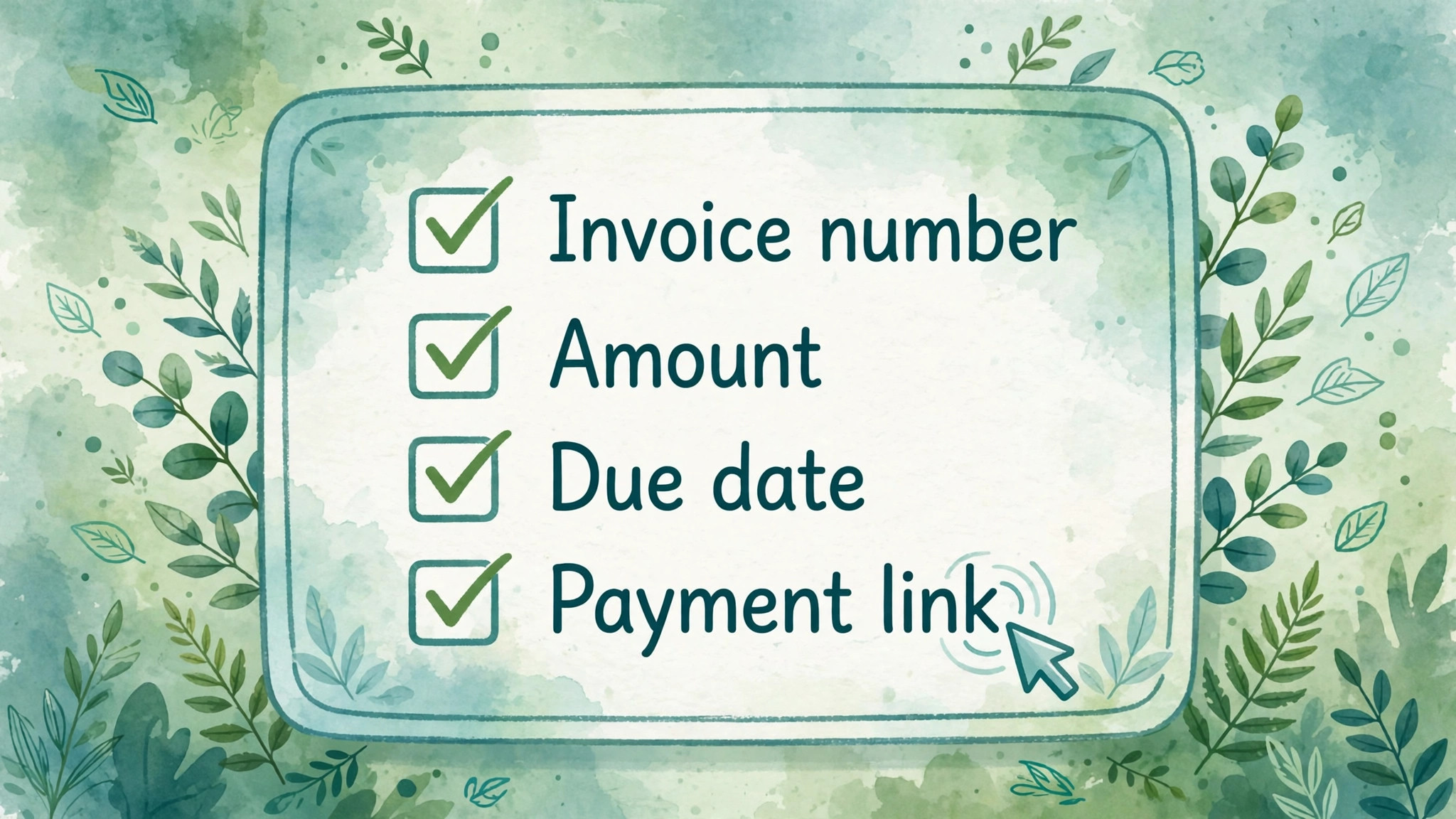
- Reminder wording includes invoice number, amount, due date, and a payment link.
- No client receives more than one reminder per stage, even if data updates twice.
- The rollout starts with new invoices only, with daily monitoring for two weeks.
- A monthly review of payment times and reminder outcomes is scheduled.
Keep the completed checklist with the automation documentation, including screenshots or notes of the trigger and filter settings. When Zapier or the invoicing tool updates its interface, the documentation lets you rebuild the automation quickly instead of rediscovering settings under pressure. Documentation written during setup is the cheapest insurance a small automation can have.
Mistakes to Avoid
Reminder automation fails in predictable ways, and most failures reach clients before anyone notices. When you use Zapier for invoice payment reminders, watch for these five mistakes, because each one damages either cash flow or client trust, and both are hard to rebuild.
- **Reminding paid clients.** A missing or slow payment filter is the most damaging automation error, because it tells a good client that their payment was ignored. Test the paid path thoroughly, confirm that payment status updates promptly, and add a delay buffer if status updates lag. A single reminder to a paid client can cost more goodwill than a month of correct reminders can build.
- **Using one harsh tone for every stage.** A first reminder that sounds like a final demand frightens new clients and annoys good ones. Keep early reminders helpful and short, and increase firmness gradually with delay. Tone should match the stage, because a client who is three days early deserves a different message from a client who is sixty days overdue.
- **Automating without a human owner.** Automation without an owner means replies, queries, and bounces go unanswered, which turns a helpful system into a silent one. Assign one owner for replies and errors, check them daily during rollout, and set an alert for any reply that mentions a dispute or a wrong amount. Automation handles routine sends, while humans handle exceptions.
- **Hiding invoice details in reminders.** A reminder without invoice number, amount, due date, and payment link forces the client to search for basic facts, which delays payment. Include all four in every reminder, in plain text, not only as an attachment. A reminder that can be acted on in one click gets paid faster than a reminder that requires detective work.
- **Never reviewing the sequence.** A sequence that worked last year may not fit this year’s clients, invoice sizes, or payment terms. Review payment times, escalation rates, and client feedback monthly, and adjust one element at a time. A system that is never reviewed slowly drifts out of step with the business it serves.
If reminders are not improving payment times after a month, check invoice clarity before changing reminder frequency. Unclear invoice details, missing purchase order numbers, and wrong contacts cause more late payment than reminder timing does. Fix the invoice first, then judge the reminder sequence, because chasing a confusing invoice harder will not make it clearer.

A Worked Example
A freelance designer who had chased payments from a spreadsheet tested the sequence on one new branding invoice first. She mapped the journey for that invoice on paper, marking issue, approval, query, partial payment, and overdue as separate stages, and she wrote down who acted at each stage and what information that person needed. She then connected her invoicing app to Zapier and checked test data, confirming that the client name, the amount, the due date, and the contact address arrived correctly, and that a paid test invoice stopped the sequence instead of triggering another reminder.
The live sequence began with a short reminder three days before the due date, restating the invoice number, the amount, the due date, and the payment link in plain text. On the due date, a second reminder went out in the same calm wording. The client replied with a query, saying the invoice lacked the purchase order number their finance team required, and the reply went straight to the designer rather than sitting in an unmonitored inbox. She paused the sequence for that invoice at once, added the missing purchase order number, and sent a corrected invoice with a clear note explaining the change.
Seven days after the revised due date, with the invoice still unpaid, the next reminder went out stating the full amount and the payment link again, and the client paid part of the balance that same afternoon. Because the designer had set partial payments to pause the sequence rather than cancel it, the following reminder stated only the remaining balance, in plain figures, instead of repeating the original total and confusing the client. That distinction mattered, because a reminder demanding money already paid would have undone the goodwill built by the earlier polite messages.
When the remaining balance arrived, the payment filter stopped the sequence and the client received a receipt and a thank you instead of another chase. The designer then wrote a note recording that the filter had worked, that the missing purchase order number had caused the delay, and that future invoices for that client would carry the number from the start. The example therefore taught two lessons that no checklist alone could have proved, which were that invoice clarity caused more delay than reminder timing, and that a pause for a genuine query protected the relationship better than pressing on with an automated demand.

Advanced Tips Worth Trying
Once the standard sequence runs without errors, the most useful refinement is a delay buffer between payment and the next reminder. Some invoicing tools update paid status slowly, so a reminder scheduled minutes after payment can still reach a client who has already paid. Adding a short wait before each send, and rechecking payment status at the end of that wait, removes the most embarrassing failure in the system. Test the buffer with an invoice that pays between stages, because that timing gap is where the filter is most likely to be caught out.
A second refinement is to split the sequence by invoice size rather than sending every client through identical stages. Small, regular invoices do well with email reminders only, while large invoices justify an SMS nudge at the overdue stage and a personal call at the 30 day threshold described earlier in this guide. Keeping SMS for later stages also protects the channel itself, since clients who receive a text for every small invoice soon treat texts as noise. Write the value boundary into the automation map, so a future editor does not move every invoice onto the urgent path.
Task counting deserves a monthly habit, because each reminder stage, filter, and notification draws from the monthly allowance. A business on the Professional plan with 750 tasks can burn through that allowance quickly if every invoice triggers five stages plus a receipt message. Once a month, open the task history, count tasks per invoice stage, and compare the total with the previous month. If one stage consumes a surprising share, check for duplicate triggers or restarted sequences before buying a larger pack, because a fix often costs less than an upgrade.
Finally, give the sequence a second human owner by writing the setup down so a bookkeeper or a helper can pause it, correct an invoice, or answer a reply without guessing. The note should record the trigger, each filter, the wording for each stage, the escalation thresholds at 30, 45, and 60 days, and the location of the monthly review sheet. When the owner is away, that note is what stops a dispute from turning into an automated chase.
How to Measure Success
Start with average days to payment, calculated by taking each paid invoice, counting the days from issue to payment, adding those figures together, and dividing by the number of paid invoices in the month. Pull the issue and payment dates from the invoicing app, and keep disputed and refunded invoices out of the calculation, because they distort the average. Compare the result with the average from the month before automation began, and then month by month afterwards, so a single slow payer does not get mistaken for a trend.
Next, track how far invoices travel through the sequence before they are paid. For each month, divide the number of invoices paid after the first reminder by the total paid, do the same for invoices paid after the due date reminder and after each overdue stage, and record how many reach the 30 day call, the 45 day letter, and the 60 day pause on new work. These shares show whether early reminders do the work or whether most invoices drift to escalation, which points to invoice clarity or client selection rather than reminder wording.
A rising share at escalation, even while the average days to payment stays flat, is a warning that the sequence is working harder for the same result.
Finally, count reminder errors and reply handling separately from payment speed, because a fast system that annoys clients is not a success. Record every reminder sent to a paid client, every bounced message, and every reply that waited more than one working day for a human answer, using the invoicing app and the reply inbox as sources. Review all three groups together once a month, on the same day, and change only one element before the next review, such as timing, wording, or the payment filter buffer. That discipline keeps the measurement honest, because when several changes land at once, nobody can tell which one moved the numbers.
Review and Next Steps
At the end of the first month, sit down with the invoicing app open and the reminder log beside it, and answer four questions in writing before changing anything. How many days did invoices take on average, how many were paid on time, how many reached escalation, and how many reminder errors or complaints arrived. Writing the answers down matters more than the answers themselves, because a written record stops the team from remembering the month as better or worse than it was, and it gives the next review a fixed point to compare against.
If payment times fell and errors stayed low, resist the urge to rebuild the sequence, and make only the smallest change that the data supports, such as adjusting one reminder interval by a few days.
The habit that keeps the system honest is a short monthly note written after you use Zapier for invoice payment reminders to check payment times and reminder errors side by side. That note should name one change made, the reason for it, and the number it is expected to move, so that three months later nobody has to guess why a timing or wording decision was taken. Share the note with anyone who issues invoices, because their choices about invoice detail, purchase order numbers, and contact accuracy affect payment times as much as any reminder stage does.
A note kept privately by one person will not change how invoices are written, while a note shared with the whole invoicing circle will.
Once a quarter, step back from the monthly numbers and read the automation map, the checklist, and the last three monthly notes together. Ask whether each reminder stage still earns its place, and whether the escalation thresholds at 30, 45, and 60 days still fit the current client mix. Sequences tend to grow by addition, with a new stage added after every awkward case, until clients receive more messages than they need. Pruning a stage that no longer prevents a real delay is therefore as valuable as adding one, and the quarterly read is the right moment to prune.
Handover deserves attention while the system works well, not after the person who built it leaves or falls ill. Write the map, the filter settings, the wording for each stage, and the monthly review steps in a form that a bookkeeper could follow without a long explanation, and include the goal of each filter, not only its setting, so a helper can judge what to do when an unusual invoice appears. Test that documentation by asking a colleague to pause the sequence for a disputed invoice and restart it correctly, and fill every gap their questions reveal.
Documentation tested in that way is insurance, because the day the builder is unavailable is the day a disputed invoice is most likely to need a calm human pause.
Expand the system only after the core invoice book runs cleanly for two consecutive months, meaning no reminders to paid clients and no unanswered replies older than one working day. Expansion might mean a new invoice type or an SMS stage for high value overdue accounts, but each addition should enter as a small trial on new invoices only, with daily monitoring for two weeks, exactly as the original rollout did. That cautious pattern protects the trust the system has earned.
For related reading on Stratilyze, the guide to lead follow up automation with Zapier shows the same tool applied to sales follow up, and the guide to social media crossposting with Zapier covers multi step automations in a different context. Read the lead follow up guide first if your business also chases new enquiries, because the filter and timing habits there transfer directly, and the method here for use Zapier for invoice payment reminders shares the same safety principles.
Frequently Asked Questions
How many reminders should an invoice sequence include?
A sequence of four to five reminders usually works, starting before the due date and escalating gradually to 30 days overdue. Fewer reminders leave late payers unprompted, while many more feel like harassment and increase complaints. Adjust the count to invoice size and relationship, with fewer, gentler reminders for small, regular clients.
Will automated reminders annoy my clients?
Well written reminders rarely annoy clients, because they are polite, accurate, and stop when payment arrives. Annoyance comes from wrong reminders, such as chasing paid invoices, or from harsh early wording. Test the paid path and the tone carefully, and most clients will treat reminders as helpful prompts rather than pressure.
Which Zapier plan do I need for invoice reminders?
The free plan with 100 tasks per month can test one simple reminder, while Professional starting near 19 dollars and 99 cents per month billed yearly with 750 tasks supports multi step sequences for a small invoice book. Estimate tasks from last month’s invoice count, remembering that each stage counts, and check current pricing on the official page before choosing.
What should I do when a client disputes an invoice?
Pause the automated sequence for that invoice immediately, and handle the dispute personally until it is resolved. Automated reminders during a dispute damage trust and can worsen the disagreement. Note the dispute reason, fix the invoice if needed, and restart the sequence from an appropriate stage once the client agrees the corrected invoice.
Should reminders include a payment link?
Yes, every reminder should include a direct payment link, plus invoice number, amount, and due date in plain text. A reminder that can be acted on in one click is paid faster than one that requires the client to search for the invoice. Test the link from a client view before going live, because a broken link wastes the whole reminder.
How do I use Zapier for invoice payment reminders for clients in different time zones?
Schedule reminders by each client’s local business hours where your tools support it, and avoid sending reminders late at night or early in the morning in the client’s zone. Group clients by region if per client scheduling is not available, and keep the sequence timing relative to the due date in the client’s calendar. Respectful timing protects the relationship as much as polite wording does.
Get Paid Without Chasing
A good reminder system is polite, predictable, and automatic, with a hard stop on payment and a human owner for exceptions. Map the journey, build filters that check payment before every send, test every path, and review payment times monthly. When you use Zapier for invoice payment reminders in that disciplined way, invoices get paid earlier, client relationships stay calm, and the hours once spent chasing payments can go back to the work that earns the next invoice.