
The verdict is simple. For most small firms, the best customer feedback software for small business is the tool that asks one short question at the right moment and then turns the answer into a visible fix, not the tool with the longest survey builder. SurveyMonkey wins on familiarity and depth for general surveys, Typeform wins when response rate matters most, and AskNicely wins for pure NPS tracking, but the right pick depends on which of those three jobs you actually need done every week.
Feedback fails in small firms for a boring reason. Nobody owns the follow up. A survey goes out, answers pile up in a dashboard, and the team moves on to the next busy week without changing anything the customers asked for. The software did its job and the business still learned nothing, because collecting feedback without a closing loop is just a more expensive way of ignoring customers politely.
The third pressure is survey fatigue. Customers who are asked for a rating after every purchase, every support chat and every delivery will stop answering, and the customers who do keep answering will be the angriest ones. That skews your data toward complaints and hides the quiet majority who are satisfied but tired of forms. A good feedback tool protects response quality by limiting frequency, shortening surveys and making every ask feel worth answering.
Why the Best Customer Feedback Software for Small Business Must Close the Loop
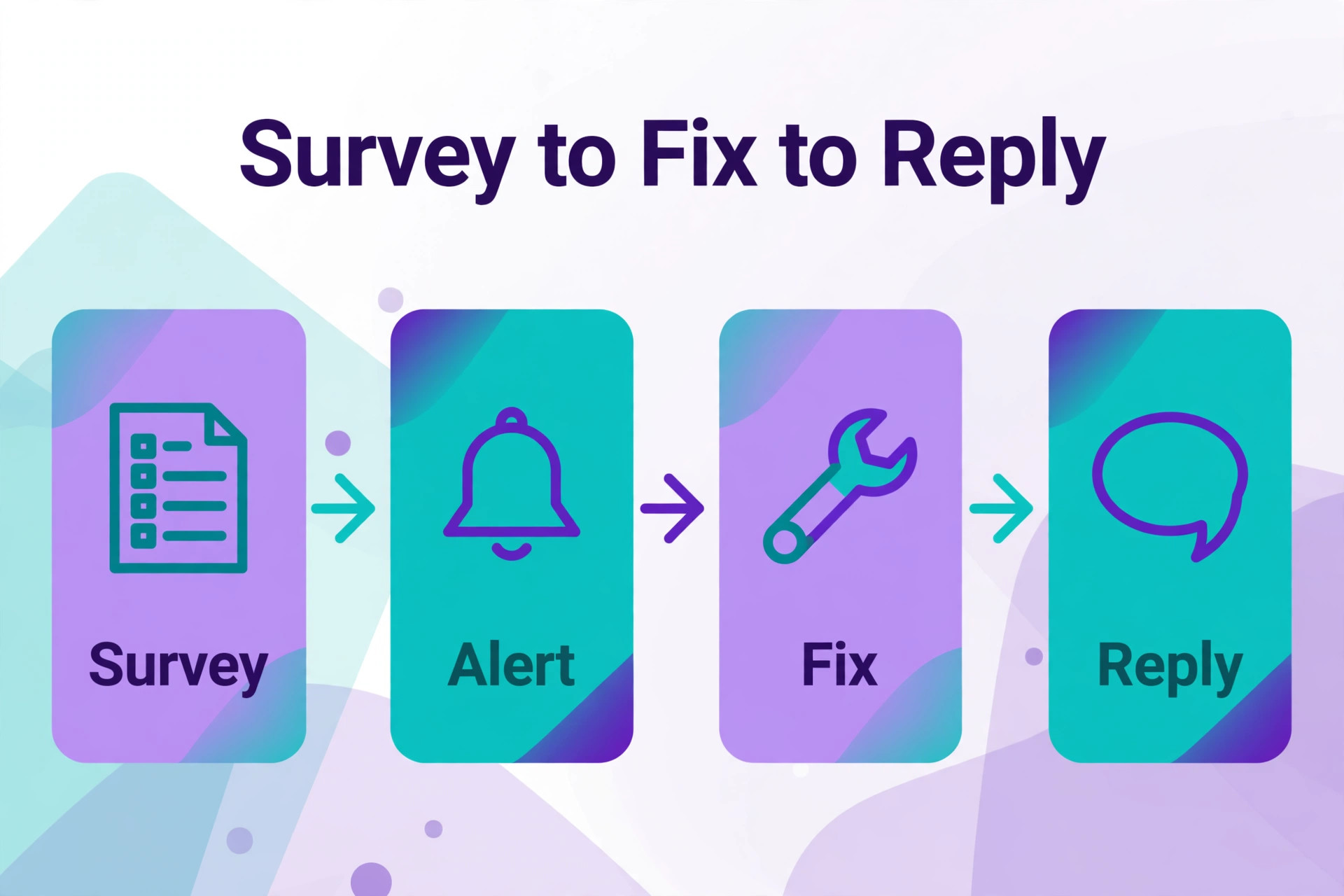
Closing the loop means three steps happen every time, without exception. First, the feedback is seen by a named person within a set time. Second, that person replies to the customer where a reply is owed, especially to detractors and to customers who reported a specific problem. Third, the recurring themes change something real, such as a process, a product detail or a staff briefing. A tool that only collects scores supports none of those steps on its own, so judge it on how easily it routes, alerts and reports themes.
Response rate is a quality signal, not a vanity number. A survey that gets 40 percent replies from recent buyers tells you far more than a survey that gets 4 percent replies from a cold list, even when both show similar scores. Short surveys, mobile friendly design, a clear reason for asking and a promise of what will change all lift response rates. A tool with beautiful analytics built on a 4 percent response rate is building conclusions on the loudest minority.
Timing decides whether feedback is useful or merely interesting. A post purchase survey sent within a day captures the delivery experience while it is fresh. An NPS survey sent quarterly captures the relationship trend without pestering the customer weekly. A review request sent the day a job finishes captures enthusiasm before it fades. A tool that lets you trigger each survey from a real event, such as a purchase, a closed ticket or a completed job, will always beat a tool that only sends on a calendar schedule.
Segmentation is where small firms find the fixable problems. An overall satisfaction score of 8 out of 10 hides a delivery problem in one town, a product problem for one segment and a support problem on one channel. A tool that slices results by product, location, staff member or purchase type lets you find the one broken piece instead of redesigning everything. Without segmentation, feedback becomes a mood reading rather than a repair list.
Eight Questions to Ask a Feedback Vendor
Send a real survey to real customers during the trial, not to your own team. Use a recent buyer list, a short survey and your real branding, then watch the completion rate, the drop off points and the quality of the open text answers. Internal testers answer politely and completely, while real customers abandon a confusing question in seconds. The trial must expose that abandonment, because it is the behaviour that will shape your data for a year.
Test the detractor alert the same week. Submit a low score with a specific complaint and see how fast the alert reaches the right person, whether it includes the customer details needed to act, and whether the reply can be logged against the case. A tool that alerts instantly but gives no customer context creates a second search task. A tool that alerts daily in a digest may arrive after the customer has already left a public review.
Check what happens to open text answers. Submit ten varied answers, including praise, a pricing complaint, a delivery complaint and a vague comment, then see whether the tool groups themes, flags sentiment and lets you search the history. A tool that leaves open text as an unread list will teach you nothing at scale. A tool that surfaces themes, even imperfectly, gives a small team a weekly repair list without reading every response by hand.
Check the review and public output path before you buy. If review capture is part of your goal, test how a happy respondent is invited to leave a public review, where that invitation points, and whether unhappy respondents are routed to private support first. That routing must be honest and compliant with platform rules, not a filter that hides negative reviews. A clean path from private feedback to public review is worth more than any dashboard chart.
Twelve Tools Compared on Price and Fit
| Tool | Starting price | Best for |
|---|---|---|
| SurveyMonkey | about $25 a month per user | general surveys with deep question types |
| Typeform | about $25 a month | conversational surveys that lift completion |
| Jotform | free plan, paid from about $39 a month | forms and surveys in one builder |
| Google Forms | free with a Google account | firms that need simple surveys at no cost |
| SurveySparrow | free plan, paid from about $19 a month | chat style surveys with AI follow ups |
| Zonka Feedback | about $19 a month on entry plans | multi channel NPS, CSAT and CES surveys |
| Survicate | free plan, paid from about $89 a month | continuous feedback across web and email |
| AskNicely | pricing by quote | pure NPS tracking with frontline coaching |
| Delighted | free plan, paid from about $29 a month | simple NPS and CSAT with fast setup |
| SatisMeter | about $49 a month | in product NPS and CSAT triggers |
| Canny | free plan, paid plans by tracked users | feature request boards with voting |
| NiceJob | about $75 a month | review capture after a completed job |
Read the table as a shortlist, not as a ranking, and check the vendor page before buying, because prices and response limits change often. The cheapest headline plan may cap monthly responses, charge per response above the cap, or exclude the integrations that trigger surveys from real events. Price the plan for the best customer feedback software for small business that covers your real monthly response volume and your real trigger needs, then compare annual totals.
Twelve Customer Feedback Tools in Detail

SurveyMonkey
SurveyMonkey is the pick for general surveys with deep question types, because most customers already recognise its format and most teams already know how to build in it. It covers a wide question library, logic branching, benchmarking, analysis tools and integrations with common customer and marketing systems. A firm that runs varied surveys, from post purchase checks to market research, will rarely hit a question type it cannot build here.
At about $25 a month per user for Advantage billed annually, with a free basic plan for light use, it is priced as a general survey platform rather than a niche feedback tool. The limit is that its NPS and review capture features are add ons to a survey core, so firms that live on NPS tracking may prefer a dedicated tool. If survey variety matters most, SurveyMonkey is the safe first trial.
Typeform
Typeform is the pick for conversational surveys that lift completion, because it shows one question at a time in a design that feels more like a chat than a form. It covers logic jumps, embedded surveys, payment fields, integrations and reporting, with a mobile experience that suits customers answering on phones. A firm whose long forms suffer low completion will see the biggest gain here, because the format itself reduces abandonment.
At about $25 a month for Basic billed annually, it is priced for design and completion rather than for raw survey depth. The limit is that very long research questionnaires fit a traditional grid layout better than a one question flow, and advanced analysis sits on higher plans. If response rate is your main problem, Typeform is the strongest answer in this guide.
Jotform
Jotform is the pick for firms that want forms and surveys in one builder, because the same tool can handle feedback, registrations, orders and internal forms. It covers a large template library, payment integrations, conditional logic, approvals and reporting, with a free starter plan for light use. A small firm that currently juggles a form tool and a survey tool can often replace both with Jotform alone.
At a free plan plus paid plans from about $39 a month billed annually, it is priced as an all round form platform. The limit is that its NPS tracking is less specialised than a dedicated NPS tool, so firms that run a serious NPS programme should trial one alongside it. If one builder for every form is the goal, Jotform earns its place.
Google Forms
Google Forms is the pick for firms that need simple surveys at no cost, because it is free with a Google account and takes minutes to launch. It covers basic question types, response summaries, spreadsheet export and easy sharing by link or email. A tiny firm, a new firm or a firm testing whether customers will answer at all can start here without spending anything or learning a new platform.
At no cost for the core product, it is unbeatable on price and limited on depth. The limit is branding, logic depth, NPS automation, review capture and alerting, all of which are thin or absent. If your feedback need is a simple occasional survey, Google Forms is enough. If you need triggers, alerts and themes, move to a paid tool quickly rather than stretching Forms beyond its design.
SurveySparrow
SurveySparrow is the pick for chat style surveys with AI follow ups, because it turns a survey into a conversation that asks why a customer gave a score. It covers email, SMS, web and social distribution, offline collection for field teams, and AI agents that ask contextual follow ups to uncover the reason behind a score. A firm that gets scores but never learns the reason behind them will value that follow up most.
At a free plan plus paid plans from about $19 a month billed annually for Basic, it is affordable for small firms. The limit is that chat format suits feedback better than long research surveys, and advanced AI features sit on higher tiers. If the reason behind the score is your missing piece, SurveySparrow is a strong trial.
Zonka Feedback
Zonka Feedback is the pick for multi channel NPS, CSAT and CES surveys, because it collects feedback by email, SMS, web, kiosk and in app channels in one system. It covers real time dashboards, case management, workflow alerts and integrations with customer and helpdesk tools. A firm that serves customers across several channels and needs one feedback home will find its breadth useful.
At entry pricing around $19 a month on some plans and higher published plans for full feedback management, pricing needs checking against your channel and response needs. The limit is that its full depth can feel heavy for a firm that only needs one simple NPS survey. If multi channel coverage is the requirement, Zonka Feedback deserves a trial.
Survicate
Survicate is the pick for continuous feedback across web and email, because it runs always on surveys that capture sentiment at key moments rather than in one annual blast. It covers website surveys, email surveys, in product surveys, an insights hub and multilingual surveys, with a broad integration catalogue. A firm that wants a steady stream of feedback rather than occasional campaigns will use it every week.
At a free plan plus paid plans from about $89 a month for growth tiers, it is dearer than the simple survey tools in this guide. The limit is price for very small firms, because the continuous programme it enables needs a team that will act on the stream. If continuous feedback is the strategy, Survicate is a credible pick.
AskNicely
AskNicely is the pick for pure NPS tracking with frontline coaching, because it is built around the NPS workflow from survey to staff coaching. It covers NPS, CSAT and CES surveys, real time alerts, workflow automation and coaching reports that show which staff behaviours move scores. A firm with frontline staff whose behaviour directly shapes the customer experience will value the coaching link most.
At pricing by quote, it requires a sales conversation and a clear statement of survey volume and user count. The limit is transparency, because a firm cannot compare it against a published rival price without that conversation. If NPS is a core management metric rather than an occasional survey, book the demo and get the written quote including renewal terms.
Delighted
Delighted is the pick for simple NPS and CSAT with fast setup, because it launches a clean survey in minutes without a long configuration project. It covers email, web, SMS and link surveys, trend reporting, integrations and digest reporting, with a free plan for light use. A small firm that wants to start NPS tracking this week, not next quarter, will appreciate that speed.
At a free plan plus paid plans from about $29 a month, it is affordable and focused. The limit is depth, because firms that need complex logic, multi channel programmes or feature boards will need a broader tool. If simple and fast NPS tracking is the job, Delighted is an easy trial.
SatisMeter
SatisMeter is the pick for in product NPS and CSAT triggers, because it surveys users inside a product at specific events rather than by email alone. It covers event based triggers, customisable designs, integrations with messaging and customer tools, and trend reporting. A software or subscription firm that wants feedback at the moment a user completes a task will find its triggers more relevant than a generic email survey.
At about $49 a month for up to 500 responses on entry plans, pricing scales with response volume. The limit is that it is less suited to post purchase retail feedback or review capture, because its strength is in product events. If in product feedback is your main channel, SatisMeter is the focused pick.
Canny
Canny is the pick for feature request boards with voting, because it turns scattered requests into a public board where customers vote and the team shows what is planned. It covers feedback boards, roadmaps, changelog updates and integrations that pull requests from support and sales conversations. A product team that drowns in feature requests sent by email and chat will value one board where priorities are visible.
At a free plan for a small tracked user allowance plus paid plans by tracked user count, pricing needs modelling at your real user number. The limit is scope, because it collects feature requests and votes, not NPS or CSAT surveys, so most firms will pair it with a survey tool. If feature prioritisation is the feedback problem, Canny is the specialist answer.
NiceJob
NiceJob is the pick for review capture after a completed job, because it watches for a closed job and then texts and emails the customer asking for a review. It covers SMS and email review requests, follow up reminders, website review widgets, a hosted reviews page and NPS surveys on its higher plan. A service firm whose growth depends on Google reviews will value automation that never forgets to ask.
At about $75 a month for Reviews and about $125 a month for Pro billed monthly, it is priced as a reputation tool rather than a survey tool. The limit is that it is not a general survey platform, so firms that need deep surveys should pair it with one of the survey picks above. If review volume is the goal, NiceJob is the strongest answer in this guide.
Best Feedback Pick by Job
| Job shape | Best pick | Why it wins |
|---|---|---|
| Post purchase survey | Typeform or SurveySparrow | high completion, reason behind the score |
| NPS tracking | AskNicely or Delighted | dedicated NPS workflow, alerts and trends |
| Review capture | NiceJob | automated asking after every closed job |
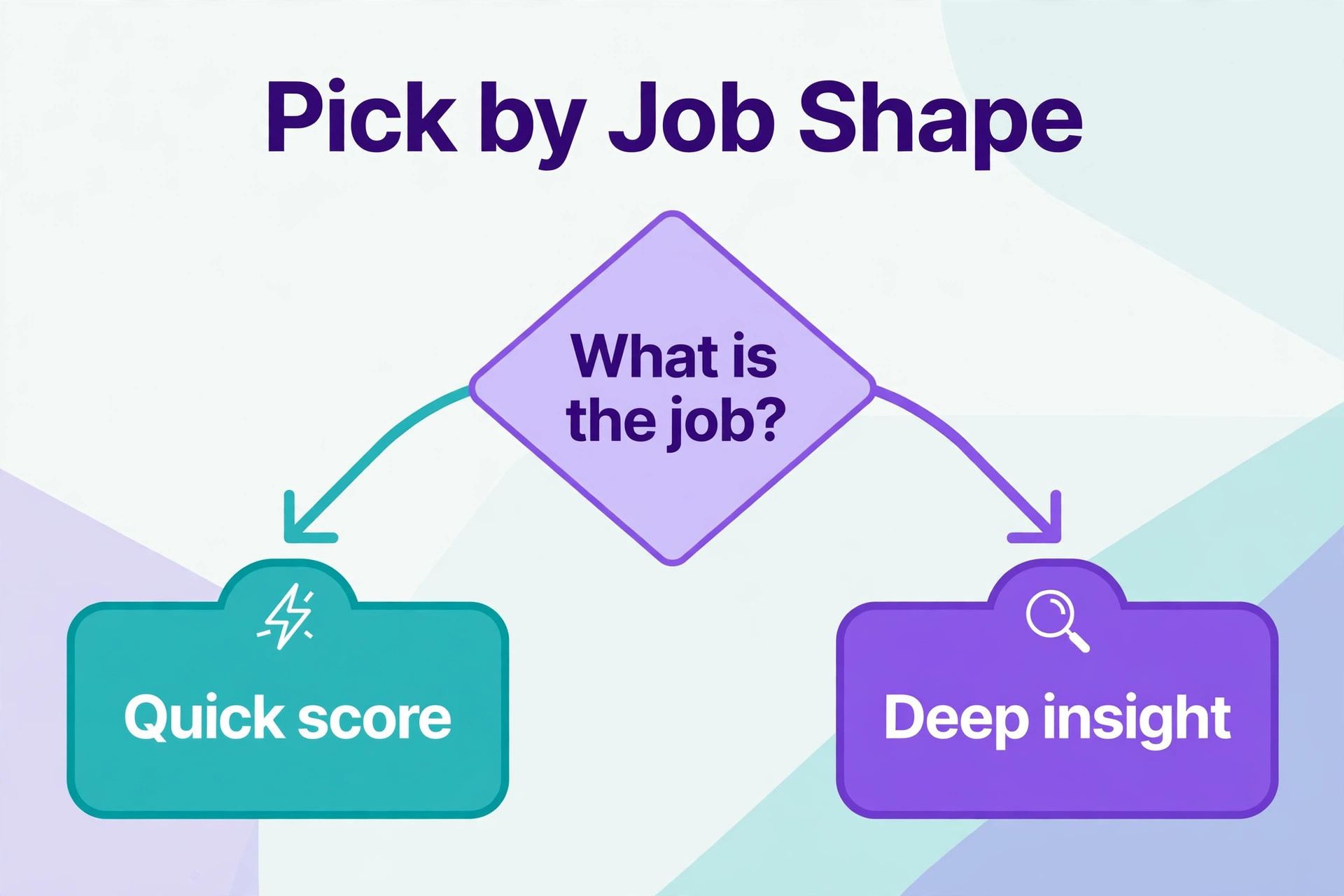
Use the table to narrow to two finalists, then run the trial tests above on each. A post purchase survey tool that cannot trigger from a real purchase will always lag, while an NPS tool that cannot alert on detractors will always arrive late. Match the best customer feedback software for small business to the job shape first, because a general survey tool stretched across all three jobs usually does none of them well.
Survey Fatigue Checklist
Check frequency before you launch any new survey. Count how many times each customer segment is asked in a month across every tool and channel, and cap that total at a level your customers will tolerate. A customer asked three times in one month by three different tools is being surveyed three times, even when each team thinks it asked only once. One shared calendar for asks prevents that invisible overload.
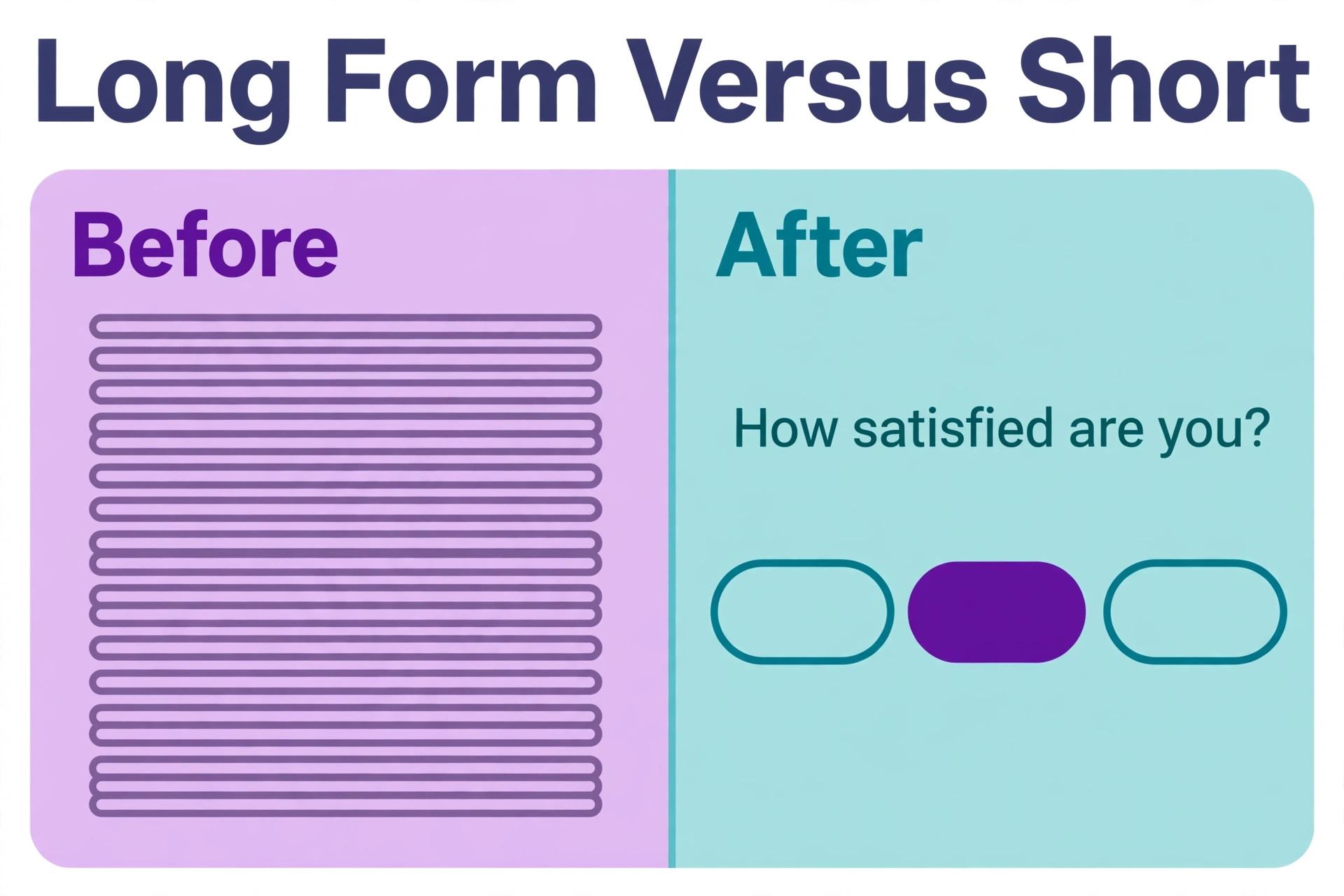
Check length before you publish. Cut every question that does not lead to a named action, and test the survey on a phone from the customer side. A survey that takes more than three minutes will lose most respondents, and the respondents it keeps will be the most motivated, which skews the data. Short surveys with a clear purpose get better data than long surveys with a complete question set.
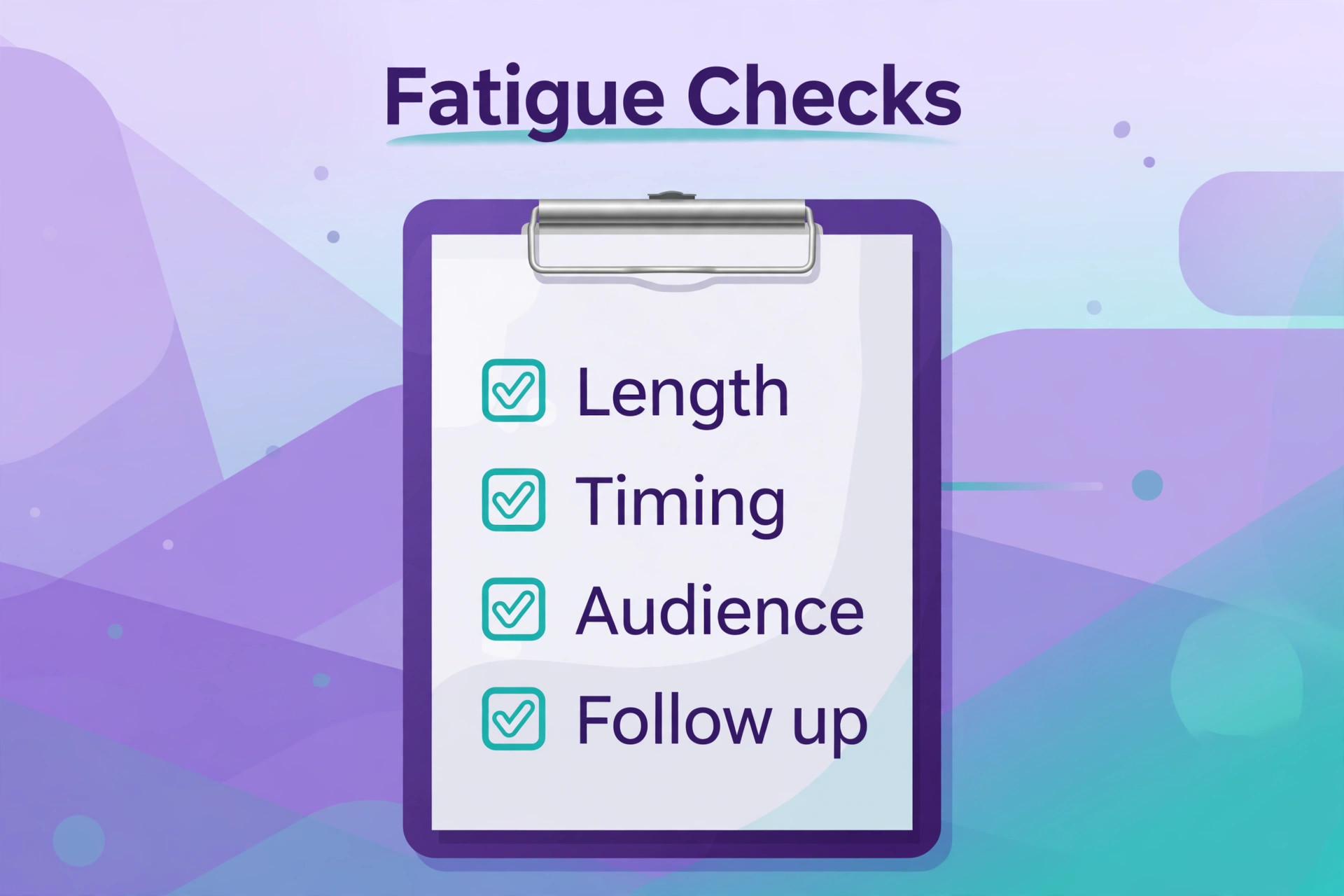
Check the closing loop before you send. Assign an owner for detractor replies, set a reply time target, and agree what theme will trigger a process change. A survey launched without those three decisions is a data collection exercise, not the best customer feedback software for small business at work. When customers see a change that came from their answers, they answer the next survey. When they see nothing change, they stop.
Check the incentive question honestly. A discount for a review can lift volume but can also bias answers and breach platform rules if it is tied to a positive review. Incentives for private feedback are safer than incentives for public reviews, and no incentive should ever be conditioned on a positive rating. When in doubt, ask without an incentive and improve the survey experience instead.
Mistakes That Waste Feedback Money
The first mistake is measuring everything and acting on nothing. A firm that runs five surveys and reads none of the results has bought a dashboard, not a feedback programme. Start with one survey, one owner and one weekly review meeting, and add a second survey only when the first one reliably produces an action. Depth on one survey beats breadth across five ignored ones.
The second mistake is asking leading questions that flatter the business. A question that asks how much you loved our service will produce a high score and no useful information. Ask neutral questions, offer a full scale, and invite criticism explicitly, because criticism is the only answer that tells you what to fix. A high score that hides a fixable problem is worse than a lower score that reveals it.
The third mistake is reporting averages without segments. An average satisfaction score can stay flat while one segment collapses and another improves, cancelling each other out. Report by product, by location, by channel and by staff team, and investigate any segment that moves sharply even when the average looks calm. Segment movement is where the real story lives.
The fourth mistake is treating a public review as the feedback programme. Reviews are the output of a good experience, not a substitute for understanding it. A firm that only chases reviews will optimise for asking at happy moments and will miss the systemic problems that private feedback reveals. Run private feedback first, fix what it finds, and let public reviews follow naturally from better experiences.

Feedback Workflow That Turns Answers Into Fixes
Start the week with a short theme review, not a long report. Pull the top three themes from the last seven days, name the owner for each, and agree one action per theme. A weekly rhythm of three themes and three actions will change more in a quarter than a monthly report with thirty charts. Small firms using the best customer feedback software for small business win on speed of action, not on depth of analysis.
Reply to detractors within one working day, and reply personally rather than with a template that reads like one. Acknowledge the specific problem, state what will happen next, and follow up when it is done. A detractor who receives a fast personal reply often becomes a loyal customer, while a detractor who receives silence becomes a public reviewer. Speed and specificity are the two qualities that turn a complaint into retention.
Share one customer quote with the team every week, good or bad, and connect it to a visible change. Staff who hear real customer words understand the work differently from staff who only see a score. A quote on a team board, paired with the fix it caused, builds a culture where feedback is treated as useful information rather than as criticism. That culture is what makes the software investment pay.
Close the loop publicly where it fits. When a recurring request ships as a feature, when a delivery process changes, or when a support response time improves, tell the customers who asked for it. A short message that says you asked, we changed this, closes the loop for many customers at once and raises the response rate for the next survey. Feedback programmes compound when customers see their input matter.
More Reading on Stratilyze
Readers comparing feedback and survey tools usually check the neighbouring guides next. The guide to survey software covers general survey building in more depth, the guide to small business CRM software covers the customer records behind the feedback, and the guide to asking customers for Google reviews covers the review asking step in detail.
Frequently Asked Questions
How often should a small firm survey its customers
Quarterly for relationship NPS, within a day for post purchase or post job feedback, and only when a real event justifies an extra ask. More frequent surveying rarely produces better decisions, because it produces tired respondents and skewed data. Set a monthly cap per customer segment, share it across teams, and treat any extra survey as an exception that needs a reason, not as a routine request.
What is a good NPS score for a small business
A good score depends on industry, customer type and survey method, so a single benchmark misleads more than it helps. A score above zero means more promoters than detractors, while scores above 50 are strong in most service industries. Track your own trend over time and the reasons behind movement, because a rising score with unknown reasons is less useful than a flat score with a clear repair list attached.
Should a firm offer an incentive for feedback
An incentive for private feedback is acceptable when it is small, unconditional on the answer, and clearly stated. An incentive tied to a positive public review is not acceptable, because it biases the review and can breach platform rules. In most small firms, a shorter survey and a visible change from past feedback lift response rates more reliably than a discount, and they do so without biasing the data.
How should a firm handle a detractor who leaves a public complaint
Reply quickly, publicly and personally, acknowledge the specific issue, and move the detailed resolution to a private channel. Never argue, never blame the customer in public, and never offer a resolution that depends on removing the review. A calm public reply that shows the fix in progress reassures future customers more than the original complaint worries them, because future customers judge how you handle problems.
Is Canny a replacement for a survey tool
No, because Canny collects feature requests and votes rather than satisfaction scores or survey responses. A product firm will often run both, using a survey tool for NPS and CSAT and Canny for feature prioritisation. If you only need one, choose by the question you ask most often. If that question is how satisfied are you, buy a survey tool. If it is what should we build next, buy Canny.
Can Google Forms handle NPS tracking for a small firm
It can handle a simple NPS question and a manual score calculation, but it cannot automate detractor alerts, trend reporting or event triggers without extra work. A firm that runs NPS once a quarter with a small list can manage with Forms and a spreadsheet. A firm that runs NPS continuously, needs alerts and tracks trends by segment will save more time with the best customer feedback software for small business for that job than it saves in subscription cost by staying free.
How many survey tools does a small firm actually need
Usually one survey tool plus, where relevant, one review capture tool. A single survey tool that covers post purchase surveys and NPS tracking is enough for most small firms, and adding a second survey tool usually creates duplicate asks and fragmented data. Add a feature board only when feature requests become a real volume problem, and add a review tool only when review growth is a stated business goal.
Final Verdict for Feedback Buyers
Start with the job shape, not with the feature list. A firm that needs post purchase insight should trial Typeform or SurveySparrow first. A firm that needs NPS as a management metric should trial Delighted or AskNicely first. A firm that needs reviews should trial NiceJob first. A firm that needs all three should pick the best customer feedback software for small business as the home base and add review capture as a second tool, not three survey tools at once.
Run one real survey in each trial, measure completion and detractor alert speed, and check whether the themes produce an action in the same week. The best customer feedback software for small business is the tool that turns answers into fixes fastest, even when its dashboard looks simpler than a rival. Feedback software earns its keep in customers kept and problems fixed, and both of those outcomes show up in the trial week if you measure them honestly.